High Capacity Ssds
Looking to upgrade your storage capacity? Look no further than our collection of high capacity SSDs. These cutting-edge solid-state drives offer ample space to store all your files, whether you're a gaming enthusiast, a professional photographer, or simply someone who needs extra room for their growing digital library. With lightning-fast read and write speeds, these high capacity SSDs provide quick access to your data, ensuring smooth performance and improved productivity. Say goodbye to slow loading times and hello to seamless multitasking with our selection of high capacity SSDs.
Sort

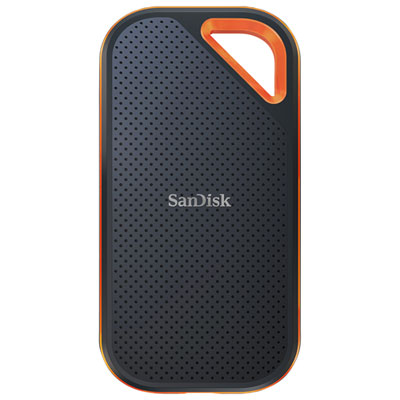

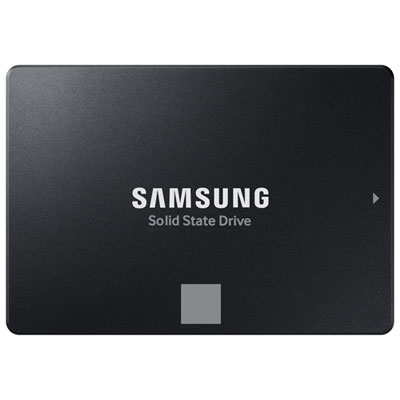
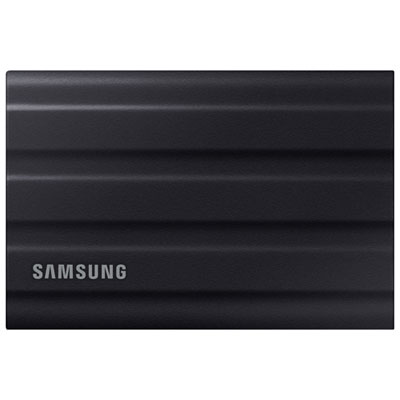
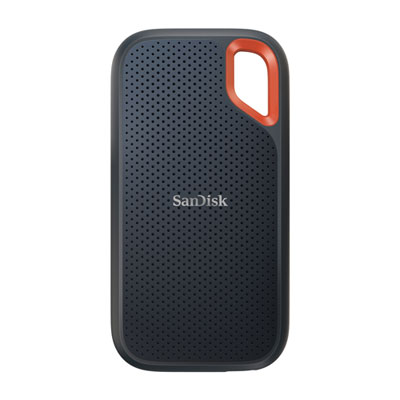


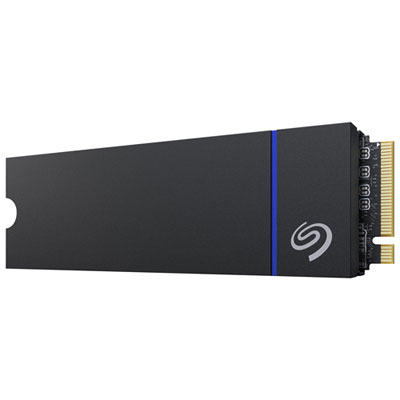
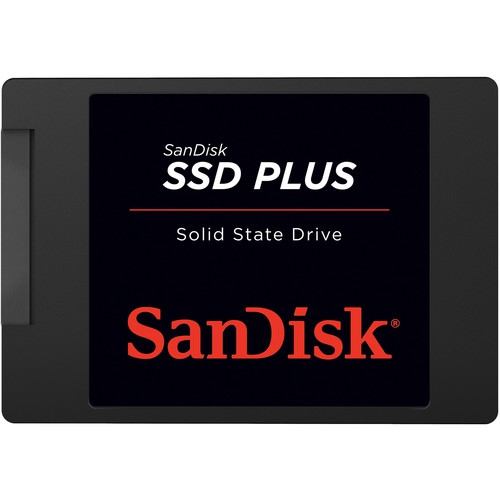
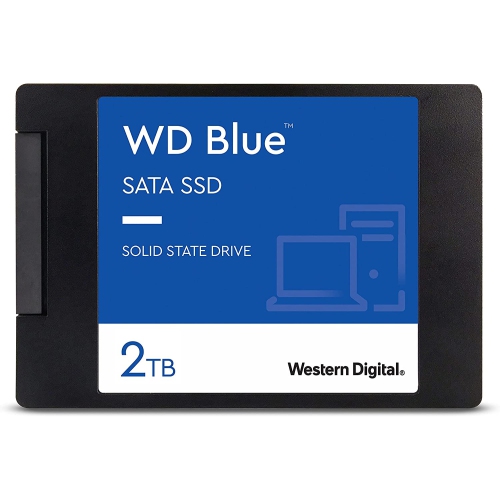
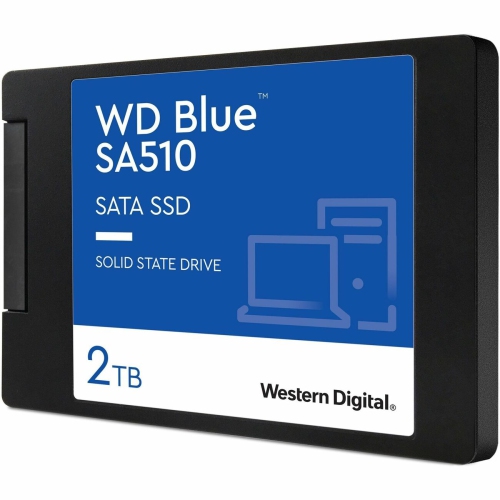
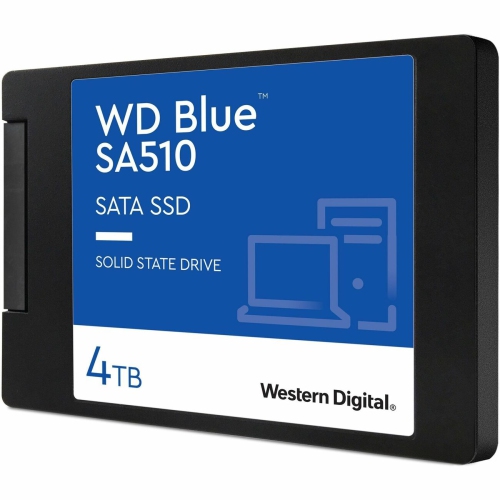
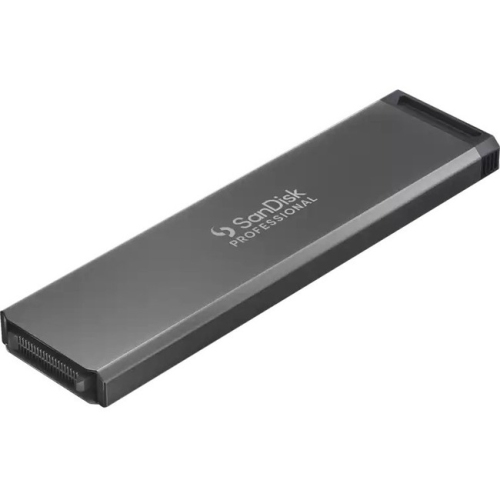
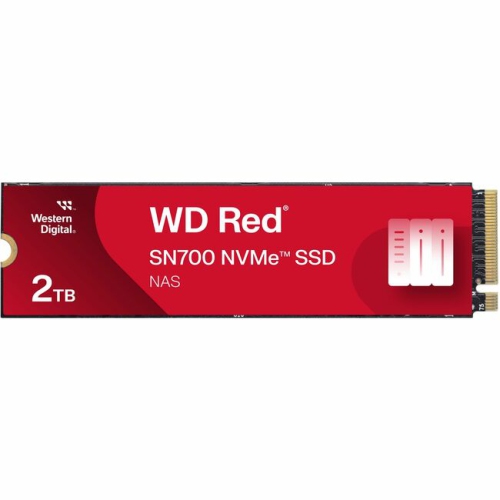
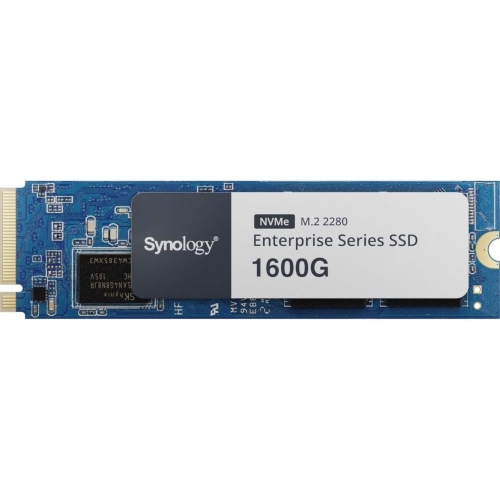
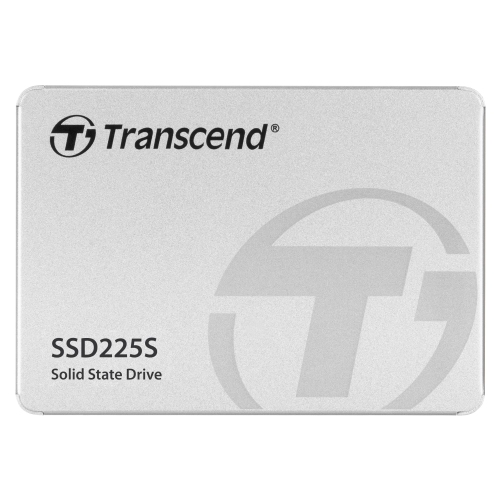
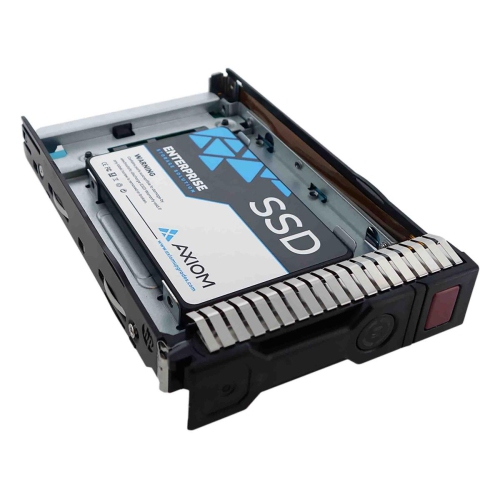
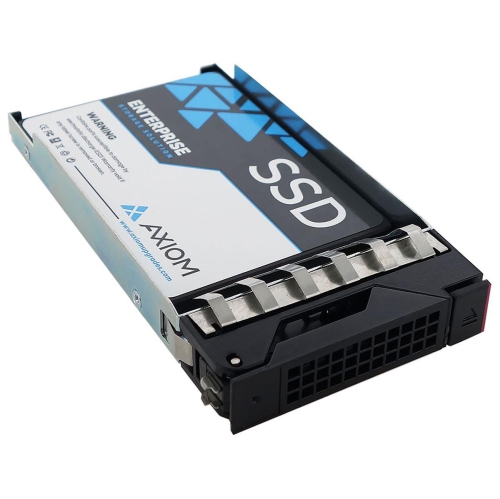
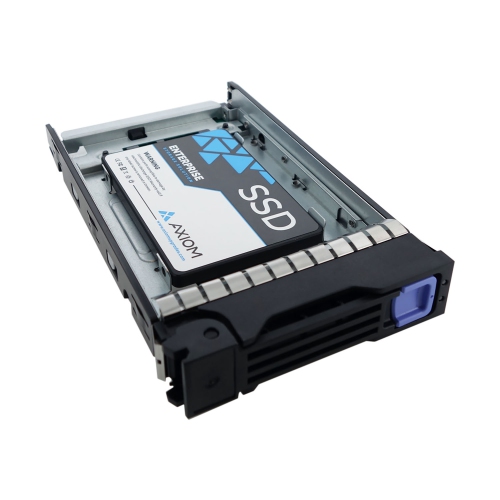
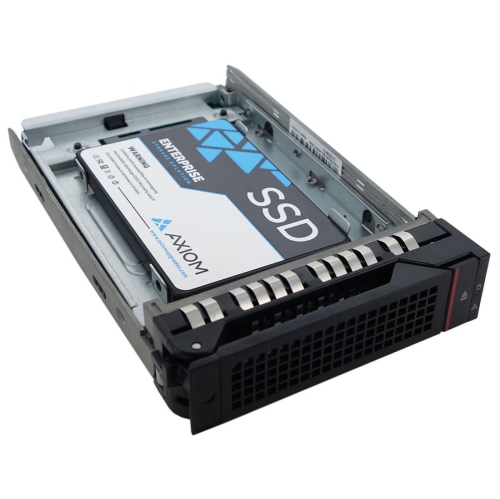
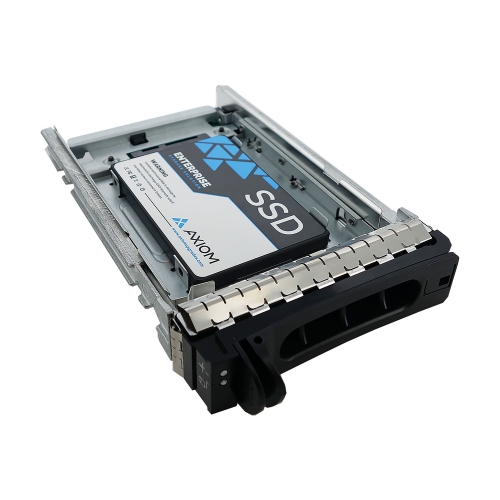
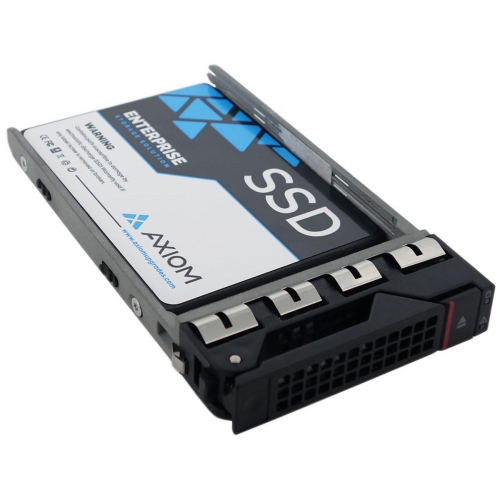
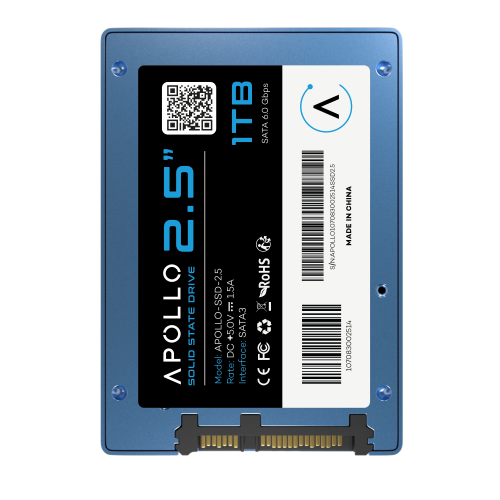
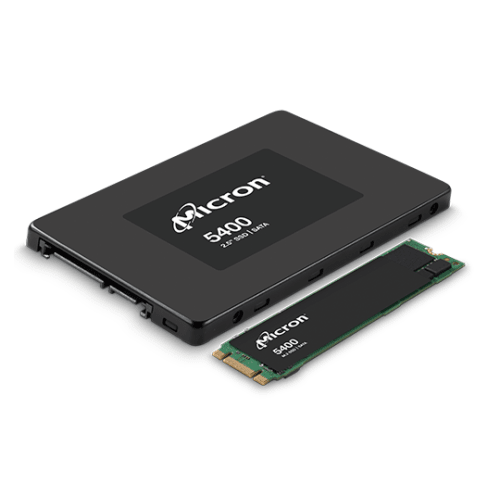
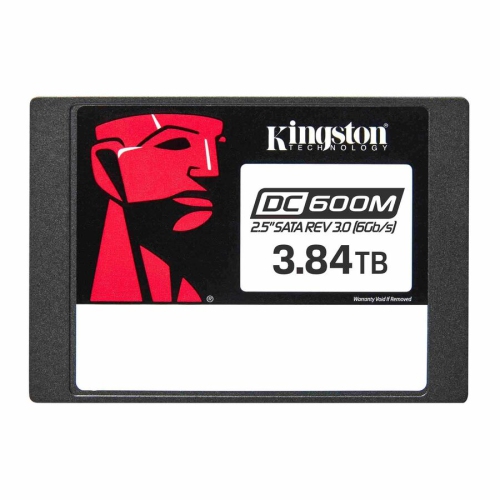
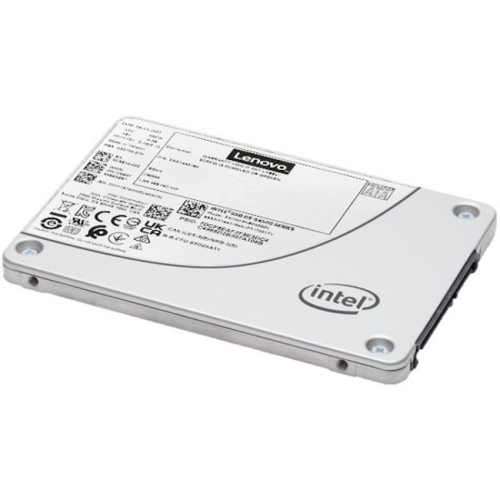
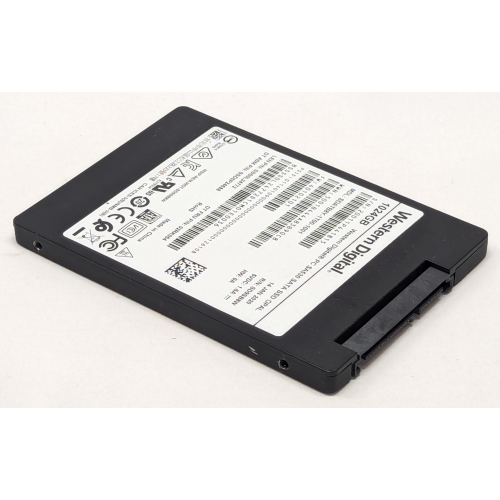
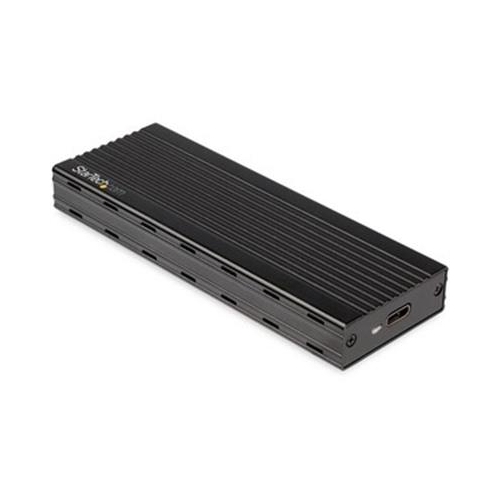
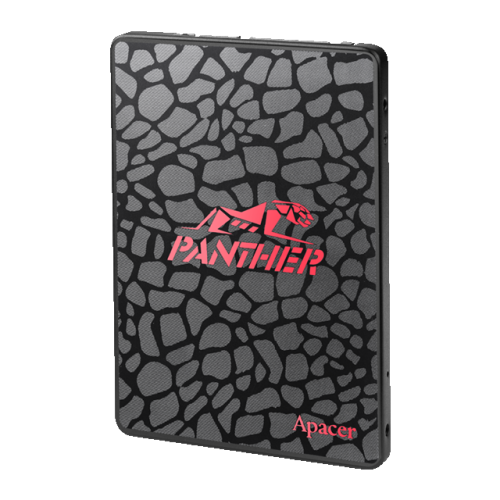
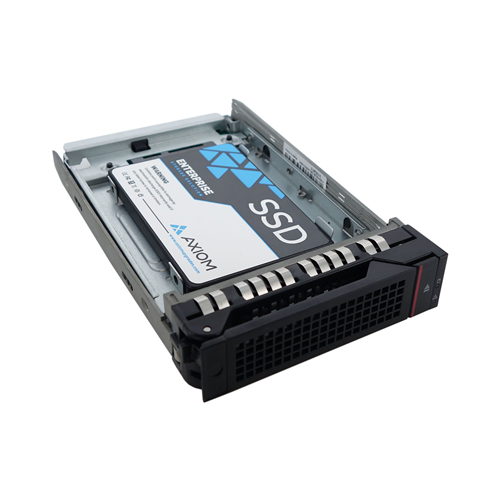
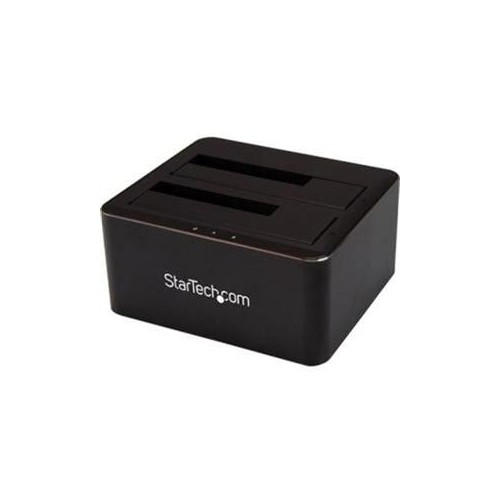
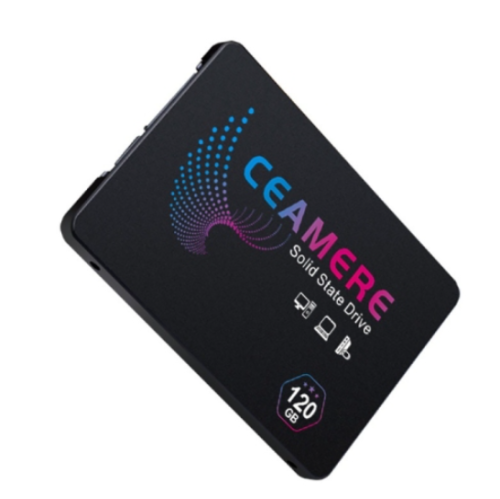
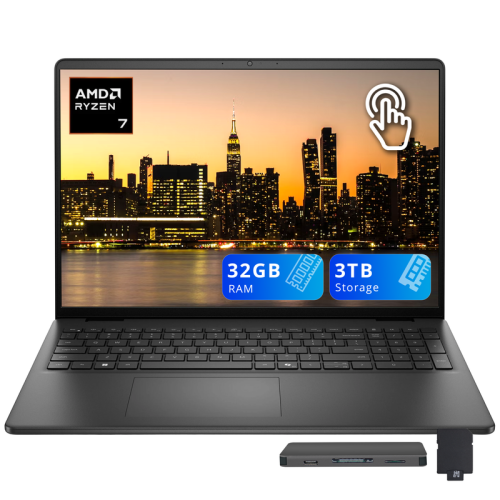
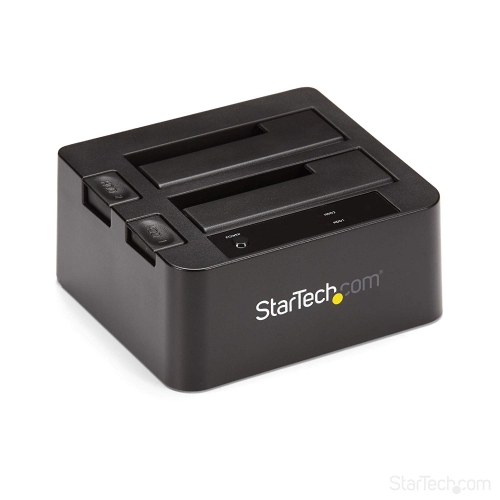
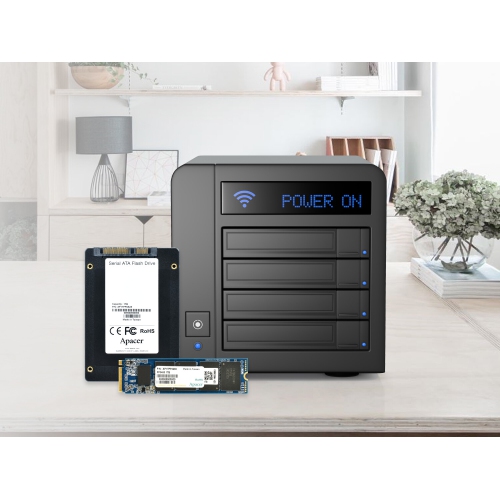
More room for files, games, projects, and creative work
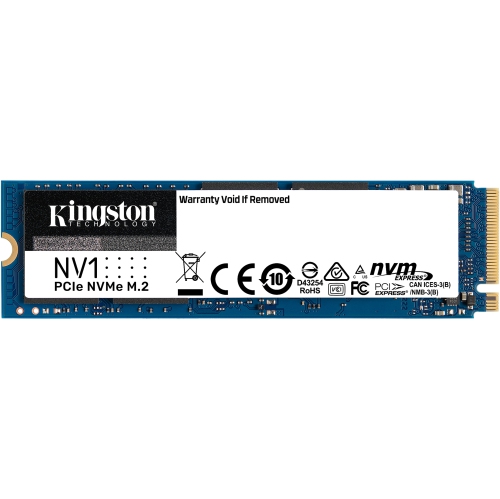
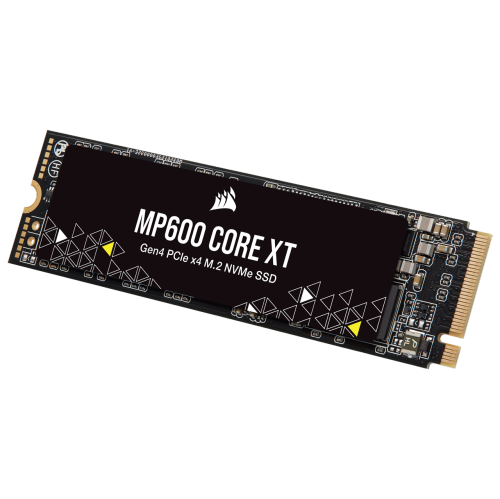
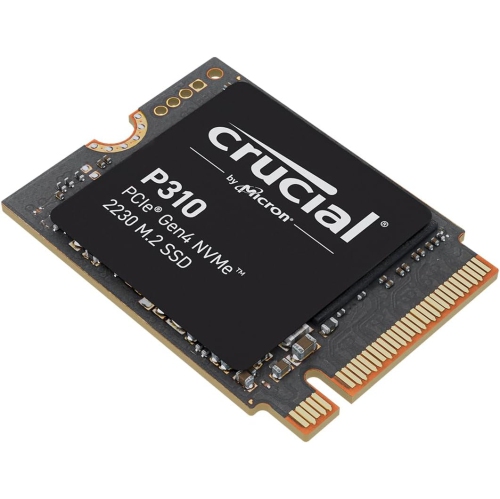
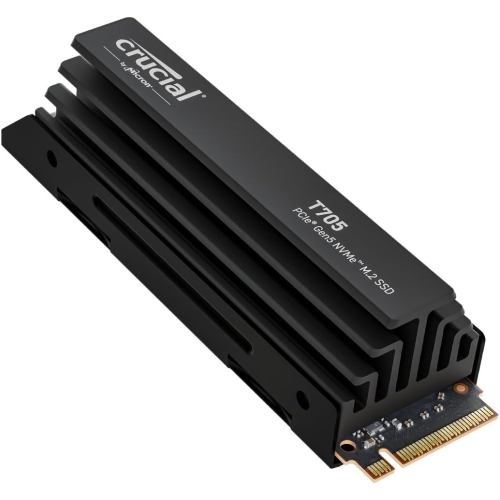
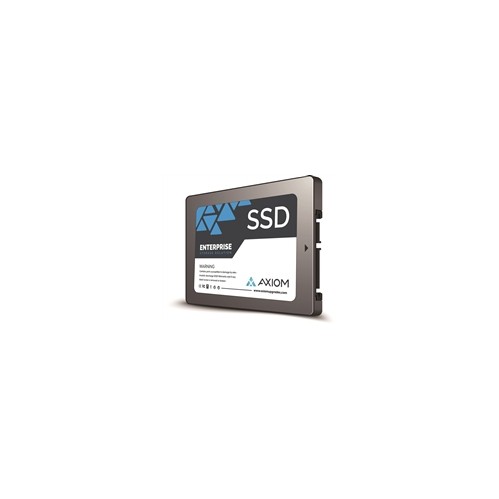
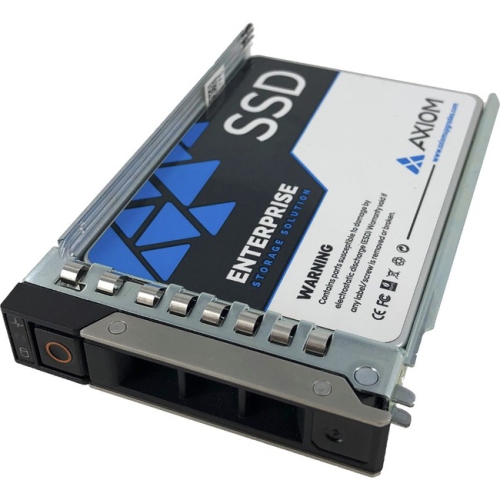
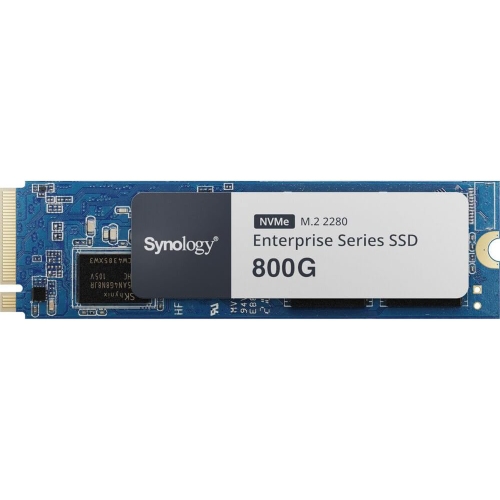
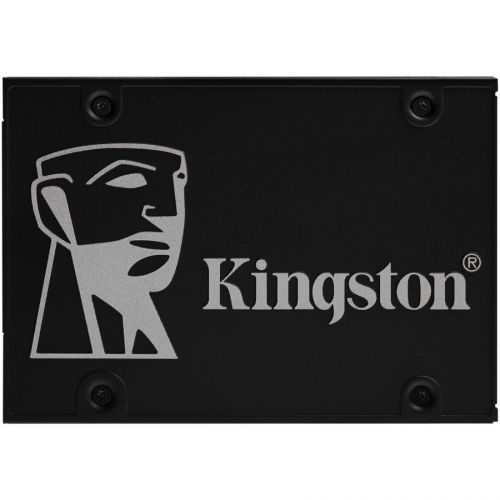
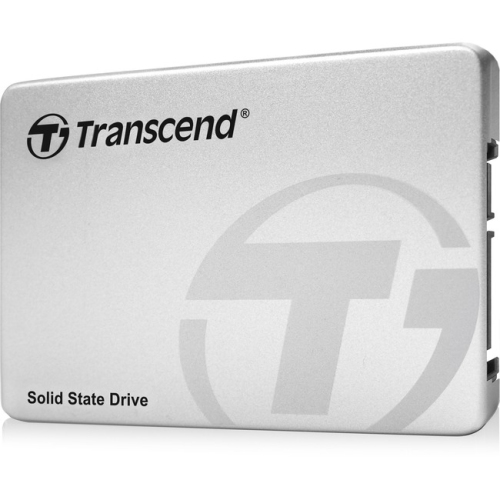
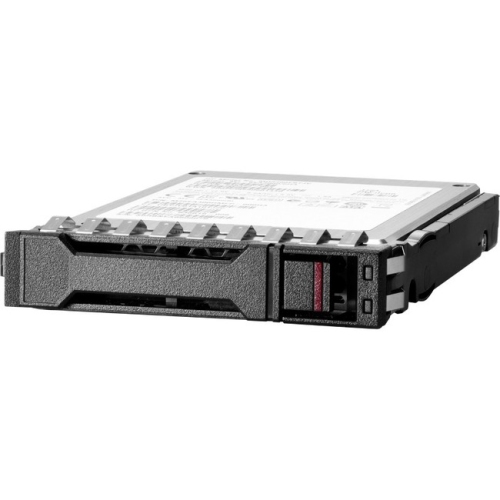
High-capacity SSDs provide a fast, compact way to add substantial storage to a computer, gaming system, workstation, or compatible external enclosure. Compared with traditional hard disk drives, solid-state drives have no moving parts, which allows them to operate quietly and respond quickly when opening applications, loading games, transferring media, or moving large project folders. Consumer SSDs are commonly available in capacities from 1TB to 4TB, while selected high-capacity models reach 8TB in standard M.2 formats. The right capacity depends on what you keep locally: a 1TB drive may suit everyday computing, while 2TB or more gives photographers, videographers, gamers, and creative professionals extra room for high-resolution footage, raw image libraries, sample collections, and large software installations. It is worth remembering that advertised capacity is measured in decimal units, so the usable space shown by a computer will be somewhat lower after formatting and system files are accounted for. Leaving some free space is also helpful for maintaining consistent performance, particularly when the drive handles frequent writes. For a broader selection of storage options, browse High Capacity Drives and compare the capacity, interface, form factor, and intended use before choosing a drive.
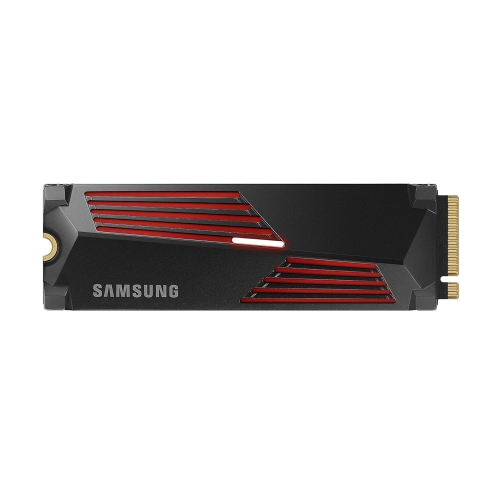
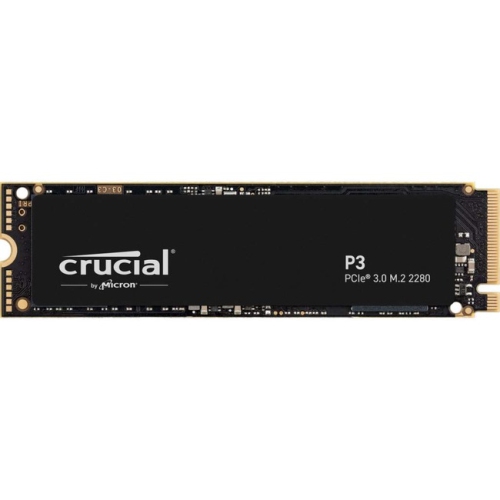
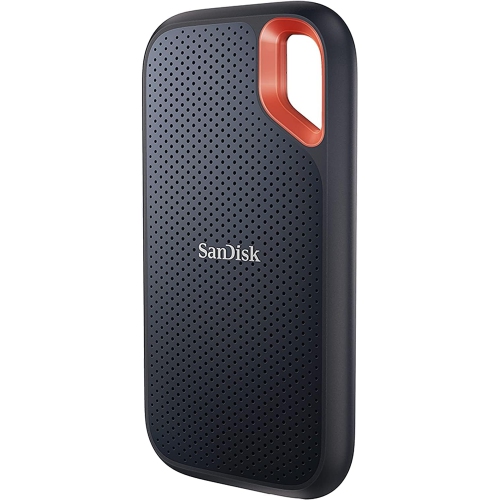
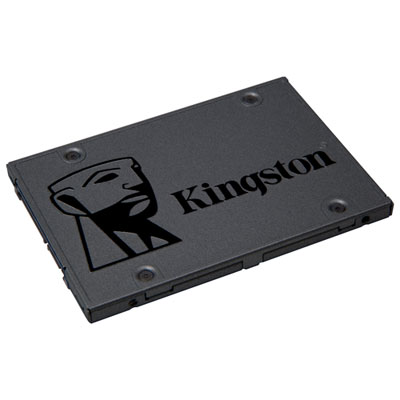
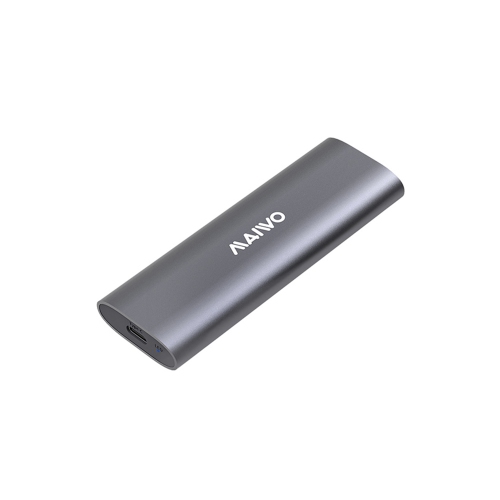
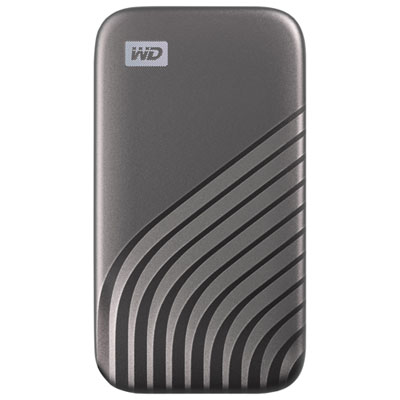
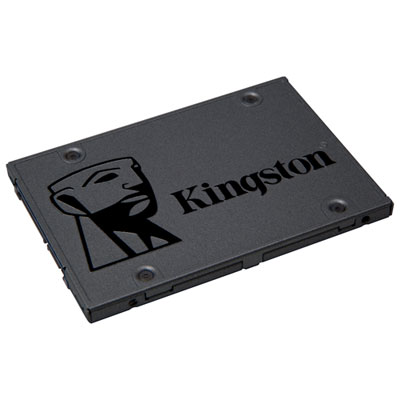
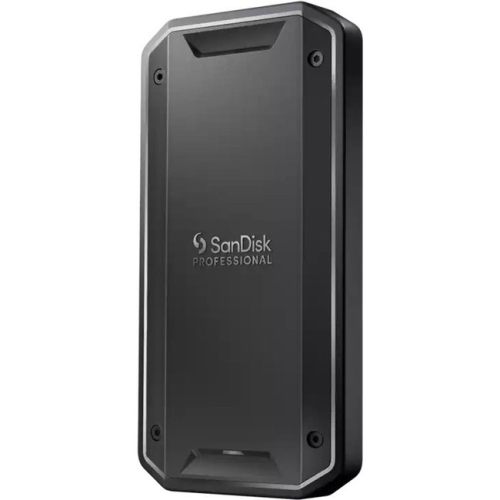
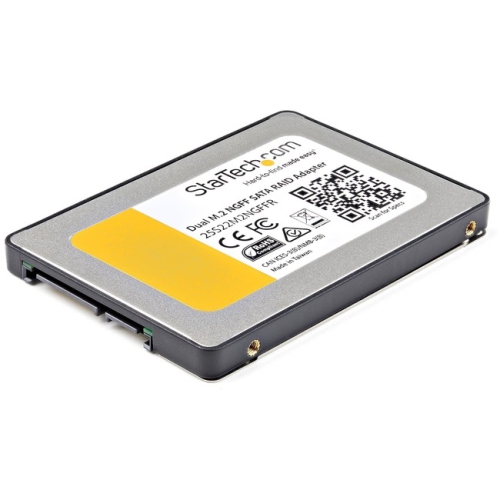
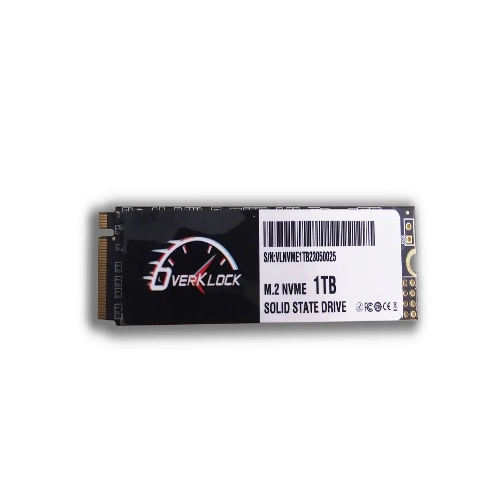
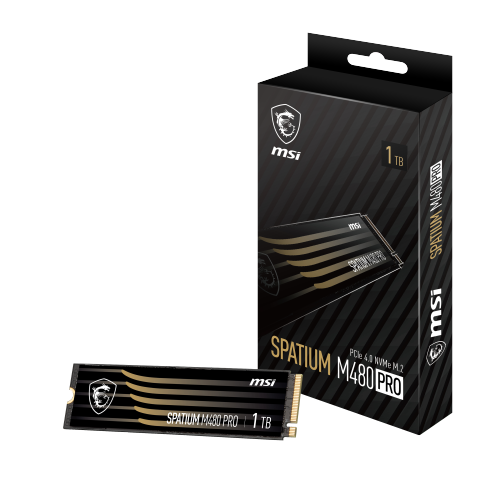
Compatibility is the most important consideration because SSDs are not interchangeable across every computer. M.2 NVMe SSDs are slim circuit boards that install directly into a compatible desktop motherboard or laptop, but the device must support the correct M.2 length and PCIe generation. A PCIe 4.0 drive can be an excellent choice for many current computers, while PCIe 5.0 SSDs can deliver exceptionally high sequential transfer rates—top specifications approach 14,800 MB/s read speeds—but they require suitable hardware and may need a heatsink or other thermal solution. A newer drive can still function in some systems with an older PCIe generation, although its performance will be limited by the host computer. A 2.5-inch SATA SSD is a different shape and uses a different connection, making it suitable for desktops, older laptops, and upgrades where an M.2 slot is unavailable. External SSDs connect through USB and can be convenient for computers that cannot be opened, but the actual transfer rate depends on the USB standard, cable, enclosure, and host port. When selecting a high-capacity model, check whether the drive includes a heatsink, confirm the physical clearance inside the computer, and review the manufacturer’s installation requirements. Sustained transfers of large video libraries or backup archives can generate heat, and a drive that becomes too warm may reduce its speed temporarily to protect the hardware. A model with suitable thermal management is particularly valuable for long editing sessions, game installations, virtual machines, and other workloads that move hundreds of gigabytes at a time.
High-capacity SSDs are useful for people who have outgrown the storage built into a laptop or desktop and want a cleaner, faster way to organize their files. A student can keep course software, design projects, recorded lectures, and research materials in one accessible location; a photographer can carry a working catalogue and multiple shoots; and a video editor can maintain active 4K footage without constantly shifting files between drives. PC builders and gamers often choose larger SSDs to keep a broad library of games ready to play, reducing the need to uninstall one title before downloading another. They can also make thoughtful gifts for someone setting up a home office, building a computer, creating music, or learning photography, provided the recipient’s device supports the selected format. For families, a high-capacity external SSD can hold shared photos, home videos, important documents, and travel files in a portable package. Still, extra storage should not be mistaken for a complete backup strategy. Valuable files are safer when copies are kept in more than one location, and an SSD used for backup should be disconnected or stored separately when it is not needed. Before purchase, consider the total library size, the amount of new data created each year, whether the drive will be installed internally or used externally, the computer’s available connections, and the importance of sustained versus short burst speeds. Capacity, endurance ratings, warranty coverage, encryption features, included migration software, and return compatibility can all influence the best match. During the cooler months and throughout busy project seasons, dependable local storage can make it easier to keep creative work, entertainment, and everyday files close at hand without relying on a nearly full system drive.
Compatibility is the most important consideration because SSDs are not interchangeable across every computer. M.2 NVMe SSDs are slim circuit boards that install directly into a compatible desktop motherboard or laptop, but the device must support the correct M.2 length and PCIe generation. A PCIe 4.0 drive can be an excellent choice for many current computers, while PCIe 5.0 SSDs can deliver exceptionally high sequential transfer rates—top specifications approach 14,800 MB/s read speeds—but they require suitable hardware and may need a heatsink or other thermal solution. A newer drive can still function in some systems with an older PCIe generation, although its performance will be limited by the host computer. A 2.5-inch SATA SSD is a different shape and uses a different connection, making it suitable for desktops, older laptops, and upgrades where an M.2 slot is unavailable. External SSDs connect through USB and can be convenient for computers that cannot be opened, but the actual transfer rate depends on the USB standard, cable, enclosure, and host port. When selecting a high-capacity model, check whether the drive includes a heatsink, confirm the physical clearance inside the computer, and review the manufacturer’s installation requirements. Sustained transfers of large video libraries or backup archives can generate heat, and a drive that becomes too warm may reduce its speed temporarily to protect the hardware. A model with suitable thermal management is particularly valuable for long editing sessions, game installations, virtual machines, and other workloads that move hundreds of gigabytes at a time.
High-capacity SSDs are useful for people who have outgrown the storage built into a laptop or desktop and want a cleaner, faster way to organize their files. A student can keep course software, design projects, recorded lectures, and research materials in one accessible location; a photographer can carry a working catalogue and multiple shoots; and a video editor can maintain active 4K footage without constantly shifting files between drives. PC builders and gamers often choose larger SSDs to keep a broad library of games ready to play, reducing the need to uninstall one title before downloading another. They can also make thoughtful gifts for someone setting up a home office, building a computer, creating music, or learning photography, provided the recipient’s device supports the selected format. For families, a high-capacity external SSD can hold shared photos, home videos, important documents, and travel files in a portable package. Still, extra storage should not be mistaken for a complete backup strategy. Valuable files are safer when copies are kept in more than one location, and an SSD used for backup should be disconnected or stored separately when it is not needed. Before purchase, consider the total library size, the amount of new data created each year, whether the drive will be installed internally or used externally, the computer’s available connections, and the importance of sustained versus short burst speeds. Capacity, endurance ratings, warranty coverage, encryption features, included migration software, and return compatibility can all influence the best match. During the cooler months and throughout busy project seasons, dependable local storage can make it easier to keep creative work, entertainment, and everyday files close at hand without relying on a nearly full system drive.
Top selling and popular products
-
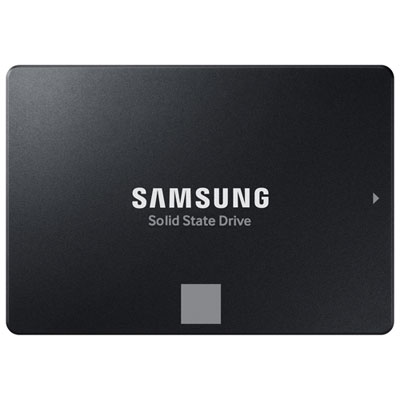 Your price for this item is $554.99
 -
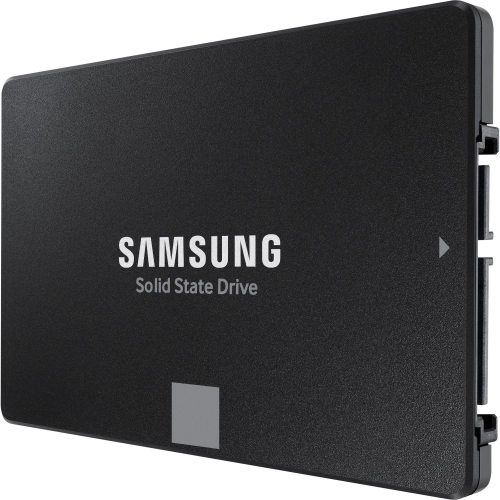 Your price for this item is $649.99
 -
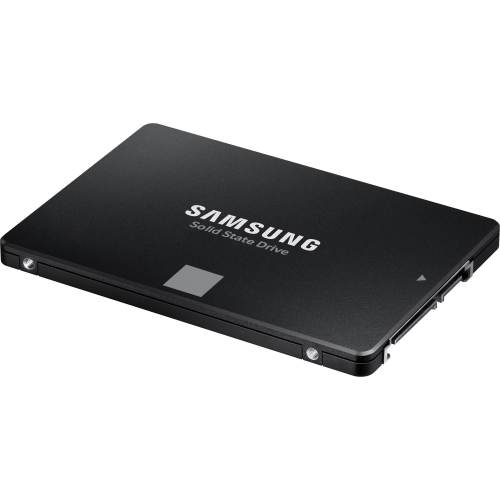 Your price for this item is $394.99
 -
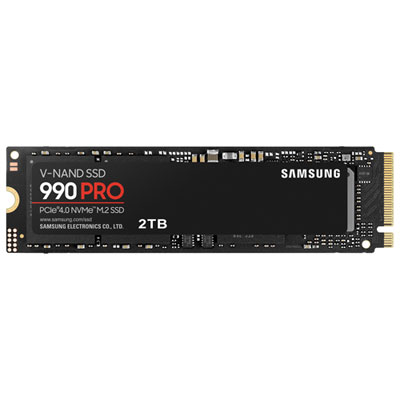 Your price for this item is $649.99
 -
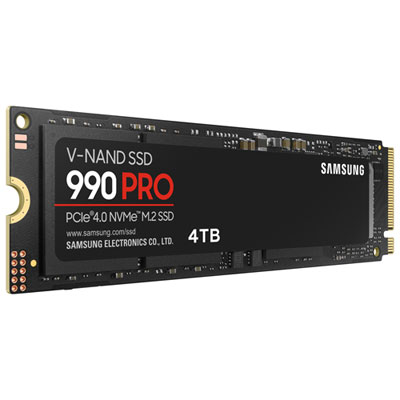 Your price for this item is $1199.97
 -
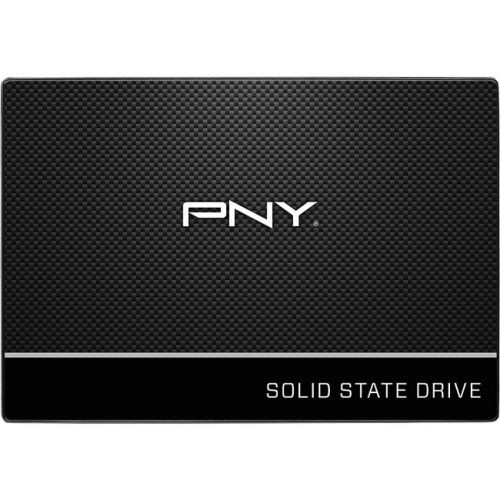 Your price for this item is $106.93
 -
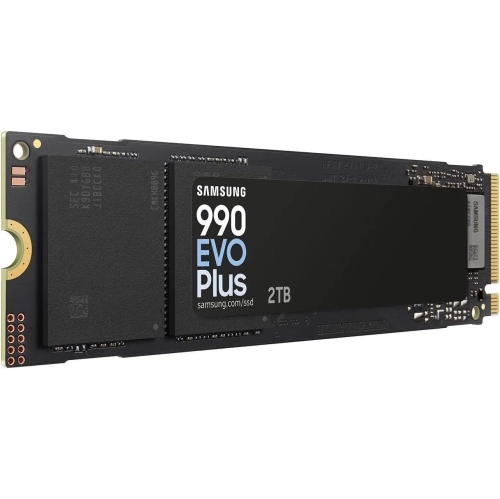 Your price for this item is $639.99
 -
 Your price for this item is $124.99
Discover more categories related to High Capacity Ssds
Top Collections:
Pokemon Centers, Kindle Devices, Best Budget Office Chairs, Apple iPhones 16, Best Laptops for Writers, iPhone 15 Apple, Canon G7X Cameras, Refurbished Apple Laptops, Alarm Clock, Motorola Razr Phones
Some products may be subject to Environmental Handling Fees
(EHF) depending on your province.
Learn more about EHFs.