iPhone Stylus Pens
If you’re looking for a way to make your iPhone experience more efficient, then you may want to consider investing in an iPhone stylus pen. These stylus pens are designed to work with the capacitive touchscreen of the iPhone, giving users more control over their devices. Here are some great options available.
Sort
![HLD Stylus Pen [20 Pack], Universal Capacitive Touch Screen Stylus Compatible With Iphone, Android & Other Touch Screen Devices](https://multimedia.bbycastatic.ca/multimedia/products/500x500/132/13231/13231264.jpg)
A closer look at stylus types, features and compatibility
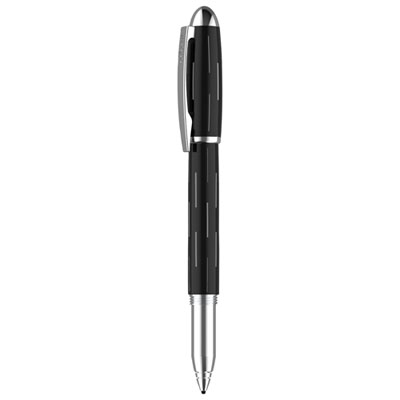
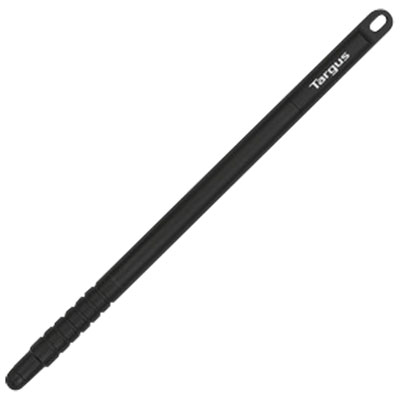
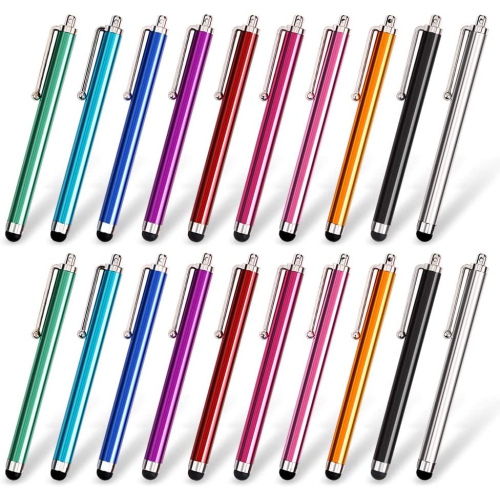
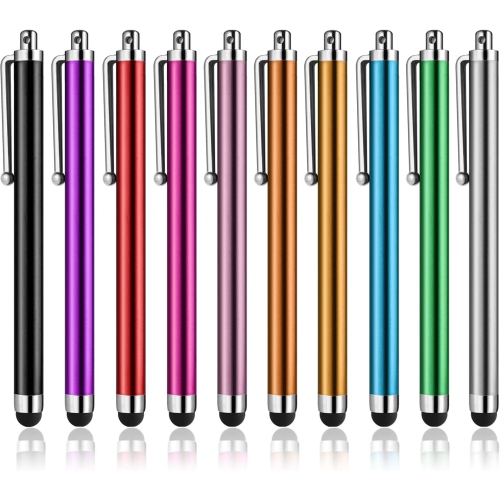
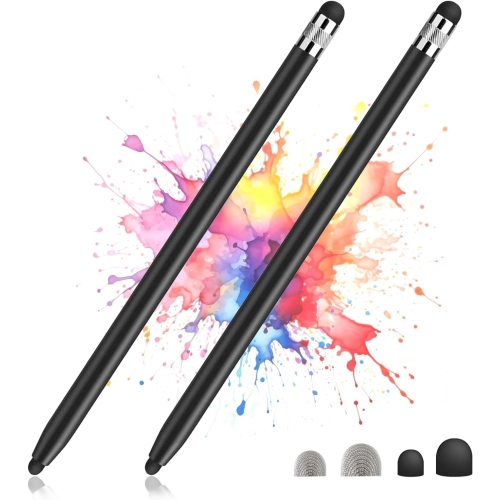
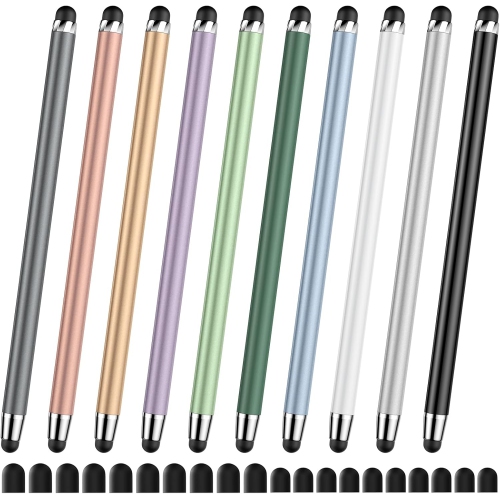
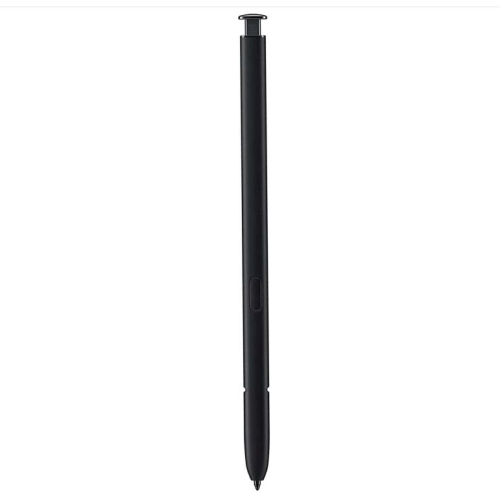
iPhone stylus pens offer a more controlled way to interact with a touchscreen when a fingertip feels too broad, imprecise or inconvenient. They can be useful for making quick notes, tapping small on-screen controls, signing digital forms, tracing simple shapes, scrolling through recipes or sketching ideas during a commute. Students may use one to mark up PDFs and organize handwritten notes, while professionals can keep one nearby for reviewing documents, managing schedules and navigating detailed apps. They can also be handy for anyone who prefers the feel of a pen or wants to keep fingerprints off a frequently handled phone. When choosing a stylus for an iPhone, the most important consideration is compatibility. iPhones use capacitive touchscreens, so a universal capacitive stylus is generally the appropriate choice. These styluses imitate the electrical contact of a fingertip rather than relying on the specialized digitizer technology found in some tablets. That means a stylus made specifically for a tablet may not provide the same experience on an iPhone, even if its tip looks similar. Checking the listed device compatibility and app requirements before purchasing can help avoid disappointment, particularly when shopping for an older phone or a replacement for a misplaced stylus. For a closer look at options designed around an earlier iPhone model, browse the Apple iPhone 6 Stylus selection and compare the stated compatibility details.
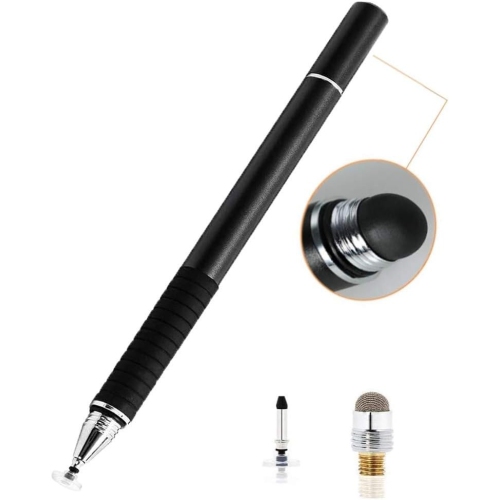
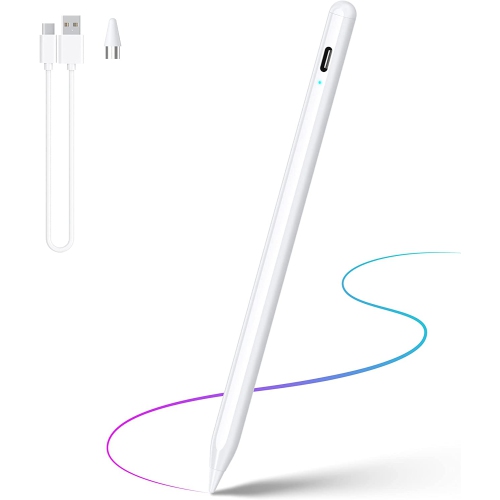
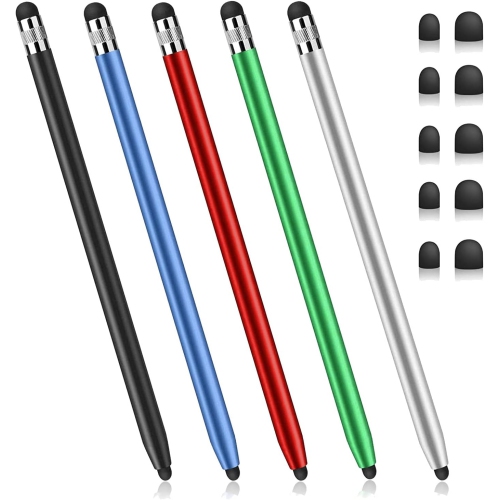
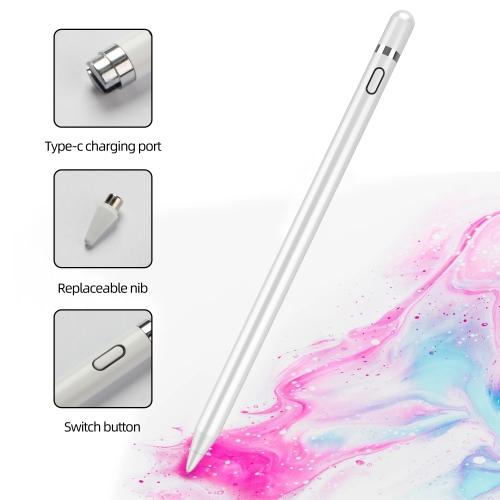
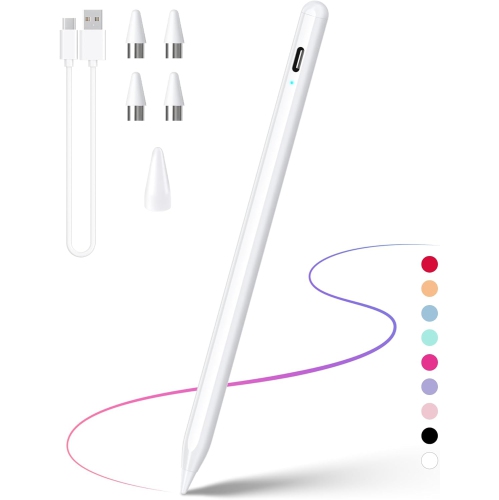
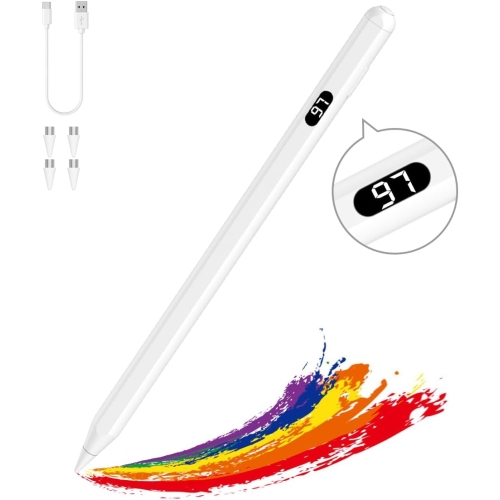
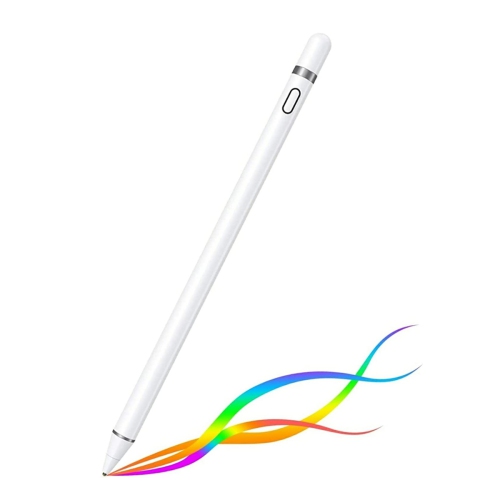
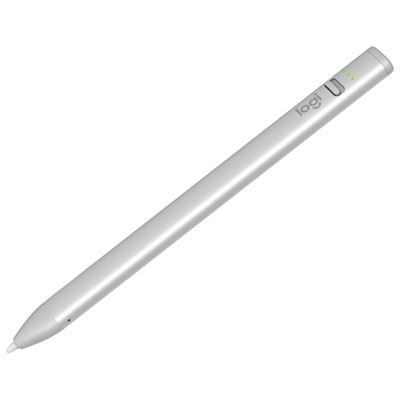
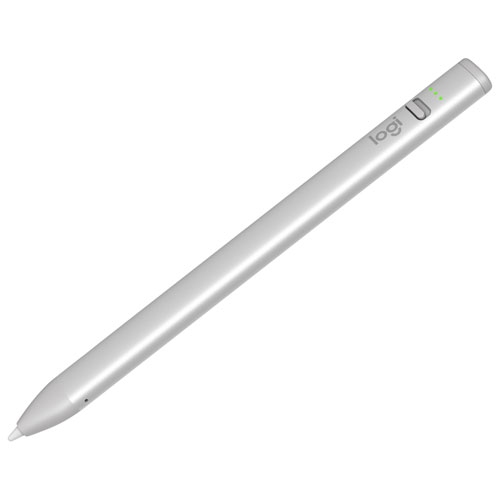
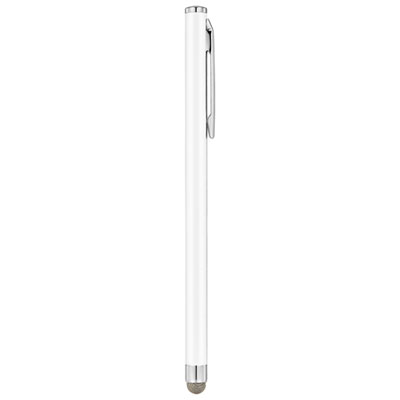
There are several common styles of iPhone stylus pens, each suited to a different type of use. Passive capacitive styluses are the simplest option: they usually have a soft rubber, mesh or similar conductive tip, require no charging or pairing, and begin working as soon as they touch the screen. This makes them practical for everyday navigation, casual games, checking messages or carrying in a bag for occasional use. A soft tip can also feel comfortable during longer scrolling sessions, though it may be less precise for tiny icons or detailed handwriting. Fine-point active capacitive styluses are designed with a narrower tip and internal electronics that create a more defined contact with the touchscreen. Many are rechargeable and may include a power button, status light or automatic shutoff feature to help conserve battery life. Their slimmer profile can make handwriting, drawing and selecting small interface elements feel more natural, although performance can vary between phones and applications. Disc-tip styluses use a small clear disc at the end, allowing the user to see more of the screen beneath the point of contact. This can be helpful when tracing, signing a name, placing a mark on a map or working with a drawing app where line placement matters. The disc may require a lighter touch and more careful handling than a rounded rubber tip, so it is worth considering how the stylus will be stored and transported. Features such as a pocket clip, replaceable tips, a comfortable barrel, a protective cap and a shape that will not roll off a desk can make a noticeable difference in daily use. A stylus that feels balanced between the fingers is easier to control when taking notes at a café, sketching on a park bench or navigating a phone while wearing gloves during the cooler months.
Universal iPhone stylus pens are convenient, but they do have limitations that are useful to understand before buying. Because they communicate with the phone’s capacitive screen in a way that resembles a touch from a finger, they generally do not provide true pressure-sensitive line variation. Pressing harder may not create a thicker or darker stroke in a drawing app, and a light touch may not produce a thinner one. Anyone seeking pressure-based artistic control should check the requirements of the app and device rather than assuming that an active stylus will provide the same functionality as a specialized tablet pen. Universal styluses also typically lack native palm rejection on iPhones. When a hand rests on the screen during writing or drawing, the phone may register an unintended touch, which can result in a stray mark, an accidentally opened tool or an unexpected scroll. Some apps offer their own palm-rejection settings or writing modes, and using a small rest area, rotating the phone or working in short strokes can help reduce interruptions. Battery life is another consideration for rechargeable models; a stylus with a convenient charging method is more likely to be ready when inspiration arrives, while a passive model is always available without a charging cable. These pens can make thoughtful gifts for students, journal keepers, designers, frequent travellers and relatives who enjoy using their phones for more than calls and messages. They are small enough to tuck into a stocking, laptop sleeve or travel pouch, and a spare can be useful at home, in the office or beside a favourite reading chair. During warmer days, a stylus can help with outdoor checklists, navigation and quick sketches without smudging the display, while indoor use during cooler weather can make it easier to interact with a phone without removing gloves repeatedly. With the right tip style, comfortable design and confirmed iPhone compatibility, a stylus can turn familiar touchscreen tasks into a more deliberate and comfortable part of everyday life.
There are several common styles of iPhone stylus pens, each suited to a different type of use. Passive capacitive styluses are the simplest option: they usually have a soft rubber, mesh or similar conductive tip, require no charging or pairing, and begin working as soon as they touch the screen. This makes them practical for everyday navigation, casual games, checking messages or carrying in a bag for occasional use. A soft tip can also feel comfortable during longer scrolling sessions, though it may be less precise for tiny icons or detailed handwriting. Fine-point active capacitive styluses are designed with a narrower tip and internal electronics that create a more defined contact with the touchscreen. Many are rechargeable and may include a power button, status light or automatic shutoff feature to help conserve battery life. Their slimmer profile can make handwriting, drawing and selecting small interface elements feel more natural, although performance can vary between phones and applications. Disc-tip styluses use a small clear disc at the end, allowing the user to see more of the screen beneath the point of contact. This can be helpful when tracing, signing a name, placing a mark on a map or working with a drawing app where line placement matters. The disc may require a lighter touch and more careful handling than a rounded rubber tip, so it is worth considering how the stylus will be stored and transported. Features such as a pocket clip, replaceable tips, a comfortable barrel, a protective cap and a shape that will not roll off a desk can make a noticeable difference in daily use. A stylus that feels balanced between the fingers is easier to control when taking notes at a café, sketching on a park bench or navigating a phone while wearing gloves during the cooler months.
Universal iPhone stylus pens are convenient, but they do have limitations that are useful to understand before buying. Because they communicate with the phone’s capacitive screen in a way that resembles a touch from a finger, they generally do not provide true pressure-sensitive line variation. Pressing harder may not create a thicker or darker stroke in a drawing app, and a light touch may not produce a thinner one. Anyone seeking pressure-based artistic control should check the requirements of the app and device rather than assuming that an active stylus will provide the same functionality as a specialized tablet pen. Universal styluses also typically lack native palm rejection on iPhones. When a hand rests on the screen during writing or drawing, the phone may register an unintended touch, which can result in a stray mark, an accidentally opened tool or an unexpected scroll. Some apps offer their own palm-rejection settings or writing modes, and using a small rest area, rotating the phone or working in short strokes can help reduce interruptions. Battery life is another consideration for rechargeable models; a stylus with a convenient charging method is more likely to be ready when inspiration arrives, while a passive model is always available without a charging cable. These pens can make thoughtful gifts for students, journal keepers, designers, frequent travellers and relatives who enjoy using their phones for more than calls and messages. They are small enough to tuck into a stocking, laptop sleeve or travel pouch, and a spare can be useful at home, in the office or beside a favourite reading chair. During warmer days, a stylus can help with outdoor checklists, navigation and quick sketches without smudging the display, while indoor use during cooler weather can make it easier to interact with a phone without removing gloves repeatedly. With the right tip style, comfortable design and confirmed iPhone compatibility, a stylus can turn familiar touchscreen tasks into a more deliberate and comfortable part of everyday life.
Top selling and popular products
-
 Your price for this item is $165.68
 -
 Your price for this item is $169
 -
 Your price for this item is $94
 -
 Your price for this item is $96.9
 -
 Your price for this item is $151.99
 -
 Your price for this item is $89.95
 -
 Your price for this item is $118.51
 -
 Your price for this item is $9.99
Discover more categories related to iPhone Stylus Pens
Top Collections:
Best Laptops for Video Editing, Pokemon Centers, Samsung Z Fold, Kindle Devices, Best Cell Phones Under $300, Best Laptop Computers for Students, iPhone 15 Apple, Best Cell Phones Under $500, Alarm Clock, Canon G7X Cameras
Some products may be subject to Environmental Handling Fees
(EHF) depending on your province.
Learn more about EHFs.