Best Laptop Computers for Students

Find the best laptop computers for students, ranked by customer review ratings to help you compare with confidence. Whether you’re taking notes in class, researching assignments or joining online study groups, explore options that fit your coursework and budget, with features like long battery life, portable designs and reliable performance for everyday tasks.

What to look for in laptop computers for students

1. Performance and Course Requirements

Check your program’s software requirements before choosing a processor, memory capacity and operating system. A laptop with 8GB of RAM can handle basic coursework, while 16GB or more is useful for multitasking, coding and demanding applications; some design and engineering programs may also require dedicated graphics.

2. Portability and Battery Life

A lightweight laptop with a 13- to 14-inch screen is easier to carry between classes, while a larger screen provides more room for working with multiple windows. Look for battery life that suits your school day, keeping in mind that actual runtime varies with screen brightness and the applications you use.

3. Display and Everyday Usability

A clear display, comfortable keyboard and responsive trackpad can make long study sessions more manageable. Consider a Full HD or higher-resolution screen, a webcam and microphone for online classes, and ports for accessories or an external monitor.

4. Storage and Overall Value

An SSD helps your laptop start quickly and load applications promptly, with 256GB suitable for lighter storage needs and 512GB or more offering extra room for software and projects. Compare the total cost, including any required software, accessories and warranty coverage, rather than choosing on purchase price alone.
  1. 1

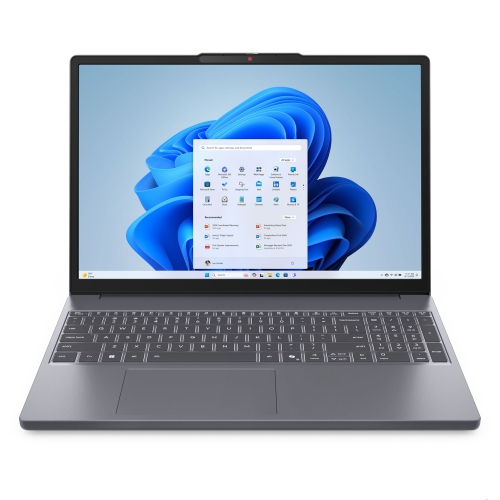
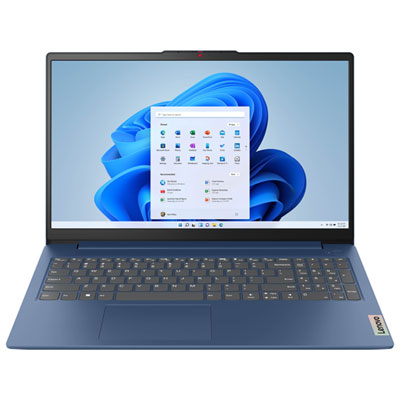
    Lenovo IdeaPad Slim 3i 15.3" IPS Laptop - Intel Core 3 100U - 8GB - 512GB SSD - Windows - Luna Grey

    About this product

    A slim laptop featuring a 15.3" IPS 60Hz display, Intel Core 3 processor, 8GB RAM, and 512GB SSD.

    (19)
    $900.89 Your price for this item is $900.89
  2. 2

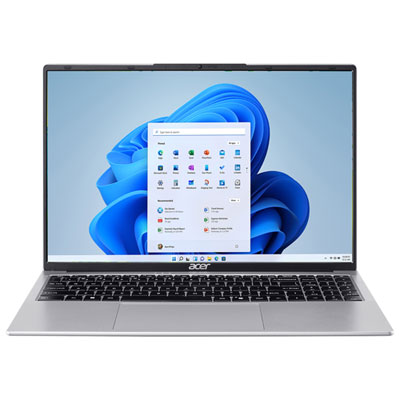
    Acer Aspire Lite 16" Laptop - Intel Core 5 120U - 16GB LPDDR5 - 512GB SSD - Windows 11 - Iron - Business/Student

    About this product

    A slim iron-coloured laptop with Intel Ultra 5, 16GB RAM, 512GB SSD, and a vibrant FHD+ display.

    (27)
    $899.99 Your price for this item is $899.99
  3. 3

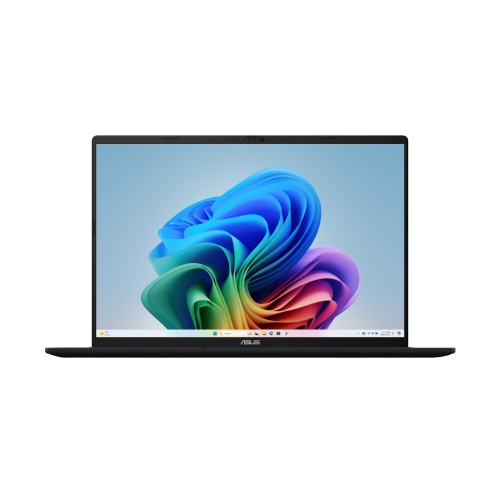
    ASUS Vivobook 16 Copilot+ PC Business Student Laptop - Amd Ryzen Ai 7 350 - 32GB Ddr5 - 1Tb SSD - Windows 11 Home - Quiet - Bilingual In Blue

    About this product

    A sleek AI-powered laptop featuring an AMD Ryzen AI 7 processor, 32GB RAM, and 1TB SSD.

    (12)
    $1,999.99 Your price for this item is $1999.99
  4. 4

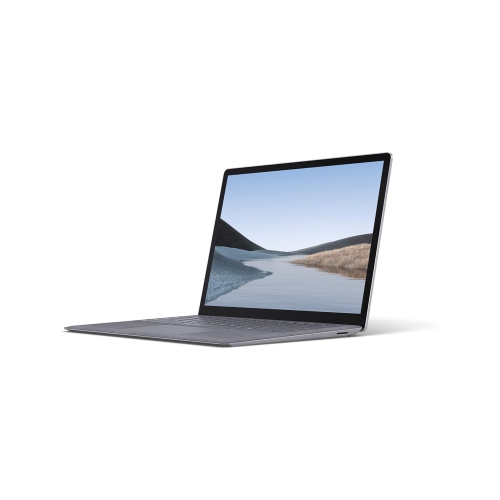
    MICROSOFT Refurbished (Excellent) - Surface Laptop 3 13.5" Touchscreen Business Laptop - Intel Core I5-1035G7 - 8GB Lpddr4X - 256GB SSD - Windows 11

    About this product

    A platinum touchscreen laptop featuring an Intel i5 processor, 8GB RAM, 256GB SSD, and Windows 11 Pro.

    (6)
    $489.00
    SAVE $409
    Your price for this item is $489
  5. 5

    Lenovo IdeaPad Slim 3 15.6" Laptop, Business Student - AMD Athlon Silver 10 - 8GB LPDDR5 - 128GB SSD - Windows 11 Home - Abyss Blue

    About this product

    An Abyss Blue laptop with AMD Athlon Silver 10, 8GB RAM, 128GB SSD, and FHD anti-glare display.

    (6)
    $699.99 Your price for this item is $699.99
  6. 6

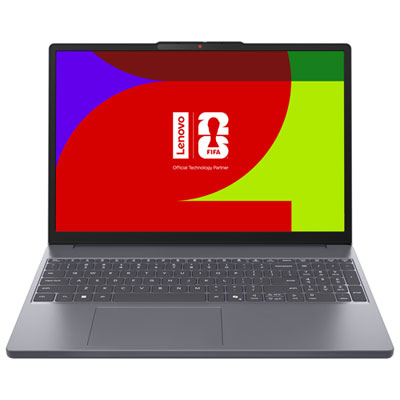
    Lenovo IdeaPad Slim 3i 15.3" Laptop - Intel Core Ultra 7 355 - 16GB DDR5 - 512GB SSD - Windows 11 Home - Luna Grey - Business Student

    About this product

    A sleek Luna Grey laptop featuring an Intel Core Ultra 7 processor, 16GB RAM, and vibrant anti-glare display.

    (7)
    $1,299.99
    SAVE $400
    Your price for this item is $1299.99
  7. 7

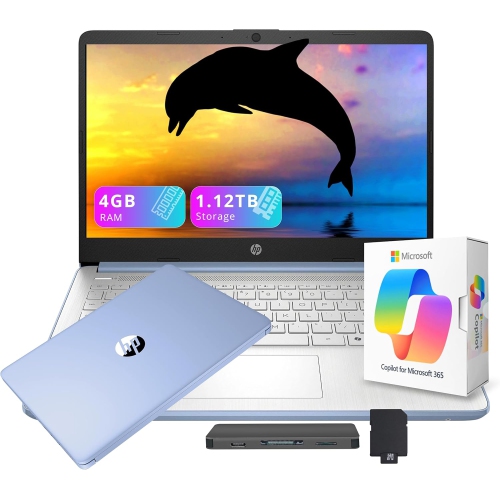
    HP 14" HD Student & Business Laptop w Ai Copilot - Intel Processor N150 - 4GB Ddr4 - 128GB Ufs + 1Tb Docking Station - Windows 11 S - - Includes 1

    About this product

    A versatile blue laptop with 13th Gen Intel processor, AI Copilot, 1.12TB storage, and Office 365.

    (2)
    $449.00
    SAVE $110
    Your price for this item is $449
  8. 8

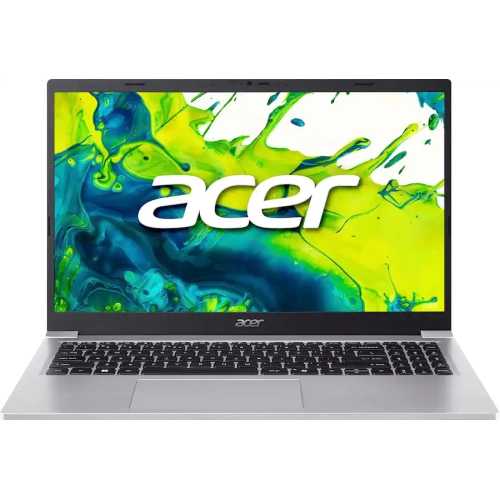
    ACER Aspire Lite 15 15.6" Fhd Laptop - Intel Core 3 N350 - 16GB Ddr4 - 512GB SSD - Windows 11 Home In S Mode - In Silver

    About this product

    A silver laptop with Intel Core 3, 16GB RAM, 512GB SSD, and an anti-glare FHD display.

    (2)
    $719.99
    SAVE $420
    Your price for this item is $719.99

A laptop that fits your coursework and your commute

The best laptop computers for students balance dependable performance, comfortable everyday use, and portability, with enough capacity for the software a course actually requires. For a high school student, that may mean a laptop that handles research, presentations, video lessons, and shared documents without slowing down when several browser tabs are open. College and university students may also need specialist applications for statistics, coding, illustration, or technical design. Course software requirements are an important starting point because an operating system that suits essay writing may not support a required laboratory application or exam platform. For many students, 16GB of memory provides useful room for multitasking across documents, browsers, and communication apps, although lighter workloads may need less and demanding projects may need more. Memory and storage serve different purposes: memory supports active tasks, while storage holds applications, assignments, photos, and downloaded files. A solid-state drive helps applications launch promptly and makes it easier to move between tasks, from opening lecture slides to searching a folder of research notes. Around 512GB of storage can provide practical space for coursework and personal files, while students working with large video projects, design assets, or virtual machines may benefit from greater capacity. Processor requirements depend on the work involved rather than the subject name alone. A student writing code for introductory classes has different needs from one compiling large projects or running several virtual machines. Integrated graphics can handle everyday schoolwork and some creative tasks, while certain 3D modelling, animation, and video applications benefit from dedicated graphics. Those extra capabilities can also bring more weight, fan noise, and power use. A well-matched student laptop therefore feels capable during the busiest parts of the day without adding features that rarely get used. For a commuter reviewing notes on the train, a history student comparing source documents, or an engineering student working through a simulation, the right balance begins with the tasks that fill an ordinary school day.

Physical comfort matters just as much as the specifications when a laptop travels between home, classrooms, and the library. A 13-inch or 14-inch display often suits students who favour a smaller footprint, particularly when desk space is limited or a backpack already holds textbooks and lunch. A 15-inch or 16-inch display provides more room for spreadsheets, detailed diagrams, and side-by-side reading, though the overall dimensions and weight still vary by design. Screen resolution affects how clearly text and fine details appear, while brightness and glare control influence comfort near windows or beneath overhead lighting. Students studying photography, illustration, or visual design may also need a display with suitable colour accuracy and colour coverage for their course requirements. A taller screen shape can show more of a document or webpage at once, reducing scrolling during research. Keyboard feel becomes noticeable during a long essay session: clear key spacing, consistent feedback, and a comfortable palm rest can make sustained typing easier. A responsive touchpad is useful when there is no room for a mouse, and a backlit keyboard can help in a dim lecture hall. For remote classes and group projects, a clear webcam, intelligible microphone, and easy-to-reach audio controls support smoother conversations. Battery life is another practical consideration, especially when the nearest outlet is several tables away. Published battery estimates depend on test conditions; screen brightness, video calls, wireless activity, and demanding software can shorten actual runtime. The charger belongs in the portability equation, too, since its size and weight become part of the daily load. USB-C charging can simplify a study setup when both the laptop and charger support the required power level. Useful connections may include USB ports for peripherals, a display output for presentations, and a headphone connection for focused listening. Reliable Wi-Fi supports online lessons and file sharing, although connection quality also depends on the network. Together, these details shape how comfortably a laptop fits into a full day of classes, independent study, and collaboration.

Durability is especially relevant for student laptops that are opened and closed repeatedly, carried through crowded corridors, and moved from kitchen tables to study desks. Aluminium and other metal chassis can feel rigid and substantial, while well-built plastic housings can offer a practical balance of weight and everyday toughness. Material alone does not establish durability: hinge construction, lid flex, keyboard support, and the fit of the chassis also matter. A snug padded sleeve helps protect against scuffs and minor knocks inside a bag, but it cannot make a laptop resistant to crushing or liquid damage. Keeping drink bottles in a separate compartment and avoiding heavy books pressed against the lid are simple habits that help protect the screen. Care is generally straightforward: power down before cleaning, follow the manufacturer's cleaning directions, and use a soft cloth rather than applying liquid directly to the display or keyboard. Clear ventilation openings are important during demanding work, so a firm desk surface is preferable to a duvet or cushion that may block airflow. During the cooler months, a laptop brought in from very cold conditions should be allowed to reach room temperature before use, following the manufacturer's guidance. Long-term usefulness also depends on details that are easy to overlook, including whether memory or storage can be upgraded and how repairs are handled. Some thin designs have fixed components, making the initial configuration more important. Regular software updates, a strong sign-in method, and backups of assignments help protect both the device and the work stored on it. Browsing Best Laptops for Students brings these everyday considerations together across different study needs. For parents, guardians, or relatives choosing a laptop as a gift, the student's course requirements and preferred screen size are more useful reference points than appearance alone. A thoughtfully matched laptop can support the quiet work behind academic progress, from refining a presentation at home to submitting a finished assignment after an afternoon in the library.

FAQ

Some products may be subject to Environmental Handling Fees (EHF) depending on your province. Learn more about EHFs.