Keyboard Replacements
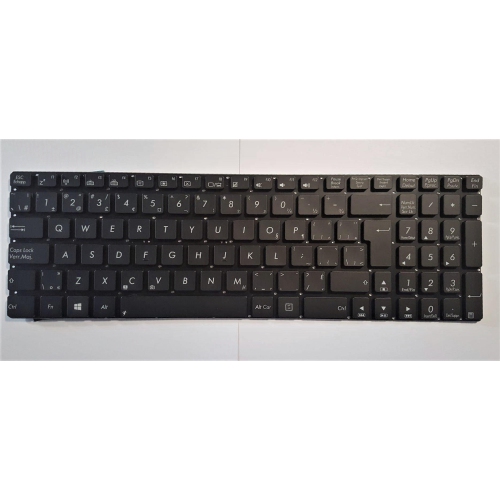
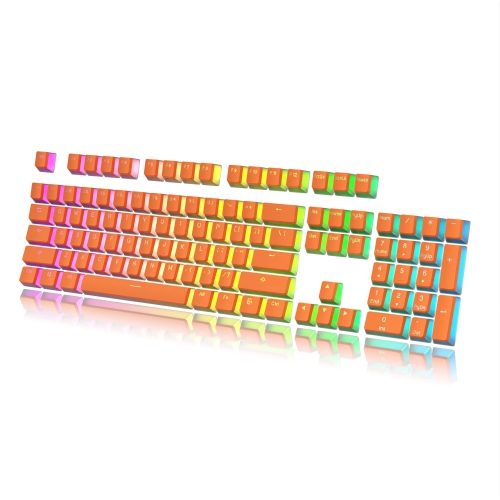
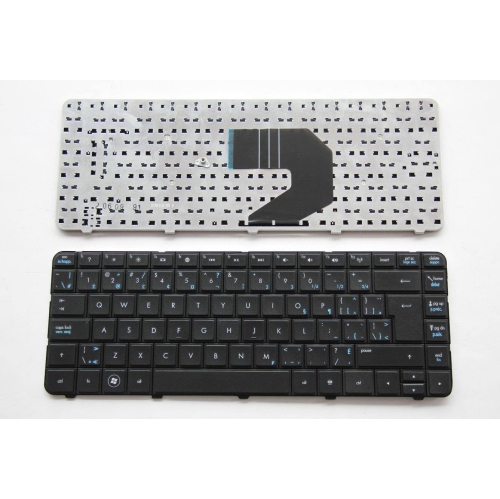
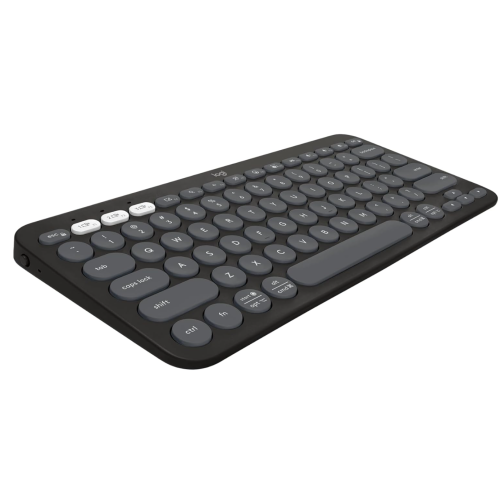
Discover the perfect solution for revitalizing your typing experience with our extensive selection of keyboard replacements. Whether you're looking to upgrade your existing setup or need a reliable replacement for a worn-out keyboard, our collection offers a variety of options to suit every need and preference. From sleek and modern designs to ergonomic layouts that prioritize comfort, find the ideal keyboard that matches your style and enhances your productivity. Explore durable materials, responsive keys, and innovative features that ensure seamless performance for work, gaming, or everyday use. Transform your workspace with a new keyboard that keeps you connected and efficient.
Sort
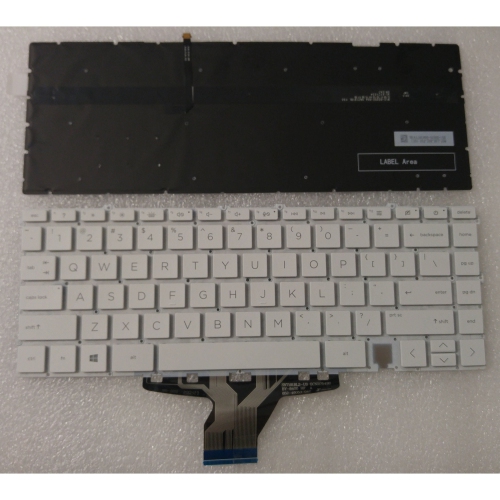
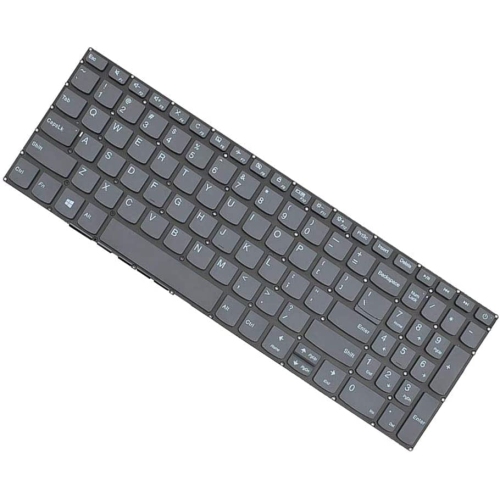
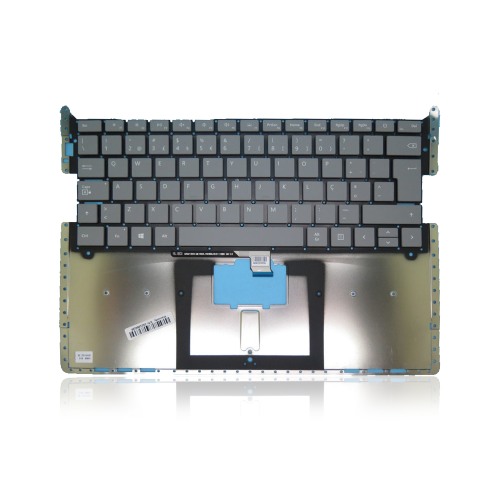
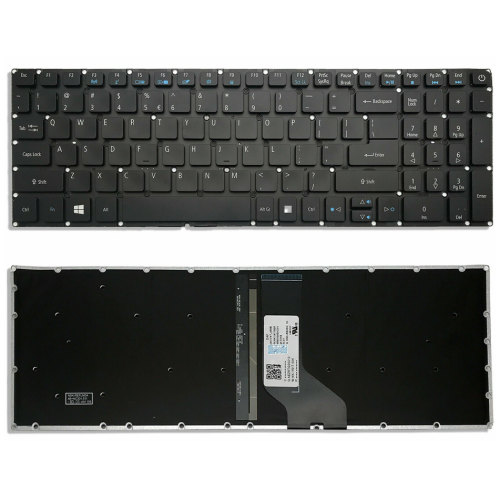
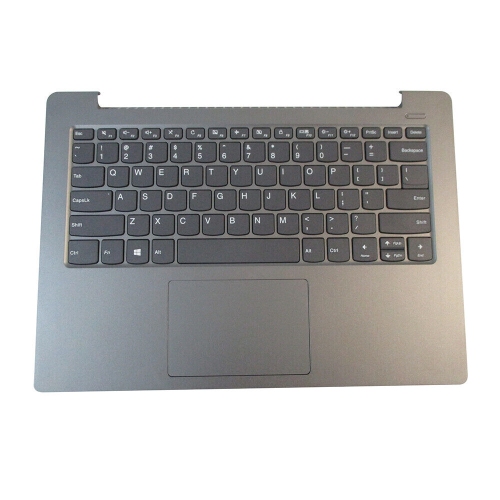
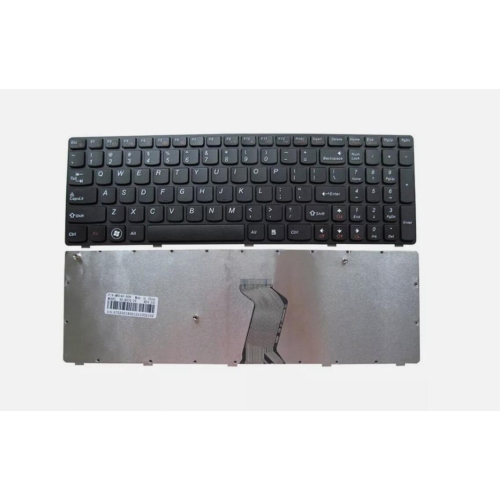
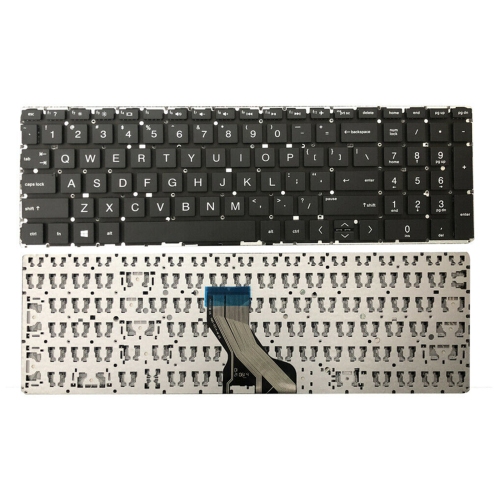
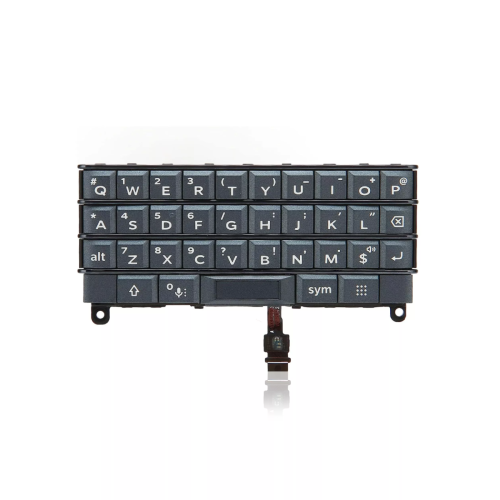
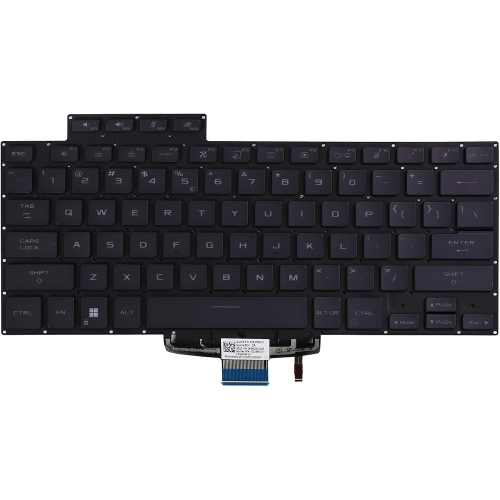
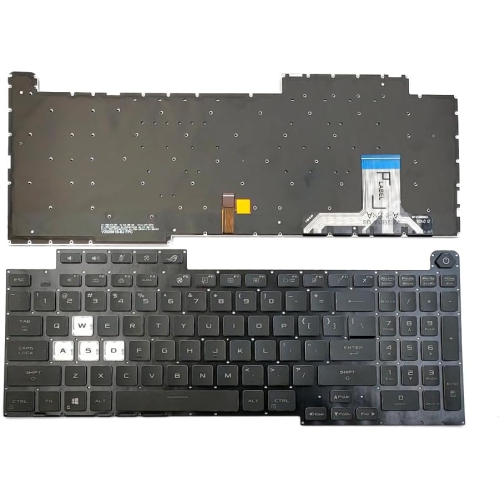
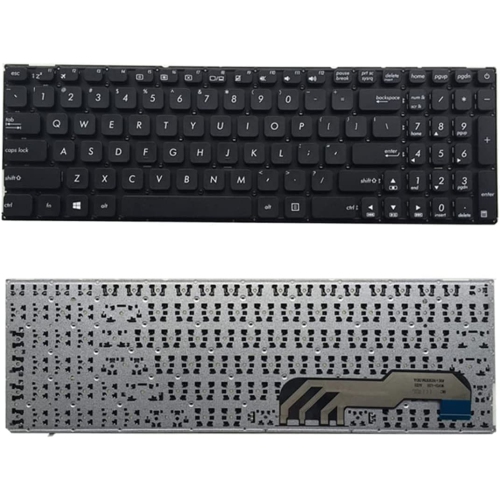
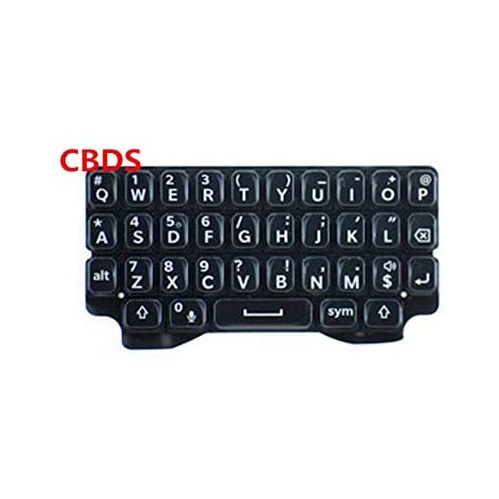
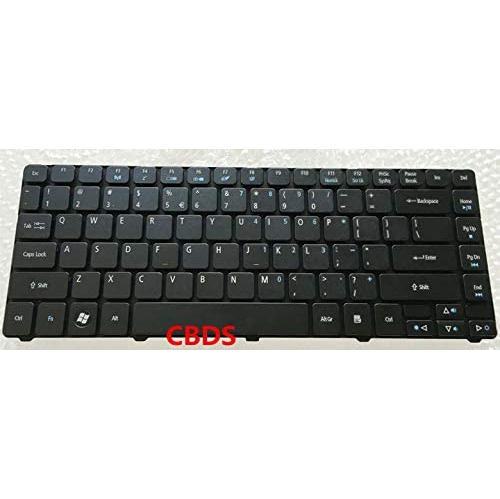

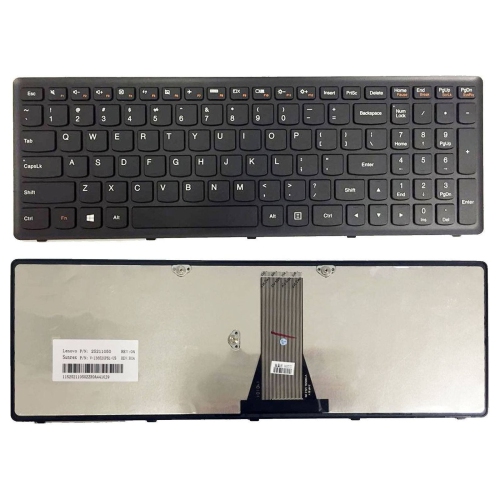

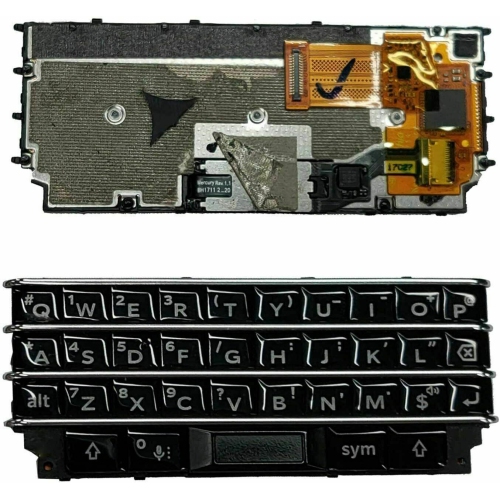
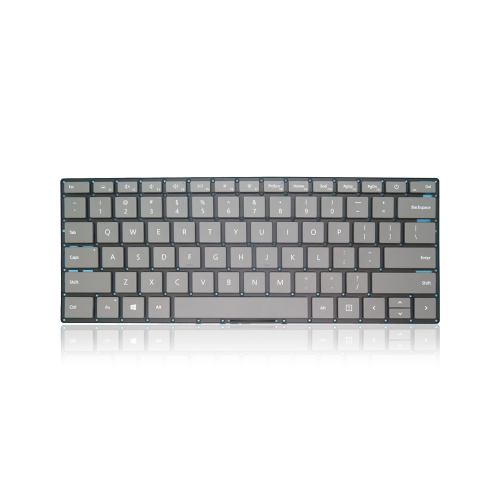
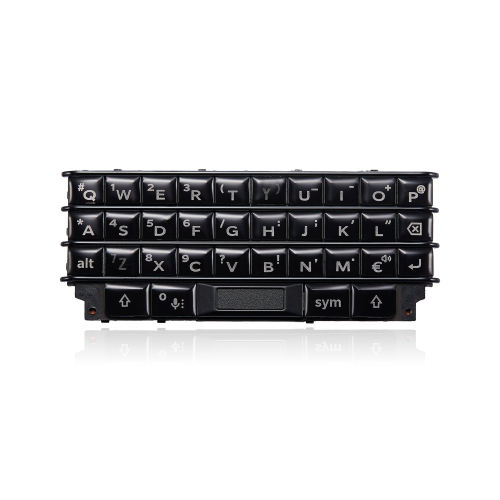
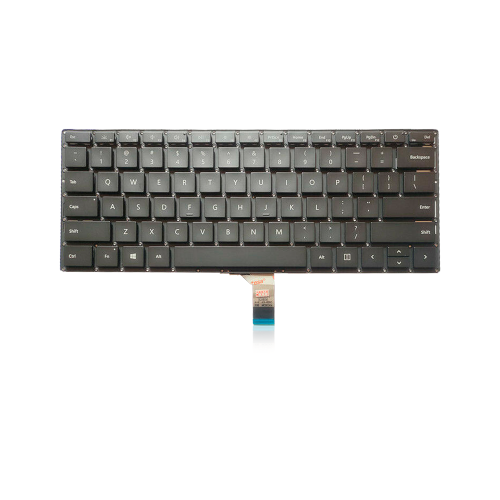


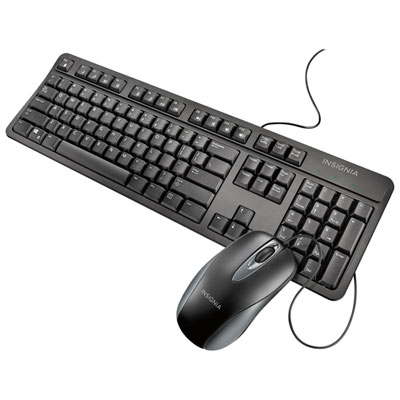
Keyboard Replacements
A reliable keyboard is an essential part of any workspace, whether you’re working from your home office, gaming late into the night, or simply keeping up with emails and messages. Over time, keyboards can start to show signs of wear—keys might become less responsive, letters fade, or the overall feel just isn’t what it used to be. That’s when keyboard replacements become a smart investment. Choosing the right replacement isn’t just about restoring function; it’s about enhancing your experience every time you sit down at your desk. For students gearing up for a new semester, professionals who rely on precise typing, or creative enthusiasts looking for a tactile upgrade, a new keyboard can make a world of difference. Even during the summer months, when schedules shift and routines become more flexible, a dependable keyboard ensures you’re ready for everything from spontaneous work sessions to catching up on personal projects.
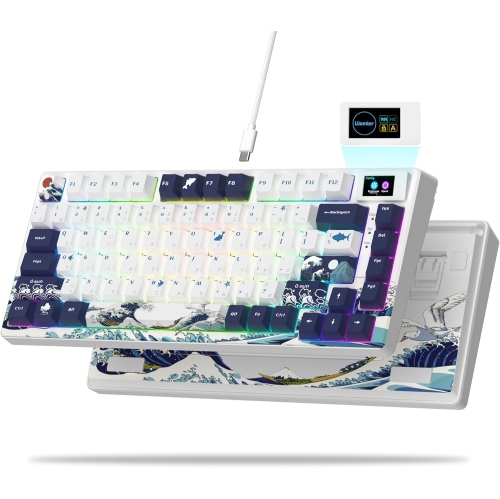
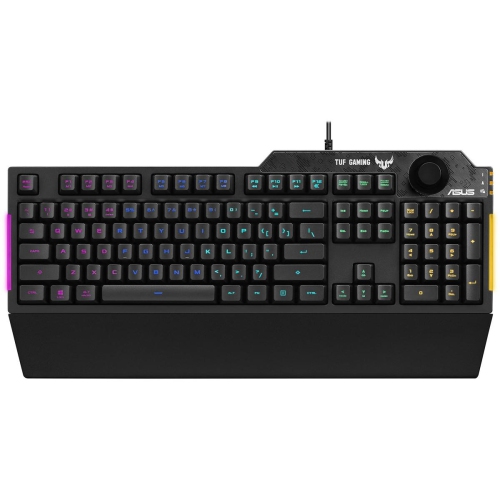
When considering a keyboard replacement, it’s important to think about your daily habits and preferences. If you’re someone who spends hours writing reports or coding, you might appreciate a model with ergonomic features or mechanical switches that provide satisfying feedback with every keystroke. For those who prefer a quieter workspace, there are options with soft-touch keys that keep noise to a minimum, perfect for shared environments or late-night productivity. Gamers often look for keyboards with customizable lighting and programmable keys to give them an edge during intense sessions. And if you’re frequently on the move, a compact or wireless keyboard can easily slip into your backpack, ready for use at a moment’s notice. Keyboard replacements also make thoughtful gifts for students heading off to university, friends who work remotely, or anyone looking to upgrade their setup. Picture the delight of a loved one unboxing a sleek new keyboard that transforms their daily routine, making everything from writing essays to video chatting with family more comfortable and enjoyable.
With so many options available, finding the perfect fit for your needs can be an exciting process. Some users are drawn to the versatility of models with hot-swappable keys, allowing them to customize their typing experience or replace worn-out switches without any hassle. If you’re interested in exploring this feature, you can learn more by visiting our dedicated Swappable Keyboard page. Whether you’re searching for a straightforward replacement or looking to upgrade to a more advanced setup, the right keyboard can boost productivity, enhance comfort, and even add a touch of personal style to your workspace. As you browse the selection, consider your unique needs and imagine how a new keyboard could elevate your everyday activities, from work and study to leisure and creativity.
When considering a keyboard replacement, it’s important to think about your daily habits and preferences. If you’re someone who spends hours writing reports or coding, you might appreciate a model with ergonomic features or mechanical switches that provide satisfying feedback with every keystroke. For those who prefer a quieter workspace, there are options with soft-touch keys that keep noise to a minimum, perfect for shared environments or late-night productivity. Gamers often look for keyboards with customizable lighting and programmable keys to give them an edge during intense sessions. And if you’re frequently on the move, a compact or wireless keyboard can easily slip into your backpack, ready for use at a moment’s notice. Keyboard replacements also make thoughtful gifts for students heading off to university, friends who work remotely, or anyone looking to upgrade their setup. Picture the delight of a loved one unboxing a sleek new keyboard that transforms their daily routine, making everything from writing essays to video chatting with family more comfortable and enjoyable.
With so many options available, finding the perfect fit for your needs can be an exciting process. Some users are drawn to the versatility of models with hot-swappable keys, allowing them to customize their typing experience or replace worn-out switches without any hassle. If you’re interested in exploring this feature, you can learn more by visiting our dedicated Swappable Keyboard page. Whether you’re searching for a straightforward replacement or looking to upgrade to a more advanced setup, the right keyboard can boost productivity, enhance comfort, and even add a touch of personal style to your workspace. As you browse the selection, consider your unique needs and imagine how a new keyboard could elevate your everyday activities, from work and study to leisure and creativity.
Top Picks For Keyboard Replacements
Top selling and popular products
-
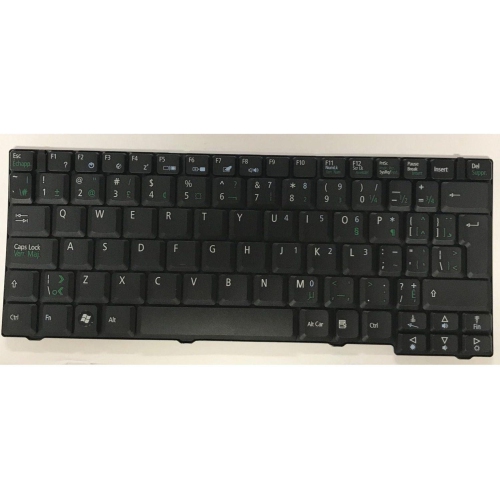 Your price for this item is $65.99
 -
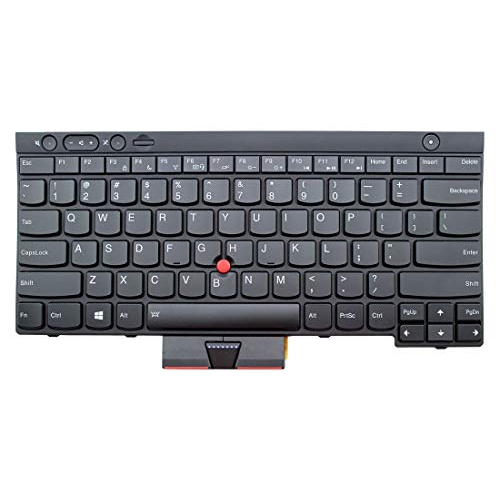 Your price for this item is $29.99
 -
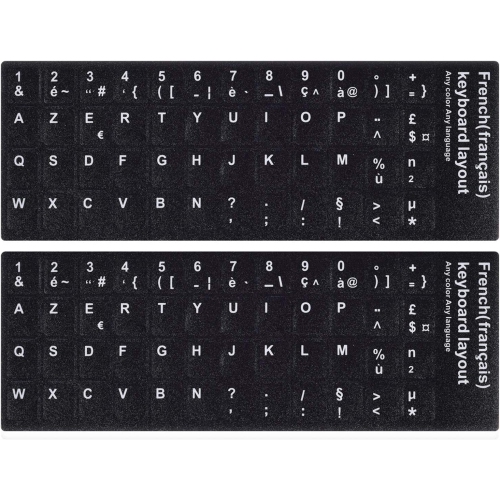 Your price for this item is $9.99
 -
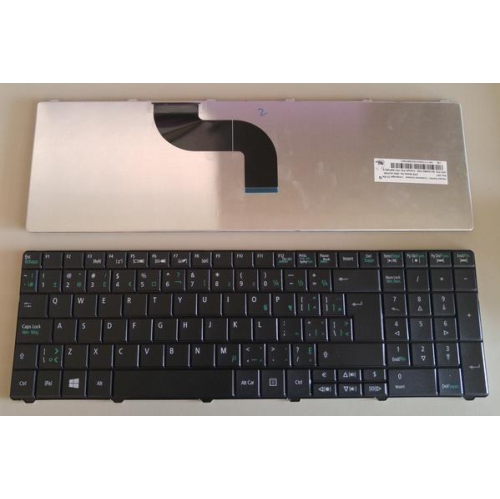 Your price for this item is $118.99
 -
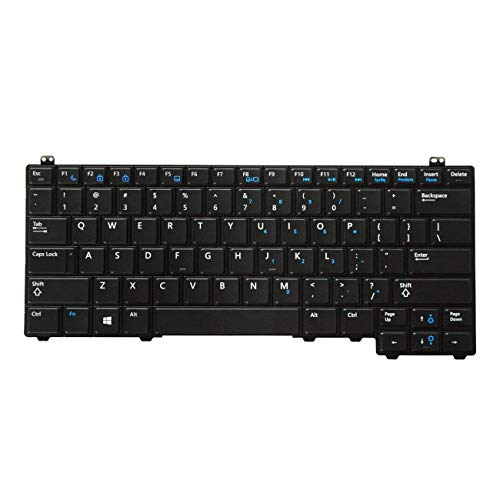 Your price for this item is $39.99
 -
 Your price for this item is $126.99
 -
 Your price for this item is $46.97
 -
 Your price for this item is $80.99
Discover more categories related to Keyboard Replacements
Top Collections:
Best Cell Phones Under $500, Kindle Devices, Apple iPhones 16, Canon G7X Cameras, iPhone 15 Apple, Wireless Earbuds Under $200, Stopwatch Timers, Dyson Airwrap, iPhone 14 256GB, Fire Stick TVs
Some products may be subject to Environmental Handling Fees
(EHF) depending on your province.
Learn more about EHFs.