Kingston DataTraveler Max
Kingston DataTraveler Max offers a reliable solution for storing, transferring, and accessing your important files with ease. Designed to meet the demands of both everyday users and professionals, Kingston DataTraveler Max delivers dependable performance for documents, photos, videos, and more. Explore a range of options to find the perfect fit for your storage needs and enjoy the convenience of portable data management wherever you go.
Sort
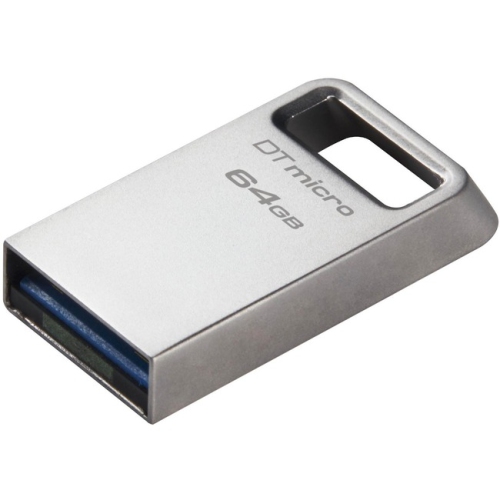
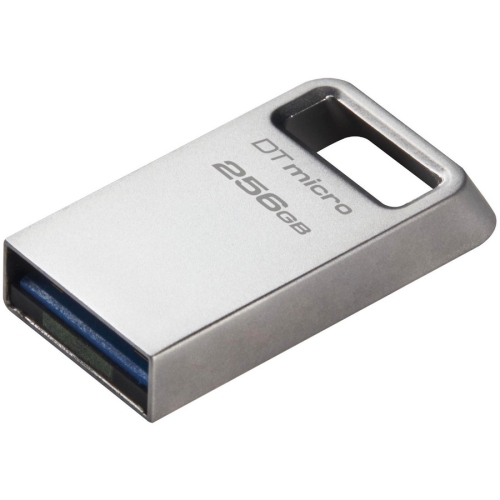
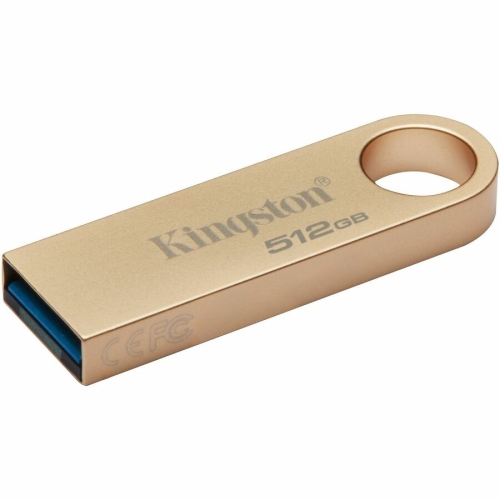
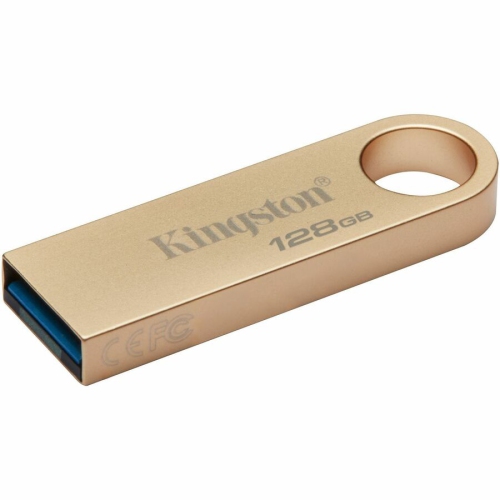
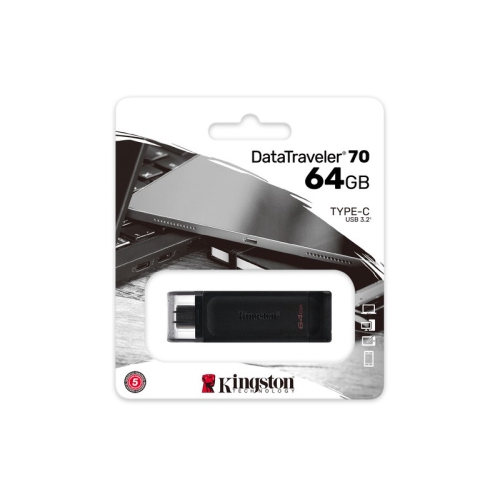
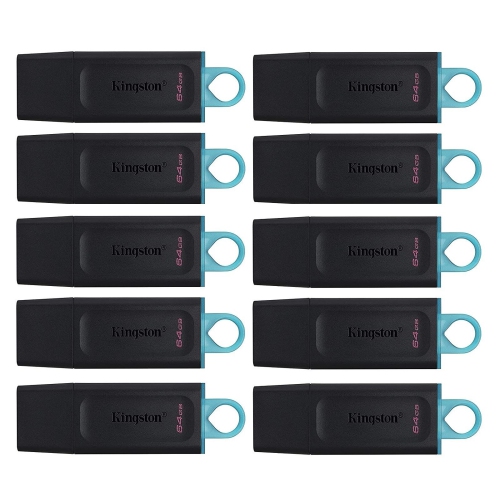
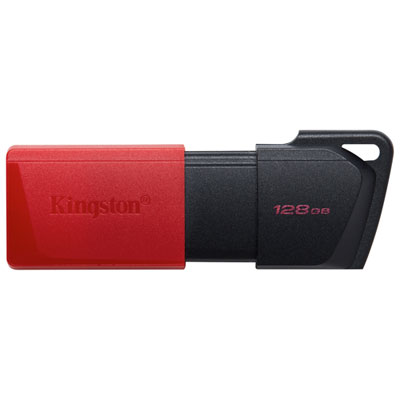
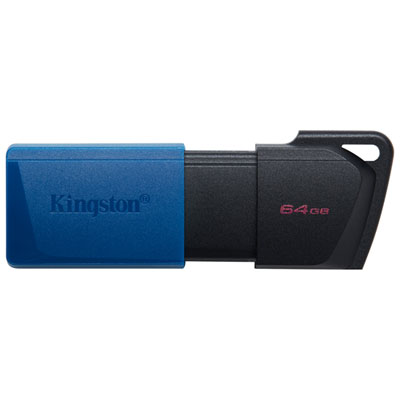

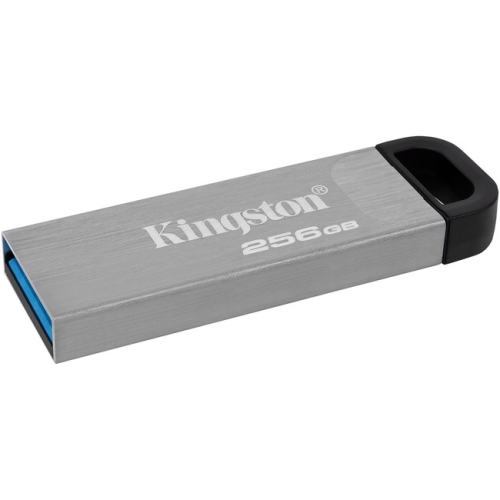
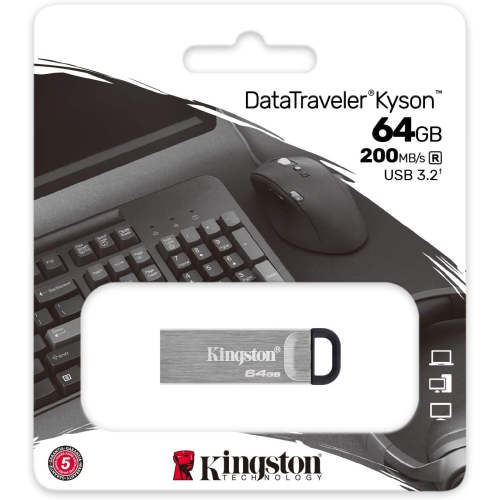
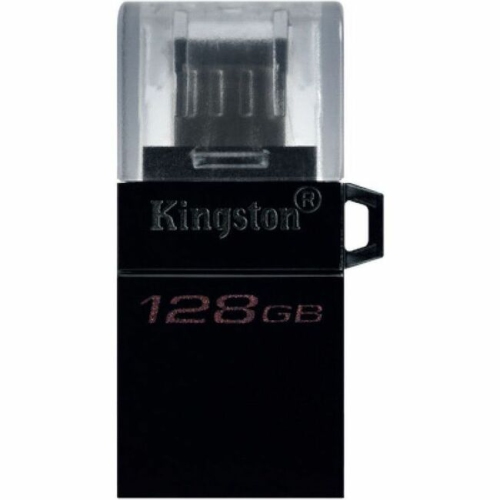
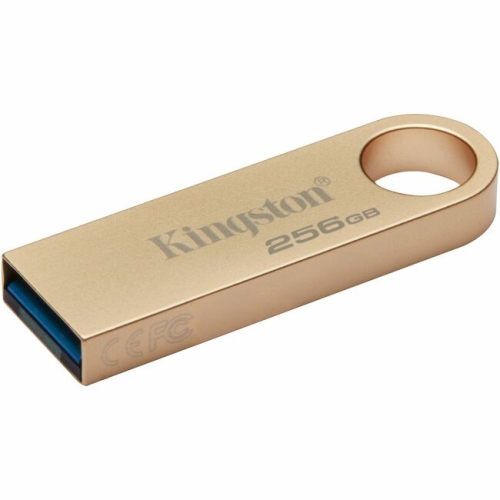
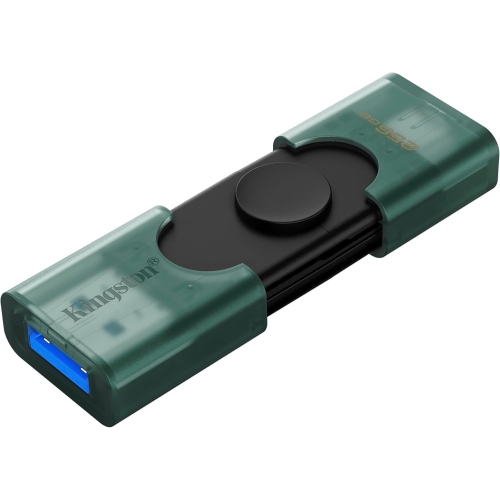
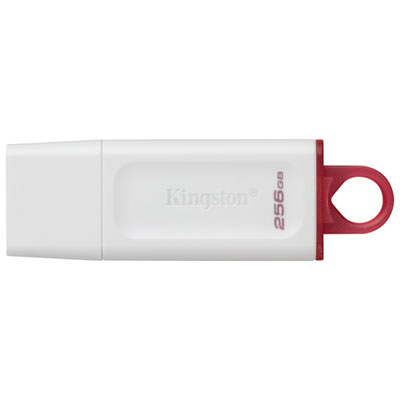
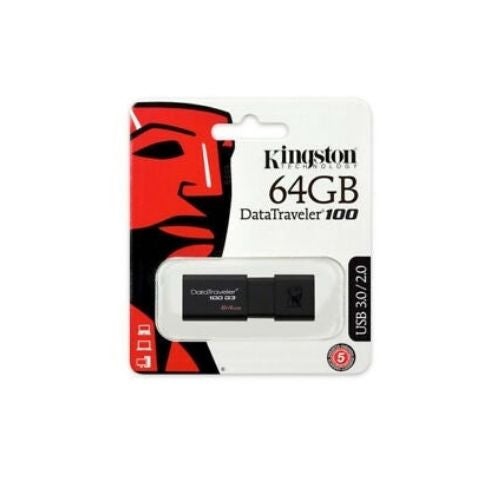
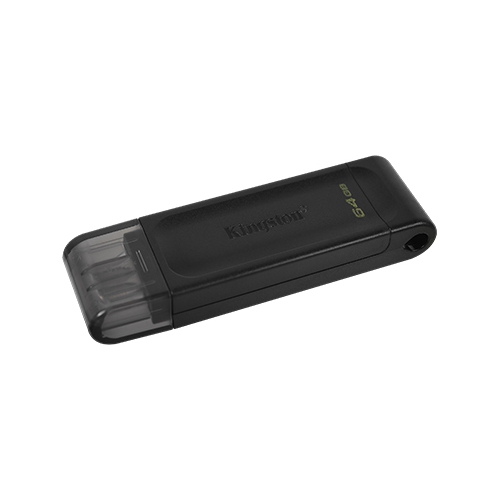
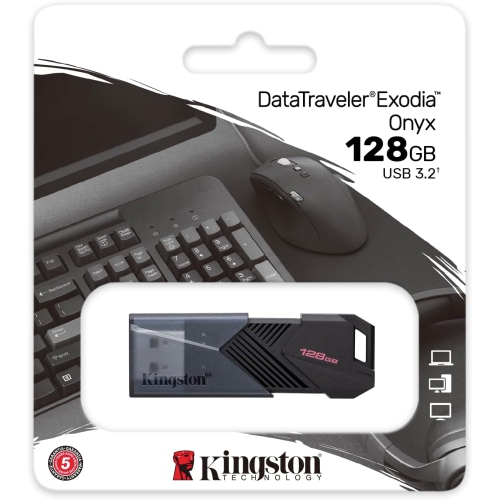
Fast file transfers in a pocket-sized USB drive
High-performance USB flash drives bring fast file transfers and pocket-sized storage together in a format that fits easily into a laptop bag, desk drawer, or zipped accessory pouch. They are especially useful for moving large folders between computers, carrying presentation files to a meeting, or keeping a separate copy of important documents within reach. A compact drive can hold a photographer’s edited images, a student’s project files, or a collection of high-resolution videos without the separate cable typically needed for a portable external drive. Within this category, USB 3.2 Gen 2 supports a connection speed of up to 10Gbps, giving compatible flash storage considerably more transfer headroom than older USB standards. High-performance designs can advertise sequential read speeds of up to 1,000 MB/s and write speeds of up to 900 MB/s under suitable test conditions. Read speed describes how quickly files can be retrieved from the drive, while write speed describes how quickly files can be saved to it. Those figures are maximums rather than a promise for every transfer: the computer’s port, the source storage, file sizes, and operating conditions all affect the result. One large video file often transfers differently from a folder containing thousands of small images and documents. Storage capacities such as 256GB, 512GB, and 1TB accommodate different workloads, from everyday school and office files to larger media libraries. Usable space is lower than the labelled capacity because of formatting and differences in how storage is measured and displayed. For a closer look at that capacity range, Kingston 1TB brings the focus to larger storage options. Extra room is useful when project folders grow over time or when several versions of a presentation, design file, or video edit need to travel together. Capacity and transfer performance serve different purposes, so a larger drive does not automatically mean a faster one.
The connector is a small detail with a direct effect on everyday usefulness. USB-C has a compact, reversible shape that fits many newer laptops and desktop computers, while USB-A uses the familiar rectangular connection found on a wide range of computers and accessories. A drive needs to match the port on the intended device, and its physical fit matters as much as its stated interface. Closely spaced ports, recessed connections, and protective device cases can leave limited room around a wider flash-drive body. USB-C describes the connector shape, not a guaranteed transfer speed; two ports that look alike may support different USB standards. A USB 3.2 Gen 2 drive connected to a slower compatible port will operate within the limits of that connection. Hubs, adapters, and docking stations can also affect throughput, particularly when several devices share the same connection. Direct attachment to a compatible high-speed port generally gives the drive the clearest path to its rated performance. Phones and tablets with USB-C ports may support external storage, but compatibility also depends on the operating system, power requirements, and supported file systems. The same caution applies to televisions, vehicle media systems, printers, and game consoles, which may have their own capacity or formatting requirements. File-system choice influences how easily a drive moves between devices. Many recent Windows and macOS computers support exFAT, which accommodates individual files larger than the 4GB limit associated with FAT32. Older equipment may require a different format, and formatting erases existing content. For someone carrying a video presentation to a classroom or meeting room, testing the drive with the destination equipment in advance can prevent an otherwise simple handoff from becoming a compatibility problem. Keeping the presentation in a widely supported file format and retaining another copy adds reassurance without taking much space. These practical details help portable storage work smoothly across home desks, shared workstations, and travel setups.
A flash drive’s casing and connector protection influence how comfortably it handles daily use. Lightweight plastic housings keep bulk down, while ridged surfaces can make a small drive easier to grip when inserting or removing it. A sliding connector mechanism can cover the connection without a loose cap to keep track of, although a covered connector should not be mistaken for a waterproof or dustproof seal. Resistance to moisture, impact, and dust depends on the stated specifications rather than appearance alone. An integrated keyring loop can provide an attachment point, but a drive should not hang from a heavy set of keys while plugged into a computer. Sideways pressure can strain both the connector and the port, especially when a laptop is moved with the drive still attached. For commuting or travelling, a separate pouch compartment helps keep the connector away from crumbs, lint, and loose metal objects. Routine care is straightforward: keep the drive dry, wipe the exterior gently with a soft cloth, and avoid pushing tools into the connection. Flash storage has no moving mechanical parts, but it is still vulnerable to physical damage, excessive heat, and wear from repeated writing. Warmth during a large transfer can occur, and sustained workloads may produce different speeds from short transfers. Allowing a transfer to finish and using the device’s eject function where provided helps reduce the risk of interrupted writes. A portable drive is useful for carrying a copy of important work, but it should not be the only place that work exists. Separate backups matter for family photos, completed assignments, business records, and other files that would be difficult to replace. Sensitive documents may also warrant compatible encryption software and careful password management, particularly on a drive small enough to misplace. For students, photographers, office workers, or relatives who frequently move files between computers, compact high-speed storage can be a practical gift when the connector and capacity suit their equipment. Its appeal lies in a familiar routine: save the folder, eject the drive, slip it into a bag, and arrive with the files ready to use.
The connector is a small detail with a direct effect on everyday usefulness. USB-C has a compact, reversible shape that fits many newer laptops and desktop computers, while USB-A uses the familiar rectangular connection found on a wide range of computers and accessories. A drive needs to match the port on the intended device, and its physical fit matters as much as its stated interface. Closely spaced ports, recessed connections, and protective device cases can leave limited room around a wider flash-drive body. USB-C describes the connector shape, not a guaranteed transfer speed; two ports that look alike may support different USB standards. A USB 3.2 Gen 2 drive connected to a slower compatible port will operate within the limits of that connection. Hubs, adapters, and docking stations can also affect throughput, particularly when several devices share the same connection. Direct attachment to a compatible high-speed port generally gives the drive the clearest path to its rated performance. Phones and tablets with USB-C ports may support external storage, but compatibility also depends on the operating system, power requirements, and supported file systems. The same caution applies to televisions, vehicle media systems, printers, and game consoles, which may have their own capacity or formatting requirements. File-system choice influences how easily a drive moves between devices. Many recent Windows and macOS computers support exFAT, which accommodates individual files larger than the 4GB limit associated with FAT32. Older equipment may require a different format, and formatting erases existing content. For someone carrying a video presentation to a classroom or meeting room, testing the drive with the destination equipment in advance can prevent an otherwise simple handoff from becoming a compatibility problem. Keeping the presentation in a widely supported file format and retaining another copy adds reassurance without taking much space. These practical details help portable storage work smoothly across home desks, shared workstations, and travel setups.
A flash drive’s casing and connector protection influence how comfortably it handles daily use. Lightweight plastic housings keep bulk down, while ridged surfaces can make a small drive easier to grip when inserting or removing it. A sliding connector mechanism can cover the connection without a loose cap to keep track of, although a covered connector should not be mistaken for a waterproof or dustproof seal. Resistance to moisture, impact, and dust depends on the stated specifications rather than appearance alone. An integrated keyring loop can provide an attachment point, but a drive should not hang from a heavy set of keys while plugged into a computer. Sideways pressure can strain both the connector and the port, especially when a laptop is moved with the drive still attached. For commuting or travelling, a separate pouch compartment helps keep the connector away from crumbs, lint, and loose metal objects. Routine care is straightforward: keep the drive dry, wipe the exterior gently with a soft cloth, and avoid pushing tools into the connection. Flash storage has no moving mechanical parts, but it is still vulnerable to physical damage, excessive heat, and wear from repeated writing. Warmth during a large transfer can occur, and sustained workloads may produce different speeds from short transfers. Allowing a transfer to finish and using the device’s eject function where provided helps reduce the risk of interrupted writes. A portable drive is useful for carrying a copy of important work, but it should not be the only place that work exists. Separate backups matter for family photos, completed assignments, business records, and other files that would be difficult to replace. Sensitive documents may also warrant compatible encryption software and careful password management, particularly on a drive small enough to misplace. For students, photographers, office workers, or relatives who frequently move files between computers, compact high-speed storage can be a practical gift when the connector and capacity suit their equipment. Its appeal lies in a familiar routine: save the folder, eject the drive, slip it into a bag, and arrive with the files ready to use.
Top selling and popular products
-
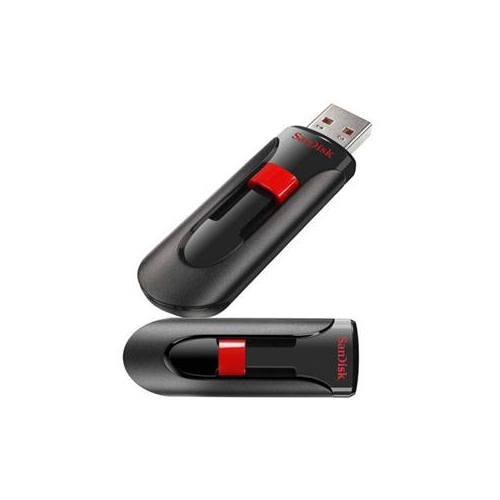 Your price for this item is $44.95
 -
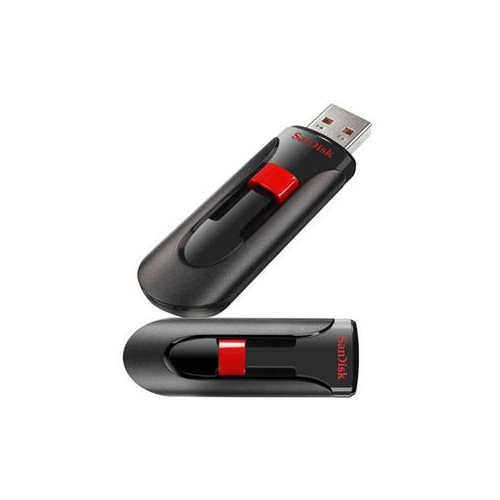 Your price for this item is $69.95
 -
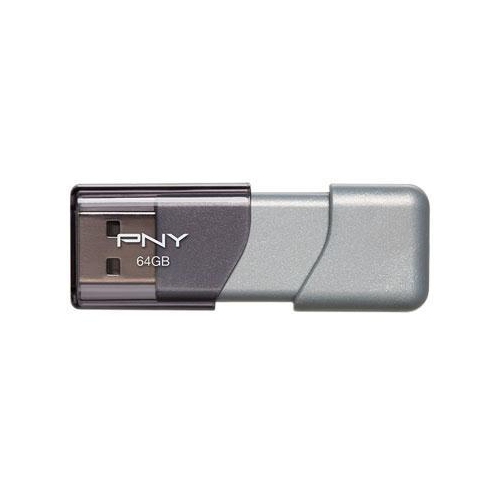 Your price for this item is $59.68
 -
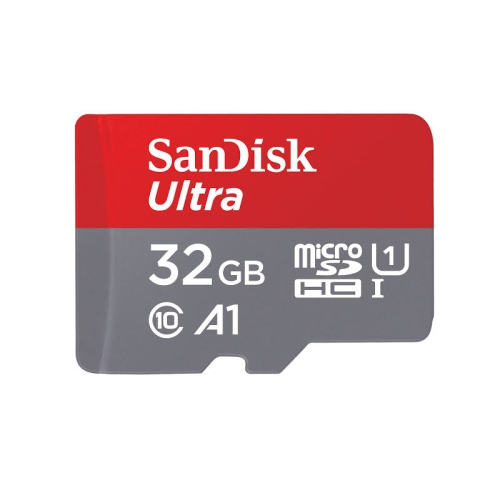 Your price for this item is $38.45
 -
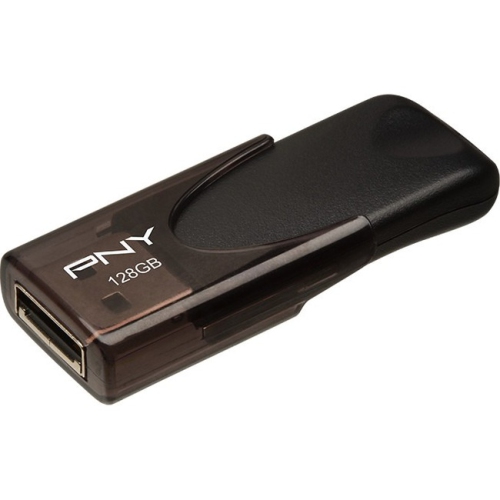 Your price for this item is $35.68
 -
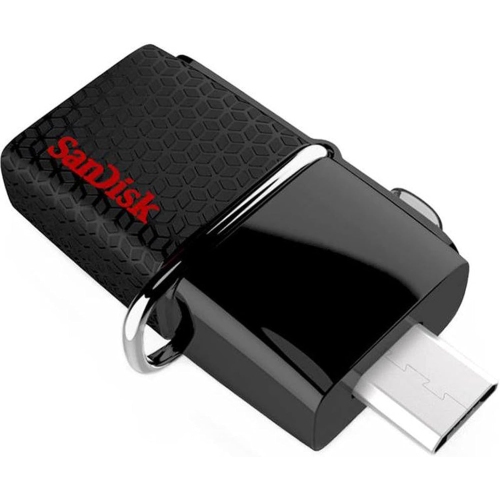 Your price for this item is $29.95
 -
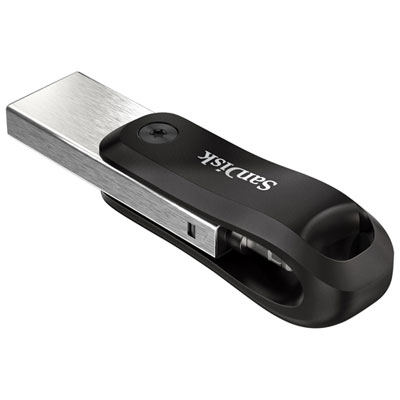 Your price for this item is $169.99
 -
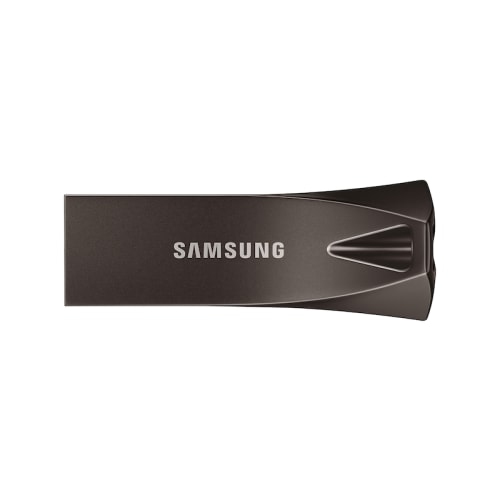 Your price for this item is $132.99
Discover more categories related to Kingston DataTraveler Max

Top Collections:
Pokemon Centers, Kindle Devices, Best Budget Office Chairs, Apple iPhones 16, Best Laptops for Writers, iPhone 15 Apple, Canon G7X Cameras, Refurbished Apple Laptops, Alarm Clock, Motorola Razr Phones
Some products may be subject to Environmental Handling Fees
(EHF) depending on your province.
Learn more about EHFs.