Laptop DVI Adapters
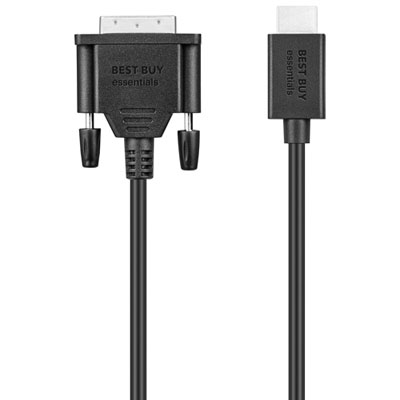
Laptop DVI Adapter solutions make it easy to connect your laptop to external monitors, projectors, or other display devices with DVI inputs. Whether you're setting up a workstation, giving a presentation, or expanding your screen space, these adapters provide a reliable way to enhance your viewing experience. Find the right Laptop DVI Adapter to ensure smooth connectivity and clear visuals for work, school, or entertainment. Explore options that help you get the most out of your laptop and compatible displays.
Sort
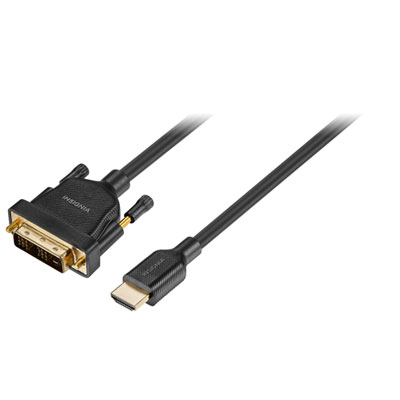
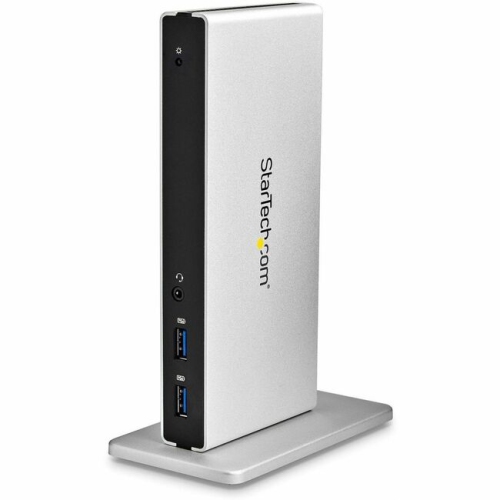

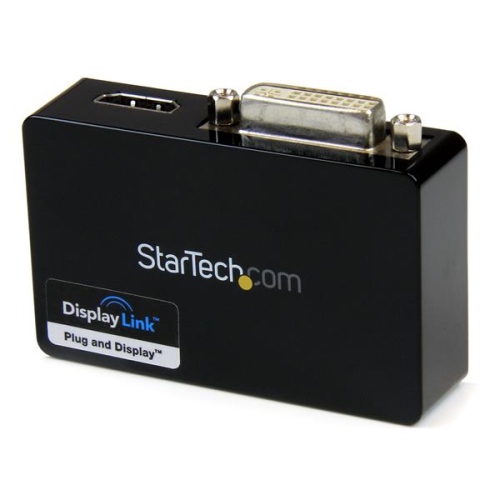

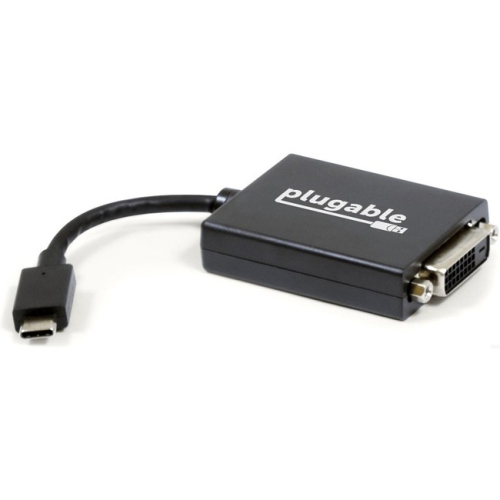
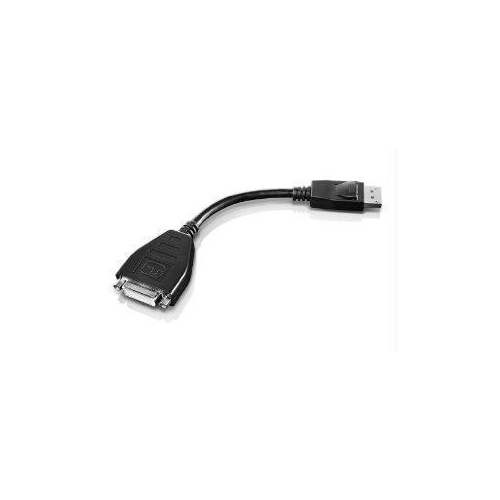
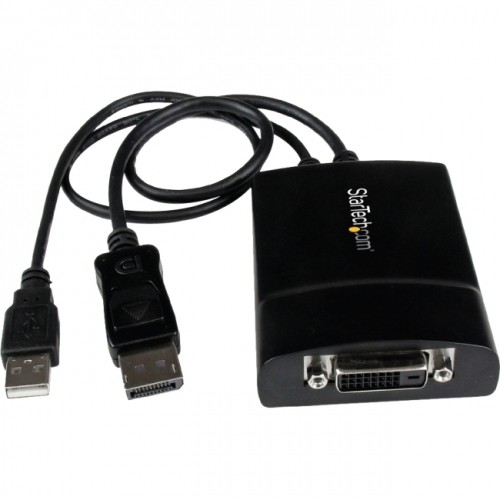
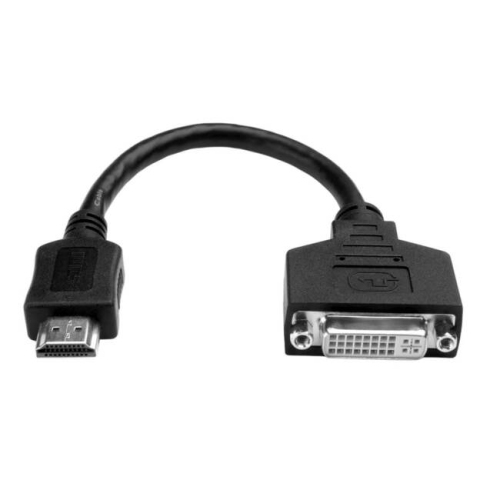
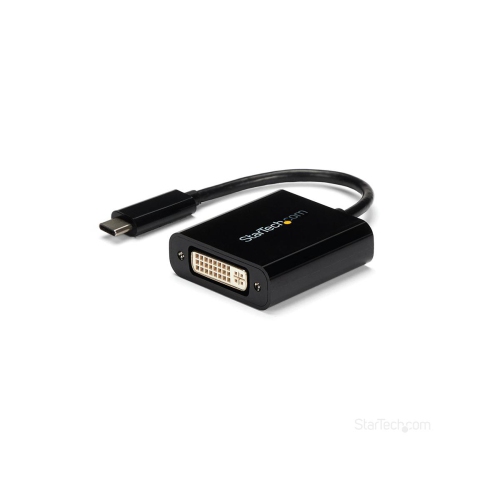
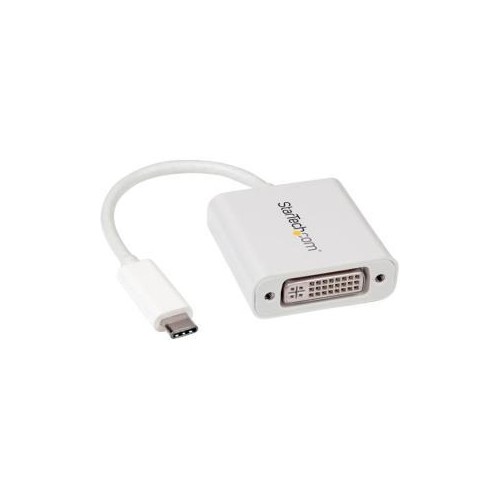
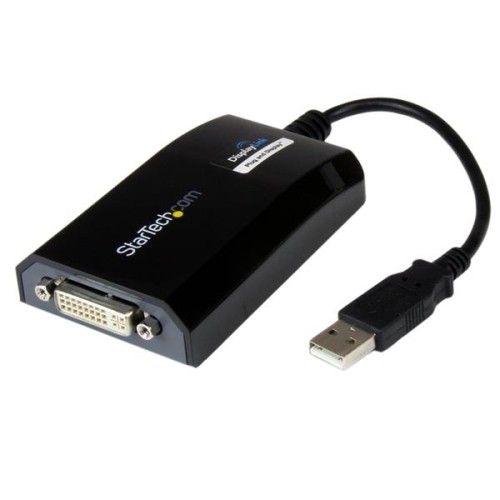
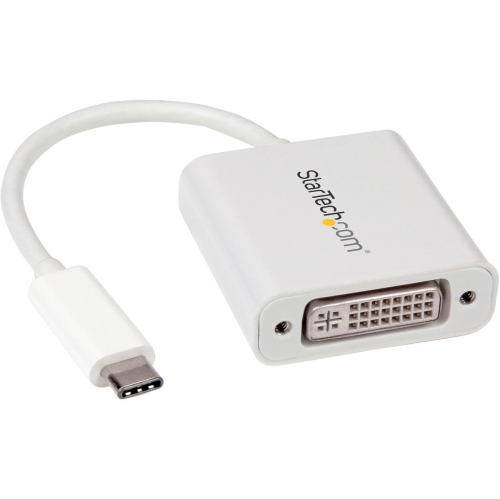
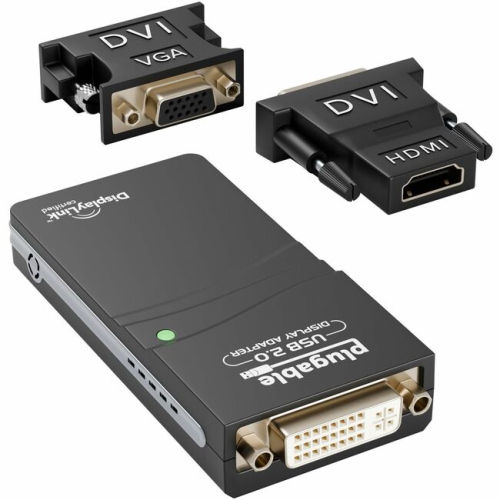

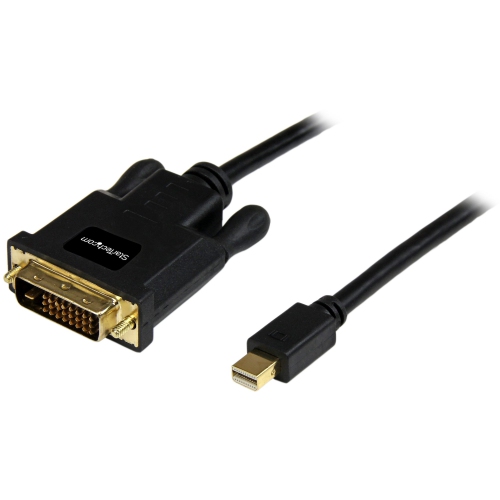
Reliable connections between modern laptops and legacy DVI displays
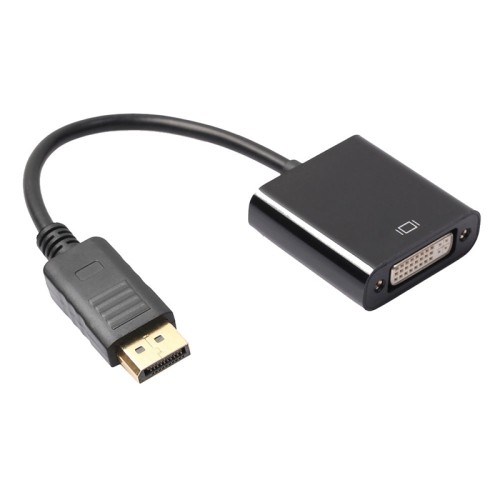
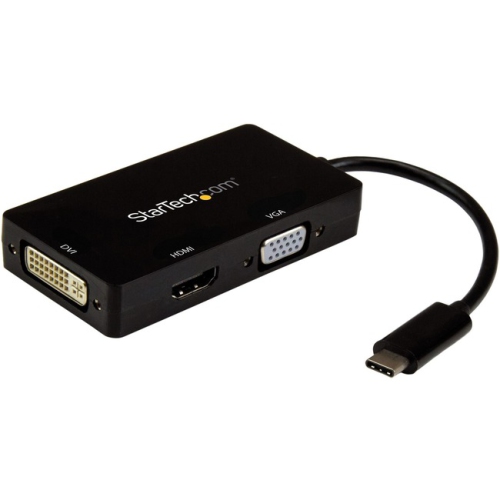
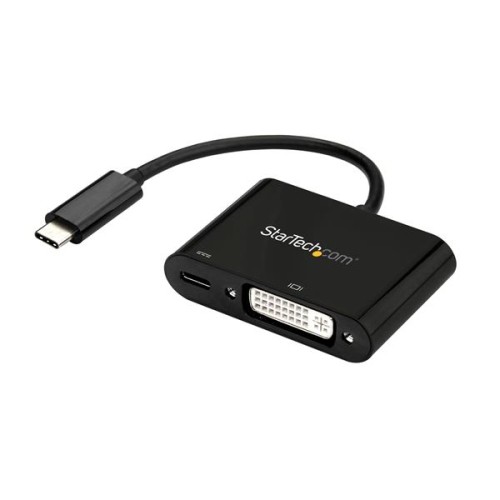
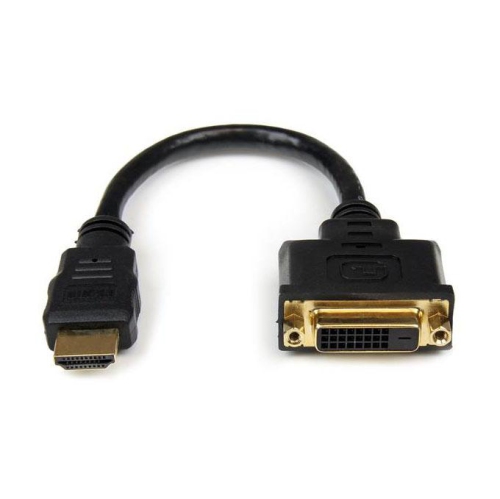
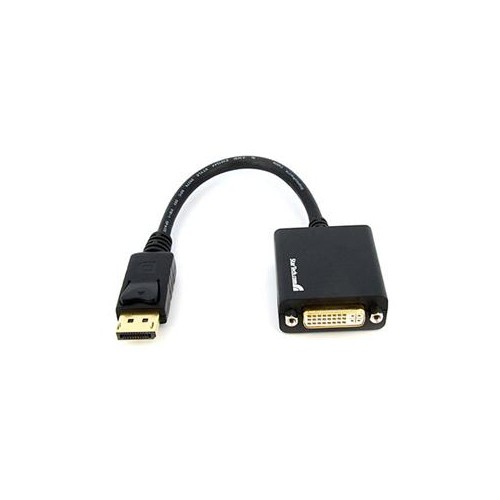
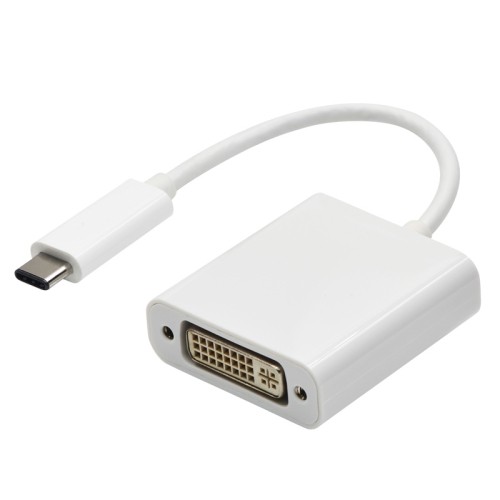
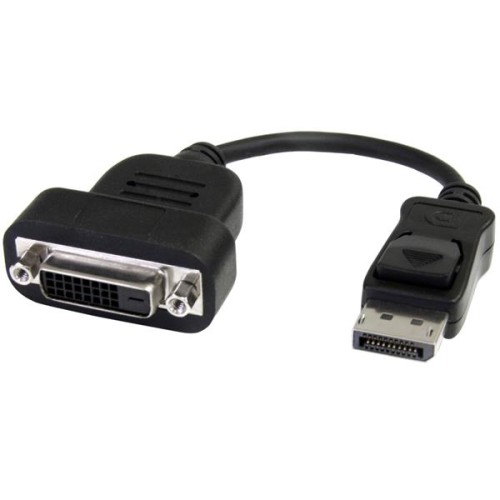
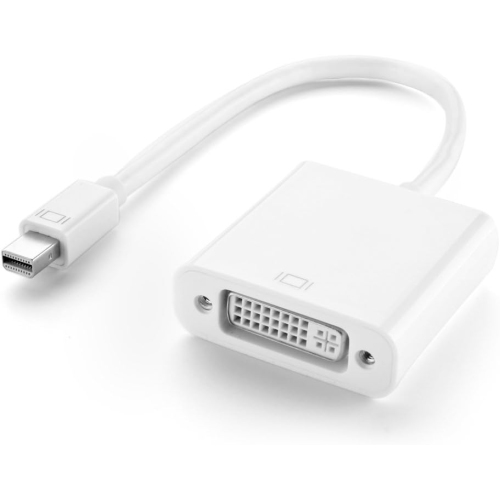
As laptops continue to evolve with slimmer profiles and more streamlined port selections, the need for reliable connectivity solutions like laptop DVI adapters has only grown. Whether you’re setting up a home workstation as the weather warms or heading back to campus in early fall, these adapters make it easy to bridge the gap between new laptop models and legacy monitors or projectors that rely on DVI connections. Laptop DVI adapters are designed to convert signals from USB-C, HDMI, or DisplayPort outputs to DVI, enabling users to connect their devices to a wide variety of external displays. This versatility is especially valuable for professionals who travel between offices or classrooms, where available monitors might not always match the latest laptop ports. For students, teachers, remote workers, and anyone who values a flexible workspace, having a DVI adapter in your bag ensures you’re always ready to present, collaborate, or simply enjoy a larger screen for productivity or entertainment.
When choosing a laptop DVI adapter, there are several important factors to consider to ensure compatibility and performance. First, identify the output port on your laptop—modern ultrabooks and MacBooks typically use USB-C, while many business laptops may include HDMI or DisplayPort. Select an adapter that matches your laptop’s port and supports the resolution you need, with most active adapters handling up to 1920×1200 or 1080p at 60Hz for crisp, clear visuals. It’s also important to distinguish between active and passive adapters; active models are often required for multi-monitor setups or when converting signals between different standards, while passive adapters are suitable for straightforward connections. If you plan to stream protected content, check for HDCP support, as not all DVI adapters include this feature. Keep in mind that DVI does not carry audio, so if you need sound, a separate audio solution will be necessary. These practical considerations ensure that your adapter will work seamlessly, whether you’re connecting to a projector for a summer conference or setting up a dual-monitor home office as routines shift in the fall.
Laptop DVI adapters also make thoughtful gifts for tech-savvy friends, students heading back to school, or anyone upgrading their home office. They’re a practical addition to any laptop bag, offering peace of mind and convenience for presentations, gaming, or streaming. For those looking to further expand their connectivity options or replace aging cables, explore our selection of Dvi-D Cables for even more ways to customize your workstation. With the right adapter and cable, you can make the most of existing monitors and projectors, avoid unnecessary upgrades, and keep your devices working together smoothly through the changing seasons. Whether you’re making the most of longer daylight hours with outdoor movie nights or preparing for a busy academic term, these adapters are a simple, reliable solution for connecting your laptop to the displays you rely on every day.
When choosing a laptop DVI adapter, there are several important factors to consider to ensure compatibility and performance. First, identify the output port on your laptop—modern ultrabooks and MacBooks typically use USB-C, while many business laptops may include HDMI or DisplayPort. Select an adapter that matches your laptop’s port and supports the resolution you need, with most active adapters handling up to 1920×1200 or 1080p at 60Hz for crisp, clear visuals. It’s also important to distinguish between active and passive adapters; active models are often required for multi-monitor setups or when converting signals between different standards, while passive adapters are suitable for straightforward connections. If you plan to stream protected content, check for HDCP support, as not all DVI adapters include this feature. Keep in mind that DVI does not carry audio, so if you need sound, a separate audio solution will be necessary. These practical considerations ensure that your adapter will work seamlessly, whether you’re connecting to a projector for a summer conference or setting up a dual-monitor home office as routines shift in the fall.
Laptop DVI adapters also make thoughtful gifts for tech-savvy friends, students heading back to school, or anyone upgrading their home office. They’re a practical addition to any laptop bag, offering peace of mind and convenience for presentations, gaming, or streaming. For those looking to further expand their connectivity options or replace aging cables, explore our selection of Dvi-D Cables for even more ways to customize your workstation. With the right adapter and cable, you can make the most of existing monitors and projectors, avoid unnecessary upgrades, and keep your devices working together smoothly through the changing seasons. Whether you’re making the most of longer daylight hours with outdoor movie nights or preparing for a busy academic term, these adapters are a simple, reliable solution for connecting your laptop to the displays you rely on every day.
Top selling and popular products
-
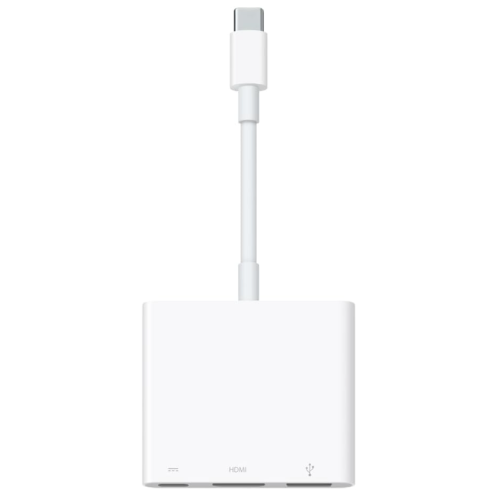 Your price for this item is $179.99
 -
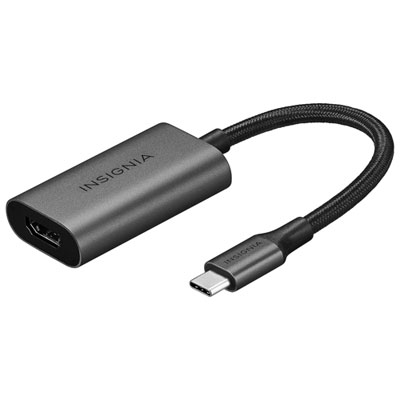 Your price for this item is $39.99
 -
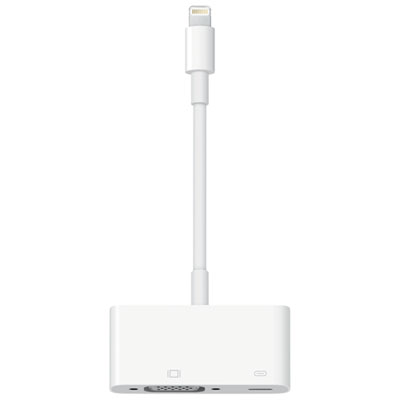 Your price for this item is $64.97
 -
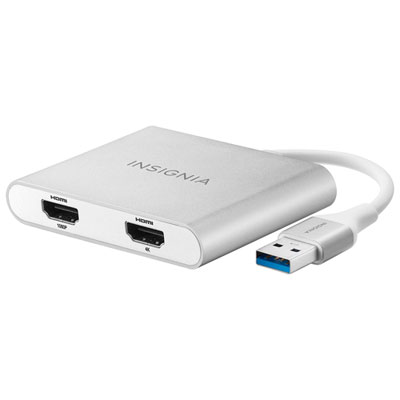 Your price for this item is $79.99
 -
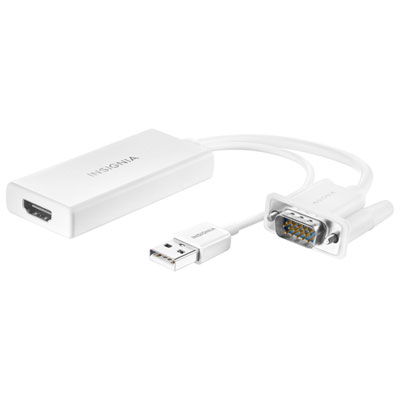 Your price for this item is $49.99
 -
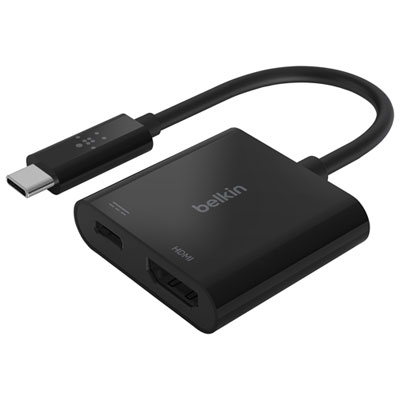 Your price for this item is $34.99
 -
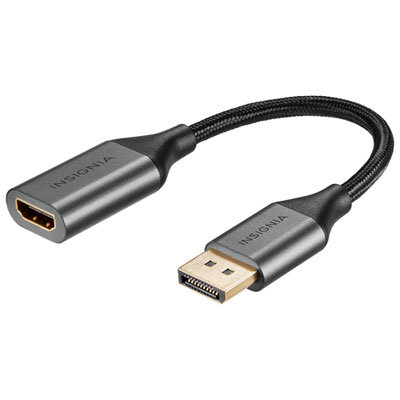 Your price for this item is $24.95
 -
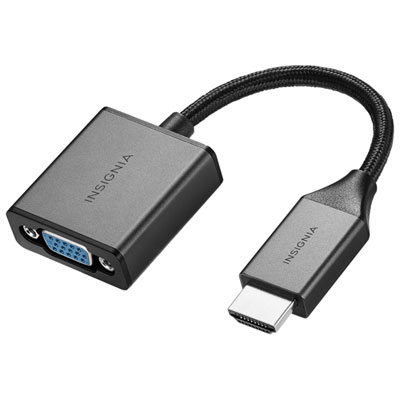 Your price for this item is $39.99
Discover more categories related to Laptop DVI Adapters
Top Collections:
Pokemon Centers, Kindle Devices, Best Budget Office Chairs, Apple iPhones 16, Best Laptops for Writers, iPhone 15 Apple, Canon G7X Cameras, Refurbished Apple Laptops, Alarm Clock, Motorola Razr Phones
Some products may be subject to Environmental Handling Fees
(EHF) depending on your province.
Learn more about EHFs.