Laptops for Kids School
If you're shopping for a laptop for your child to use in school, consider these options. These laptops are designed to meet the needs of students and offer features that can help them succeed in their studies. They are also durable enough to withstand the rigors of everyday use. Here are some great laptops for kids' schools available on the market.
Sort




School software matters more than your child’s age
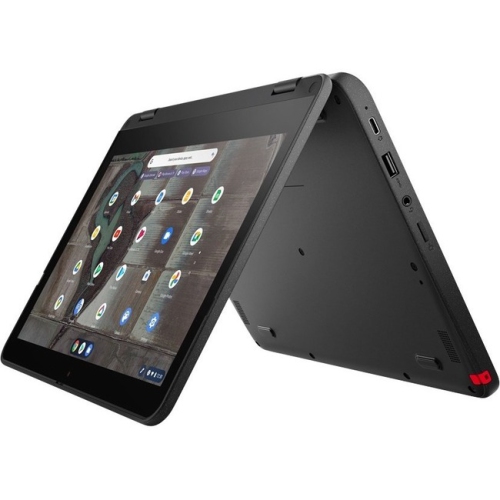
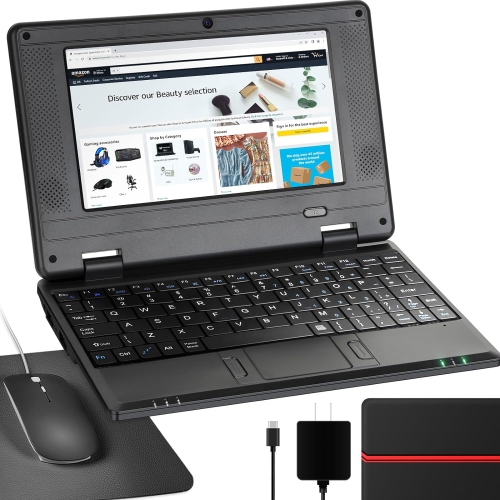
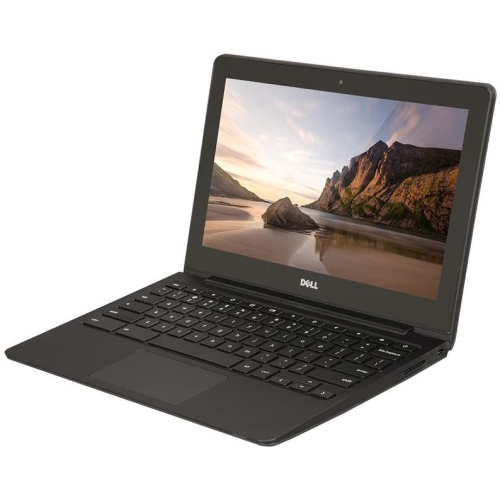
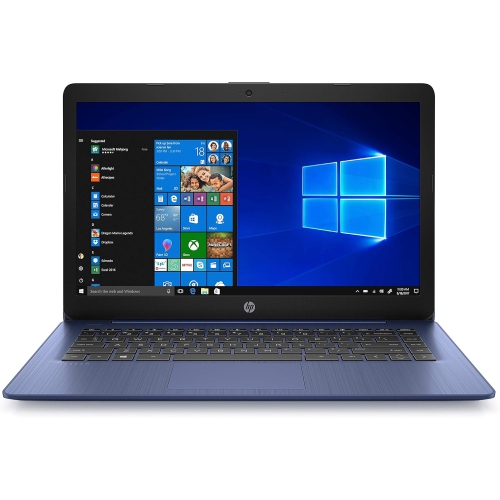
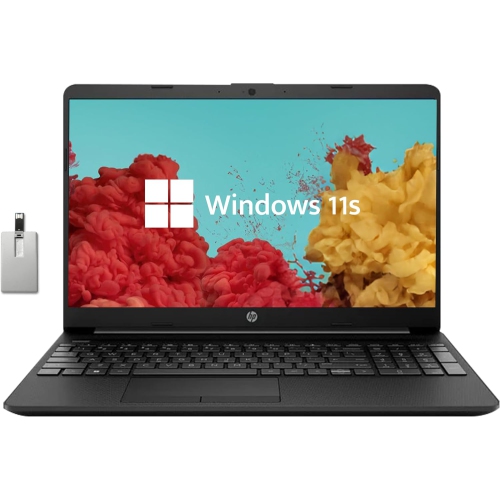
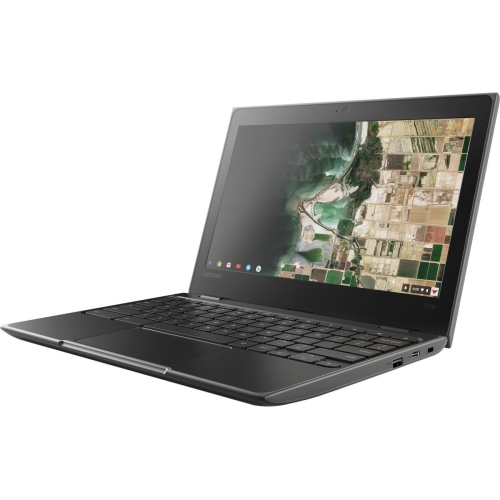
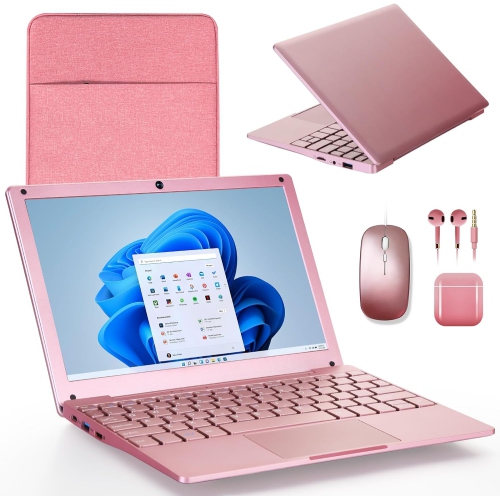
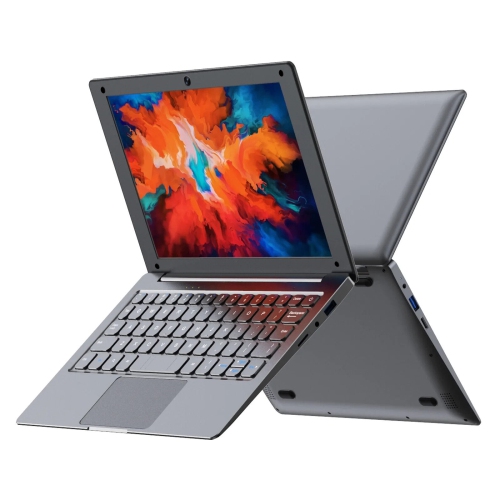
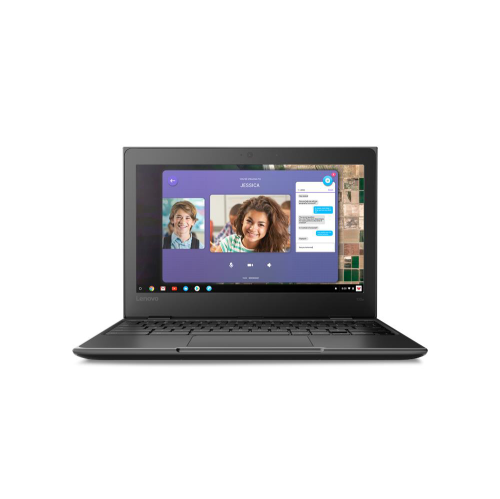
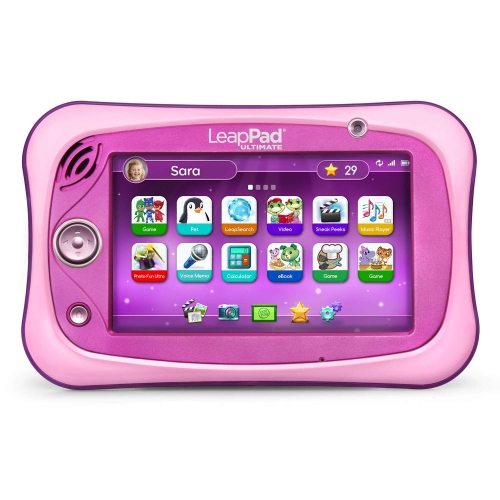
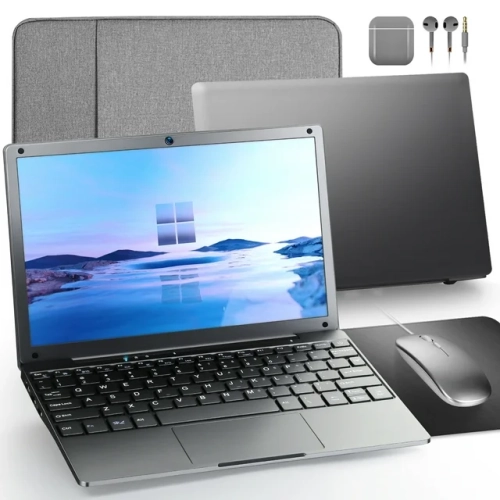
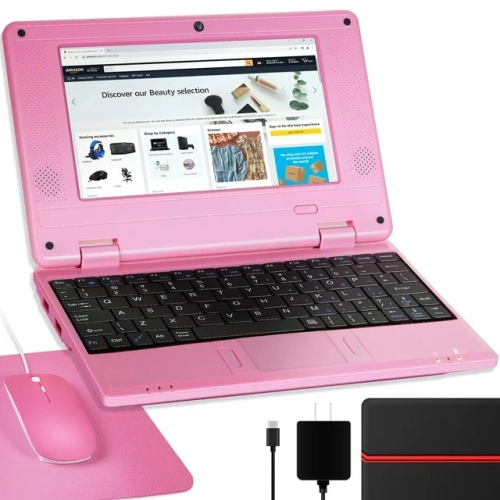
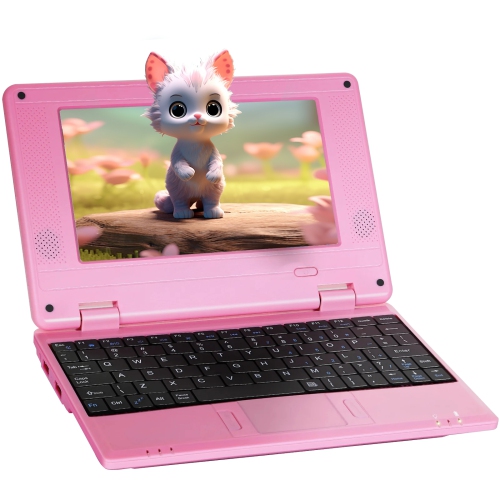
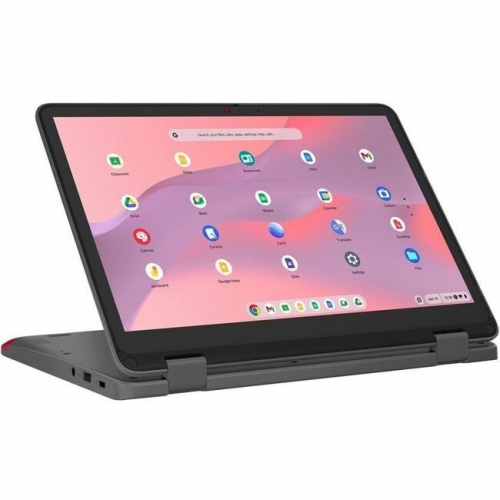
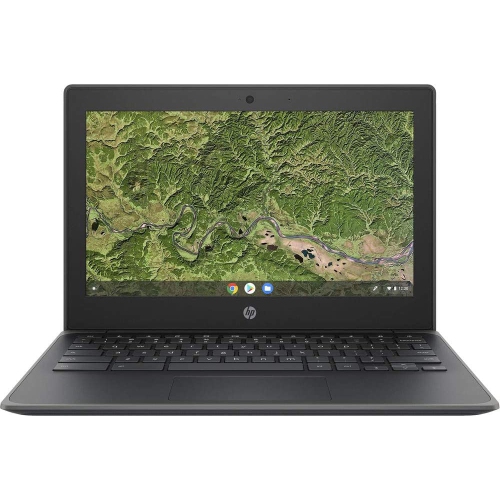
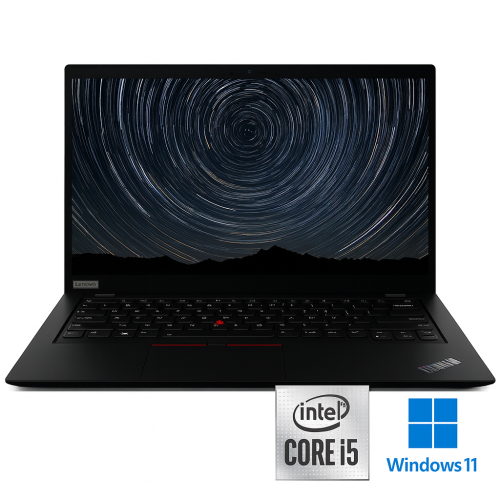
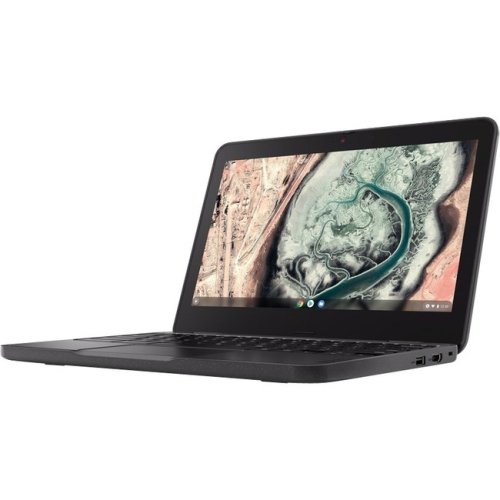
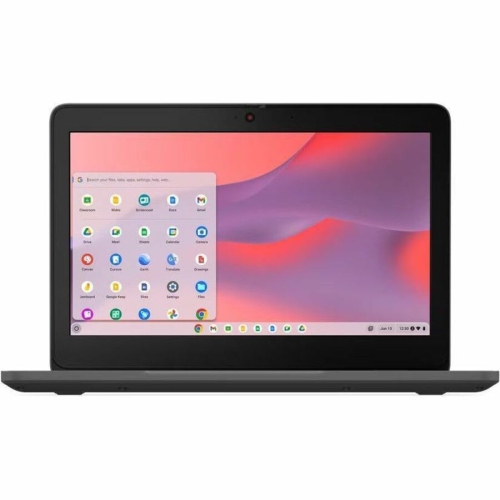
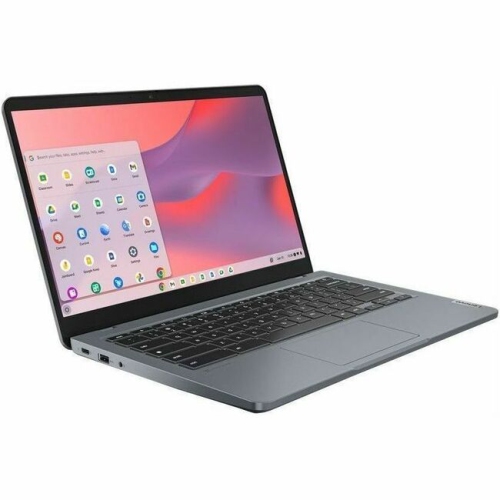
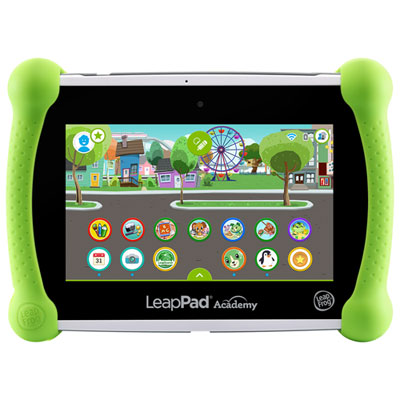
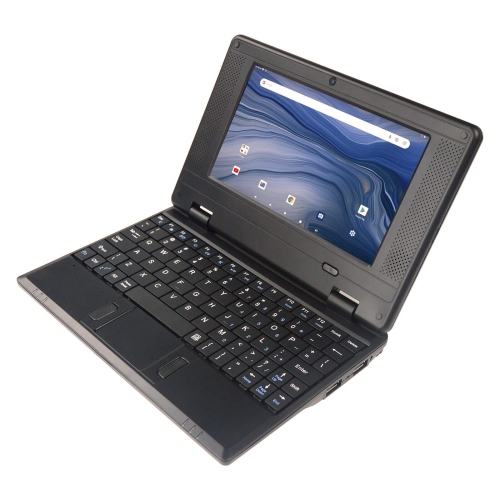
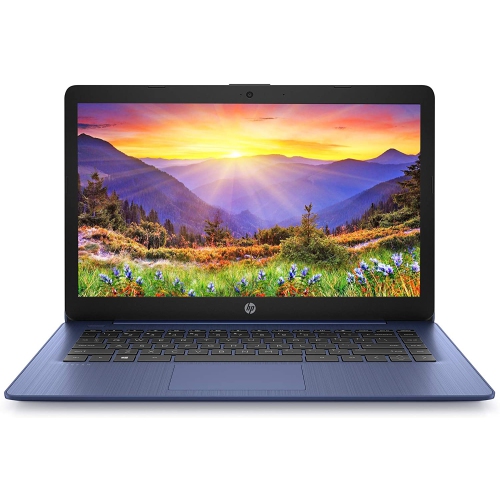
Laptops for kids’ schoolwork give young learners a dedicated place to write stories, practise maths, research projects, and join classroom activities online. The right fit depends on the child’s grade, the school’s software requirements, and how often the computer travels between home and the classroom. For elementary students who mostly use online learning platforms, a lightweight, browser-focused laptop can keep everyday tasks straightforward without adding features they may not need. Older students may need a laptop that runs installed applications for coding, media projects, or more advanced coursework. Compatibility with school-approved programs matters more than choosing by age alone: a device that opens assignments easily and supports the required testing tools is better suited to school than one chosen only for its appearance. Everyday school laptops commonly combine a built-in keyboard, a webcam, speakers, and Wi-Fi connectivity, giving children the essentials for written assignments and video calls in one portable device. A traditional clamshell design suits typing and research, while a convertible laptop with a touchscreen can also support drawing, annotating documents, or interacting with learning activities. Pen support varies, so a touchscreen does not automatically mean a laptop works with an active stylus. For families browsing Laptops for Children, school use adds practical priorities such as manageable weight, comfortable typing, and enough battery life to move between lessons without frequent charging. These details make a difference when a child is carrying a lunch bag and books alongside a computer, or settling at the kitchen table to finish a presentation. A laptop given as a gift for an educational milestone can be especially useful when its operating system and features match the recipient’s school requirements. Younger children also benefit from a straightforward setup with clearly organized files and bookmarks, while students becoming more independent may appreciate room for personal projects alongside their coursework. A shared family laptop can serve this purpose too, provided separate user accounts keep assignments, settings, and personal files distinct.
Size and construction shape how comfortably a school laptop fits into a child’s routine. An 11- to 13-inch screen can make a device easier to carry and position on a smaller desk, while a 14- to 15-inch screen offers more space for reading documents or viewing research beside a draft. Overall dimensions and weight still matter, since two laptops with similar screen sizes can feel quite different in a backpack. A bright, clear display with an anti-glare finish can help reduce distracting reflections from windows or overhead lights; it does not, however, make the laptop more resistant to knocks. Display resolution also affects how crisp text appears, particularly when a student spends time reading worksheets or editing paragraphs. Keyboard comfort deserves equal attention. Clearly marked keys, sensible spacing, and a responsive touchpad can make learning to type less frustrating, whether a child is entering a short answer or composing several pages. For longer homework sessions, a raised screen paired with an external keyboard and mouse can help create a more comfortable desk setup. Plastic housings can keep weight manageable, while metal housings may feel more rigid, but material alone does not establish durability. Hinge construction, chassis design, and any documented drop or spill testing provide more useful context. Reinforced corners and spill-resistant keyboards may offer added protection where specified, although spill resistance should never be treated as waterproofing. A padded sleeve that fits the laptop closely helps separate it from pencil cases and other objects during travel. Carrying the device by its base rather than its screen, closing it before moving between rooms, and keeping drinks away from the keyboard all support everyday care. Cleaning also stays simple: a soft, lint-free cloth is suitable for routine wiping, with any cleaning solution used according to the manufacturer’s directions rather than sprayed directly onto the laptop. Ventilation openings need clear space, making a desk or table a better working surface than a blanket or cushion that could restrict airflow.
Performance needs become clearer when schoolwork is considered as a set of everyday tasks rather than a list of specifications. A student writing a report with several research tabs open and a classroom call running needs more working memory than a child using one learning activity at a time. For many general-purpose school laptops, 8GB of memory is a practical starting point for everyday multitasking, while 16GB can provide more headroom for heavier applications and growing workloads. Requirements vary by operating system and software, and some browser-focused devices handle basic tasks with less. Solid-state storage helps applications and files open promptly, while the capacity needed depends on whether assignments live mainly in school-managed online storage or include downloaded videos, photos, and larger project files. Internet access remains important for online platforms, and offline editing is useful only when the chosen applications support it and files have been made accessible in advance. Battery life also deserves a realistic reading. An advertised rating of around 10 hours can be a useful comparison point for a school day, but video calls, screen brightness, and demanding programs can shorten actual runtime. A manageable charger and a reliable charging routine still have a place in the school bag. Connection options matter when attaching headphones, a mouse, an external display, or a classroom accessory; USB-C ports can support different functions, so charging and display capabilities need to be confirmed for the particular laptop. A clear webcam and microphone help teachers hear spoken answers, while a headset can reduce distractions during shared-space homework. Family account controls, content filters, and screen-time settings can support age-appropriate use where available, though school-managed accounts may have their own restrictions. Automatic updates, strong passwords, and regular file backups help protect both the device and the work stored on it. Together, compatible software, comfortable hardware, and dependable everyday performance make a school laptop useful for everything from an early spelling assignment to a carefully edited group presentation.
Size and construction shape how comfortably a school laptop fits into a child’s routine. An 11- to 13-inch screen can make a device easier to carry and position on a smaller desk, while a 14- to 15-inch screen offers more space for reading documents or viewing research beside a draft. Overall dimensions and weight still matter, since two laptops with similar screen sizes can feel quite different in a backpack. A bright, clear display with an anti-glare finish can help reduce distracting reflections from windows or overhead lights; it does not, however, make the laptop more resistant to knocks. Display resolution also affects how crisp text appears, particularly when a student spends time reading worksheets or editing paragraphs. Keyboard comfort deserves equal attention. Clearly marked keys, sensible spacing, and a responsive touchpad can make learning to type less frustrating, whether a child is entering a short answer or composing several pages. For longer homework sessions, a raised screen paired with an external keyboard and mouse can help create a more comfortable desk setup. Plastic housings can keep weight manageable, while metal housings may feel more rigid, but material alone does not establish durability. Hinge construction, chassis design, and any documented drop or spill testing provide more useful context. Reinforced corners and spill-resistant keyboards may offer added protection where specified, although spill resistance should never be treated as waterproofing. A padded sleeve that fits the laptop closely helps separate it from pencil cases and other objects during travel. Carrying the device by its base rather than its screen, closing it before moving between rooms, and keeping drinks away from the keyboard all support everyday care. Cleaning also stays simple: a soft, lint-free cloth is suitable for routine wiping, with any cleaning solution used according to the manufacturer’s directions rather than sprayed directly onto the laptop. Ventilation openings need clear space, making a desk or table a better working surface than a blanket or cushion that could restrict airflow.
Performance needs become clearer when schoolwork is considered as a set of everyday tasks rather than a list of specifications. A student writing a report with several research tabs open and a classroom call running needs more working memory than a child using one learning activity at a time. For many general-purpose school laptops, 8GB of memory is a practical starting point for everyday multitasking, while 16GB can provide more headroom for heavier applications and growing workloads. Requirements vary by operating system and software, and some browser-focused devices handle basic tasks with less. Solid-state storage helps applications and files open promptly, while the capacity needed depends on whether assignments live mainly in school-managed online storage or include downloaded videos, photos, and larger project files. Internet access remains important for online platforms, and offline editing is useful only when the chosen applications support it and files have been made accessible in advance. Battery life also deserves a realistic reading. An advertised rating of around 10 hours can be a useful comparison point for a school day, but video calls, screen brightness, and demanding programs can shorten actual runtime. A manageable charger and a reliable charging routine still have a place in the school bag. Connection options matter when attaching headphones, a mouse, an external display, or a classroom accessory; USB-C ports can support different functions, so charging and display capabilities need to be confirmed for the particular laptop. A clear webcam and microphone help teachers hear spoken answers, while a headset can reduce distractions during shared-space homework. Family account controls, content filters, and screen-time settings can support age-appropriate use where available, though school-managed accounts may have their own restrictions. Automatic updates, strong passwords, and regular file backups help protect both the device and the work stored on it. Together, compatible software, comfortable hardware, and dependable everyday performance make a school laptop useful for everything from an early spelling assignment to a carefully edited group presentation.
Top selling and popular products
-
 Your price for this item is $449
 -
 Your price for this item is $3099
 -
 Your price for this item is $299.95
 -
 Your price for this item is $664.05
 -
 Your price for this item is $599.68
 -
 Your price for this item is $869.99
 -
 Your price for this item is $259
 -
 Your price for this item is $418.98
Discover more categories related to Laptops for Kids School
Top Collections:
Pokemon Centers, Kindle Devices, Best Budget Office Chairs, Apple iPhones 16, Best Laptops for Writers, iPhone 15 Apple, Canon G7X Cameras, Refurbished Apple Laptops, Alarm Clock, Motorola Razr Phones
Some products may be subject to Environmental Handling Fees
(EHF) depending on your province.
Learn more about EHFs.