Laptops for Graphic Design and Gaming
Laptops for Graphic Design and Gaming are engineered to keep up with demanding creative projects and immersive gameplay. Whether you’re editing high-resolution images, rendering complex graphics, or exploring the latest gaming worlds, these laptops deliver the performance and reliability needed for both work and play. Discover options designed to support your creativity and entertainment, making it easy to tackle intensive tasks and enjoy smooth, vibrant visuals. Find the perfect balance of power and versatility with Laptops for Graphic Design and Gaming.
Sort

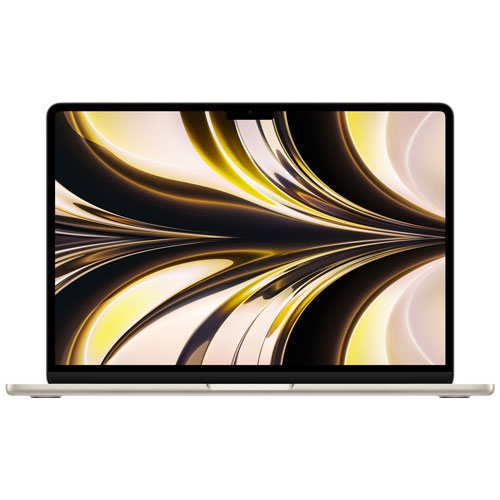




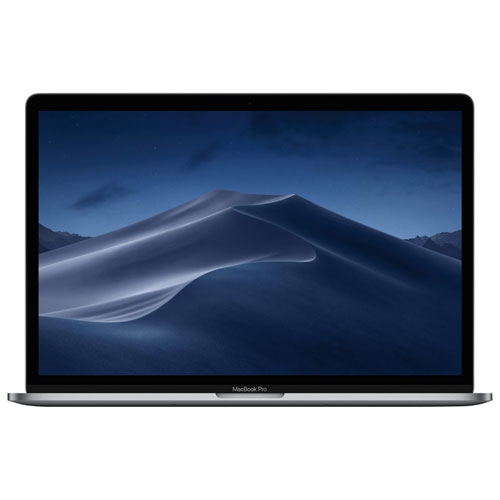
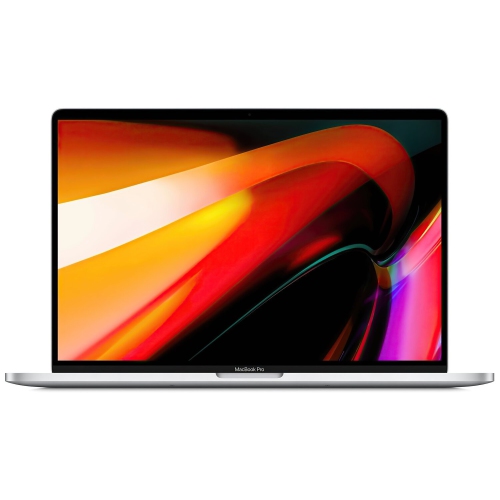
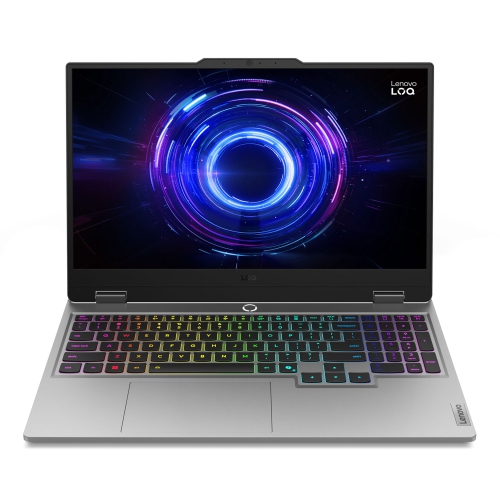
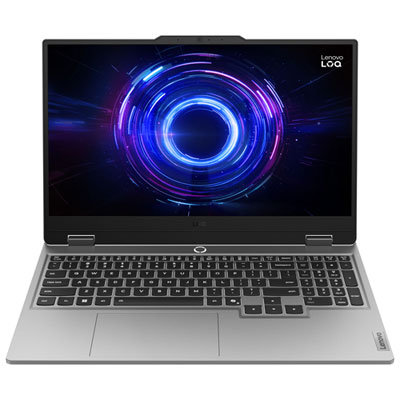
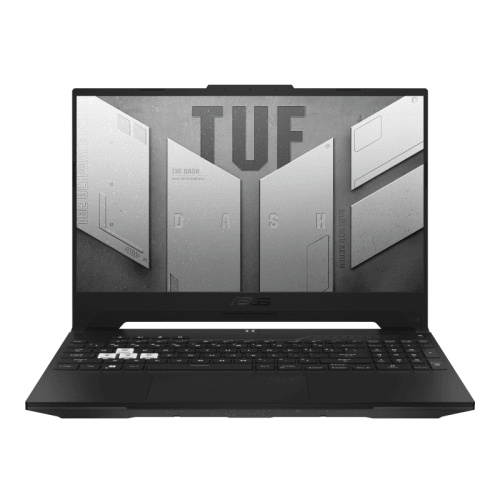
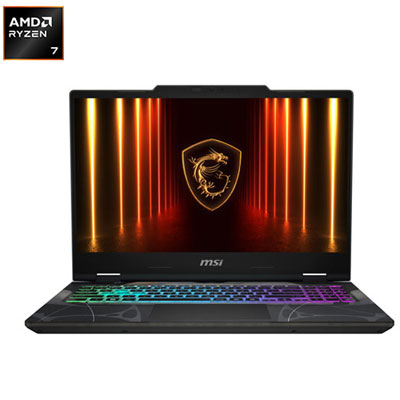
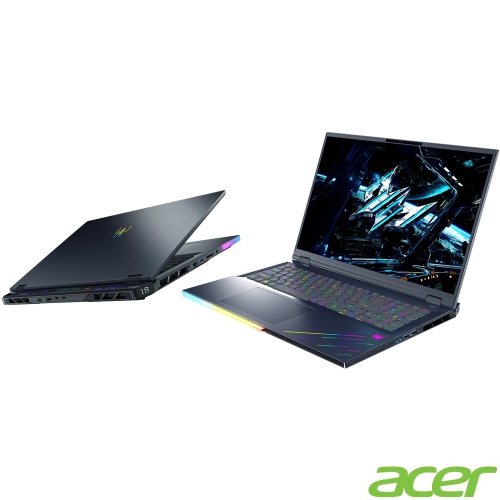
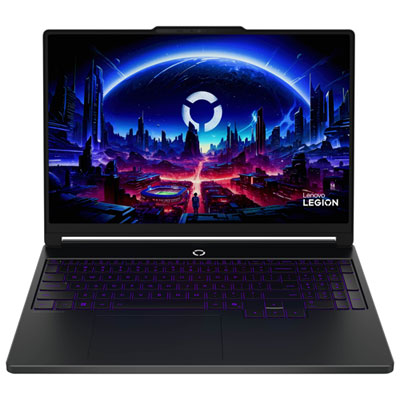
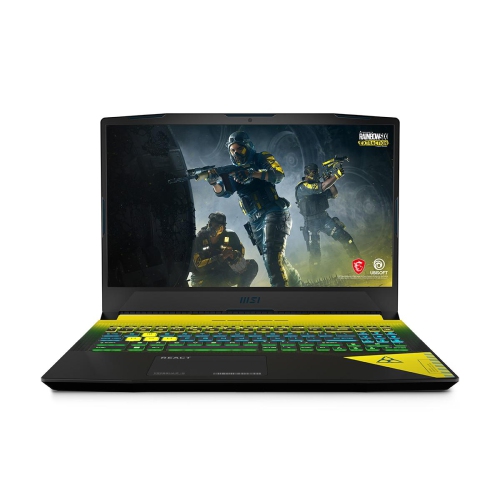
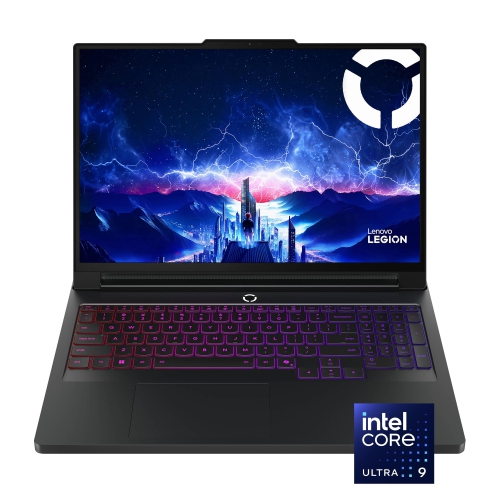
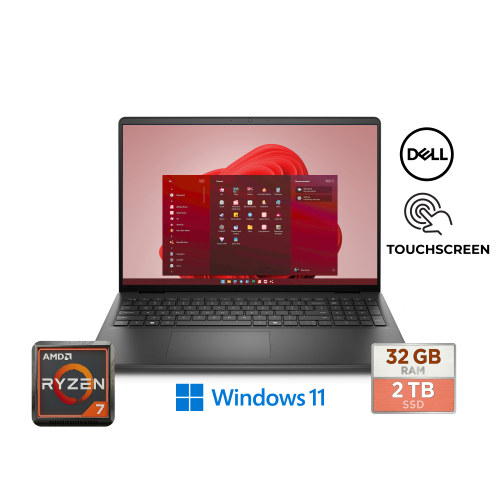
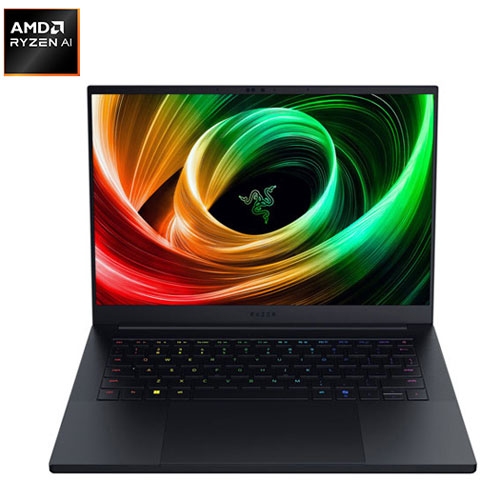
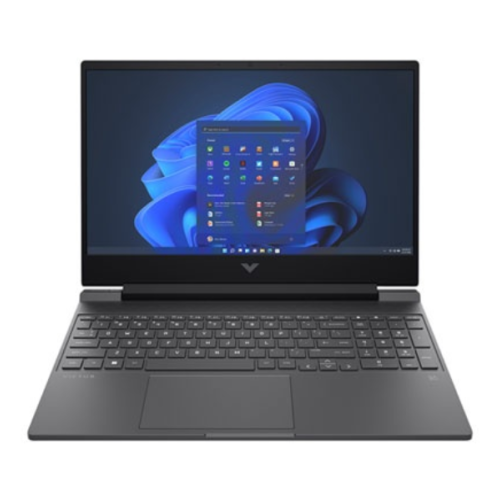
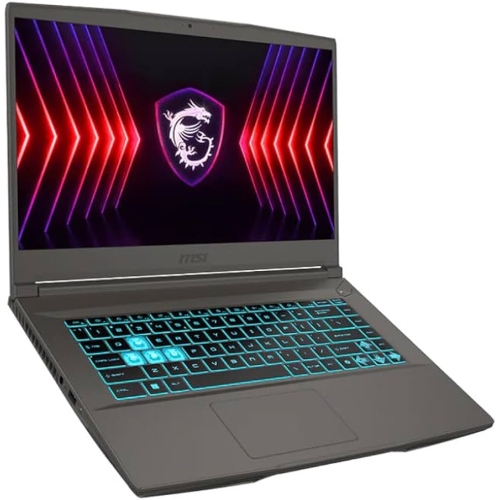
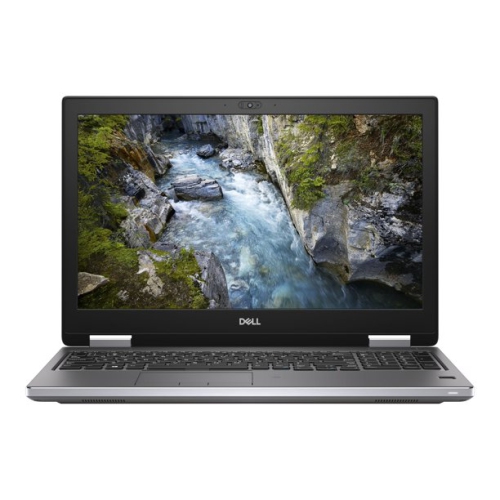
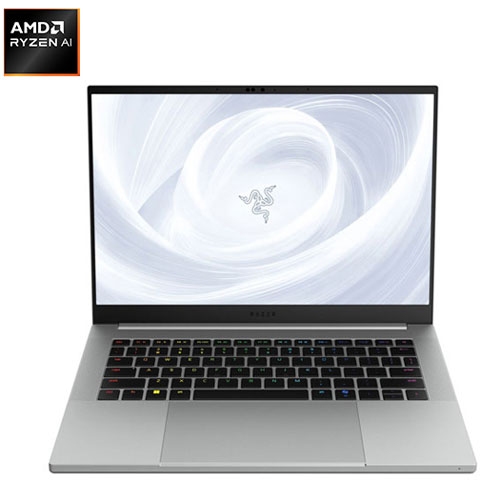
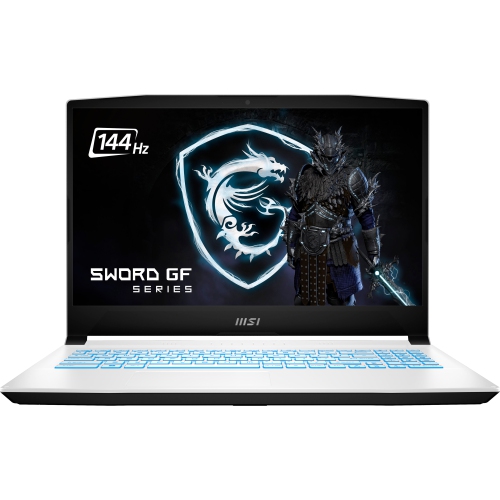
Smooth gameplay does not guarantee colour accuracy
Laptops for graphic design and gaming bring creative work and interactive entertainment together in a portable computer. Both uses benefit from responsive processing, capable graphics, and a clear display, but the balance matters: a laptop that delivers fast gameplay does not automatically offer the colour accuracy needed for a client’s brand artwork. For someone moving between illustration, photo editing, page layouts, and games, a well-rounded configuration combines a modern multi-core processor, sufficient memory, solid-state storage, and graphics hardware suited to the actual workload. A dedicated graphics processor is particularly useful for demanding games, GPU-accelerated effects, and 3D rendering, while lighter two-dimensional design work and less demanding games may run comfortably on capable integrated graphics. Performance also depends on the laptop’s power limits and cooling design, so a graphics processor’s name alone does not tell the whole story. Memory makes a noticeable difference when several applications are open. For many mixed-use workloads, 16GB of RAM is a practical starting point, while 32GB provides more breathing room for layered image files, large asset libraries, and multitasking. Complex 3D scenes or especially large creative projects can justify more. A solid-state drive helps applications launch promptly and makes opening and saving projects more responsive; it does not replace adequate RAM or graphics performance. A 1TB drive can be a useful starting capacity when design files and several large games share the same computer, although storage needs vary considerably. Expandable storage and upgradeable memory offer flexibility where supported, while soldered components make the original configuration more important. Students building portfolios, freelance designers working away from a desk, and players who also create digital artwork can all benefit from this combination of capabilities. The most suitable laptop is not necessarily the one with the highest specification in every category, but the one whose strengths match the applications, project sizes, and games it will handle regularly. A typography assignment, a detailed architectural visualization, and a fast-paced multiplayer match place quite different demands on the same machine.
The display is where graphic design and gaming priorities meet most visibly. For design work, colour accuracy, colour gamut coverage, resolution, and brightness help determine how confidently an image can be assessed. Full or near-full sRGB coverage is useful for web graphics and much everyday digital content; wider-gamut coverage can support other creative workflows when the software and colour settings are managed correctly. Gamut coverage and accuracy are separate qualities, so a vivid-looking screen is not, by itself, proof that colours are faithful. Factory calibration and published colour-accuracy measurements can provide useful context, while colour-managed applications and periodic calibration help maintain consistency for colour-critical work. OLED displays offer deep blacks and strong contrast, while good IPS displays can provide wide viewing angles and consistent colour. Panel quality varies within both types, and prolonged static interfaces warrant attention to the manufacturer’s screen-care features on OLED models. Resolution affects workspace as well as detail: a higher-resolution panel can make fine edges and small text clearer, though interface scaling influences how much fits comfortably on screen. A 16:10 aspect ratio provides additional vertical room compared with a similarly sized 16:9 display, which can help when arranging toolbars around a canvas. For gaming, refresh rate and pixel response time influence motion clarity, and adaptive sync can reduce visible tearing when supported. A 144Hz or faster display can make fast-moving games look smoother, but the graphics hardware still needs to produce suitable frame rates. Higher native resolutions increase the rendering load, so maximum detail and maximum speed are not always achievable together. A 14-inch laptop is easier to carry between classes or appointments, whereas a 16-inch or larger model offers more space for timelines, palettes, and side-by-side windows. Screen finish matters, too: matte surfaces help control distracting reflections, while glossy surfaces can look striking but reflect nearby lights. For workflows that include motion graphics, recorded gameplay, or longer timelines, laptops for video editing and gaming share many of the same processing, memory, and display priorities.
Everyday comfort and construction deserve as much attention as headline performance. Aluminium and magnesium-alloy housings can provide rigidity, while well-built plastic housings may offer a practical balance of strength and weight; materials alone do not establish durability. Hinge stability, keyboard flex, and the way the base supports the display all affect how a laptop feels through repeated opening, typing, and travel. A comfortable keyboard and accurate touchpad are valuable during layout revisions or coursework, even when a mouse or drawing tablet handles more precise tasks at a desk. Port placement can make that desk easier to organize: a charging cable or display cable routed away from the mouse hand leaves more room to work. External monitor support, USB connections for creative peripherals, and a card reader where needed can reduce reliance on adapters. USB-C ports do not all support the same charging, display, or data capabilities, so their stated functions matter more than connector shape. Reliable Wi-Fi supports downloads, collaboration, and online play, while a wired network connection can offer more consistent latency when available. Operating-system compatibility is equally important because design applications, plug-ins, game libraries, and anti-cheat systems do not all work across every platform. Battery-life figures also need context: browsing or writing typically draws much less power than rendering or gaming, and many performance laptops deliver their strongest results with the appropriate power adapter connected. The adapter’s size and weight belong in any assessment of portability. Keeping ventilation openings clear and using the laptop on a firm surface helps its cooling system work as intended; fabric bedding or soft cushions can obstruct airflow. A padded sleeve protects against everyday scuffs during transport, and screen cleaning should follow the manufacturer’s directions, using suitable materials rather than household sprays. Regular backups protect project files separately from the games and applications installed on the drive. As a gift for a design student, digital artist, or enthusiastic gamer, a dual-purpose laptop is most useful when it matches the recipient’s required software, preferred games, workspace, and carrying routine. Those practical details turn shared performance capabilities into a computer that fits both focused creative sessions and time spent playing.
The display is where graphic design and gaming priorities meet most visibly. For design work, colour accuracy, colour gamut coverage, resolution, and brightness help determine how confidently an image can be assessed. Full or near-full sRGB coverage is useful for web graphics and much everyday digital content; wider-gamut coverage can support other creative workflows when the software and colour settings are managed correctly. Gamut coverage and accuracy are separate qualities, so a vivid-looking screen is not, by itself, proof that colours are faithful. Factory calibration and published colour-accuracy measurements can provide useful context, while colour-managed applications and periodic calibration help maintain consistency for colour-critical work. OLED displays offer deep blacks and strong contrast, while good IPS displays can provide wide viewing angles and consistent colour. Panel quality varies within both types, and prolonged static interfaces warrant attention to the manufacturer’s screen-care features on OLED models. Resolution affects workspace as well as detail: a higher-resolution panel can make fine edges and small text clearer, though interface scaling influences how much fits comfortably on screen. A 16:10 aspect ratio provides additional vertical room compared with a similarly sized 16:9 display, which can help when arranging toolbars around a canvas. For gaming, refresh rate and pixel response time influence motion clarity, and adaptive sync can reduce visible tearing when supported. A 144Hz or faster display can make fast-moving games look smoother, but the graphics hardware still needs to produce suitable frame rates. Higher native resolutions increase the rendering load, so maximum detail and maximum speed are not always achievable together. A 14-inch laptop is easier to carry between classes or appointments, whereas a 16-inch or larger model offers more space for timelines, palettes, and side-by-side windows. Screen finish matters, too: matte surfaces help control distracting reflections, while glossy surfaces can look striking but reflect nearby lights. For workflows that include motion graphics, recorded gameplay, or longer timelines, laptops for video editing and gaming share many of the same processing, memory, and display priorities.
Everyday comfort and construction deserve as much attention as headline performance. Aluminium and magnesium-alloy housings can provide rigidity, while well-built plastic housings may offer a practical balance of strength and weight; materials alone do not establish durability. Hinge stability, keyboard flex, and the way the base supports the display all affect how a laptop feels through repeated opening, typing, and travel. A comfortable keyboard and accurate touchpad are valuable during layout revisions or coursework, even when a mouse or drawing tablet handles more precise tasks at a desk. Port placement can make that desk easier to organize: a charging cable or display cable routed away from the mouse hand leaves more room to work. External monitor support, USB connections for creative peripherals, and a card reader where needed can reduce reliance on adapters. USB-C ports do not all support the same charging, display, or data capabilities, so their stated functions matter more than connector shape. Reliable Wi-Fi supports downloads, collaboration, and online play, while a wired network connection can offer more consistent latency when available. Operating-system compatibility is equally important because design applications, plug-ins, game libraries, and anti-cheat systems do not all work across every platform. Battery-life figures also need context: browsing or writing typically draws much less power than rendering or gaming, and many performance laptops deliver their strongest results with the appropriate power adapter connected. The adapter’s size and weight belong in any assessment of portability. Keeping ventilation openings clear and using the laptop on a firm surface helps its cooling system work as intended; fabric bedding or soft cushions can obstruct airflow. A padded sleeve protects against everyday scuffs during transport, and screen cleaning should follow the manufacturer’s directions, using suitable materials rather than household sprays. Regular backups protect project files separately from the games and applications installed on the drive. As a gift for a design student, digital artist, or enthusiastic gamer, a dual-purpose laptop is most useful when it matches the recipient’s required software, preferred games, workspace, and carrying routine. Those practical details turn shared performance capabilities into a computer that fits both focused creative sessions and time spent playing.
Top selling and popular products
-
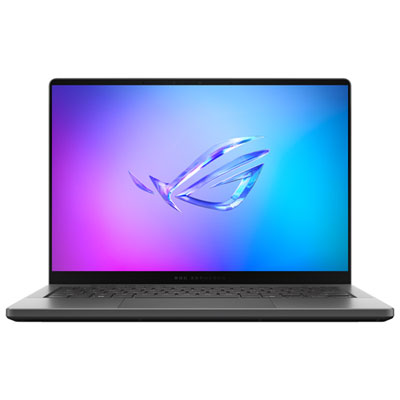 Your price for this item is $3299.99
 -
 Your price for this item is $3149
 -
 Your price for this item is $3399
 -
 Your price for this item is $3699
 -
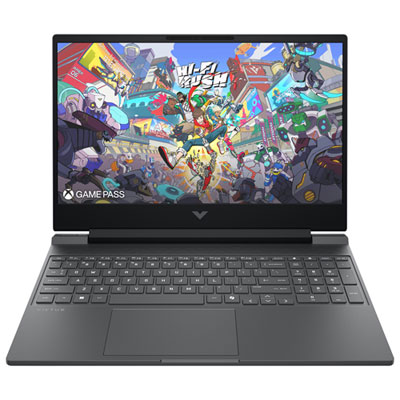 Your price for this item is $999.99
 -
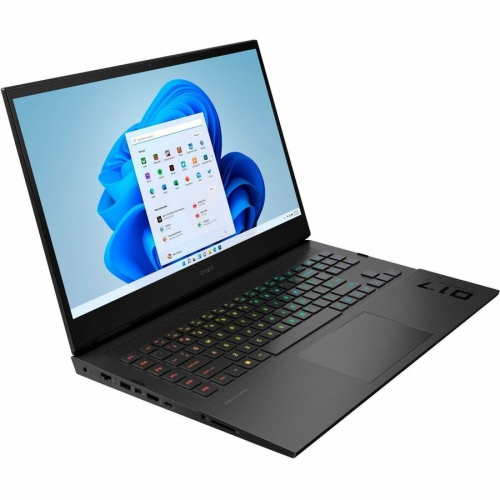 Your price for this item is $4118.21
 -
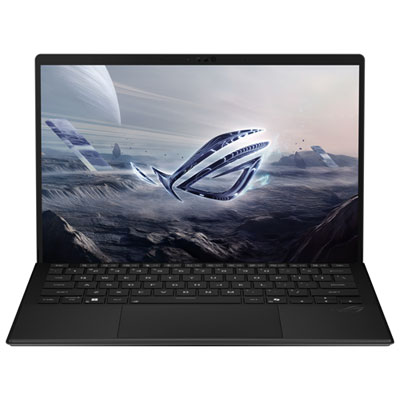 Your price for this item is $3099.99
 -
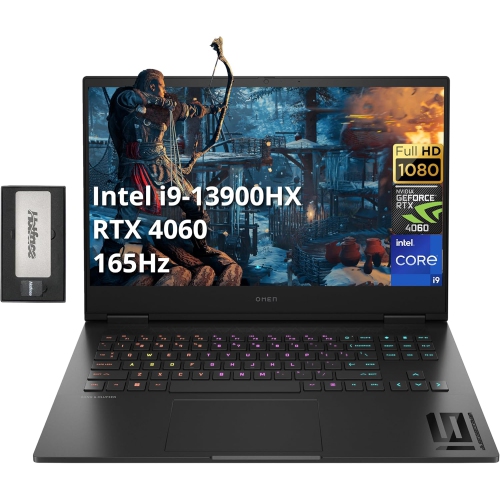 Your price for this item is $2199
Discover more categories related to Laptops for Graphic Design and Gaming
Top Collections:
Pokemon Centers, Kindle Devices, Best Budget Office Chairs, Apple iPhones 16, Best Laptops for Writers, iPhone 15 Apple, Canon G7X Cameras, Refurbished Apple Laptops, Alarm Clock, Motorola Razr Phones
Some products may be subject to Environmental Handling Fees
(EHF) depending on your province.
Learn more about EHFs.