Laptops for Real Estate Agents
Laptops for Real Estate Agents are essential tools for managing listings, communicating with clients, and staying organized on the go. Whether you’re preparing presentations, updating property details, or handling virtual meetings, the right laptop can help streamline your workflow and keep you connected wherever your business takes you. Explore a wide selection of laptops designed to support the fast-paced demands of real estate professionals and find the perfect fit to boost productivity in every aspect of your career.
Sort


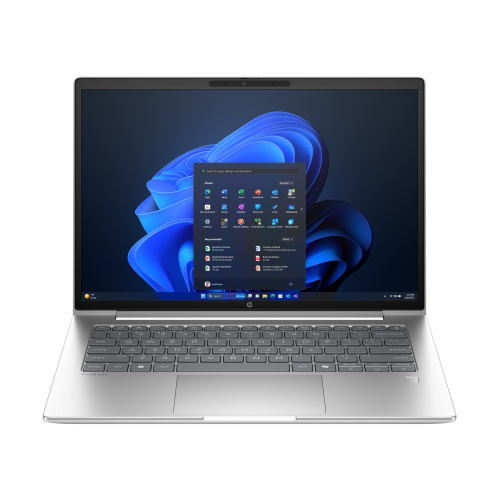
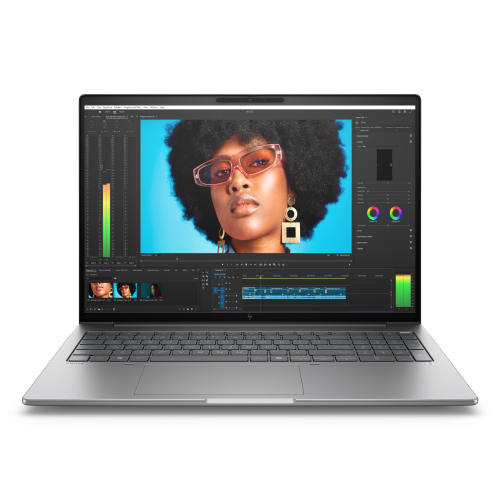
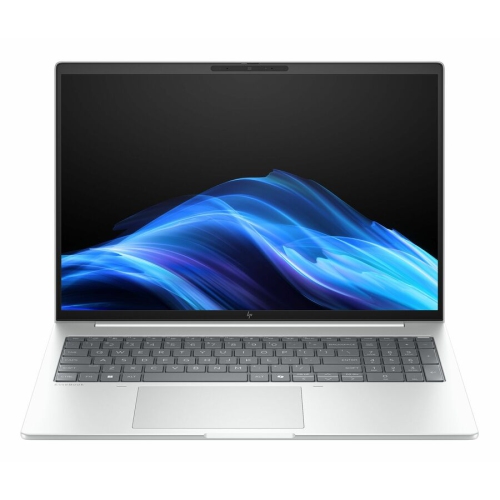
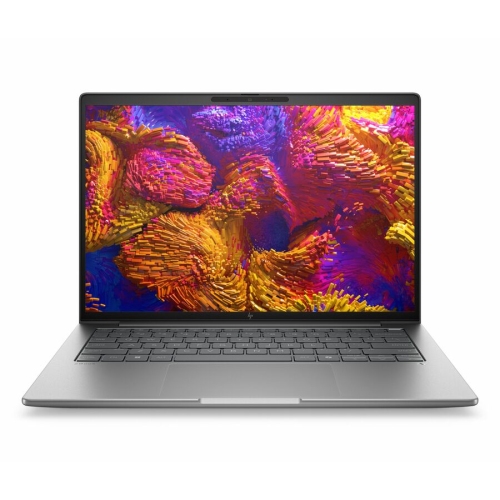
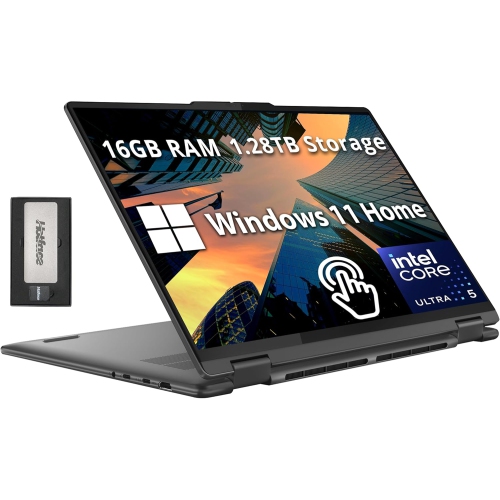
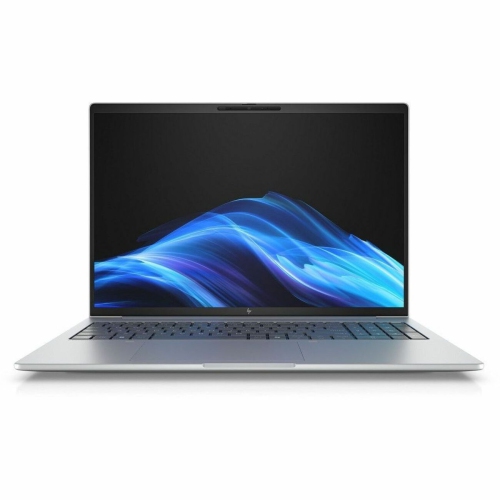
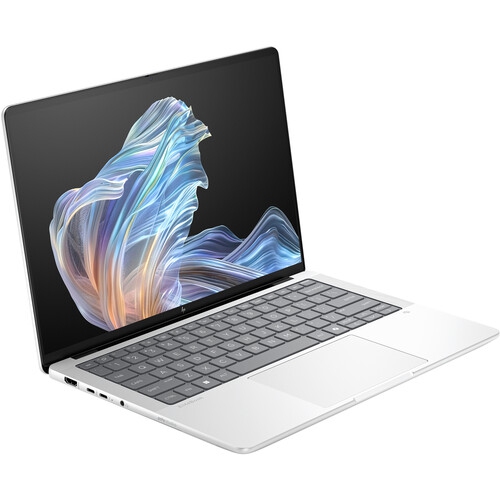
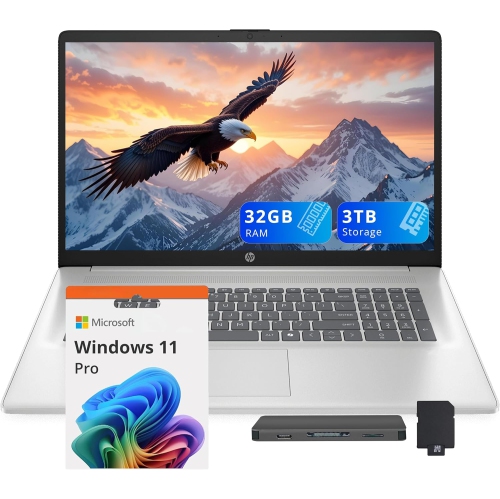
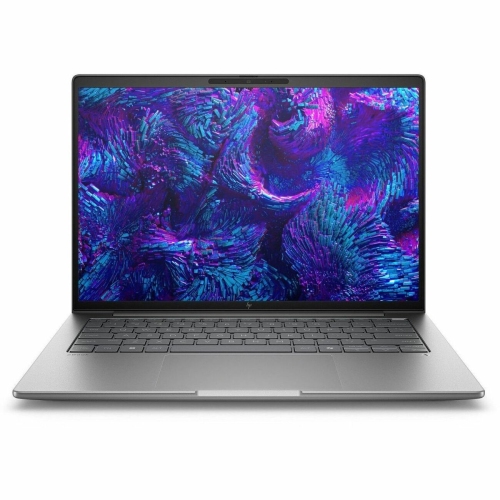
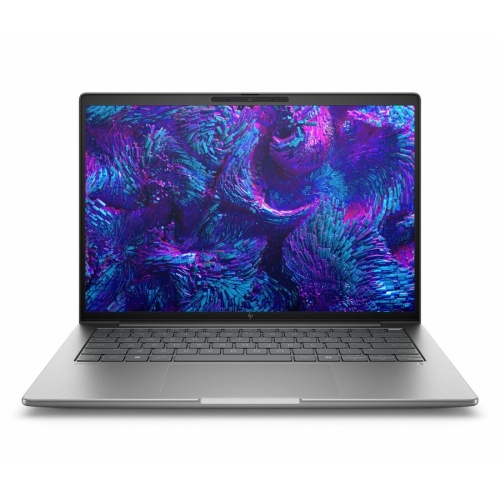
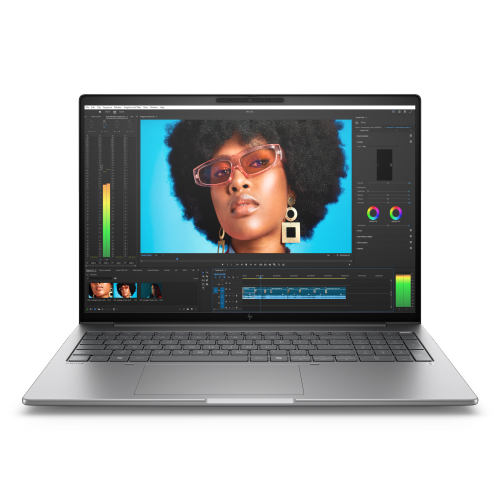
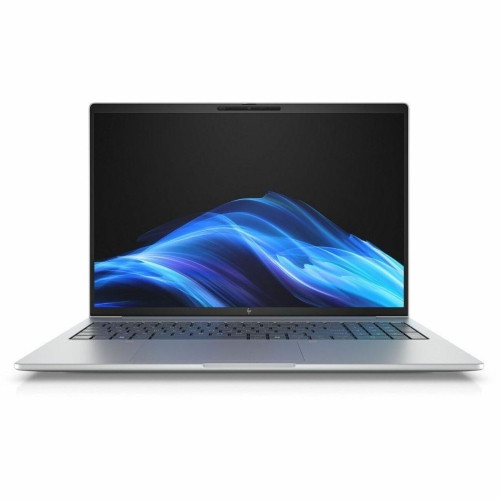
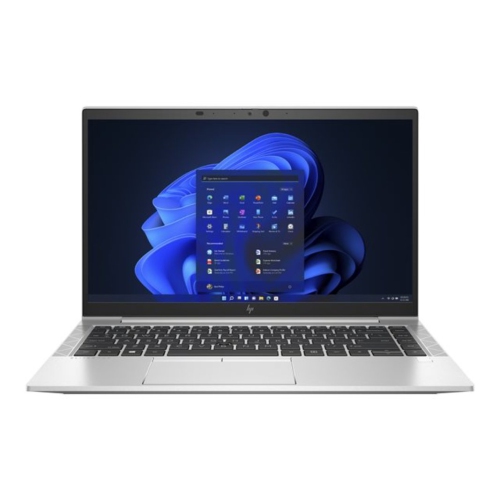
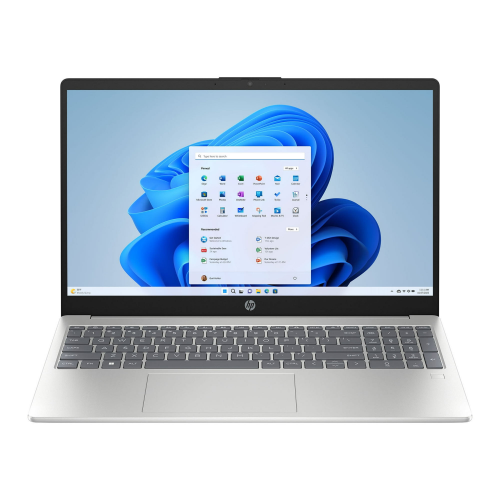
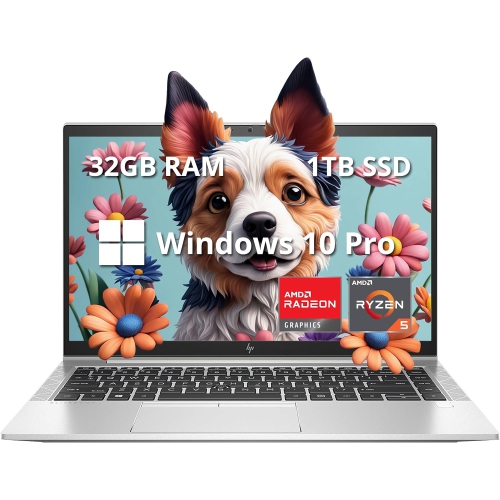
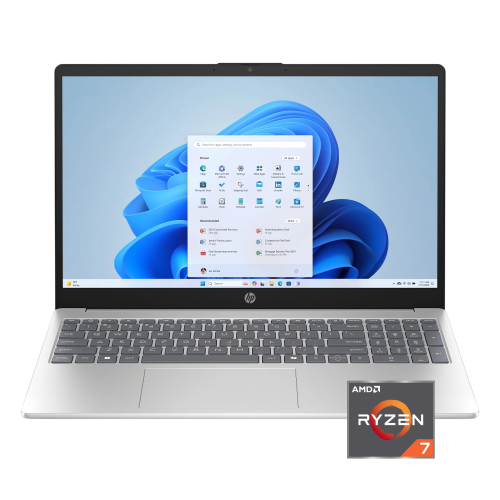
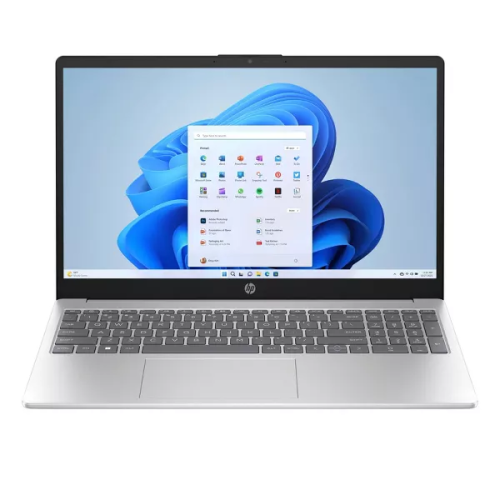
Portable performance for property research and client meetings
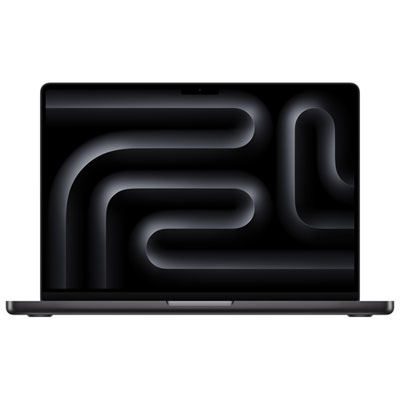
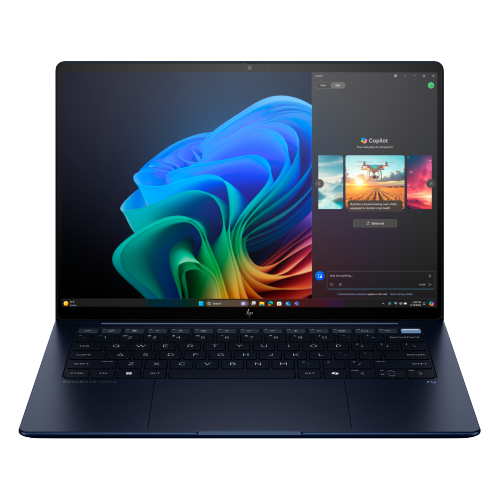
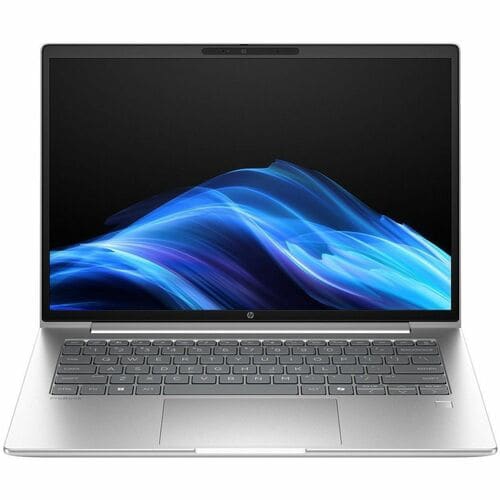
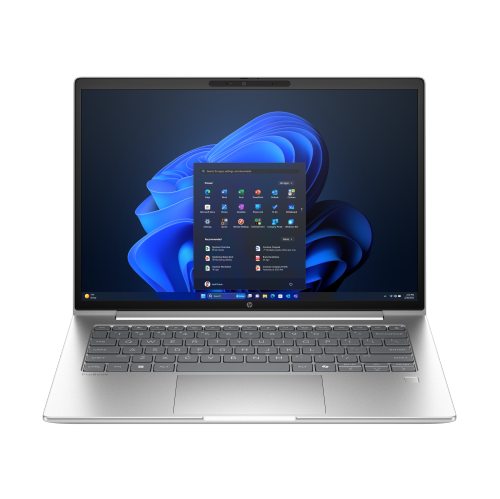
Laptops for real estate agents bring property research, client communication, listing presentations, and paperwork together on a device that can travel between the office and appointments. A practical fit for this work combines a lightweight build, comfortable keyboard, clear display, and enough processing power to keep several business tools running at once. For agents who regularly work with listing databases, customer relationship management software, spreadsheets, and video calls, 16GB of memory is a useful starting point for multitasking. More memory can be worthwhile when large photo libraries, video editing, or especially demanding applications are part of the routine. A solid-state drive helps applications open quickly and makes moving between documents feel responsive; 512GB provides useful room for business applications and local files, while larger capacities suit agents who keep substantial photo and video collections on the laptop. Storage needs depend on how much material stays on the device rather than in approved online storage. Processor requirements also vary: everyday browser-based work generally needs less power than editing a walkthrough video or preparing image-heavy marketing materials. Portability matters just as much when a laptop comes out of a shoulder bag several times a day. Models around 1.6 kg or less can be easier to carry, although the charger and any adapters add to the total weight. A 13-inch or 14-inch screen often balances viewing space with a manageable footprint on a small meeting table. Larger screens give spreadsheets, floor plans, and side-by-side documents more room, but take up more space in a bag. Battery capacity deserves attention for days filled with client appointments, though actual runtime changes with screen brightness, video meetings, wireless connections, and workload. Published battery estimates are best treated as a point of comparison rather than a promise of uninterrupted use. For agents working away from a desk, convenient charging and a compact power adapter can matter as much as a slim profile.
Client-facing work puts particular emphasis on the screen, camera, microphone, and the way a laptop sits between people during a conversation. A clear display with wide viewing angles helps a couple compare listing photos without constantly repositioning the computer. Full HD resolution or higher can keep text and images well defined, while a taller screen shape provides more vertical space for contracts and property details. An anti-glare finish can make reflections less distracting under overhead lighting, and good colour accuracy is useful when reviewing property photography. Screen quality cannot correct a poorly exposed photograph, but it can make judging image edits easier. Convertible laptops add a hinge that folds the keyboard behind the display, creating a touch-friendly surface for reviewing a floor plan or walking a client through a presentation. A supported digital pen can help with annotations, although pen compatibility and whether a pen is included vary by model. Electronic signing also depends on the document platform: many services work with a keyboard and trackpad, so a touchscreen is a convenience rather than a universal requirement. Traditional clamshell laptops remain well suited to agents who spend more time typing descriptions, preparing offers, and working through spreadsheets. A comfortable keyboard, precise trackpad, and stable hinge become noticeable during those longer sessions. For remote consultations, a clear webcam and microphones that limit background noise help keep the discussion focused on the property rather than repeated requests to speak louder. Headphone connections, USB ports, and video outputs also affect daily convenience. USB-C can support charging, data, or an external display, but capabilities differ between ports and laptops. HDMI can simplify connecting to a meeting-room screen, while a memory card reader may help agents who transfer photographs from a camera. Reliable Wi-Fi is important for online business tools, and phone hotspot compatibility offers another connection option where mobile service permits. For touch-first appointments where a full laptop may not be necessary, Tablets for Real Estate Agents offer another format to consider alongside the need for desktop applications and extended typing.
Handling offers, identity documents, and client contact details makes security and dependable file management central to a real estate laptop’s intended use. Fingerprint readers or facial sign-in can make access convenient, while device encryption and automatic screen locking help protect information if the computer is misplaced. These features work best alongside strong account passwords, multi-factor authentication, and brokerage-approved practices for storing and sharing documents. A privacy shutter provides a physical cover for the webcam, and a compatible privacy filter can reduce side-angle visibility when reviewing sensitive material in a shared space. Neither replaces care over what is displayed during a client meeting. Operating system compatibility is another important consideration, particularly when a brokerage relies on specific transaction software, accounting tools, browser extensions, or document templates. Confirming support for those tools helps prevent a portable computer from becoming an awkward fit for everyday tasks. Agents who divide their time between appointments and a permanent desk may also benefit from docking support for a monitor, keyboard, and wired network connection, with compatibility checked for the laptop and dock. Construction affects how well the device stands up to repeated packing and unpacking. Aluminium, magnesium alloy, and reinforced plastic housings each offer different balances of weight, stiffness, and finish; material alone does not establish durability. A firm hinge, well-supported keyboard deck, and clearly documented testing provide more useful context than appearance alone. A padded sleeve sized to the laptop helps protect it from contact with keys and other objects in a work bag. Keeping liquids separate, leaving ventilation openings clear, and cleaning the screen according to the manufacturer’s directions support routine care. Charging cables should be packed without tight bends or pressure on their connectors. Regular software updates and tested backups are equally valuable for keeping work accessible. Whether used by an independent agent, a team member, or a broker managing several transactions, the right laptop fits the actual rhythm of the job: quick notes after a showing, detailed paperwork at a desk, and a polished presentation when clients are ready to talk.
Client-facing work puts particular emphasis on the screen, camera, microphone, and the way a laptop sits between people during a conversation. A clear display with wide viewing angles helps a couple compare listing photos without constantly repositioning the computer. Full HD resolution or higher can keep text and images well defined, while a taller screen shape provides more vertical space for contracts and property details. An anti-glare finish can make reflections less distracting under overhead lighting, and good colour accuracy is useful when reviewing property photography. Screen quality cannot correct a poorly exposed photograph, but it can make judging image edits easier. Convertible laptops add a hinge that folds the keyboard behind the display, creating a touch-friendly surface for reviewing a floor plan or walking a client through a presentation. A supported digital pen can help with annotations, although pen compatibility and whether a pen is included vary by model. Electronic signing also depends on the document platform: many services work with a keyboard and trackpad, so a touchscreen is a convenience rather than a universal requirement. Traditional clamshell laptops remain well suited to agents who spend more time typing descriptions, preparing offers, and working through spreadsheets. A comfortable keyboard, precise trackpad, and stable hinge become noticeable during those longer sessions. For remote consultations, a clear webcam and microphones that limit background noise help keep the discussion focused on the property rather than repeated requests to speak louder. Headphone connections, USB ports, and video outputs also affect daily convenience. USB-C can support charging, data, or an external display, but capabilities differ between ports and laptops. HDMI can simplify connecting to a meeting-room screen, while a memory card reader may help agents who transfer photographs from a camera. Reliable Wi-Fi is important for online business tools, and phone hotspot compatibility offers another connection option where mobile service permits. For touch-first appointments where a full laptop may not be necessary, Tablets for Real Estate Agents offer another format to consider alongside the need for desktop applications and extended typing.
Handling offers, identity documents, and client contact details makes security and dependable file management central to a real estate laptop’s intended use. Fingerprint readers or facial sign-in can make access convenient, while device encryption and automatic screen locking help protect information if the computer is misplaced. These features work best alongside strong account passwords, multi-factor authentication, and brokerage-approved practices for storing and sharing documents. A privacy shutter provides a physical cover for the webcam, and a compatible privacy filter can reduce side-angle visibility when reviewing sensitive material in a shared space. Neither replaces care over what is displayed during a client meeting. Operating system compatibility is another important consideration, particularly when a brokerage relies on specific transaction software, accounting tools, browser extensions, or document templates. Confirming support for those tools helps prevent a portable computer from becoming an awkward fit for everyday tasks. Agents who divide their time between appointments and a permanent desk may also benefit from docking support for a monitor, keyboard, and wired network connection, with compatibility checked for the laptop and dock. Construction affects how well the device stands up to repeated packing and unpacking. Aluminium, magnesium alloy, and reinforced plastic housings each offer different balances of weight, stiffness, and finish; material alone does not establish durability. A firm hinge, well-supported keyboard deck, and clearly documented testing provide more useful context than appearance alone. A padded sleeve sized to the laptop helps protect it from contact with keys and other objects in a work bag. Keeping liquids separate, leaving ventilation openings clear, and cleaning the screen according to the manufacturer’s directions support routine care. Charging cables should be packed without tight bends or pressure on their connectors. Regular software updates and tested backups are equally valuable for keeping work accessible. Whether used by an independent agent, a team member, or a broker managing several transactions, the right laptop fits the actual rhythm of the job: quick notes after a showing, detailed paperwork at a desk, and a polished presentation when clients are ready to talk.
Top selling and popular products
-
 Your price for this item is $449
 -
 Your price for this item is $3099
 -
 Your price for this item is $299.95
 -
 Your price for this item is $664.05
 -
 Your price for this item is $599.68
 -
 Your price for this item is $869.99
 -
 Your price for this item is $259
 -
 Your price for this item is $418.98
Discover more categories related to Laptops for Real Estate Agents
Top Collections:
Pokemon Centers, Kindle Devices, Best Budget Office Chairs, Apple iPhones 16, Best Laptops for Writers, iPhone 15 Apple, Canon G7X Cameras, Refurbished Apple Laptops, Alarm Clock, Motorola Razr Phones
Some products may be subject to Environmental Handling Fees
(EHF) depending on your province.
Learn more about EHFs.