Large Scale Scanners
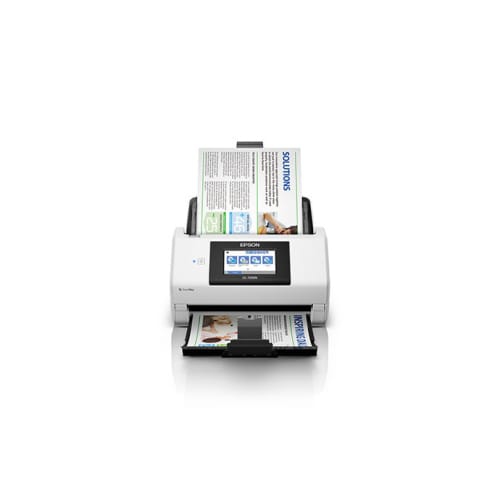
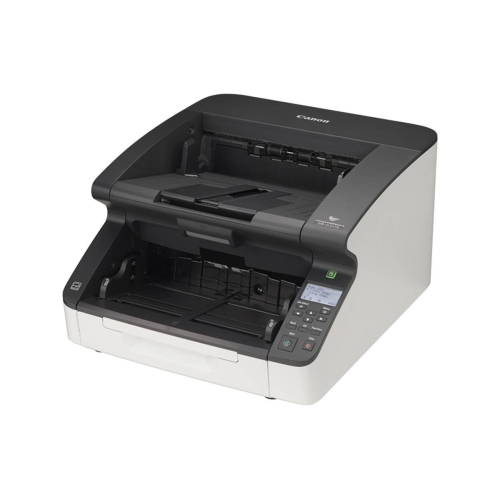
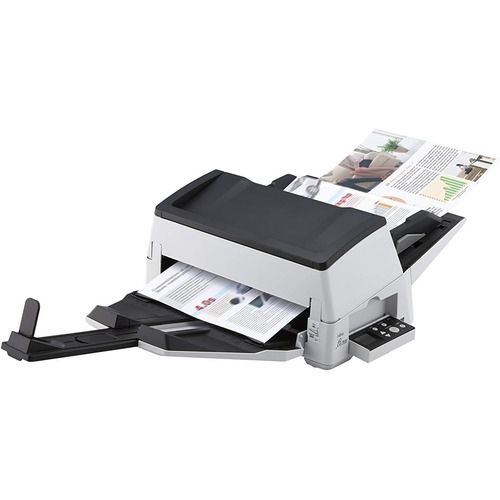
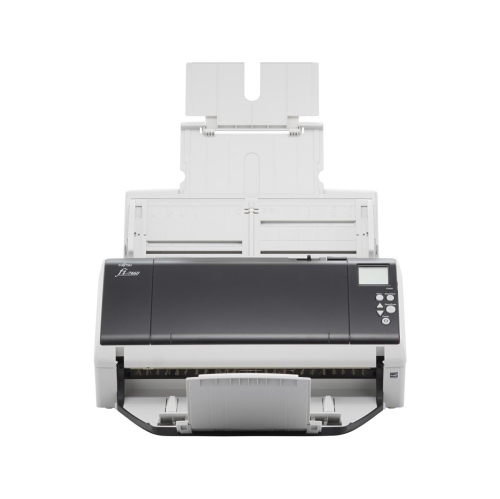
Looking to digitize your documents and streamline your workflow? Look no further than our selection of large scale scanners. These powerful devices are designed to handle high-volume scanning, making them perfect for businesses or individuals with a large number of documents to process. With their advanced features and capabilities, large scale scanners offer fast and efficient scanning, allowing you to save time and increase productivity. Whether you need to scan invoices, contracts, blueprints, or any other large-sized documents, our range of large scale scanners has got you covered. Explore our collection today and find the perfect scanner to meet your needs.
Sort


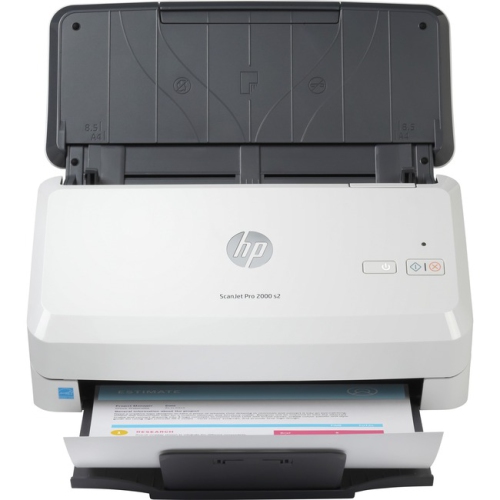
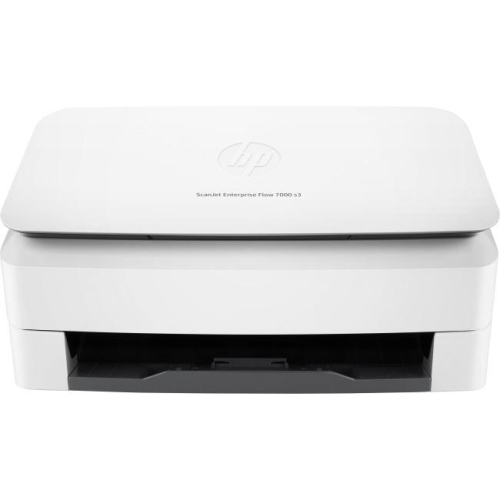
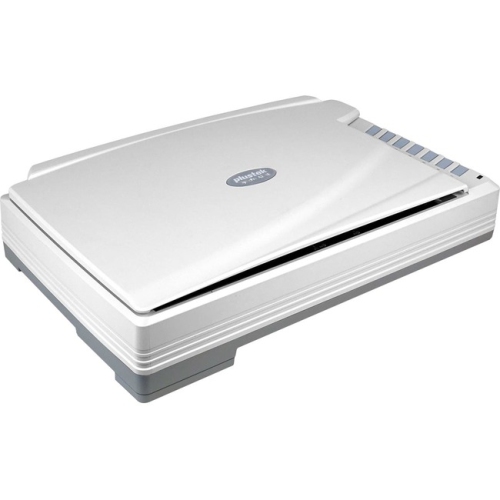
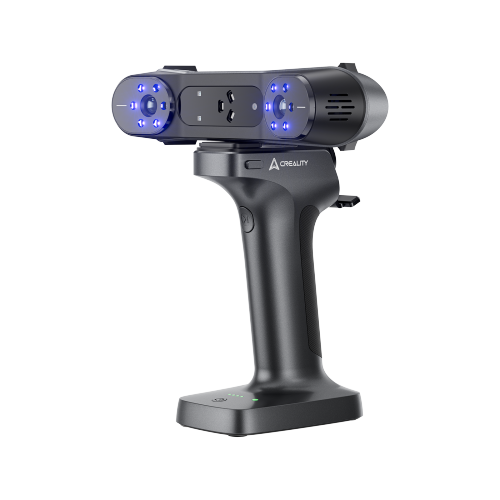
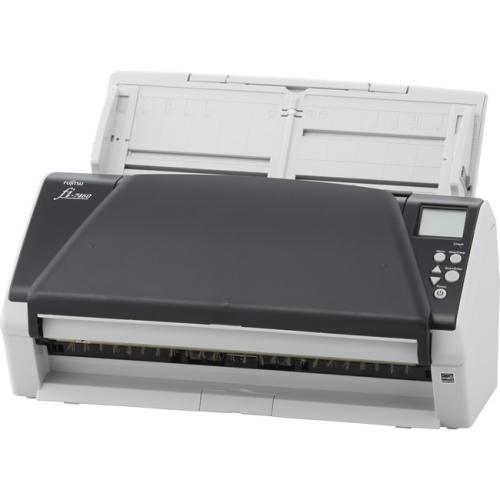
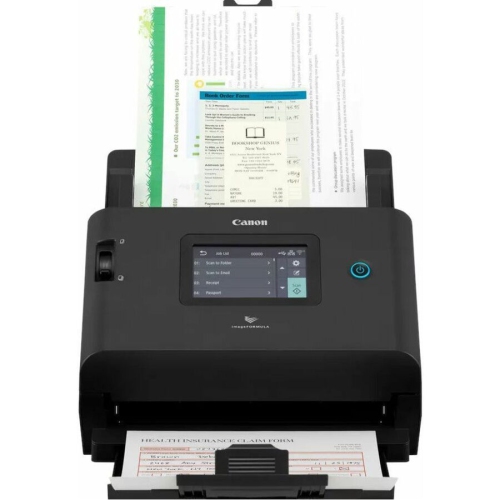
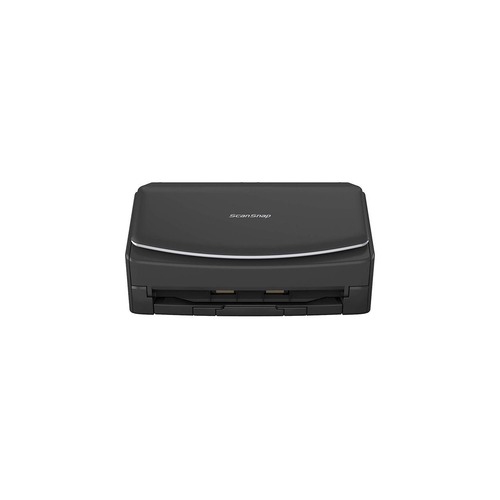
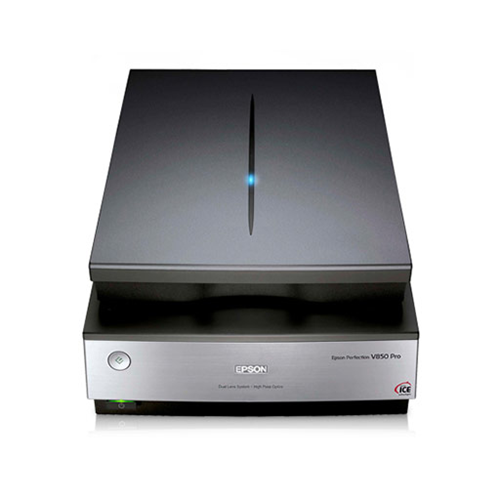


What to consider when digitizing oversized documents
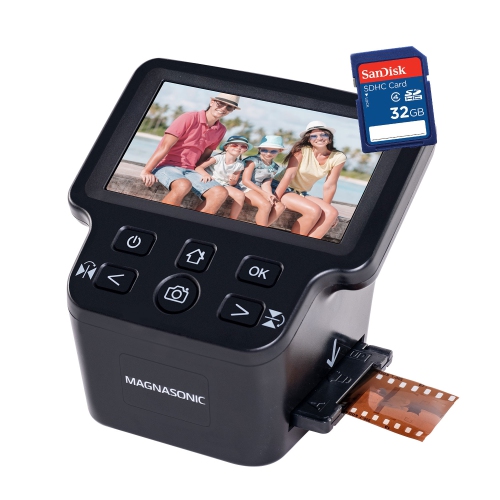
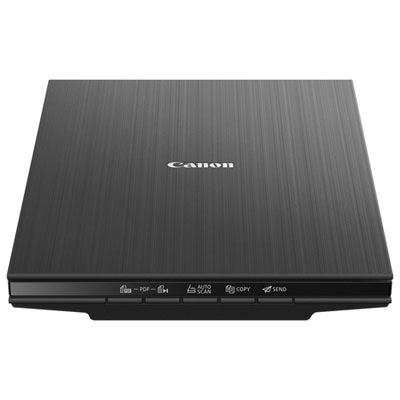
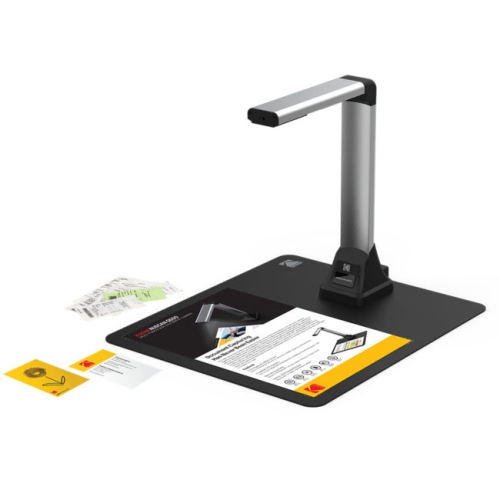
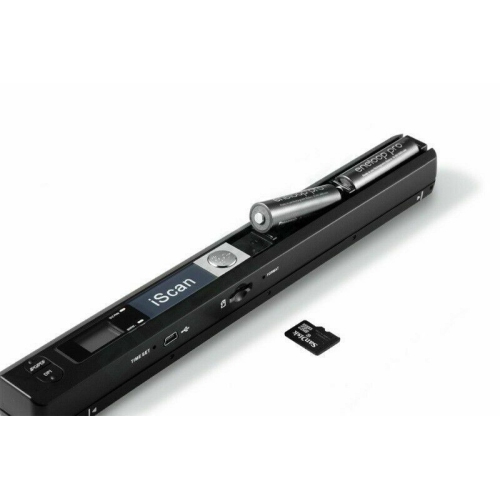
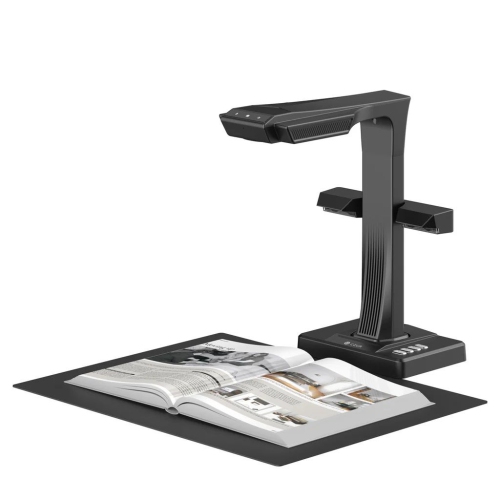
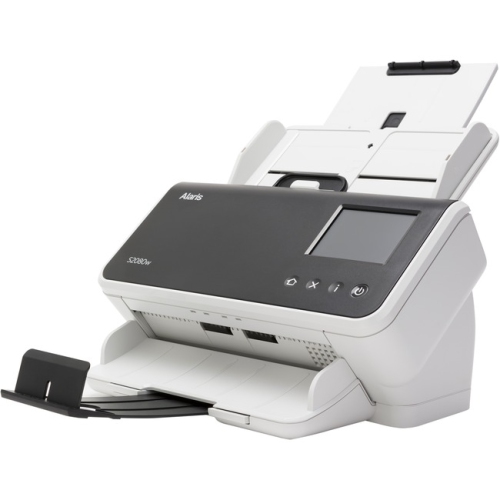
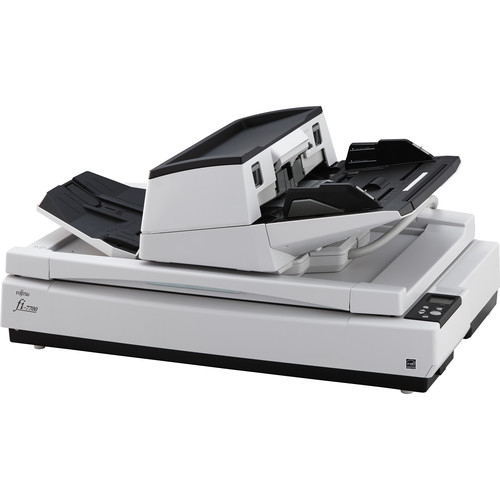
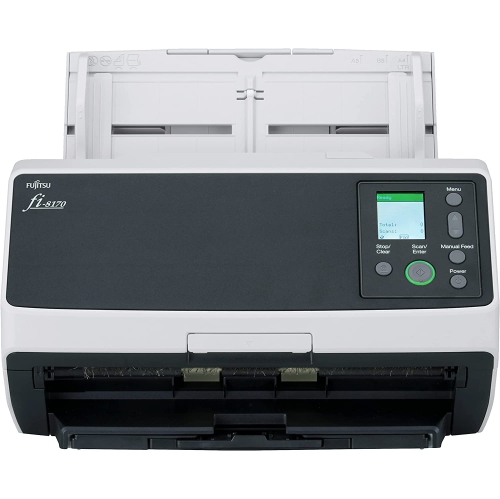
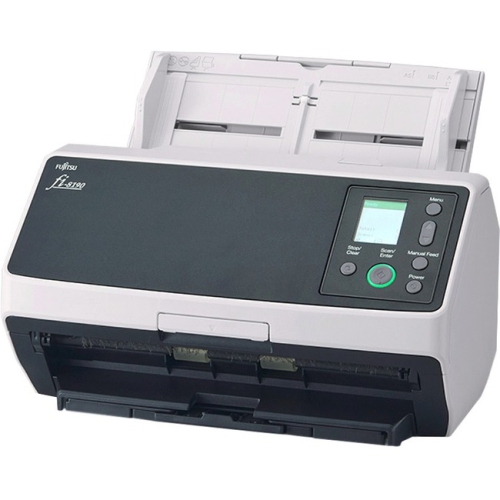
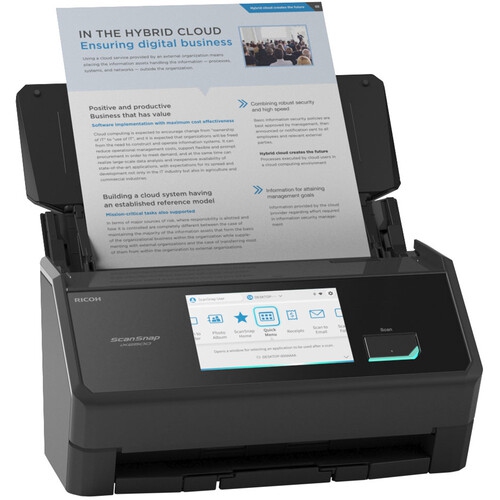
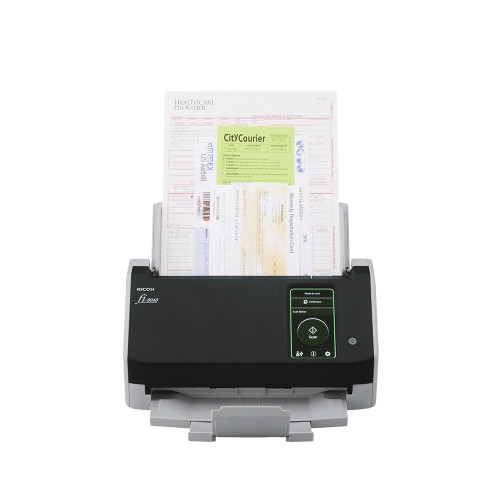
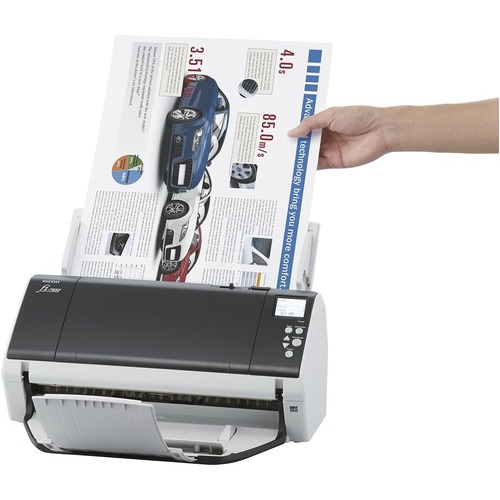
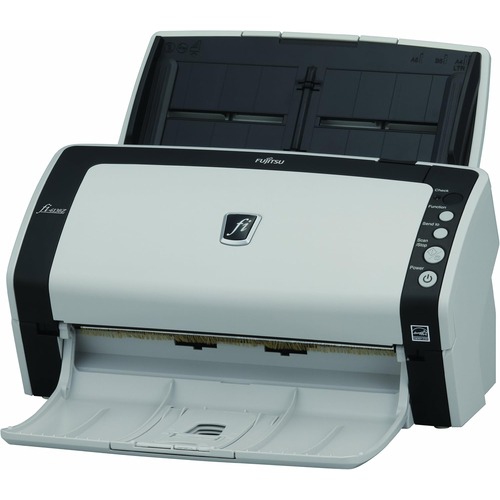
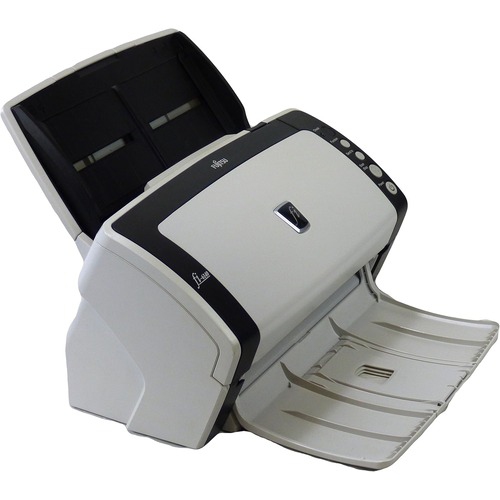
Large-scale scanners, also known as wide-format scanners, are designed for oversized documents that cannot pass through a standard office scanner. They are commonly used to digitize architectural drawings, engineering plans, construction documents, maps, posters, artwork, historical records, and other media that may measure considerably wider than a letter-size or legal-size page. Depending on the equipment and workflow, scanning widths may range from 24 inch for smaller technical plans to 36 inch for standard architectural drawings, with larger formats extending to 42, 48, or even 60 inch. Choosing the right width begins with measuring the largest document you expect to scan, not only the material you handle most often. A drawing that fits today may be revised on a larger sheet later, and allowing a little extra capacity can make a noticeable difference in a busy design studio, print shop, municipal office, school, or workplace archive. Resolution is another important consideration. Optical resolution from 600 to 1200 dpi is often well suited to technical documents, where fine lines, small annotations, dimensions, and symbols need to remain legible after digitization. Higher-resolution flatbed systems may be preferred for artwork, maps, or archival material with subtle texture and intricate detail. It is also helpful to distinguish optical resolution from software-enhanced resolution, since true optical capture has a greater effect on the detail recorded from the original. A wide-format scanner can be a valuable addition for architects, engineers, surveyors, interior designers, contractors, educators, artists, museums, libraries, and local history groups. It can turn a crowded filing cabinet of rolled plans into searchable digital files, make it easier to share a marked-up drawing with a project team, or preserve a delicate map without repeatedly handling the original. For someone who has ever spread a blueprint across a conference table and tried to photograph it without shadows, glare, or curled edges, the practical benefit is easy to appreciate. A properly sized scanner captures the entire sheet in a controlled pass, helping keep lines straight and information together.
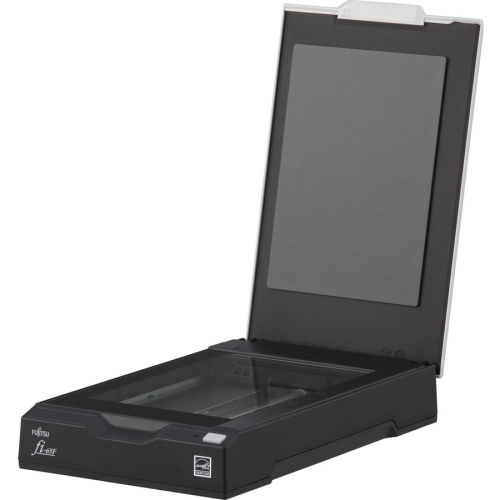
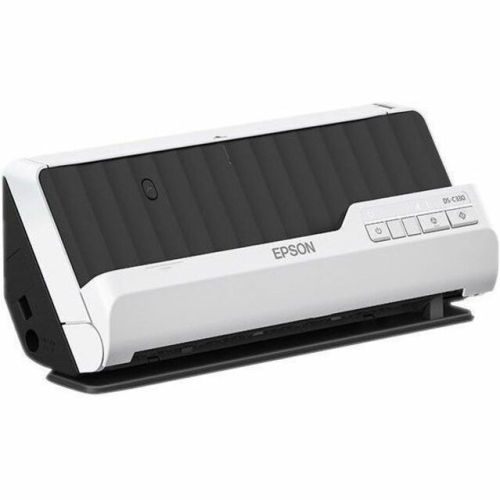
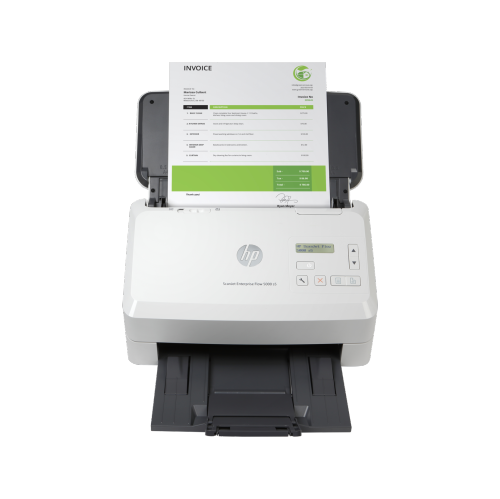
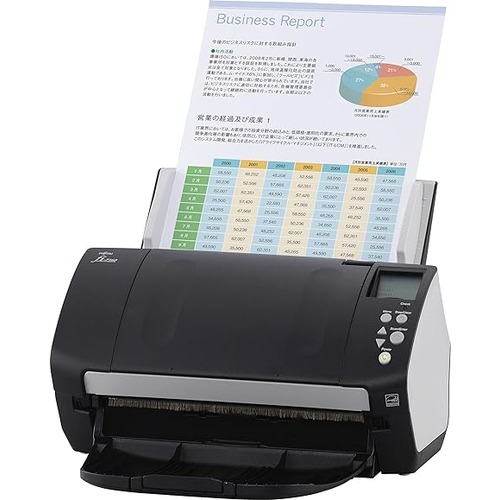
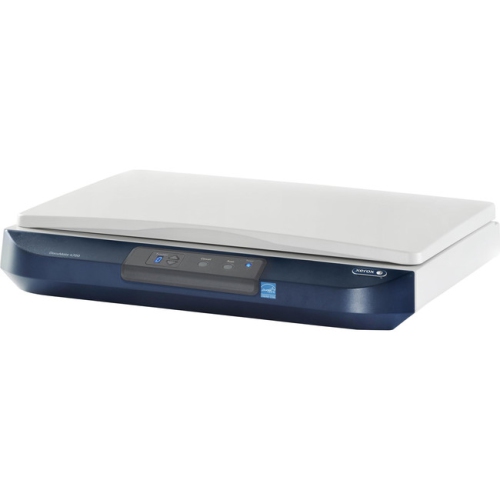
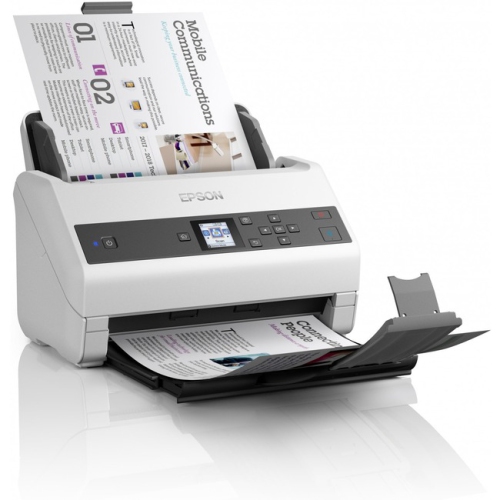
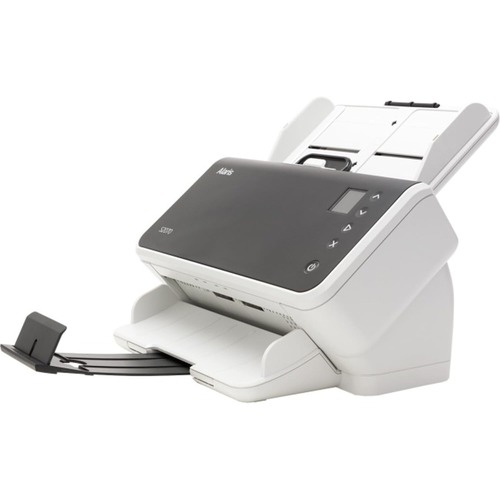
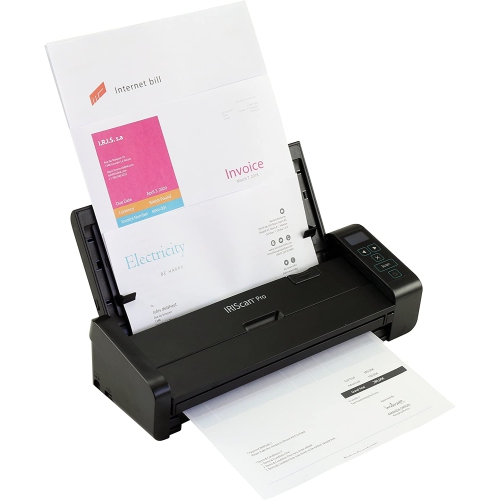
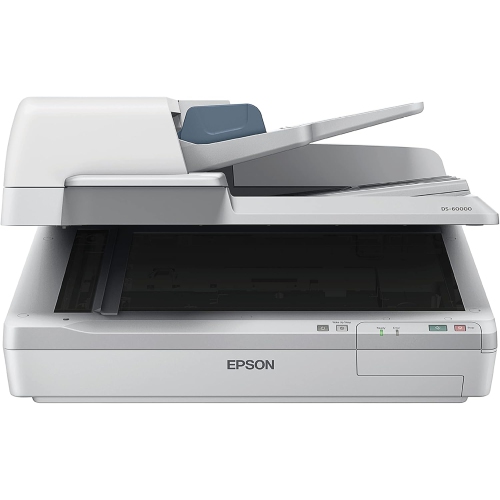
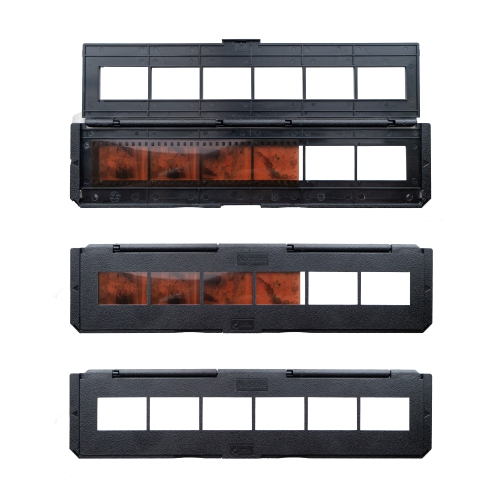
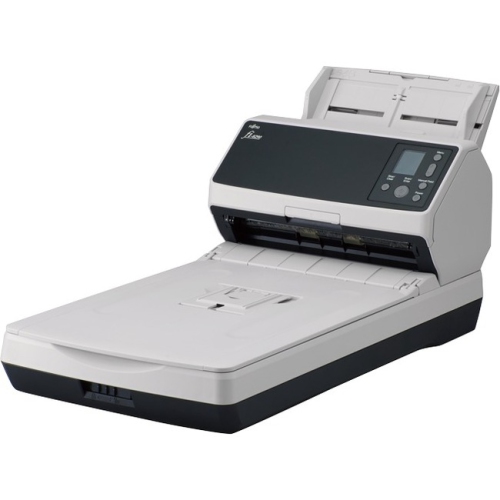
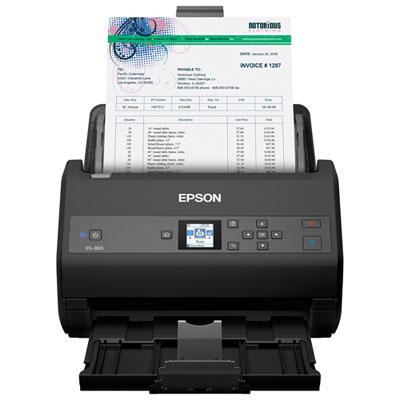
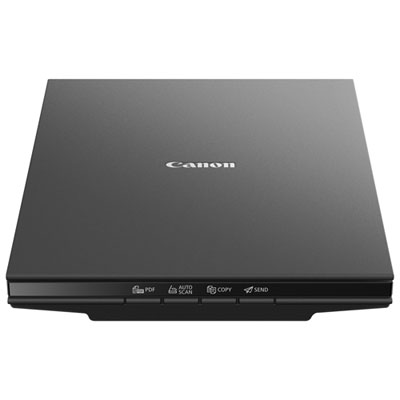
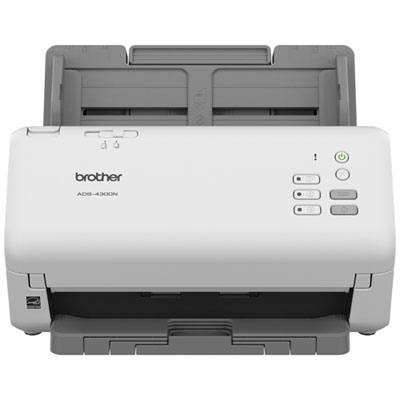
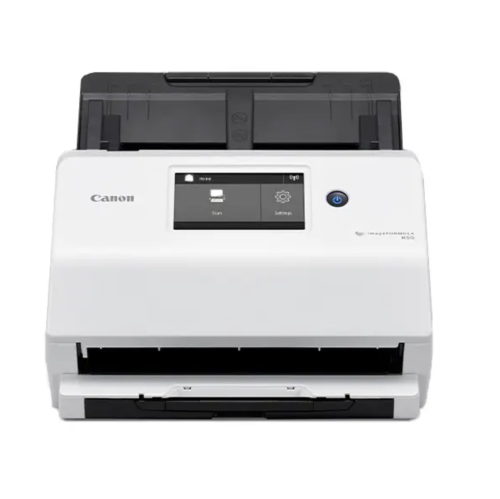
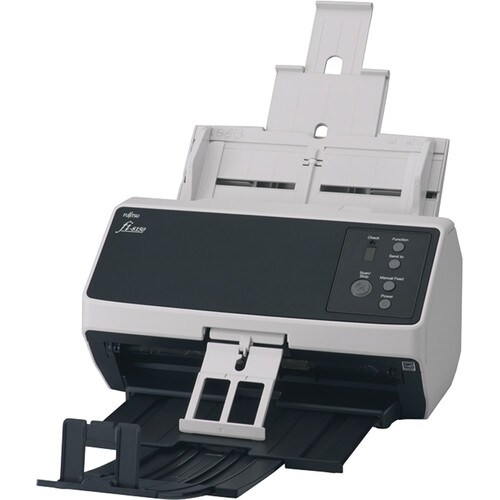
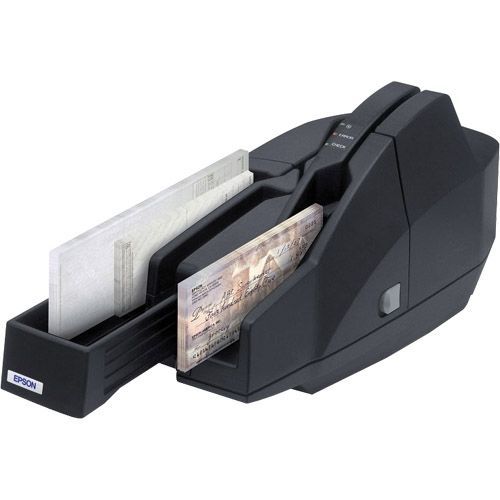
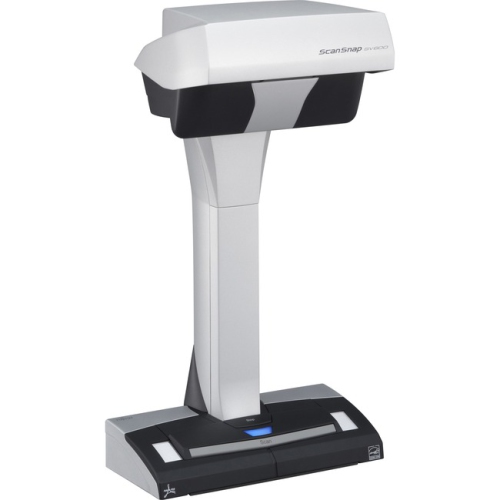
The media you plan to scan should guide the choice between sheetfed or roller scanning and flatbed scanning. Sheetfed models are generally suited to flexible documents such as paper plans, maps, posters, and other loose sheets. They can be a strong fit for offices that need to process a stack of drawings, especially when speed and consistent throughput matter. Look for features such as adjustable document guides, controlled media handling, straight-through paper paths, and settings for different paper weights. These details can help reduce skew and improve results when working through a large batch of pages with varying sizes. A roller-based system should be used thoughtfully with originals that are brittle, torn, heavily creased, or difficult to replace, since feeding a fragile document through a mechanism may cause further wear. Flatbed scanners use a stationary glass surface and can be better suited to rigid boards, thick media, canvas, bound books, delicate artwork, and historical documents that should not be pulled through rollers. A flatbed can also make it easier to position an original carefully, though the available scanning area and the time required for each scan may affect productivity. When comparing models, consider whether the glass area accommodates the full document or requires multiple scans and image stitching. For technical teams, features such as automatic cropping, deskewing, background removal, long-document support, and optical character recognition can simplify the move from paper to an organised digital archive. OCR can make typed notes and labels searchable, although handwriting, faded text, unusual fonts, and annotations may still require manual review. File format options matter as well: PDF is convenient for sharing and document management, while TIFF and other high-quality formats may be preferable for artwork, archival work, or images that will be edited later. Colour capability is essential for maps, presentation boards, artwork, and documents containing colour-coded revisions; monochrome scanning may be sufficient for line drawings when file size and speed are the main priorities. For additional choices across different document sizes and scanning needs, explore High Quality Scanners.
Before selecting a large-scale scanner, consider the complete workflow around it rather than focusing only on maximum resolution or advertised scan speed. Check the scanner’s supported operating systems, included software, connection options, and compatibility with the computers or shared workstations where files will be stored. USB connections may suit a dedicated workstation, while network connectivity can be more practical in an office where several people need access. Scan speed is usually measured under specific settings, so compare expected performance at the resolution, colour mode, and document width you actually use. A high-speed setting for simple black-and-white plans may not reflect the time required for detailed colour artwork. Also account for the space needed to load and unload wide media, keep long documents flat, and prevent newly scanned sheets from sliding onto the floor. A strong work surface, comfortable lighting, and nearby storage for tubes or folders can make the scanning area much easier to use. Regular cleaning of the glass, rollers, sensors, and document path helps maintain image quality, particularly when handling dusty construction plans or older paper. It is wise to review replacement consumables, service requirements, warranty coverage, and the availability of technical support before committing to equipment intended for daily use. For a small business or occasional project, a more straightforward setup may offer the right balance of capability and cost; for a design office, reprographics department, or archive processing hundreds of pages, automation, duty cycle, and reliable media handling may be more important than compact dimensions. Large-scale scanners are specialised tools, but their purpose is straightforward: they help bring oversized physical documents into a digital workflow while preserving the information, detail, and visual character that make those originals useful. With the right scanning width, resolution, media path, software features, and workspace, they can support everything from reviewing plans during a renovation to preserving a family collection of maps or helping students study large-format visual materials during the cooler months.
The media you plan to scan should guide the choice between sheetfed or roller scanning and flatbed scanning. Sheetfed models are generally suited to flexible documents such as paper plans, maps, posters, and other loose sheets. They can be a strong fit for offices that need to process a stack of drawings, especially when speed and consistent throughput matter. Look for features such as adjustable document guides, controlled media handling, straight-through paper paths, and settings for different paper weights. These details can help reduce skew and improve results when working through a large batch of pages with varying sizes. A roller-based system should be used thoughtfully with originals that are brittle, torn, heavily creased, or difficult to replace, since feeding a fragile document through a mechanism may cause further wear. Flatbed scanners use a stationary glass surface and can be better suited to rigid boards, thick media, canvas, bound books, delicate artwork, and historical documents that should not be pulled through rollers. A flatbed can also make it easier to position an original carefully, though the available scanning area and the time required for each scan may affect productivity. When comparing models, consider whether the glass area accommodates the full document or requires multiple scans and image stitching. For technical teams, features such as automatic cropping, deskewing, background removal, long-document support, and optical character recognition can simplify the move from paper to an organised digital archive. OCR can make typed notes and labels searchable, although handwriting, faded text, unusual fonts, and annotations may still require manual review. File format options matter as well: PDF is convenient for sharing and document management, while TIFF and other high-quality formats may be preferable for artwork, archival work, or images that will be edited later. Colour capability is essential for maps, presentation boards, artwork, and documents containing colour-coded revisions; monochrome scanning may be sufficient for line drawings when file size and speed are the main priorities. For additional choices across different document sizes and scanning needs, explore High Quality Scanners.
Before selecting a large-scale scanner, consider the complete workflow around it rather than focusing only on maximum resolution or advertised scan speed. Check the scanner’s supported operating systems, included software, connection options, and compatibility with the computers or shared workstations where files will be stored. USB connections may suit a dedicated workstation, while network connectivity can be more practical in an office where several people need access. Scan speed is usually measured under specific settings, so compare expected performance at the resolution, colour mode, and document width you actually use. A high-speed setting for simple black-and-white plans may not reflect the time required for detailed colour artwork. Also account for the space needed to load and unload wide media, keep long documents flat, and prevent newly scanned sheets from sliding onto the floor. A strong work surface, comfortable lighting, and nearby storage for tubes or folders can make the scanning area much easier to use. Regular cleaning of the glass, rollers, sensors, and document path helps maintain image quality, particularly when handling dusty construction plans or older paper. It is wise to review replacement consumables, service requirements, warranty coverage, and the availability of technical support before committing to equipment intended for daily use. For a small business or occasional project, a more straightforward setup may offer the right balance of capability and cost; for a design office, reprographics department, or archive processing hundreds of pages, automation, duty cycle, and reliable media handling may be more important than compact dimensions. Large-scale scanners are specialised tools, but their purpose is straightforward: they help bring oversized physical documents into a digital workflow while preserving the information, detail, and visual character that make those originals useful. With the right scanning width, resolution, media path, software features, and workspace, they can support everything from reviewing plans during a renovation to preserving a family collection of maps or helping students study large-format visual materials during the cooler months.
Top selling and popular products
-
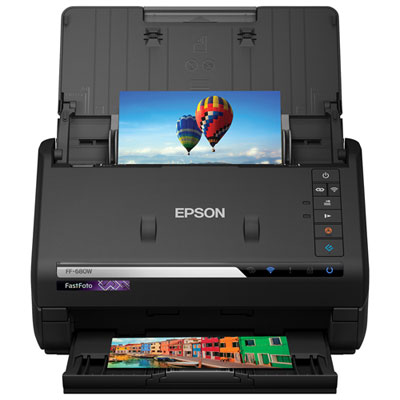 Your price for this item is $699.99
 -
 Your price for this item is $107.99
 -
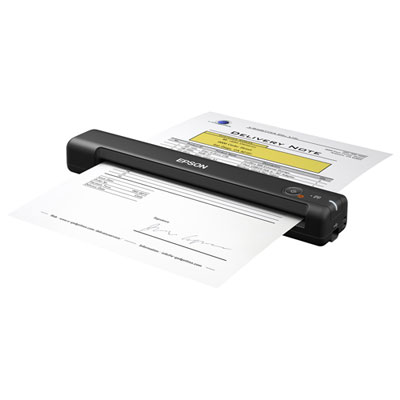 Your price for this item is $179.99
 -
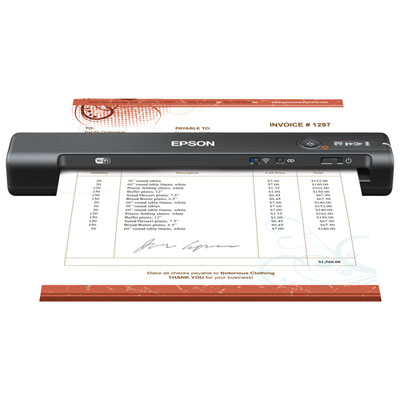 Your price for this item is $239.99
 -
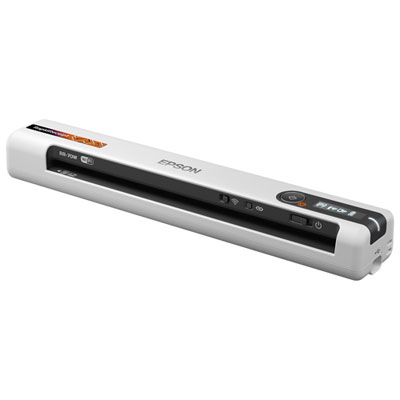 Your price for this item is $289.99
 -
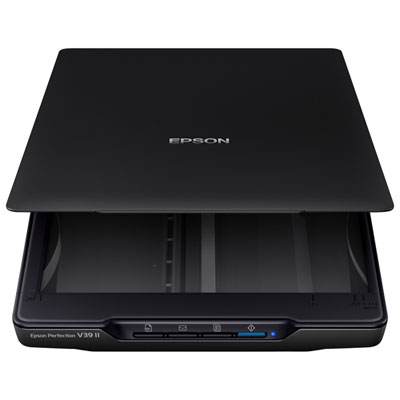 Your price for this item is $139.99
 -
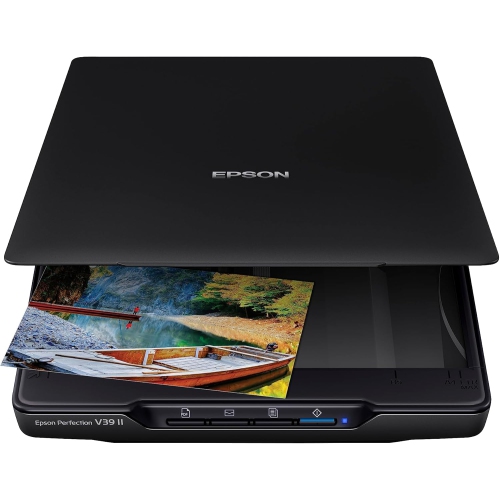 Your price for this item is $228.99
 -
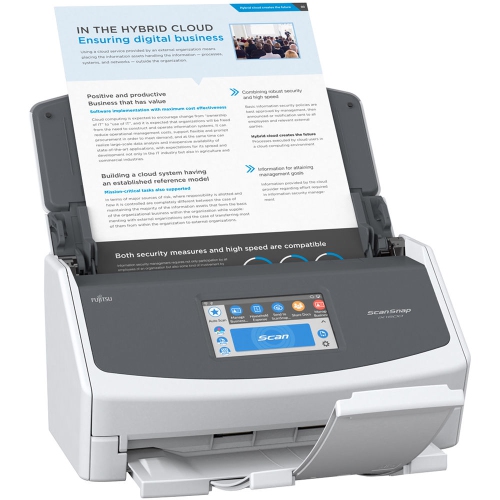 Your price for this item is $804
Discover more categories related to Large Scale Scanners
Top Collections:
Pokemon Centers, Budget 4K TVs, Best Budget Office Chairs, Kindle Devices, Canon G7X Cameras, Apple iPhones 16, iPhone 15 Apple, Laptops for Business Work, Xiaomi Phones, Flip Phones
Some products may be subject to Environmental Handling Fees
(EHF) depending on your province.
Learn more about EHFs.