Laser Pointers for Presentations
Looking to take your presentations to the next level? Laser pointers are a must-have tool for professionals who want to captivate their audience and make a lasting impression. Whether you're delivering a sales pitch, leading a training session, or presenting at a conference, laser pointers provide the precision and control you need to highlight key points and navigate through slides seamlessly. With a wide range of features and styles available, finding the perfect laser pointer for your needs has never been easier. Explore our selection of laser pointers designed to enhance your presentations and elevate your speaking engagements.
Sort


Why your screen matters as much as your pointer
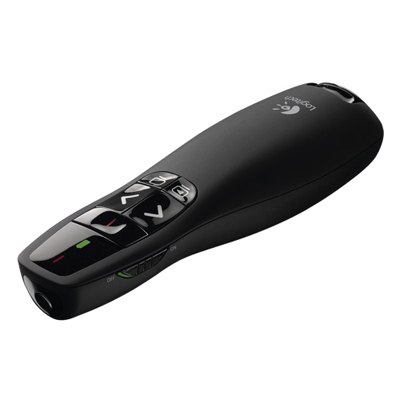
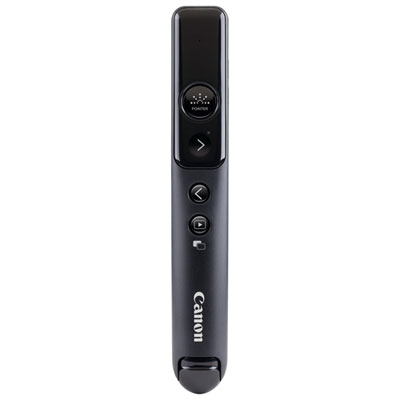
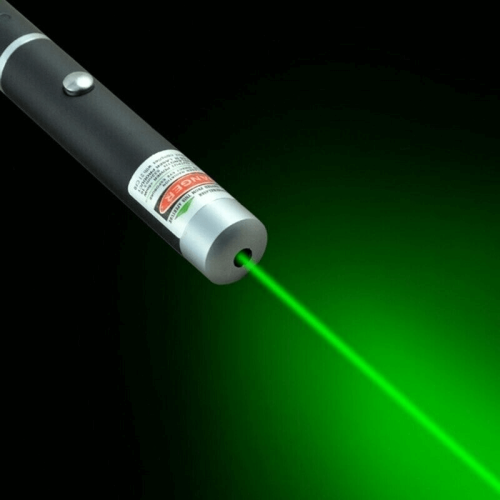
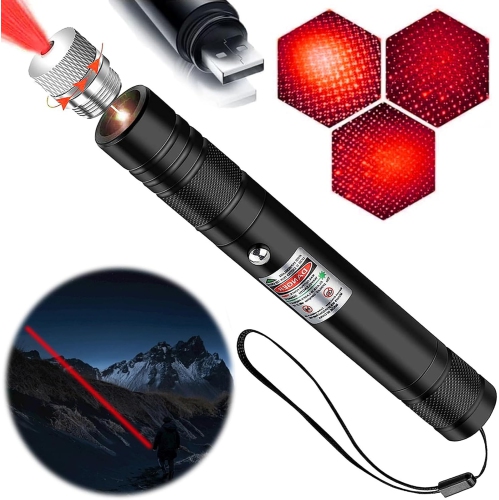
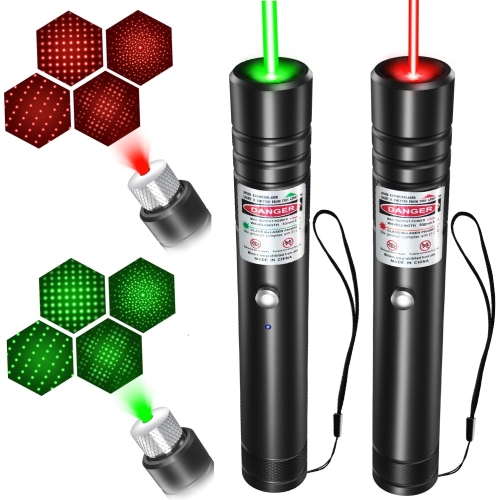
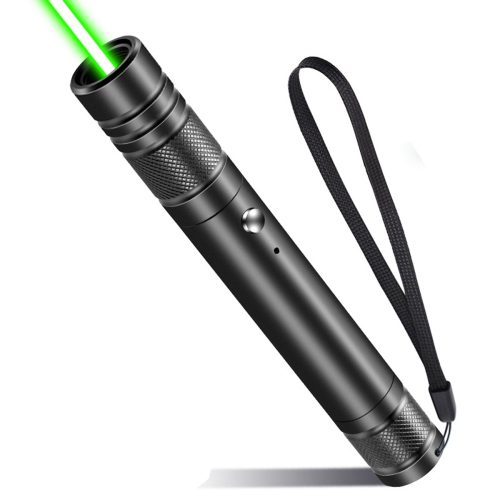
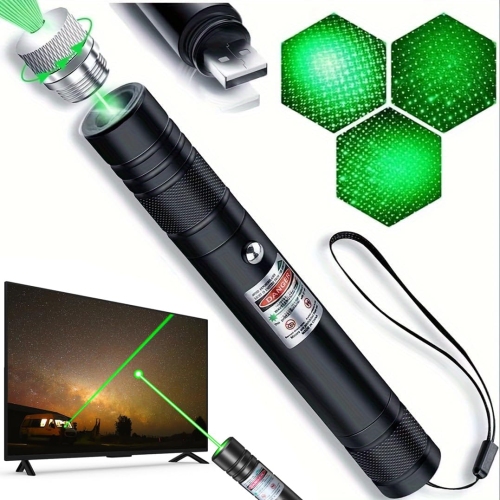
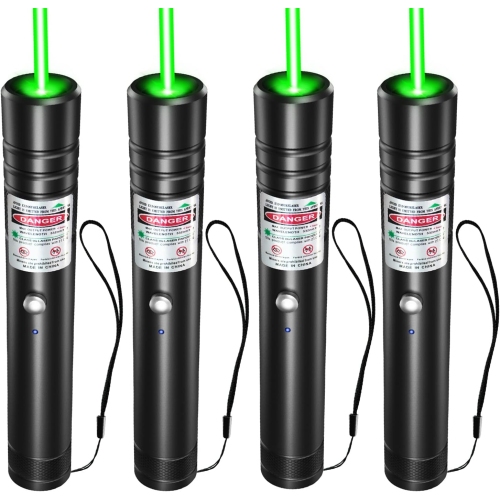
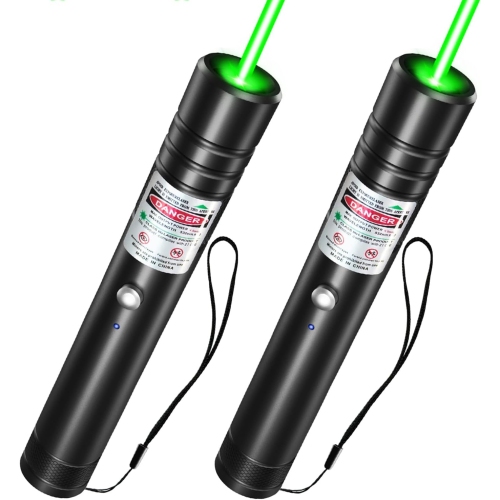
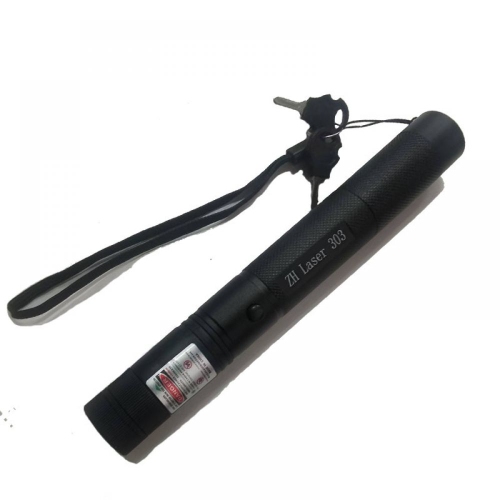
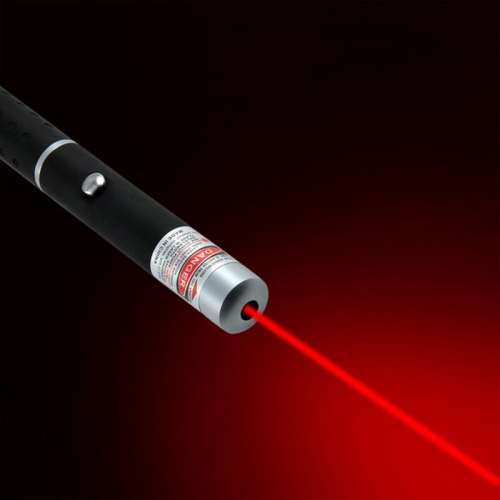
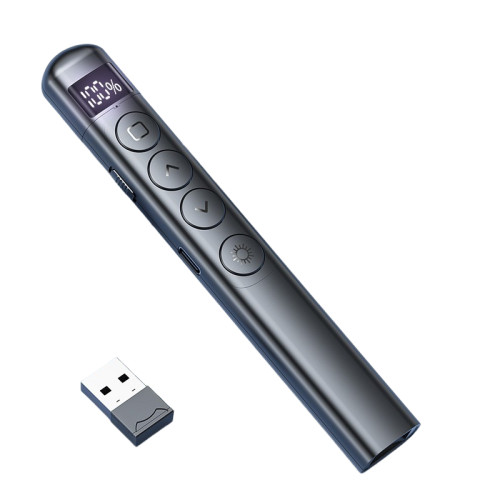
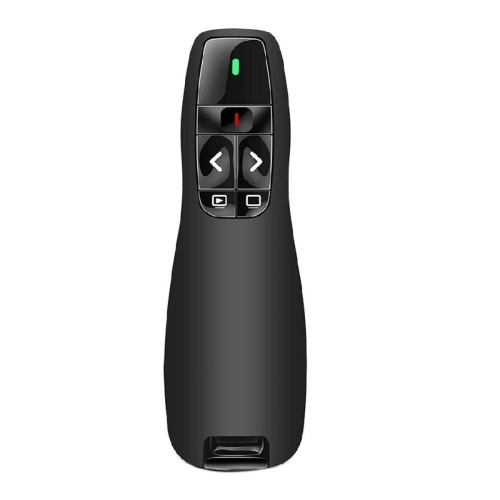
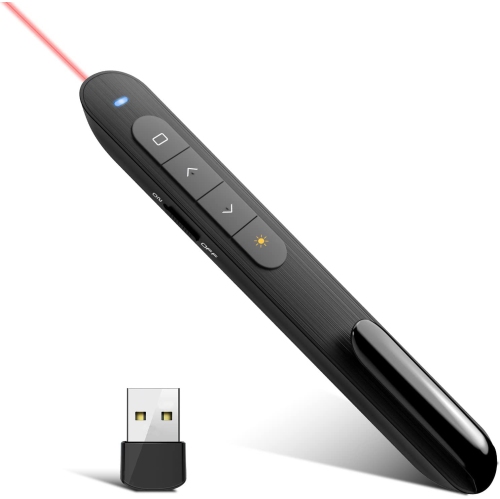
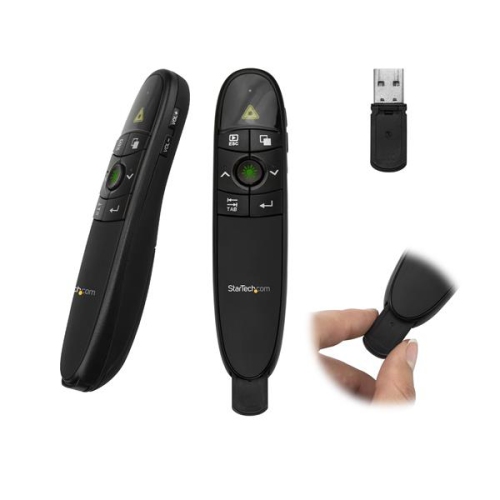
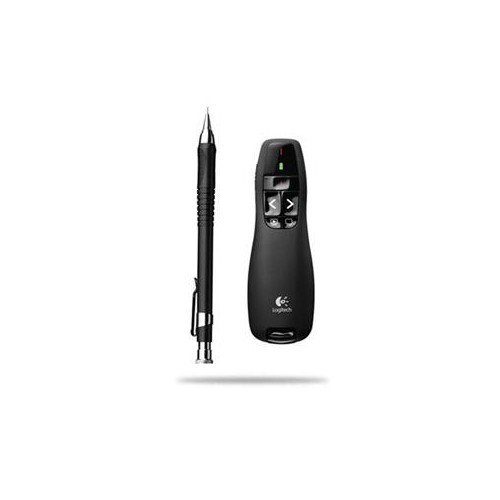
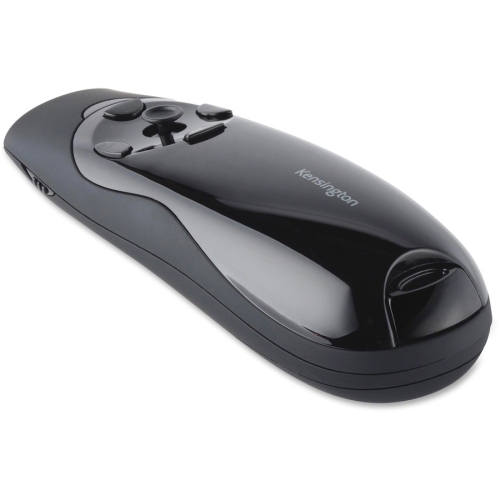
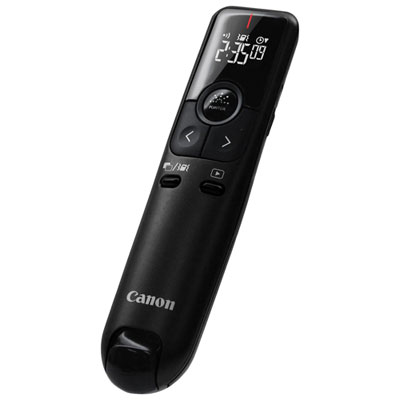
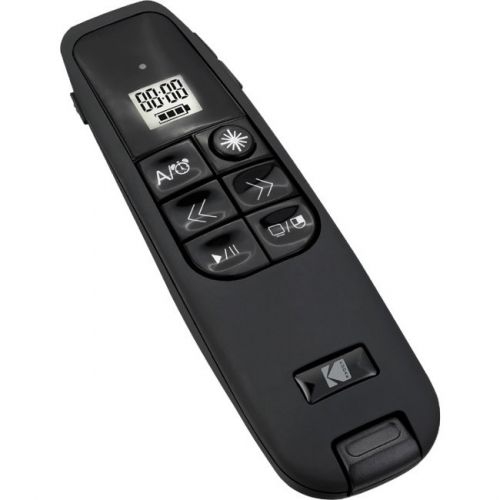
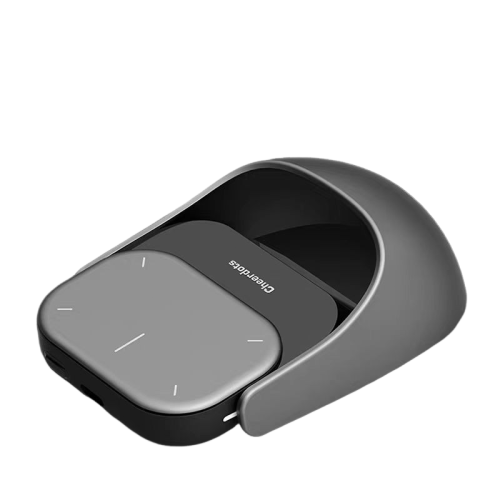
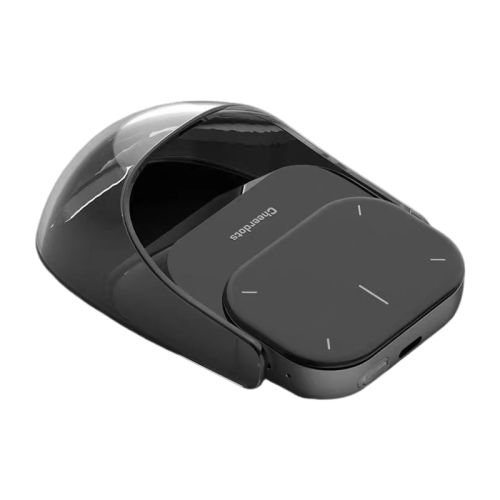
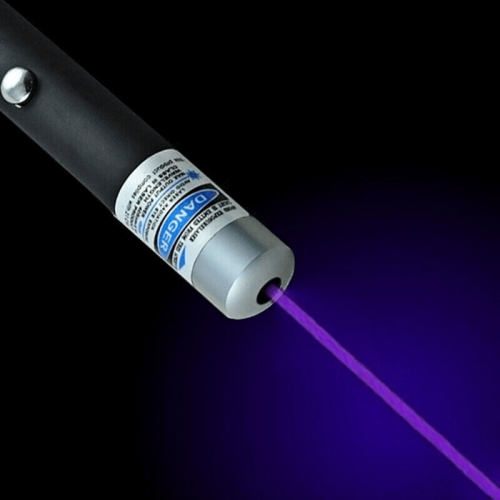
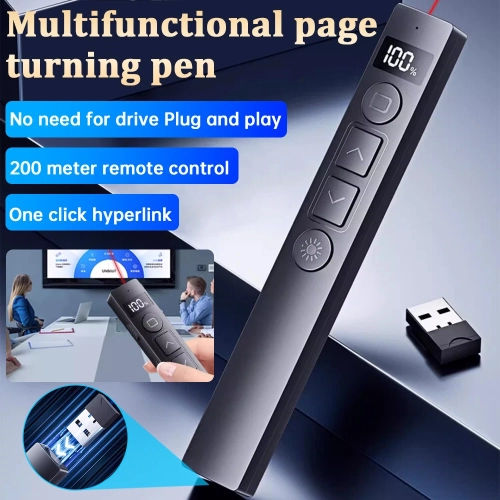
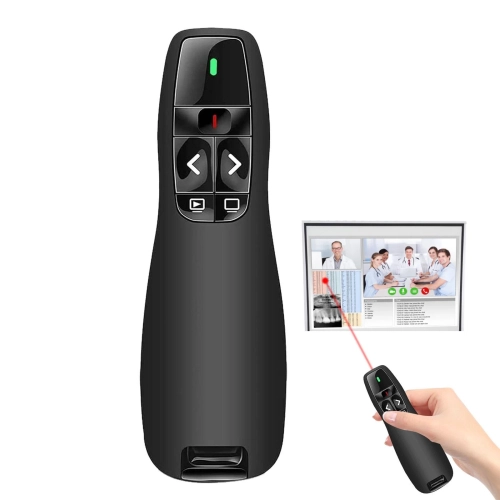
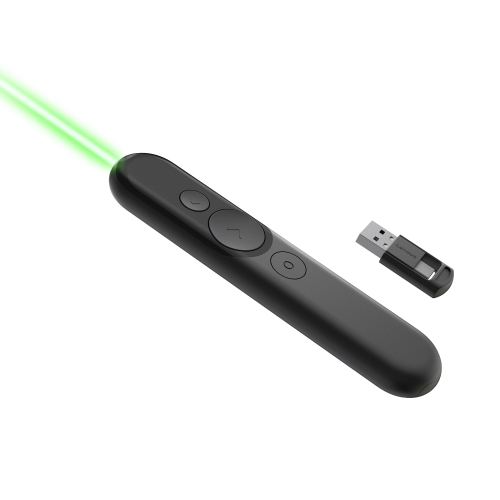
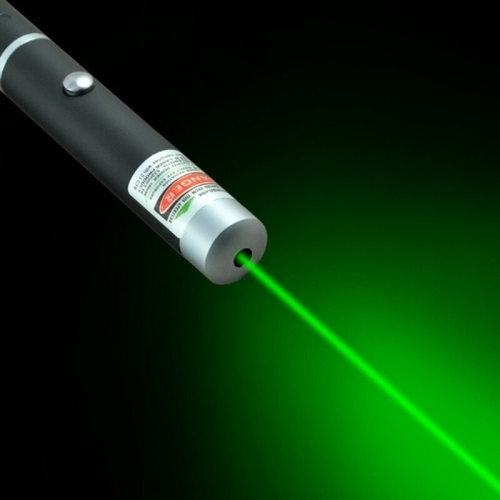
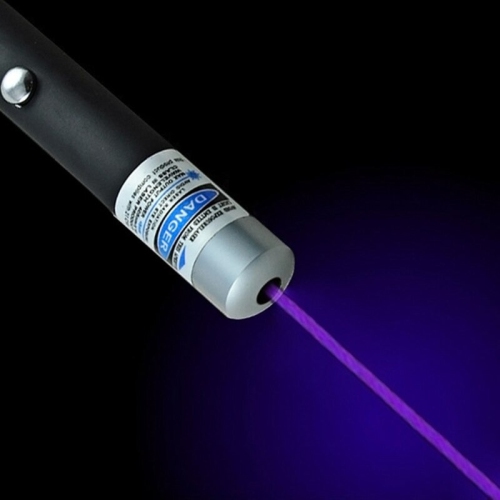
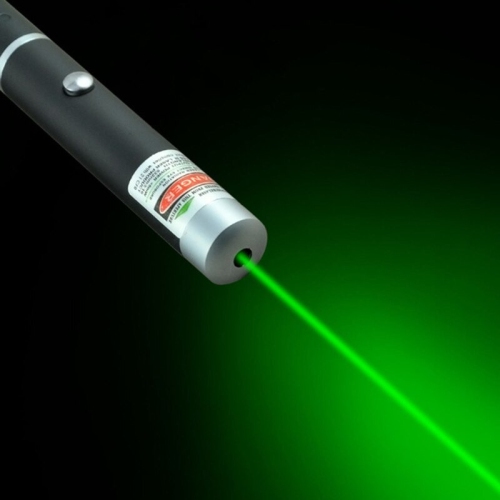
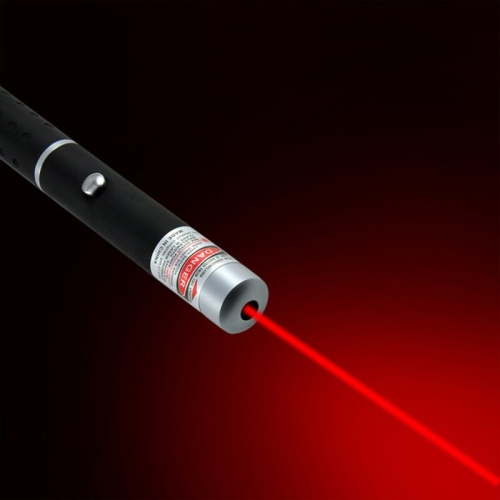
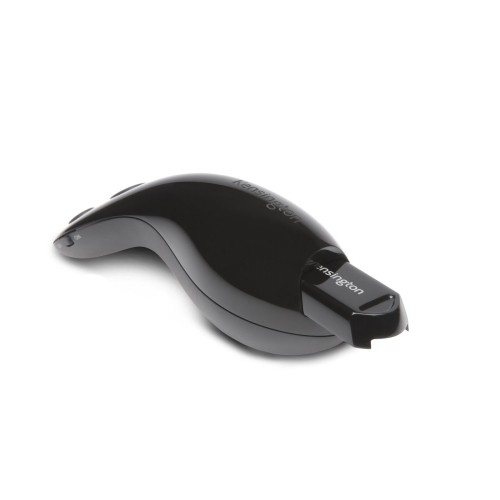
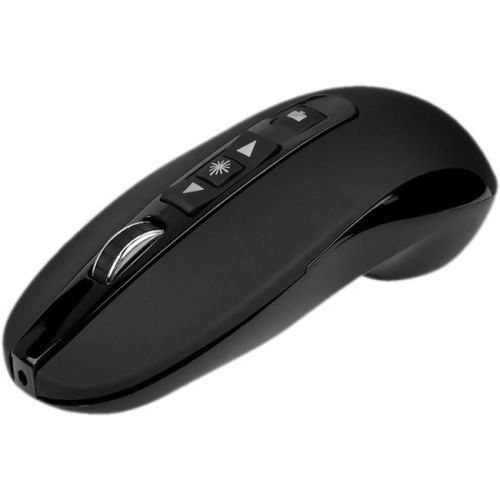
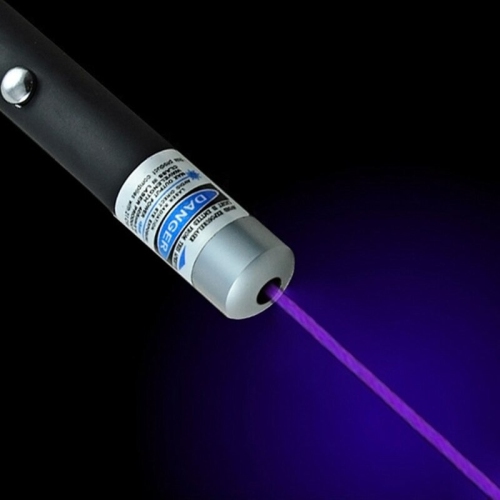
Laser pointers for presentations help a speaker direct attention to a particular detail without standing beside the screen or interrupting the flow of a talk. A small point of light can draw an audience’s eyes to a line on a chart, a location on a map, or a component in a technical diagram while the presenter explains its significance. These tools suit business meetings, staff training, conference talks, classroom lessons, and community presentations where visual information needs a clear focal point. The most useful distinction is between a standalone laser pointer, which projects a physical beam, and a wireless presentation remote, which may combine a laser with slide navigation and other controls. A simple pointer can be enough when someone else operates the slides; an integrated presentation clicker gives the speaker more independence when moving between a lectern and the front of the room. Screen type matters as much as the controls. Physical laser pointers are generally better suited to conventional projection screens than to modern televisions or other flat-panel displays, where the dot may be difficult to see and reflective surfaces can create unwanted reflections. Green laser light often appears brighter to human eyes than red light at comparable output power, but colour alone does not guarantee visibility on a particular display. Ambient lighting, viewing distance, slide colours, and the screen surface all affect how clearly the audience sees the point. Greater output power is not a substitute for choosing a pointer suited to indoor presentations. For online and hybrid meetings, a software-based digital pointer is often more appropriate because its highlight can appear within the shared presentation rather than only on the physical screen in the room. Compatibility with the presentation and meeting software still matters: a digital highlight needs to be included in the shared content to reach remote viewers. Matching the pointing method to the display makes it easier to keep everyone focused on the same detail.
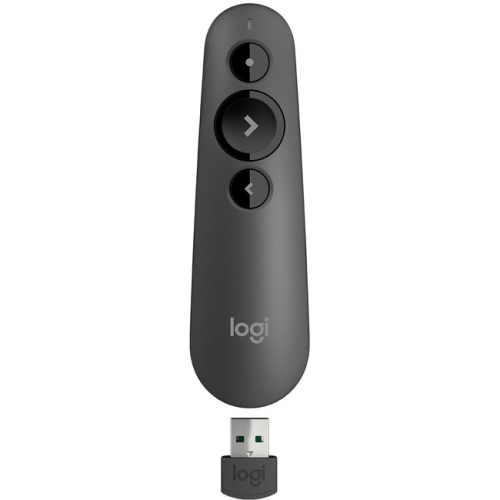
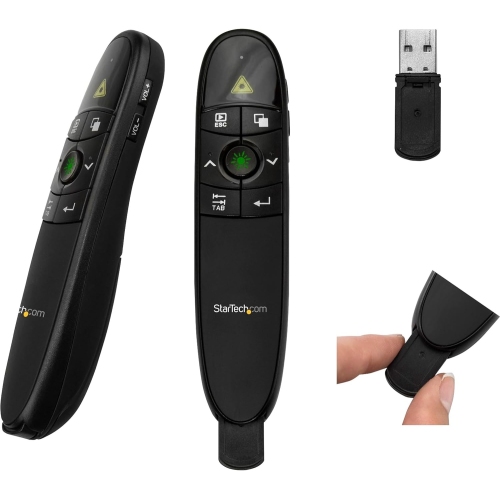
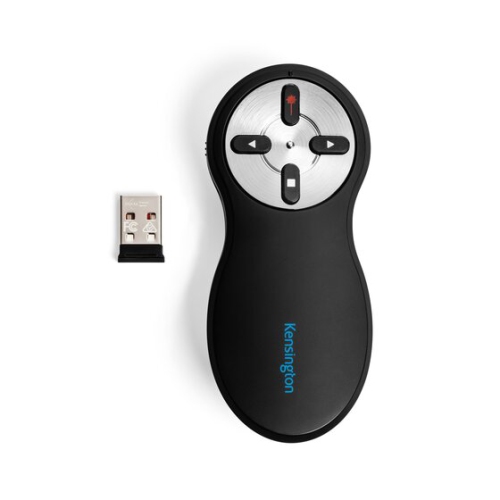
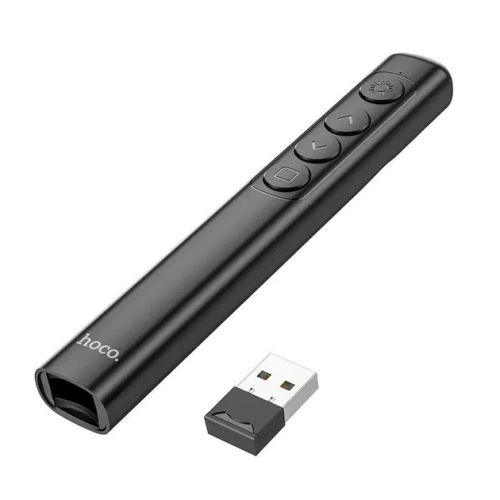
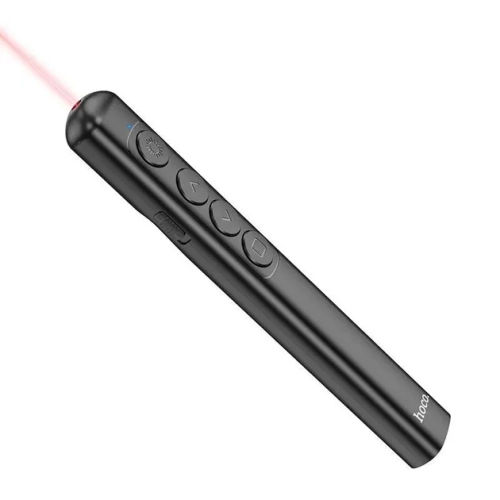
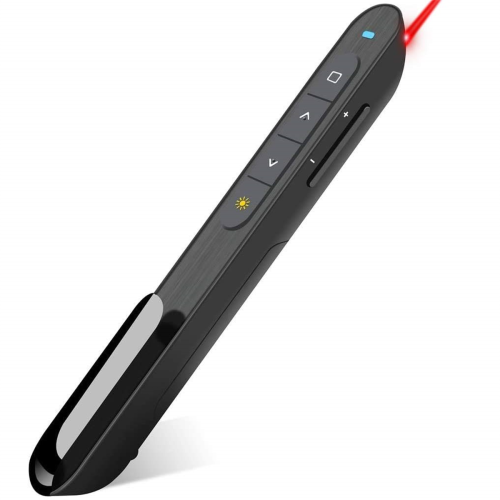
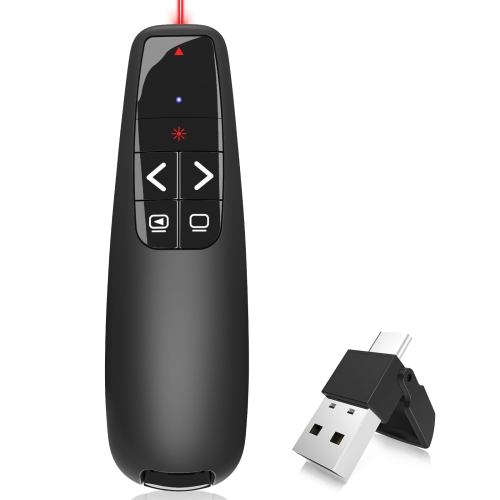
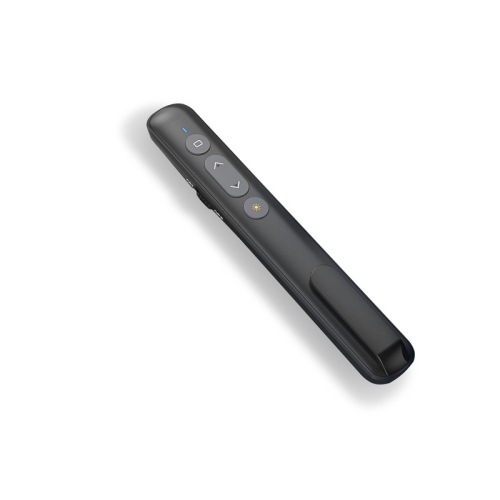
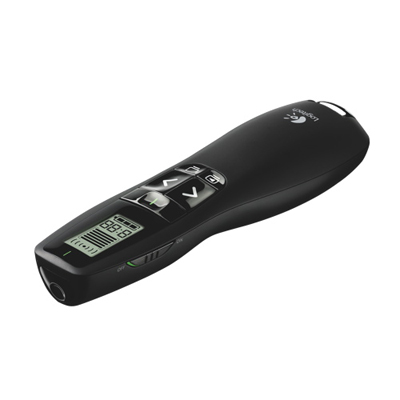
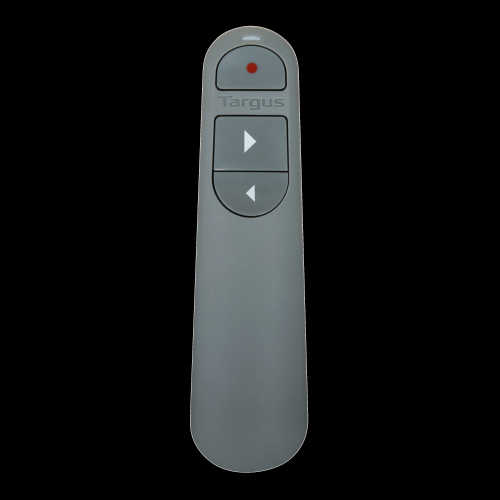
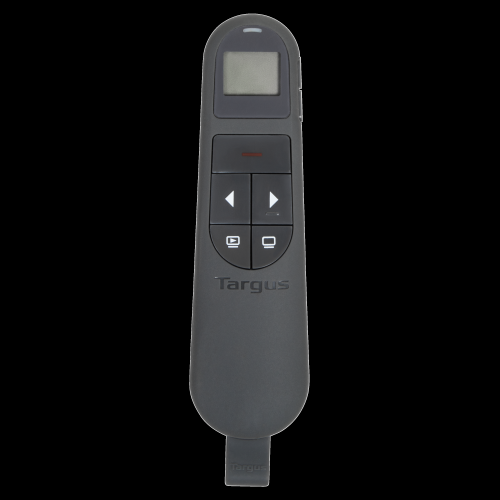
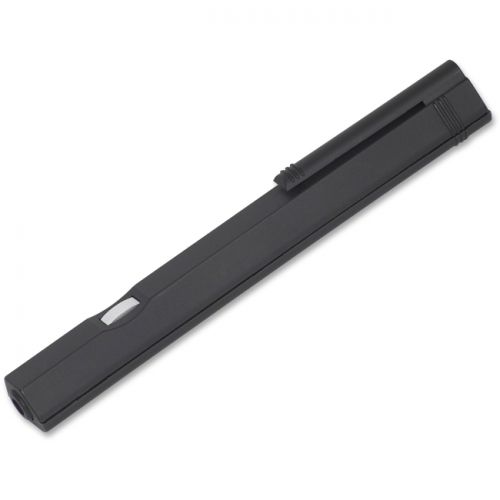
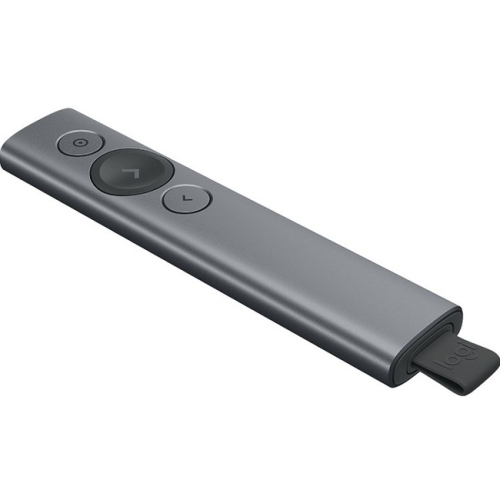
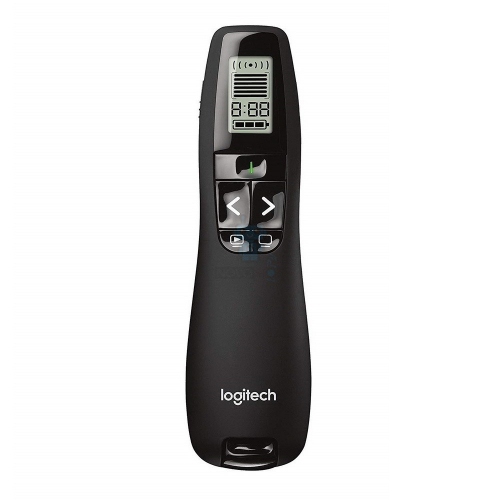
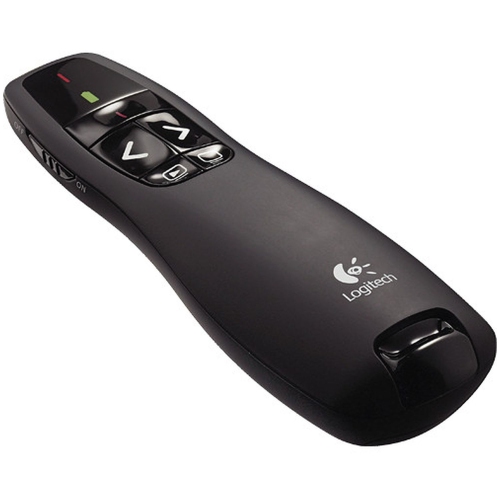
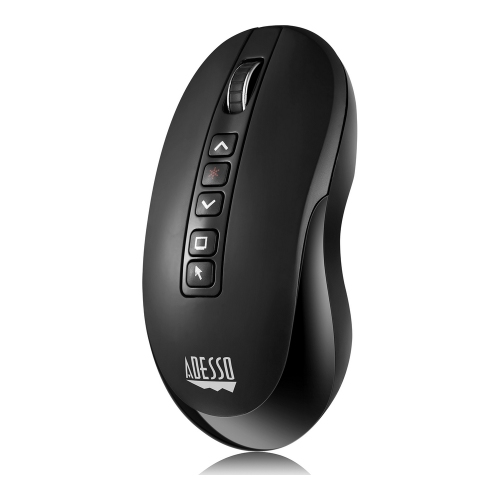
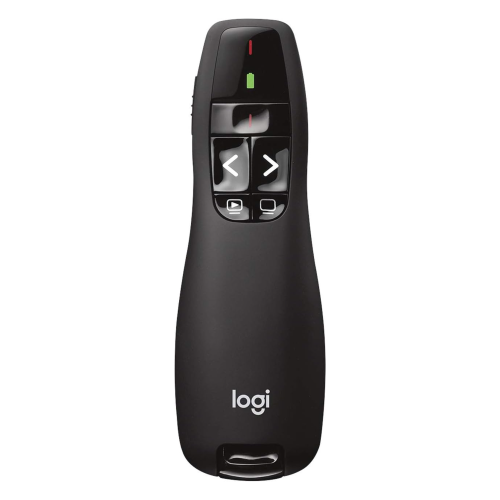
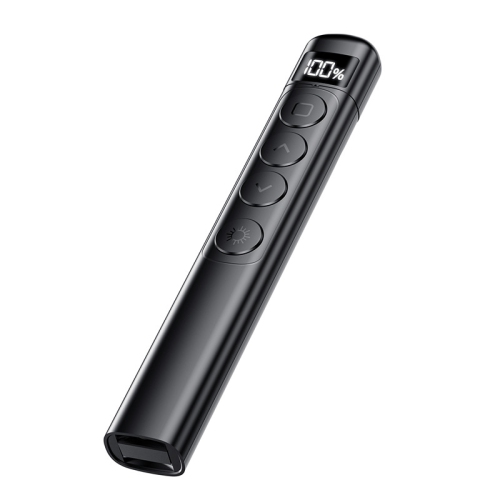
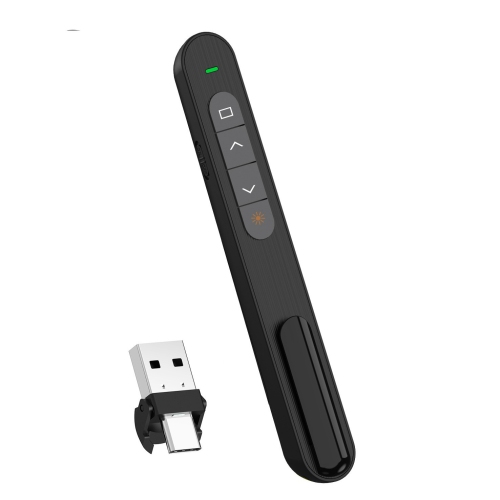
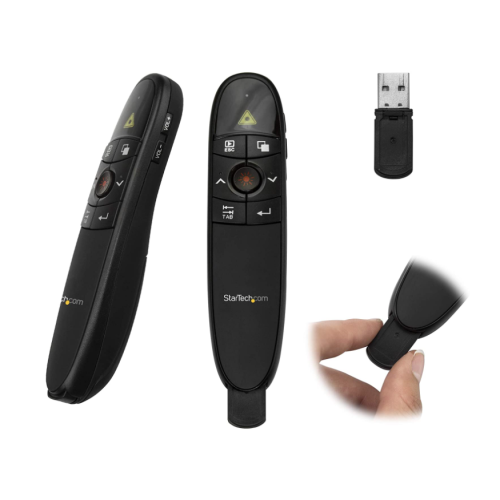
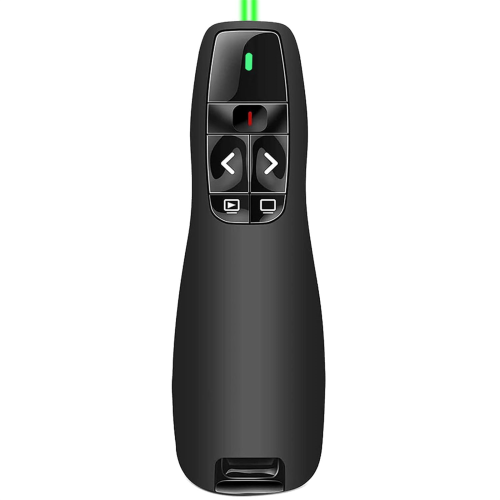
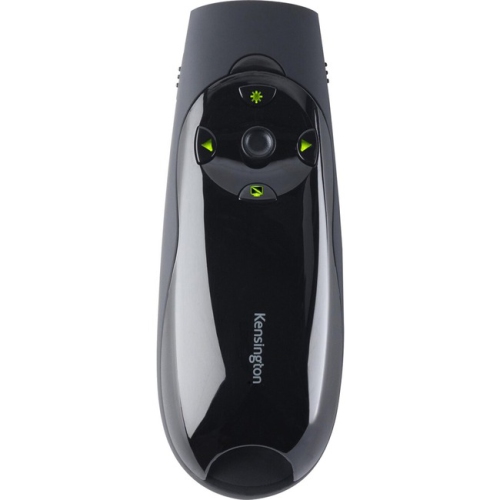
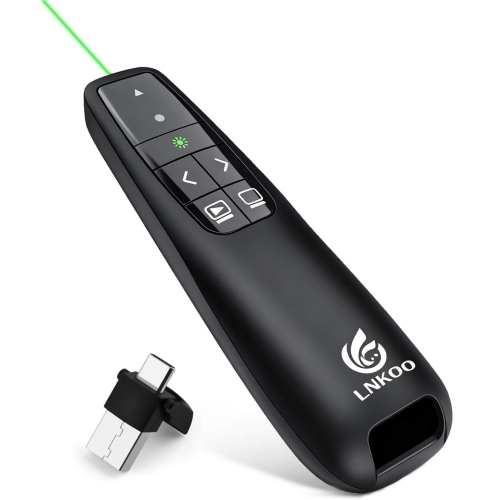
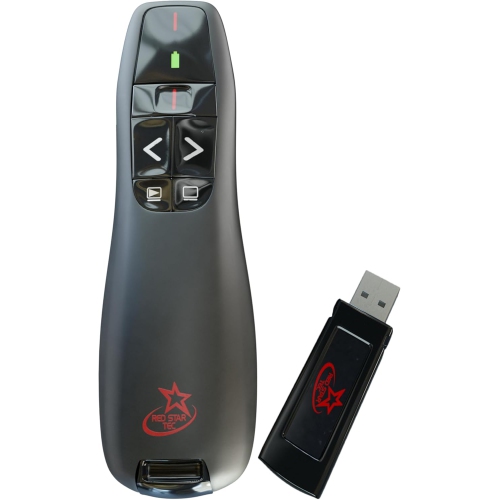
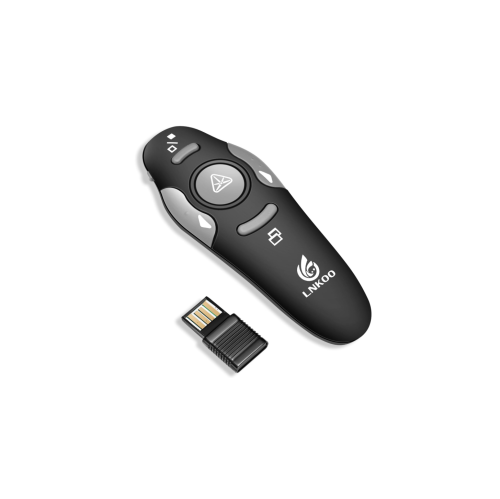
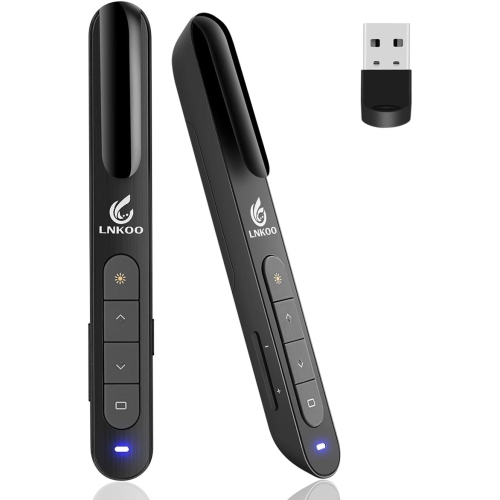
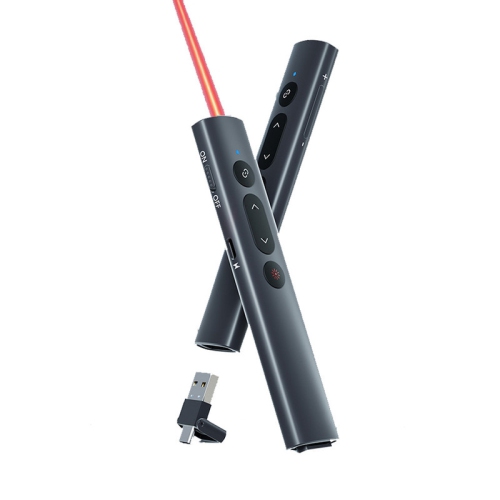
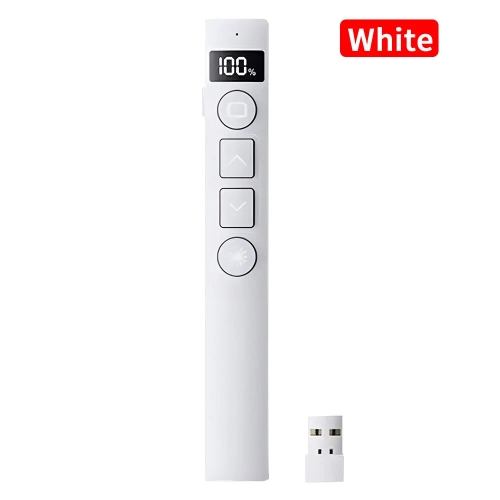
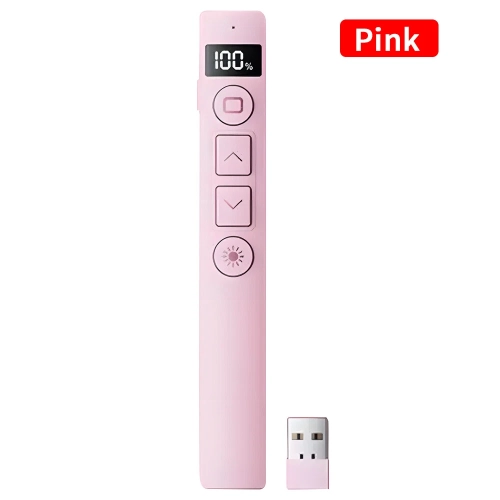
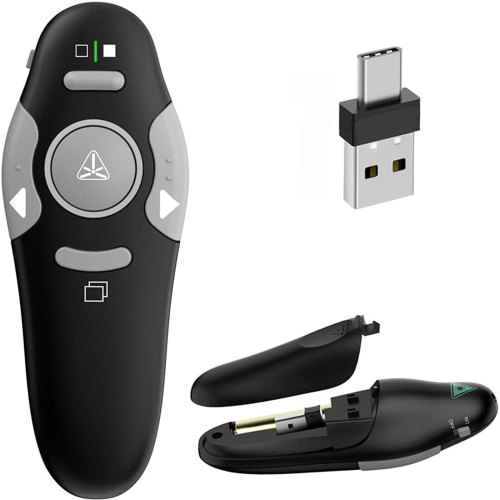
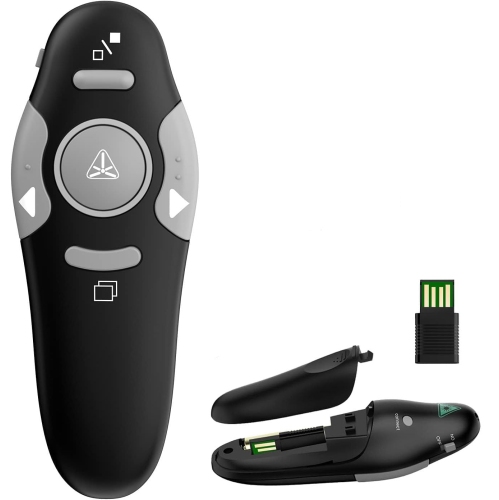
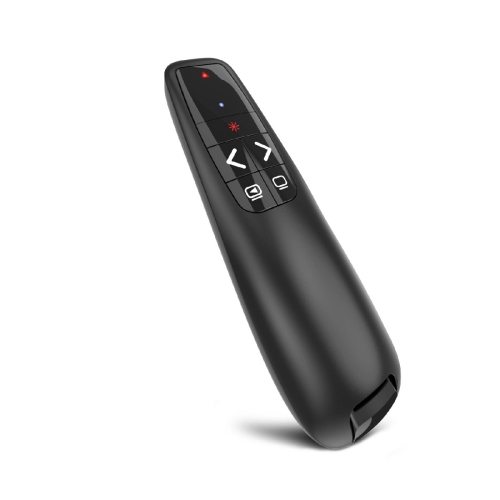
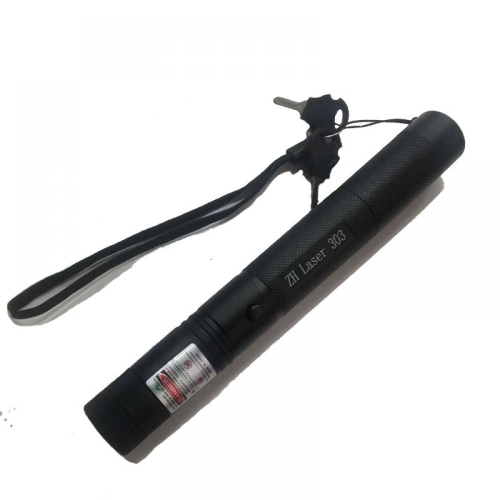
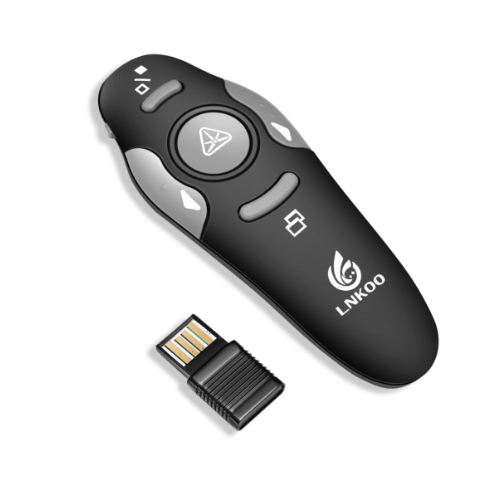
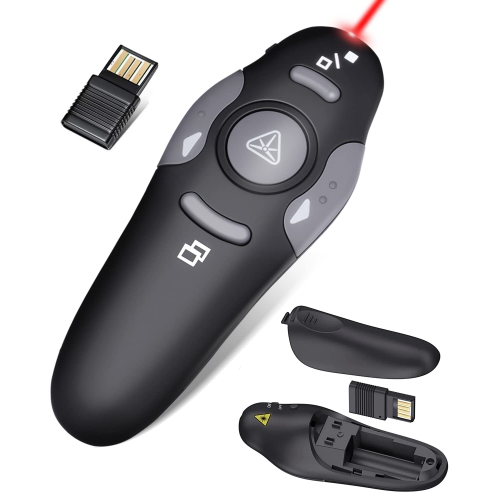
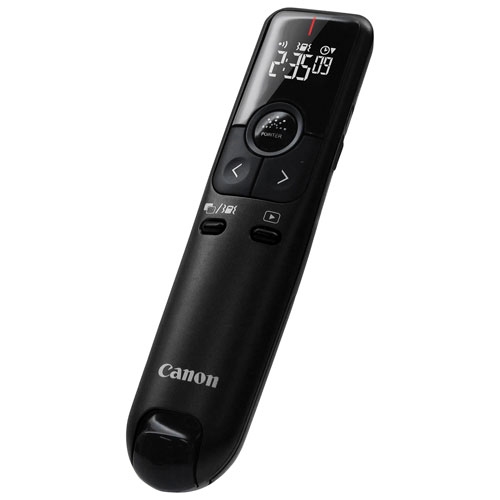
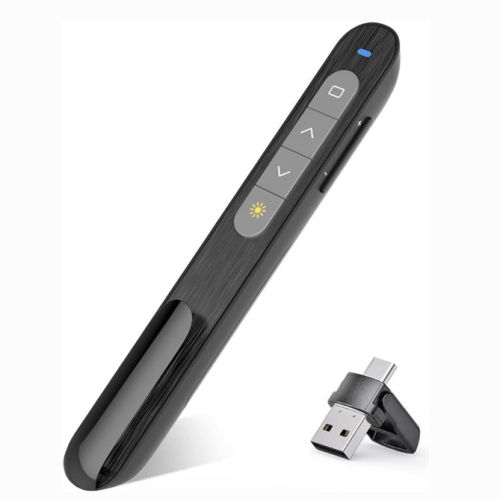
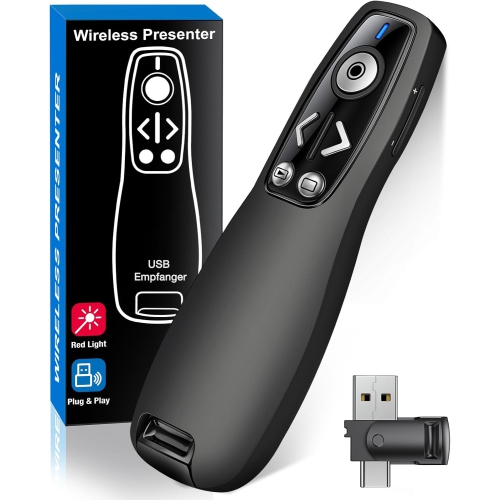
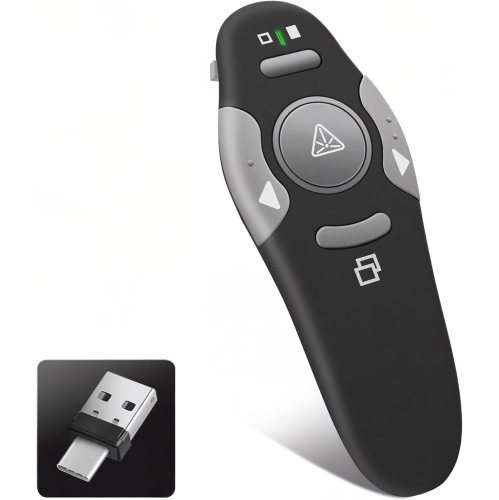
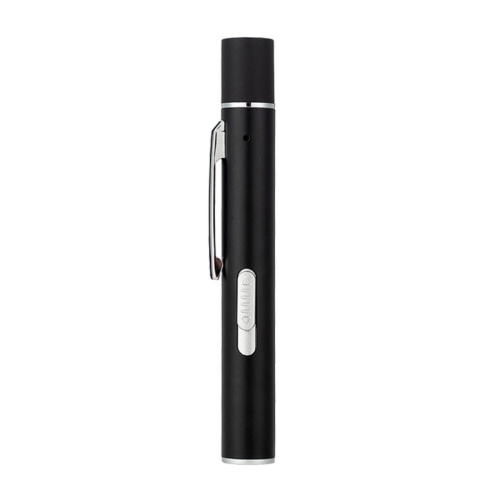
The feel and layout of a presentation remote become especially important when a speaker needs to navigate slides without looking down. Clearly separated forward and back buttons, a distinct pointer control, and a shape that rests comfortably in the hand can reduce accidental presses during a detailed explanation. A slim, pen-style body slips neatly into a pocket, while a broader remote may provide more room for tactile controls and a relaxed grip. Lightweight plastic housings are easy to carry, and metal housings can offer a more substantial feel; either benefits from well-fitted seams, secure battery covers, and buttons that operate consistently. Grip texture and balanced weight can matter during a lengthy training session, particularly when the presenter also carries notes. Some presentation remotes include a blank-screen control, a timer, or vibration alerts, which can help a speaker pause the visuals for discussion or keep a talk within its allotted time. Those functions vary, and extra buttons are only useful when they remain easy to identify by touch. Wireless range deserves a separate look because it describes the remote’s communication with the computer, not how far the laser beam remains visible. A boardroom and a large lecture theatre place different demands on that connection, and rated range can be affected by obstacles, interference, and receiver placement. Connection options may include a USB receiver, Bluetooth, or both. The computer’s available ports, including whether it uses USB-A or USB-C, should match the receiver or a suitable adapter. Basic slide controls may work without additional software, while digital highlighting, button customization, or timing features may require an application and installation permission. That distinction is particularly relevant with shared office laptops and managed workplace computers. Compatibility with the operating system and presentation software helps determine whether the controls will behave as expected, especially when moving between a slide deck, a document, and a browser-based presentation.
Battery design, everyday care, and safe handling also shape how well a pointer fits a presenter’s routine. Replaceable batteries can be convenient for people who travel between venues and prefer to carry a spare set, while a rechargeable presentation remote needs a charging routine and access to the appropriate cable. Battery indicators and automatic sleep functions can help limit surprises, although stated battery life depends on usage, including how often the laser or wireless controls are active. An on/off switch is useful during transport, and a storage slot for a USB receiver can keep a small but essential part from getting left in a meeting room. A protective pouch helps prevent scratches and keeps loose objects from pressing the controls inside a work bag. For routine care, a soft, dry cloth is usually suitable for the housing; liquids and abrasive cleaners should be kept away from openings, buttons, and the laser aperture, with the manufacturer’s cleaning directions taking priority. Secure storage is important because a laser pointer is a presentation tool, not a toy. The beam should never be aimed at anyone’s eyes, at animals, at vehicles, or towards aircraft, and mirrors or other highly reflective surfaces should be avoided. Clear laser classification and safety labelling matter, and an indoor presentation does not call for a high-powered beam. During a talk, brief, deliberate pointing is generally easier for an audience to follow than constant circling or sweeping across the screen. Highlighting one figure while explaining a result gives the visual cue a purpose, then releasing the pointer lets attention return to the speaker. For teaching-focused settings, Laser Pointers for Classrooms and Lectures offers a related way to explore tools for lessons and academic talks. Presentation pointers can also make practical gifts for instructors, trainers, and frequent speakers when their computer connections and usual display setup are known. A comfortable shape, dependable slide controls, and the right pointing method are the details most likely to earn a regular place in a presentation bag.
The feel and layout of a presentation remote become especially important when a speaker needs to navigate slides without looking down. Clearly separated forward and back buttons, a distinct pointer control, and a shape that rests comfortably in the hand can reduce accidental presses during a detailed explanation. A slim, pen-style body slips neatly into a pocket, while a broader remote may provide more room for tactile controls and a relaxed grip. Lightweight plastic housings are easy to carry, and metal housings can offer a more substantial feel; either benefits from well-fitted seams, secure battery covers, and buttons that operate consistently. Grip texture and balanced weight can matter during a lengthy training session, particularly when the presenter also carries notes. Some presentation remotes include a blank-screen control, a timer, or vibration alerts, which can help a speaker pause the visuals for discussion or keep a talk within its allotted time. Those functions vary, and extra buttons are only useful when they remain easy to identify by touch. Wireless range deserves a separate look because it describes the remote’s communication with the computer, not how far the laser beam remains visible. A boardroom and a large lecture theatre place different demands on that connection, and rated range can be affected by obstacles, interference, and receiver placement. Connection options may include a USB receiver, Bluetooth, or both. The computer’s available ports, including whether it uses USB-A or USB-C, should match the receiver or a suitable adapter. Basic slide controls may work without additional software, while digital highlighting, button customization, or timing features may require an application and installation permission. That distinction is particularly relevant with shared office laptops and managed workplace computers. Compatibility with the operating system and presentation software helps determine whether the controls will behave as expected, especially when moving between a slide deck, a document, and a browser-based presentation.
Battery design, everyday care, and safe handling also shape how well a pointer fits a presenter’s routine. Replaceable batteries can be convenient for people who travel between venues and prefer to carry a spare set, while a rechargeable presentation remote needs a charging routine and access to the appropriate cable. Battery indicators and automatic sleep functions can help limit surprises, although stated battery life depends on usage, including how often the laser or wireless controls are active. An on/off switch is useful during transport, and a storage slot for a USB receiver can keep a small but essential part from getting left in a meeting room. A protective pouch helps prevent scratches and keeps loose objects from pressing the controls inside a work bag. For routine care, a soft, dry cloth is usually suitable for the housing; liquids and abrasive cleaners should be kept away from openings, buttons, and the laser aperture, with the manufacturer’s cleaning directions taking priority. Secure storage is important because a laser pointer is a presentation tool, not a toy. The beam should never be aimed at anyone’s eyes, at animals, at vehicles, or towards aircraft, and mirrors or other highly reflective surfaces should be avoided. Clear laser classification and safety labelling matter, and an indoor presentation does not call for a high-powered beam. During a talk, brief, deliberate pointing is generally easier for an audience to follow than constant circling or sweeping across the screen. Highlighting one figure while explaining a result gives the visual cue a purpose, then releasing the pointer lets attention return to the speaker. For teaching-focused settings, Laser Pointers for Classrooms and Lectures offers a related way to explore tools for lessons and academic talks. Presentation pointers can also make practical gifts for instructors, trainers, and frequent speakers when their computer connections and usual display setup are known. A comfortable shape, dependable slide controls, and the right pointing method are the details most likely to earn a regular place in a presentation bag.
Top selling and popular products
-
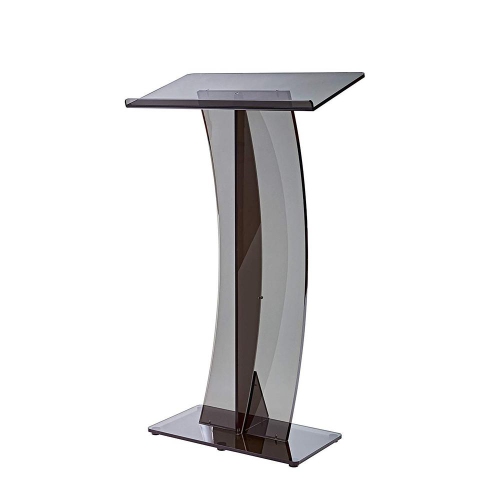 Your price for this item is $649.77
 -
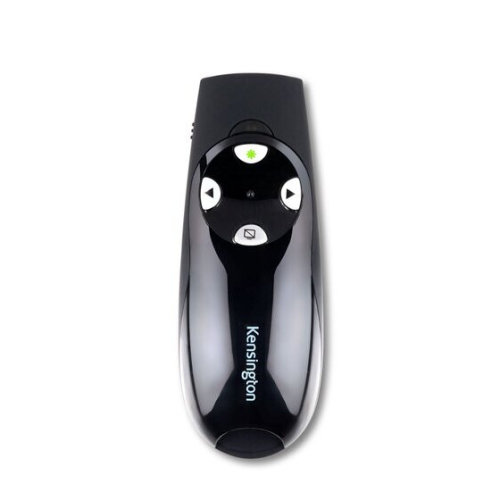 Your price for this item is $71.99
 -
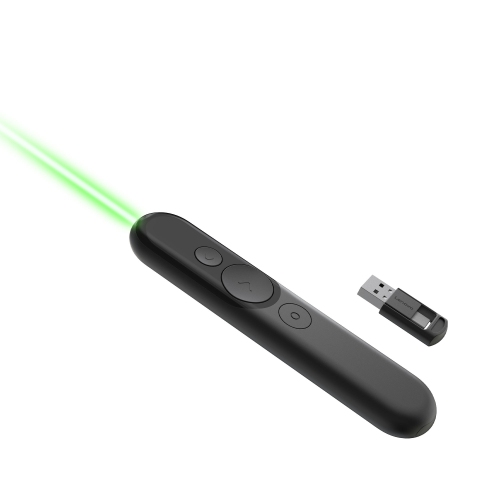 Your price for this item is $84.99
 -
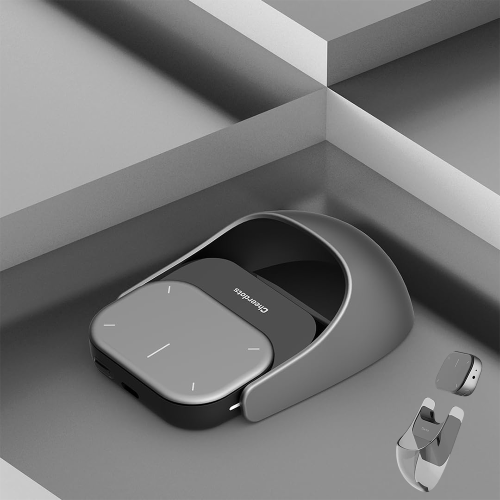 Your price for this item is $129.99
 -
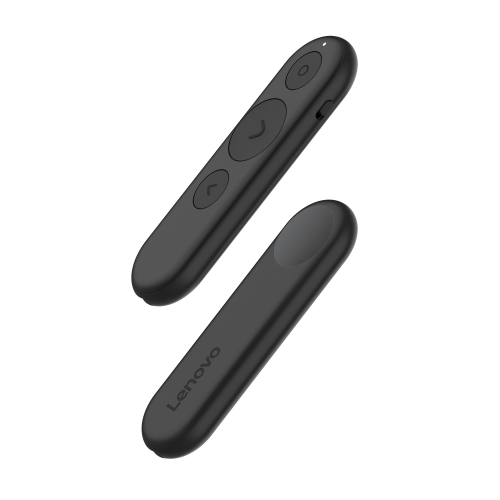 Your price for this item is $42.99
 -
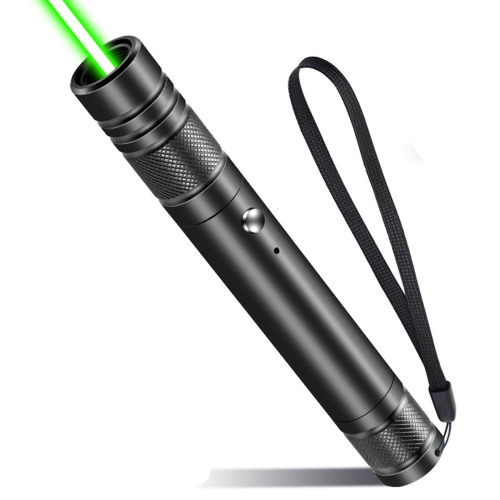 Your price for this item is $21.44
 -
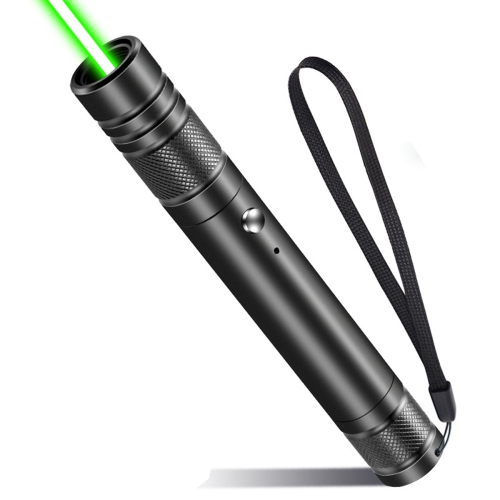 Your price for this item is $27.81
 -
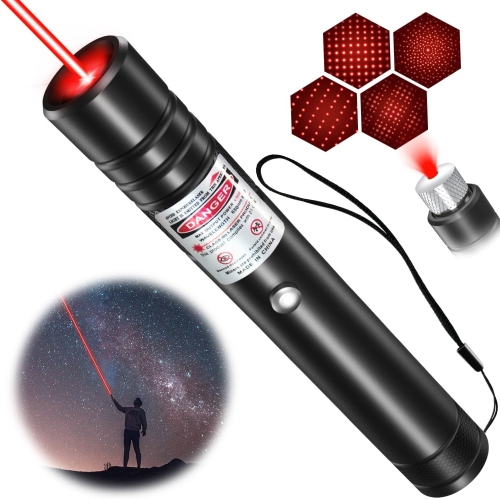 Your price for this item is $15.99
Discover more categories related to Laser Pointers for Presentations
Top Collections:
Pokemon Centers, Kindle Devices, Best Budget Office Chairs, Apple iPhones 16, Best Laptops for Writers, iPhone 15 Apple, Canon G7X Cameras, Refurbished Apple Laptops, Alarm Clock, Motorola Razr Phones
Some products may be subject to Environmental Handling Fees
(EHF) depending on your province.
Learn more about EHFs.