Laser Printer Parts
Looking to upgrade or repair your laser printer? Look no further than our comprehensive selection of laser printer parts. Whether you need a new toner cartridge, a replacement drum unit, or a fuser assembly, we've got you covered. With our extensive selection of parts, you can easily find the right part for your printer.
Sort

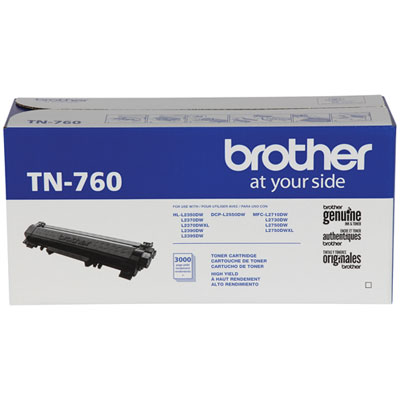
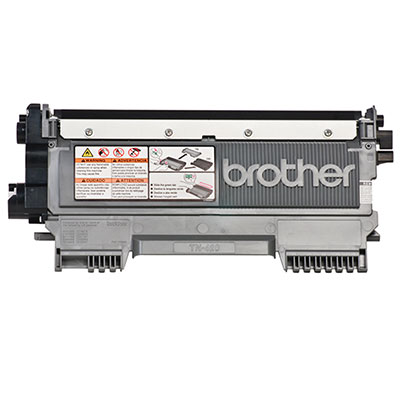
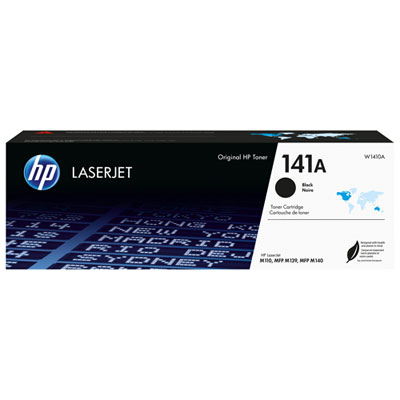
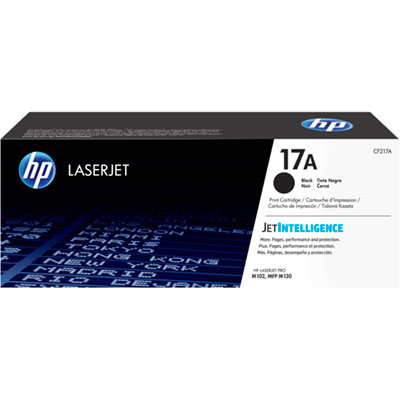
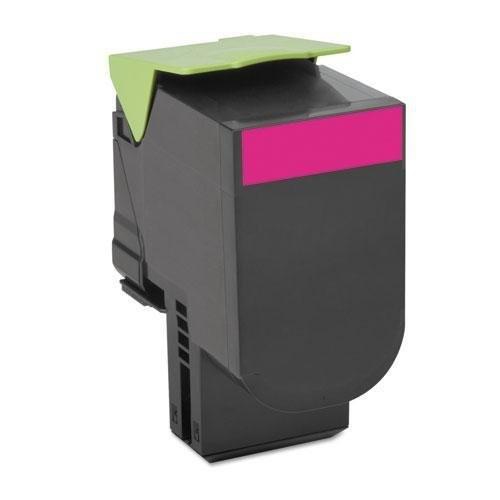
![CC Lexmark B221H00 High Yield Remanufactured Toner Cartridge for B2236, Mb2236 Laser Printer [3, 000 Pages] In Black Great Value !](https://multimedia.bbycastatic.ca/multimedia/products/500x500/194/19421/19421838.jpeg)
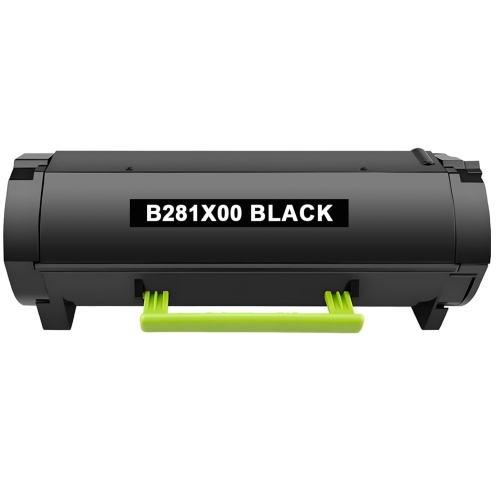
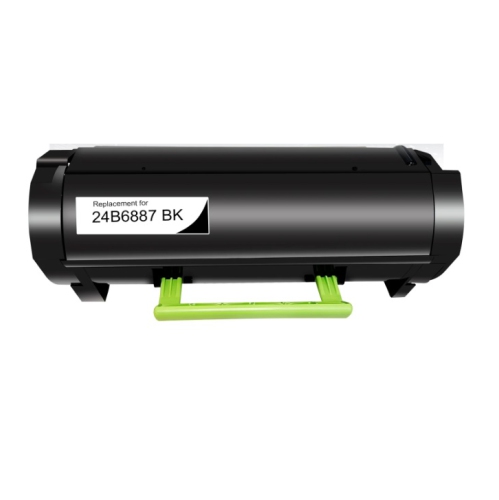
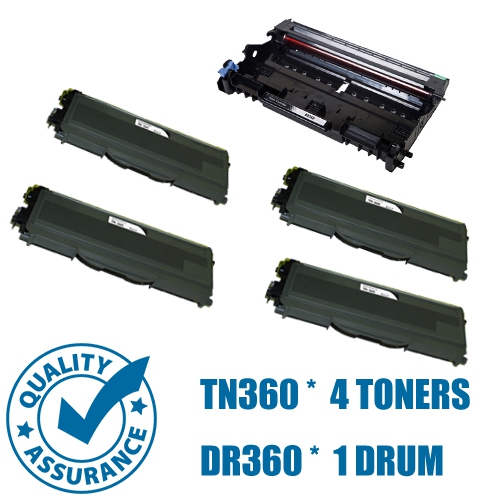
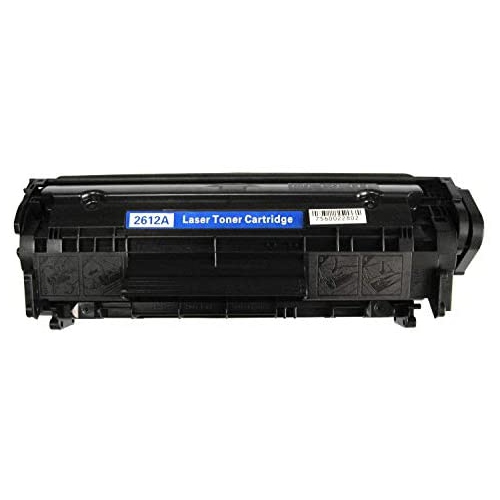
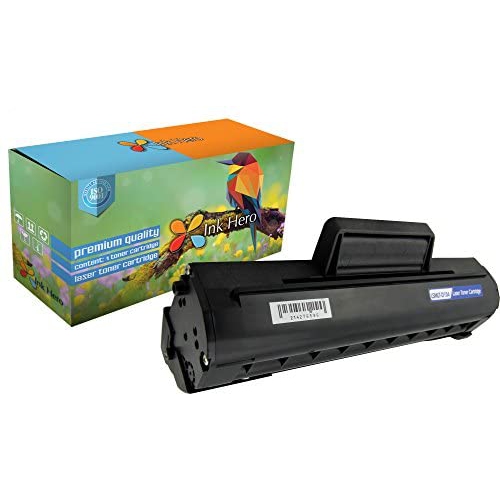
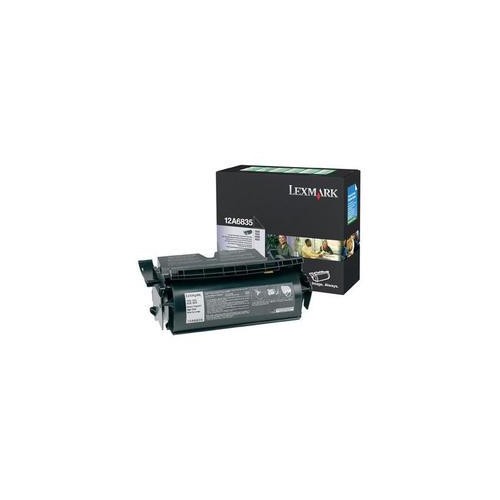
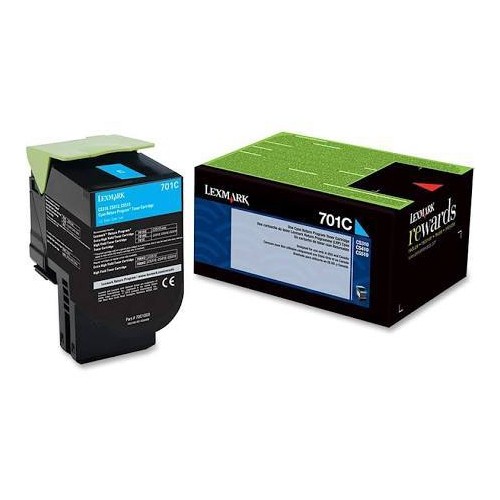
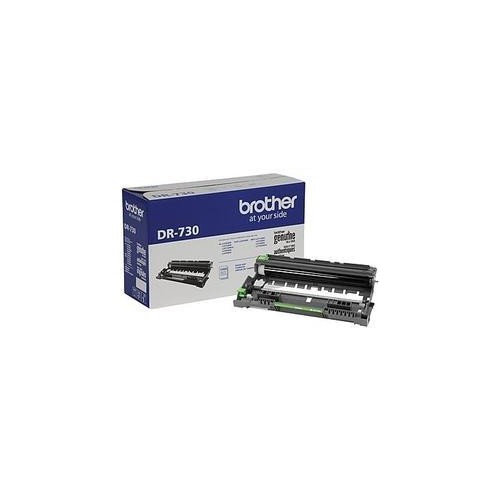

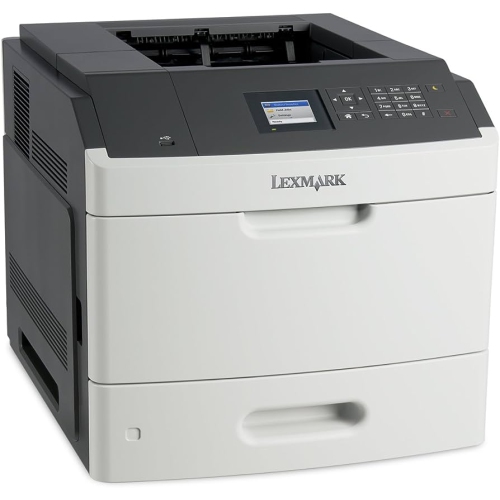
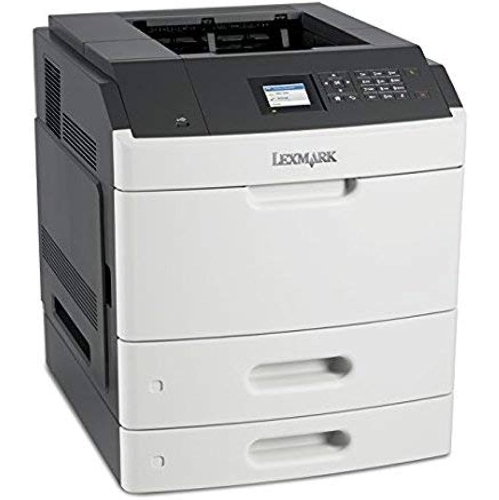
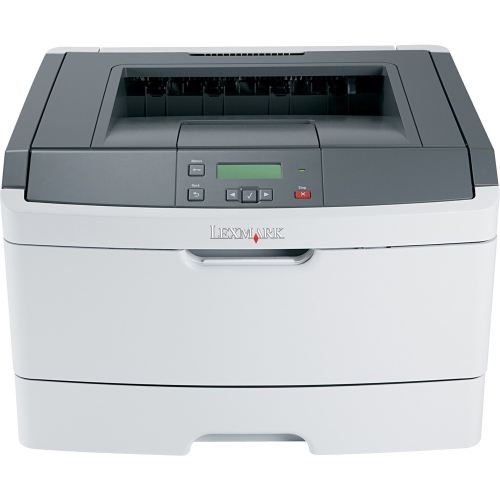

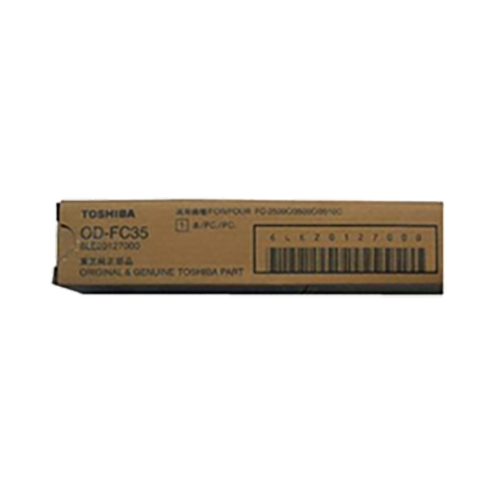




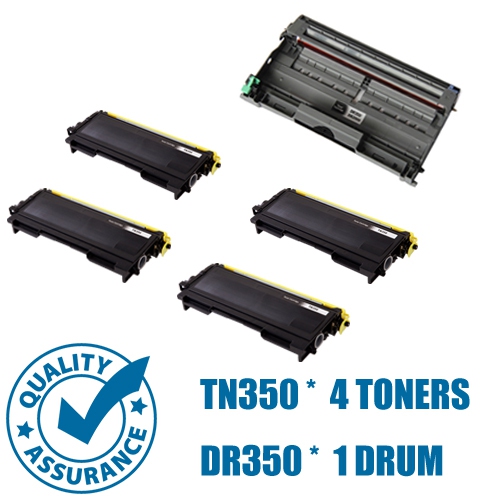
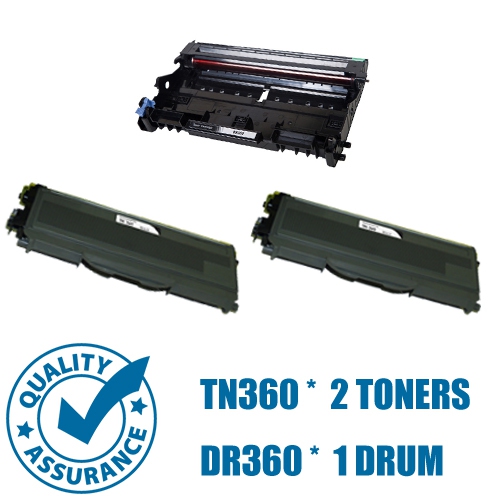
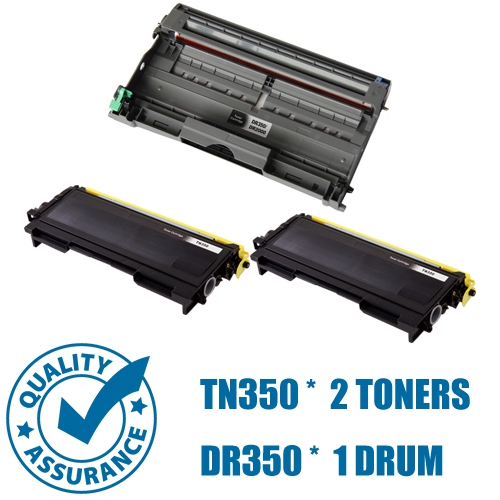
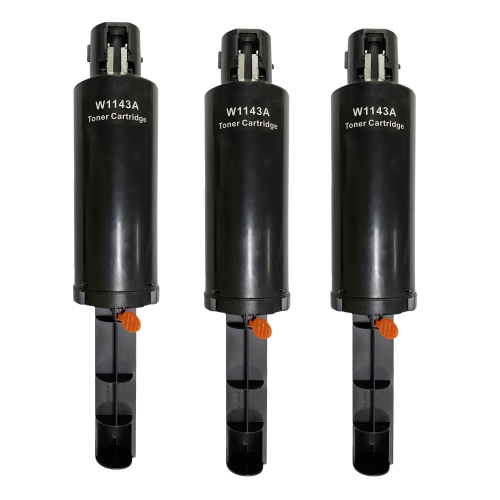
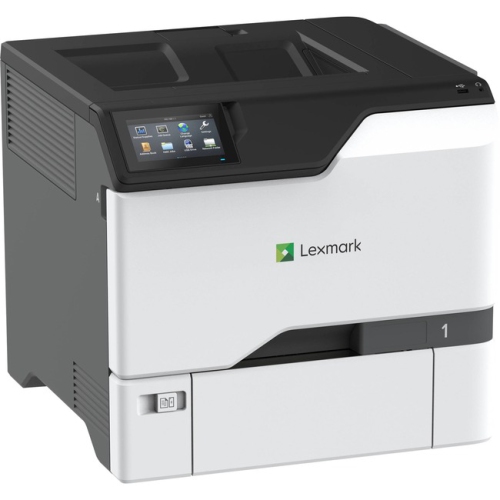
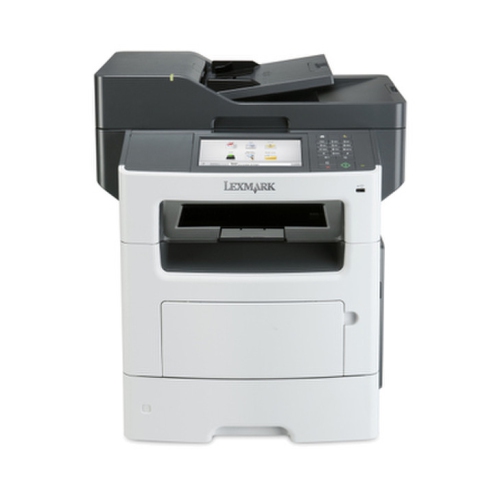
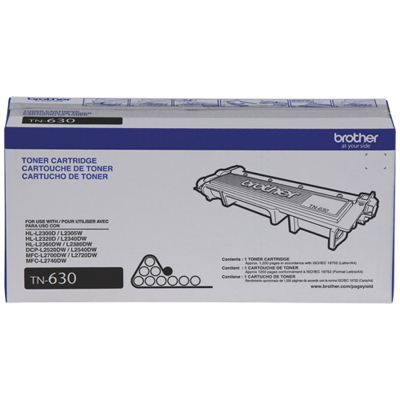
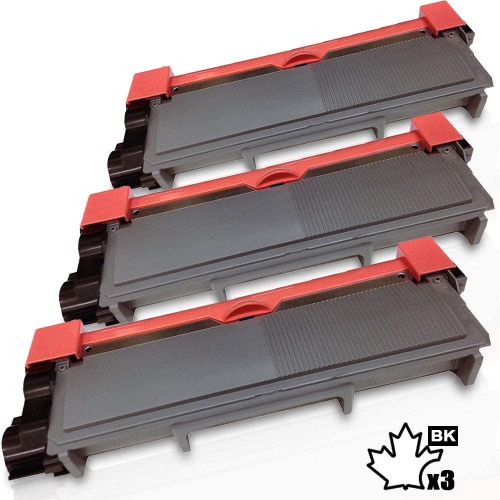
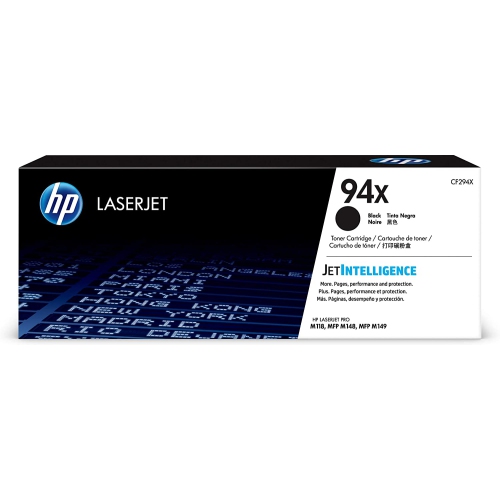
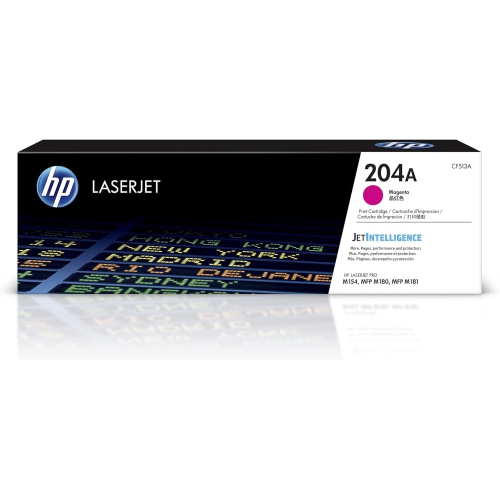
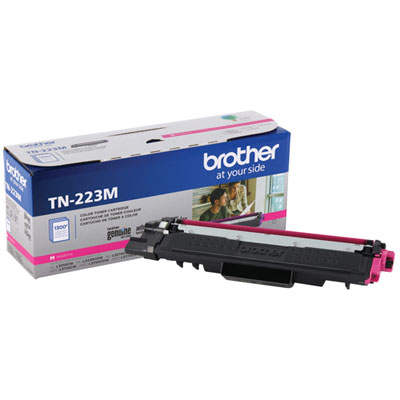
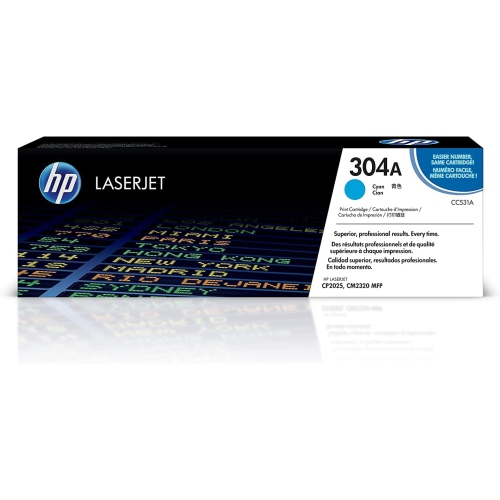
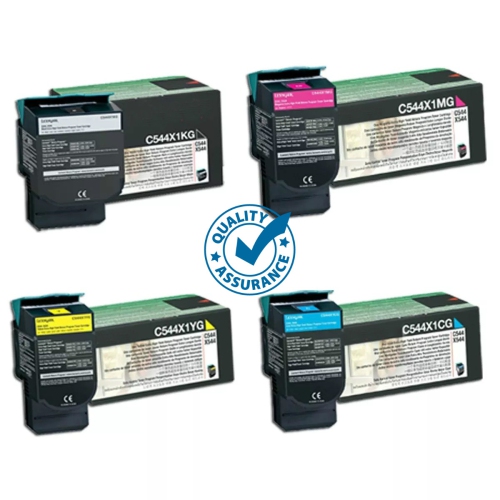
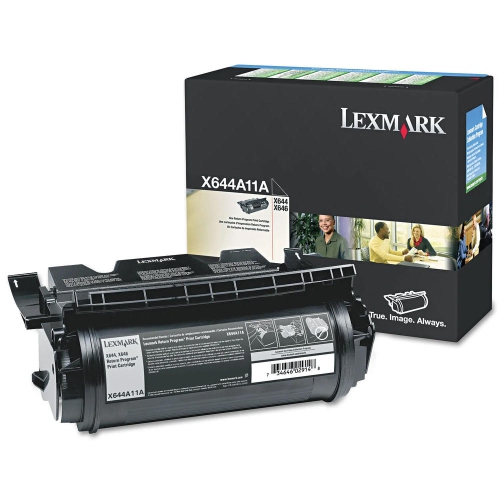
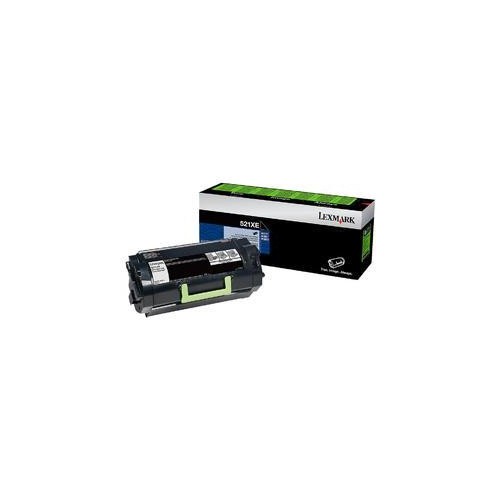
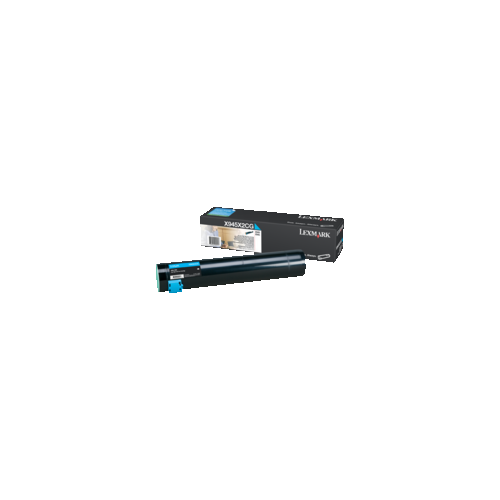
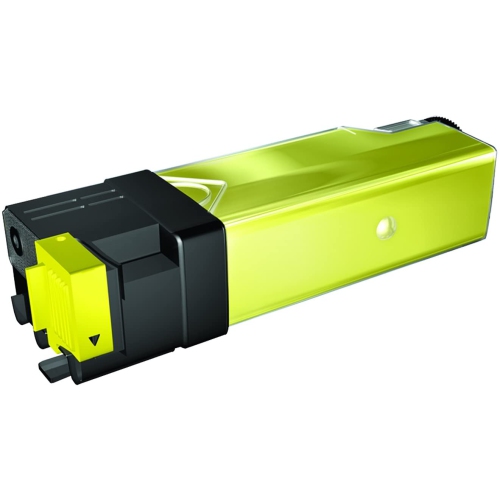
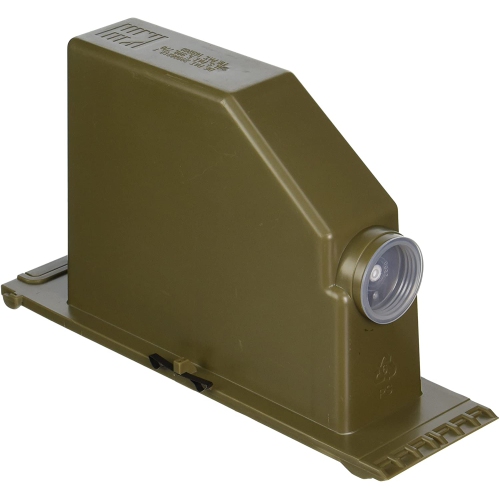
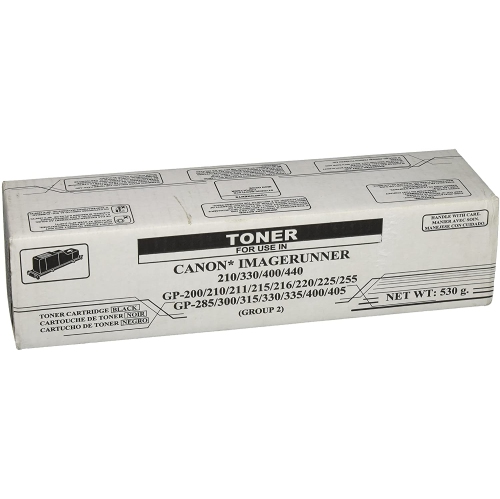
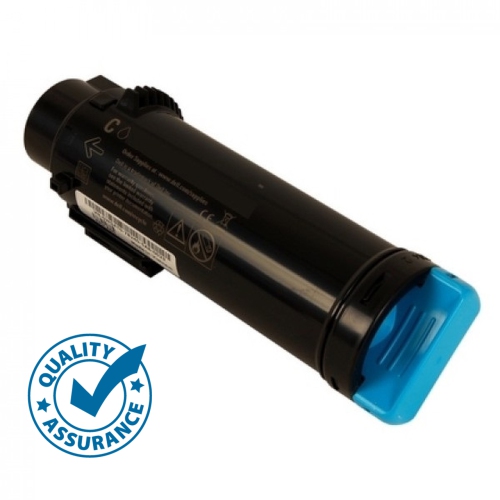

What each component does and when replacement matters
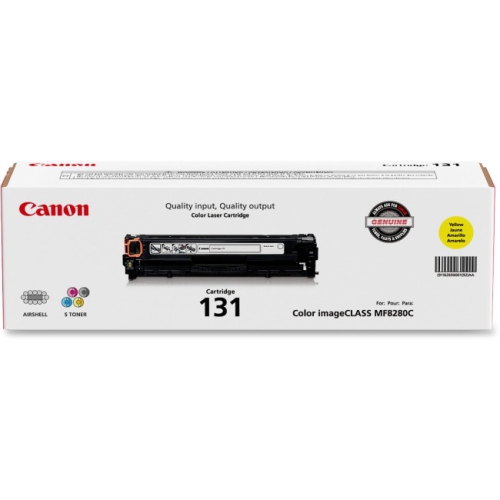
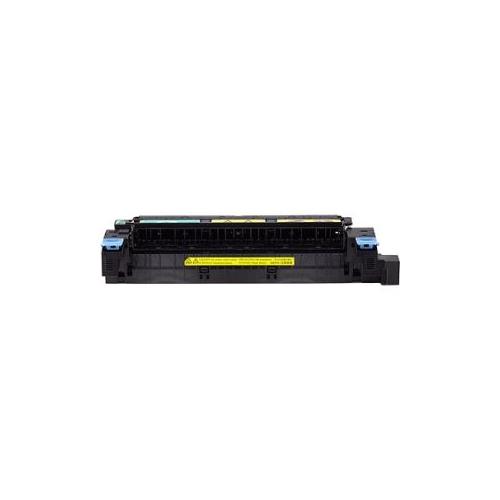
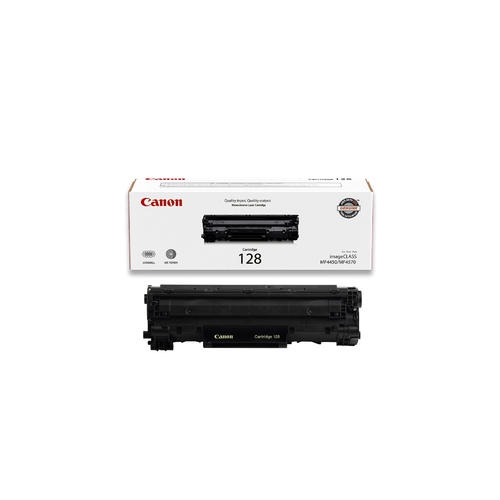
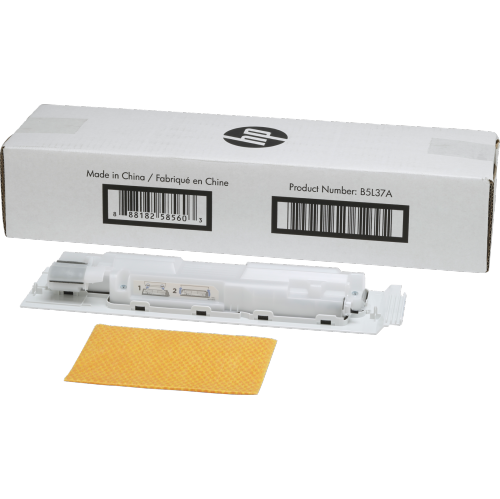
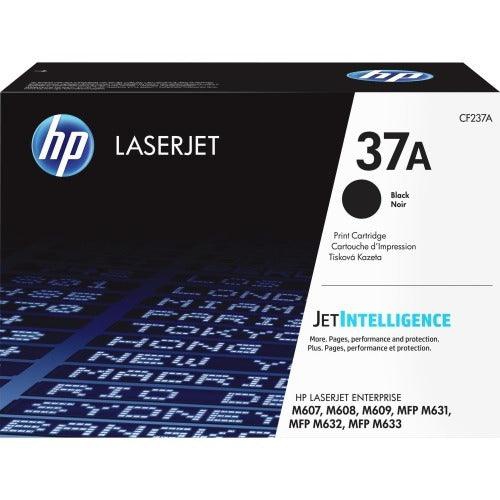
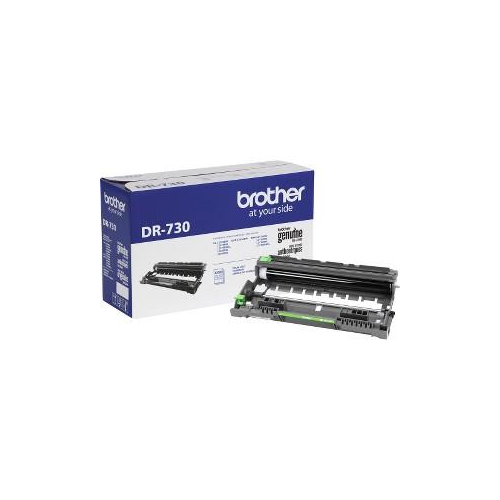
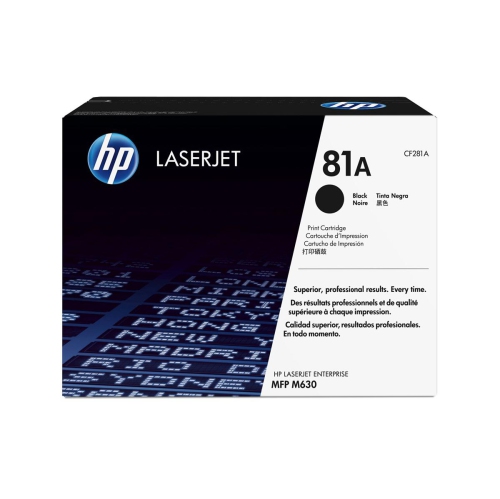
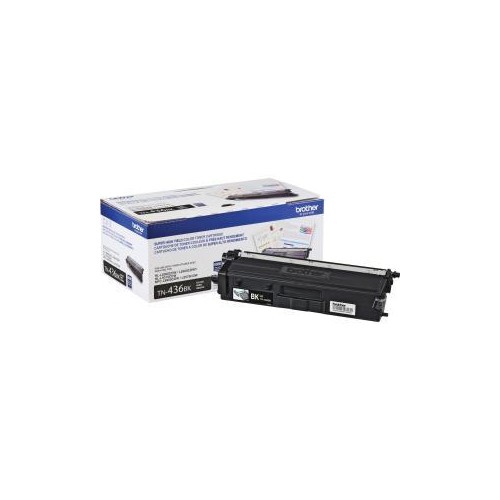
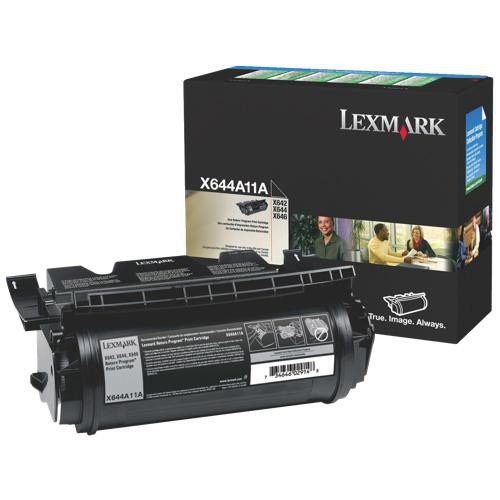
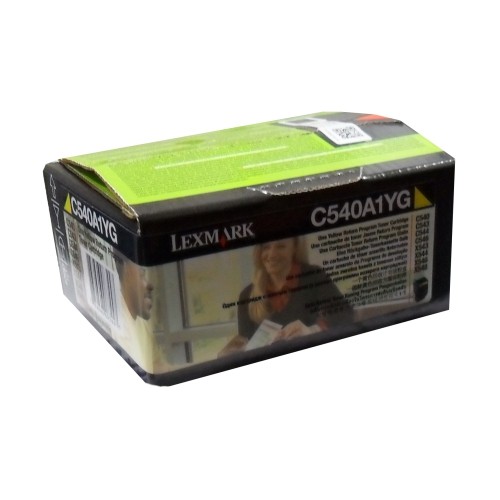
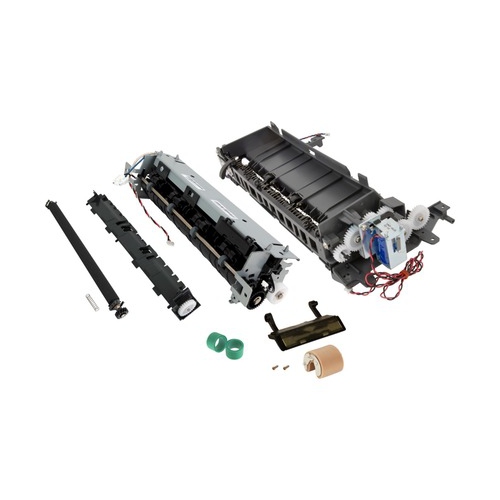
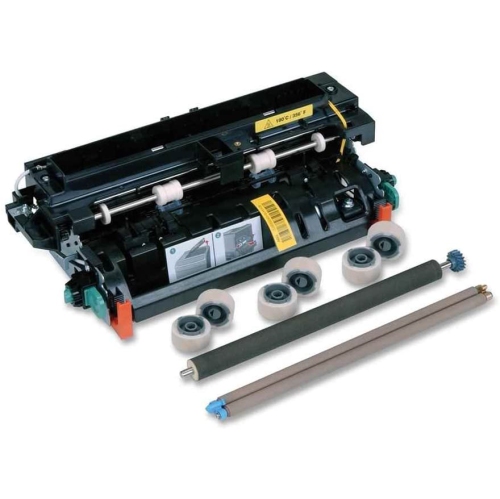
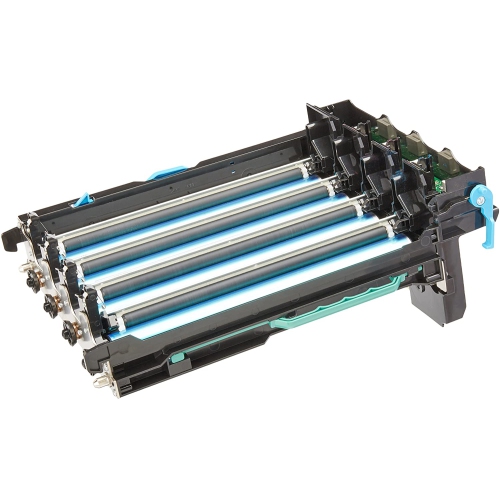
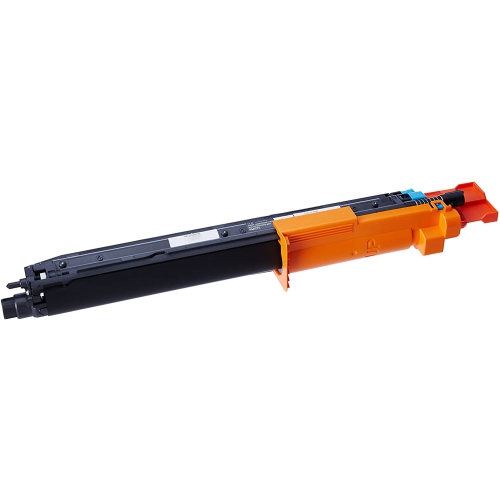
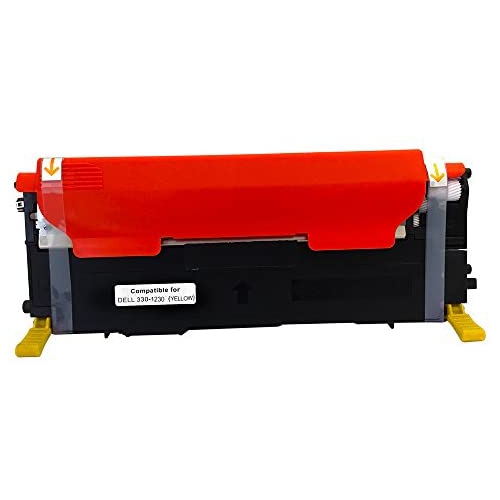
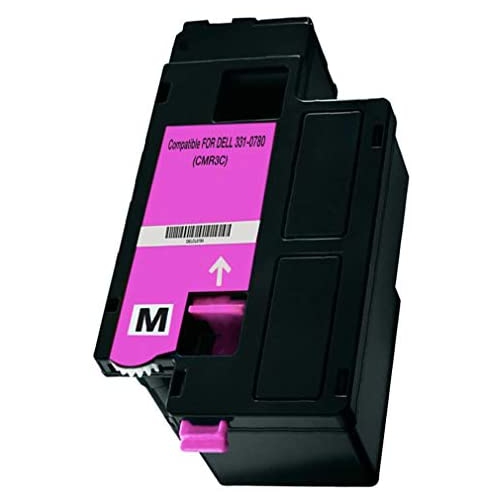
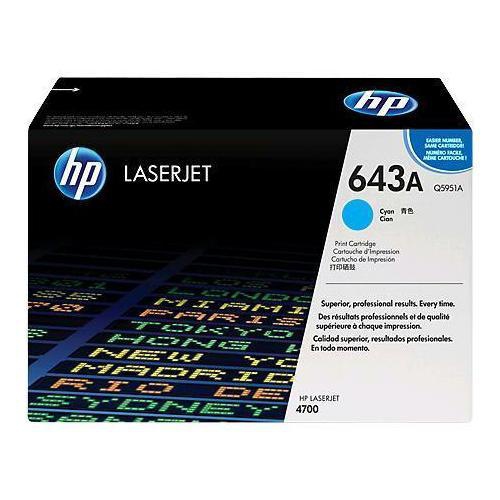
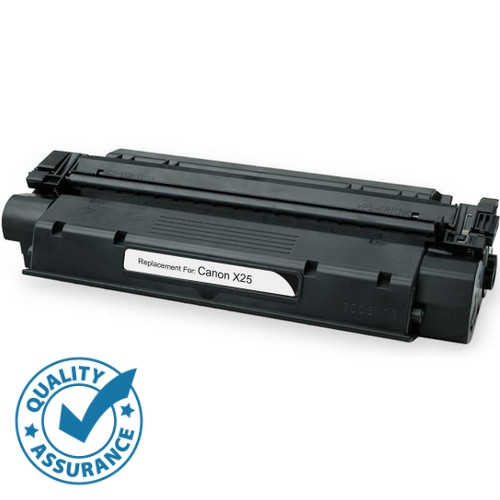
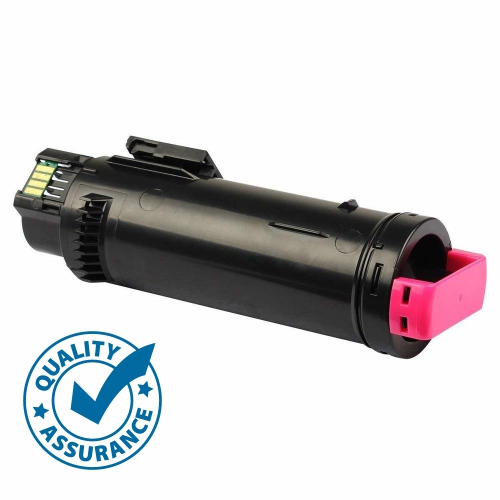
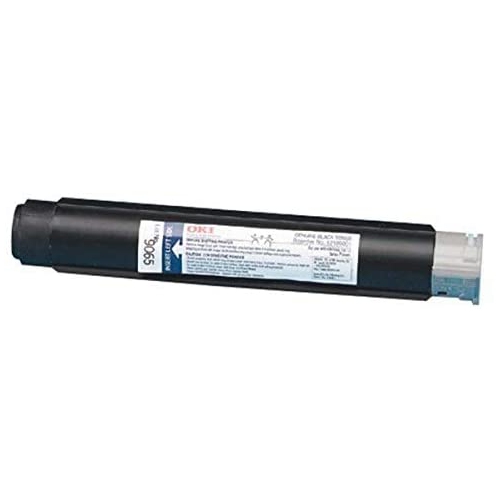
Laser printer parts help keep business, home, school, and shared office printers working smoothly when an original component becomes worn, damaged, or reaches the end of its service life. A laser printer uses several precisely coordinated parts to turn digital files into sharp text and images. Toner cartridges hold the fine, dry powder used to create the printed image, while the photoconductor drum receives an electrostatic charge and attracts toner to selected areas. A primary charge roller prepares the drum surface for the next page, and the laser scanner unit uses a focused beam and rotating mirror to discharge specific sections of the drum, forming the invisible image pattern. A transfer roller then applies a charge that pulls toner from the drum onto the sheet. Finally, the fuser assembly uses heat and pressure to bond toner to the paper fibres, which is why freshly printed pages may feel warm as they leave the printer. Understanding these basic functions can make it easier to identify the type of replacement part that fits a maintenance need, whether the goal is to restore crisp text, improve paper handling, or reduce recurring print interruptions. For shoppers comparing printer equipment, a selection of Laserjet Printers can also provide useful context about printer types, features, and the components commonly used with them.
Choosing the right laser printer part begins with compatibility. Check the printer’s complete model number, not just its series name, and compare the part number listed for the replacement with the information in the printer manual or manufacturer’s service documentation. Similar-looking components can differ in dimensions, connectors, gear arrangements, roller materials, or firmware requirements, so a part designed for one model may not work correctly in another. Toner cartridges are often the most frequently replaced component, but fading text, pale sections, uneven coverage, or repeated error messages can sometimes point to a drum, transfer roller, charge roller, or another imaging component instead. A page covered in smudges or toner that rubs away may suggest a fuser issue, particularly when the problem continues with a properly installed cartridge. Paper jams near the tray can be related to pickup rollers or a separation pad, while pages feeding several at a time may indicate that the separation mechanism is no longer gripping sheets individually. Feed rollers pull paper from the tray and guide it through the printer, and their condition matters in offices that print invoices, shipping labels, school assignments, forms, or multi-page reports throughout the day. Maintenance kits can be a practical option for higher-volume printers because they may combine commonly serviced items such as a fuser, transfer roller, and feed rollers. Formatter boards and other electronic control components serve a different purpose: they manage communication between the printer, computer, network, and internal mechanisms. Since these parts may require installation experience or configuration after replacement, review the service requirements before purchasing.
Laser printer parts are useful for households, students, small businesses, reception desks, clinics, workshops, and anyone who depends on dependable printed documents during busy periods. A home user may keep a spare toner cartridge on hand before preparing tax paperwork, school materials, travel documents, or household records, while a small office may replace worn rollers to keep invoices and customer documents moving through the paper path without repeated stops. During the cooler months, when more work and school activities take place indoors, a reliable printer can be especially helpful for calendars, forms, reference pages, and creative projects. Parts can also be a thoughtful practical gift for a student moving into a residence, a family member working from home, or a small-business owner who would rather maintain familiar equipment than replace an entire printer. Before opening the printer, switch it off, unplug it, and allow hot components such as the fuser to cool completely. Follow the service instructions carefully, keep toner away from moisture and rough handling, and avoid touching sensitive drum surfaces or electrical contacts. If the printer displays an error code, record it along with the symptoms, such as paper jams, streaks, fading, spots, misfeeds, or pages that come out warm but remain smudged. Matching those details with the printer model and the replacement part description can help narrow the selection and prevent an unnecessary purchase. A well-matched component supports consistent printing, protects the printer’s internal alignment, and helps restore the familiar clean output expected from a laser printer.
Choosing the right laser printer part begins with compatibility. Check the printer’s complete model number, not just its series name, and compare the part number listed for the replacement with the information in the printer manual or manufacturer’s service documentation. Similar-looking components can differ in dimensions, connectors, gear arrangements, roller materials, or firmware requirements, so a part designed for one model may not work correctly in another. Toner cartridges are often the most frequently replaced component, but fading text, pale sections, uneven coverage, or repeated error messages can sometimes point to a drum, transfer roller, charge roller, or another imaging component instead. A page covered in smudges or toner that rubs away may suggest a fuser issue, particularly when the problem continues with a properly installed cartridge. Paper jams near the tray can be related to pickup rollers or a separation pad, while pages feeding several at a time may indicate that the separation mechanism is no longer gripping sheets individually. Feed rollers pull paper from the tray and guide it through the printer, and their condition matters in offices that print invoices, shipping labels, school assignments, forms, or multi-page reports throughout the day. Maintenance kits can be a practical option for higher-volume printers because they may combine commonly serviced items such as a fuser, transfer roller, and feed rollers. Formatter boards and other electronic control components serve a different purpose: they manage communication between the printer, computer, network, and internal mechanisms. Since these parts may require installation experience or configuration after replacement, review the service requirements before purchasing.
Laser printer parts are useful for households, students, small businesses, reception desks, clinics, workshops, and anyone who depends on dependable printed documents during busy periods. A home user may keep a spare toner cartridge on hand before preparing tax paperwork, school materials, travel documents, or household records, while a small office may replace worn rollers to keep invoices and customer documents moving through the paper path without repeated stops. During the cooler months, when more work and school activities take place indoors, a reliable printer can be especially helpful for calendars, forms, reference pages, and creative projects. Parts can also be a thoughtful practical gift for a student moving into a residence, a family member working from home, or a small-business owner who would rather maintain familiar equipment than replace an entire printer. Before opening the printer, switch it off, unplug it, and allow hot components such as the fuser to cool completely. Follow the service instructions carefully, keep toner away from moisture and rough handling, and avoid touching sensitive drum surfaces or electrical contacts. If the printer displays an error code, record it along with the symptoms, such as paper jams, streaks, fading, spots, misfeeds, or pages that come out warm but remain smudged. Matching those details with the printer model and the replacement part description can help narrow the selection and prevent an unnecessary purchase. A well-matched component supports consistent printing, protects the printer’s internal alignment, and helps restore the familiar clean output expected from a laser printer.
Top selling and popular products
-
 Your price for this item is $184.99
 -
 Your price for this item is $184.99
 -
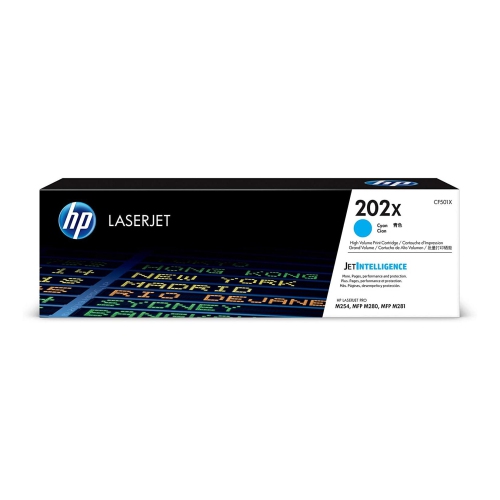 Your price for this item is $184.99
 -
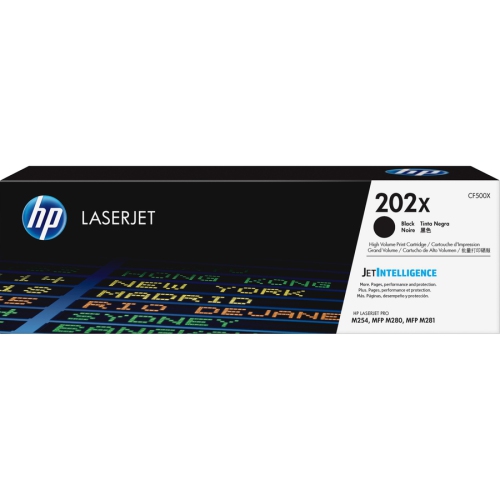 Your price for this item is $176.99
 -
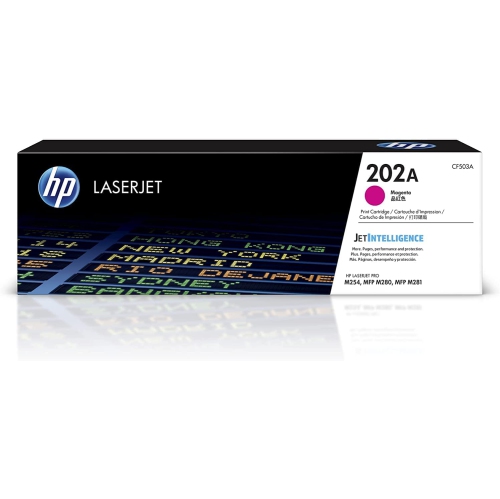 Your price for this item is $139.99
 -
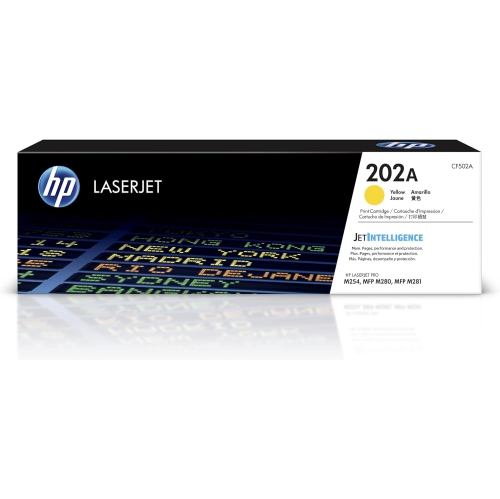 Your price for this item is $139.99
 -
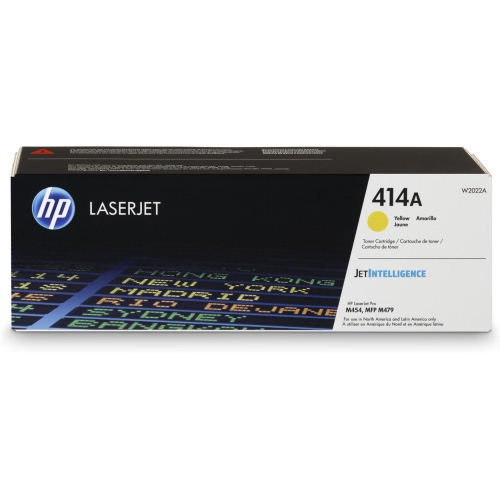 Your price for this item is $230.82
 -
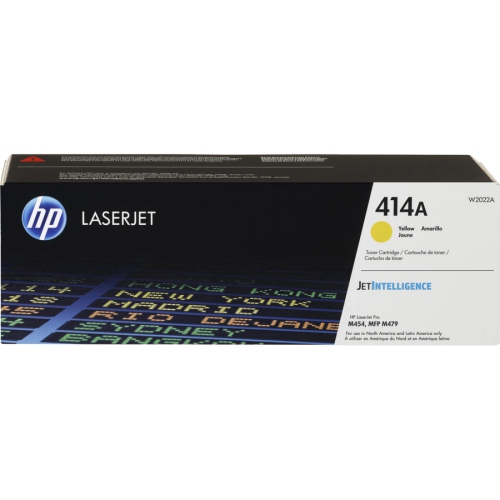 Your price for this item is $197.99
Discover more categories related to Laser Printer Parts

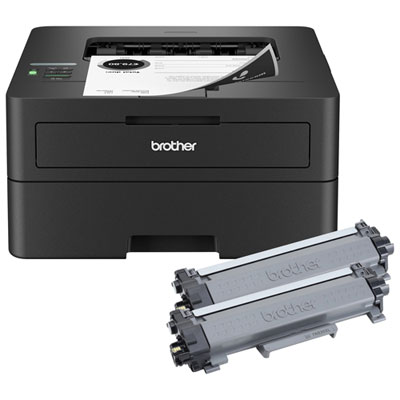
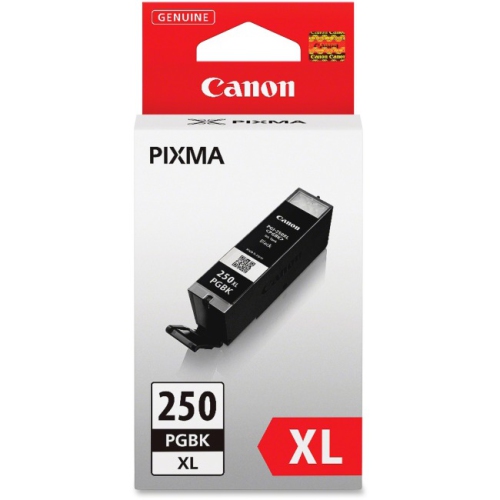
Top Collections:
Pokemon Centers, Kindle Devices, Best Budget Office Chairs, Apple iPhones 16, Best Laptops for Writers, iPhone 15 Apple, Canon G7X Cameras, Refurbished Apple Laptops, Alarm Clock, Motorola Razr Phones
Some products may be subject to Environmental Handling Fees
(EHF) depending on your province.
Learn more about EHFs.