Latitude 5440
Latitude 5440 offers a versatile solution for those seeking reliable performance in a sleek and modern design. Perfect for professionals, students, and anyone on the go, Latitude 5440 models are crafted to handle everyday tasks with ease. Explore a range of options designed to keep you connected and productive, whether you're working from the office or tackling projects at home. Discover how Latitude 5440 can fit seamlessly into your lifestyle and help you stay ahead in today’s fast-paced world.
Sort




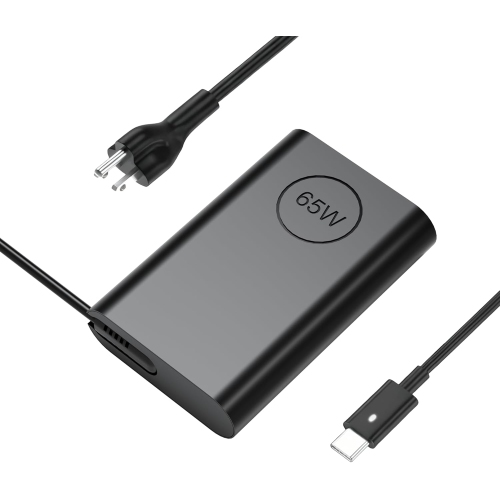
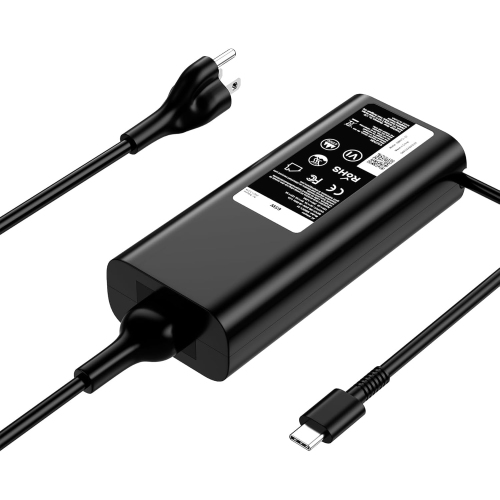
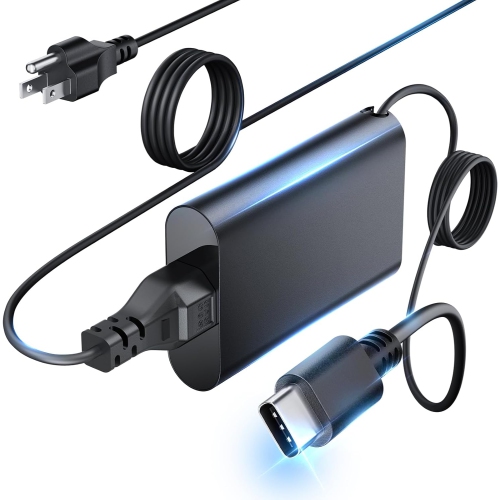
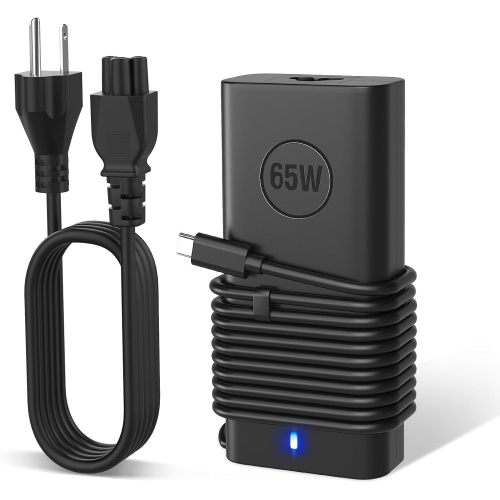
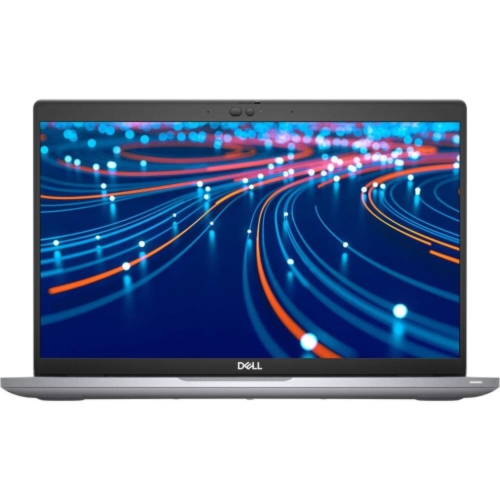
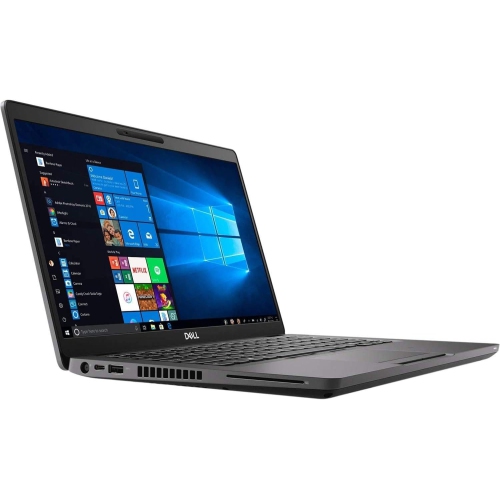
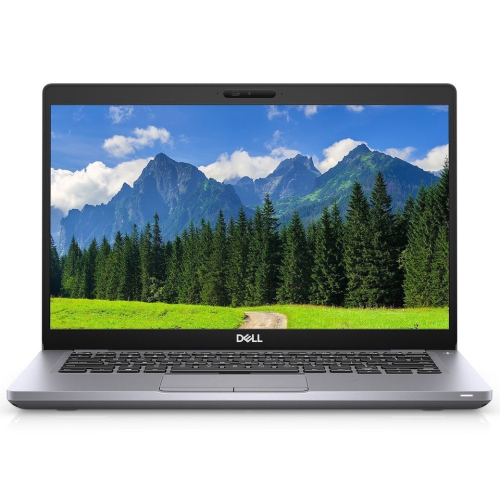
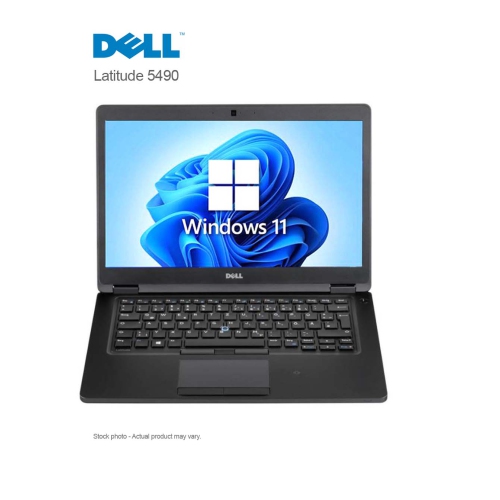
A 14-inch laptop built for work beyond the desk
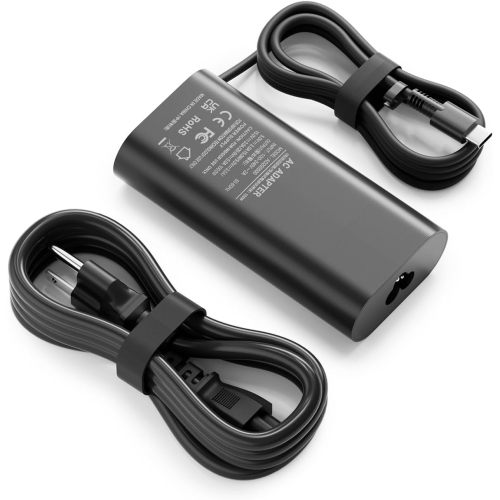
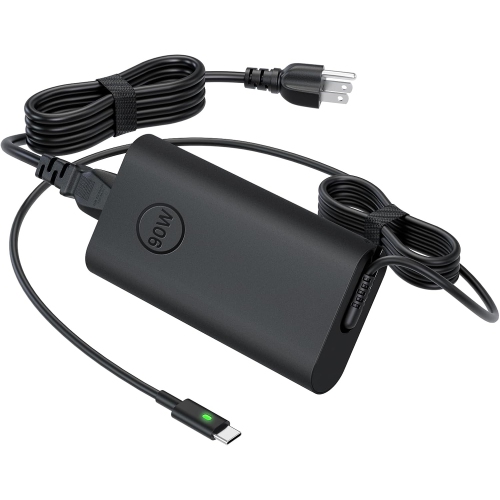
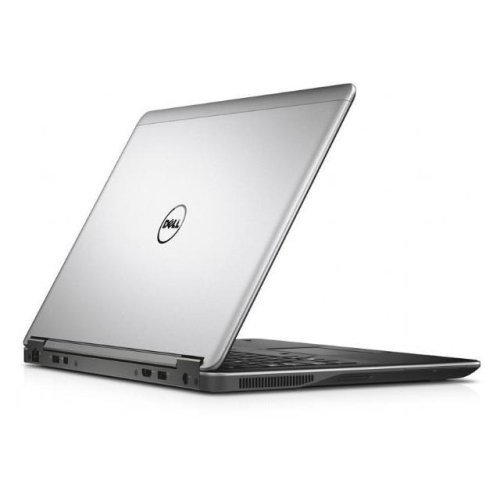
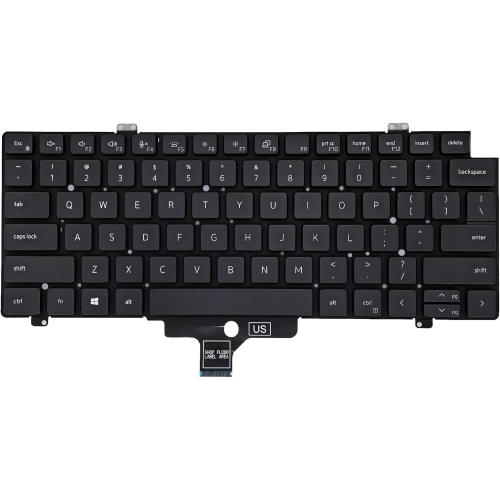
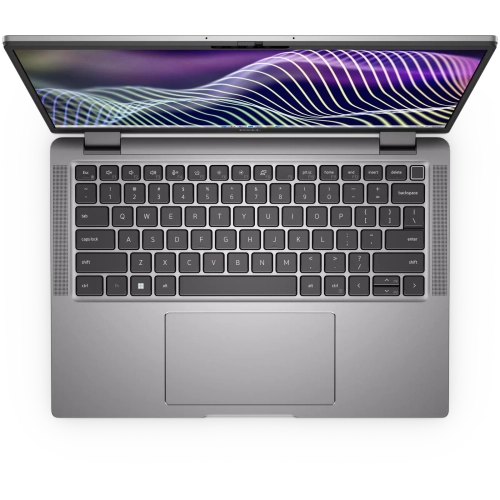
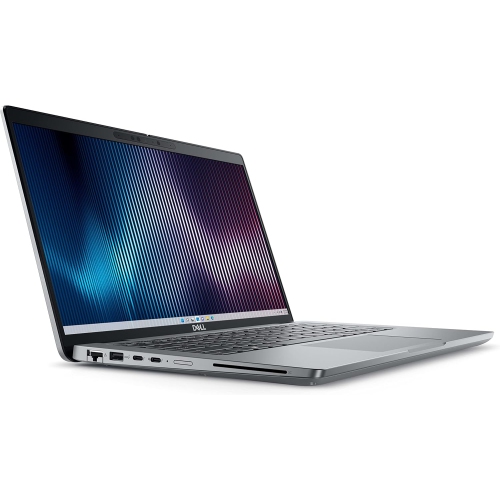
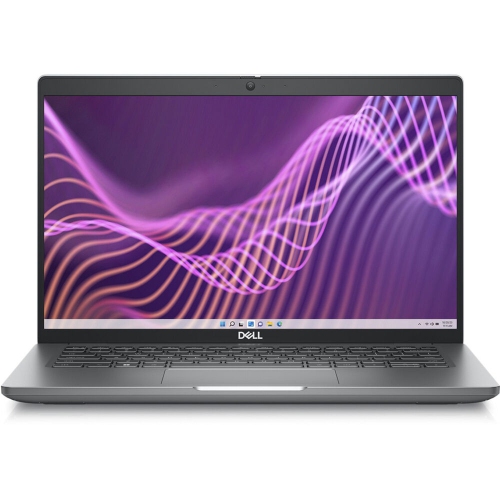
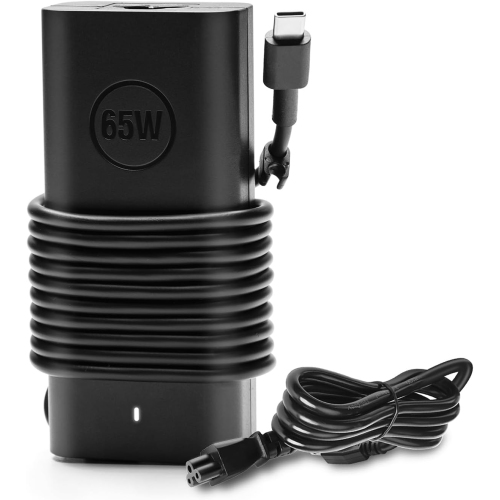
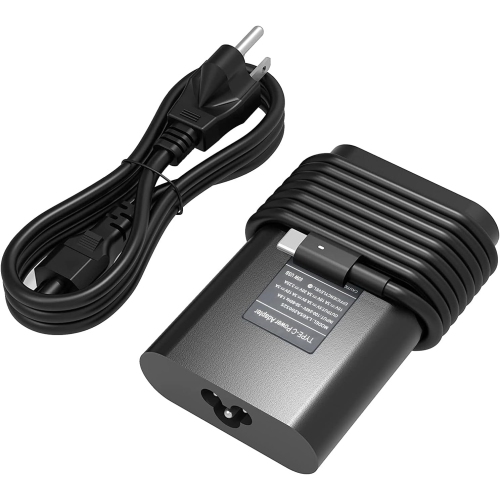
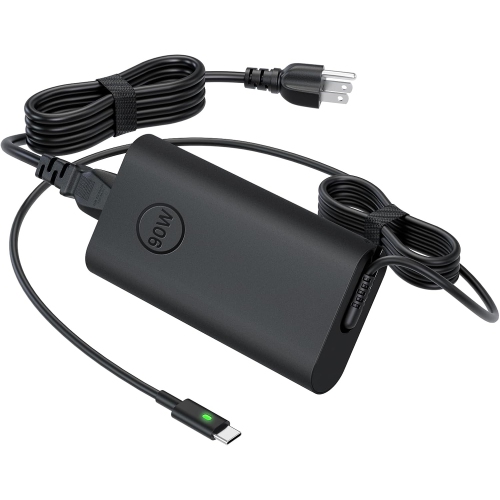
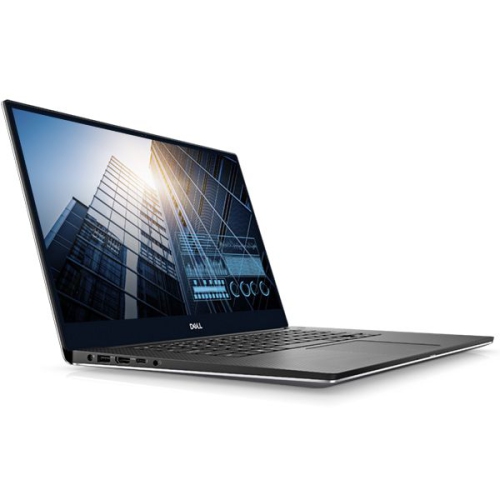
A 14-inch business laptop brings everyday productivity into a size that works comfortably at a desk, in a meeting room, or on a train tray table. This category of notebook is designed around practical tasks: writing reports, managing spreadsheets, joining video calls, working in browser-based applications, and keeping several documents open at once. The screen offers more room than many ultraportable designs without taking up as much space in a bag as a larger workstation. For hybrid professionals, that balance can make the same computer suitable for focused work at home and a full day at the office. Students, independent consultants, administrators, and small-business owners may also appreciate a notebook that prioritizes a comfortable keyboard, straightforward connectivity, and manageable weight. A Full HD resolution of 1920 × 1080 provides useful detail for text and everyday visuals at this screen size, while an IPS panel generally offers more consistent viewing angles when sharing a document with someone seated nearby. An anti-glare finish can help reduce distracting reflections under overhead lighting, although brightness still matters when working beside a window. Touch input is useful for some workflows, but it is a configuration-dependent feature rather than something to assume from a laptop’s appearance. Keyboard layout deserves similar attention, particularly for anyone who regularly switches between English and French or needs familiar key placement for lengthy typing sessions. A backlit keyboard, when included, can make keys easier to see in a dim lecture hall or shared office. For frequent calls, webcam clarity, microphone performance, and speaker placement affect the experience as much as screen size. A physical camera shutter offers a simple way to cover the lens between meetings. These practical details help distinguish a work-focused notebook from a computer chosen mainly for entertainment, especially when the laptop will be used for several hours each day.
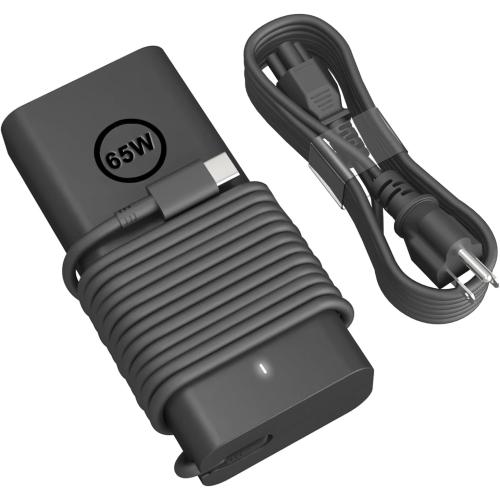
Performance in a compact business notebook depends on the full configuration, not just the processor name. Processor generation, power limits, cooling, memory capacity, and storage all contribute to how smoothly a computer handles daily work. Mainstream mobile processors are generally well suited to email, presentations, online meetings, and office applications, while larger spreadsheets, software development tools, and heavier multitasking can benefit from additional processing headroom. Memory gives active applications room to operate: 16 GB is a practical starting point for many mixed office workloads, while 32 GB can be useful for people running virtual machines, larger datasets, or numerous demanding applications together. Requirements vary by software, so a work-issued application or course requirement is a useful reference point. A solid-state drive helps with startup, application loading, and opening locally stored files; its capacity should reflect the documents, project folders, and offline materials that need to travel with the computer. Upgrade options vary, and accessible memory or storage should be confirmed in the configuration details rather than assumed. Integrated graphics typically suit presentations, video playback, and general productivity, but demanding 3D design or professional graphics workloads may call for a different class of hardware. Connections also shape everyday usefulness. USB Type-A can accommodate familiar peripherals, HDMI can connect to a compatible display, and Ethernet provides a wired networking option where supported. USB-C ports differ in their capabilities, so charging, display output, and Thunderbolt support require attention to the stated specifications. A compatible dock can simplify a desk setup by bringing a monitor, keyboard, mouse, and network connection together through fewer cables. Wi-Fi performance depends on both the notebook and the network it joins. Battery life is similarly variable: screen brightness, video meetings, wireless activity, and processor load all affect how long a charge lasts. For someone moving between appointments, a suitable charger and a realistic understanding of daily power needs are more helpful than treating a battery estimate as a guarantee.
The construction and condition of a business laptop matter most in the small moments of daily use: lifting the screen with one hand, sliding the computer into a sleeve, or carrying it between rooms several times a day. Chassis materials may include reinforced plastics or metal components, depending on the design, but material alone does not establish durability. Hinge stability, keyboard support, port condition, and the fit of the base are also important. Durability testing can provide context, though it does not make a notebook resistant to every drop, spill, or packed commuter bag. A padded sleeve should match the computer’s actual dimensions rather than screen size alone, with enough room to close without pressing against the corners. Chargers and other hard accessories are best kept in a separate compartment so they do not bear against the lid. At a desk, a firm, flat surface keeps ventilation openings clear; bedding and soft cushions can restrict airflow during longer sessions. Routine care is straightforward: power down before cleaning, use a soft microfibre cloth, and follow the manufacturer’s directions for approved cleaning methods. Spraying liquid directly onto the screen or keyboard can allow moisture into openings. During the cooler months, a computer brought in from the cold should reach room temperature and be free of condensation before use. For refurbished notebooks, condition descriptions, battery information, the included power adapter, operating system details, and warranty terms deserve attention alongside the hardware specifications. Cosmetic wear and functional condition are separate considerations, particularly for a computer that will travel daily. Shoppers exploring related business notebooks can also browse Latitude 5400, keeping processor generation, display features, connections, and condition distinct when comparing configurations. For an employee, a student beginning a demanding programme, or a family member managing a home business, a work-focused laptop can be a thoughtful gift when its software compatibility and keyboard layout match the recipient’s needs. The most suitable choice is one that fits the actual routine, from reading detailed documents at the kitchen table to connecting a full workstation at the office.
Performance in a compact business notebook depends on the full configuration, not just the processor name. Processor generation, power limits, cooling, memory capacity, and storage all contribute to how smoothly a computer handles daily work. Mainstream mobile processors are generally well suited to email, presentations, online meetings, and office applications, while larger spreadsheets, software development tools, and heavier multitasking can benefit from additional processing headroom. Memory gives active applications room to operate: 16 GB is a practical starting point for many mixed office workloads, while 32 GB can be useful for people running virtual machines, larger datasets, or numerous demanding applications together. Requirements vary by software, so a work-issued application or course requirement is a useful reference point. A solid-state drive helps with startup, application loading, and opening locally stored files; its capacity should reflect the documents, project folders, and offline materials that need to travel with the computer. Upgrade options vary, and accessible memory or storage should be confirmed in the configuration details rather than assumed. Integrated graphics typically suit presentations, video playback, and general productivity, but demanding 3D design or professional graphics workloads may call for a different class of hardware. Connections also shape everyday usefulness. USB Type-A can accommodate familiar peripherals, HDMI can connect to a compatible display, and Ethernet provides a wired networking option where supported. USB-C ports differ in their capabilities, so charging, display output, and Thunderbolt support require attention to the stated specifications. A compatible dock can simplify a desk setup by bringing a monitor, keyboard, mouse, and network connection together through fewer cables. Wi-Fi performance depends on both the notebook and the network it joins. Battery life is similarly variable: screen brightness, video meetings, wireless activity, and processor load all affect how long a charge lasts. For someone moving between appointments, a suitable charger and a realistic understanding of daily power needs are more helpful than treating a battery estimate as a guarantee.
The construction and condition of a business laptop matter most in the small moments of daily use: lifting the screen with one hand, sliding the computer into a sleeve, or carrying it between rooms several times a day. Chassis materials may include reinforced plastics or metal components, depending on the design, but material alone does not establish durability. Hinge stability, keyboard support, port condition, and the fit of the base are also important. Durability testing can provide context, though it does not make a notebook resistant to every drop, spill, or packed commuter bag. A padded sleeve should match the computer’s actual dimensions rather than screen size alone, with enough room to close without pressing against the corners. Chargers and other hard accessories are best kept in a separate compartment so they do not bear against the lid. At a desk, a firm, flat surface keeps ventilation openings clear; bedding and soft cushions can restrict airflow during longer sessions. Routine care is straightforward: power down before cleaning, use a soft microfibre cloth, and follow the manufacturer’s directions for approved cleaning methods. Spraying liquid directly onto the screen or keyboard can allow moisture into openings. During the cooler months, a computer brought in from the cold should reach room temperature and be free of condensation before use. For refurbished notebooks, condition descriptions, battery information, the included power adapter, operating system details, and warranty terms deserve attention alongside the hardware specifications. Cosmetic wear and functional condition are separate considerations, particularly for a computer that will travel daily. Shoppers exploring related business notebooks can also browse Latitude 5400, keeping processor generation, display features, connections, and condition distinct when comparing configurations. For an employee, a student beginning a demanding programme, or a family member managing a home business, a work-focused laptop can be a thoughtful gift when its software compatibility and keyboard layout match the recipient’s needs. The most suitable choice is one that fits the actual routine, from reading detailed documents at the kitchen table to connecting a full workstation at the office.
Top selling and popular products
-
 Your price for this item is $449
 -
 Your price for this item is $3099
 -
 Your price for this item is $299.95
 -
 Your price for this item is $664.05
 -
 Your price for this item is $599.68
 -
 Your price for this item is $869.99
 -
 Your price for this item is $259
 -
 Your price for this item is $418.98
Discover more categories related to Latitude 5440
Top Collections:
Pokemon Centers, Kindle Devices, Best Budget Office Chairs, Apple iPhones 16, Best Laptops for Writers, iPhone 15 Apple, Canon G7X Cameras, Refurbished Apple Laptops, Alarm Clock, Motorola Razr Phones
Some products may be subject to Environmental Handling Fees
(EHF) depending on your province.
Learn more about EHFs.