Lenovo ThinkPad X1 Carbon Gen 10
Discover the Lenovo ThinkPad X1 Carbon Gen 10, designed to deliver a seamless experience for both work and play. Whether you're tackling demanding projects or staying connected on the go, this lineup offers dependable performance and sleek design to help you stay productive. Explore a range of configurations and find the ideal Lenovo ThinkPad X1 Carbon Gen 10 to match your professional and personal needs.
Sort
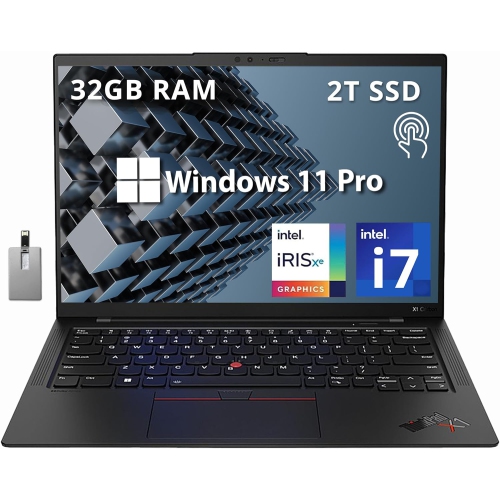
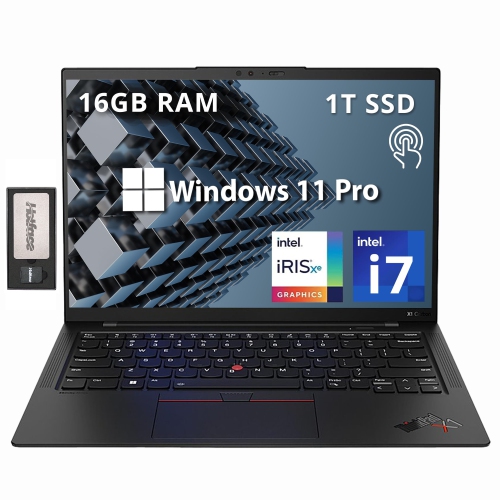
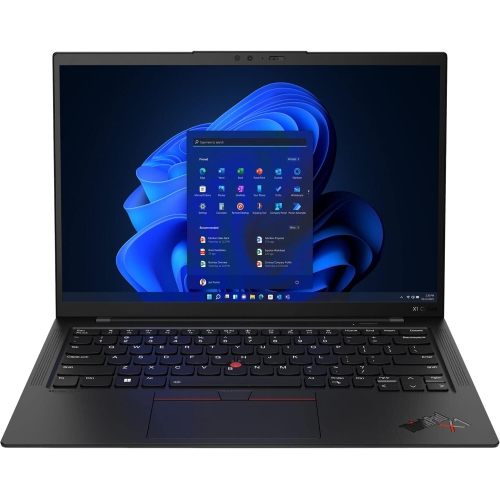
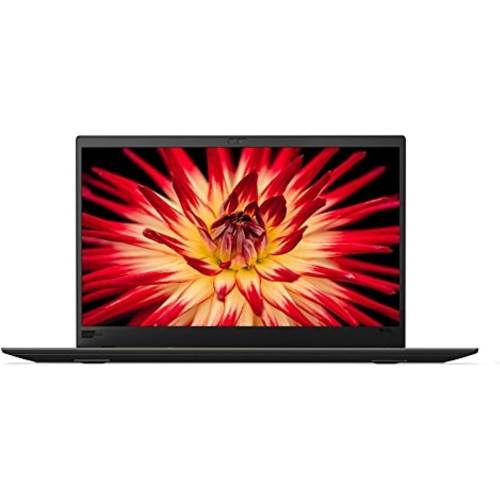
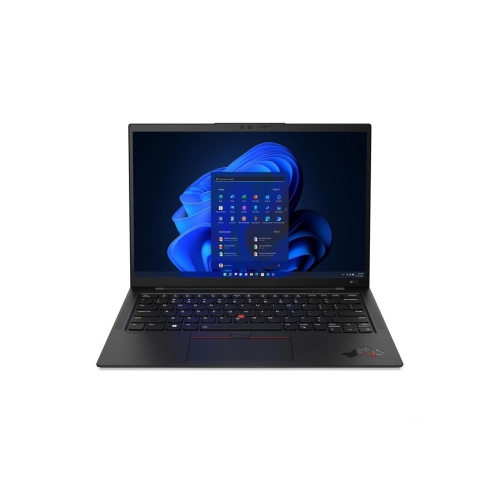
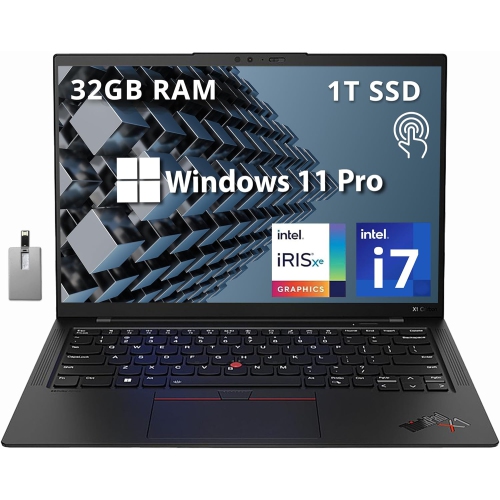
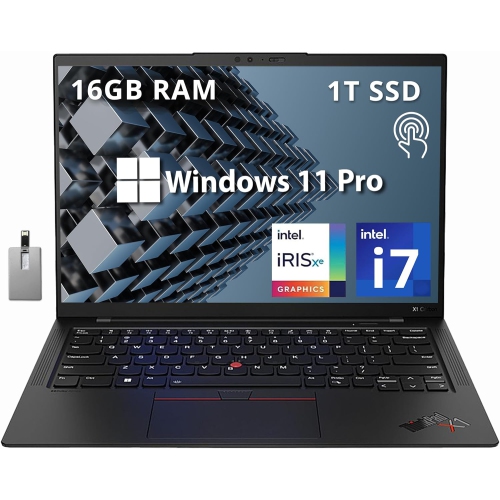
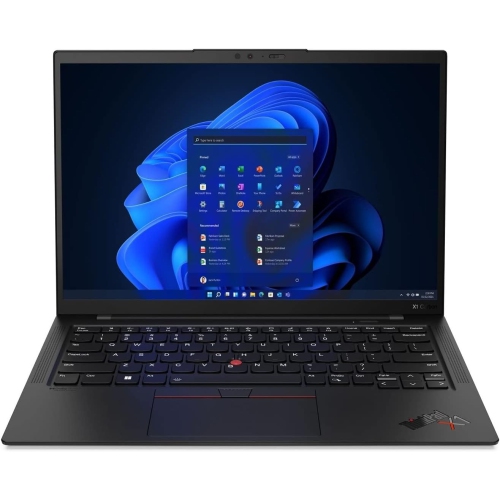
Ultralight portability for work beyond your desk
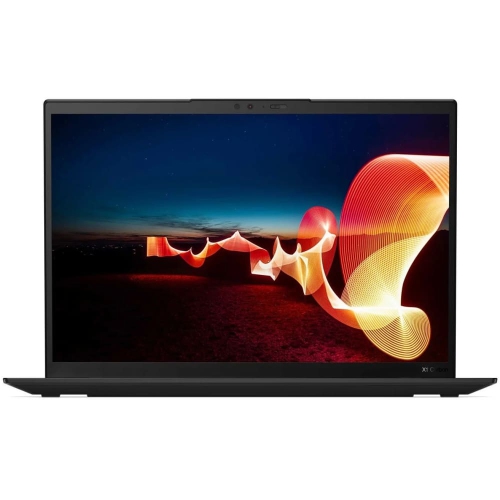
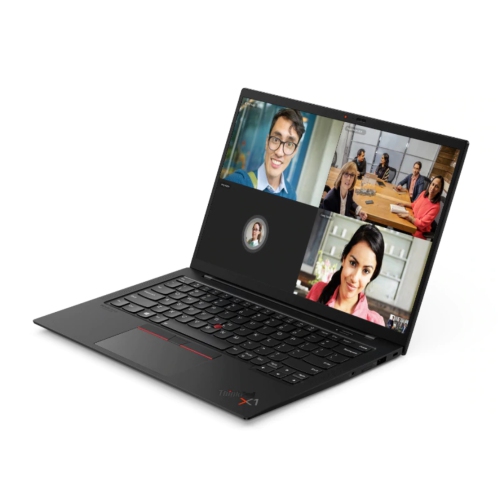
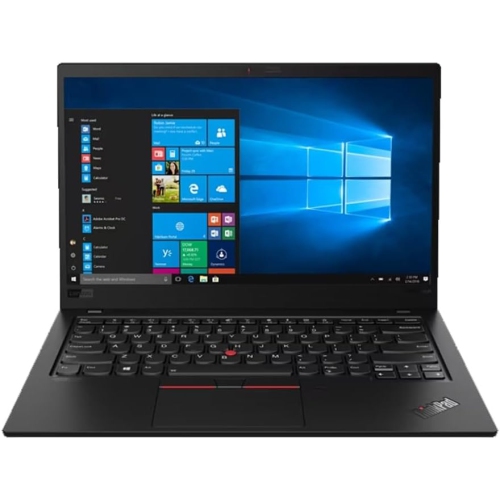
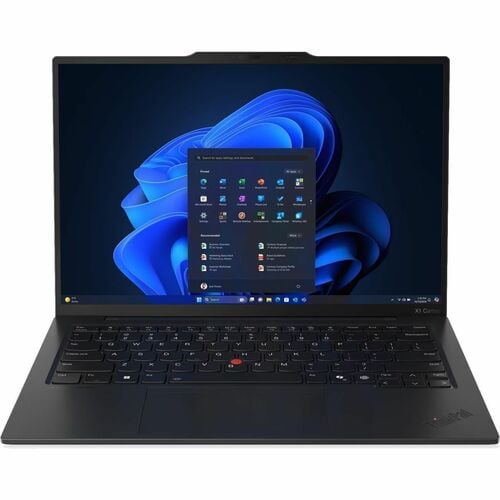
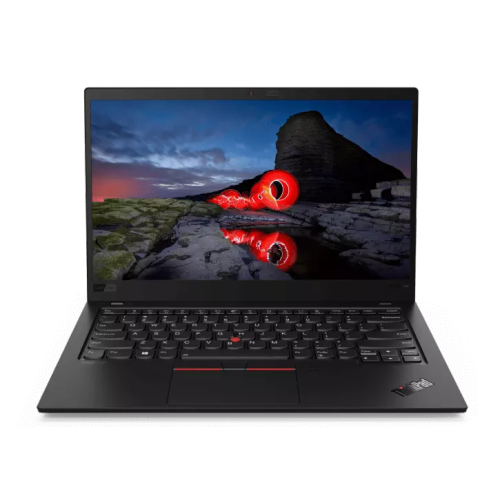
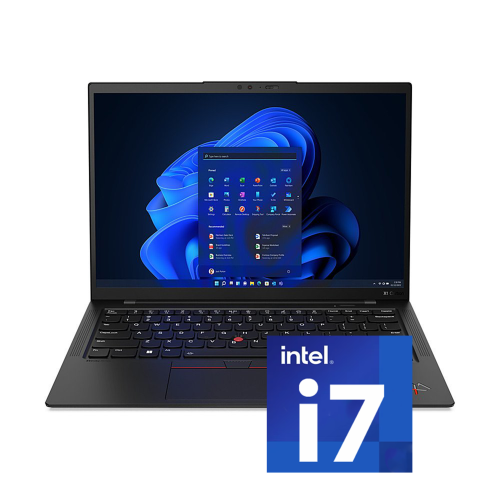
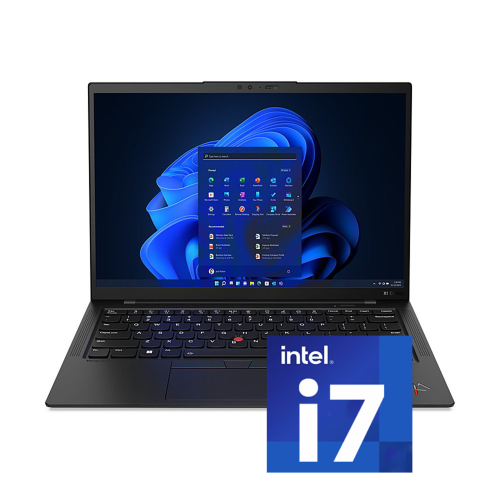
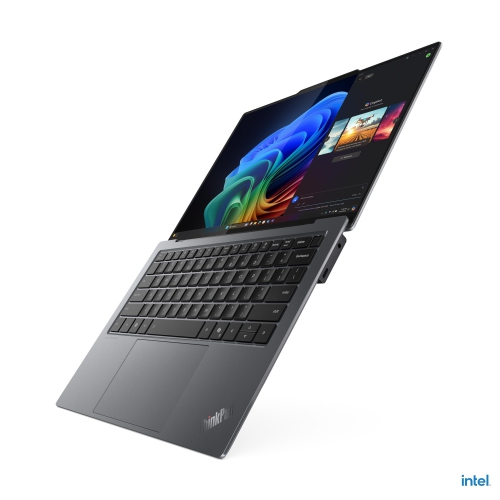
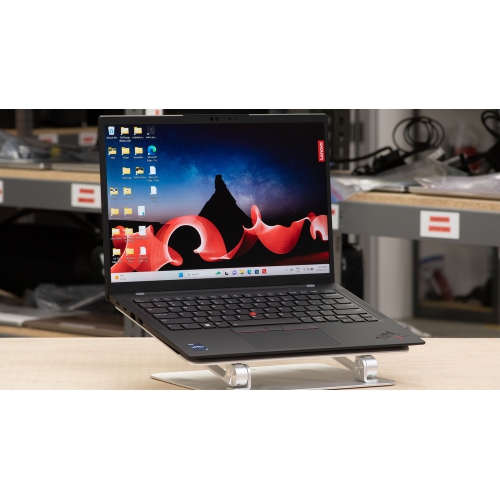
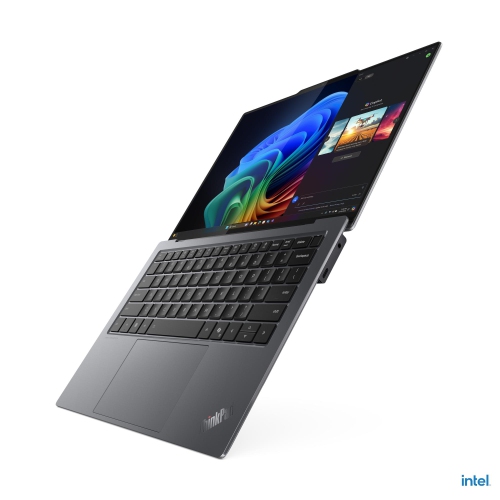
A 14-inch ultralight business laptop brings everyday productivity into a format that is easy to carry between a desk, a meeting room, and a client visit. This category suits people who spend much of their day writing, reviewing documents, joining video calls, and working across browser-based applications. A traditional clamshell design provides a stable typing surface, while a slim chassis takes up less space in a briefcase or backpack than a larger workstation. Carbon fibre and magnesium are materials used in premium business laptops to balance low weight with structural rigidity, although the exact construction and starting weight depend on the configuration. A machine weighing close to 1.1 kg can make a noticeable difference on a commute, especially when carried alongside a charger, notebook, and headset. The 14-inch display is also a practical middle ground: large enough to review a spreadsheet without feeling cramped, yet compact enough for a small desk. A 16:10 aspect ratio adds vertical workspace compared with a similarly sized 16:9 screen, leaving more room for document text, spreadsheet rows, or application toolbars. Resolution, brightness, surface finish, and touch support deserve separate attention because screen size alone does not describe the viewing experience. A matte panel can help reduce distracting reflections under overhead lighting, while higher resolution can make small text and detailed graphics look sharper. Higher-resolution and touch-enabled screens can also affect power consumption, so the most suitable display is the one that fits the work being done. For writers, administrators, consultants, and post-secondary students, a clear screen and comfortable keyboard often matter more over a long day than a specification that rarely gets used. Keyboard layout, key travel, backlighting, and the placement of navigation keys all influence comfort during sustained typing. A touchpad and a keyboard-mounted pointing stick, where included, offer different ways to move through documents without reaching for an external mouse.
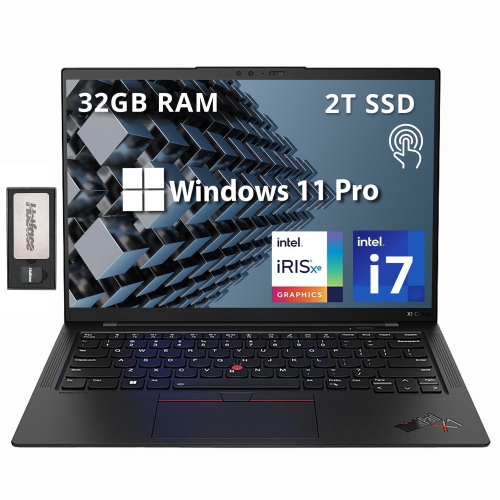
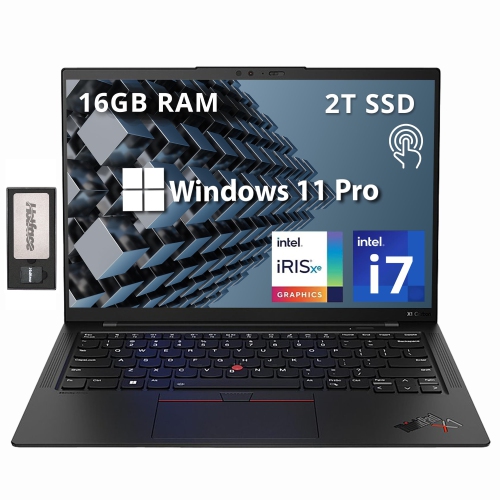
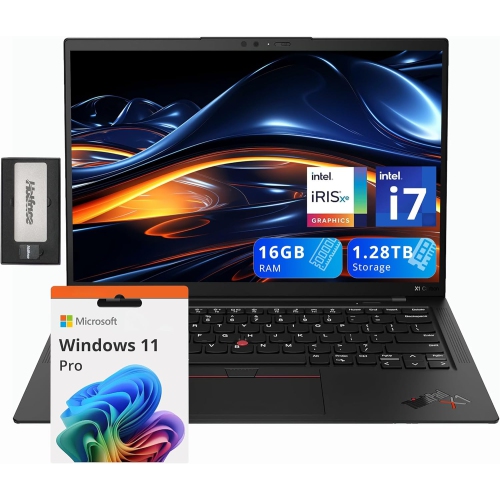
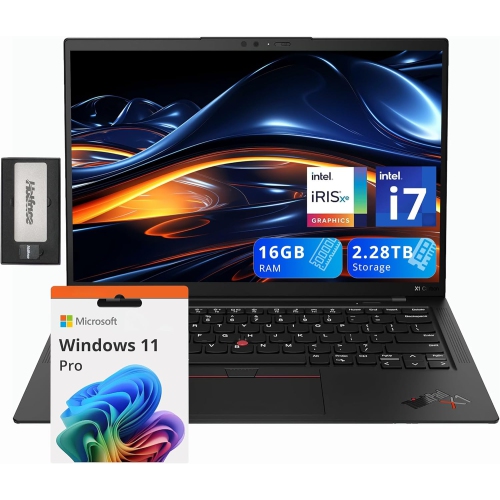
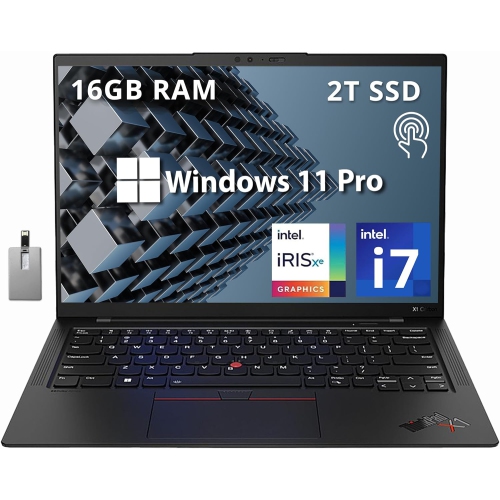
Processor, memory, and storage choices shape how comfortably a thin business laptop handles daily work. Within the 12th-generation processor family, lower-power U-series designs and higher-power P-series designs serve somewhat different priorities. Lower-power configurations can be a good fit for email, document editing, and routine browser work, while higher-power configurations may provide more headroom for demanding spreadsheets, code compilation, and heavier multitasking. Processor class is not a promise of sustained speed on its own; chassis cooling, power settings, and the application being used also affect performance. In a slim laptop, prolonged processing tasks may bring more audible fan activity, particularly during video meetings with screen sharing or large file exports. Integrated graphics generally suit office applications, streaming, presentations, and light creative work, but demanding 3D rendering and graphics-heavy workloads call for closer attention to application requirements. Memory deserves particular care because it may be soldered to the system board rather than fitted in replaceable modules. Where memory is not upgradeable, choosing enough capacity at the outset is important. A 16 GB configuration can suit many office workflows, while 32 GB provides additional room for large projects, multiple applications, or development tools running together. LPDDR5 describes a memory technology, not an assurance that every configuration has the same capacity. A PCIe solid-state drive supports responsive startup and file access, with storage capacity determining how much space remains for applications, downloaded media, and local project folders. Battery runtime varies with processor choice, display settings, wireless activity, battery condition, and workload. A day spent editing text at moderate brightness places different demands on a battery than continuous video calls with several applications open. For refurbished laptops, battery condition is especially relevant, and cosmetic grading should not be treated as a measure of remaining battery capacity. Included accessories, warranty coverage, keyboard language, and the installed operating system are also worth checking in the listing details. These distinctions matter when two machines look nearly identical but are intended for different working habits.
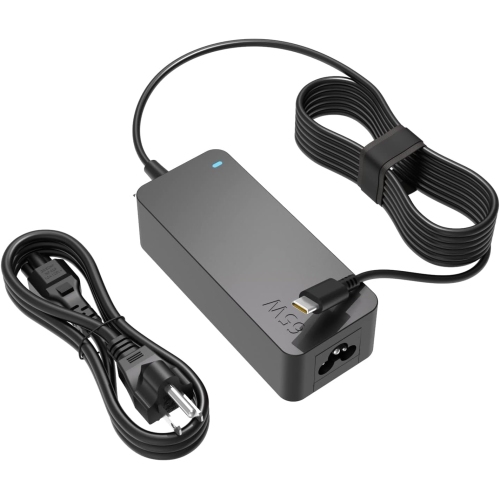
Connections and practical details determine how smoothly a portable business laptop fits into an existing workspace. Two Thunderbolt 4 USB-C ports can support a flexible desk setup with compatible charging, storage, and docking accessories, while USB-A connections remain useful for a mouse, keyboard, or older peripheral. An HDMI output offers a straightforward way to connect to a meeting-room display, and a 3.5 mm audio jack provides an option for a wired headset. The exact port selection should be confirmed for the listed configuration, as should the capabilities of any dock or external display being paired with it. Wi-Fi supports everyday wireless access, but mobile data requires more than a SIM slot: a compatible cellular modem, suitable network support, and a data plan are also necessary. For people who join frequent calls, camera resolution, microphone performance, and a physical camera shutter can matter as much as processor speed. Fingerprint readers and infrared cameras, where fitted and supported, can make secure sign-in more convenient, while workplace deployment may require specific operating system or device-management features. A clamshell laptop is a natural fit for keyboard-led work; shoppers who also need a folding screen for handwritten notes or presentations can compare that style with ThinkPad X1 Yoga Gen 6. For daily transport, a padded sleeve should match the laptop’s actual dimensions rather than its screen size alone, with enough room to close without pressure on the lid or corners. Chargers and other hard accessories are best kept in a separate compartment to avoid pressing against the display. A soft microfibre cloth helps remove fingerprints, and cleaning should follow the manufacturer’s directions without spraying liquid directly onto the screen or keyboard. Keeping ventilation openings clear and using the laptop on a firm surface helps maintain airflow during extended work. Lightweight construction does not make a computer immune to drops, spills, or pressure inside an overfilled bag. With a configuration matched to the user’s applications and careful handling, this type of laptop can serve as a compact primary computer for office work, study, and travel between workspaces.
Processor, memory, and storage choices shape how comfortably a thin business laptop handles daily work. Within the 12th-generation processor family, lower-power U-series designs and higher-power P-series designs serve somewhat different priorities. Lower-power configurations can be a good fit for email, document editing, and routine browser work, while higher-power configurations may provide more headroom for demanding spreadsheets, code compilation, and heavier multitasking. Processor class is not a promise of sustained speed on its own; chassis cooling, power settings, and the application being used also affect performance. In a slim laptop, prolonged processing tasks may bring more audible fan activity, particularly during video meetings with screen sharing or large file exports. Integrated graphics generally suit office applications, streaming, presentations, and light creative work, but demanding 3D rendering and graphics-heavy workloads call for closer attention to application requirements. Memory deserves particular care because it may be soldered to the system board rather than fitted in replaceable modules. Where memory is not upgradeable, choosing enough capacity at the outset is important. A 16 GB configuration can suit many office workflows, while 32 GB provides additional room for large projects, multiple applications, or development tools running together. LPDDR5 describes a memory technology, not an assurance that every configuration has the same capacity. A PCIe solid-state drive supports responsive startup and file access, with storage capacity determining how much space remains for applications, downloaded media, and local project folders. Battery runtime varies with processor choice, display settings, wireless activity, battery condition, and workload. A day spent editing text at moderate brightness places different demands on a battery than continuous video calls with several applications open. For refurbished laptops, battery condition is especially relevant, and cosmetic grading should not be treated as a measure of remaining battery capacity. Included accessories, warranty coverage, keyboard language, and the installed operating system are also worth checking in the listing details. These distinctions matter when two machines look nearly identical but are intended for different working habits.
Connections and practical details determine how smoothly a portable business laptop fits into an existing workspace. Two Thunderbolt 4 USB-C ports can support a flexible desk setup with compatible charging, storage, and docking accessories, while USB-A connections remain useful for a mouse, keyboard, or older peripheral. An HDMI output offers a straightforward way to connect to a meeting-room display, and a 3.5 mm audio jack provides an option for a wired headset. The exact port selection should be confirmed for the listed configuration, as should the capabilities of any dock or external display being paired with it. Wi-Fi supports everyday wireless access, but mobile data requires more than a SIM slot: a compatible cellular modem, suitable network support, and a data plan are also necessary. For people who join frequent calls, camera resolution, microphone performance, and a physical camera shutter can matter as much as processor speed. Fingerprint readers and infrared cameras, where fitted and supported, can make secure sign-in more convenient, while workplace deployment may require specific operating system or device-management features. A clamshell laptop is a natural fit for keyboard-led work; shoppers who also need a folding screen for handwritten notes or presentations can compare that style with ThinkPad X1 Yoga Gen 6. For daily transport, a padded sleeve should match the laptop’s actual dimensions rather than its screen size alone, with enough room to close without pressure on the lid or corners. Chargers and other hard accessories are best kept in a separate compartment to avoid pressing against the display. A soft microfibre cloth helps remove fingerprints, and cleaning should follow the manufacturer’s directions without spraying liquid directly onto the screen or keyboard. Keeping ventilation openings clear and using the laptop on a firm surface helps maintain airflow during extended work. Lightweight construction does not make a computer immune to drops, spills, or pressure inside an overfilled bag. With a configuration matched to the user’s applications and careful handling, this type of laptop can serve as a compact primary computer for office work, study, and travel between workspaces.
Top selling and popular products
-
 Your price for this item is $449
 -
 Your price for this item is $3099
 -
 Your price for this item is $299.95
 -
 Your price for this item is $664.05
 -
 Your price for this item is $599.68
 -
 Your price for this item is $869.99
 -
 Your price for this item is $259
 -
 Your price for this item is $418.98
Discover more categories related to Lenovo ThinkPad X1 Carbon Gen 10
Top Collections:
Pokemon Centers, Kindle Devices, Best Budget Office Chairs, Apple iPhones 16, Best Laptops for Writers, iPhone 15 Apple, Canon G7X Cameras, Refurbished Apple Laptops, Alarm Clock, Motorola Razr Phones
Some products may be subject to Environmental Handling Fees
(EHF) depending on your province.
Learn more about EHFs.