LGA 1700 Motherboards
If you're looking to upgrade your gaming rig or build a powerful workstation, look no further than this wide selection of LGA 1700 motherboards. Designed to support the latest Intel processors, these motherboards offer exceptional performance, advanced features, and future-proof compatibility. Whether you're a hardcore gamer, a content creator, or a professional seeking top-notch reliability, these LGA 1700 motherboards provide the perfect foundation for your next computing adventure.
Sort
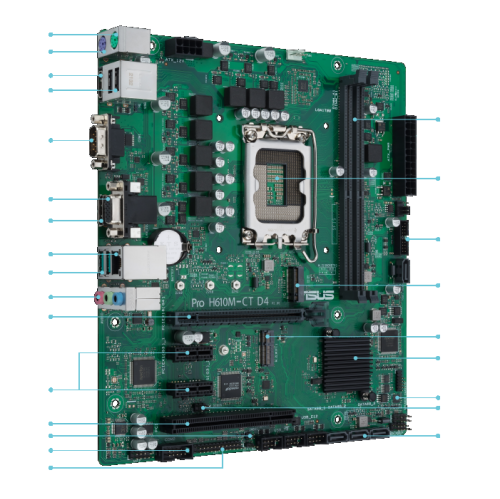
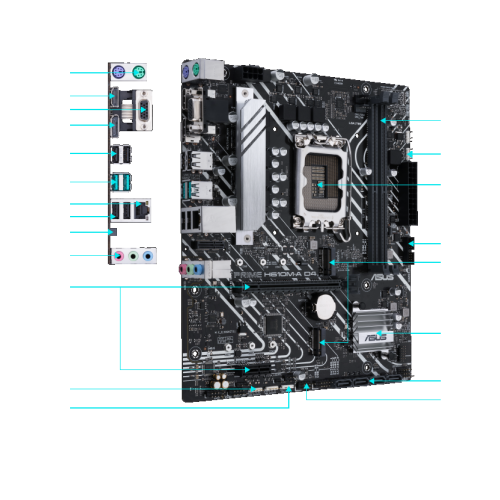
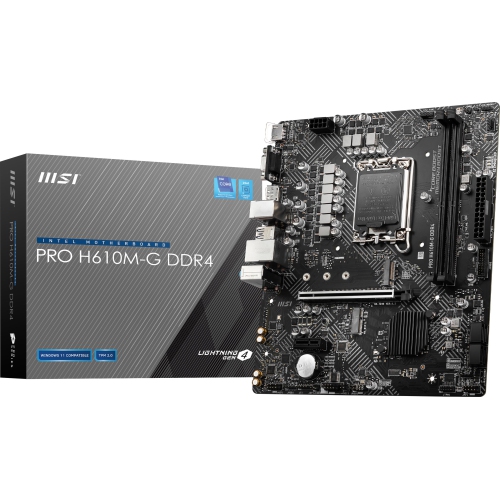
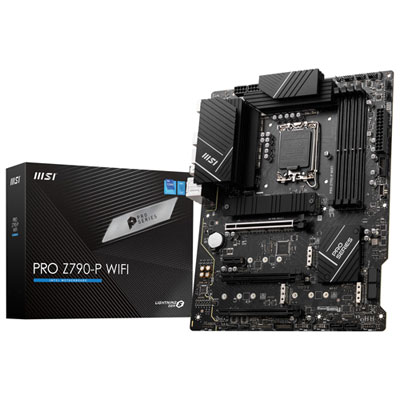
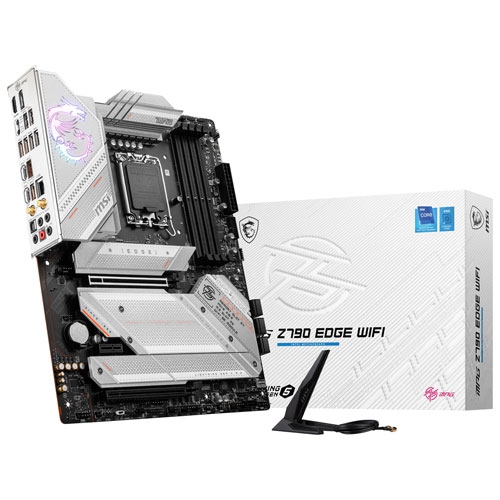
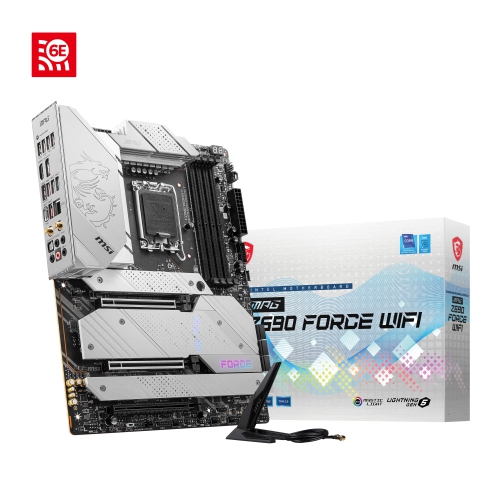
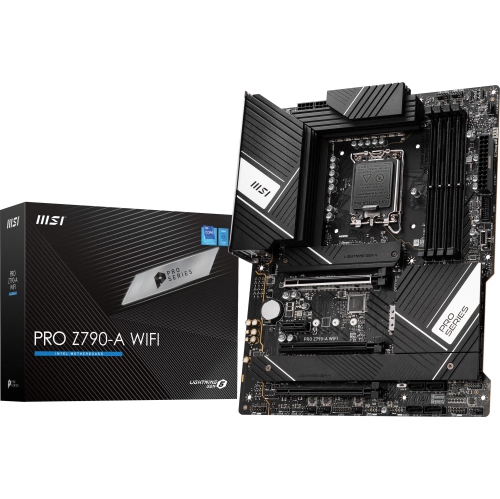
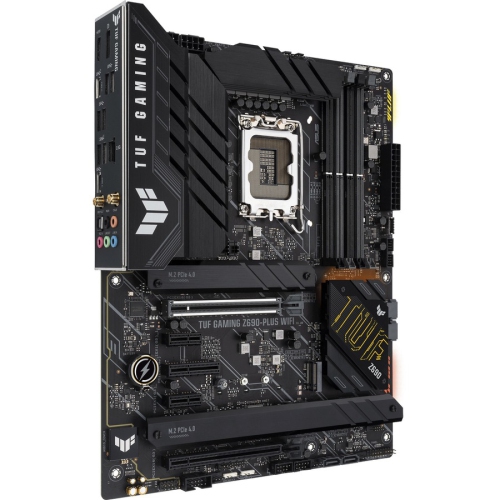
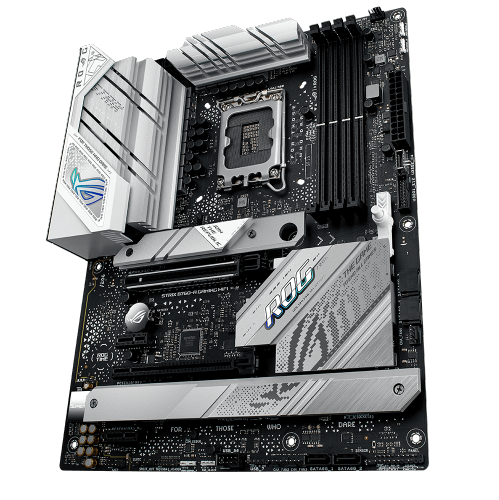
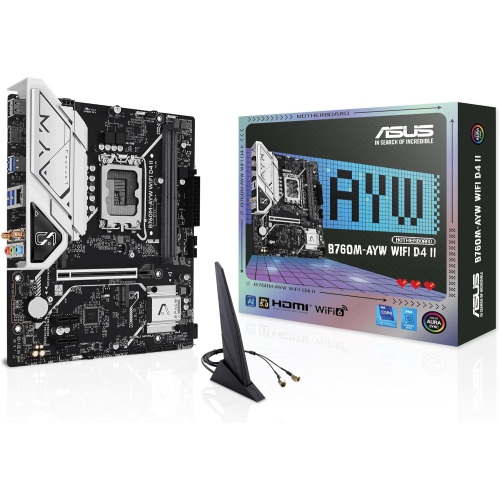
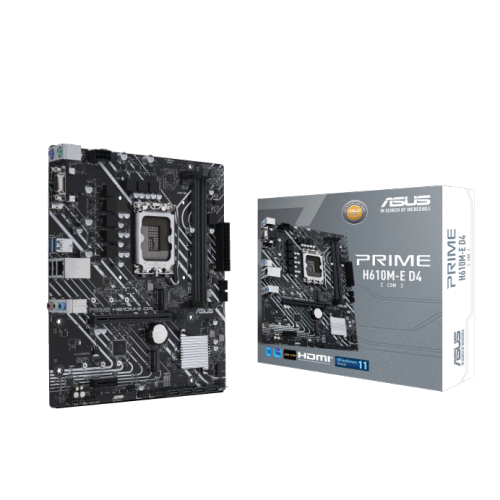
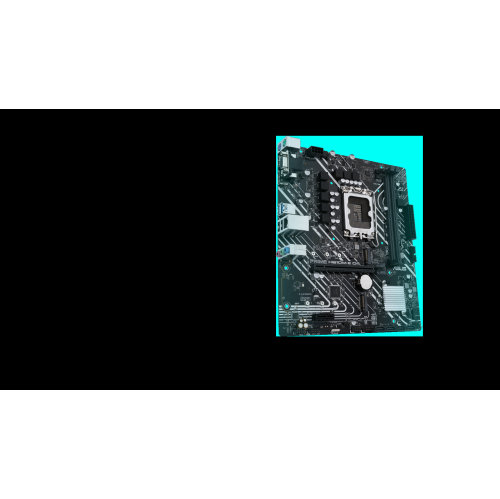
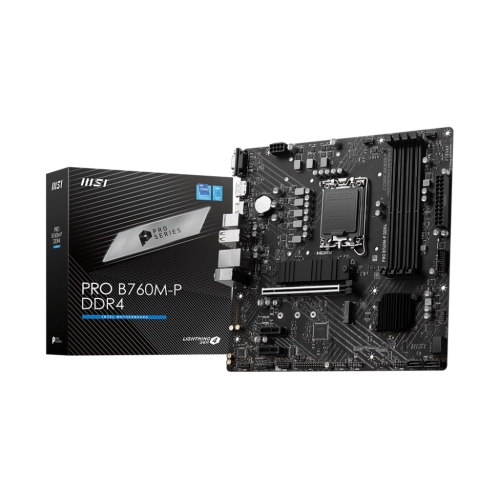
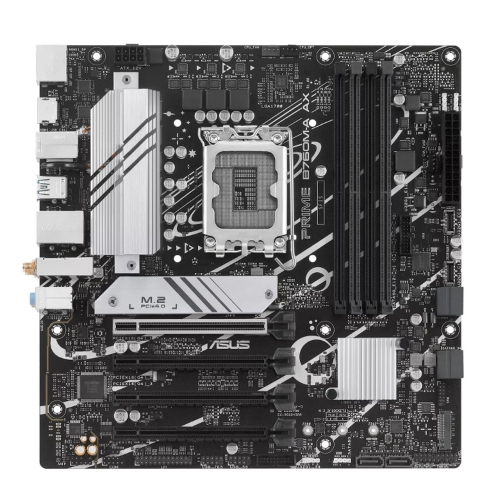
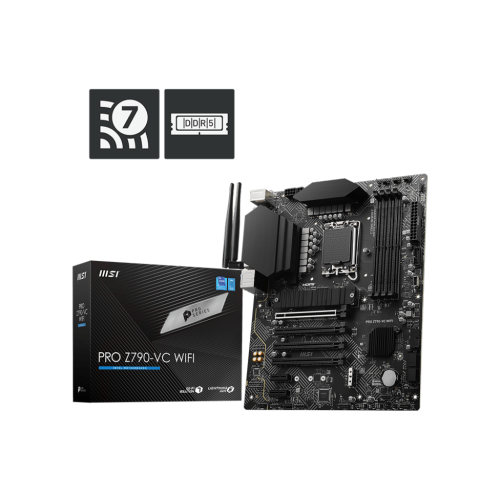
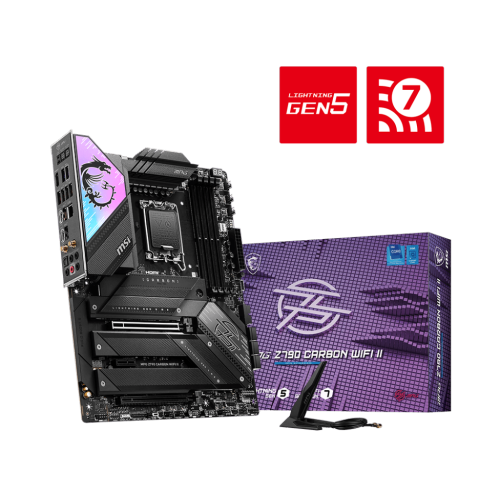
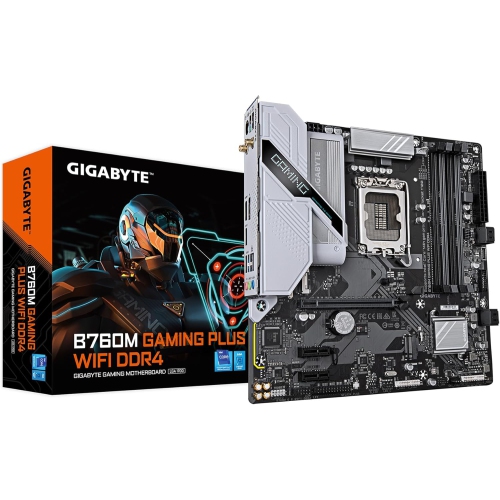
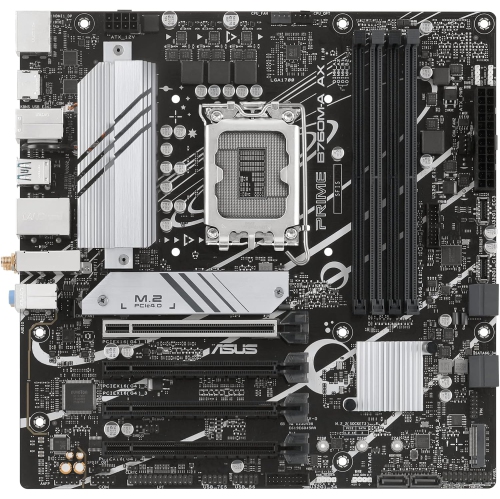
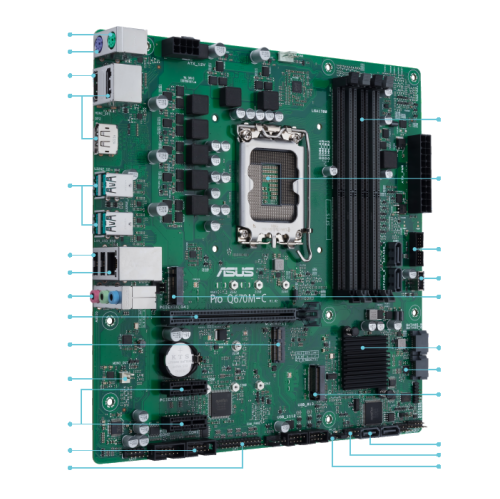
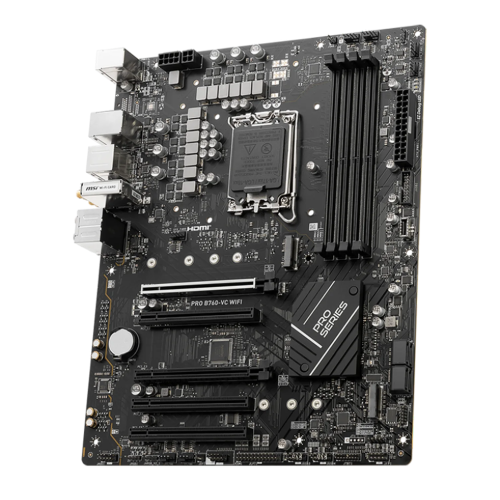
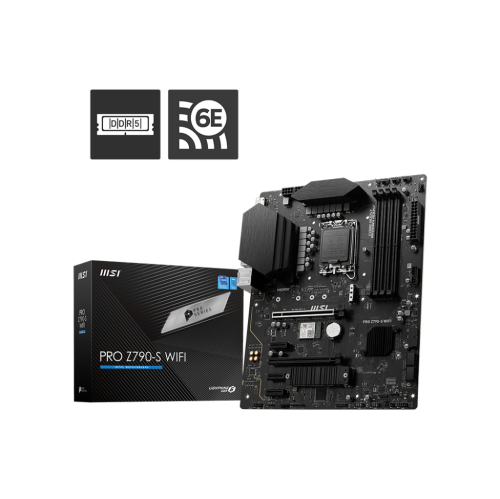
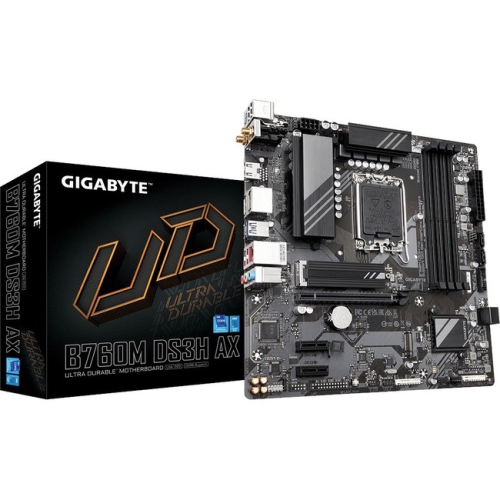
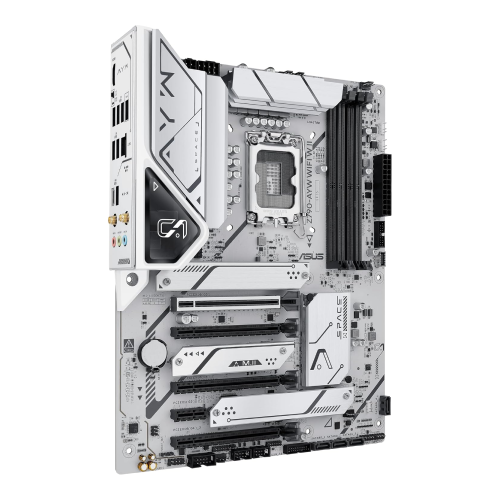
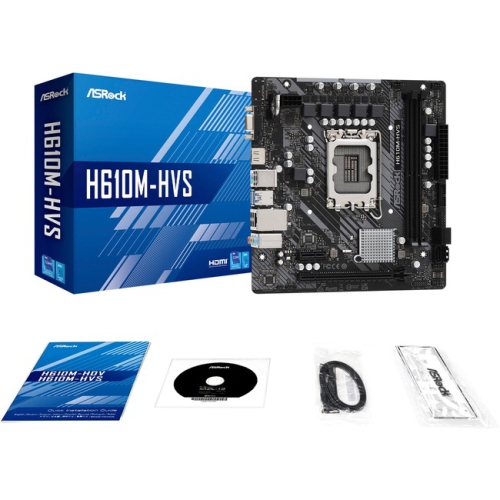
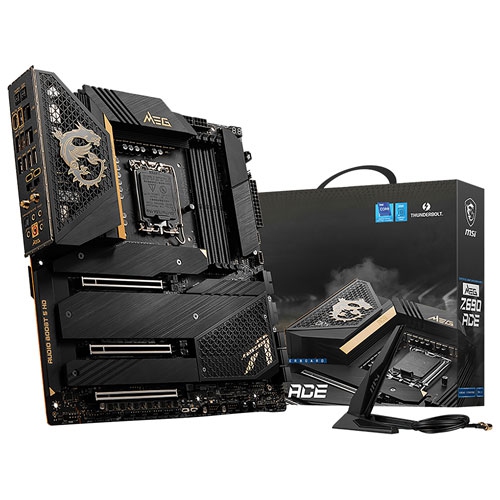
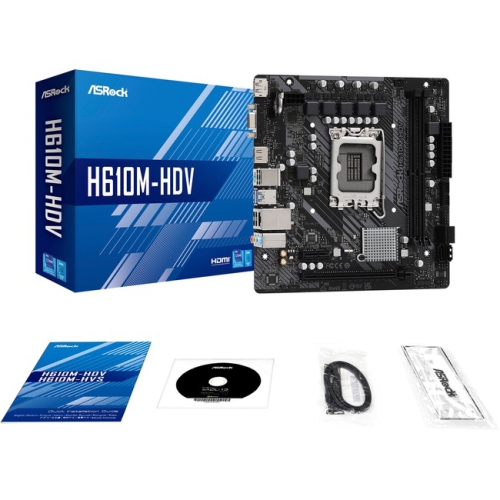
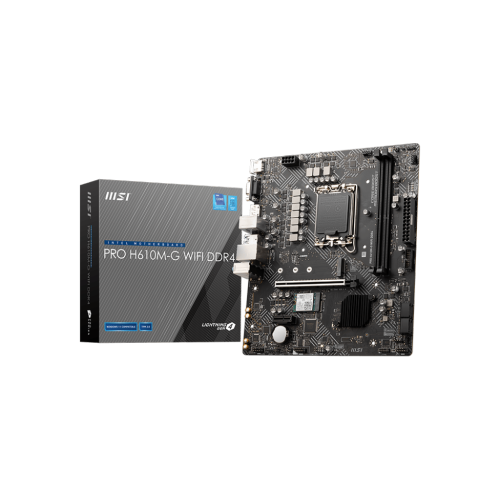
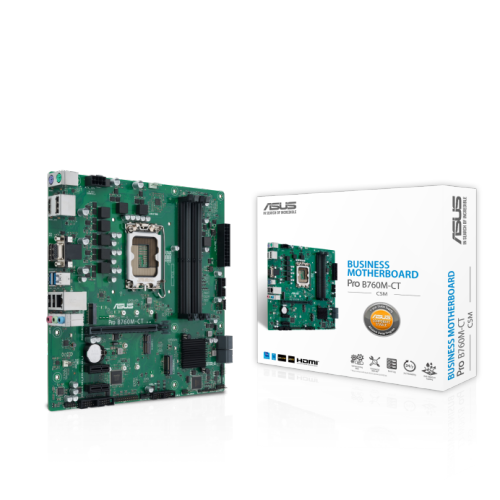
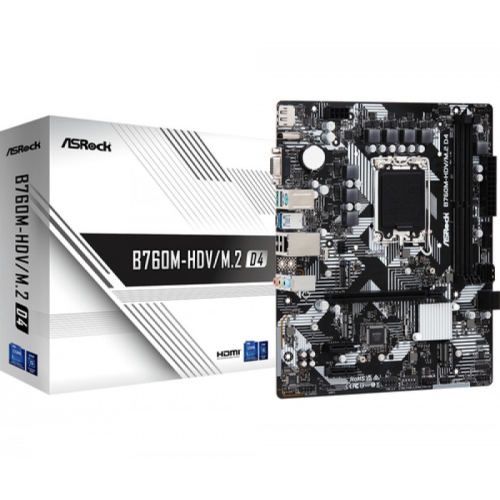
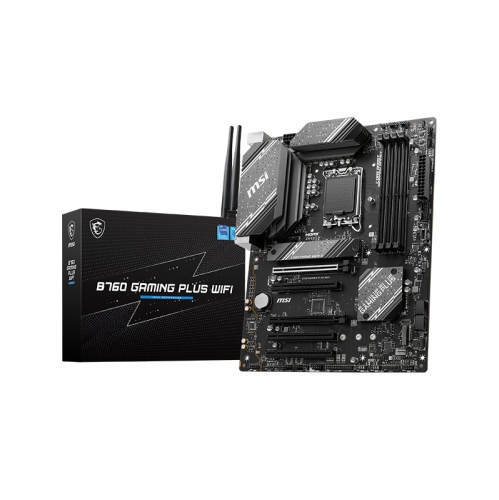
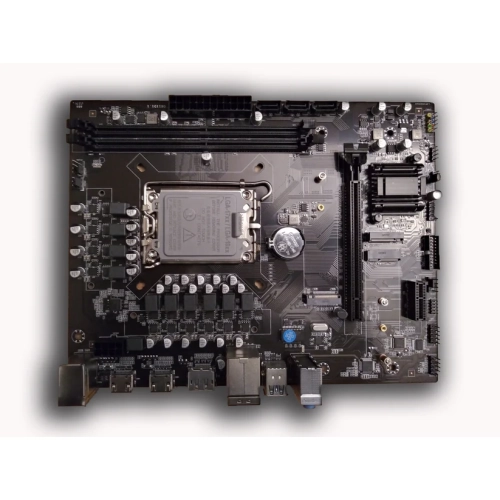
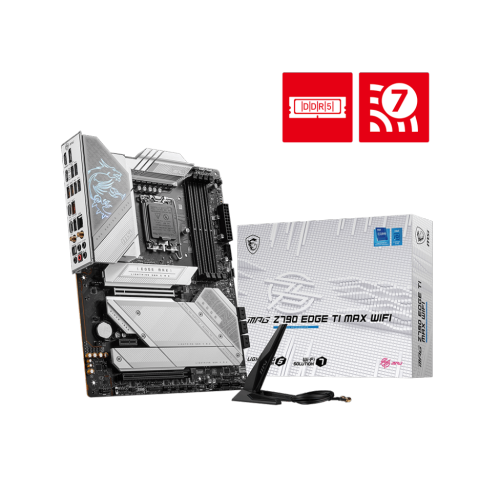
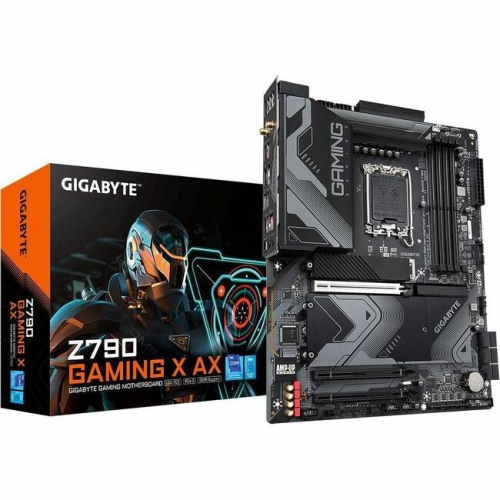
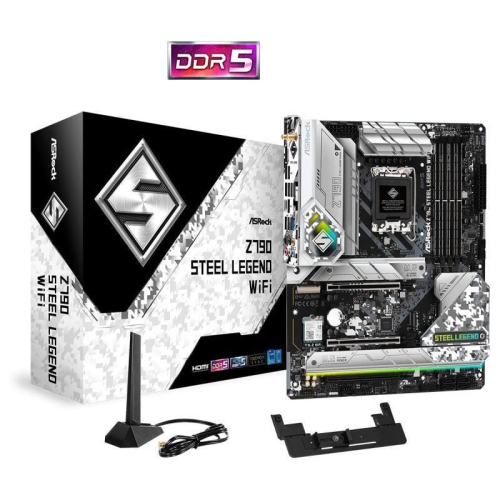
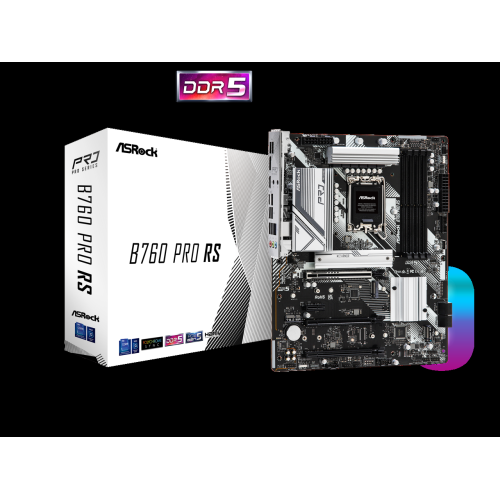
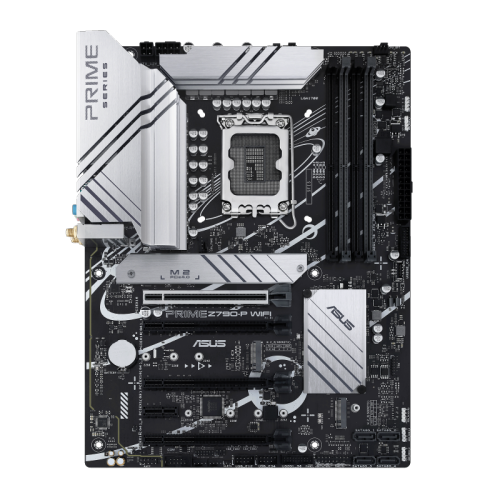
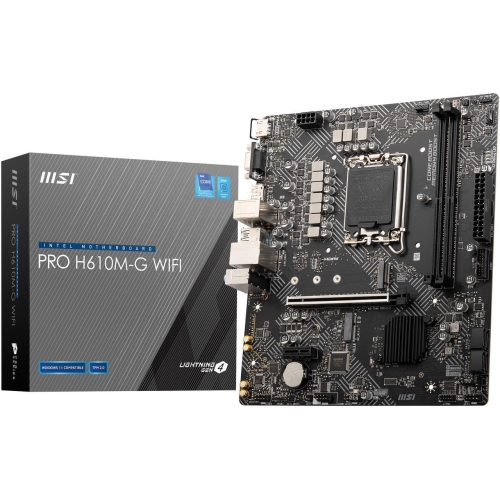
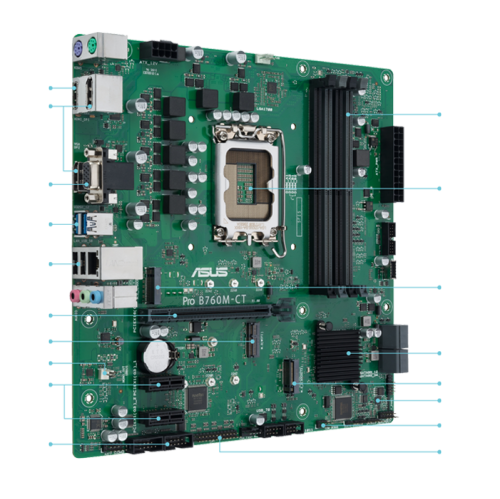
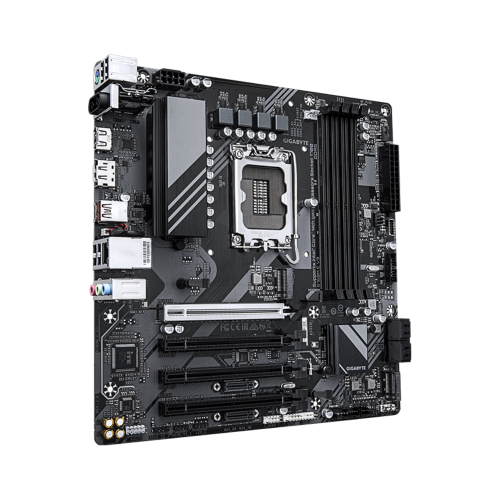
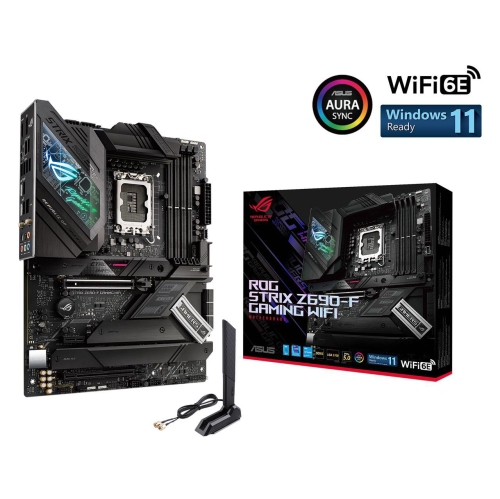
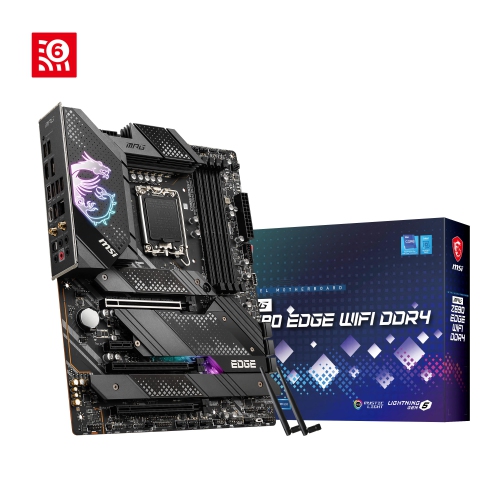
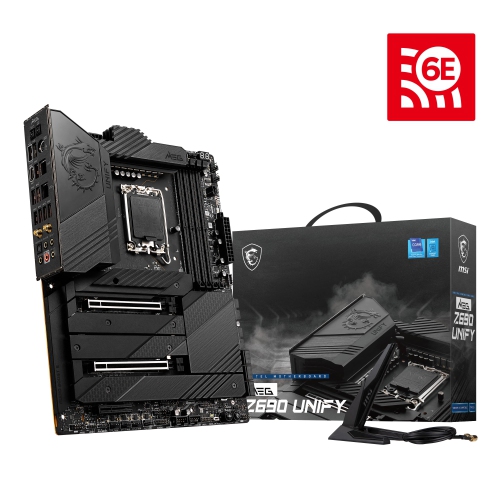
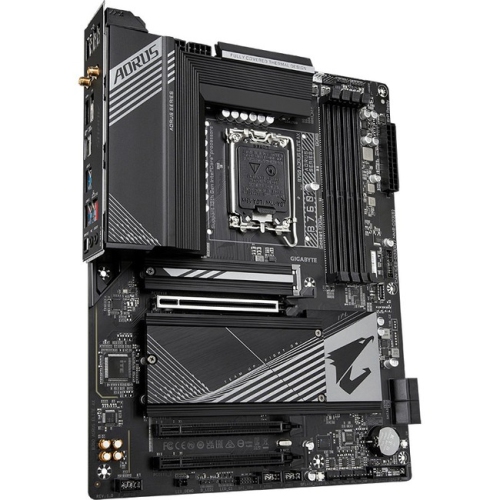
Compatibility, chipsets, and memory shape your desktop build
LGA 1700 motherboards are designed for desktop computers using compatible Intel Core processors from the 12th, 13th, and 14th generations, including Alder Lake and Raptor Lake families. They provide the foundation for a new PC build or a meaningful upgrade, connecting the processor, memory, graphics card, storage, cooling system, and other components in one central platform. For many shoppers, the first step is confirming processor compatibility, since an LGA 1700 socket is different from older Intel socket designs such as the LGA 1200 Motherboard platform. It is also worth checking whether a selected board supports the processor generation you plan to use and whether a BIOS update may be required, particularly when pairing a newer processor with an earlier motherboard release. A compatible CPU cooler is another important detail: mounting hardware can vary between sockets, so verify that the cooler includes support for LGA 1700. These motherboards can suit a broad range of desktop users, from someone assembling a straightforward home computer for schoolwork, browsing, and everyday applications to a PC enthusiast building a high-performance gaming or creative workstation. They can also be a thoughtful gift for a computer hobbyist who enjoys selecting individual components and assembling a system from the ground up, especially when the recipient already has a compatible processor or graphics card waiting for a new home.
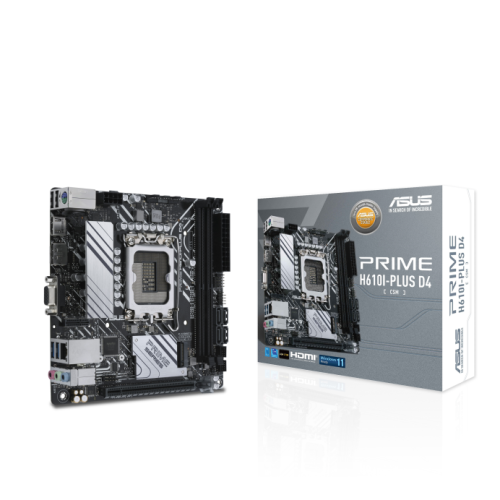
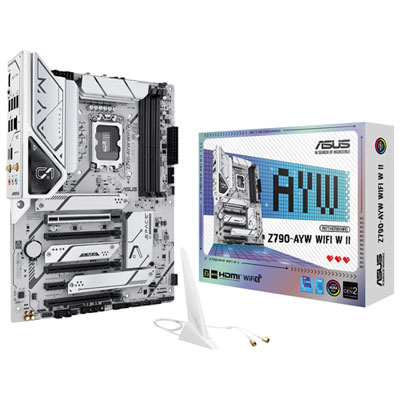
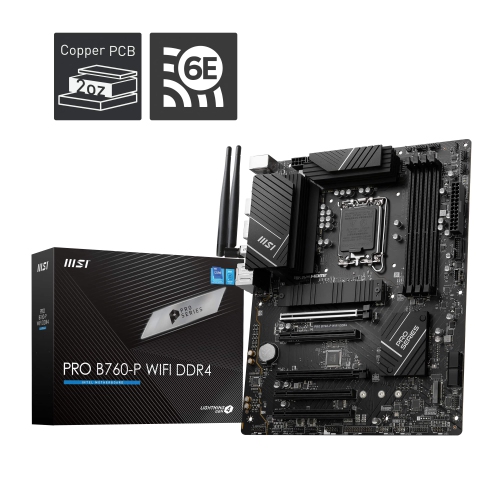
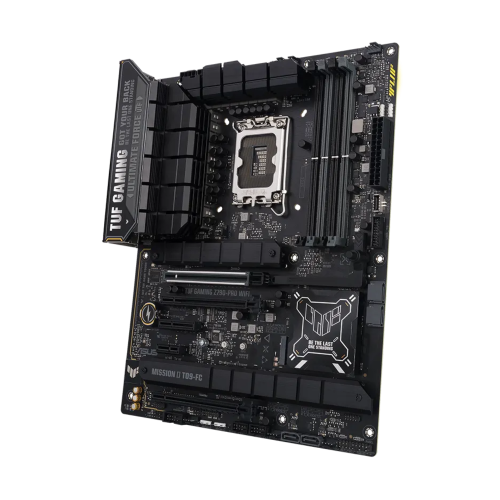
Chipset selection helps determine the features, expansion options, and level of control available on an LGA 1700 motherboard. H610 boards are generally aimed at entry-level builds and basic computing, with fewer USB connections, PCIe lanes, and adjustment options than higher-tier alternatives. B660 and B760 chipsets are popular choices for balanced systems, offering a useful combination of connectivity, memory support, and expansion for home, gaming, and productivity computers. Depending on the specific board, they may support memory overclocking and provide several slots for storage and add-in cards. H670 sits between mainstream and enthusiast-oriented options, while Z690 and Z790 boards are typically selected for more advanced builds that need additional PCIe lanes, stronger power delivery, broader connectivity, and extensive CPU and memory tuning controls. Chipset features can differ from one board to another, so it is helpful to review the detailed specifications rather than relying on the chipset name alone. Consider the processor’s power requirements, the number of storage drives you intend to install, the graphics card size, and the number of accessories that will be connected at the same time. Someone building a compact office computer may prefer a simpler board with the essential ports, while a gamer or content creator may value multiple M.2 slots, additional USB connections, high-speed networking, and room for future expansion. Built-in Wi-Fi 6 or Wi-Fi 6E can make setup more convenient when a wired network connection is not nearby, while an Ethernet port remains useful for stable, low-latency connections during online gaming, large file transfers, or video calls.
Memory compatibility deserves close attention when choosing among LGA 1700 motherboards. Some boards are made for DDR4 memory, while others use DDR5, and these memory types are not interchangeable. The motherboard, memory kit, and processor should be considered together before making a purchase, particularly if you already own RAM from an existing computer. DDR4 can be a practical choice for reusing compatible components, while DDR5 boards may suit a new build focused on newer memory technology and longer-term flexibility. The board’s form factor must also fit the computer case: full-size ATX models provide generous room for expansion, Micro-ATX boards offer a smaller footprint while retaining many useful features, and Mini-ITX boards are intended for compact computers where every centimetre of space matters. Check the case specifications for motherboard support, graphics card clearance, power supply placement, and cooling capacity before selecting a board. Look for PCIe 4.0 or PCIe 5.0 support when planning to install a modern graphics card or high-speed storage drive, keeping in mind that the exact performance and lane configuration depend on the board and the component installed. Other details, including the number of M.2 slots, SATA connectors, fan headers, audio outputs, rear USB ports, video outputs, and onboard networking, can make a noticeable difference during installation and daily use. A little planning helps ensure the completed computer starts smoothly, has enough connections for your accessories, and leaves suitable room for upgrades as your needs change during the cooler months and beyond.
Chipset selection helps determine the features, expansion options, and level of control available on an LGA 1700 motherboard. H610 boards are generally aimed at entry-level builds and basic computing, with fewer USB connections, PCIe lanes, and adjustment options than higher-tier alternatives. B660 and B760 chipsets are popular choices for balanced systems, offering a useful combination of connectivity, memory support, and expansion for home, gaming, and productivity computers. Depending on the specific board, they may support memory overclocking and provide several slots for storage and add-in cards. H670 sits between mainstream and enthusiast-oriented options, while Z690 and Z790 boards are typically selected for more advanced builds that need additional PCIe lanes, stronger power delivery, broader connectivity, and extensive CPU and memory tuning controls. Chipset features can differ from one board to another, so it is helpful to review the detailed specifications rather than relying on the chipset name alone. Consider the processor’s power requirements, the number of storage drives you intend to install, the graphics card size, and the number of accessories that will be connected at the same time. Someone building a compact office computer may prefer a simpler board with the essential ports, while a gamer or content creator may value multiple M.2 slots, additional USB connections, high-speed networking, and room for future expansion. Built-in Wi-Fi 6 or Wi-Fi 6E can make setup more convenient when a wired network connection is not nearby, while an Ethernet port remains useful for stable, low-latency connections during online gaming, large file transfers, or video calls.
Memory compatibility deserves close attention when choosing among LGA 1700 motherboards. Some boards are made for DDR4 memory, while others use DDR5, and these memory types are not interchangeable. The motherboard, memory kit, and processor should be considered together before making a purchase, particularly if you already own RAM from an existing computer. DDR4 can be a practical choice for reusing compatible components, while DDR5 boards may suit a new build focused on newer memory technology and longer-term flexibility. The board’s form factor must also fit the computer case: full-size ATX models provide generous room for expansion, Micro-ATX boards offer a smaller footprint while retaining many useful features, and Mini-ITX boards are intended for compact computers where every centimetre of space matters. Check the case specifications for motherboard support, graphics card clearance, power supply placement, and cooling capacity before selecting a board. Look for PCIe 4.0 or PCIe 5.0 support when planning to install a modern graphics card or high-speed storage drive, keeping in mind that the exact performance and lane configuration depend on the board and the component installed. Other details, including the number of M.2 slots, SATA connectors, fan headers, audio outputs, rear USB ports, video outputs, and onboard networking, can make a noticeable difference during installation and daily use. A little planning helps ensure the completed computer starts smoothly, has enough connections for your accessories, and leaves suitable room for upgrades as your needs change during the cooler months and beyond.
Top selling and popular products
-
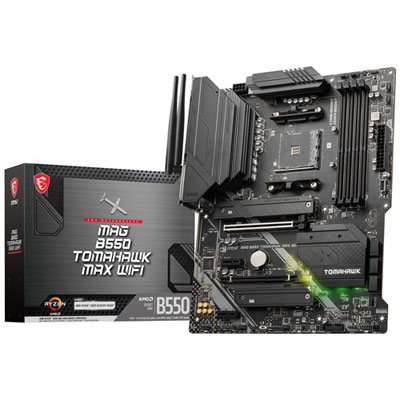 Your price for this item is $224.99
 -
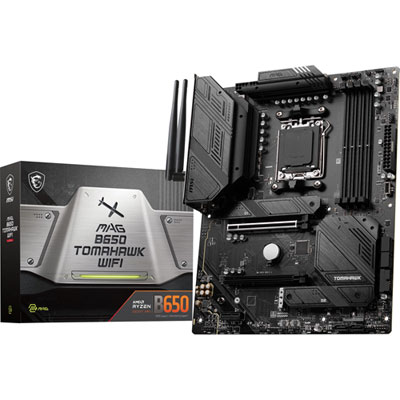 Your price for this item is $239.99
 -
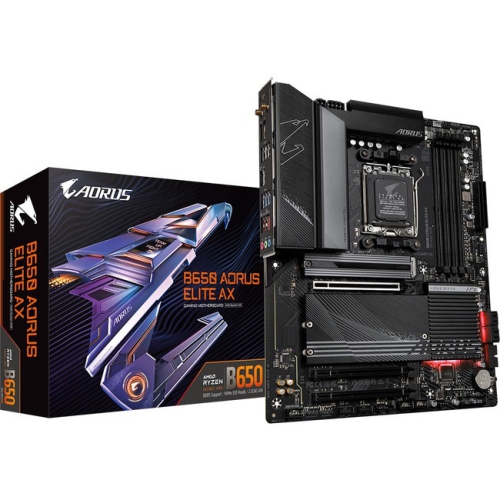 Your price for this item is $286.68
 -
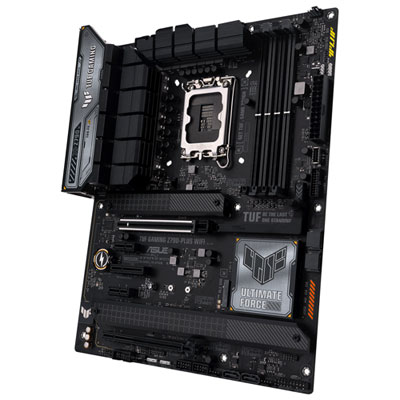 Your price for this item is $349.99
 -
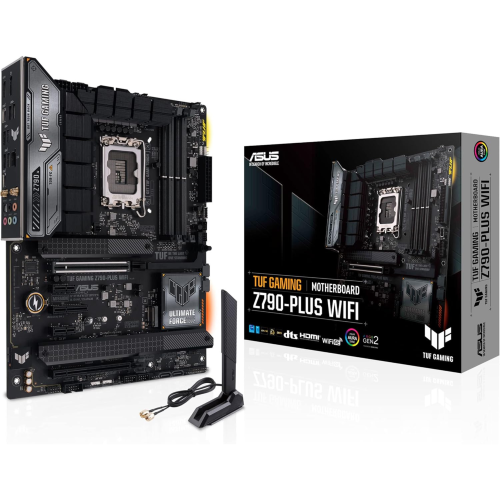 Your price for this item is $361
 -
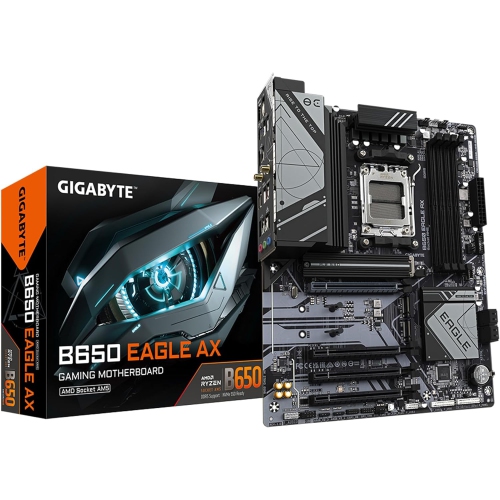 Your price for this item is $209.99
 -
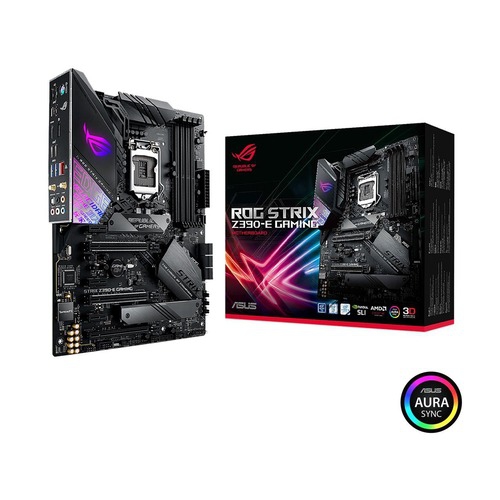 Your price for this item is $350
 -
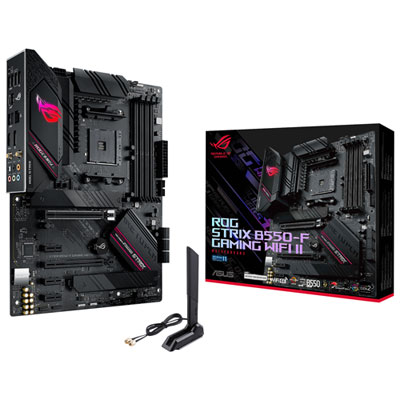 Your price for this item is $259.99
Discover more categories related to LGA 1700 Motherboards
Top Collections:
Pokemon Centers, Kindle Devices, Best Budget Office Chairs, Apple iPhones 16, Best Laptops for Writers, iPhone 15 Apple, Canon G7X Cameras, Refurbished Apple Laptops, Alarm Clock, Motorola Razr Phones
Some products may be subject to Environmental Handling Fees
(EHF) depending on your province.
Learn more about EHFs.