Macbook Pro A2141
Looking for a powerful and sleek laptop that delivers top-notch performance? Look no further than the MacBook Pro A2141. These cutting-edge devices combine advanced technology with stunning design, offering an exceptional computing experience for both work and play. These laptops are powered by powerful Intel processors and feature a variety of ports and features for maximum versatility. They also come with a range of storage options, ensuring that you have plenty of space for all your files.
Sort
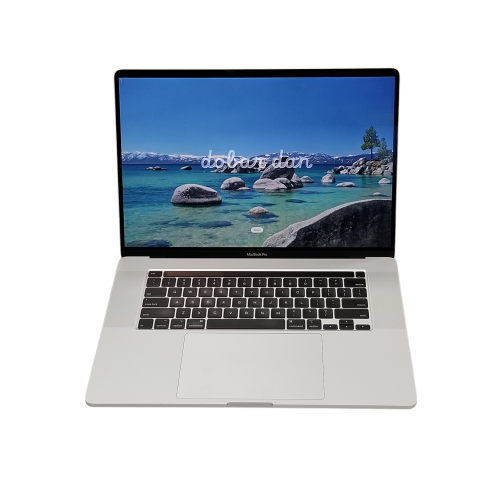
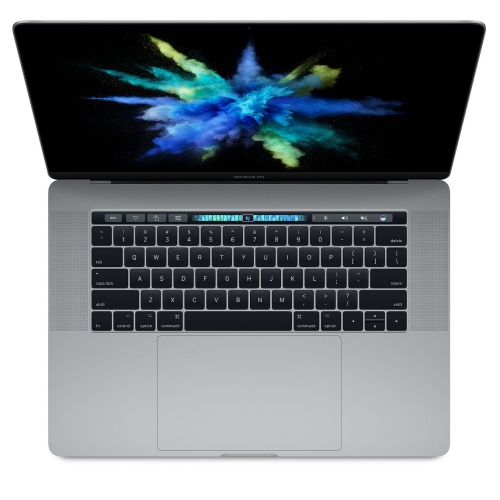

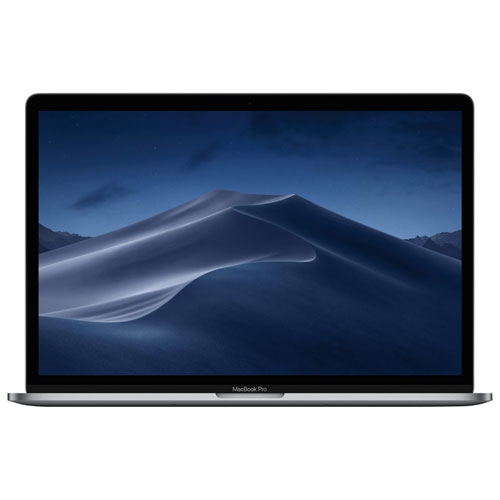
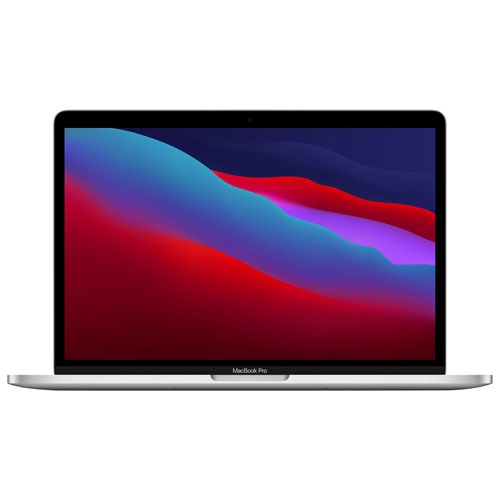
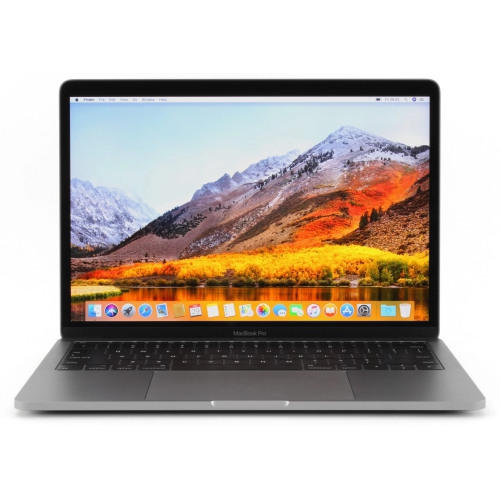
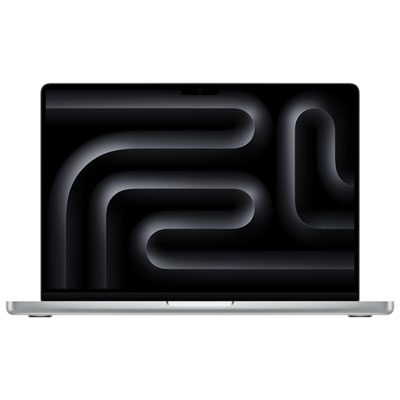
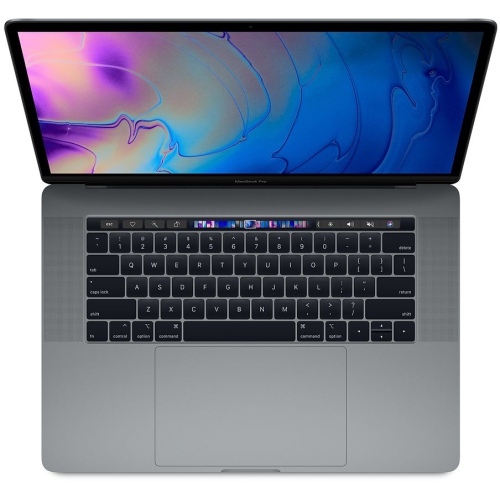
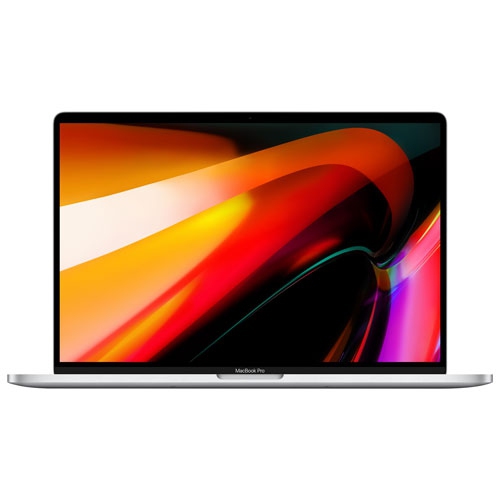


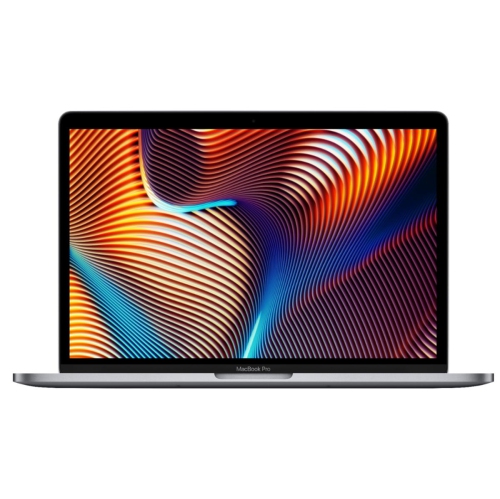
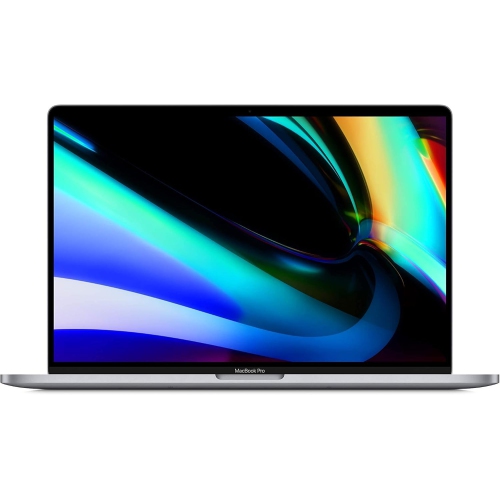
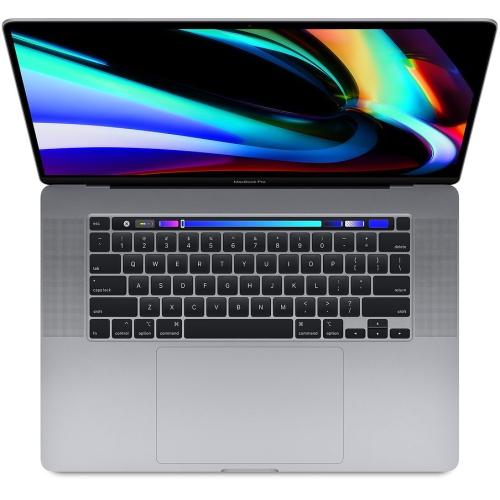
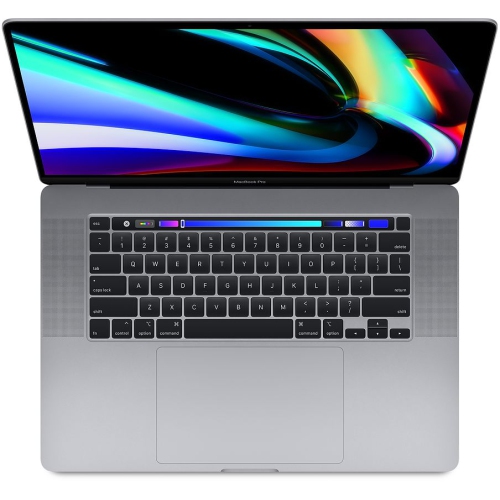
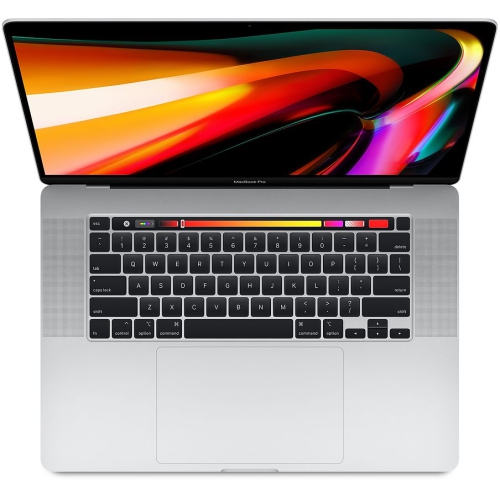
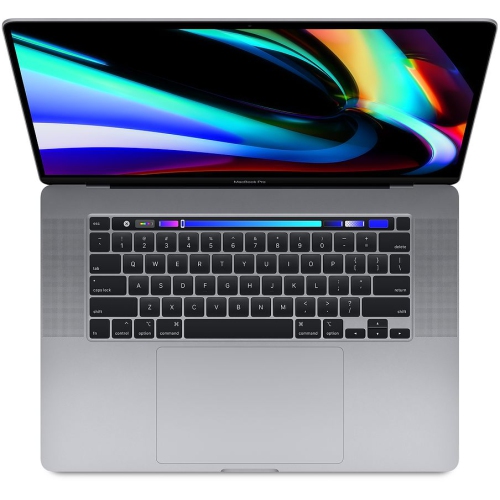

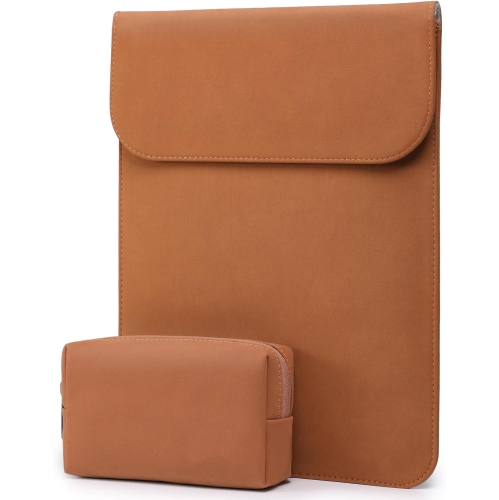
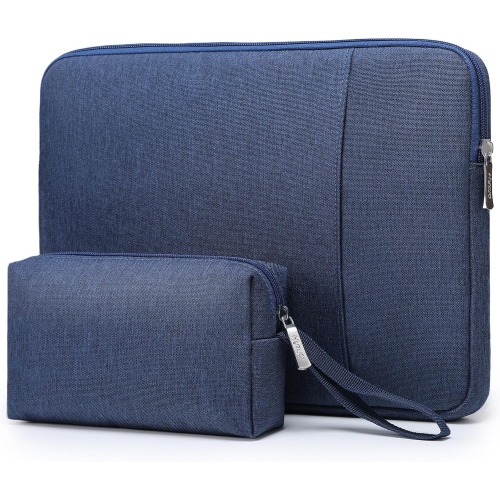
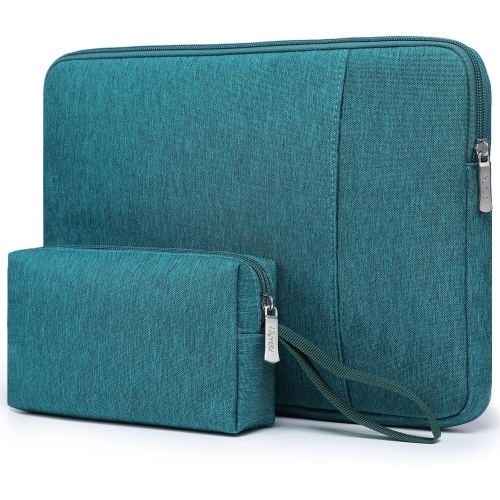
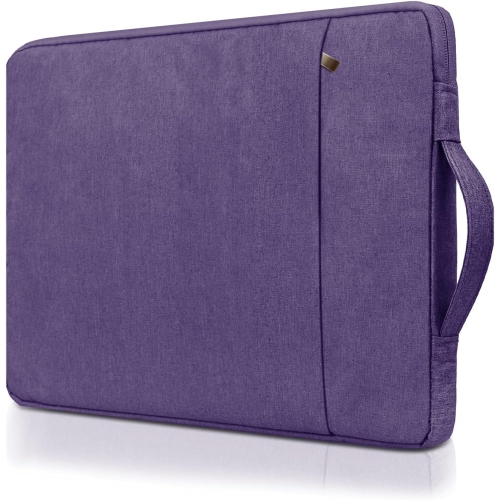
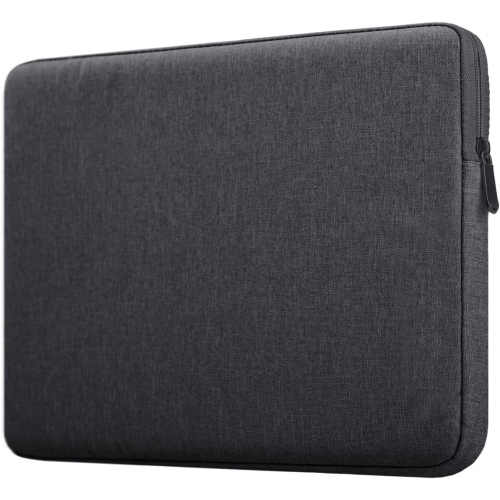
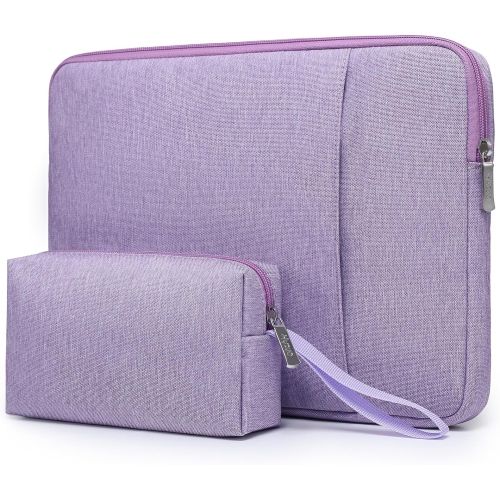
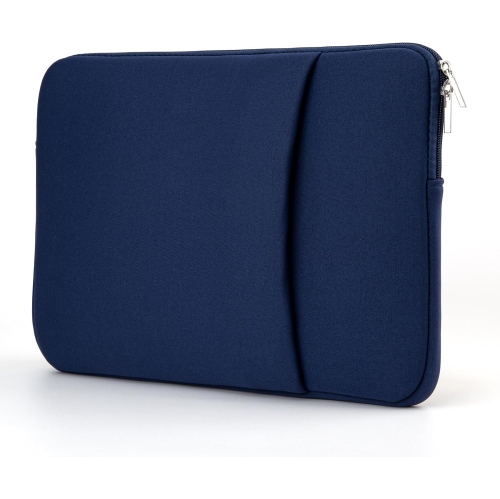
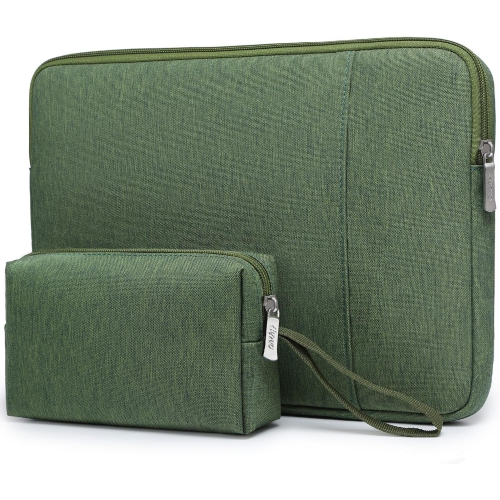
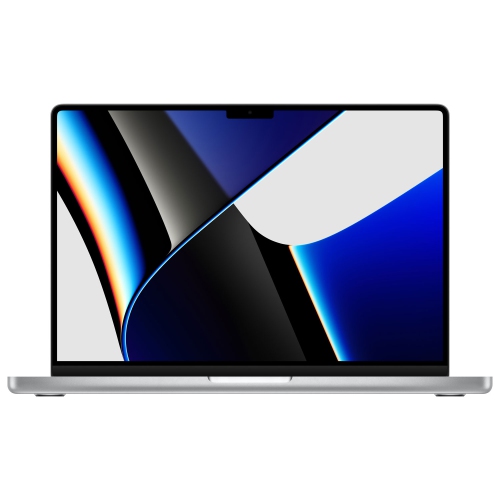
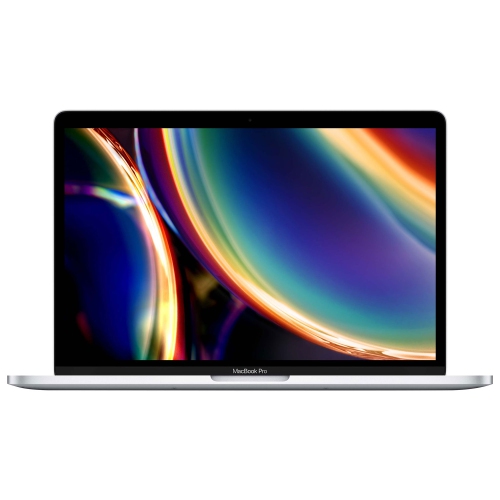
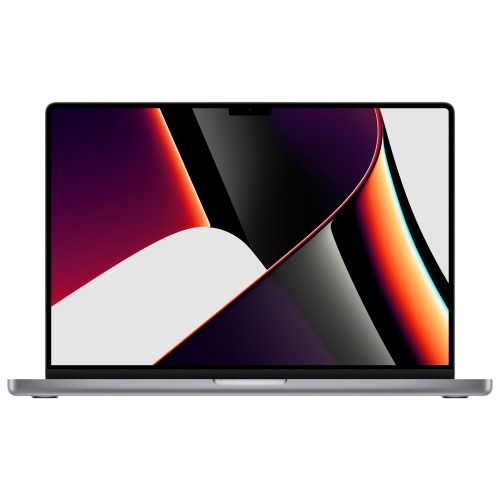
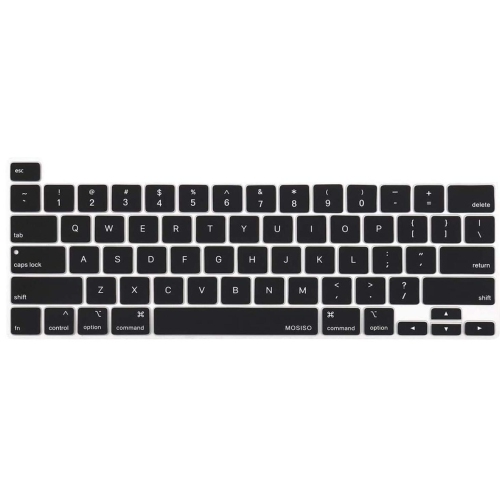
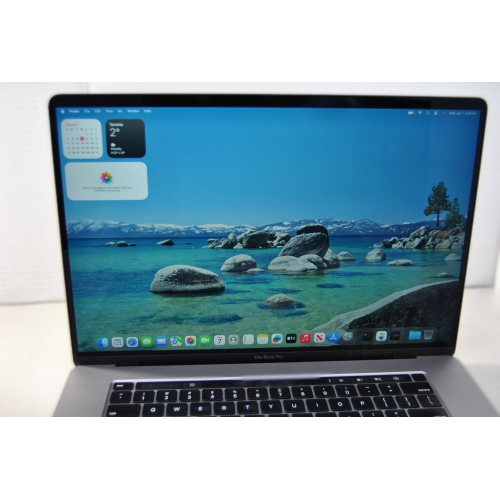
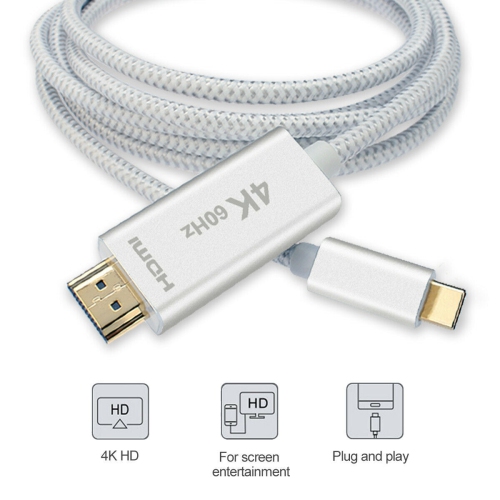
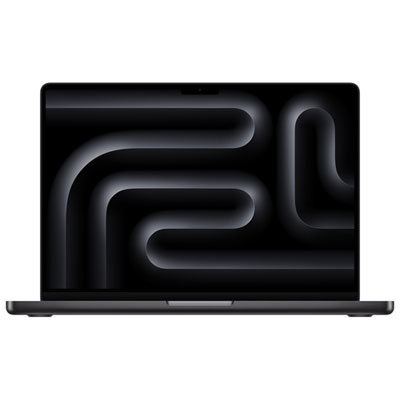
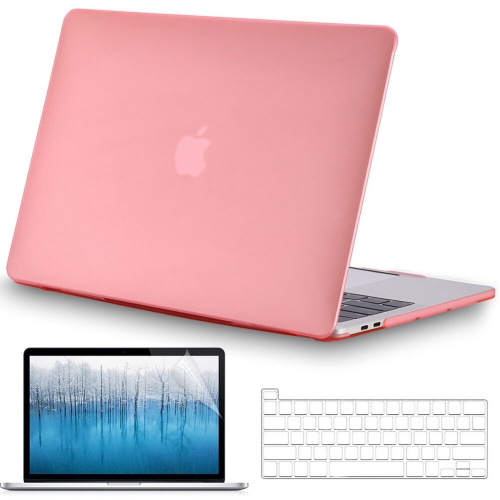
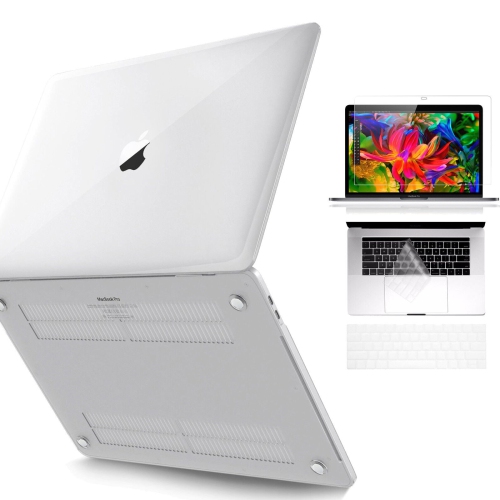
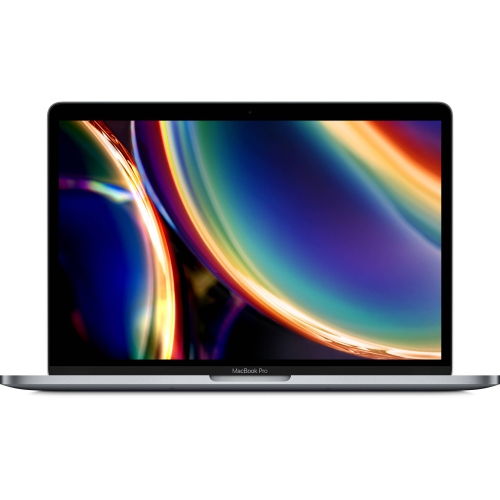
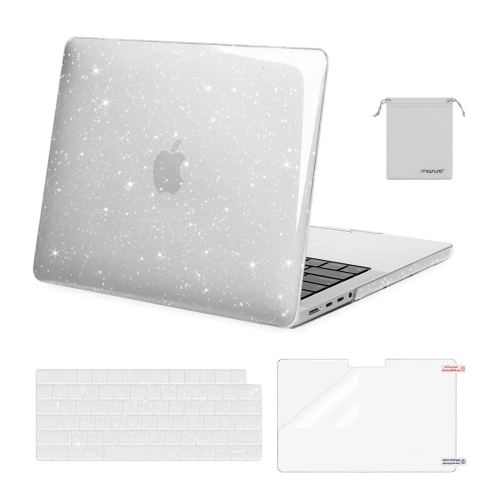

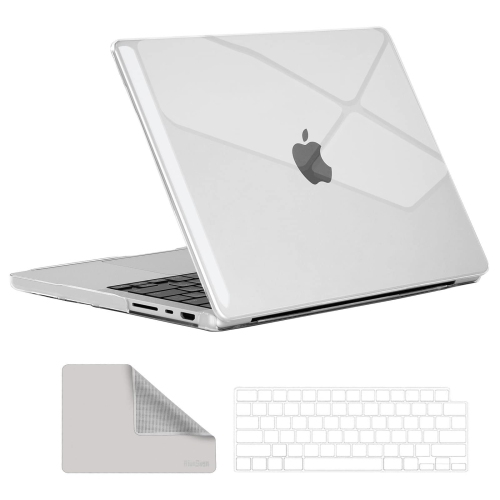
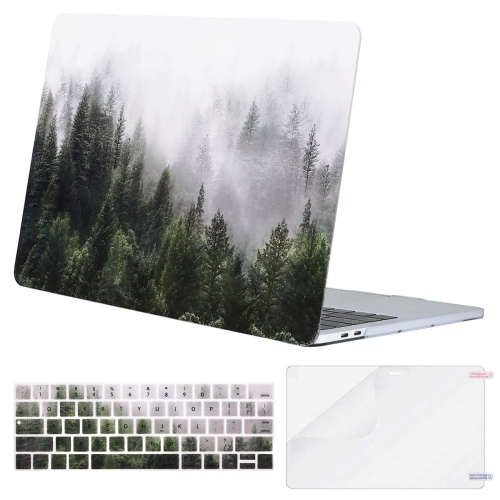
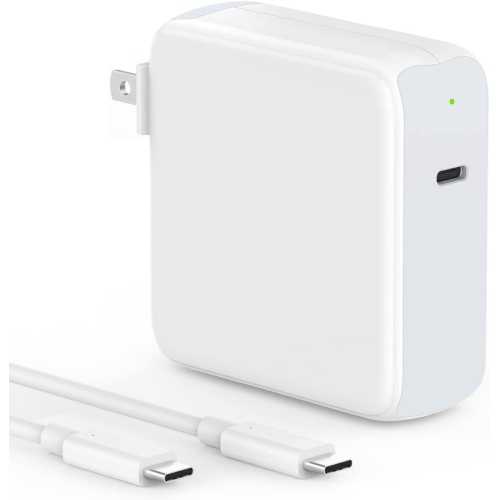
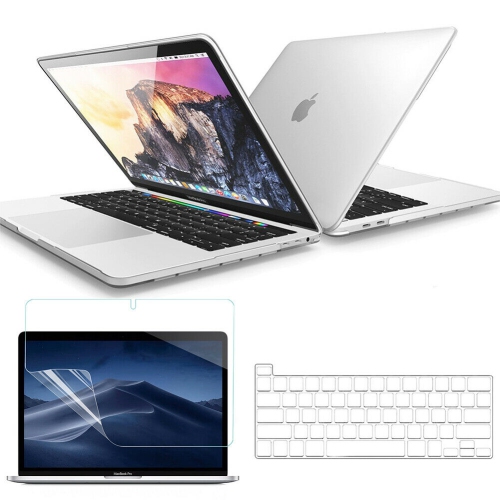
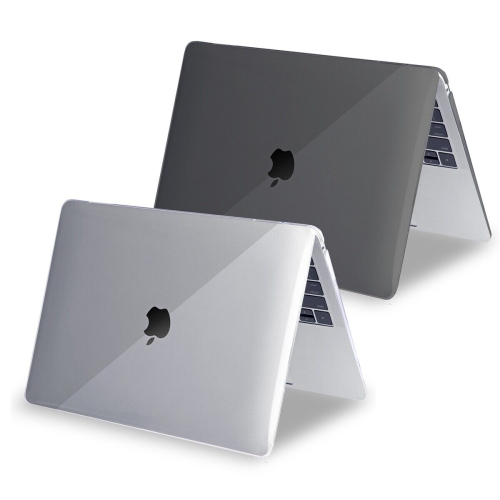
A spacious screen for detailed work on the move
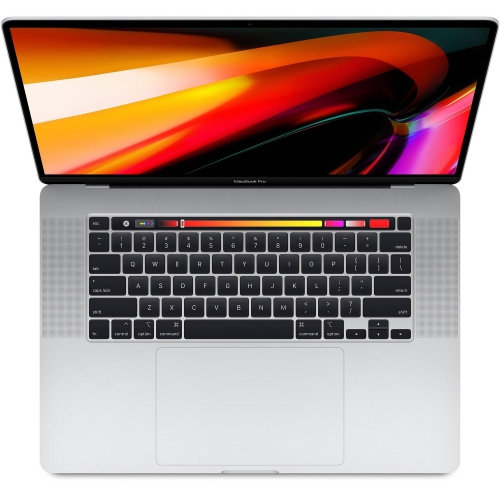
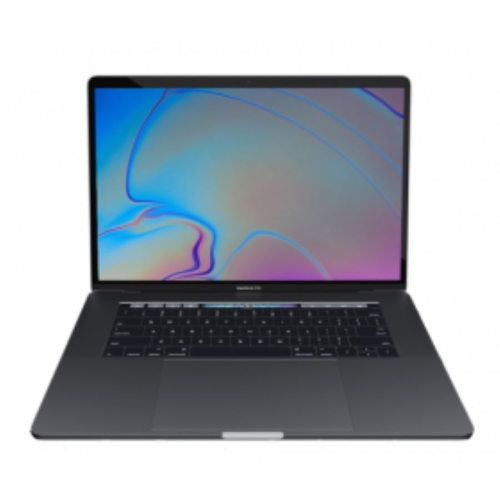
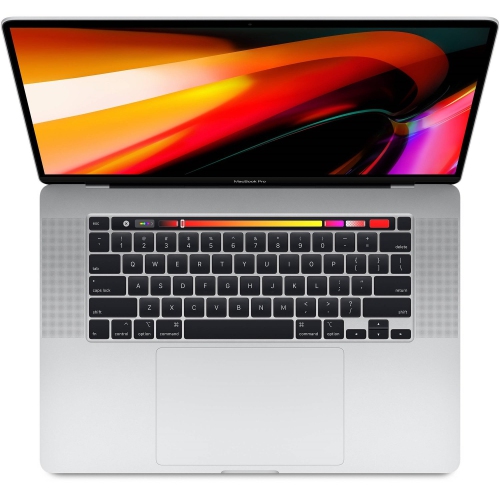
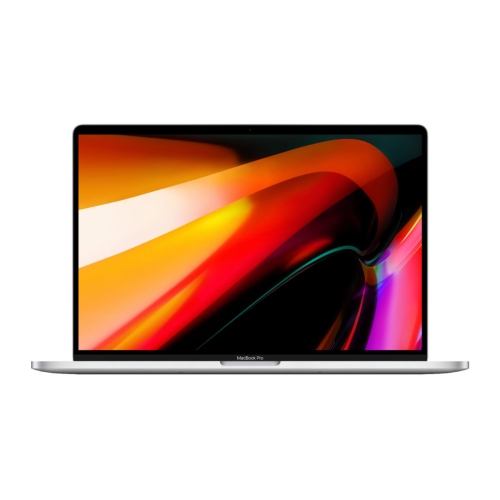
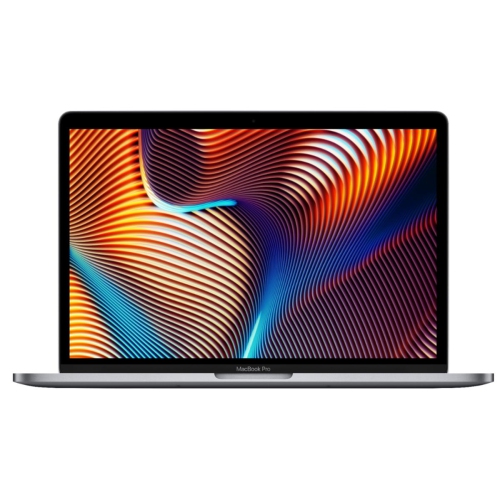
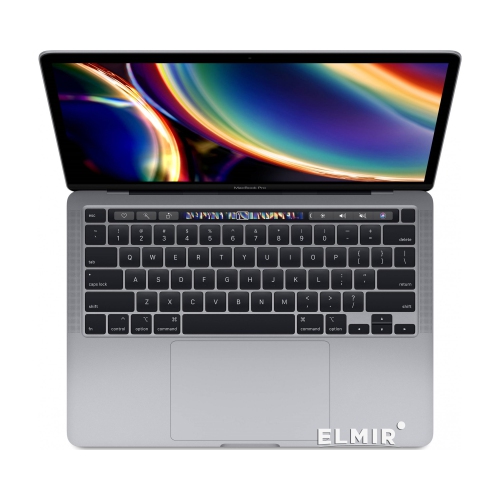
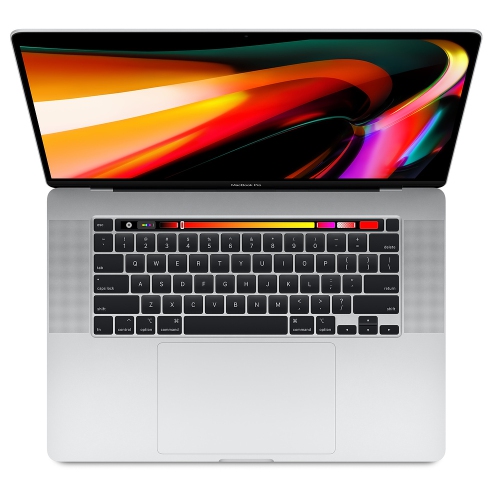
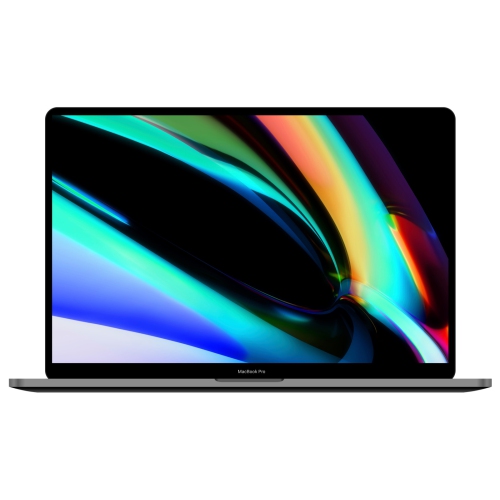
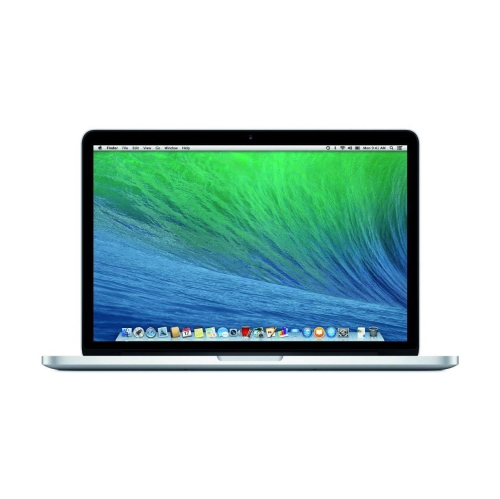
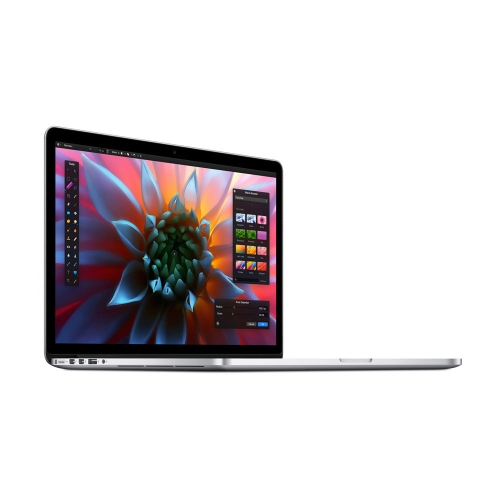
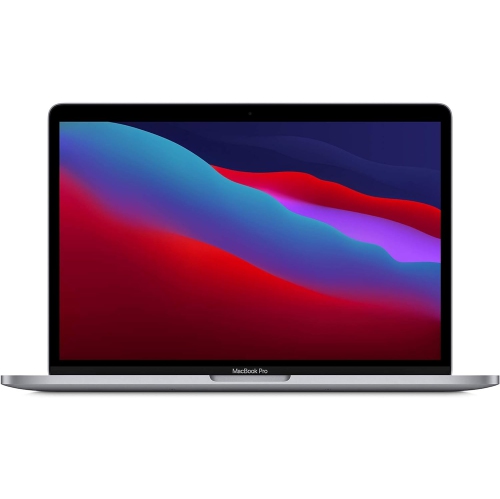
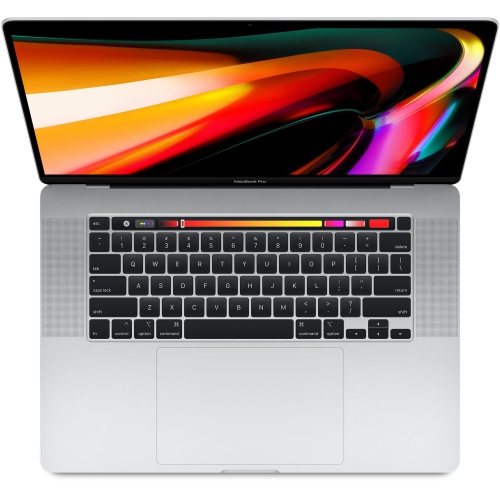
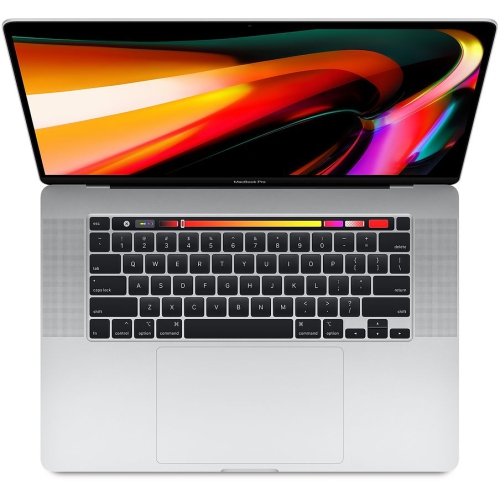
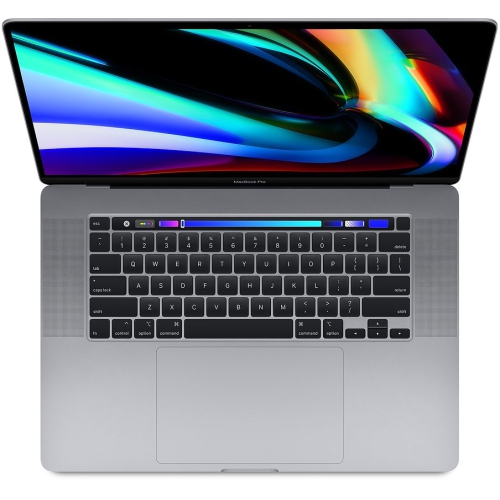
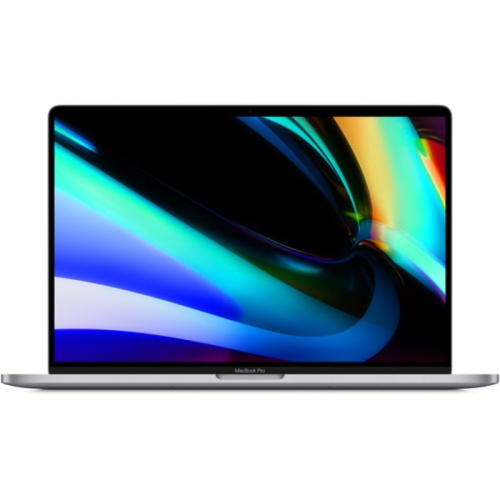
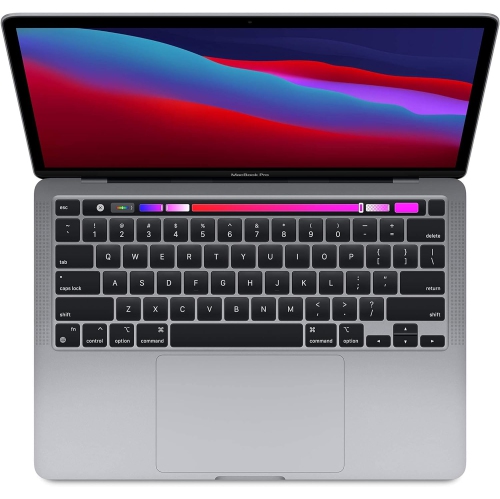
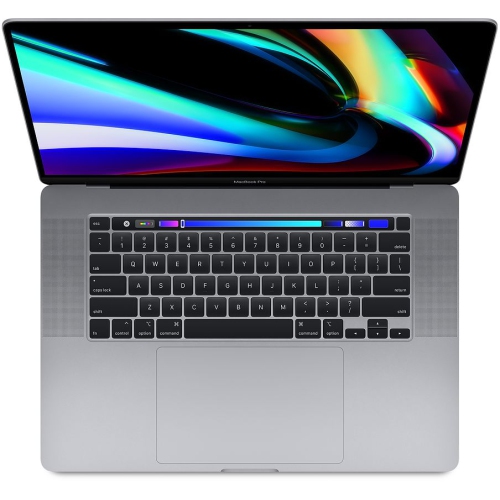
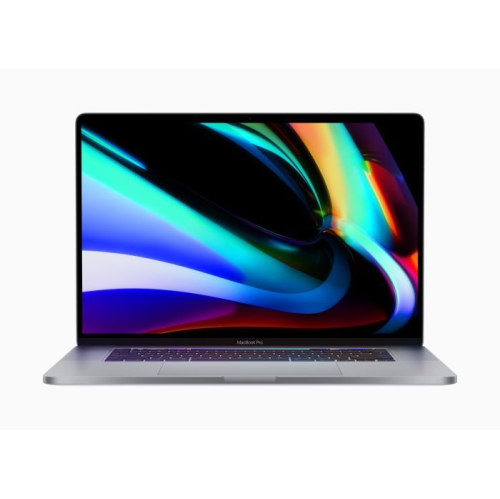
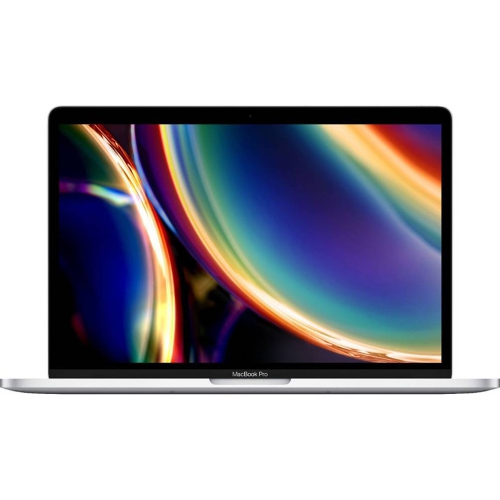
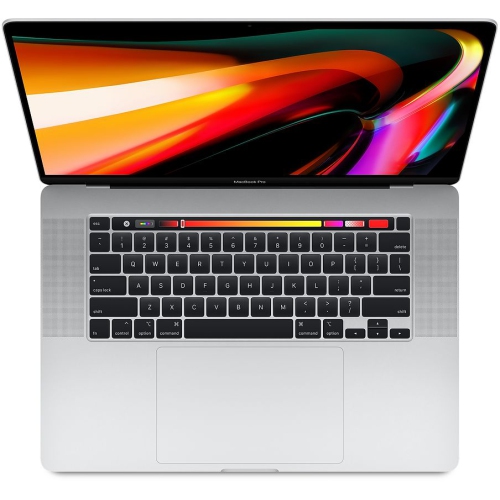
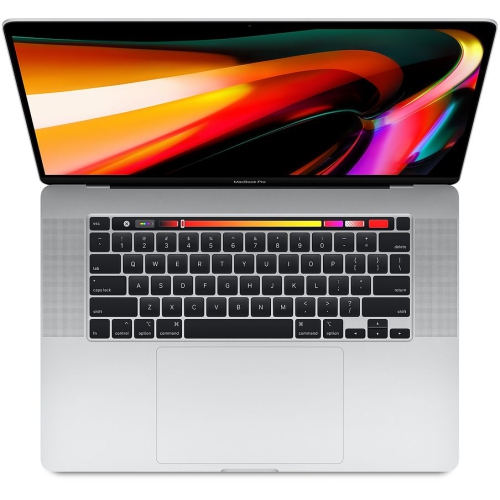
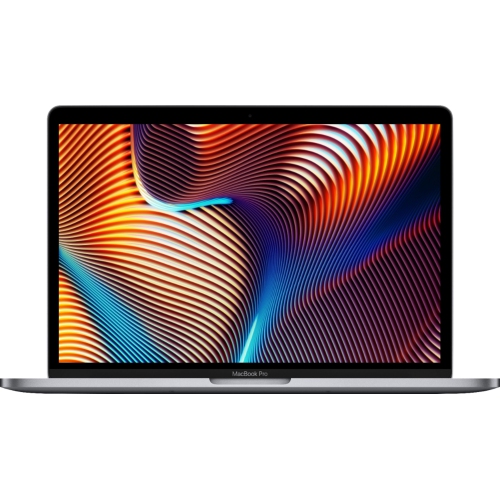
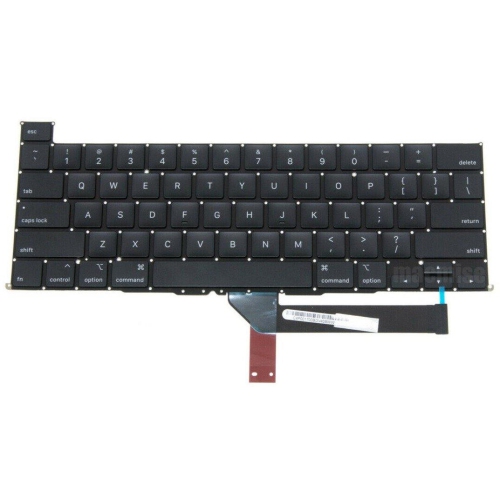
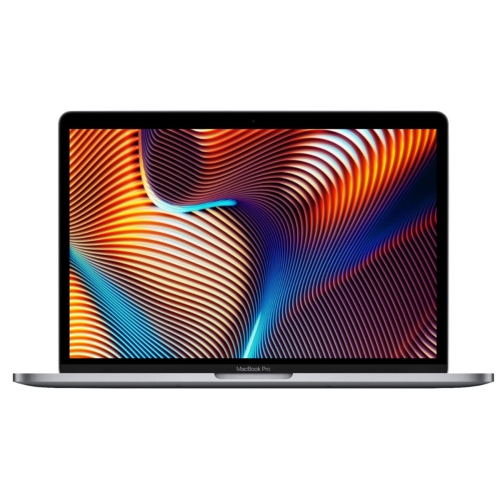
The 16-inch professional laptop design introduced in late 2019 combines a large, detailed display with the flexibility of a portable workstation. This generation is suited to people who want room for a video timeline, a spreadsheet with several visible columns, or a document beside research notes without always connecting an external monitor. Its 3072 × 1920 display offers a sharp workspace for text and images, while brightness of up to 500 nits helps keep content clearly visible in well-lit rooms. An aluminium enclosure gives the notebook a firm, substantial feel, though its roughly 2 kg weight makes it more noticeable in a shoulder bag than a smaller ultraportable. Hardware configurations vary considerably: six-core and eight-core processors, different dedicated graphics options, and a range of memory and solid-state storage capacities mean that otherwise similar-looking laptops can serve different needs. Memory configurations begin at 16GB and extend to 64GB, while storage configurations can reach 8TB. Those differences matter when a computer needs to hold a large photo library, work with several creative applications at once, or keep project files close at hand rather than on an external drive. The scissor-switch keyboard provides a defined typing feel for long writing sessions, and the large trackpad supports precise navigation across the spacious display. A six-speaker audio system adds useful depth to dialogue, music, and presentation playback, although headphones remain practical in shared spaces. For students, writers, analysts, and creative professionals, the appeal is the combination of screen area, a full-size keyboard, and workstation-style flexibility in one machine. It is a format that can move from a desk to a meeting room or classroom while retaining enough visual space for detailed work. Its suitability for a particular workload depends on the individual configuration, the software involved, and the condition of the computer rather than screen size alone.
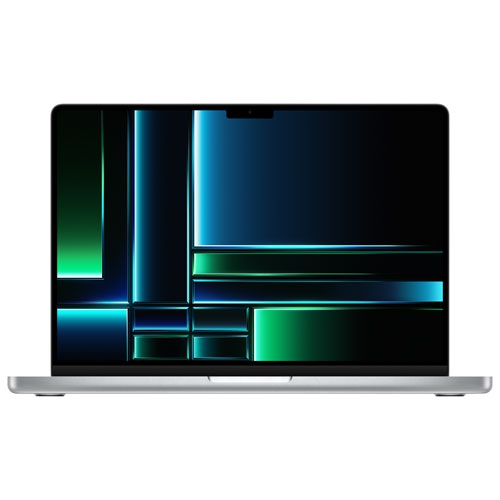
For laptops of this generation, long-term usability involves more than processor specifications. Memory and internal storage are not designed for straightforward user upgrades, so the installed capacities have lasting importance. A writing and research workload places different demands on a computer than layered image files, software development tools, or video projects with multiple effects. Dedicated graphics can help with supported creative applications, but performance depends on the application, file format, project complexity, and graphics configuration. Sustained rendering or other demanding work can make the cooling fans clearly audible, which matters in a quiet recording space or during a call. Software compatibility also deserves attention with an older platform: operating system support, security updates, and application requirements change over time, and a familiar program name does not guarantee that its latest release will run. Battery condition is another meaningful distinction between individual units. Charge cycles provide useful context, but actual battery health and runtime under a typical workload are more informative than age alone. A computer used mainly beside a power outlet may suit someone differently from one expected to last through lectures or meetings away from a desk. Condition descriptions are especially relevant for previously owned or refurbished laptops, since those terms can cover different inspection processes, cosmetic standards, and included accessories. Clear details about the display, keyboard, ports, battery, charger, warranty, and return terms help establish what everyday ownership will involve. Scratches on the underside are a different concern from a damaged hinge, an unreliable charging connection, or uneven display illumination. For someone receiving a laptop as a gift, compatibility with their coursework, workplace applications, and existing peripherals is often more valuable than choosing the largest specification on paper. Those weighing screen space against a smaller footprint can also explore MacBook Pro M2 14, with attention to the differences in processor platform, connections, and supported software rather than assuming that all professional notebooks behave alike.
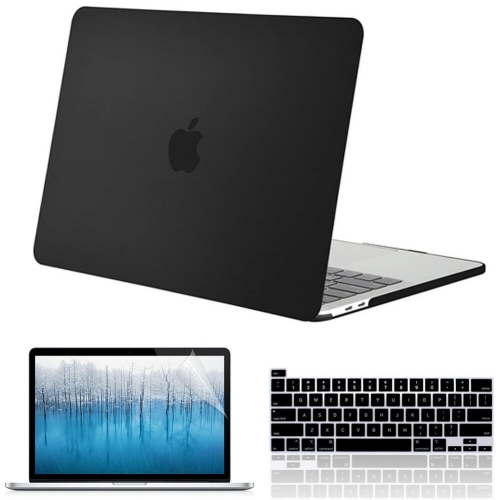
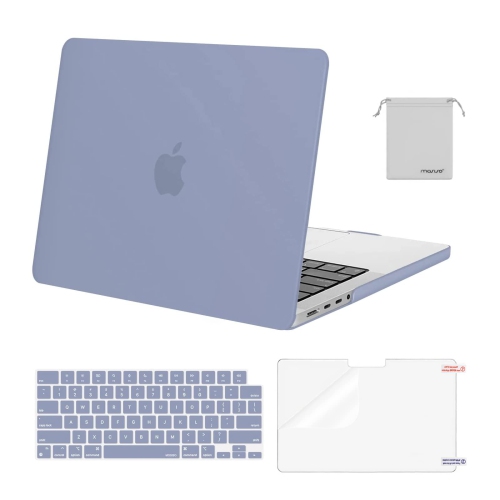
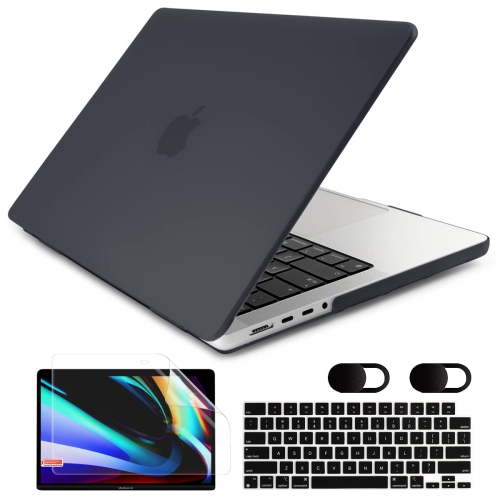
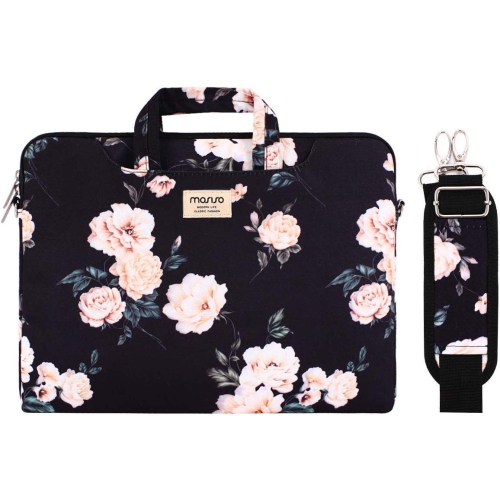
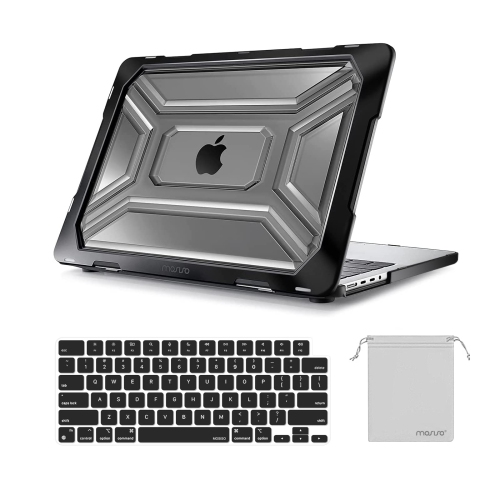
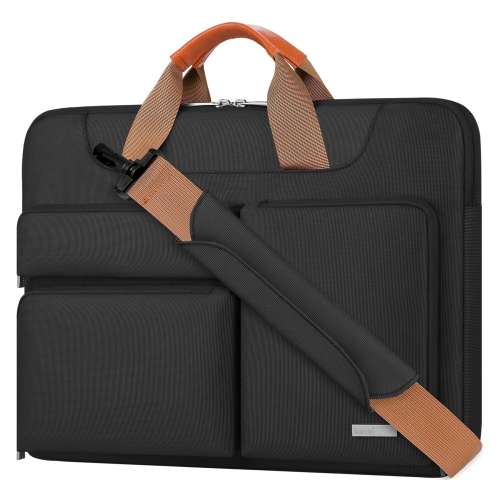
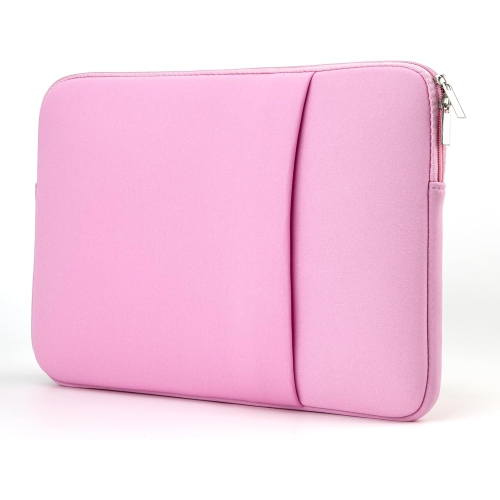
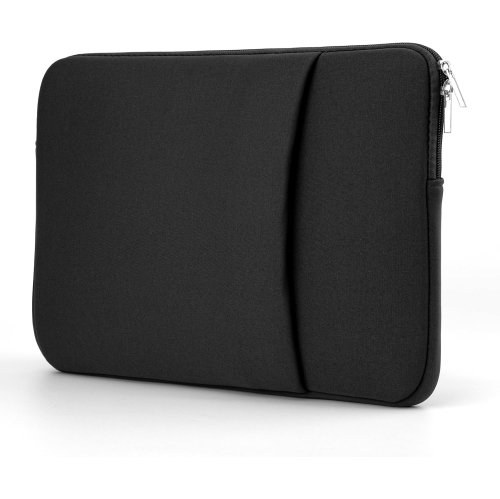
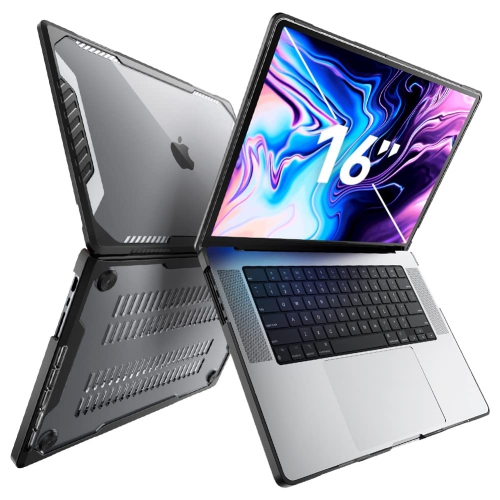
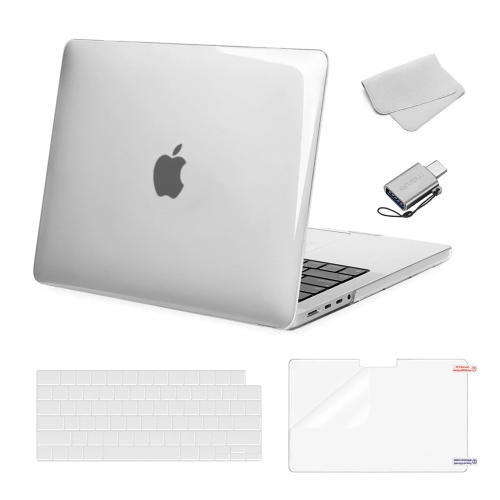
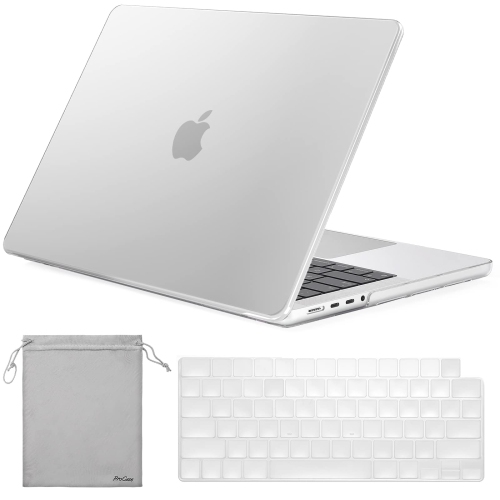
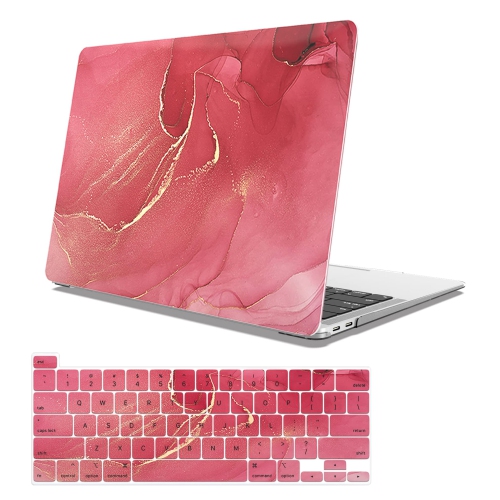
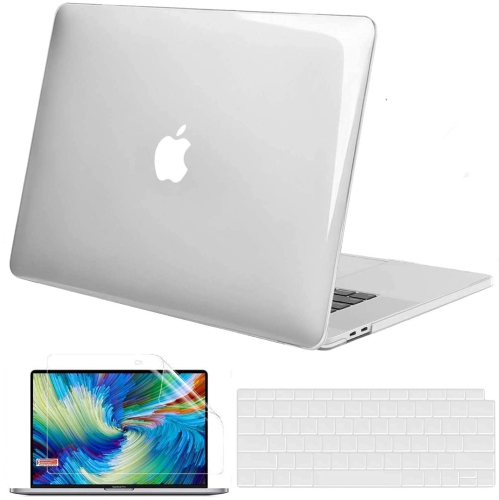
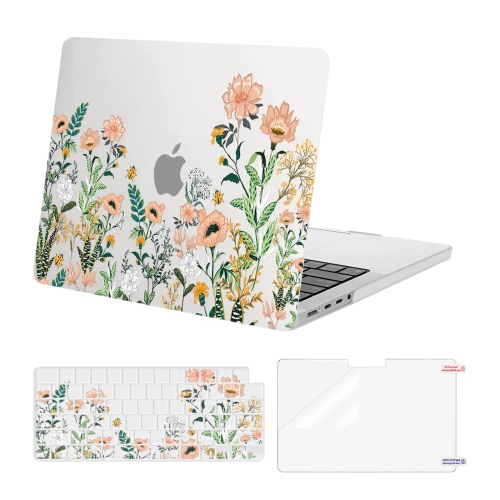
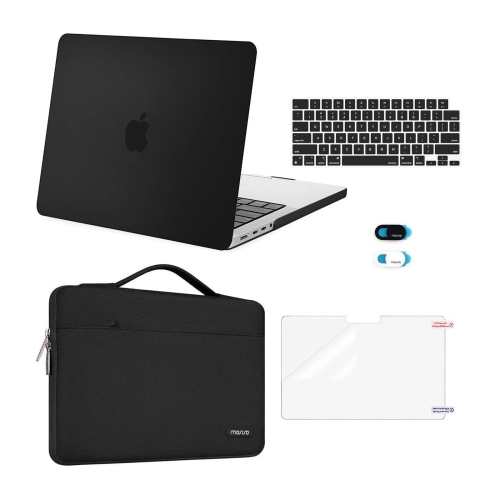
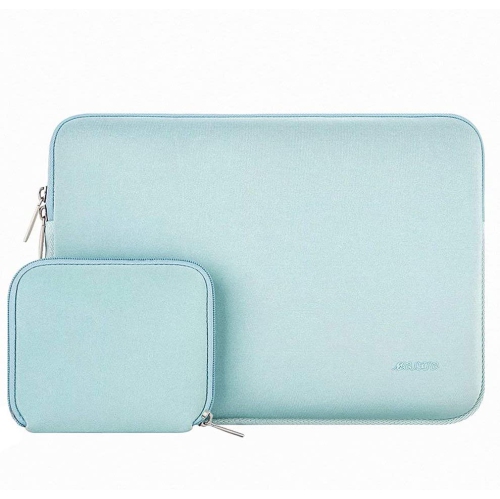
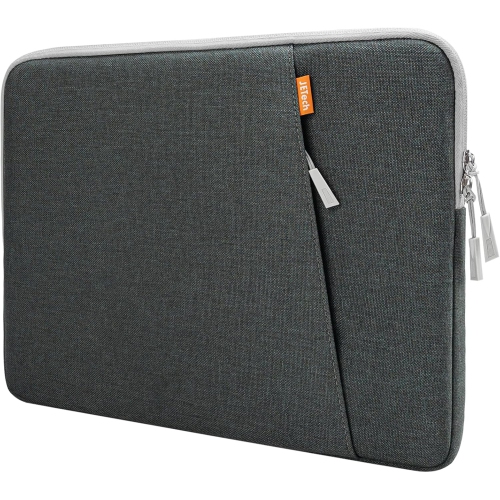
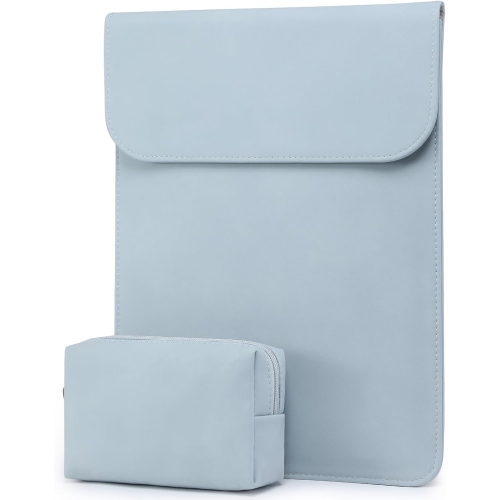
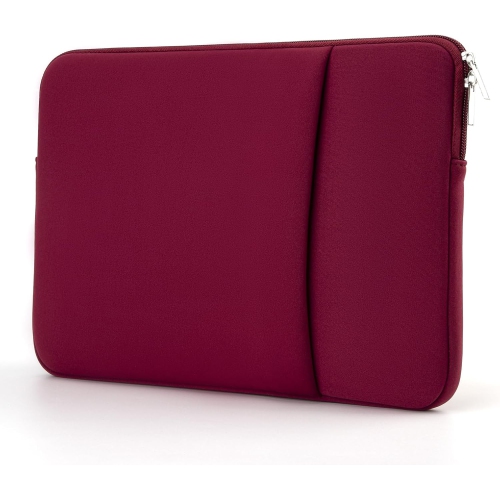
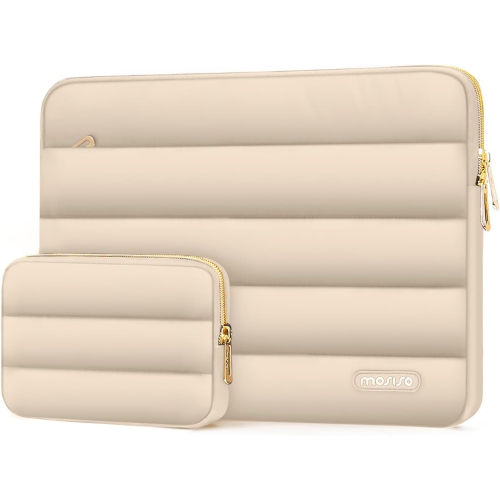
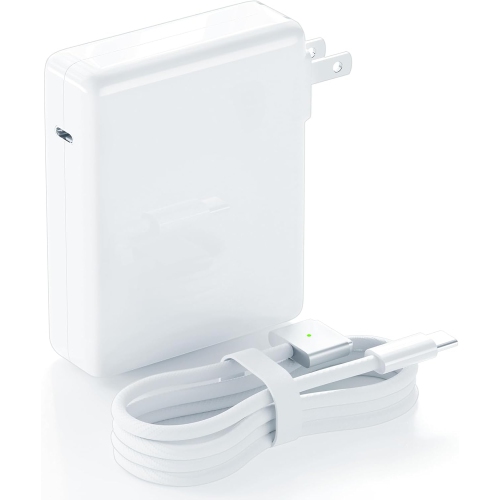
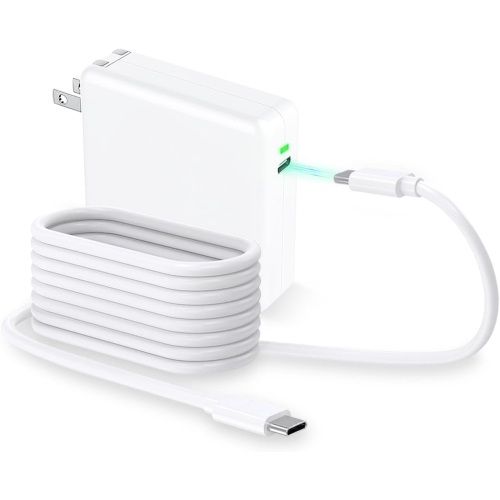
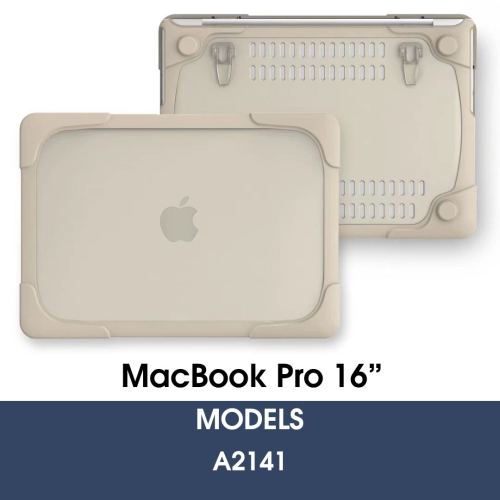
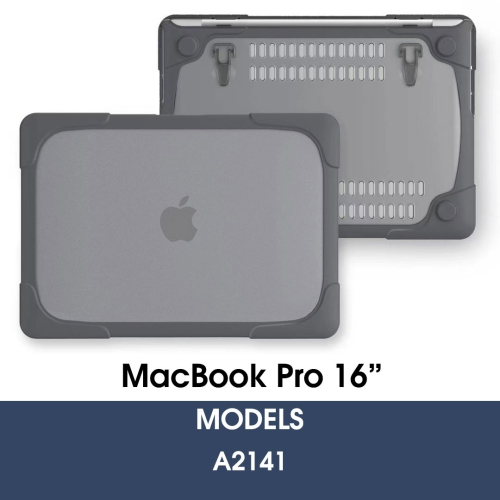
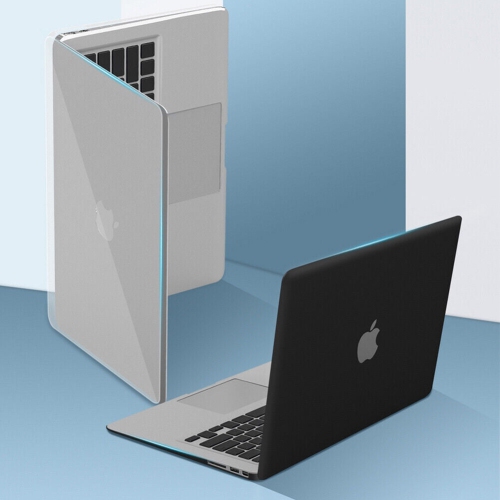
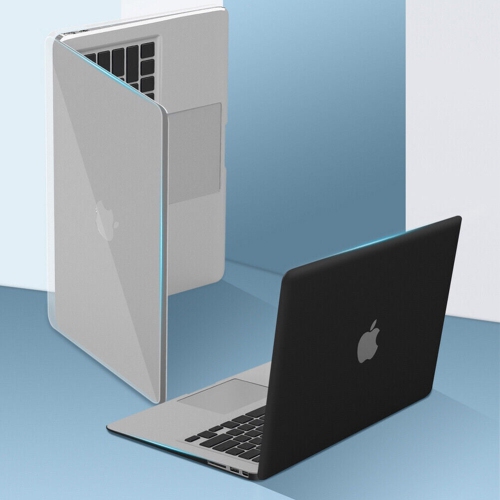
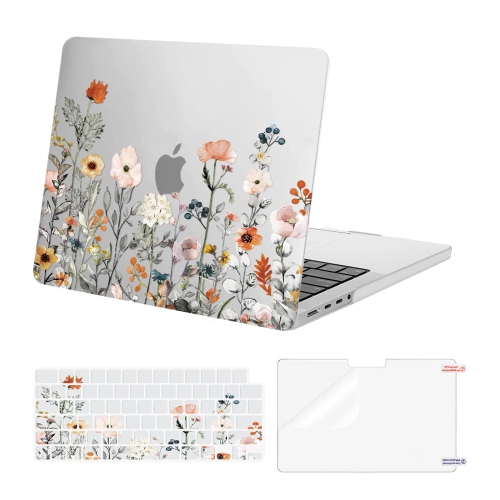
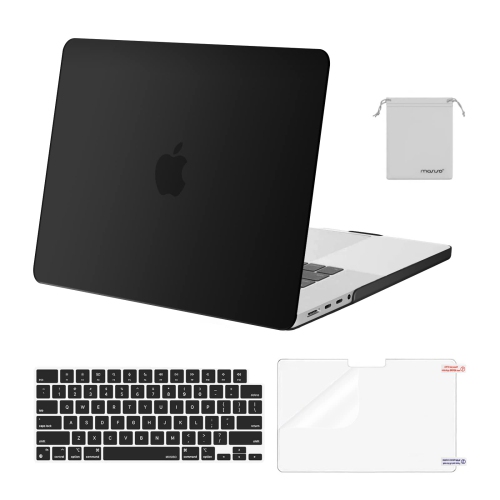
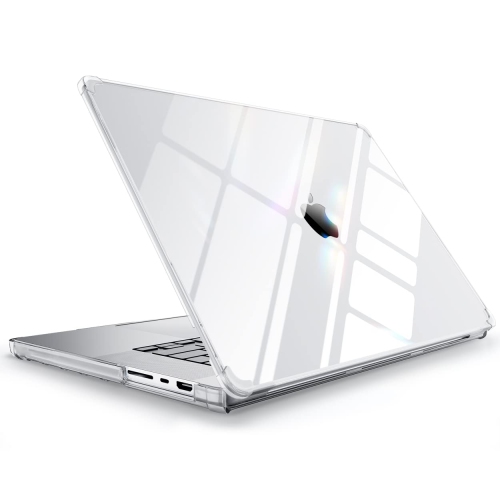
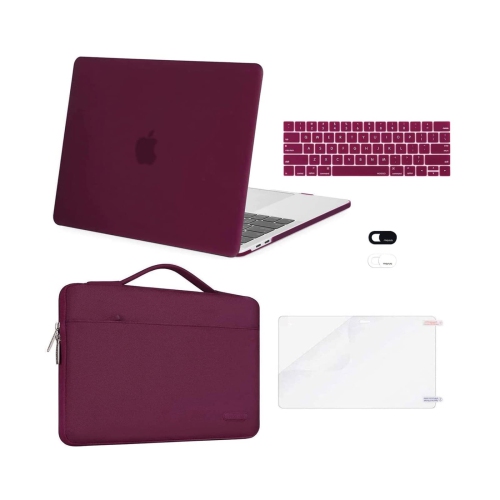
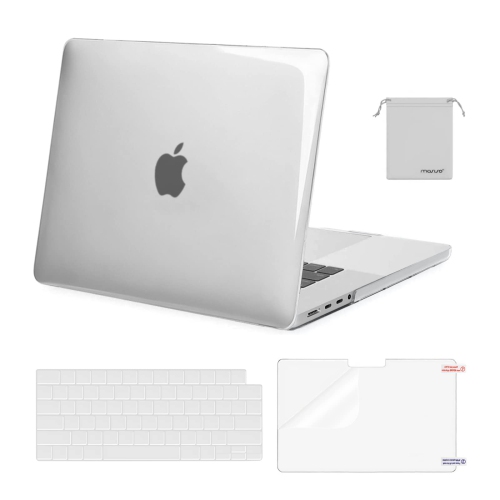
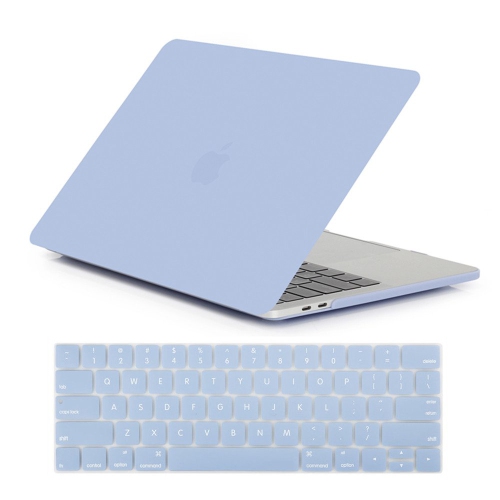
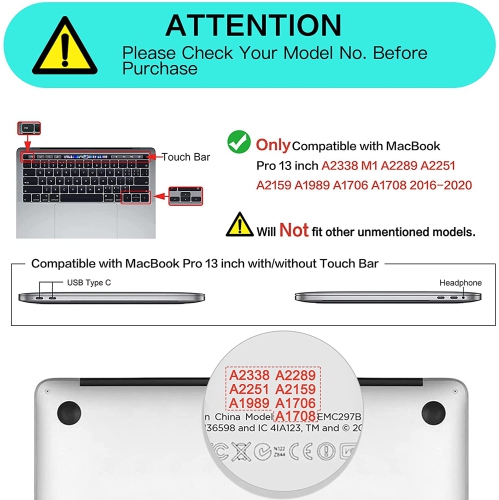
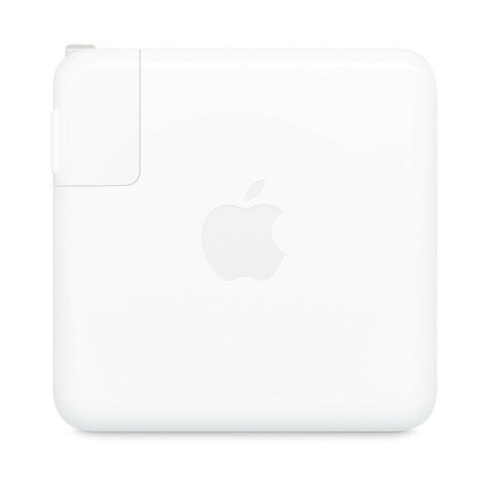
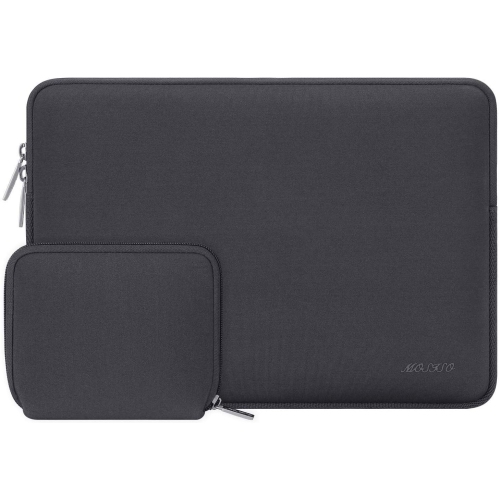
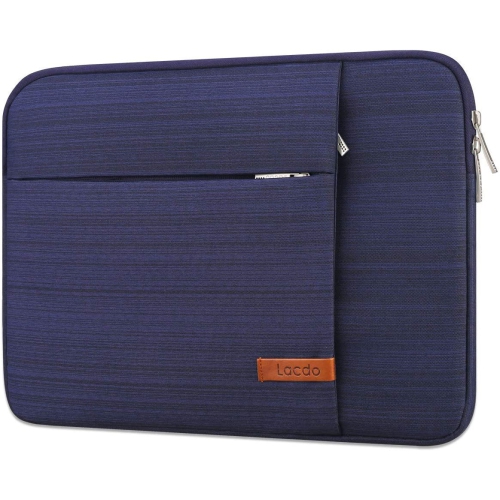
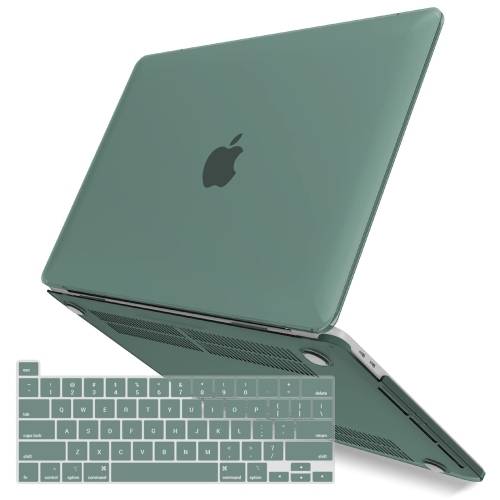
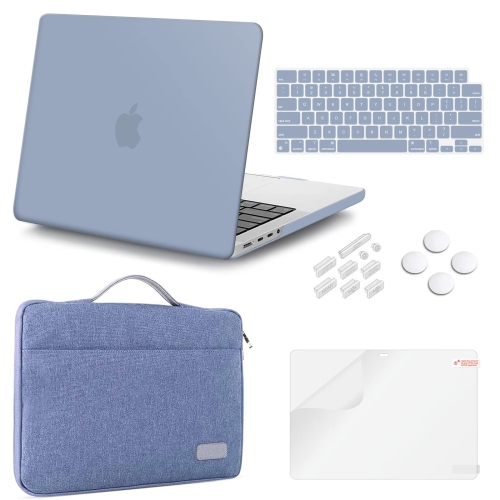
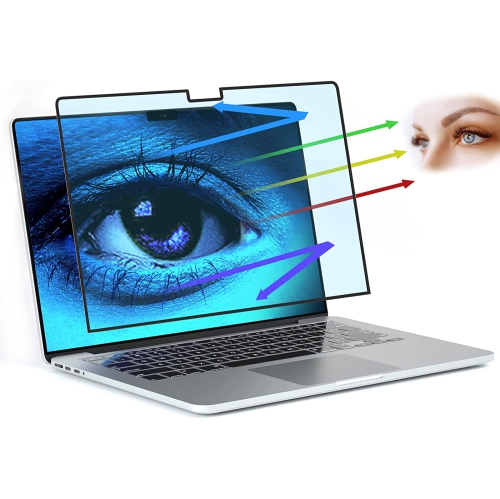
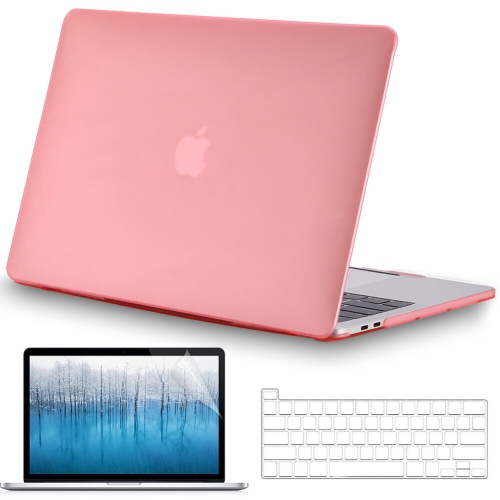
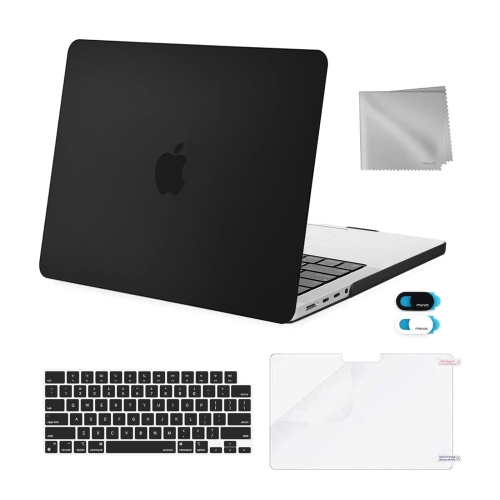
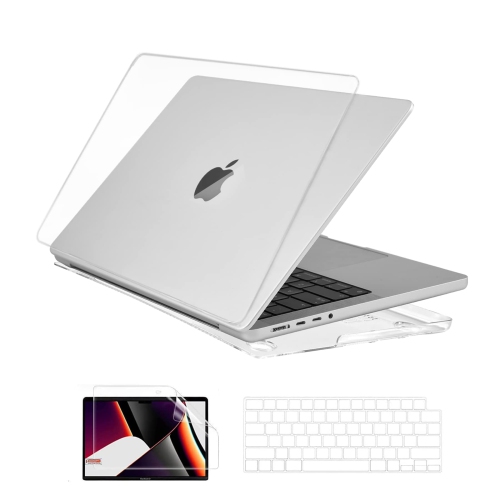
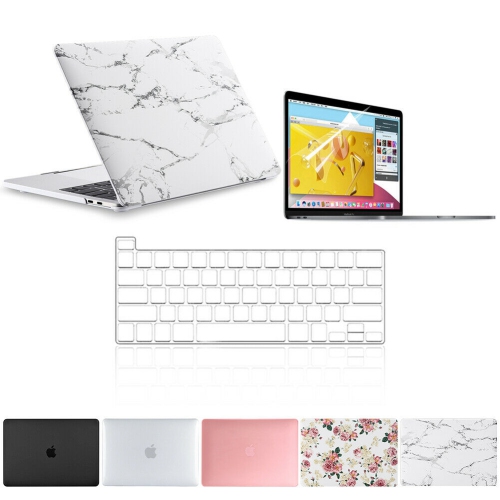
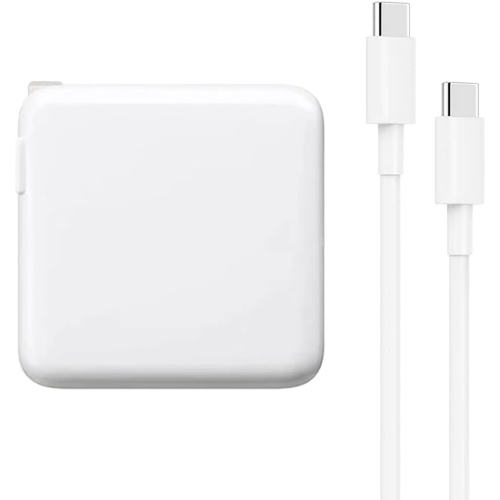
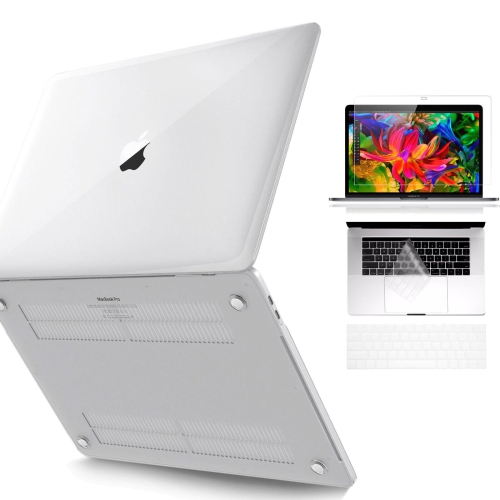
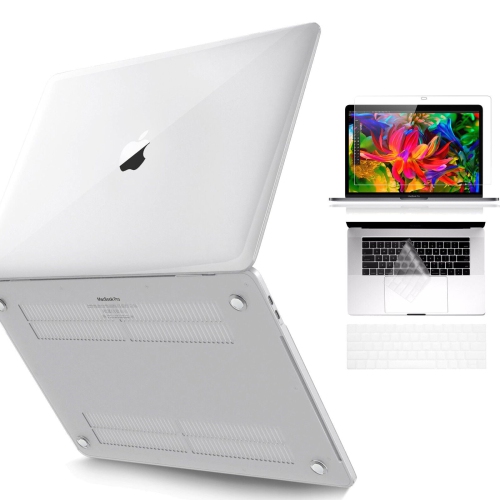
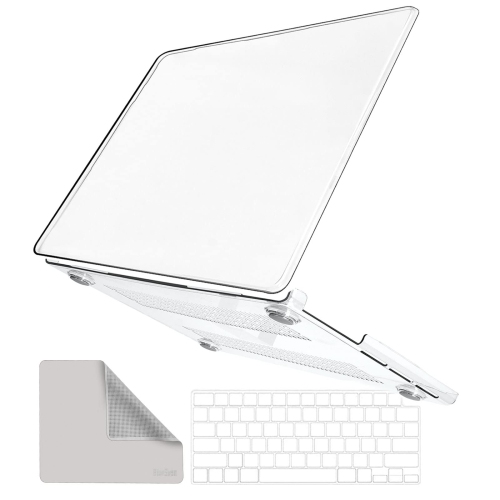
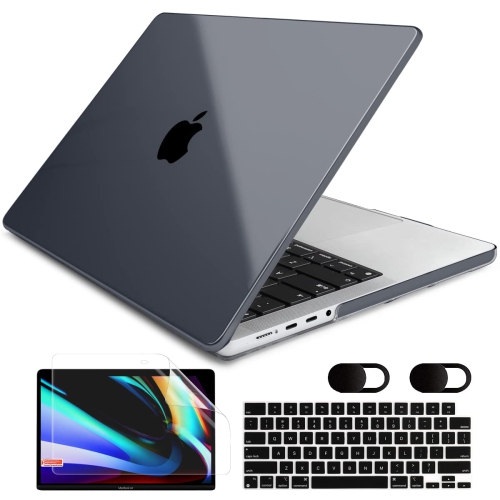
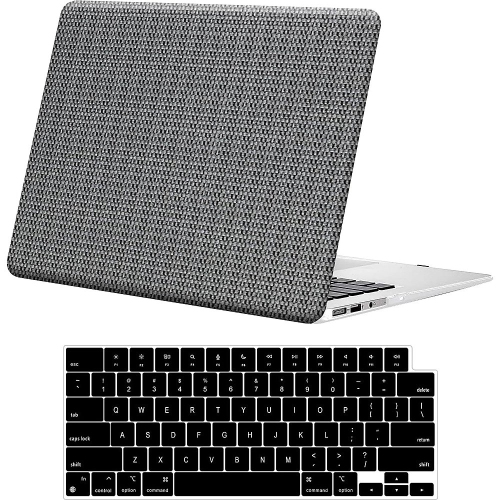
Accessories for a 16-inch notebook need to match its actual dimensions and connection requirements, not simply the screen measurement printed on a package. A fitted shell intended for a different generation may interfere with the hinges, leave ports partly covered, or fail to attach securely even when both computers have the same advertised display size. Sleeves and bags allow more flexibility, but their internal measurements still determine whether the laptop slides in smoothly without excess movement. Soft linings help limit surface scuffs, padded corners offer cushioning during daily travel, and a separate compartment keeps plugs and keys from rubbing against the enclosure. A reinforced handle or comfortable shoulder strap can make a noticeable difference when the computer travels with a charger, notebook, and external drive. At a desk, a stable stand can raise the display to a more comfortable viewing position, especially when paired with a separate keyboard and mouse. Ventilation openings need to remain unobstructed, and a firm work surface is preferable to bedding or a cushion that can restrict airflow. This generation provides four USB-C ports with support for charging, display connections, and high-speed data, along with a 3.5 mm headphone jack. Connecting a memory card, wired network cable, or display with a different connector may require an appropriate hub or adapter. Docking arrangements depend on the capabilities of the laptop, dock, cable, and monitor together; matching connectors alone does not establish supported resolution or data speed. Charging accessories likewise need suitable power delivery, since a low-output charger can replenish the battery slowly or struggle to keep pace with demanding work. Routine care is straightforward: a soft, lint-free cloth helps remove fingerprints, liquids should stay away from openings, and cleaning solutions should never be sprayed directly onto the screen or keyboard. Regular file backups add another layer of everyday protection, particularly when the laptop holds coursework, business records, or creative projects. With a well-fitting carry solution, compatible connections, and attention to its condition, this larger notebook format can support a comfortable workspace both at home and on the move.
For laptops of this generation, long-term usability involves more than processor specifications. Memory and internal storage are not designed for straightforward user upgrades, so the installed capacities have lasting importance. A writing and research workload places different demands on a computer than layered image files, software development tools, or video projects with multiple effects. Dedicated graphics can help with supported creative applications, but performance depends on the application, file format, project complexity, and graphics configuration. Sustained rendering or other demanding work can make the cooling fans clearly audible, which matters in a quiet recording space or during a call. Software compatibility also deserves attention with an older platform: operating system support, security updates, and application requirements change over time, and a familiar program name does not guarantee that its latest release will run. Battery condition is another meaningful distinction between individual units. Charge cycles provide useful context, but actual battery health and runtime under a typical workload are more informative than age alone. A computer used mainly beside a power outlet may suit someone differently from one expected to last through lectures or meetings away from a desk. Condition descriptions are especially relevant for previously owned or refurbished laptops, since those terms can cover different inspection processes, cosmetic standards, and included accessories. Clear details about the display, keyboard, ports, battery, charger, warranty, and return terms help establish what everyday ownership will involve. Scratches on the underside are a different concern from a damaged hinge, an unreliable charging connection, or uneven display illumination. For someone receiving a laptop as a gift, compatibility with their coursework, workplace applications, and existing peripherals is often more valuable than choosing the largest specification on paper. Those weighing screen space against a smaller footprint can also explore MacBook Pro M2 14, with attention to the differences in processor platform, connections, and supported software rather than assuming that all professional notebooks behave alike.
Accessories for a 16-inch notebook need to match its actual dimensions and connection requirements, not simply the screen measurement printed on a package. A fitted shell intended for a different generation may interfere with the hinges, leave ports partly covered, or fail to attach securely even when both computers have the same advertised display size. Sleeves and bags allow more flexibility, but their internal measurements still determine whether the laptop slides in smoothly without excess movement. Soft linings help limit surface scuffs, padded corners offer cushioning during daily travel, and a separate compartment keeps plugs and keys from rubbing against the enclosure. A reinforced handle or comfortable shoulder strap can make a noticeable difference when the computer travels with a charger, notebook, and external drive. At a desk, a stable stand can raise the display to a more comfortable viewing position, especially when paired with a separate keyboard and mouse. Ventilation openings need to remain unobstructed, and a firm work surface is preferable to bedding or a cushion that can restrict airflow. This generation provides four USB-C ports with support for charging, display connections, and high-speed data, along with a 3.5 mm headphone jack. Connecting a memory card, wired network cable, or display with a different connector may require an appropriate hub or adapter. Docking arrangements depend on the capabilities of the laptop, dock, cable, and monitor together; matching connectors alone does not establish supported resolution or data speed. Charging accessories likewise need suitable power delivery, since a low-output charger can replenish the battery slowly or struggle to keep pace with demanding work. Routine care is straightforward: a soft, lint-free cloth helps remove fingerprints, liquids should stay away from openings, and cleaning solutions should never be sprayed directly onto the screen or keyboard. Regular file backups add another layer of everyday protection, particularly when the laptop holds coursework, business records, or creative projects. With a well-fitting carry solution, compatible connections, and attention to its condition, this larger notebook format can support a comfortable workspace both at home and on the move.
Top selling and popular products
-
 Your price for this item is $1500
 -
 Your price for this item is $749.77
 -
 Your price for this item is $649.77
 -
 Your price for this item is $549.77
 -
 Your price for this item is $699.77
 -
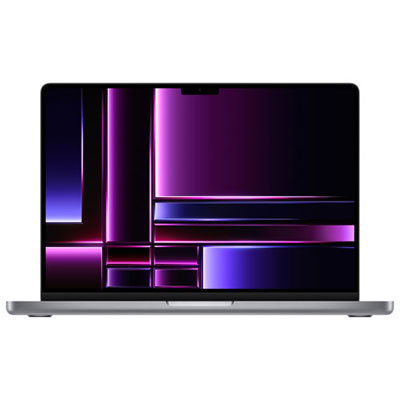 Your price for this item is $2299.97
 -
 Your price for this item is $679.77
 -
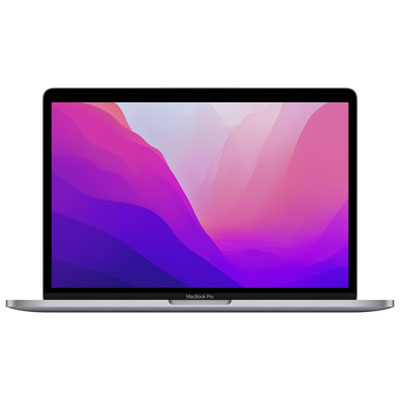 Your price for this item is $1599.97
Discover more categories related to Macbook Pro A2141
Top Collections:
Pokemon Centers, Kindle Devices, Best Budget Office Chairs, Apple iPhones 16, Best Laptops for Writers, iPhone 15 Apple, Canon G7X Cameras, Refurbished Apple Laptops, Alarm Clock, Motorola Razr Phones
Some products may be subject to Environmental Handling Fees
(EHF) depending on your province.
Learn more about EHFs.