Microsoft Surface Pro Tablet Keyboards
Enhance your productivity and transform your tablet experience with a Microsoft Surface Pro Tablet Keyboard. Designed to complement your device, these keyboards offer seamless connectivity and a comfortable typing experience, whether you're working from home, in the office, or on the go. Discover a variety of options to suit your needs and make the most of your Microsoft Surface Pro with the ideal tablet keyboard.
Sort
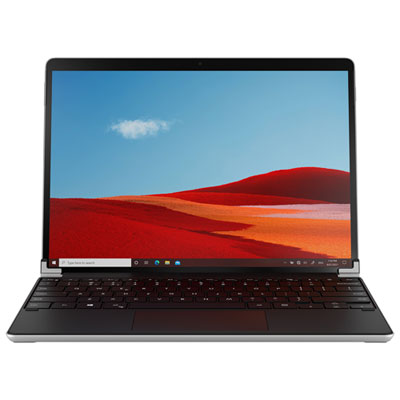
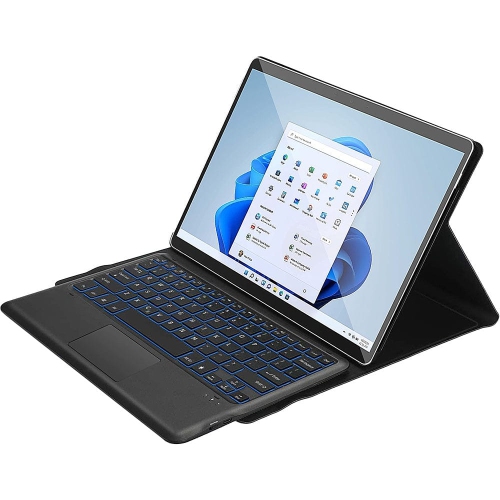
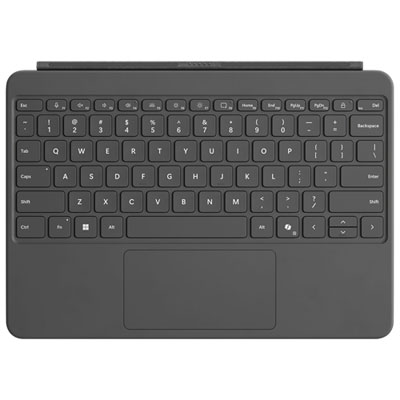
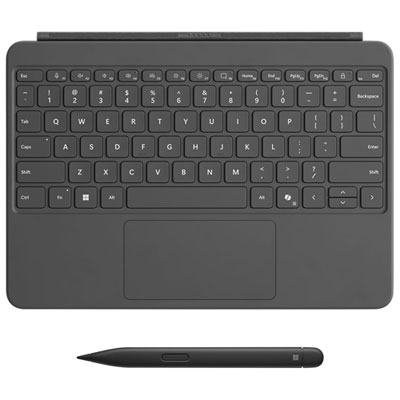
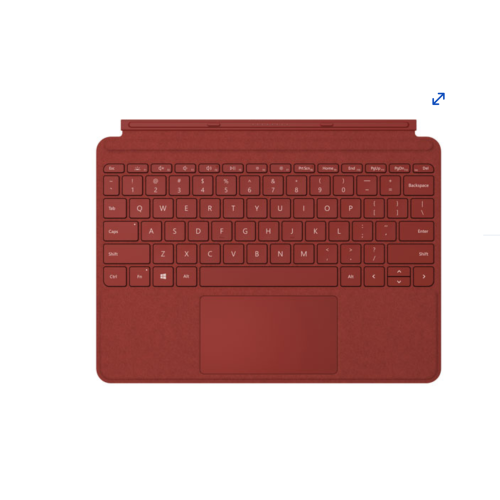
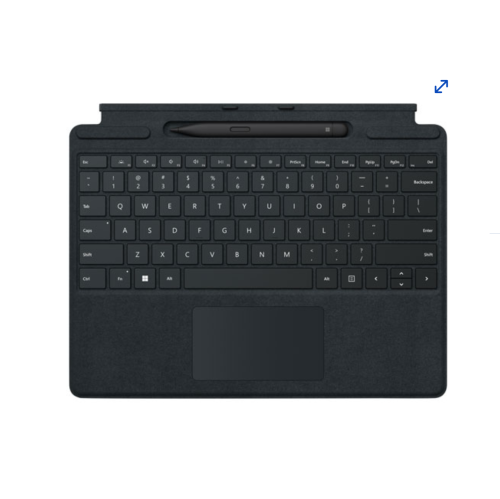
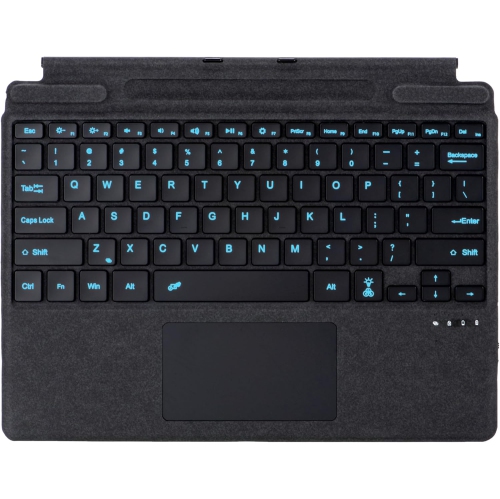
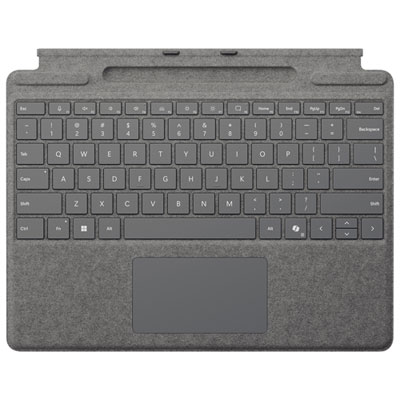
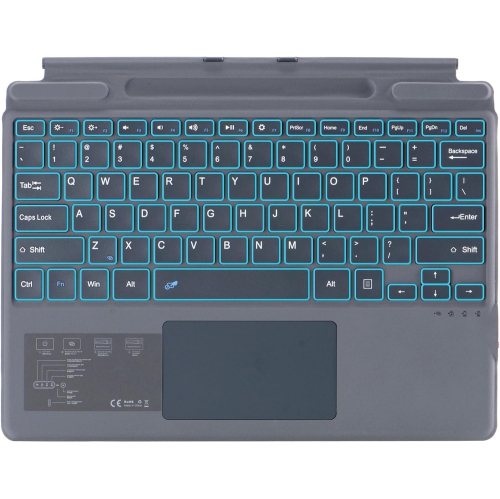
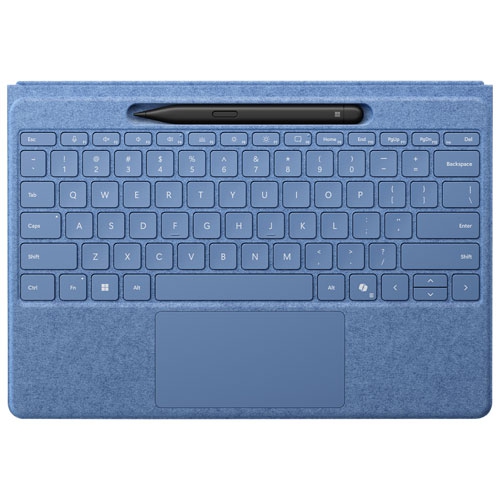
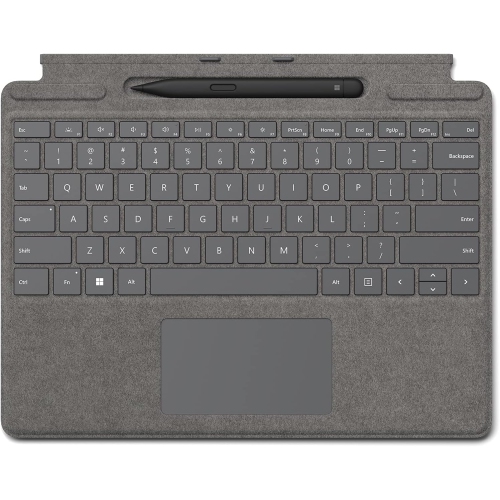
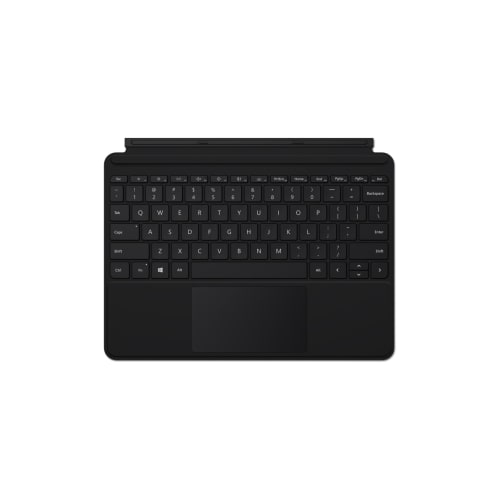
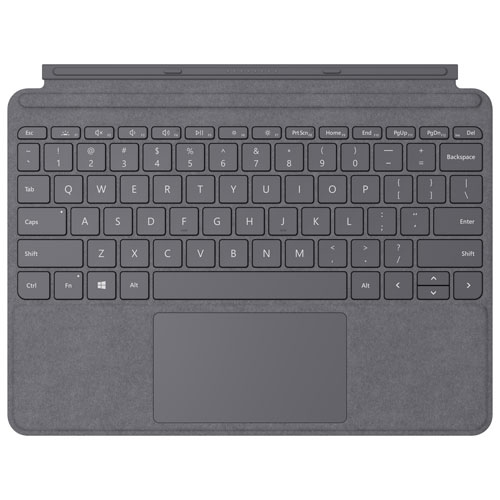
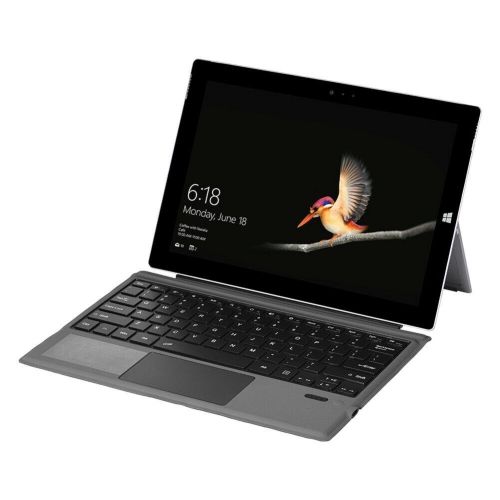
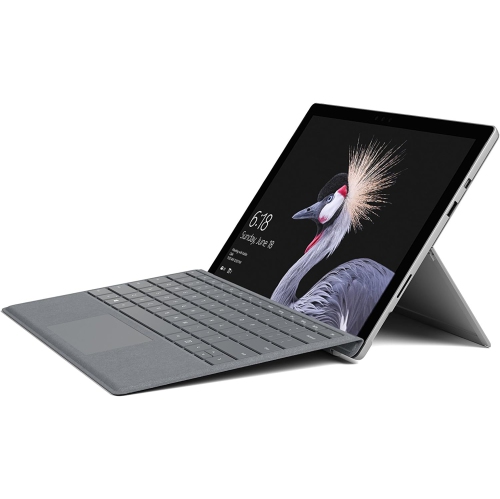
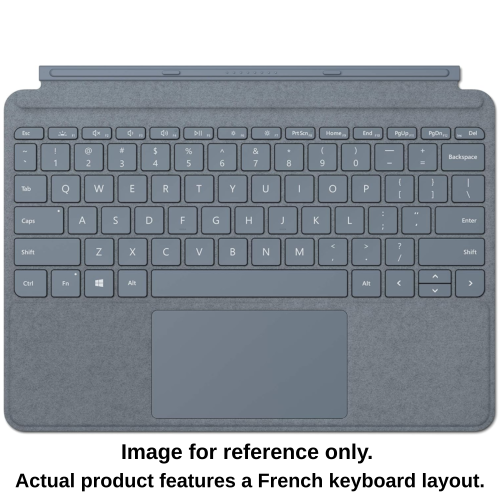
How physical keys make tablet work feel easier
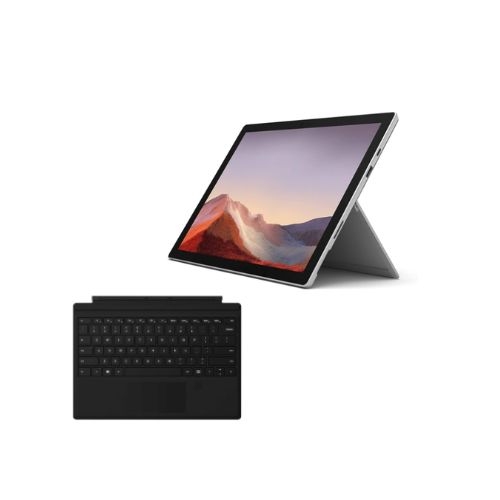
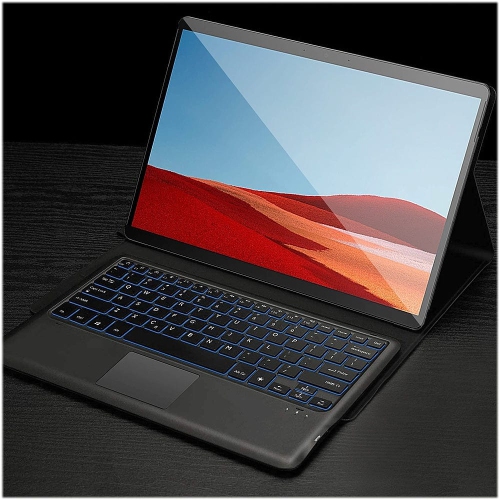
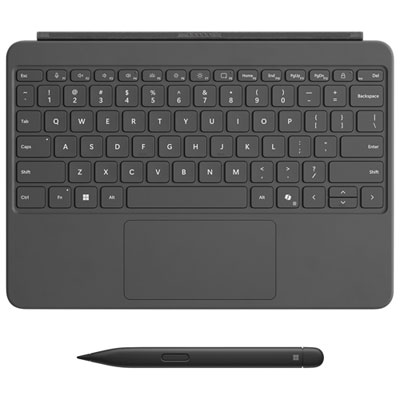
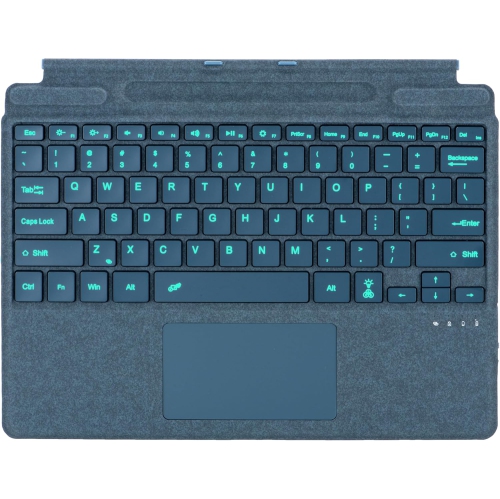
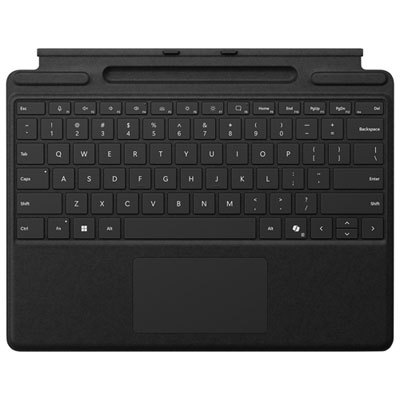
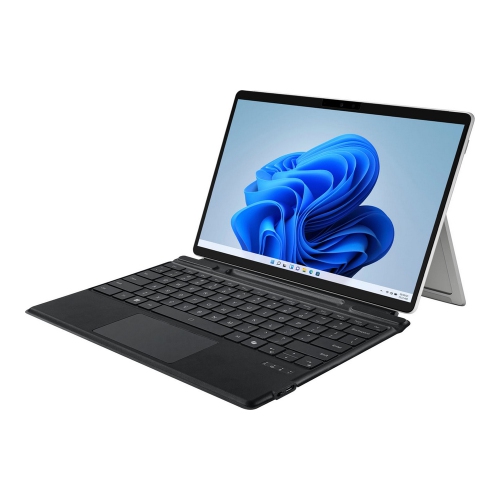
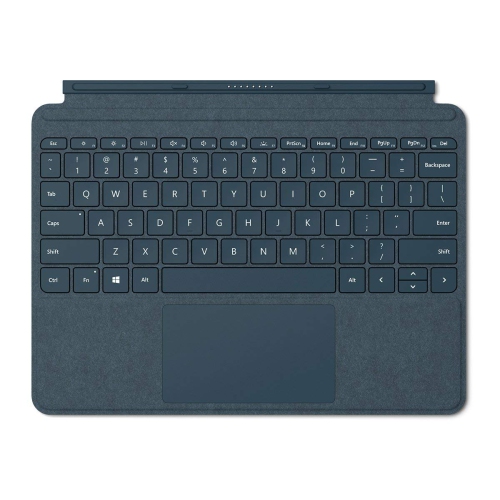
Surface Pro tablet keyboards help bridge the gap between a touch-first tablet and a traditional laptop, giving you a more comfortable way to write emails, edit documents, manage spreadsheets, browse online, and keep up with school or work. They are especially useful for people who appreciate the portability of a tablet but still spend long stretches typing. Instead of balancing a tablet on your lap and tapping an on-screen keyboard, you can work with physical keys, a palm rest, and a built-in touchpad that make everyday tasks feel more familiar. Students can use one for lecture notes, research, assignments, and group projects, while professionals may rely on one for messages, presentations, travel planning, or remote work from a kitchen table or coffee shop. A keyboard can also make a tablet more practical for families, since it gives children and adults a straightforward setup for writing, browsing, and completing online activities. During the cooler months, a lightweight keyboard attached to a tablet can turn a comfortable chair, kitchen counter, or quiet corner into a convenient workspace without the bulk of a full laptop. These accessories can also be thoughtful gifts for a student heading into a new term, a frequent traveller, a home-office user, or anyone who enjoys the flexibility of switching between handwriting, touch controls, and traditional typing.
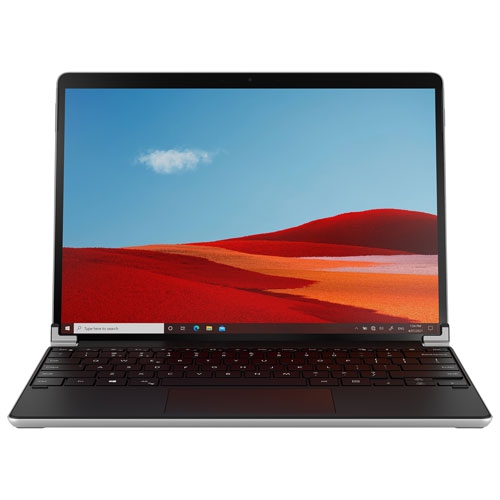
Compatibility should be the first consideration before choosing a keyboard. Tablet keyboards are designed around particular device sizes, connection points, hinge layouts, and generations, so a model made for one Surface Pro configuration may not fit another. Check the exact screen size and model generation of the tablet, along with the manufacturer’s compatibility information, before adding a keyboard to your cart. A proper fit allows the keyboard to sit securely, keeps the screen at a useful viewing angle, and helps preserve access to charging ports and other functions. Backlit keys are helpful for evening work, dim classrooms, and long journeys, while a full-size layout can make extended typing feel less cramped. Look closely at the touchpad as well: a precision touchpad supports familiar gestures, and larger glass or haptic designs can offer smoother control when you are editing files or moving between browser tabs. Some keyboards include a built-in storage area for a compatible digital pen, with charging support that helps keep the pen ready for notes, sketches, markups, and signatures. Others can detach and continue working wirelessly through Bluetooth, which is useful when you want to place the tablet on a stand or sit farther away from the screen. Battery life, charging method, key travel, palm-rest material, weight, and protection for the display are all worth comparing, particularly if the keyboard will travel between classrooms, offices, libraries, and home. Prices can range from about $219.99 for straightforward keyboard covers to more advanced designs priced considerably higher, depending on features such as wireless use, pen storage, touchpad construction, and battery capacity. For shoppers comparing related options, the Surface Pro X Keyboards collection may also be useful when checking compatibility across tablet families. A keyboard that matches both the device and the way you work can make a noticeable difference: notes feel quicker to capture, messages are easier to compose, and a compact tablet becomes a more capable companion for study, travel, productivity, and relaxed browsing.
Compatibility should be the first consideration before choosing a keyboard. Tablet keyboards are designed around particular device sizes, connection points, hinge layouts, and generations, so a model made for one Surface Pro configuration may not fit another. Check the exact screen size and model generation of the tablet, along with the manufacturer’s compatibility information, before adding a keyboard to your cart. A proper fit allows the keyboard to sit securely, keeps the screen at a useful viewing angle, and helps preserve access to charging ports and other functions. Backlit keys are helpful for evening work, dim classrooms, and long journeys, while a full-size layout can make extended typing feel less cramped. Look closely at the touchpad as well: a precision touchpad supports familiar gestures, and larger glass or haptic designs can offer smoother control when you are editing files or moving between browser tabs. Some keyboards include a built-in storage area for a compatible digital pen, with charging support that helps keep the pen ready for notes, sketches, markups, and signatures. Others can detach and continue working wirelessly through Bluetooth, which is useful when you want to place the tablet on a stand or sit farther away from the screen. Battery life, charging method, key travel, palm-rest material, weight, and protection for the display are all worth comparing, particularly if the keyboard will travel between classrooms, offices, libraries, and home. Prices can range from about $219.99 for straightforward keyboard covers to more advanced designs priced considerably higher, depending on features such as wireless use, pen storage, touchpad construction, and battery capacity. For shoppers comparing related options, the Surface Pro X Keyboards collection may also be useful when checking compatibility across tablet families. A keyboard that matches both the device and the way you work can make a noticeable difference: notes feel quicker to capture, messages are easier to compose, and a compact tablet becomes a more capable companion for study, travel, productivity, and relaxed browsing.
Top selling and popular products
-
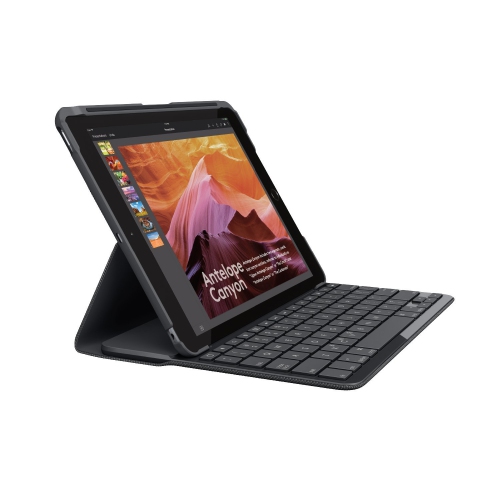 Your price for this item is $89.99
 -
 Your price for this item is $149
 -
 Your price for this item is $79.99
 -
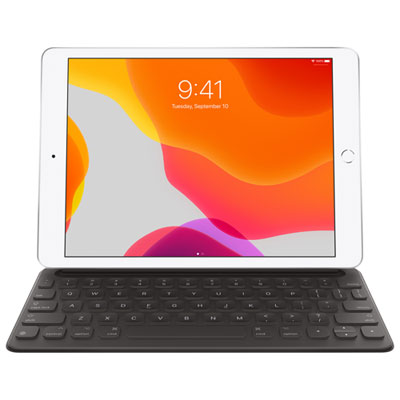 Your price for this item is $218.97
 -
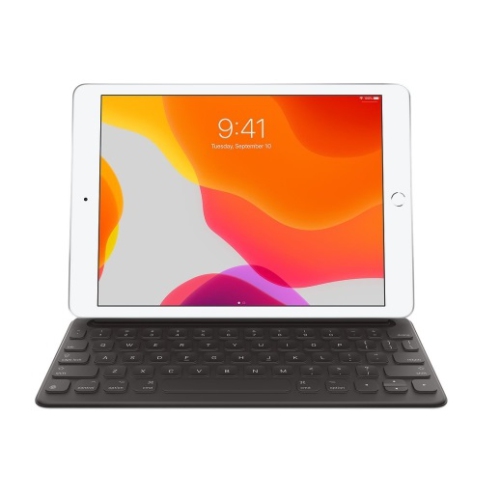 Your price for this item is $149
 -
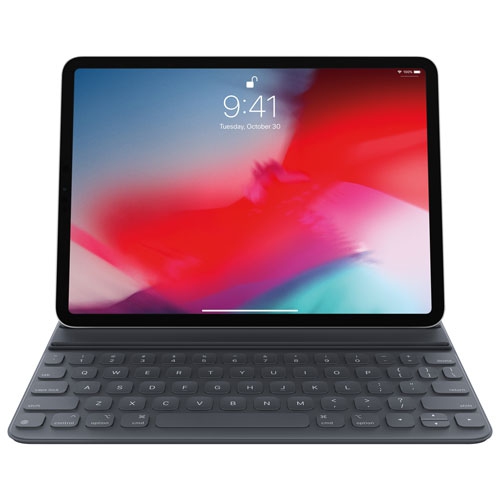 Your price for this item is $199
 -
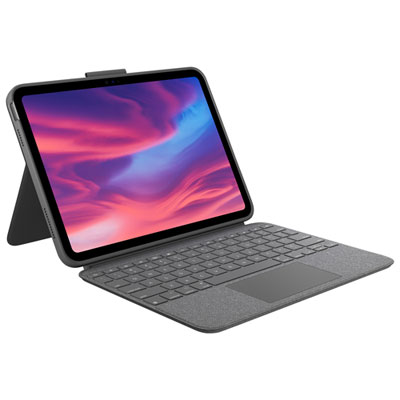 Your price for this item is $219.99
 -
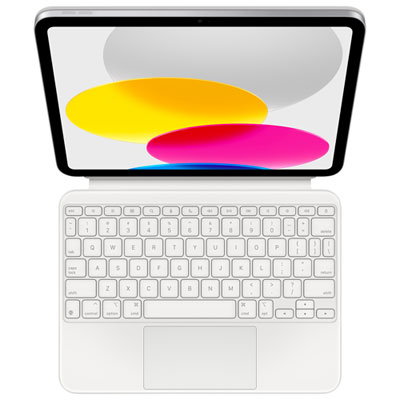 Your price for this item is $329.99
Discover more categories related to Microsoft Surface Pro Tablet Keyboards
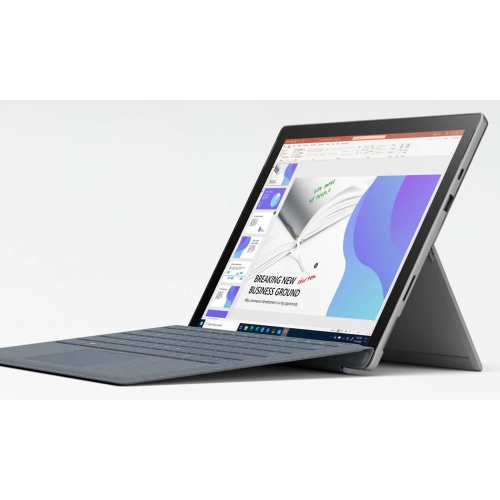
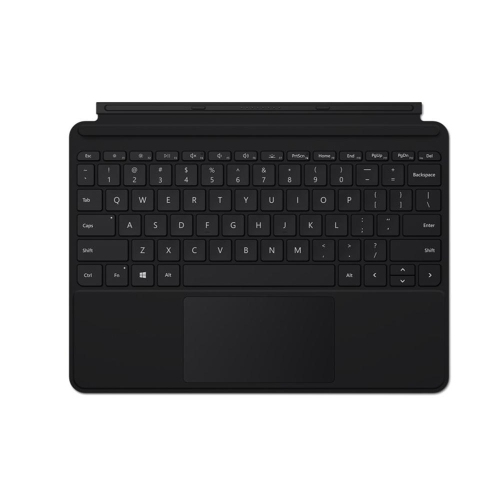
Top Collections:
Pokemon Centers, Kindle Devices, Best Budget Office Chairs, Apple iPhones 16, Best Laptops for Writers, iPhone 15 Apple, Canon G7X Cameras, Refurbished Apple Laptops, Alarm Clock, Motorola Razr Phones
Some products may be subject to Environmental Handling Fees
(EHF) depending on your province.
Learn more about EHFs.