Motherboard Components
Motherboards are the backbone of any computer, serving as the central hub that connects all essential components together. Understanding the various motherboard components is crucial for building a high-performing and reliable system. From the CPU socket and chipset to RAM slots and expansion slots, each component plays a vital role in determining the capabilities and compatibility of your computer. Whether you're a seasoned tech enthusiast or a beginner looking to delve into PC building, exploring the intricacies of motherboard components will empower you to make informed decisions when customizing your rig.
Sort
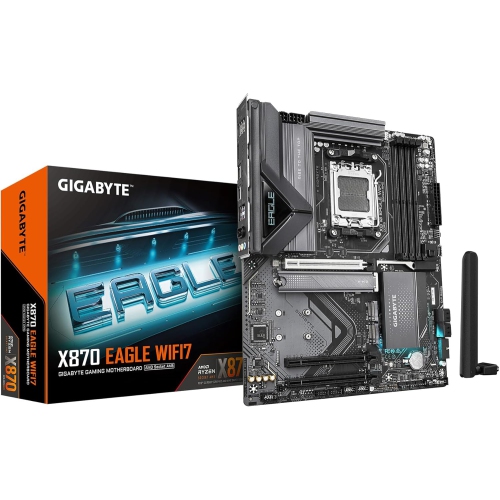
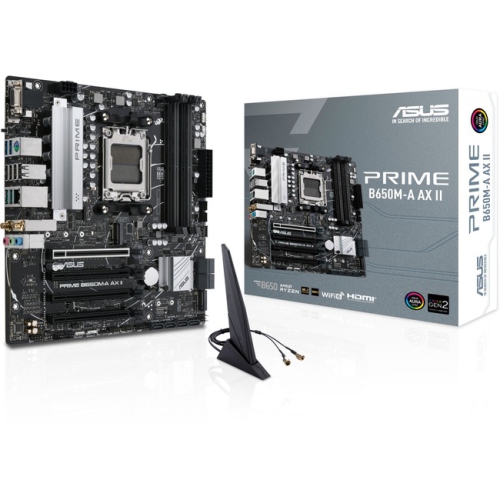
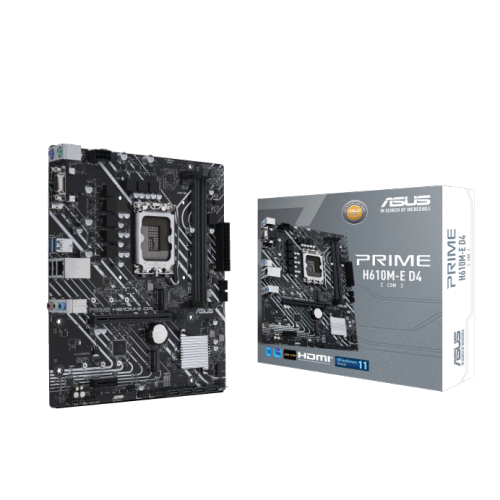
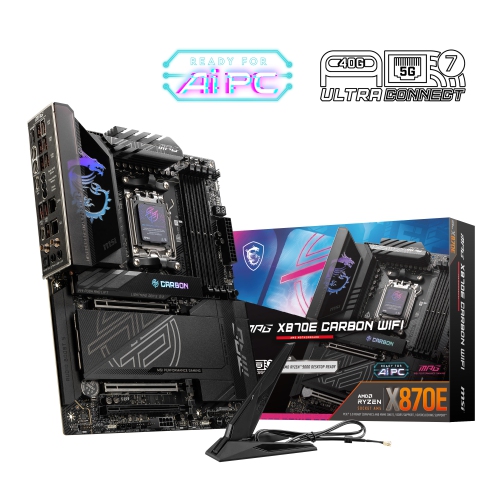
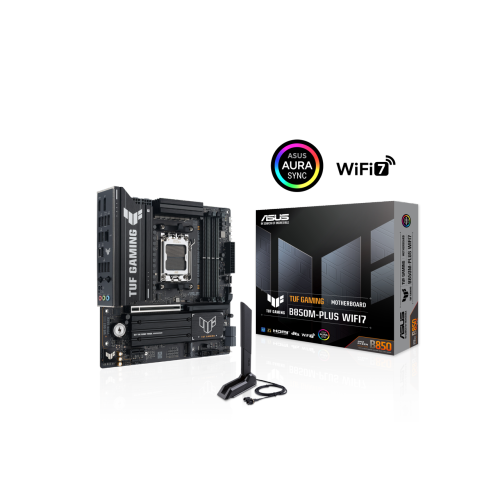
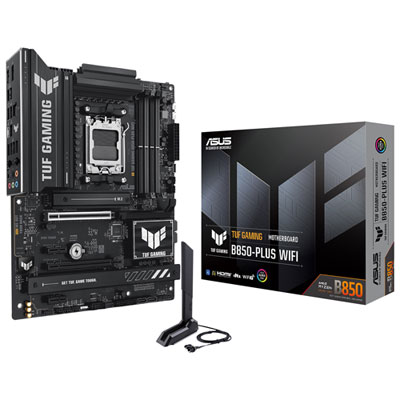
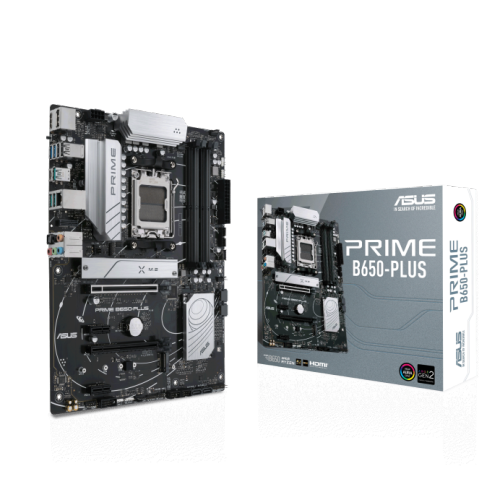
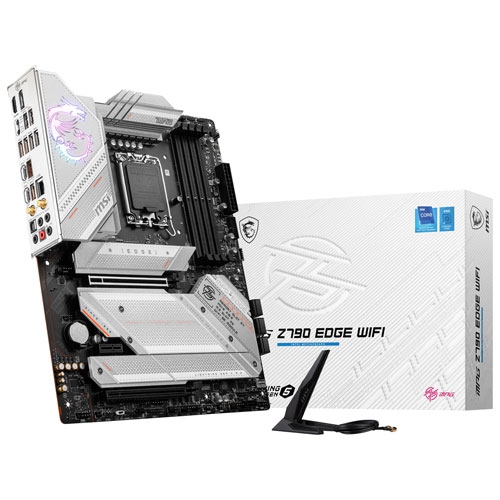
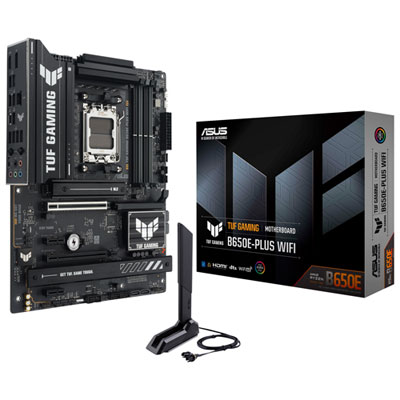
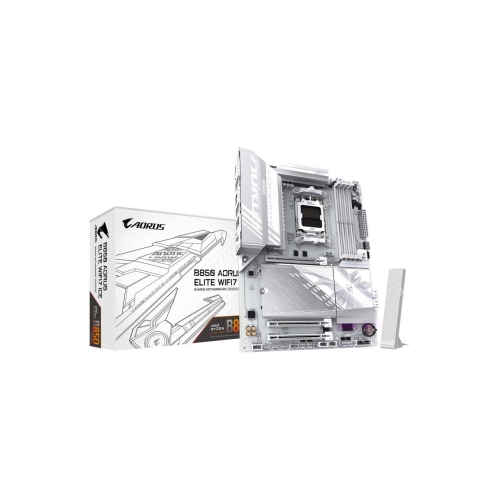
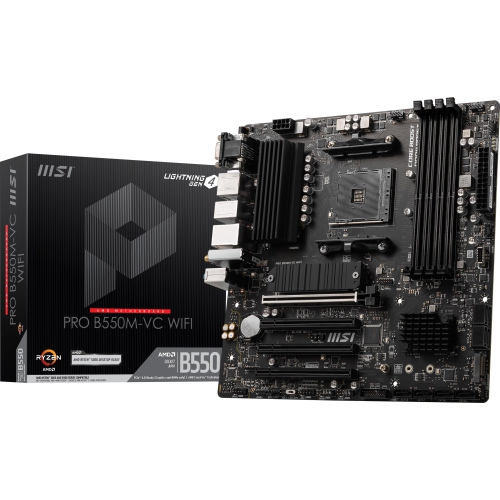
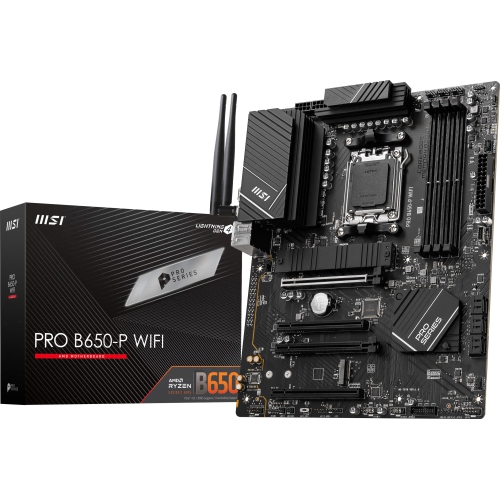
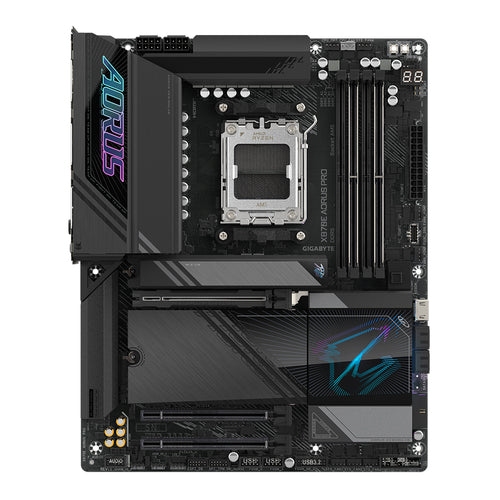
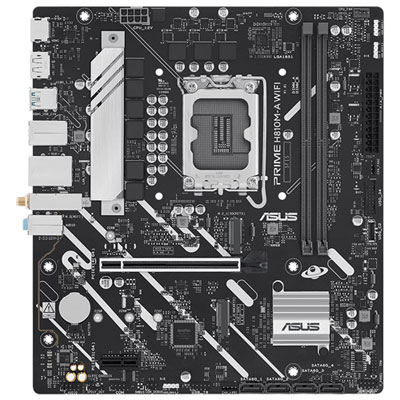
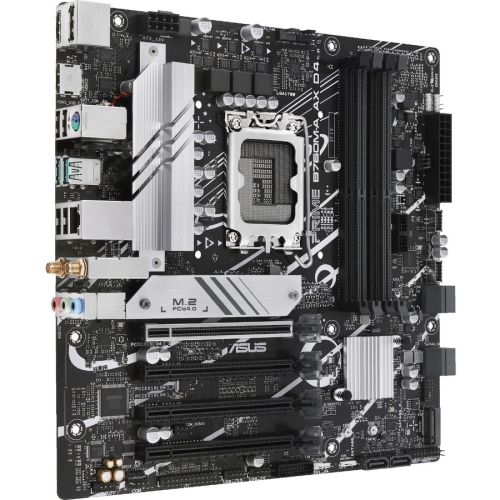
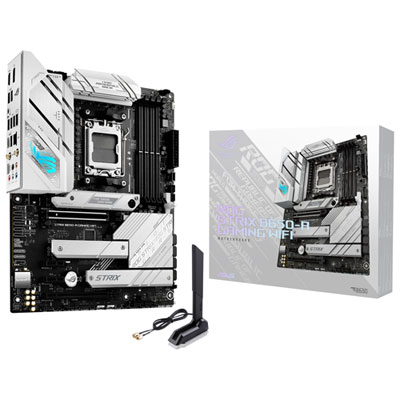
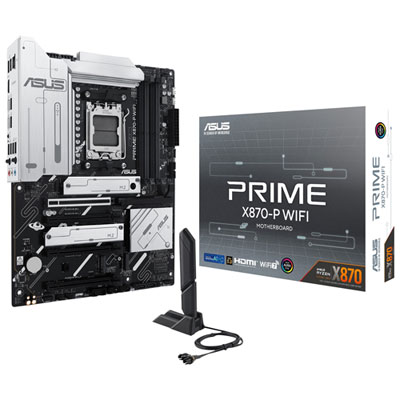

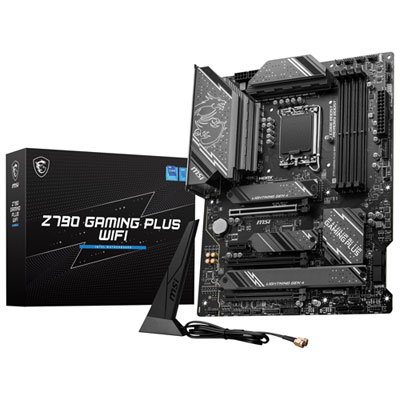
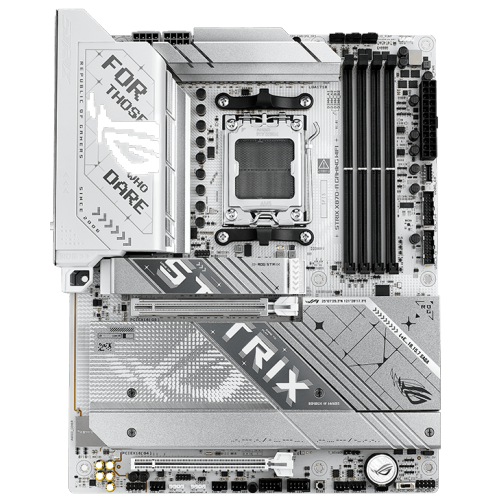
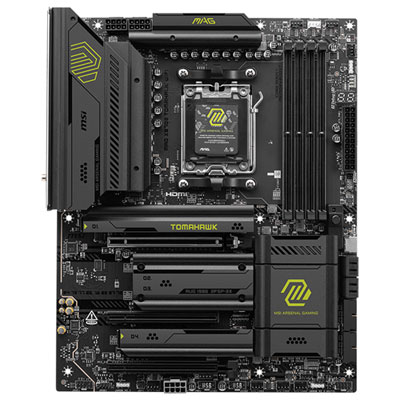
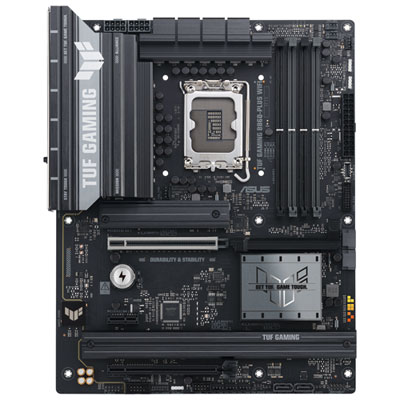
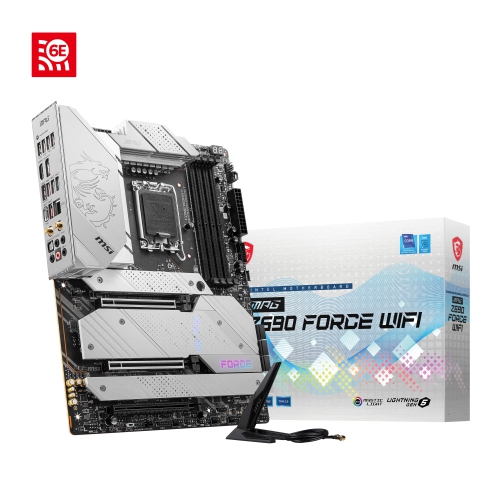
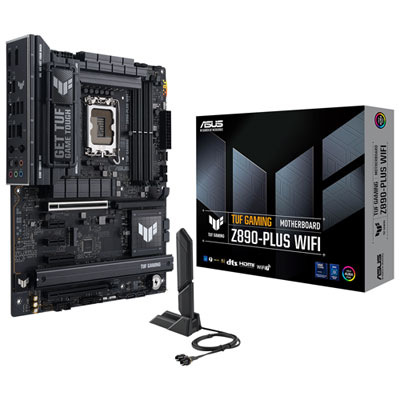

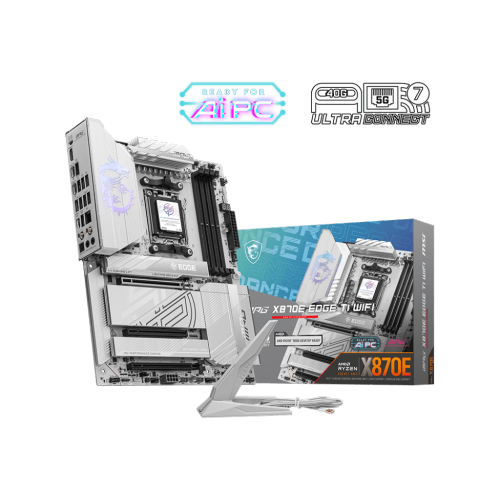
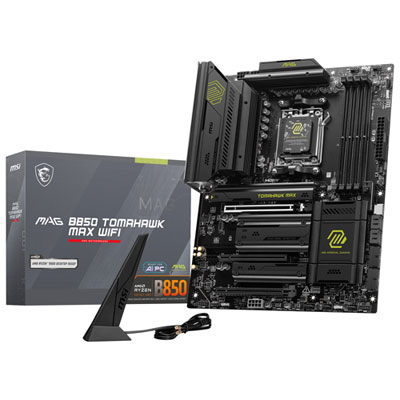
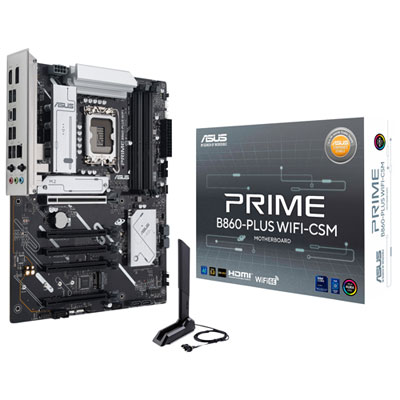
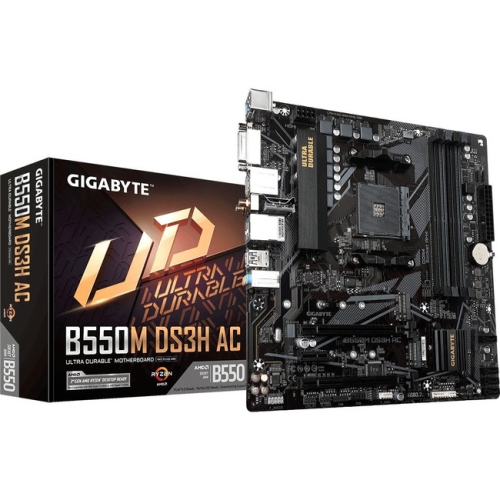
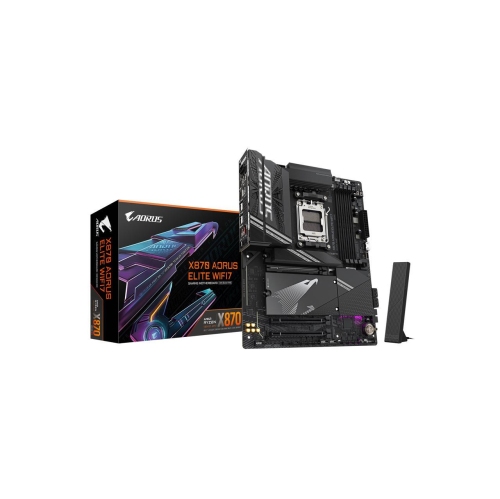
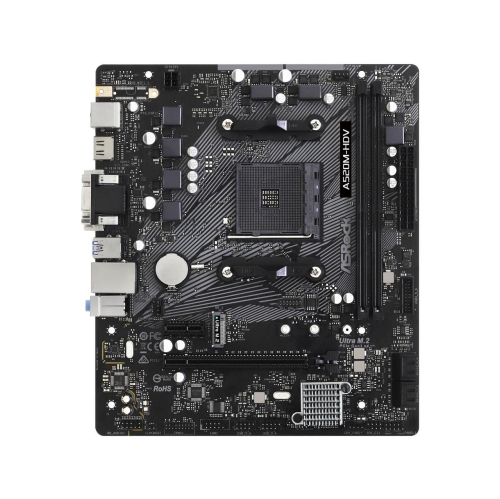
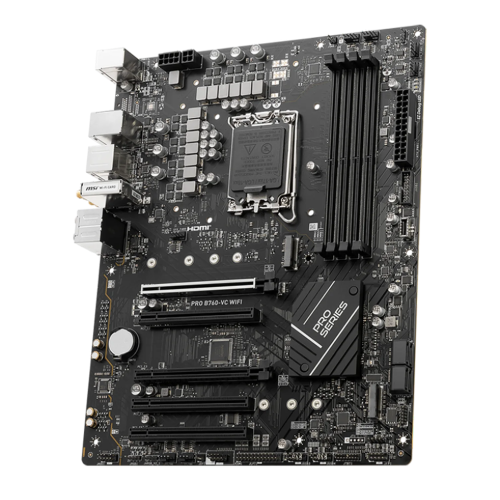
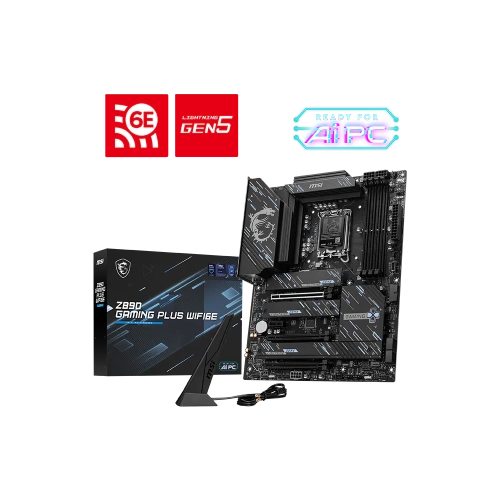

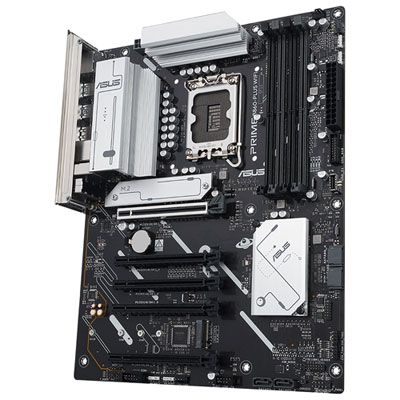
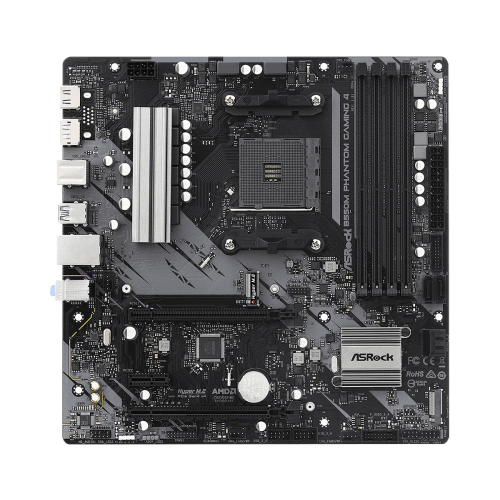
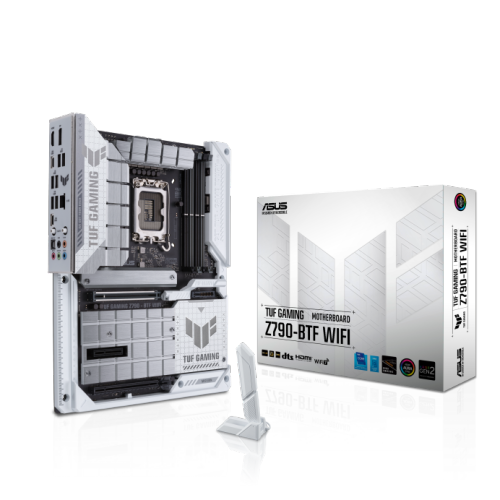
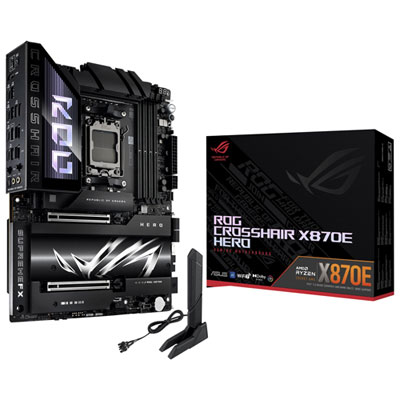
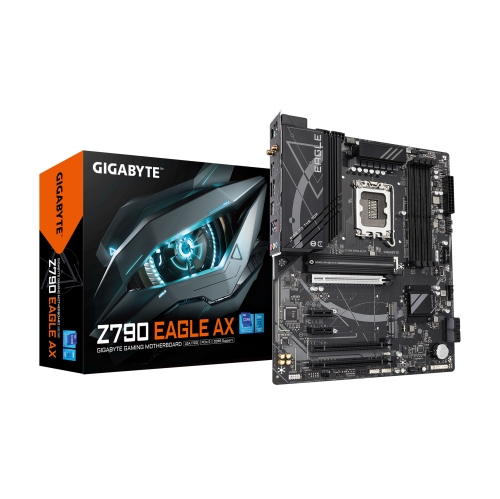
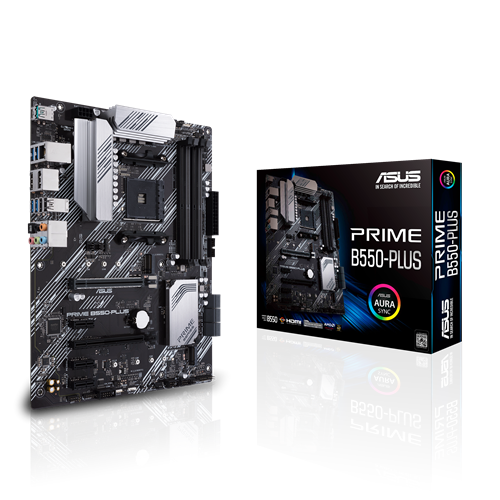
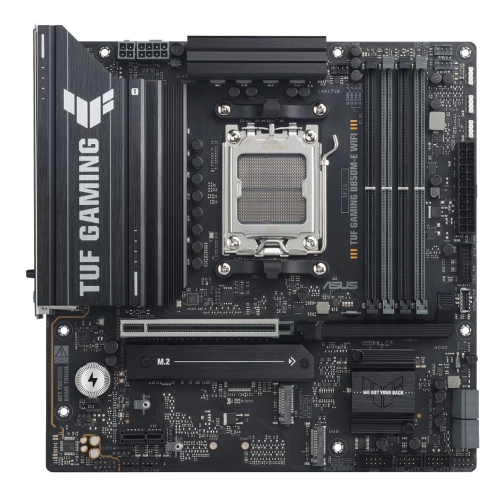
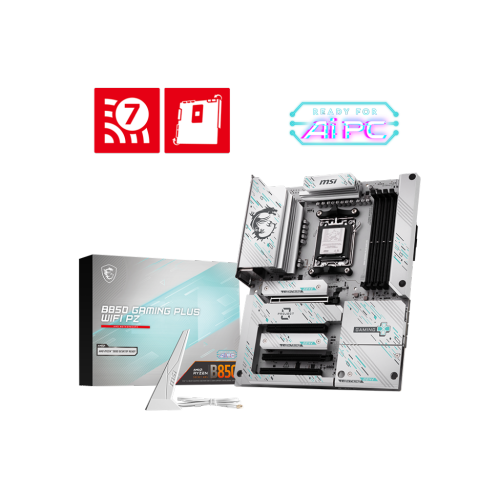
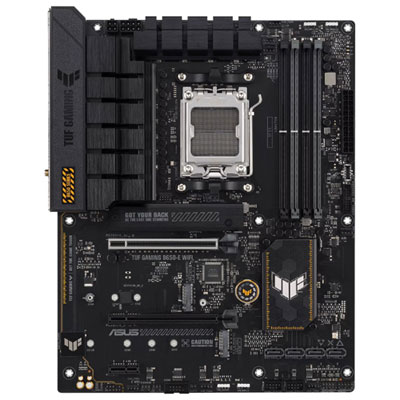
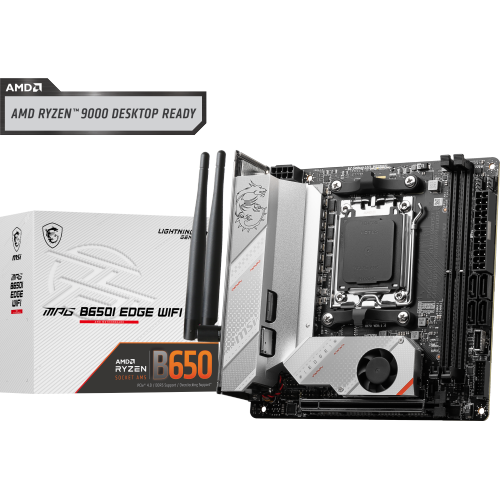
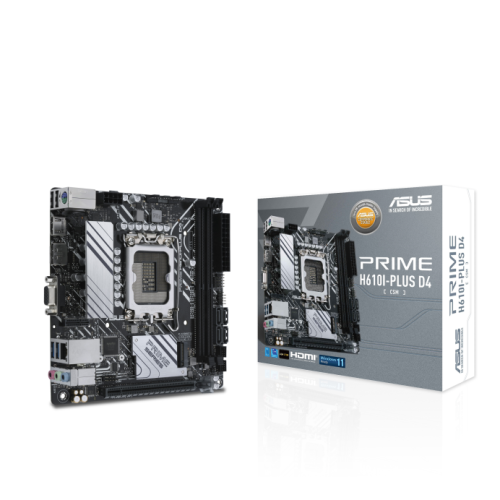
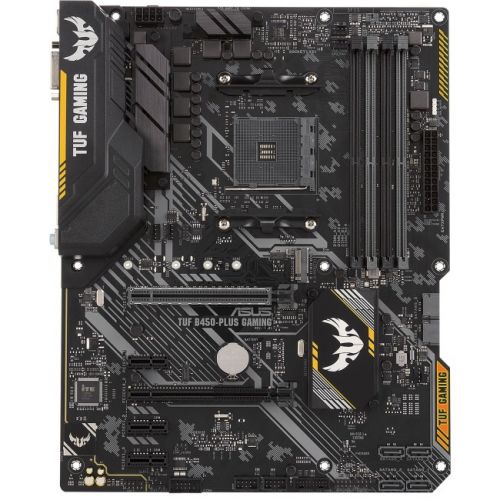
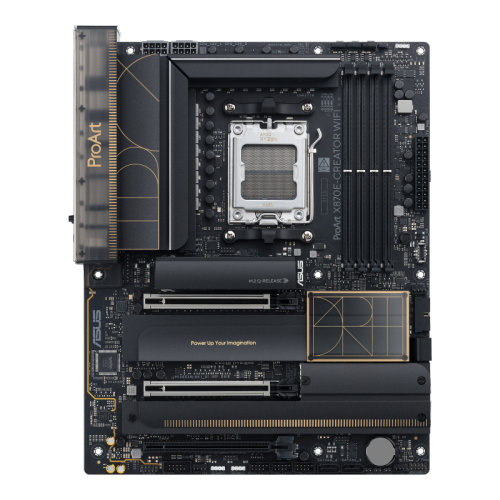
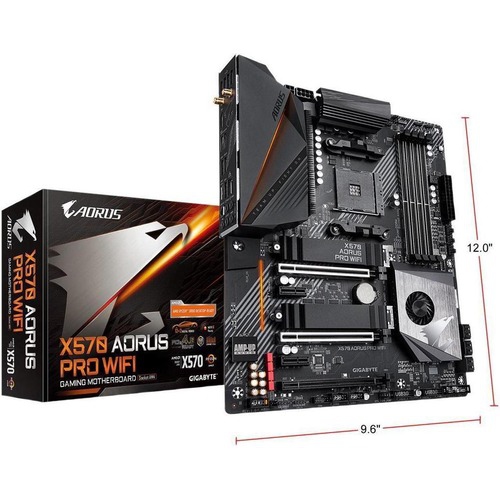
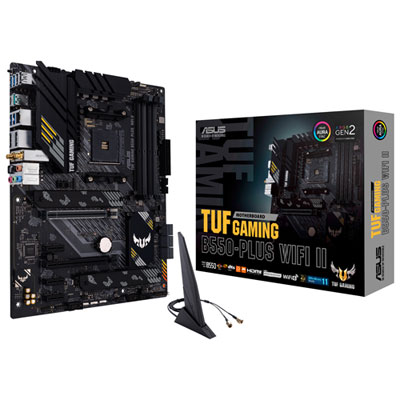
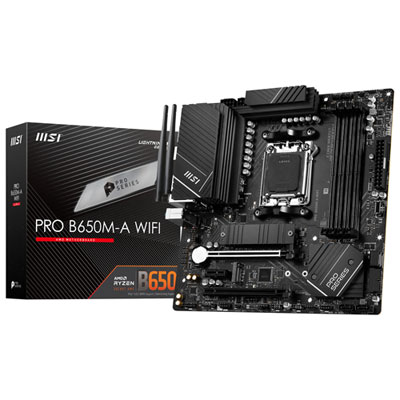

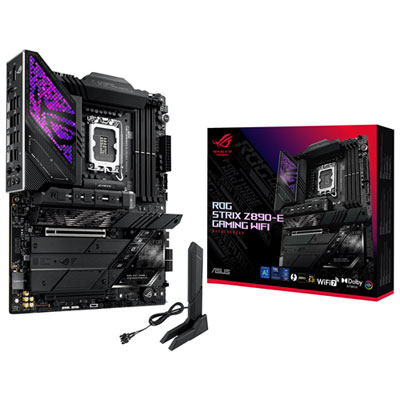

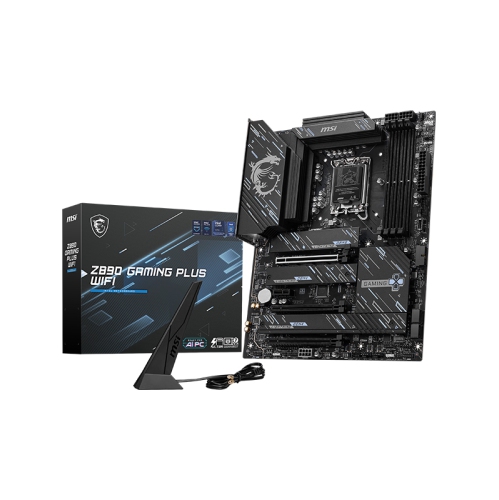
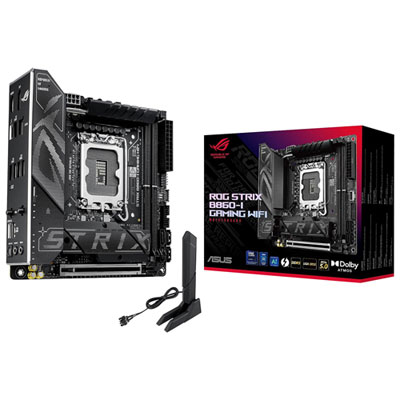
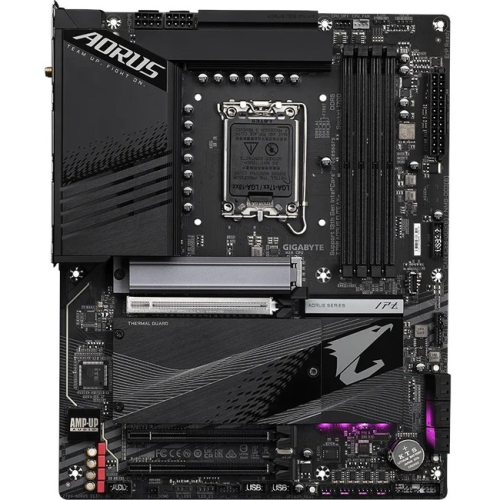
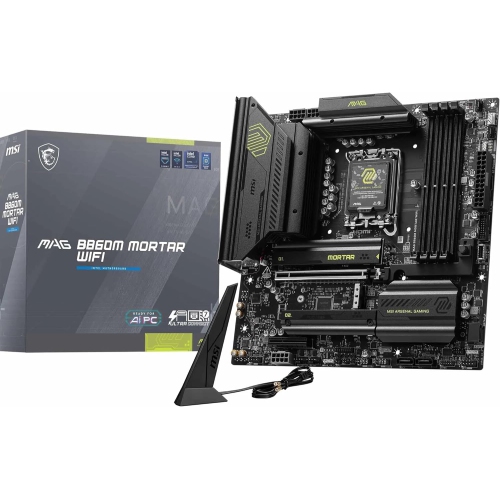
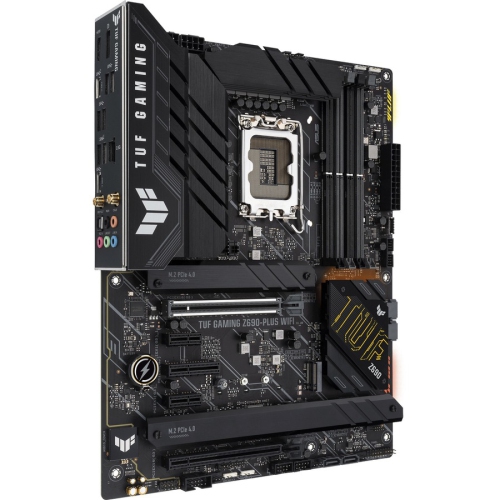
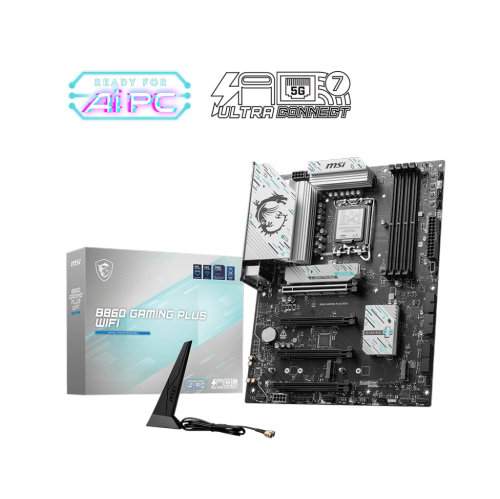
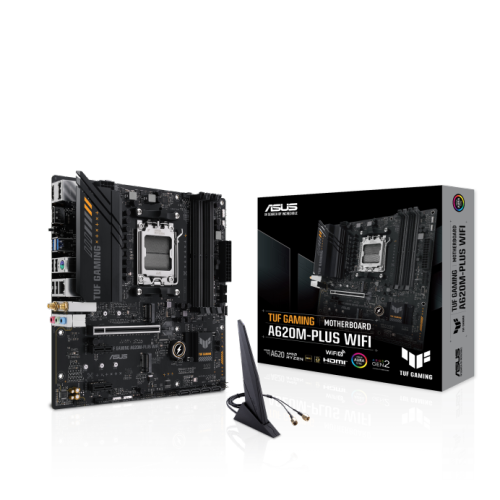
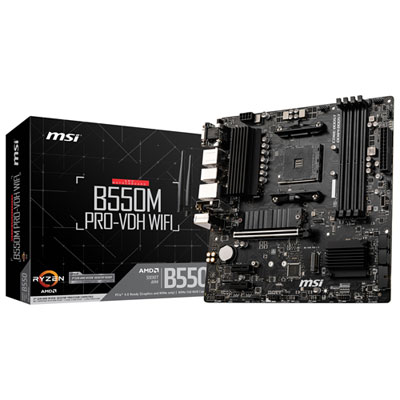
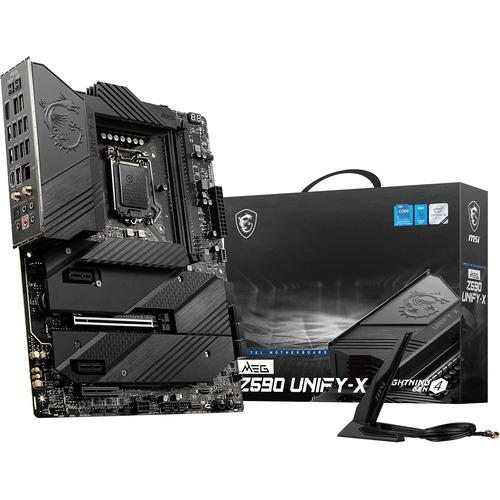
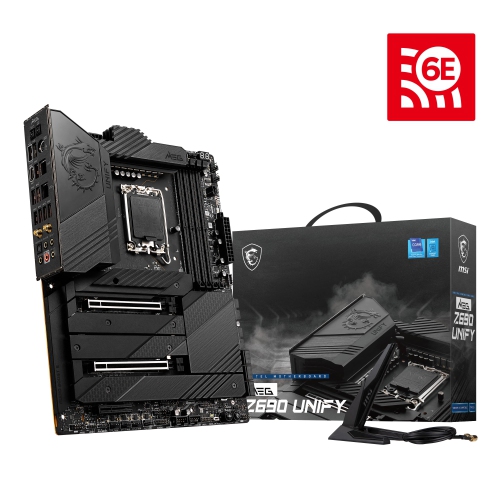
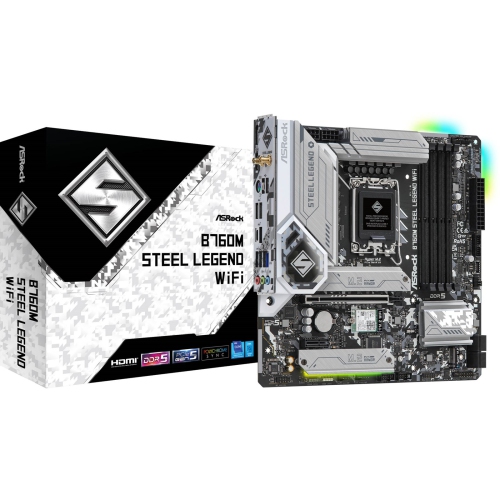
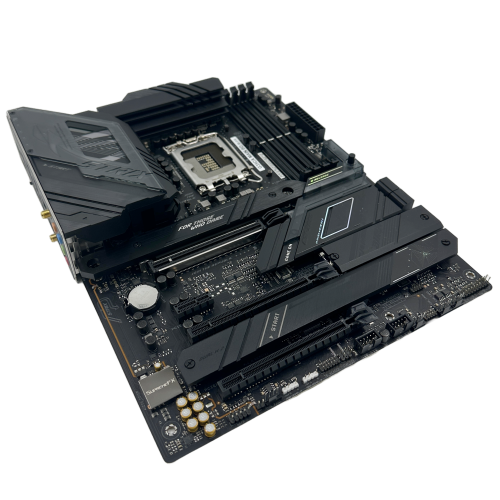

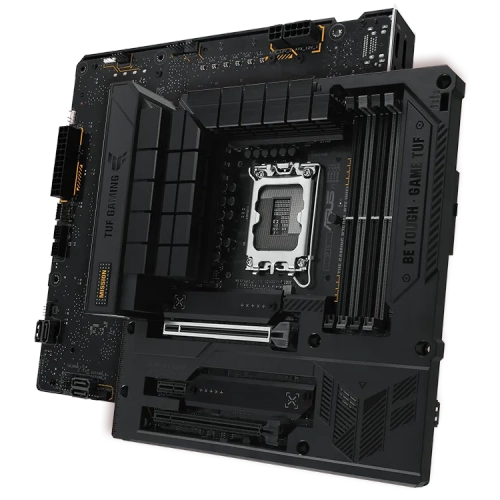
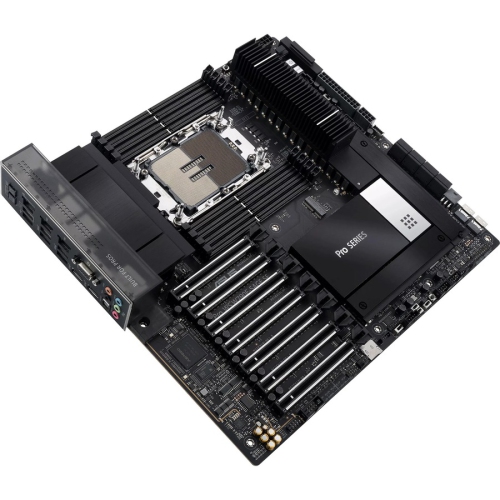
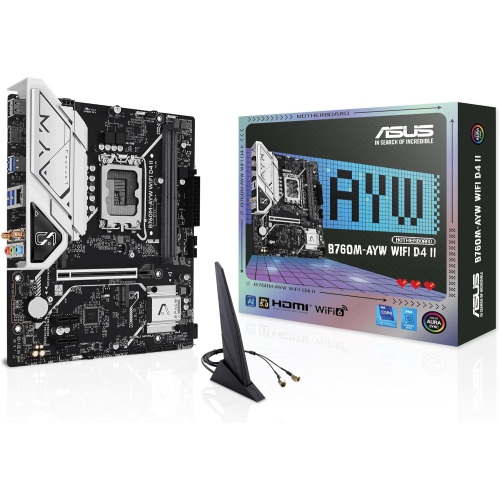
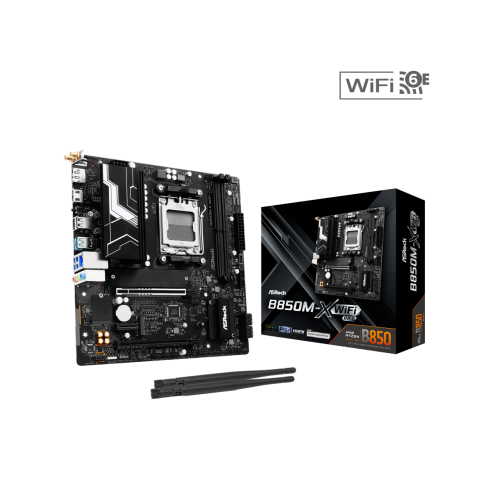
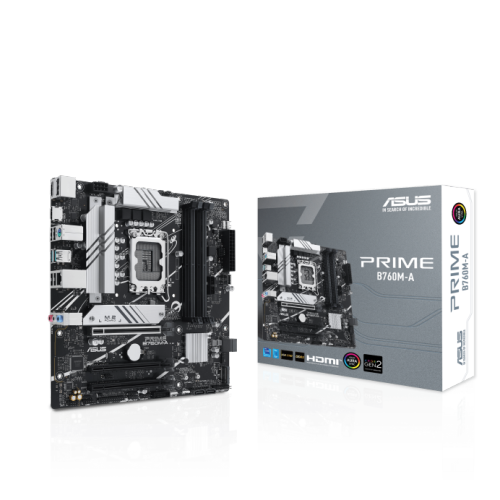
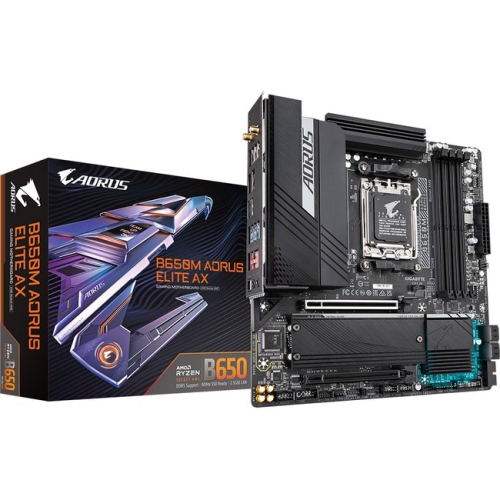
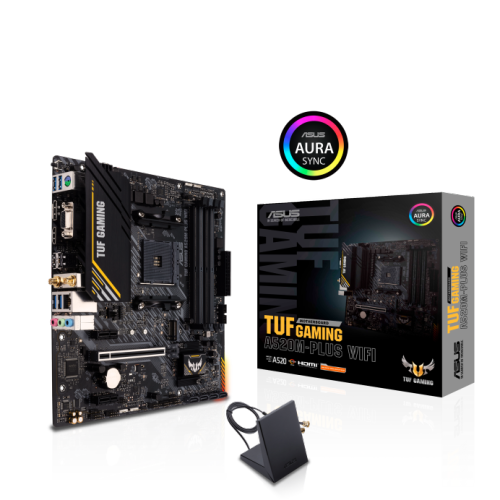
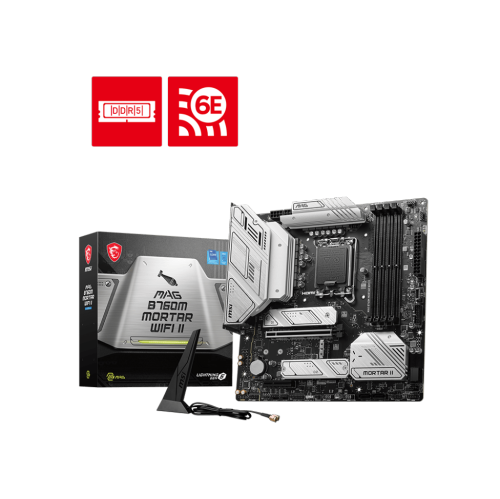
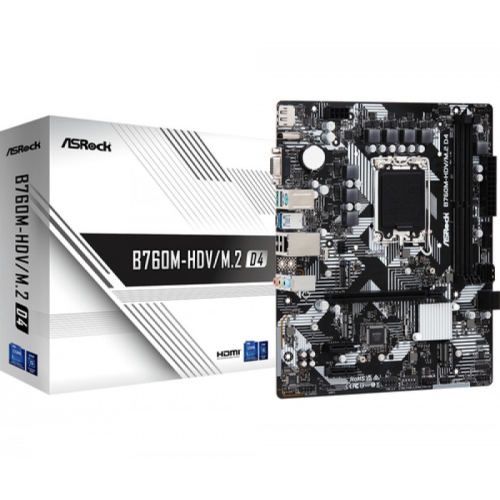
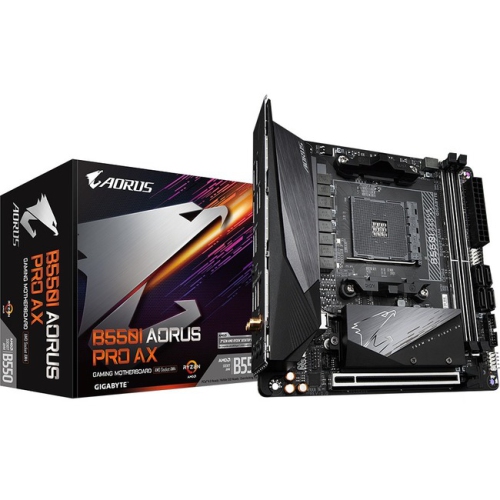
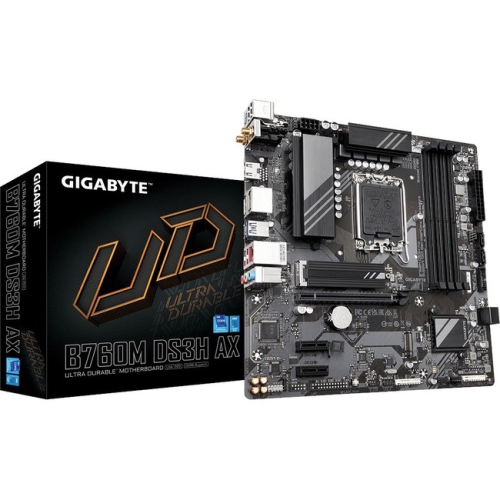
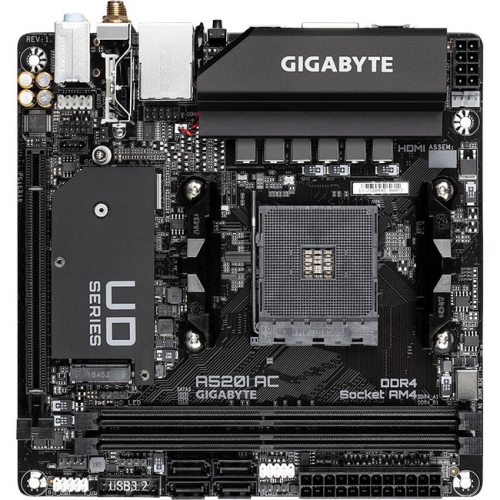
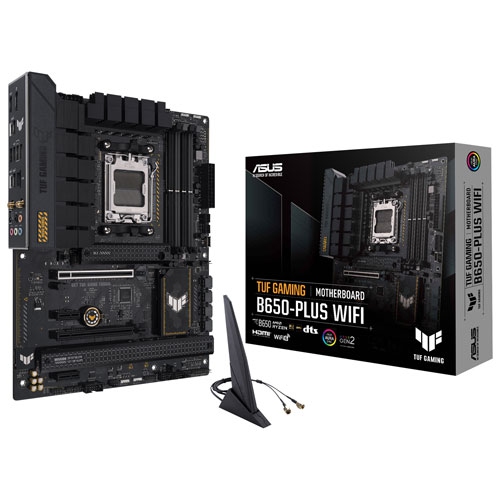
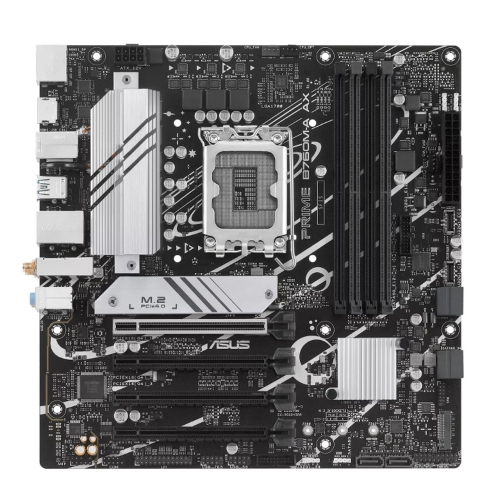
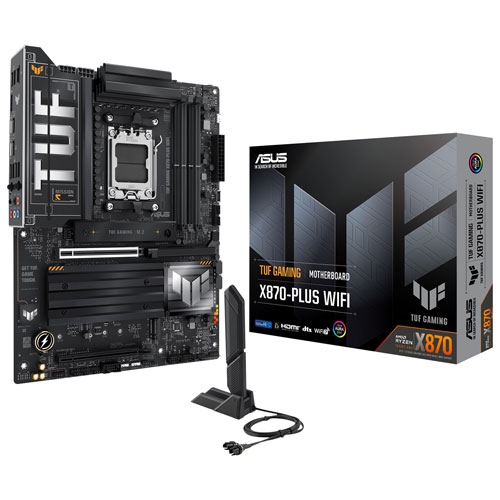
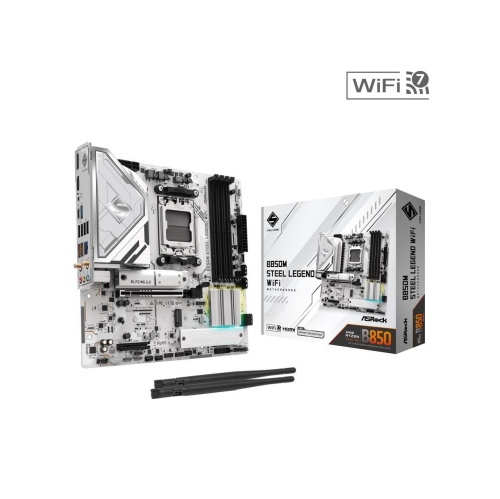
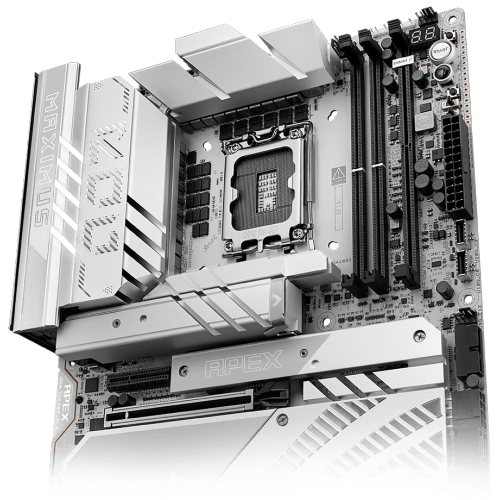
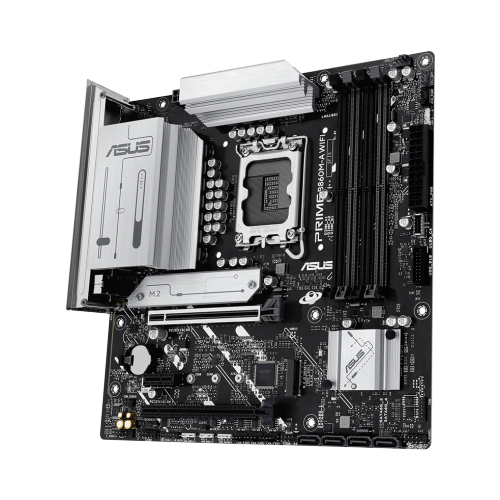
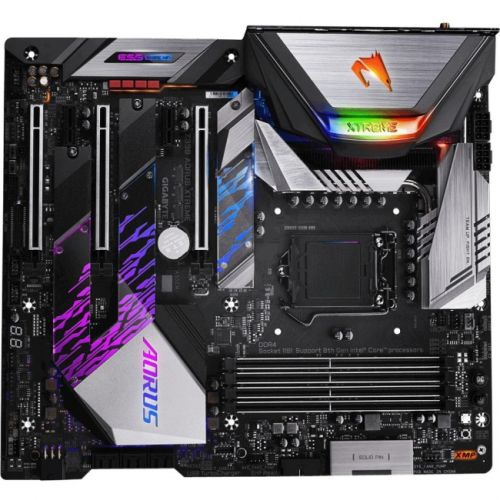
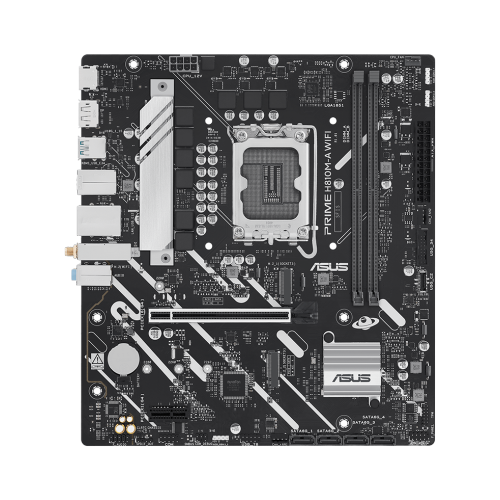
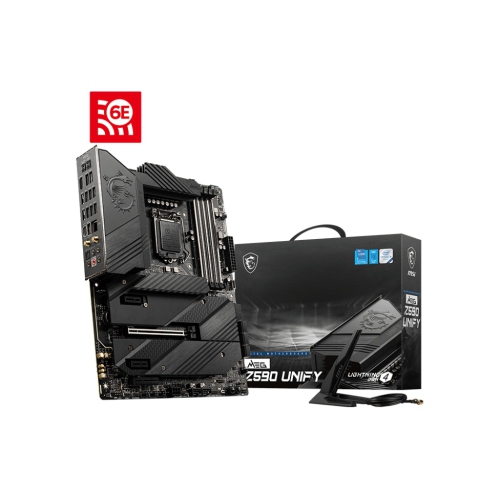
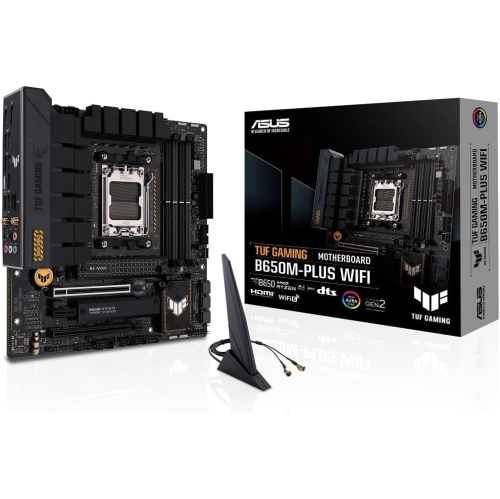
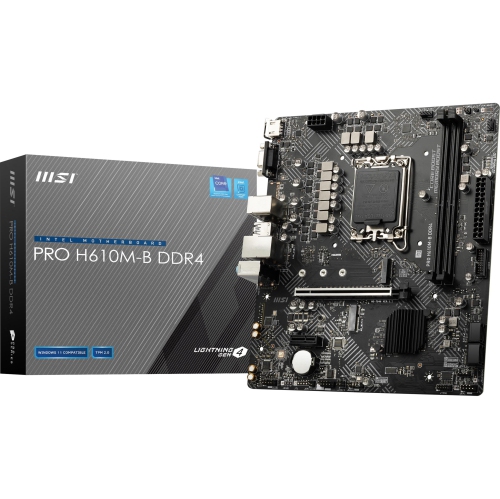
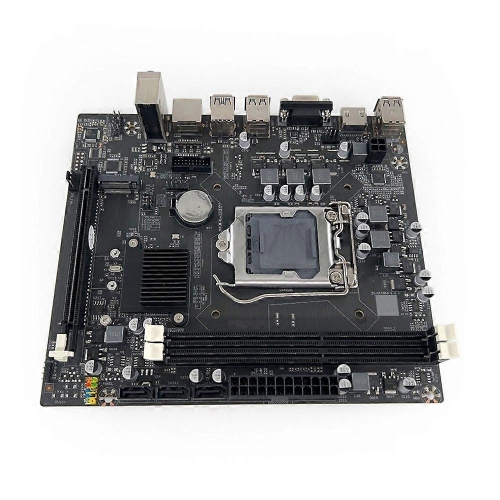
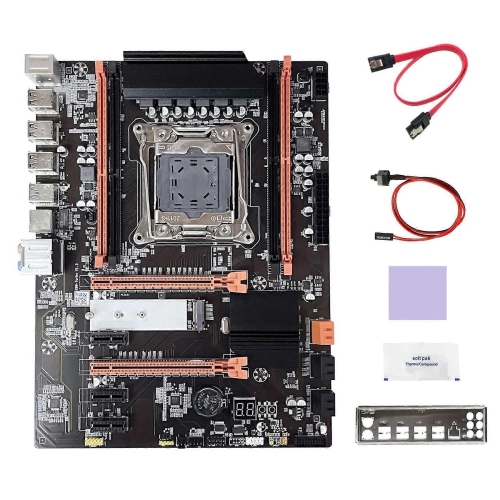
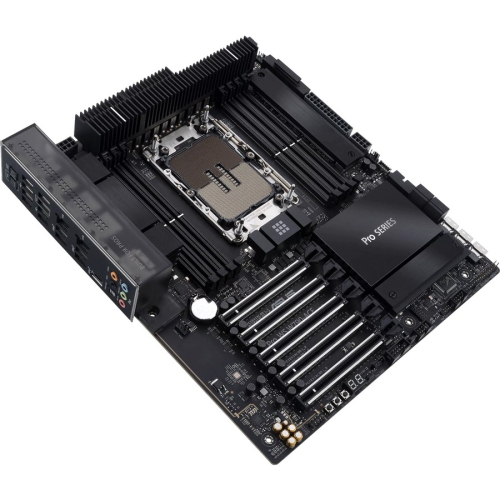
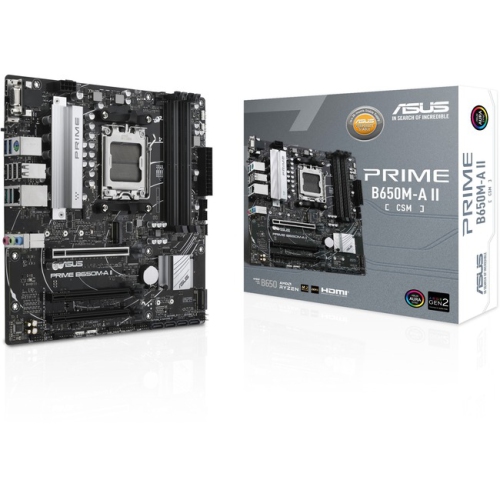

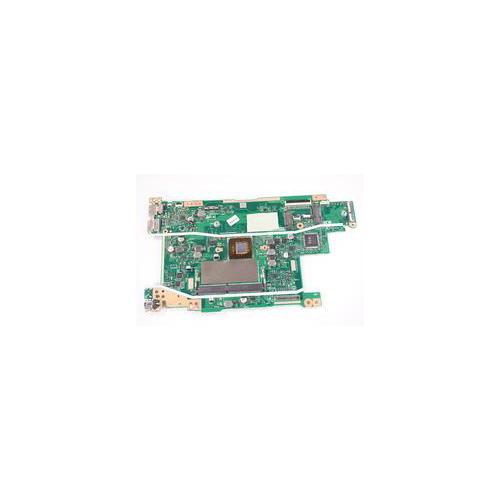
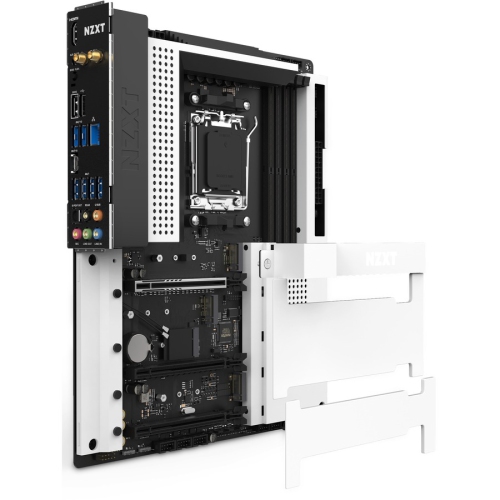
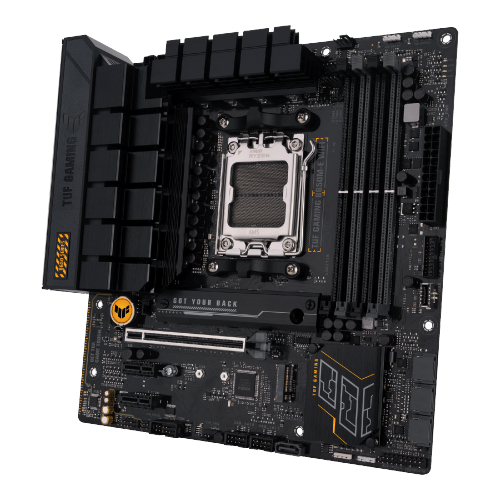
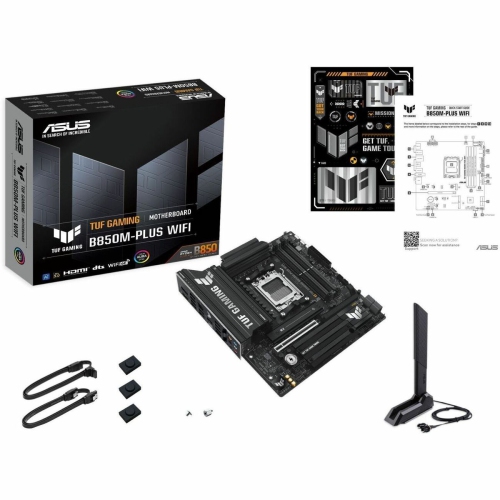
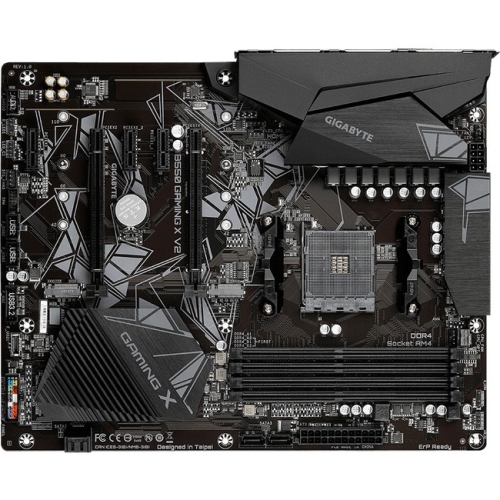
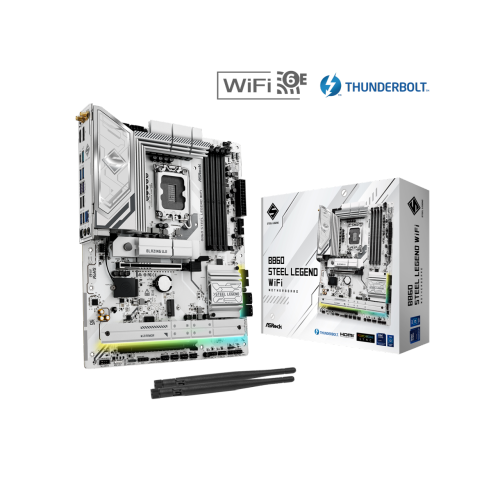
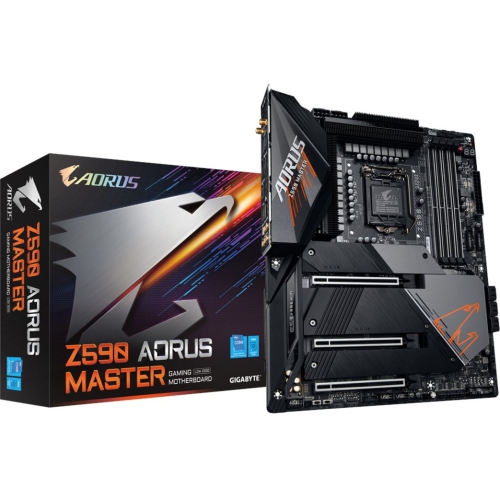
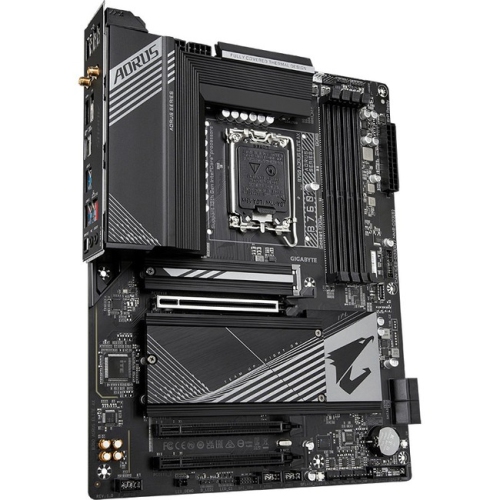
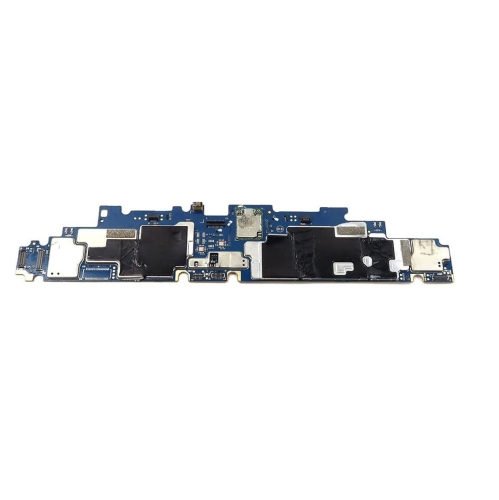
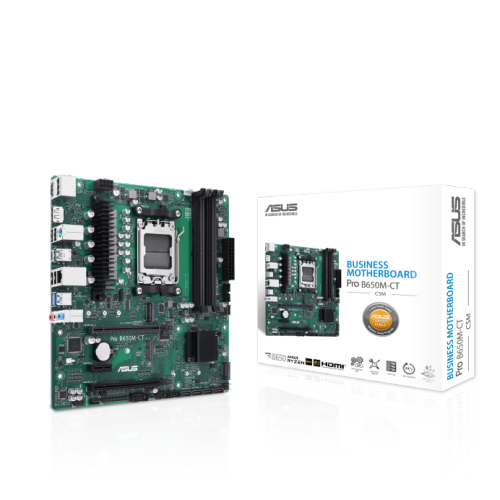
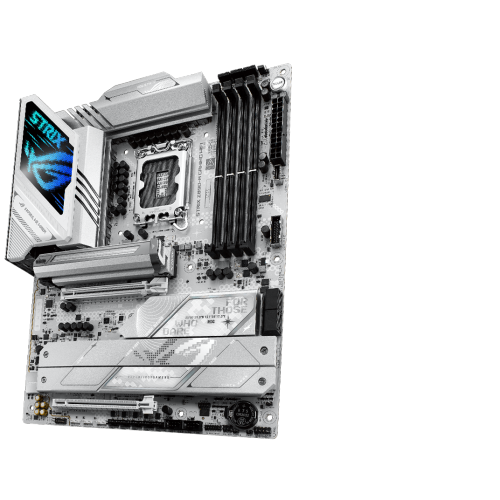
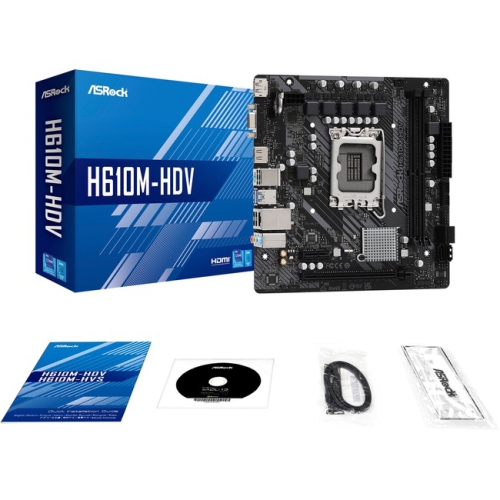
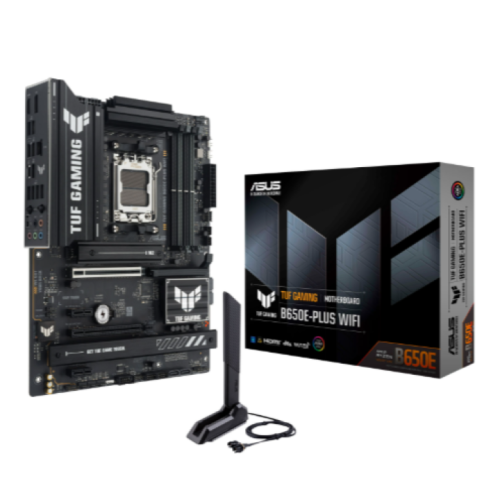
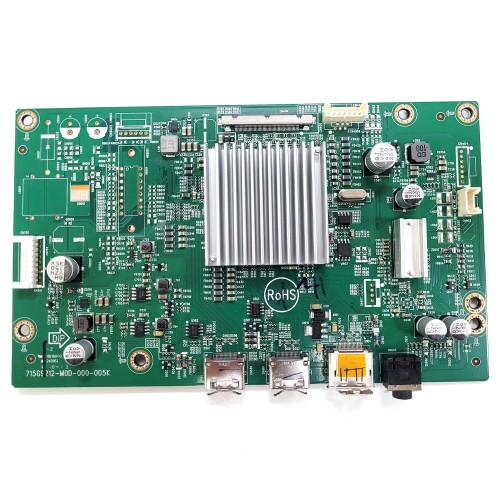
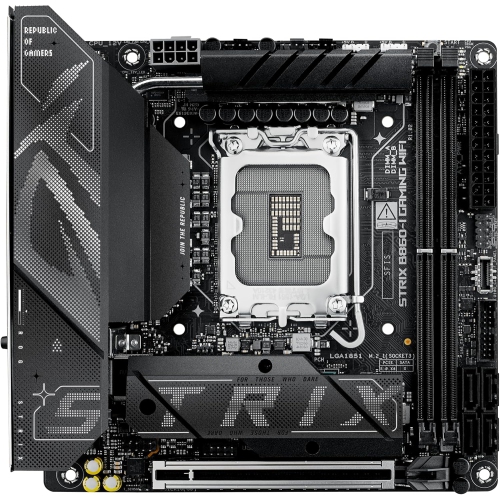
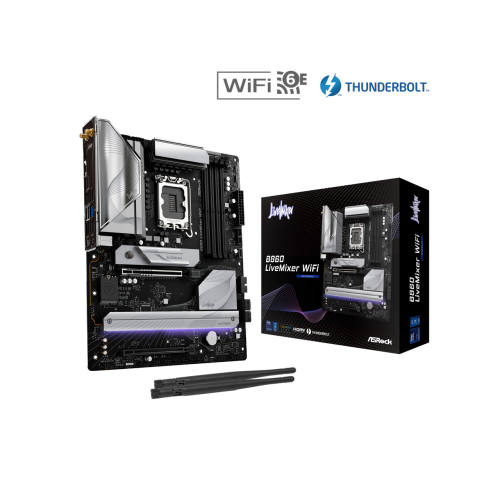
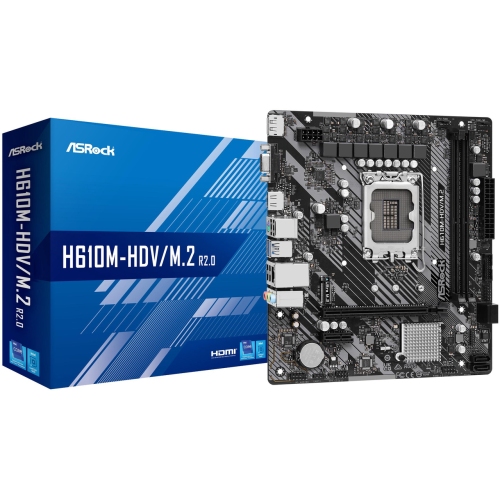
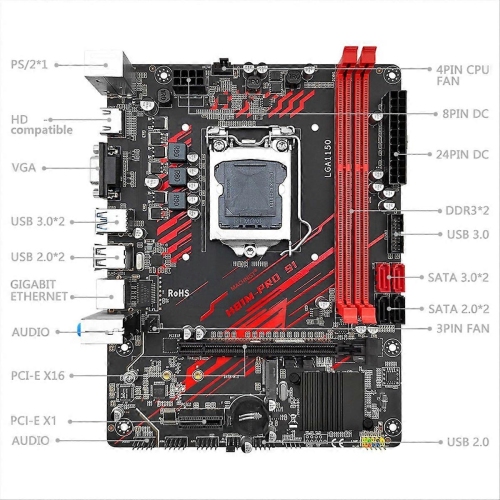
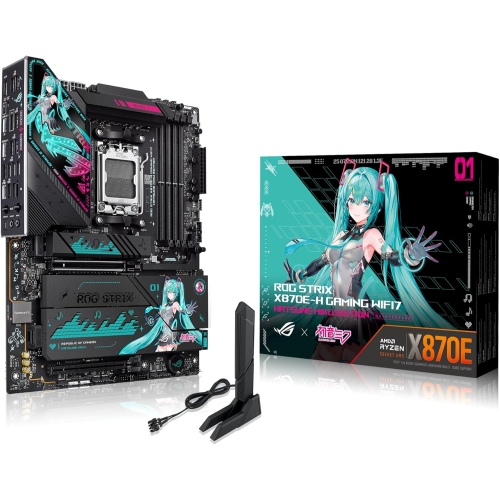
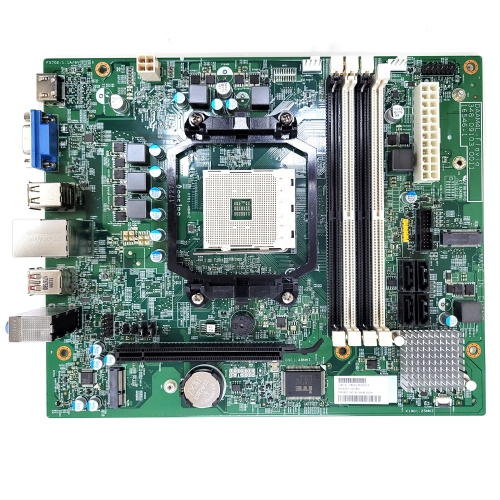
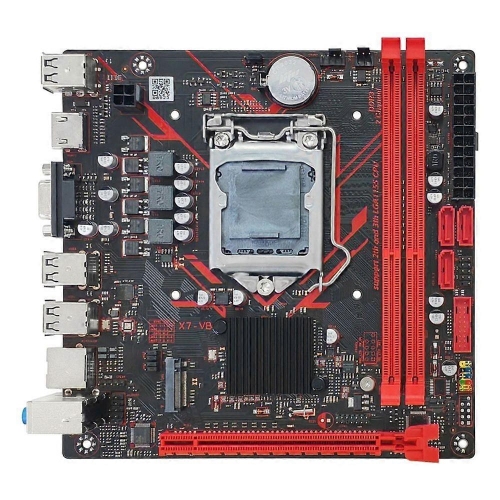
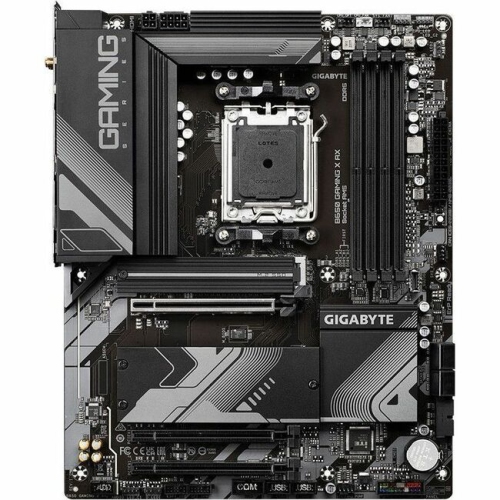
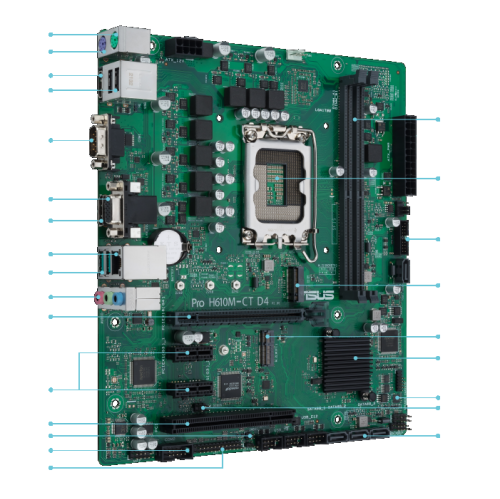
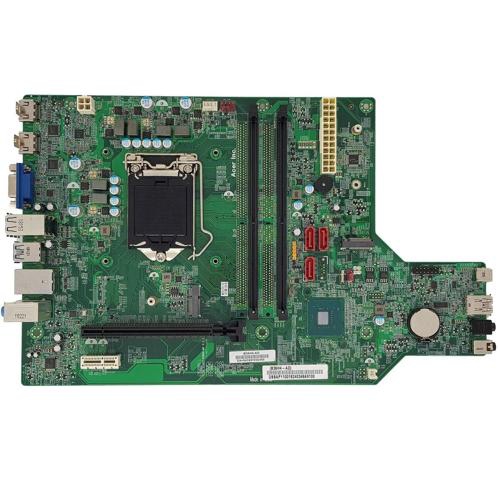
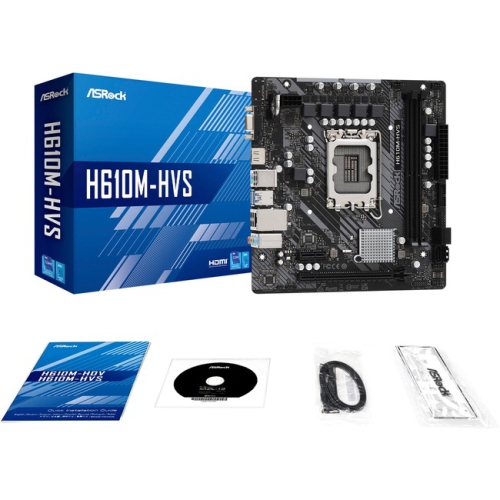
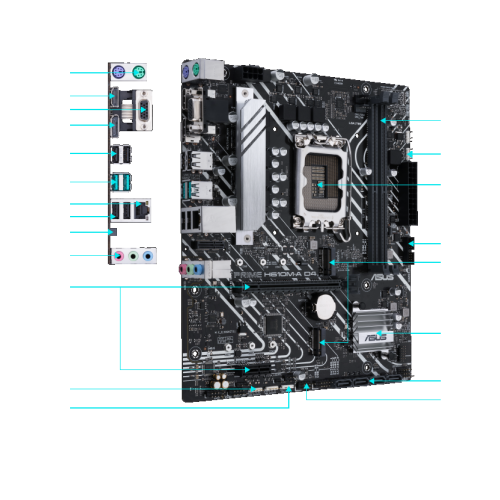
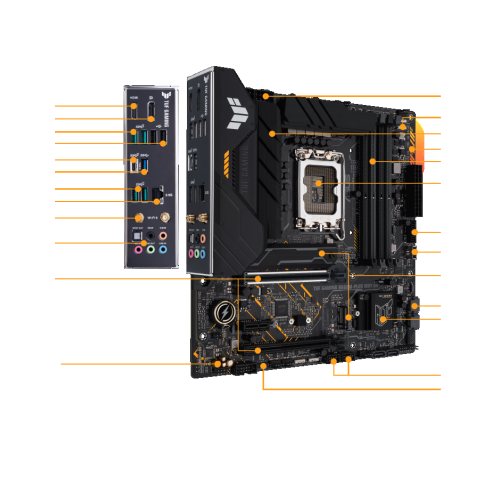
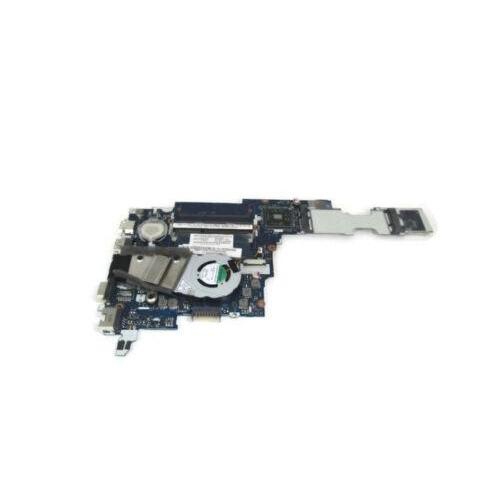
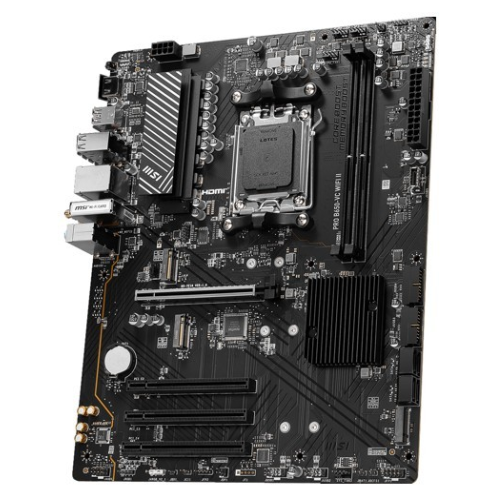
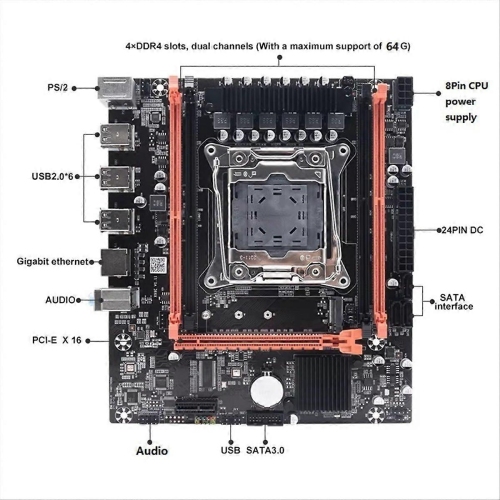
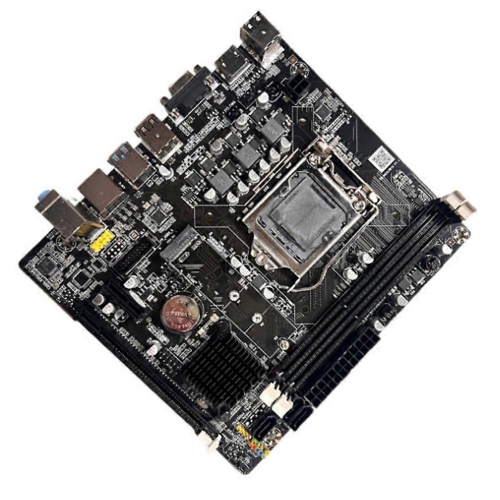
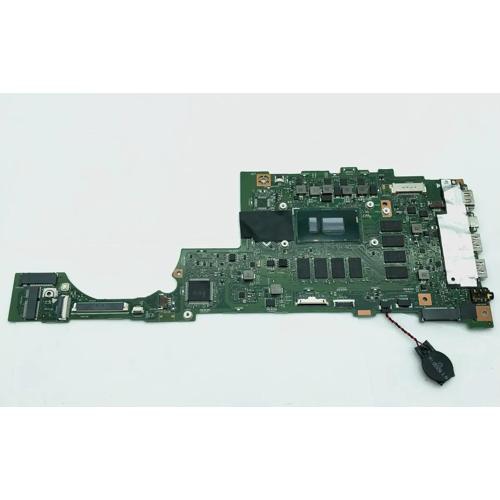
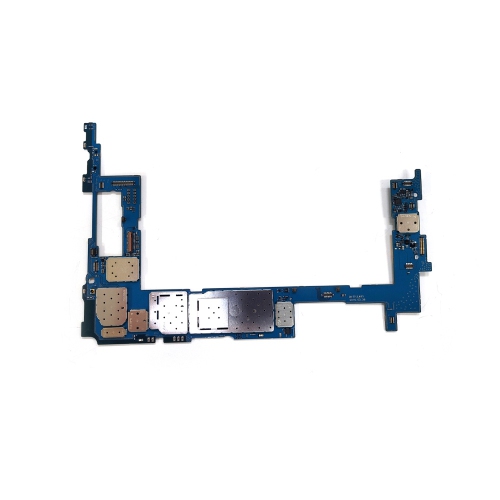
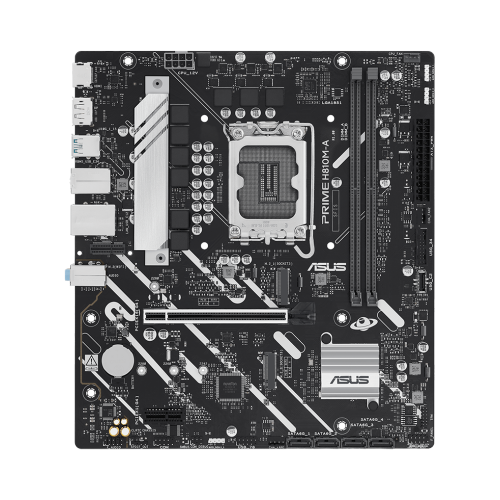
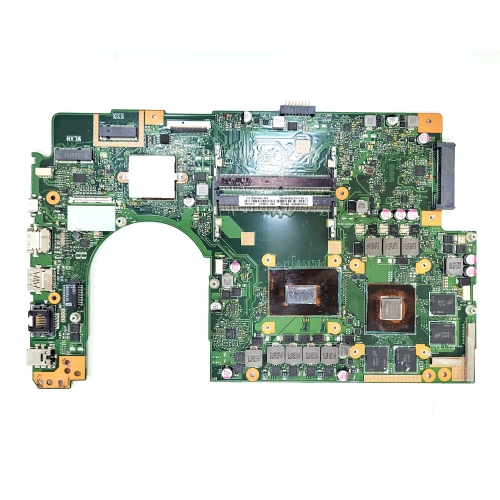
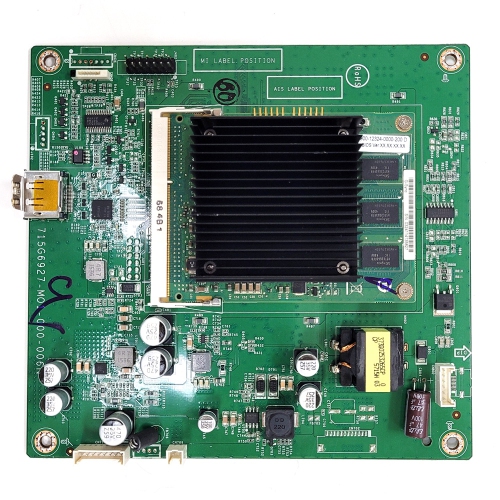
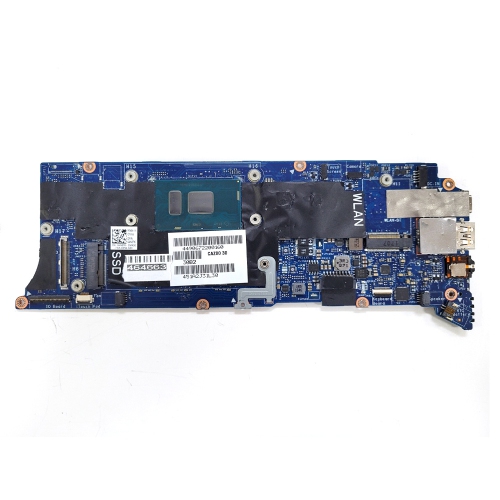
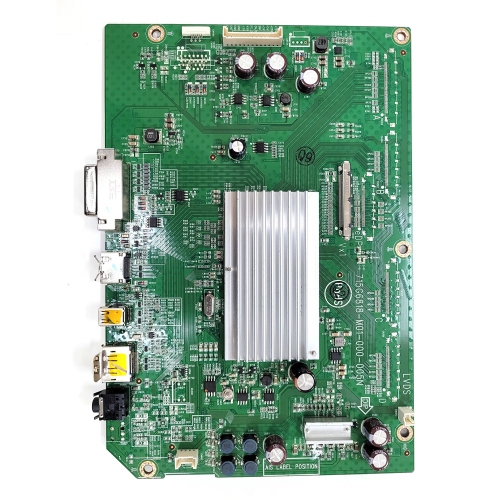
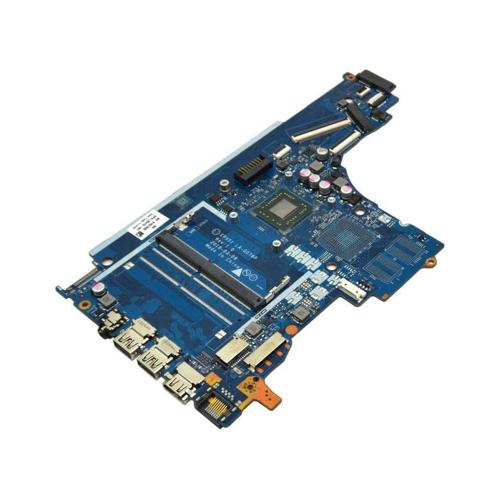
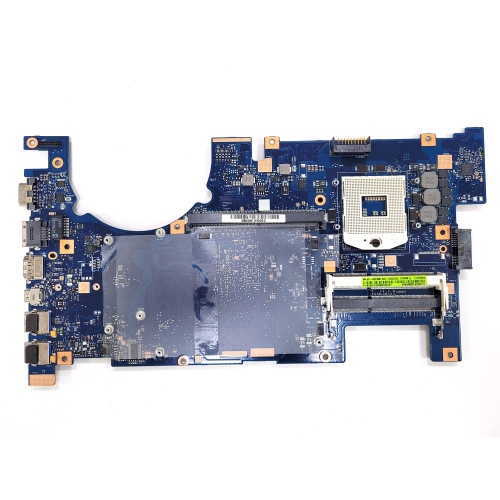
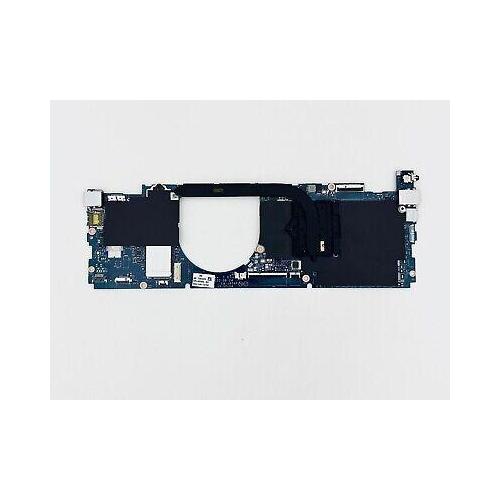
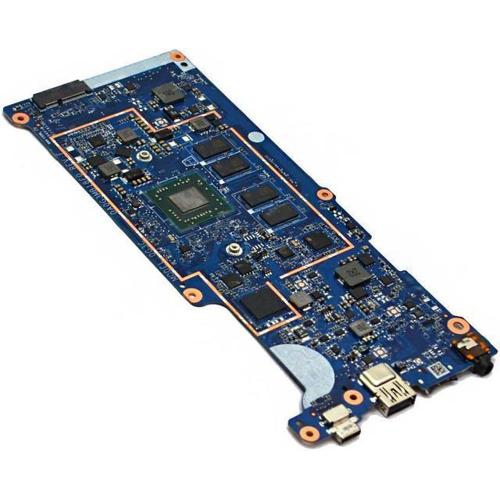
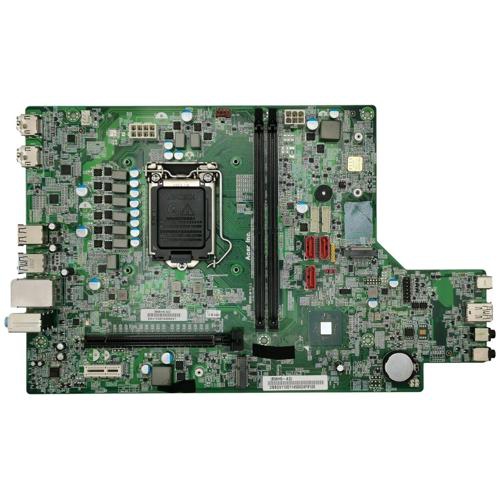

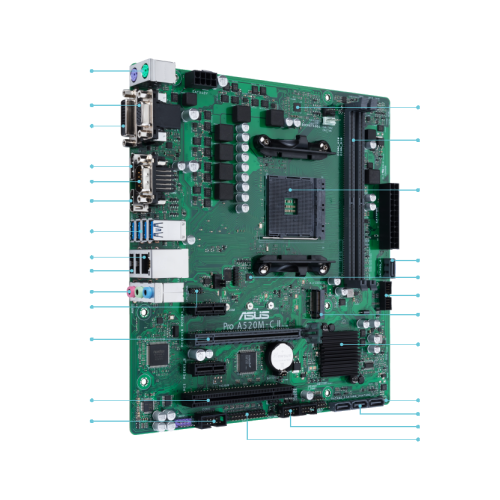
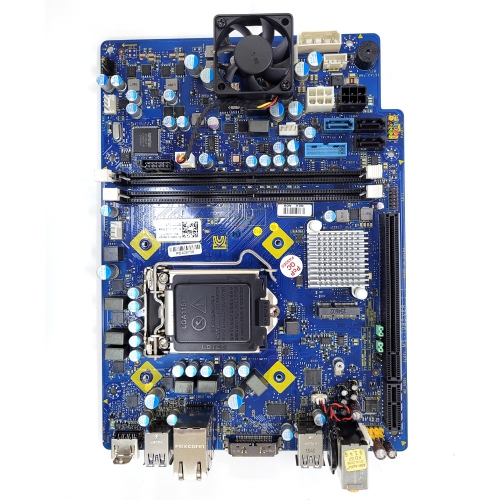
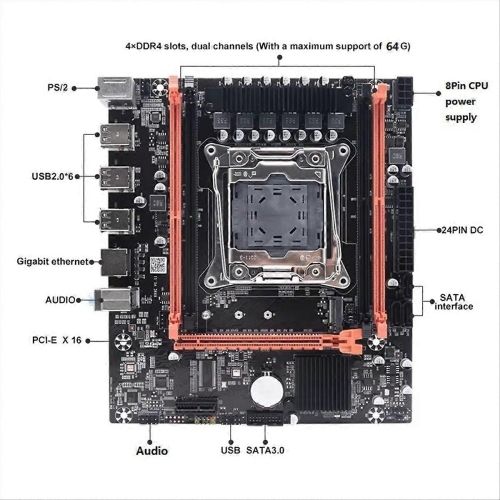
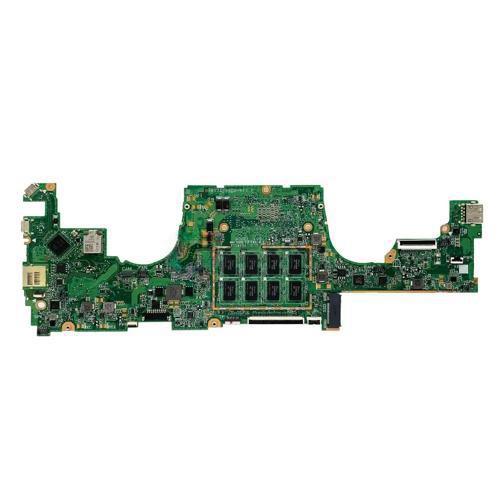
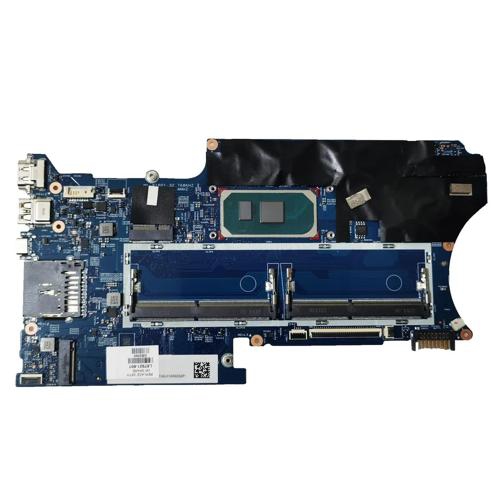
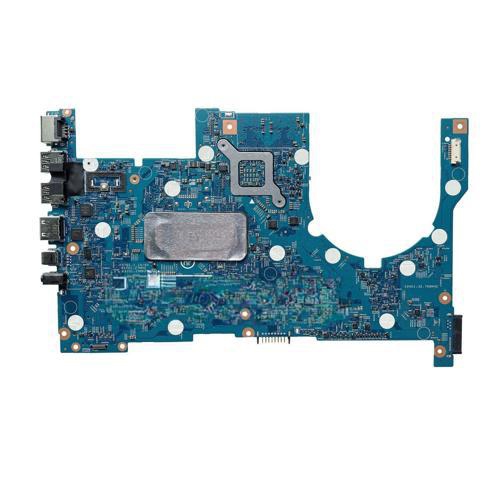
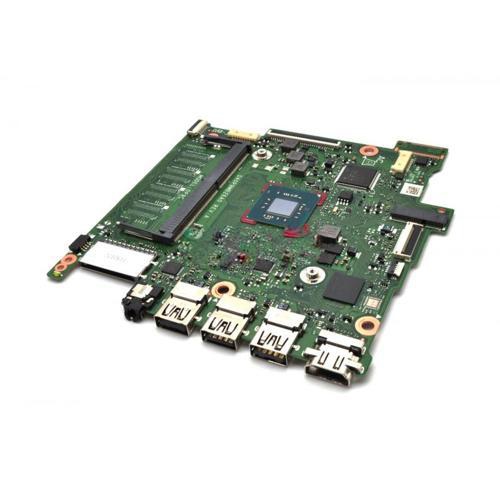
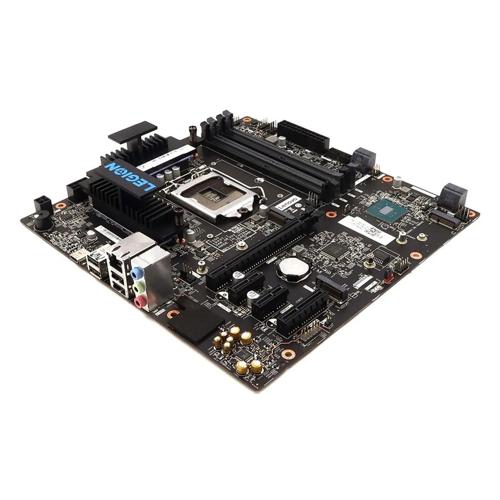

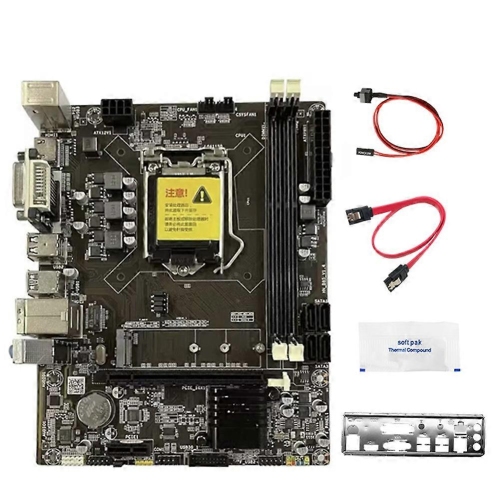
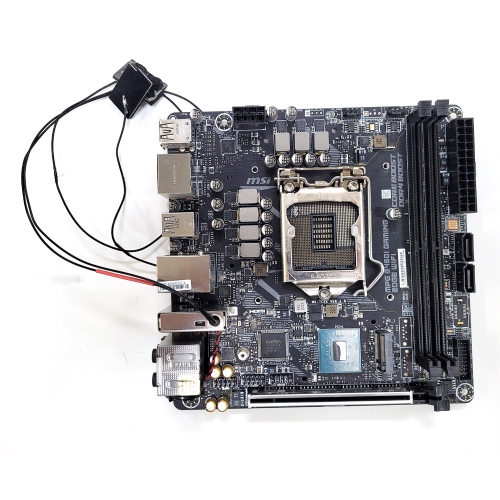
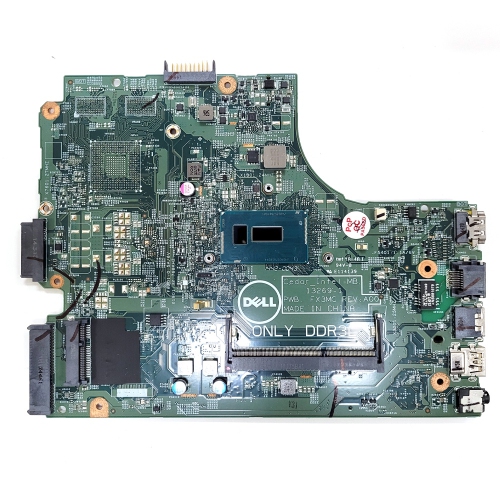
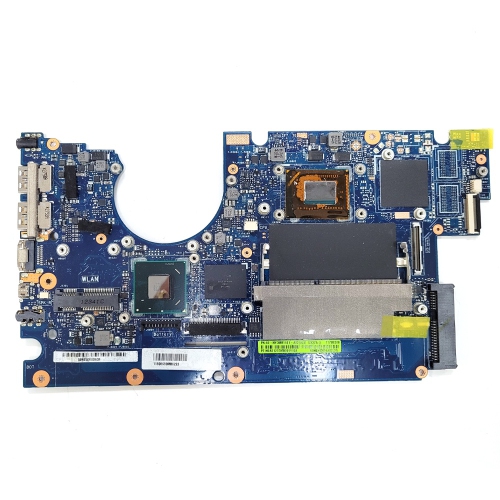
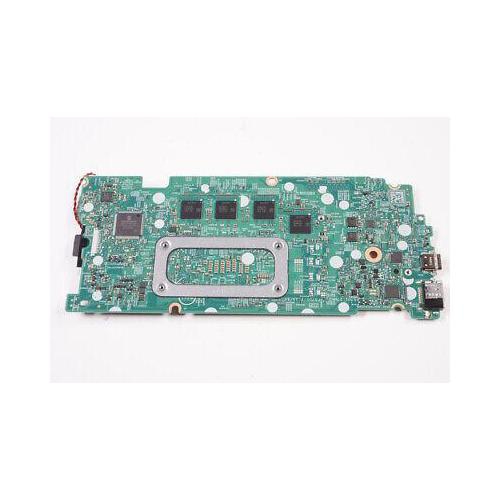
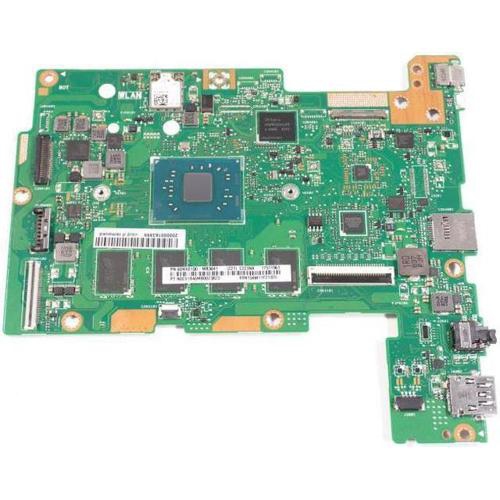
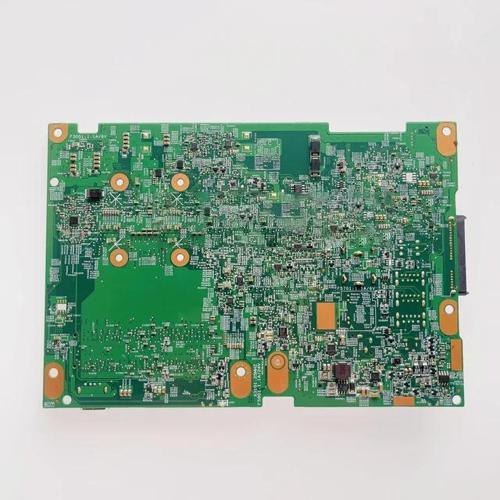
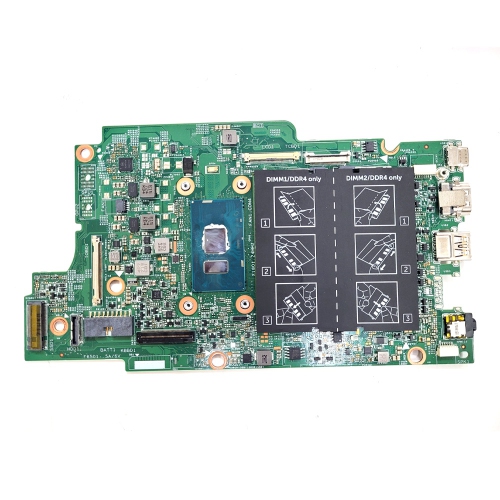
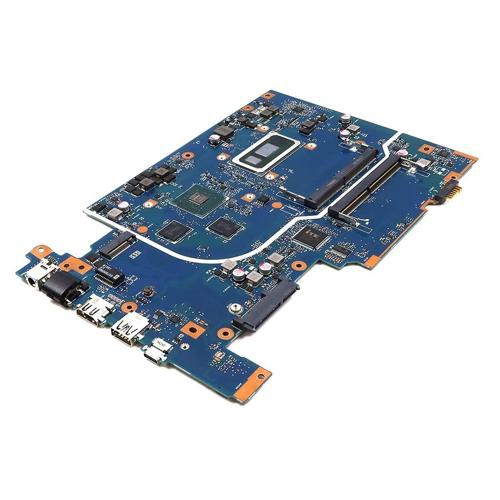
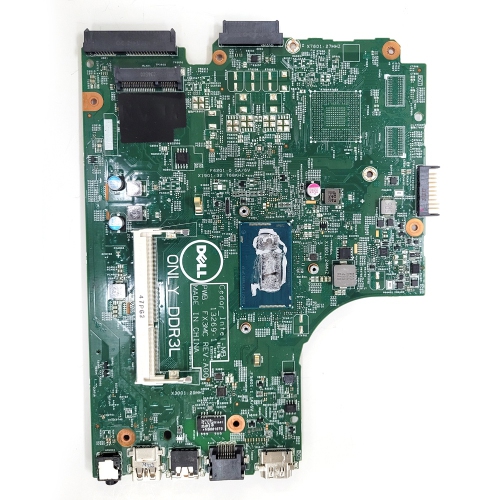
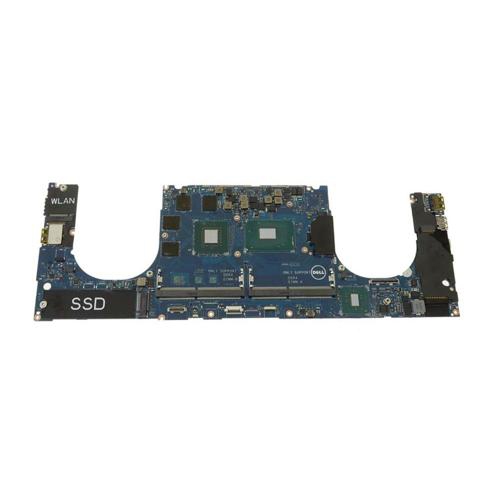
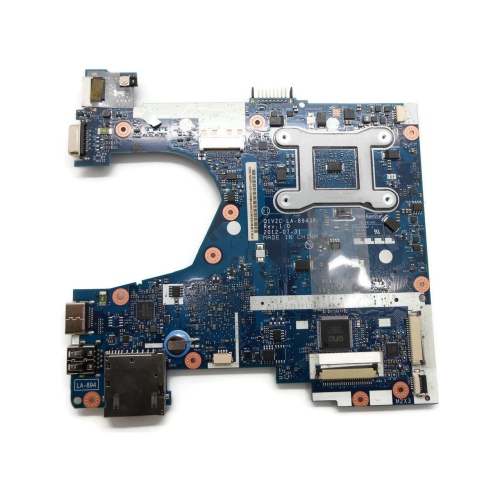
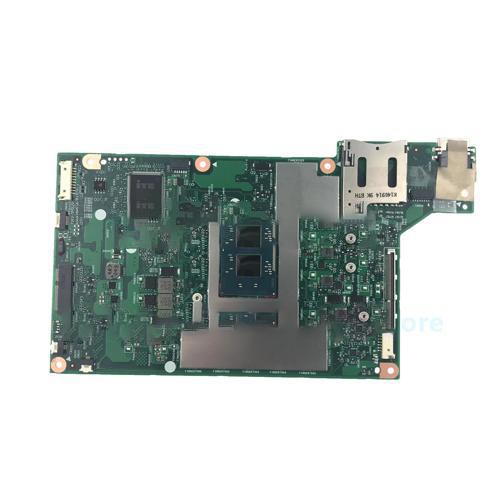
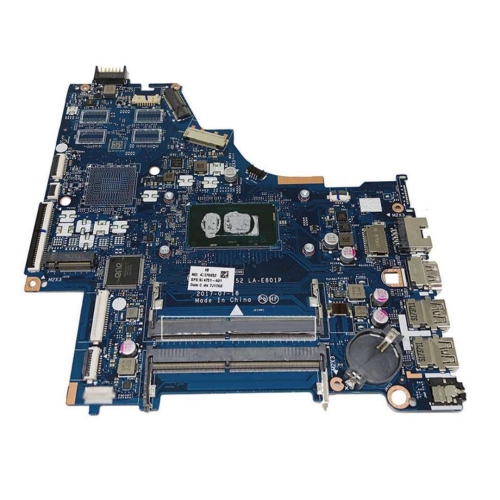
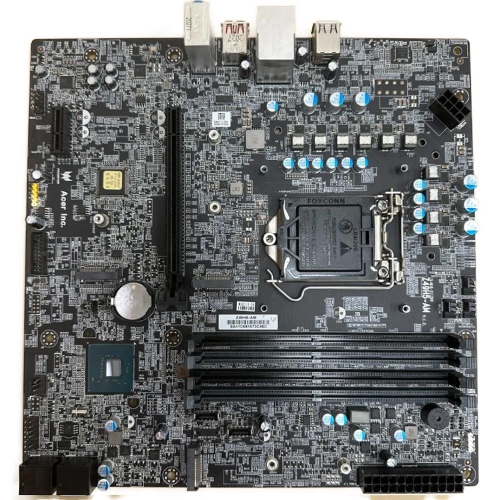
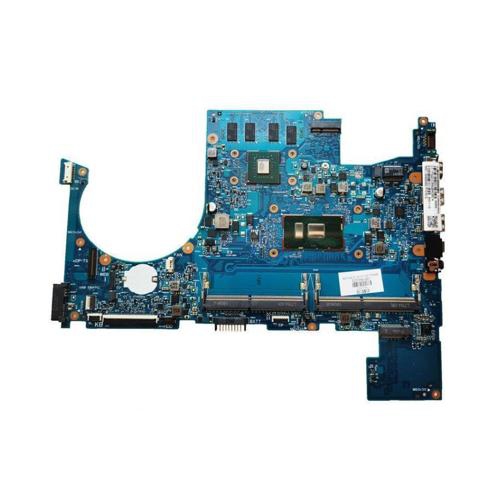
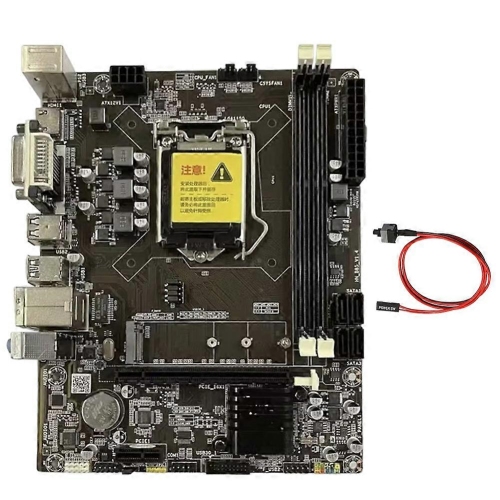
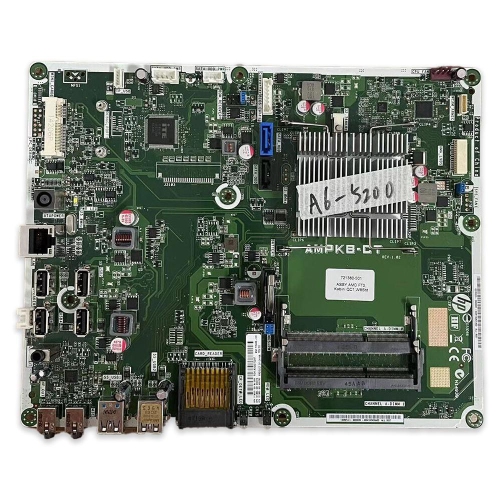
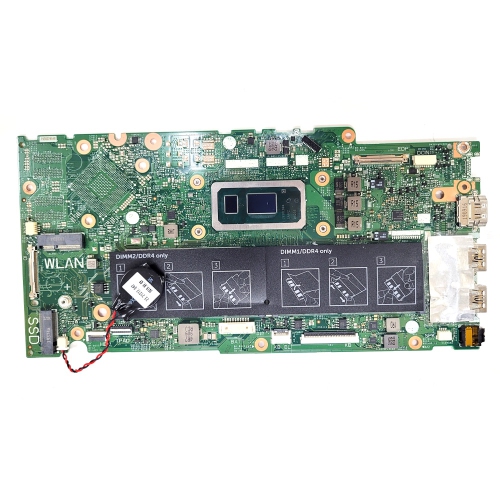
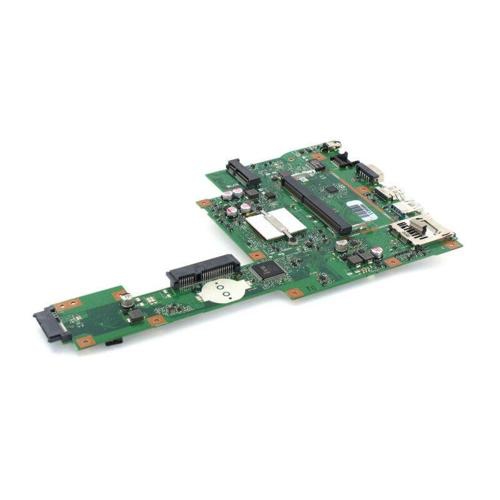
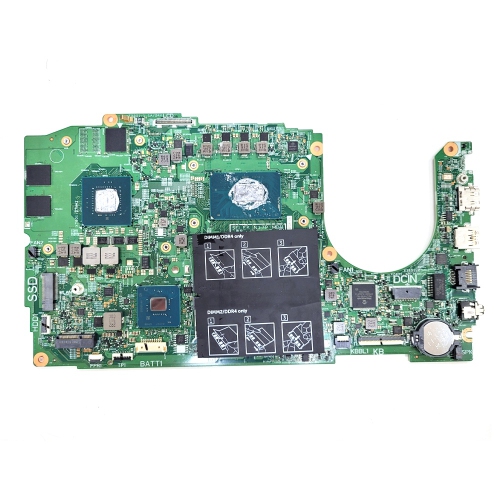
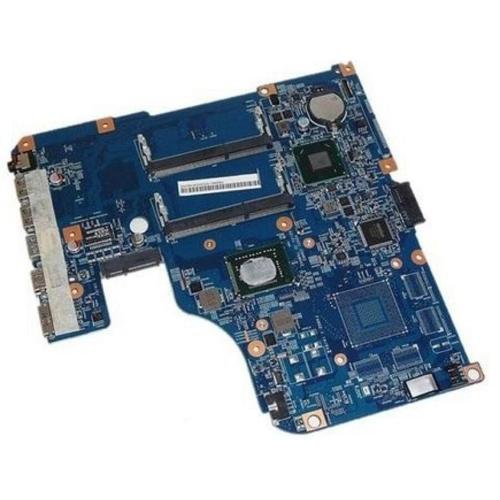
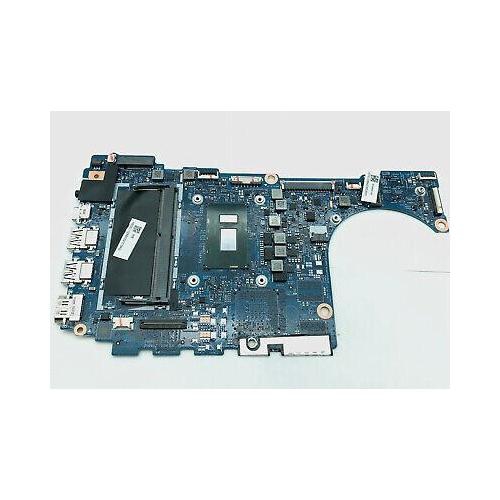
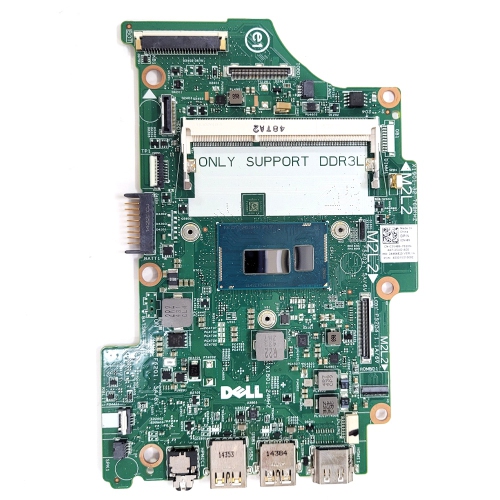
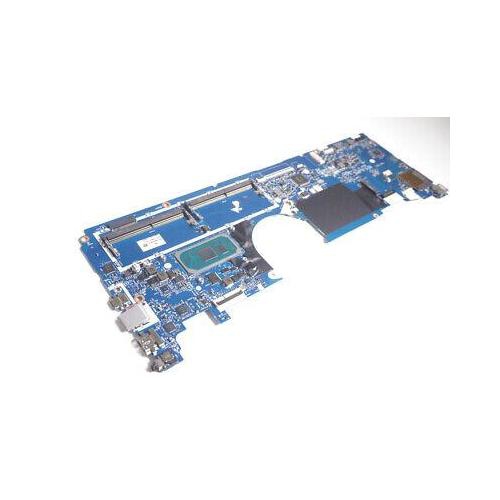
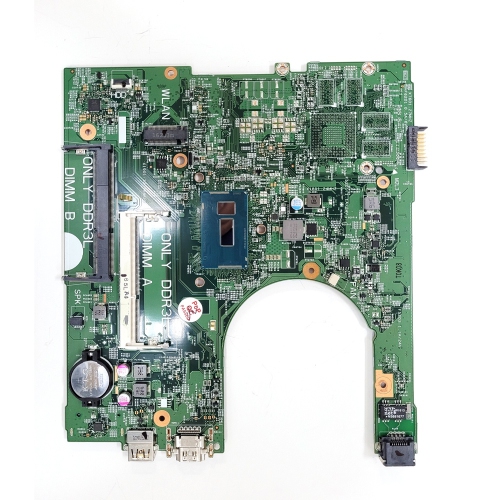
How motherboard connections bring every computer component together
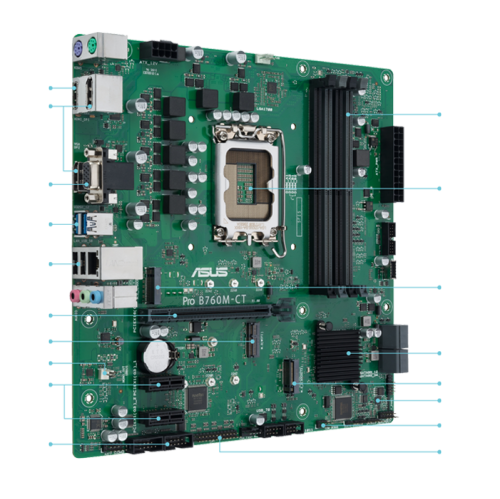
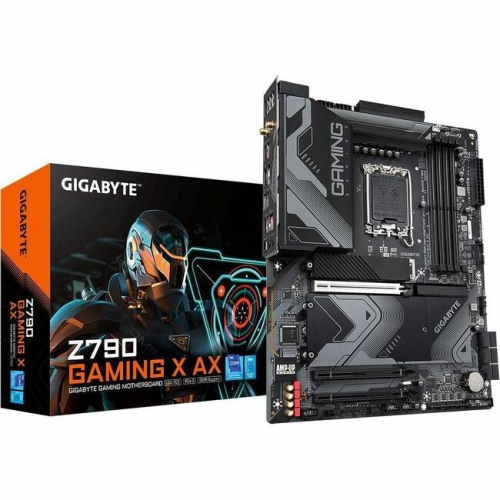
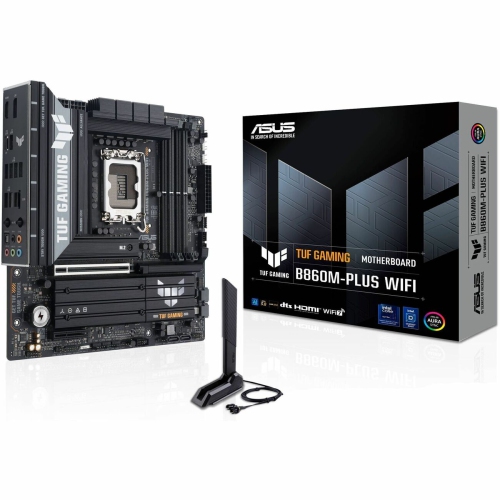
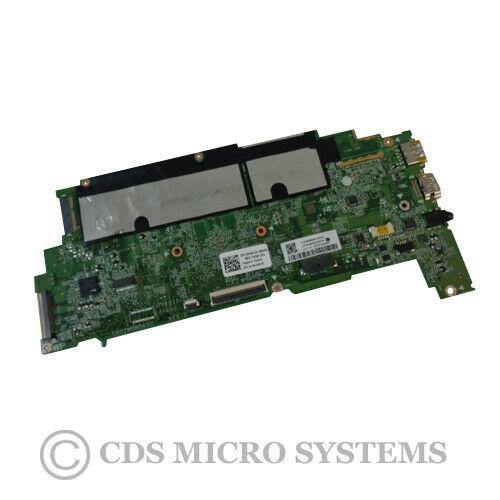
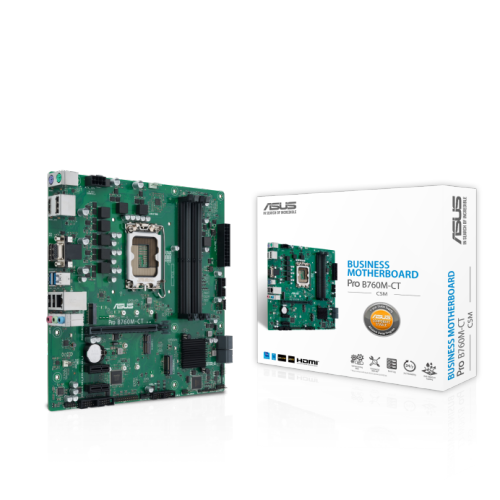
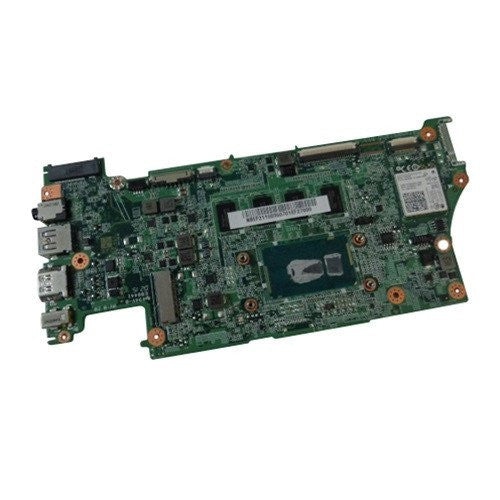
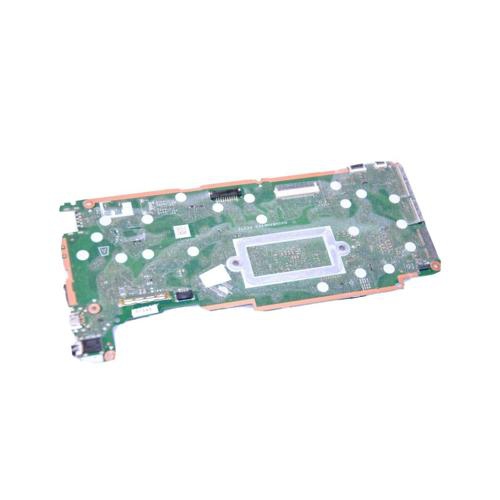
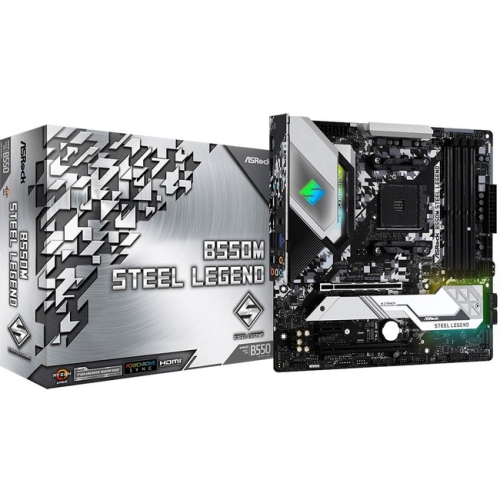
Motherboard components are the parts and connection points that allow a desktop computer to operate as one coordinated system. The motherboard is the central circuit board inside the computer case, linking the processor, memory, storage, graphics hardware, power supply, and external devices. When choosing components or planning an upgrade, compatibility is the most important consideration. A CPU socket must match the processor, while the motherboard’s chipset determines which processors, memory standards, storage options, and expansion features are supported. The motherboard’s form factor, such as ATX, microATX, or Mini-ITX, also needs to suit the computer case and available installation space. A quick look at the motherboard manual can reveal the location and type of each connector, supported memory speeds, available expansion slots, and any limits on using multiple storage devices at the same time. This information is especially useful when replacing an older part, building a computer from the ground up, or helping someone assemble a reliable system for school, creative work, gaming, home office tasks, or general everyday use. During the cooler months, a computer project can be a satisfying indoor activity, turning a collection of carefully selected parts into a working machine with a neat interior and a clear upgrade path.
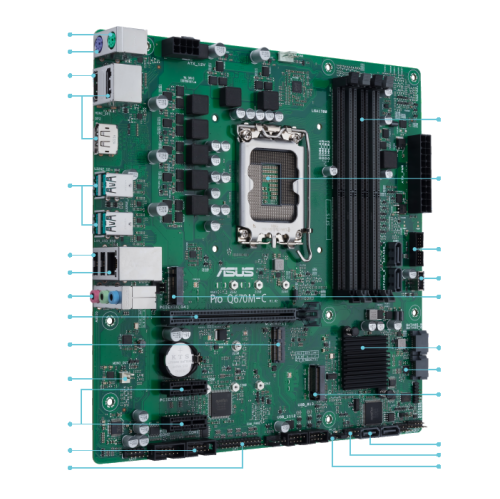
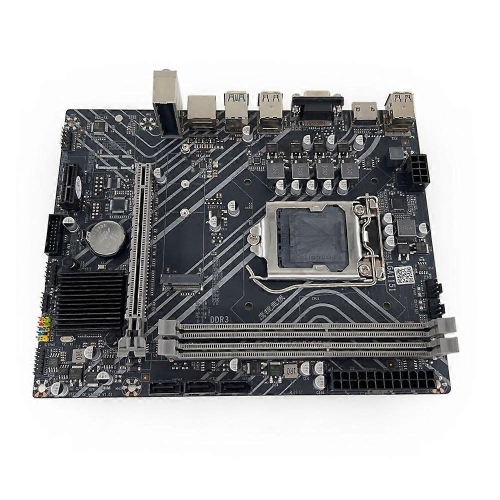
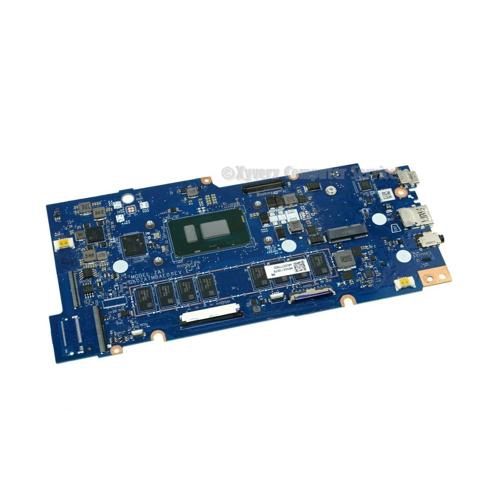
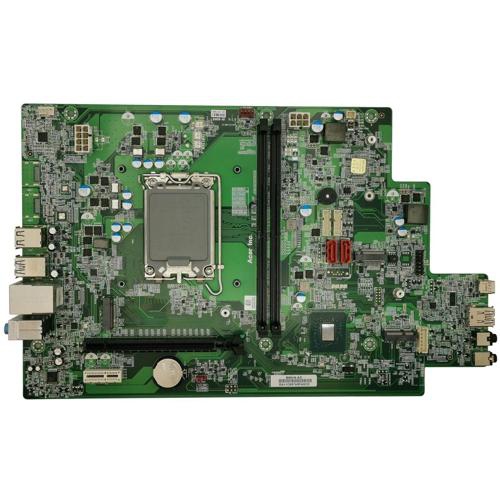
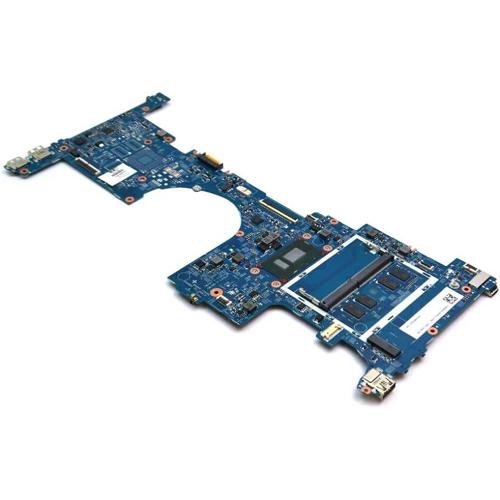
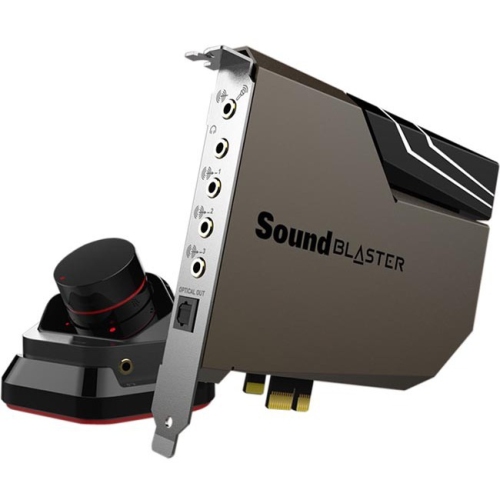
The CPU socket is the square connector where the central processing unit is installed, and it must be designed for the specific processor family being used. Nearby RAM slots, also called DIMM slots, hold the system memory modules that help the computer keep active applications and data readily available. Using matched memory modules in the recommended slots can help support dual-channel or other multi-channel configurations, although the motherboard manual should always be checked before installation. The chipset acts as a communications hub, helping the processor exchange information with memory, storage, USB devices, and expansion hardware. Long PCIe slots provide room for graphics cards as well as sound, capture, network, and other expansion cards; shorter PCIe slots may be used for compact add-ons. M.2 slots are small, flat connectors commonly used for solid-state drives, but not every M.2 slot supports the same drive interface or length, so specifications matter. SATA ports connect traditional hard disk drives, SATA solid-state drives, and some optical drives, making them useful for adding storage or reusing compatible drives from an older computer. Together, these components influence how much storage, memory, processing power, and expansion capability a computer can support. A careful installation also means checking clearance around the CPU cooler, graphics card, memory slots, and drive locations before securing anything in place.
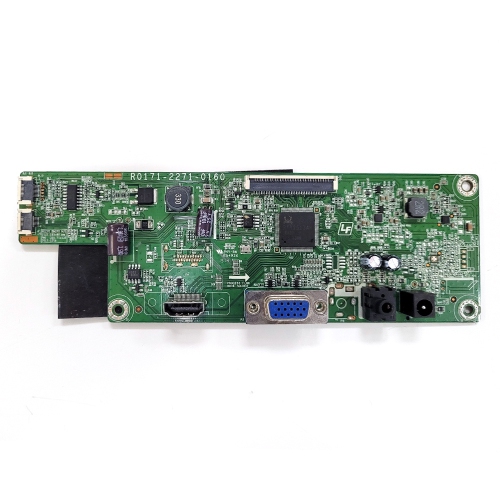
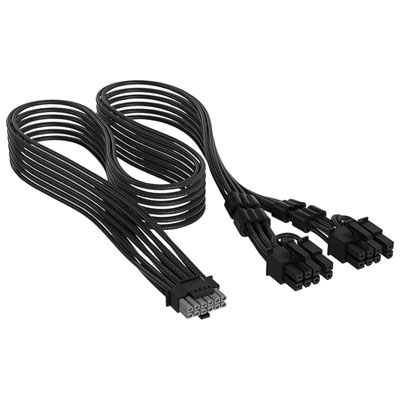
Power connectors provide the electrical connection between the motherboard and the power supply, including the broad main connector and the separate connector used to deliver power to the processor. Selecting the correct cables and routing them without forcing or sharply bending them helps create a secure installation and a cleaner interior. Additional information and compatible connection options can be found among Motherboard Cables. At the back of the computer, the rear I/O panel brings the motherboard’s connections within reach, with ports that may include USB for accessories, display outputs for supported graphics, audio jacks for speakers or headsets, and a network port for wired internet. The available ports vary by motherboard, and some features only work when the processor or installed expansion hardware supports them. People upgrading an older desktop may focus on adding faster storage, more memory, or a modern expansion card, while first-time builders often value clear labelling, accessible slots, and room for future upgrades. These components can also be thoughtful gifts for a computer enthusiast who enjoys restoring a family PC, building a compact workstation, or learning how each part fits into the larger system. Before purchasing, compare socket type, chipset support, memory compatibility, PCIe generation, M.2 and SATA connectivity, connector requirements, physical dimensions, and the number of rear I/O ports. Taking a few minutes to match these details can make the difference between a smooth installation and a box of parts that does not work together.
The CPU socket is the square connector where the central processing unit is installed, and it must be designed for the specific processor family being used. Nearby RAM slots, also called DIMM slots, hold the system memory modules that help the computer keep active applications and data readily available. Using matched memory modules in the recommended slots can help support dual-channel or other multi-channel configurations, although the motherboard manual should always be checked before installation. The chipset acts as a communications hub, helping the processor exchange information with memory, storage, USB devices, and expansion hardware. Long PCIe slots provide room for graphics cards as well as sound, capture, network, and other expansion cards; shorter PCIe slots may be used for compact add-ons. M.2 slots are small, flat connectors commonly used for solid-state drives, but not every M.2 slot supports the same drive interface or length, so specifications matter. SATA ports connect traditional hard disk drives, SATA solid-state drives, and some optical drives, making them useful for adding storage or reusing compatible drives from an older computer. Together, these components influence how much storage, memory, processing power, and expansion capability a computer can support. A careful installation also means checking clearance around the CPU cooler, graphics card, memory slots, and drive locations before securing anything in place.
Power connectors provide the electrical connection between the motherboard and the power supply, including the broad main connector and the separate connector used to deliver power to the processor. Selecting the correct cables and routing them without forcing or sharply bending them helps create a secure installation and a cleaner interior. Additional information and compatible connection options can be found among Motherboard Cables. At the back of the computer, the rear I/O panel brings the motherboard’s connections within reach, with ports that may include USB for accessories, display outputs for supported graphics, audio jacks for speakers or headsets, and a network port for wired internet. The available ports vary by motherboard, and some features only work when the processor or installed expansion hardware supports them. People upgrading an older desktop may focus on adding faster storage, more memory, or a modern expansion card, while first-time builders often value clear labelling, accessible slots, and room for future upgrades. These components can also be thoughtful gifts for a computer enthusiast who enjoys restoring a family PC, building a compact workstation, or learning how each part fits into the larger system. Before purchasing, compare socket type, chipset support, memory compatibility, PCIe generation, M.2 and SATA connectivity, connector requirements, physical dimensions, and the number of rear I/O ports. Taking a few minutes to match these details can make the difference between a smooth installation and a box of parts that does not work together.
Top selling and popular products
-
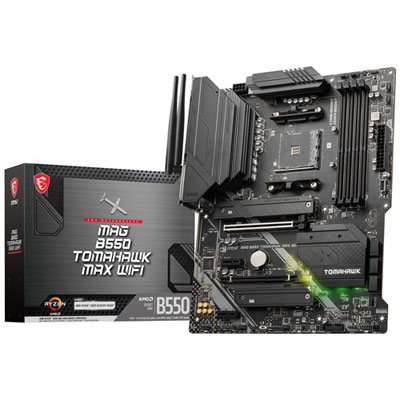 Your price for this item is $224.99
 -
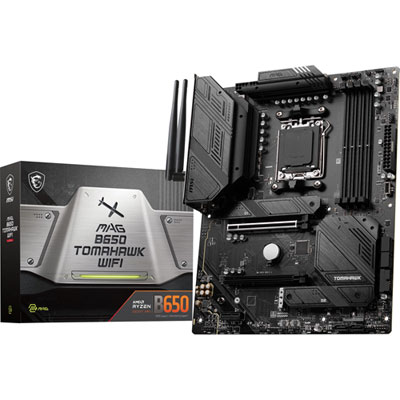 Your price for this item is $239.99
 -
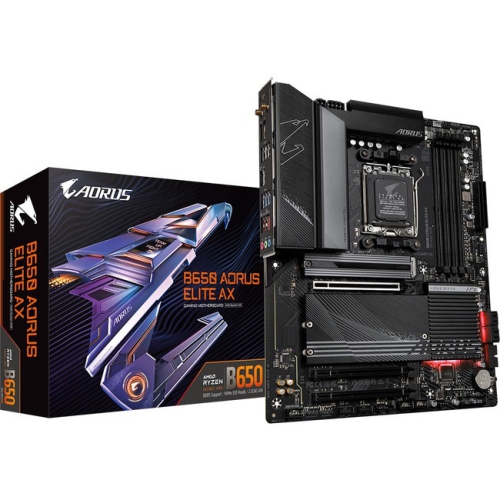 Your price for this item is $286.68
 -
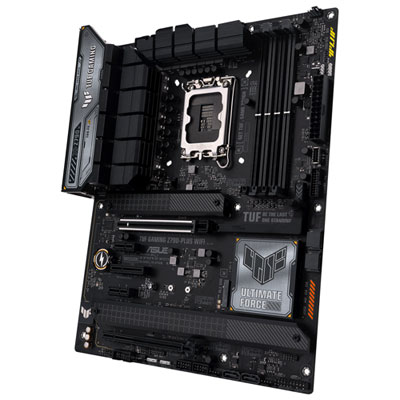 Your price for this item is $349.99
 -
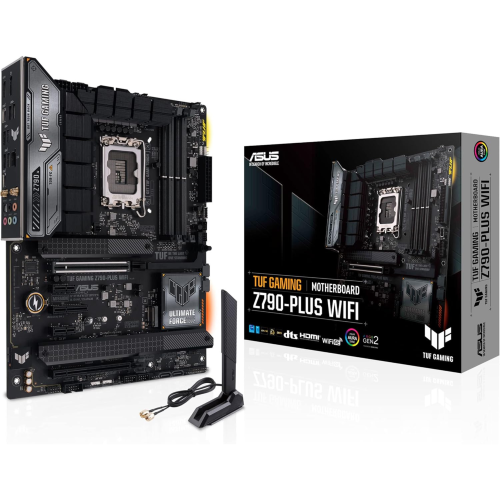 Your price for this item is $361
 -
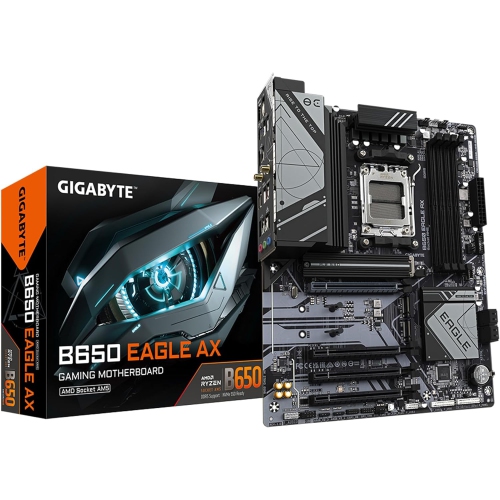 Your price for this item is $209.99
 -
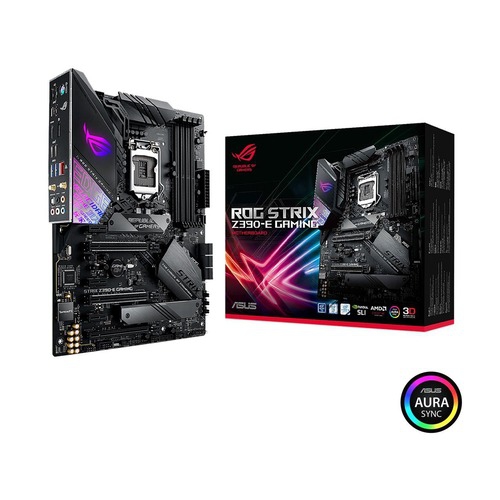 Your price for this item is $350
 -
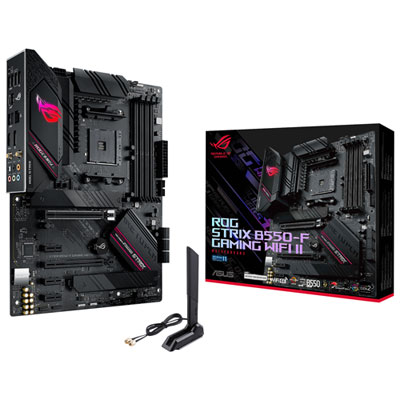 Your price for this item is $239.99
Discover more categories related to Motherboard Components
Top Collections:
Pokemon Centers, Kindle Devices, Best Budget Office Chairs, Canon G7X Cameras, Apple iPhones 16, Samsung Galaxy Phones, Refurbished Apple Laptops, Laptops for Students, iPhone 15 Apple, Budget Smartphones
Some products may be subject to Environmental Handling Fees
(EHF) depending on your province.
Learn more about EHFs.