Motherboards With USB Type C
Explore the cutting-edge world of motherboards with USB Type-C, where modern connectivity meets high-performance computing. These advanced motherboards are designed to support the latest peripherals and devices, ensuring seamless integration with your tech ecosystem. Whether you're building a new PC or upgrading an existing one, motherboards featuring USB Type-C offer versatile connectivity options that cater to both current and future technology needs. Dive into our selection to find the perfect foundation for your next computing project, combining innovation, speed, and reliability in one sleek package.
Sort

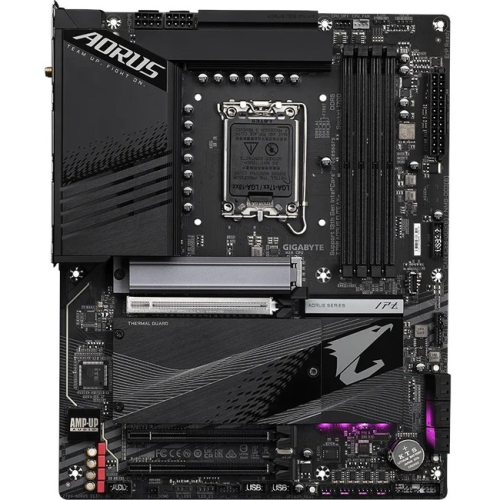
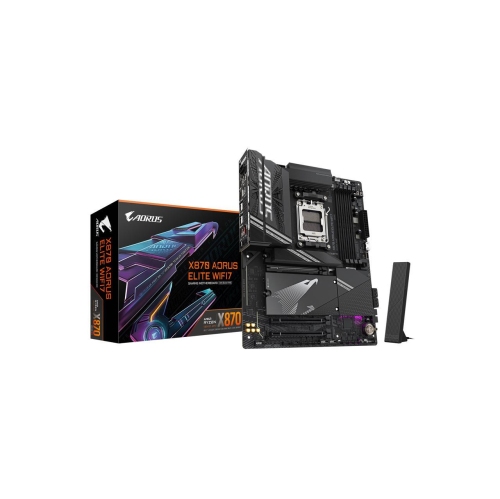
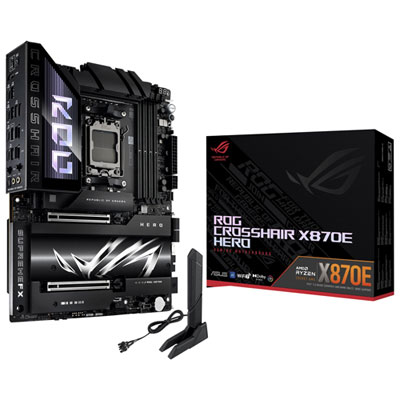
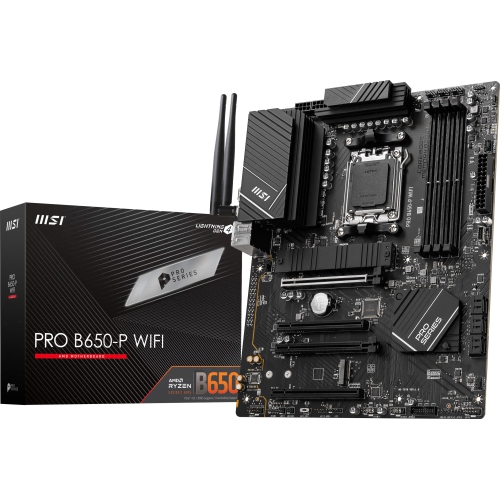
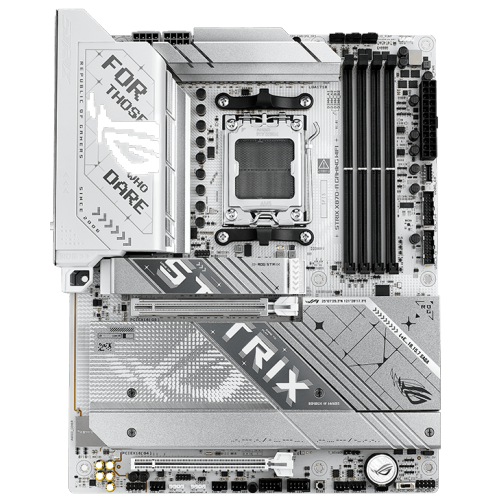

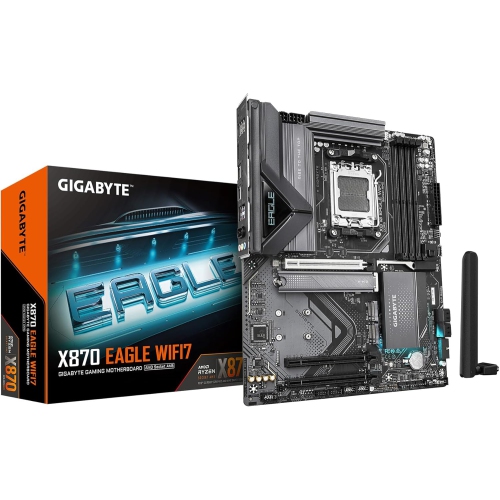
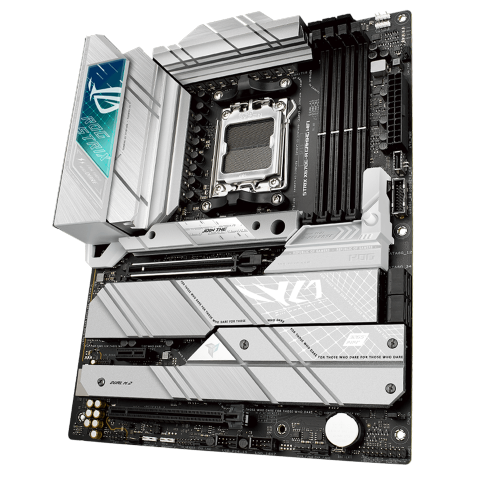
USB-C convenience depends on more than connector shape
Motherboards with USB Type C bring a reversible connection to a desktop PC, making it easier to connect compatible external storage, phones, audio interfaces, and other peripherals without checking which way the plug faces. The connection can take two forms: a USB-C port on the rear input/output panel, or an internal front-panel USB-C header that connects to a matching cable from the PC case. Some boards provide both, while others support only one location. That distinction matters in everyday use. A rear port suits a drive or desktop accessory that stays connected, whereas a front or top case port is easier to reach for transferring photos from a phone or plugging in a portable SSD. An internal header alone does not provide an accessible external port; it needs a compatible case connection or suitable panel accessory. USB Type C describes the connector shape, not a guaranteed level of performance. Depending on the board and the particular port, supported data rates may include 5Gbps, 10Gbps, or 20Gbps through USB 3.2, with some boards offering USB4 connections capable of higher rates. These figures describe theoretical link speeds rather than the file-transfer performance of every attached device. Actual results depend on the port, cable, peripheral, storage speed, and workload. A fast external SSD used for large video projects benefits from a connection that matches its capabilities, while a keyboard or game controller needs much less bandwidth. Charging support also varies: having a USB-C socket does not automatically mean a desktop can fast-charge a phone or power a laptop. The stated power output and any explicit USB Power Delivery support are more useful than the connector shape when assessing charging capability. For anyone who regularly moves files between devices, the combination of port placement, data speed, and supported power output determines how useful the connection will feel long after the PC is assembled.
A USB-C motherboard still needs to fit the rest of the computer, starting with its processor socket, chipset, and supported processor list. Even when a processor fits the socket, compatibility can depend on the board’s firmware version. Memory support is another fixed requirement: different generations of desktop memory are not interchangeable, and supported capacities and speeds vary between boards. Physical size influences both case compatibility and the room left for expansion. ATX boards generally provide more space for connectors and expansion slots, microATX boards suit many mid-sized builds, and Mini-ITX boards support compact systems where every cable route matters. The case must accept the board’s form factor, with mounting points that align correctly and enough clearance for the chosen cooler, graphics card, and cabling. For front-panel USB-C, the motherboard’s internal connector is often described as a Type-E or Key-A header. It must match the case cable, and its supported speed may differ from that of the rear USB-C port. Header position matters in a tightly packed build, particularly when a large graphics card or drive cage leaves little room for a stiff front-panel cable. Other connections remain important alongside USB-C, including storage sockets, fan headers, networking, audio, and enough USB ports for everyday accessories. Wired networking and built-in Wi-Fi offer different placement options for a desk that sits far from the router. Display connectivity deserves particular attention because a motherboard USB-C port does not necessarily carry video. Compatibility with USB Type C Monitors depends on explicit support for a suitable video-capable connection, such as DisplayPort Alternate Mode or an appropriate USB4 implementation, as well as the computer’s graphics configuration. Some setups require a separate graphics input connection to route video through the motherboard’s USB-C output. A data-only port cannot gain video output simply by adding a different cable. For a desk built around a single display connection, the board’s documented video features matter as much as the monitor’s inputs.
Construction and layout help determine how comfortably a motherboard handles assembly, regular use, and later upgrades. Most motherboards use a multilayer fibreglass-reinforced circuit board with copper pathways, fitted with sockets, controllers, capacitors, and other electronic components. Heatsinks, often made from aluminium, help move heat away from selected components such as power circuitry and storage drives. Larger heatsinks or more elaborate styling do not, by themselves, establish better performance; their usefulness depends on the hardware fitted and the demands placed on it. A workstation used for lengthy exports has different power and cooling needs from a desktop used for documents, browsing, and video calls. Reinforced expansion slots, accessible connector placement, clear labels, and practical firmware features can make a board easier to build with and maintain. For a gaming PC, USB-C may serve an external drive or compatible controller while the graphics card and processor remain the main performance considerations. For a home recording setup, accessible ports can simplify audio-interface connections, though interface requirements and controller compatibility still deserve attention. Someone assembling a family computer may value a reachable front port more than the highest transfer rate. Care is largely about protecting the board during installation and keeping the completed system clean. Handling it by the edges, avoiding contact with exposed circuitry, and taking precautions against static discharge help reduce the risk of damage. Correctly positioned case standoffs support the board without creating unintended electrical contact, while cables routed without sharp bends or sideways pressure help protect headers and sockets. Dust removal should follow component guidance with the computer shut down and disconnected from power; household cleaning sprays and liquids do not belong on the board. Future expansion may be possible through a compatible PCIe USB-C card, provided a suitable slot and sufficient clearance remain. Header adapters can sometimes connect a front-panel cable to a different internal USB header, but they do not create extra bandwidth or charging capability. For a gift intended for a PC builder, confirmed processor, memory, and case compatibility is essential: the best fit is a board whose USB-C features complement the system they actually plan to use.
A USB-C motherboard still needs to fit the rest of the computer, starting with its processor socket, chipset, and supported processor list. Even when a processor fits the socket, compatibility can depend on the board’s firmware version. Memory support is another fixed requirement: different generations of desktop memory are not interchangeable, and supported capacities and speeds vary between boards. Physical size influences both case compatibility and the room left for expansion. ATX boards generally provide more space for connectors and expansion slots, microATX boards suit many mid-sized builds, and Mini-ITX boards support compact systems where every cable route matters. The case must accept the board’s form factor, with mounting points that align correctly and enough clearance for the chosen cooler, graphics card, and cabling. For front-panel USB-C, the motherboard’s internal connector is often described as a Type-E or Key-A header. It must match the case cable, and its supported speed may differ from that of the rear USB-C port. Header position matters in a tightly packed build, particularly when a large graphics card or drive cage leaves little room for a stiff front-panel cable. Other connections remain important alongside USB-C, including storage sockets, fan headers, networking, audio, and enough USB ports for everyday accessories. Wired networking and built-in Wi-Fi offer different placement options for a desk that sits far from the router. Display connectivity deserves particular attention because a motherboard USB-C port does not necessarily carry video. Compatibility with USB Type C Monitors depends on explicit support for a suitable video-capable connection, such as DisplayPort Alternate Mode or an appropriate USB4 implementation, as well as the computer’s graphics configuration. Some setups require a separate graphics input connection to route video through the motherboard’s USB-C output. A data-only port cannot gain video output simply by adding a different cable. For a desk built around a single display connection, the board’s documented video features matter as much as the monitor’s inputs.
Construction and layout help determine how comfortably a motherboard handles assembly, regular use, and later upgrades. Most motherboards use a multilayer fibreglass-reinforced circuit board with copper pathways, fitted with sockets, controllers, capacitors, and other electronic components. Heatsinks, often made from aluminium, help move heat away from selected components such as power circuitry and storage drives. Larger heatsinks or more elaborate styling do not, by themselves, establish better performance; their usefulness depends on the hardware fitted and the demands placed on it. A workstation used for lengthy exports has different power and cooling needs from a desktop used for documents, browsing, and video calls. Reinforced expansion slots, accessible connector placement, clear labels, and practical firmware features can make a board easier to build with and maintain. For a gaming PC, USB-C may serve an external drive or compatible controller while the graphics card and processor remain the main performance considerations. For a home recording setup, accessible ports can simplify audio-interface connections, though interface requirements and controller compatibility still deserve attention. Someone assembling a family computer may value a reachable front port more than the highest transfer rate. Care is largely about protecting the board during installation and keeping the completed system clean. Handling it by the edges, avoiding contact with exposed circuitry, and taking precautions against static discharge help reduce the risk of damage. Correctly positioned case standoffs support the board without creating unintended electrical contact, while cables routed without sharp bends or sideways pressure help protect headers and sockets. Dust removal should follow component guidance with the computer shut down and disconnected from power; household cleaning sprays and liquids do not belong on the board. Future expansion may be possible through a compatible PCIe USB-C card, provided a suitable slot and sufficient clearance remain. Header adapters can sometimes connect a front-panel cable to a different internal USB header, but they do not create extra bandwidth or charging capability. For a gift intended for a PC builder, confirmed processor, memory, and case compatibility is essential: the best fit is a board whose USB-C features complement the system they actually plan to use.
Top selling and popular products
-
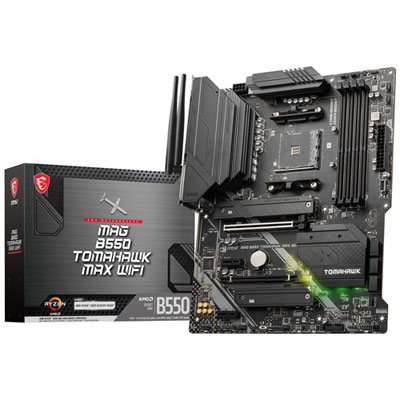 Your price for this item is $224.99
 -
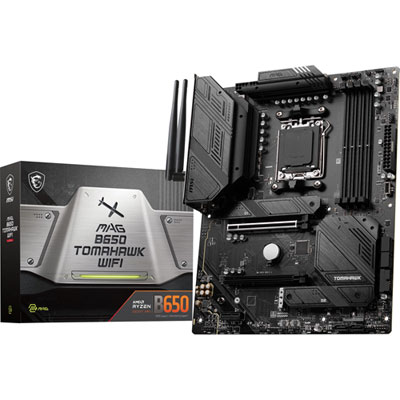 Your price for this item is $239.99
 -
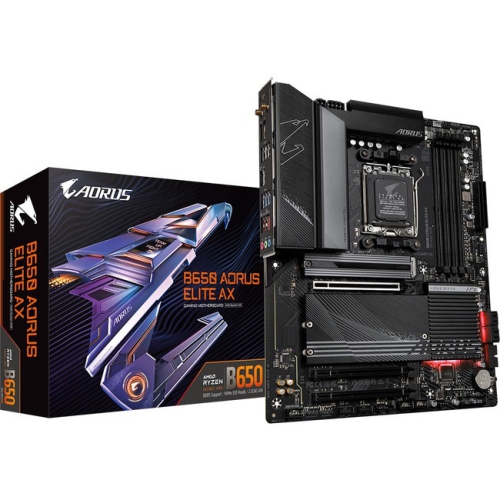 Your price for this item is $286.68
 -
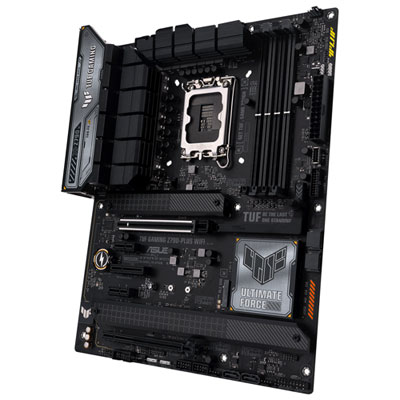 Your price for this item is $349.99
 -
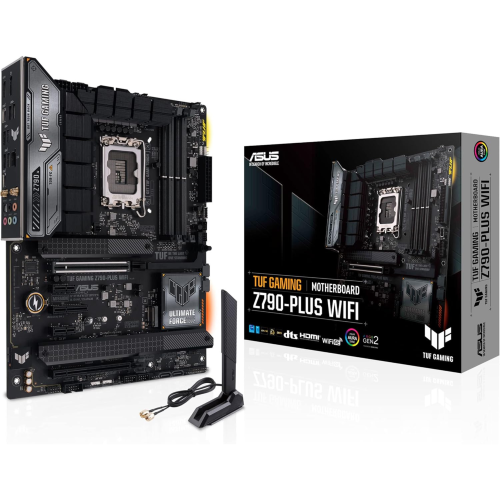 Your price for this item is $361
 -
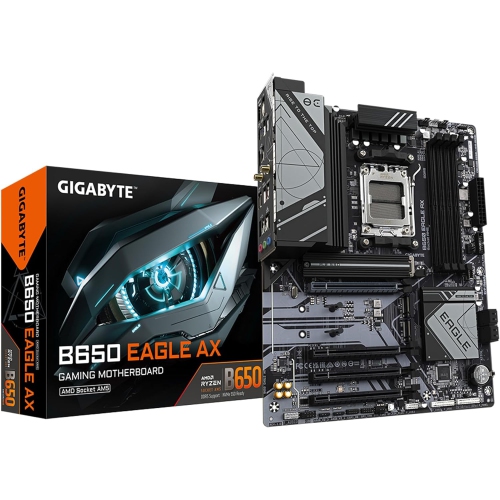 Your price for this item is $225.69
 -
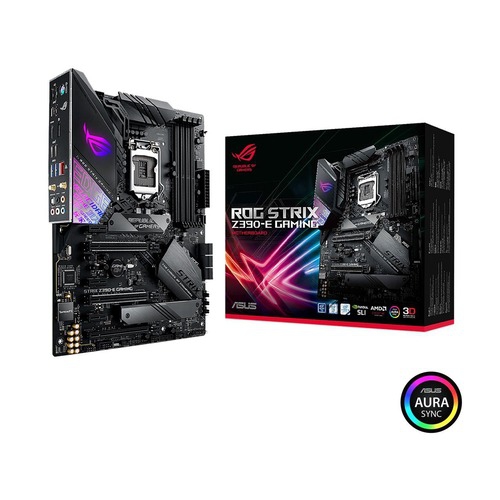 Your price for this item is $350
 -
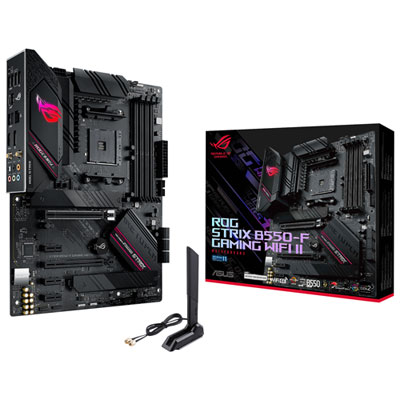 Your price for this item is $259.99
Discover more categories related to Motherboards With USB Type C


Top Collections:
Pokemon Centers, Kindle Devices, Apple iPhones 16, Samsung Galaxy Phones, Canon G7X Cameras, iPhone 15 Apple, Flip Phones, Refurbished Apple Laptops, Candle Warmer Lights, Apple Wired Earphones
Some products may be subject to Environmental Handling Fees
(EHF) depending on your province.
Learn more about EHFs.