Mounts for Tablets
Elevate your tablet experience with our collection of versatile mounts designed to provide convenience and efficiency in every use. Whether you're looking to keep your tablet secure while cooking up a storm in the kitchen, or wanting a hands-free solution for video calls and movie marathons, our range of tablet mounts offers a variety of options to suit your needs. From adjustable stands to wall mounts, find the perfect solution to enhance your tablet usage wherever you go.
Sort

![CSMART [Cs] Universal Phone Desk Stand Foldable Cellphone Mount Holder for Iphone Ipad Cell Phone Smartphone Tablet In Black](https://multimedia.bbycastatic.ca/multimedia/products/500x500/169/16932/16932912.jpeg)
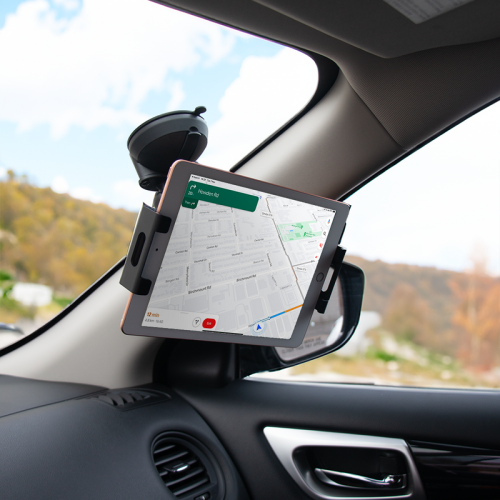

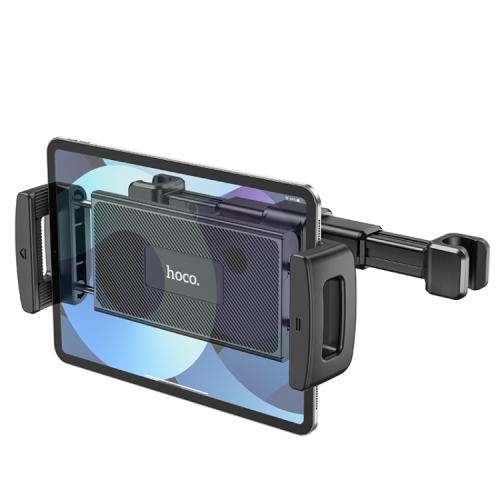
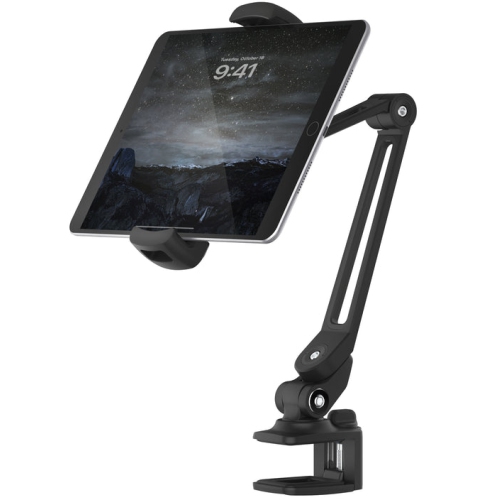
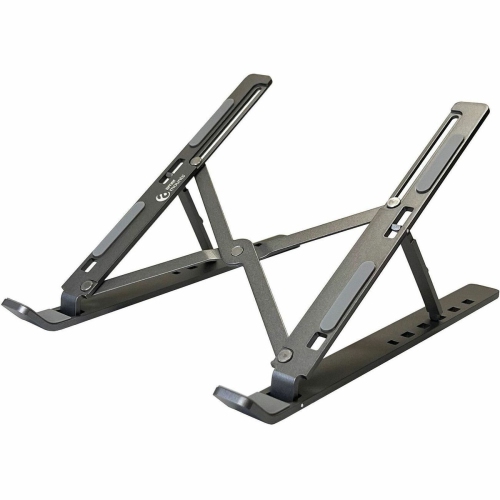
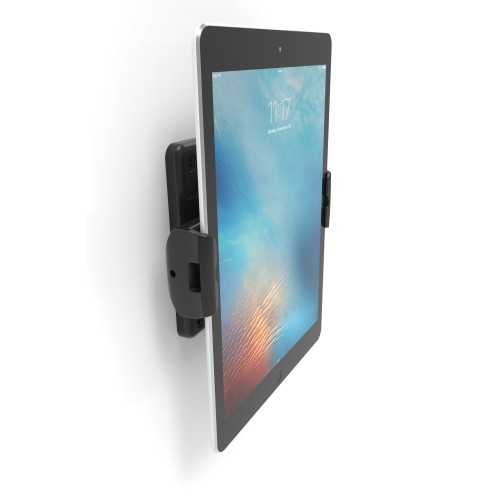
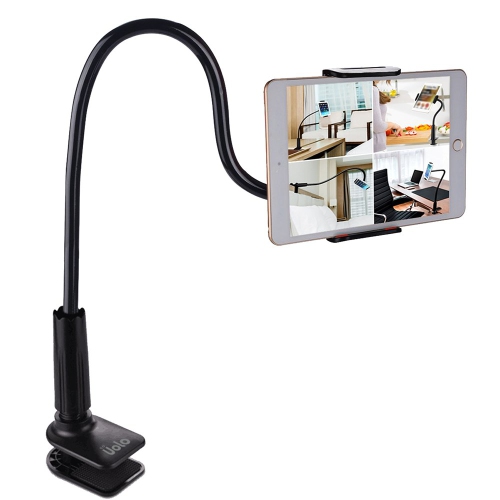
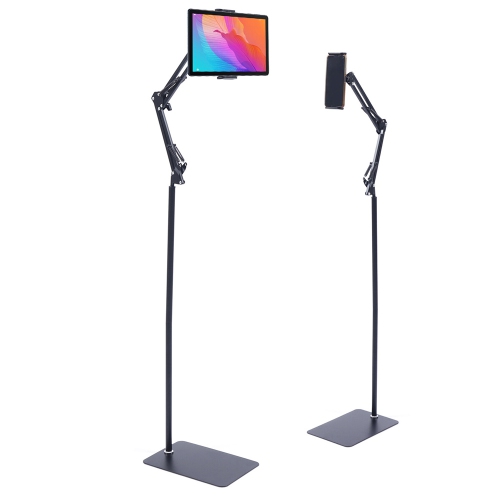
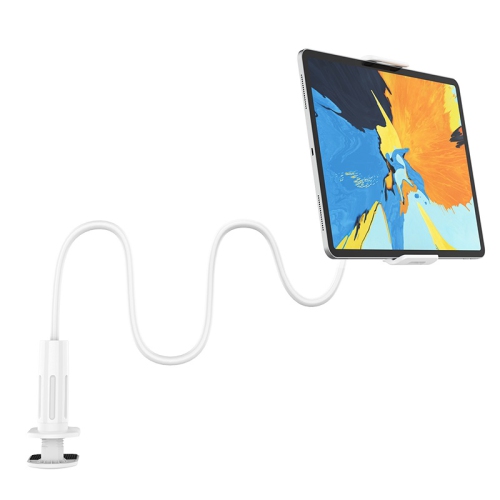

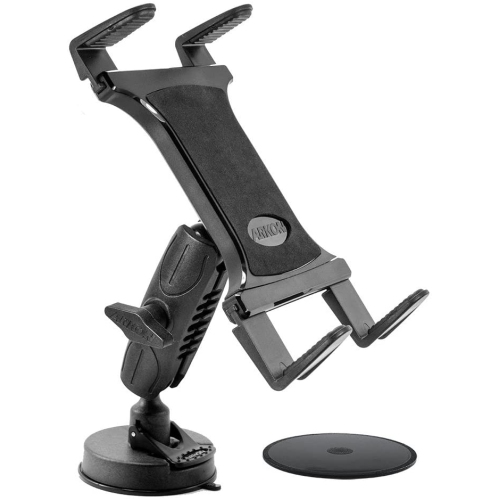
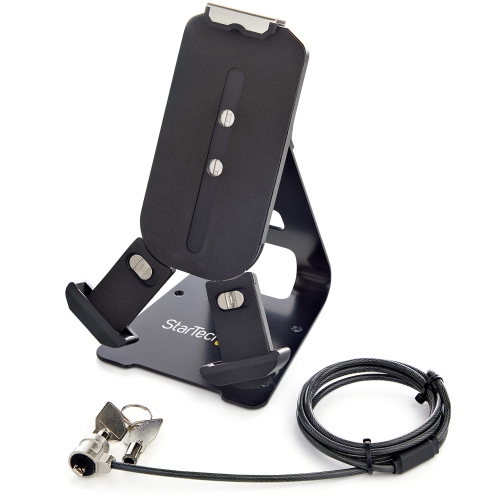
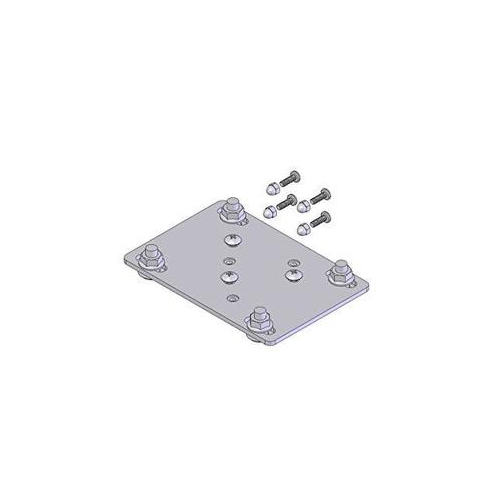
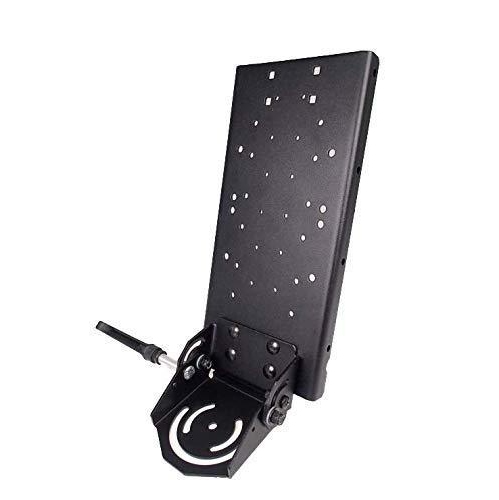


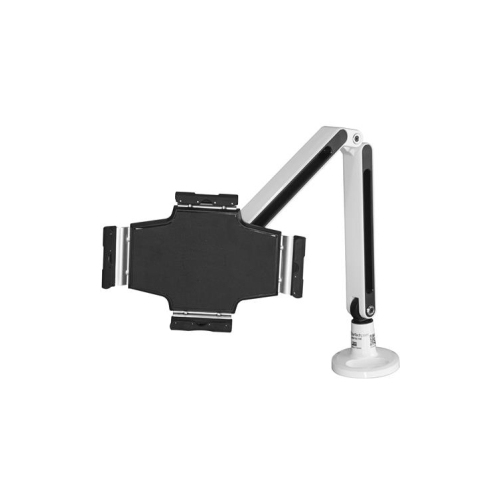

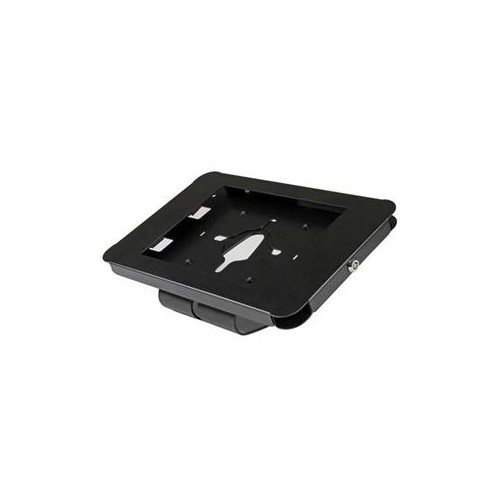
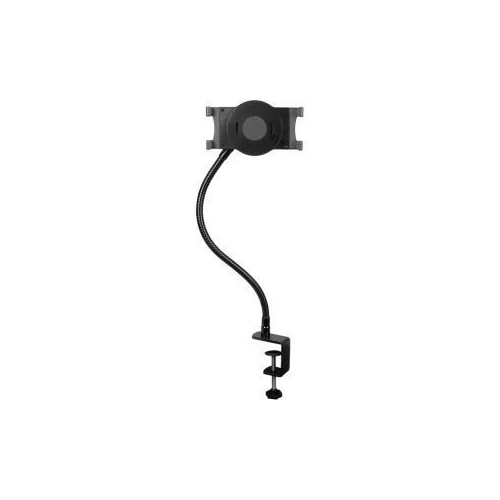
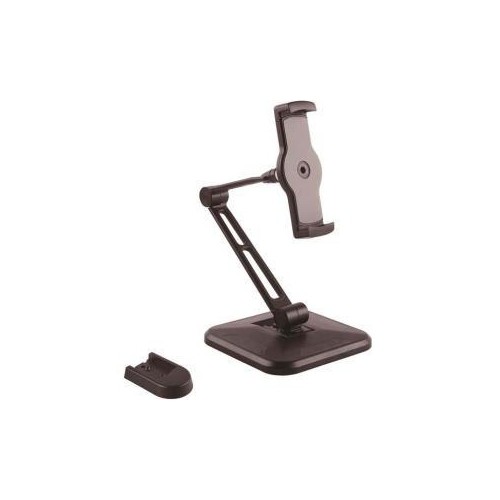
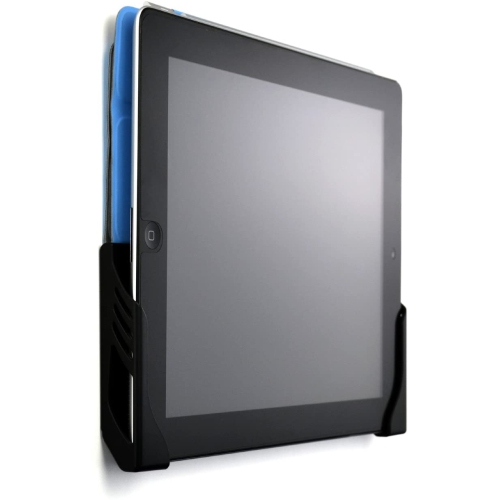
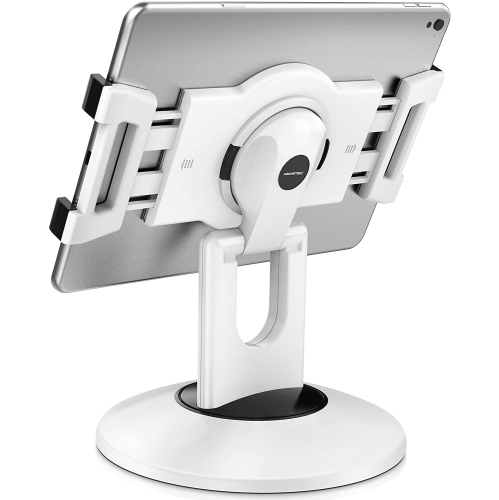
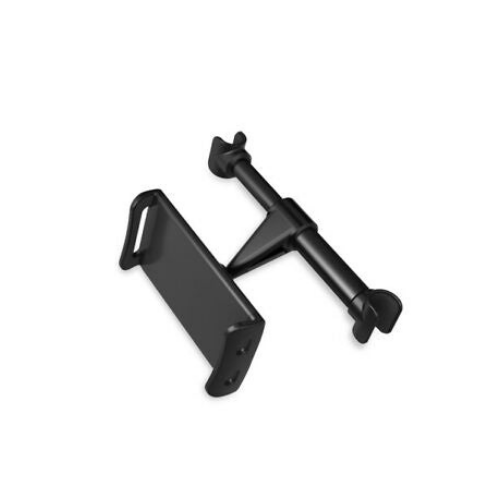

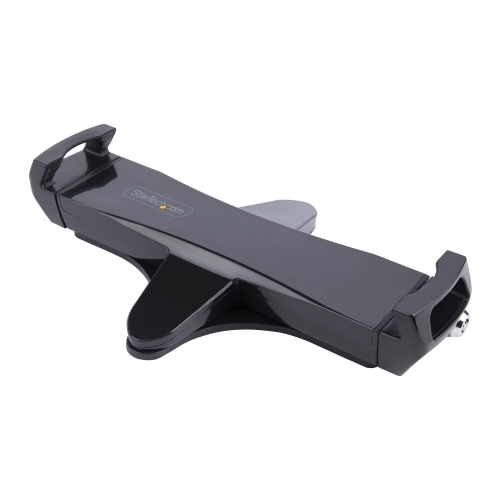
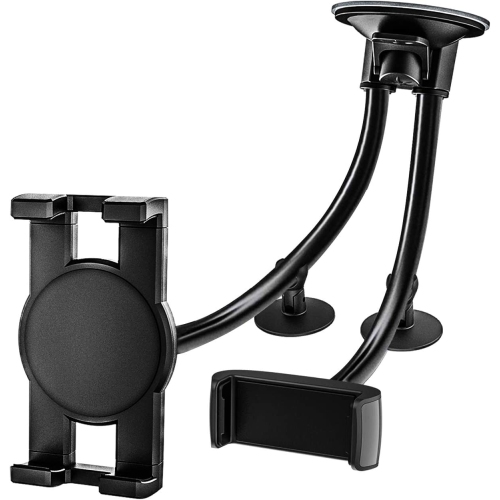
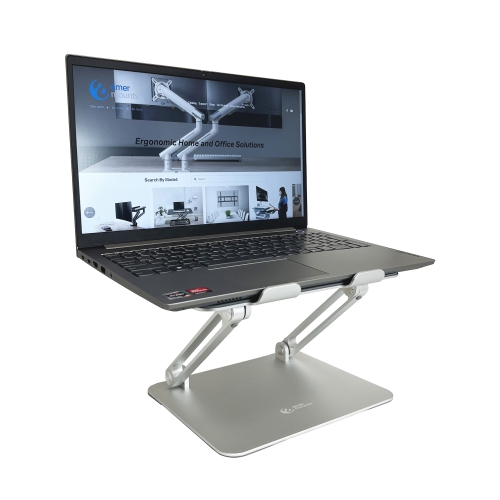
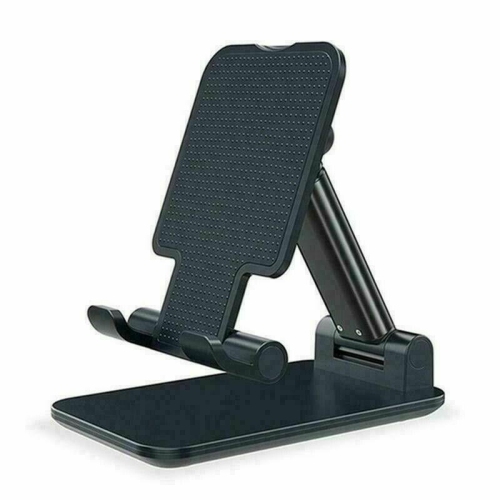
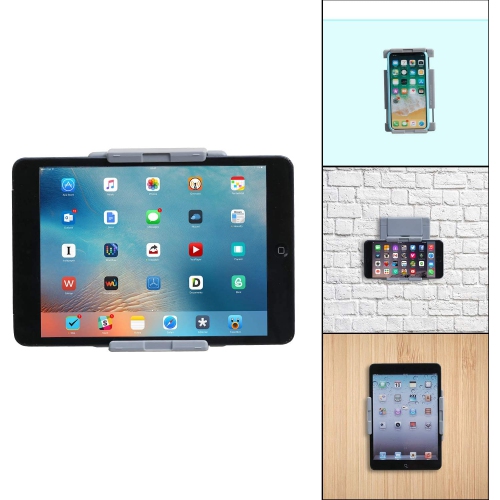
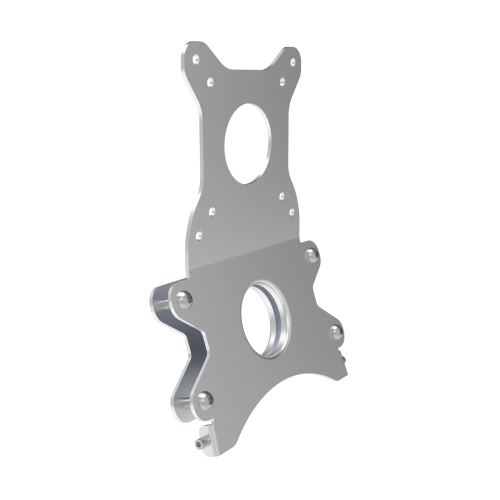
Hands-free tablet viewing with room for everyday tasks
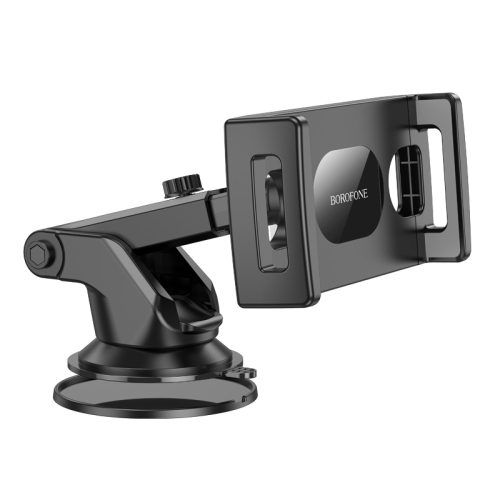
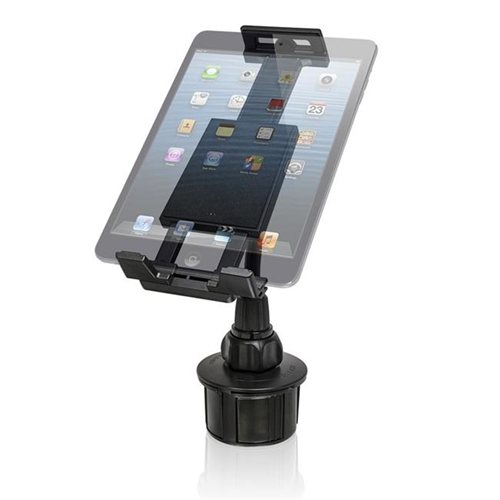
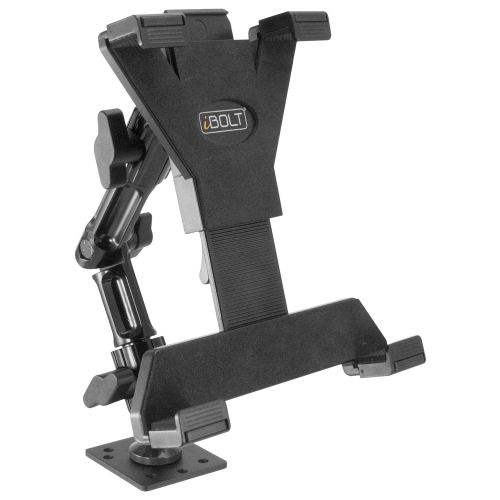
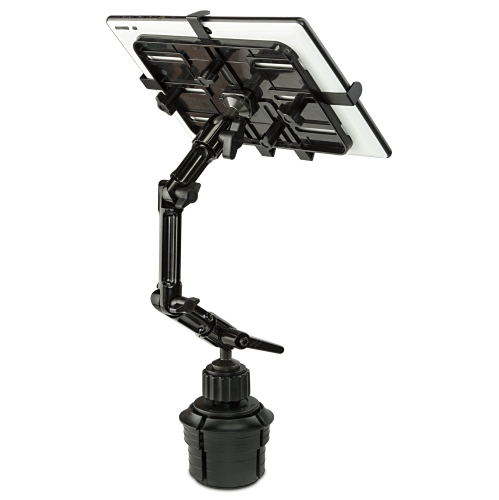
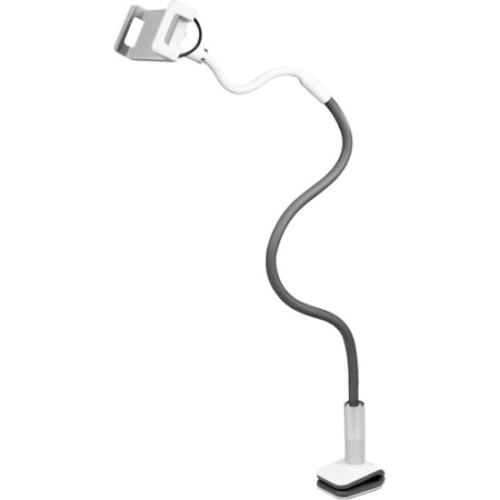
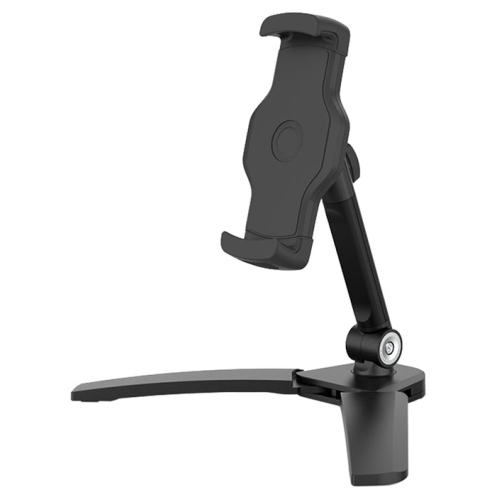
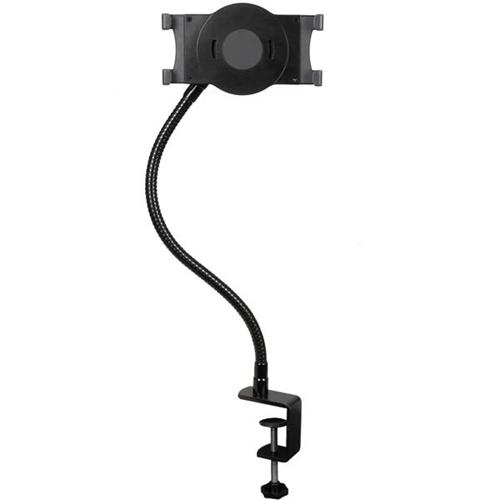
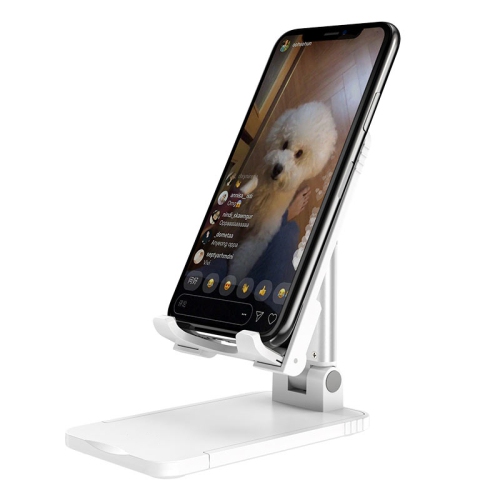
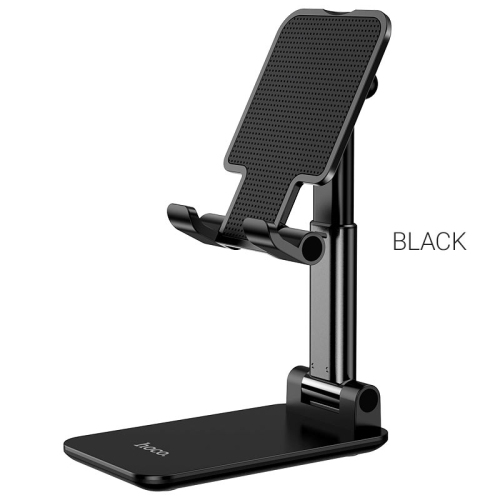
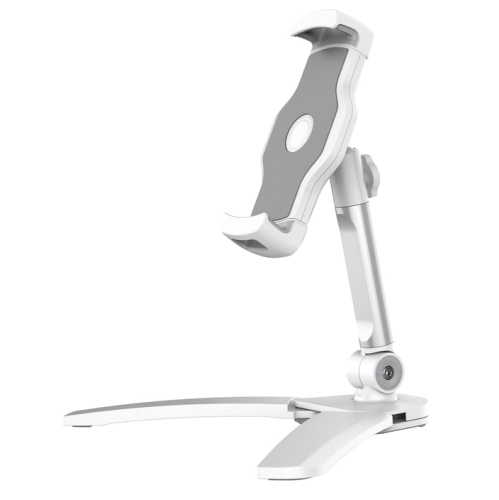
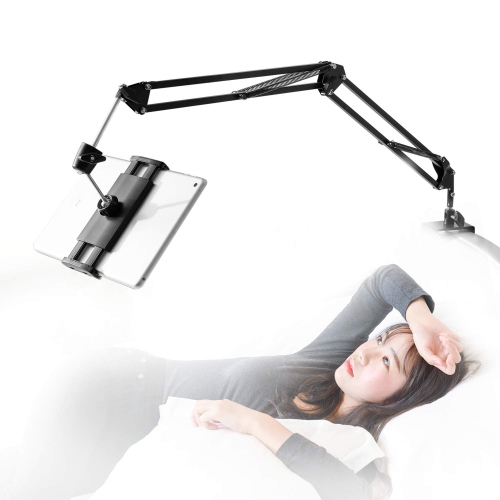
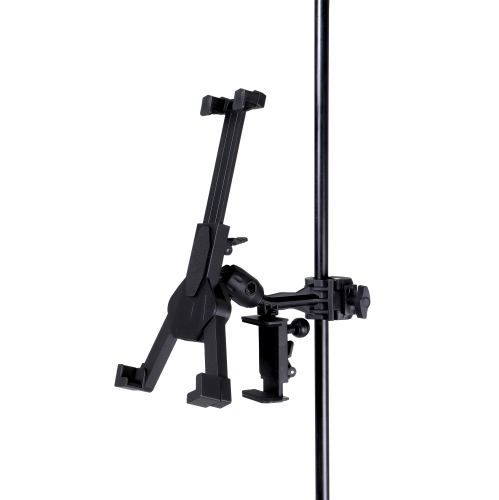
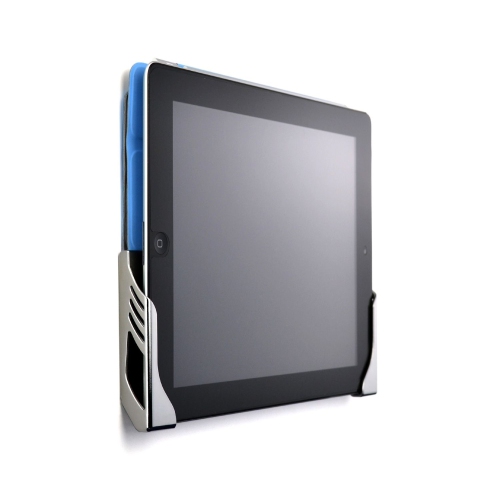
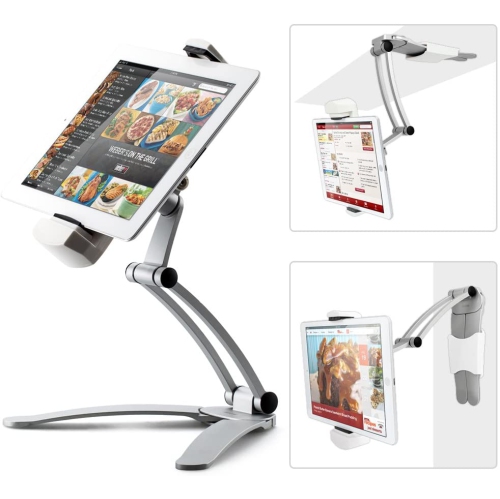
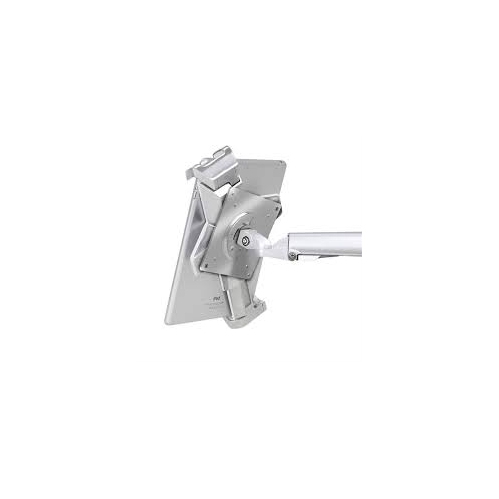
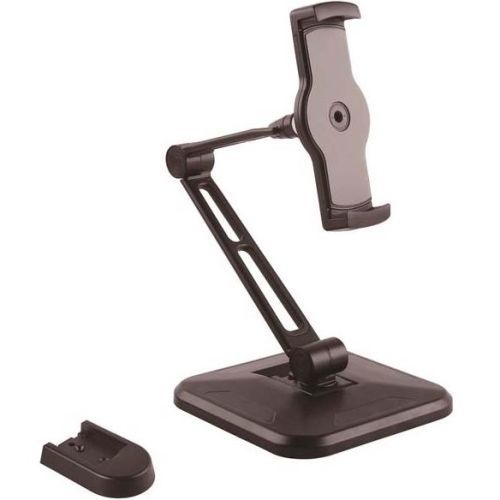
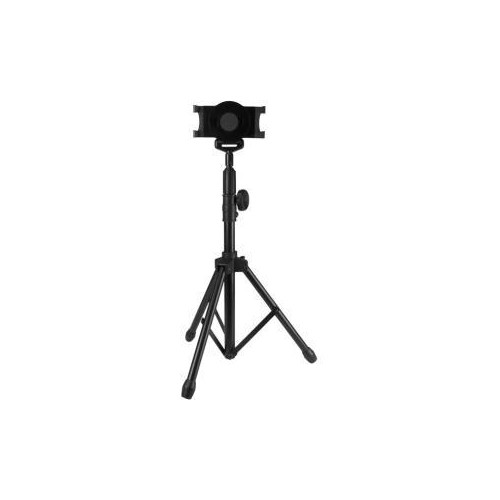
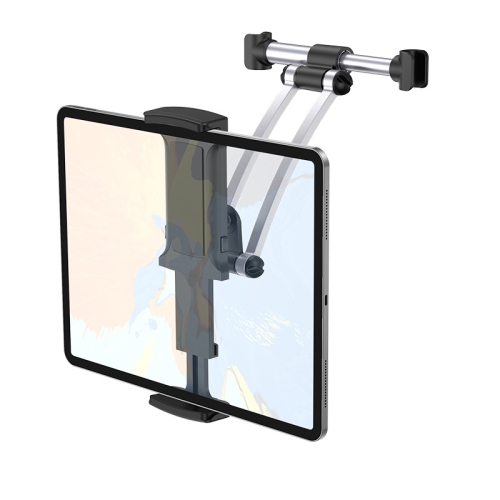
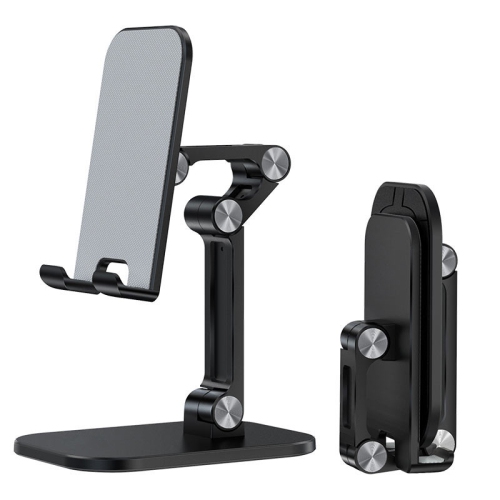
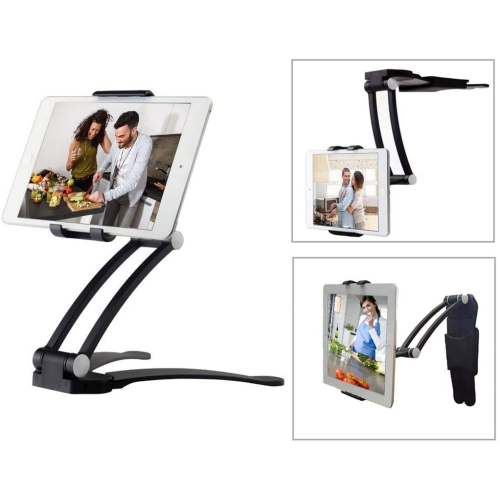
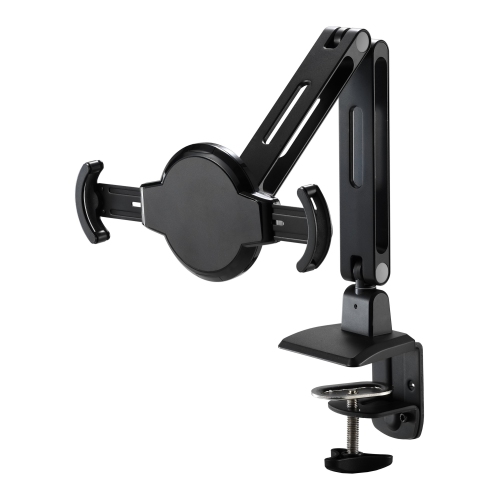
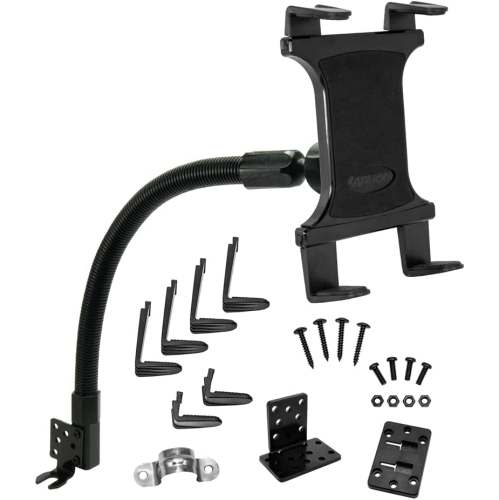
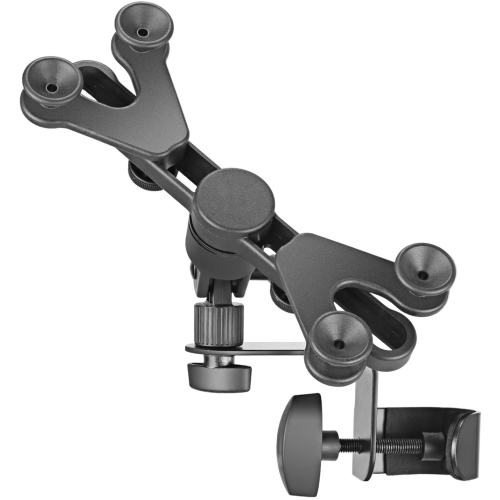
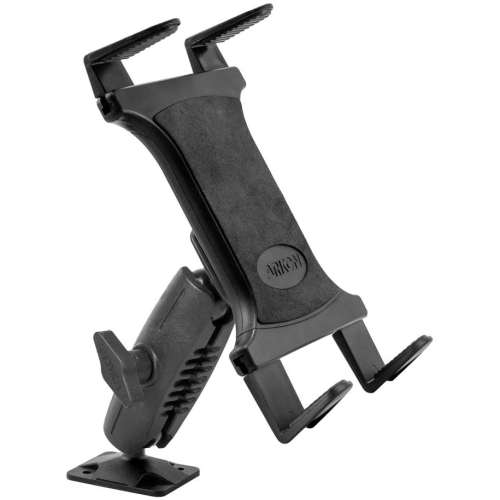
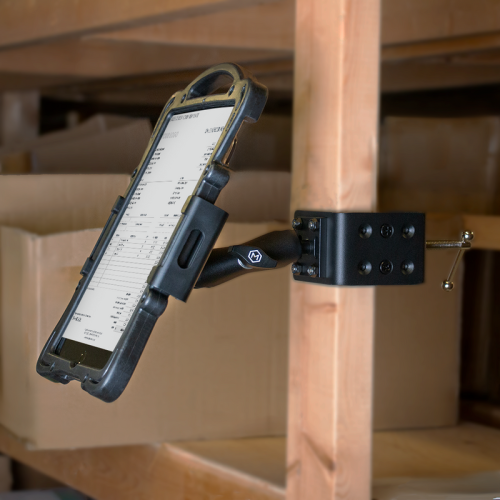
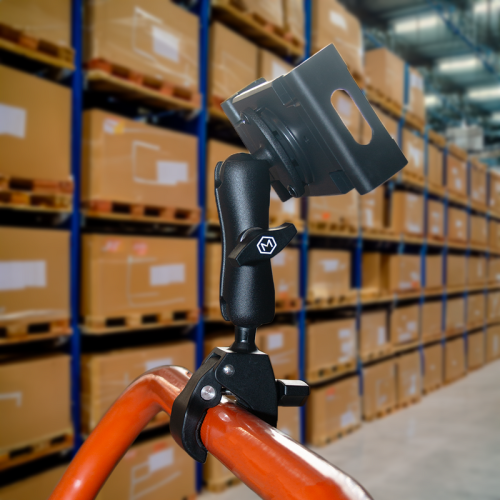
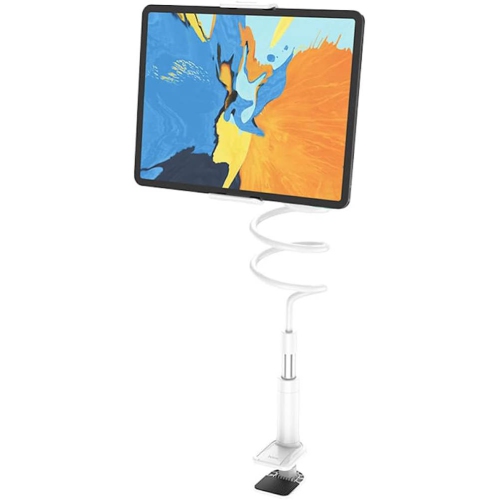
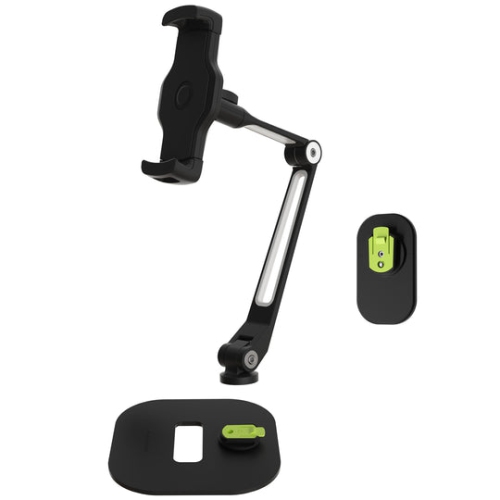
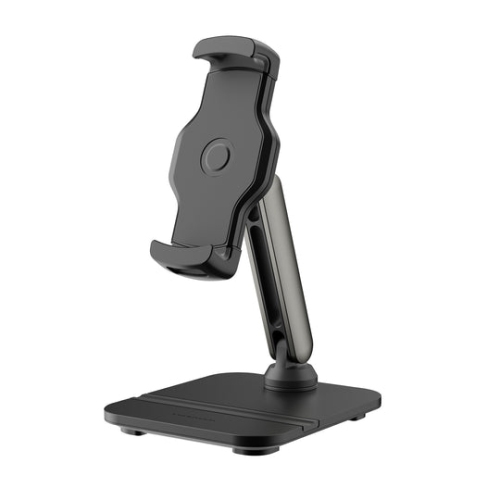
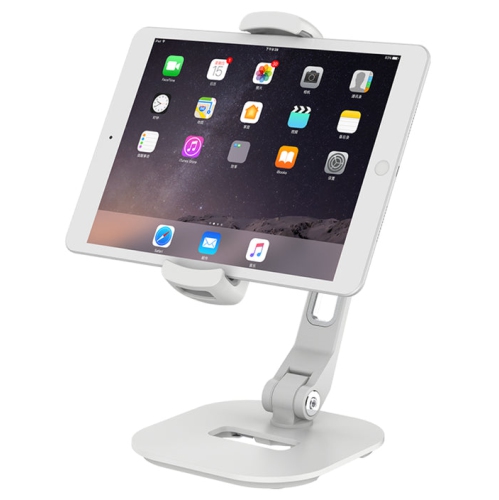
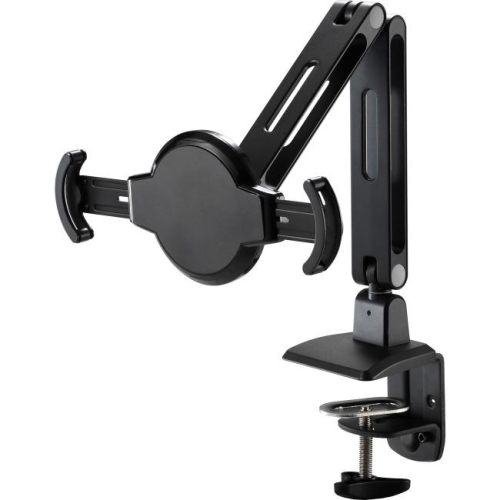
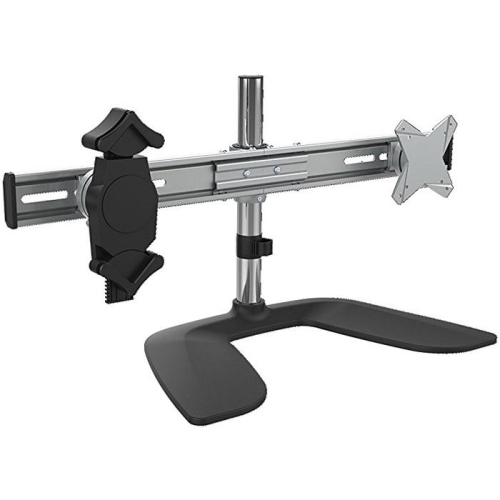
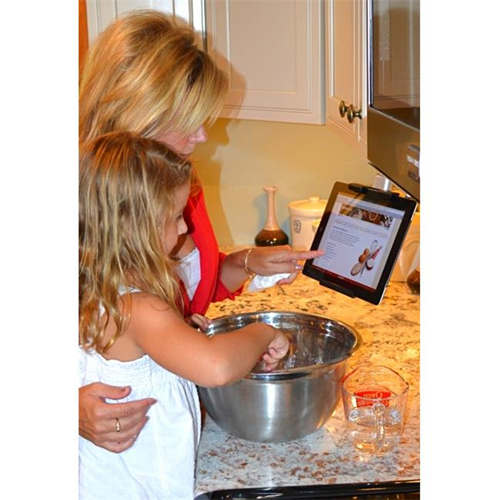
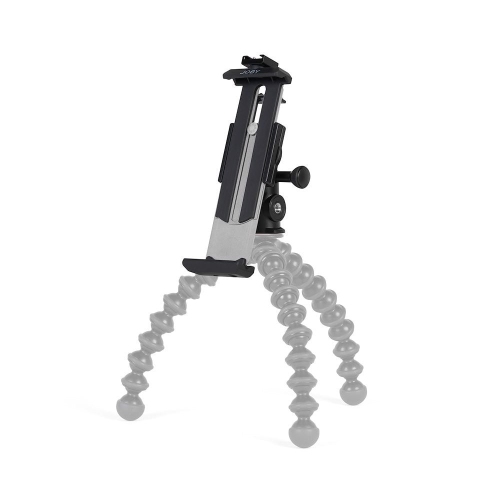
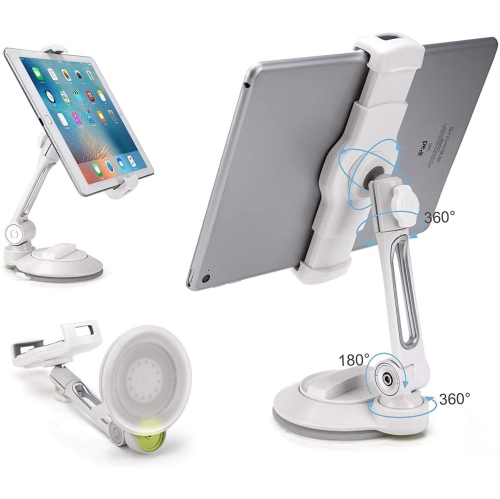
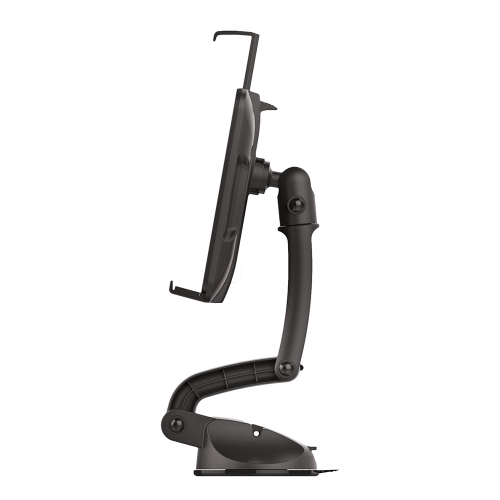
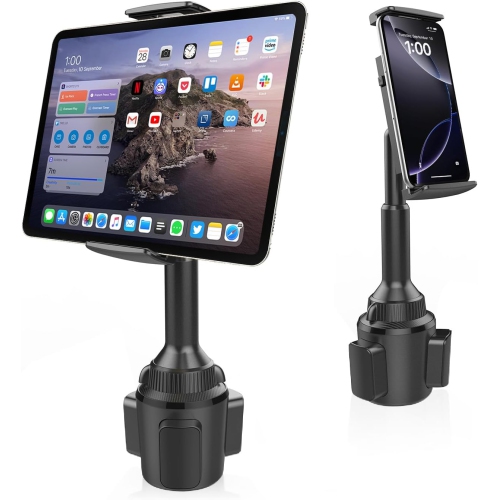
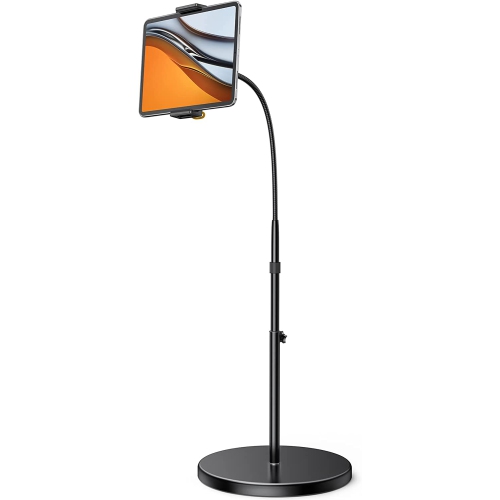
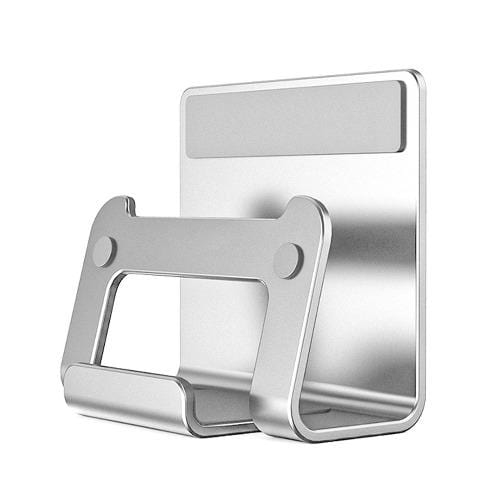
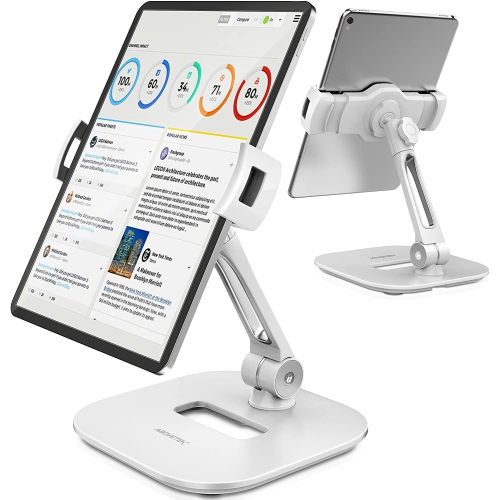
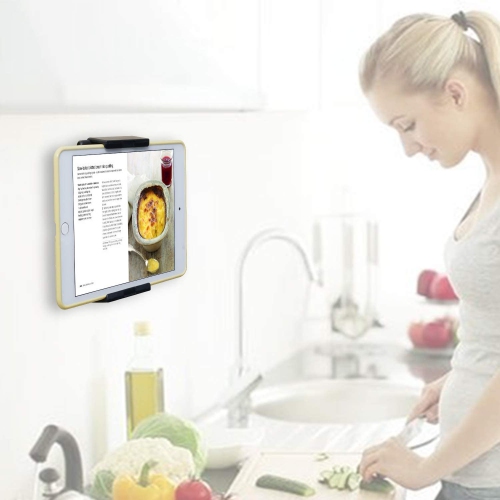
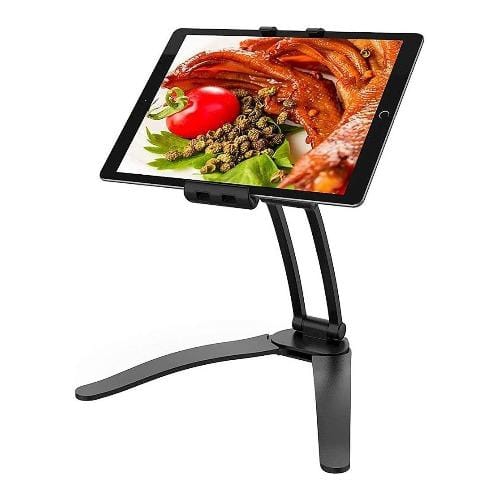
Tablet mounts secure a tablet to a desk, wall, vehicle attachment point, or other compatible surface for hands-free viewing and interaction. They keep the screen visible while leaving room for a keyboard, notebook, cooking utensils, or other everyday essentials. The main types include desk clamps, wall brackets, flexible gooseneck arms, floor stands, vehicle mounts, and locking enclosures, each suited to a different setting. A desk-mounted arm can lift a tablet beside a computer monitor for reference documents or video calls, while a wall mount can keep a shared household calendar in a consistent spot. In a kitchen, an under-cabinet mount can hold a recipe above the worktop, away from food preparation, provided the installation location meets the tablet and mount manufacturers’ requirements. Freestanding holders offer another approach, supporting the tablet on a table without attaching hardware to furniture. The distinction matters in a shared workspace or rental home, where permanent installation may not suit the space. Mounts for tablets also differ in how much movement they allow. A fixed bracket maintains one viewing position, a tilting holder adjusts the screen angle, and an articulated arm can bring the display closer before folding it back. Rotating holders let a tablet switch between portrait orientation for reading and landscape orientation for lessons, films, or presentations. That flexibility is useful when the same device moves between tasks throughout the day. For a student following a live lesson, the mount can hold the camera at a suitable height while keeping the desk clear for written work. For someone reading sheet music, it can position the display within easy sight without occupying a piano’s narrow ledge. Tablet holders can also make thoughtful gifts for people who regularly use their devices for crafts, cooking, video calls, or study, particularly when the tablet model and intended mounting location are known. The right configuration depends as much on the surrounding space and the way the screen is used as it does on the device itself.
Compatibility involves more than the screen’s diagonal measurement. A holder needs to accommodate the tablet’s width, height, thickness, and weight, including a protective case if it will remain fitted during use. Universal tablet mounts usually specify an adjustment range, but that does not mean every tablet or case will fit. Thick corner bumpers, folding covers, rear hand straps, and attached keyboard cases can interfere with gripping points or prevent the tablet from sitting securely. Model-specific holders may provide a closer fit, though compatibility still depends on the stated device version and case requirements. The location of the mount’s jaws or retaining tabs also affects everyday usability: charging ports, speakers, microphones, cameras, and side buttons need suitable clearance. A holder that leaves the charging connection accessible is particularly useful for longer calls or a tablet that serves as a regular information display. Cable clips and channels can help keep a charging lead organized, with enough slack for the arm to move without pulling on the connector. Materials and construction influence both durability and the feel of the mount in use. Aluminium arms can offer rigidity without excessive bulk, while steel components often suit bases, brackets, and joints that carry greater loads. Moulded plastic holders can be lightweight and practical, with durability depending on their design, material quality, and intended load. Silicone or rubber contact pads help cushion the device and improve grip; padding at a desk clamp can also help protect the furniture surface when correctly fitted. A stable mount should support the tablet during ordinary taps and swipes, not just while the screen is untouched. Longer arms create more leverage at the attachment point, and flexible gooseneck designs may move more noticeably during touch input than shorter, rigid supports. Adjustable joint tension can help maintain a chosen angle, but the mount’s stated weight limit remains important. For learning setups, tablet mounts for online classes can support a screen arrangement that leaves space for textbooks, a keyboard, and handwritten notes.
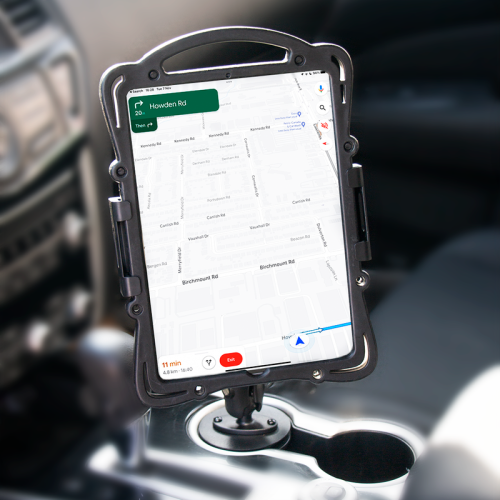
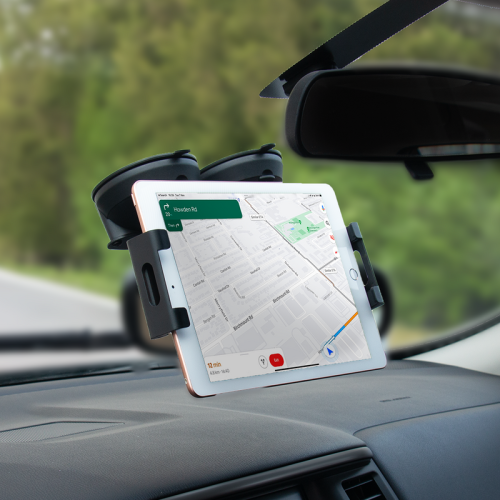
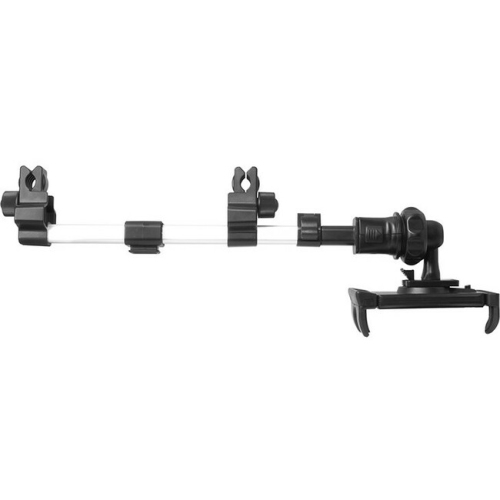
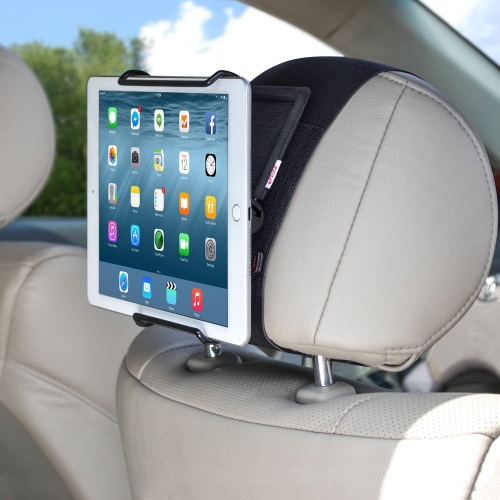
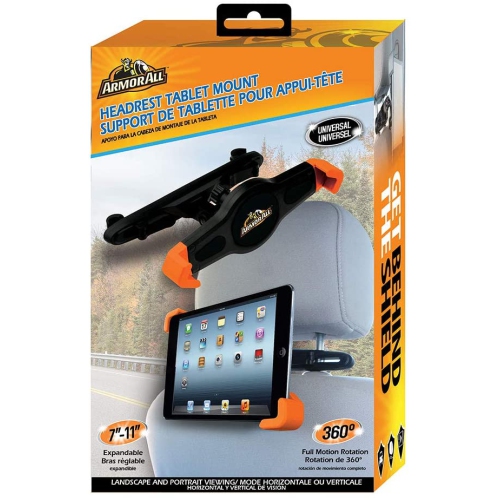
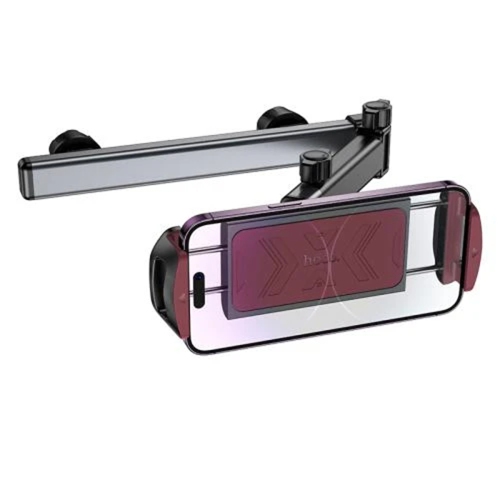
The attachment method determines where a tablet mount can be used safely and how easily it can move between locations. Desk clamps need an edge with compatible thickness and enough clear space underneath; bevelled edges, drawers, and hollow furniture panels can limit the fit. Glass surfaces require particular care and should only be used when the mount and furniture manufacturers permit that installation. Weighted desktop bases avoid clamping, although their footprint and stability matter when the tablet is extended or frequently touched. Wall mounts can free up desk space, but the wall material, fastening method, and combined load determine the appropriate installation hardware. Adhesive and suction attachments have surface and load requirements of their own and are not interchangeable with screw-mounted brackets. In vehicles, headrest mounts are intended to hold a screen for passengers, with compatibility depending on the headrest design, attachment dimensions, and tablet size. Any installation needs to avoid obstructing the driver’s view, vehicle controls, seat adjustments, seat belts, or airbag deployment areas. Commercial tablet mounts serve a different purpose again, supporting reception check-ins, digital menus, appointment information, or customer-facing displays. Locking enclosures can help deter casual removal, while covered fixings and controlled cable routing can make a public-facing installation tidier. Access to ventilation, charging, and any required camera or card reader remains important, especially when a tablet stays mounted for long periods. At home, quick-release holders can make it easier to take a tablet from its mount for reading on the sofa, while a more fixed arrangement may suit a dedicated workstation. Routine care is generally straightforward: dust can be removed with a soft cloth, and contact pads can be cleaned according to the manufacturer’s directions. Abrasive cleaners and unsuitable solvents may damage finishes or gripping surfaces. Periodic checks for loose fasteners, worn pads, cracked parts, or joints that no longer hold their position help keep the setup dependable. A well-matched tablet mount brings the screen into a useful position, holds it securely for its intended task, and fits naturally into the space around it.
Compatibility involves more than the screen’s diagonal measurement. A holder needs to accommodate the tablet’s width, height, thickness, and weight, including a protective case if it will remain fitted during use. Universal tablet mounts usually specify an adjustment range, but that does not mean every tablet or case will fit. Thick corner bumpers, folding covers, rear hand straps, and attached keyboard cases can interfere with gripping points or prevent the tablet from sitting securely. Model-specific holders may provide a closer fit, though compatibility still depends on the stated device version and case requirements. The location of the mount’s jaws or retaining tabs also affects everyday usability: charging ports, speakers, microphones, cameras, and side buttons need suitable clearance. A holder that leaves the charging connection accessible is particularly useful for longer calls or a tablet that serves as a regular information display. Cable clips and channels can help keep a charging lead organized, with enough slack for the arm to move without pulling on the connector. Materials and construction influence both durability and the feel of the mount in use. Aluminium arms can offer rigidity without excessive bulk, while steel components often suit bases, brackets, and joints that carry greater loads. Moulded plastic holders can be lightweight and practical, with durability depending on their design, material quality, and intended load. Silicone or rubber contact pads help cushion the device and improve grip; padding at a desk clamp can also help protect the furniture surface when correctly fitted. A stable mount should support the tablet during ordinary taps and swipes, not just while the screen is untouched. Longer arms create more leverage at the attachment point, and flexible gooseneck designs may move more noticeably during touch input than shorter, rigid supports. Adjustable joint tension can help maintain a chosen angle, but the mount’s stated weight limit remains important. For learning setups, tablet mounts for online classes can support a screen arrangement that leaves space for textbooks, a keyboard, and handwritten notes.
The attachment method determines where a tablet mount can be used safely and how easily it can move between locations. Desk clamps need an edge with compatible thickness and enough clear space underneath; bevelled edges, drawers, and hollow furniture panels can limit the fit. Glass surfaces require particular care and should only be used when the mount and furniture manufacturers permit that installation. Weighted desktop bases avoid clamping, although their footprint and stability matter when the tablet is extended or frequently touched. Wall mounts can free up desk space, but the wall material, fastening method, and combined load determine the appropriate installation hardware. Adhesive and suction attachments have surface and load requirements of their own and are not interchangeable with screw-mounted brackets. In vehicles, headrest mounts are intended to hold a screen for passengers, with compatibility depending on the headrest design, attachment dimensions, and tablet size. Any installation needs to avoid obstructing the driver’s view, vehicle controls, seat adjustments, seat belts, or airbag deployment areas. Commercial tablet mounts serve a different purpose again, supporting reception check-ins, digital menus, appointment information, or customer-facing displays. Locking enclosures can help deter casual removal, while covered fixings and controlled cable routing can make a public-facing installation tidier. Access to ventilation, charging, and any required camera or card reader remains important, especially when a tablet stays mounted for long periods. At home, quick-release holders can make it easier to take a tablet from its mount for reading on the sofa, while a more fixed arrangement may suit a dedicated workstation. Routine care is generally straightforward: dust can be removed with a soft cloth, and contact pads can be cleaned according to the manufacturer’s directions. Abrasive cleaners and unsuitable solvents may damage finishes or gripping surfaces. Periodic checks for loose fasteners, worn pads, cracked parts, or joints that no longer hold their position help keep the setup dependable. A well-matched tablet mount brings the screen into a useful position, holds it securely for its intended task, and fits naturally into the space around it.
Top selling and popular products
-
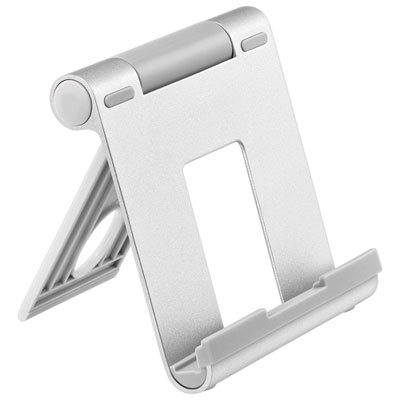 Your price for this item is $18.97
 -
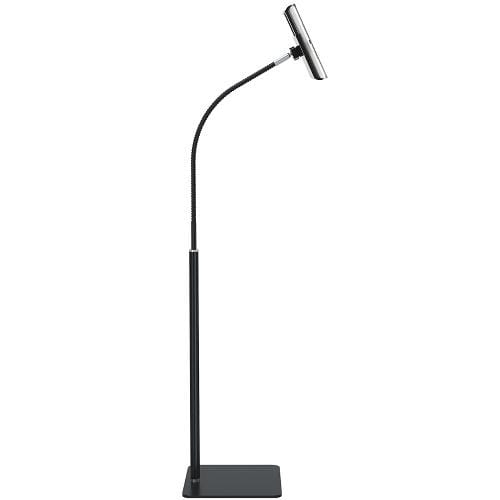 Your price for this item is $129
 -
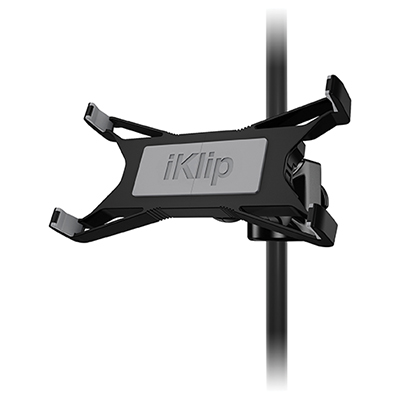 Your price for this item is $59.99
 -
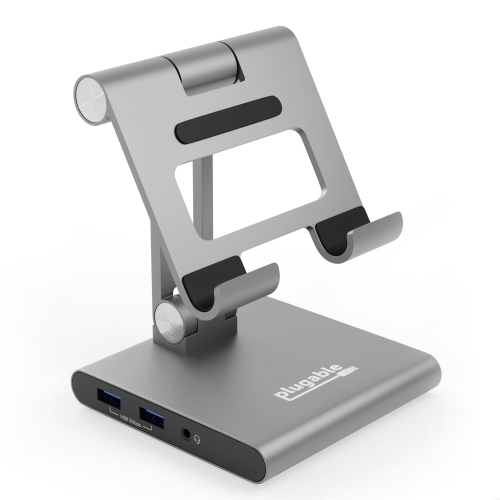 Your price for this item is $134.94
 -
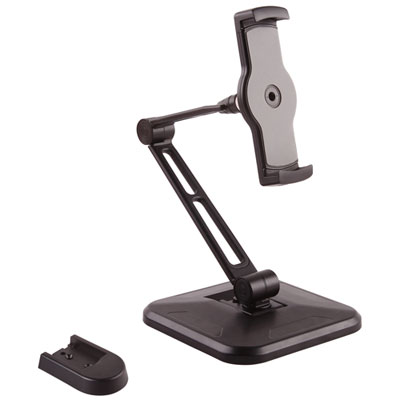 Your price for this item is $65.99
 -
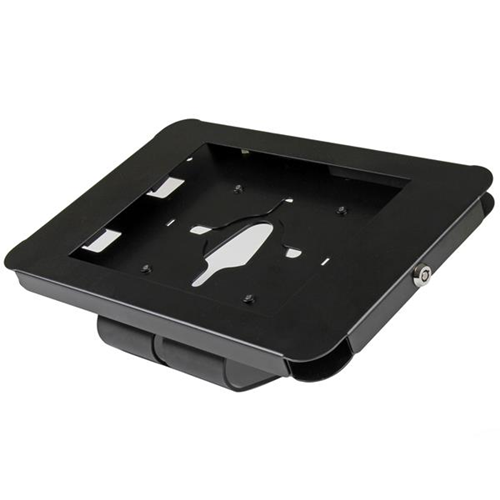 Your price for this item is $72.68
 -
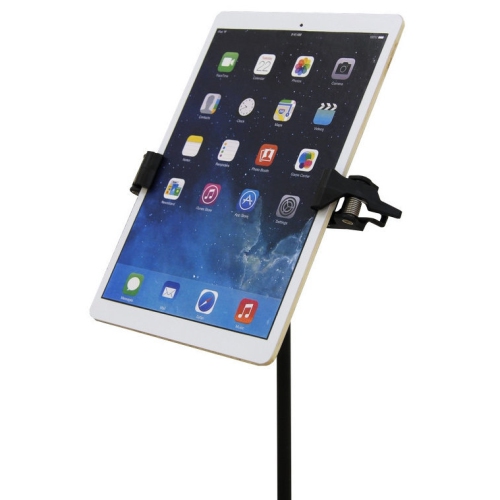 Your price for this item is $74.99
 -
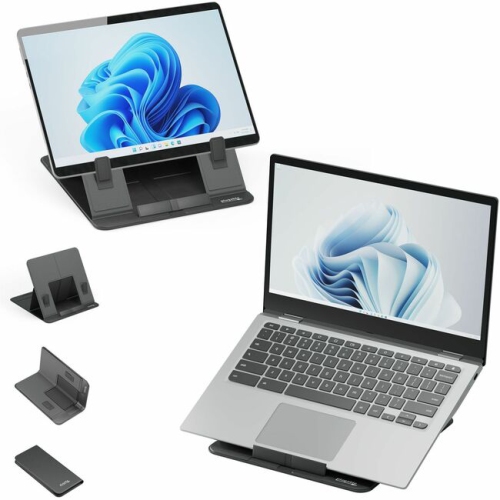 Your price for this item is $73.97
Discover more categories related to Mounts for Tablets
Top Collections:
Pokemon Centers, Kindle Devices, Best Budget Office Chairs, Apple iPhones 16, Best Laptops for Writers, iPhone 15 Apple, Canon G7X Cameras, Refurbished Apple Laptops, Alarm Clock, Motorola Razr Phones
Some products may be subject to Environmental Handling Fees
(EHF) depending on your province.
Learn more about EHFs.