Negative And Slide Scanners
Looking to preserve your cherished memories captured on negatives and slides? Look no further! Our collection of negative and slide scanners offers a convenient and efficient way to digitize your old film photographs. Whether you're a photography enthusiast or simply want to relive those special moments, these scanners are designed to deliver exceptional image quality and ease of use. Say goodbye to the hassle of traditional scanning methods and unlock a world of digital possibilities with our range of negative and slide scanners.
Sort
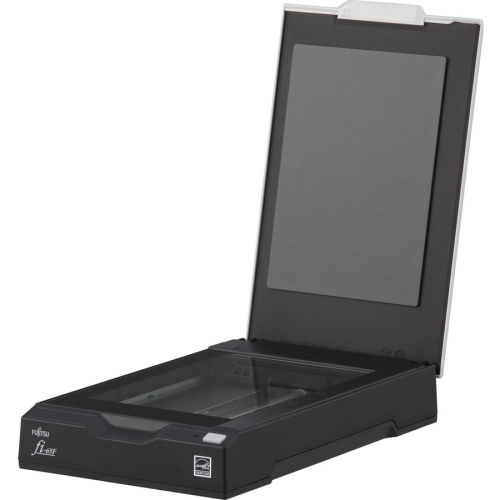
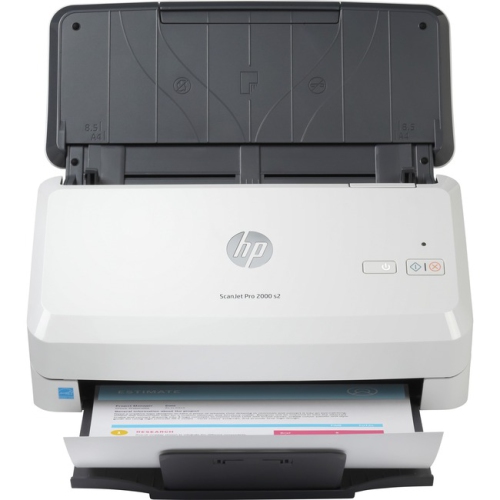
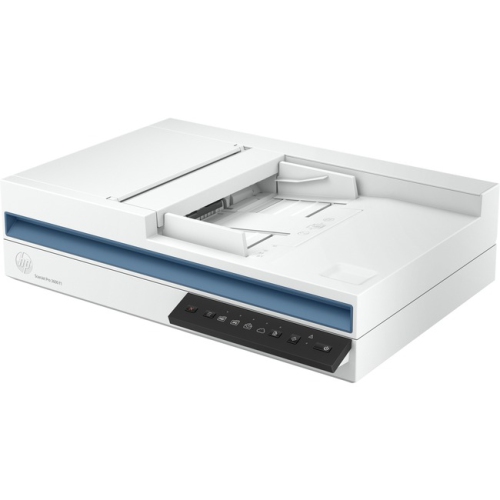
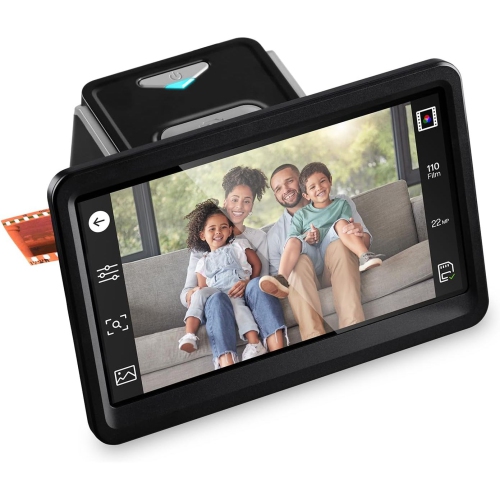
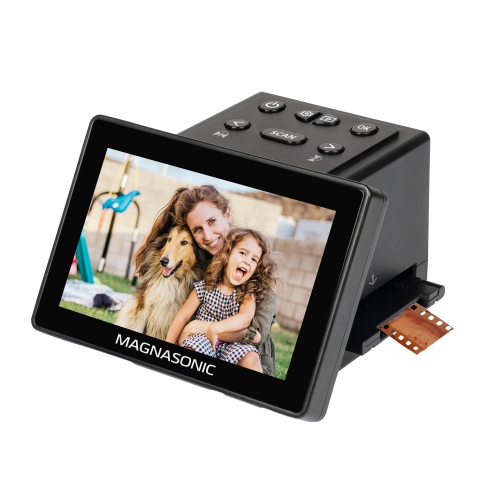
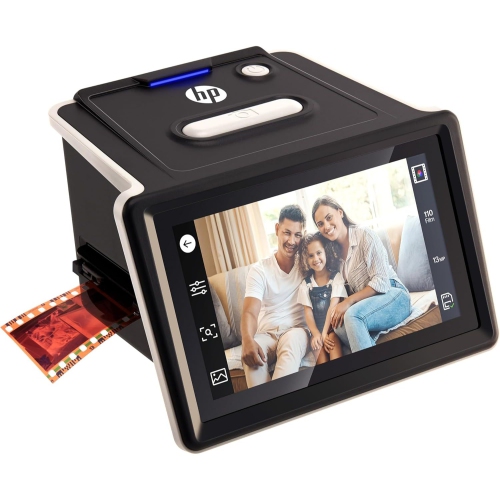
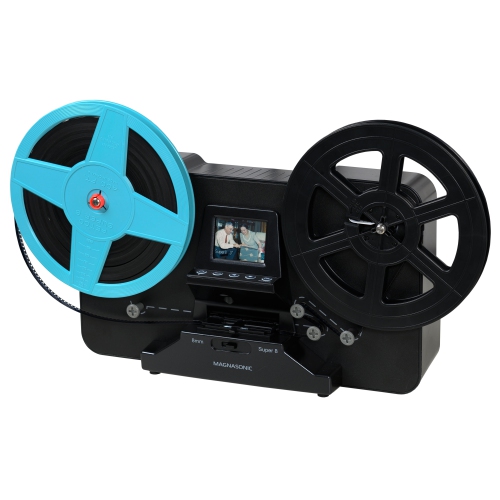
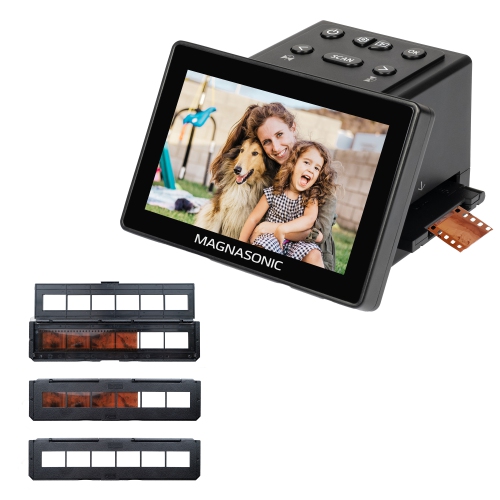
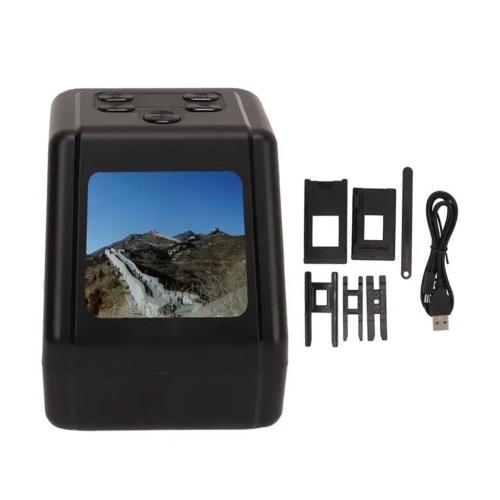

From stored film to a shareable digital photo library
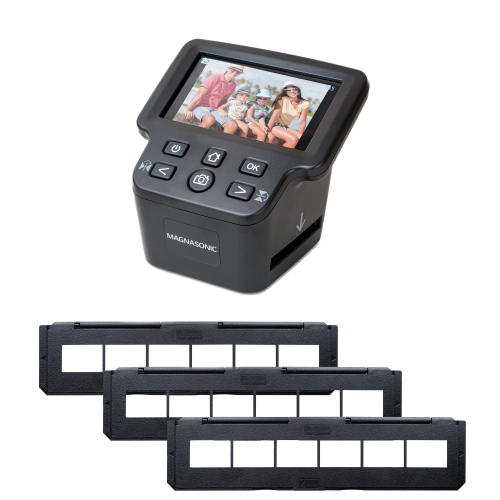
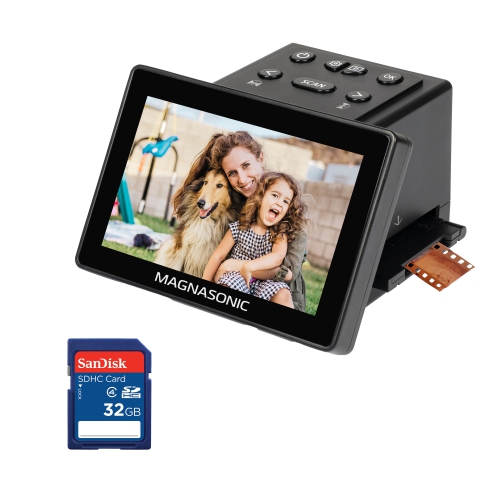
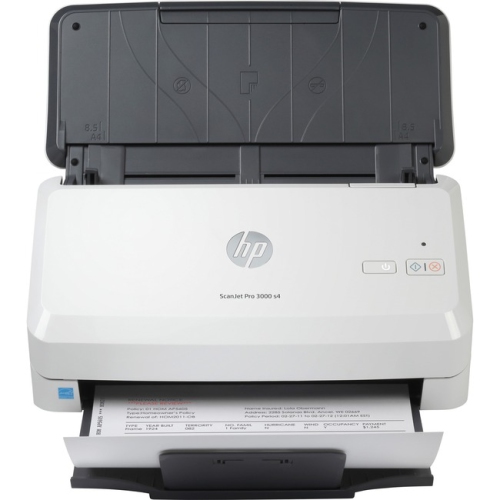
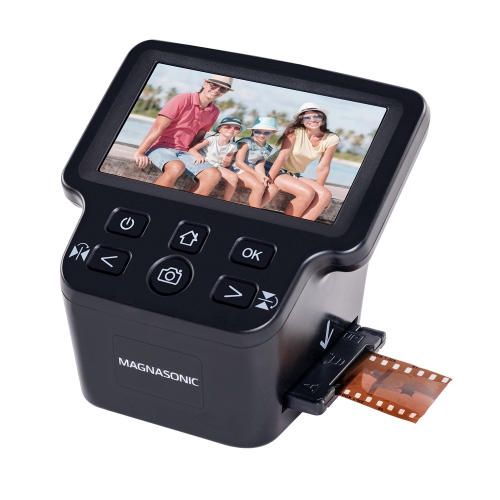
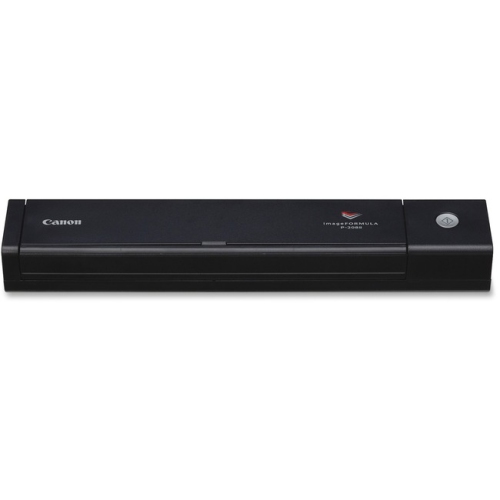
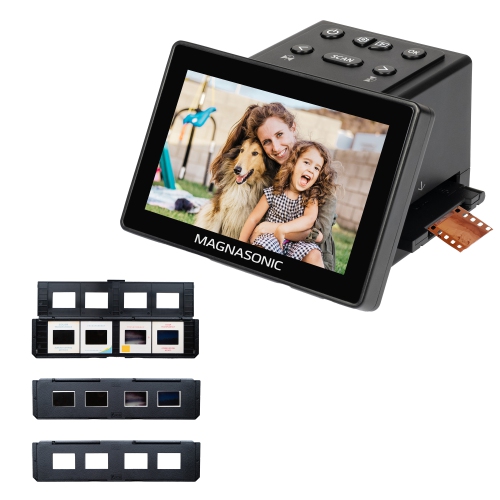
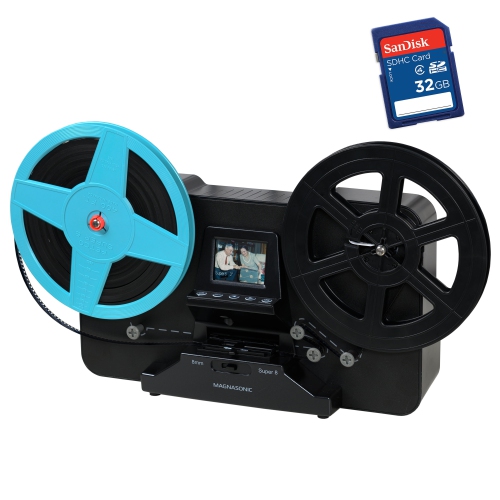
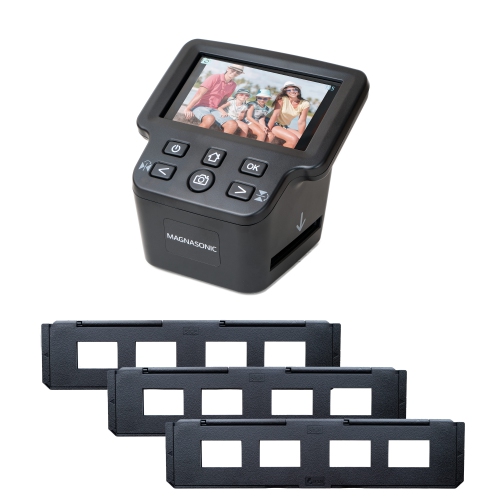
Negative and slide scanners convert developed photographic film into digital images that can be viewed, shared, organized, and printed without a slide projector or darkroom. They illuminate the film from behind and capture the image with a sensor, turning the small frames on a negative strip or mounted slide into files for a computer, compatible memory card, or other supported storage. Colour negatives require their tones and colours to be inverted, while slides already contain a positive image; scanners with the appropriate film settings handle these differences during capture or processing. For families, these devices can bring a box of childhood portraits, wedding slides, or long-forgotten travel photographs into a digital photo library. For film photographers, they provide a connection between shooting on film and editing or sharing images digitally. The right format support matters more than the age of the photographs. Although 35mm negatives and mounted slides are common, smaller formats such as 110 and 126 require compatible holders and explicit scanner support. Medium-format film needs equipment with a suitably sized scanning area rather than a standard 35mm holder. Even slide mounts can vary in thickness, so the fit of a holder or feed mechanism deserves attention when a collection contains both cardboard and plastic mounts. A film scanner is also different from an ordinary document scanner: transparent film needs transmitted light, whereas paper photographs are scanned using reflected light. Some flatbed scanners include a transparency unit and film holders, making them useful for mixed collections of prints and negatives, but a flatbed without those features is not a substitute for a film-capable device. These distinctions make negative and slide scanners relevant to several kinds of projects, from creating a shared family album to building an organized archive of original film photography. They can also make a thoughtful gift for a photography enthusiast or the relative who has become the keeper of family pictures, provided the scanner matches the film formats and working style involved.
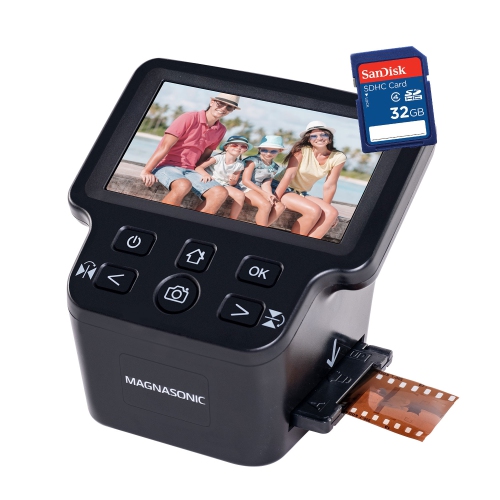
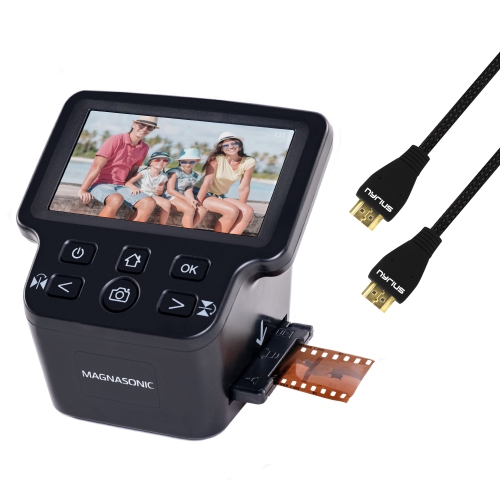
The main differences between negative and slide scanners lie in how they capture images, how much control they offer, and where the finished files go. Standalone film converters typically use a built-in digital imaging sensor and an illuminated film holder, with a screen for previewing the frame and making supported adjustments. Many save JPEG files directly to a compatible memory card, allowing basic conversion without a computer connection during capture. Screen size and viewing angle can affect how comfortably someone checks framing, particularly when working through numerous slides at a table. Computer-connected film scanners generally rely on scanning software and may offer finer control over exposure, colour balance, output resolution, and file format. A supported USB connection alone does not guarantee compatibility; operating system requirements, drivers, and included software also matter. Optical resolution describes the detail a scanner can capture, while an interpolated resolution uses software to increase the number of pixels without capturing additional original detail. Megapixel figures and dots-per-inch ratings therefore need context rather than a direct comparison based on the largest number. For images destined for digital albums or everyday viewing, convenient operation and consistent colour may be more useful than the largest possible output file. For substantial cropping or larger prints, genuine captured detail becomes more important. Shadow handling also makes a difference with dense slides, where subtle features in dark clothing or shaded doorways can be difficult to retain. Those working with demanding film collections may find Professional Slide Scanners relevant when comparing options for more detailed capture and greater processing control. Depending on the model, features may include higher-bit-depth output, TIFF files, multiple-pass capture, or infrared dust and scratch detection. Infrared cleaning is not suitable for every film type: traditional silver-based black-and-white negatives and some slide emulsions can require different treatment. No scanner can restore detail that was never captured in the original photograph, and faded dyes, motion blur, or heavy scratches may still call for careful editing after scanning.
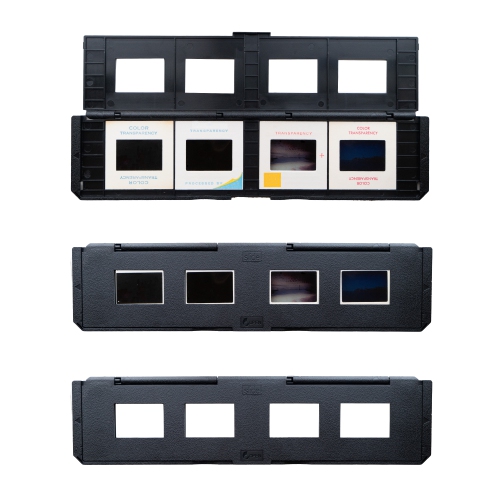
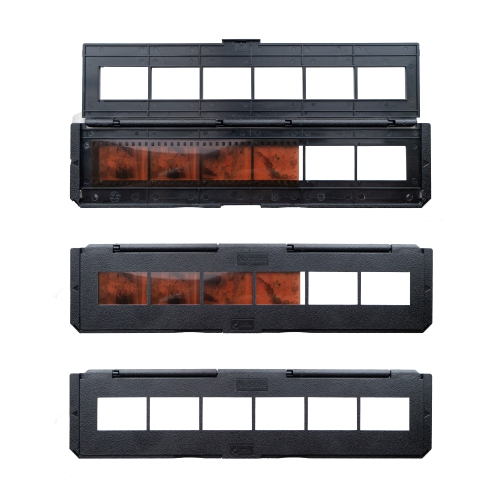
Everyday usability becomes especially important when a project involves hundreds of frames rather than a handful of favourite photographs. Film holders keep strips aligned and help maintain a consistent position during capture, so their construction and handling can influence both image quality and comfort. Rigid holders with smooth contact surfaces, secure closures, and clearly marked loading positions are useful for repeated work, while awkward clips or a poor fit can make fragile film harder to handle. A compact scanner may suit a desk that serves several purposes, but there still needs to be room for incoming film, scanned material, and any connected computer or storage accessories. Power requirements also vary; a device that saves images without a computer may still need a wall adapter or another specified power source. Hands-on time often includes loading, previewing, adjusting, saving, and naming files, not just the capture itself. Automatic feeding or multi-frame holders can reduce some of that effort where supported, although mount condition and film curl may affect reliable operation. Careful handling helps protect both the originals and the scanner. Holding film by its edges, using clean lint-free gloves where appropriate, and removing loose dust with a suitable photographic blower can reduce fingerprints and visible specks. Film-cleaning methods should suit the material, and household cleaners should not be applied to negatives, slides, or scanner optics. Damaged, brittle, or unusually curled film may need specialist attention before loading. Keeping the scanning area clean and covering or storing the device as directed helps limit dust around the light source and capture area. Once images are digitized, consistent filenames and folders make a collection easier to use: a family name, location, and approximate year can provide more meaning than a string of automatically assigned numbers. Saving an untouched master file alongside edited copies preserves flexibility, while separate backup copies reduce the risk of losing the work. The physical negatives and slides remain valuable originals, even after their digital versions are ready for sharing.
The main differences between negative and slide scanners lie in how they capture images, how much control they offer, and where the finished files go. Standalone film converters typically use a built-in digital imaging sensor and an illuminated film holder, with a screen for previewing the frame and making supported adjustments. Many save JPEG files directly to a compatible memory card, allowing basic conversion without a computer connection during capture. Screen size and viewing angle can affect how comfortably someone checks framing, particularly when working through numerous slides at a table. Computer-connected film scanners generally rely on scanning software and may offer finer control over exposure, colour balance, output resolution, and file format. A supported USB connection alone does not guarantee compatibility; operating system requirements, drivers, and included software also matter. Optical resolution describes the detail a scanner can capture, while an interpolated resolution uses software to increase the number of pixels without capturing additional original detail. Megapixel figures and dots-per-inch ratings therefore need context rather than a direct comparison based on the largest number. For images destined for digital albums or everyday viewing, convenient operation and consistent colour may be more useful than the largest possible output file. For substantial cropping or larger prints, genuine captured detail becomes more important. Shadow handling also makes a difference with dense slides, where subtle features in dark clothing or shaded doorways can be difficult to retain. Those working with demanding film collections may find Professional Slide Scanners relevant when comparing options for more detailed capture and greater processing control. Depending on the model, features may include higher-bit-depth output, TIFF files, multiple-pass capture, or infrared dust and scratch detection. Infrared cleaning is not suitable for every film type: traditional silver-based black-and-white negatives and some slide emulsions can require different treatment. No scanner can restore detail that was never captured in the original photograph, and faded dyes, motion blur, or heavy scratches may still call for careful editing after scanning.
Everyday usability becomes especially important when a project involves hundreds of frames rather than a handful of favourite photographs. Film holders keep strips aligned and help maintain a consistent position during capture, so their construction and handling can influence both image quality and comfort. Rigid holders with smooth contact surfaces, secure closures, and clearly marked loading positions are useful for repeated work, while awkward clips or a poor fit can make fragile film harder to handle. A compact scanner may suit a desk that serves several purposes, but there still needs to be room for incoming film, scanned material, and any connected computer or storage accessories. Power requirements also vary; a device that saves images without a computer may still need a wall adapter or another specified power source. Hands-on time often includes loading, previewing, adjusting, saving, and naming files, not just the capture itself. Automatic feeding or multi-frame holders can reduce some of that effort where supported, although mount condition and film curl may affect reliable operation. Careful handling helps protect both the originals and the scanner. Holding film by its edges, using clean lint-free gloves where appropriate, and removing loose dust with a suitable photographic blower can reduce fingerprints and visible specks. Film-cleaning methods should suit the material, and household cleaners should not be applied to negatives, slides, or scanner optics. Damaged, brittle, or unusually curled film may need specialist attention before loading. Keeping the scanning area clean and covering or storing the device as directed helps limit dust around the light source and capture area. Once images are digitized, consistent filenames and folders make a collection easier to use: a family name, location, and approximate year can provide more meaning than a string of automatically assigned numbers. Saving an untouched master file alongside edited copies preserves flexibility, while separate backup copies reduce the risk of losing the work. The physical negatives and slides remain valuable originals, even after their digital versions are ready for sharing.
Top selling and popular products
-
 Your price for this item is $849.99
 -
 Your price for this item is $107.99
 -
 Your price for this item is $149.99
 -
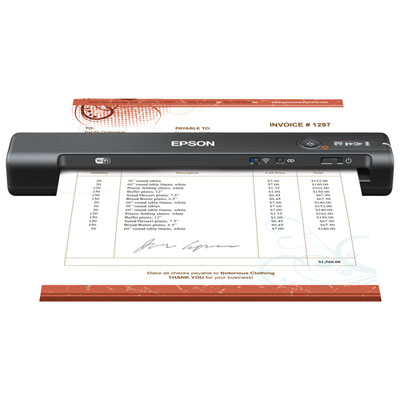 Your price for this item is $239.99
 -
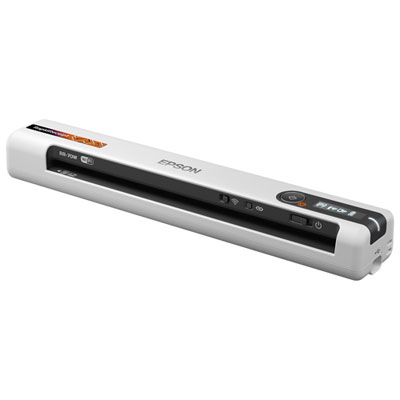 Your price for this item is $369.99
 -
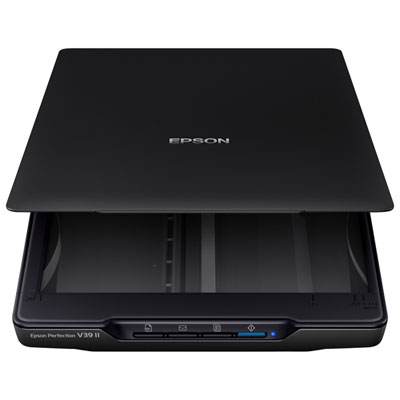 Your price for this item is $129.99
 -
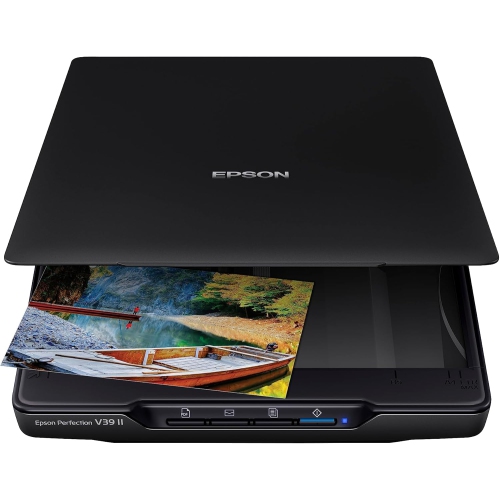 Your price for this item is $228.99
 -
 Your price for this item is $804
Discover more categories related to Negative And Slide Scanners
Top Collections:
Pokemon Centers, Kindle Devices, Best Budget Office Chairs, Apple iPhones 16, Best Laptops for Writers, iPhone 15 Apple, Canon G7X Cameras, Refurbished Apple Laptops, Alarm Clock, Motorola Razr Phones
Some products may be subject to Environmental Handling Fees
(EHF) depending on your province.
Learn more about EHFs.