Notebook Screens
Explore a diverse selection of notebook screens designed to enhance your computing experience. Whether you're upgrading an existing device or replacing a damaged screen, our range offers options to suit various models and preferences. From vivid displays that bring visuals to life to durable designs for everyday use, finding the perfect fit for your notebook is seamless. Dive into our collection and discover how the right screen can transform your digital workspace, offering clarity and comfort for all your tasks.
Sort
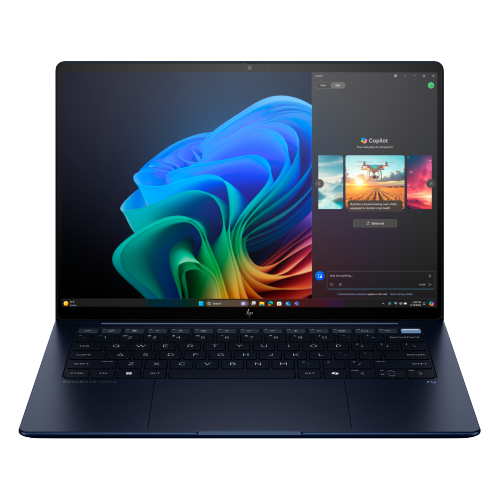
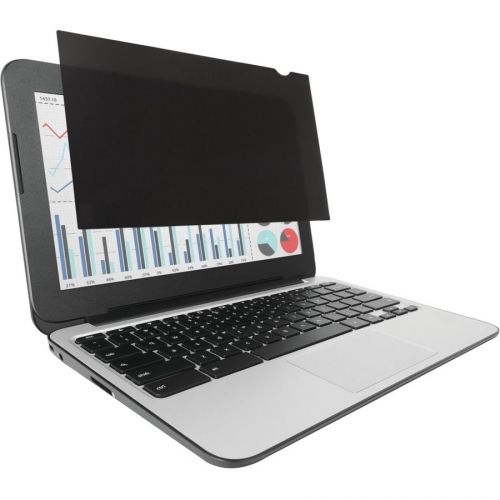
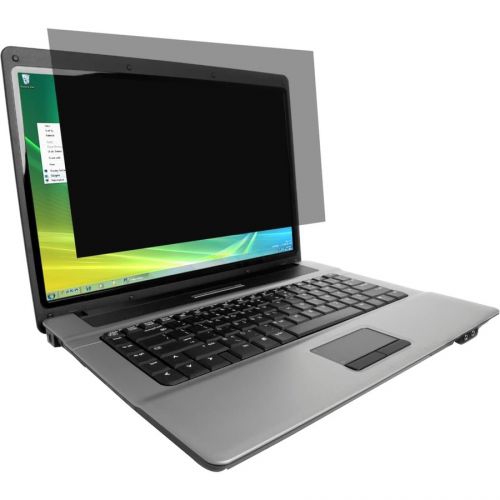

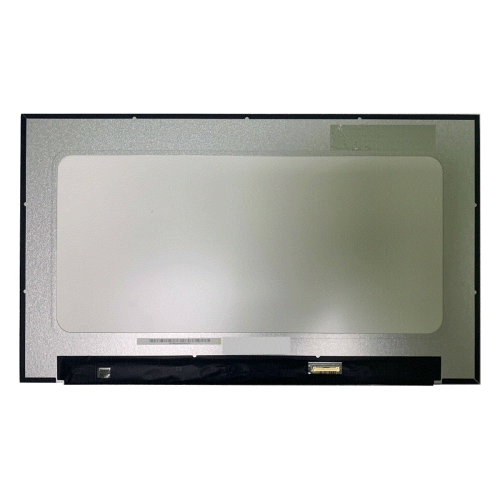
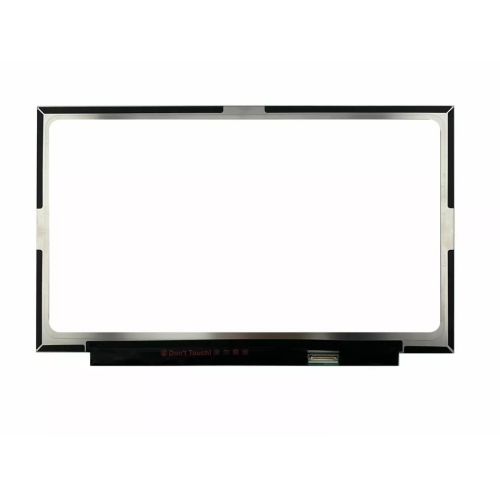
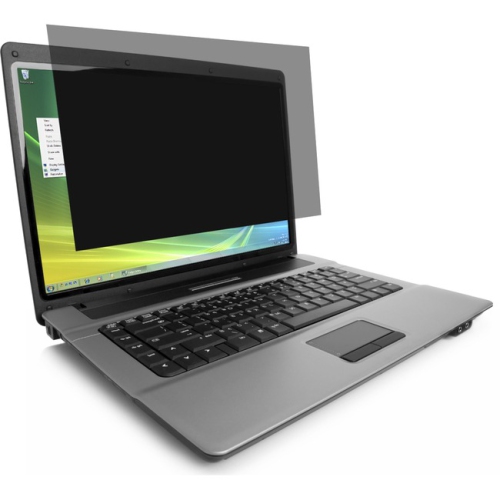
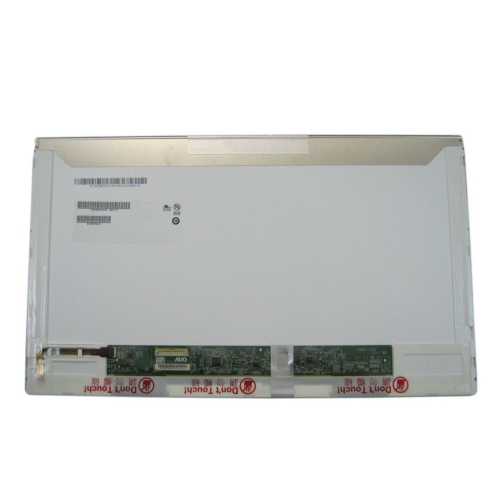

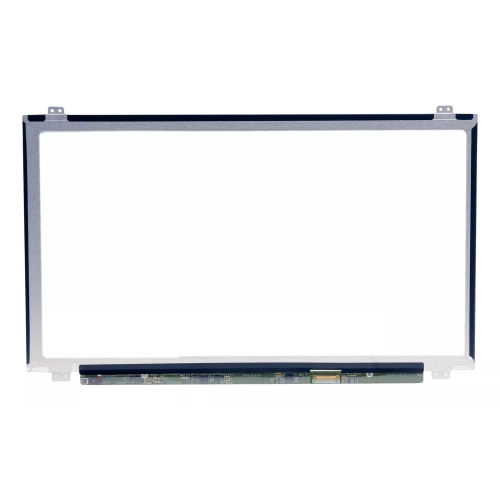
The right match balances size, clarity, and compatibility
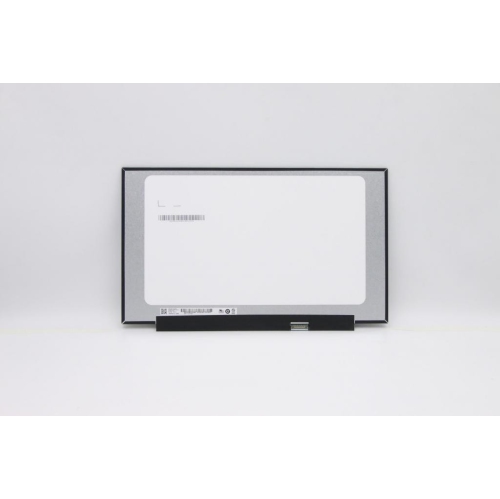
Notebook screens are the display panels used in laptops and portable computers, and choosing the right one depends on more than physical size alone. Replacement screens are available in compact 11.6-inch formats, versatile 13.3-inch and 14-inch sizes, common 15.6-inch configurations, and larger 17.3-inch panels designed for gaming and workstation-style notebooks. Resolution is another important consideration: HD panels can be suitable for everyday documents, browsing, and basic schoolwork, while Full HD offers a sharper, more comfortable view for streaming, multitasking, and general productivity. QHD and 4K screens provide greater detail for photography, video editing, design work, and other tasks where fine lines and image clarity matter. Before choosing a screen, check the exact model number of the notebook and compare the original panel’s size, resolution, refresh rate, mounting style, connector position, and cable specification. A screen that appears identical at first glance may still be incompatible if it uses a different connector, has a different mounting arrangement, or requires a touch digitizer that is not included. Details such as a 30-pin or 40-pin ribbon connector can affect compatibility, as can whether the replacement is intended for a touch or non-touch notebook. Keeping the original panel nearby while comparing specifications can make the selection process much easier, especially when the information on the notebook’s underside is small or difficult to read.
Panel technology also has a noticeable effect on the way a notebook looks and feels during everyday use. IPS screens are valued for consistent colour and wide viewing angles, making them a practical choice for shared viewing, office work, studying, and creative projects where images should remain clear when viewed from the side. TN panels are often associated with quick response times and lower cost, and they can work well for straightforward computing or applications where speed is more important than colour accuracy. OLED screens produce deep blacks, strong contrast, and rich colour, which can make films, photographs, games, and graphic work appear especially vivid. Some notebook screens also offer higher refresh rates for smoother movement in games and fast-paced video, while matte finishes can help reduce distracting reflections in bright rooms, libraries, kitchens, or home offices near a window. Glossy finishes may make colours look vibrant, but they can reflect lamps and overhead lighting more readily. Brightness is worth considering as well: a screen used mostly indoors may not need the same output as one carried between rooms, used near a sunny window, or taken on the road. Touch functionality can be useful for navigating apps, sketching, annotating documents, or presenting information, but it adds another layer of compatibility because the touch digitizer and display panel may be separate components or integrated into a single assembly. If a notebook is being upgraded rather than repaired, browsing Laptops With the Best Screen can help compare complete computers with display features suited to different types of work and entertainment.
Replacing a notebook screen can be a practical way to restore a computer after a cracked panel, damaged display, flickering image, dead pixels, or backlight failure. It may also be considered when an older notebook still handles its software and files well but no longer provides the visual quality needed for work or school. Careful preparation is important because screen replacement involves delicate components, small screws, thin bezels, and a ribbon cable that can be damaged by pulling or bending. The notebook should be powered off, disconnected from its charger, and handled according to the manufacturer’s service instructions. Anyone undertaking the repair should confirm whether the replacement includes the panel only or a larger assembly with a bezel, hinges, webcam, cable, or touch layer. A panel that matches the size and connector but has a different thickness may not sit correctly in the lid, while a replacement with a different resolution may affect image quality or compatibility with the notebook’s graphics hardware. For a first-time repair, professional installation can provide added reassurance, particularly when the device is used for work, school, or important personal files. Notebook screens can also be thoughtful gifts for a student, remote worker, photographer, gamer, or family member whose computer has suffered accidental screen damage, provided the exact notebook model is known first. Whether the goal is to bring a familiar computer back into service, improve colour and clarity, or choose a display that feels more comfortable during long study and work sessions, matching the screen’s specifications to the notebook remains the most reliable starting point.
Panel technology also has a noticeable effect on the way a notebook looks and feels during everyday use. IPS screens are valued for consistent colour and wide viewing angles, making them a practical choice for shared viewing, office work, studying, and creative projects where images should remain clear when viewed from the side. TN panels are often associated with quick response times and lower cost, and they can work well for straightforward computing or applications where speed is more important than colour accuracy. OLED screens produce deep blacks, strong contrast, and rich colour, which can make films, photographs, games, and graphic work appear especially vivid. Some notebook screens also offer higher refresh rates for smoother movement in games and fast-paced video, while matte finishes can help reduce distracting reflections in bright rooms, libraries, kitchens, or home offices near a window. Glossy finishes may make colours look vibrant, but they can reflect lamps and overhead lighting more readily. Brightness is worth considering as well: a screen used mostly indoors may not need the same output as one carried between rooms, used near a sunny window, or taken on the road. Touch functionality can be useful for navigating apps, sketching, annotating documents, or presenting information, but it adds another layer of compatibility because the touch digitizer and display panel may be separate components or integrated into a single assembly. If a notebook is being upgraded rather than repaired, browsing Laptops With the Best Screen can help compare complete computers with display features suited to different types of work and entertainment.
Replacing a notebook screen can be a practical way to restore a computer after a cracked panel, damaged display, flickering image, dead pixels, or backlight failure. It may also be considered when an older notebook still handles its software and files well but no longer provides the visual quality needed for work or school. Careful preparation is important because screen replacement involves delicate components, small screws, thin bezels, and a ribbon cable that can be damaged by pulling or bending. The notebook should be powered off, disconnected from its charger, and handled according to the manufacturer’s service instructions. Anyone undertaking the repair should confirm whether the replacement includes the panel only or a larger assembly with a bezel, hinges, webcam, cable, or touch layer. A panel that matches the size and connector but has a different thickness may not sit correctly in the lid, while a replacement with a different resolution may affect image quality or compatibility with the notebook’s graphics hardware. For a first-time repair, professional installation can provide added reassurance, particularly when the device is used for work, school, or important personal files. Notebook screens can also be thoughtful gifts for a student, remote worker, photographer, gamer, or family member whose computer has suffered accidental screen damage, provided the exact notebook model is known first. Whether the goal is to bring a familiar computer back into service, improve colour and clarity, or choose a display that feels more comfortable during long study and work sessions, matching the screen’s specifications to the notebook remains the most reliable starting point.
Top selling and popular products
-
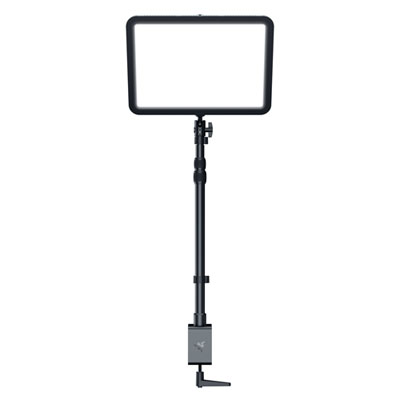 Your price for this item is $429.99
 -
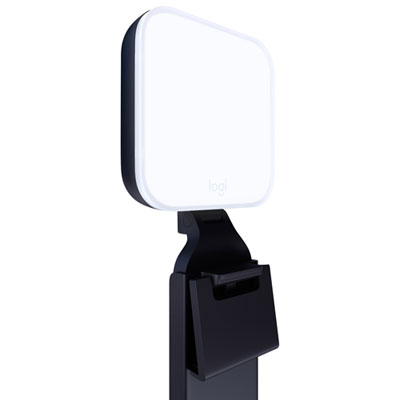 Your price for this item is $89.99
 -
 Your price for this item is $93.55
 -
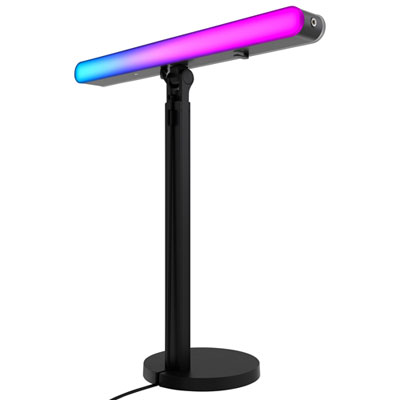 Your price for this item is $169.95
 -
 Your price for this item is $439
 -
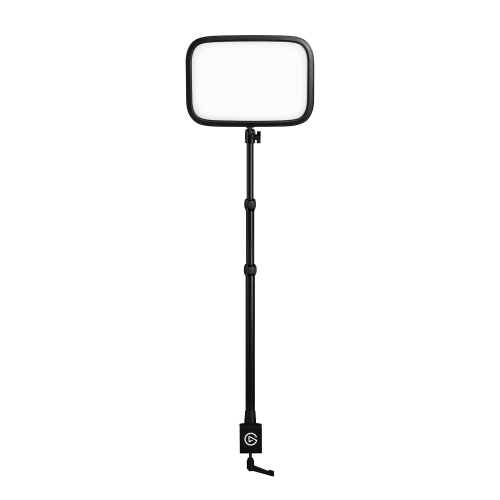 Your price for this item is $265.99
 -
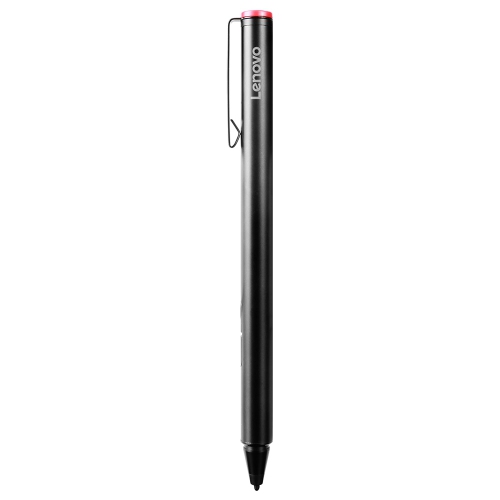 Your price for this item is $102.68
 -
 Your price for this item is $109.68
Discover more categories related to Notebook Screens

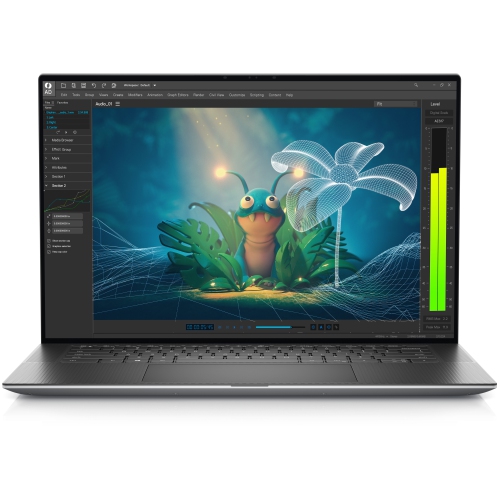
Top Collections:
Pokemon Centers, Kindle Devices, Best Budget Office Chairs, Apple iPhones 16, Best Laptops for Writers, iPhone 15 Apple, Canon G7X Cameras, Refurbished Apple Laptops, Alarm Clock, Motorola Razr Phones
Some products may be subject to Environmental Handling Fees
(EHF) depending on your province.
Learn more about EHFs.