Paper Tablets
Discover the innovative world of paper tablets, where digital convenience meets the familiar feel of handwriting. Ideal for note-taking, sketching, or organizing your thoughts, paper tablets offer a seamless way to capture ideas anytime, anywhere. Browse a wide selection of options designed to suit students, professionals, creatives, and anyone looking to streamline their workflow. Discover the ideal paper tablet to boost productivity and bring your projects to life.
Sort
Familiar handwriting meets digital tools for focused note-taking
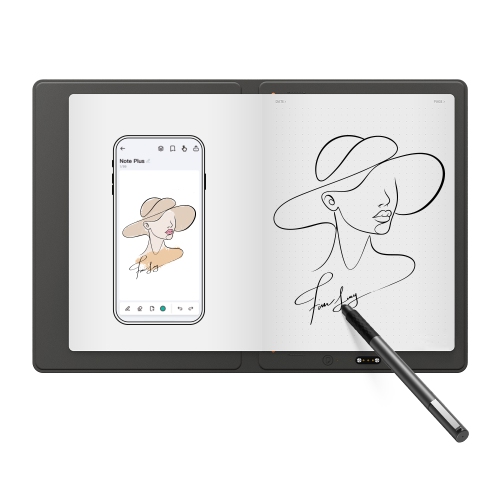
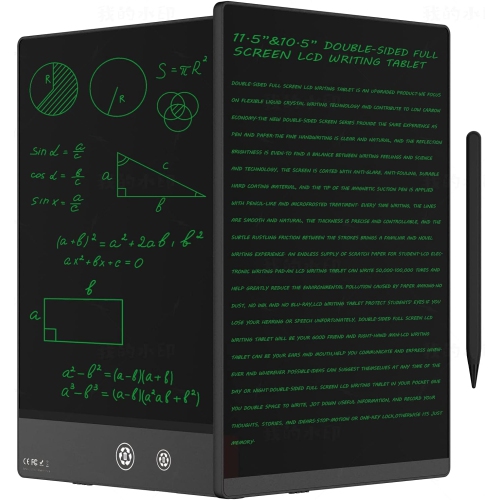
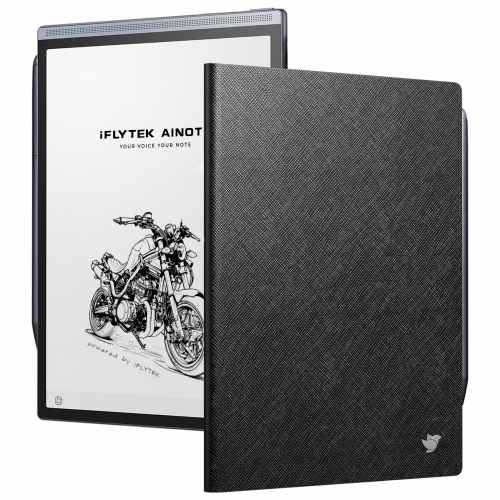
Paper tablets are digital devices designed for handwriting, reading, and marking up documents on an electronic paper display, often called an E Ink screen. Used with a compatible stylus, they bring the familiar motions of a notebook into a digital workspace: jotting a thought in the margin, circling a passage, or filling a page with handwritten notes. Unlike conventional tablets built around video, games, and frequent app switching, many paper tablets put reading and writing first, with fewer interruptions and a simpler interface. Their displays reflect ambient light rather than relying on the backlit panels common in laptops and standard tablets. This can make text easy to read in bright settings, although visibility still depends on the available light and the screen’s surface. Some devices include an adjustable front light for reading in dimmer rooms; others need a desk lamp or another external light source. The writing sensation varies with the screen texture, stylus tip, and responsiveness, so “paper-like” describes an experience rather than an identical replacement for a favourite pen and notebook. A lightly textured surface may provide gentle resistance as the stylus moves, while digital tools can add the convenience of erasing, moving text, and rearranging pages. Depending on the device, notebooks can be sorted into folders, tagged by topic, or searched to help keep lecture notes separate from meeting minutes and personal projects. Electronic paper uses relatively little power when displaying a static page, which helps support longer periods between charges. Actual battery life depends on lighting, wireless connections, writing activity, and other features, rather than screen technology alone. For students reviewing course readings, professionals keeping a running meeting notebook, and readers who like to annotate as they go, a paper tablet can provide a dedicated place to work without turning every session into a visit to a full app dashboard. It is particularly suited to tasks where a clear page and a pen are more useful than animation or rapid screen refreshes.
Screen size and writing space shape how a paper tablet fits into everyday use. A compact device is easier to hold while reading on public transit or to tuck beside a planner in a shoulder bag. A larger display gives handwritten diagrams, lecture slides, and document margins more room, especially when viewing a full page without frequent zooming. Weight, bezel width, and the position of buttons also affect comfort during longer sessions, whether the tablet rests on a desk or is held in one hand. Black-and-white displays suit text-heavy reading and straightforward note-taking, while colour electronic paper can help distinguish highlights, chart elements, and sketch details. Colours on these screens are generally more muted than on conventional tablet displays, and page changes may show a brief refresh or faint traces of earlier content. Those characteristics matter less for reviewing a report than they do for watching video or judging precise image colour. Pen behaviour is equally important to the writing experience. Palm rejection, where supported, lets a hand rest on the screen while writing, and pressure sensitivity can give lines greater variation for diagrams and sketches. Eraser functions, shortcut buttons, pen charging requirements, and replacement tip compatibility differ between devices. Practical usefulness also extends beyond the writing surface. Support for PDFs, e-books, and other file types determines which materials can be opened, while export options affect how easily finished notes can be shared. Handwriting-to-text conversion can make rough notes easier to reuse, but accuracy varies with handwriting, language support, and page layout. Cloud connections and Wi-Fi transfers may simplify moving work between devices, while some functions require an account, a separate service, or an internet connection. Paper tablets fit best when their document tools match the task, from annotating an assigned reading to collecting ideas for a manuscript. The broader Tablets for Writers category also relates to writing-focused use, including workflows that may depend more on typing, editing apps, or keyboard support than handwriting alone.
Materials, protection, and routine care help a paper tablet remain comfortable and dependable through regular use. Housings may use plastic, metal, or a combination of materials, with differences in weight, grip, and rigidity. A slim profile is convenient in a work bag, but the display still needs protection from pressure, impacts, and loose objects. A fitted folio can shield the screen and provide a secure place for the stylus, provided its dimensions and attachment points match the device. A magnetic pen attachment is handy at a desk, though an enclosed pen holder offers extra security when carrying the tablet between rooms or travelling. Screen protectors need particular care: an unsuitable layer can change pen friction, affect clarity, or interfere with the intended writing feel. Cleaning is usually straightforward with a soft, lint-free cloth and the manufacturer’s approved method, rather than household sprays or abrasive materials. Stylus tips can wear down with use, especially on textured surfaces, and a flattened or damaged tip may change how writing feels. Water resistance should never be assumed, making a closed cover and a separate space from drink bottles sensible habits. During the cooler months, following the device’s stated operating and storage temperatures is important, particularly if a bag spends time in a cold vehicle. Beyond physical care, regular file exports or supported backups help protect notes that would be difficult to recreate. Privacy features also matter when pages contain client details, workplace information, or personal journal entries; passcodes, account settings, and cloud storage arrangements vary. As a gift, a paper tablet can suit a keen reader who marks favourite passages, a student who thinks through problems by hand, or a writer who starts with handwritten drafts. The best fit depends on established habits rather than novelty. Someone who fills notebooks with diagrams may appreciate generous page space, while someone who reads every evening may place greater value on comfortable handling and adjustable lighting. With suitable file support, a comfortable pen, and thoughtful protection, a paper tablet can become a familiar companion for reading, planning, and keeping handwritten ideas together.
Screen size and writing space shape how a paper tablet fits into everyday use. A compact device is easier to hold while reading on public transit or to tuck beside a planner in a shoulder bag. A larger display gives handwritten diagrams, lecture slides, and document margins more room, especially when viewing a full page without frequent zooming. Weight, bezel width, and the position of buttons also affect comfort during longer sessions, whether the tablet rests on a desk or is held in one hand. Black-and-white displays suit text-heavy reading and straightforward note-taking, while colour electronic paper can help distinguish highlights, chart elements, and sketch details. Colours on these screens are generally more muted than on conventional tablet displays, and page changes may show a brief refresh or faint traces of earlier content. Those characteristics matter less for reviewing a report than they do for watching video or judging precise image colour. Pen behaviour is equally important to the writing experience. Palm rejection, where supported, lets a hand rest on the screen while writing, and pressure sensitivity can give lines greater variation for diagrams and sketches. Eraser functions, shortcut buttons, pen charging requirements, and replacement tip compatibility differ between devices. Practical usefulness also extends beyond the writing surface. Support for PDFs, e-books, and other file types determines which materials can be opened, while export options affect how easily finished notes can be shared. Handwriting-to-text conversion can make rough notes easier to reuse, but accuracy varies with handwriting, language support, and page layout. Cloud connections and Wi-Fi transfers may simplify moving work between devices, while some functions require an account, a separate service, or an internet connection. Paper tablets fit best when their document tools match the task, from annotating an assigned reading to collecting ideas for a manuscript. The broader Tablets for Writers category also relates to writing-focused use, including workflows that may depend more on typing, editing apps, or keyboard support than handwriting alone.
Materials, protection, and routine care help a paper tablet remain comfortable and dependable through regular use. Housings may use plastic, metal, or a combination of materials, with differences in weight, grip, and rigidity. A slim profile is convenient in a work bag, but the display still needs protection from pressure, impacts, and loose objects. A fitted folio can shield the screen and provide a secure place for the stylus, provided its dimensions and attachment points match the device. A magnetic pen attachment is handy at a desk, though an enclosed pen holder offers extra security when carrying the tablet between rooms or travelling. Screen protectors need particular care: an unsuitable layer can change pen friction, affect clarity, or interfere with the intended writing feel. Cleaning is usually straightforward with a soft, lint-free cloth and the manufacturer’s approved method, rather than household sprays or abrasive materials. Stylus tips can wear down with use, especially on textured surfaces, and a flattened or damaged tip may change how writing feels. Water resistance should never be assumed, making a closed cover and a separate space from drink bottles sensible habits. During the cooler months, following the device’s stated operating and storage temperatures is important, particularly if a bag spends time in a cold vehicle. Beyond physical care, regular file exports or supported backups help protect notes that would be difficult to recreate. Privacy features also matter when pages contain client details, workplace information, or personal journal entries; passcodes, account settings, and cloud storage arrangements vary. As a gift, a paper tablet can suit a keen reader who marks favourite passages, a student who thinks through problems by hand, or a writer who starts with handwritten drafts. The best fit depends on established habits rather than novelty. Someone who fills notebooks with diagrams may appreciate generous page space, while someone who reads every evening may place greater value on comfortable handling and adjustable lighting. With suitable file support, a comfortable pen, and thoughtful protection, a paper tablet can become a familiar companion for reading, planning, and keeping handwritten ideas together.
Top selling and popular products
-
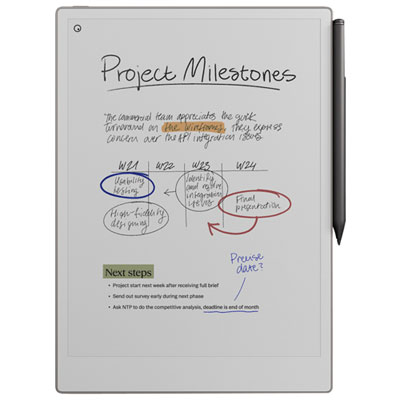 Your price for this item is $899.99
 -
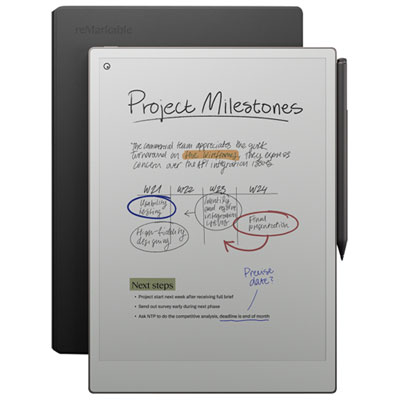 Your price for this item is $1099.99
 -
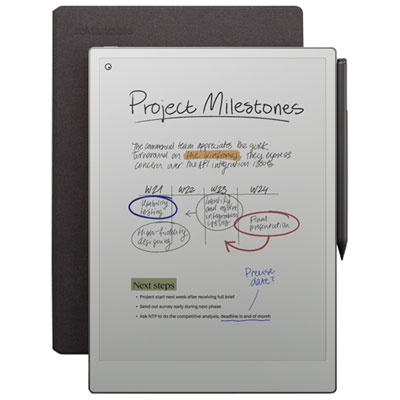 Your price for this item is $1049.99
 -
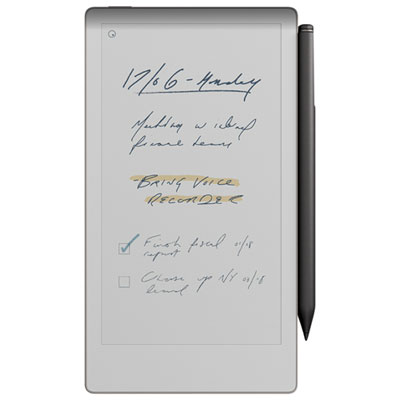 Your price for this item is $699.99
 -
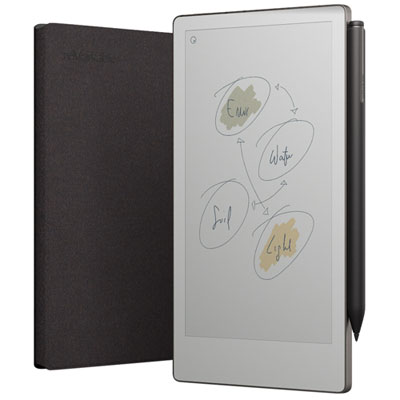 Your price for this item is $799.99
 -
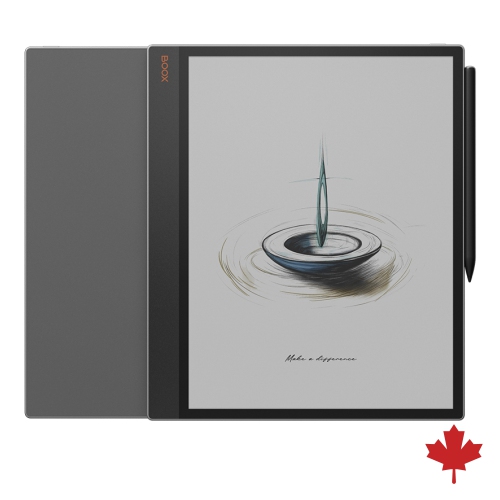 Your price for this item is $1063.99
 -
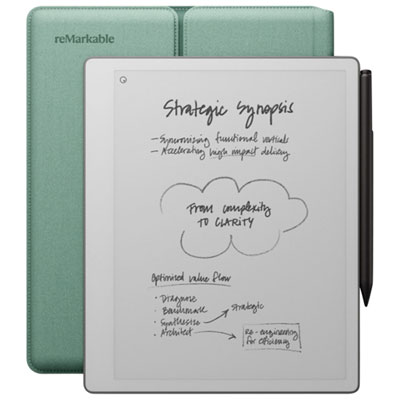 Your price for this item is $679.99
 -
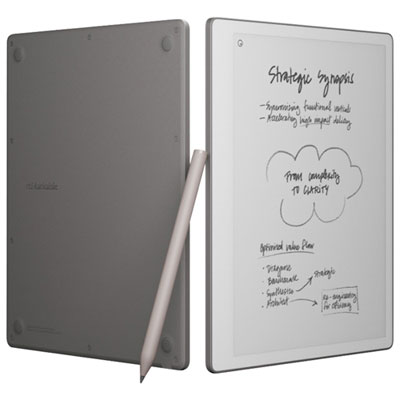 Your price for this item is $549.99
Discover more categories related to Paper Tablets

Top Collections:
Pokemon Centers, Kindle Devices, Best Budget Office Chairs, Apple iPhones 16, Best Laptops for Writers, iPhone 15 Apple, Canon G7X Cameras, Refurbished Apple Laptops, Alarm Clock, Motorola Razr Phones
Some products may be subject to Environmental Handling Fees
(EHF) depending on your province.
Learn more about EHFs.