Pc Video Converters
Upgrade your home entertainment experience with our selection of PC video converters. Easily connect your devices to your TV or monitor to enjoy high-quality audio and video streaming. Whether you're looking to mirror your laptop screen for a presentation or enhance your gaming setup, our range of PC video converters offers versatility and convenience. Explore various connectivity options and find the perfect solution to elevate your viewing and gaming experience.
Sort



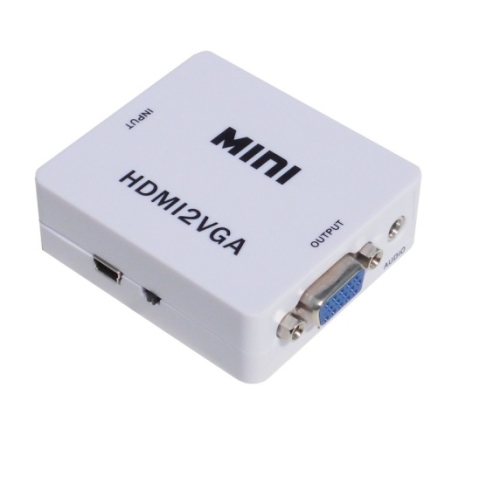
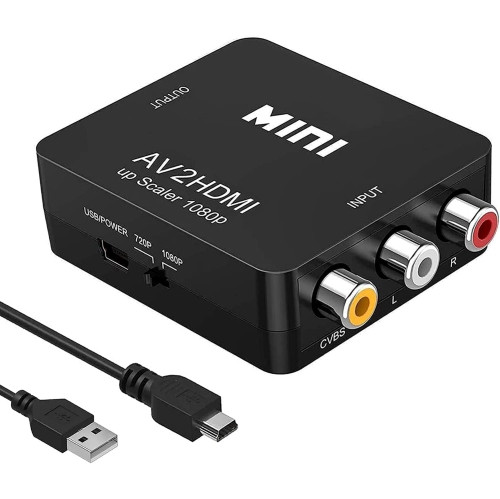
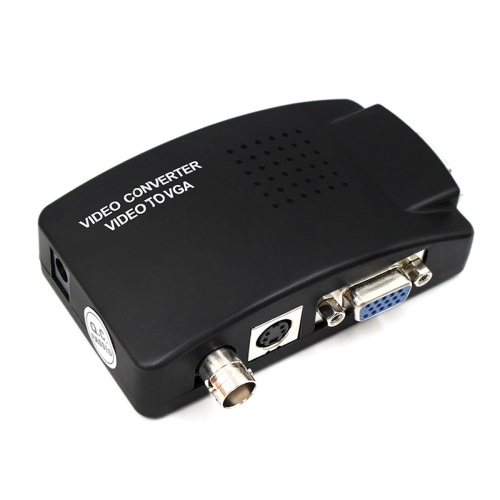
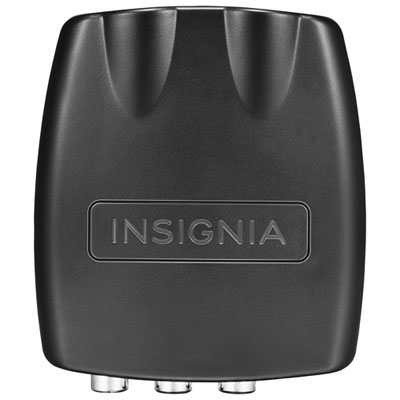
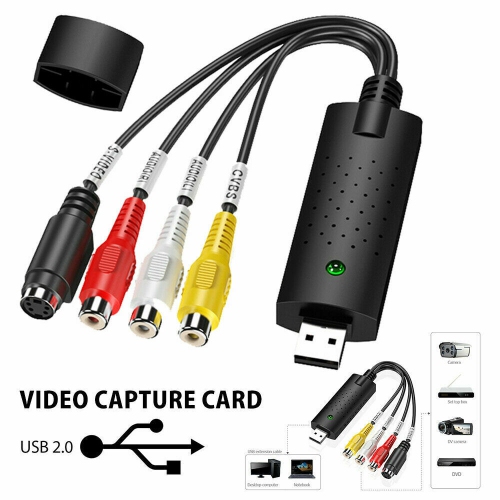
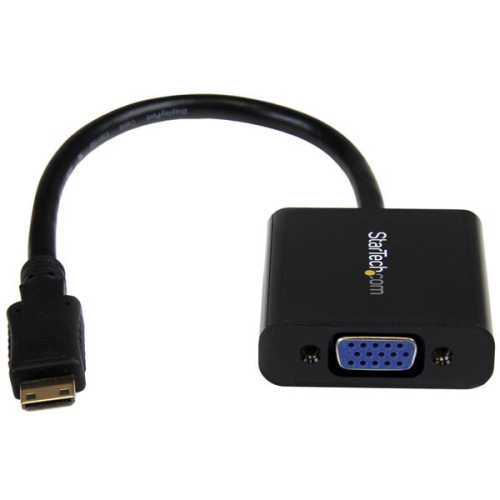
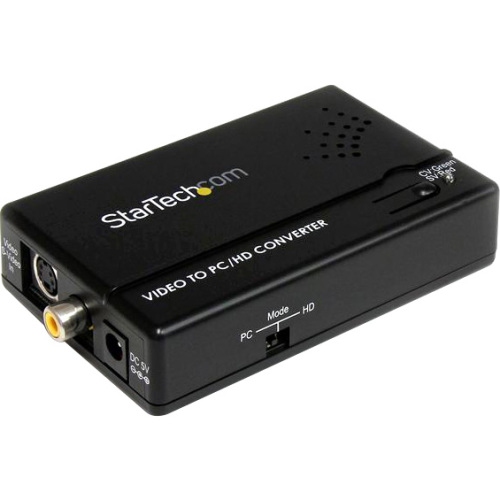
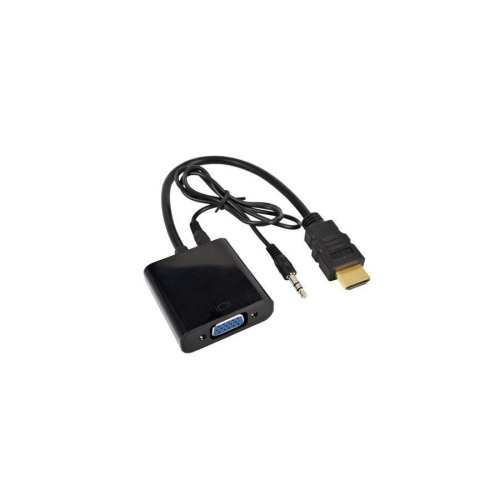
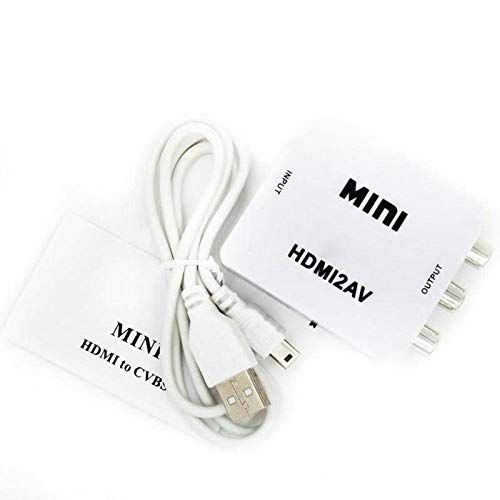
Flexible video tools for playback, editing, and archiving
When it comes to managing and enjoying digital video content on your computer, PC video converters are a practical solution that can make a real difference in your workflow or entertainment experience. Whether you’re a creative professional, a student working on multimedia projects, or simply someone who wants to watch favourite movies across various devices, these converters bridge the gap between different video formats and playback requirements. The need for a reliable video converter often arises when you encounter files that just won’t play on your chosen device or when you want to compress large video projects to free up storage without sacrificing quality. Many people find themselves revisiting cherished family videos from older cameras, only to discover the format is no longer supported by modern software—PC video converters step in to make these memories accessible again. During the winter months, when evenings are longer and there’s more time spent indoors, converting and organizing your video library can be a rewarding project. It’s also a thoughtful time to help friends and family digitize old footage, making these tools a practical gift for tech-savvy loved ones or anyone looking to preserve and share special moments.
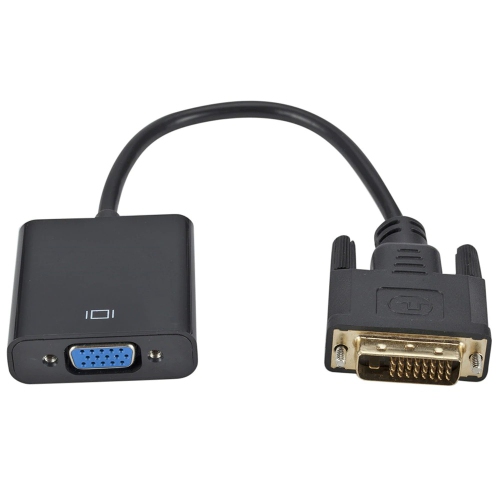
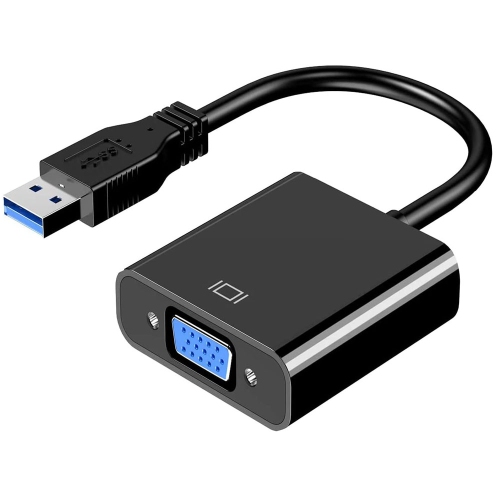
Selecting the right PC video converter depends on your specific needs and technical comfort level. If you’re looking to convert high-resolution 4K or even 8K videos for smoother playback on different screens, it’s important to consider software that supports advanced GPU acceleration for faster processing times. For those who enjoy editing, look for options that let you trim, merge, or add subtitles directly within the converter, streamlining the process of preparing content for presentations, social media, or personal archives. Ease of use is another key factor—some converters offer intuitive drag-and-drop interfaces perfect for beginners, while others provide more granular controls for power users who want to fine-tune every aspect of their conversion. Compression features are also valuable, especially if you’re working with limited hard drive space or need to share videos online without long upload times. Compatibility is crucial, so check that your converter supports both the input and output formats you need, whether you’re dealing with classic AVI files, modern MP4s, or specialized formats from action cameras and drones. For those with older monitors or projectors, you may also want to explore hardware solutions like VGA Converters to ensure seamless connections between your PC and legacy equipment.
PC video converters are versatile tools that cater to a wide range of users, from digital storytellers editing footage for a winter film project to families archiving home videos for future generations. They’re especially handy during the holiday season, when sharing memories and creating new ones often involves a flurry of video files from different devices. Having the right converter can simplify the process of compiling highlight reels, creating festive slideshows, or preparing video greetings for loved ones far away. If you’re setting up a new computer or upgrading your home office, adding a dependable video converter to your software toolkit ensures you’re ready for any file format challenges that might come your way. With the right features—whether it’s batch conversion, fast rendering speeds, or built-in editing tools—PC video converters can help you get the most out of your digital content, making it easier to enjoy, share, and preserve your favourite videos all year round.
Selecting the right PC video converter depends on your specific needs and technical comfort level. If you’re looking to convert high-resolution 4K or even 8K videos for smoother playback on different screens, it’s important to consider software that supports advanced GPU acceleration for faster processing times. For those who enjoy editing, look for options that let you trim, merge, or add subtitles directly within the converter, streamlining the process of preparing content for presentations, social media, or personal archives. Ease of use is another key factor—some converters offer intuitive drag-and-drop interfaces perfect for beginners, while others provide more granular controls for power users who want to fine-tune every aspect of their conversion. Compression features are also valuable, especially if you’re working with limited hard drive space or need to share videos online without long upload times. Compatibility is crucial, so check that your converter supports both the input and output formats you need, whether you’re dealing with classic AVI files, modern MP4s, or specialized formats from action cameras and drones. For those with older monitors or projectors, you may also want to explore hardware solutions like VGA Converters to ensure seamless connections between your PC and legacy equipment.
PC video converters are versatile tools that cater to a wide range of users, from digital storytellers editing footage for a winter film project to families archiving home videos for future generations. They’re especially handy during the holiday season, when sharing memories and creating new ones often involves a flurry of video files from different devices. Having the right converter can simplify the process of compiling highlight reels, creating festive slideshows, or preparing video greetings for loved ones far away. If you’re setting up a new computer or upgrading your home office, adding a dependable video converter to your software toolkit ensures you’re ready for any file format challenges that might come your way. With the right features—whether it’s batch conversion, fast rendering speeds, or built-in editing tools—PC video converters can help you get the most out of your digital content, making it easier to enjoy, share, and preserve your favourite videos all year round.
Top selling and popular products
-
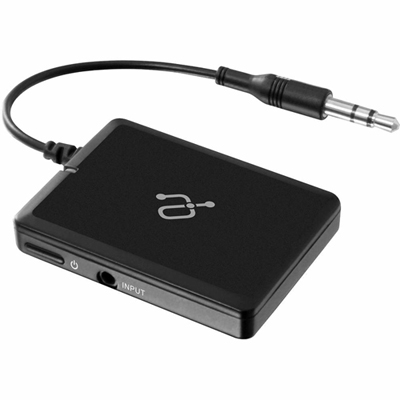 Your price for this item is $34.99
 -
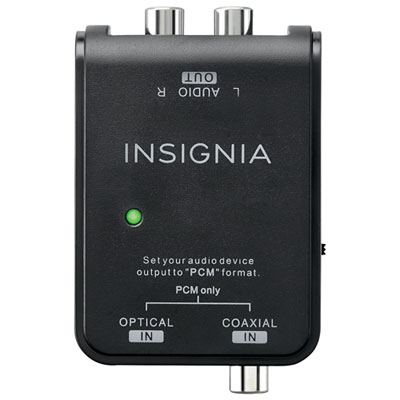 Your price for this item is $39.99
 -
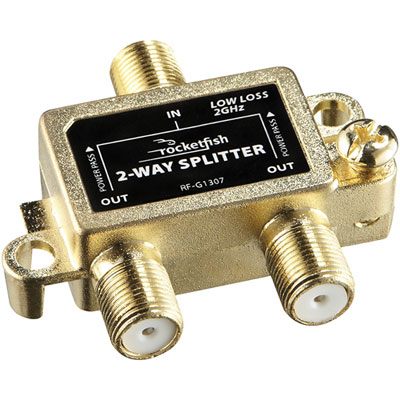 Your price for this item is $10.97
 -
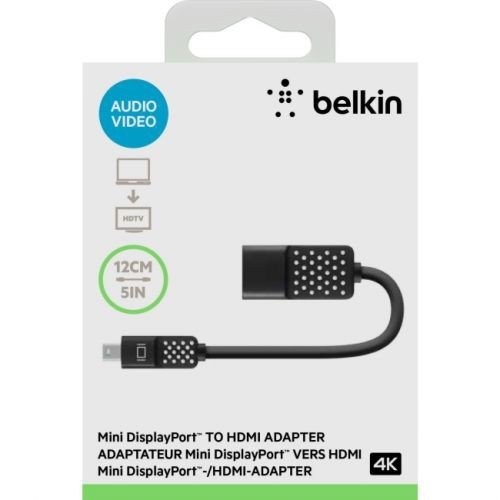 Your price for this item is $70.68
 -
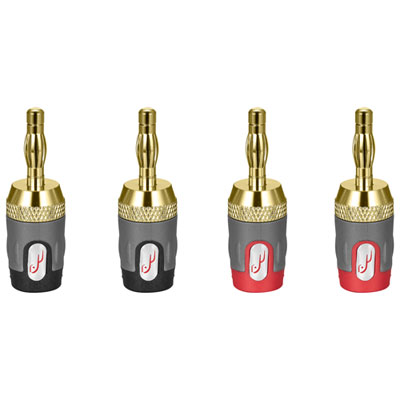 Your price for this item is $24.99
 -
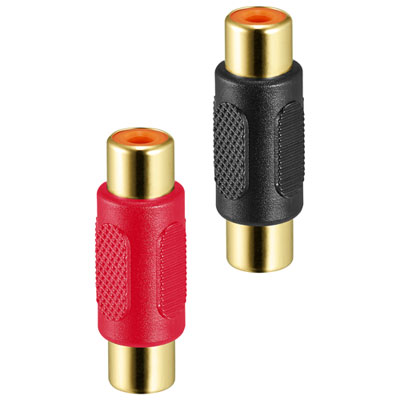 Your price for this item is $9.99
 -
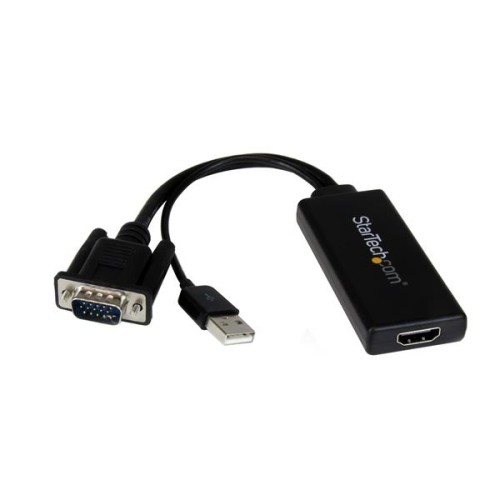 Your price for this item is $75.99
 -
 Your price for this item is $19.99
Discover more categories related to Pc Video Converters
Top Collections:
Pokemon Centers, Kindle Devices, Best Cell Phones Under $500, Alarm Clock, Canon G7X Cameras, iPhone 15 Apple, Apple iPhones 16, Laptops for Students, iPhone 14 256GB, Budget Smartphones
Some products may be subject to Environmental Handling Fees
(EHF) depending on your province.
Learn more about EHFs.