High Definition Converters
Upgrade your entertainment experience with high definition converters. Whether you're looking to enhance your High Definition TV viewing or gaming, these converters are designed to deliver crystal-clear images and immersive sound. Say goodbye to blurry visuals and fuzzy audio, and say hello to a whole new level of clarity and detail. With a wide range of options available, you can find the perfect high definition converter to suit your needs and take your entertainment to the next level. Get ready to be blown away by the stunning visuals and lifelike audio that high definition converters have to offer.
Sort

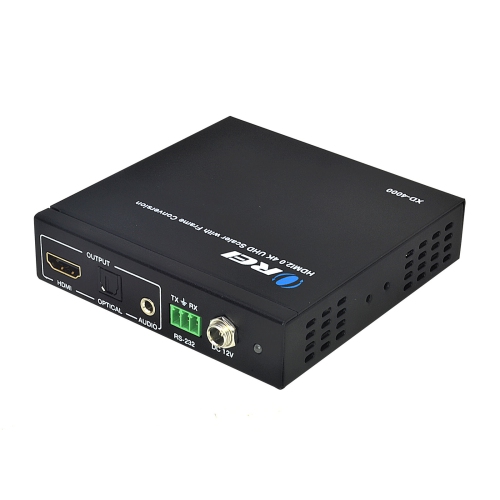
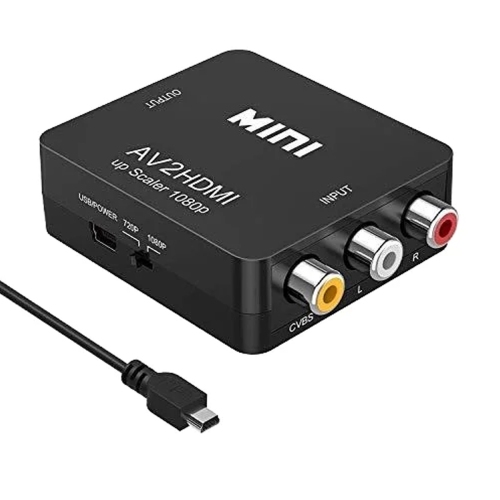
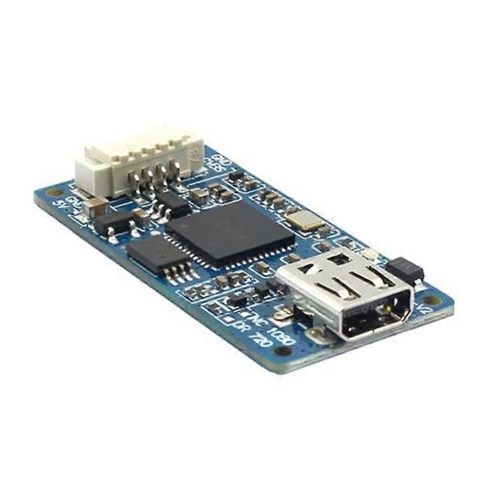
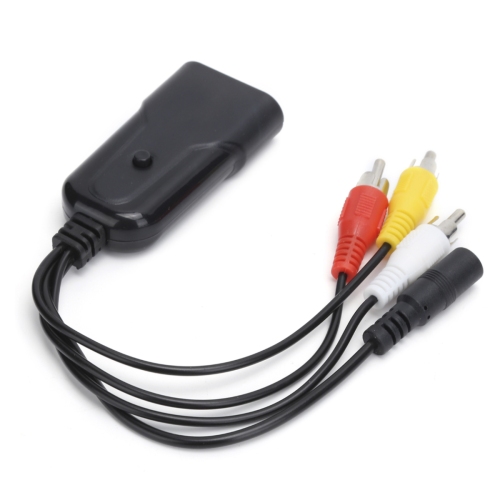
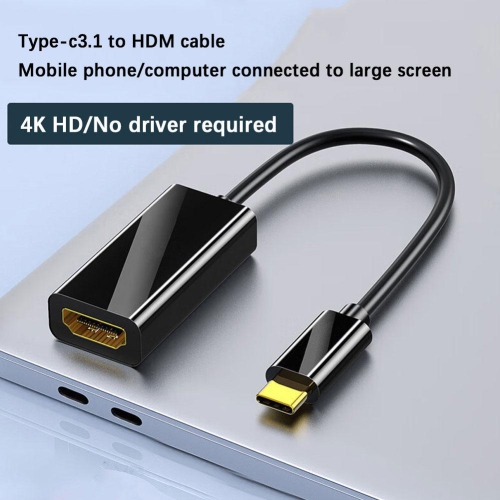
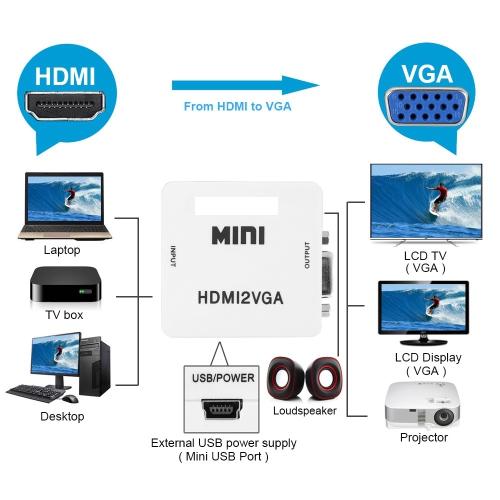
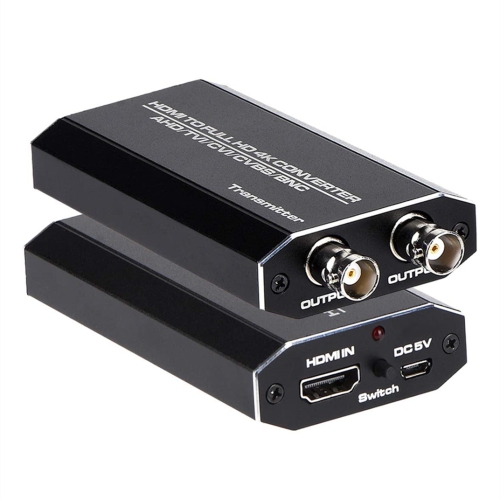
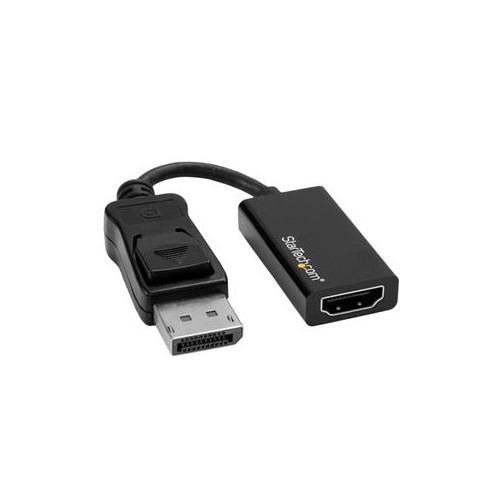
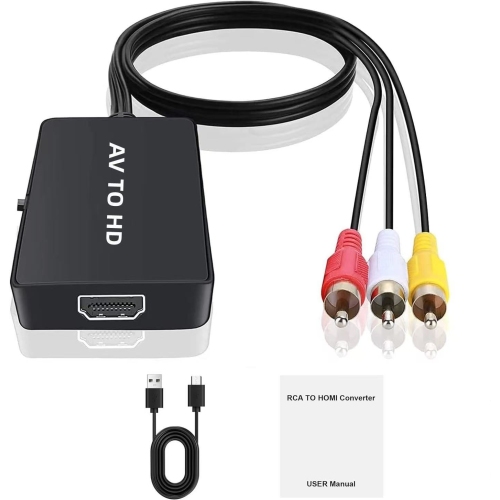
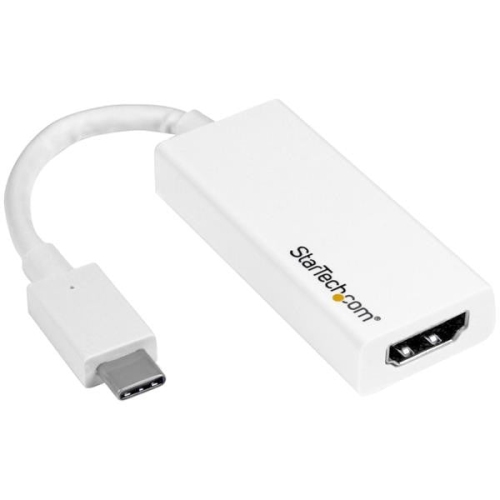
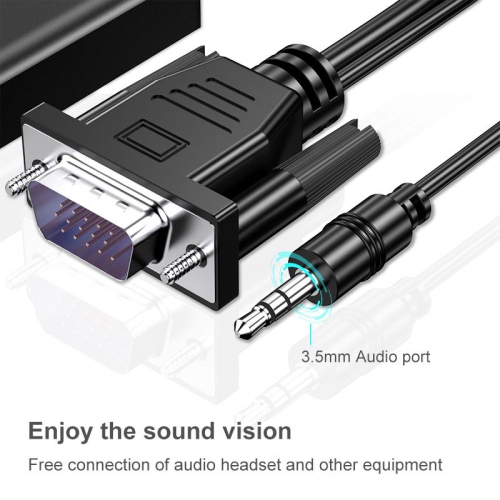
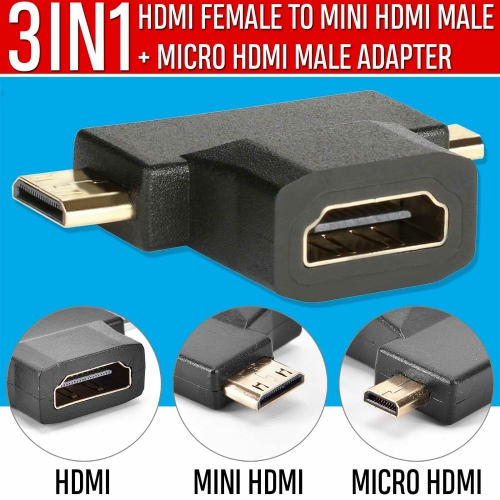
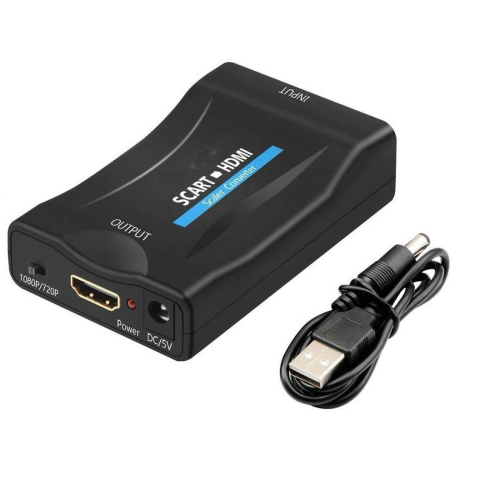
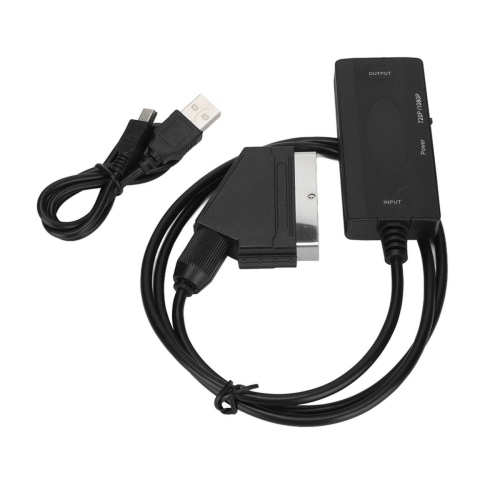
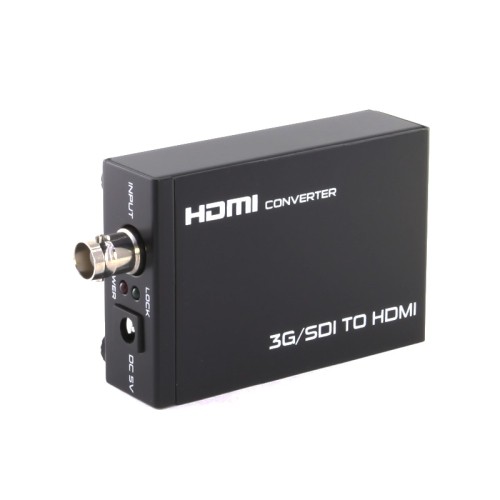
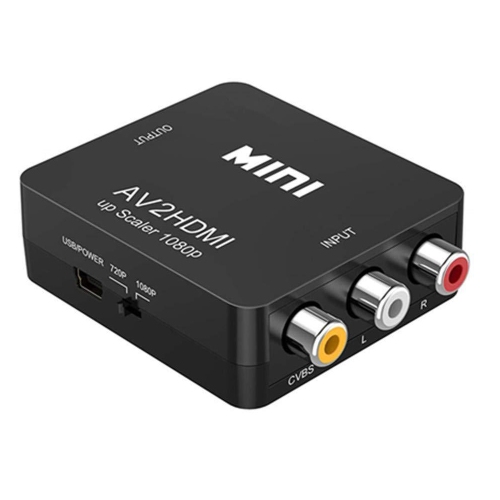
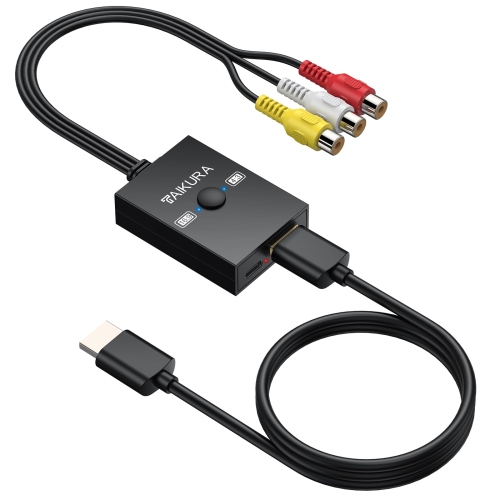
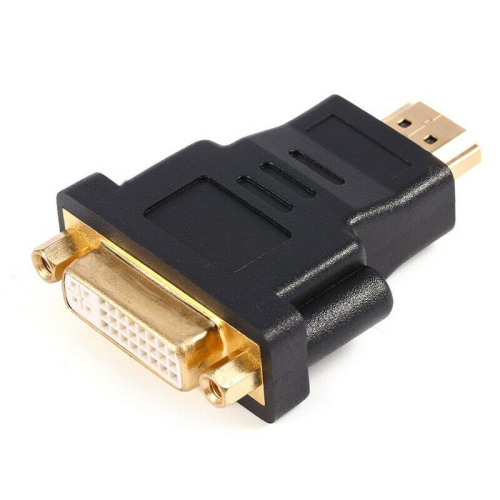
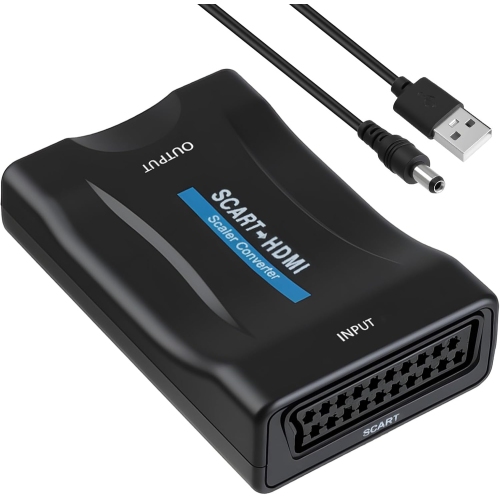
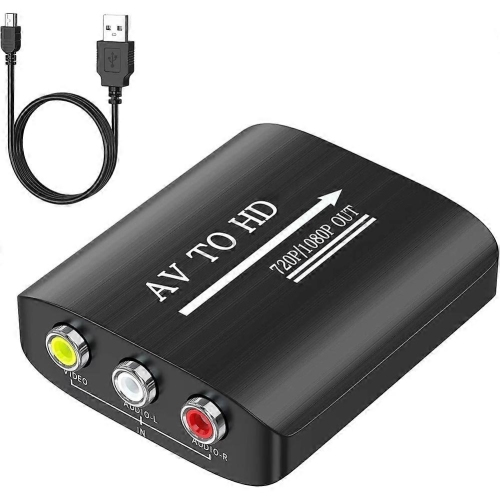
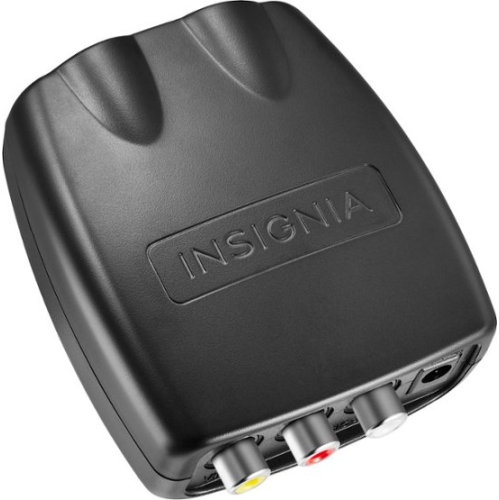
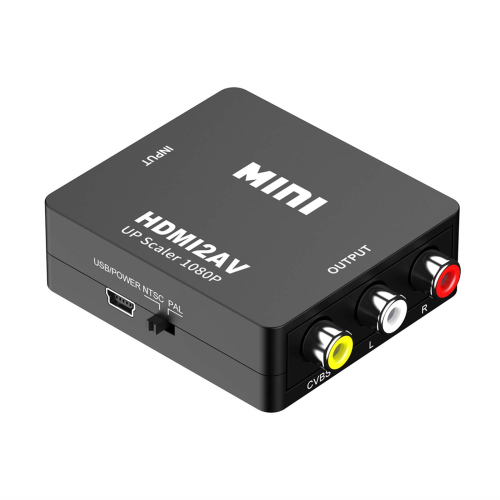
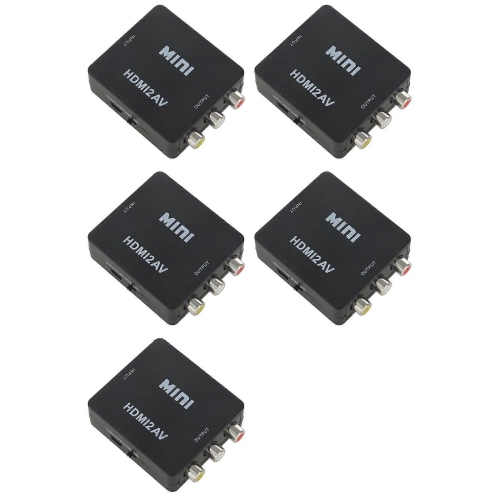
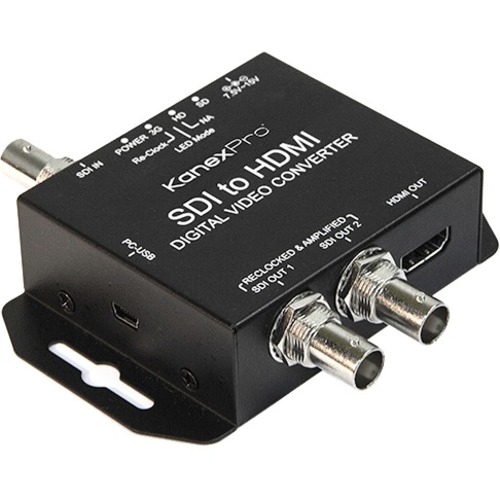
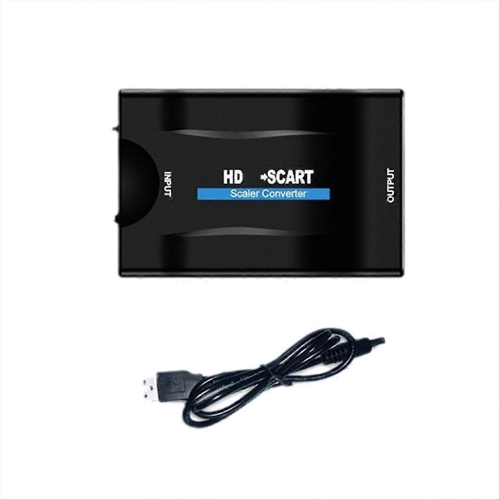
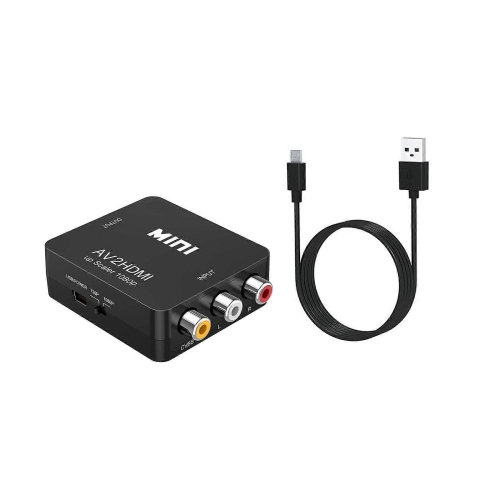
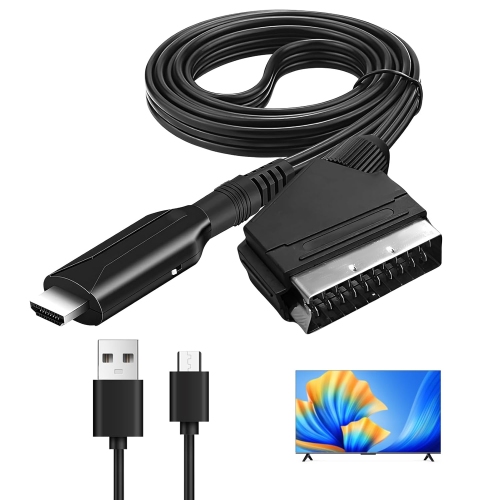
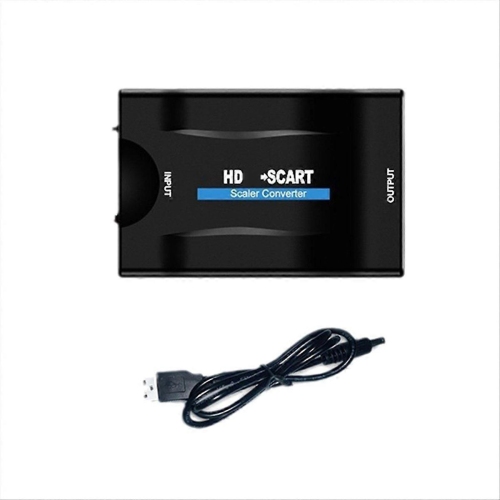
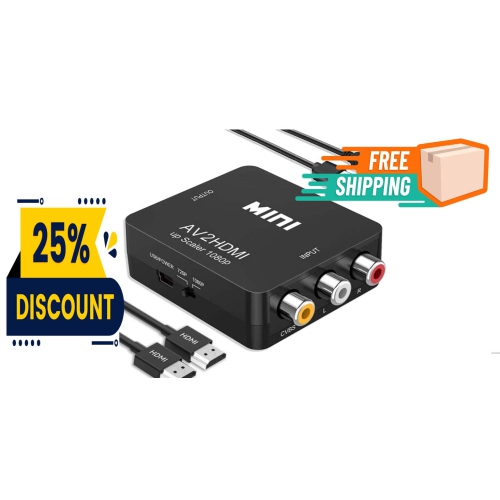
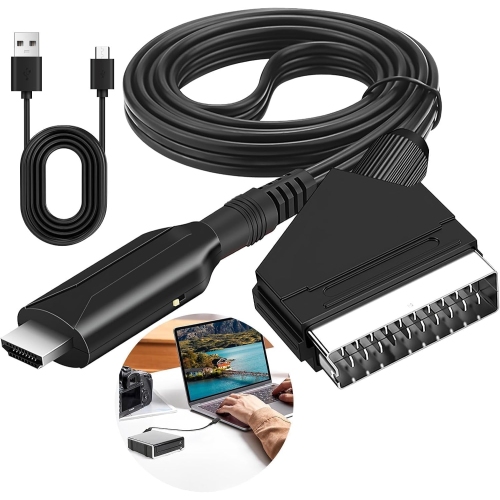
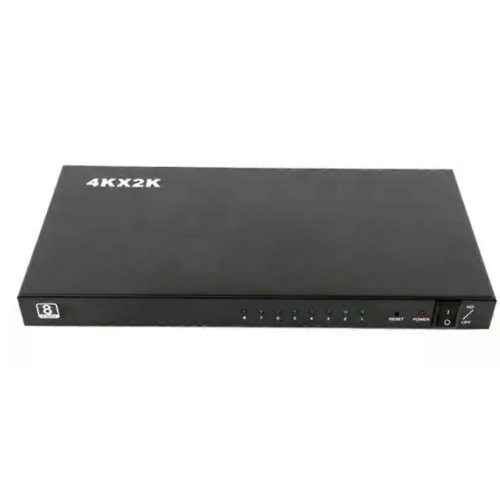
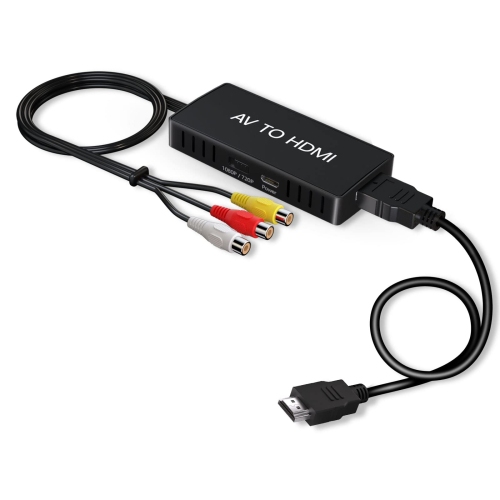
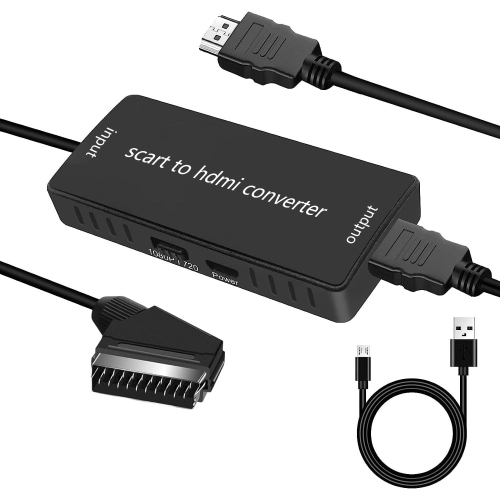
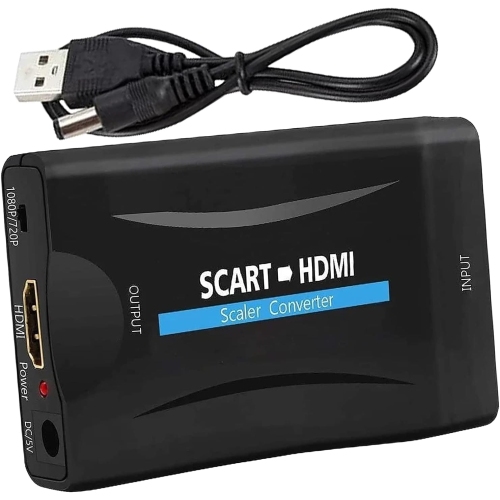
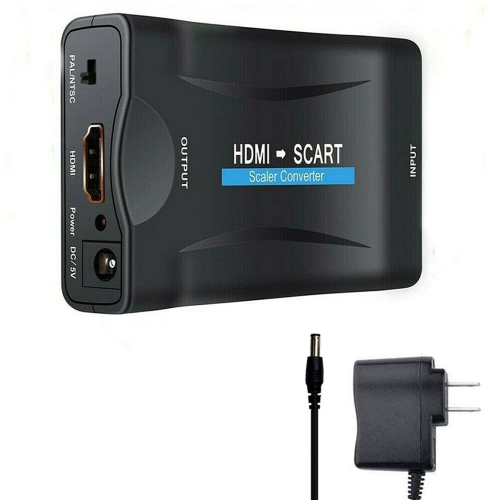
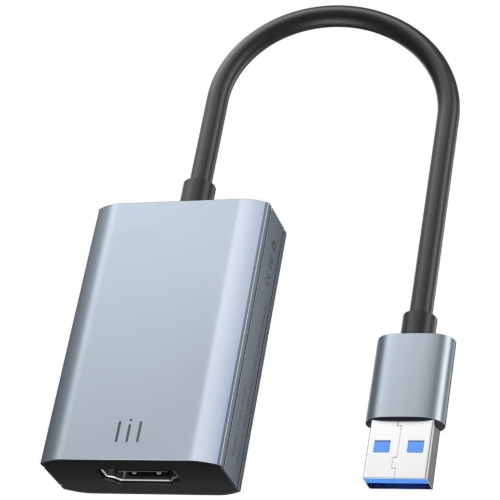
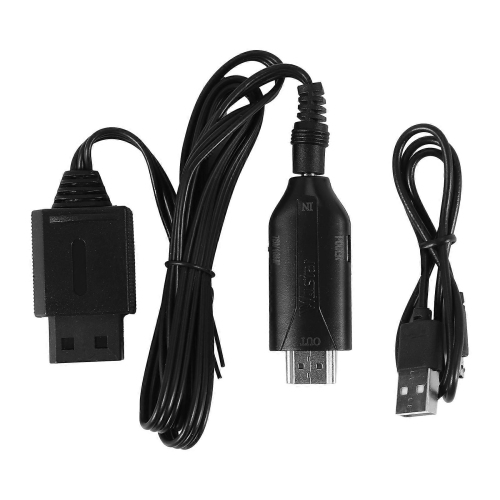
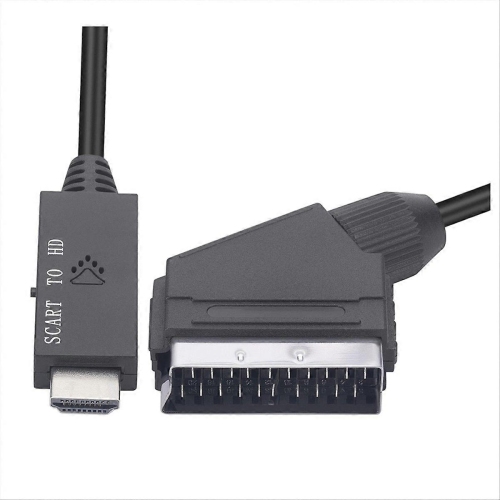
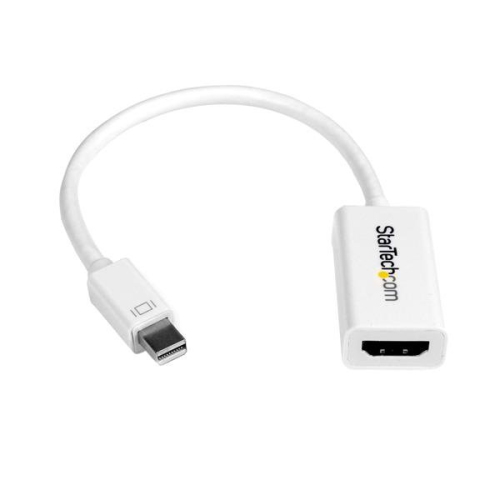
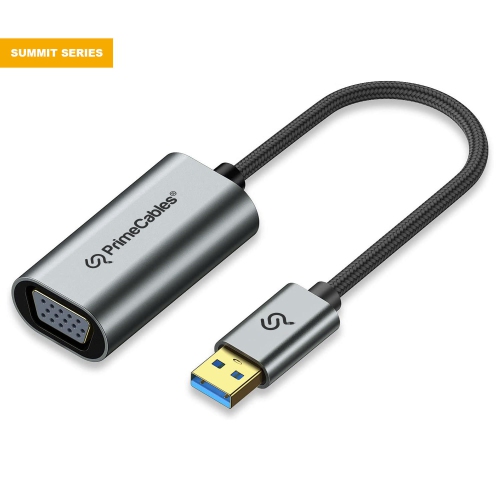
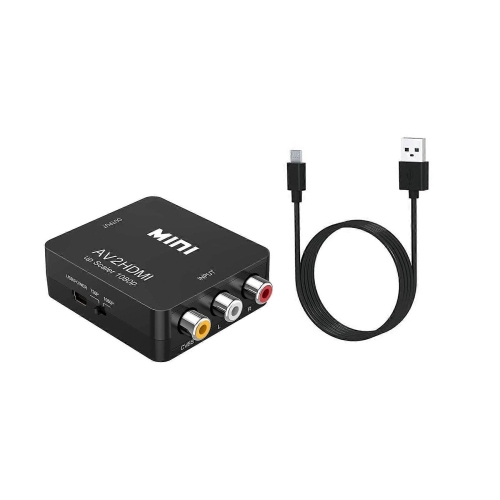
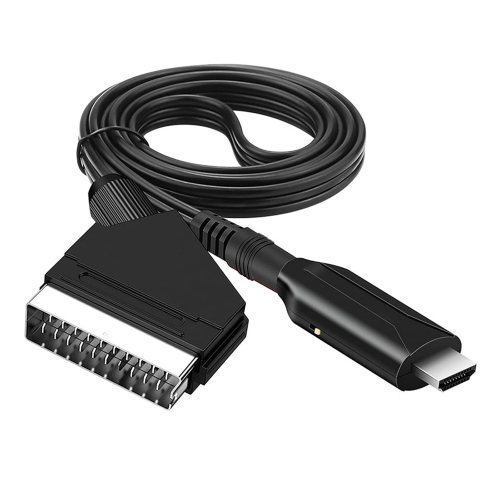
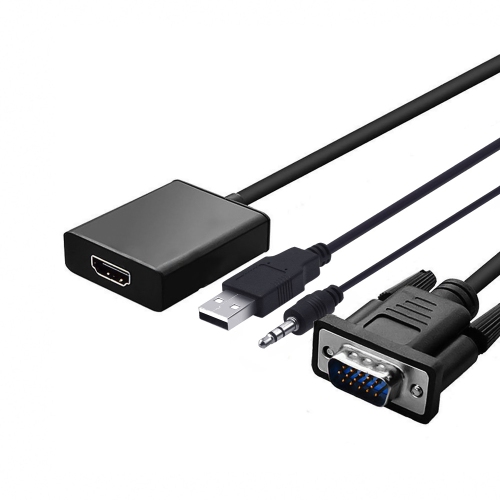
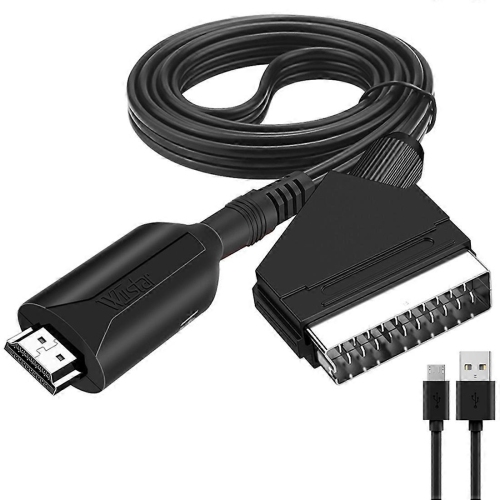
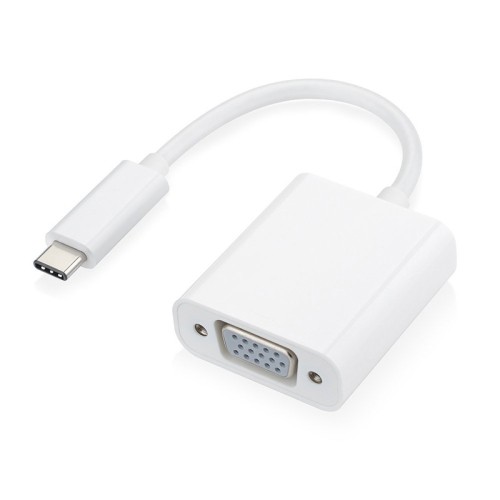
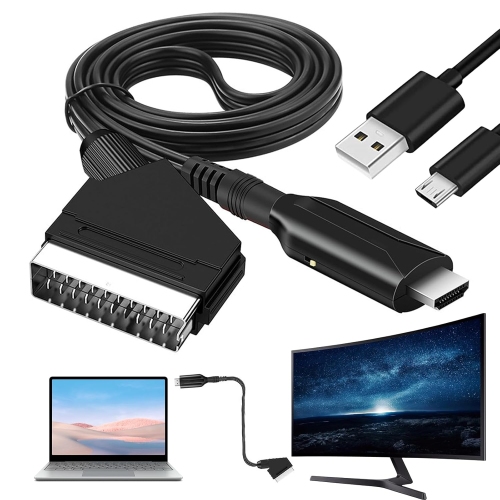
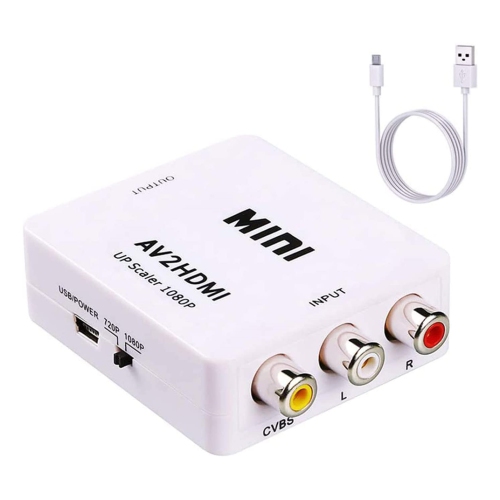
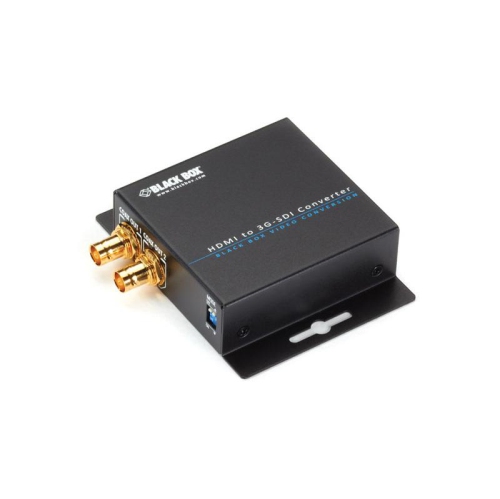
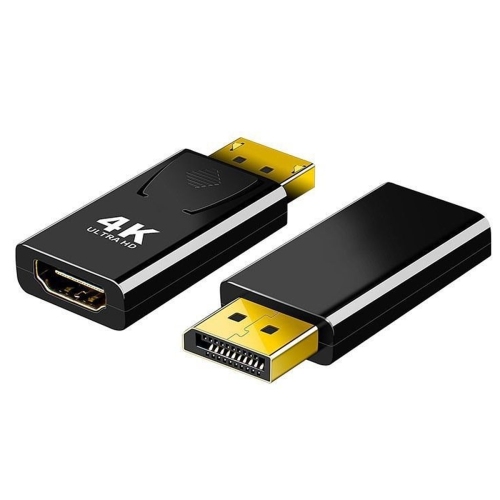
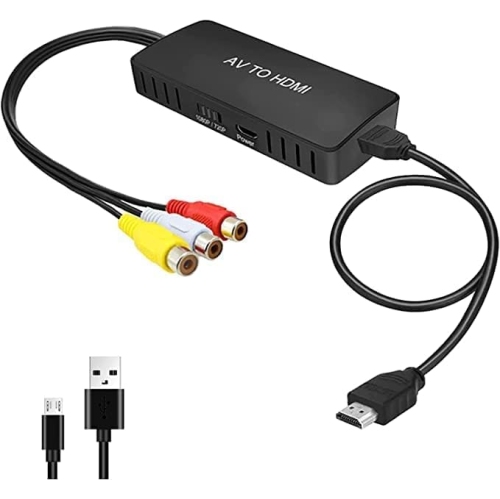
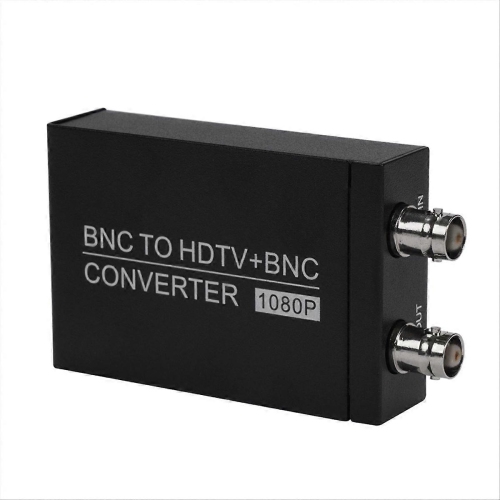
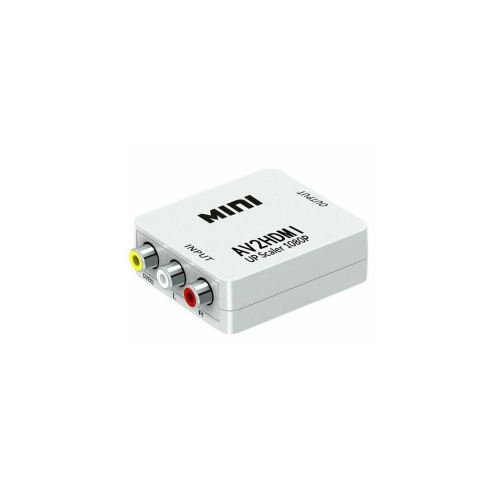

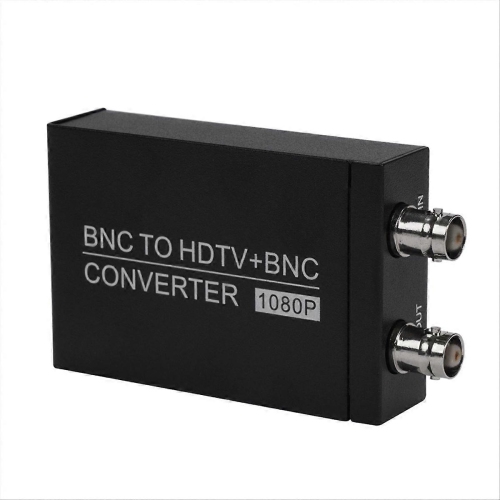

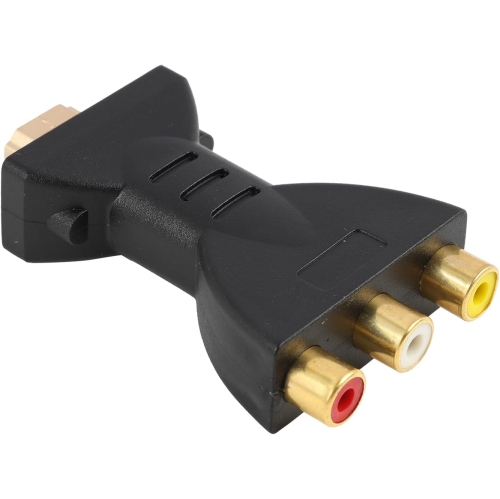
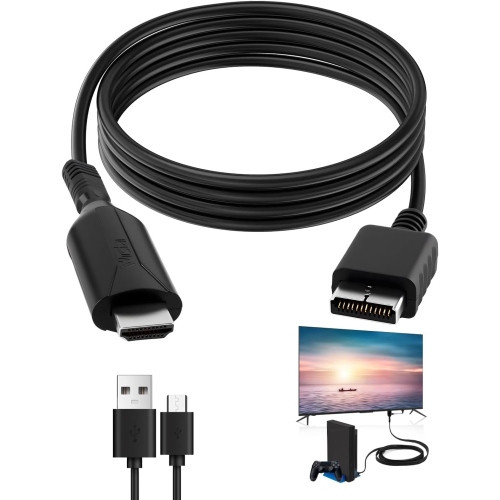
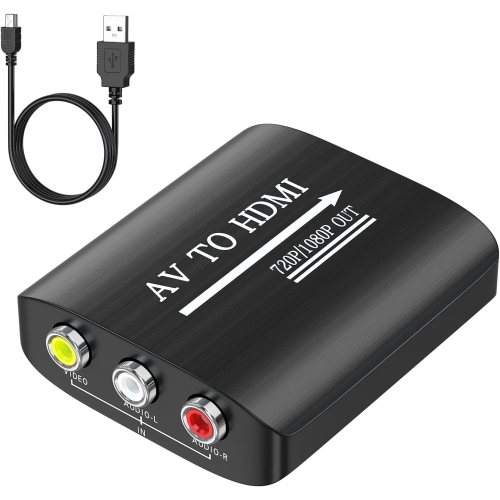
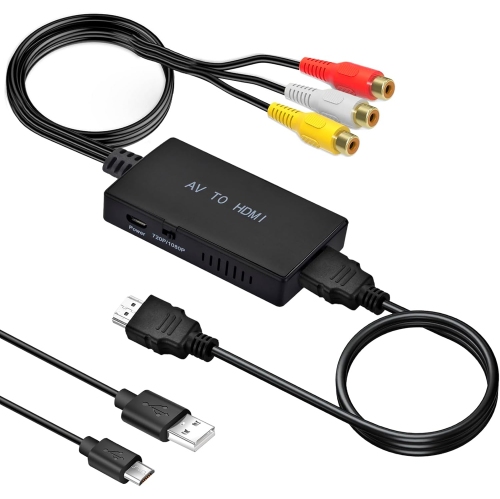
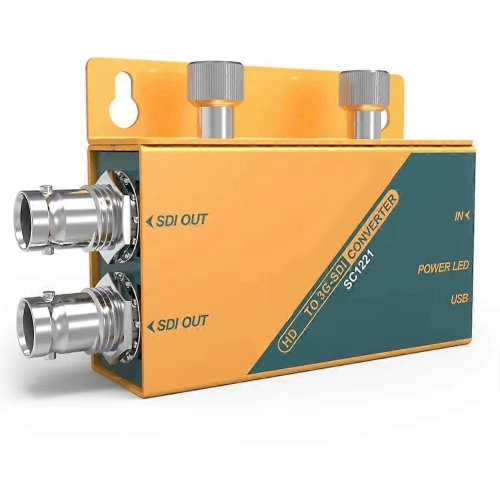
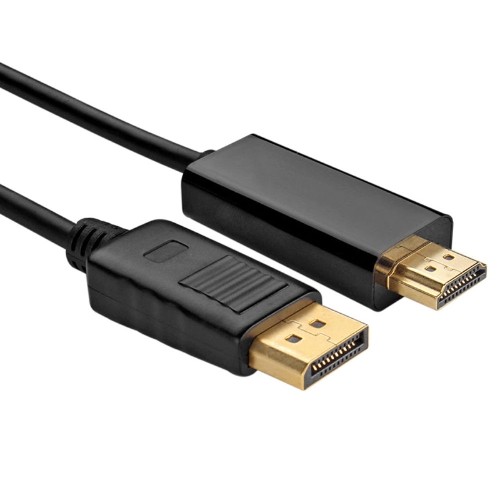
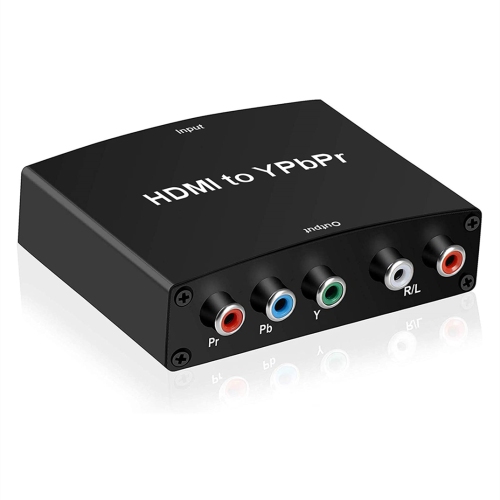

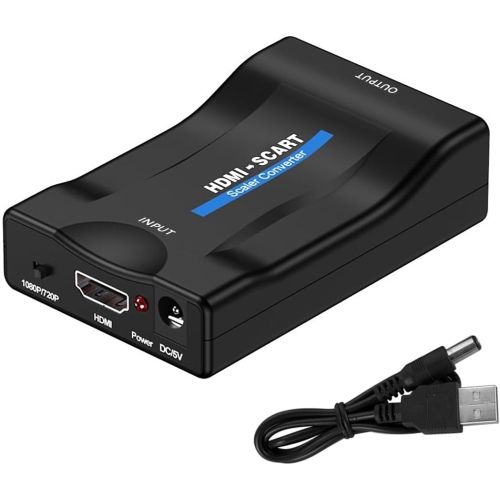
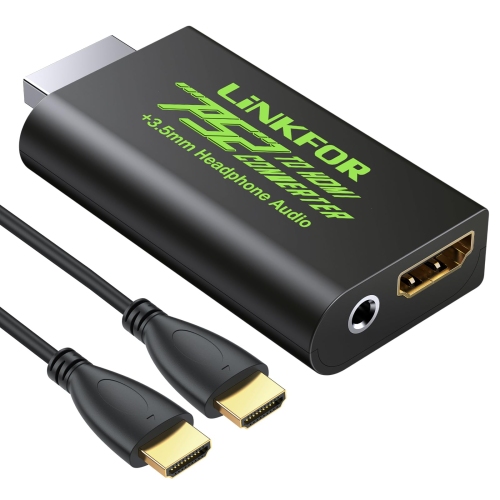
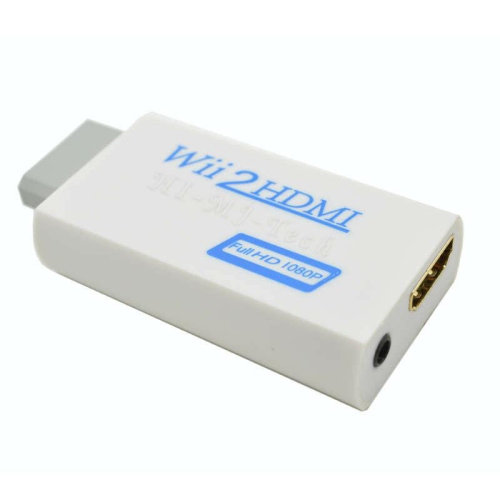
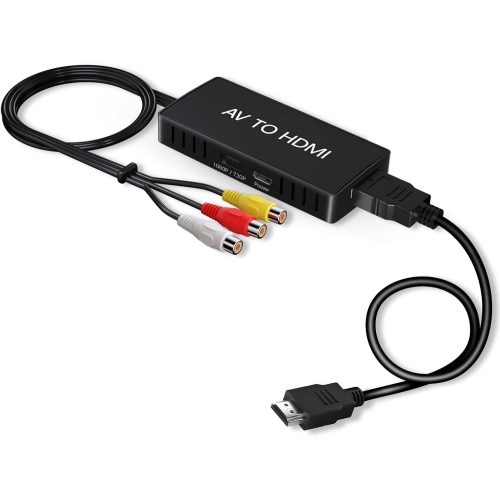
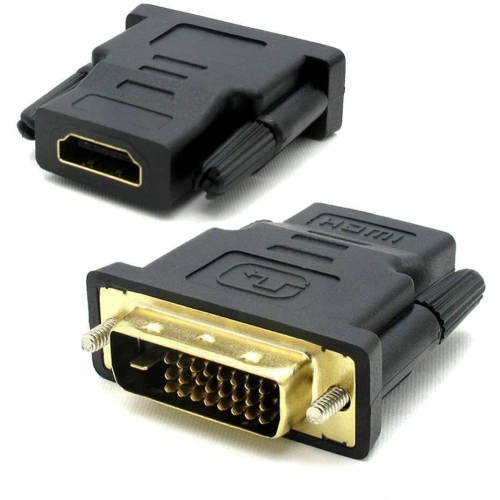
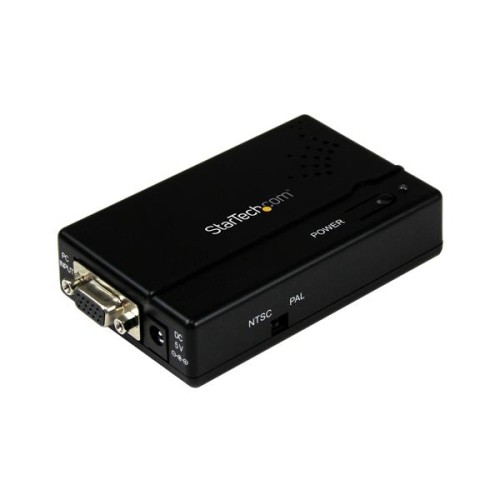
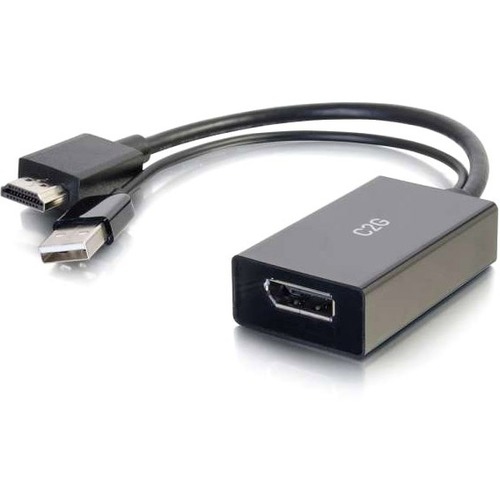
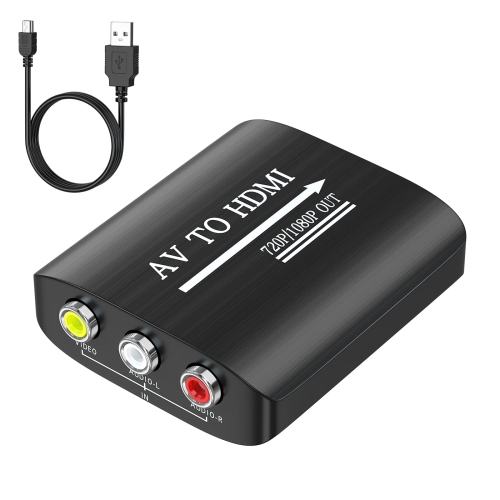
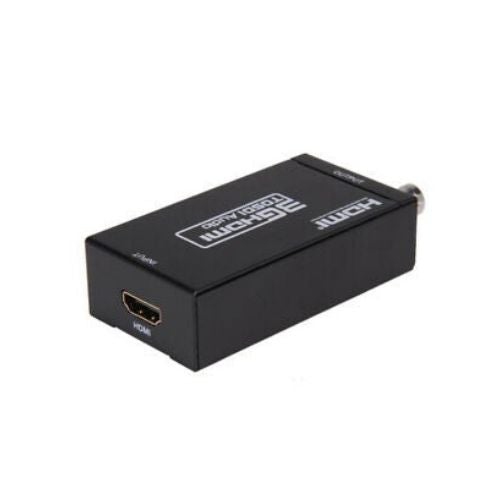
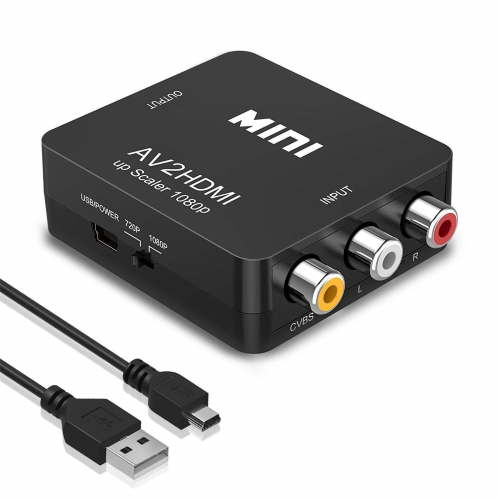
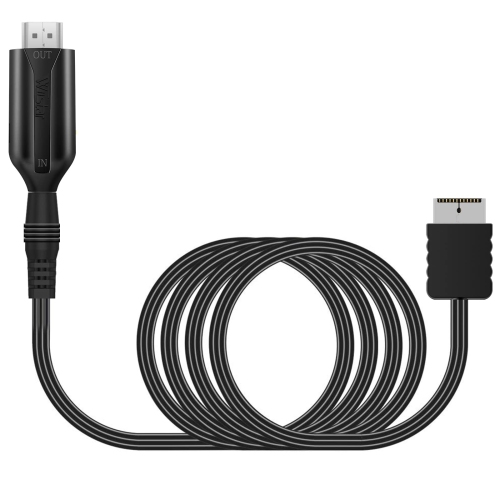
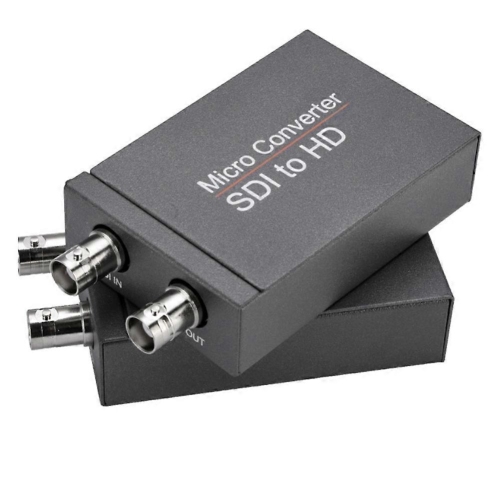
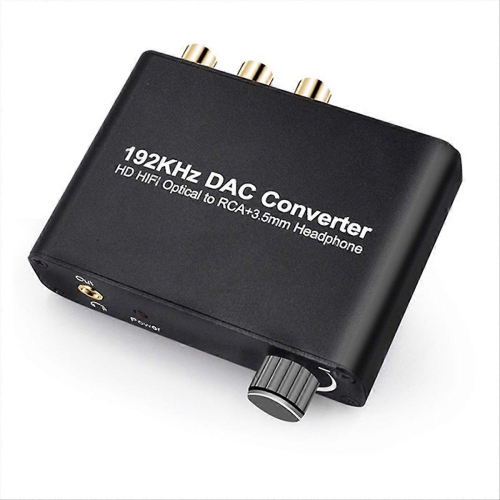
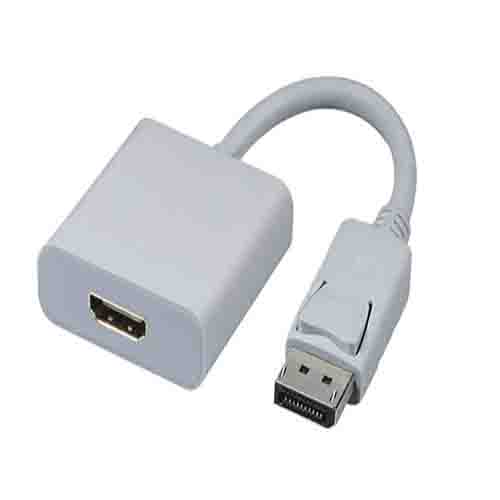
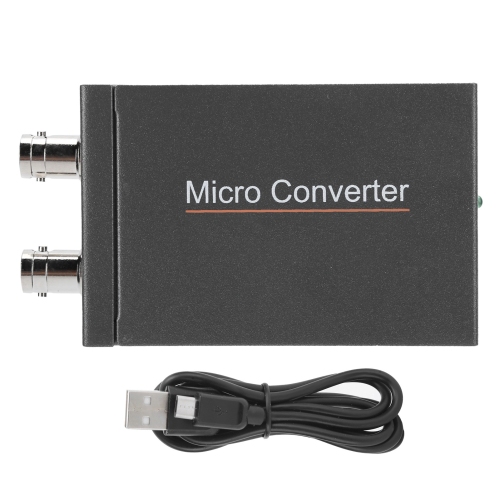
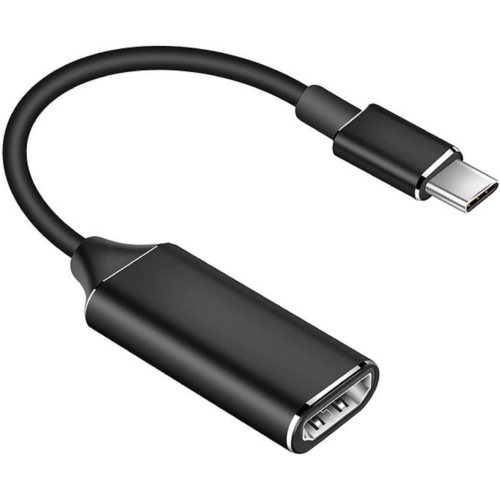
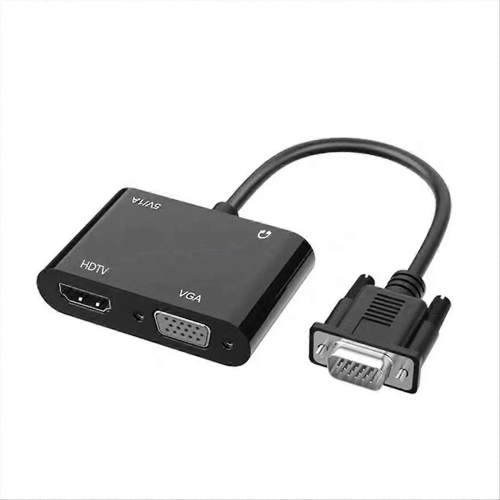
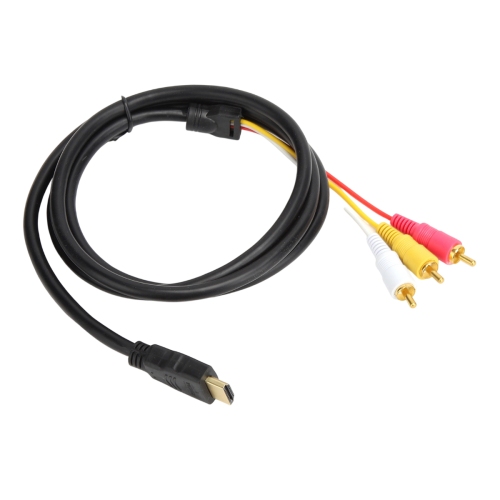
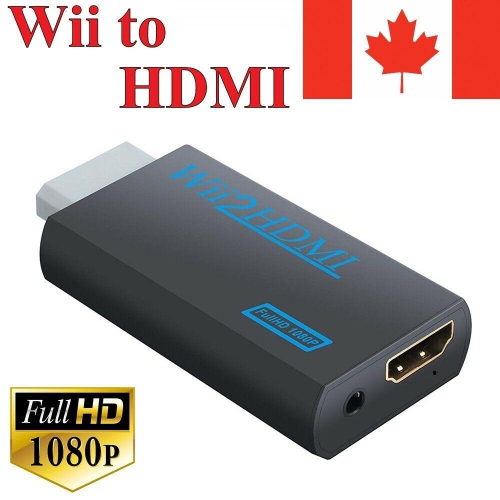
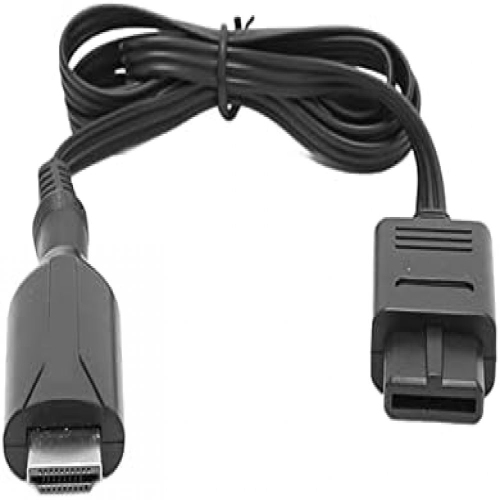
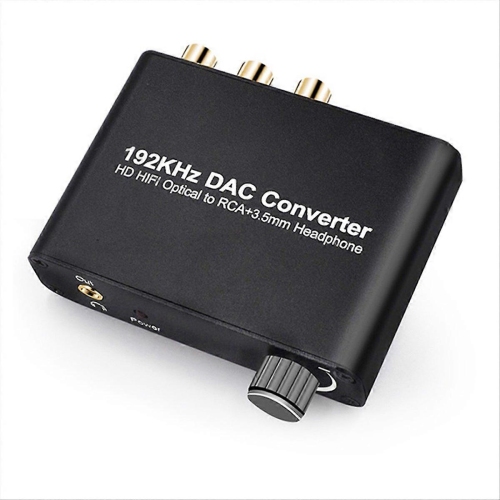
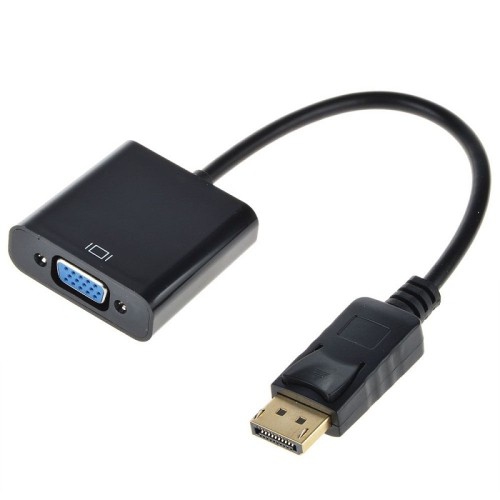
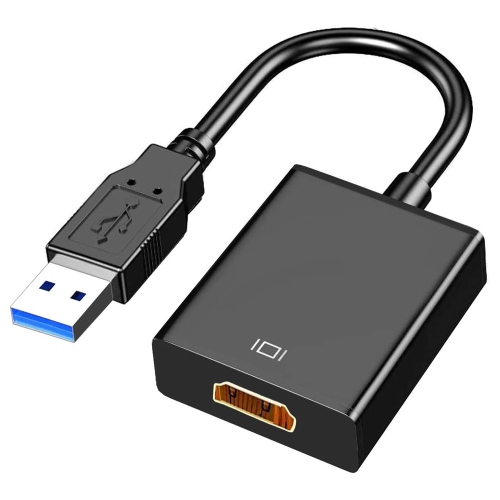
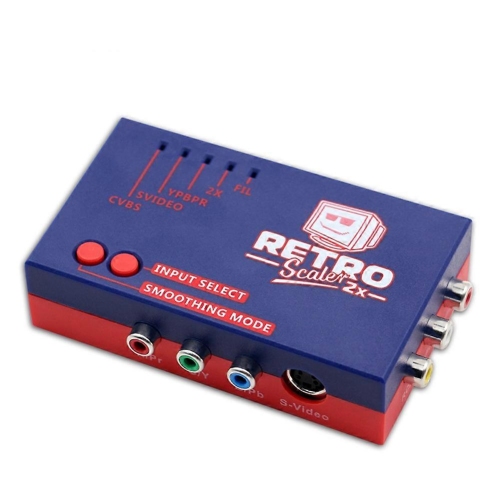
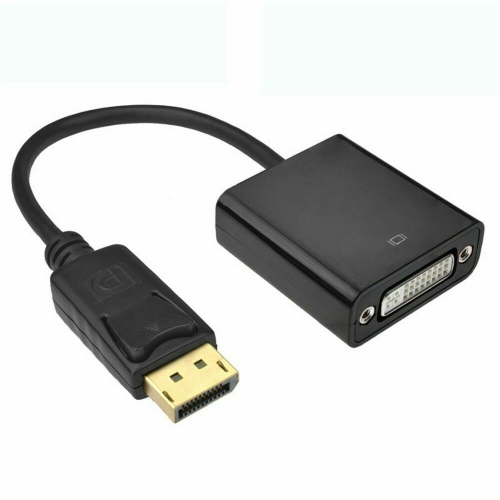
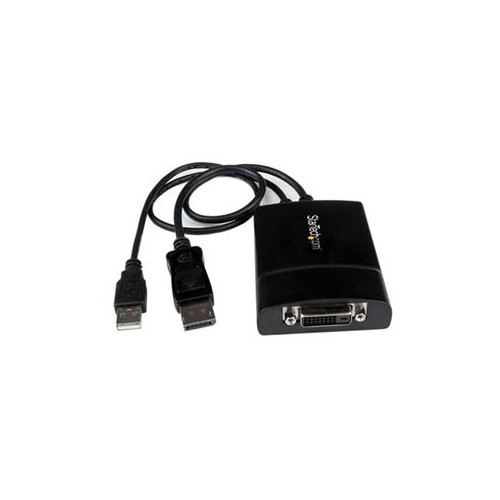
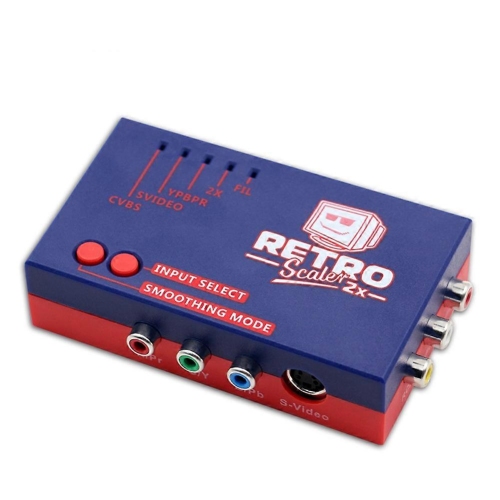

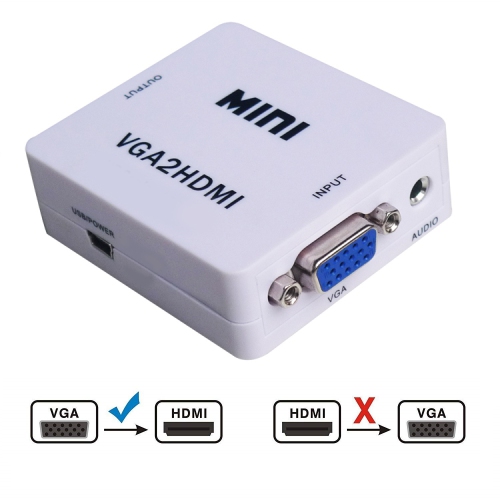



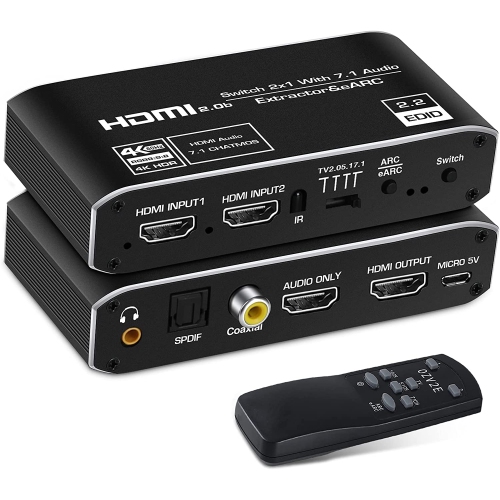
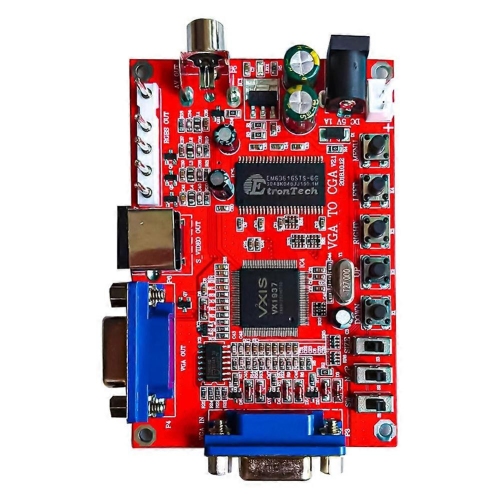
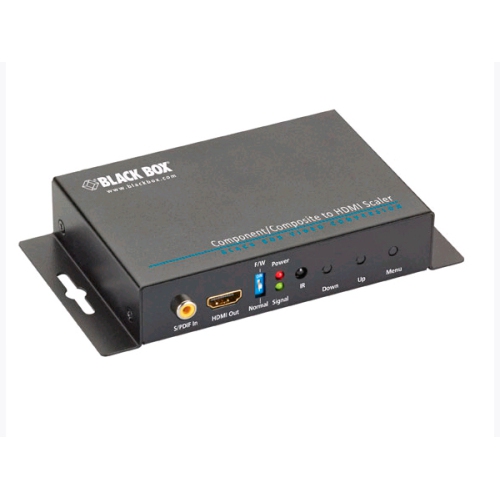
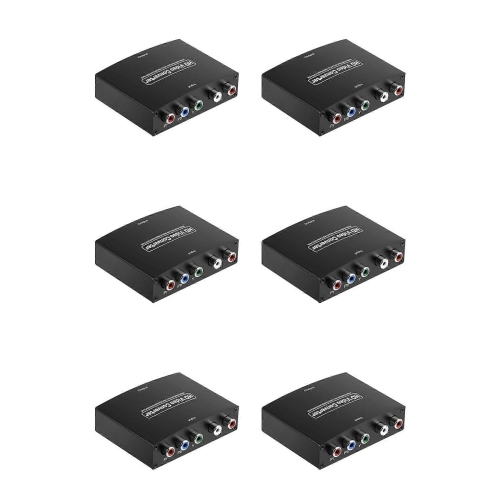
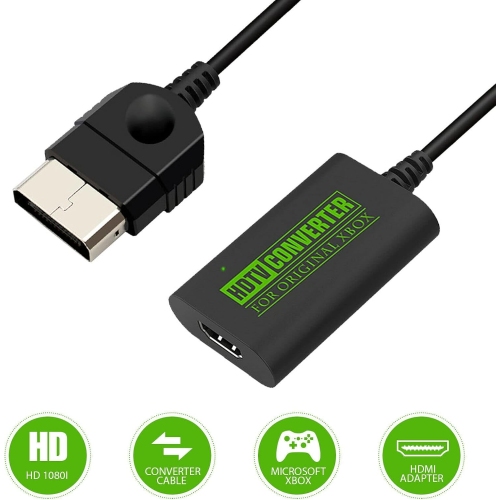
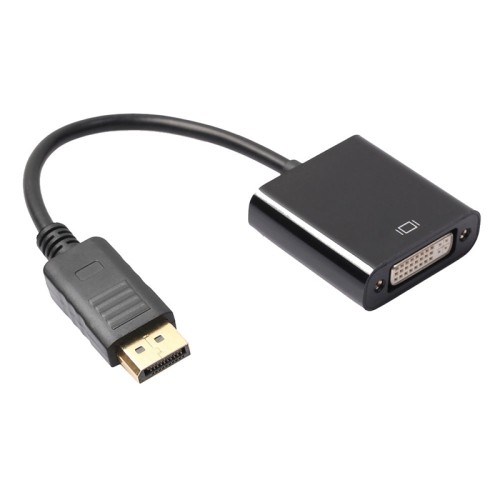
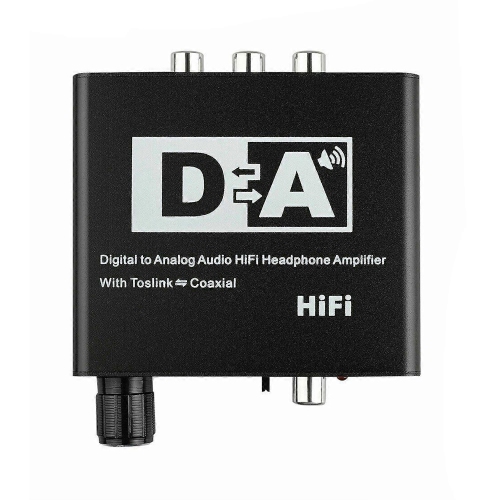
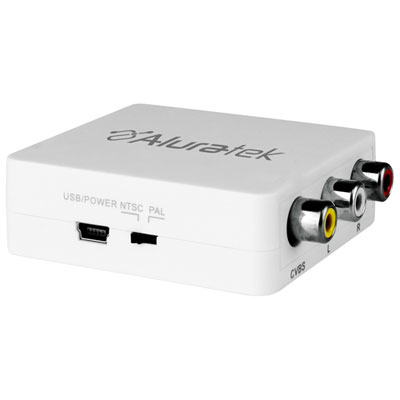
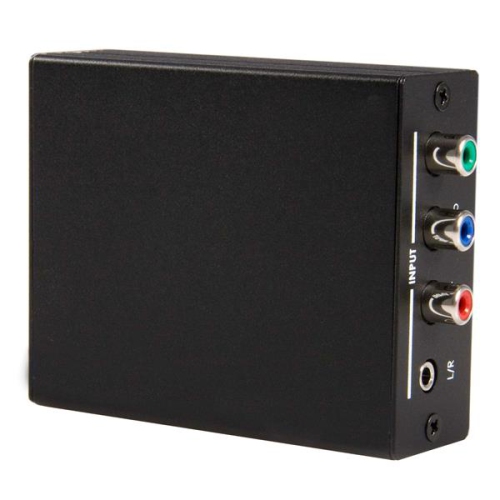
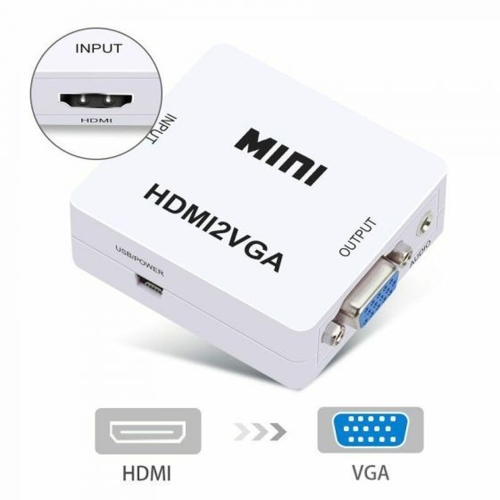
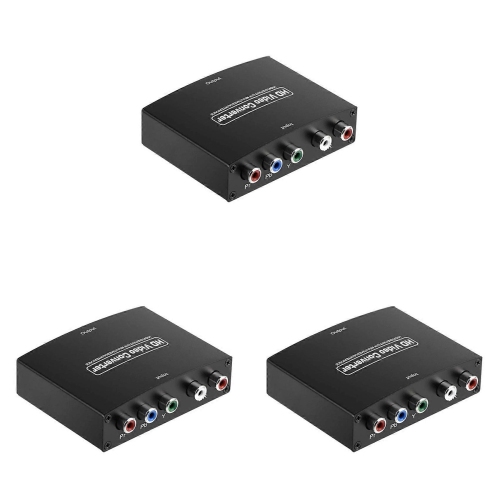
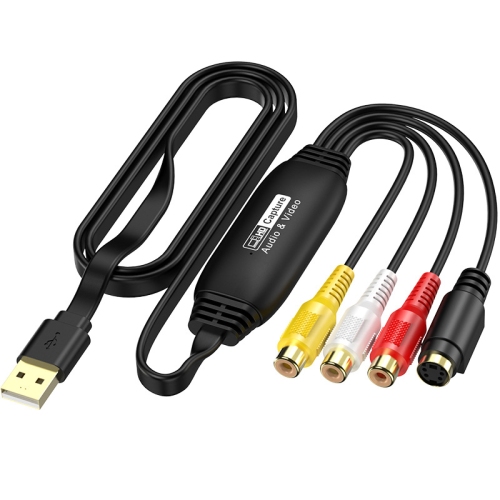
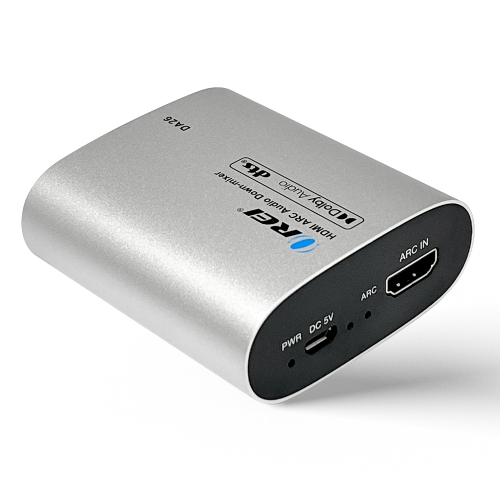
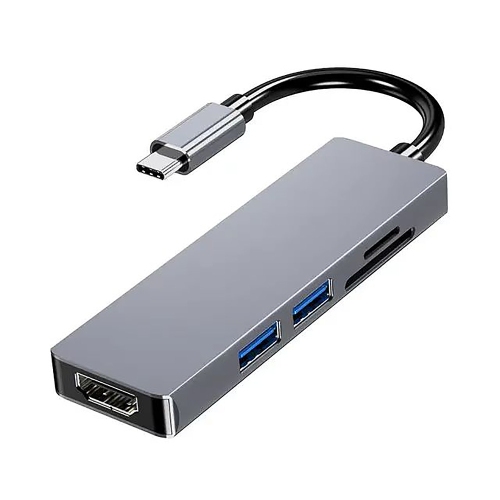
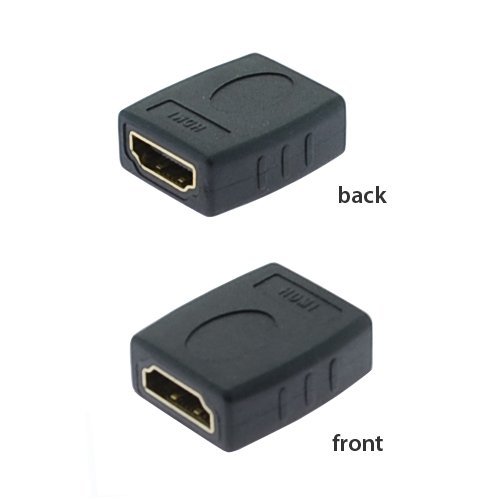
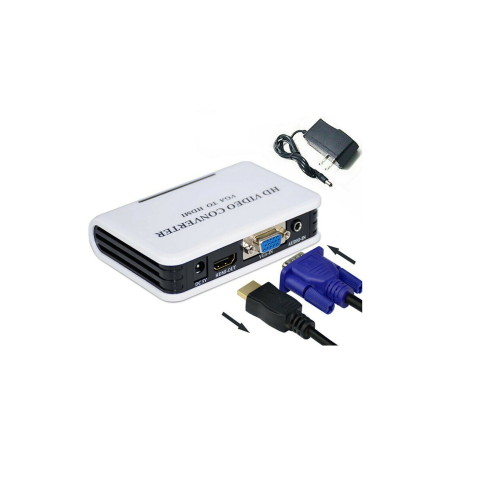
How older video sources connect to newer screens
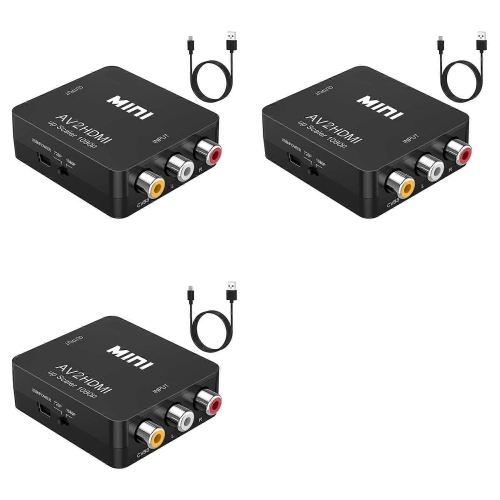
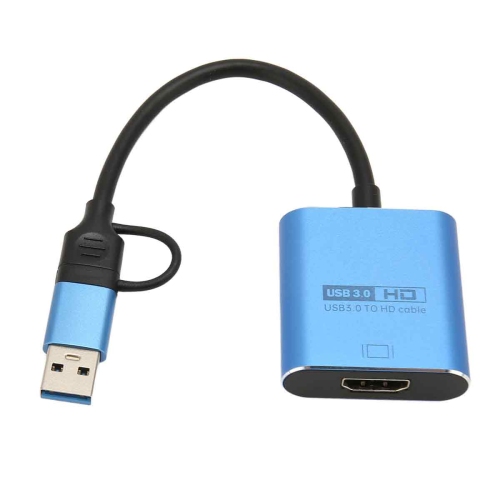
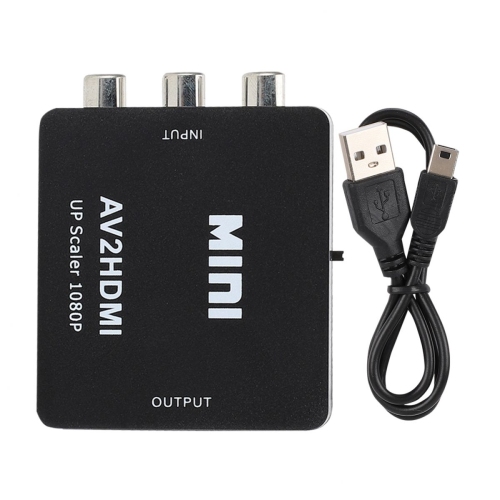
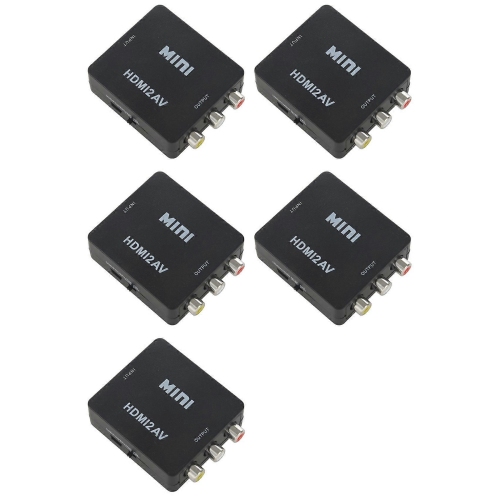
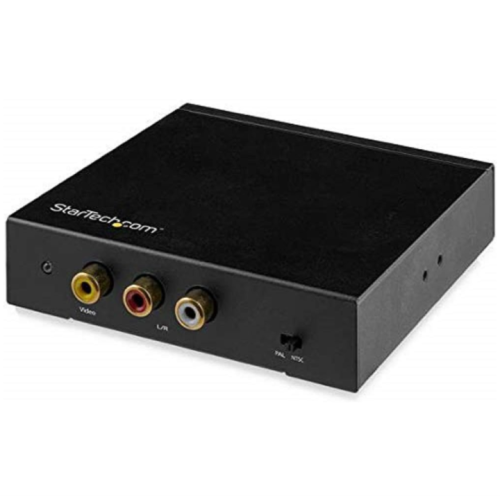
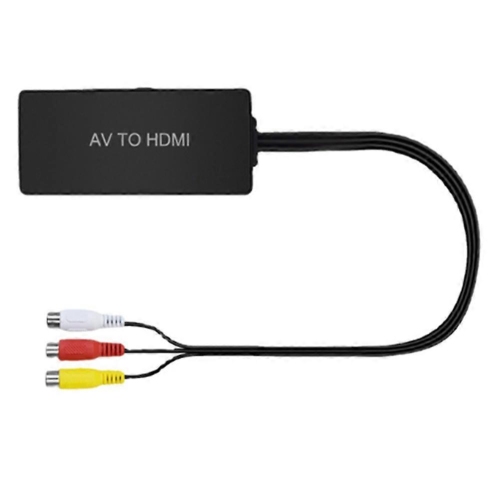
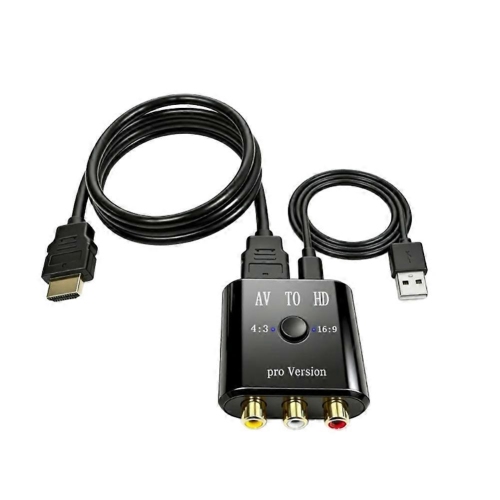
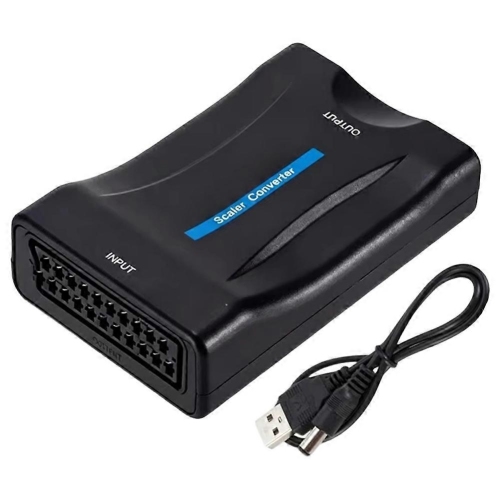
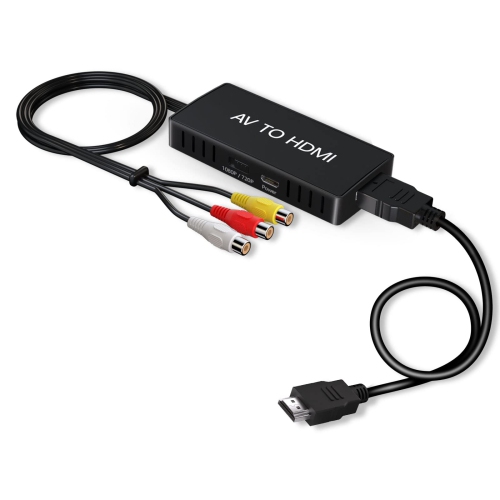
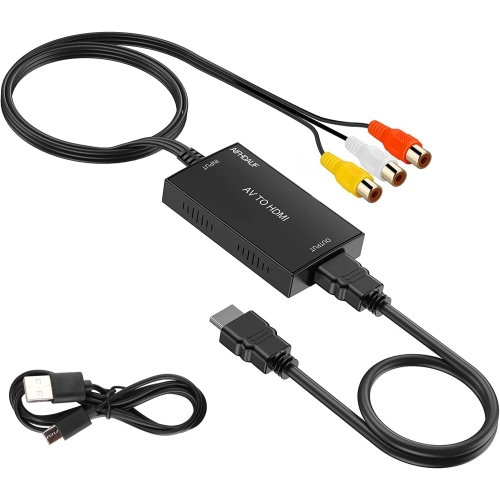
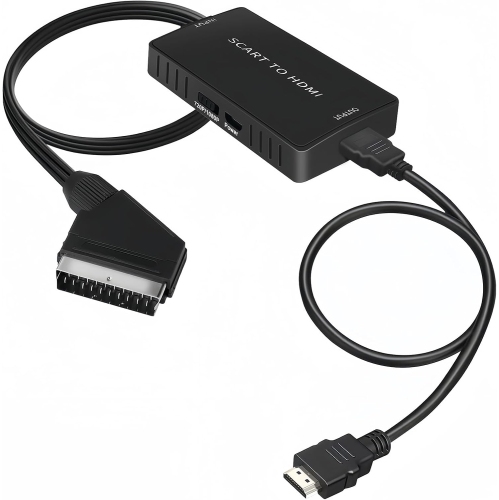
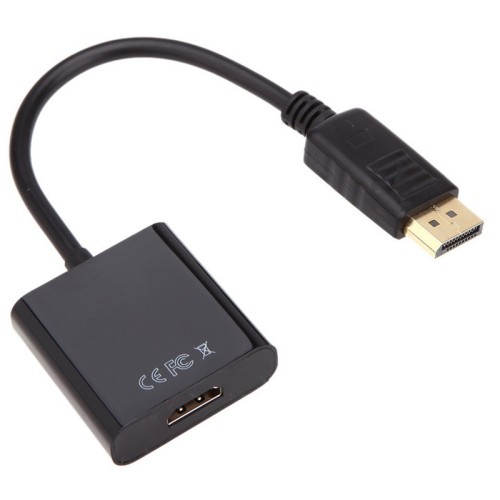
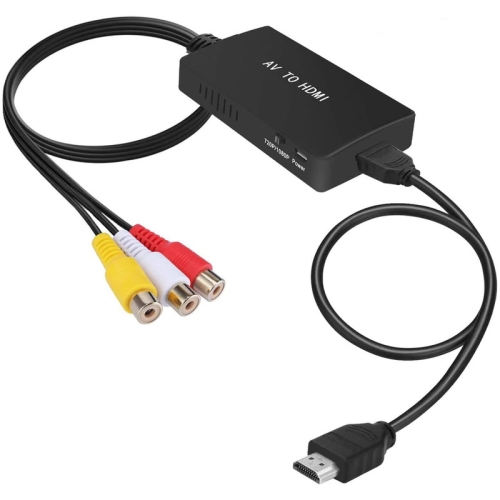
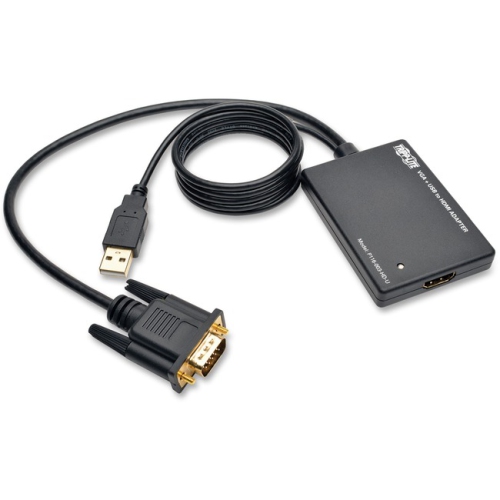
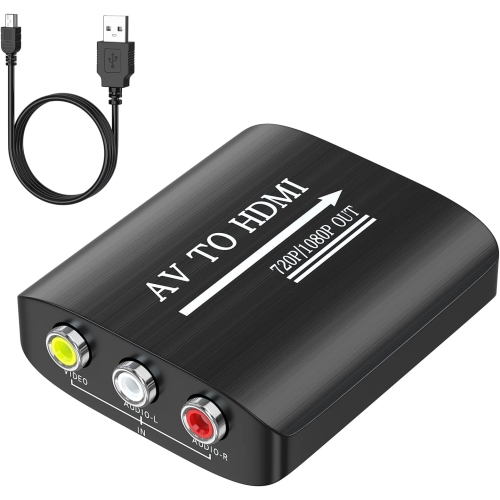
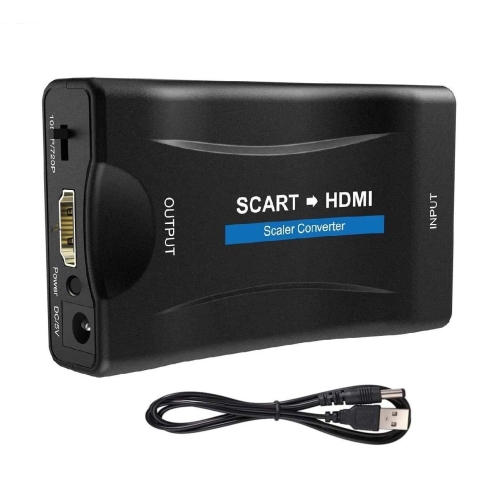
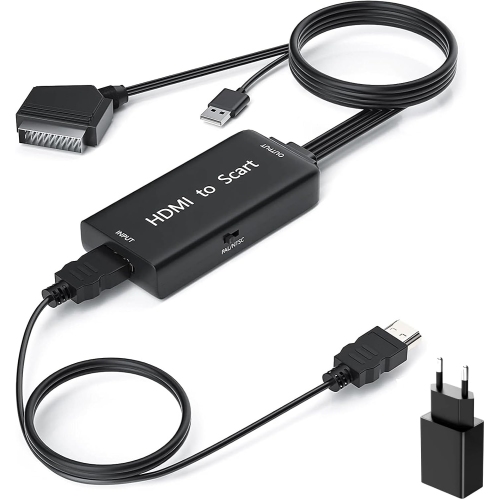
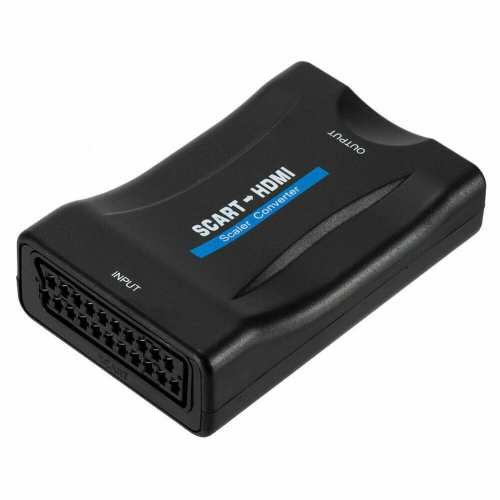
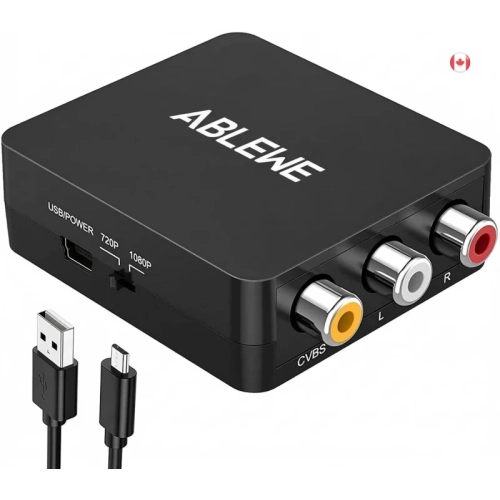
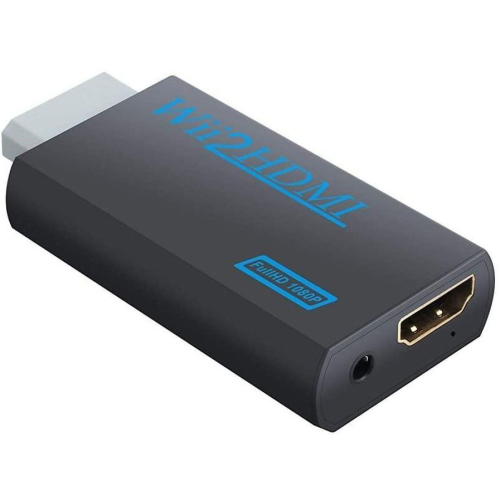
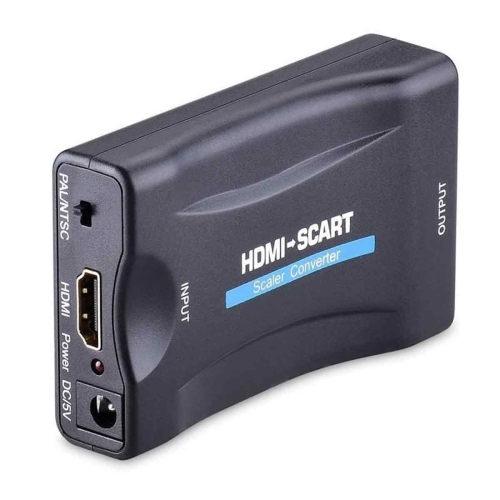
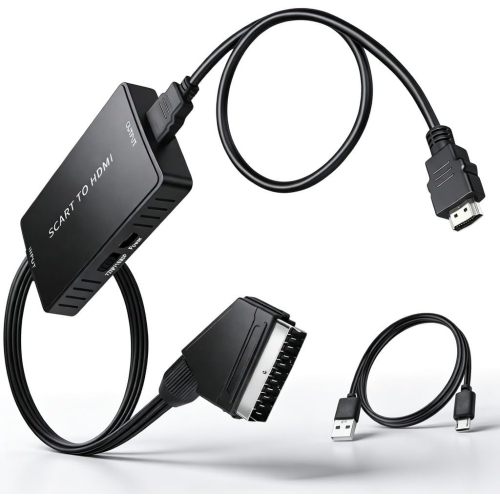
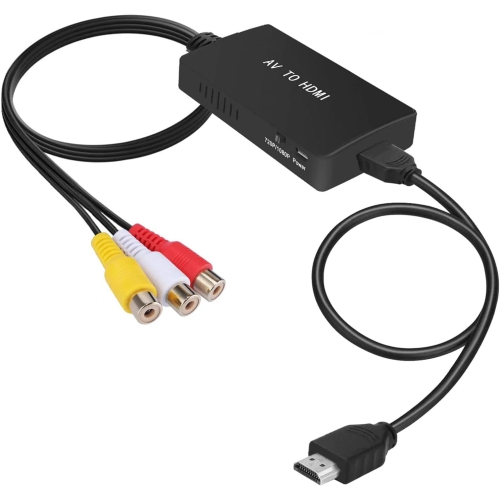
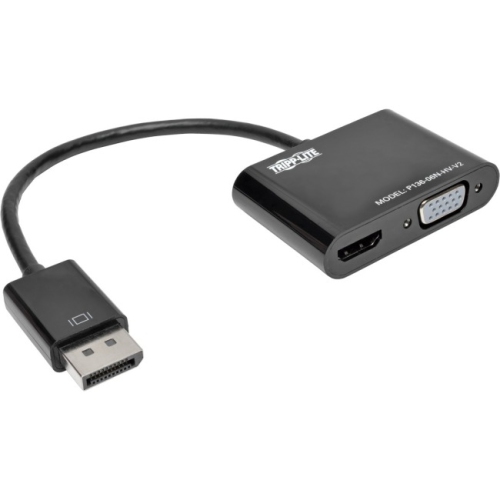
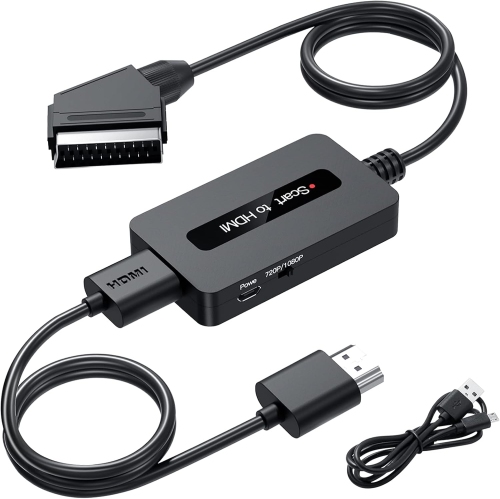
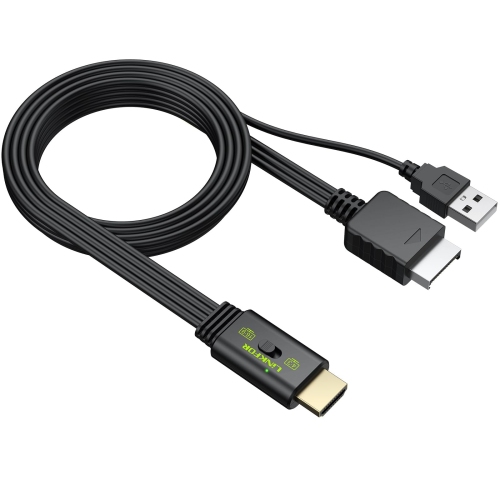
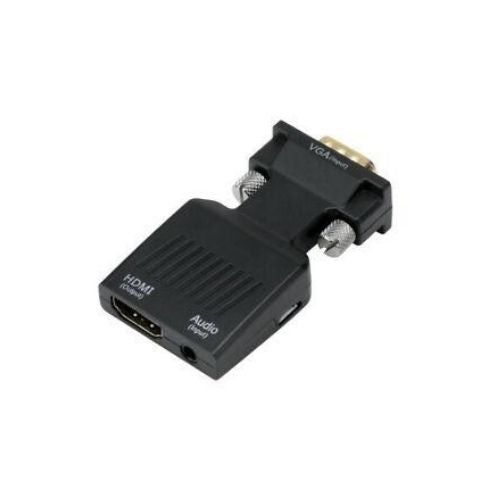
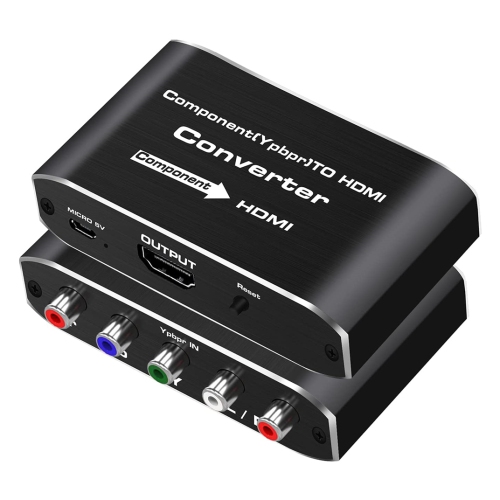
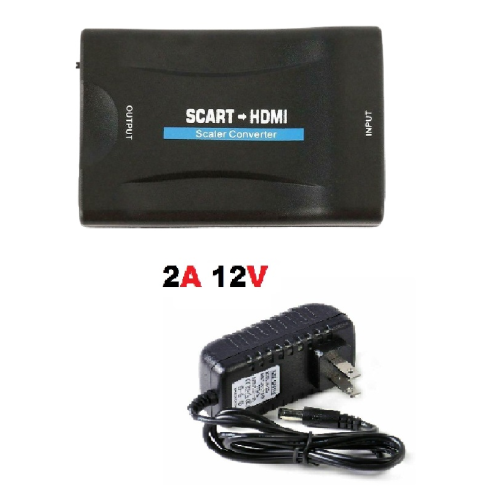
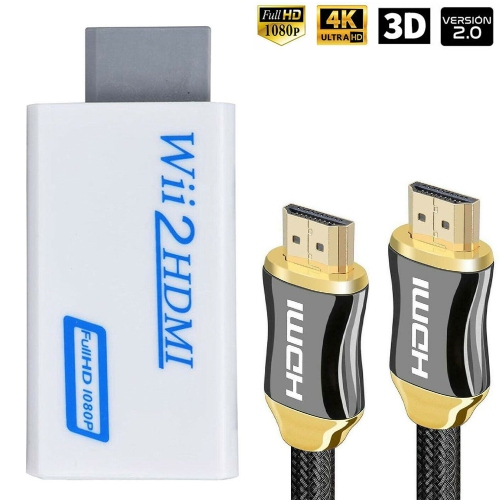
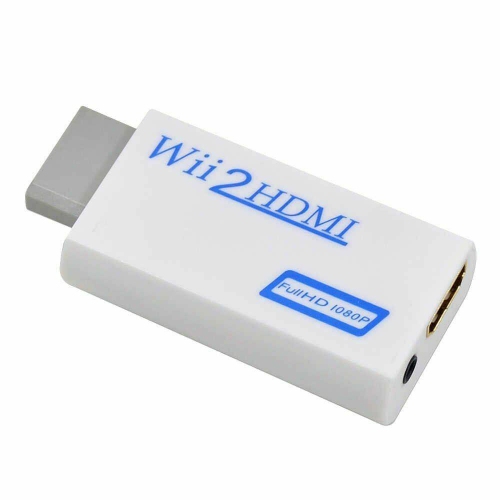
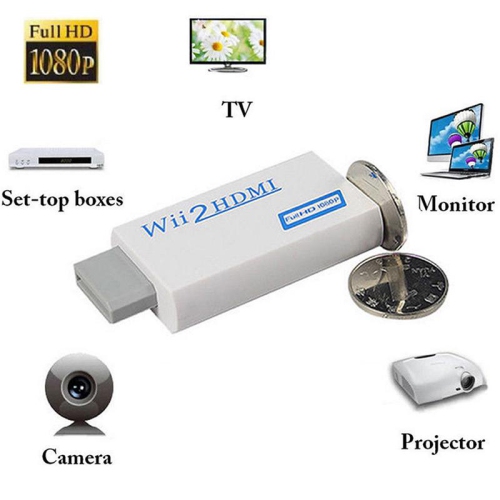
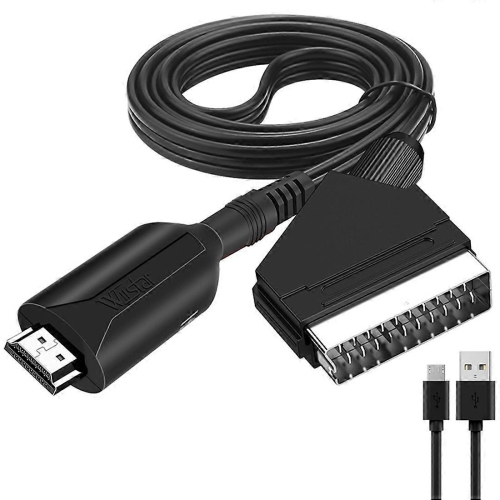
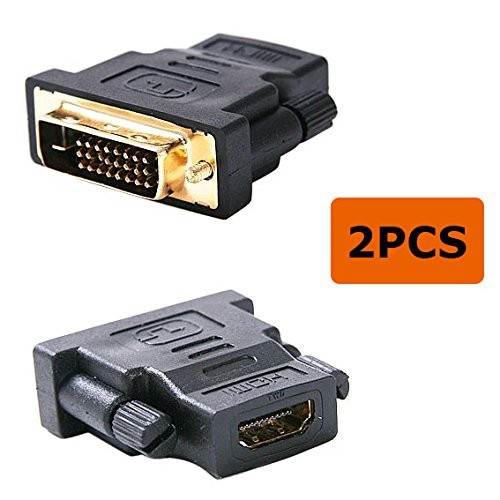
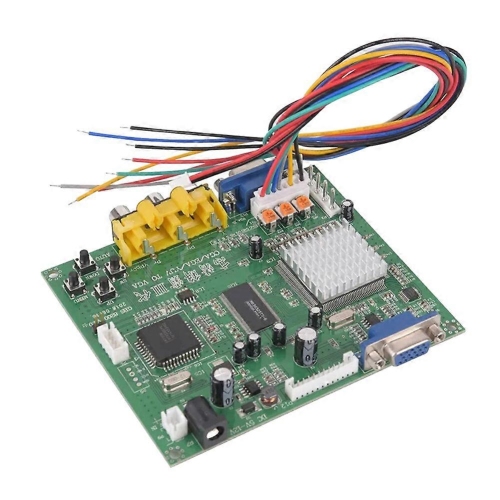
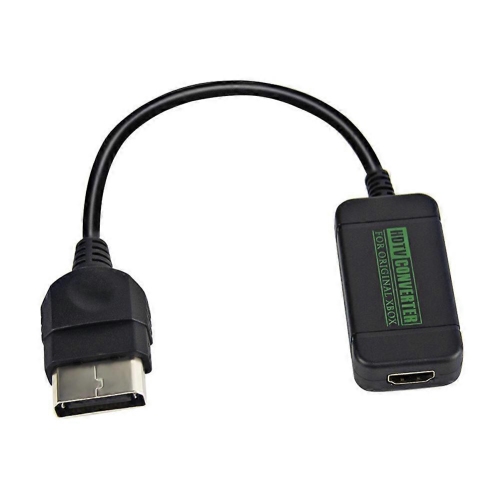
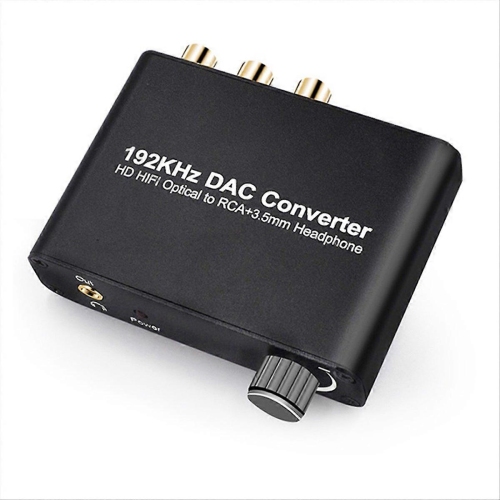
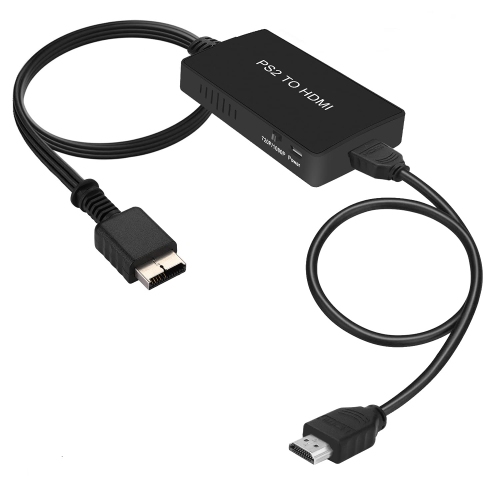
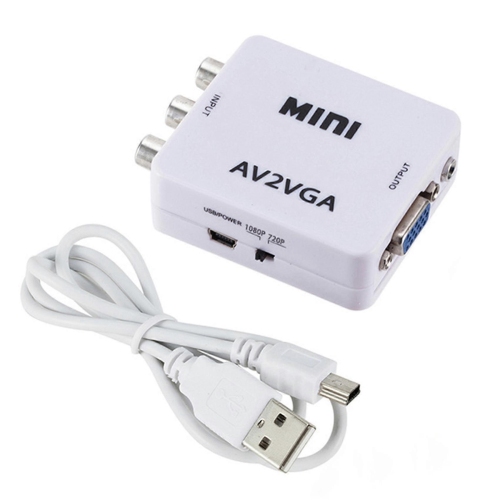
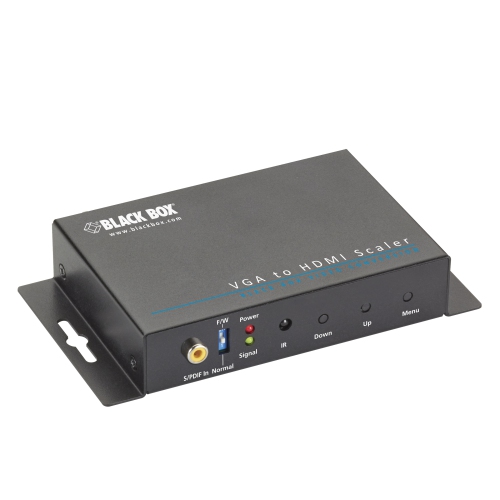
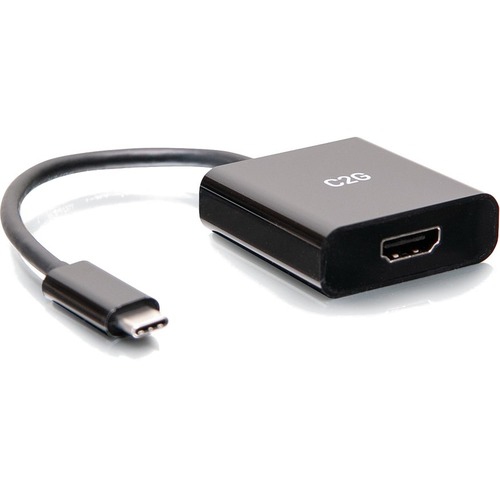
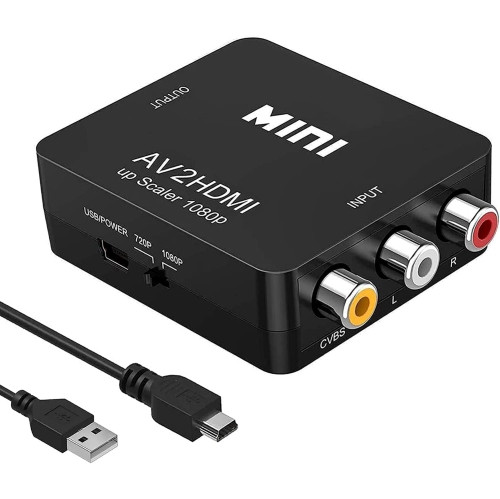
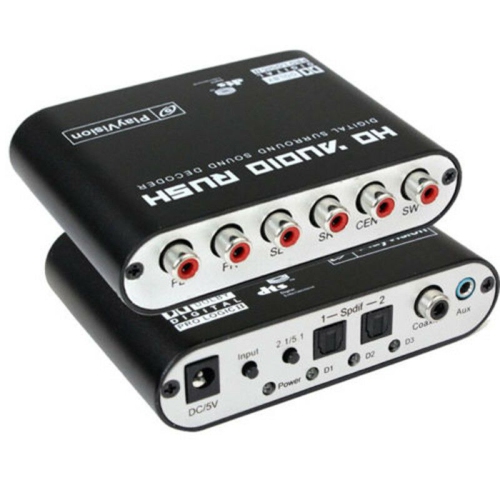
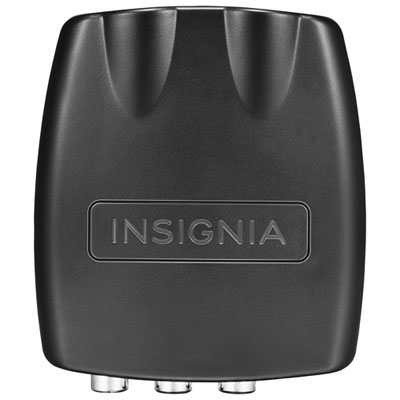
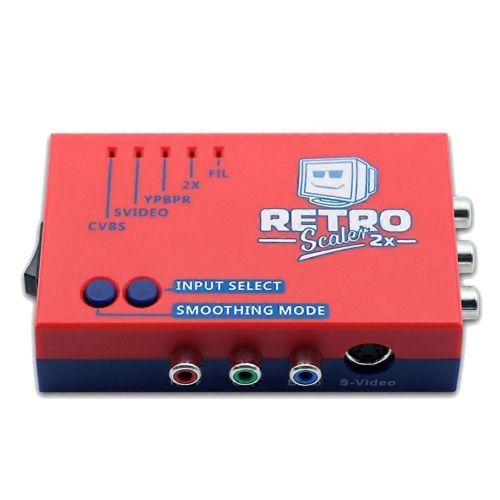
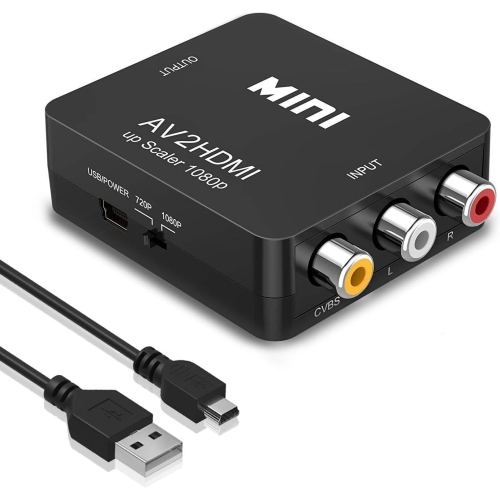
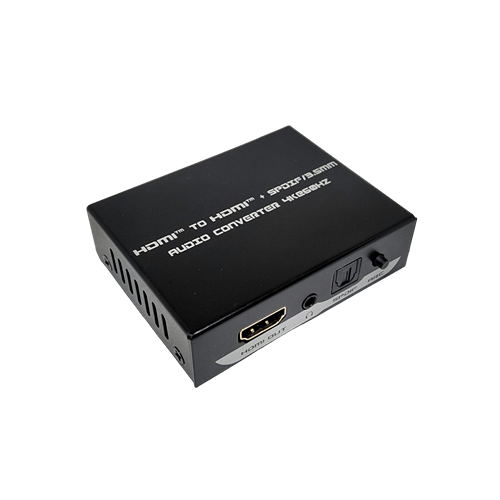
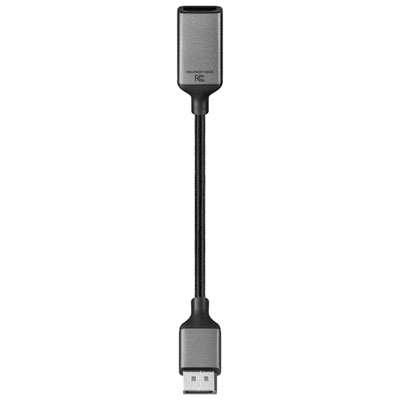
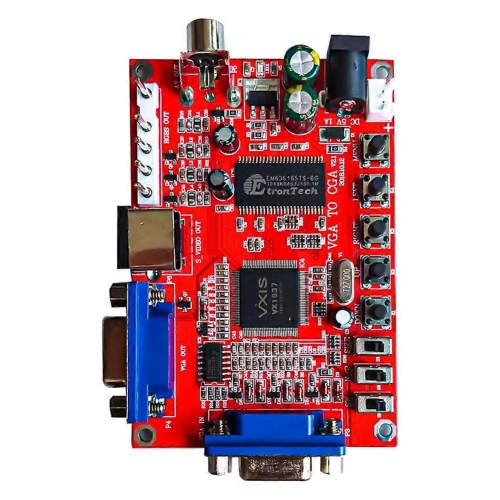
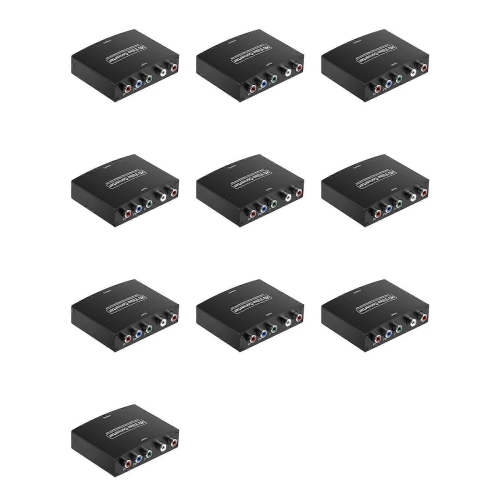
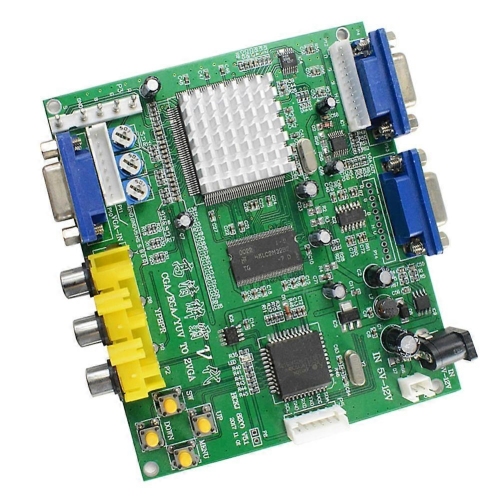
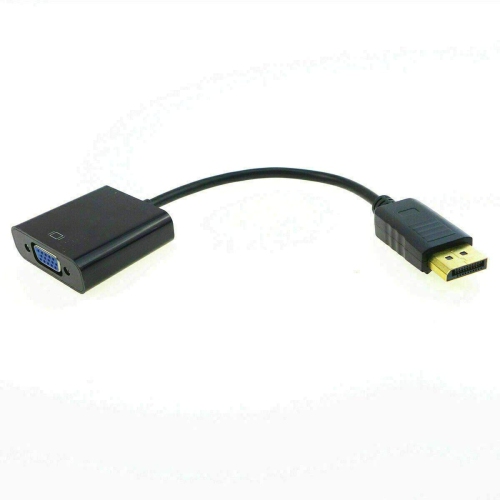
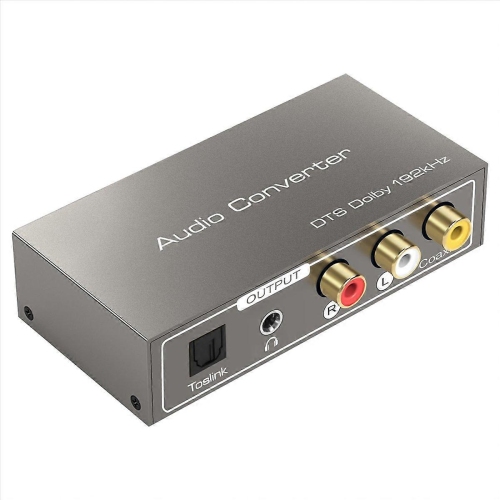
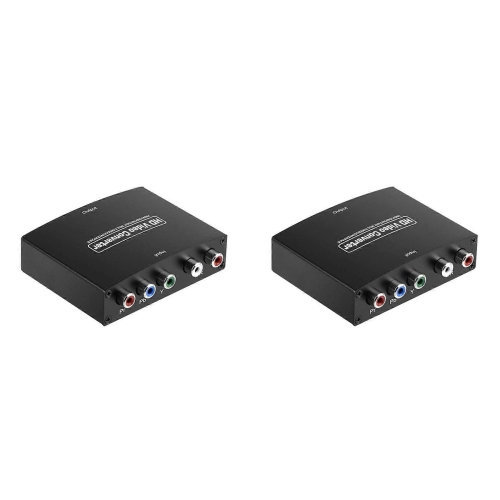
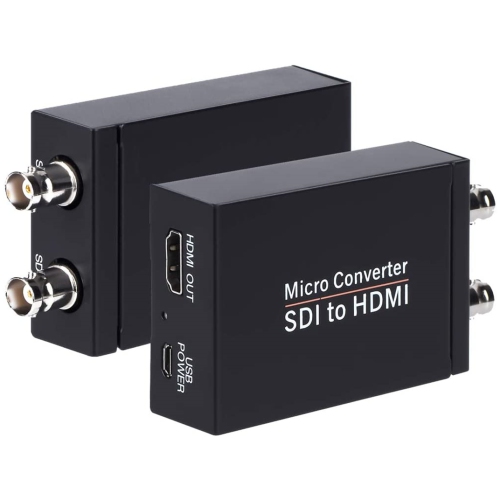
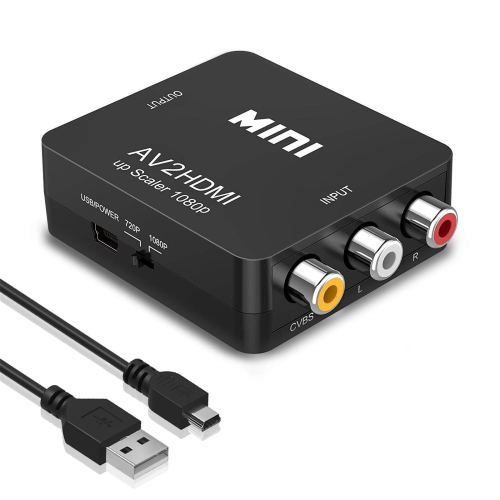
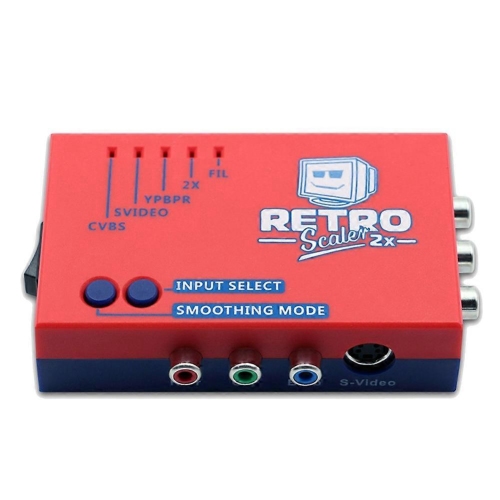
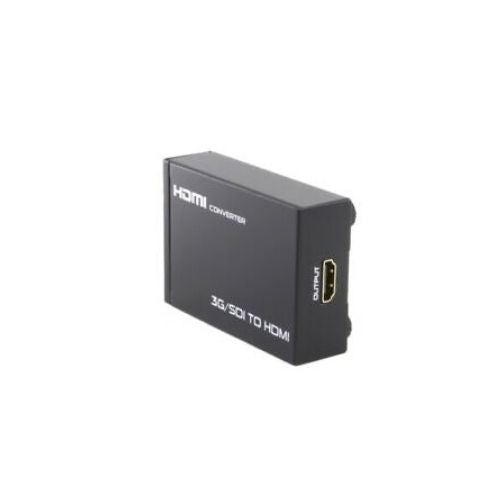
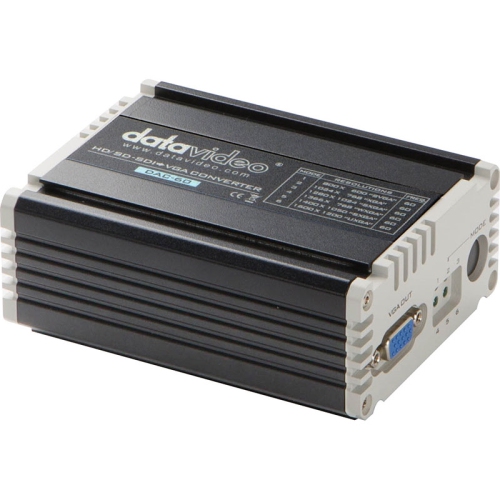
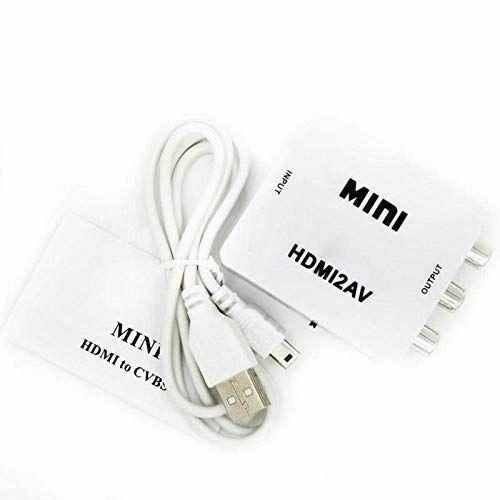
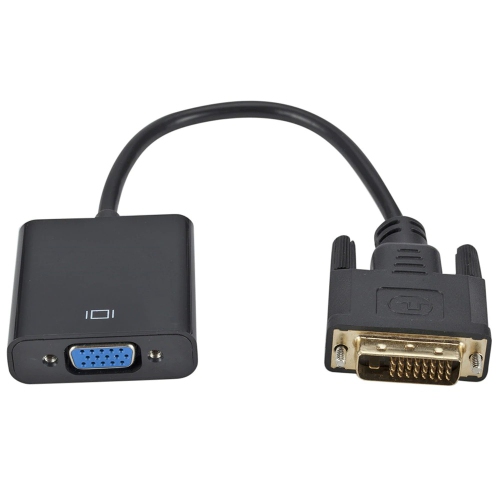
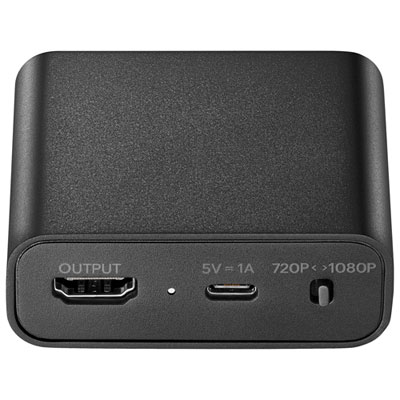
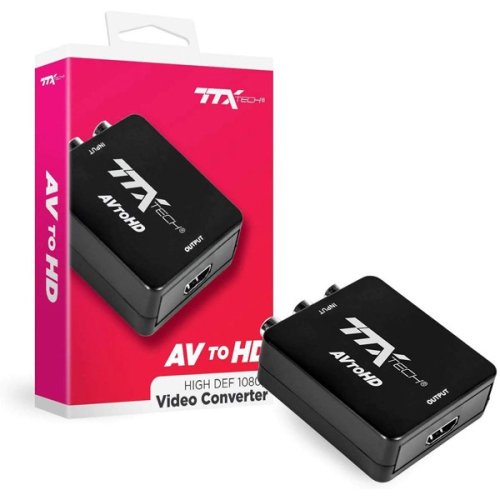
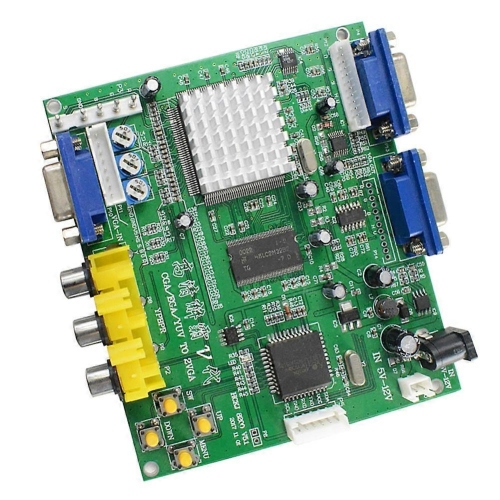
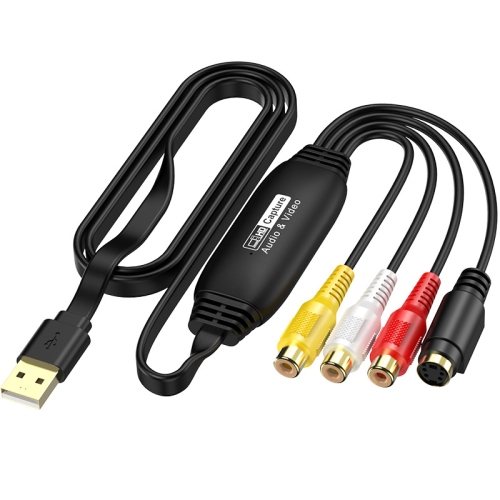
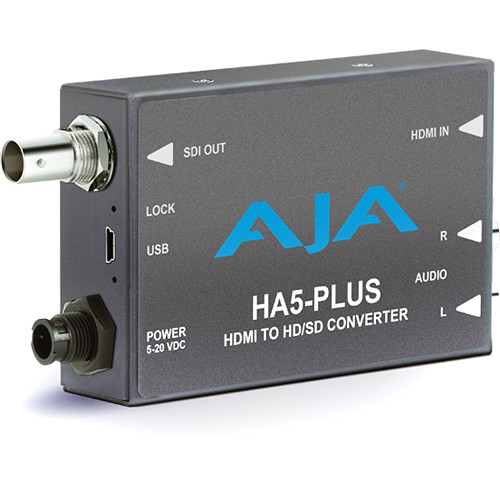
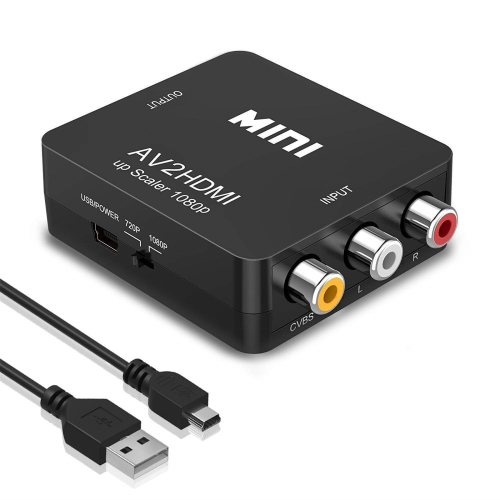
High-definition converters help audio and video equipment communicate when their signal formats do not match. They can connect an older video source to an HDMI-equipped television, adapt a digital signal for a display with analogue inputs, or bridge connections in a presentation system. The important distinction is that a converter changes the signal, rather than simply changing the shape of a plug. A composite-to-HDMI converter, for example, processes the analogue video carried by a yellow RCA connection and sends it through an HDMI output, often alongside sound from the red and white stereo audio connections. Depending on its capabilities, it may scale that picture to a 720p or 1080p output. An S-Video-to-HDMI converter serves a similar purpose for equipment with an S-Video output, while a component-to-HDMI converter handles the separate YPbPr video signals carried by green, blue, and red connectors. Component video can carry high-definition pictures from compatible equipment, although the resolutions accepted and produced depend on the converter. These connections make high-definition video converters useful for watching family videotapes, using an older DVD player, or bringing a familiar game console into a living room with a newer screen. Scaling a picture to an HD output does not restore detail that was never captured in the original recording. A soft videotape image will still reflect the limitations of the tape, player, and recording, even when the television receives a 1080p signal. What a suitable converter provides is a workable connection and a picture format the display can accept. Picture processing also varies: some converters offer aspect ratio settings or handle interlaced video more effectively than others. Keeping a traditional 4:3 image in its original proportions, with bars at the sides of a widescreen display, preserves the shape of faces and objects rather than stretching them across the screen. For households with equipment from different generations, these small devices can make a much-loved collection easier to enjoy.
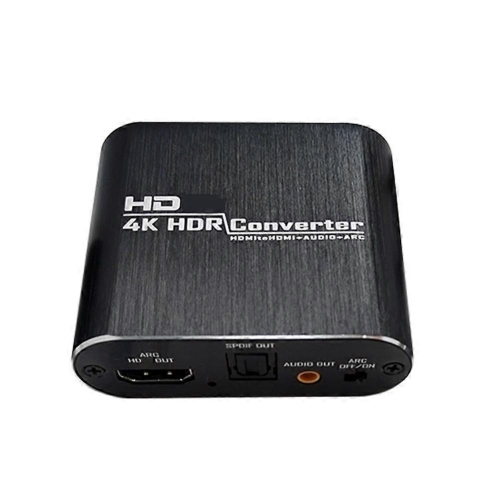
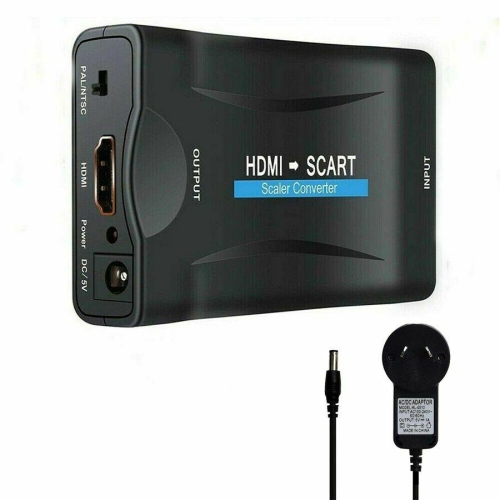
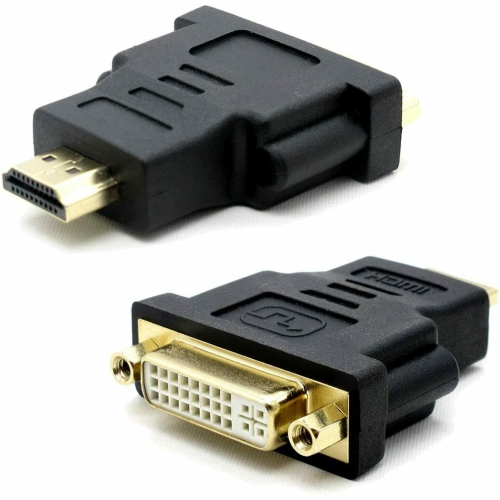
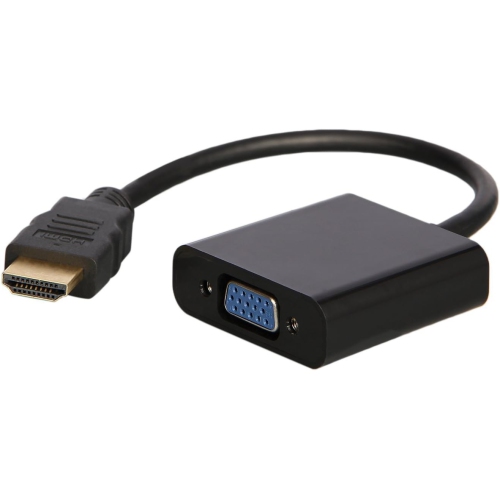
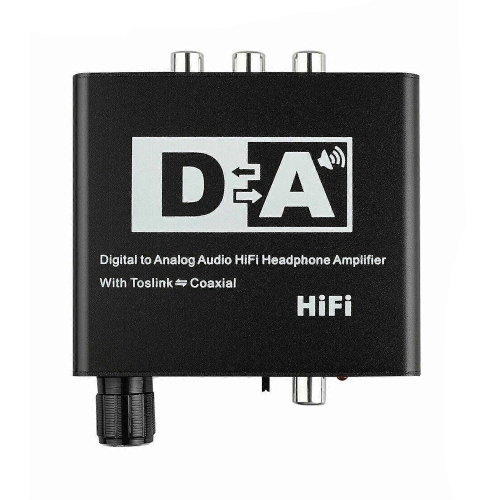
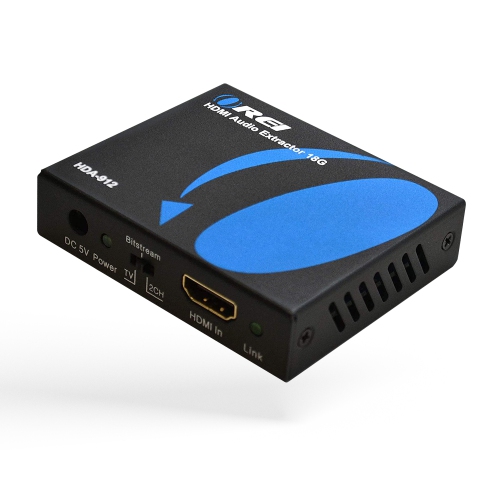
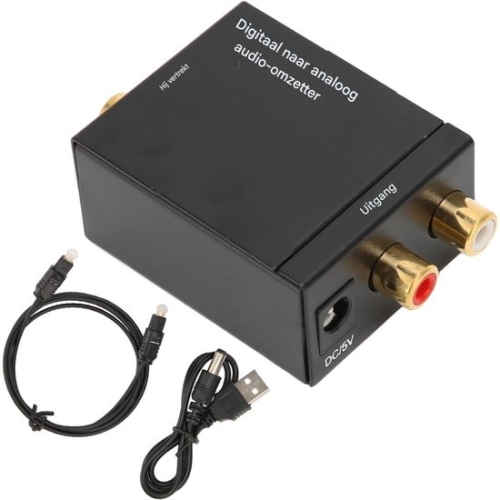
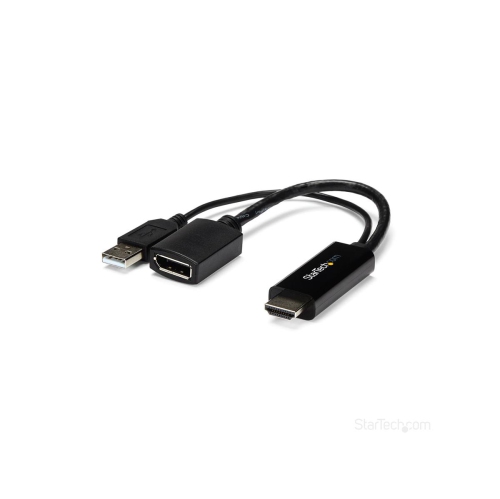
Compatibility depends on the entire signal path, from the source output through the converter to the television, monitor, or projector input. Most high-definition converters work in one direction only. An analogue-to-HDMI converter is not interchangeable with an HDMI-to-analogue converter, even if both have similar-looking sockets. Resolution support matters at both ends as well: a device that produces a 1080p output does not necessarily accept every input resolution. Older sources may send 480i or 480p video, while other equipment may output 720p, 1080i, or 1080p. The distinction between interlaced and progressive video can affect compatibility and motion handling, particularly with older game consoles and videotape players. Some classic consoles also use 240p signals that basic converters may not process correctly. For gaming, processing delay is another consideration, since added latency can make a button press feel disconnected from the action on screen. A converter designed for low-latency operation may be better suited to timing-sensitive games than one intended mainly for video playback. Audio deserves equal attention. Composite and component video connections do not carry sound themselves, so a converter may need separate stereo RCA or supported digital audio inputs to combine sound with the HDMI picture. In another setup, an HDMI audio extractor can separate sound from an HDMI signal for a stereo amplifier or an audio system with optical inputs while passing video to a display. Supported audio formats vary, and extracting audio is not the same as converting a surround soundtrack to two-channel stereo; downmixing must be explicitly supported when needed. Related Digital Converters cover additional signal-conversion needs across audio and video setups. With HDMI sources, content-protection compatibility can also affect whether a picture appears. A converter is not a way around copy protection, and a connector match alone does not guarantee playback. Matching the actual output format, supported audio, and display requirements helps distinguish a suitable connection from one that merely fits.
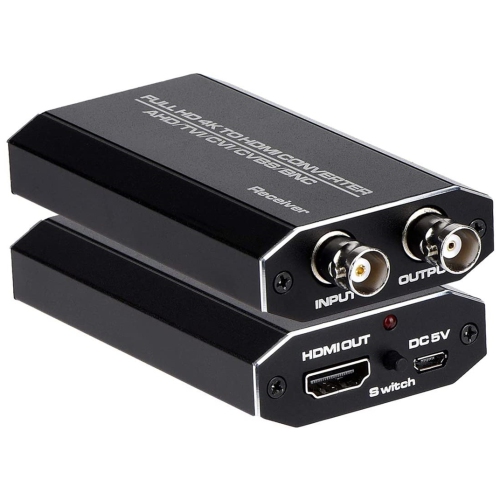
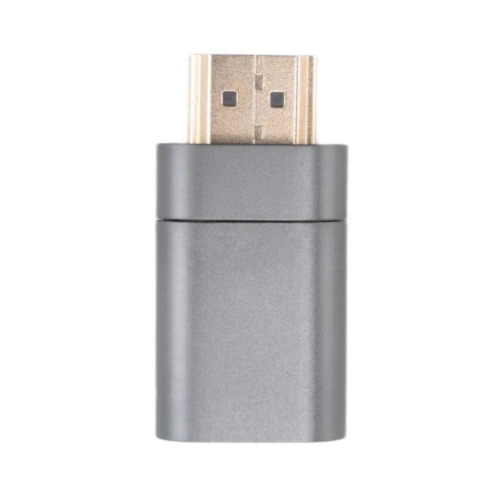
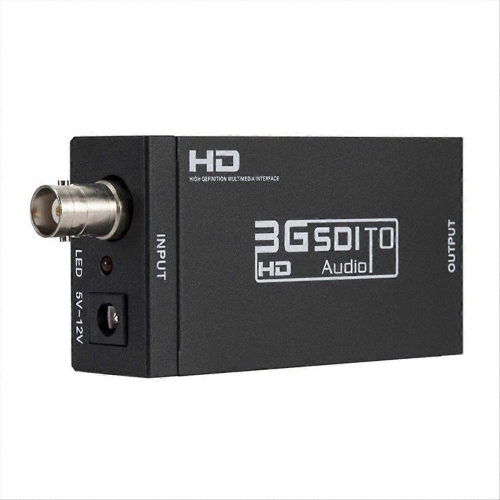
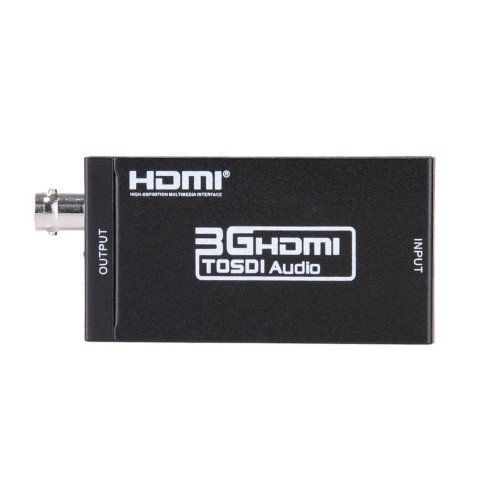
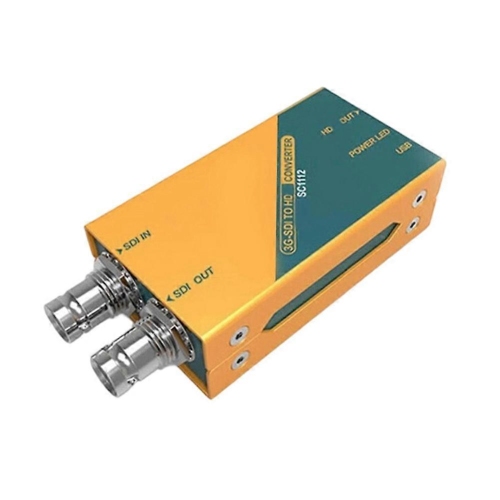
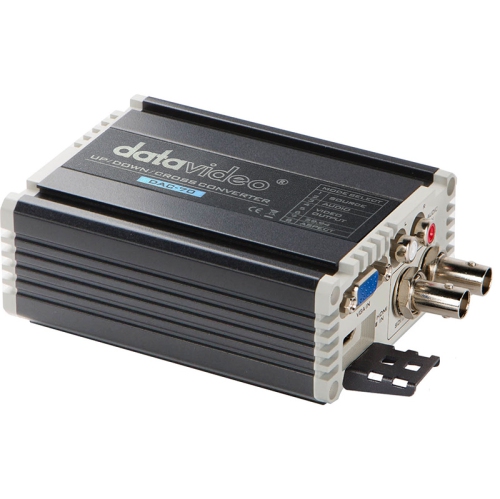
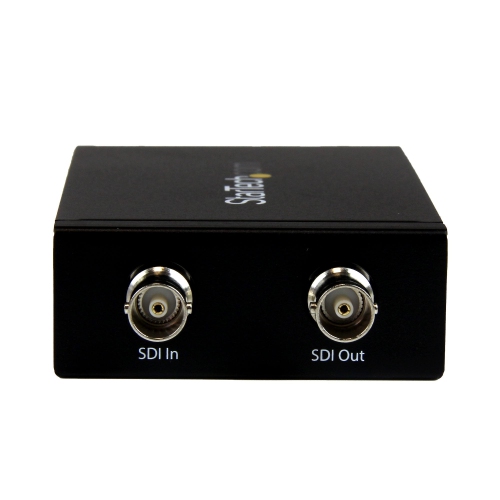
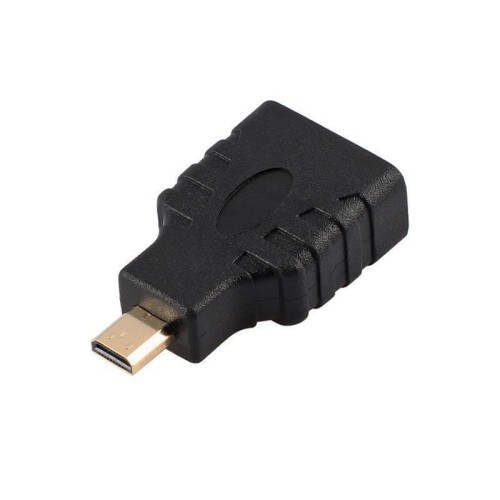
Physical design and power requirements influence how comfortably a converter fits into everyday use. Compact housings can sit behind a television or beside a console, while larger units may offer clearer port spacing, accessible controls, or mounting options for a more permanent installation. Metal enclosures can provide useful rigidity in setups that are moved frequently; lightweight plastic housings can be practical where weight and space matter. Durability also depends on connector support, cable strain, and how securely the device is placed. A small converter hanging from a stiff HDMI cable can put unnecessary pressure on both its own socket and the connected equipment. Leaving enough room for cable bends and placing the housing on a stable surface keeps the installation tidier and reduces stress on the connections. Many active converters require external power, sometimes through a 5 V USB connection and sometimes through a dedicated adapter. The specified voltage and current requirements matter, and a television’s USB port may not provide suitable power in every setup or remain powered when the screen is off. Included accessories vary, so cable and power requirements are part of the overall fit. For routine care, a soft, dry cloth and unobstructed ventilation openings are generally appropriate, with cleaning and handling carried out according to the manufacturer’s directions. In meeting rooms, classrooms, and event spaces, converters may connect presentation sources to projectors or link equipment that uses different professional video interfaces. More advanced units can offer scaling, frame-rate conversion, or conversion between HDMI and SDI, but those functions are model-specific rather than standard features of every high-definition converter. For home use, a straightforward connection may be all that is needed: an older camcorder feeding a television, a DVD player connected to a monitor with suitable audio support, or a game console sharing a screen with newer equipment. Converters can also be a thoughtful accessory for someone who enjoys classic games or maintains an older home theatre setup, provided the source and display connections are known. The best fit is defined by the signals that need to work together, not simply by the highest resolution printed on the packaging.
Compatibility depends on the entire signal path, from the source output through the converter to the television, monitor, or projector input. Most high-definition converters work in one direction only. An analogue-to-HDMI converter is not interchangeable with an HDMI-to-analogue converter, even if both have similar-looking sockets. Resolution support matters at both ends as well: a device that produces a 1080p output does not necessarily accept every input resolution. Older sources may send 480i or 480p video, while other equipment may output 720p, 1080i, or 1080p. The distinction between interlaced and progressive video can affect compatibility and motion handling, particularly with older game consoles and videotape players. Some classic consoles also use 240p signals that basic converters may not process correctly. For gaming, processing delay is another consideration, since added latency can make a button press feel disconnected from the action on screen. A converter designed for low-latency operation may be better suited to timing-sensitive games than one intended mainly for video playback. Audio deserves equal attention. Composite and component video connections do not carry sound themselves, so a converter may need separate stereo RCA or supported digital audio inputs to combine sound with the HDMI picture. In another setup, an HDMI audio extractor can separate sound from an HDMI signal for a stereo amplifier or an audio system with optical inputs while passing video to a display. Supported audio formats vary, and extracting audio is not the same as converting a surround soundtrack to two-channel stereo; downmixing must be explicitly supported when needed. Related Digital Converters cover additional signal-conversion needs across audio and video setups. With HDMI sources, content-protection compatibility can also affect whether a picture appears. A converter is not a way around copy protection, and a connector match alone does not guarantee playback. Matching the actual output format, supported audio, and display requirements helps distinguish a suitable connection from one that merely fits.
Physical design and power requirements influence how comfortably a converter fits into everyday use. Compact housings can sit behind a television or beside a console, while larger units may offer clearer port spacing, accessible controls, or mounting options for a more permanent installation. Metal enclosures can provide useful rigidity in setups that are moved frequently; lightweight plastic housings can be practical where weight and space matter. Durability also depends on connector support, cable strain, and how securely the device is placed. A small converter hanging from a stiff HDMI cable can put unnecessary pressure on both its own socket and the connected equipment. Leaving enough room for cable bends and placing the housing on a stable surface keeps the installation tidier and reduces stress on the connections. Many active converters require external power, sometimes through a 5 V USB connection and sometimes through a dedicated adapter. The specified voltage and current requirements matter, and a television’s USB port may not provide suitable power in every setup or remain powered when the screen is off. Included accessories vary, so cable and power requirements are part of the overall fit. For routine care, a soft, dry cloth and unobstructed ventilation openings are generally appropriate, with cleaning and handling carried out according to the manufacturer’s directions. In meeting rooms, classrooms, and event spaces, converters may connect presentation sources to projectors or link equipment that uses different professional video interfaces. More advanced units can offer scaling, frame-rate conversion, or conversion between HDMI and SDI, but those functions are model-specific rather than standard features of every high-definition converter. For home use, a straightforward connection may be all that is needed: an older camcorder feeding a television, a DVD player connected to a monitor with suitable audio support, or a game console sharing a screen with newer equipment. Converters can also be a thoughtful accessory for someone who enjoys classic games or maintains an older home theatre setup, provided the source and display connections are known. The best fit is defined by the signals that need to work together, not simply by the highest resolution printed on the packaging.
Top selling and popular products
-
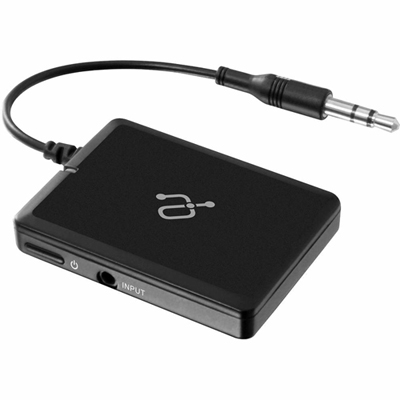 Your price for this item is $34.99
 -
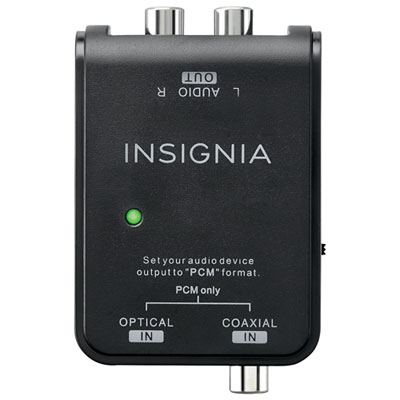 Your price for this item is $39.99
 -
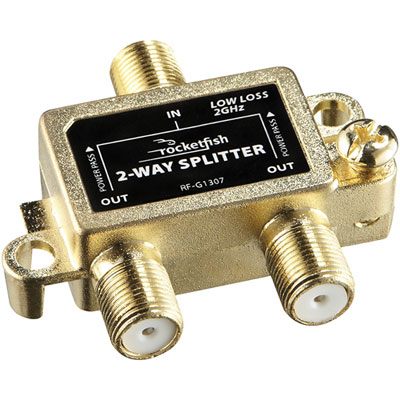 Your price for this item is $10.97
 -
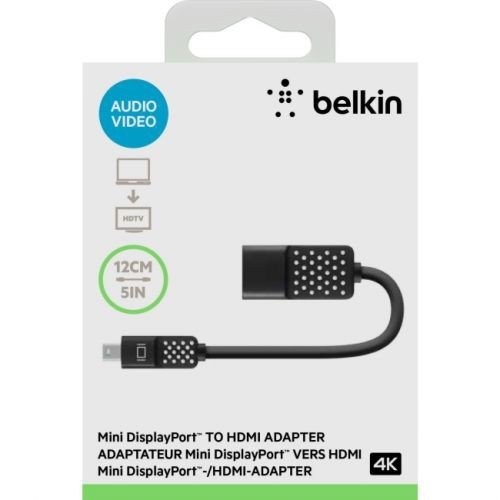 Your price for this item is $46.68
 -
 Your price for this item is $24.99
 -
 Your price for this item is $9.99
 -
 Your price for this item is $75.99
 -
 Your price for this item is $19.99
Discover more categories related to High Definition Converters
Top Collections:
Pokemon Centers, Best Cameras for Sports Photography, Kindle Devices, Samsung Galaxy Phones, Canon G7X Cameras, Pokémon 30th Celebration Cards, Refurbished Apple Laptops, iPhone 15 Apple, Laptops for Students, Budget Smartphones
Some products may be subject to Environmental Handling Fees
(EHF) depending on your province.
Learn more about EHFs.