Personal Tax Software
Personal tax software makes managing your finances during tax season more convenient and efficient. Whether you’re filing simple returns or handling more complex situations, personal tax software offers solutions to help organize your information and streamline the process. Explore a variety of options to find the right fit for your needs and take the stress out of preparing your taxes.
Sort
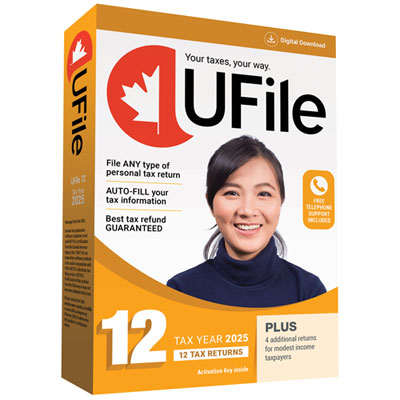

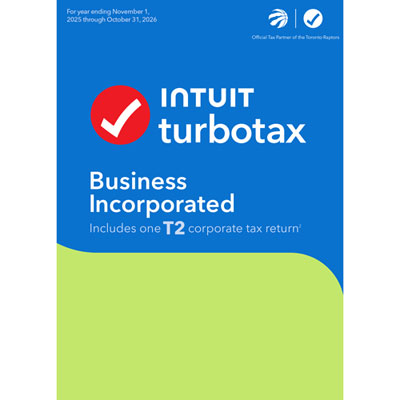
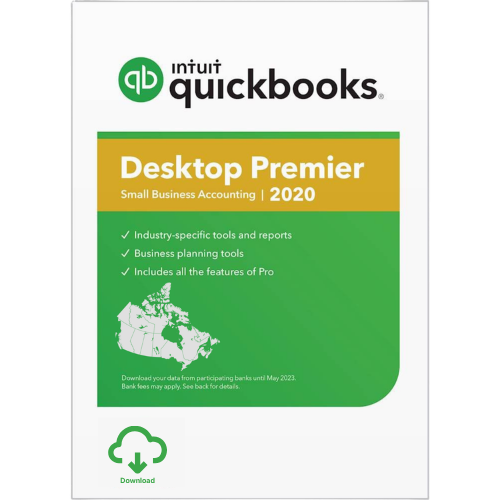
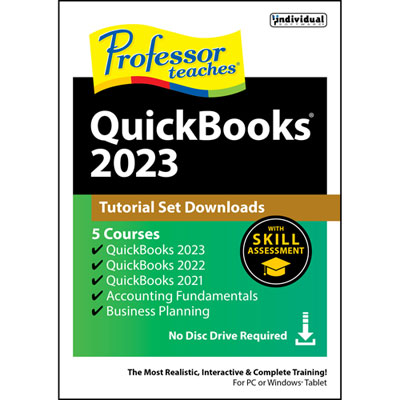
How your income shapes your tax filing needs
Personal tax software helps individuals prepare Canadian income tax returns by organizing income, deductions, and credits into the forms required for filing. Rather than working through a blank return line by line, users can enter information through guided questions, on-screen forms, or a combination of both, depending on the software. These products can suit employees with a few tax slips, students reporting tuition amounts, retirees receiving pension income, and households managing several different sources of income. The best fit depends on the complexity of the return, the supported tax year, and how much explanation the user wants along the way. Common features include tax calculations, prompts for potentially relevant deductions and credits, and checks that flag missing entries or inconsistent information. CRA-certified personal tax software supports electronic filing through NETFILE for eligible returns, but certification is specific to the applicable tax year and service. It does not mean every tax situation qualifies for online filing or that information entered by the user is necessarily correct. Where supported, the Canada Revenue Agency’s Auto-fill My Return service can import certain tax information through an authorized connection to the taxpayer’s CRA account. Imported information still needs review: a late-issued slip, an expense receipt tucked into a folder, or an investment transaction without a complete cost history may require additional attention. Some software also supports ReFILE, which allows eligible changes to previously filed returns to be submitted electronically. These features serve different purposes, so support for one should not be taken to mean support for all. For a person with employment income and a small amount of bank interest, a straightforward interview-style layout may be enough. Someone with rental income, investment sales, or self-employment income may need more detailed schedules and explanations. Clear navigation, understandable terminology, and an accessible summary of the completed return can make a meaningful difference, particularly when comparing figures against a stack of slips and receipts.
Online and downloadable tax software offer different ways to work, and the distinction matters beyond the initial installation. Browser-based software generally lets users access their return through a supported web browser, with account access, storage, and device compatibility governed by the provider’s service. Downloadable desktop software runs on a compatible computer and may store working files locally, although internet access can still be necessary for activation, updates, account features, or electronic filing. System requirements deserve particular attention when using an older laptop, a shared household computer, or a device that cannot install conventional desktop applications. Supported operating systems, browser versions, installation permissions, and any mobile features vary between products. A phone-friendly interface may be convenient for reviewing an entry, while a larger screen can make it easier to compare a tax slip with the matching fields. Licence terms also matter for households: the number of returns permitted, the number of installations allowed, and access to additional tax years are separate considerations. A licence covering several returns does not necessarily provide unlimited devices or ongoing access to future editions. For software used once a year, dependable access to saved information is just as important as ease of use during preparation. Export options for completed returns, filing confirmations, and supporting summaries can help keep a useful record after submission. Prior-year import features may reduce repeated entry, but compatibility depends on the software and file format involved. Privacy features are another practical distinction because tax files contain social insurance numbers, addresses, income details, and other sensitive information. Relevant considerations include account security, multi-factor authentication where offered, storage arrangements, retention policies, and the ability to remove saved data. Locally stored files still need protection and reliable backups, while online accounts require careful attention to sign-in security and access permissions. Clear documentation about updates and technical support helps establish how the software will function throughout its intended period of use.
Personal tax software should also match the details of the household and the kinds of income being reported. A student may need support for tuition information and unused amounts carried forward from an earlier return, while a parent may be entering eligible childcare expenses alongside employment slips. A retiree’s return may involve several pension slips, investment income, and pension income splitting where permitted. Couples can benefit from software that helps coordinate relevant information across separate returns, although each person still files an individual Canadian income tax return. For investors, useful capabilities may include reporting capital gains and losses, tracking information needed for adjusted cost base calculations, and handling foreign income or reporting forms when applicable. Importing a transaction list does not necessarily establish the correct tax treatment of every entry, especially when assets have moved between accounts. Rental property owners may need sections for rental income, expenses, and ownership shares, with enough detail to reflect their circumstances. Self-employed individuals and sole proprietors often report business income as part of a personal T1 return, making support for business statements an important distinction within personal tax software. An incorporated business generally has separate corporate filing requirements; Business Tax Software may be more relevant when those requirements are the main task. Provincial coverage also deserves attention. Quebec residents generally file a separate provincial income tax return with Revenu Québec, so federal NETFILE support alone does not establish that software supports Quebec’s filing requirements. Changes in residency, income from outside Canada, or other less common circumstances can require features that a basic return does not. Help options range from searchable explanations and technical assistance to tax-related support, depending on the software and service terms. Technical help with opening a file is different from advice about how to report a transaction. Matching those capabilities to the return makes personal tax software a more practical tool for organizing information, reviewing calculations, and completing the filing process with a clear record of what was submitted.
Online and downloadable tax software offer different ways to work, and the distinction matters beyond the initial installation. Browser-based software generally lets users access their return through a supported web browser, with account access, storage, and device compatibility governed by the provider’s service. Downloadable desktop software runs on a compatible computer and may store working files locally, although internet access can still be necessary for activation, updates, account features, or electronic filing. System requirements deserve particular attention when using an older laptop, a shared household computer, or a device that cannot install conventional desktop applications. Supported operating systems, browser versions, installation permissions, and any mobile features vary between products. A phone-friendly interface may be convenient for reviewing an entry, while a larger screen can make it easier to compare a tax slip with the matching fields. Licence terms also matter for households: the number of returns permitted, the number of installations allowed, and access to additional tax years are separate considerations. A licence covering several returns does not necessarily provide unlimited devices or ongoing access to future editions. For software used once a year, dependable access to saved information is just as important as ease of use during preparation. Export options for completed returns, filing confirmations, and supporting summaries can help keep a useful record after submission. Prior-year import features may reduce repeated entry, but compatibility depends on the software and file format involved. Privacy features are another practical distinction because tax files contain social insurance numbers, addresses, income details, and other sensitive information. Relevant considerations include account security, multi-factor authentication where offered, storage arrangements, retention policies, and the ability to remove saved data. Locally stored files still need protection and reliable backups, while online accounts require careful attention to sign-in security and access permissions. Clear documentation about updates and technical support helps establish how the software will function throughout its intended period of use.
Personal tax software should also match the details of the household and the kinds of income being reported. A student may need support for tuition information and unused amounts carried forward from an earlier return, while a parent may be entering eligible childcare expenses alongside employment slips. A retiree’s return may involve several pension slips, investment income, and pension income splitting where permitted. Couples can benefit from software that helps coordinate relevant information across separate returns, although each person still files an individual Canadian income tax return. For investors, useful capabilities may include reporting capital gains and losses, tracking information needed for adjusted cost base calculations, and handling foreign income or reporting forms when applicable. Importing a transaction list does not necessarily establish the correct tax treatment of every entry, especially when assets have moved between accounts. Rental property owners may need sections for rental income, expenses, and ownership shares, with enough detail to reflect their circumstances. Self-employed individuals and sole proprietors often report business income as part of a personal T1 return, making support for business statements an important distinction within personal tax software. An incorporated business generally has separate corporate filing requirements; Business Tax Software may be more relevant when those requirements are the main task. Provincial coverage also deserves attention. Quebec residents generally file a separate provincial income tax return with Revenu Québec, so federal NETFILE support alone does not establish that software supports Quebec’s filing requirements. Changes in residency, income from outside Canada, or other less common circumstances can require features that a basic return does not. Help options range from searchable explanations and technical assistance to tax-related support, depending on the software and service terms. Technical help with opening a file is different from advice about how to report a transaction. Matching those capabilities to the return makes personal tax software a more practical tool for organizing information, reviewing calculations, and completing the filing process with a clear record of what was submitted.
Top selling and popular products
-
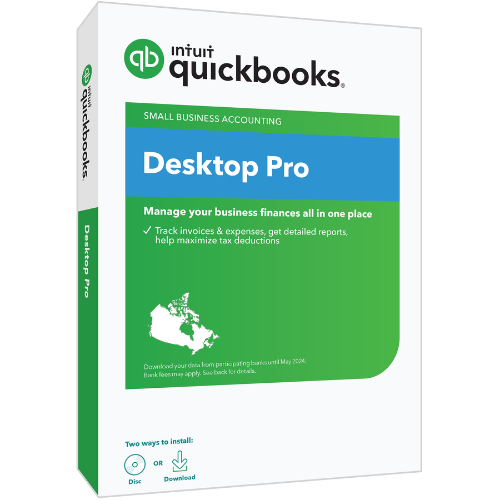 Your price for this item is $499.99
-
 Your price for this item is $101.99
-
 Your price for this item is $65.99
-
 Your price for this item is $142.26
-
 Your price for this item is $143.99
-
 Your price for this item is $133.99
Discover more categories related to Personal Tax Software
Top Collections:
Pokemon Centers, Best Black Friday Deals This Year, Best Black Friday Deals On Electronics, Kindle Devices, Best Budget Office Chairs, Best Black Friday Deals On Apple Products, Best Cameras for Sports Photography, Pokémon 30th Celebration Cards, Dyson Airwrap, Canon G7X Cameras
Some products may be subject to Environmental Handling Fees
(EHF) depending on your province.
Learn more about EHFs.