Power Solutions for Data Centers
Power Solutions For Data Centers are essential for maintaining reliable operations and supporting critical business functions. Explore a wide selection of power distribution units, backup systems, surge protectors, and related accessories designed to help keep your data center running smoothly. Whether you’re building a new facility or optimizing an existing setup, find the right equipment to meet your data center’s unique requirements and ensure continuous performance.
Sort



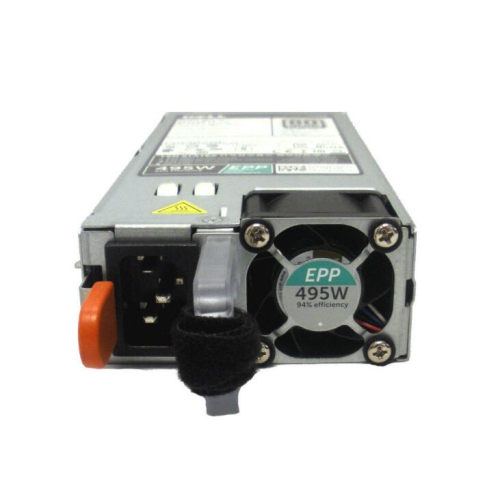
How layered power protection supports server uptime
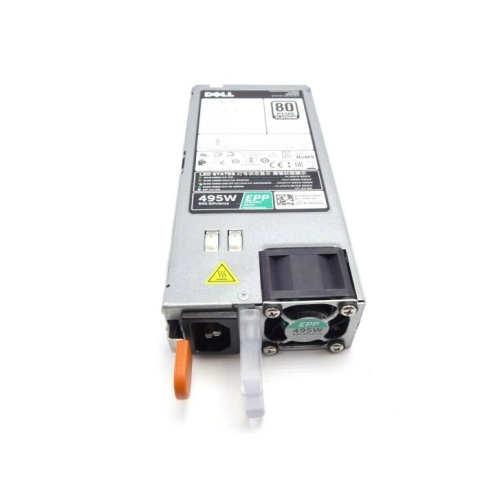
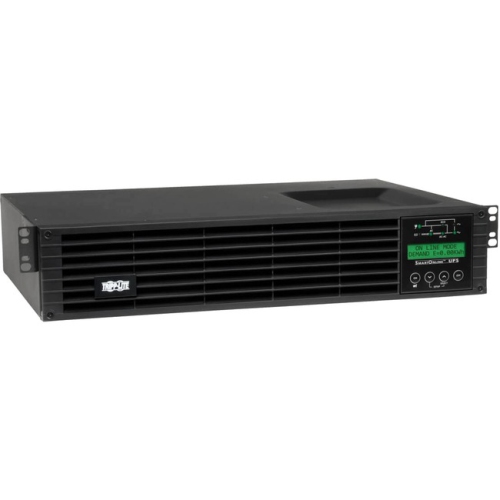
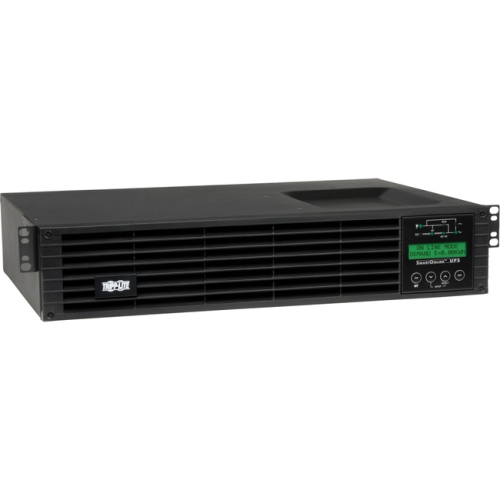
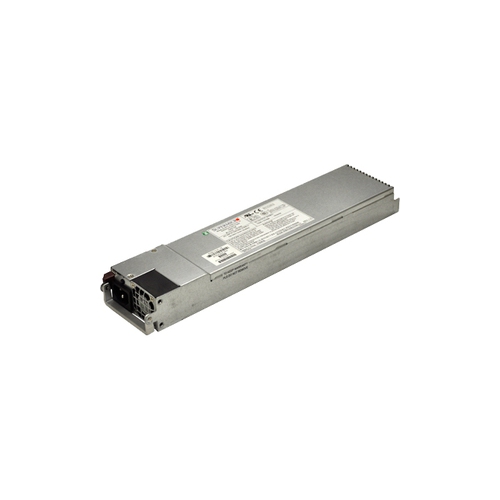
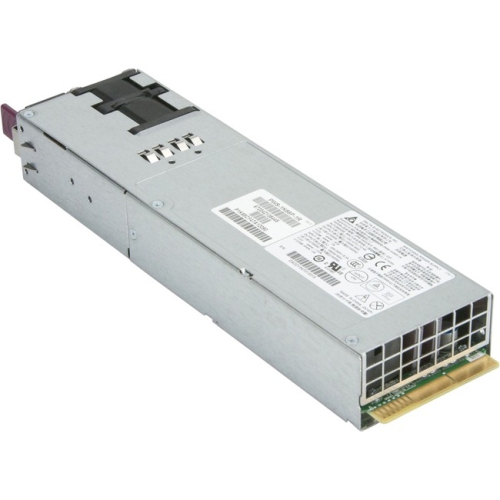
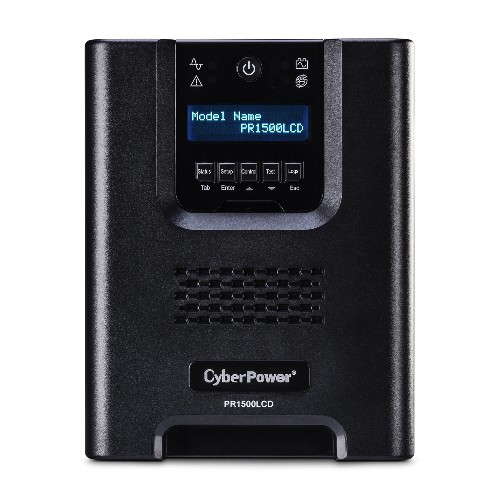
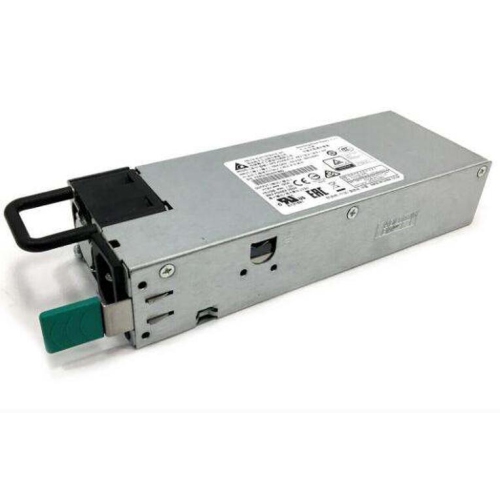
Power solutions for data centres supply, protect, distribute, and monitor the electricity that keeps servers, storage systems, and networking equipment operating. They range from rack-level power distribution and uninterruptible power supplies (UPS systems) to larger battery systems and facility-level backup generation. Each serves a different purpose: a UPS provides immediate temporary power during an interruption, a generator can support longer outages when properly sized and supplied with fuel, and distribution equipment delivers electricity to connected loads. These layers work together rather than replacing one another. In a small server room, the priority may be keeping a firewall, network switches, and shared storage online long enough for an orderly shutdown. In a larger data centre, the same principles extend across multiple racks, separate electrical feeds, and coordinated monitoring. Primary power also differs from backup power. Utility service or an engineered on-site generation system supports normal operation, while backup equipment responds when that source becomes unavailable. Large facilities may use modular engine plants, fuel cells, or battery energy storage as part of their broader electrical design, particularly where utility capacity or connection timelines constrain expansion. Those installations require site-specific engineering, approvals, and integration; they are not interchangeable with rack-mounted equipment. For IT managers, systems administrators, and business owners, the practical connection between these layers is continuity: keeping essential services running through brief disturbances and giving equipment time to shut down safely during a longer interruption. A busy office may depend on a single communications rack for phones, secure remote access, and transaction processing, while a hosting operation may need independent power paths for customer workloads. Data centre power equipment therefore needs to match both the electrical load and the consequences of losing it. Protection against voltage disturbances, sufficient battery runtime, suitable distribution, and clear status reporting all contribute to a power setup that supports the intended use without relying on any single feature as a guarantee of uninterrupted service.
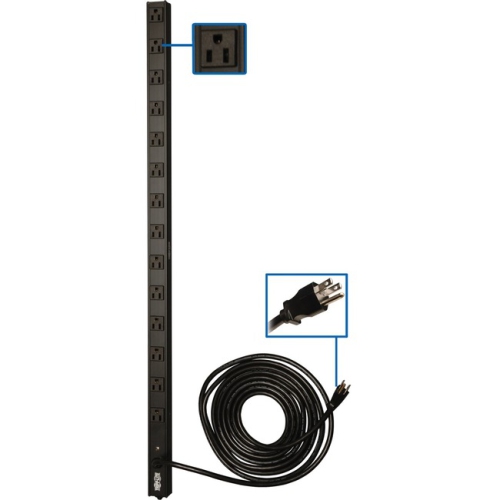
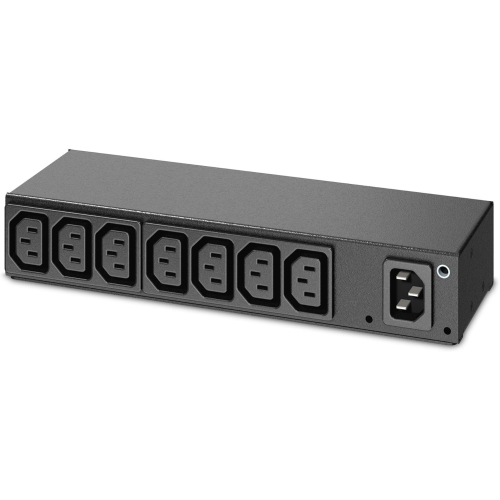
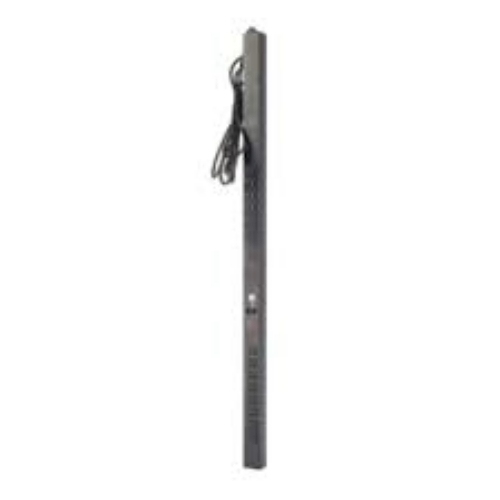
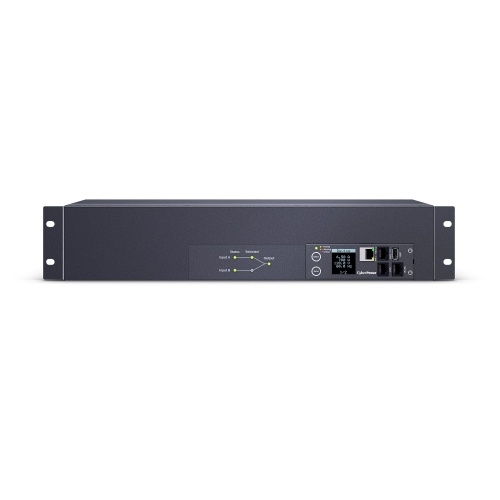
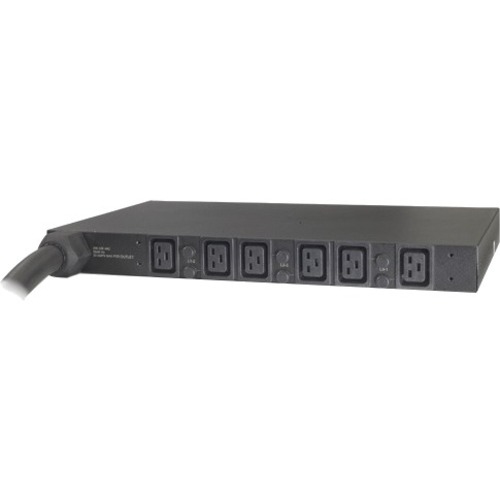
Capacity and compatibility shape how well power equipment fits into a data centre. UPS ratings commonly include both volt-amperes and watts, and the connected load must remain within both limits. Runtime is a separate consideration: it depends on the actual load, battery capacity, battery condition, and the system’s design. A unit that supports a modest networking load for an extended period may provide much less time when connected to several heavily loaded servers. Allowance for planned expansion is useful, but it should be based on realistic workloads rather than simply counting empty rack spaces. High-density computing, storage arrays, and equipment with demanding startup characteristics may call for a different electrical design from a lightly loaded communications cabinet. UPS topology also matters. Line-interactive systems regulate certain input voltage changes without switching to battery, while online double-conversion systems normally supply connected equipment through an inverter and can provide tighter control of output power. Neither description alone establishes suitability; output waveform, transfer behaviour, input voltage, and equipment requirements still need to align. At the rack, Power Distribution Units for Data Centers connect the distribution layer to servers and network hardware. Basic units provide outlets, metered designs show electrical load, and switched designs can offer remote outlet control, depending on their features. Monitoring can help reveal an unevenly loaded circuit before it becomes an operational problem. Physical fit is equally important. Rack height, usable depth, mounting orientation, plug type, receptacle type, cable length, and supply voltage all affect installation. A vertical distribution unit may preserve rack space but still need clearance for rear doors and server maintenance. Heavy UPS chassis require rails or shelves rated for their weight, with placement that respects the rack manufacturer’s stability requirements. Durable metal housings, secure mounting hardware, and well-supported cable connections suit regularly serviced racks. Clear labelling and accessible outlets make it easier to trace a connection without disturbing neighbouring equipment.
Long-term reliability depends on how power equipment is installed, monitored, and maintained as much as on its initial specifications. Batteries age, loads change, and a rack that once held a few switches can gradually become a much more demanding installation. Battery chemistry, operating temperature, discharge frequency, and charging conditions all influence service life, so replacement intervals should follow the manufacturer’s guidance and the equipment’s measured condition. Replaceable battery modules can simplify servicing, but hot-swappable capability must be explicitly supported by the system rather than assumed. Routine care generally includes keeping ventilation openings unobstructed, checking for damaged cables or loose mounting hardware, and reviewing alarms and battery test results. Cleaning methods need to follow the equipment documentation, with electrical work and internal servicing left to qualified personnel. A UPS can contain hazardous stored energy even when disconnected from the wall. Maintenance bypass equipment, where supported and properly installed, can provide a path for servicing a UPS while supplying the load, although the protection available during bypass differs from normal operation. Redundancy also needs careful interpretation. Two server power cords do not create independent power paths if both connect to the same distribution unit or upstream circuit. A properly designed dual-feed arrangement accounts for what happens when one path fails, including whether the remaining path can carry the transferred load. Remote monitoring adds another useful layer by bringing battery status, load readings, and fault notifications into the team’s workflow. For a branch location without on-site IT staff, an actionable alert can make the difference between a planned response and an unexpected service interruption. Network-connected management features also need appropriate access controls and ongoing software maintenance. During longer outages, coordination between UPS runtime, generator startup, and shutdown software helps define what stays online and for how long. Systems supporting essential business operations benefit from documented priorities, tested shutdown sequences, and a maintenance plan suited to their role. The result is a more manageable electrical foundation: equipment that fits the rack, supports the workload, and gives technical teams useful visibility when normal power is disrupted.
Capacity and compatibility shape how well power equipment fits into a data centre. UPS ratings commonly include both volt-amperes and watts, and the connected load must remain within both limits. Runtime is a separate consideration: it depends on the actual load, battery capacity, battery condition, and the system’s design. A unit that supports a modest networking load for an extended period may provide much less time when connected to several heavily loaded servers. Allowance for planned expansion is useful, but it should be based on realistic workloads rather than simply counting empty rack spaces. High-density computing, storage arrays, and equipment with demanding startup characteristics may call for a different electrical design from a lightly loaded communications cabinet. UPS topology also matters. Line-interactive systems regulate certain input voltage changes without switching to battery, while online double-conversion systems normally supply connected equipment through an inverter and can provide tighter control of output power. Neither description alone establishes suitability; output waveform, transfer behaviour, input voltage, and equipment requirements still need to align. At the rack, Power Distribution Units for Data Centers connect the distribution layer to servers and network hardware. Basic units provide outlets, metered designs show electrical load, and switched designs can offer remote outlet control, depending on their features. Monitoring can help reveal an unevenly loaded circuit before it becomes an operational problem. Physical fit is equally important. Rack height, usable depth, mounting orientation, plug type, receptacle type, cable length, and supply voltage all affect installation. A vertical distribution unit may preserve rack space but still need clearance for rear doors and server maintenance. Heavy UPS chassis require rails or shelves rated for their weight, with placement that respects the rack manufacturer’s stability requirements. Durable metal housings, secure mounting hardware, and well-supported cable connections suit regularly serviced racks. Clear labelling and accessible outlets make it easier to trace a connection without disturbing neighbouring equipment.
Long-term reliability depends on how power equipment is installed, monitored, and maintained as much as on its initial specifications. Batteries age, loads change, and a rack that once held a few switches can gradually become a much more demanding installation. Battery chemistry, operating temperature, discharge frequency, and charging conditions all influence service life, so replacement intervals should follow the manufacturer’s guidance and the equipment’s measured condition. Replaceable battery modules can simplify servicing, but hot-swappable capability must be explicitly supported by the system rather than assumed. Routine care generally includes keeping ventilation openings unobstructed, checking for damaged cables or loose mounting hardware, and reviewing alarms and battery test results. Cleaning methods need to follow the equipment documentation, with electrical work and internal servicing left to qualified personnel. A UPS can contain hazardous stored energy even when disconnected from the wall. Maintenance bypass equipment, where supported and properly installed, can provide a path for servicing a UPS while supplying the load, although the protection available during bypass differs from normal operation. Redundancy also needs careful interpretation. Two server power cords do not create independent power paths if both connect to the same distribution unit or upstream circuit. A properly designed dual-feed arrangement accounts for what happens when one path fails, including whether the remaining path can carry the transferred load. Remote monitoring adds another useful layer by bringing battery status, load readings, and fault notifications into the team’s workflow. For a branch location without on-site IT staff, an actionable alert can make the difference between a planned response and an unexpected service interruption. Network-connected management features also need appropriate access controls and ongoing software maintenance. During longer outages, coordination between UPS runtime, generator startup, and shutdown software helps define what stays online and for how long. Systems supporting essential business operations benefit from documented priorities, tested shutdown sequences, and a maintenance plan suited to their role. The result is a more manageable electrical foundation: equipment that fits the rack, supports the workload, and gives technical teams useful visibility when normal power is disrupted.
Top selling and popular products
-
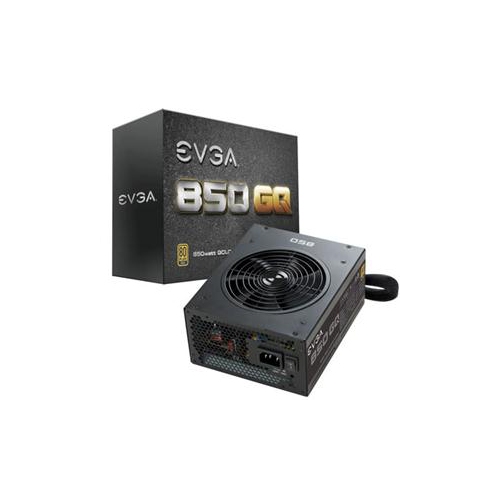 Your price for this item is $264.68
 -
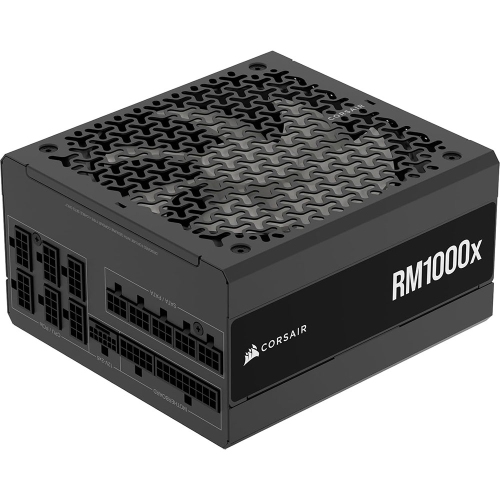 Your price for this item is $294.99
 -
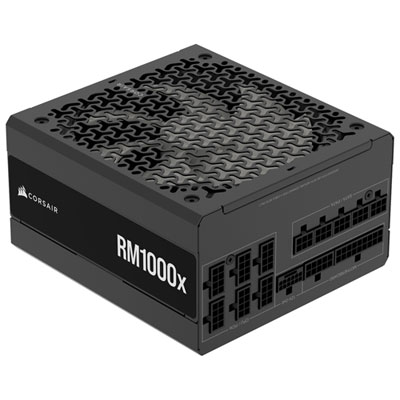 Your price for this item is $224.99
 -
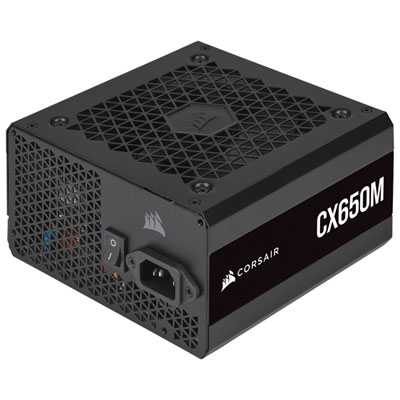 Your price for this item is $99.95
 -
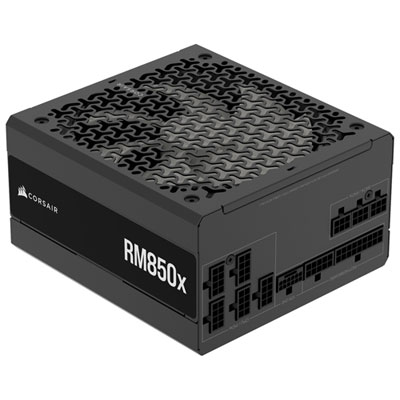 Your price for this item is $174.99
 -
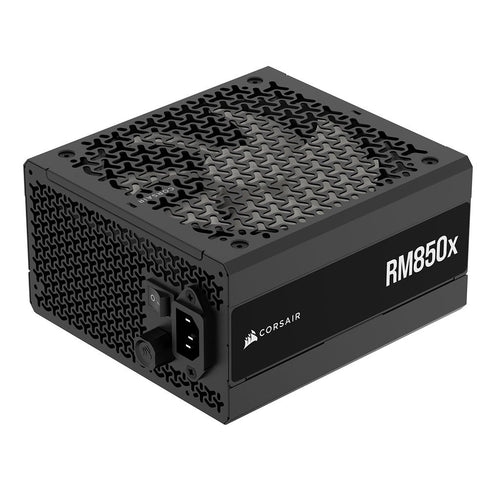 Your price for this item is $199.99
 -
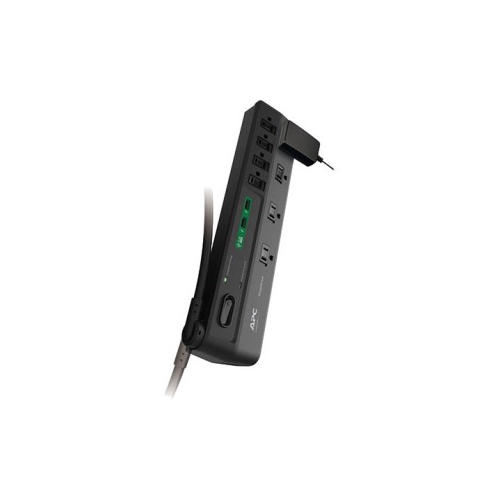 Your price for this item is $60.47
 -
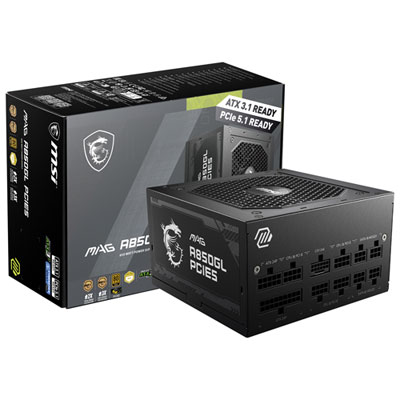 Your price for this item is $149.98
Discover more categories related to Power Solutions for Data Centers
Top Collections:
Pokemon Centers, Kindle Devices, Best Budget Office Chairs, Canon G7X Cameras, Apple iPhones 16, Samsung Galaxy Phones, Refurbished Apple Laptops, Laptops for Students, iPhone 15 Apple, Budget Smartphones
Some products may be subject to Environmental Handling Fees
(EHF) depending on your province.
Learn more about EHFs.