Qd Oled
Experience the next level of visual brilliance with QD OLED technology, a cutting-edge innovation that redefines your viewing experience. Combining the strengths of Quantum Dot and OLED technologies, QD OLED delivers vibrant colors, deep blacks, and exceptional contrast to bring your favorite movies, shows, and games to life. Whether you're a cinephile seeking the ultimate home theater setup or a gamer looking for immersive visuals, QD OLED offers an unparalleled display solution that enhances every moment. Dive into a world of stunning clarity and vivid detail that transforms how you see entertainment.
Sort
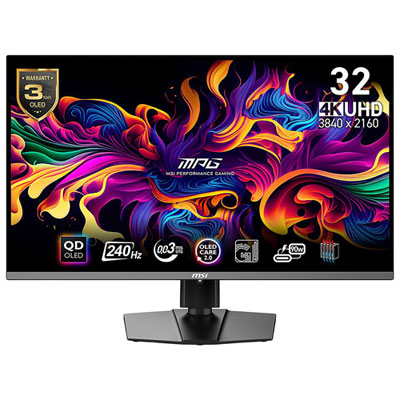
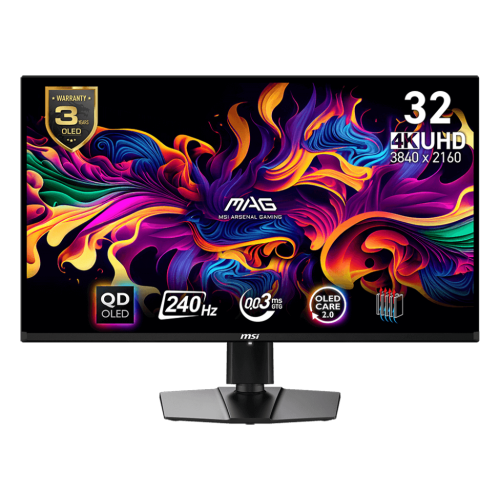
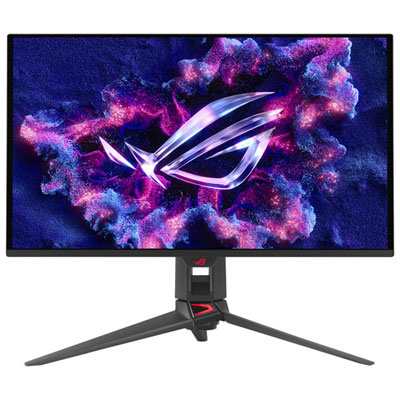
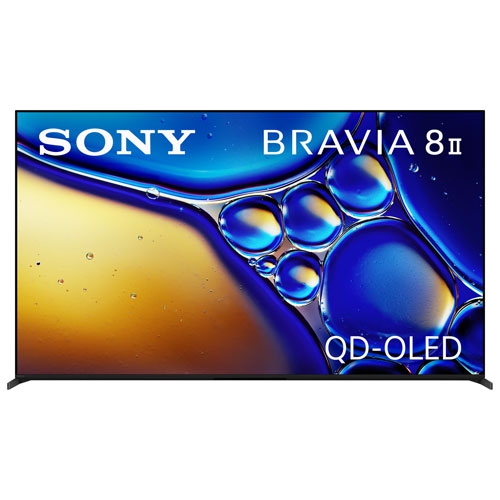

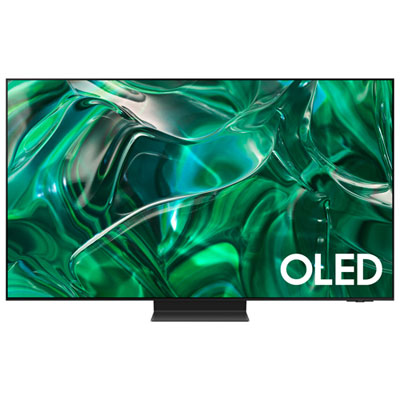

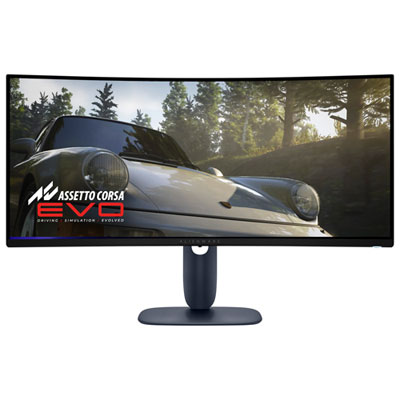
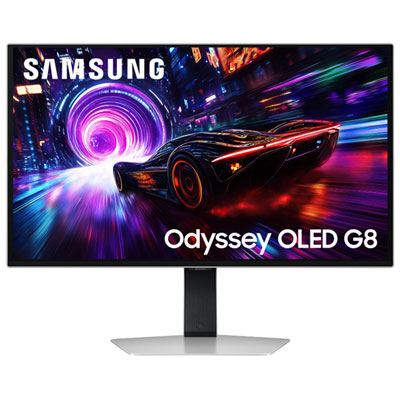
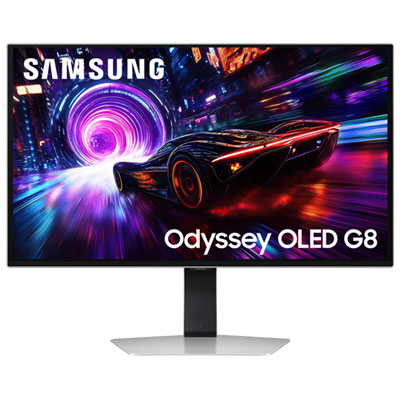
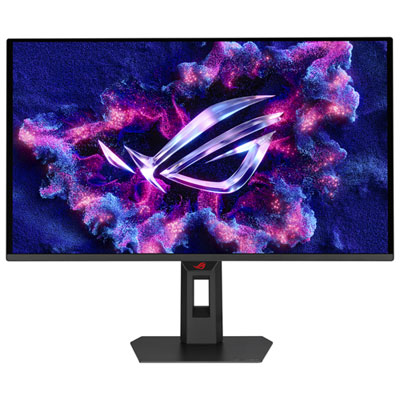
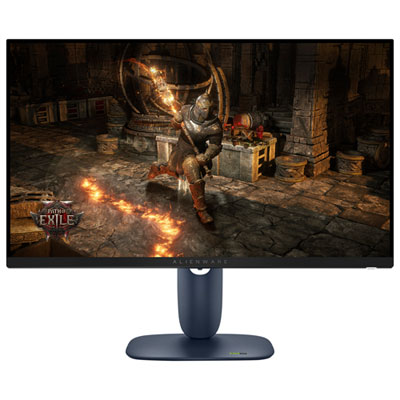
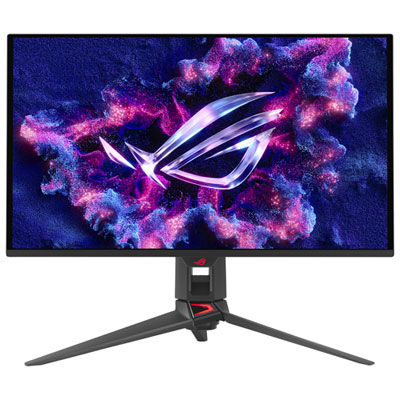
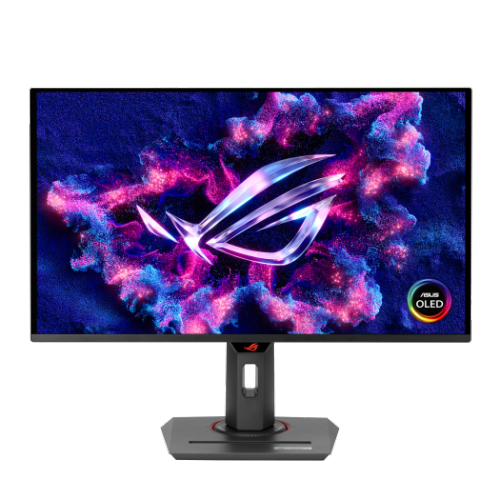
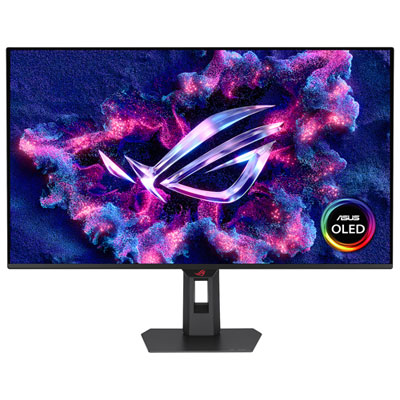
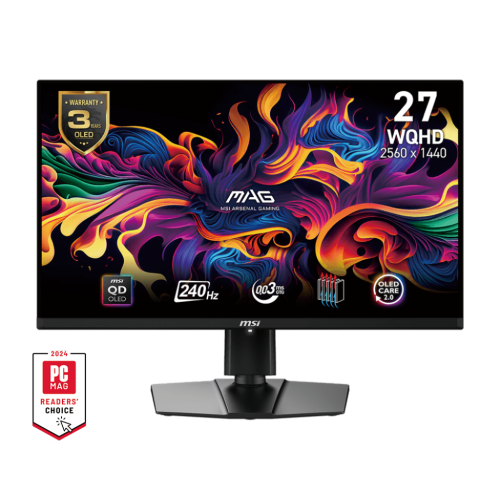
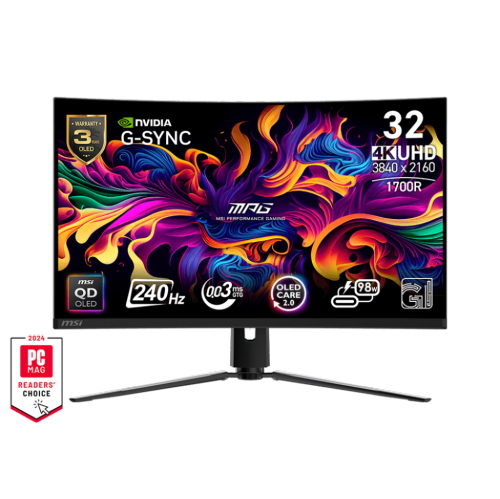
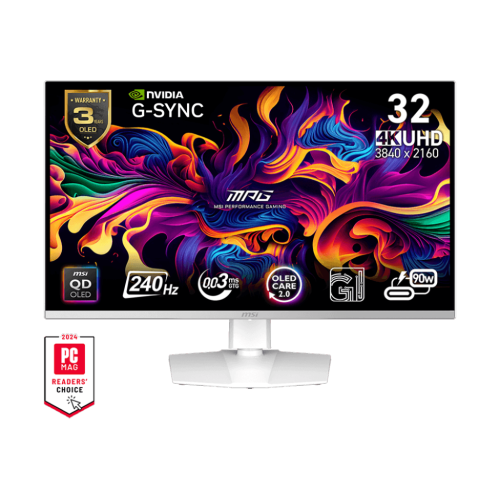
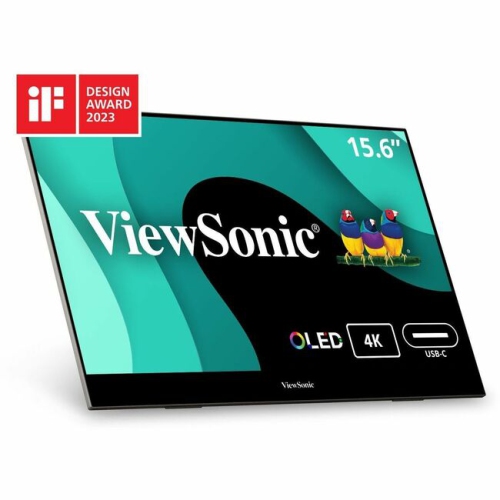
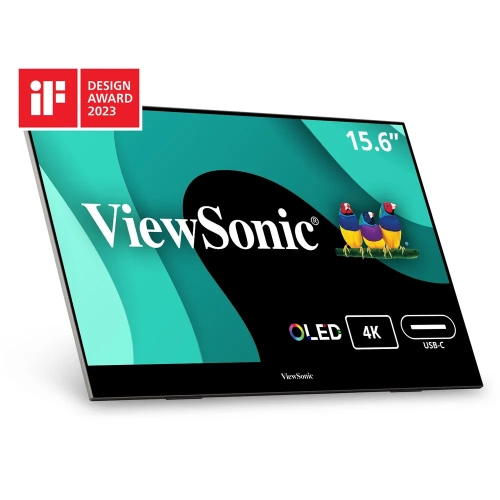
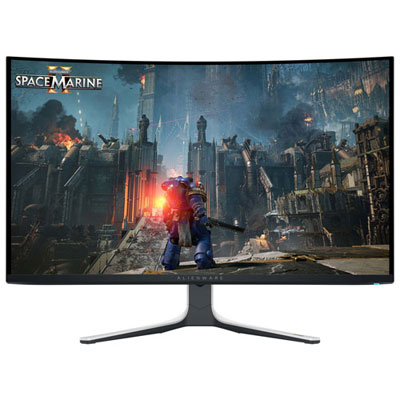
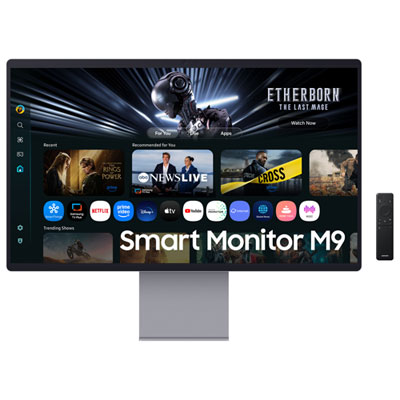
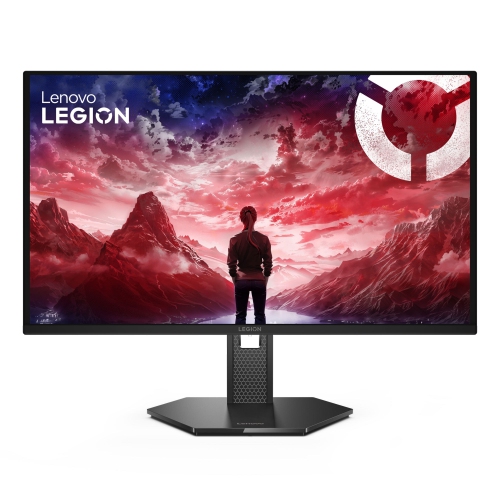
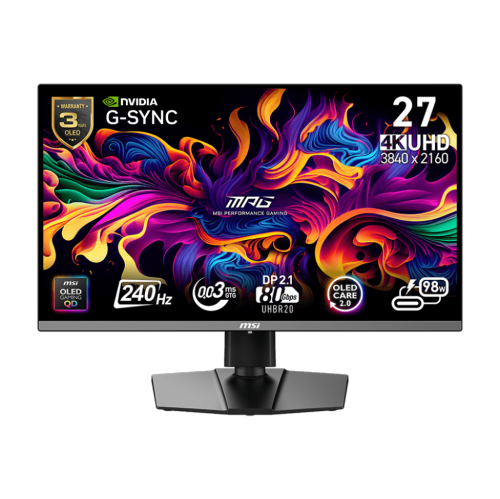
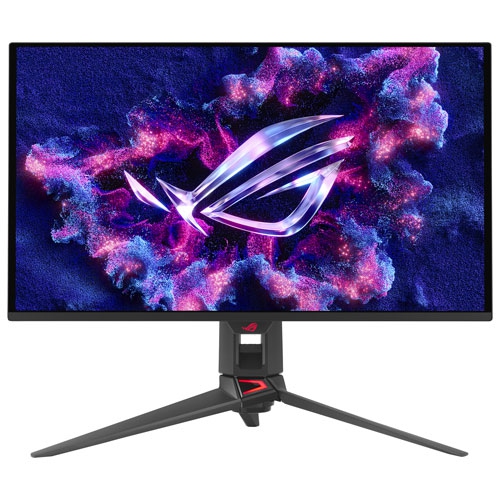
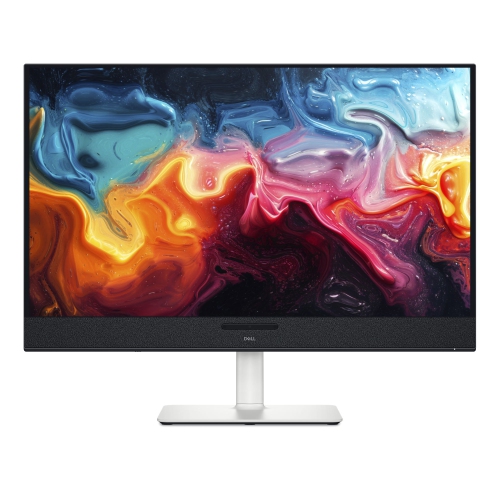
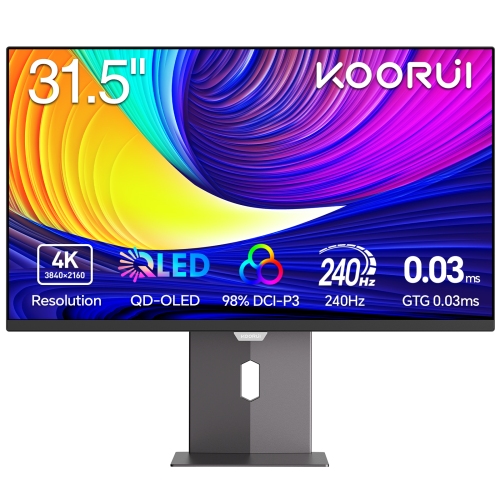
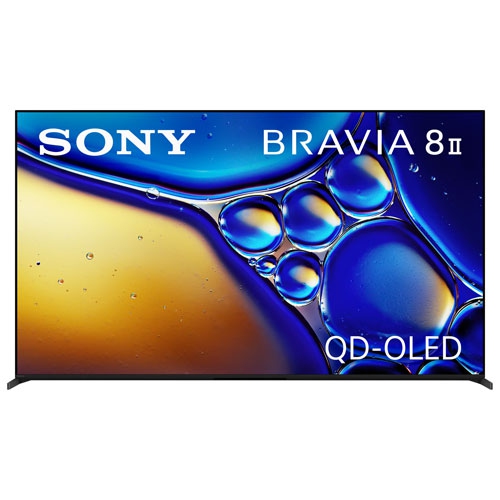
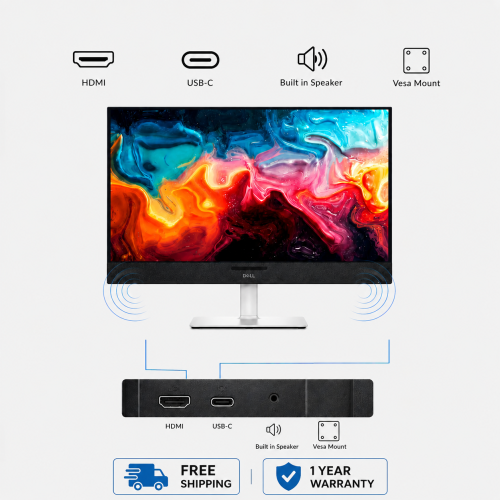
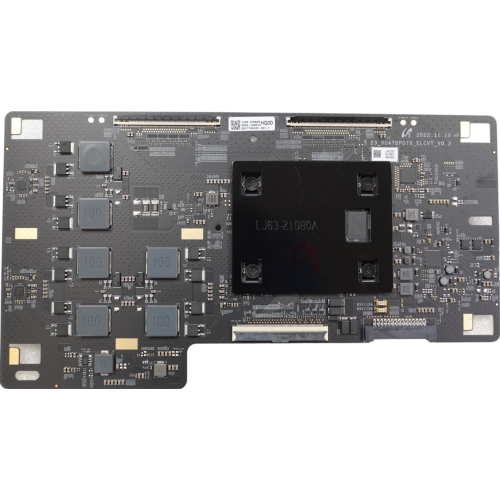
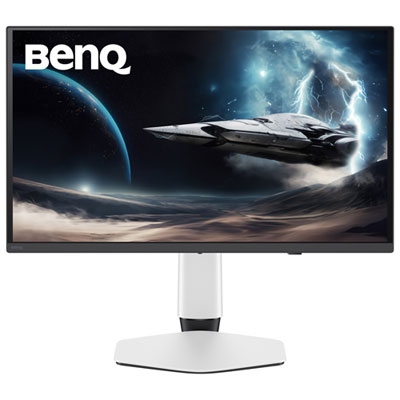
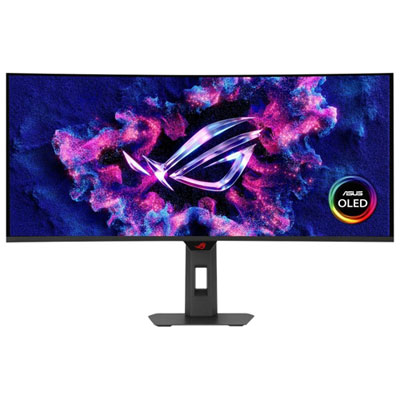
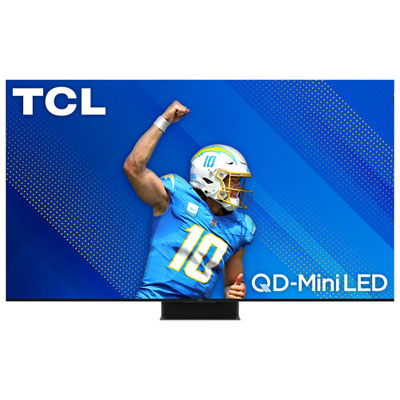
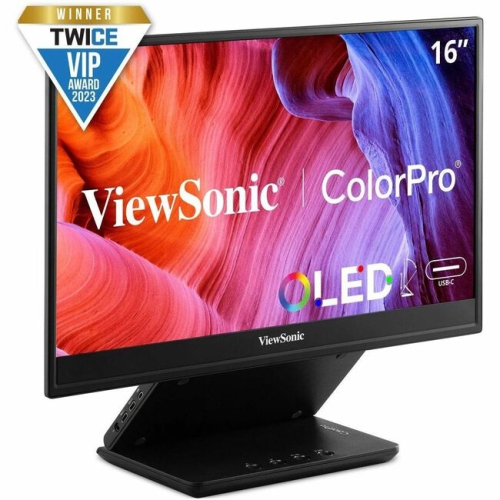
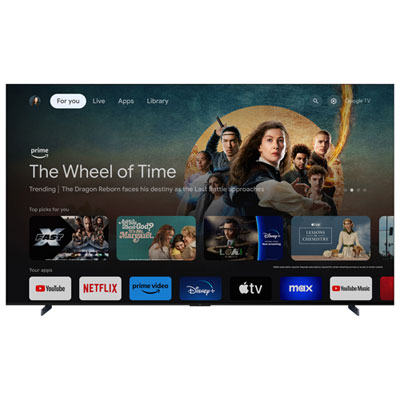
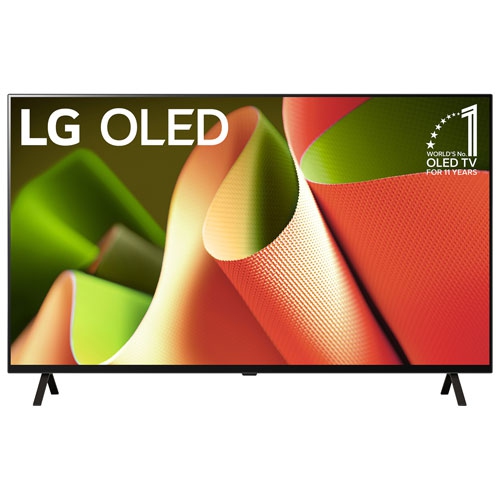
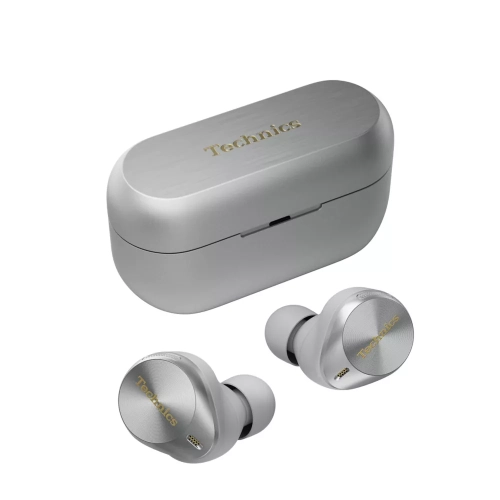
Why pixel-level contrast brings films and games alive
QD-OLED displays combine the pixel-level control of OLED with a quantum dot colour-conversion layer to create a vivid, high-contrast viewing experience. Unlike a conventional LCD display that relies on a separate backlight, each OLED pixel can turn on or off independently. This allows QD-OLED screens to produce deep blacks, precise shadow detail and striking contrast in films, television shows, games and everyday content. The quantum dot layer helps convert blue OLED light into red and green light with strong colour purity, allowing these displays to maintain rich, saturated colours even as brightness increases. The result is an image with vibrant highlights, nuanced gradations and a broad colour range that can make natural scenes feel more lifelike, from the glow of a city skyline at dusk to the changing tones in a favourite animated film. QD-OLED technology is also well suited to shared viewing because its wide viewing angles help preserve colour and contrast when you move away from the centre of the screen. This can be useful in an open living room, a family room with several seating positions or a gaming setup where more than one person is watching. When comparing QD-OLED displays, consider the type of content you enjoy most, the amount of light in the room, the ideal screen size and the distance between your seating area and the screen. A darker or easily controlled room can make the most of OLED’s rich black levels, while a very bright room may affect how dark areas appear. Strong ambient light reflecting from the screen can sometimes cause black sections to look slightly raised or show a subtle purple or magenta tint, so placement, curtains and lighting direction are worth considering before purchase. A matte or low-reflection finish may also be helpful in rooms with windows or lamps positioned opposite the display.
QD-OLED displays can suit a wide range of viewers, from film enthusiasts who want cinematic contrast to gamers who value responsive motion and detailed scenes. For gaming, look for features such as a high refresh rate, low input lag, variable refresh rate support and compatibility with the connections used by your console or computer. A fast refresh rate can make camera movement feel smoother, while variable refresh rate technology can help reduce tearing when the frame rate changes. Computer users should also check the resolution, screen size, ergonomic stand adjustments and available ports, particularly if the display will be used for work during the day and gaming or streaming in the evening. Some people prefer a larger screen for immersive single-player games and films, while others choose a more compact format for competitive gaming, creative work or a desk with limited space. Picture settings can make a noticeable difference: a filmmaker may prefer accurate colour and a carefully calibrated mode, while a gamer may appreciate a brighter mode and additional motion or shadow controls. It is also useful to check support for HDR formats, as QD-OLED can make bright highlights stand out against dark surroundings, whether that means sunlight breaking through storm clouds or reflections on a fast-moving racing track. If you are shopping specifically for a computer display, browse LG OLED Monitors alongside other QD-OLED options and compare panel size, resolution, refresh rate, connectivity and adjustment features. A monitor with USB connectivity, built-in speakers or a height-adjustable stand may simplify a home office, while a television-oriented display may place greater emphasis on smart features, built-in audio and a design suited to a living room. Checking the available HDMI and DisplayPort connections before ordering can help ensure that your devices will work as intended without needing additional adapters.
When choosing a QD-OLED display, think about how it will fit into your daily routine rather than focusing only on specifications. Someone who watches films during the cooler months may appreciate the depth and atmosphere of a darker viewing room, while a household that follows sports, plays multiplayer games or streams content together may benefit from a large screen and wide viewing angles. These displays can also make thoughtful gifts for a graduate setting up a first apartment, a family member building a gaming station or a film fan upgrading a long-used screen, provided the size and connections suit the recipient’s space. Measure the stand or wall area, confirm the viewing distance and consider where connected devices will sit. Cable management, sound output and access to power can be just as important as the panel itself, particularly when the display is mounted or placed on a narrow console. QD-OLED panels are designed for varied everyday use, but sensible display habits remain worthwhile when showing static elements such as news tickers, game interfaces or desktop toolbars for long periods. Using built-in screen care features, allowing automatic maintenance routines to complete and choosing settings that suit the room can help support consistent performance over time. As you compare available options, pay attention to warranty coverage, return policies, included accessories and the placement of speakers or ports. Brightness should be considered alongside colour volume, since a display that looks impressive in a dark room may behave differently under strong daylight. The best choice is the one that balances contrast, colour, motion, size, connectivity and room conditions for the way you actually watch, work and play.
QD-OLED displays can suit a wide range of viewers, from film enthusiasts who want cinematic contrast to gamers who value responsive motion and detailed scenes. For gaming, look for features such as a high refresh rate, low input lag, variable refresh rate support and compatibility with the connections used by your console or computer. A fast refresh rate can make camera movement feel smoother, while variable refresh rate technology can help reduce tearing when the frame rate changes. Computer users should also check the resolution, screen size, ergonomic stand adjustments and available ports, particularly if the display will be used for work during the day and gaming or streaming in the evening. Some people prefer a larger screen for immersive single-player games and films, while others choose a more compact format for competitive gaming, creative work or a desk with limited space. Picture settings can make a noticeable difference: a filmmaker may prefer accurate colour and a carefully calibrated mode, while a gamer may appreciate a brighter mode and additional motion or shadow controls. It is also useful to check support for HDR formats, as QD-OLED can make bright highlights stand out against dark surroundings, whether that means sunlight breaking through storm clouds or reflections on a fast-moving racing track. If you are shopping specifically for a computer display, browse LG OLED Monitors alongside other QD-OLED options and compare panel size, resolution, refresh rate, connectivity and adjustment features. A monitor with USB connectivity, built-in speakers or a height-adjustable stand may simplify a home office, while a television-oriented display may place greater emphasis on smart features, built-in audio and a design suited to a living room. Checking the available HDMI and DisplayPort connections before ordering can help ensure that your devices will work as intended without needing additional adapters.
When choosing a QD-OLED display, think about how it will fit into your daily routine rather than focusing only on specifications. Someone who watches films during the cooler months may appreciate the depth and atmosphere of a darker viewing room, while a household that follows sports, plays multiplayer games or streams content together may benefit from a large screen and wide viewing angles. These displays can also make thoughtful gifts for a graduate setting up a first apartment, a family member building a gaming station or a film fan upgrading a long-used screen, provided the size and connections suit the recipient’s space. Measure the stand or wall area, confirm the viewing distance and consider where connected devices will sit. Cable management, sound output and access to power can be just as important as the panel itself, particularly when the display is mounted or placed on a narrow console. QD-OLED panels are designed for varied everyday use, but sensible display habits remain worthwhile when showing static elements such as news tickers, game interfaces or desktop toolbars for long periods. Using built-in screen care features, allowing automatic maintenance routines to complete and choosing settings that suit the room can help support consistent performance over time. As you compare available options, pay attention to warranty coverage, return policies, included accessories and the placement of speakers or ports. Brightness should be considered alongside colour volume, since a display that looks impressive in a dark room may behave differently under strong daylight. The best choice is the one that balances contrast, colour, motion, size, connectivity and room conditions for the way you actually watch, work and play.
Top selling and popular products
-
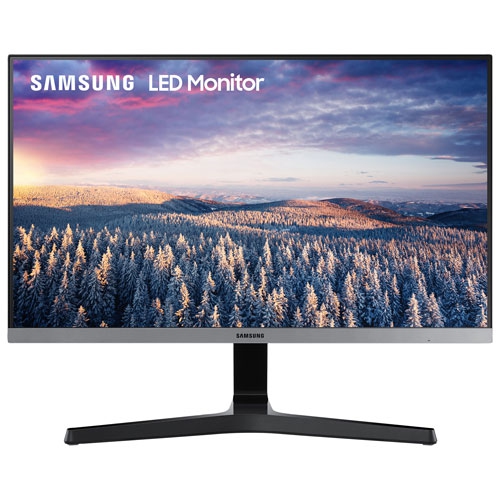 Your price for this item is $279.97
 -
 Your price for this item is $275
 -
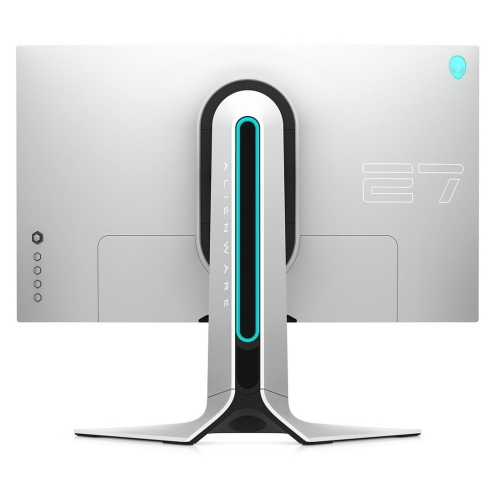 Your price for this item is $299
 -
 Your price for this item is $559.68
 -
 Your price for this item is $209.99
 -
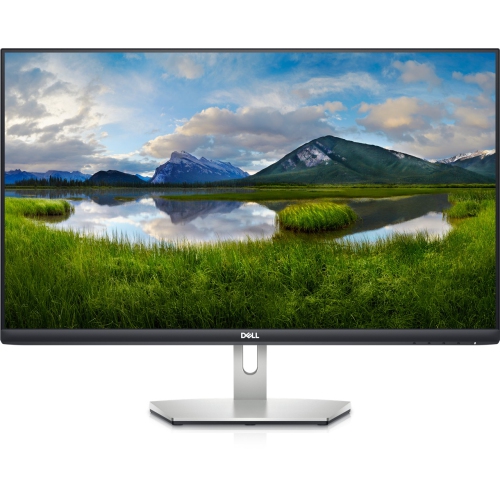 Your price for this item is $239.99
 -
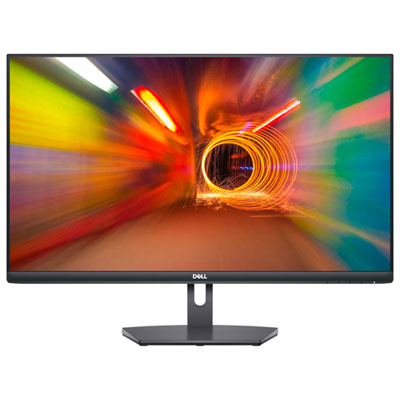 Your price for this item is $179.95
 -
 Your price for this item is $3299.99
Discover more categories related to Qd Oled
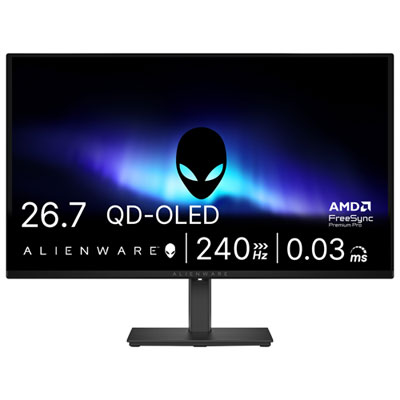
Top Collections:
Pokemon Centers, Kindle Devices, Best Budget Office Chairs, Apple iPhones 16, Best Laptops for Writers, iPhone 15 Apple, Canon G7X Cameras, Refurbished Apple Laptops, Alarm Clock, Motorola Razr Phones
Some products may be subject to Environmental Handling Fees
(EHF) depending on your province.
Learn more about EHFs.