Refurbished Apple Products
Discover exceptional value and reliable performance with refurbished Apple products. Whether you’re upgrading your tech or searching for a great deal, explore a wide selection of devices that combine quality and affordability. Refurbished Apple products offer a smart way to enjoy the innovation you love while staying within your budget. Shop confidently and find the perfect fit for your needs.
Sort


What refurbished device condition means for everyday use
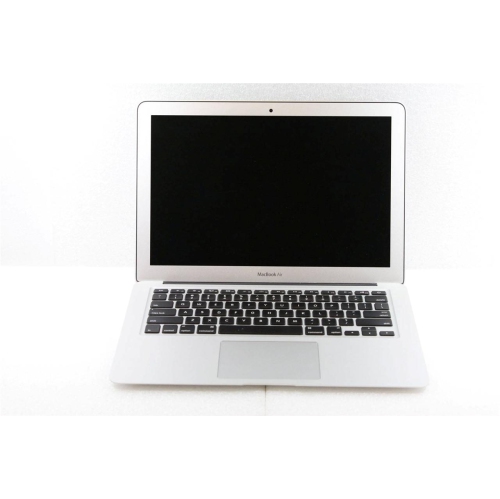
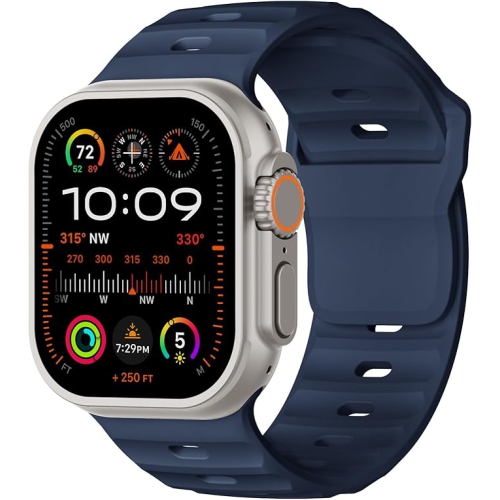
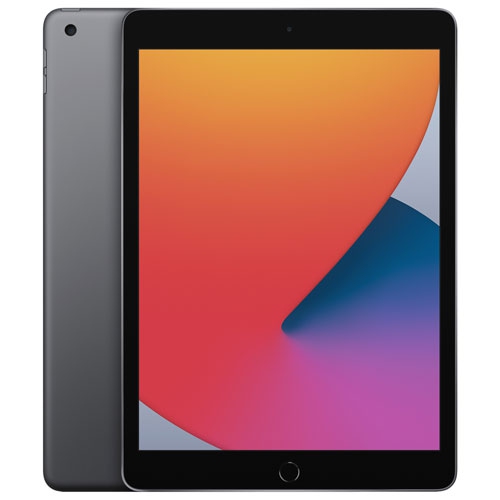
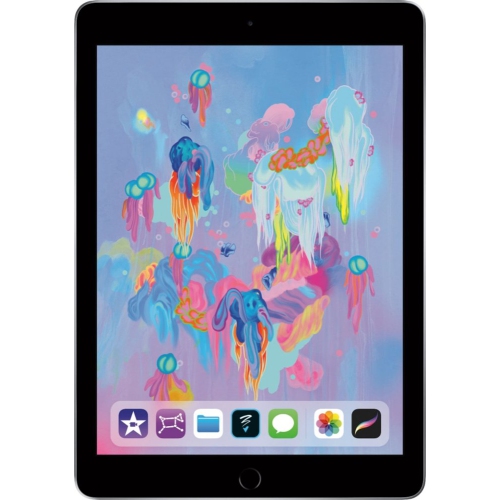
Refurbished technology can suit everything from a shared household computer to a portable device for work, study, and everyday communication. The appeal often lies in finding a familiar interface, a comfortable design, and the capabilities that matter for a particular routine. A phone may spend the day handling messages, navigation, photos, and video calls, while a tablet moves between reading on the sofa, following a recipe on the kitchen counter, and reviewing notes before class. A laptop gives those activities room to expand into longer documents, spreadsheets, presentations, and creative projects. Desktop computers suit a more settled workspace, especially where a larger display and a separate keyboard make extended sessions more comfortable. Wearable devices serve a different purpose, keeping selected notifications and activity information close at hand, with features that depend on the model and its compatibility with a paired phone. Across these categories, refurbished generally describes previously owned or returned technology that has undergone assessment and preparation for further use, which may include cleaning, testing, or repairs. It does not automatically mean that every device has received new internal parts or a replacement battery. The refurbishment process, cosmetic condition, and included accessories can differ, so the individual description matters more than assumptions based on the category name. For someone replacing a familiar device, the right fit may be a similar screen size and control layout. For a student or a person setting up a home office, keyboard comfort, storage, and support for essential applications may carry more weight. Those whose routines centre on typing, research, and portable computing can explore Apple Refurbished MacBooks with their preferred screen size, workload, and connection needs in mind. A compact computer that slips easily into a backpack serves a different purpose from a larger one used mainly at a desk, even when both handle the same everyday tasks.
The most useful details in a refurbished device description connect its physical condition with how it will actually be used. Cosmetic grading may describe marks on the casing, wear around ports, or scratches on the screen, but grading terms are not necessarily identical between sellers. A small scuff on the underside of a laptop may make little difference at a desk, while marks across a display can be more noticeable when reading small text or editing images. Aluminium housings, glass screens, and plastic components each wear differently, and a clean exterior alone does not establish battery condition or internal performance. Battery information is especially relevant for devices that spend long stretches away from a power outlet. Battery capacity can decline with age and use, while the time between charges also depends on screen brightness, applications, wireless connections, and workload. A stated battery standard, where provided, gives more useful context than a general claim that a device works well. Processing capability and memory affect how comfortably a computer handles multiple applications, while storage determines how much space remains for documents, photos, software, and downloaded media. Someone working mainly in a browser has different needs from someone editing large video files or managing a substantial photo library. Memory and internal storage cannot be upgraded on many designs, making the listed configuration an important part of long-term suitability. Screen size and resolution also shape the experience: a larger viewing area can make side-by-side documents easier to manage, while a lighter device is less cumbersome to carry between meetings or classrooms. Ports deserve similar attention. A computer may require an adapter for an existing monitor, wired accessory, or memory card. Wi-Fi capabilities, camera and microphone quality, and support for external displays all contribute to a practical work or study setup. These details help distinguish a device that merely runs an application from one that fits comfortably into a full day of use.
Compatibility, care, and the details of ownership help round out the picture beyond appearance and specifications. Software support varies by model and generation, so an older device may not support the latest operating system, every application, or all features shared across connected devices. For a phone or cellular-enabled tablet, network compatibility and activation requirements matter alongside storage and screen size. A wearable device may also require a compatible phone and particular software versions for setup and everyday functions. Security is another part of a sound refurbishment process: previous user data should be erased, and account or activation locks should be removed before a device reaches its next owner. Included cables, charging adapters, keyboards, and other accessories can vary, and replacements need to match the device’s power requirements and connections. Warranty coverage and return terms also depend on the seller and the individual listing; refurbished status alone does not establish either. Once in use, straightforward care helps protect the device’s finish and moving parts. A soft, lint-free cloth is suitable for many exterior surfaces, with cleaning methods and liquids kept within the manufacturer’s recommendations. A fitted case or padded sleeve can reduce contact with keys and other hard objects in a bag, while careful cable handling helps avoid unnecessary strain around charging ports. Previously repaired devices should not be assumed to retain their original water resistance, and liquids are best kept away from electronics regardless of their appearance. For wearables, band size, clasp comfort, and skin contact are part of everyday fit; cleaning and drying a band as directed can make regular wear more comfortable. Refurbished technology can also make a thoughtful gift when the recipient’s needs are well understood, whether that means a manageable screen for a family member, a portable computer for study, or a tablet for reading and video calls. Matching the device to the recipient’s existing accessories, preferred applications, and comfort with its controls makes the choice more personal. The strongest fit is a device whose condition, capabilities, and practical details support the things its next owner genuinely wants to do.
The most useful details in a refurbished device description connect its physical condition with how it will actually be used. Cosmetic grading may describe marks on the casing, wear around ports, or scratches on the screen, but grading terms are not necessarily identical between sellers. A small scuff on the underside of a laptop may make little difference at a desk, while marks across a display can be more noticeable when reading small text or editing images. Aluminium housings, glass screens, and plastic components each wear differently, and a clean exterior alone does not establish battery condition or internal performance. Battery information is especially relevant for devices that spend long stretches away from a power outlet. Battery capacity can decline with age and use, while the time between charges also depends on screen brightness, applications, wireless connections, and workload. A stated battery standard, where provided, gives more useful context than a general claim that a device works well. Processing capability and memory affect how comfortably a computer handles multiple applications, while storage determines how much space remains for documents, photos, software, and downloaded media. Someone working mainly in a browser has different needs from someone editing large video files or managing a substantial photo library. Memory and internal storage cannot be upgraded on many designs, making the listed configuration an important part of long-term suitability. Screen size and resolution also shape the experience: a larger viewing area can make side-by-side documents easier to manage, while a lighter device is less cumbersome to carry between meetings or classrooms. Ports deserve similar attention. A computer may require an adapter for an existing monitor, wired accessory, or memory card. Wi-Fi capabilities, camera and microphone quality, and support for external displays all contribute to a practical work or study setup. These details help distinguish a device that merely runs an application from one that fits comfortably into a full day of use.
Compatibility, care, and the details of ownership help round out the picture beyond appearance and specifications. Software support varies by model and generation, so an older device may not support the latest operating system, every application, or all features shared across connected devices. For a phone or cellular-enabled tablet, network compatibility and activation requirements matter alongside storage and screen size. A wearable device may also require a compatible phone and particular software versions for setup and everyday functions. Security is another part of a sound refurbishment process: previous user data should be erased, and account or activation locks should be removed before a device reaches its next owner. Included cables, charging adapters, keyboards, and other accessories can vary, and replacements need to match the device’s power requirements and connections. Warranty coverage and return terms also depend on the seller and the individual listing; refurbished status alone does not establish either. Once in use, straightforward care helps protect the device’s finish and moving parts. A soft, lint-free cloth is suitable for many exterior surfaces, with cleaning methods and liquids kept within the manufacturer’s recommendations. A fitted case or padded sleeve can reduce contact with keys and other hard objects in a bag, while careful cable handling helps avoid unnecessary strain around charging ports. Previously repaired devices should not be assumed to retain their original water resistance, and liquids are best kept away from electronics regardless of their appearance. For wearables, band size, clasp comfort, and skin contact are part of everyday fit; cleaning and drying a band as directed can make regular wear more comfortable. Refurbished technology can also make a thoughtful gift when the recipient’s needs are well understood, whether that means a manageable screen for a family member, a portable computer for study, or a tablet for reading and video calls. Matching the device to the recipient’s existing accessories, preferred applications, and comfort with its controls makes the choice more personal. The strongest fit is a device whose condition, capabilities, and practical details support the things its next owner genuinely wants to do.
Top selling and popular products
-
 Your price for this item is $349.99
 -
 Your price for this item is $329.99
 -
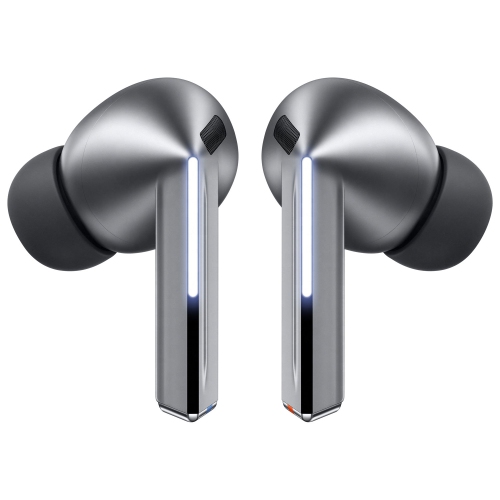 Your price for this item is $229
 -
 Your price for this item is $227
 -
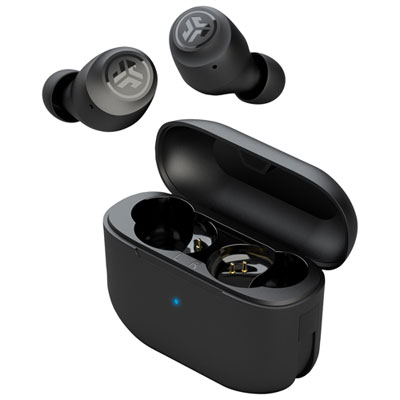 Your price for this item is $19.99
 -
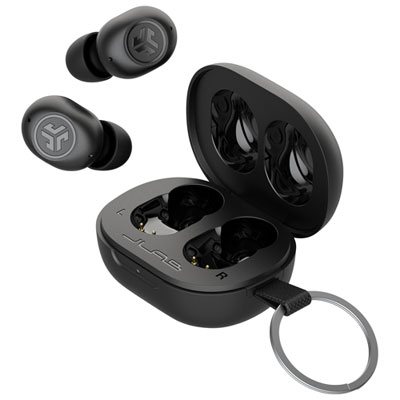 Your price for this item is $39.99
 -
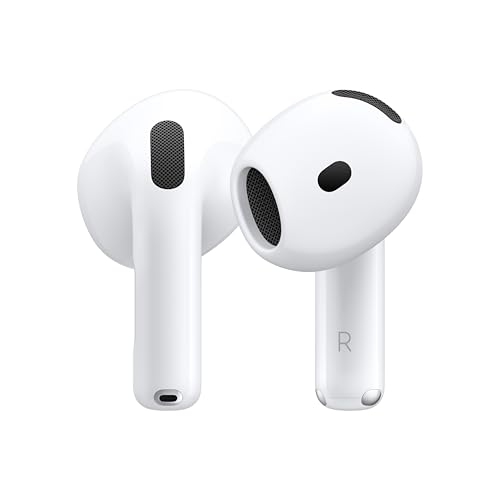 Your price for this item is $238.99
 -
 Your price for this item is $89.99
Discover more categories related to Refurbished Apple Products

Top Collections:
Pokemon Centers, Kindle Devices, Best Budget Office Chairs, Apple iPhones 16, Best Laptops for Writers, iPhone 15 Apple, Canon G7X Cameras, Refurbished Apple Laptops, Alarm Clock, Motorola Razr Phones
Some products may be subject to Environmental Handling Fees
(EHF) depending on your province.
Learn more about EHFs.