Refurbished Servers
If you're looking for reliable and cost-effective server solutions, this selection of refurbished servers offers a budget-friendly option without compromising on performance. Each refurbished server undergoes thorough testing and quality checks to ensure optimal functionality, making them a smart choice for businesses looking to enhance their IT infrastructure without breaking the bank. Whether you're setting up a new office network or expanding your current server capacity, these refurbished servers provide a dependable solution at a fraction of the cost of new equipment.
Sort
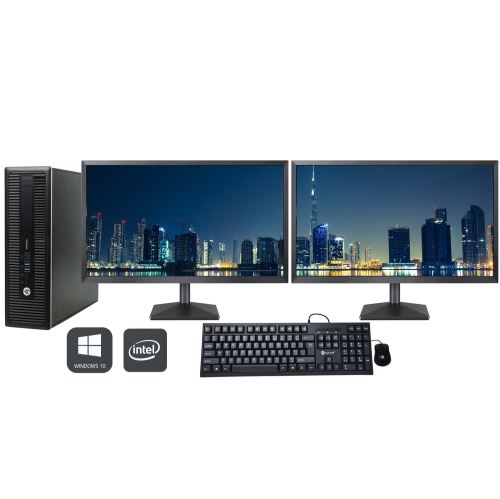

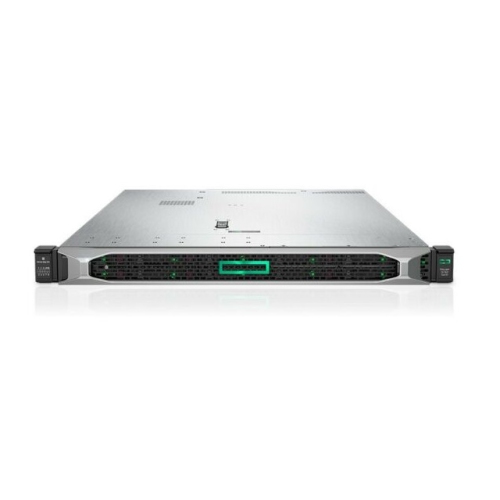
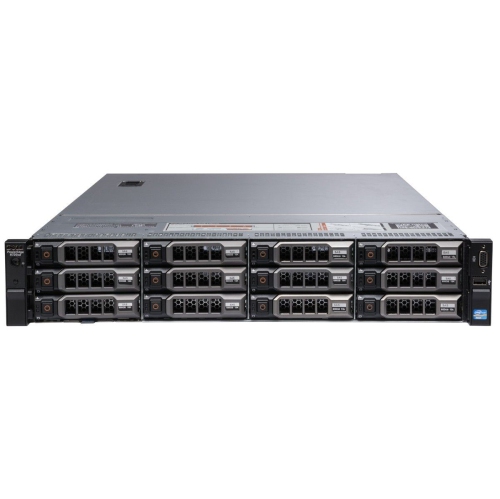
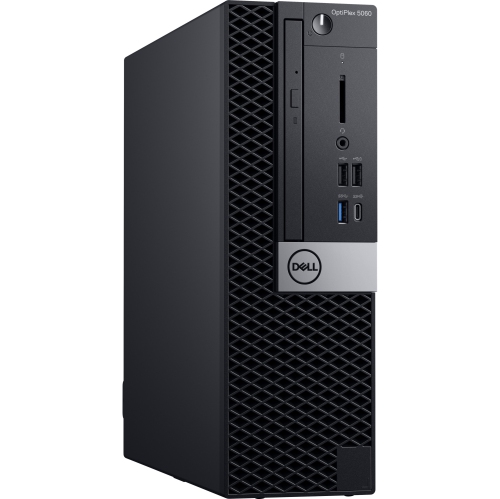

What to consider before adding dedicated computing to your setup
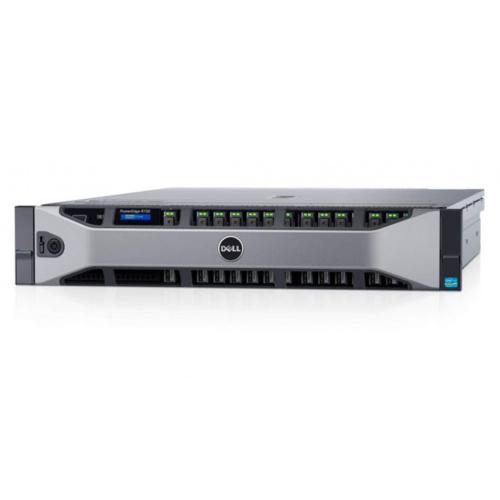
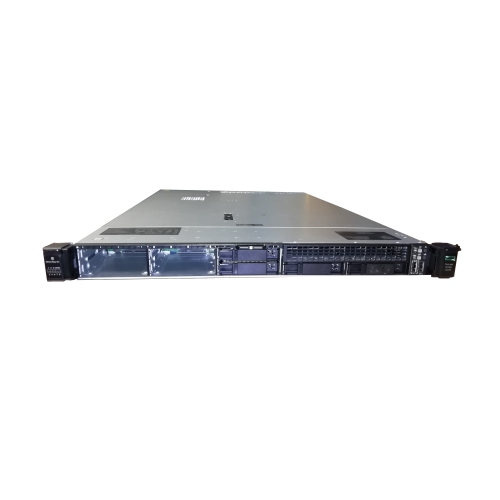
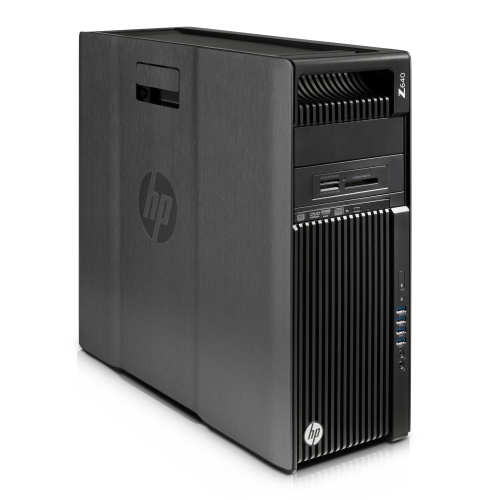
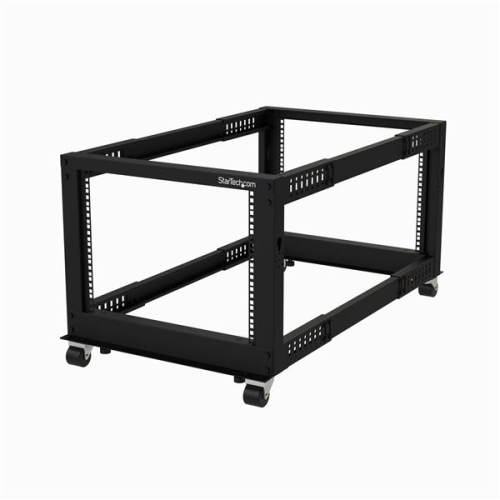
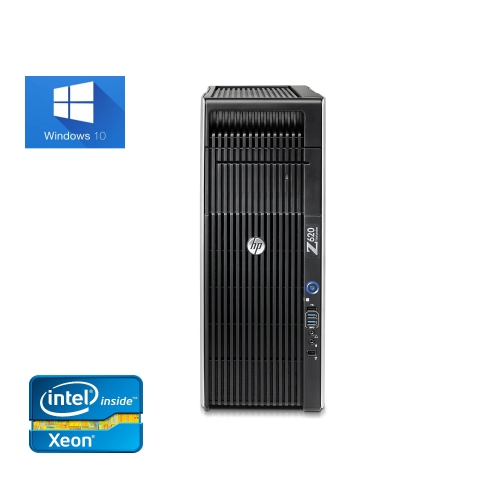
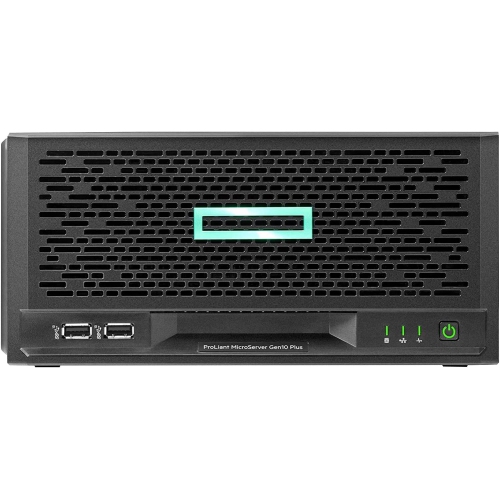
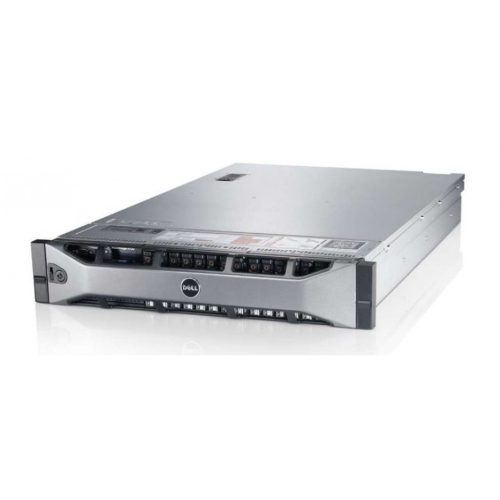
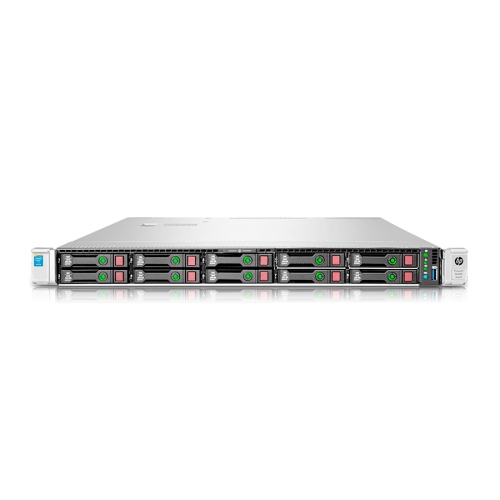
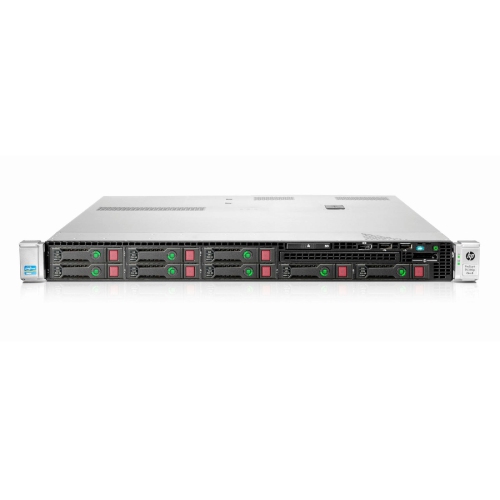
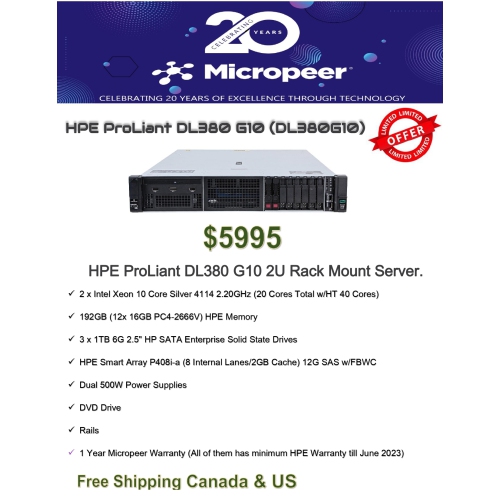
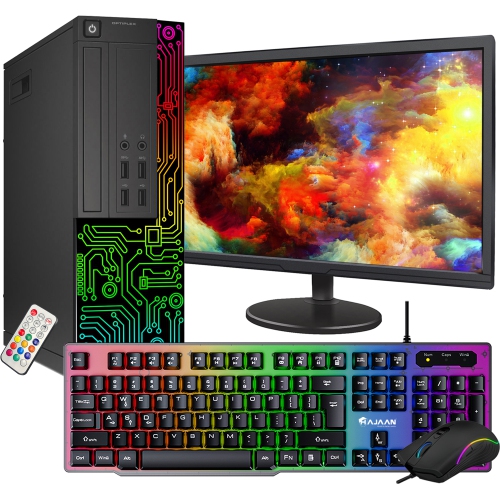
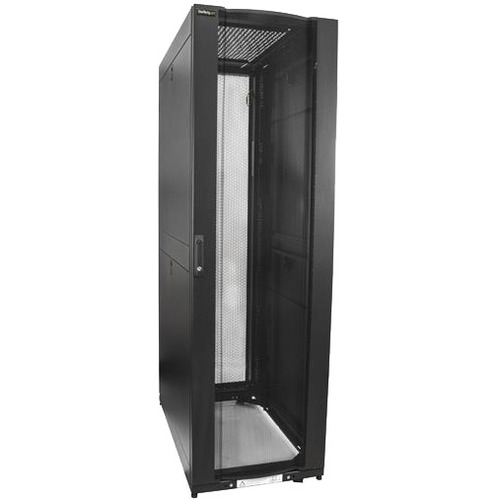
Refurbished servers can be a practical way to build or expand a capable computing environment without paying the full cost of newly released hardware. These systems have previously been used, then inspected, cleaned, tested and, where required, fitted with replacement components before being offered for sale. The exact refurbishment process can vary, so it is helpful to review the listing details and understand what has been checked. A refurbished server may be suitable for a small business setting up shared file storage, a home lab for learning about network administration, a growing office that needs centralized applications, or an organization that wants a dependable platform for backups and internal services. Depending on the configuration, it may also support virtualization, database workloads, private cloud applications, security camera recording or development projects. For buyers who need desktop-style computing rather than server hardware, Refurbished Desktop Computers may be a more suitable category. Servers are designed to run continuously and manage multiple users or processes, which means their components and internal layout can differ considerably from those found in a standard desktop computer. Some are built for installation in a rack, while others use a tower enclosure that can sit in an office, utility room or dedicated workspace. Rack-mounted systems can help organize equipment in a structured network cabinet, but they may produce noticeable fan noise and require appropriate rails, cabinet depth and airflow. Tower servers are often easier to place in a conventional room, although they still need clear ventilation and a stable power connection. Thinking about the intended location before making a purchase can prevent surprises during installation, particularly in a small office or home where space and noise levels matter.
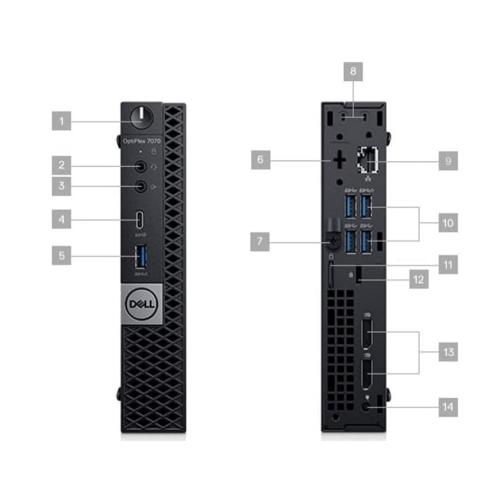
The most important step when choosing refurbished servers is matching the specifications to the work they need to handle. Start with the processor, considering the number of cores, processing speed and support for the applications or virtual machines you plan to run. Memory is equally important: a server used for file sharing and basic backups may require less RAM than one hosting several virtual machines, databases or business applications. Storage deserves close attention as well. Check the drive type, total capacity, number of drive bays and whether the system supports the storage arrangement you need. A server with a redundant array of independent disks (RAID) controller can help protect availability when configured with compatible drives, but RAID is not a substitute for a separate backup. Buyers should also confirm whether storage drives are included, whether they have been tested and whether their capacity meets the planned workload. Review the available networking connections, expansion slots, power supplies and operating system compatibility before ordering. Some business networks may require faster wired connections, additional ports or specialized expansion cards, while a home lab may benefit from flexible upgrade options. It is also wise to check physical measurements, included accessories and power requirements. A refurbished server may not include every cable, mounting bracket or operating system licence needed for a complete installation. If the system will be used for sensitive files or important business operations, consider how users will connect, how access will be controlled and where backups will be stored. Clear documentation, manageable firmware settings and compatibility with existing network equipment can make the difference between a smooth setup and a time-consuming one. Buyers who are new to server hardware may want to plan for help with operating system installation, network configuration, security updates and data migration.
A reputable refurbishment process should provide meaningful information about the server’s condition and functionality. Look for details about inspection, diagnostic testing, cleaning, component replacement and any grading or condition descriptions. A warranty can provide added reassurance, but read the coverage period and terms carefully to understand what is included, how support is handled and whether replacement parts or labour are covered. It is also useful to review return policies, technical support options and the availability of compatible components. Server hardware can be an excellent choice for a small business, a start-up, a school technology lab, a software developer or a technically minded household that wants more control over its files and services. It can serve as a central location for documents, a media library, a test environment or a platform for learning about virtualization and network management. For a small team, a properly configured server can bring shared resources together instead of scattering files across individual computers. For a student or IT professional, it can provide a hands-on way to practise system administration, permissions, storage management and troubleshooting. During the cooler months, it may be tempting to place equipment in an unused corner or enclosed room, but servers still need consistent airflow, a dry location and easy access for maintenance. Keep the system away from dust, heat sources and cramped spaces, and connect it to reliable power with suitable surge protection. Before deploying important data, update the operating system and firmware, change default credentials, configure user permissions and establish a routine backup schedule. With careful planning, refurbished servers can offer useful performance, flexible capacity and a sensible path to dedicated computing for work, learning or personal projects.
The most important step when choosing refurbished servers is matching the specifications to the work they need to handle. Start with the processor, considering the number of cores, processing speed and support for the applications or virtual machines you plan to run. Memory is equally important: a server used for file sharing and basic backups may require less RAM than one hosting several virtual machines, databases or business applications. Storage deserves close attention as well. Check the drive type, total capacity, number of drive bays and whether the system supports the storage arrangement you need. A server with a redundant array of independent disks (RAID) controller can help protect availability when configured with compatible drives, but RAID is not a substitute for a separate backup. Buyers should also confirm whether storage drives are included, whether they have been tested and whether their capacity meets the planned workload. Review the available networking connections, expansion slots, power supplies and operating system compatibility before ordering. Some business networks may require faster wired connections, additional ports or specialized expansion cards, while a home lab may benefit from flexible upgrade options. It is also wise to check physical measurements, included accessories and power requirements. A refurbished server may not include every cable, mounting bracket or operating system licence needed for a complete installation. If the system will be used for sensitive files or important business operations, consider how users will connect, how access will be controlled and where backups will be stored. Clear documentation, manageable firmware settings and compatibility with existing network equipment can make the difference between a smooth setup and a time-consuming one. Buyers who are new to server hardware may want to plan for help with operating system installation, network configuration, security updates and data migration.
A reputable refurbishment process should provide meaningful information about the server’s condition and functionality. Look for details about inspection, diagnostic testing, cleaning, component replacement and any grading or condition descriptions. A warranty can provide added reassurance, but read the coverage period and terms carefully to understand what is included, how support is handled and whether replacement parts or labour are covered. It is also useful to review return policies, technical support options and the availability of compatible components. Server hardware can be an excellent choice for a small business, a start-up, a school technology lab, a software developer or a technically minded household that wants more control over its files and services. It can serve as a central location for documents, a media library, a test environment or a platform for learning about virtualization and network management. For a small team, a properly configured server can bring shared resources together instead of scattering files across individual computers. For a student or IT professional, it can provide a hands-on way to practise system administration, permissions, storage management and troubleshooting. During the cooler months, it may be tempting to place equipment in an unused corner or enclosed room, but servers still need consistent airflow, a dry location and easy access for maintenance. Keep the system away from dust, heat sources and cramped spaces, and connect it to reliable power with suitable surge protection. Before deploying important data, update the operating system and firmware, change default credentials, configure user permissions and establish a routine backup schedule. With careful planning, refurbished servers can offer useful performance, flexible capacity and a sensible path to dedicated computing for work, learning or personal projects.
Top selling and popular products
-
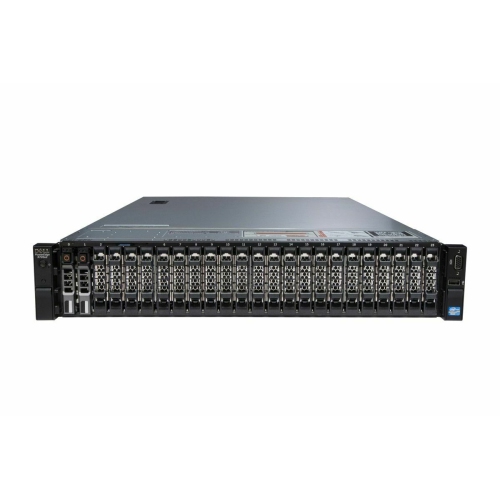 Your price for this item is $3000
 -
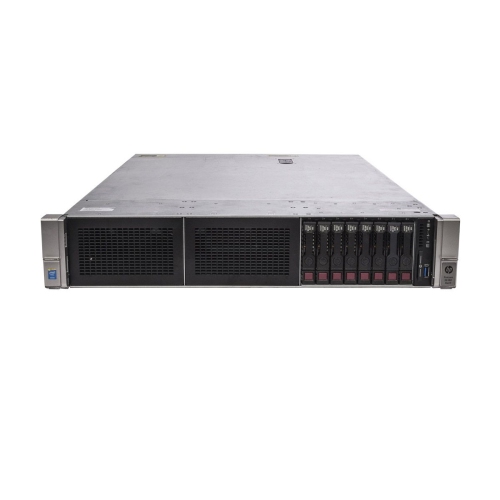 Your price for this item is $4350
 -
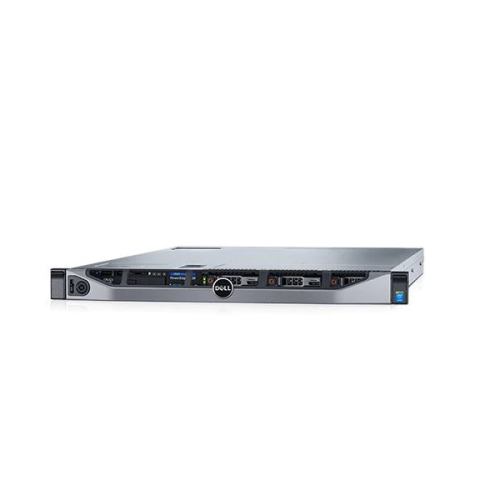 Your price for this item is $2895
 -
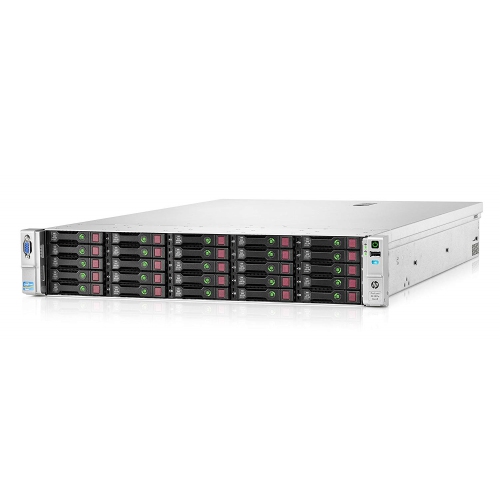 Your price for this item is $1065
 -
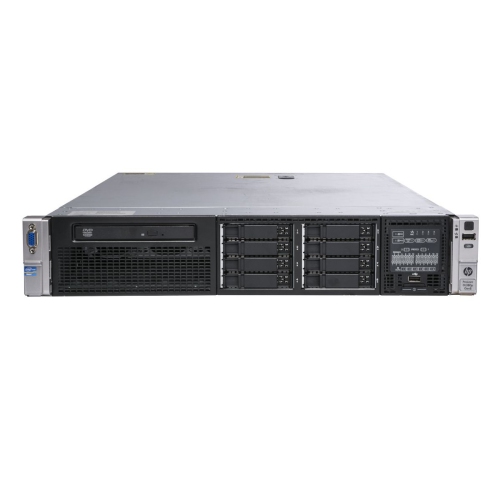 Your price for this item is $1395
 -
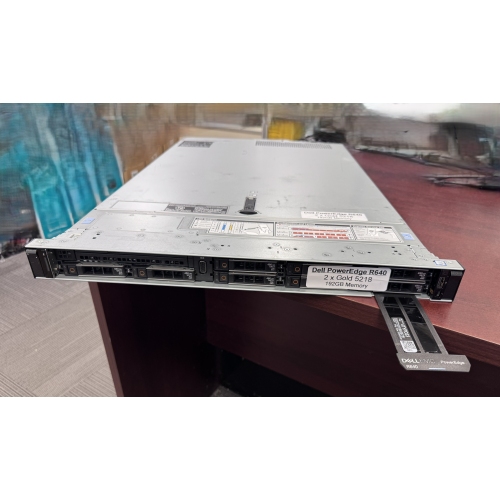 Your price for this item is $1649.99
 -
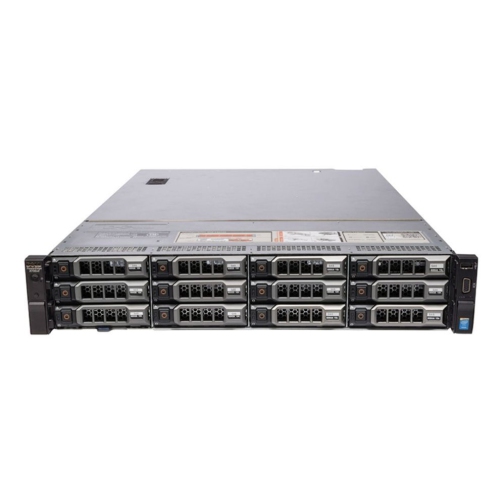 Your price for this item is $9995
 -
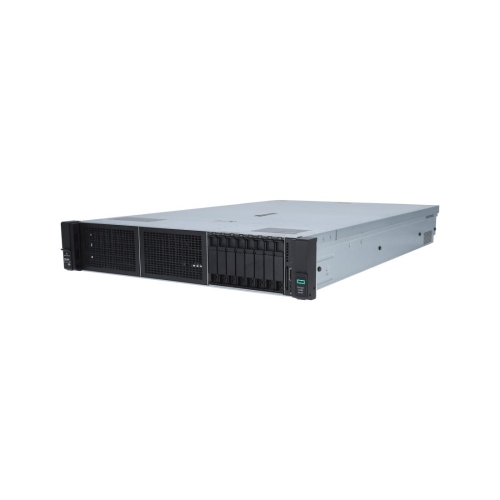 Your price for this item is $4200
Discover more categories related to Refurbished Servers
Top Collections:
Pokemon Centers, Kindle Devices, Best Budget Office Chairs, Apple iPhones 16, Samsung Galaxy Phones, Canon G7X Cameras, iPhone 15 Apple, Flip Phones, Best Laptops for Writers, Alarm Clock
Some products may be subject to Environmental Handling Fees
(EHF) depending on your province.
Learn more about EHFs.