Replacement Keyboards for Asus
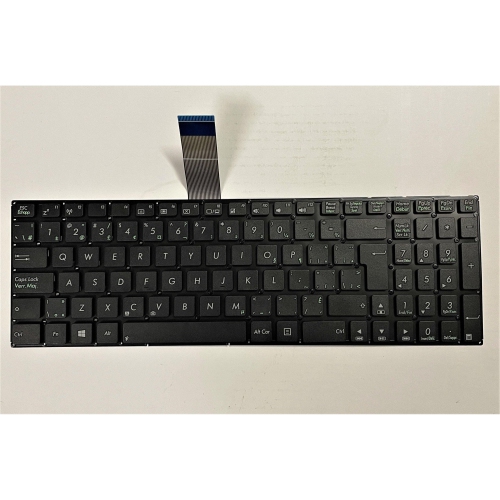
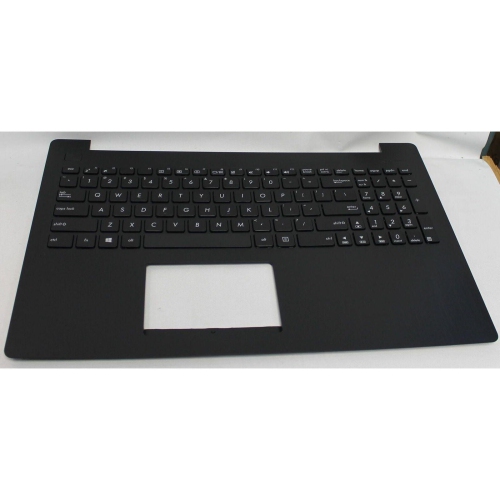
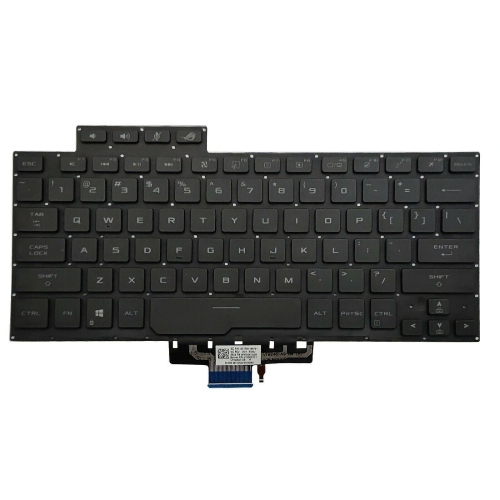
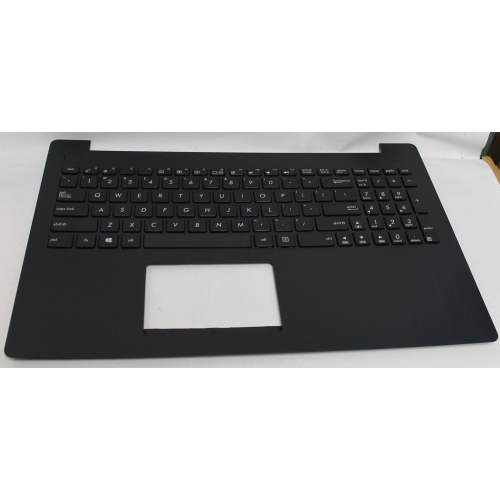
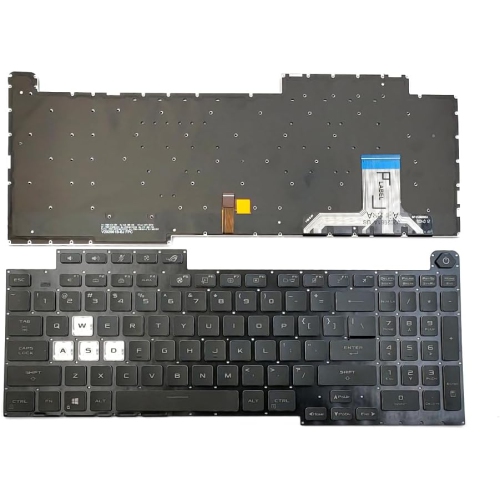
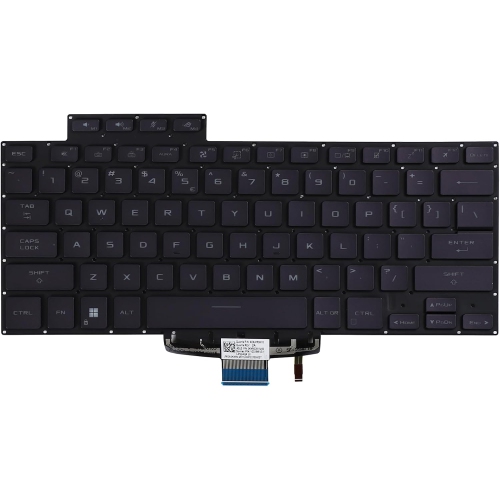
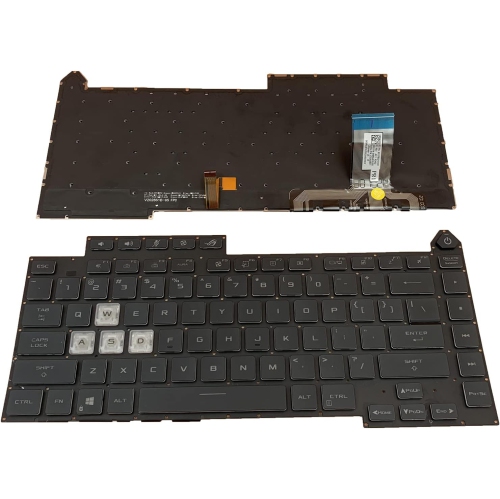
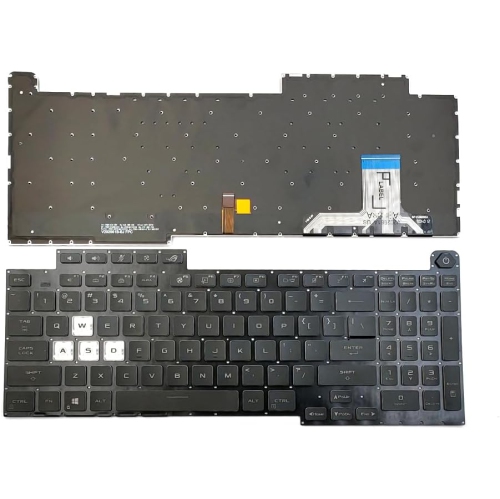
Upgrade your typing experience with a Replacement Keyboard for Asus, designed to keep your device performing at its best. Whether you’re dealing with worn-out keys or accidental spills, finding the right replacement ensures your laptop stays functional and comfortable to use. Explore a variety of options to match your specific model and enjoy seamless compatibility and effortless installation. With the right Replacement Keyboard for Asus, you can restore productivity and get back to work or play in no time.
Sort
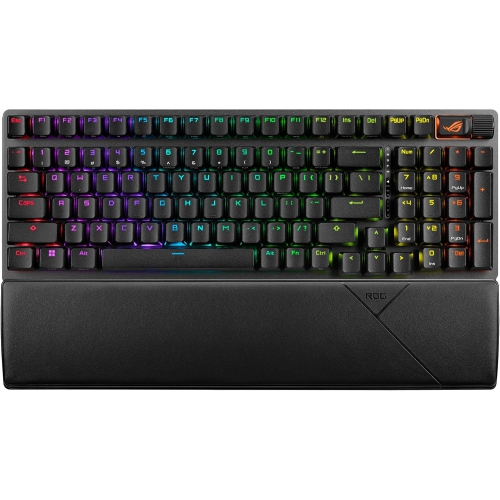
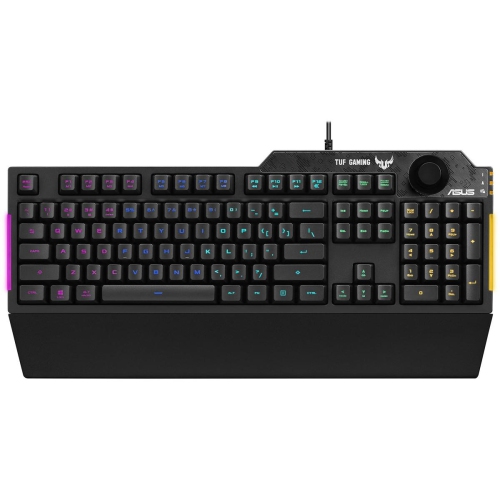
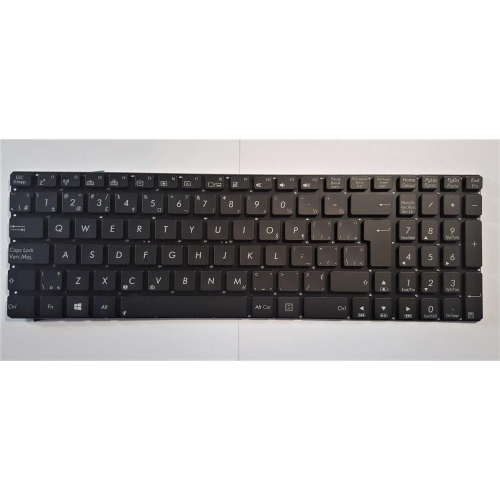
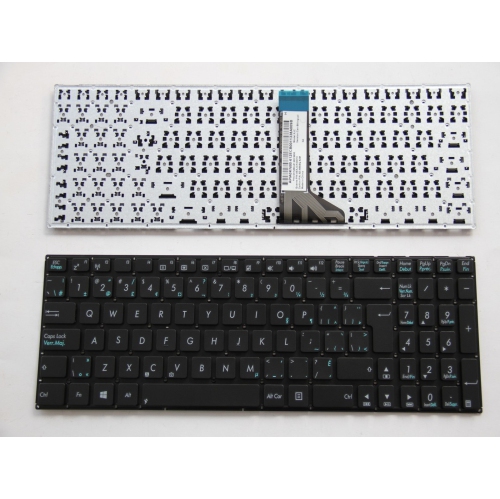
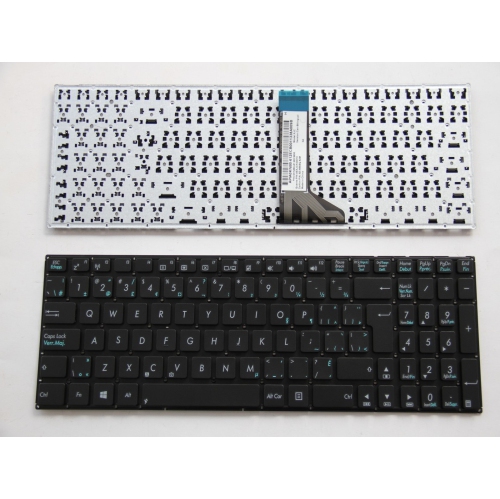
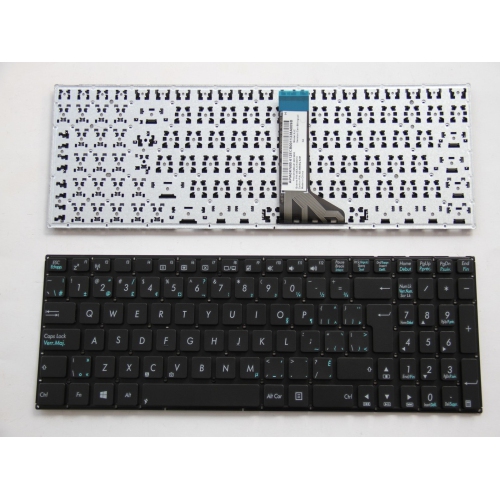
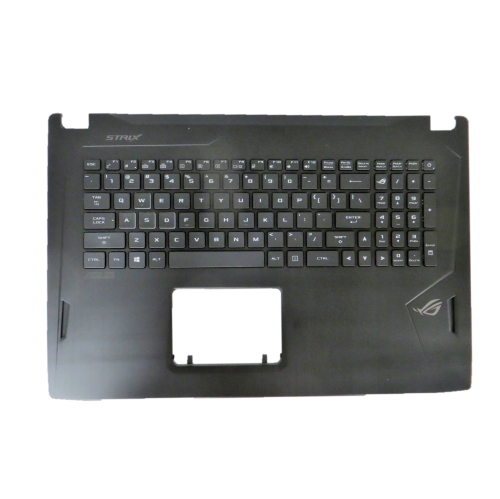
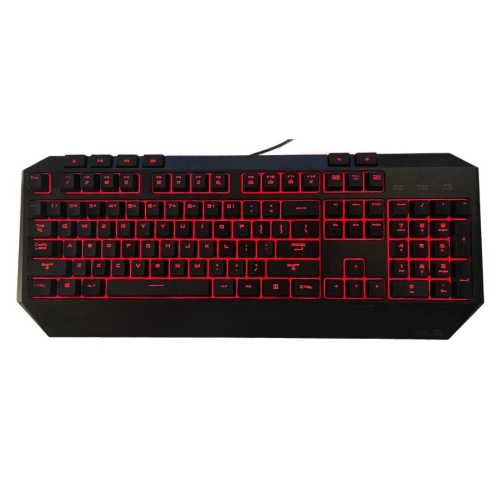
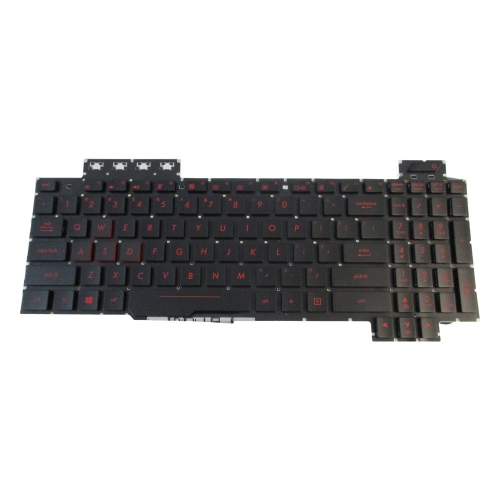
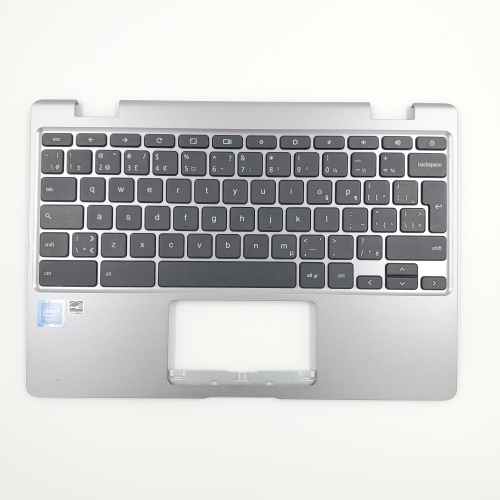
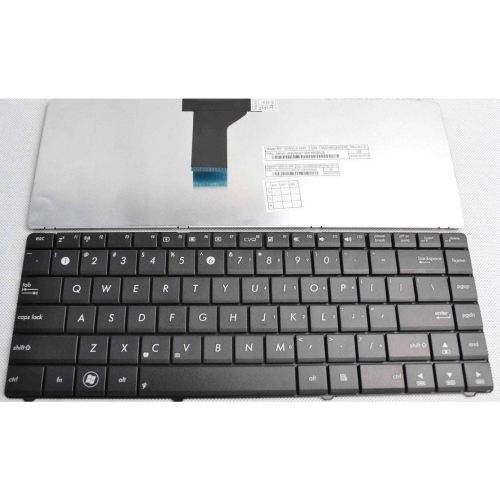
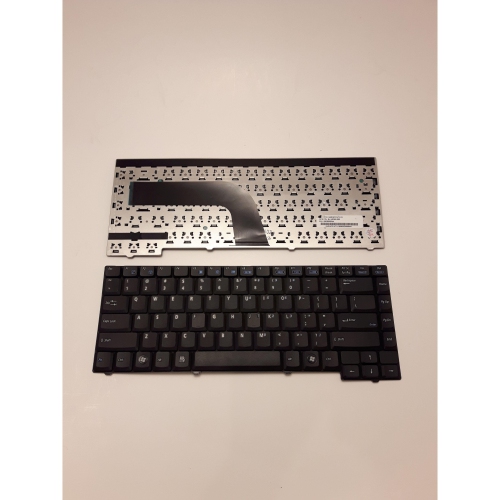

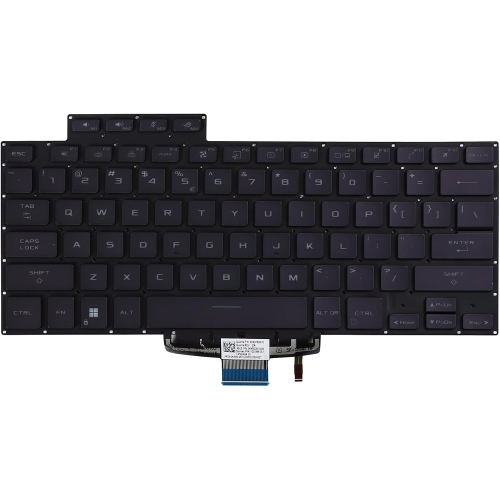
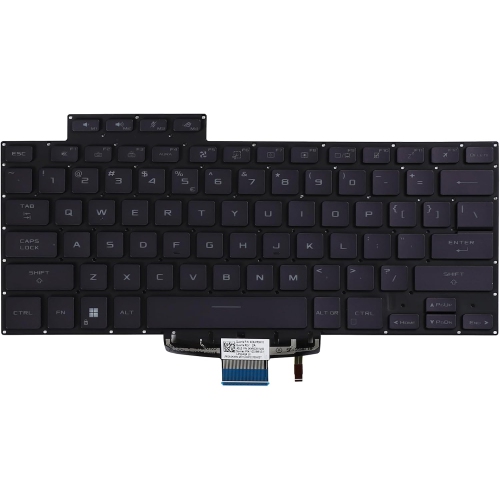
Replacement Keyboard for Asus
When it comes to replacing a keyboard for your Asus laptop, a little preparation can go a long way toward ensuring a seamless experience. Whether you’re a student powering through assignments, a professional handling daily tasks, or a passionate gamer, a reliable keyboard is essential for comfort and productivity. Over time, keys can become unresponsive, sticky, or even fall off from heavy use, accidental spills, or regular wear and tear. Spring is an ideal time for a tech refresh—after a winter of hunkering down indoors, many Canadians find themselves eager to tackle overdue repairs and upgrades. A replacement keyboard can breathe new life into a trusted device, making it feel almost new again. It’s also a thoughtful gift for anyone heading into a new semester, starting a new job, or simply in need of a smoother typing experience. For families with teens or university students, gifting a replacement keyboard can be a practical gesture—especially for those who rely on their laptops for schoolwork or creative projects.
Selecting the right replacement keyboard involves more than just choosing a model that fits. It’s important to verify your laptop’s exact model number, typically found on the underside of the device, to ensure compatibility with your chosen replacement. Some users prefer standard layouts for everyday typing, while others may seek out features like backlit keys for working in dim lighting, especially during late-night study sessions or early morning work. If you’re interested in enhanced visibility and style, consider exploring options like the Asus Lighted Keyboard. Installation can be straightforward for those comfortable with basic laptop maintenance, often involving loosening a few screws, carefully removing the old keyboard, and snapping the new one into place. For others, a quick visit to a local repair shop or following an online guide can make the process stress-free. Many replacement keyboards are designed to match the original in terms of tactile feel and durability, ensuring a familiar typing experience. Whether you’re upgrading for performance, replacing a faulty component, or customizing your setup, a new keyboard can make all the difference in how you interact with your device every day.
Selecting the right replacement keyboard involves more than just choosing a model that fits. It’s important to verify your laptop’s exact model number, typically found on the underside of the device, to ensure compatibility with your chosen replacement. Some users prefer standard layouts for everyday typing, while others may seek out features like backlit keys for working in dim lighting, especially during late-night study sessions or early morning work. If you’re interested in enhanced visibility and style, consider exploring options like the Asus Lighted Keyboard. Installation can be straightforward for those comfortable with basic laptop maintenance, often involving loosening a few screws, carefully removing the old keyboard, and snapping the new one into place. For others, a quick visit to a local repair shop or following an online guide can make the process stress-free. Many replacement keyboards are designed to match the original in terms of tactile feel and durability, ensuring a familiar typing experience. Whether you’re upgrading for performance, replacing a faulty component, or customizing your setup, a new keyboard can make all the difference in how you interact with your device every day.
Top selling and popular products
-
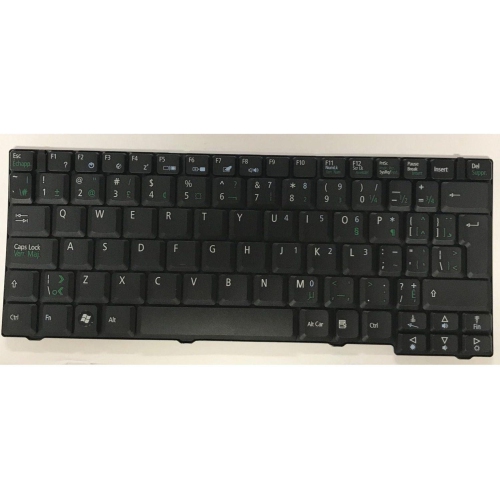 Your price for this item is $65.99
 -
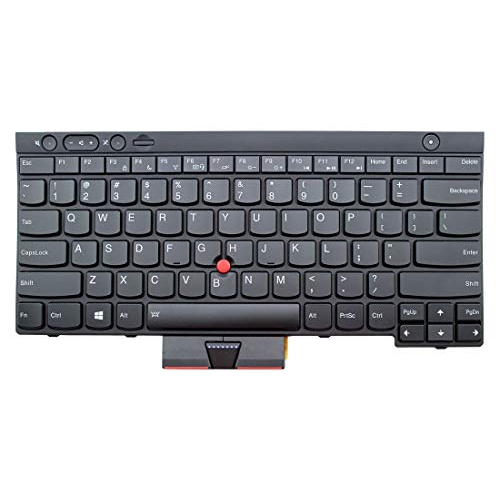 Your price for this item is $29.99
 -
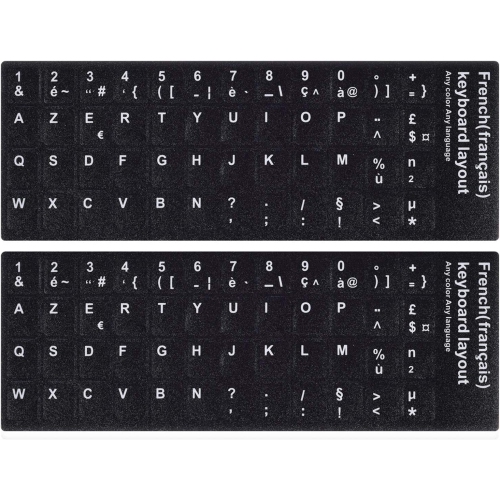 Your price for this item is $9.99
 -
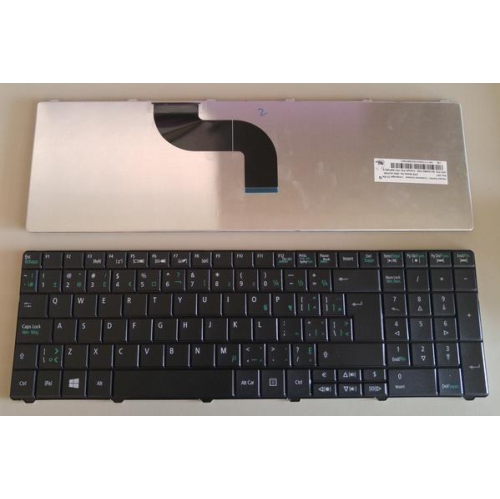 Your price for this item is $118.99
 -
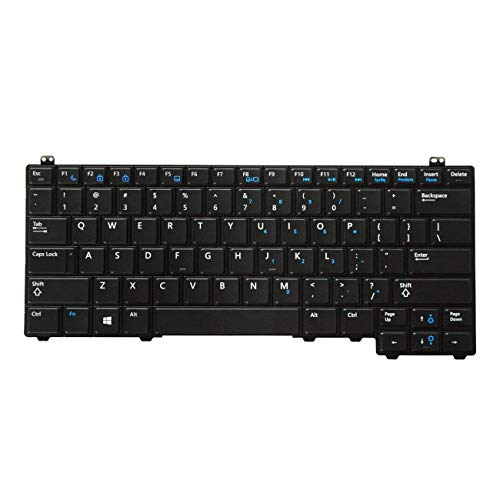 Your price for this item is $39.99
 -
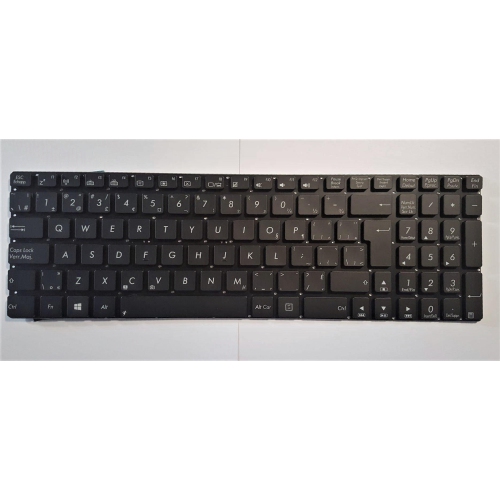 Your price for this item is $126.99
 -
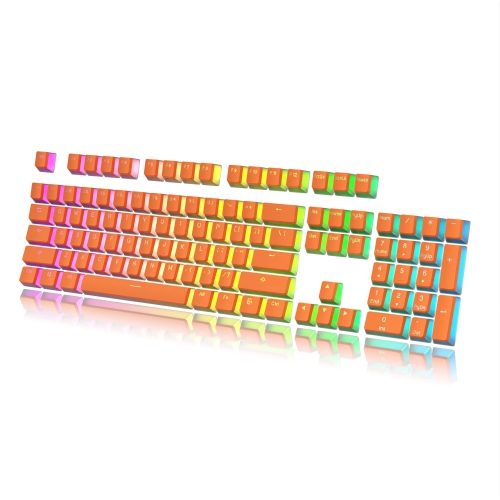 Your price for this item is $46.97
 -
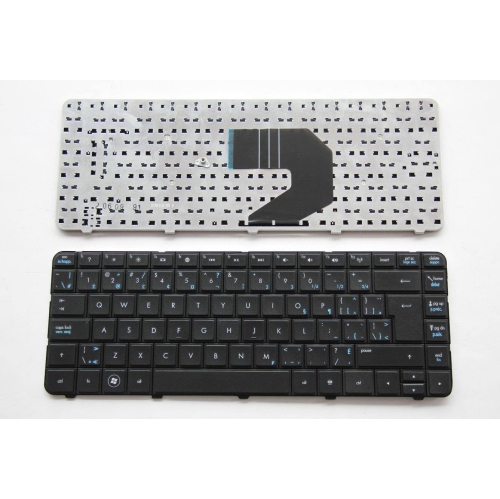 Your price for this item is $80.99
Discover more categories related to Replacement Keyboards for Asus
Top Collections:
Best Cell Phones Under $500, Kindle Devices, Apple iPhones 16, Canon G7X Cameras, iPhone 15 Apple, Wireless Earbuds Under $200, Stopwatch Timers, Dyson Airwrap, iPhone 14 256GB, Fire Stick TVs
Some products may be subject to Environmental Handling Fees
(EHF) depending on your province.
Learn more about EHFs.