Rugged Tablet PCs
Looking for a reliable and durable tablet that can keep up with your active lifestyle? Look no further than our selection of rugged tablet PCs. These powerful devices are designed to withstand the toughest conditions, making them perfect for outdoor adventures, demanding work environments, or simply for those who want a tablet that can handle a little more rough and tumble. With their rugged construction and advanced features, our rugged tablet PCs offer the perfect blend of durability and functionality. Whether you're a hiker, a construction worker, or just someone who wants a tablet that can handle anything you throw at it, our rugged tablet PCs are built to go the distance.
Sort

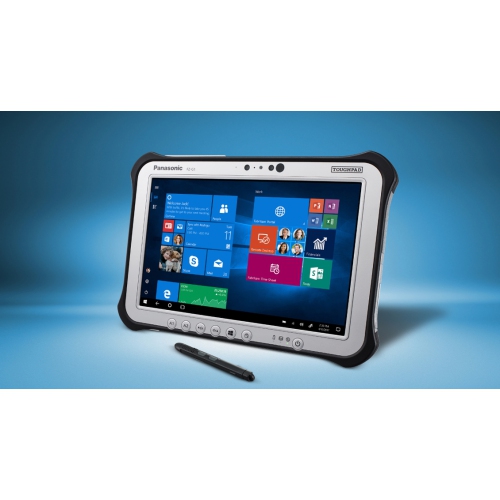
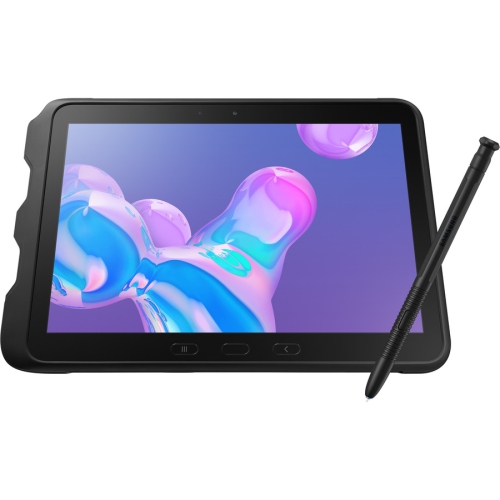
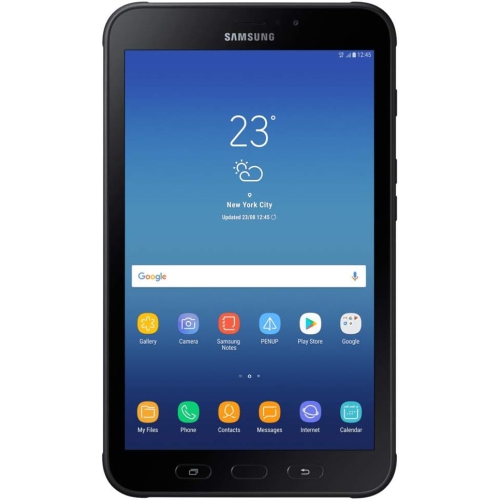
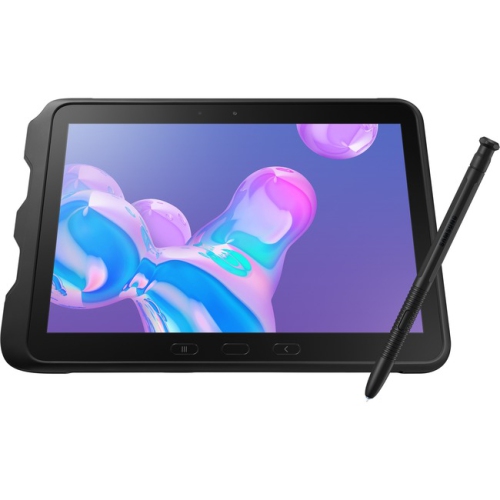
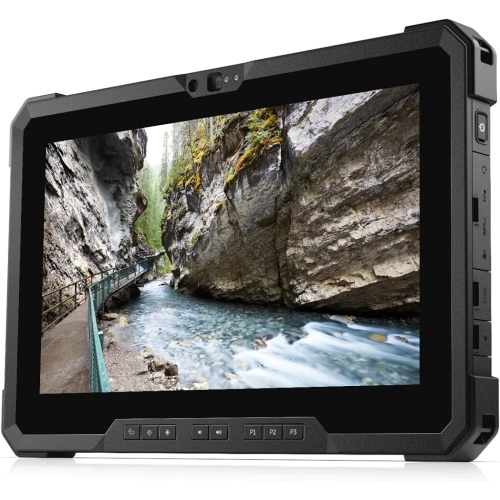
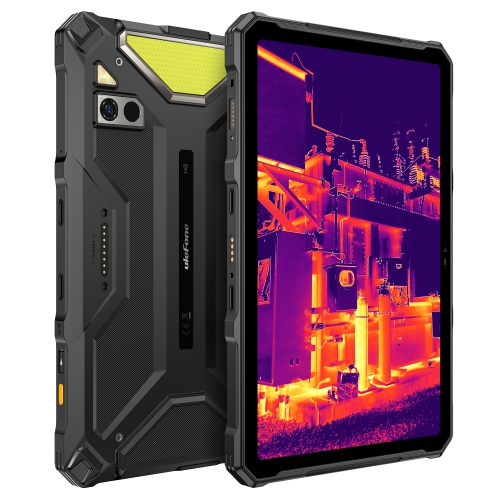
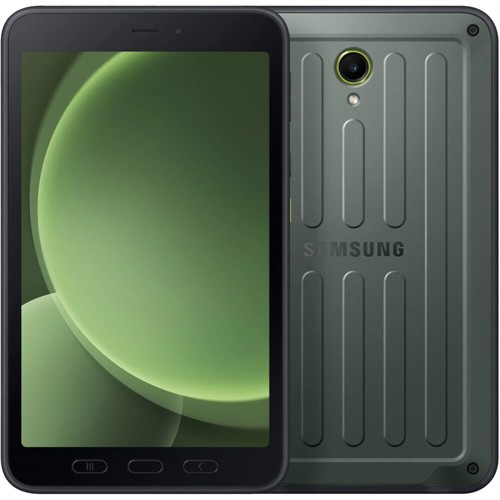
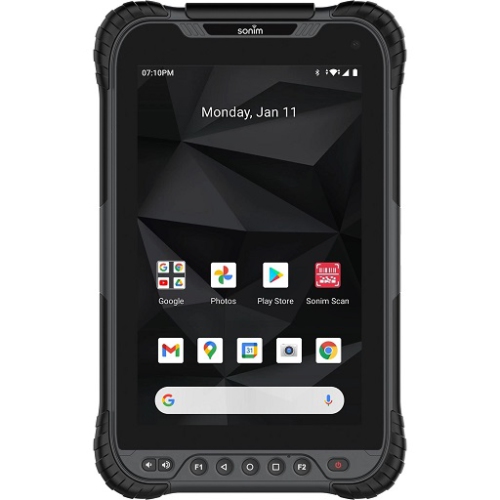

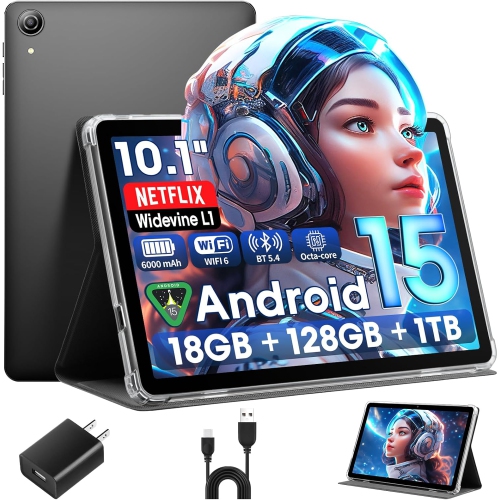
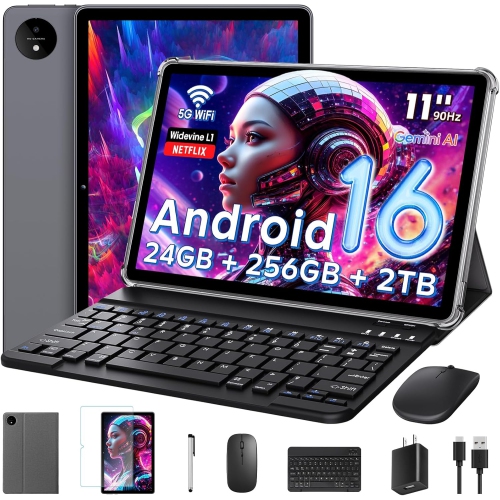
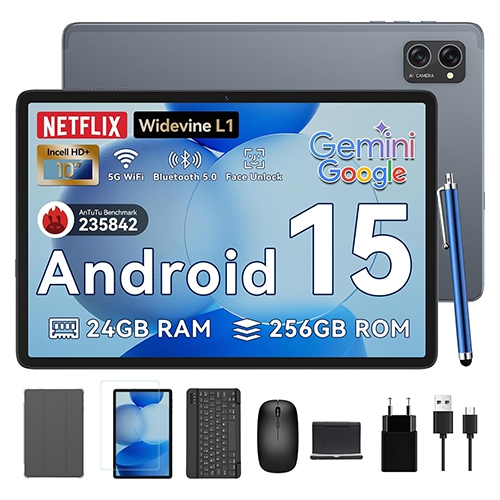
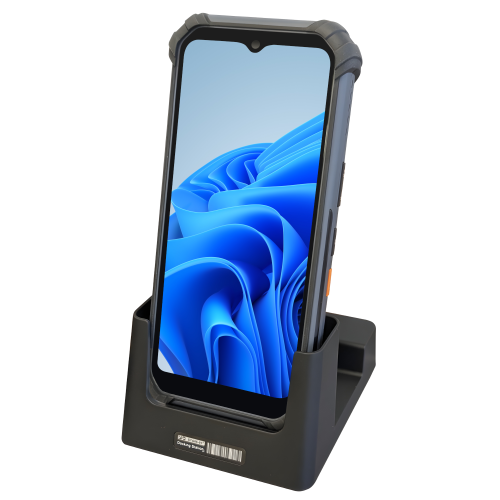
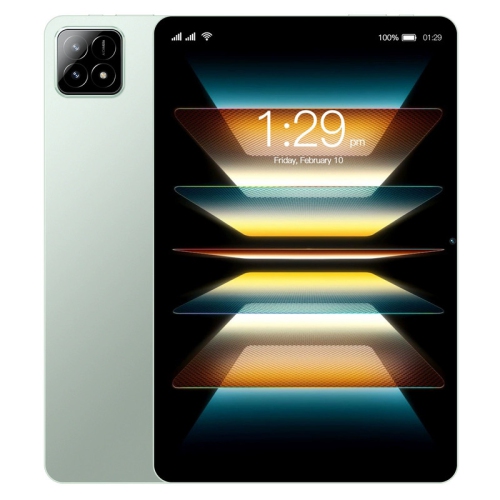
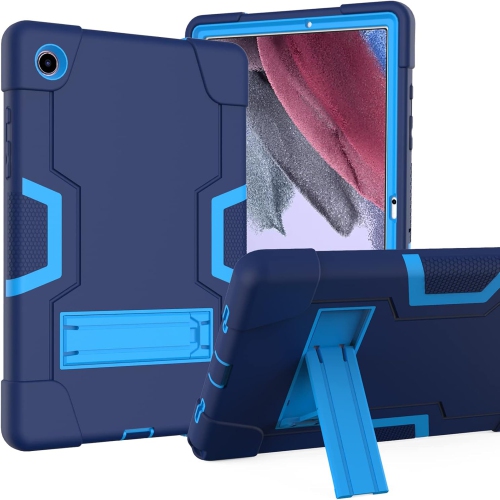
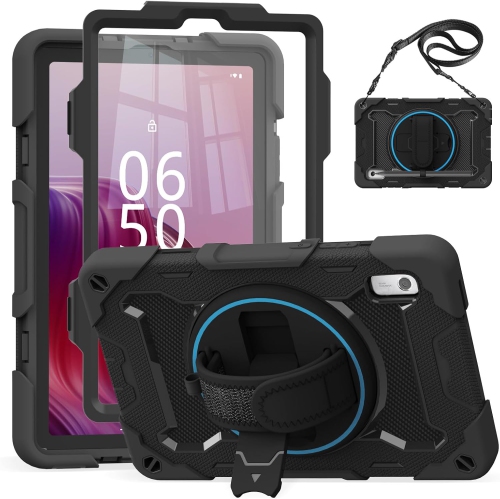
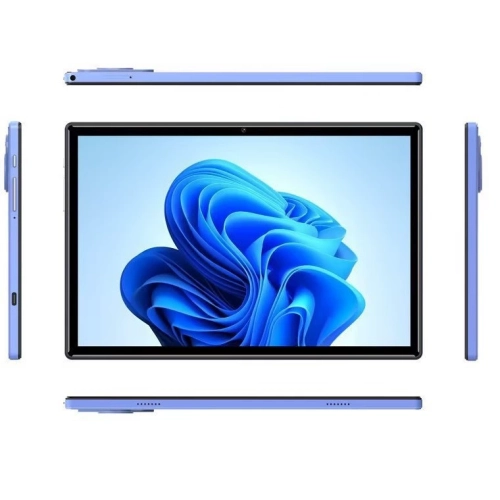
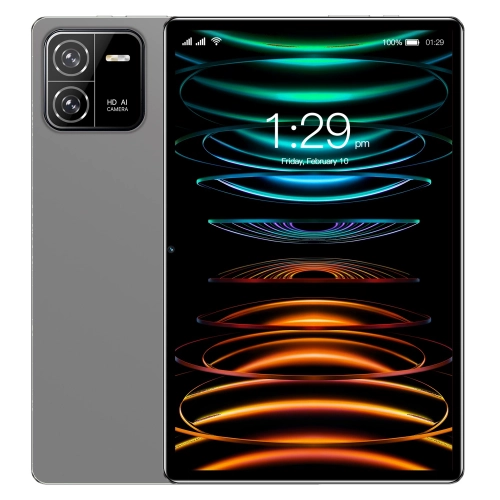
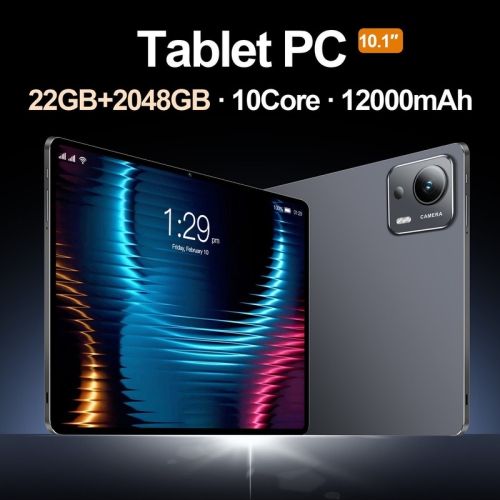
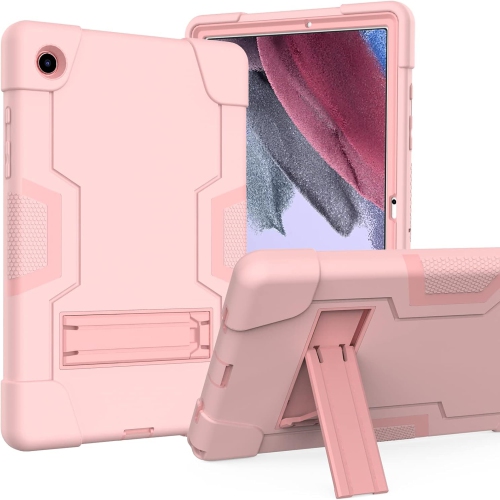
Reliable computing for demanding jobs and outdoor conditions
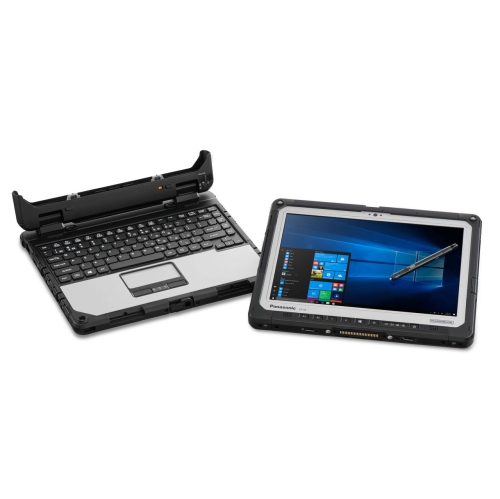
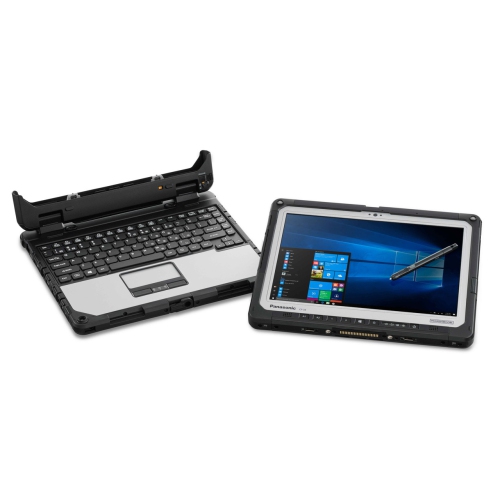
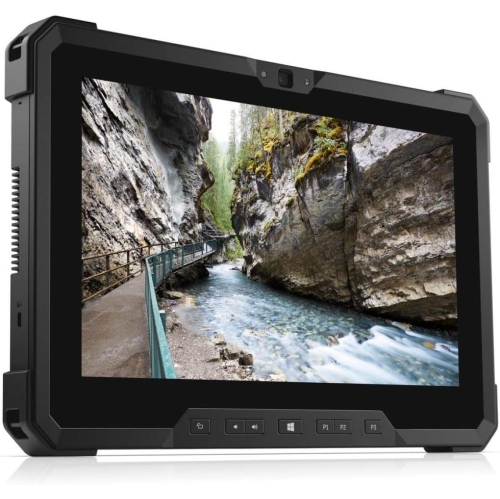
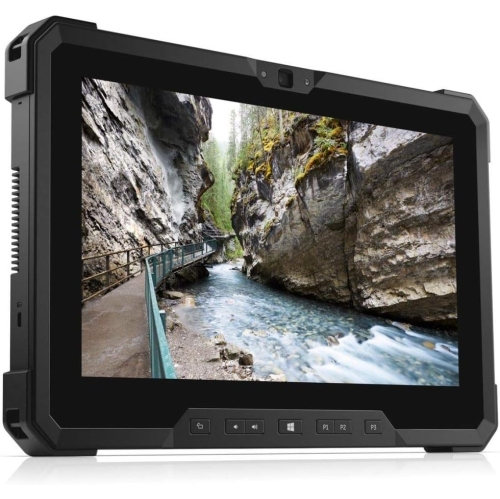
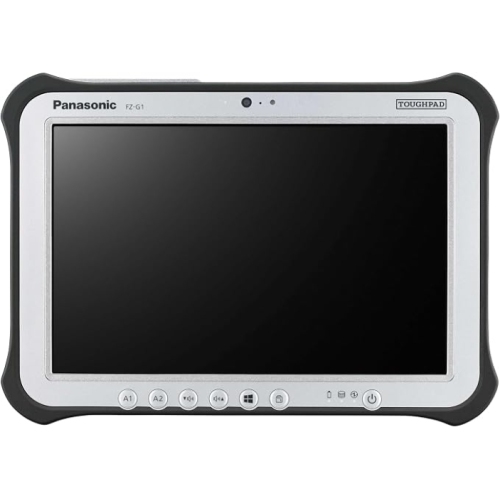
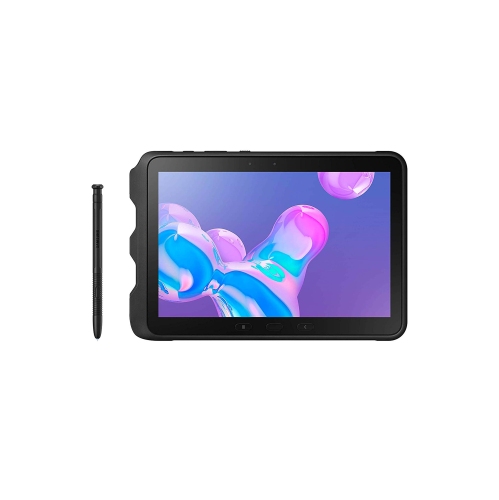
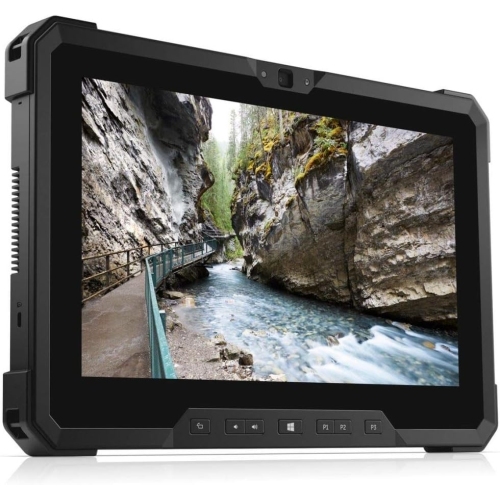
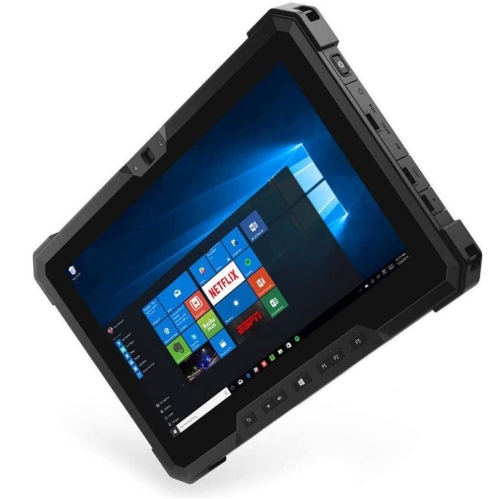
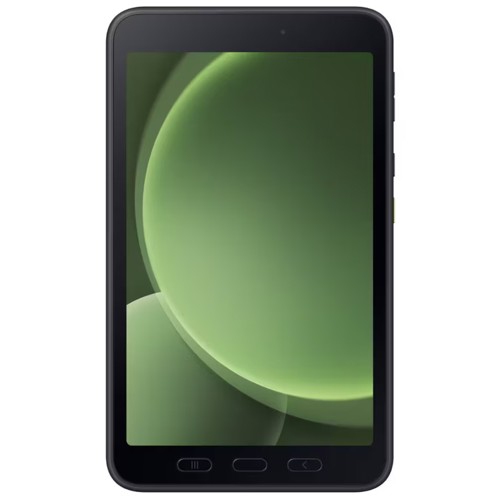
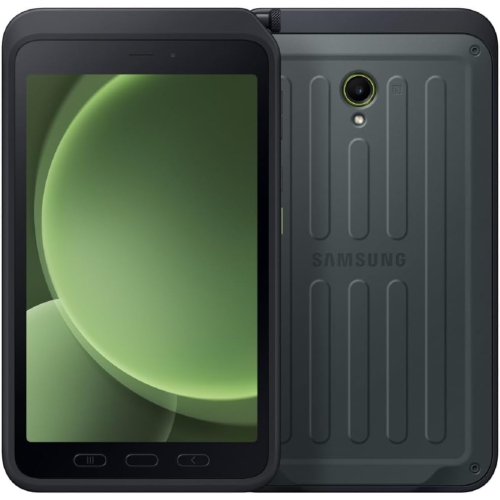
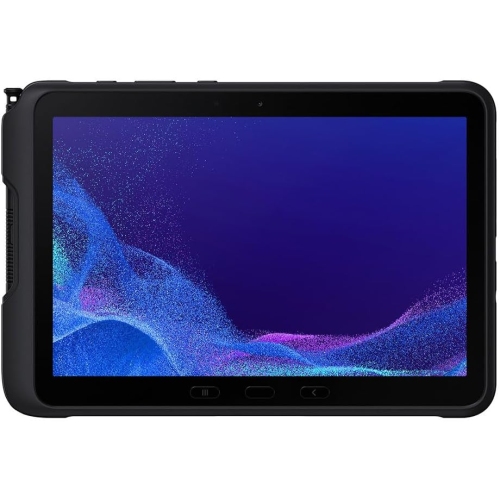
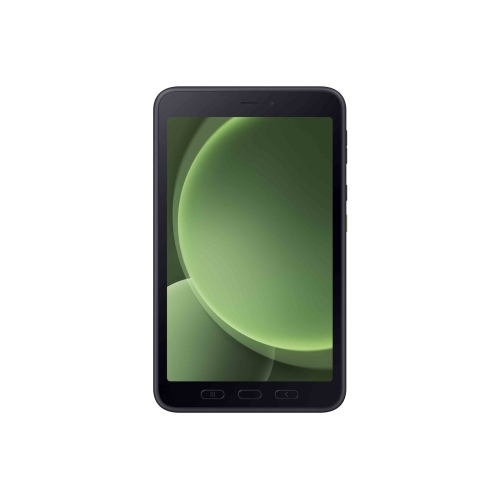
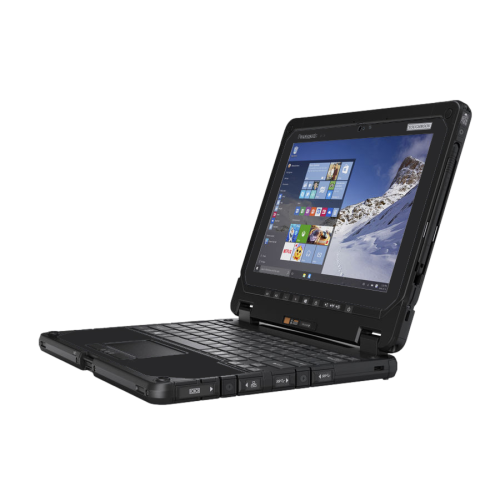
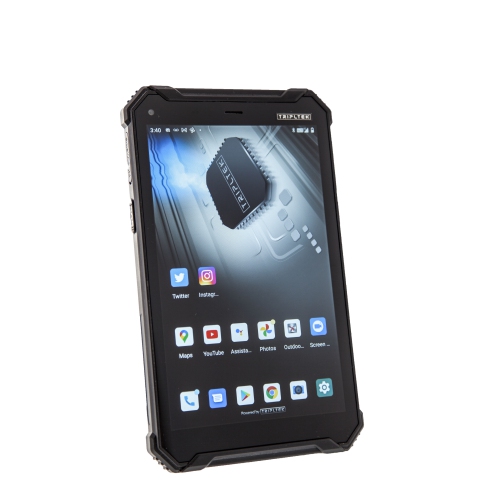
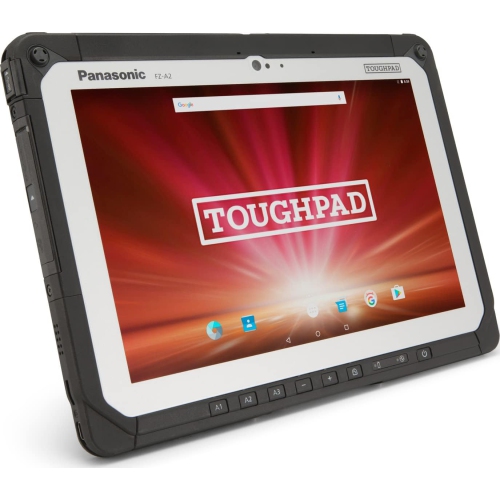
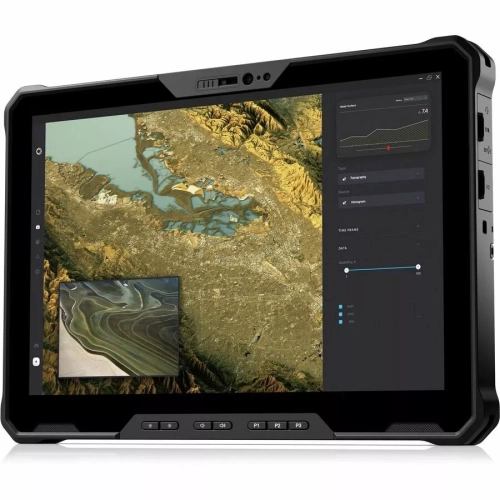
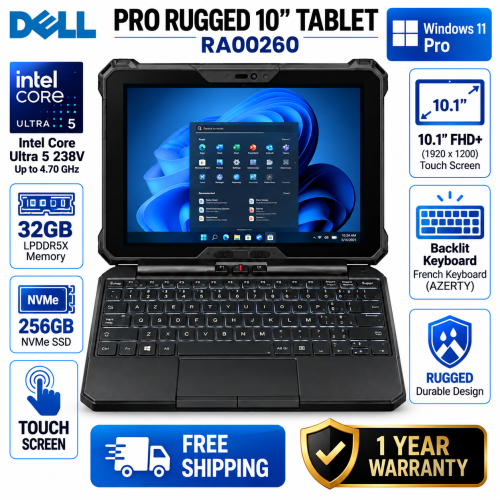
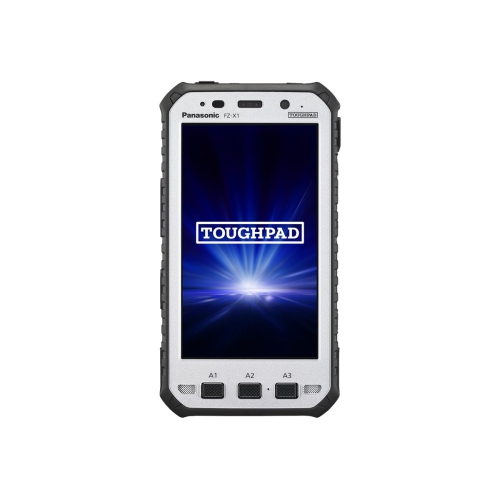
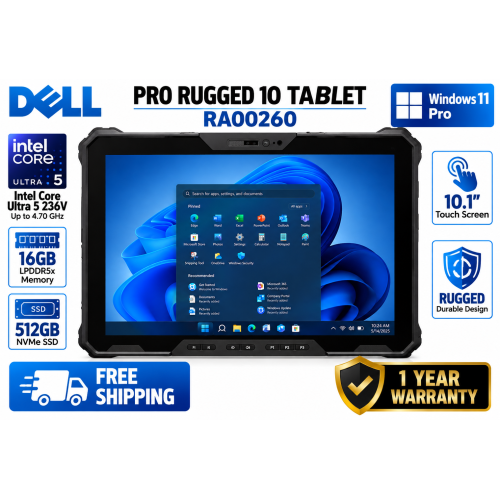
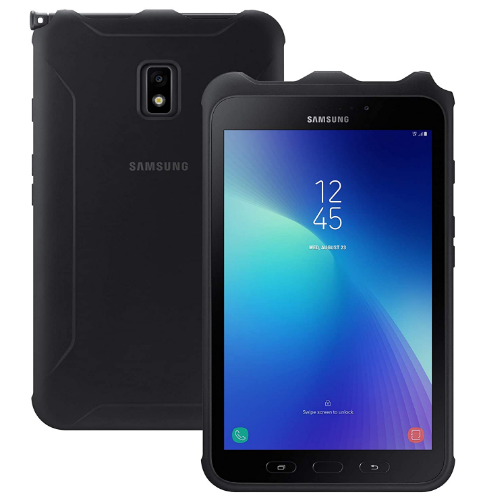
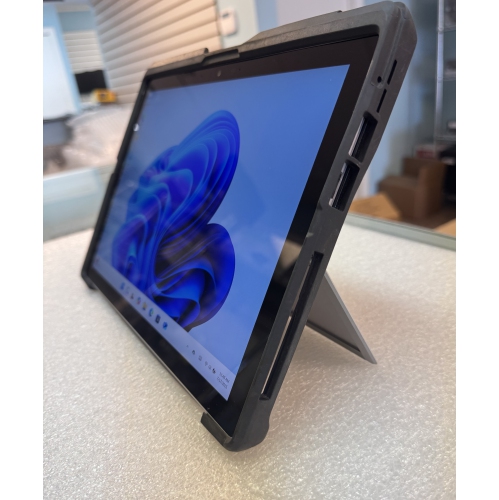
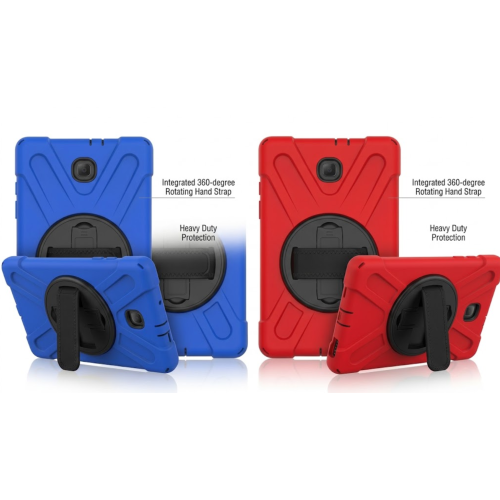
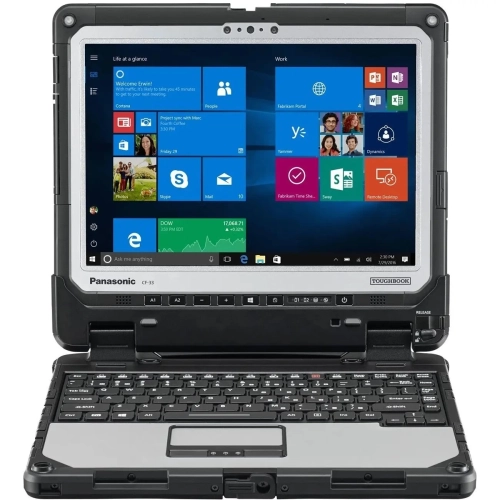
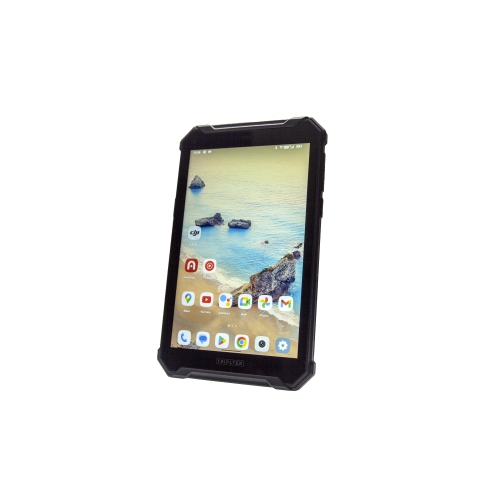
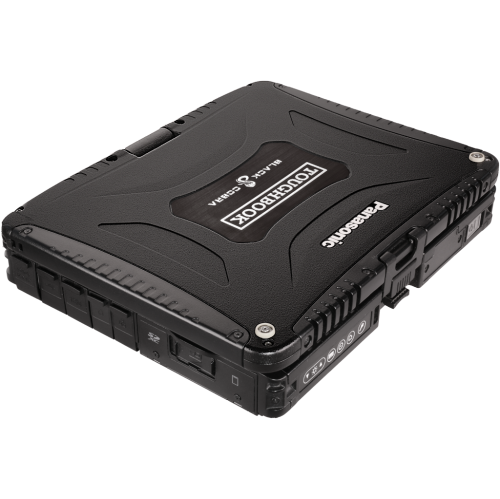
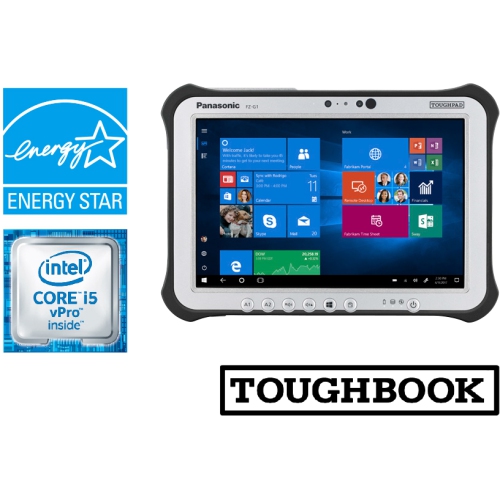
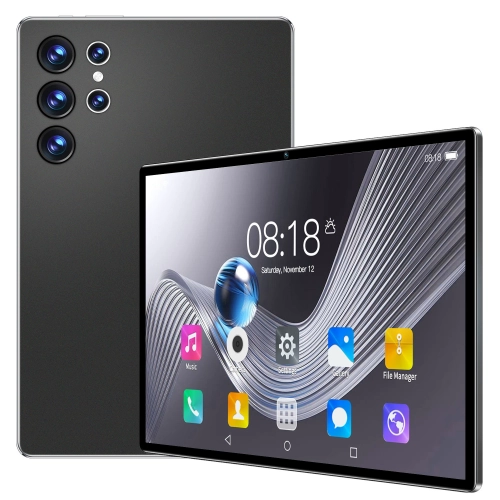
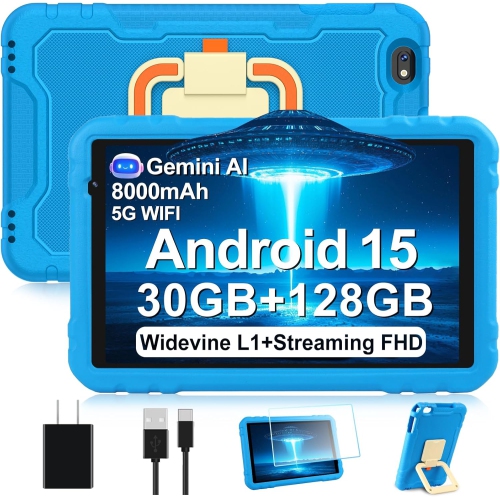
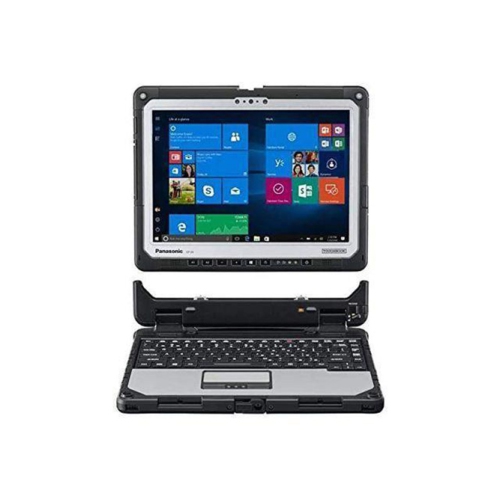
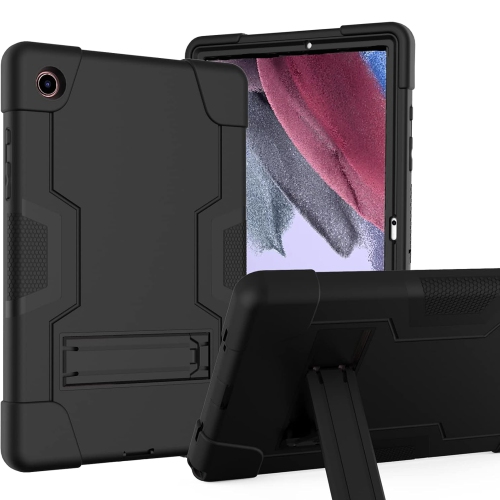
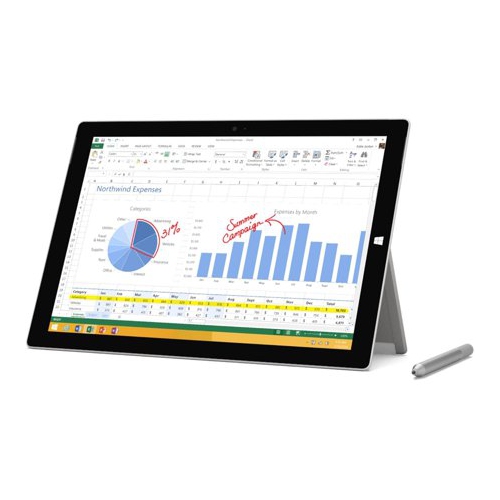
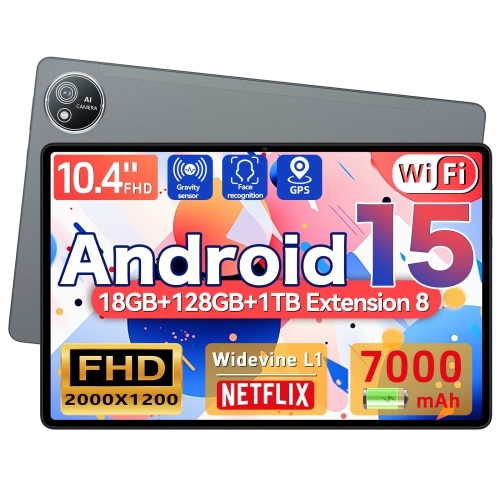
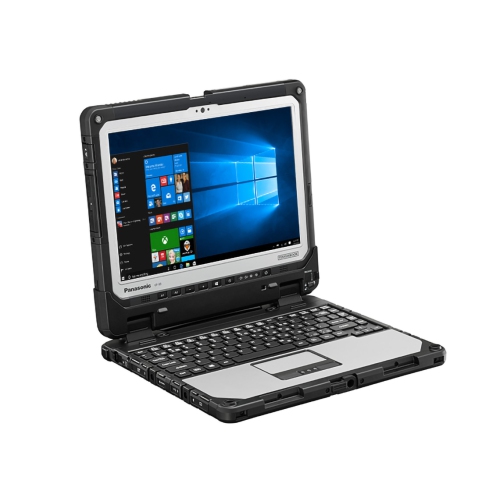
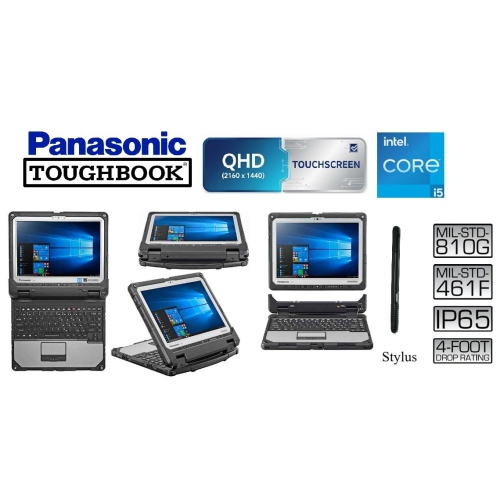
Rugged tablet PCs are designed for people who need dependable computing beyond the controlled comfort of an office, classroom, or living room. Built with reinforced housings, protected ports, and screens made to handle demanding conditions, these tablets can support work in construction, transportation, public safety, utilities, manufacturing, warehousing, agriculture, field service, and outdoor recreation. A conventional tablet may be suitable for checking email at a desk, but a rugged tablet PC is intended for situations where equipment may be exposed to dust, rain, vibration, accidental drops, temperature changes, or frequent handling with gloves. Picture a technician standing beside a service vehicle on a chilly morning, reviewing a repair diagram while fine dust moves across the worksite, or a warehouse employee scanning inventory while moving between loading bays. In these settings, a durable tablet can make information easier to access without requiring a return to a computer station. When comparing rugged tablet PCs, begin with the level of protection required for the workplace. MIL-STD-810H testing is commonly associated with resistance to drops, shock, vibration, humidity, altitude, and temperature changes, although the exact tests performed can vary by model. An IP65 rating generally indicates protection from dust and water jets, while IP67 typically adds protection against temporary immersion under specified test conditions. These ratings are useful points of comparison, but they do not mean a tablet should be treated as indestructible; ports should be closed properly, and the manufacturer’s care instructions should always be followed. A sealed design, raised bezel, reinforced corners, and a textured grip can also make a noticeable difference when a tablet is carried from a truck to a worksite several times a day. Weight and thickness deserve attention as well. Fully rugged units often weigh more than consumer tablets because their frames, seals, internal protection, and larger batteries are built for demanding use. For a role that involves carrying the device over long distances, a semi-rugged design may offer a more comfortable balance between protection and portability.
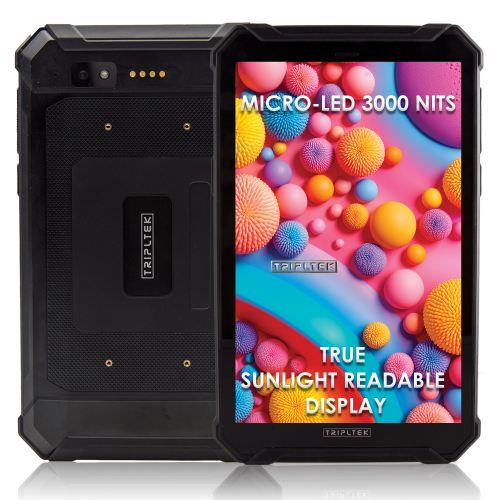
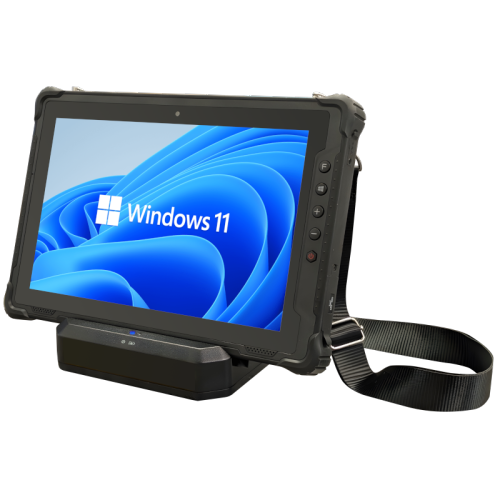
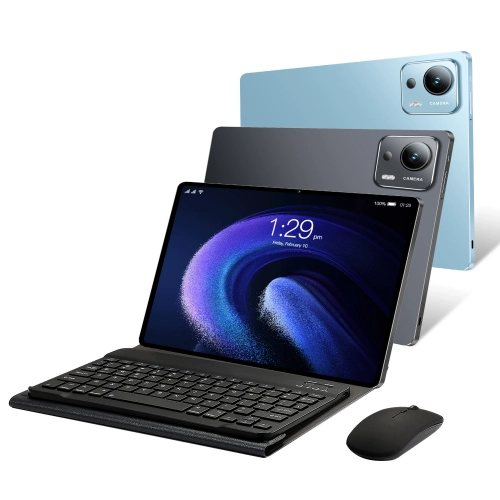
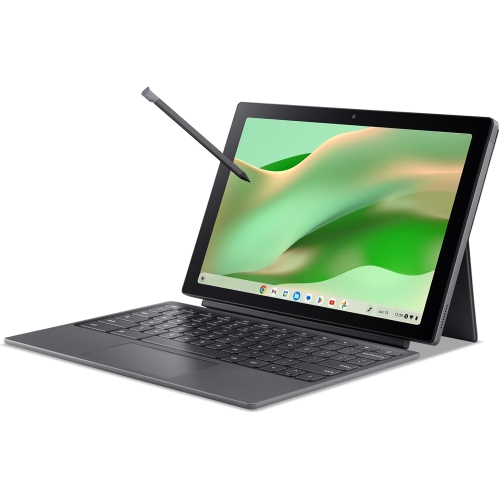
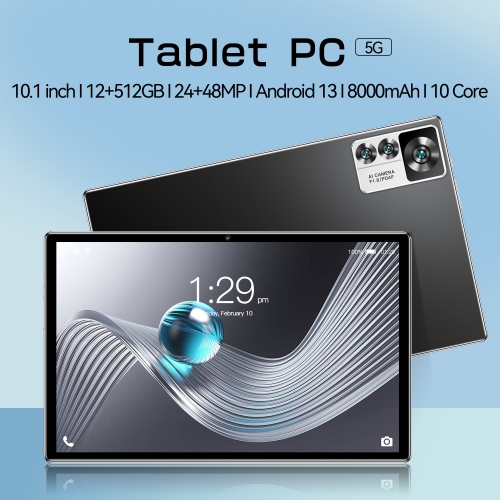
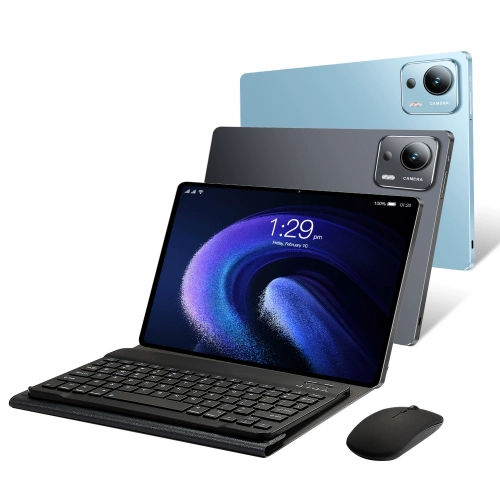
The display is another important consideration, particularly when work takes place outdoors or in brightly lit areas. A high-brightness screen, often measured in nits, can be easier to read under direct sunlight than a standard indoor display. A brightness level of 500 nits may suit mixed indoor and outdoor use, while displays rated at 1,000 nits or more can be helpful for exposed worksites, roadside inspections, and outdoor service calls. Look for an anti-glare finish, strong contrast, and a touchscreen that responds to gloves, wet fingers, or a stylus if those features match the intended workflow. Screen size also affects practical use: a compact display is easier to carry and mount in a vehicle, while a larger screen can make maps, technical drawings, forms, and spreadsheets more comfortable to view. Operating system choice should follow the software and connectivity needs of the person using the tablet. Windows 11 Pro can provide access to full desktop applications, enterprise tools, legacy programs, VPN services, and x86-compatible software, making it a practical option for organizations that already rely on Windows-based systems. Android may be well suited to mobile data collection, barcode scanning, dispatch applications, communication tools, and simpler app-based workflows. Check processor performance, memory, storage capacity, and wireless connectivity alongside the operating system, since a tablet used for mapping, video calls, document management, or specialized software may need more capability than one dedicated to forms and inventory. Battery planning is especially important for multi-shift work. Extended-capacity batteries can help reduce interruptions, while hot-swappable battery systems allow a depleted battery to be replaced without shutting down the device, depending on the tablet’s design. Also consider vehicle chargers, docking stations, spare batteries, carrying handles, shoulder straps, keyboard attachments, styluses, barcode scanners, and mounting systems. A well-matched accessory can turn a tablet into a mobile workstation that fits naturally into a service van, control room, warehouse cart, or inspection kit. For shoppers comparing related equipment for demanding environments, Rugged Laptops may also be worth reviewing when a built-in keyboard, larger display, or traditional desktop form factor is more suitable.
Rugged tablet PCs can be a practical choice for businesses outfitting mobile teams, but they may also suit individuals whose hobbies and responsibilities take them far from a conventional desk. A farmer can use one to review field maps and equipment records, a contractor can reference plans and capture site notes, and a delivery coordinator can keep schedules and digital documents close at hand. Search-and-rescue volunteers, event crews, inspectors, and outdoor guides may appreciate a durable device that remains useful when the surroundings are wet, dusty, cold, or difficult to navigate. These tablets can also be considered for a family member or colleague who works in a hands-on profession, although the best choice depends on the software, accessories, and workplace requirements rather than appearance alone. During the cooler months, battery performance in low temperatures is worth checking, since cold conditions can reduce usable battery life and affect charging behaviour. If the tablet will be used in a vehicle, confirm that the charging setup is compatible and that the screen remains visible through glare from windows. For shared teams, security features such as password protection, biometric sign-in, device encryption, remote management, and user access controls can help keep business information protected. Connectivity should be matched to the location: Wi-Fi may be enough in a warehouse or depot, while built-in cellular service, GPS, Bluetooth, or near-field communication can be valuable for mobile work. Before choosing, make a short list of the hazards the tablet will face, the applications it must run, the hours it needs to operate, and the way it will be carried or mounted. Compare the protection rating, display brightness, operating system, battery design, ports, camera functions, warranty, and service support as a complete package. The most suitable rugged tablet PC is not necessarily the largest or most heavily protected option; it is the one that fits the daily routine, handles the expected conditions, and keeps essential information accessible when the nearest desk is several kilometres away.
The display is another important consideration, particularly when work takes place outdoors or in brightly lit areas. A high-brightness screen, often measured in nits, can be easier to read under direct sunlight than a standard indoor display. A brightness level of 500 nits may suit mixed indoor and outdoor use, while displays rated at 1,000 nits or more can be helpful for exposed worksites, roadside inspections, and outdoor service calls. Look for an anti-glare finish, strong contrast, and a touchscreen that responds to gloves, wet fingers, or a stylus if those features match the intended workflow. Screen size also affects practical use: a compact display is easier to carry and mount in a vehicle, while a larger screen can make maps, technical drawings, forms, and spreadsheets more comfortable to view. Operating system choice should follow the software and connectivity needs of the person using the tablet. Windows 11 Pro can provide access to full desktop applications, enterprise tools, legacy programs, VPN services, and x86-compatible software, making it a practical option for organizations that already rely on Windows-based systems. Android may be well suited to mobile data collection, barcode scanning, dispatch applications, communication tools, and simpler app-based workflows. Check processor performance, memory, storage capacity, and wireless connectivity alongside the operating system, since a tablet used for mapping, video calls, document management, or specialized software may need more capability than one dedicated to forms and inventory. Battery planning is especially important for multi-shift work. Extended-capacity batteries can help reduce interruptions, while hot-swappable battery systems allow a depleted battery to be replaced without shutting down the device, depending on the tablet’s design. Also consider vehicle chargers, docking stations, spare batteries, carrying handles, shoulder straps, keyboard attachments, styluses, barcode scanners, and mounting systems. A well-matched accessory can turn a tablet into a mobile workstation that fits naturally into a service van, control room, warehouse cart, or inspection kit. For shoppers comparing related equipment for demanding environments, Rugged Laptops may also be worth reviewing when a built-in keyboard, larger display, or traditional desktop form factor is more suitable.
Rugged tablet PCs can be a practical choice for businesses outfitting mobile teams, but they may also suit individuals whose hobbies and responsibilities take them far from a conventional desk. A farmer can use one to review field maps and equipment records, a contractor can reference plans and capture site notes, and a delivery coordinator can keep schedules and digital documents close at hand. Search-and-rescue volunteers, event crews, inspectors, and outdoor guides may appreciate a durable device that remains useful when the surroundings are wet, dusty, cold, or difficult to navigate. These tablets can also be considered for a family member or colleague who works in a hands-on profession, although the best choice depends on the software, accessories, and workplace requirements rather than appearance alone. During the cooler months, battery performance in low temperatures is worth checking, since cold conditions can reduce usable battery life and affect charging behaviour. If the tablet will be used in a vehicle, confirm that the charging setup is compatible and that the screen remains visible through glare from windows. For shared teams, security features such as password protection, biometric sign-in, device encryption, remote management, and user access controls can help keep business information protected. Connectivity should be matched to the location: Wi-Fi may be enough in a warehouse or depot, while built-in cellular service, GPS, Bluetooth, or near-field communication can be valuable for mobile work. Before choosing, make a short list of the hazards the tablet will face, the applications it must run, the hours it needs to operate, and the way it will be carried or mounted. Compare the protection rating, display brightness, operating system, battery design, ports, camera functions, warranty, and service support as a complete package. The most suitable rugged tablet PC is not necessarily the largest or most heavily protected option; it is the one that fits the daily routine, handles the expected conditions, and keeps essential information accessible when the nearest desk is several kilometres away.
Top selling and popular products
-
 Your price for this item is $499.99
 -
 Your price for this item is $199.95
 -
 Your price for this item is $293.94
 -
 Your price for this item is $579.99
 -
 Your price for this item is $139.99
 -
 Your price for this item is $119.99
 -
 Your price for this item is $979.99
 -
 Your price for this item is $579.99
Discover more categories related to Rugged Tablet PCs
Top Collections:
Pokemon Centers, Kindle Devices, Best Budget Office Chairs, Canon G7X Cameras, Apple iPhones 16, Samsung Galaxy Phones, Refurbished Apple Laptops, Laptops for Students, iPhone 15 Apple, Budget Smartphones
Some products may be subject to Environmental Handling Fees
(EHF) depending on your province.
Learn more about EHFs.