Samsung Tab 5G
Experience the next level of portable technology with the Samsung Tab 5G. Designed for those who want to stay connected, productive, and entertained wherever they go, these tablets offer seamless performance and versatility. Whether you’re working on the move, streaming your favorite content, or exploring new apps, the Samsung Tab 5G keeps you ahead. Discover a range of options to suit your lifestyle and enjoy the convenience of advanced connectivity in a sleek, modern design.
Sort
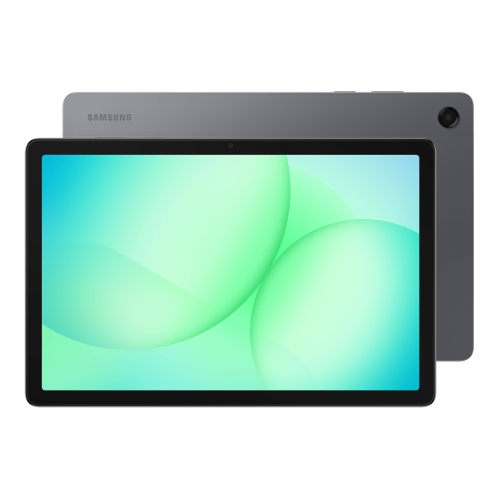
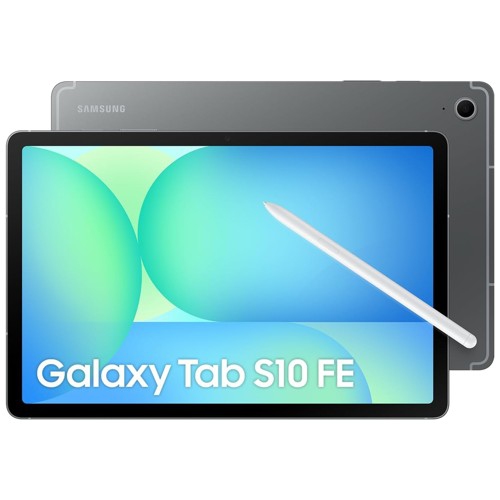
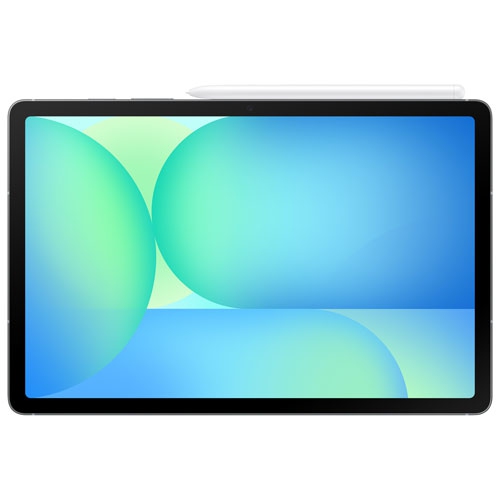
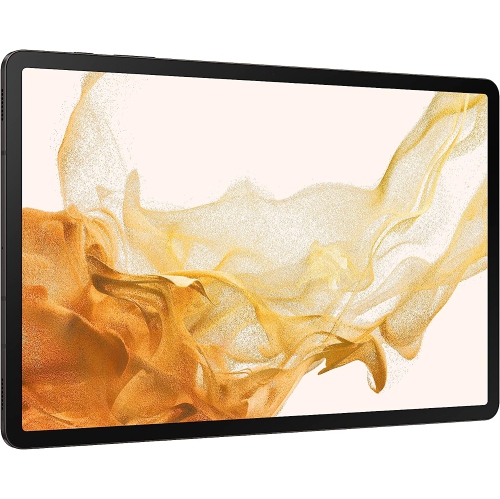
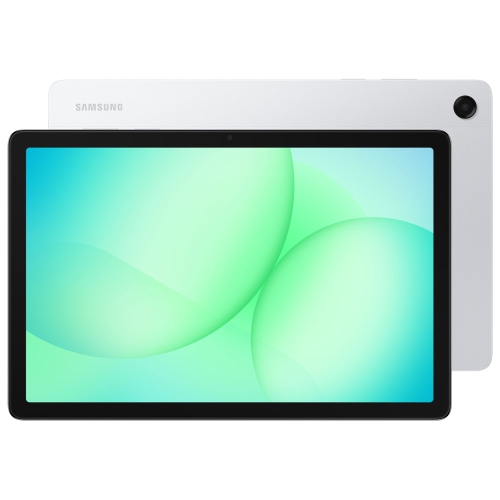
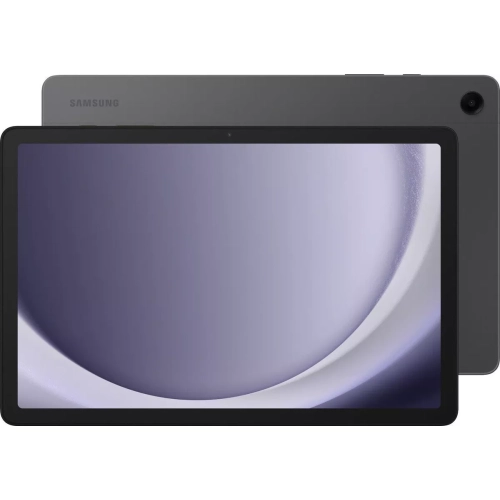

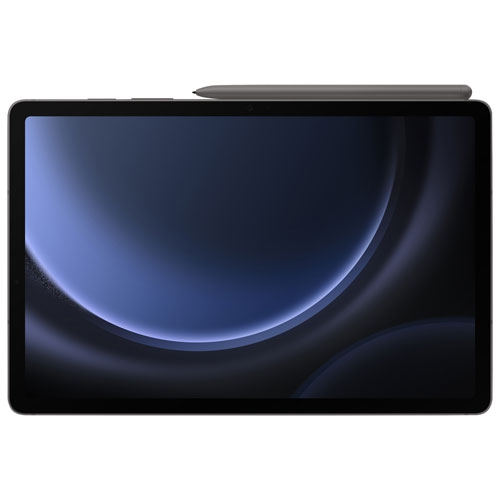
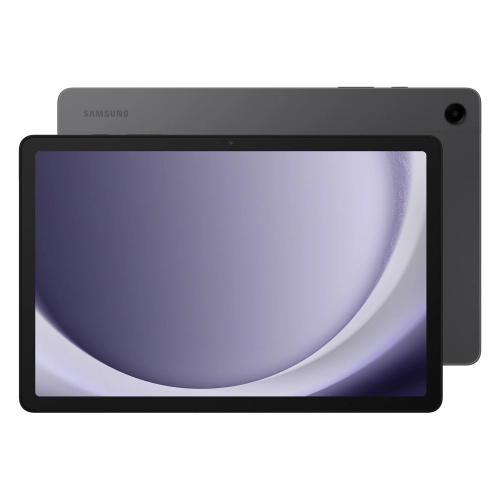
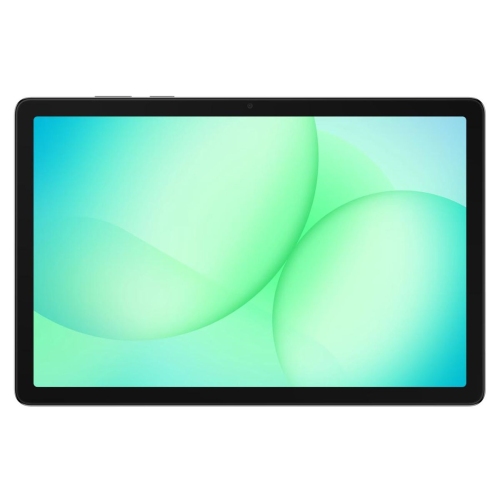
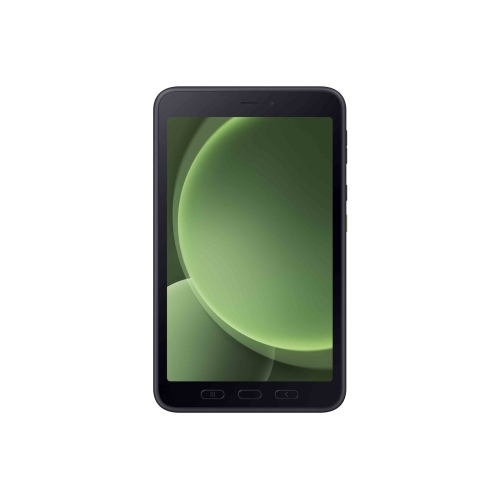
A larger screen for life beyond Wi-Fi
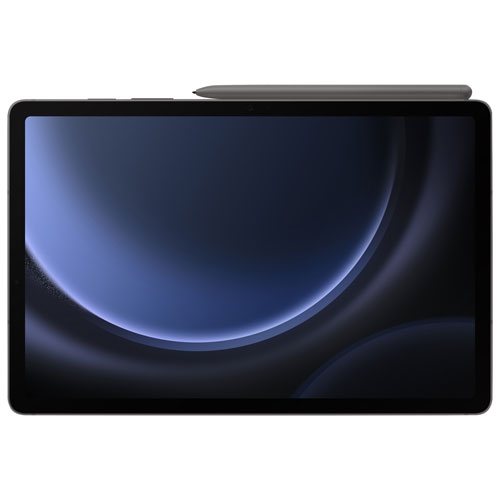
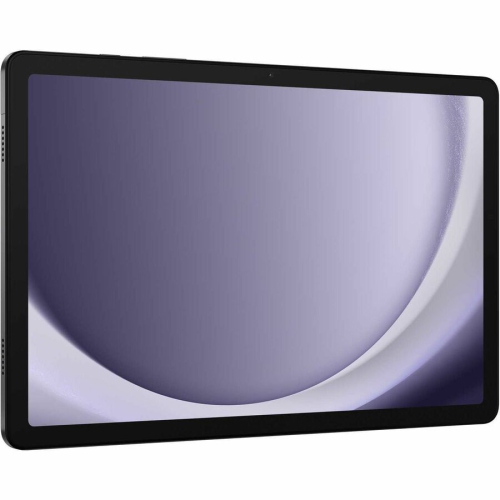
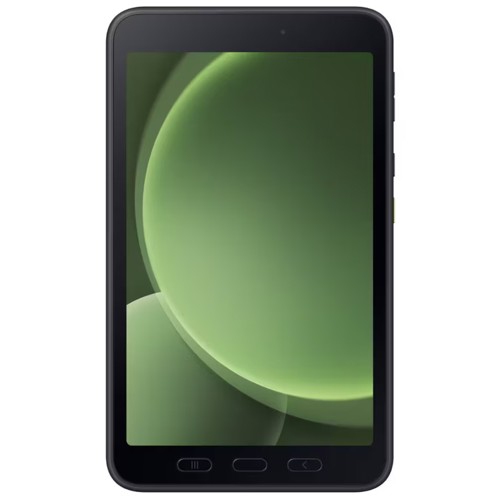
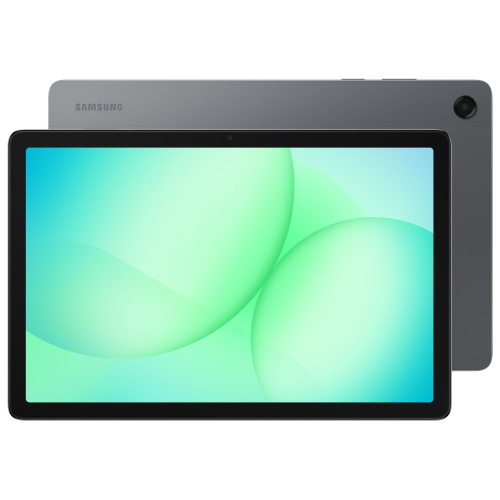
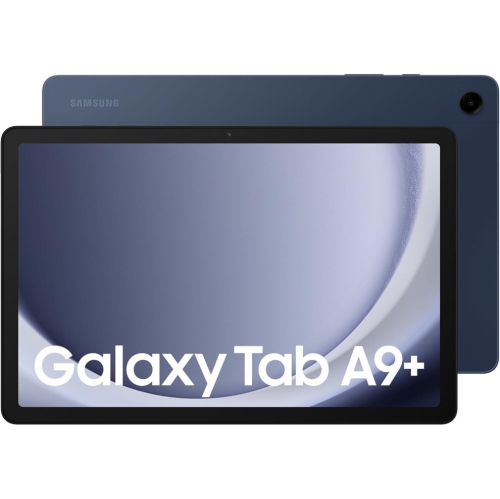
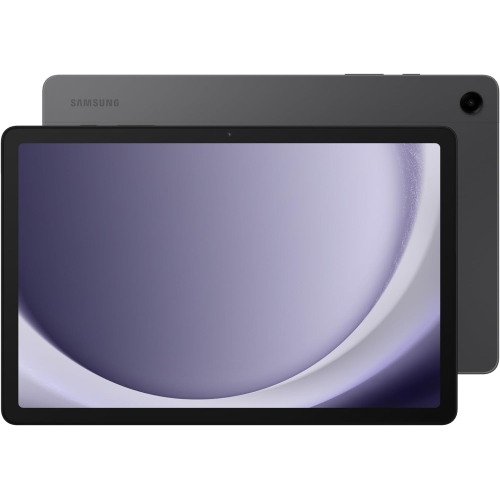
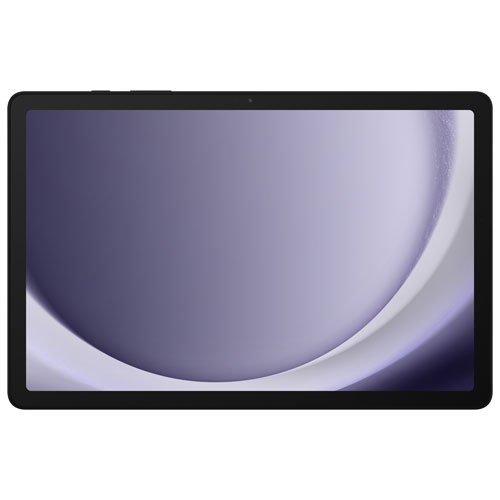
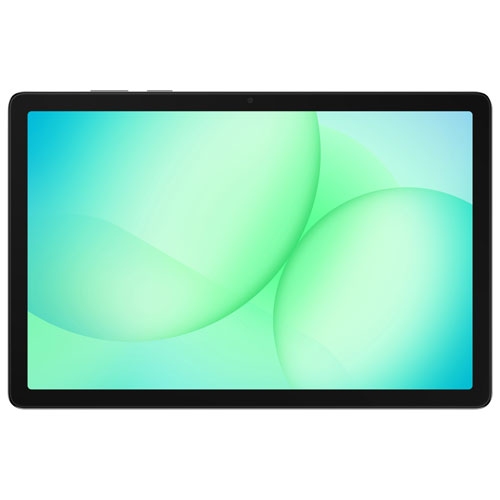
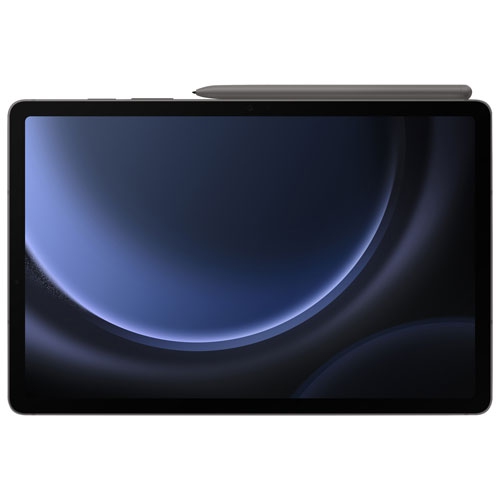
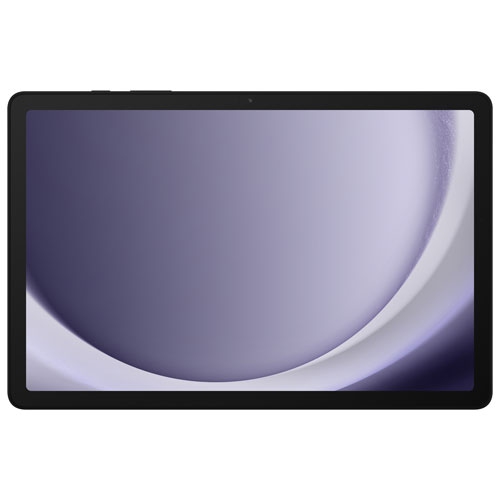
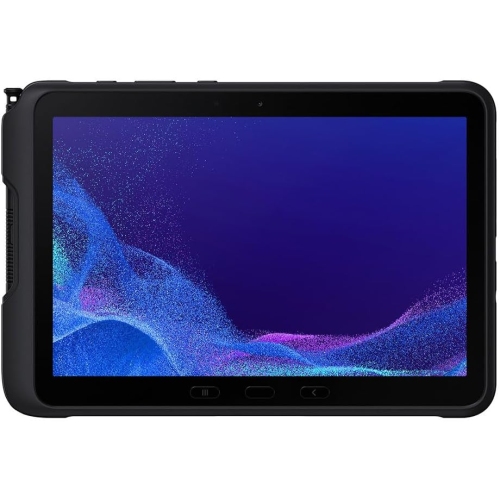
5G tablets combine the roomy screen of a portable touchscreen device with the option to connect through a compatible mobile network when Wi-Fi is out of reach. That combination suits everyday activities such as reading, streaming, browsing, and video calling, while also supporting work and study away from a desk. On a train journey, a cellular connection can help a student open course materials without relying on public Wi-Fi; between appointments, it can give a mobile professional access to shared documents and email. A 5G tablet generally supports Wi-Fi as well, so cellular data can complement a home or office connection rather than replace it. The distinction between cellular and Wi-Fi-only configurations matters, since similar-looking tablets can have different connectivity hardware. Mobile data requires a compatible service plan and activation, with physical SIM or eSIM support depending on the device and carrier. Network compatibility, coverage, signal strength, congestion, and the plan itself all affect the connection, so a 5G label does not guarantee a particular download speed. Streaming high-resolution video, joining long video meetings, and downloading large files can also use substantial amounts of data. Downloaded entertainment and offline documents remain useful when reception is limited or when conserving a data allowance matters. Cellular connectivity is separate from processing performance: it describes how the tablet connects, not how quickly it edits a video or switches between demanding applications. For a companion phone, Samsung 5G Mobile brings the focus to mobile handsets, while a tablet provides more room for documents, detailed images, and comfortable viewing. Using both can suit someone who prefers a compact device for calls and a larger screen for longer tasks. Ordinary phone calling and text messaging should not be assumed from cellular tablet support alone; those functions depend on the device, carrier services, and applications. The practical appeal is flexible internet access on a screen that remains easy to carry from one place to another.
Screen size, display quality, memory, and storage shape the everyday experience just as much as connectivity. A smaller tablet can feel more comfortable for reading on a commute or holding during a video call, while a larger screen gives spreadsheets, digital textbooks, and split-screen applications more breathing room. Overall dimensions, weight, and bezel design influence how a device feels in the hand, especially during longer reading sessions. Resolution affects the crispness of text and images, brightness helps with visibility in well-lit spaces, and refresh rate can influence how smoothly scrolling and supported animations appear. Glossy glass can catch reflections from windows or overhead lighting, making viewing angles and positioning relevant at a kitchen table or shared workspace. For multitasking, the processor and memory help determine how comfortably the tablet handles several applications, large documents, or creative projects. Internal storage holds applications, downloads, photos, and other files; the usable amount is lower than the stated capacity because software occupies some space. Expandable storage can be helpful for compatible media and documents, but memory card support, capacity limits, and application storage options differ between devices. Handwritten notes and drawing require a compatible active stylus when features such as pressure sensitivity and palm rejection are important. A basic touchscreen pen does not necessarily provide the same experience, and stylus compatibility should not be assumed across different tablets. Keyboard covers and stands can make longer writing sessions more comfortable, although their fit, connection method, and supported shortcuts vary. Multitasking features also depend on the software and application, and a mobile application may not offer every function of its desktop counterpart. These differences matter for a student annotating lecture notes, a parent organizing shared schedules, or a designer marking up a draft. Cameras, microphone quality, and speaker placement deserve attention for frequent calls, particularly when the tablet rests horizontally in a stand. A front-facing camera positioned for that orientation can help make meetings feel more natural, while headphones can provide clearer listening in a shared room.
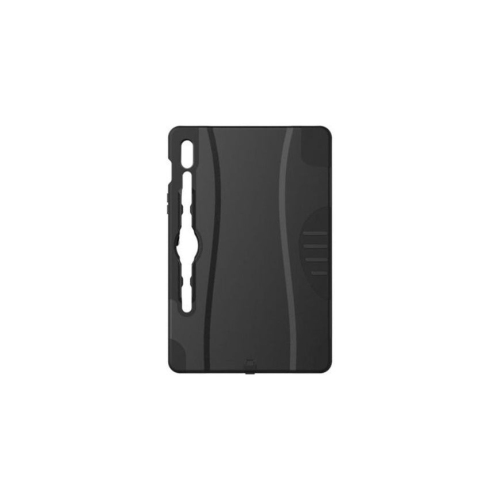
Materials, construction, and protection affect how well a tablet fits into daily routines. Glass screens and metal or plastic housings each have different characteristics, but no material makes a device immune to drops, scratches, or pressure inside a crowded bag. A well-fitting case can protect corners and provide a steadier grip, while a padded sleeve helps separate the screen from keys, charging plugs, and other hard objects during transport. Cases, screen protectors, and keyboard covers need to match the exact dimensions, camera openings, buttons, and connector positions of the intended device; screen size alone is not enough to establish a proper fit. Any water or dust resistance applies only where a specific rating is stated and remains subject to the manufacturer’s conditions. Routine care is straightforward: a soft microfibre cloth helps remove fingerprints, and cleaning methods should follow the device maker’s directions, with moisture kept away from openings. Battery life varies with display brightness, cellular reception, video calls, gaming, and other workloads, so a quoted playback figure is not a promise of identical results throughout a mixed-use day. Charging speed also depends on supported charging standards, the power adapter, and the cable. A compatible charger and a practical place to recharge can matter more to daily convenience than a headline battery figure. For families, separate profiles and parental controls, where supported, can help manage shared access, while a screen lock, software updates, and backups support everyday security. Remote lock or device-location features may provide additional reassurance when enabled and connected. As a gift, a cellular tablet can suit a student, a frequent traveller, or a relative who enjoys a larger screen for conversations and photos, provided the recipient’s comfort with touch controls and responsibility for mobile service are considered. The strongest match is a tablet whose size, connectivity, accessory compatibility, and software capabilities support the activities it will actually handle, whether that means marking up a document at a café or settling in with a downloaded book.
Screen size, display quality, memory, and storage shape the everyday experience just as much as connectivity. A smaller tablet can feel more comfortable for reading on a commute or holding during a video call, while a larger screen gives spreadsheets, digital textbooks, and split-screen applications more breathing room. Overall dimensions, weight, and bezel design influence how a device feels in the hand, especially during longer reading sessions. Resolution affects the crispness of text and images, brightness helps with visibility in well-lit spaces, and refresh rate can influence how smoothly scrolling and supported animations appear. Glossy glass can catch reflections from windows or overhead lighting, making viewing angles and positioning relevant at a kitchen table or shared workspace. For multitasking, the processor and memory help determine how comfortably the tablet handles several applications, large documents, or creative projects. Internal storage holds applications, downloads, photos, and other files; the usable amount is lower than the stated capacity because software occupies some space. Expandable storage can be helpful for compatible media and documents, but memory card support, capacity limits, and application storage options differ between devices. Handwritten notes and drawing require a compatible active stylus when features such as pressure sensitivity and palm rejection are important. A basic touchscreen pen does not necessarily provide the same experience, and stylus compatibility should not be assumed across different tablets. Keyboard covers and stands can make longer writing sessions more comfortable, although their fit, connection method, and supported shortcuts vary. Multitasking features also depend on the software and application, and a mobile application may not offer every function of its desktop counterpart. These differences matter for a student annotating lecture notes, a parent organizing shared schedules, or a designer marking up a draft. Cameras, microphone quality, and speaker placement deserve attention for frequent calls, particularly when the tablet rests horizontally in a stand. A front-facing camera positioned for that orientation can help make meetings feel more natural, while headphones can provide clearer listening in a shared room.
Materials, construction, and protection affect how well a tablet fits into daily routines. Glass screens and metal or plastic housings each have different characteristics, but no material makes a device immune to drops, scratches, or pressure inside a crowded bag. A well-fitting case can protect corners and provide a steadier grip, while a padded sleeve helps separate the screen from keys, charging plugs, and other hard objects during transport. Cases, screen protectors, and keyboard covers need to match the exact dimensions, camera openings, buttons, and connector positions of the intended device; screen size alone is not enough to establish a proper fit. Any water or dust resistance applies only where a specific rating is stated and remains subject to the manufacturer’s conditions. Routine care is straightforward: a soft microfibre cloth helps remove fingerprints, and cleaning methods should follow the device maker’s directions, with moisture kept away from openings. Battery life varies with display brightness, cellular reception, video calls, gaming, and other workloads, so a quoted playback figure is not a promise of identical results throughout a mixed-use day. Charging speed also depends on supported charging standards, the power adapter, and the cable. A compatible charger and a practical place to recharge can matter more to daily convenience than a headline battery figure. For families, separate profiles and parental controls, where supported, can help manage shared access, while a screen lock, software updates, and backups support everyday security. Remote lock or device-location features may provide additional reassurance when enabled and connected. As a gift, a cellular tablet can suit a student, a frequent traveller, or a relative who enjoys a larger screen for conversations and photos, provided the recipient’s comfort with touch controls and responsibility for mobile service are considered. The strongest match is a tablet whose size, connectivity, accessory compatibility, and software capabilities support the activities it will actually handle, whether that means marking up a document at a café or settling in with a downloaded book.
Top selling and popular products
-
 Your price for this item is $499.99
 -
 Your price for this item is $199.95
 -
 Your price for this item is $293.94
 -
 Your price for this item is $579.99
 -
 Your price for this item is $139.99
 -
 Your price for this item is $119.99
 -
 Your price for this item is $979.99
 -
 Your price for this item is $579.99
Discover more categories related to Samsung Tab 5G
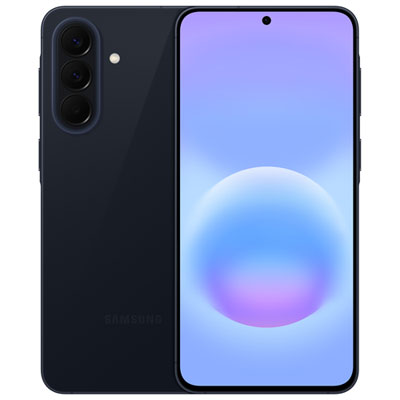
Top Collections:
Pokemon Centers, Kindle Devices, Best Budget Office Chairs, Canon G7X Cameras, Apple iPhones 16, Samsung Galaxy Phones, Refurbished Apple Laptops, Laptops for Students, iPhone 15 Apple, Budget Smartphones
Some products may be subject to Environmental Handling Fees
(EHF) depending on your province.
Learn more about EHFs.