Scanners for Windows 8
Scanners for Windows 8 offer reliable performance and seamless compatibility for those looking to digitize documents, photos, and more. Whether you need a scanner for your home office, classroom, or business, you'll find a variety of options designed to work smoothly with Windows 8 systems. Explore models that help streamline your workflow and make it easy to organize and share your digital files. Find the right Scanners for Windows 8 to meet your scanning needs and enhance productivity.
Sort
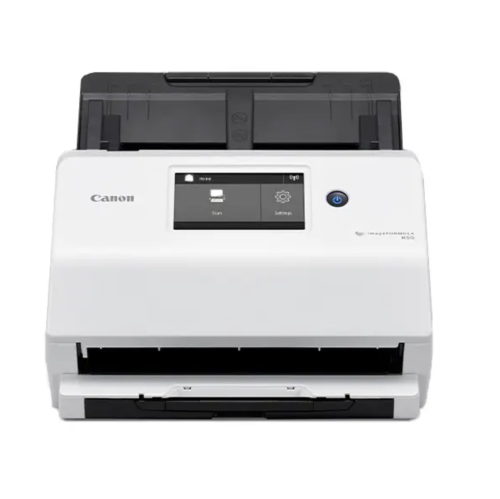
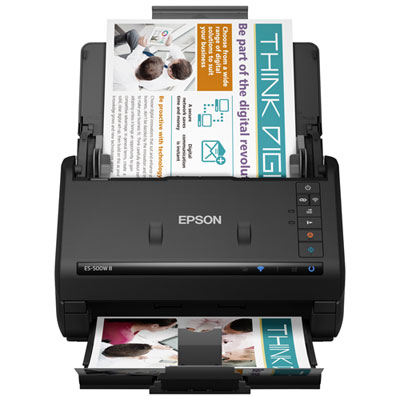
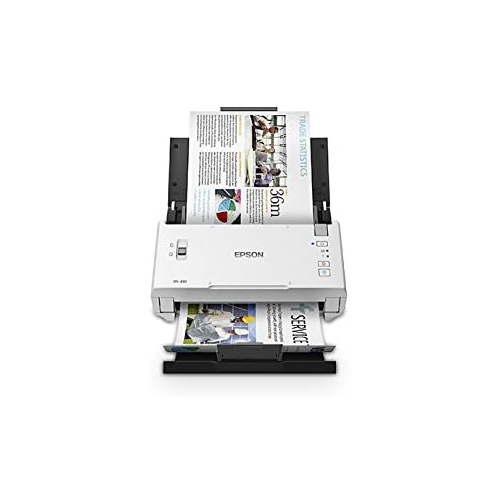
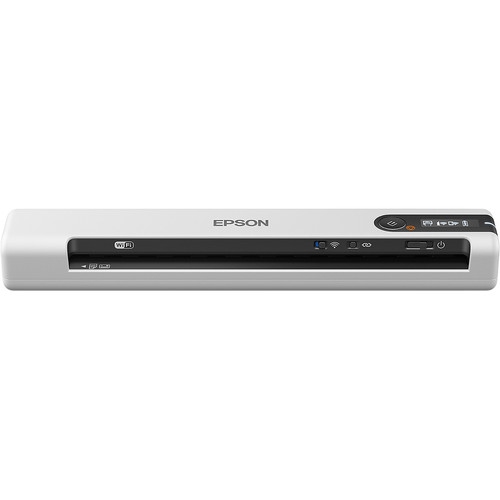
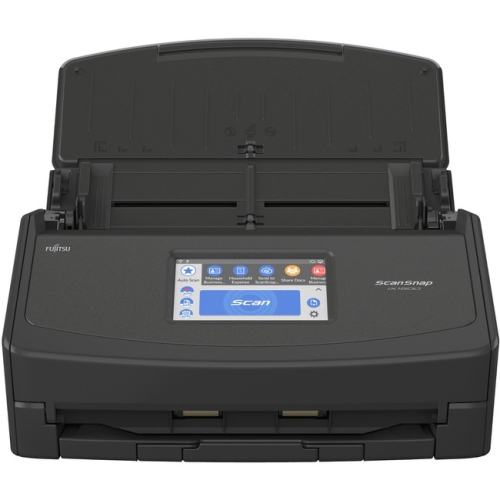
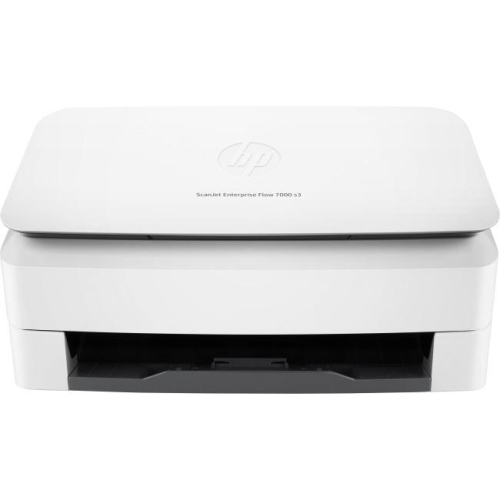
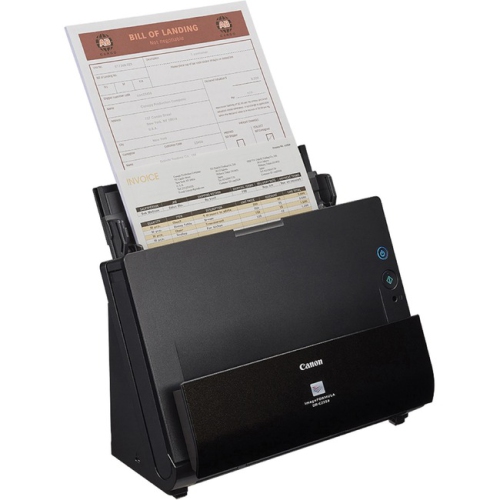
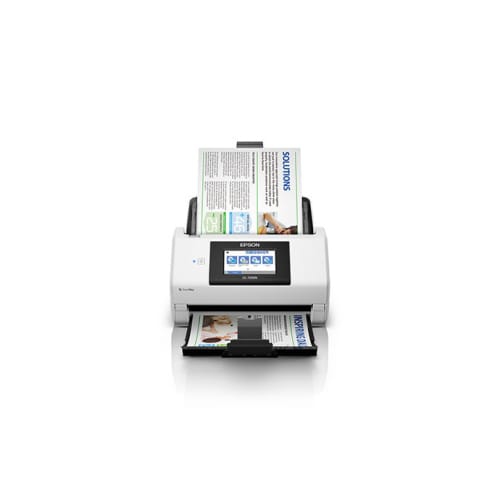
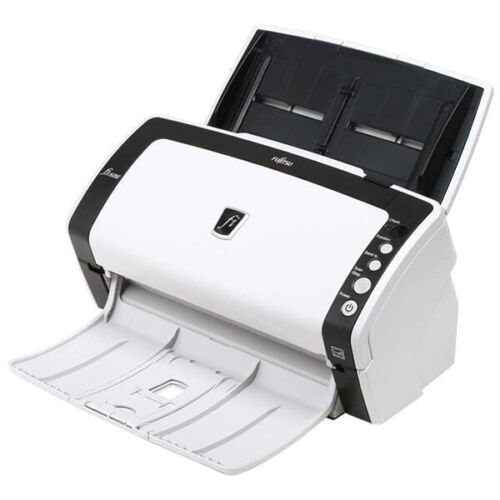
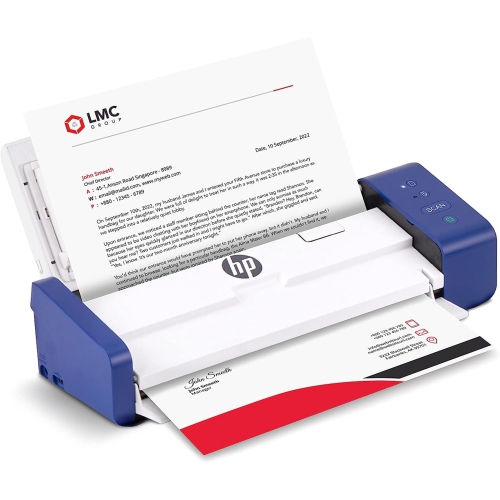
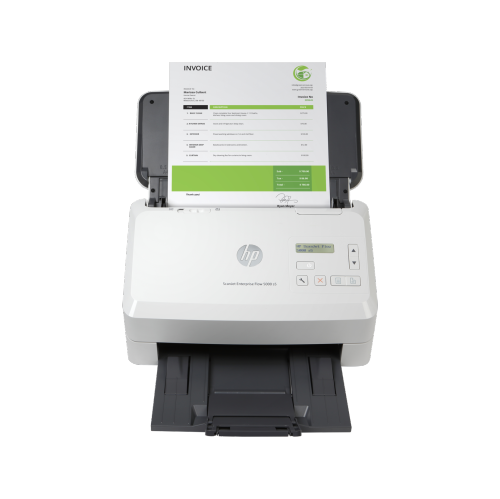
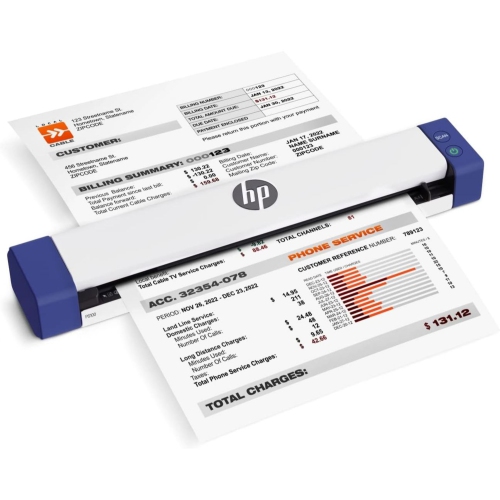
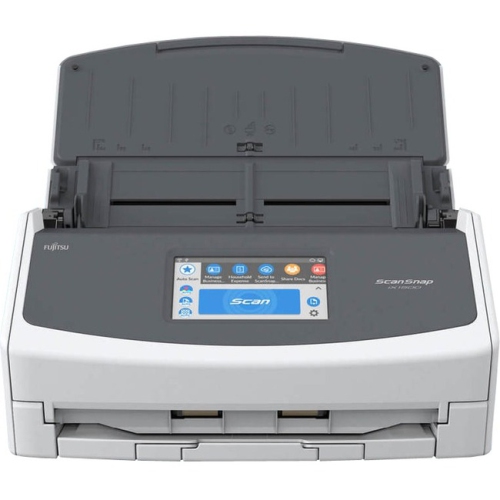
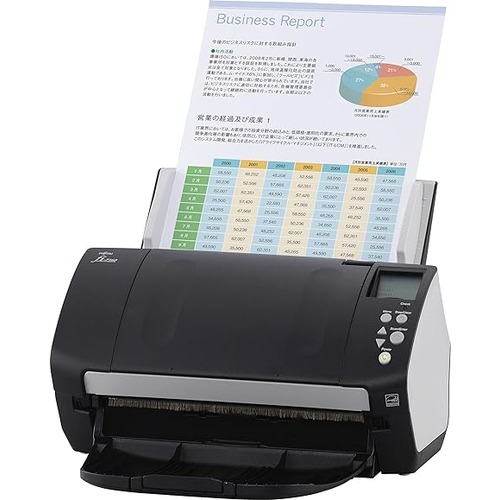
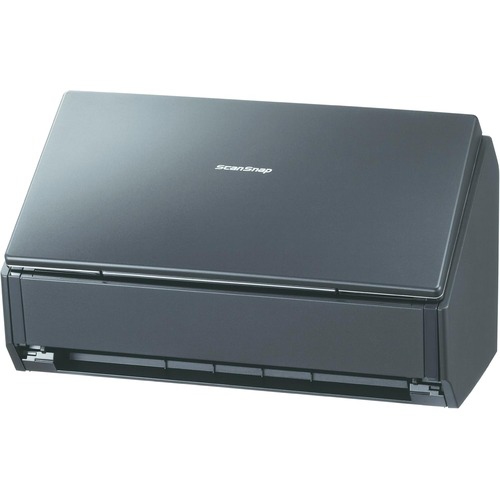
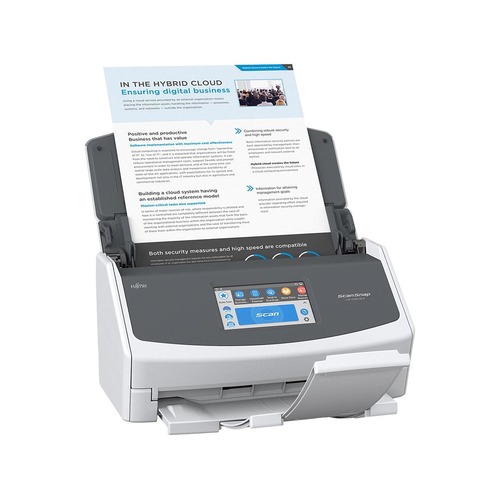
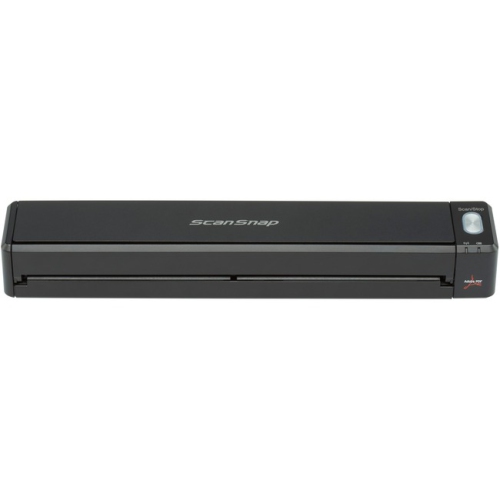
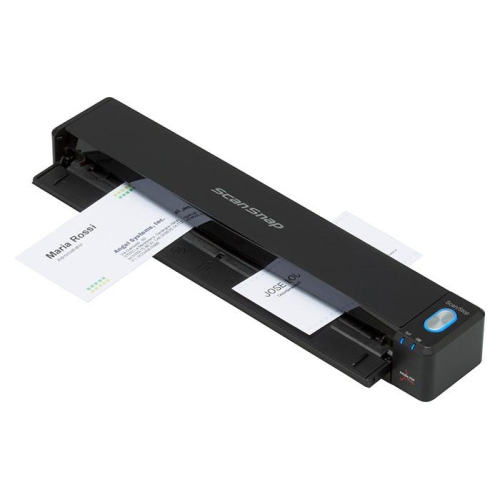
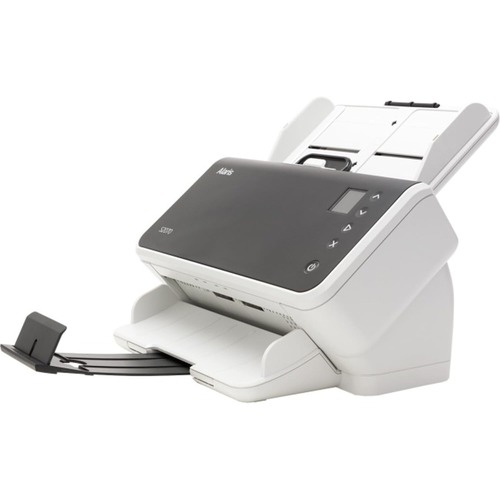
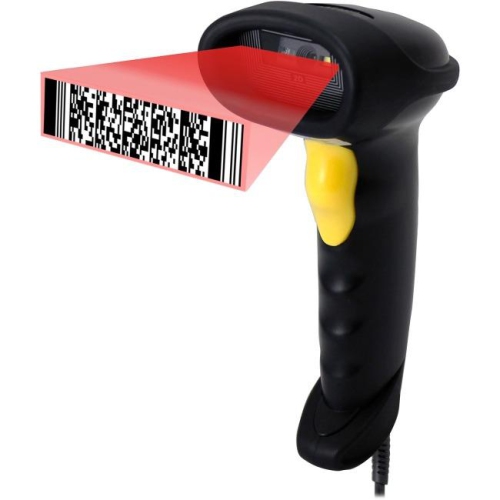
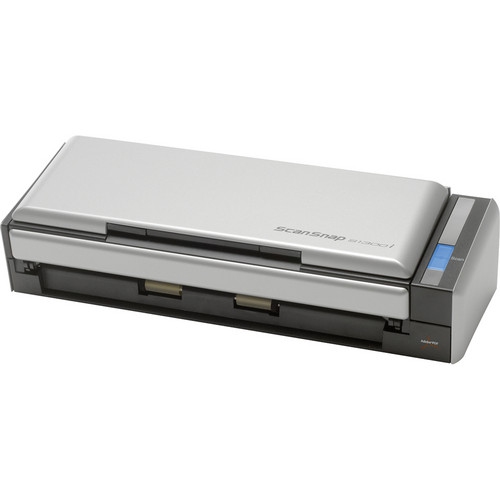
Scanners for Windows 8
When selecting scanners for Windows 8, it’s important to consider how your needs and workflow align with the features offered by different models. Whether you’re working from a home office, managing family paperwork, or organizing creative projects, a reliable scanner can make a world of difference. Many people find that as the weather warms and routines shift—perhaps with students finishing up the school year, or families preparing for summer travel—there’s a natural urge to declutter and digitize important documents, photos, and receipts. Scanners compatible with Windows 8 often support a wide range of functions, from high-resolution photo scanning to rapid document digitization, making it easy to archive memories or streamline paperwork. For professionals, the ability to scan contracts, invoices, and business cards directly into a Windows 8 device helps keep operations running smoothly, especially when paired with productivity software or cloud storage solutions.
Scanners for Windows 8 are also a thoughtful gift for students heading off to university, small business owners setting up a new workspace, or anyone embarking on a home organization project. Many models are designed with user-friendly interfaces and versatile connectivity, supporting both wired and wireless setups. Compatibility with Windows 8 is typically ensured through native drivers like WIA or TWAIN, and many devices work seamlessly with built-in Windows applications such as Windows Fax and Scan, or downloadable options like the Windows Scan App. For those who prefer additional flexibility, there are free third-party programs that expand compatibility and scanning options. When choosing a scanner, consider whether you need duplex scanning for double-sided documents, a compact design for portability, or a flatbed for delicate photos and bulky items. It’s also wise to check that the latest drivers are available from the manufacturer to guarantee optimal performance and security. For those planning ahead or transitioning to a newer system, you may also wish to explore Scanners for Windows 10, which offer compatibility with the latest features and ongoing updates.
No matter the season, having a dependable scanner that integrates smoothly with your Windows 8 device helps you stay organized and efficient. From preserving family photo albums to digitizing handwritten notes, the right scanner can handle a variety of tasks with ease. As life gets busier during the brighter months—whether you’re preparing for a move, managing end-of-year school projects, or simply tidying up your digital archives—a quality scanner is a practical addition to any home or office. By considering your unique needs and the features that matter most, you’ll find a scanner that fits seamlessly into your workflow, helping you capture, share, and store your important documents and memories all year round.
Scanners for Windows 8 are also a thoughtful gift for students heading off to university, small business owners setting up a new workspace, or anyone embarking on a home organization project. Many models are designed with user-friendly interfaces and versatile connectivity, supporting both wired and wireless setups. Compatibility with Windows 8 is typically ensured through native drivers like WIA or TWAIN, and many devices work seamlessly with built-in Windows applications such as Windows Fax and Scan, or downloadable options like the Windows Scan App. For those who prefer additional flexibility, there are free third-party programs that expand compatibility and scanning options. When choosing a scanner, consider whether you need duplex scanning for double-sided documents, a compact design for portability, or a flatbed for delicate photos and bulky items. It’s also wise to check that the latest drivers are available from the manufacturer to guarantee optimal performance and security. For those planning ahead or transitioning to a newer system, you may also wish to explore Scanners for Windows 10, which offer compatibility with the latest features and ongoing updates.
No matter the season, having a dependable scanner that integrates smoothly with your Windows 8 device helps you stay organized and efficient. From preserving family photo albums to digitizing handwritten notes, the right scanner can handle a variety of tasks with ease. As life gets busier during the brighter months—whether you’re preparing for a move, managing end-of-year school projects, or simply tidying up your digital archives—a quality scanner is a practical addition to any home or office. By considering your unique needs and the features that matter most, you’ll find a scanner that fits seamlessly into your workflow, helping you capture, share, and store your important documents and memories all year round.
Top selling and popular products
-
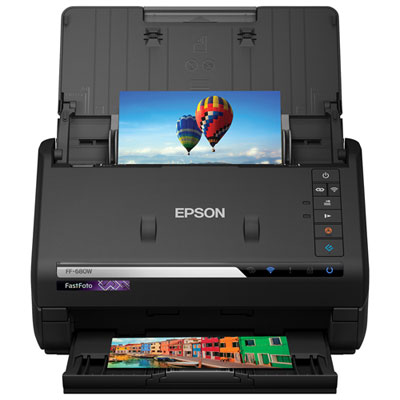 Your price for this item is $689.99
 -
 Your price for this item is $107.99
 -
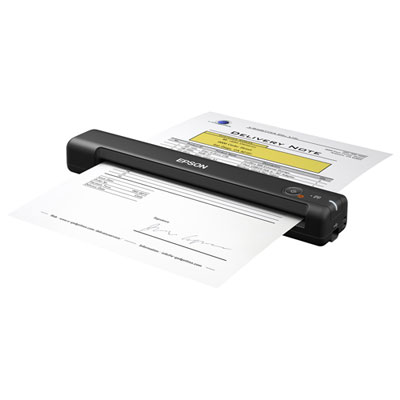 Your price for this item is $139.99
 -
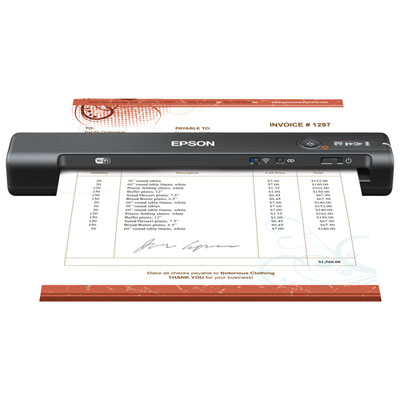 Your price for this item is $189.99
 -
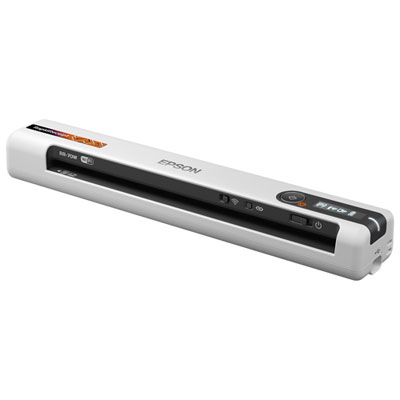 Your price for this item is $289.99
 -
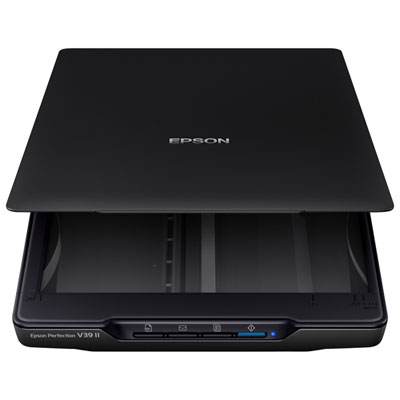 Your price for this item is $129.99
 -
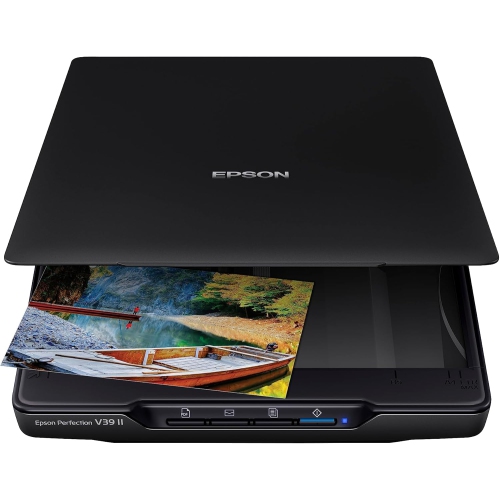 Your price for this item is $228.99
 -
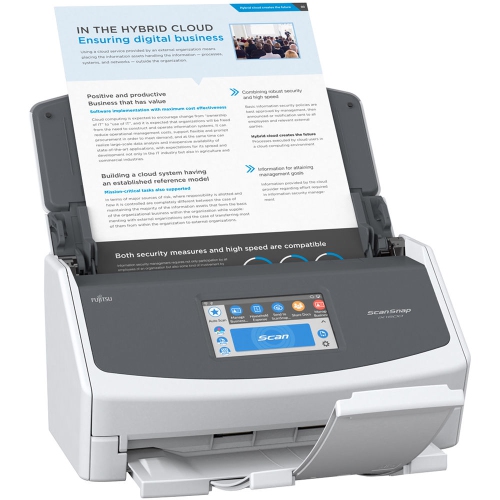 Your price for this item is $830
Discover more categories related to Scanners for Windows 8
Top Collections:
Pokemon Centers, Kindle Devices, Budget Smartphones, Budget 4K TVs, Apple iPhones 16, Canon G7X Cameras, iPhone 15 Apple, Alarm Clock, Budget-Friendly Wireless Earbuds, iPhone 14 256GB
Some products may be subject to Environmental Handling Fees
(EHF) depending on your province.
Learn more about EHFs.