Seagate Exos
Unleashing the power of data storage has never been more crucial, and with cutting-edge technology, you can seamlessly manage vast amounts of information with ease. Designed for both personal and professional environments, these high-capacity drives offer reliability and efficiency to keep your digital world running smoothly. Whether you're a creative professional needing extensive storage for media files or a business looking to enhance server performance, these solutions are built to support demanding workloads. Explore the possibilities of enhanced data management and discover how you can optimize your storage infrastructure today.
Sort




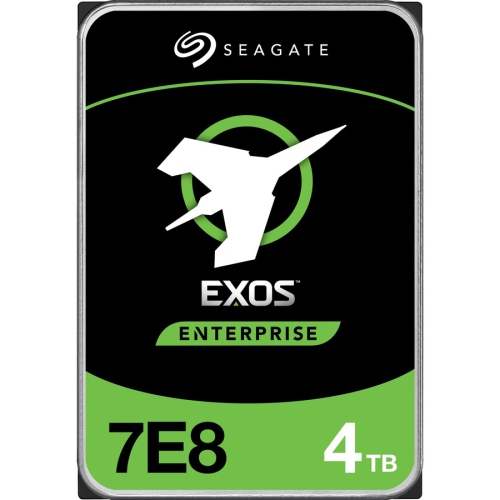
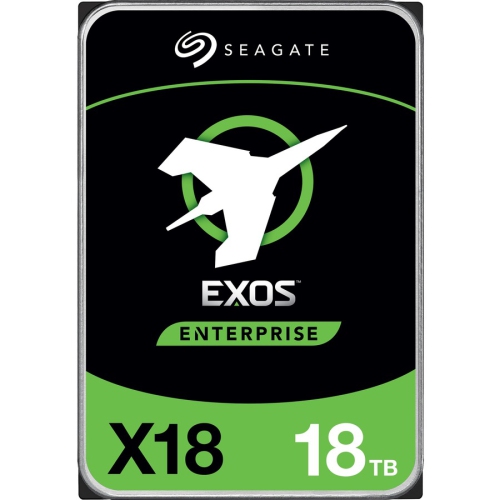
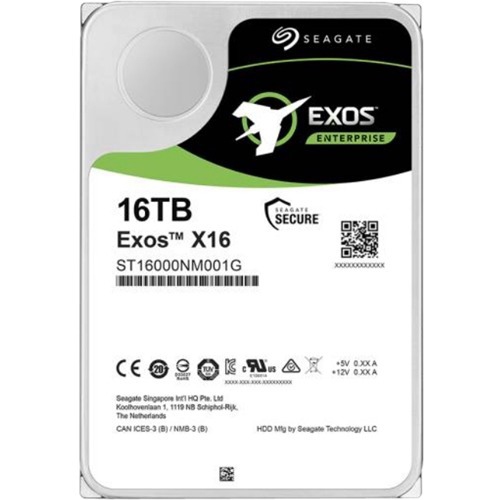
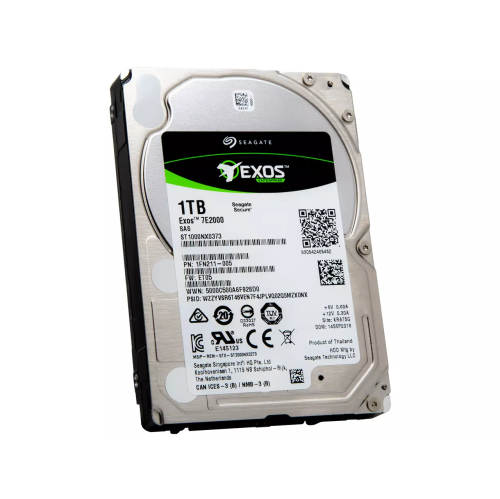

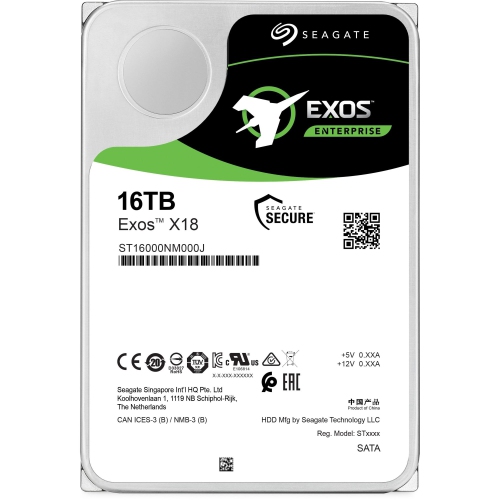
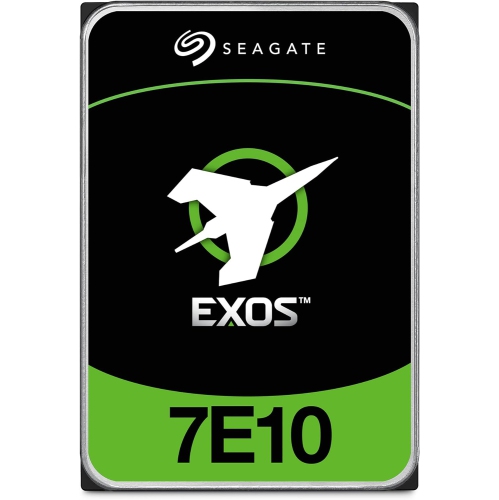
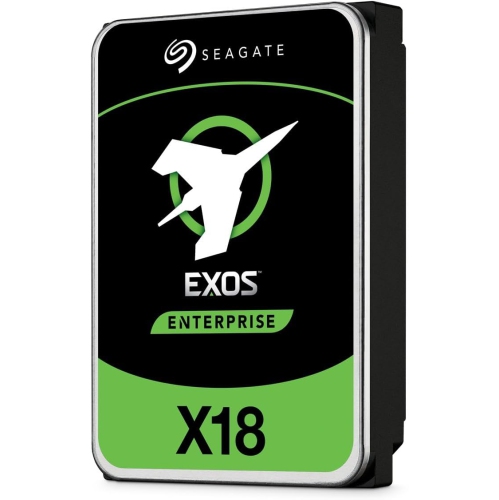
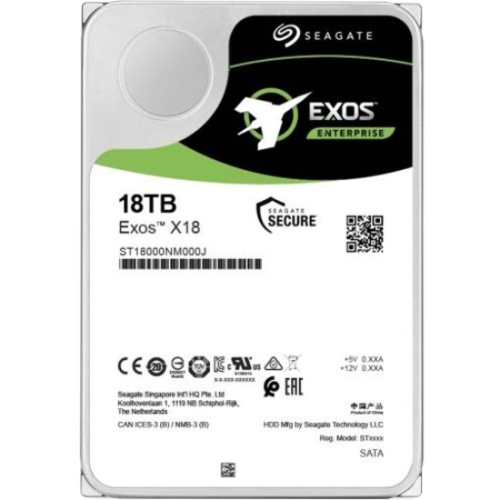


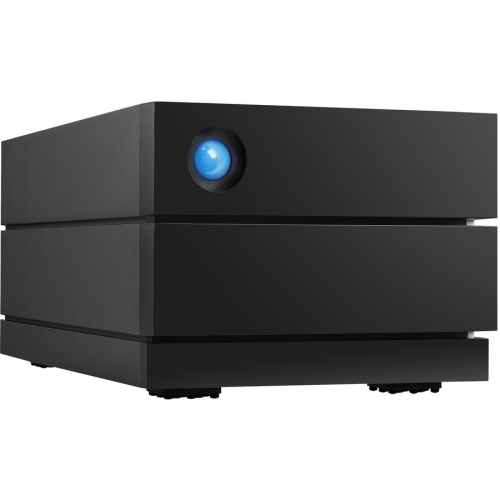
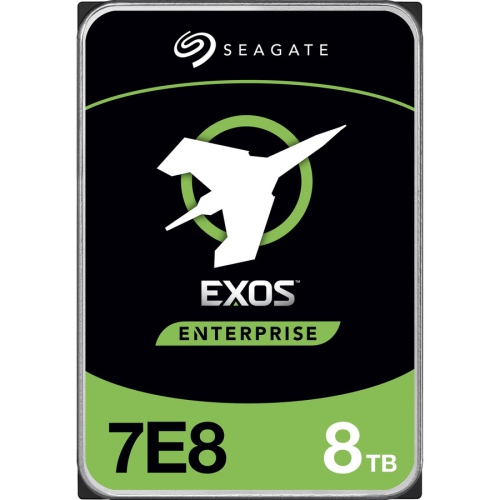
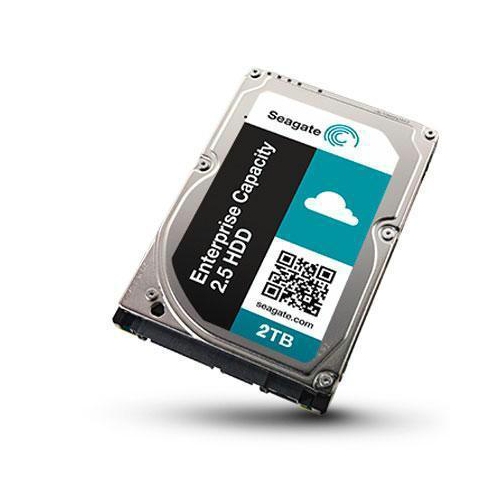
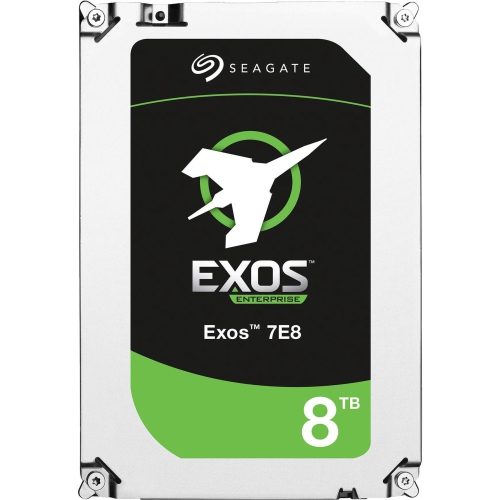
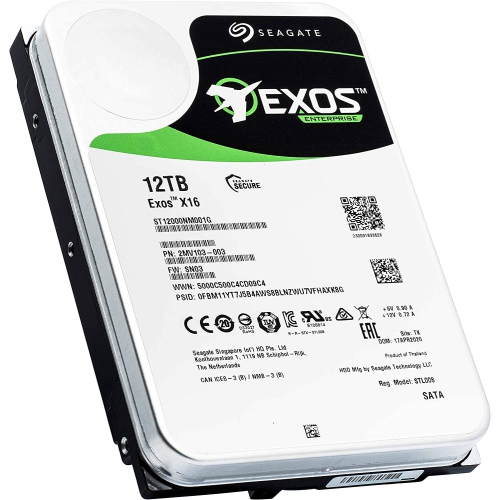
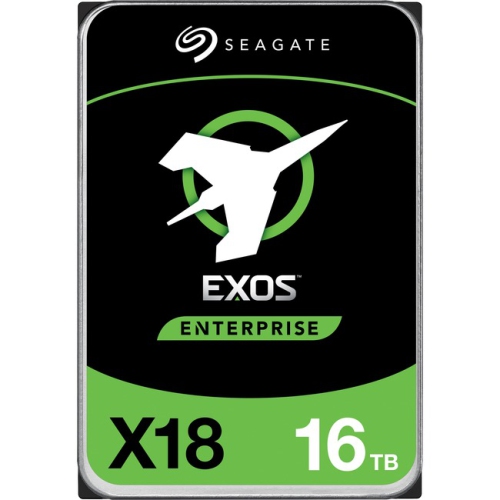
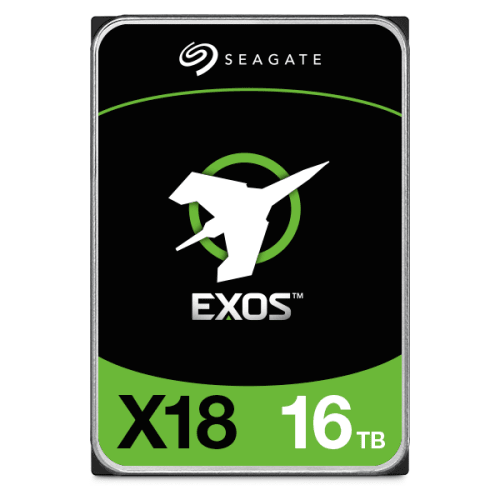
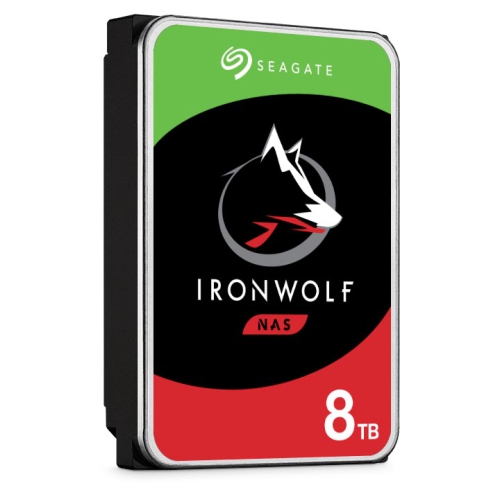
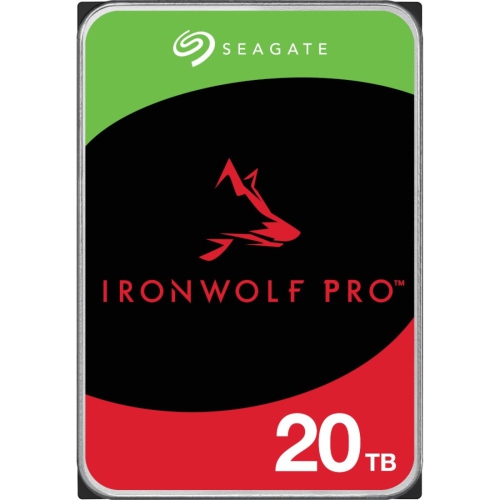
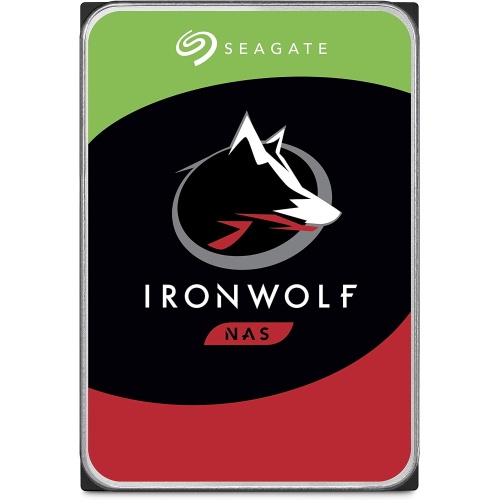
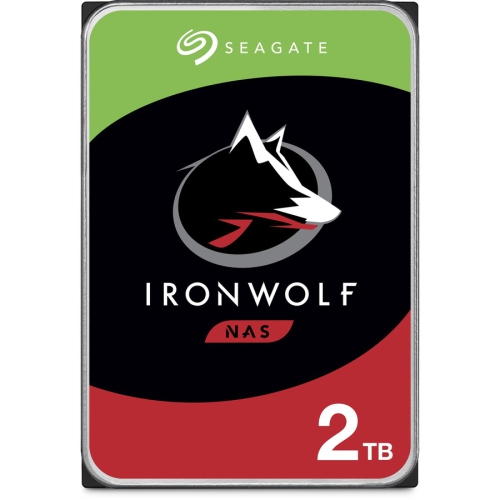
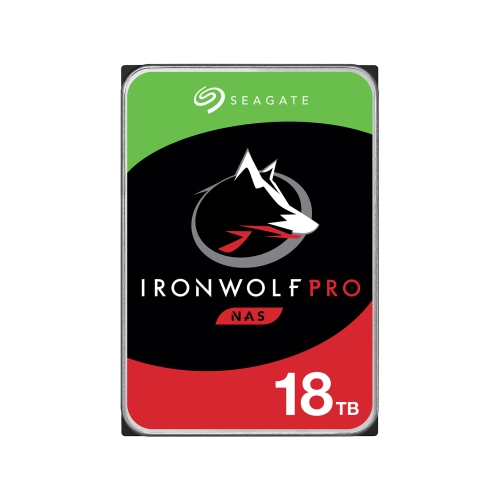
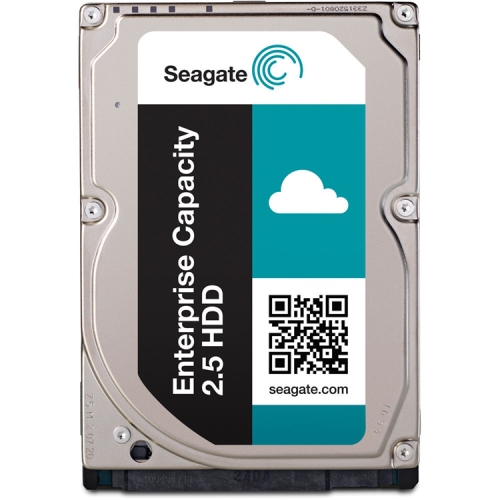

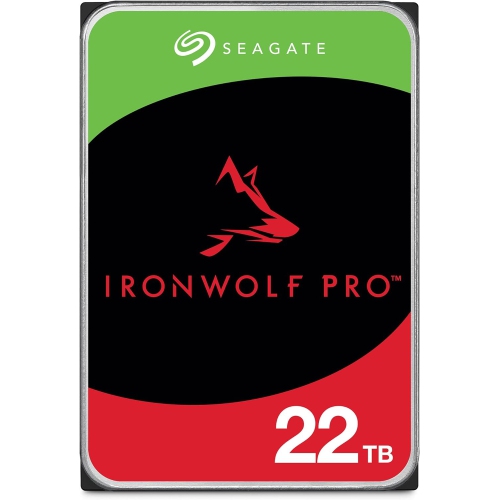

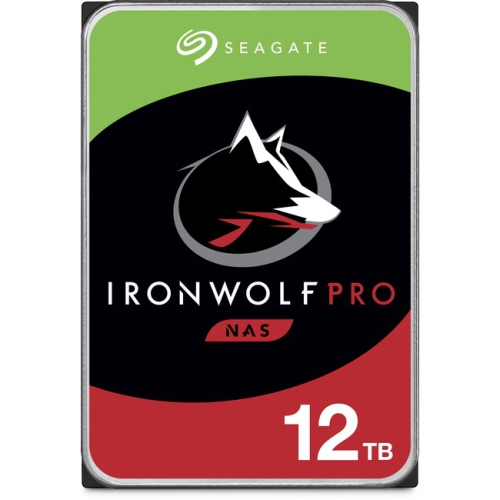
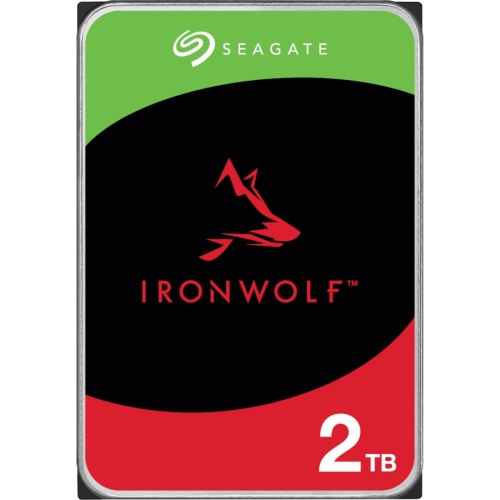
Enterprise storage built for demanding, always-on workloads
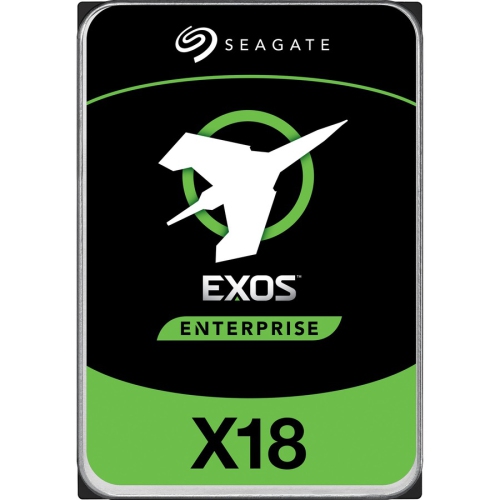
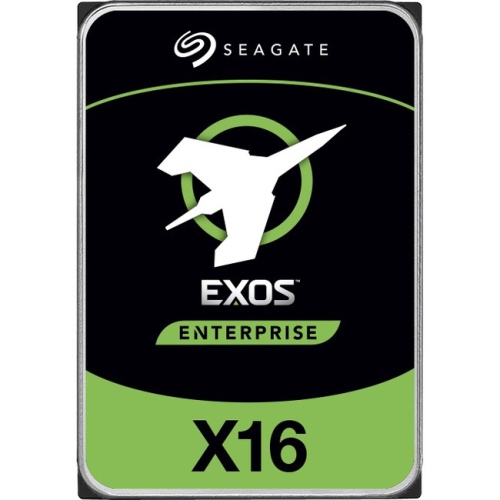
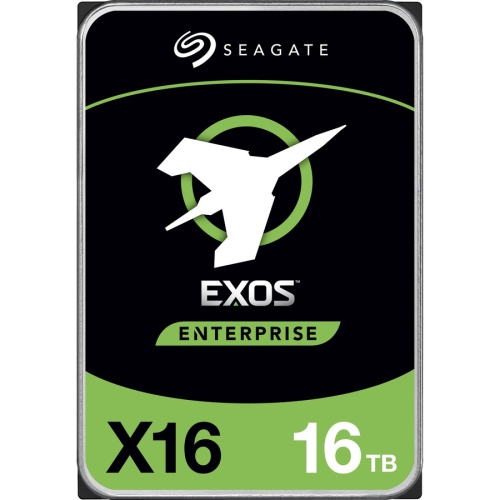
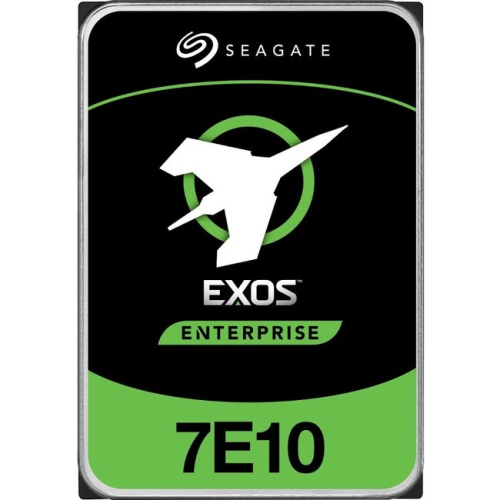
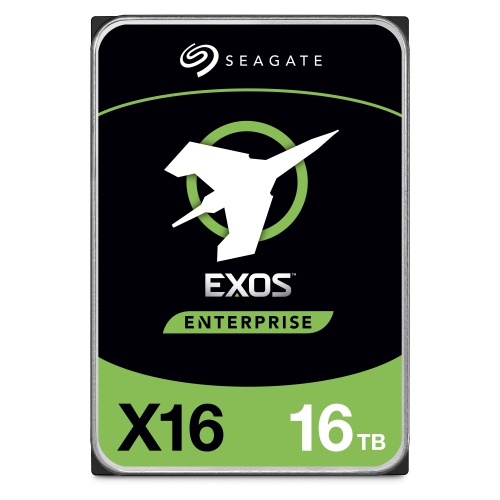
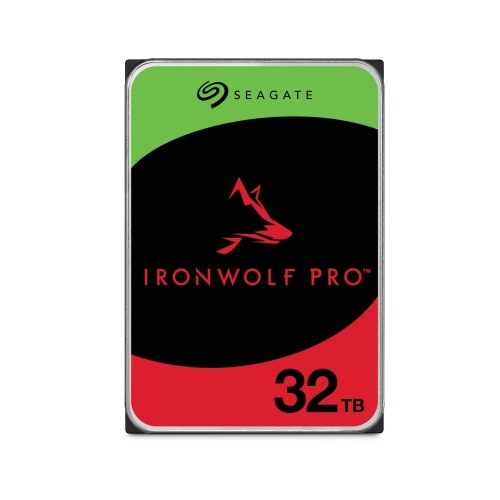
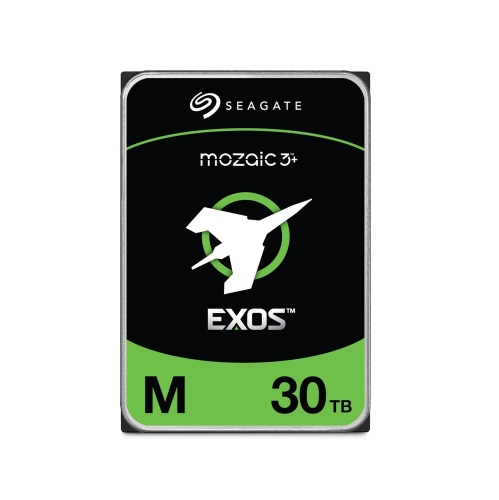
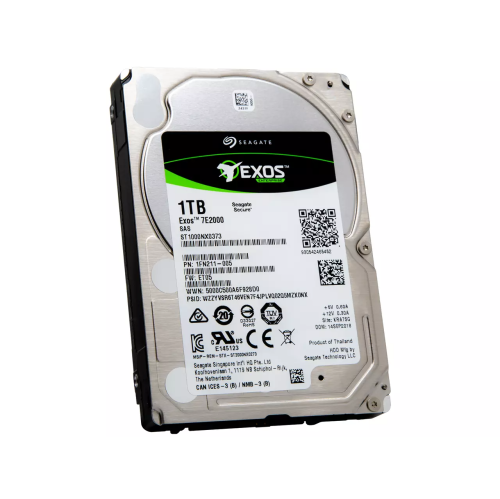
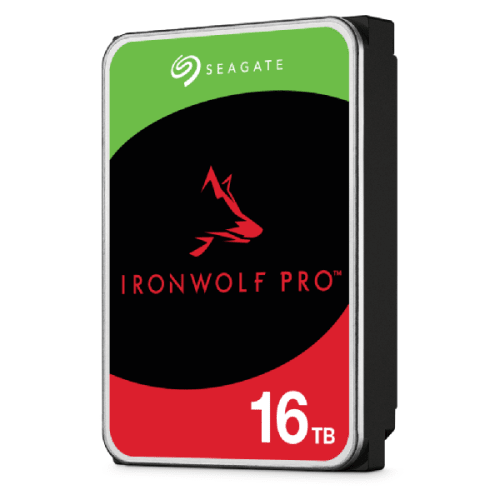
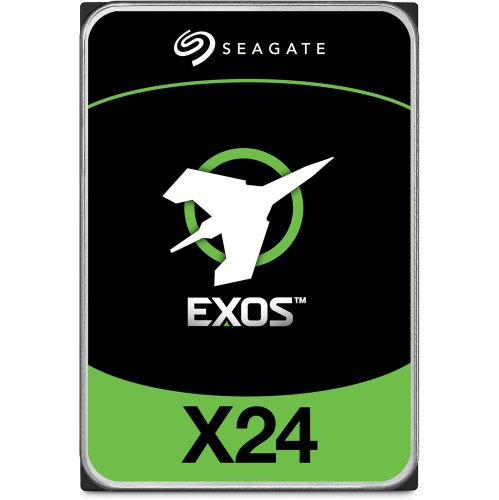
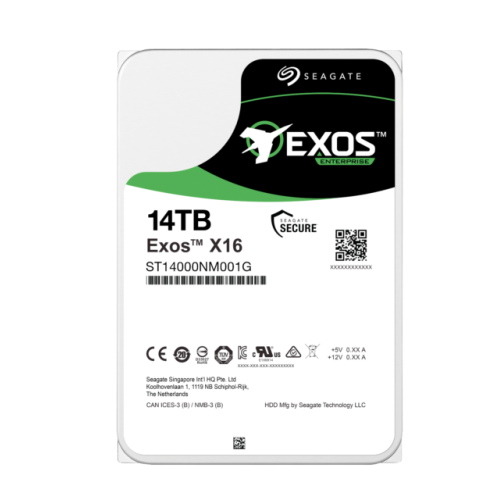
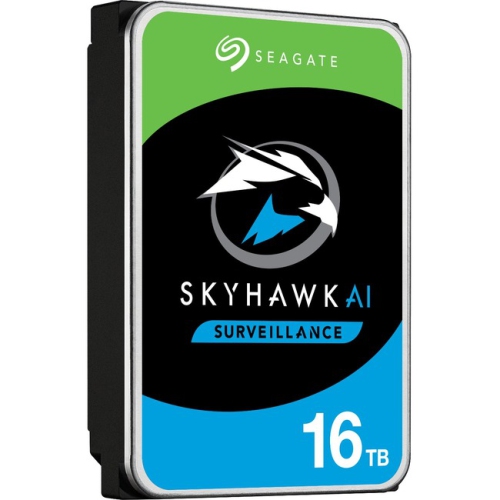
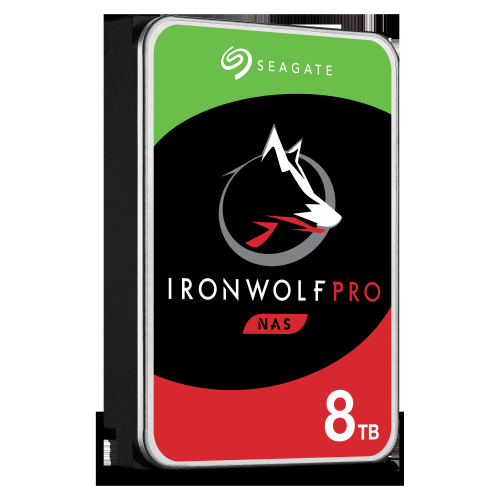
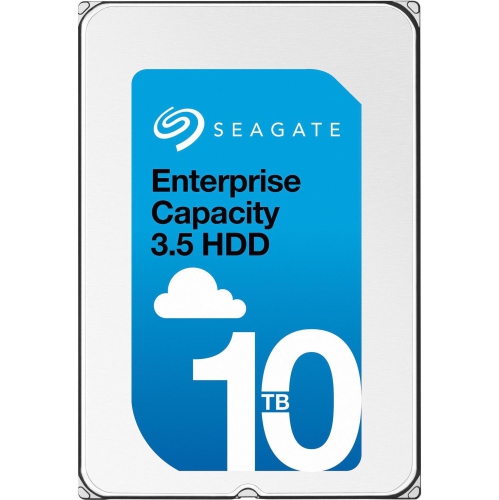
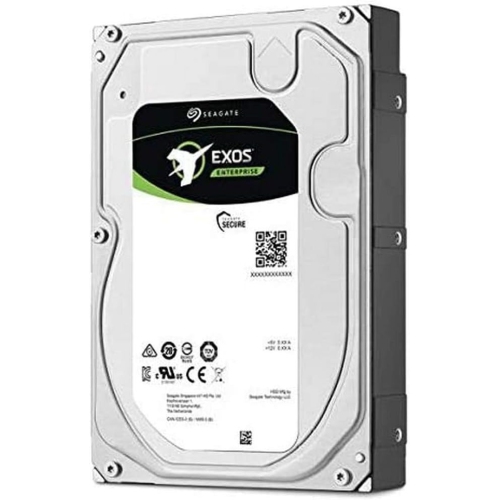
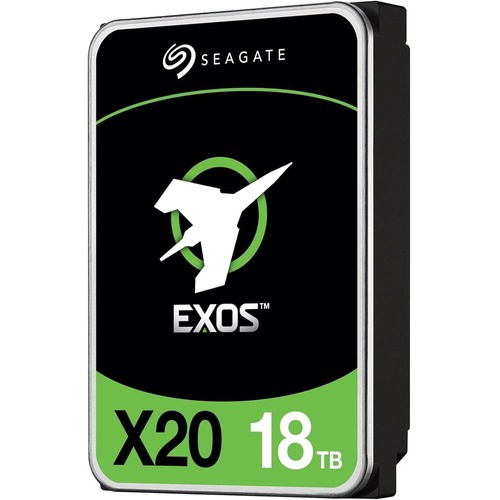
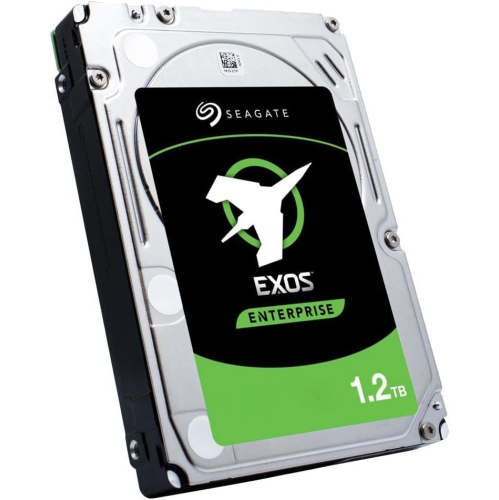
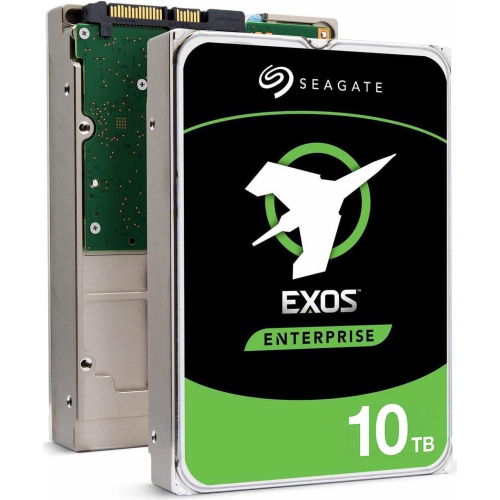
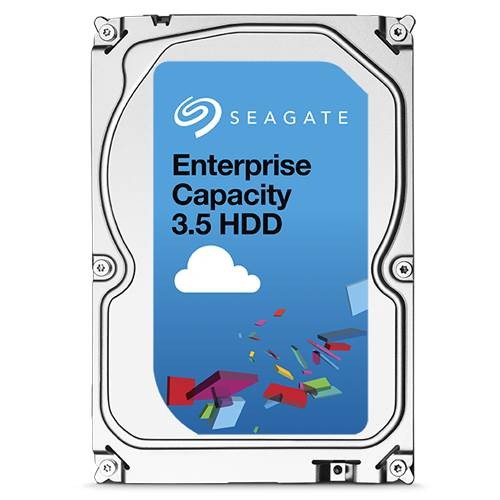
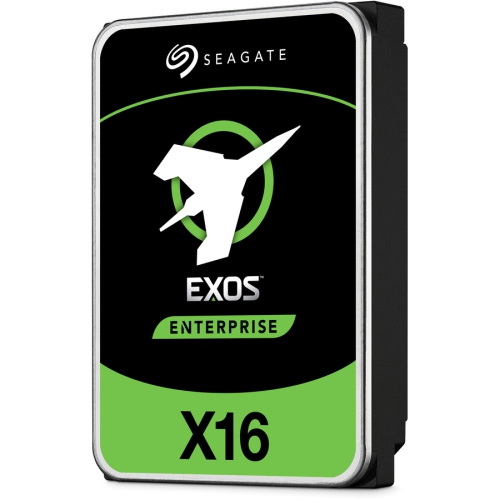
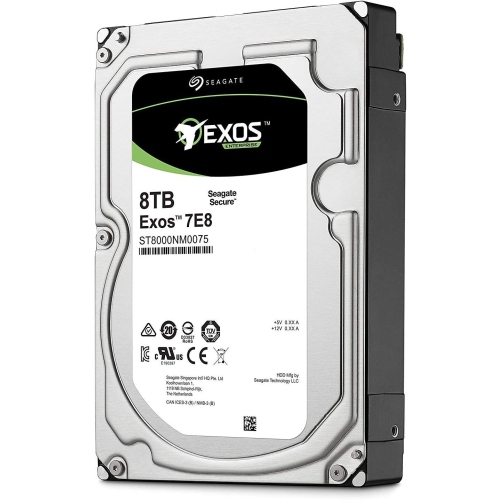
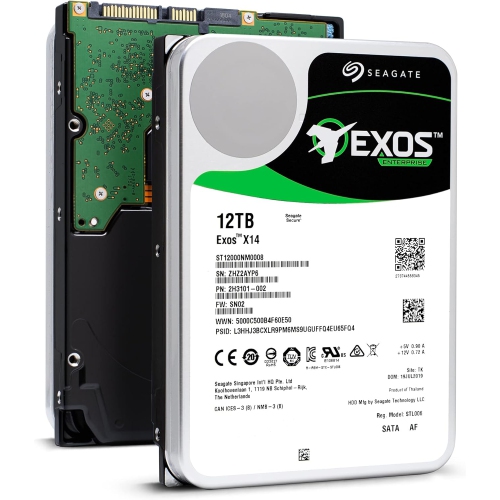
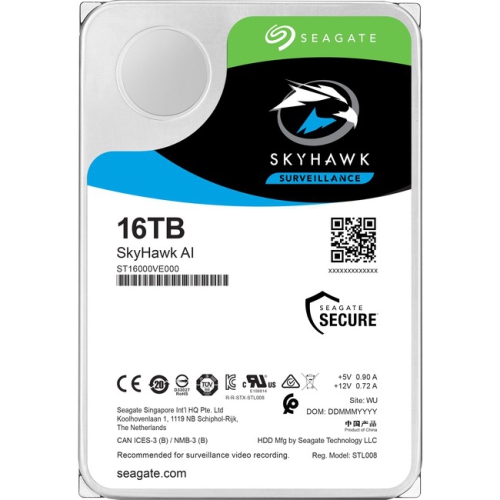
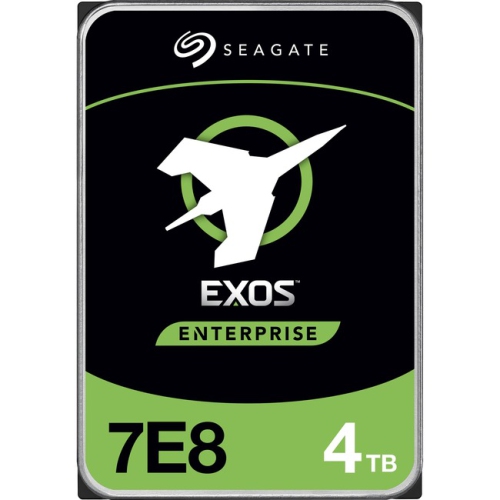
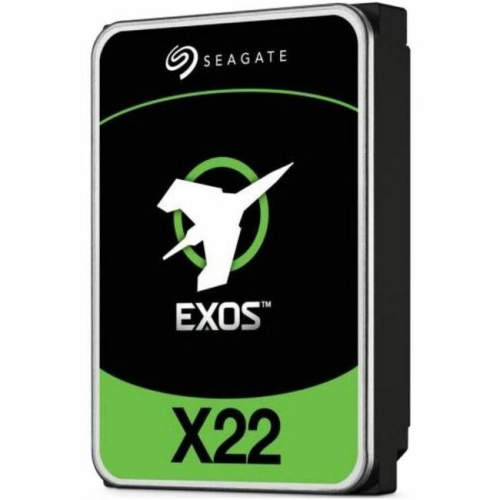
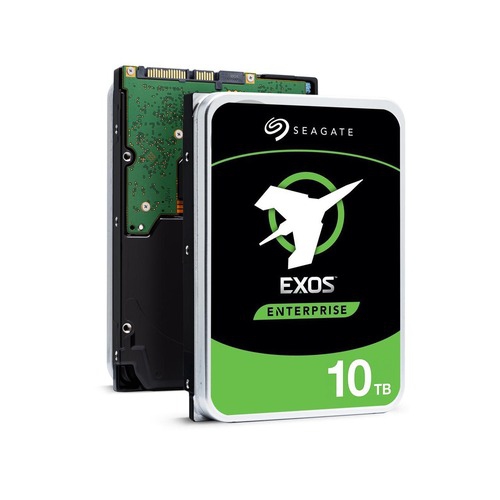
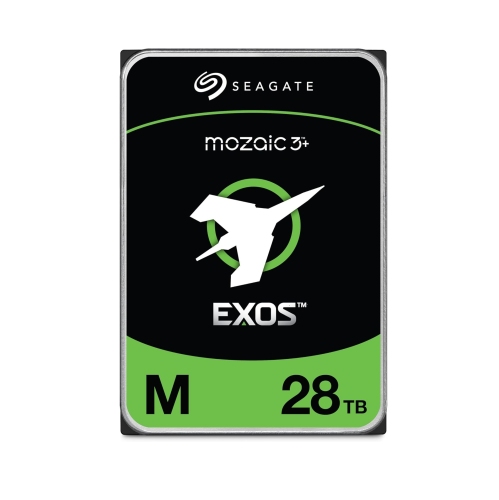
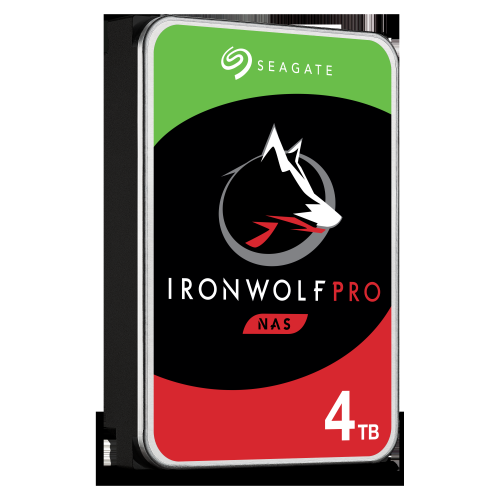
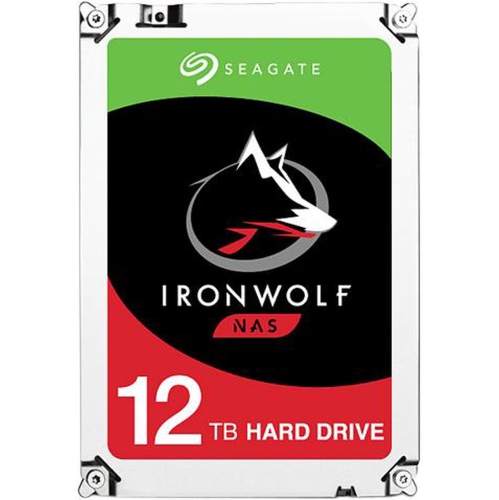
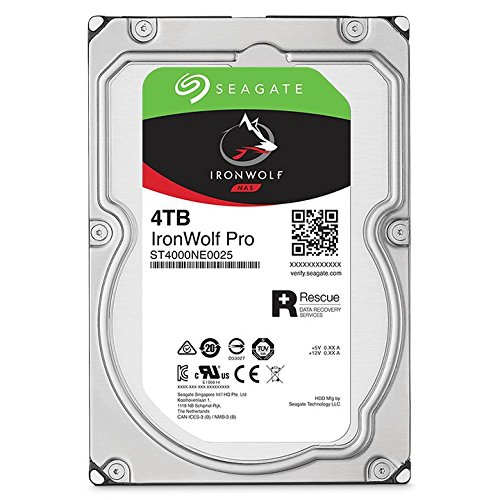
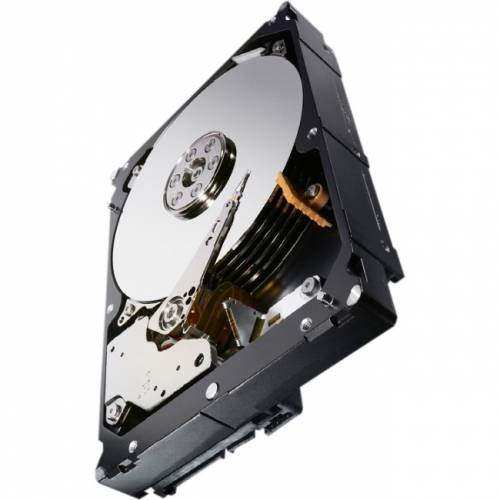
Seagate Exos hard drives are designed for demanding storage environments where large amounts of data must remain available through long periods of continuous operation. Rather than being aimed primarily at everyday file storage, this enterprise-focused drive family is commonly selected for servers, network-attached storage systems, surveillance platforms, backup repositories, virtual machines, and other installations that may run around the clock. Capacity is a central consideration: a larger drive can consolidate more video, project files, databases, system images, and archived documents, while reducing the number of drive bays needed in a chassis. The right capacity depends on more than the amount of data you have today. Leave room for future growth, duplicate important files according to your backup plan, and account for usable capacity being lower than the number printed on the box because of formatting, system overhead, and storage redundancy. Businesses managing several years of records may favour high-capacity options, while a home lab or smaller server build may benefit from starting with fewer drives and expanding as the library grows. These drives are generally better suited to administrators, IT departments, content creators, researchers, security installers, and experienced home users who understand server hardware and want storage built for a heavier workload than a typical desktop drive.
Interface compatibility should be checked before placing an order. SATA and SAS are different standards, and a SAS drive normally requires a compatible controller, backplane, or host bus adapter rather than a standard desktop motherboard connection. A SATA installation can still involve practical details that are easy to overlook, especially in a compact computer case or a custom server build. Some enterprise drives use a SATA Power Disable configuration in which a particular power connector pin can prevent the drive from spinning up when connected to certain consumer power supplies. If a newly installed drive is not detected or remains silent, review the system documentation, power-cable arrangement, motherboard settings, and drive requirements before assuming the hardware is defective; an appropriate cable or adapter may be needed. Enterprise mechanical drives can also produce more audible clicks, vibration, and spinning noise than lower-performance desktop storage because their motors and performance tuning are intended for sustained workloads. A rigid case, suitable mounting hardware, adequate airflow, and a controller that supports the intended array can make a noticeable difference. Check the listing carefully for interface type, form factor, recording technology, cache, capacity, workload rating, and compatibility notes. Ratings such as a multi-million-hour mean time between failures or a high annual workload limit are useful indicators for comparing enterprise storage, but they are not a guarantee that an individual drive will never fail. A reliable deployment still includes monitoring, tested backups, surge protection, and a recovery plan.
For server and NAS installations, consider how the drives will work together rather than choosing based on capacity alone. Redundant arrays can improve availability if one drive fails, but they are not a substitute for a separate backup because accidental deletion, malware, controller problems, or physical damage can affect the entire array. Monitoring tools that report temperature, error counts, operating hours, and SMART status help identify warning signs before a storage problem becomes an emergency. Helium-sealed designs may reduce internal turbulence and support efficient operation in multi-drive environments, while enterprise firmware features can assist with secure erasure and controlled deployment; exact features vary by capacity and model, so confirm the specifications for the listing you are considering. For a quiet home office, a conventional desktop drive may be a more comfortable choice, while a rack-mounted server in a utility room can make better use of enterprise-grade performance and endurance. If your goal is general personal storage rather than continuous server duty, explore alternatives such as Seagate Barracuda drives and compare their intended workload, noise profile, interface, and capacity. Whether you are expanding a media archive during the cooler months, preserving years of business records, or building a dependable home lab, plan the complete storage environment before installation: confirm the host hardware, use the correct power and data connections, maintain airflow, format the drive according to the operating system, and keep at least one independent copy of irreplaceable files.
Interface compatibility should be checked before placing an order. SATA and SAS are different standards, and a SAS drive normally requires a compatible controller, backplane, or host bus adapter rather than a standard desktop motherboard connection. A SATA installation can still involve practical details that are easy to overlook, especially in a compact computer case or a custom server build. Some enterprise drives use a SATA Power Disable configuration in which a particular power connector pin can prevent the drive from spinning up when connected to certain consumer power supplies. If a newly installed drive is not detected or remains silent, review the system documentation, power-cable arrangement, motherboard settings, and drive requirements before assuming the hardware is defective; an appropriate cable or adapter may be needed. Enterprise mechanical drives can also produce more audible clicks, vibration, and spinning noise than lower-performance desktop storage because their motors and performance tuning are intended for sustained workloads. A rigid case, suitable mounting hardware, adequate airflow, and a controller that supports the intended array can make a noticeable difference. Check the listing carefully for interface type, form factor, recording technology, cache, capacity, workload rating, and compatibility notes. Ratings such as a multi-million-hour mean time between failures or a high annual workload limit are useful indicators for comparing enterprise storage, but they are not a guarantee that an individual drive will never fail. A reliable deployment still includes monitoring, tested backups, surge protection, and a recovery plan.
For server and NAS installations, consider how the drives will work together rather than choosing based on capacity alone. Redundant arrays can improve availability if one drive fails, but they are not a substitute for a separate backup because accidental deletion, malware, controller problems, or physical damage can affect the entire array. Monitoring tools that report temperature, error counts, operating hours, and SMART status help identify warning signs before a storage problem becomes an emergency. Helium-sealed designs may reduce internal turbulence and support efficient operation in multi-drive environments, while enterprise firmware features can assist with secure erasure and controlled deployment; exact features vary by capacity and model, so confirm the specifications for the listing you are considering. For a quiet home office, a conventional desktop drive may be a more comfortable choice, while a rack-mounted server in a utility room can make better use of enterprise-grade performance and endurance. If your goal is general personal storage rather than continuous server duty, explore alternatives such as Seagate Barracuda drives and compare their intended workload, noise profile, interface, and capacity. Whether you are expanding a media archive during the cooler months, preserving years of business records, or building a dependable home lab, plan the complete storage environment before installation: confirm the host hardware, use the correct power and data connections, maintain airflow, format the drive according to the operating system, and keep at least one independent copy of irreplaceable files.
Top selling and popular products
-
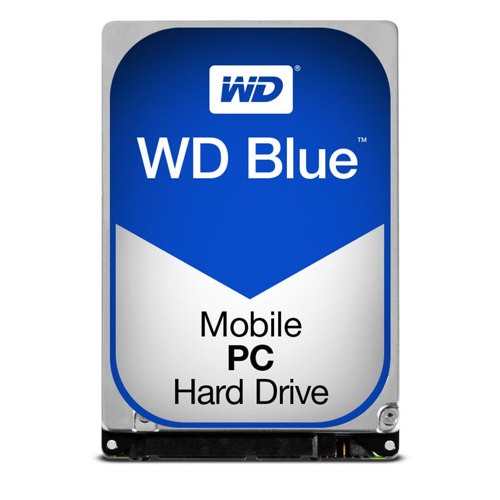 Your price for this item is $248.68
 -
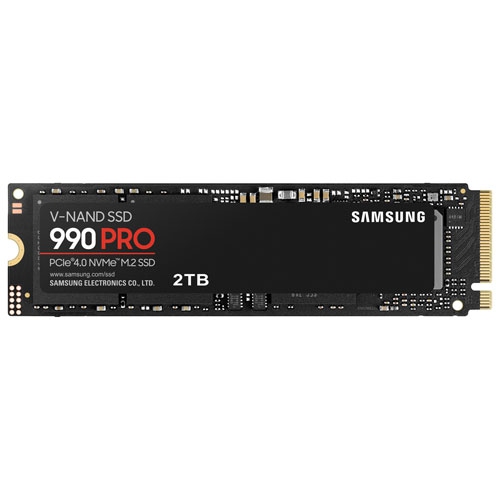 Your price for this item is $679.99
 -
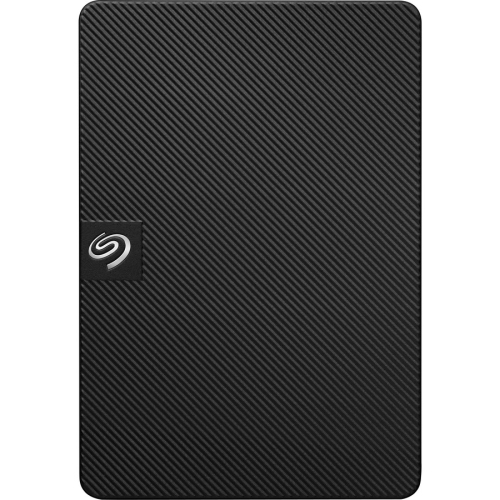 Your price for this item is $164.47
 -
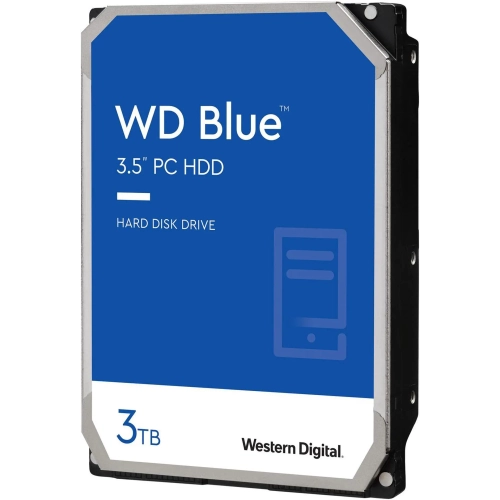 Your price for this item is $259.99
 -
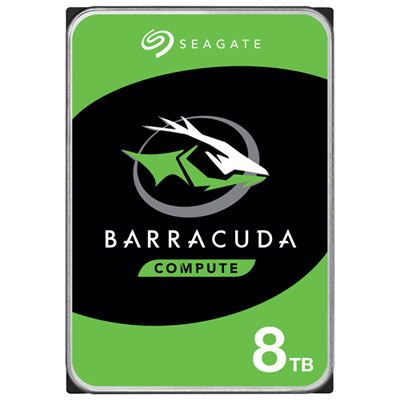 Your price for this item is $389.99
 -
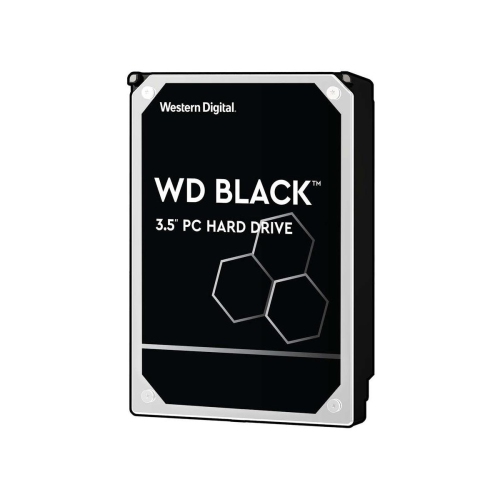 Your price for this item is $399.99
 -
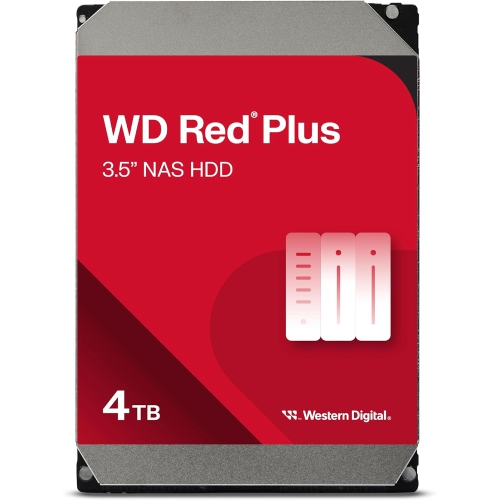 Your price for this item is $379.99
 -
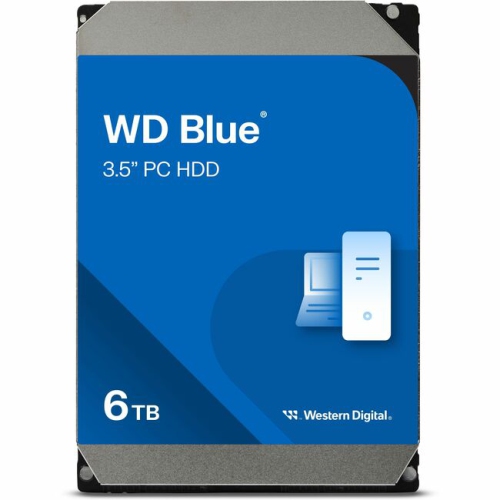 Your price for this item is $389.99
Discover more categories related to Seagate Exos
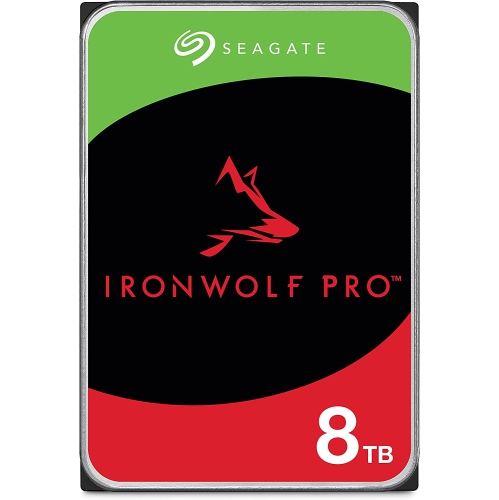
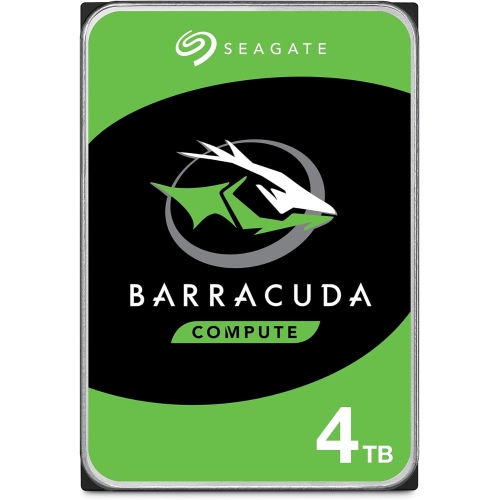
Top Collections:
Pokemon Centers, Kindle Devices, Best Budget Office Chairs, Apple iPhones 16, Best Laptops for Writers, iPhone 15 Apple, Canon G7X Cameras, Refurbished Apple Laptops, Alarm Clock, Motorola Razr Phones
Some products may be subject to Environmental Handling Fees
(EHF) depending on your province.
Learn more about EHFs.