Small Gaming Monitors
Enhance your gaming experience with a compact setup with our small gaming monitors. Whether you're a casual gamer looking to upgrade or a professional eSports competitor on the go, these small gaming monitors are the perfect solution for those who want big performance in a smaller package. Discover the possibilities and take your gaming to new heights with small gaming monitors today!
Sort
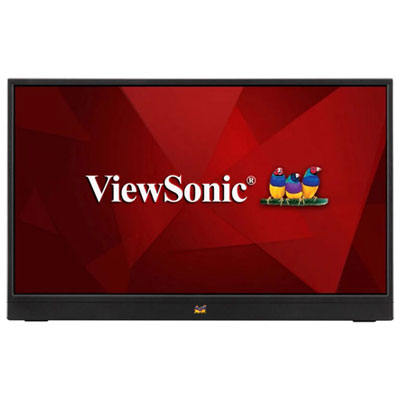
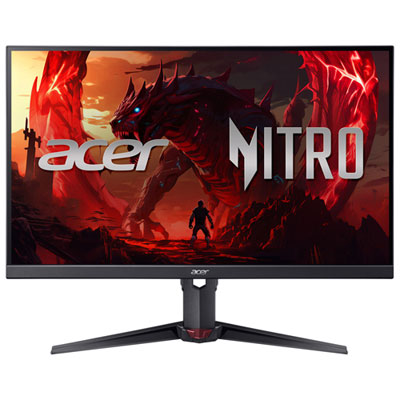
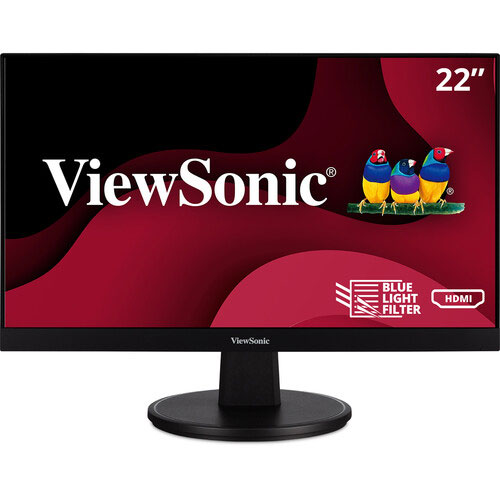
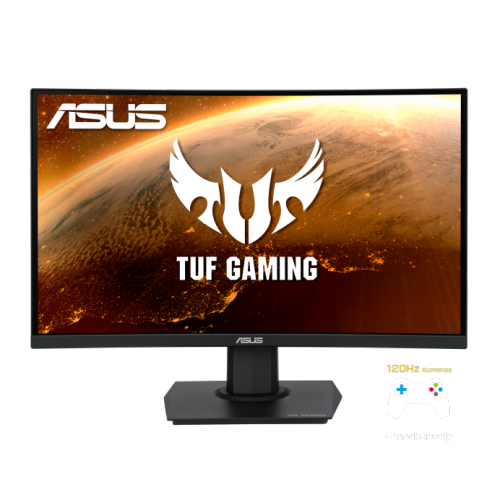
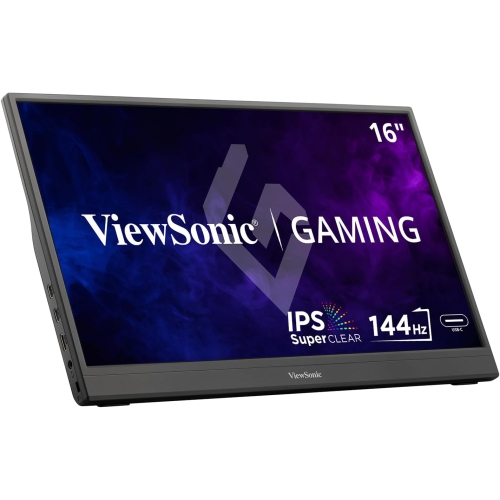
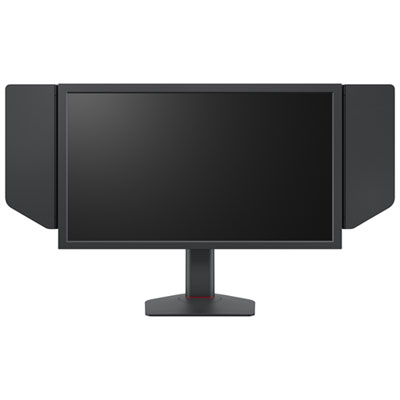

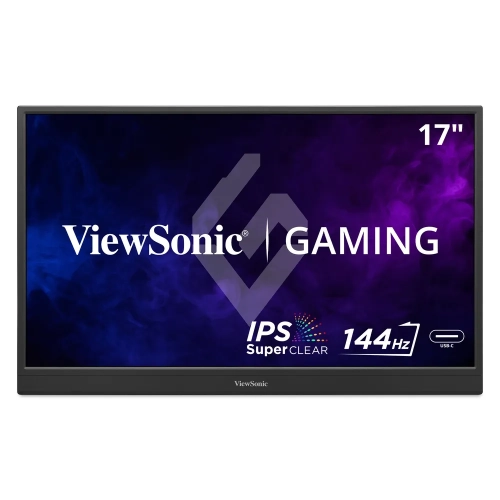
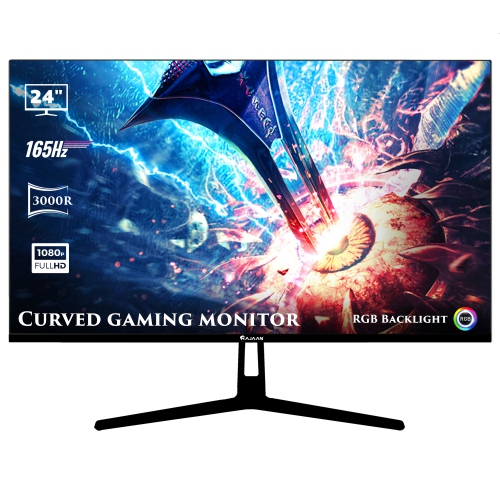
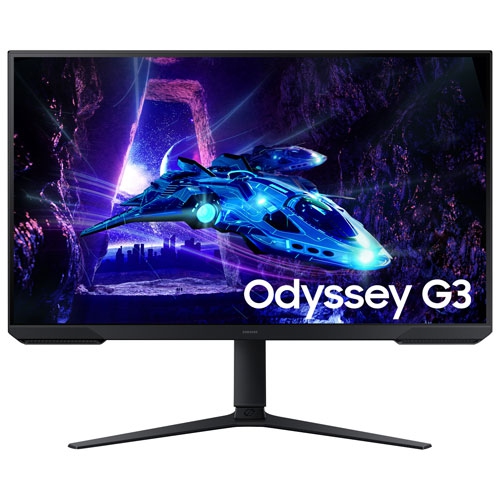
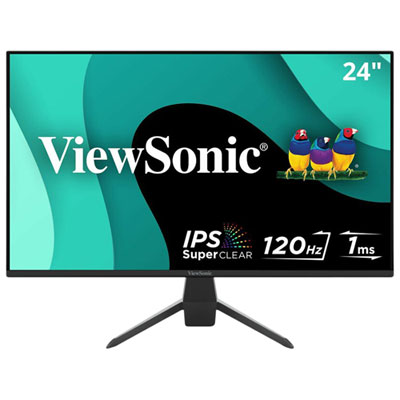
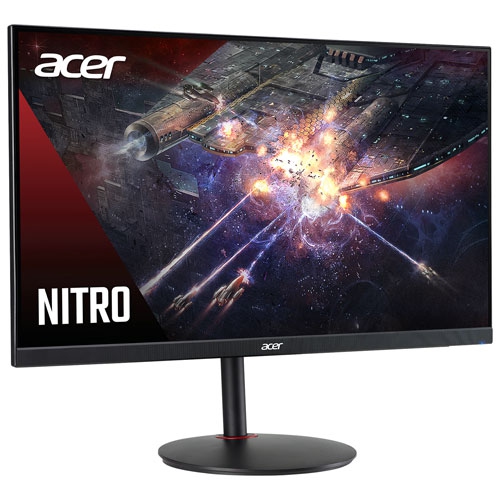
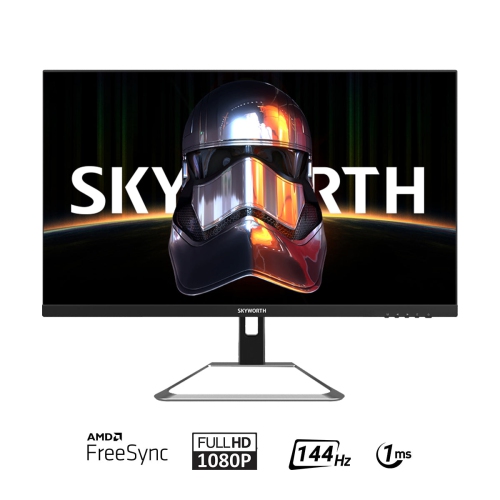
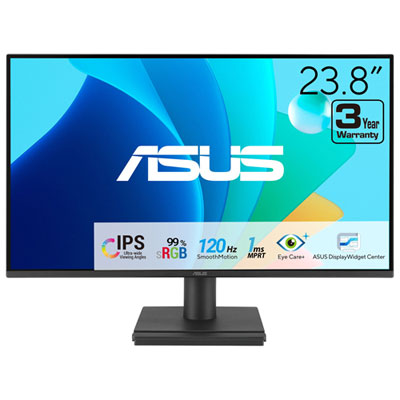
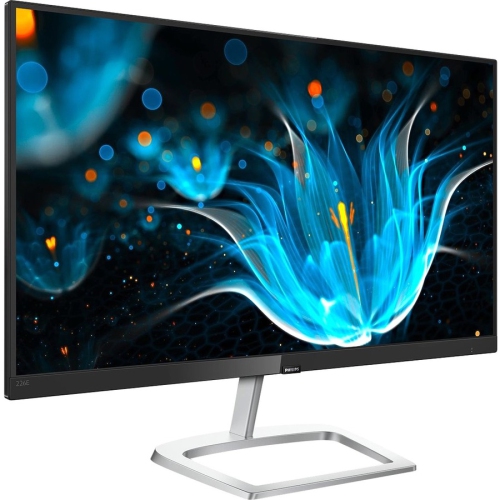
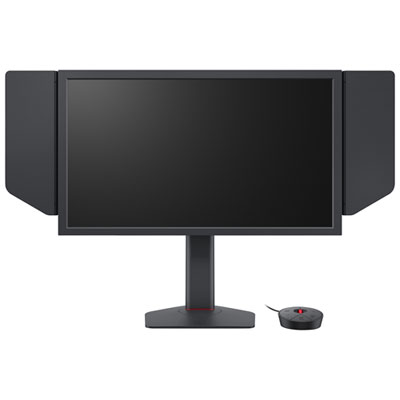


Compact displays for responsive gaming and flexible setups
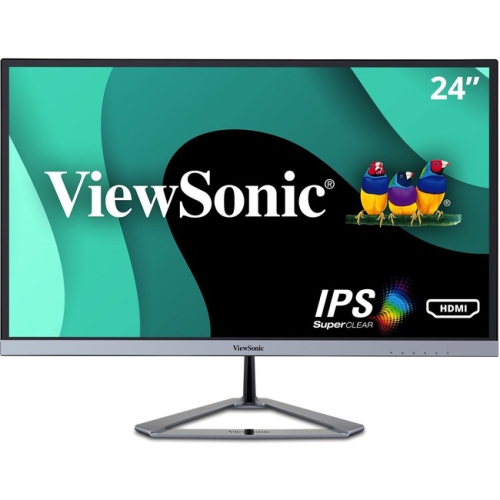
Small gaming monitors are a practical choice for players who want a focused screen without giving up valuable desk space. For traditional desktop setups, small gaming monitors generally measure about 21.5 to 24.5 inches diagonally, with 23.8 and 24.5 inch screens offering a comfortable balance between visibility and compact dimensions. These sizes fit neatly on narrower desks, bedroom workstations, dorm rooms, shared family spaces, and secondary gaming stations, while still providing enough room to see menus, maps, objectives, and fast-moving action clearly. A smaller display can also make it easier to keep the entire screen within your natural field of view, which many players appreciate during competitive matches where quick visual reactions matter. Portable gaming monitors are a separate category, commonly measuring about 15.6 to 17.3 inches. Their slim profiles and lighter designs make them useful for gaming on a kitchen table, in a student residence, at a friend’s home, or during travel. Some include a built-in kickstand, while others can be paired with a compatible stand or protective case, giving you more flexibility when a permanent monitor setup is not practical. Before choosing, measure the available surface and consider how close you normally sit. A compact 1080p monitor can look sharp at typical desktop viewing distances, and its resolution is well suited to many gaming PCs, laptops, and consoles. Portable screens may also be convenient as a second display for a laptop, allowing one screen to show the game while another handles chat, guides, music, or streaming controls.
The panel and performance specifications have a direct effect on how gaming feels. A refresh rate of 144 Hz or higher can display more frames per second than a standard 60 Hz screen when the connected computer or console can produce those frames, making camera movement and scrolling appear smoother. Fast refresh rates are especially appealing for racing games, first-person shooters, sports games, and other titles where timing and quick movement are important. Response time is another specification to review; lower rated response times can help reduce visible ghosting behind moving objects, although results depend on the panel technology and the selected overdrive setting. IPS panels are popular for their broad viewing angles and balanced colour, making them suitable for gaming, schoolwork, browsing, and watching video from different positions. Other panel types may offer different strengths, so it is worth considering whether your priority is colour consistency, contrast, speed, or a combination of these qualities. Adaptive sync support can help coordinate the monitor’s refresh rate with the graphics output from a compatible gaming system, reducing distracting tearing and uneven motion. Check compatibility with your computer or console before buying, and remember that the available refresh rate may vary depending on the input, resolution, cable, and connected device. Connectivity is equally important on a small screen because a limited number of ports may affect how easily you can switch between a gaming PC, laptop, and console. HDMI is useful for consoles and many computers, while DisplayPort is common on gaming desktops. USB-C can be particularly convenient on portable models, though its capabilities vary: one USB-C connection may carry video and power, while another may support only one of those functions. Built-in speakers, a headphone output, volume controls, and simple on-screen menus can reduce cable clutter, but dedicated headphones or speakers may still provide a fuller experience.
Small gaming monitors work well for anyone building a compact station around the equipment they already own. A young player may use one in a bedroom where a full-size entertainment centre would feel crowded, while a university or college student can place one beside a laptop for gaming and assignments without taking over an entire desk. They are also useful for adults who want a dedicated gaming screen in a home office, basement, guest room, or shared living area. A portable model can be packed for visits, tournaments, road trips, or cooler-month stays at a family cottage, provided the user has a compatible power source and the necessary cables. For gift-giving, a small gaming monitor can be a thoughtful option for someone upgrading from a laptop screen, replacing an older display, or creating a first dedicated gaming setup. It is helpful to confirm the recipient’s gaming device, available desk width, preferred connection, and whether they need a traditional desktop display or a portable travel screen before choosing. Height adjustment, tilt, VESA mounting, a stable stand, and a matte finish can make a noticeable difference during long sessions, particularly when the screen will be used for both gaming and everyday tasks. Players seeking a larger selection of screen sizes and features can also explore Desktop Monitors for Gaming. For a compact setup, place the monitor directly in front of your chair, keep the top edge near eye level, and leave enough room for your keyboard and mouse. With the right fit, a small gaming monitor can turn a narrow corner into a responsive, comfortable station for evening matches, weekend campaigns, and everyday computing throughout the changing seasons.
The panel and performance specifications have a direct effect on how gaming feels. A refresh rate of 144 Hz or higher can display more frames per second than a standard 60 Hz screen when the connected computer or console can produce those frames, making camera movement and scrolling appear smoother. Fast refresh rates are especially appealing for racing games, first-person shooters, sports games, and other titles where timing and quick movement are important. Response time is another specification to review; lower rated response times can help reduce visible ghosting behind moving objects, although results depend on the panel technology and the selected overdrive setting. IPS panels are popular for their broad viewing angles and balanced colour, making them suitable for gaming, schoolwork, browsing, and watching video from different positions. Other panel types may offer different strengths, so it is worth considering whether your priority is colour consistency, contrast, speed, or a combination of these qualities. Adaptive sync support can help coordinate the monitor’s refresh rate with the graphics output from a compatible gaming system, reducing distracting tearing and uneven motion. Check compatibility with your computer or console before buying, and remember that the available refresh rate may vary depending on the input, resolution, cable, and connected device. Connectivity is equally important on a small screen because a limited number of ports may affect how easily you can switch between a gaming PC, laptop, and console. HDMI is useful for consoles and many computers, while DisplayPort is common on gaming desktops. USB-C can be particularly convenient on portable models, though its capabilities vary: one USB-C connection may carry video and power, while another may support only one of those functions. Built-in speakers, a headphone output, volume controls, and simple on-screen menus can reduce cable clutter, but dedicated headphones or speakers may still provide a fuller experience.
Small gaming monitors work well for anyone building a compact station around the equipment they already own. A young player may use one in a bedroom where a full-size entertainment centre would feel crowded, while a university or college student can place one beside a laptop for gaming and assignments without taking over an entire desk. They are also useful for adults who want a dedicated gaming screen in a home office, basement, guest room, or shared living area. A portable model can be packed for visits, tournaments, road trips, or cooler-month stays at a family cottage, provided the user has a compatible power source and the necessary cables. For gift-giving, a small gaming monitor can be a thoughtful option for someone upgrading from a laptop screen, replacing an older display, or creating a first dedicated gaming setup. It is helpful to confirm the recipient’s gaming device, available desk width, preferred connection, and whether they need a traditional desktop display or a portable travel screen before choosing. Height adjustment, tilt, VESA mounting, a stable stand, and a matte finish can make a noticeable difference during long sessions, particularly when the screen will be used for both gaming and everyday tasks. Players seeking a larger selection of screen sizes and features can also explore Desktop Monitors for Gaming. For a compact setup, place the monitor directly in front of your chair, keep the top edge near eye level, and leave enough room for your keyboard and mouse. With the right fit, a small gaming monitor can turn a narrow corner into a responsive, comfortable station for evening matches, weekend campaigns, and everyday computing throughout the changing seasons.
Top selling and popular products
-
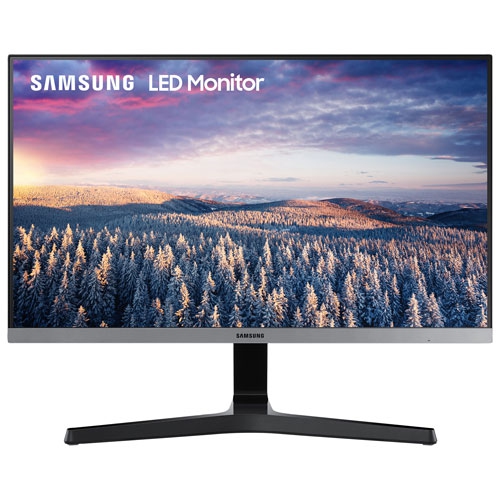 Your price for this item is $279.97
 -
 Your price for this item is $275
 -
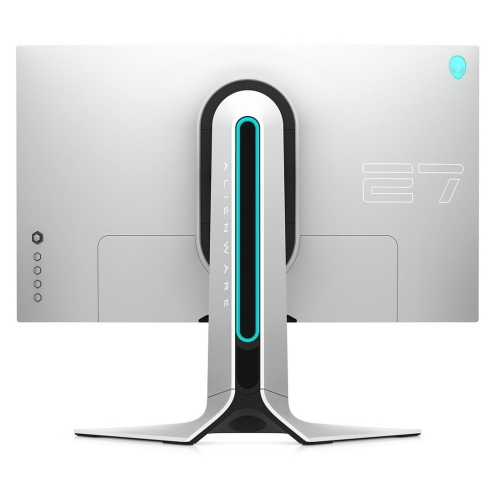 Your price for this item is $299
 -
 Your price for this item is $559.68
 -
 Your price for this item is $209.99
 -
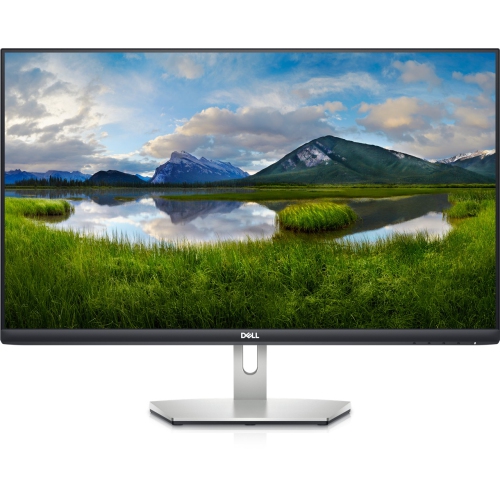 Your price for this item is $239.99
 -
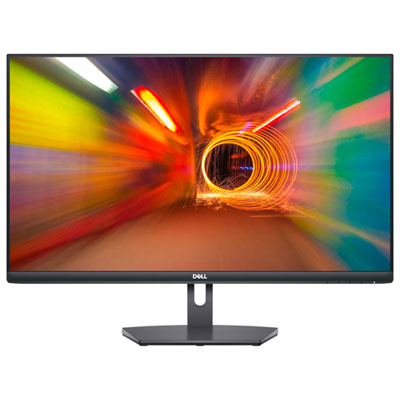 Your price for this item is $179.95
 -
 Your price for this item is $3299.99
Discover more categories related to Small Gaming Monitors
Top Collections:
Pokemon Centers, Kindle Devices, Best Budget Office Chairs, Apple iPhones 16, Best Laptops for Writers, iPhone 15 Apple, Canon G7X Cameras, Refurbished Apple Laptops, Alarm Clock, Motorola Razr Phones
Some products may be subject to Environmental Handling Fees
(EHF) depending on your province.
Learn more about EHFs.