Stylus for Chromebook
Enhance your digital experience with a stylus for Chromebook, the ideal accessory for seamless note-taking, drawing, and navigation. Whether you're working on creative projects, managing schoolwork, or simply browsing the web, a stylus offers added precision and convenience. Discover a variety of options designed to complement your Chromebook and make everyday tasks easier and more efficient. Find the perfect stylus for Chromebook to suit your needs and elevate your productivity.
Sort
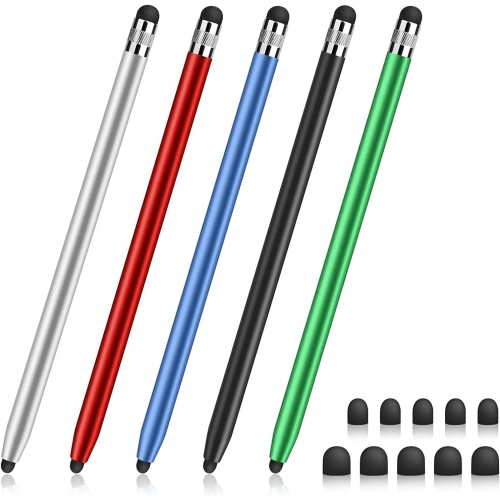
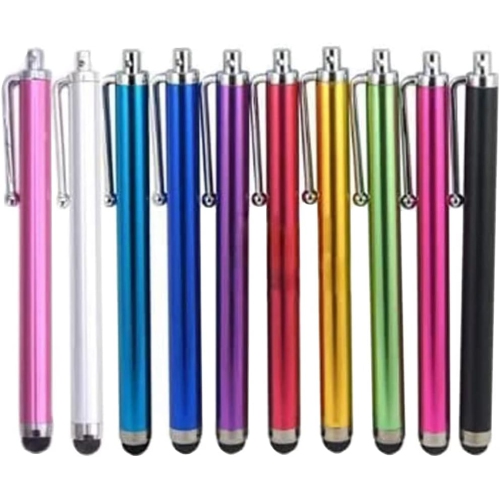
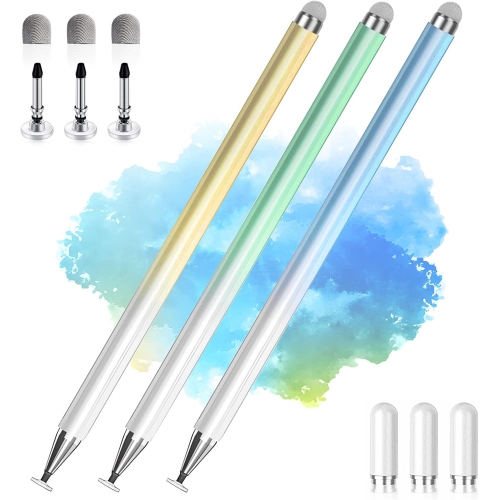
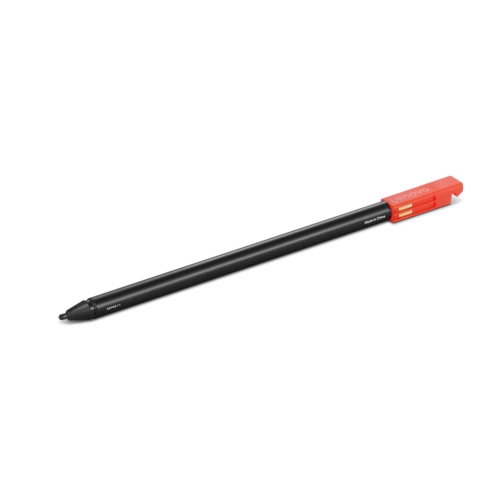
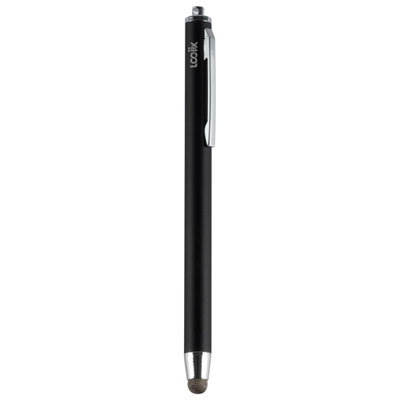
![DOLAER Capacitive Stylus Pen (4 Pack), Universal Stylist Pens [2 In 1 Precision Series] Fine Point Disc Stylus Touch Screen Pens For](https://multimedia.bbycastatic.ca/multimedia/products/500x500/165/16580/16580707.jpeg)
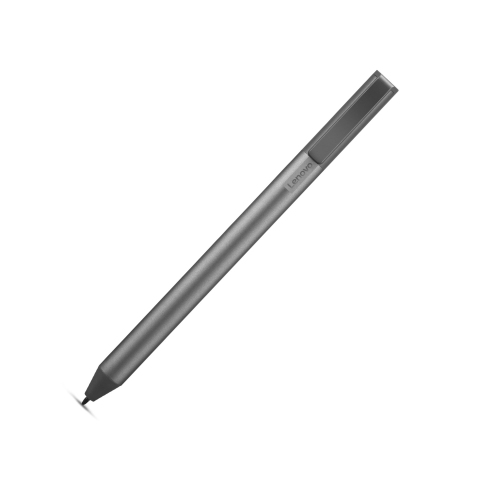
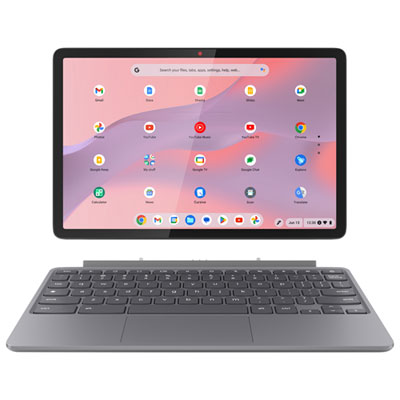

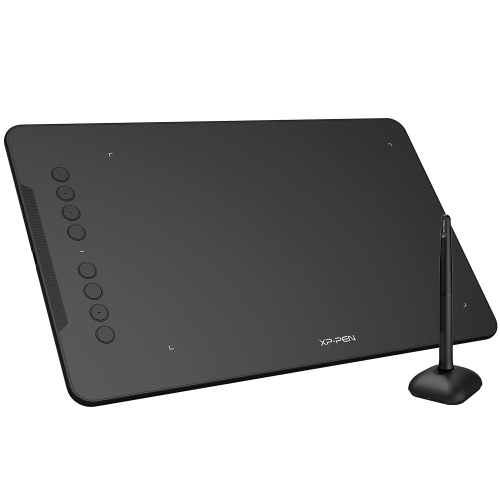
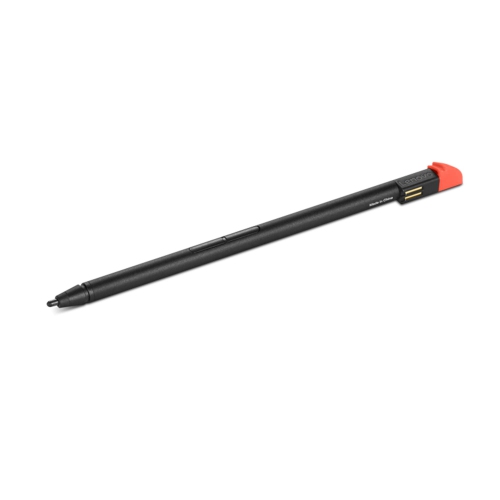
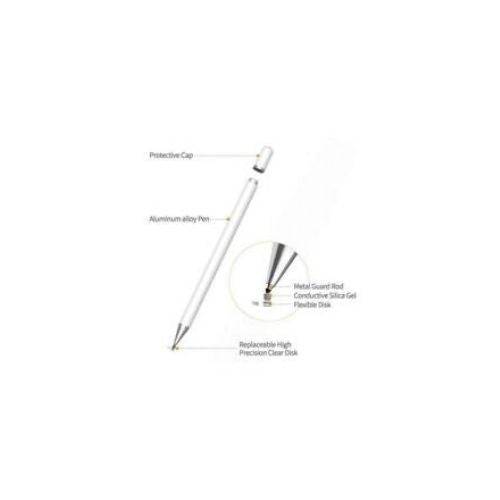
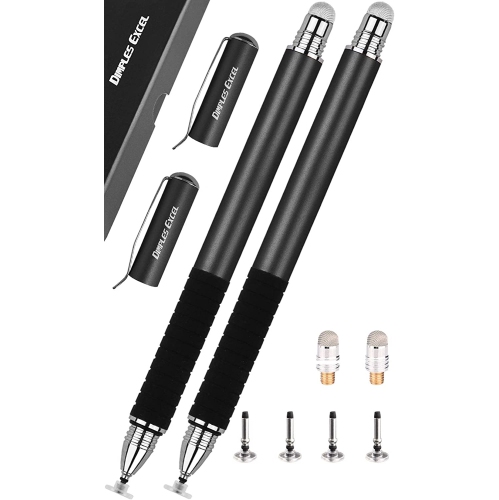
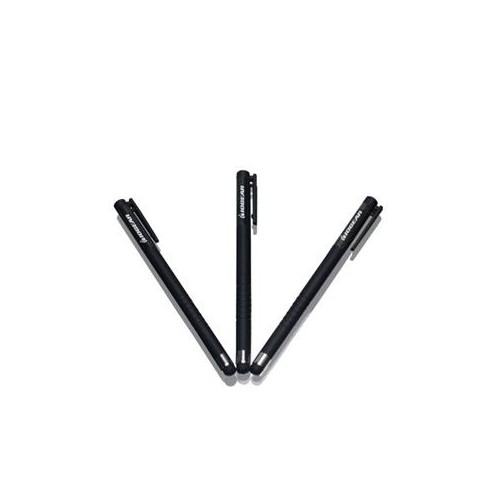
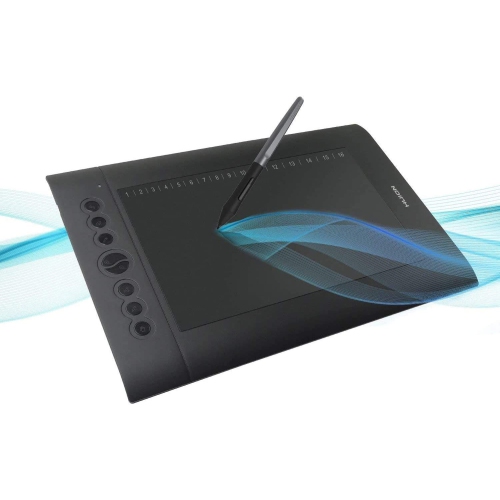
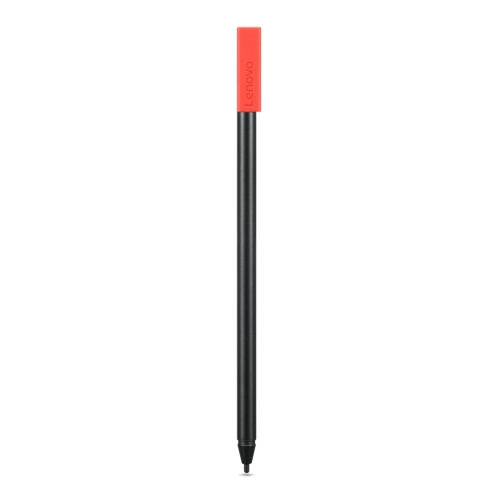
Stylus for Chromebook
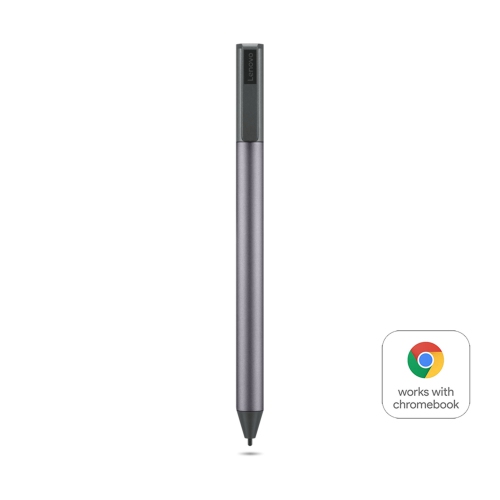
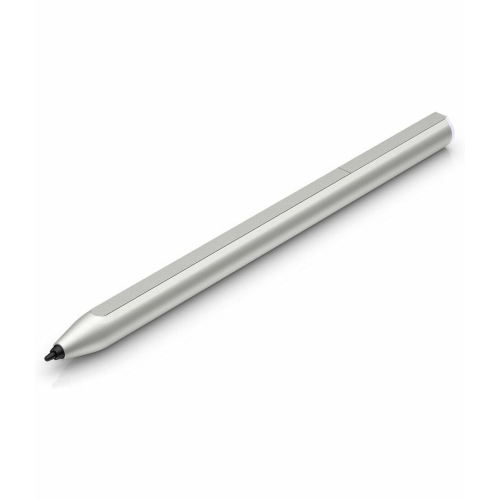
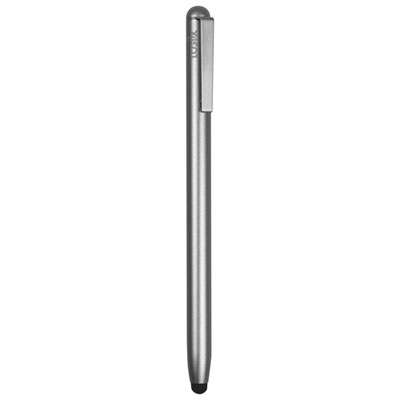
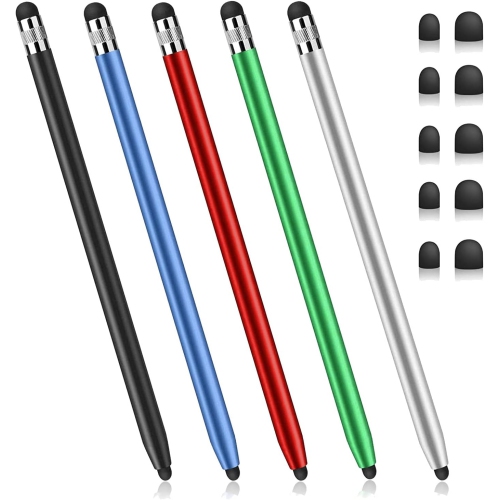
When it comes to enhancing your Chromebook experience, a stylus can be an invaluable tool for a wide range of users. Whether you're a student jotting down notes during lectures, a professional marking up documents on the go, or a creative individual sketching out designs and illustrations, the right stylus brings a new level of precision and versatility to your device. Chromebooks that support stylus input often use the Universal Stylus Initiative (USI) standard, which means you can enjoy features like pressure sensitivity for nuanced drawing, tilt support for shading, and palm rejection that lets you rest your hand comfortably on the screen as you work. These features are especially handy during the busy spring months, when classes are in full swing and projects are ramping up—having a stylus ready means you can capture ideas as they come, annotate assignments, or bring your artistic vision to life without missing a beat.
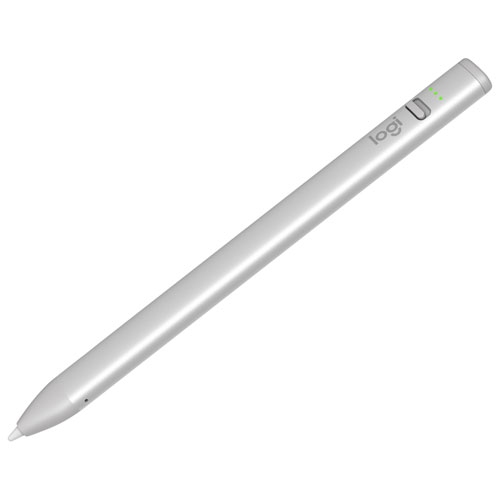
Styluses for Chromebooks come in a variety of styles to suit different needs and preferences. Active styluses, particularly those that are USI-certified, are designed to work seamlessly with most modern, touch-enabled Chromebooks. They often feature long battery life, with some models offering convenient USB-C charging or replaceable batteries, and many attach magnetically to your device for easy access. For families, educators, and students, a stylus can be a thoughtful gift that opens up new ways to interact with educational apps, collaborate on group projects, or simply doodle during downtime. Professionals will appreciate the ability to quickly sign digital documents, annotate PDFs, or use productivity tools with greater accuracy. Even casual users can benefit from the added convenience of navigating their Chromebook with a stylus, especially when editing photos or playing touchscreen games. As the weather warms up and you find yourself working from coffee shops, libraries, or even outdoors, the portability and flexibility of a stylus make it an essential accessory for getting things done wherever you are.
When choosing a stylus for your Chromebook, it's important to check for compatibility with your specific device model, as not all Chromebooks support every stylus type. USI styluses are generally the most reliable choice for recent models, offering plug-and-play functionality without the need for Bluetooth pairing. Some Chromebooks even include built-in storage slots or charging bays for a stylus, making it easy to keep your accessory charged and within reach. If you're interested in exploring stylus options for other devices, you can also take a look at the selection for tablets, such as the Stylus for Galaxy Tab S page. No matter your use case—whether it's note-taking, drawing, or simply navigating your device—a stylus for Chromebook adds a layer of convenience and creativity that helps you make the most of your technology every day.
Styluses for Chromebooks come in a variety of styles to suit different needs and preferences. Active styluses, particularly those that are USI-certified, are designed to work seamlessly with most modern, touch-enabled Chromebooks. They often feature long battery life, with some models offering convenient USB-C charging or replaceable batteries, and many attach magnetically to your device for easy access. For families, educators, and students, a stylus can be a thoughtful gift that opens up new ways to interact with educational apps, collaborate on group projects, or simply doodle during downtime. Professionals will appreciate the ability to quickly sign digital documents, annotate PDFs, or use productivity tools with greater accuracy. Even casual users can benefit from the added convenience of navigating their Chromebook with a stylus, especially when editing photos or playing touchscreen games. As the weather warms up and you find yourself working from coffee shops, libraries, or even outdoors, the portability and flexibility of a stylus make it an essential accessory for getting things done wherever you are.
When choosing a stylus for your Chromebook, it's important to check for compatibility with your specific device model, as not all Chromebooks support every stylus type. USI styluses are generally the most reliable choice for recent models, offering plug-and-play functionality without the need for Bluetooth pairing. Some Chromebooks even include built-in storage slots or charging bays for a stylus, making it easy to keep your accessory charged and within reach. If you're interested in exploring stylus options for other devices, you can also take a look at the selection for tablets, such as the Stylus for Galaxy Tab S page. No matter your use case—whether it's note-taking, drawing, or simply navigating your device—a stylus for Chromebook adds a layer of convenience and creativity that helps you make the most of your technology every day.
Top selling and popular products
-
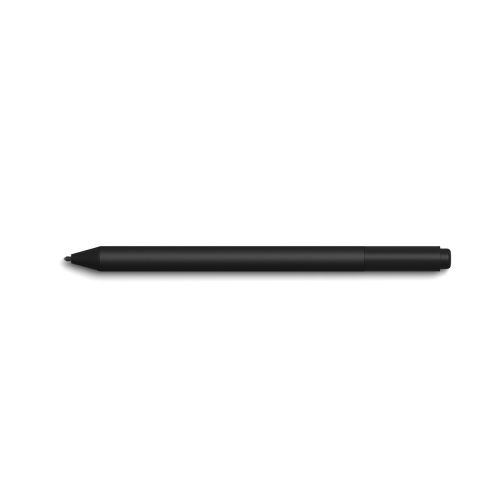 Your price for this item is $128.68
 -
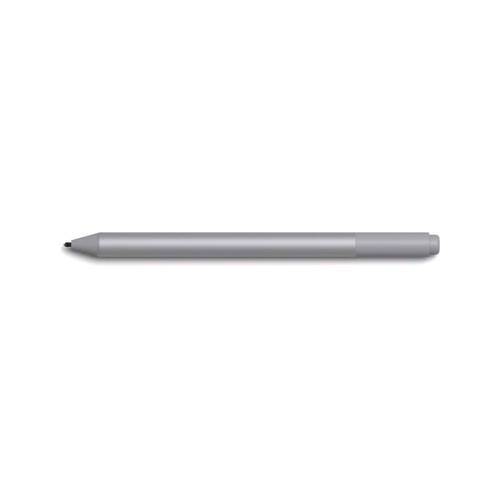 Your price for this item is $130.99
 -
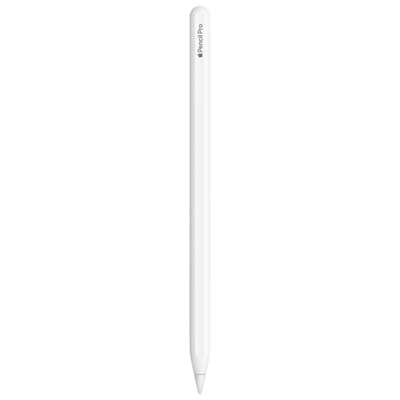 Your price for this item is $169
 -
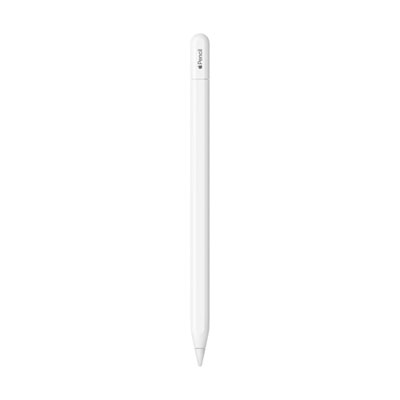 Your price for this item is $109
 -
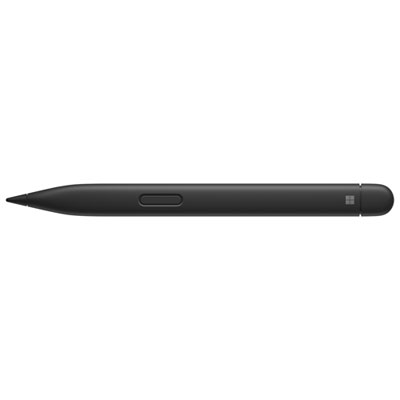 Your price for this item is $189.99
 -
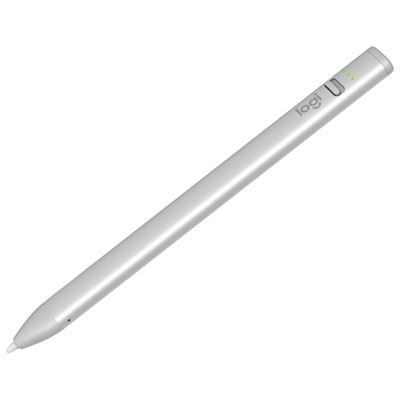 Your price for this item is $79.99
 -
 Your price for this item is $118.77
 -
 Your price for this item is $9.99
Discover more categories related to Stylus for Chromebook
Top Collections:
Best Cell Phones Under $500, Kindle Devices, Apple iPhones 16, Dyson Airwrap, iPhone 15 Apple, Canon G7X Cameras, Fire Stick TVs, iPhone 14 256GB, Wireless Earbuds Under $200, Dyson Hair Dryer Gifts
Some products may be subject to Environmental Handling Fees
(EHF) depending on your province.
Learn more about EHFs.