Thinkpad P1
Discover the perfect blend of performance and portability with a powerhouse designed for professionals on the go. Ideal for tackling complex tasks, this sleek and sophisticated laptop offers unparalleled versatility and reliability. Whether you're working from home, in the office, or traveling to your next big meeting, experience seamless productivity with cutting-edge technology that keeps up with your demanding lifestyle. Elevate your workflow with a device engineered to handle everything from intricate design projects to data-intensive applications, ensuring you stay ahead in today's fast-paced world.
Sort
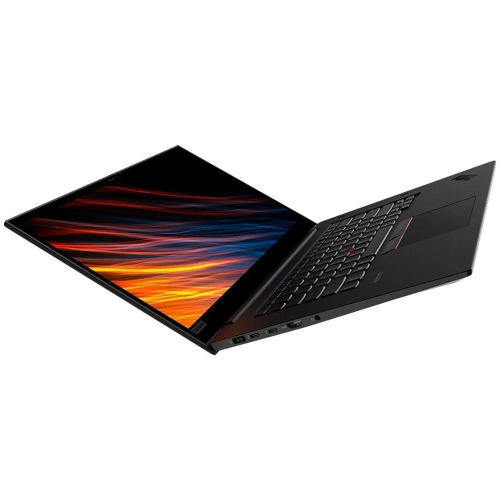
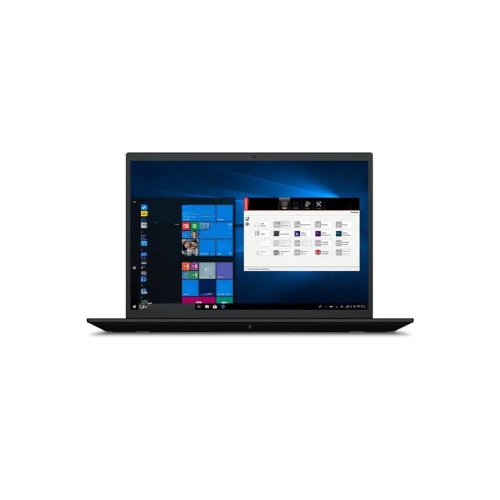
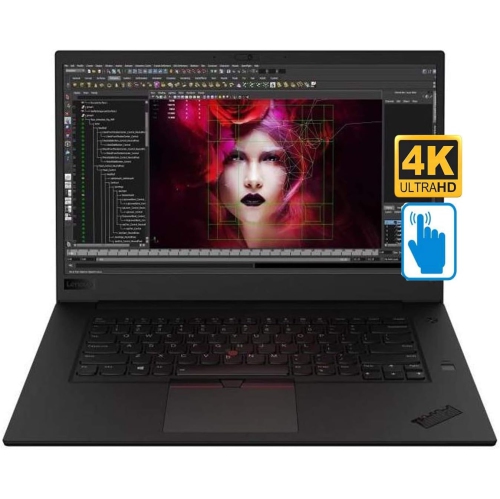
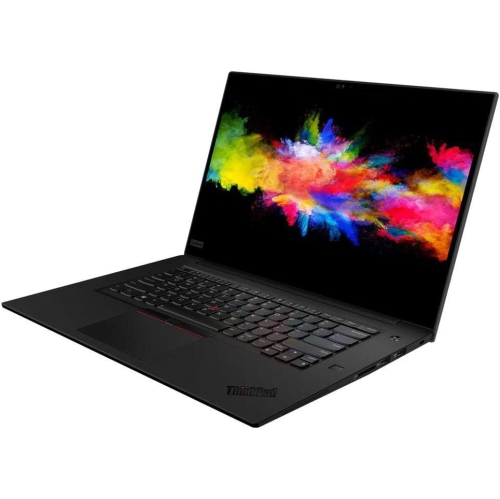
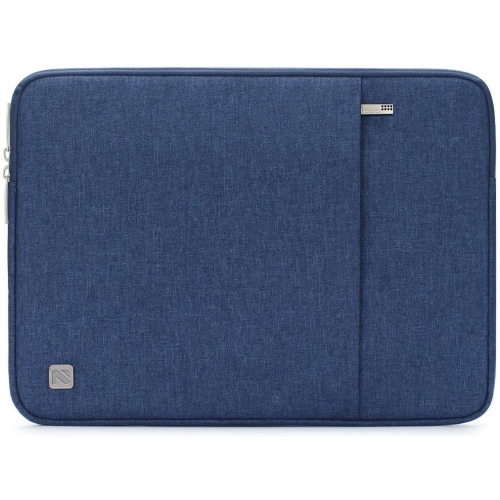
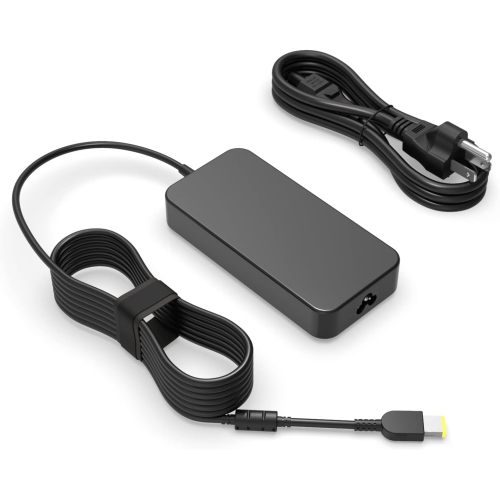
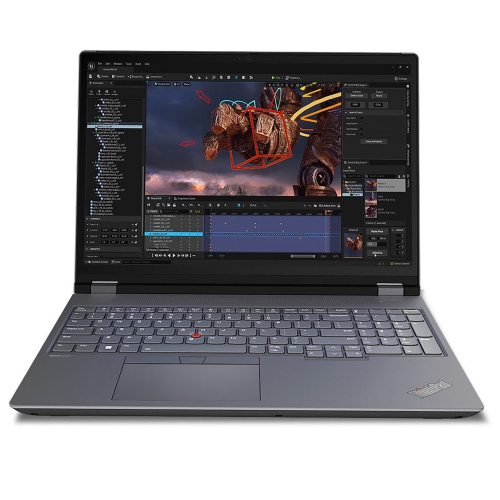
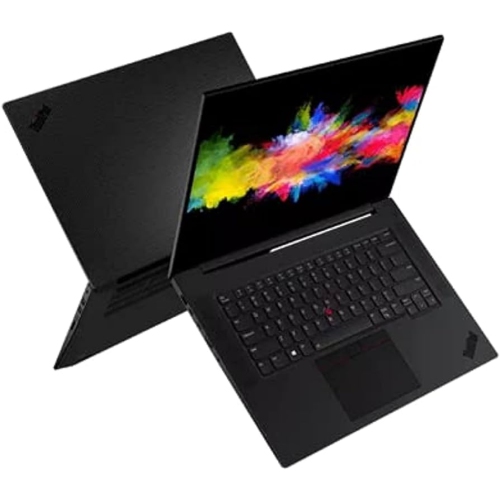
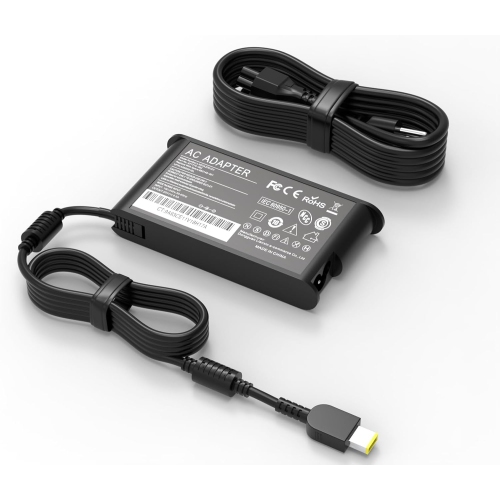
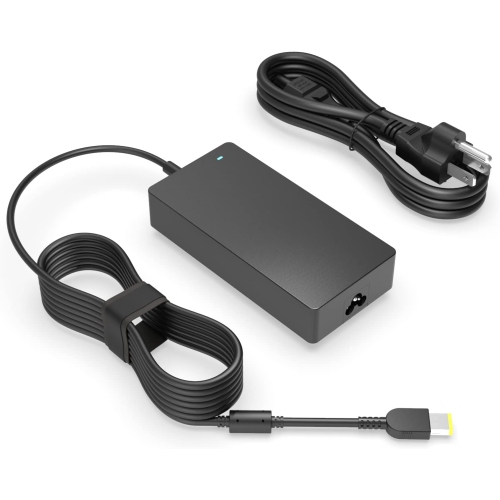
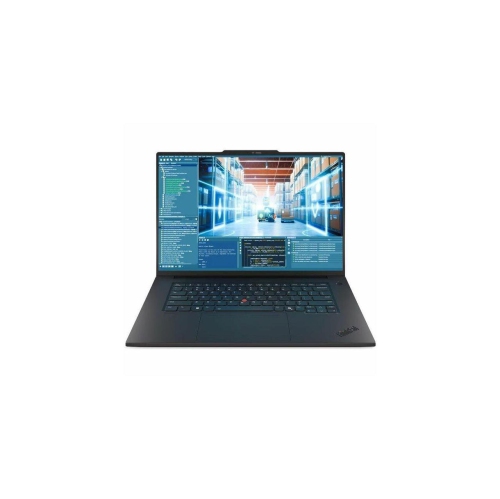
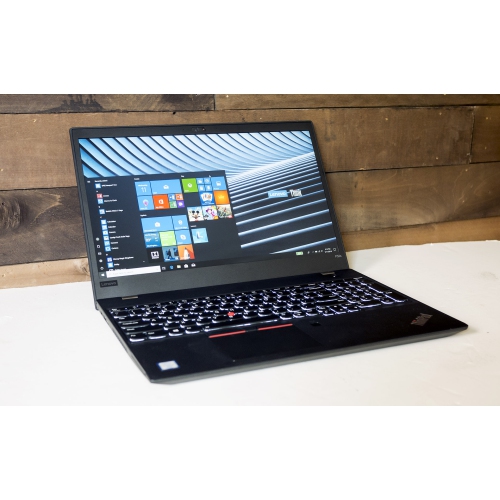
Workstation-class performance for demanding work on the move
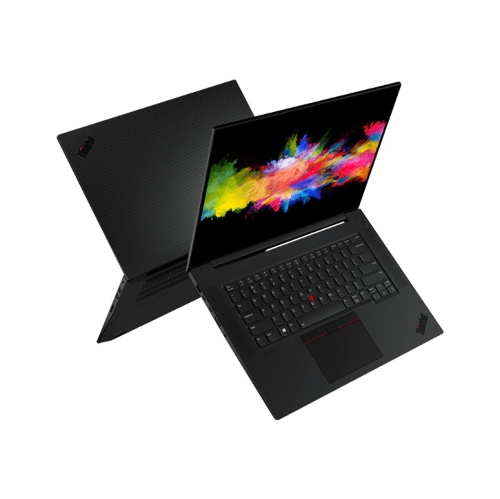
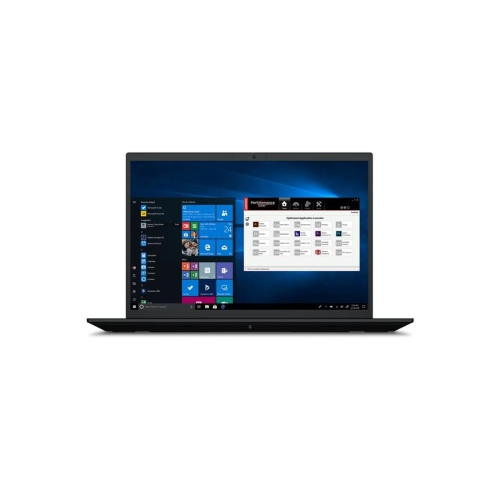
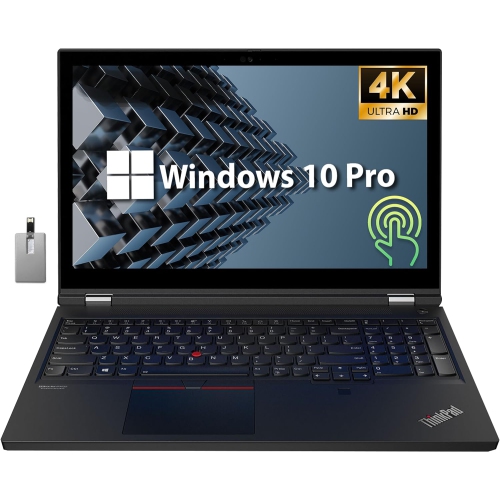
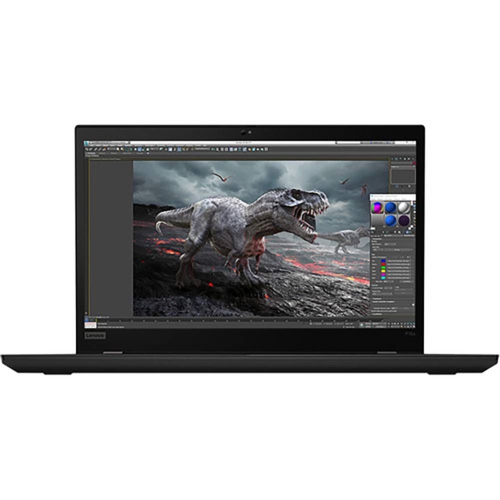
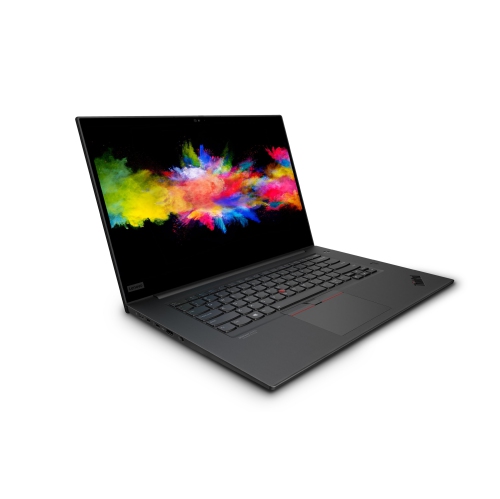
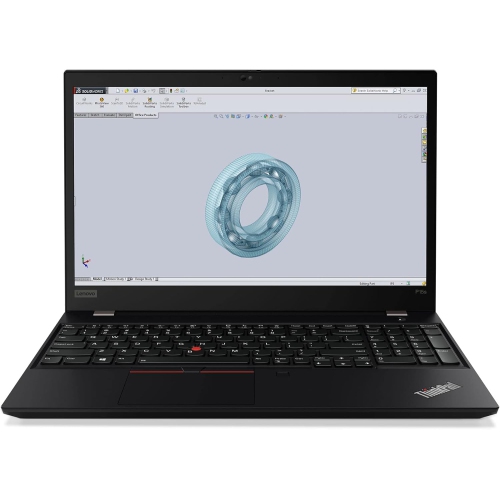
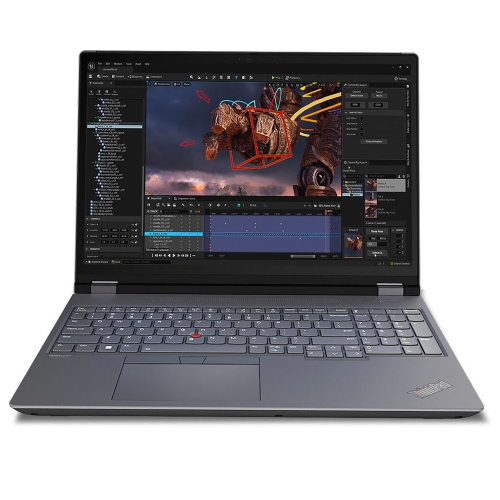
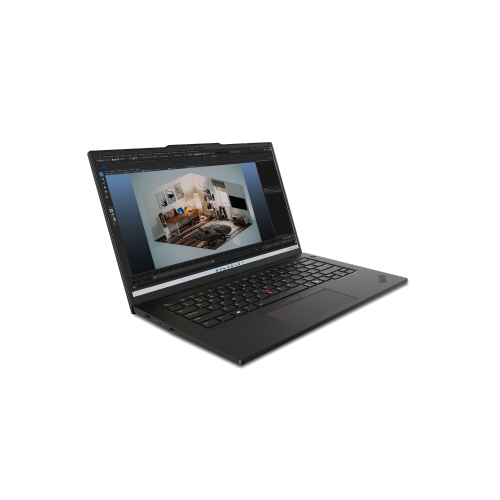
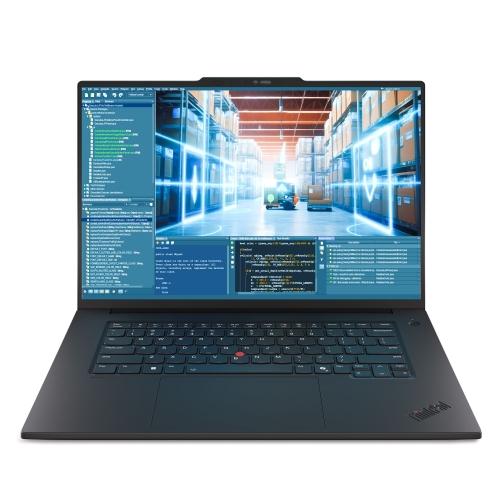
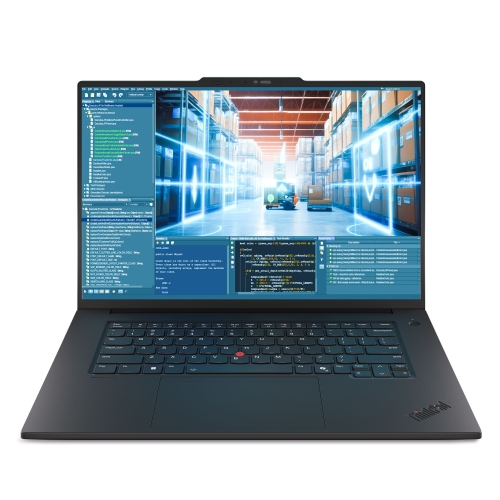
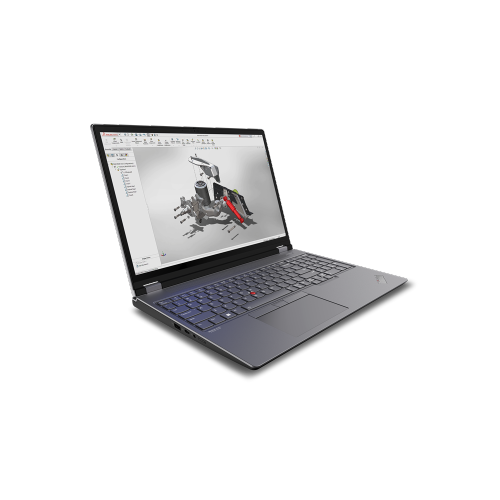
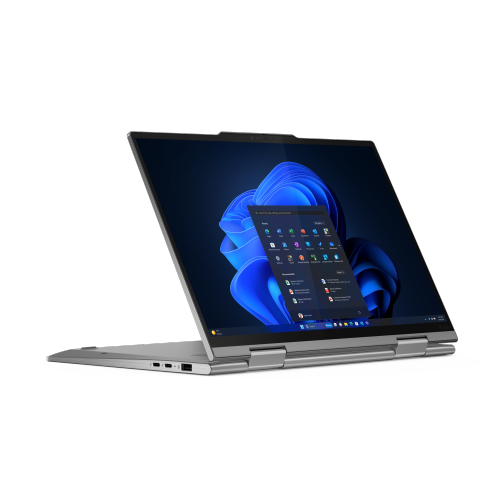
Products in the ThinkPad P1 category are designed for people who need workstation-class performance without being tied to a desk. These slim 16-inch laptops are well suited to engineers, architects, developers, designers, video professionals, researchers, and other power users who regularly work with demanding software, large files, complex calculations, or high-resolution media. Compared with a standard everyday notebook, a mobile workstation is built to handle heavier workloads while remaining practical to carry between an office, studio, classroom, client site, and home workspace. A lightweight chassis can make a noticeable difference during a long commute or while moving between meetings, while a strong hinge, comfortable keyboard, and carefully arranged ports help the computer feel dependable throughout a busy day. The balance of portability and capability is especially useful for professionals who may begin the morning reviewing technical drawings, spend the afternoon modelling or compiling code, and finish the day presenting work on an external display. For shoppers comparing ThinkPad P1 options, the most important first step is to consider the software and files they use most often. Office applications, web-based tools, and general productivity can run comfortably on a wide range of configurations, while 3D design, engineering simulations, content creation, software development, and data-heavy projects benefit from faster processing, additional memory, and dedicated graphics. Buyers should also consider whether the computer will be used primarily at a desk or carried daily, since screen size, weight, battery expectations, and power requirements can shape the overall experience.
Processing power is a central consideration when choosing a mobile workstation. Modern configurations may include advanced Intel Core Ultra processors, with higher-tier options offering more cores and greater headroom for demanding multitasking. This can be valuable when several professional applications are open at once, such as a design program, reference documents, communication tools, and a browser with multiple research tabs. Dedicated NVIDIA RTX graphics can accelerate compatible creative, technical, and visualization applications, making them a worthwhile consideration for users who work with rendered scenes, computer-aided design, animation, video timelines, or other graphics-intensive projects. Integrated graphics may be a sensible choice for lighter workloads, particularly when portability and battery flexibility take priority. Memory and storage deserve equal attention: ample RAM helps large projects and multiple applications remain responsive, while a fast NVMe solid-state drive can shorten start-up times and make large folders easier to access. A higher-capacity drive is useful for local video libraries, photo collections, design assets, virtual machines, and project archives, although many professionals also maintain a separate backup routine. Display selection can have a direct effect on comfort and precision. IPS panels are often a practical option for general professional work, while higher-resolution OLED screens can provide rich contrast and an especially immersive view for photography, video, design, and entertainment. Anti-glare treatment, brightness, colour accuracy, touch capability, and refresh rate should be weighed according to the working environment. Someone reviewing plans under bright office lighting may value a different display balance than a creator working in a dim studio. A full-size SD card reader, HDMI output, USB-A connectivity, and Thunderbolt ports can also reduce the need for adapters when connecting cameras, projectors, storage devices, docks, or multiple monitors.
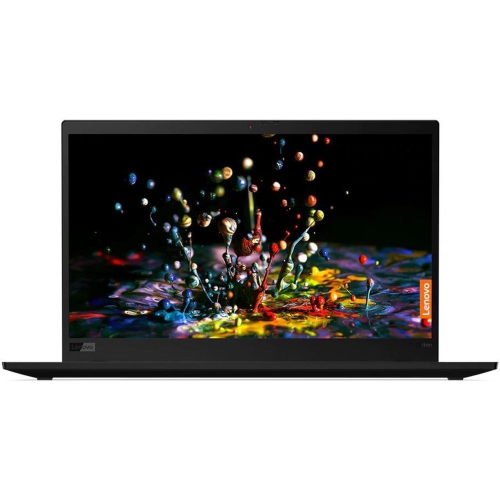
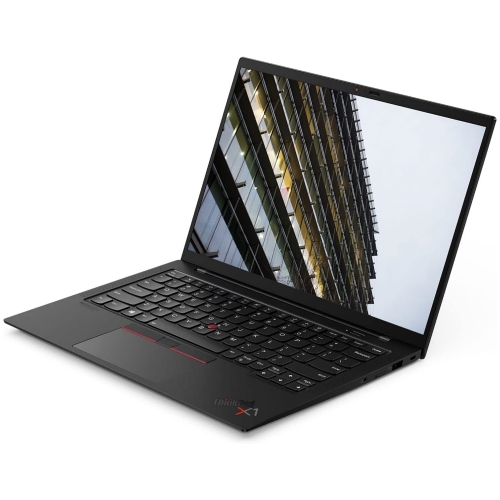
A thoughtful purchase also includes the details that shape everyday use. The keyboard should feel comfortable during long writing or coding sessions, with well-spaced keys and dependable feedback that makes it easier to work quickly without looking down. A responsive trackpad is important when a mouse is not available, while a docking station can turn a portable workstation into a more expansive desk setup with a full-size monitor, wired network connection, external keyboard, and additional accessories. Security features such as a fingerprint reader, facial recognition support, privacy controls, and business-oriented management options may be valuable for people handling confidential client information or workplace documents. Build quality matters for a computer that travels regularly, particularly when it is placed in a backpack alongside notebooks, chargers, and work materials. It is also worth checking charger size, warranty coverage, upgrade possibilities, and compatibility with the operating system and specialized applications before making a decision. A mobile workstation can be a practical gift for a graduate entering engineering, architecture, animation, computer science, or another technical field, as well as for a freelancer setting up a more capable home office. It may also suit a professional who needs to replace an aging computer but wants to avoid sacrificing mobility. For shoppers considering a smaller or more travel-focused business laptop alongside a workstation, the ThinkPad X1 Carbon Gen 10 category may provide a useful point of comparison, particularly when everyday productivity and low carry weight matter more than dedicated graphics or workstation-level expansion. During the warmer and cooler parts of the year alike, a well-matched mobile workstation can support focused work at home, in a shared office, or on the road, giving demanding users the performance, screen space, and connection options needed to keep projects moving.
Processing power is a central consideration when choosing a mobile workstation. Modern configurations may include advanced Intel Core Ultra processors, with higher-tier options offering more cores and greater headroom for demanding multitasking. This can be valuable when several professional applications are open at once, such as a design program, reference documents, communication tools, and a browser with multiple research tabs. Dedicated NVIDIA RTX graphics can accelerate compatible creative, technical, and visualization applications, making them a worthwhile consideration for users who work with rendered scenes, computer-aided design, animation, video timelines, or other graphics-intensive projects. Integrated graphics may be a sensible choice for lighter workloads, particularly when portability and battery flexibility take priority. Memory and storage deserve equal attention: ample RAM helps large projects and multiple applications remain responsive, while a fast NVMe solid-state drive can shorten start-up times and make large folders easier to access. A higher-capacity drive is useful for local video libraries, photo collections, design assets, virtual machines, and project archives, although many professionals also maintain a separate backup routine. Display selection can have a direct effect on comfort and precision. IPS panels are often a practical option for general professional work, while higher-resolution OLED screens can provide rich contrast and an especially immersive view for photography, video, design, and entertainment. Anti-glare treatment, brightness, colour accuracy, touch capability, and refresh rate should be weighed according to the working environment. Someone reviewing plans under bright office lighting may value a different display balance than a creator working in a dim studio. A full-size SD card reader, HDMI output, USB-A connectivity, and Thunderbolt ports can also reduce the need for adapters when connecting cameras, projectors, storage devices, docks, or multiple monitors.
A thoughtful purchase also includes the details that shape everyday use. The keyboard should feel comfortable during long writing or coding sessions, with well-spaced keys and dependable feedback that makes it easier to work quickly without looking down. A responsive trackpad is important when a mouse is not available, while a docking station can turn a portable workstation into a more expansive desk setup with a full-size monitor, wired network connection, external keyboard, and additional accessories. Security features such as a fingerprint reader, facial recognition support, privacy controls, and business-oriented management options may be valuable for people handling confidential client information or workplace documents. Build quality matters for a computer that travels regularly, particularly when it is placed in a backpack alongside notebooks, chargers, and work materials. It is also worth checking charger size, warranty coverage, upgrade possibilities, and compatibility with the operating system and specialized applications before making a decision. A mobile workstation can be a practical gift for a graduate entering engineering, architecture, animation, computer science, or another technical field, as well as for a freelancer setting up a more capable home office. It may also suit a professional who needs to replace an aging computer but wants to avoid sacrificing mobility. For shoppers considering a smaller or more travel-focused business laptop alongside a workstation, the ThinkPad X1 Carbon Gen 10 category may provide a useful point of comparison, particularly when everyday productivity and low carry weight matter more than dedicated graphics or workstation-level expansion. During the warmer and cooler parts of the year alike, a well-matched mobile workstation can support focused work at home, in a shared office, or on the road, giving demanding users the performance, screen space, and connection options needed to keep projects moving.
Top selling and popular products
-
 Your price for this item is $449
 -
 Your price for this item is $3099
 -
 Your price for this item is $664.05
 -
 Your price for this item is $599.68
 -
 Your price for this item is $418.98
 -
 Your price for this item is $999.95
 -
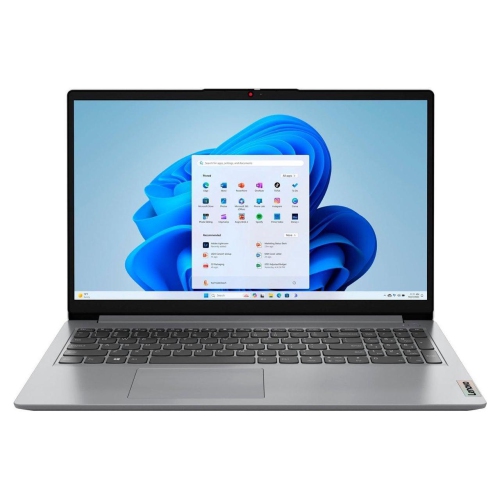 Your price for this item is $749.99
 -
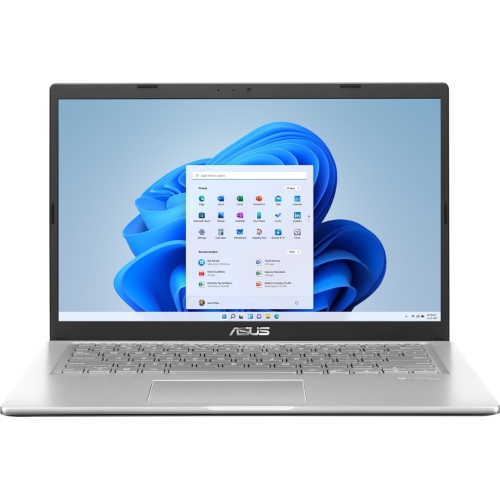 Your price for this item is $399.99
Discover more categories related to Thinkpad P1
Top Collections:
Pokemon Centers, Best Budget Office Chairs, Budget 4K TVs, Kindle Devices, Best Laptops for Writers, Canon G7X Cameras, Apple iPhones 16, iPhone 15 Apple, Laptops for Business Work, Xiaomi Phones
Some products may be subject to Environmental Handling Fees
(EHF) depending on your province.
Learn more about EHFs.