Tiny Computers
Looking for powerful performance in a compact package? Our selection of tiny computers offers big possibilities in a small form factor. Whether you're tight on space or simply prefer a minimalist setup, these pint-sized powerhouses pack a punch when it comes to handling everyday tasks, gaming, or creative projects. Discover the convenience and efficiency of these sleek and space-saving devices that deliver impressive performance without compromising on features.
Sort

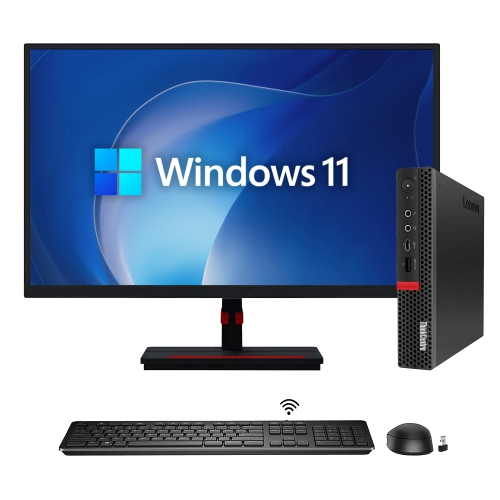
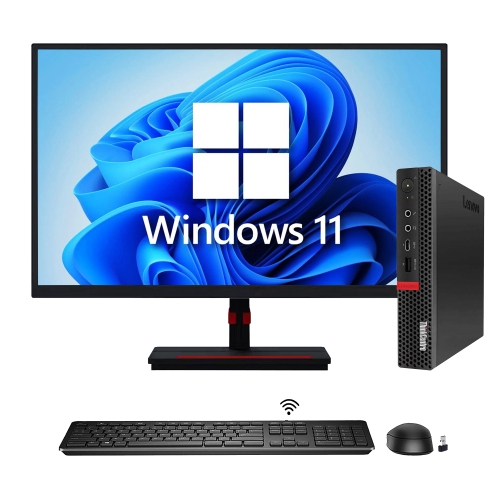
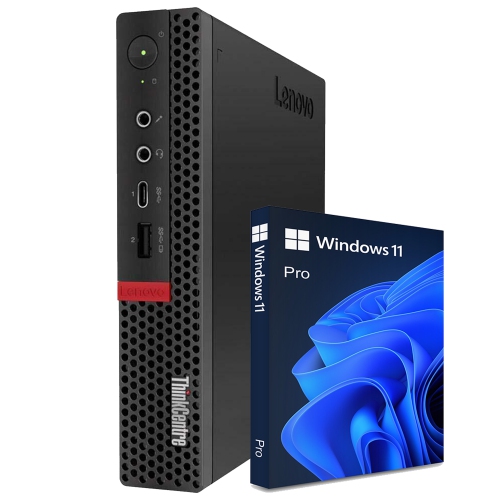
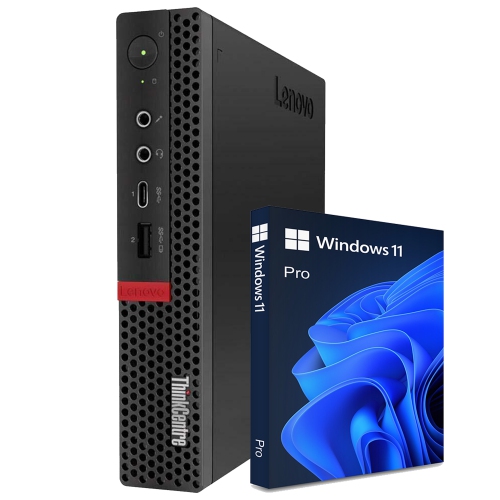
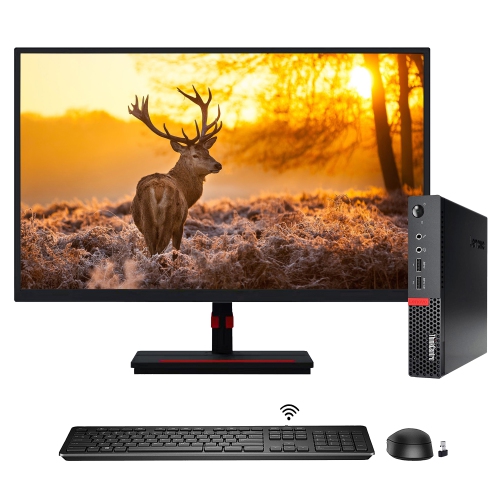
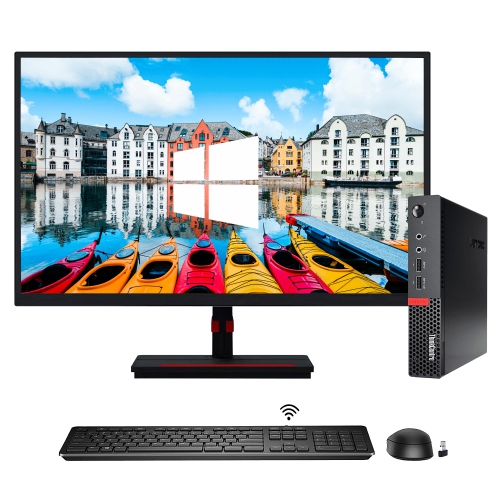
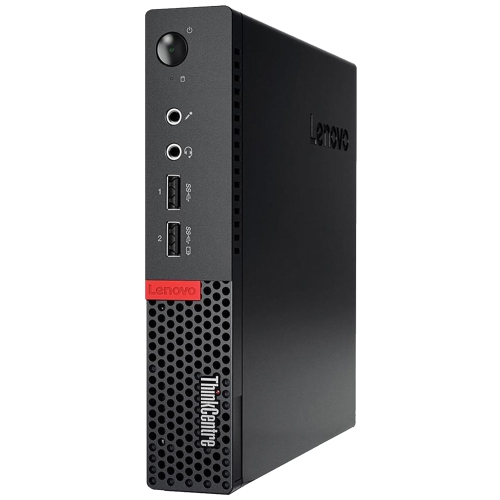
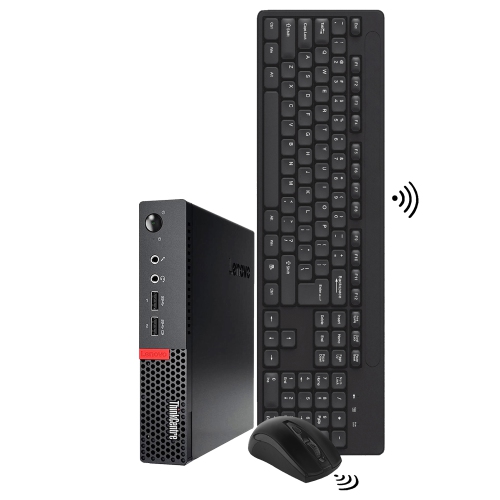
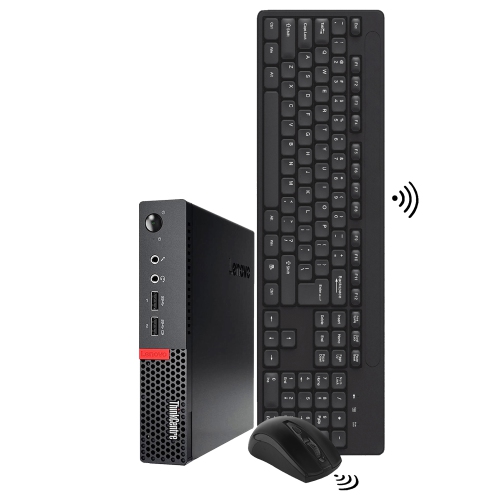
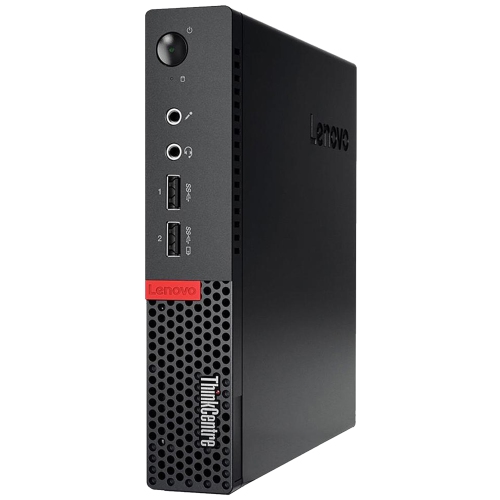
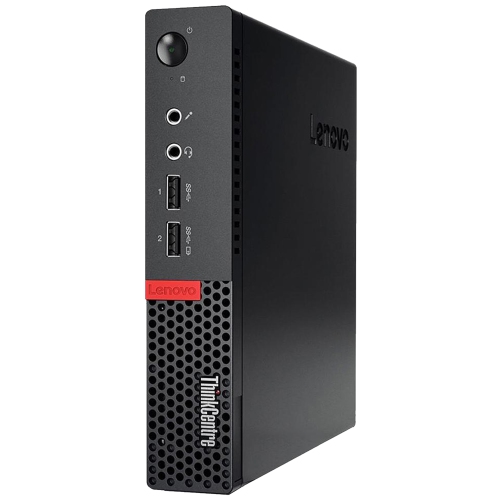
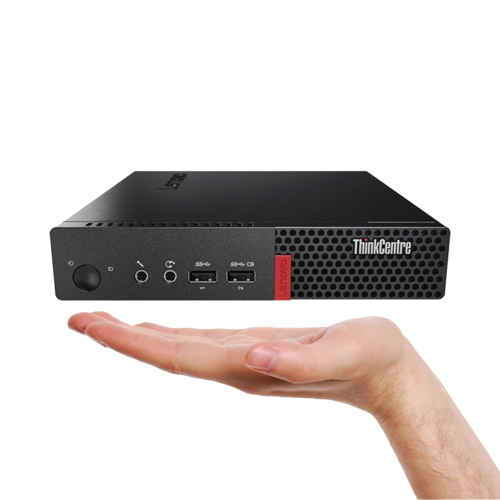

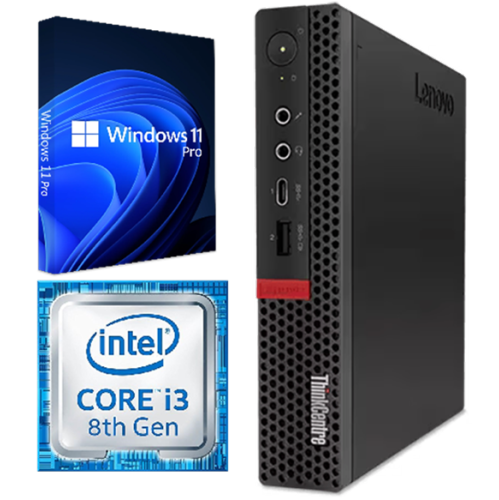
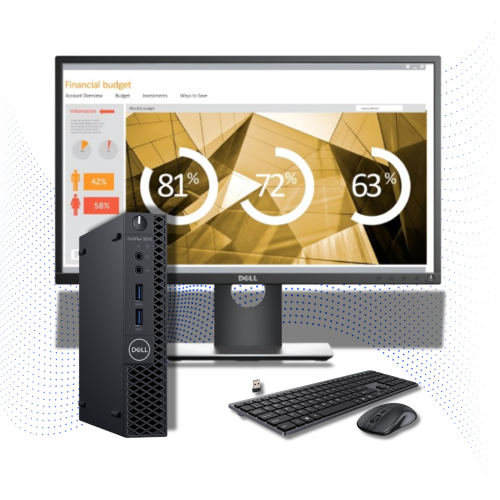
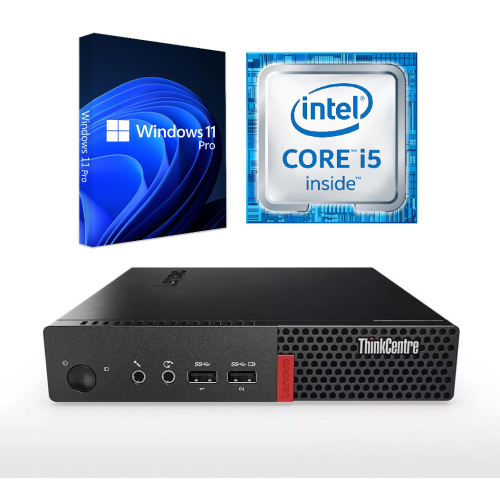
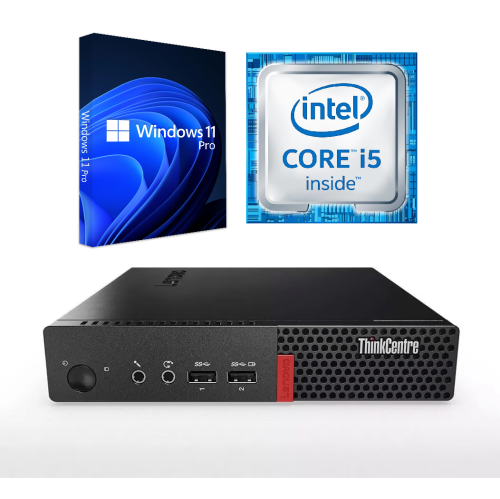
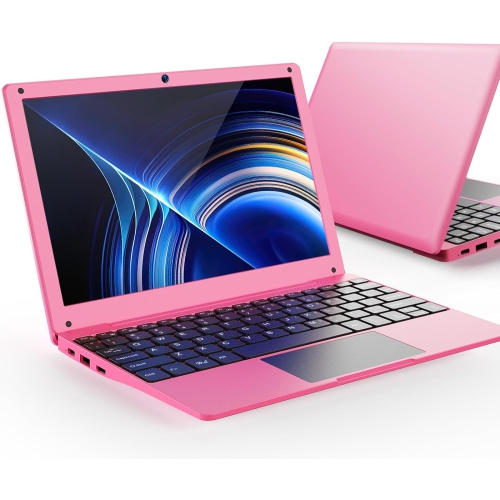
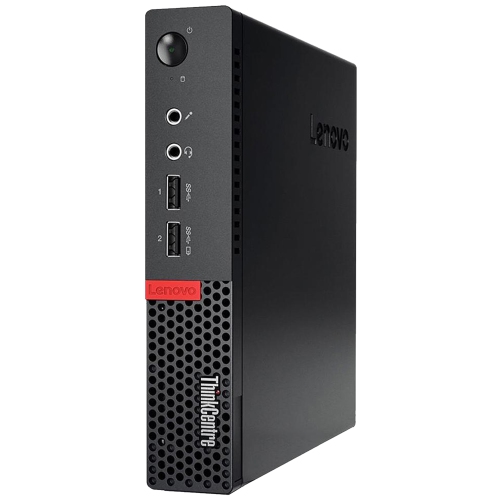
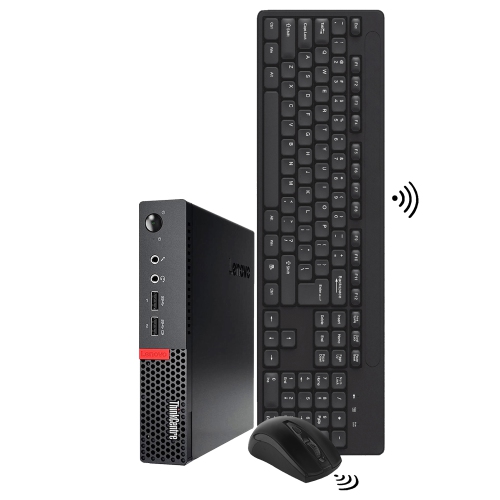
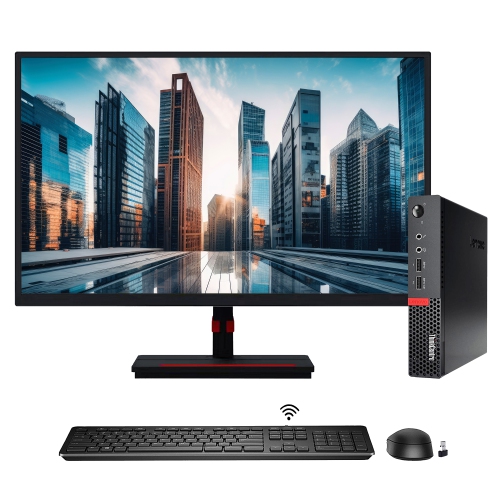
Compact performance for flexible work, study and entertainment
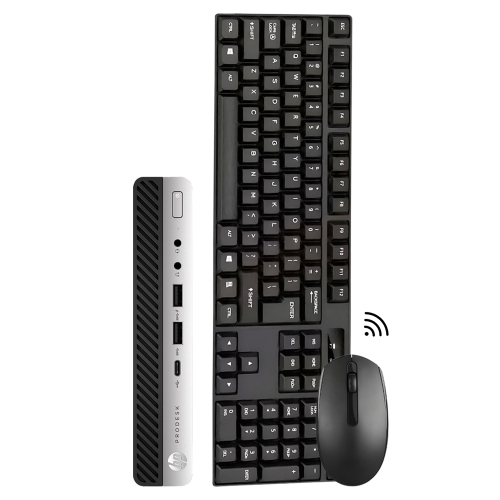
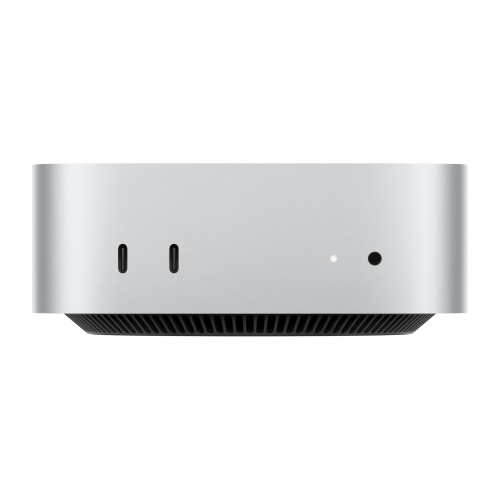
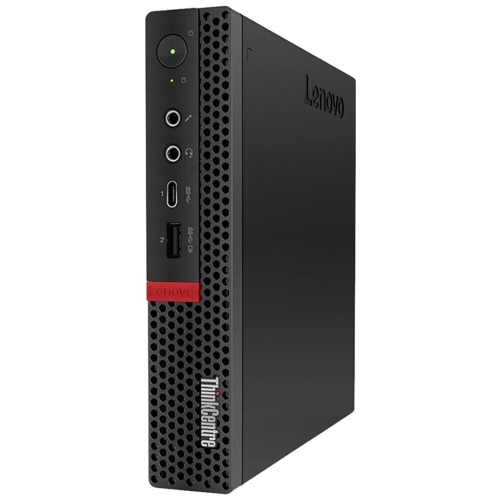
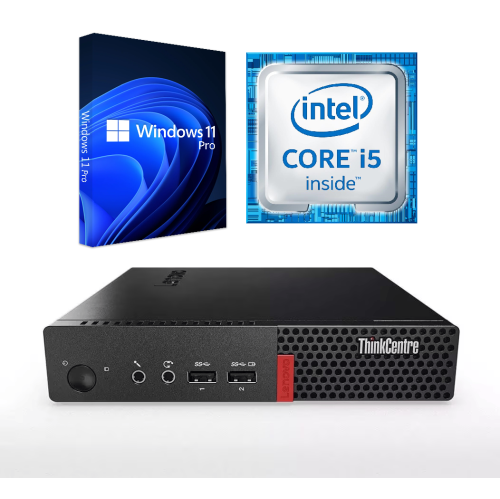
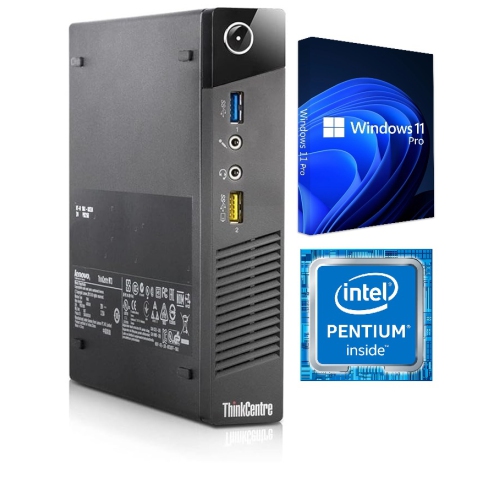
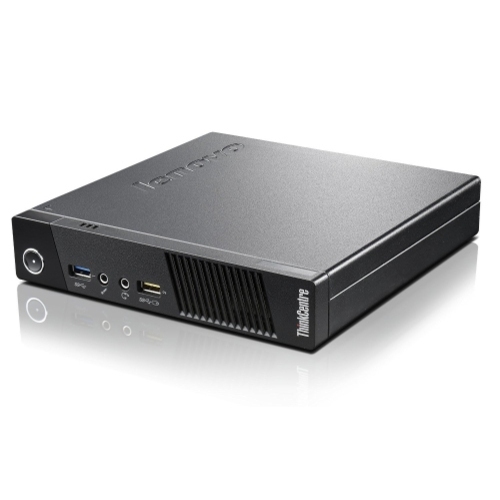
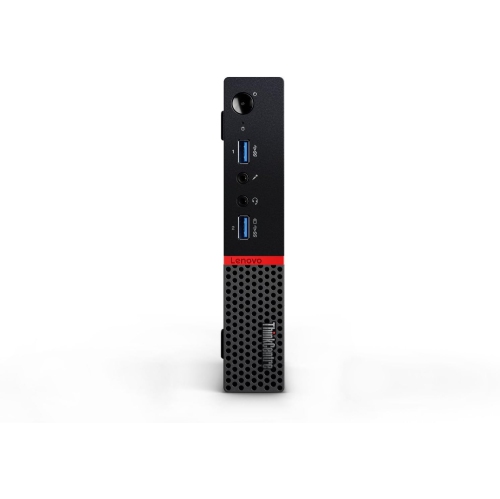
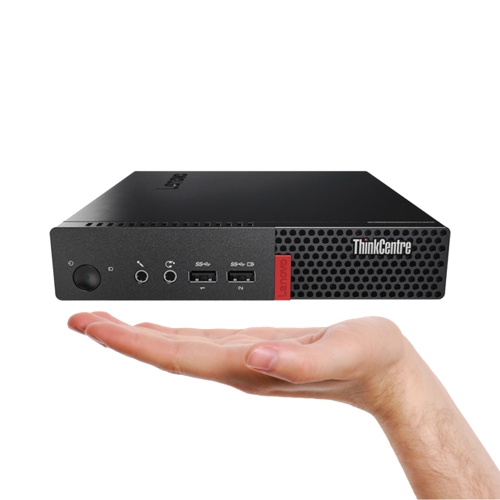
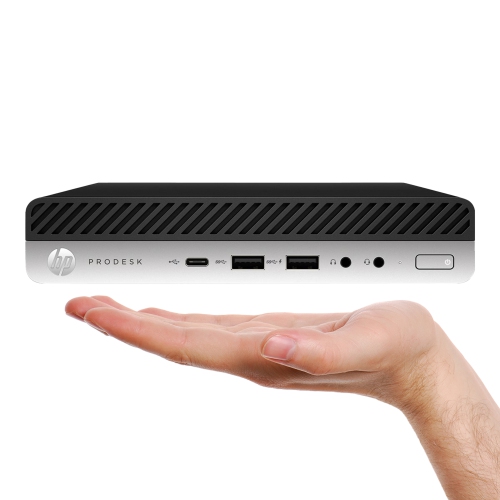
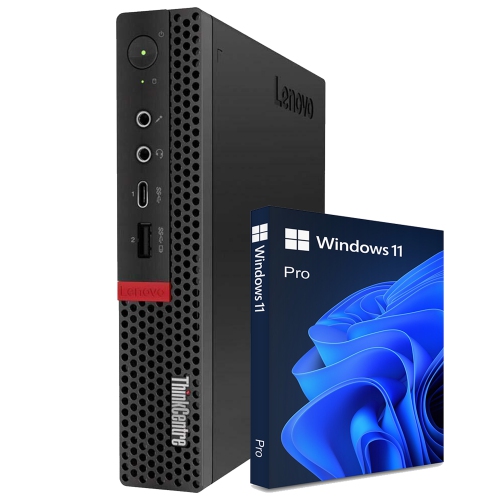
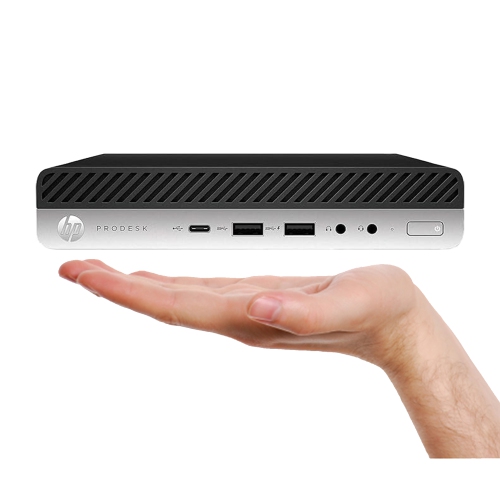
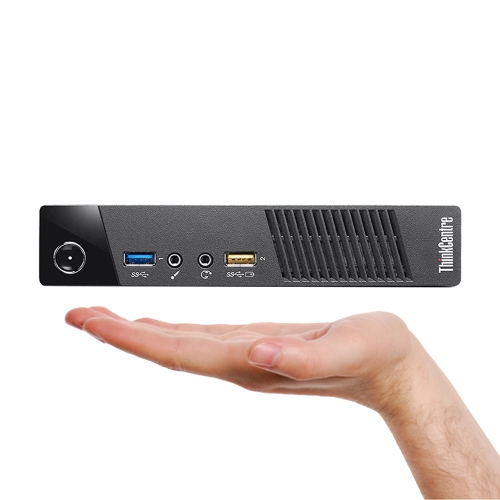
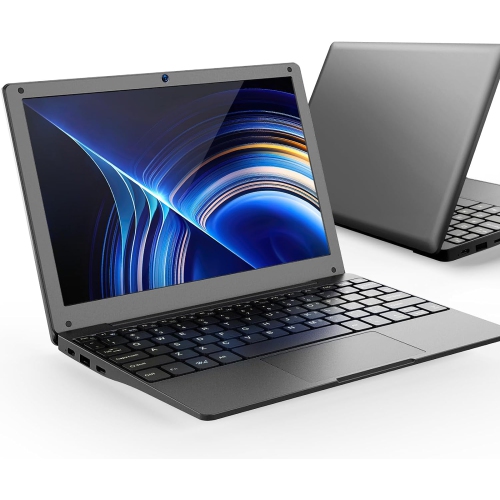
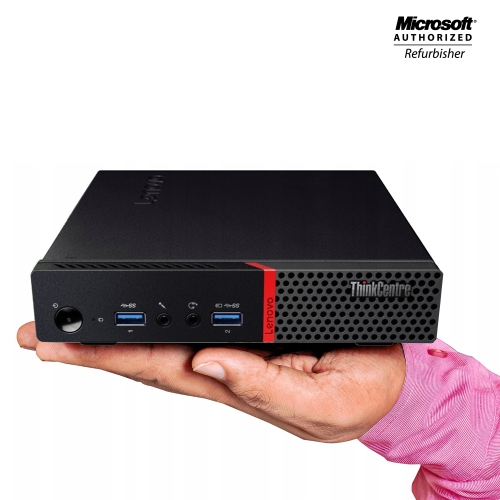
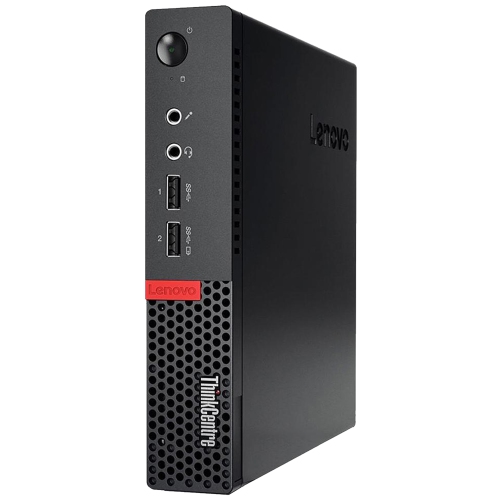
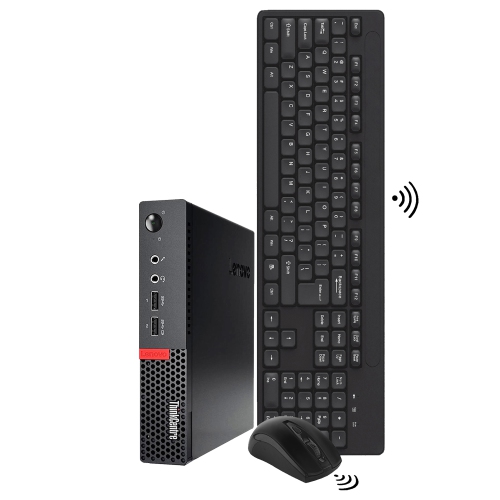
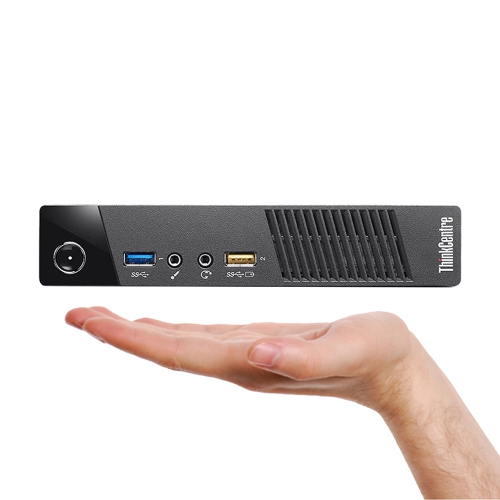
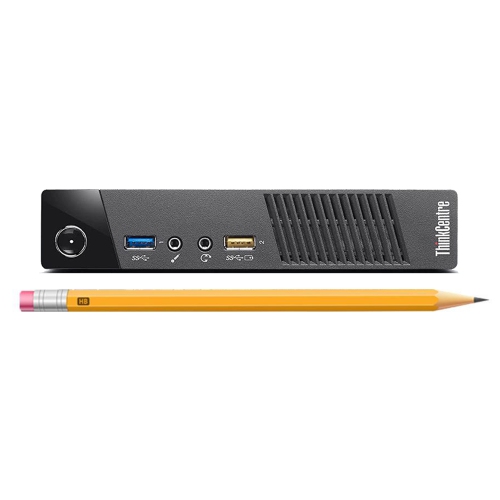
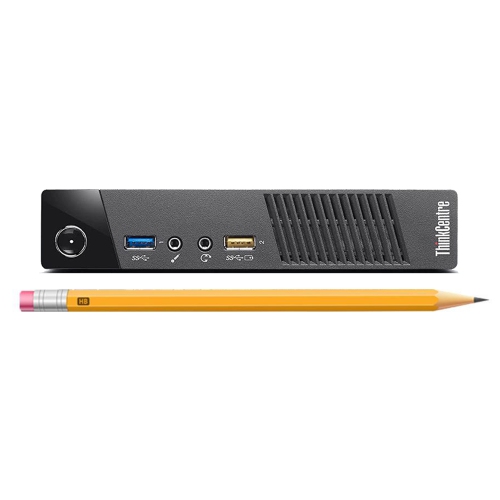
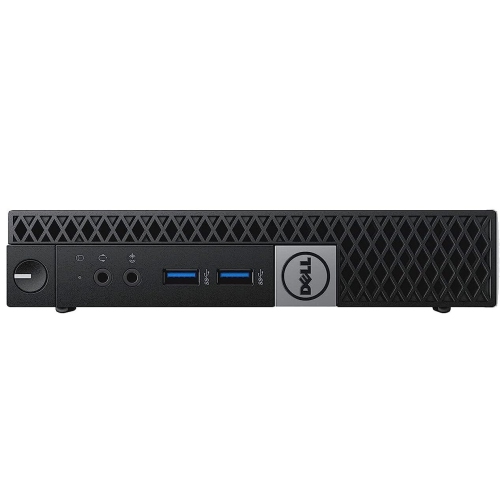
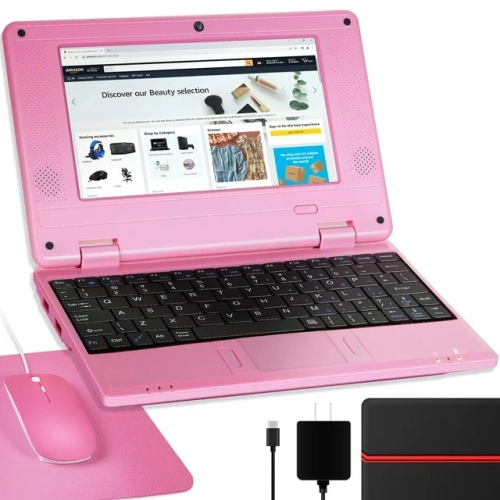
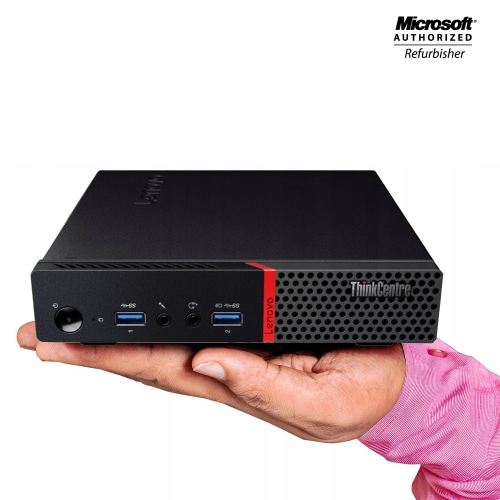
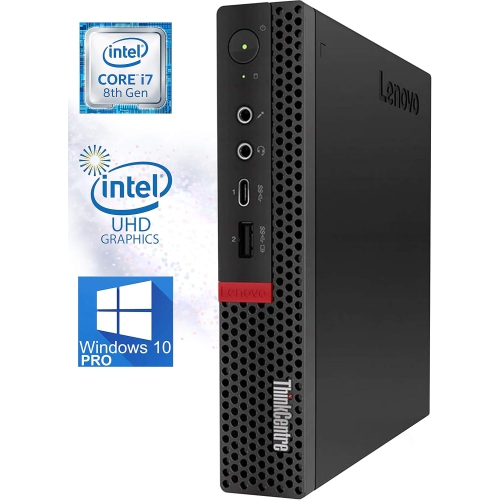
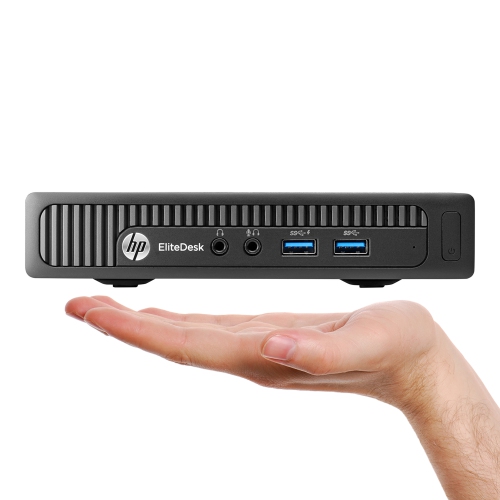
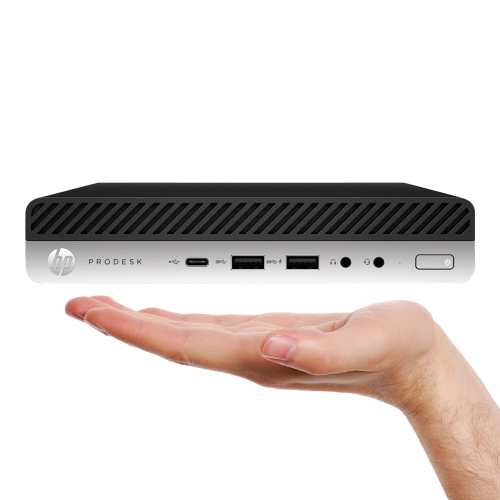
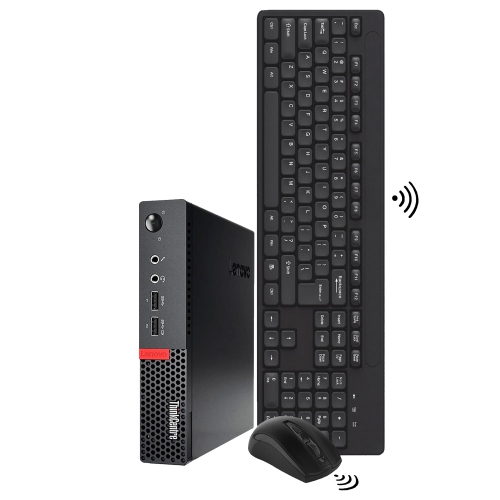
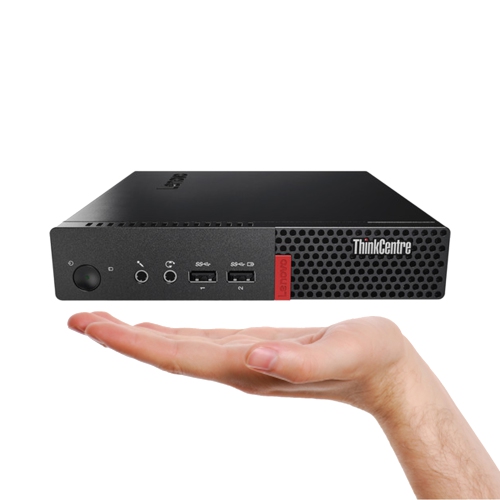
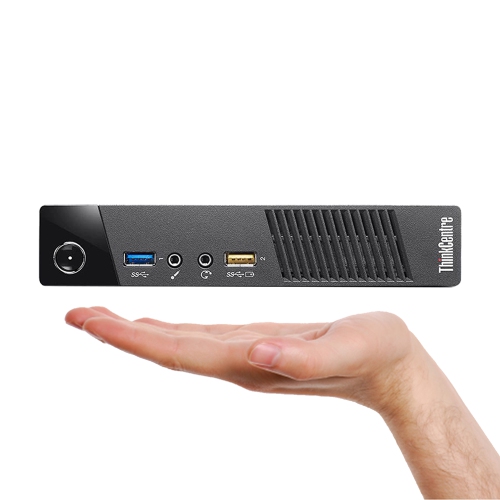
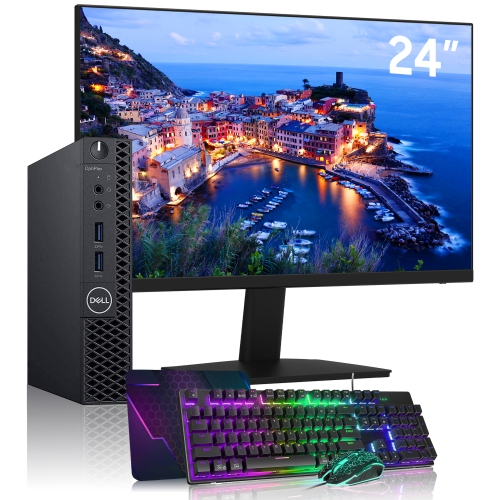
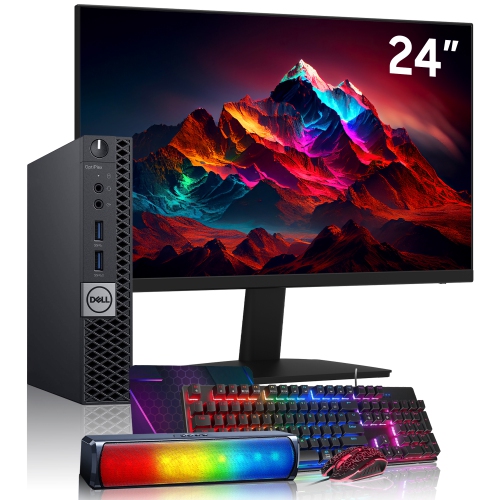
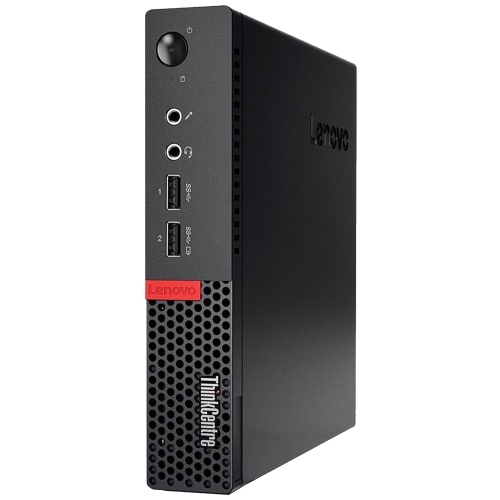
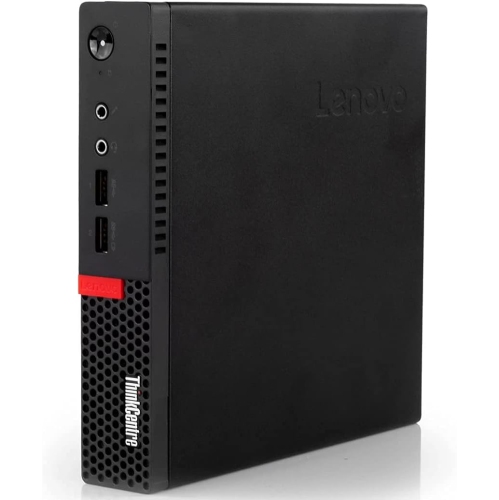
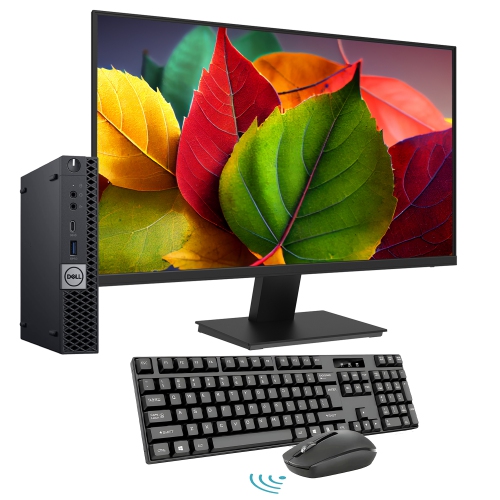
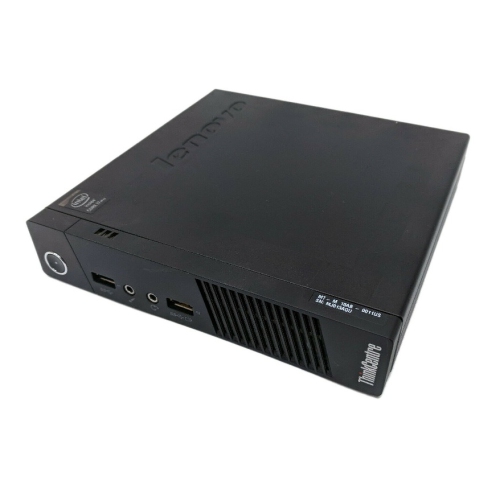
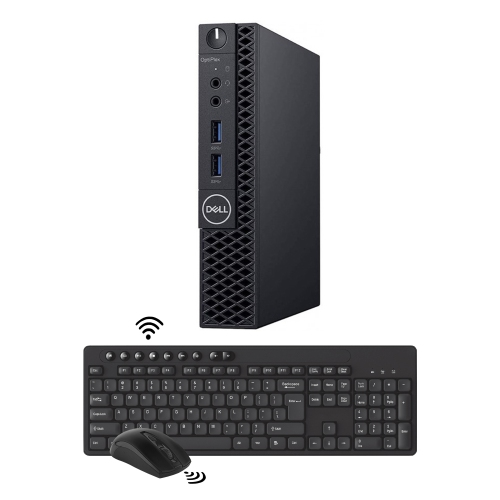
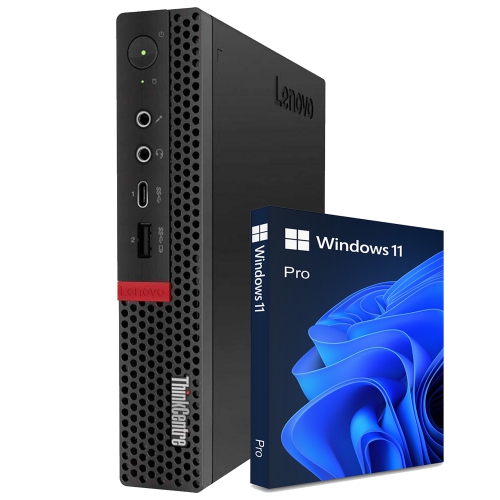
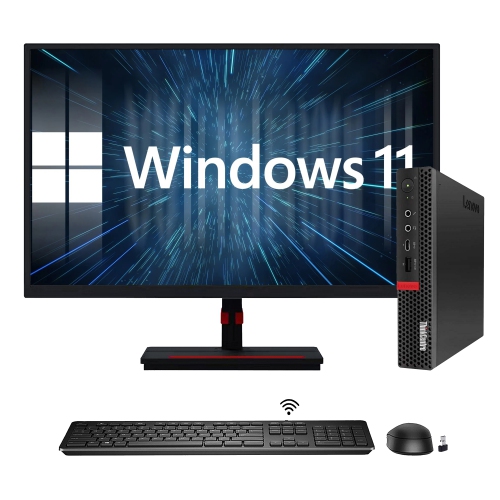
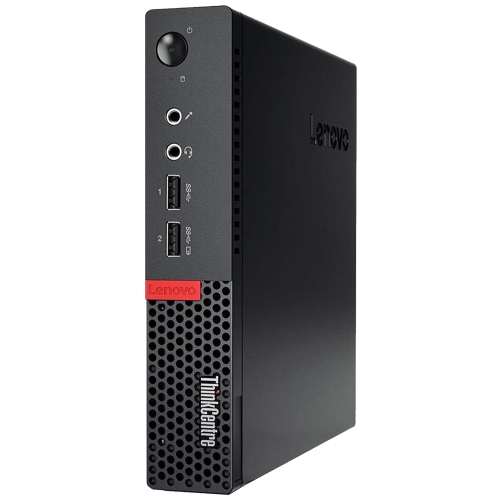
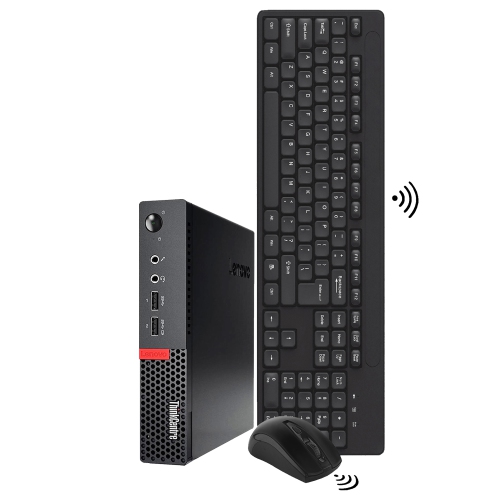
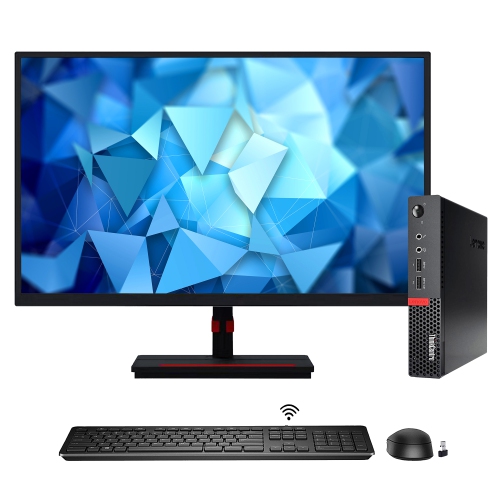
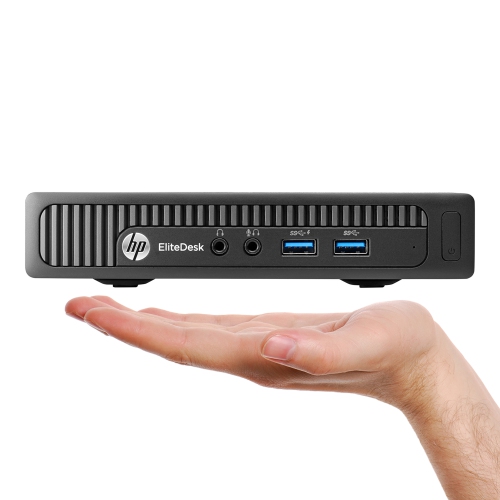
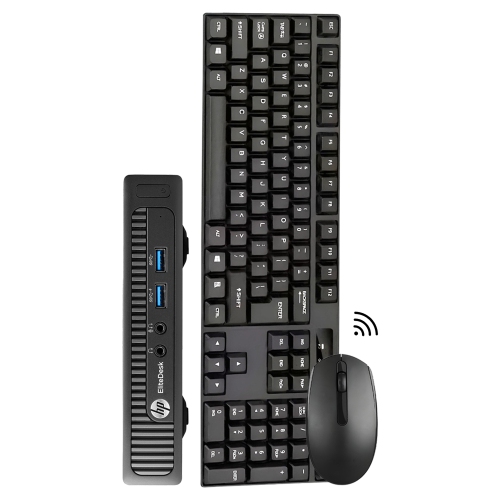
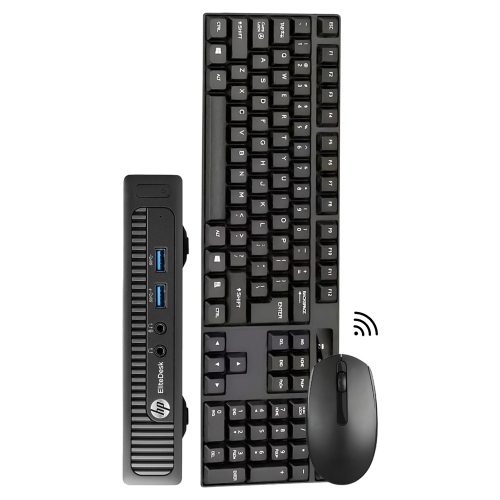
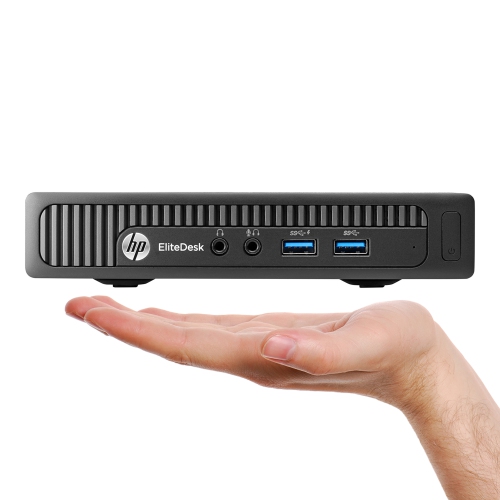
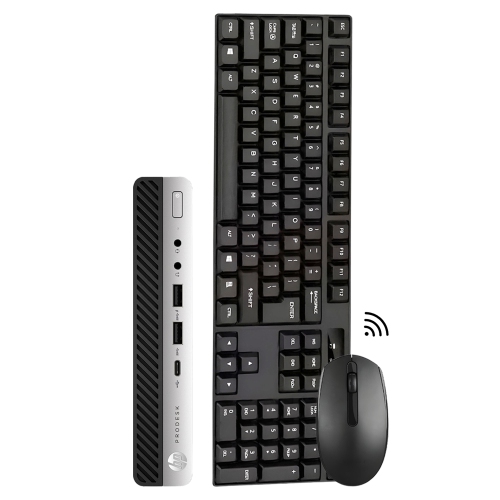
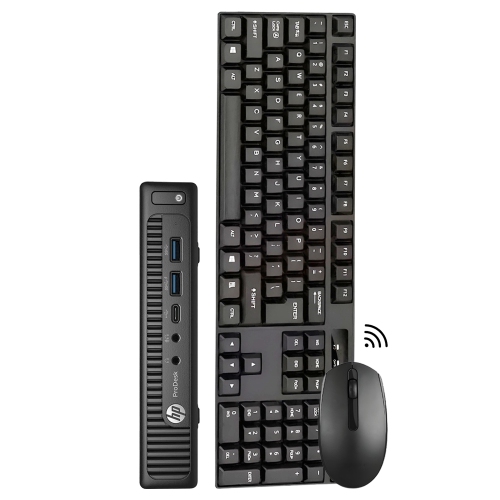
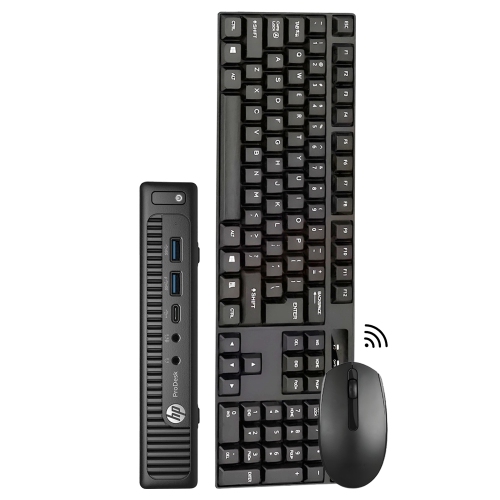
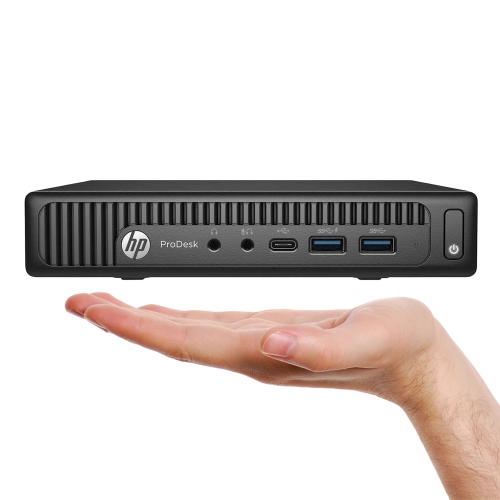
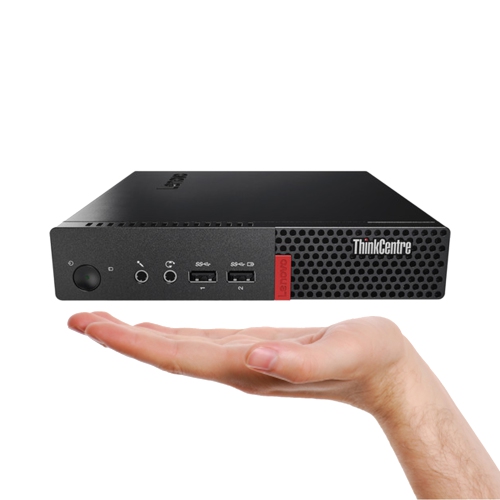
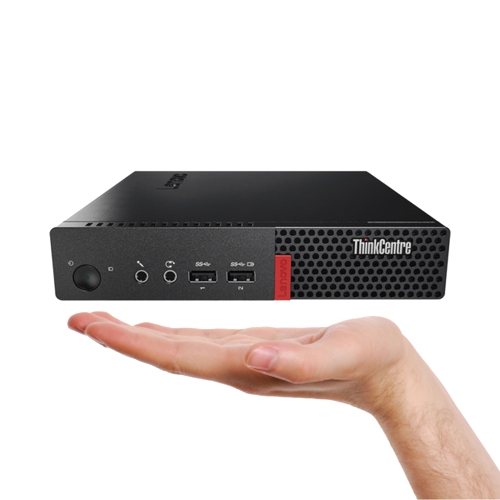
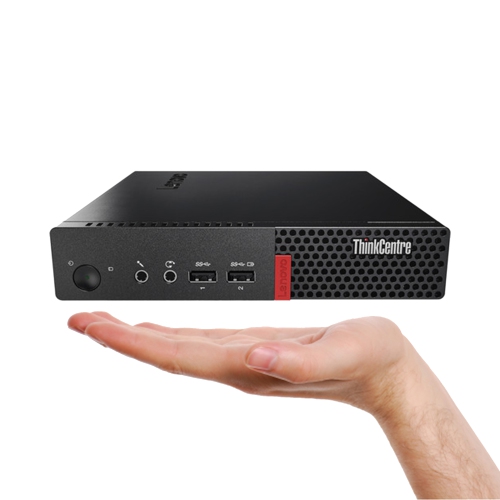
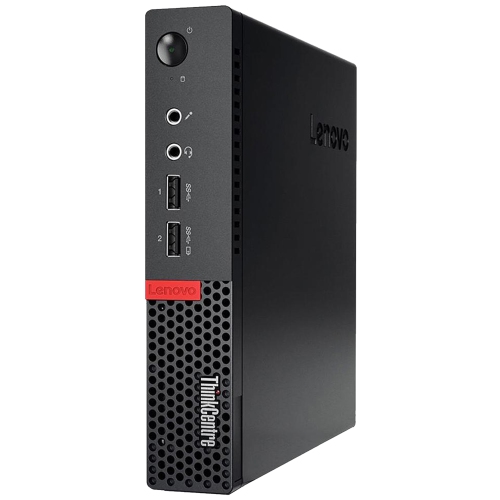
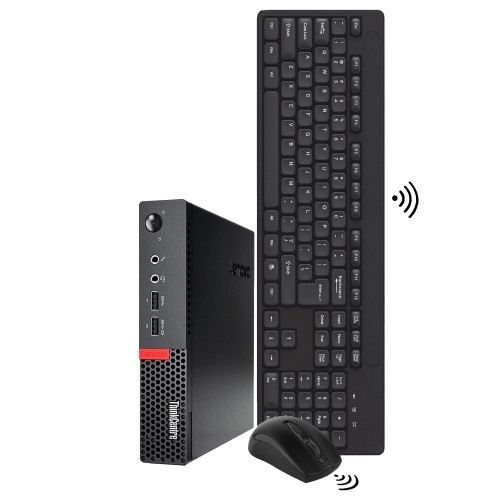
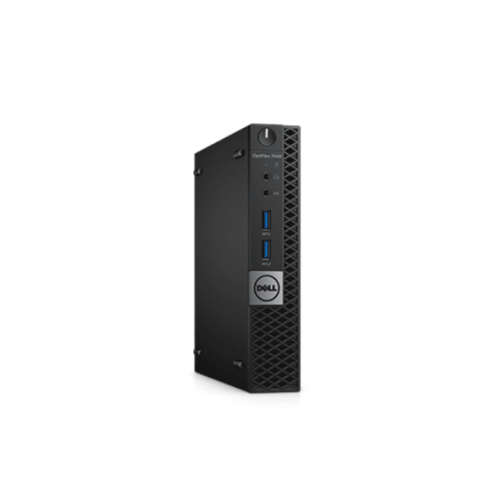
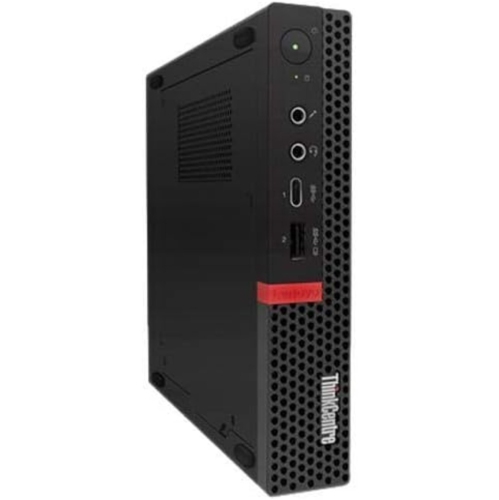
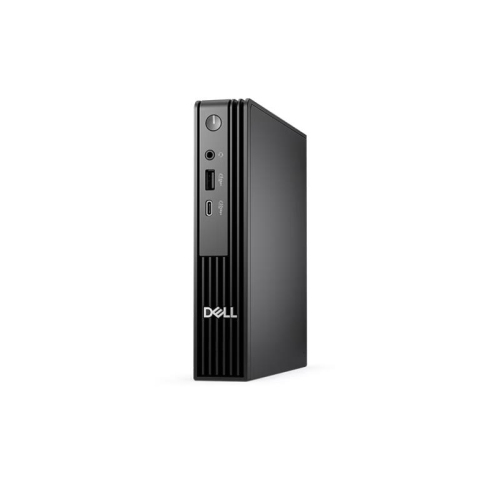
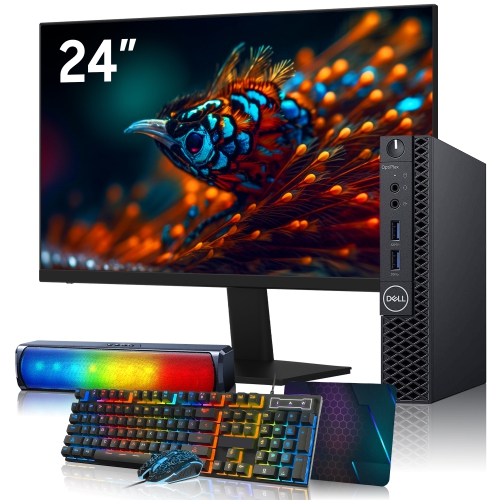
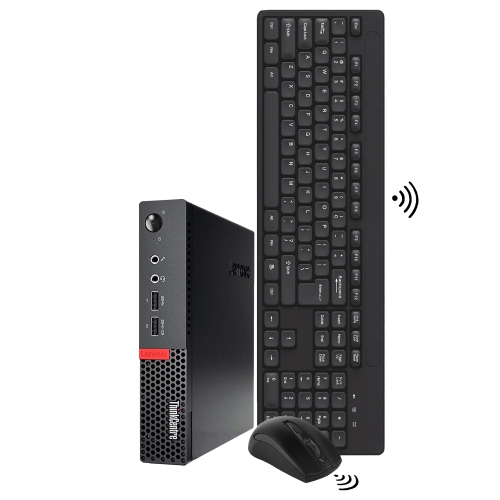
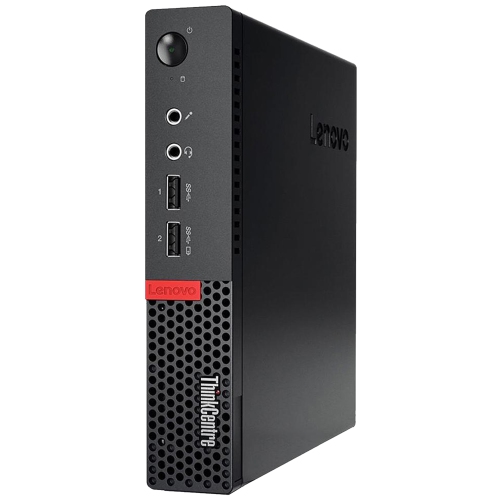
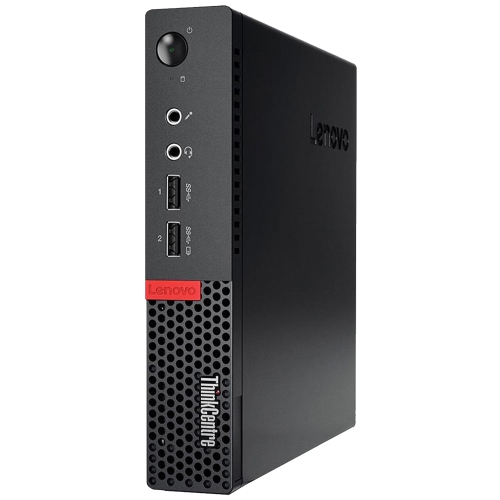
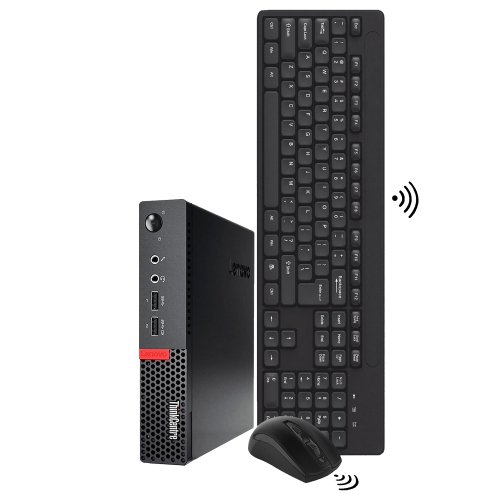
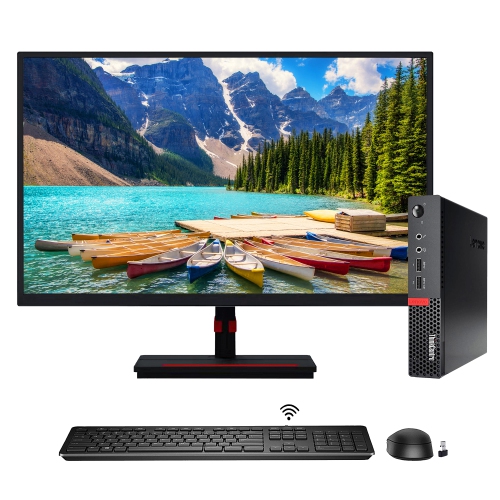
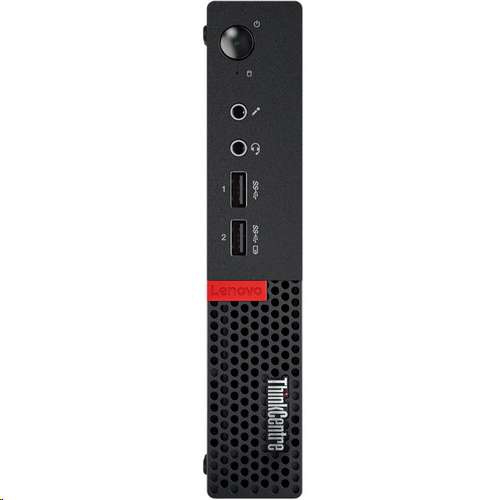
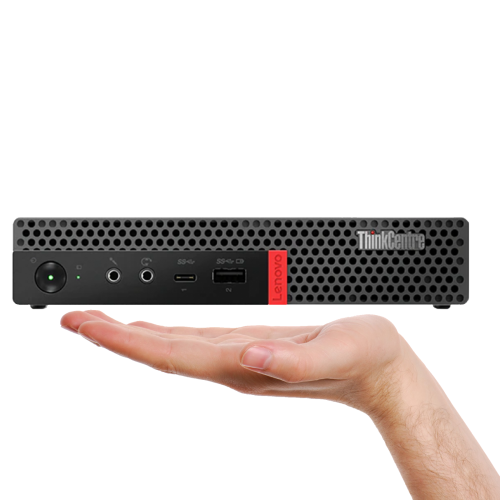
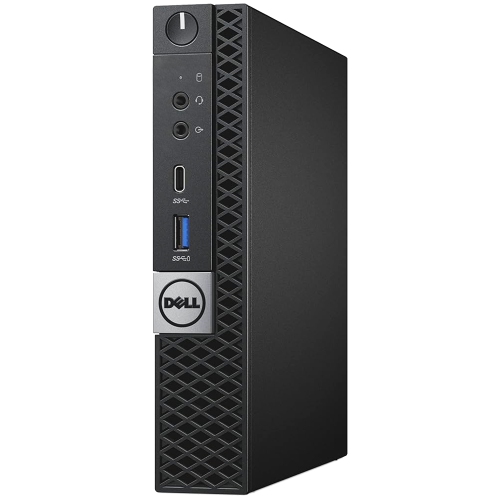
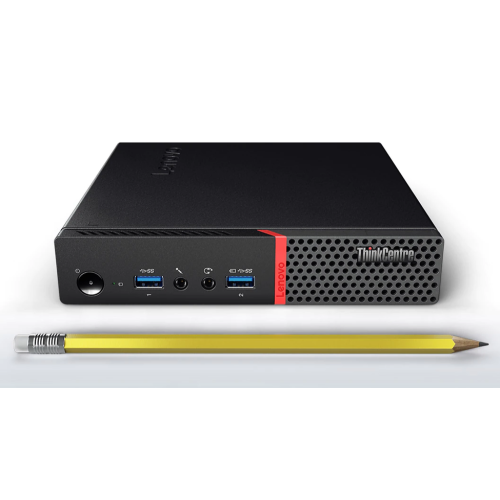
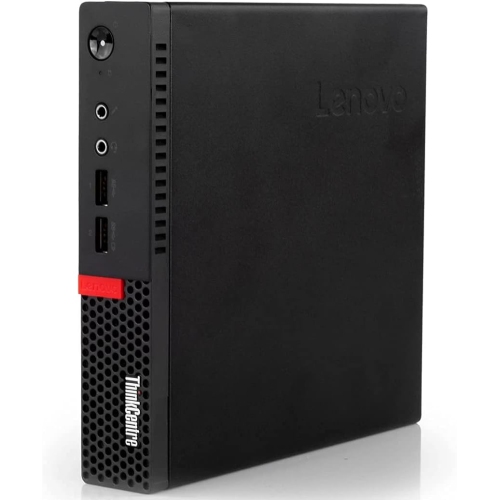
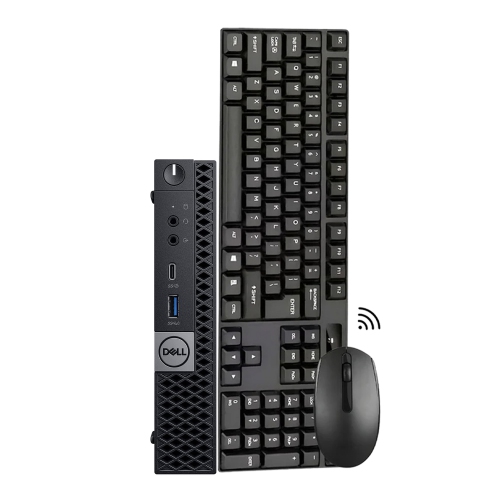
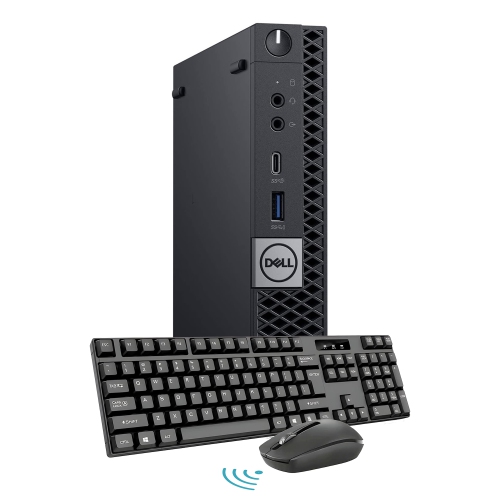
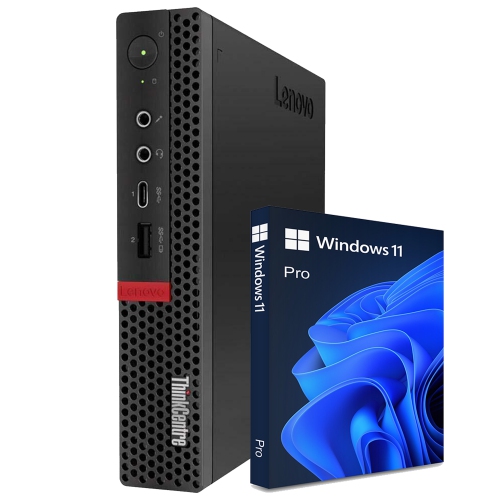
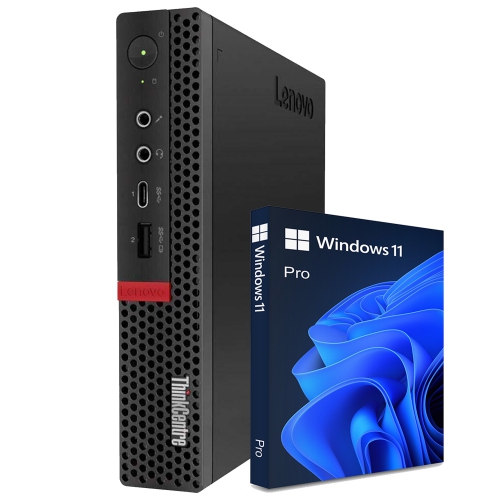
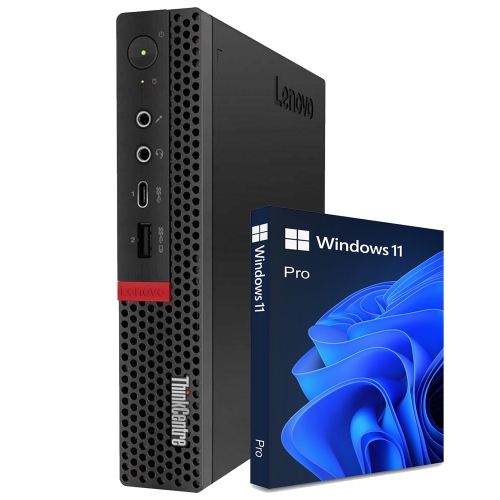
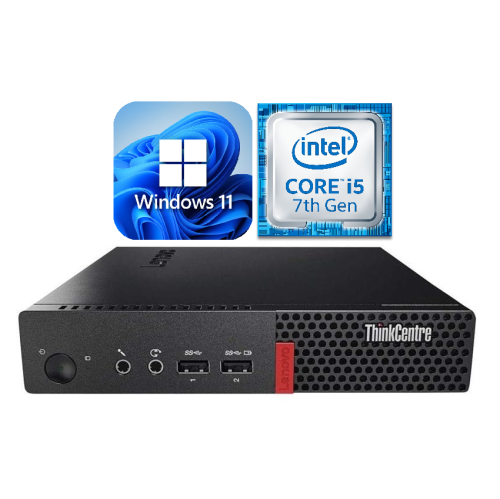
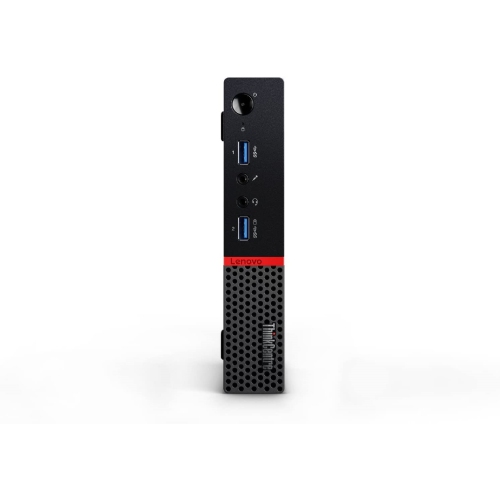
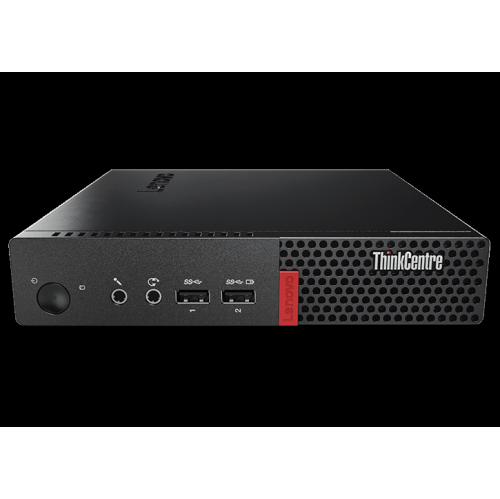
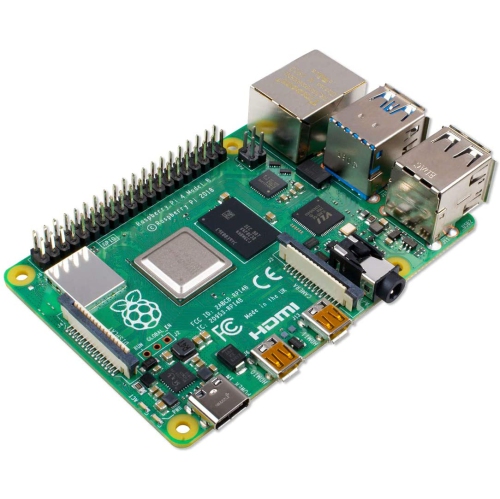
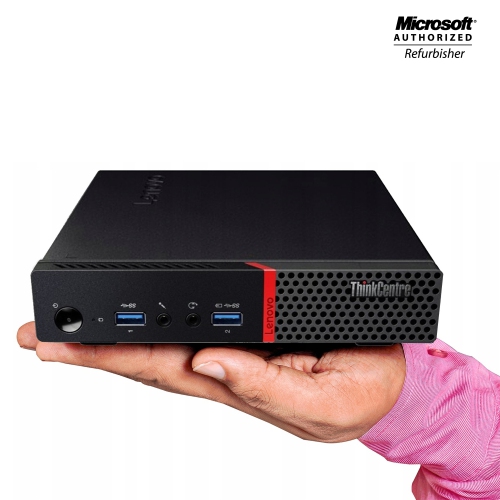
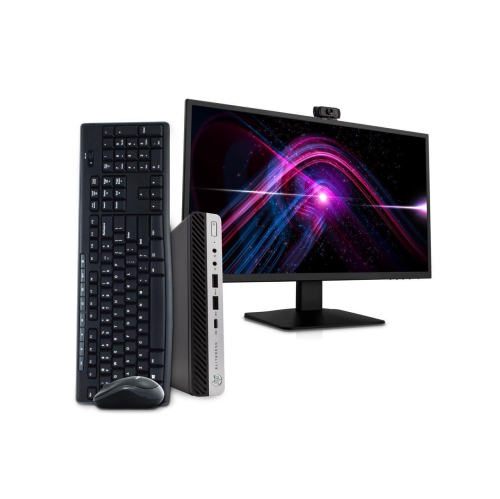
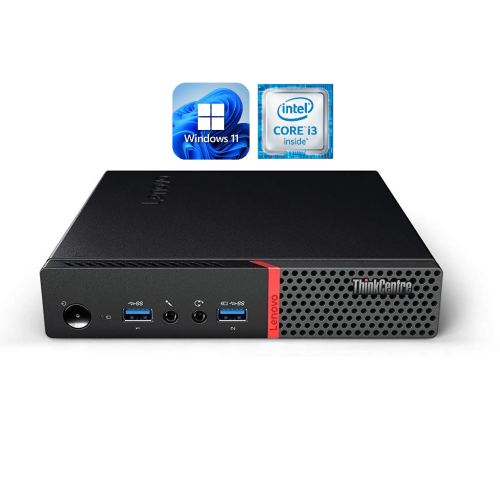
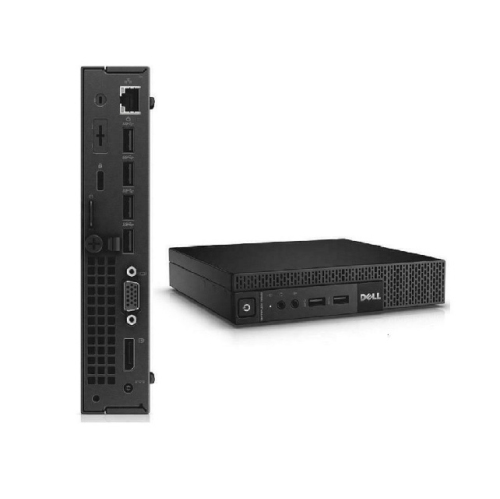
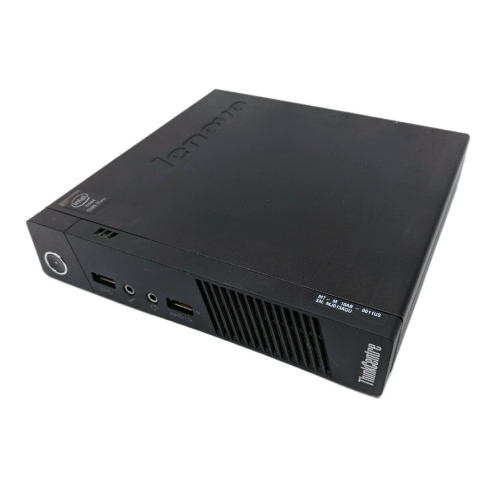
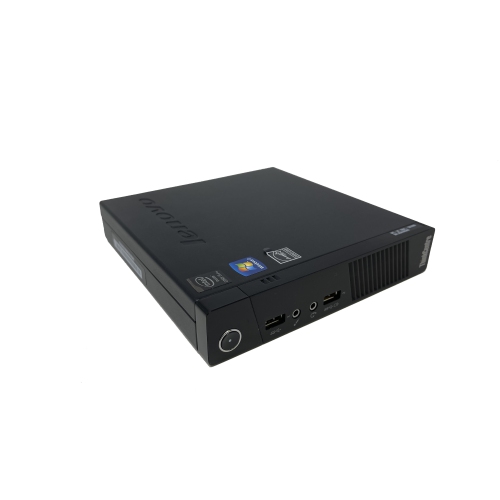
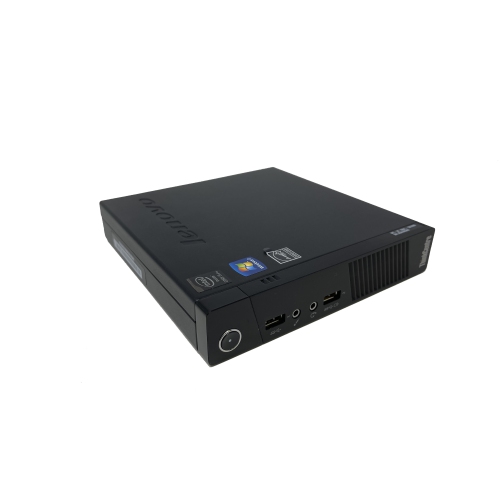
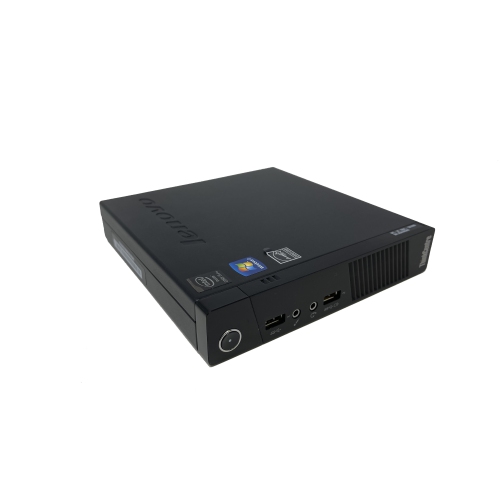
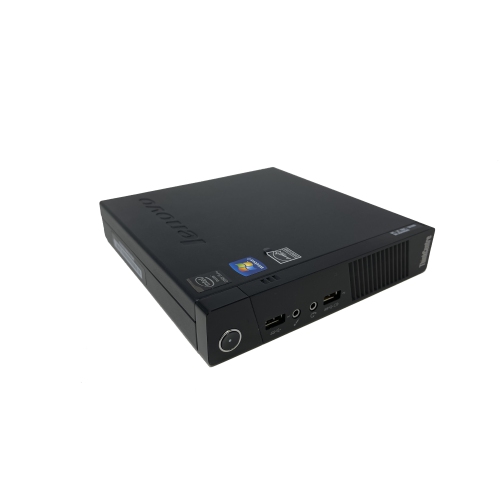
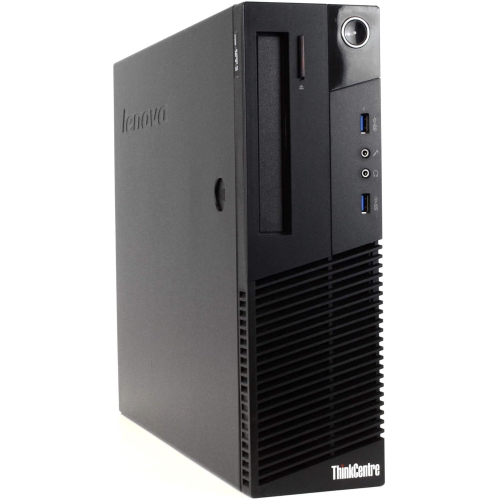
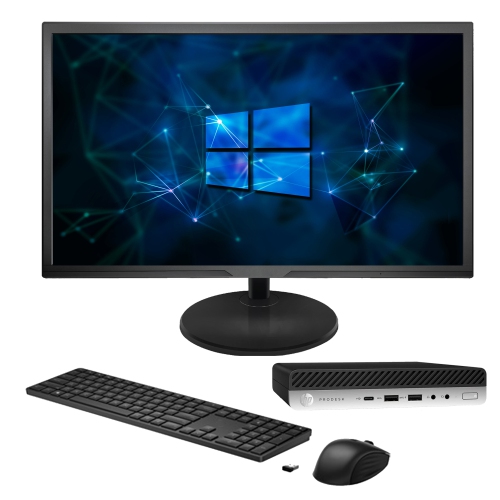
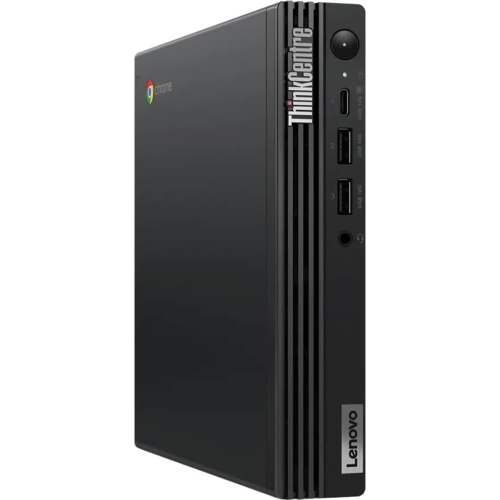
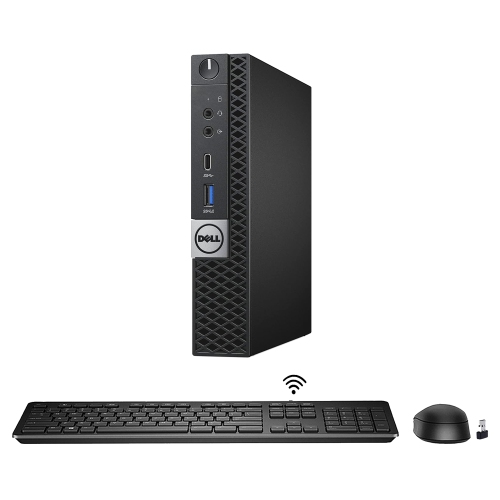
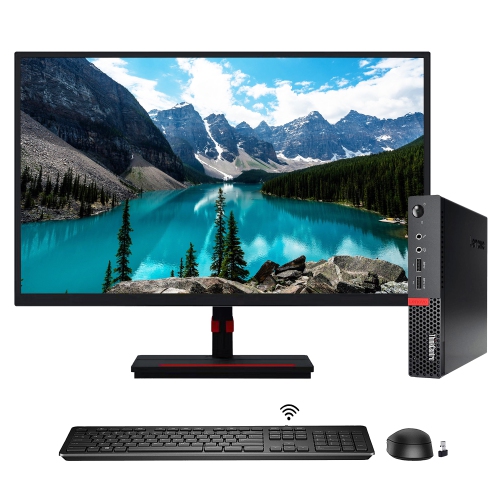
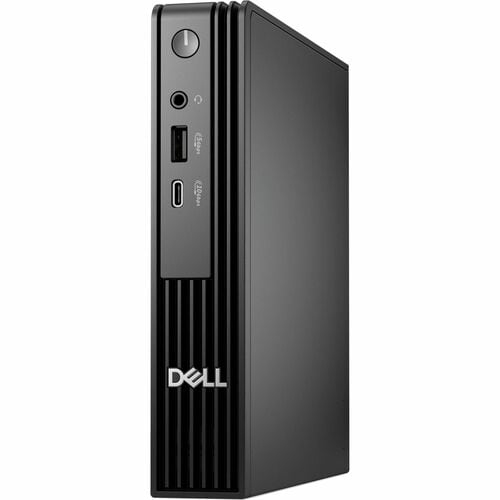
Tiny computers, often called mini PCs or compact desktop computers, bring the essential parts of a traditional computer into a much smaller enclosure. They can be small enough to sit in the palm of your hand, tuck beside a monitor, or mount discreetly behind a display with a compatible VESA bracket. Despite their modest footprint, these systems are designed to provide a complete desktop experience, with a processor, memory, storage, operating system and a selection of ports built into one compact unit. That makes them a practical choice for home offices, study areas, entertainment spaces, reception desks and other rooms where a full-size tower would take up valuable surface area. A tiny computer can turn a narrow desk into a comfortable workstation: connect it to a monitor, add a keyboard and mouse, and the space beneath the screen remains open for notebooks, speakers or a cup of coffee. In a family room, it can provide access to streaming services, web browsing and shared files without making the television area feel like a conventional office. During the cooler months, when more time may be spent indoors, a compact computer can also serve as a quiet hub for catching up on correspondence, organizing digital photos, attending video calls or enjoying online entertainment. These computers can be especially useful for students, apartment dwellers, remote workers and anyone who prefers a tidy, flexible setup. They may also make a thoughtful gift for a learner setting up a first study station, a relative who wants a straightforward home computer, or a creative hobbyist who needs a dependable starting point for digital projects. Because the computer itself does not include a built-in screen, check whether the recipient already has a monitor or plan to add one that matches the intended use.
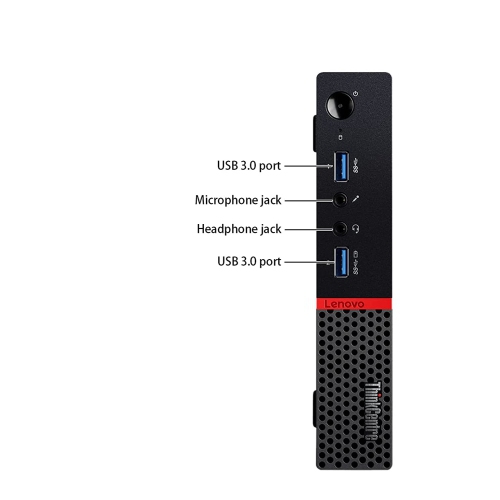
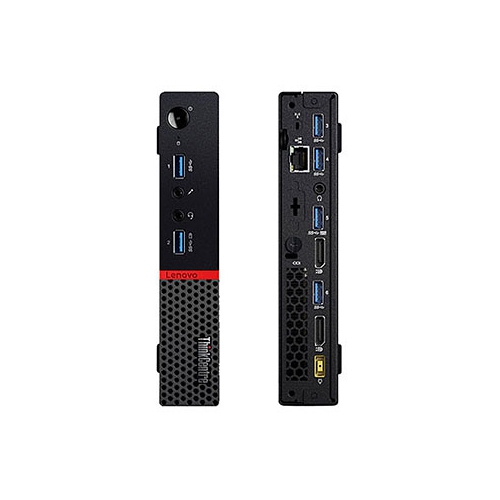
Performance should be matched to the work rather than judged by size alone. For everyday tasks such as browsing, email, word processing, online banking and video calls, look for a modern multi-core processor, sufficient memory for running several applications and a solid-state drive that helps programs start quickly. A system with 8GB of RAM can suit basic use, while 16GB or more may provide a smoother experience for heavier multitasking, large spreadsheets, photo management and development tools. Storage needs vary as well: a smaller solid-state drive may be suitable when most files are kept in cloud storage or on external drives, while a larger capacity is helpful for downloaded media, software libraries and extensive photo collections. More advanced tiny computers may include higher-performance processors and stronger integrated graphics, making them suitable for light gaming, basic video editing, software development, virtual machines and other demanding workloads. Dedicated graphics are less common in very compact designs, so check the graphics capabilities and supported resolutions before expecting a system to handle modern games or intensive creative applications. Display support is another important detail. If you plan to use two monitors for research, spreadsheets or a home office, confirm the number and type of available video outputs, such as HDMI, DisplayPort or USB-C. Ports also shape day-to-day convenience: USB connections are useful for storage, webcams and accessories, while wired Ethernet can provide a dependable network connection for large downloads or streaming. Many models include Wi-Fi and Bluetooth, but the standard supported by the computer and your home network can affect connection speed and accessory compatibility. If built-in cellular connectivity is a priority for a location without dependable Wi-Fi, browse Cellular Computers for systems designed around mobile network access. Also consider the operating system, included power adapter, mounting hardware, warranty coverage and upgrade options. Some compact computers allow the memory or storage to be replaced later, while others are designed with fewer user-serviceable components.
The best tiny computer is one that fits naturally into the way you already live and work. Before choosing, make a simple list of the applications and accessories that matter most. A student may need a comfortable setup for research, document editing and video lectures; a home-office user may value quiet operation, multiple monitor support and easy access to a webcam; a media enthusiast may prioritize 4K video output, fast wireless networking and enough storage for downloaded content. Someone building a digital signage system, point-of-sale station or workshop computer may care more about compact mounting options, reliable ports and continuous operation. Check the physical dimensions carefully, especially if the computer will share a shelf, sit behind a display or fit inside a media cabinet. Leave room for ventilation, since even a small computer needs airflow around its vents to manage heat. It is also worth considering how many peripherals will be connected at once. A USB hub can add flexibility, but choosing a computer with the right ports from the beginning keeps the workspace simpler. For families, parental controls and separate user accounts can help keep personal files organized. For work, security updates, password protection and regular backups are essential, whether files are stored locally or online. A tiny computer can be moved from room to room more easily than a full tower, but it is still best to establish one dependable location with comfortable seating, suitable lighting and a stable power connection. Picture a compact workstation on a corner desk: the monitor is the visual centre, the computer is nearly invisible behind it, and a single cable manages the connection while the rest of the surface remains clear. That quiet efficiency is the appeal of this category. With the right processor, memory, storage, connections and display support, a tiny computer can provide capable performance for everyday computing while fitting into spaces where a conventional desktop simply would not.
Performance should be matched to the work rather than judged by size alone. For everyday tasks such as browsing, email, word processing, online banking and video calls, look for a modern multi-core processor, sufficient memory for running several applications and a solid-state drive that helps programs start quickly. A system with 8GB of RAM can suit basic use, while 16GB or more may provide a smoother experience for heavier multitasking, large spreadsheets, photo management and development tools. Storage needs vary as well: a smaller solid-state drive may be suitable when most files are kept in cloud storage or on external drives, while a larger capacity is helpful for downloaded media, software libraries and extensive photo collections. More advanced tiny computers may include higher-performance processors and stronger integrated graphics, making them suitable for light gaming, basic video editing, software development, virtual machines and other demanding workloads. Dedicated graphics are less common in very compact designs, so check the graphics capabilities and supported resolutions before expecting a system to handle modern games or intensive creative applications. Display support is another important detail. If you plan to use two monitors for research, spreadsheets or a home office, confirm the number and type of available video outputs, such as HDMI, DisplayPort or USB-C. Ports also shape day-to-day convenience: USB connections are useful for storage, webcams and accessories, while wired Ethernet can provide a dependable network connection for large downloads or streaming. Many models include Wi-Fi and Bluetooth, but the standard supported by the computer and your home network can affect connection speed and accessory compatibility. If built-in cellular connectivity is a priority for a location without dependable Wi-Fi, browse Cellular Computers for systems designed around mobile network access. Also consider the operating system, included power adapter, mounting hardware, warranty coverage and upgrade options. Some compact computers allow the memory or storage to be replaced later, while others are designed with fewer user-serviceable components.
The best tiny computer is one that fits naturally into the way you already live and work. Before choosing, make a simple list of the applications and accessories that matter most. A student may need a comfortable setup for research, document editing and video lectures; a home-office user may value quiet operation, multiple monitor support and easy access to a webcam; a media enthusiast may prioritize 4K video output, fast wireless networking and enough storage for downloaded content. Someone building a digital signage system, point-of-sale station or workshop computer may care more about compact mounting options, reliable ports and continuous operation. Check the physical dimensions carefully, especially if the computer will share a shelf, sit behind a display or fit inside a media cabinet. Leave room for ventilation, since even a small computer needs airflow around its vents to manage heat. It is also worth considering how many peripherals will be connected at once. A USB hub can add flexibility, but choosing a computer with the right ports from the beginning keeps the workspace simpler. For families, parental controls and separate user accounts can help keep personal files organized. For work, security updates, password protection and regular backups are essential, whether files are stored locally or online. A tiny computer can be moved from room to room more easily than a full tower, but it is still best to establish one dependable location with comfortable seating, suitable lighting and a stable power connection. Picture a compact workstation on a corner desk: the monitor is the visual centre, the computer is nearly invisible behind it, and a single cable manages the connection while the rest of the surface remains clear. That quiet efficiency is the appeal of this category. With the right processor, memory, storage, connections and display support, a tiny computer can provide capable performance for everyday computing while fitting into spaces where a conventional desktop simply would not.
Top selling and popular products
-
 Your price for this item is $1599
 -
 Your price for this item is $1629.79
 -
 Your price for this item is $1999.99
 -
 Your price for this item is $1459.79
 -
 Your price for this item is $879
 -
 Your price for this item is $1199.99
 -
 Your price for this item is $1839
 -
 Your price for this item is $879
Discover more categories related to Tiny Computers

Top Collections:
Pokemon Centers, Kindle Devices, Best Budget Office Chairs, Apple iPhones 16, Best Laptops for Writers, iPhone 15 Apple, Canon G7X Cameras, Refurbished Apple Laptops, Alarm Clock, Motorola Razr Phones
Some products may be subject to Environmental Handling Fees
(EHF) depending on your province.
Learn more about EHFs.