High-Refresh Gaming Monitors and Lock-In Setup Essentials
High refresh, stable aim, clean desk. Build a setup that stays smooth when it matters.
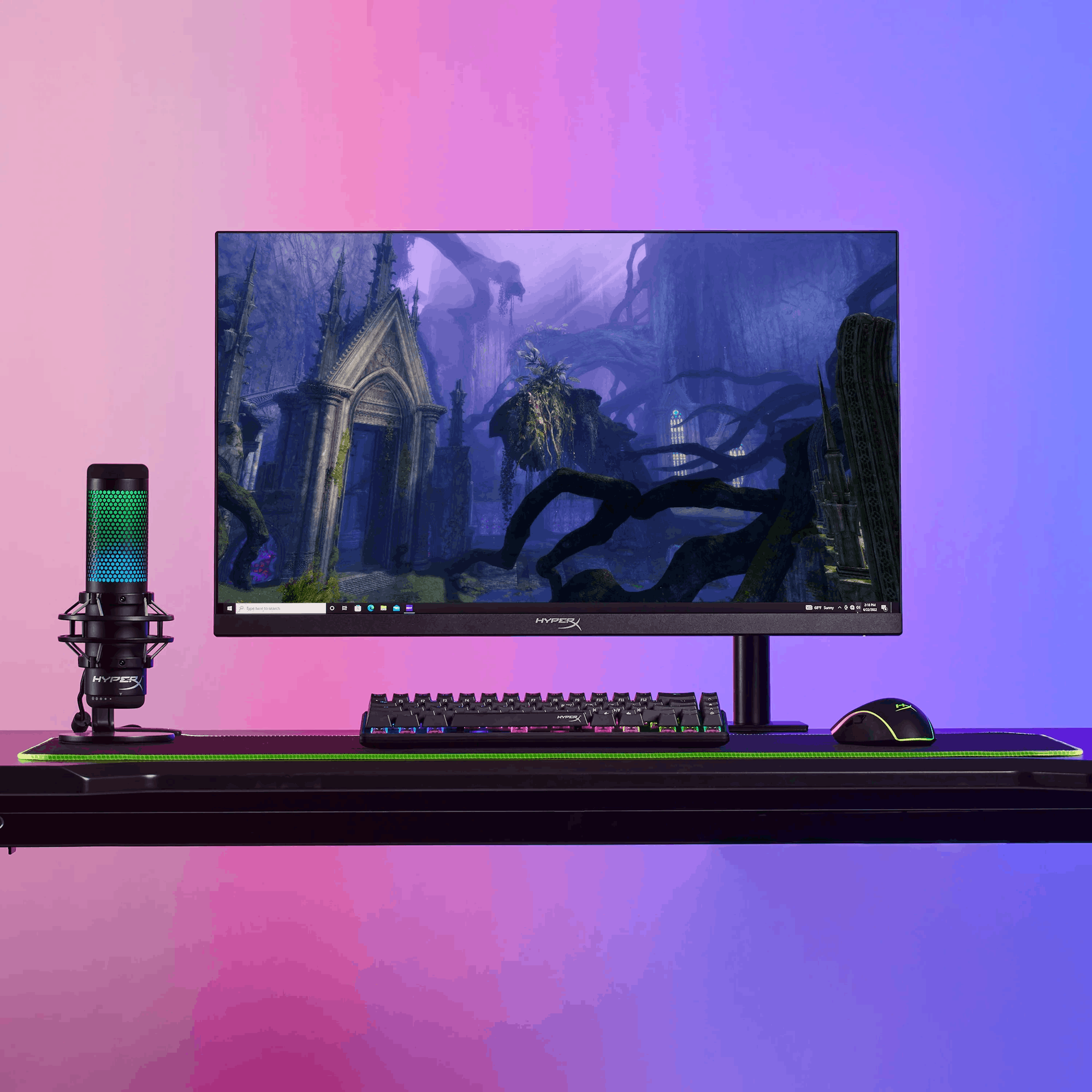
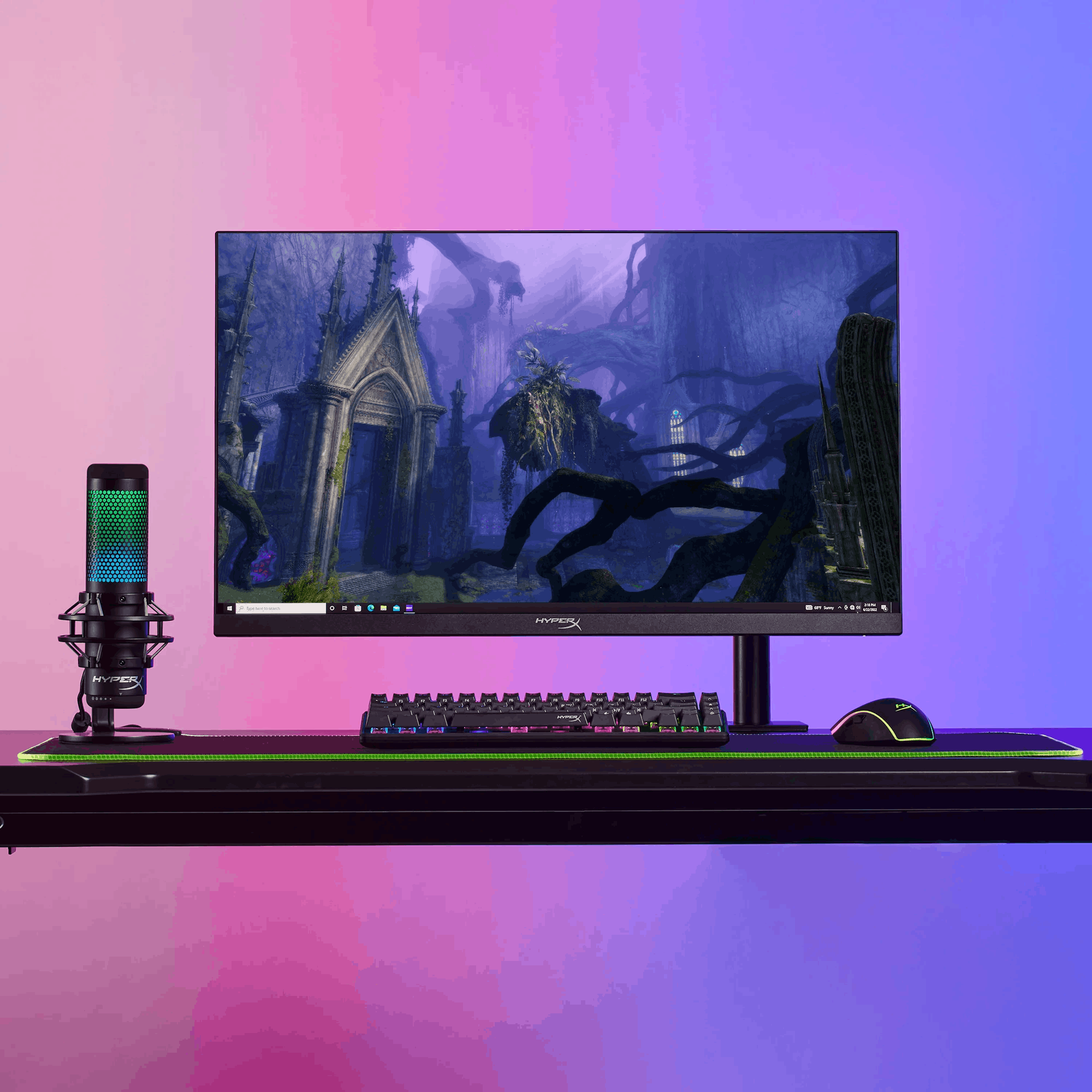
High-refresh monitors for smooth frames
From 240Hz to 500Hz, these monitors are built for low-latency, smooth competitive play.
Monitor arms for cleaner aim and more desk space
Dial in height and distance, clear mouse room, and keep the setup stable.
Esports-friendly keyboards
Tenkeyless and compact boards that keep your desk clear and your inputs consistent.
Esports mice and control surfaces
Lightweight, accurate mice plus mousepads that keep tracking consistent at speed.
Pro Tips for Your Gaming Setup
- Prioritize Refresh: If you play shooters, focus on refresh rate and motion clarity over resolution.
- Cable Check: Use DisplayPort for maximum refresh on PC; HDMI 2.1 for consoles.
- Ergonomics: A monitor arm reduces neck strain and frees up mouse space.
- Go TKL: Tenkeyless keyboards give more room for large mouse movements.
- Stable FPS: Lock your in-game frame cap slightly below max refresh to reduce stutter.
- Mousepad Size: Pick a large pad if you play with low sensitivity for consistent tracking.
FAQ
FAQs
Trending monitors often include features like high refresh rates, low response times, advanced color accuracy, curved screens, and multiple connectivity options such as HDMI and USB-C. Consider what matters most for your use, such as gaming, productivity, or creative work.
Many trending monitors are designed with gamers in mind, offering high refresh rates (120Hz or higher), adaptive sync technologies like G-Sync or FreeSync, and ultra-low input lag to deliver smoother visuals and more responsive gameplay.
Yes, many trending monitors cater to professionals by providing high color accuracy, wide color gamuts, and support for HDR. Look for models with IPS panels and factory calibration if color precision is important for your work.
Trending monitors typically offer a range of connectivity options including HDMI, DisplayPort, USB-C, and sometimes built-in USB hubs. This allows easy connection to laptops, desktops, and other devices.
Absolutely! Many trending monitors feature ultra-wide or curved designs that provide more screen real estate for multitasking. Some also support picture-in-picture modes and split-screen functionality to boost productivity.