RAM Upgrades for PC
Looking to give your PC a performance boost? Look no further! Our extensive collection of RAM upgrades for PCs is here to help you take your computer's speed and efficiency to the next level. Whether you're a gamer, designer, or simply looking to multitask seamlessly, upgrading your PC's RAM can make all the difference. With a wide range of options available, we have the perfect RAM upgrade to suit your needs.
Sort
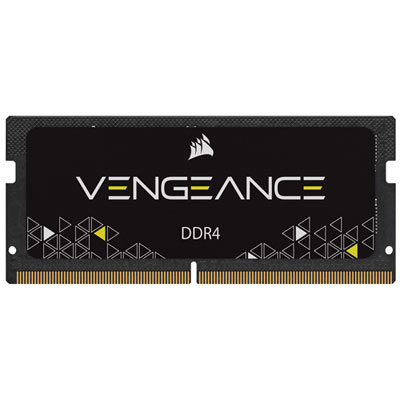
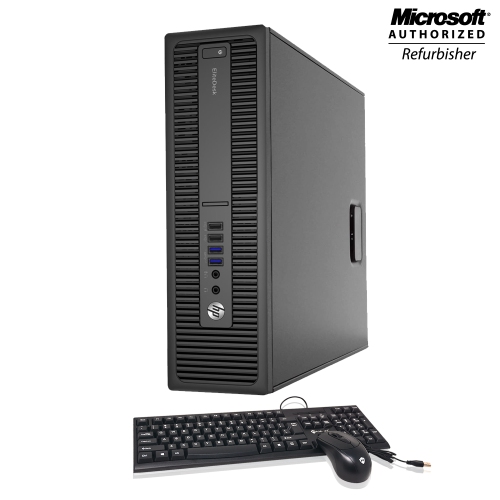
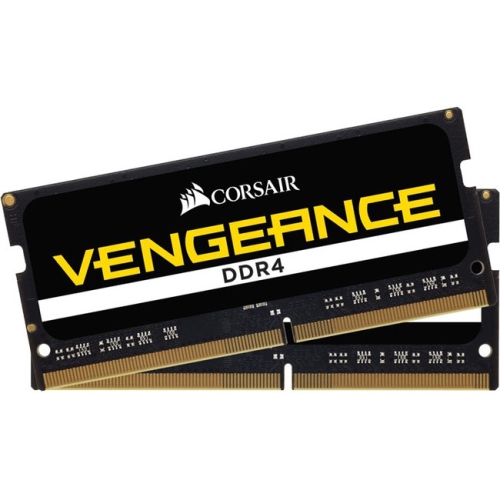
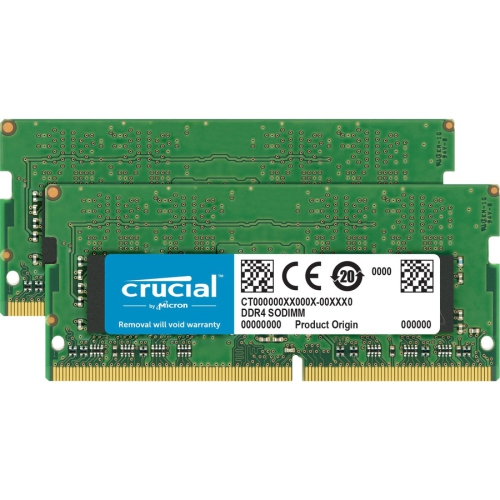
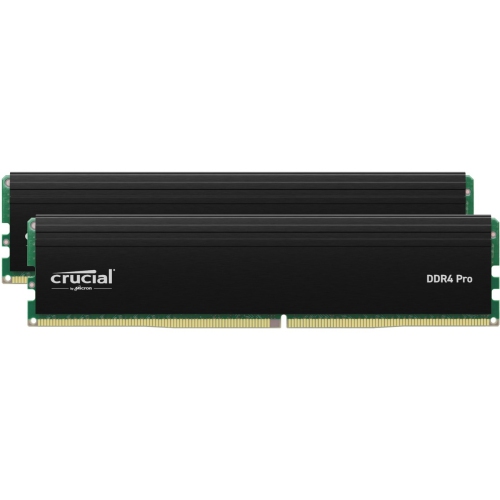
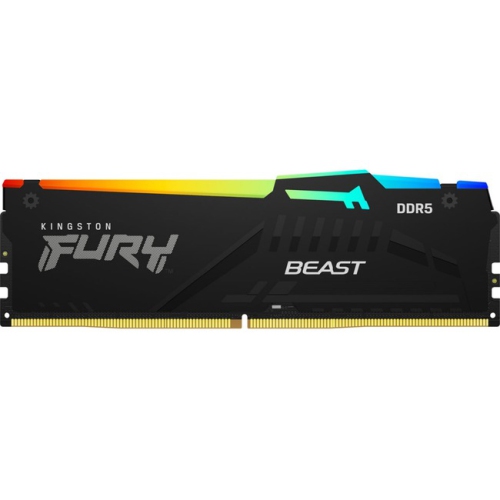
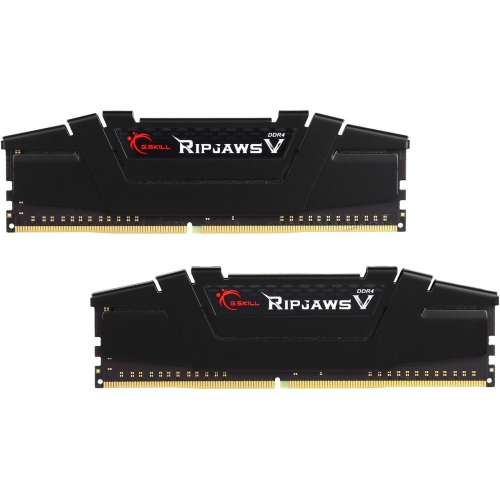
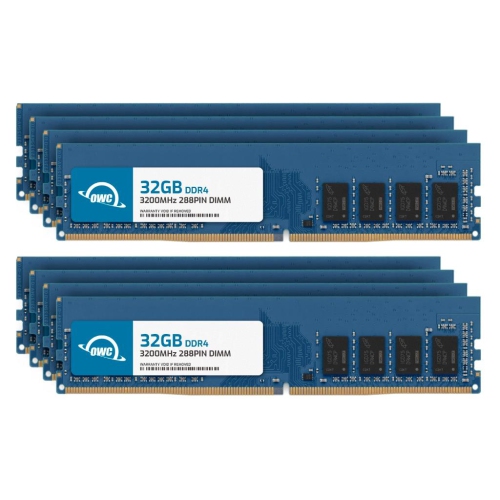
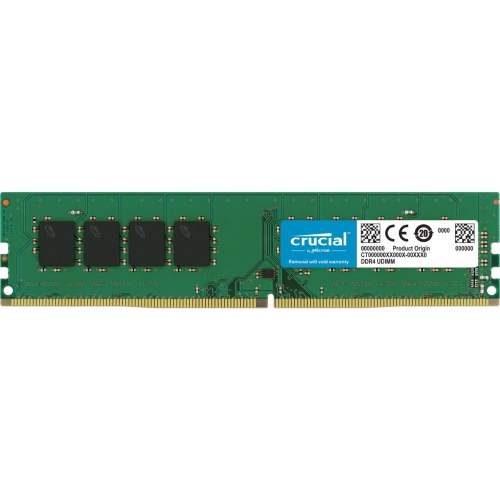
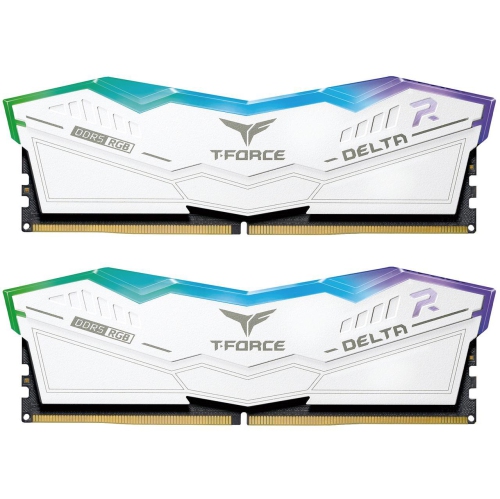
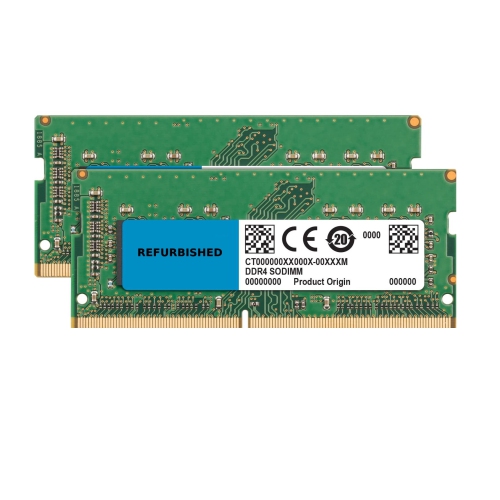
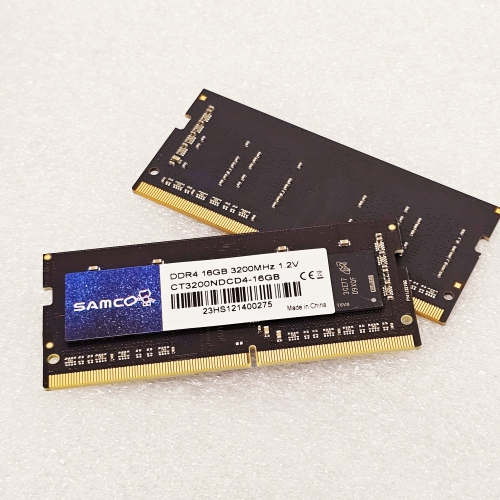
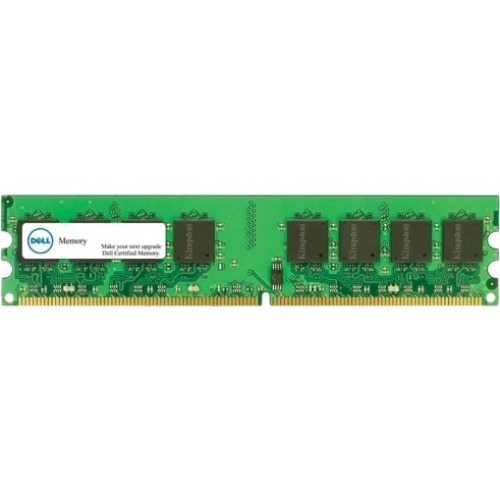
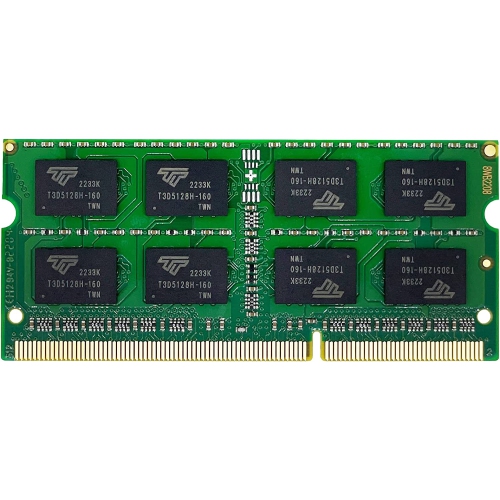
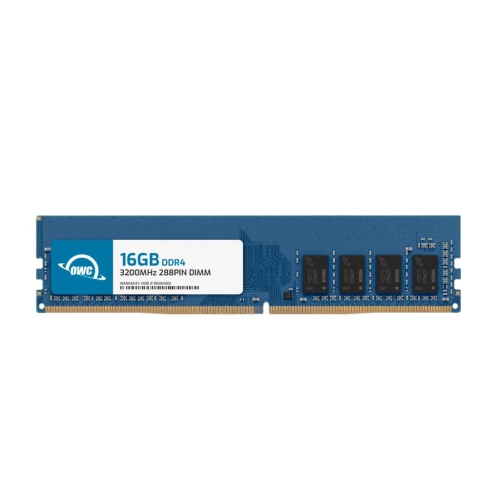
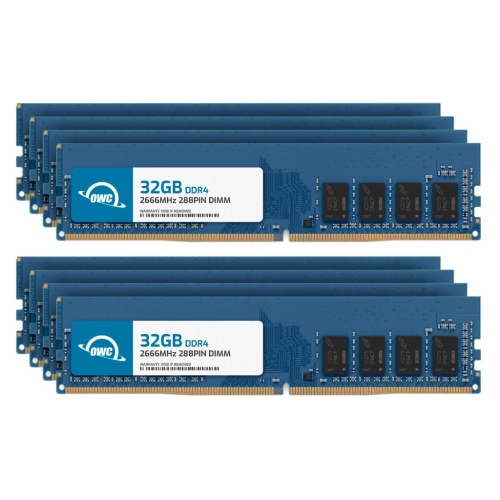
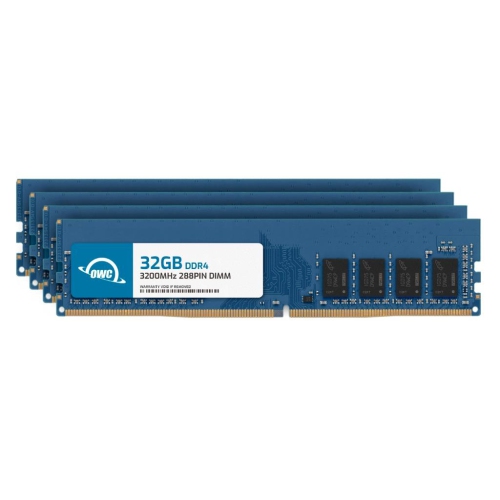
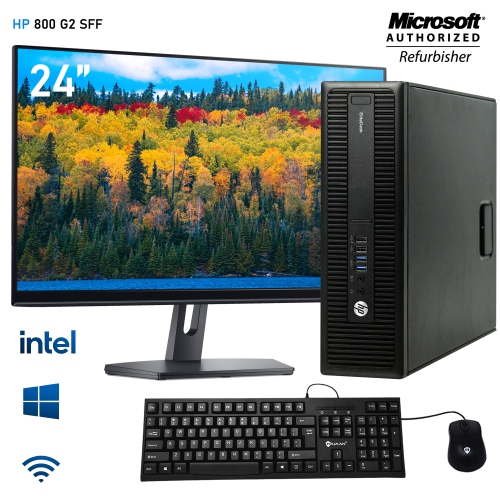
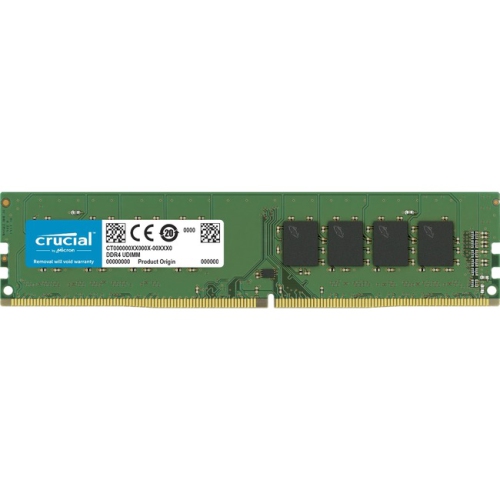
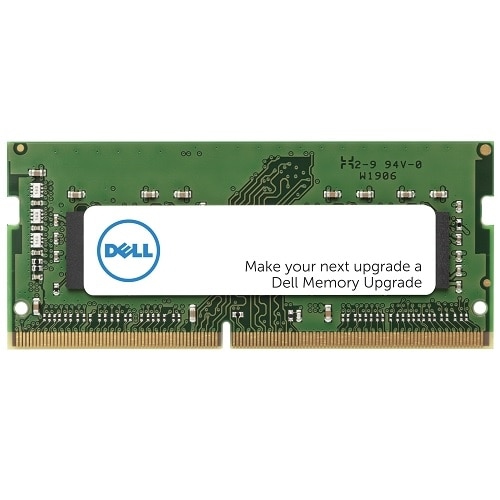
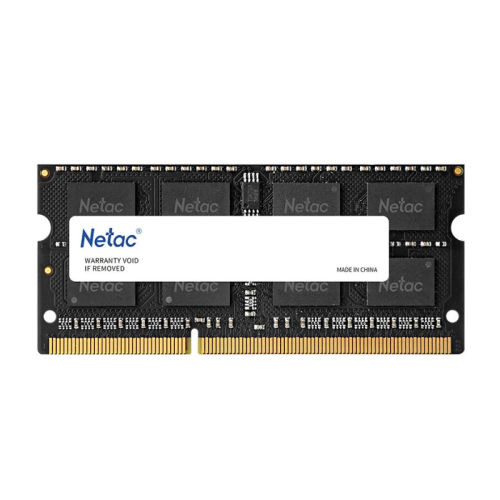
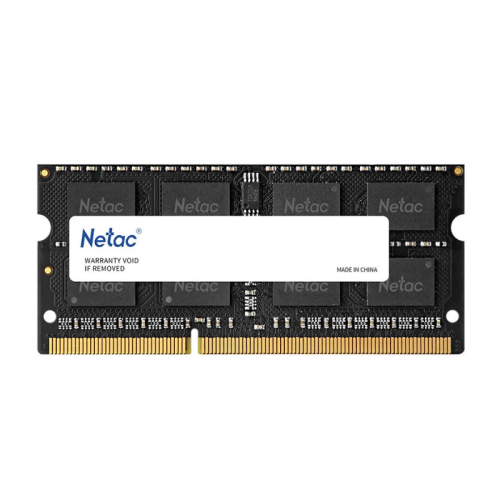
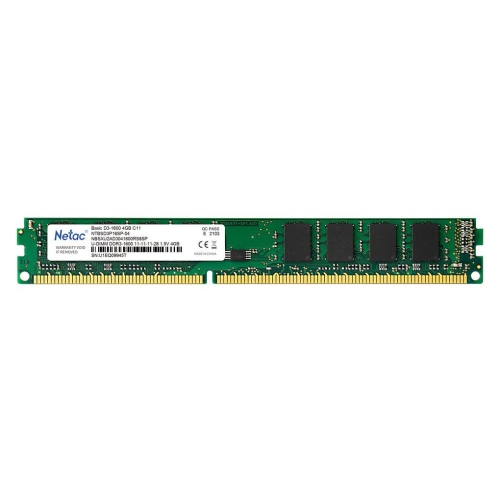
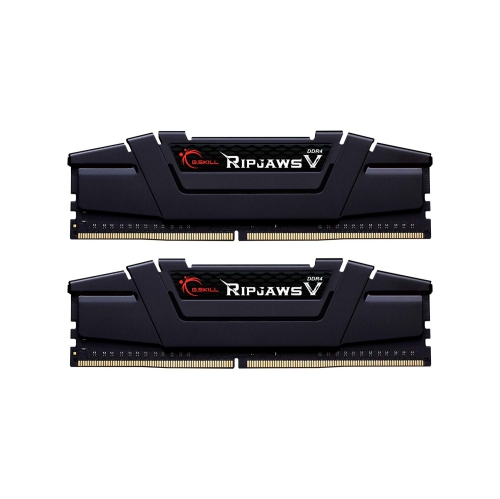
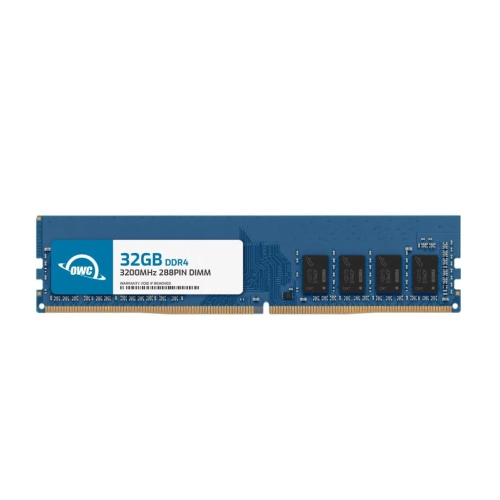
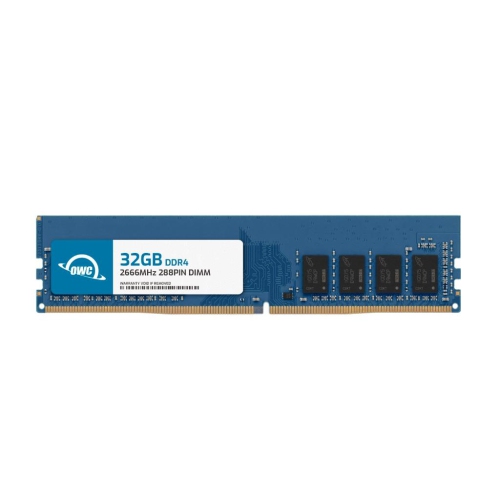
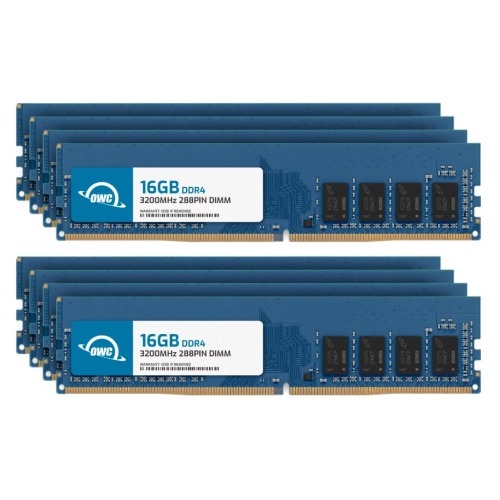
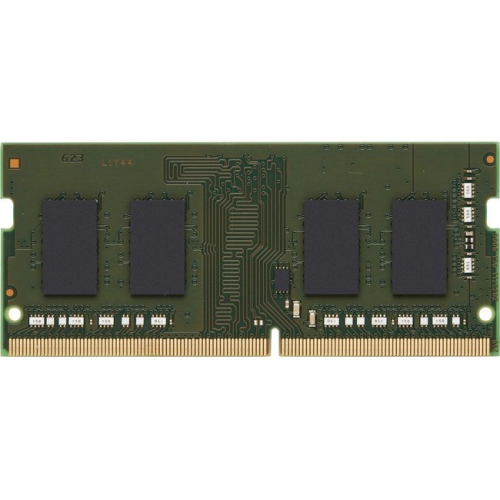
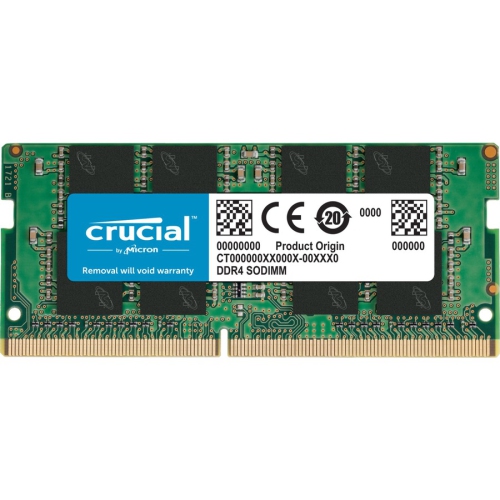
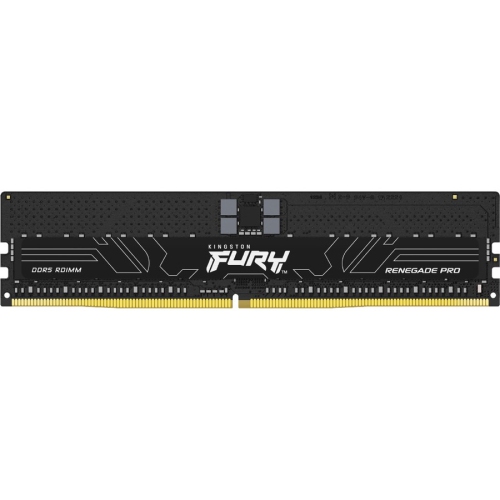
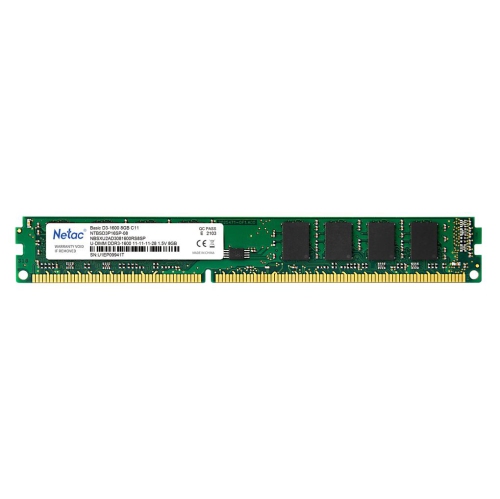

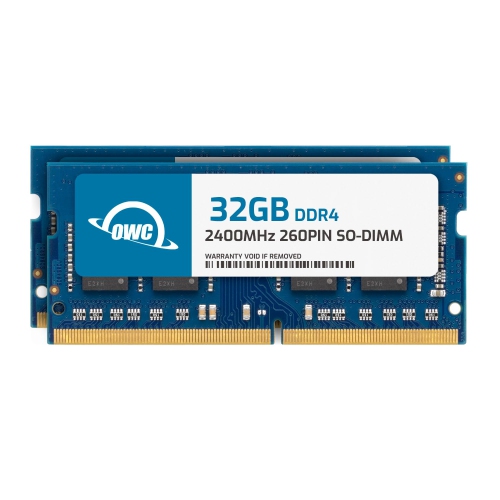
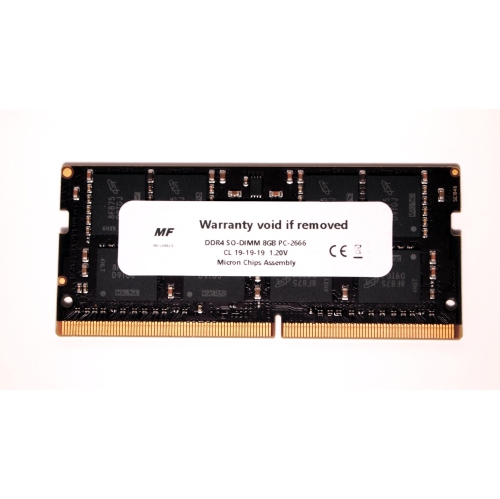

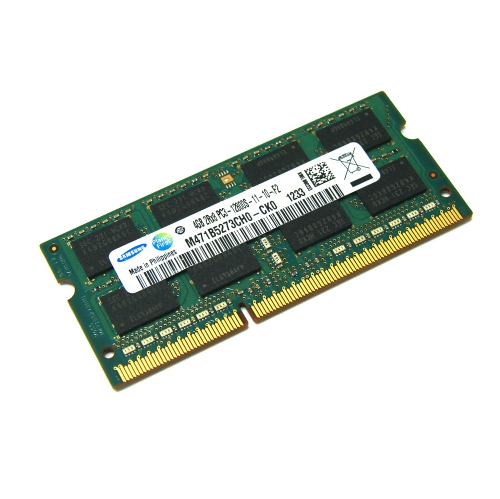

When more memory helps your PC multitask smoothly
RAM upgrades for PC give compatible computers more working memory for the applications and files in active use. Unlike a solid-state drive or hard drive, which stores files between sessions, RAM holds temporary data that the processor needs to access quickly. More memory can make a noticeable difference when a computer is running short: a browser with dozens of tabs, a video call, a spreadsheet, and a photo editor all compete for the same capacity. When that space fills up, the system may move some data to slower storage, contributing to pauses when switching windows or returning to an open project. Adding sufficient RAM can reduce that pressure, although it will not resolve every cause of a slow PC or replace the benefits of a capable processor and graphics card. Capacity, measured in gigabytes, is therefore a useful starting point when comparing desktop memory modules and kits. For many everyday workloads, 16 GB provides room for web browsing, office applications, streaming, and schoolwork. A 32 GB configuration can suit gaming alongside background applications, larger creative projects, and heavier multitasking, while 64 GB or more may be useful for demanding editing workflows, virtual machines, or large datasets. These are general reference points rather than fixed requirements; the software being used and the size of the projects matter more than a single capacity target. A student juggling research tabs and presentation software has different needs from someone editing multiple streams of high-resolution video. Checking memory usage during a typical busy session helps establish whether capacity is actually the constraint. For a gaming PC, additional RAM is most useful when the existing amount is insufficient; adding more beyond what a game and its background applications need does not automatically increase frame rates. The most practical upgrade leaves enough room for the tasks that genuinely overlap, without assuming that the largest capacity is always the best fit.
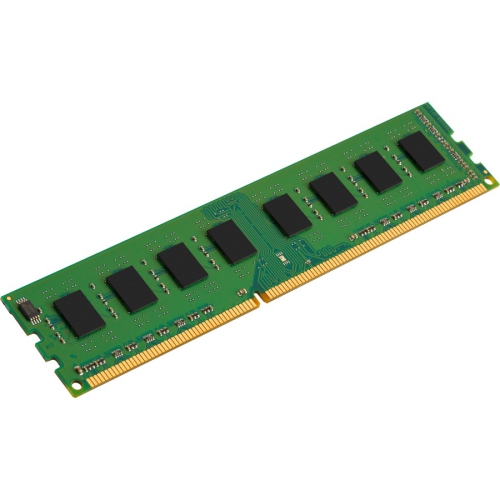
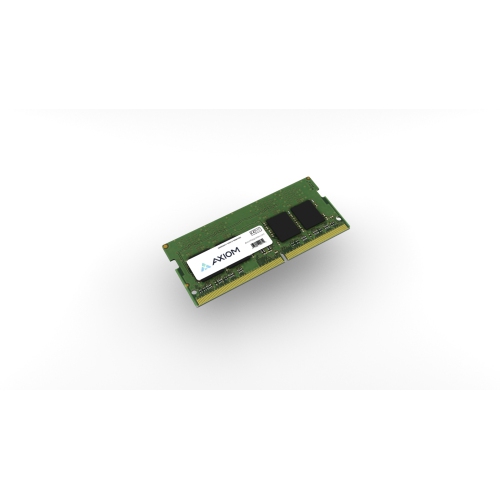
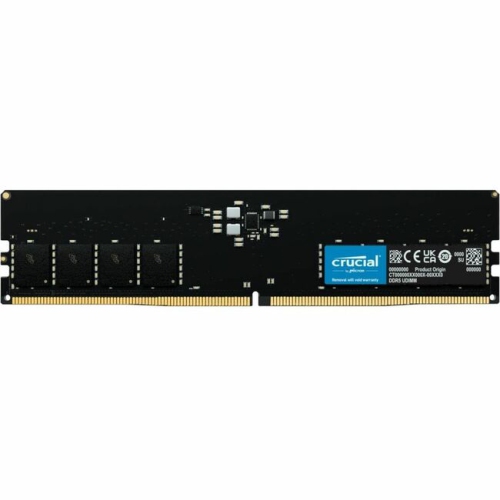
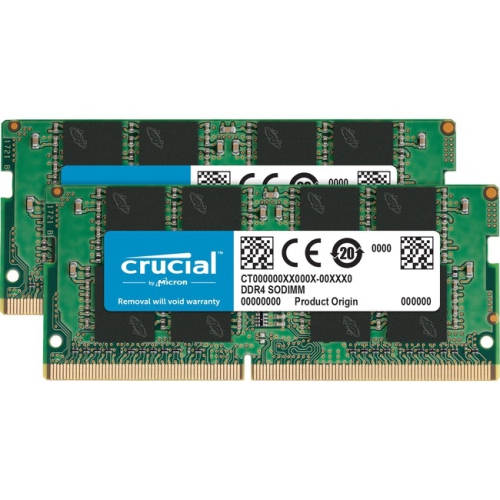
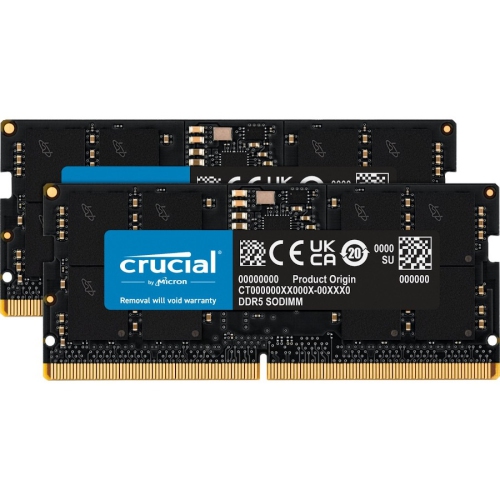
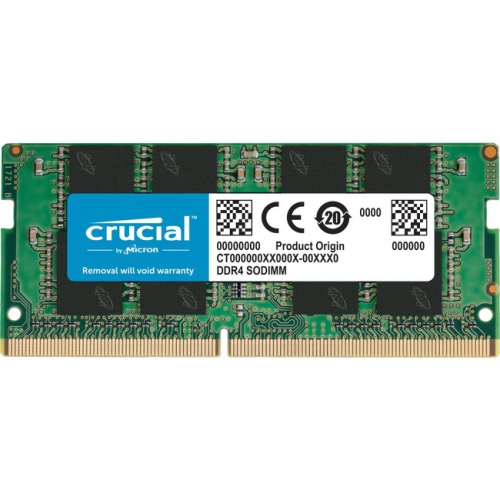
Compatibility determines which PC RAM upgrades can work in a particular system. The computer model, motherboard specification, processor support, memory generation, and slot layout all help define the right match. DDR4 and DDR5 are different generations with different electrical requirements and notch positions, so they cannot be substituted for each other even when modules look similar. Desktop towers commonly use full-size DIMMs, while many notebooks and some compact PCs use shorter SO-DIMMs. Physical size alone does not confirm compatibility, and some computers have soldered memory that cannot be replaced or expanded. For portable systems, Laptop RAM Upgrades provides a related category to explore, with the same need to verify the exact computer specifications. Maximum total capacity, supported capacity per slot, and the number of accessible slots are especially important when deciding between adding memory and replacing an existing configuration. A desktop with two occupied slots presents a different upgrade path from a four-slot motherboard with room to expand. Kits containing matched modules are intended to operate together at their stated specifications under supported conditions, making them a practical choice for a planned configuration. On a compatible dual-channel system, using the appropriate pair of slots allows memory access across two channels, which can improve bandwidth compared with a single-channel arrangement. The motherboard documentation identifies the correct slot pairing; adjacent slots are not necessarily the intended pair. Mixing separately purchased modules can introduce differences in speed, timings, or stability, even when their headline specifications appear alike. Memory speed is commonly expressed in megatransfers per second, or MT/s, while latency describes aspects of the delay involved in accessing data. Neither figure tells the whole performance story on its own. The speed a system actually uses depends on its supported settings and the installed memory configuration. Some advertised speeds require a compatible memory profile to be enabled in the firmware, and operation at those settings is not guaranteed on every PC. Using more modules or higher capacities can also affect supported speeds, so compatibility deserves priority over an impressive number on the packaging.
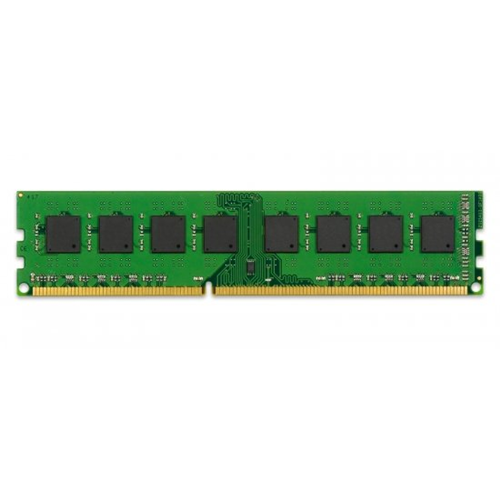
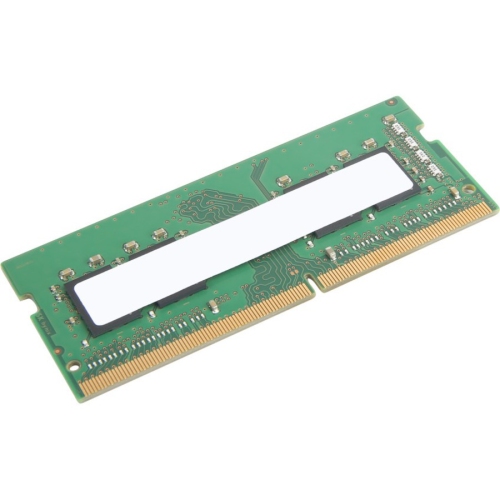
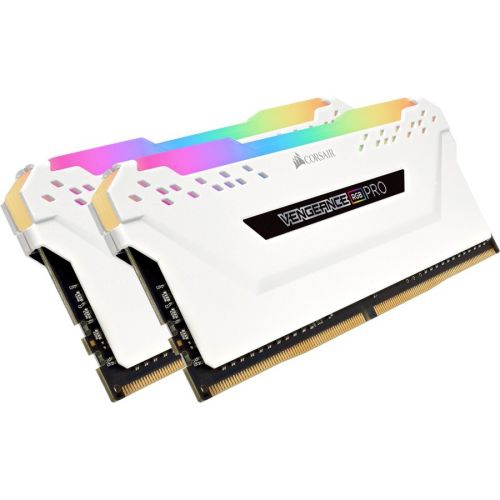
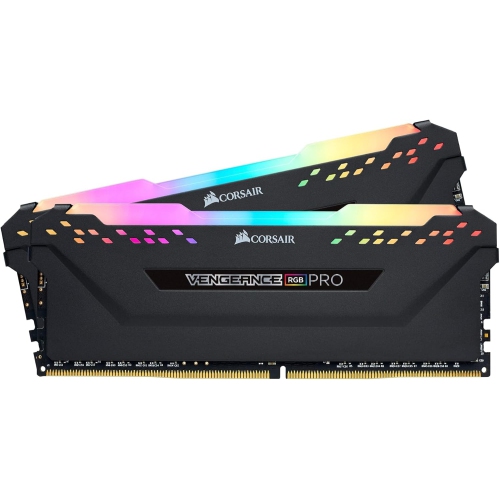
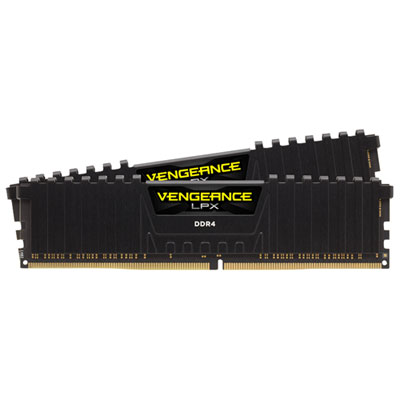
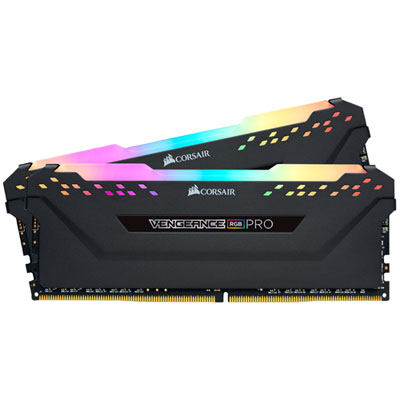
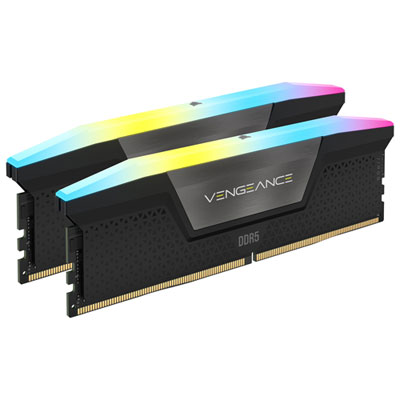
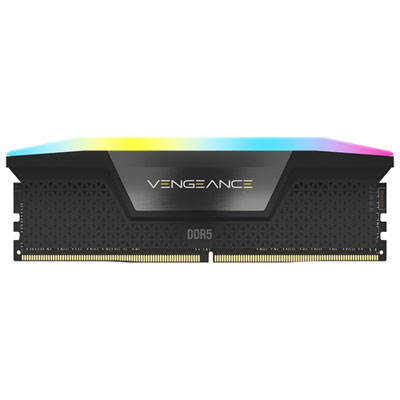
The physical design of a RAM module matters once it shares space with the rest of a desktop build. Modules combine memory chips on a printed circuit board with metal contacts along the lower edge; some also include metal heat spreaders, often made from aluminium. These coverings help distribute heat and give modules a finished appearance, but taller designs can interfere with large processor coolers or tight case layouts. Low-profile memory can be a better physical fit beneath an overhanging cooler, while modules with lighting may appeal to someone building a PC with a visible interior. Lighting colour and control compatibility are aesthetic considerations rather than indicators of greater capacity or faster performance. For a workstation tucked beneath a desk, clearance, stability, and suitable specifications are usually more useful priorities than appearance. RAM has no moving parts and generally requires little routine care once correctly installed, but it remains sensitive to static discharge, rough handling, and contamination of its contacts. Protective packaging is useful until installation, and modules should be handled by their edges rather than by the chips or contact surfaces. Any installation work calls for a fully shut-down, unplugged computer, appropriate static precautions, and attention to the manufacturer's service instructions. Memory fits in a specific orientation, and an incompatible module should never be forced into a slot. Keeping the case's ventilation clear and following suitable dust-cleaning practices supports the operation of the whole computer, including its memory. After a change, the system should recognize the intended capacity and run reliably during normal tasks; a memory diagnostic can help check for errors if crashes or unexpected restarts occur. For someone buying RAM as a gift for a PC builder, gamer, or creative hobbyist, confirming the recipient's exact system and existing configuration is more valuable than guessing from the computer's age or appearance. A well-matched upgrade can give an established PC more breathing room for everyday work or demanding projects, while retaining the familiar setup, applications, and files already in place. The strongest choice balances enough capacity for the workload with verified platform support, appropriate physical clearance, and dependable operation.
Compatibility determines which PC RAM upgrades can work in a particular system. The computer model, motherboard specification, processor support, memory generation, and slot layout all help define the right match. DDR4 and DDR5 are different generations with different electrical requirements and notch positions, so they cannot be substituted for each other even when modules look similar. Desktop towers commonly use full-size DIMMs, while many notebooks and some compact PCs use shorter SO-DIMMs. Physical size alone does not confirm compatibility, and some computers have soldered memory that cannot be replaced or expanded. For portable systems, Laptop RAM Upgrades provides a related category to explore, with the same need to verify the exact computer specifications. Maximum total capacity, supported capacity per slot, and the number of accessible slots are especially important when deciding between adding memory and replacing an existing configuration. A desktop with two occupied slots presents a different upgrade path from a four-slot motherboard with room to expand. Kits containing matched modules are intended to operate together at their stated specifications under supported conditions, making them a practical choice for a planned configuration. On a compatible dual-channel system, using the appropriate pair of slots allows memory access across two channels, which can improve bandwidth compared with a single-channel arrangement. The motherboard documentation identifies the correct slot pairing; adjacent slots are not necessarily the intended pair. Mixing separately purchased modules can introduce differences in speed, timings, or stability, even when their headline specifications appear alike. Memory speed is commonly expressed in megatransfers per second, or MT/s, while latency describes aspects of the delay involved in accessing data. Neither figure tells the whole performance story on its own. The speed a system actually uses depends on its supported settings and the installed memory configuration. Some advertised speeds require a compatible memory profile to be enabled in the firmware, and operation at those settings is not guaranteed on every PC. Using more modules or higher capacities can also affect supported speeds, so compatibility deserves priority over an impressive number on the packaging.
The physical design of a RAM module matters once it shares space with the rest of a desktop build. Modules combine memory chips on a printed circuit board with metal contacts along the lower edge; some also include metal heat spreaders, often made from aluminium. These coverings help distribute heat and give modules a finished appearance, but taller designs can interfere with large processor coolers or tight case layouts. Low-profile memory can be a better physical fit beneath an overhanging cooler, while modules with lighting may appeal to someone building a PC with a visible interior. Lighting colour and control compatibility are aesthetic considerations rather than indicators of greater capacity or faster performance. For a workstation tucked beneath a desk, clearance, stability, and suitable specifications are usually more useful priorities than appearance. RAM has no moving parts and generally requires little routine care once correctly installed, but it remains sensitive to static discharge, rough handling, and contamination of its contacts. Protective packaging is useful until installation, and modules should be handled by their edges rather than by the chips or contact surfaces. Any installation work calls for a fully shut-down, unplugged computer, appropriate static precautions, and attention to the manufacturer's service instructions. Memory fits in a specific orientation, and an incompatible module should never be forced into a slot. Keeping the case's ventilation clear and following suitable dust-cleaning practices supports the operation of the whole computer, including its memory. After a change, the system should recognize the intended capacity and run reliably during normal tasks; a memory diagnostic can help check for errors if crashes or unexpected restarts occur. For someone buying RAM as a gift for a PC builder, gamer, or creative hobbyist, confirming the recipient's exact system and existing configuration is more valuable than guessing from the computer's age or appearance. A well-matched upgrade can give an established PC more breathing room for everyday work or demanding projects, while retaining the familiar setup, applications, and files already in place. The strongest choice balances enough capacity for the workload with verified platform support, appropriate physical clearance, and dependable operation.
Top selling and popular products
-
 Your price for this item is $307.68
 -
 Your price for this item is $329.99
 -
 Your price for this item is $349.99
 -
 Your price for this item is $369.99
 -
 Your price for this item is $679.99
 -
 Your price for this item is $379.99
 -
 Your price for this item is $1793.99
 -
 Your price for this item is $1039.68
Discover more categories related to RAM Upgrades for PC
Top Collections:
Pokemon Centers, Kindle Devices, Best Budget Office Chairs, Apple iPhones 16, Samsung Galaxy Phones, Canon G7X Cameras, iPhone 15 Apple, Flip Phones, Best Laptops for Writers, Alarm Clock
Some products may be subject to Environmental Handling Fees
(EHF) depending on your province.
Learn more about EHFs.