Ultrabook Laptops
Looking for a sleek and powerful computing solution that won't weigh you down? Our collection of Ultrabook laptops offers the perfect blend of portability, performance, and style. Whether you're a student on-the-go, a professional needing to stay productive while traveling, or a creative looking for a compact powerhouse, these thin and light laptops are designed to meet your needs. Discover cutting-edge technology, stunning displays, long-lasting battery life, and lightning-fast speeds in our selection of Ultrabooks.
Sort
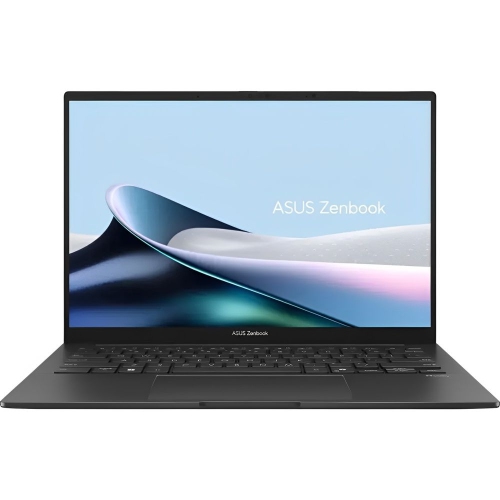
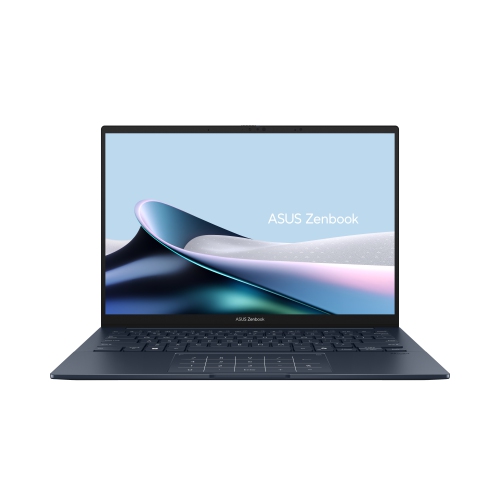

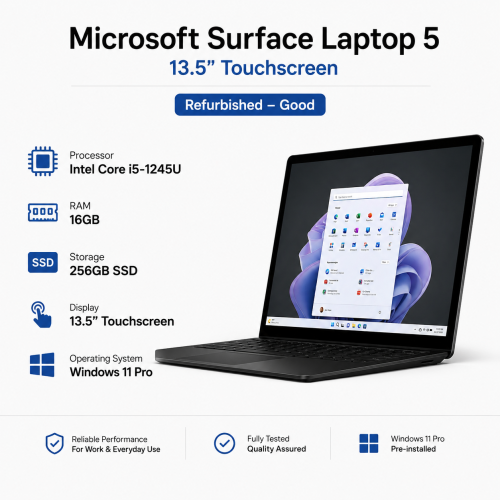
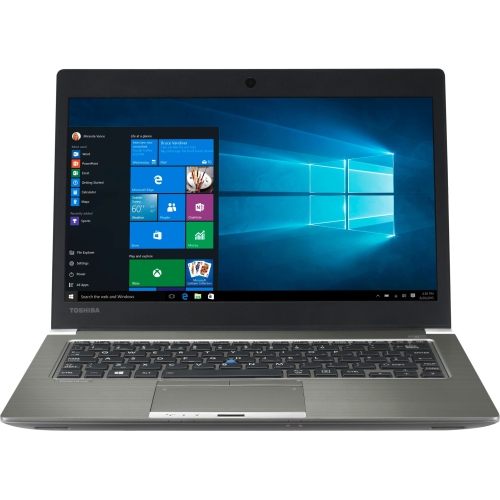

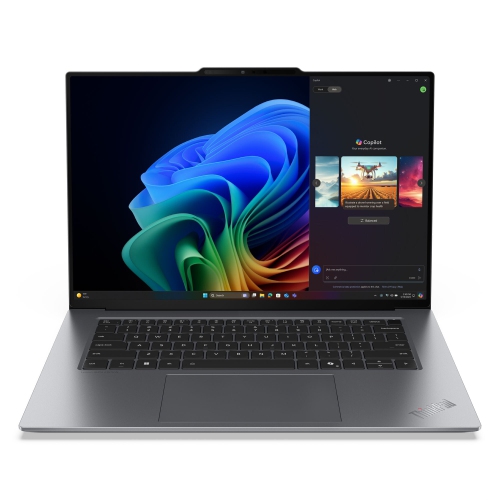
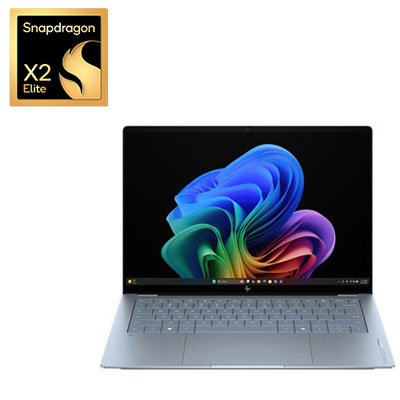
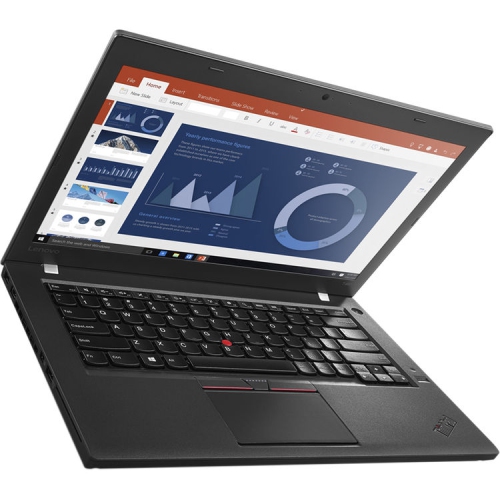
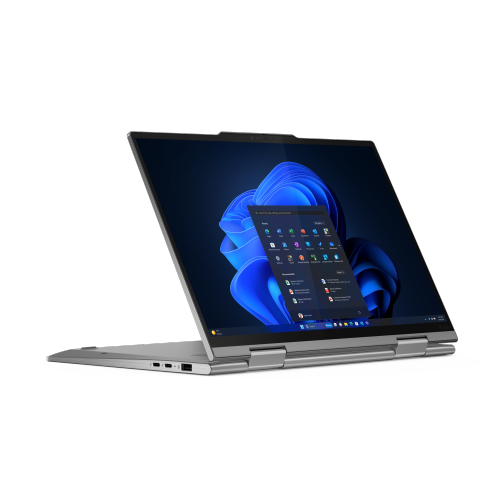

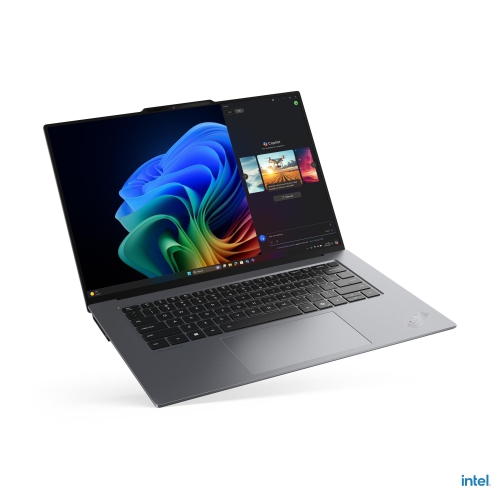
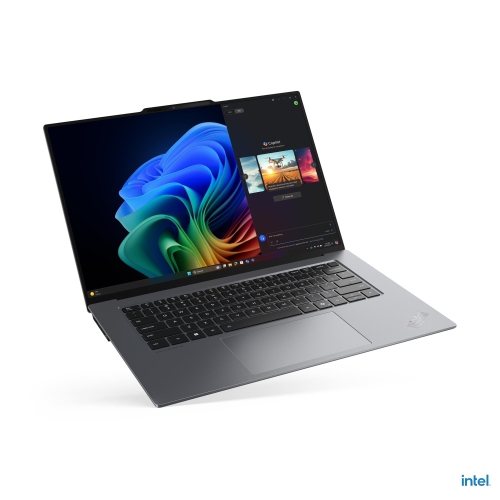
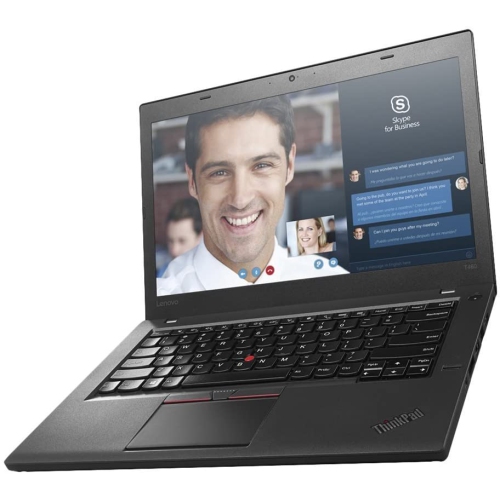
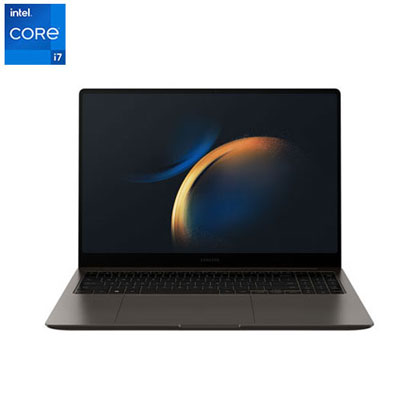
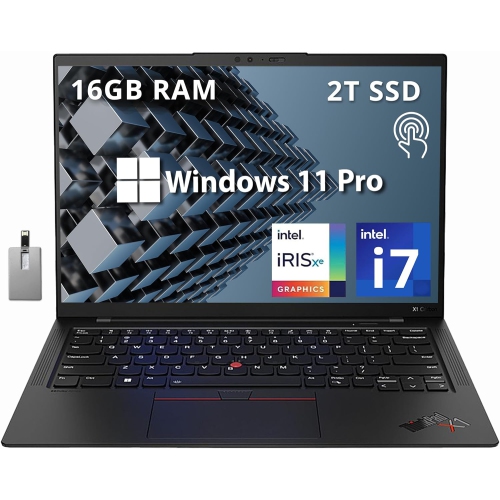

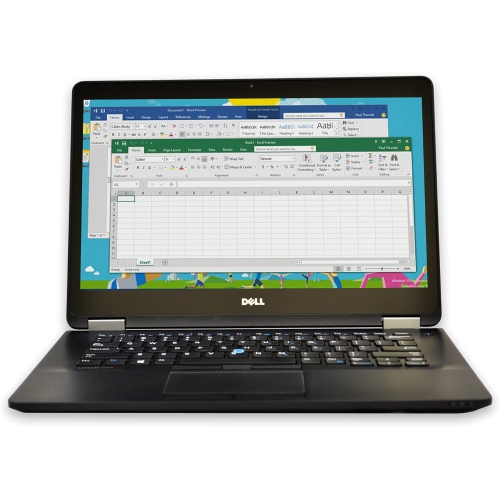
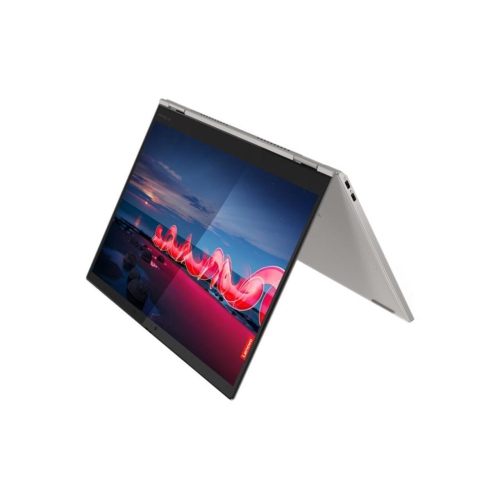
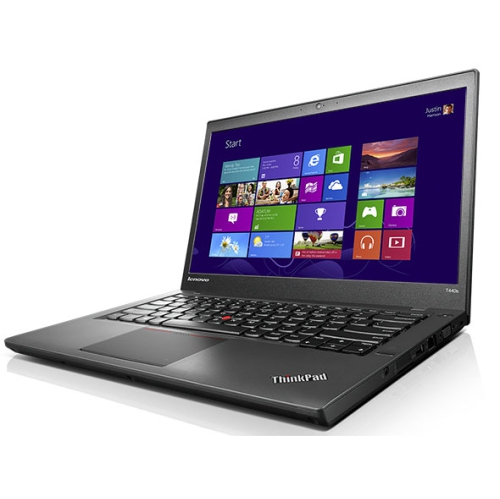
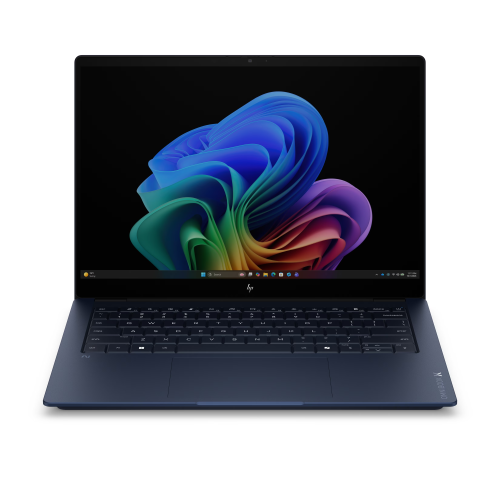
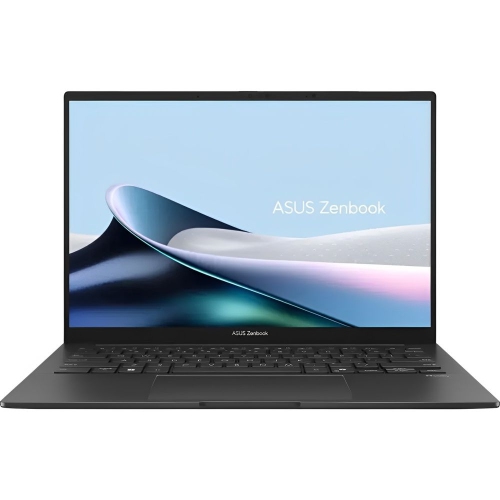
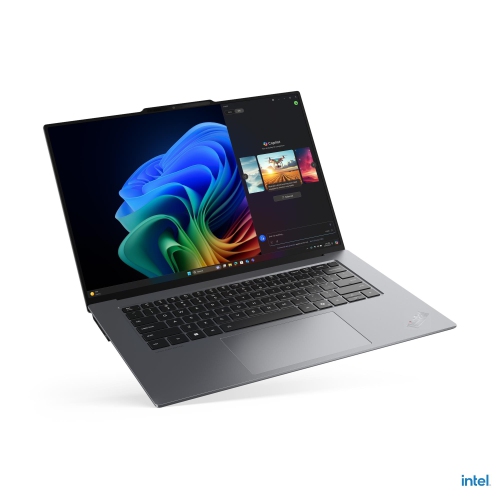
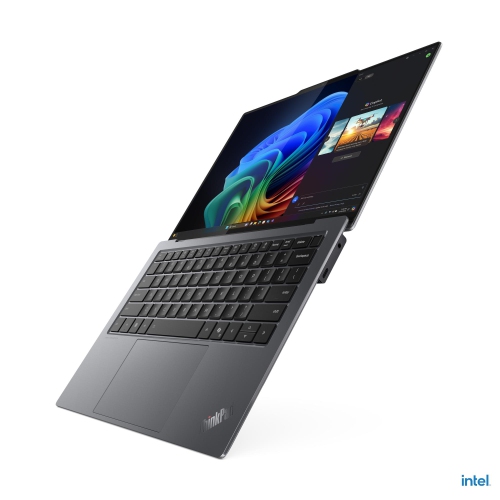
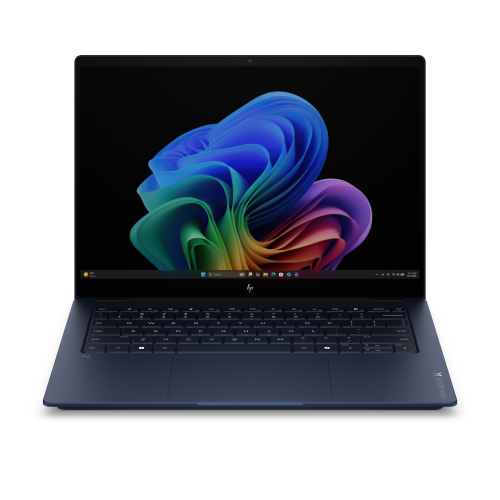
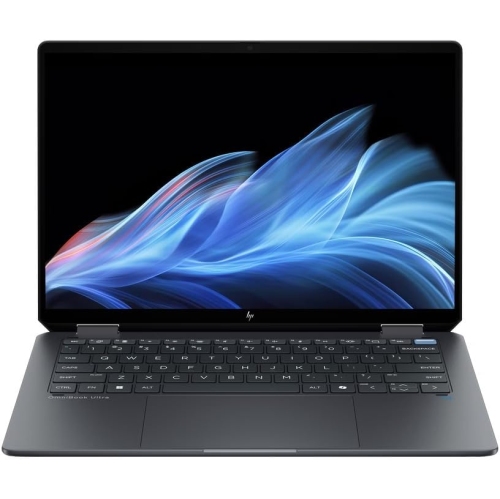
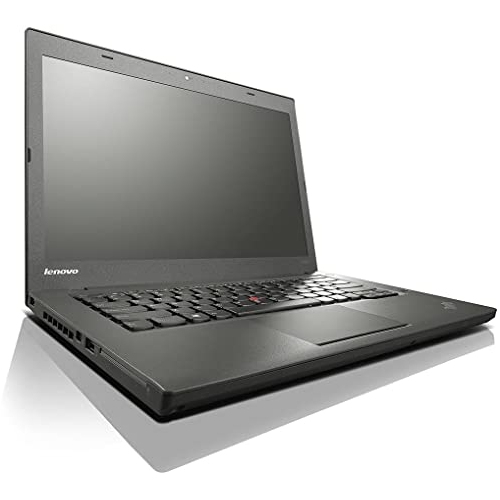
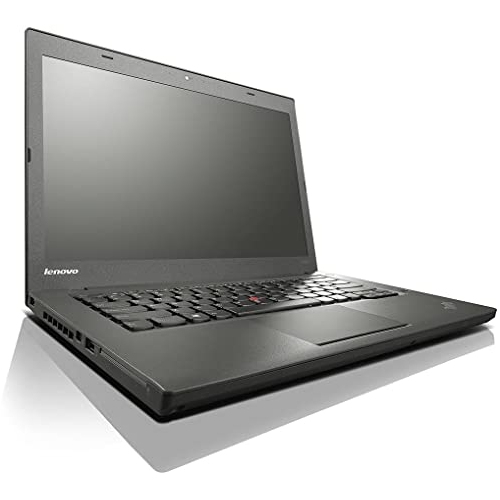

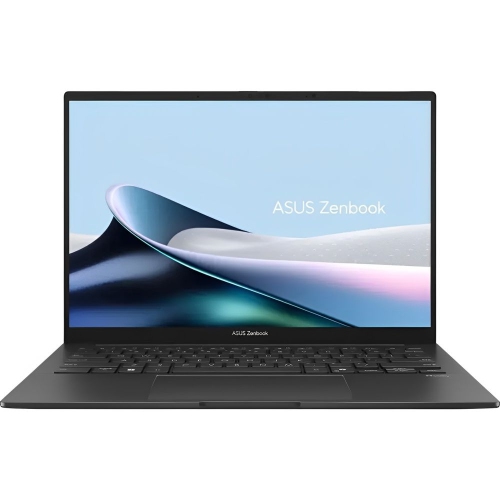
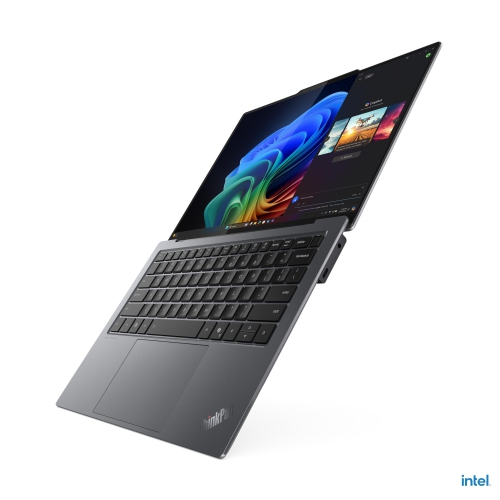
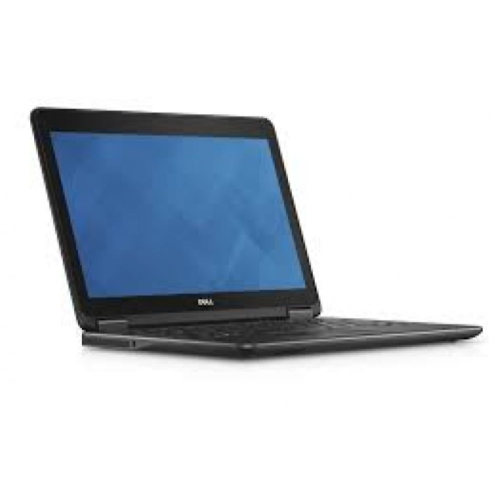
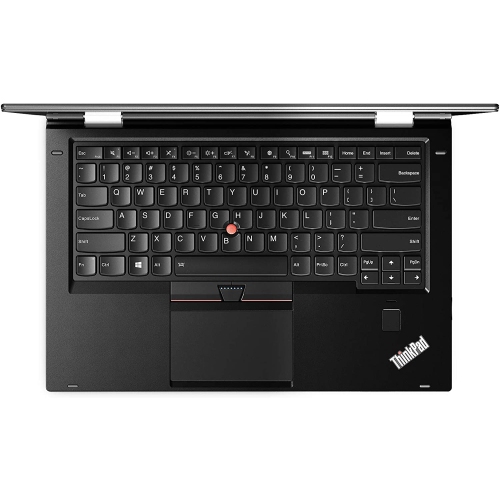
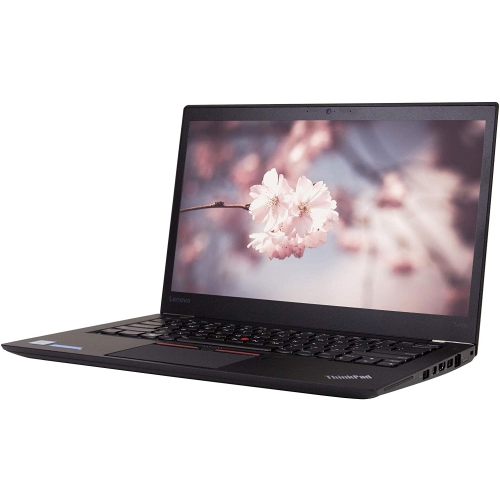

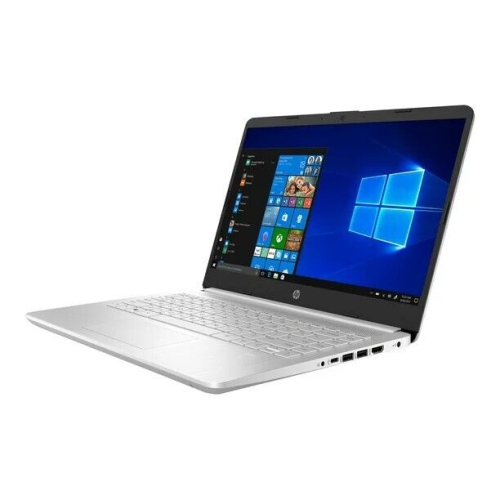
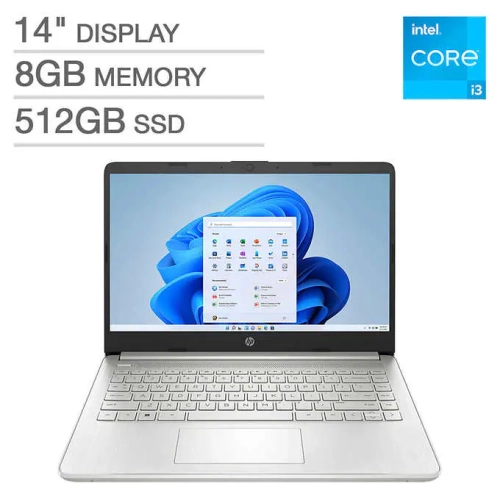
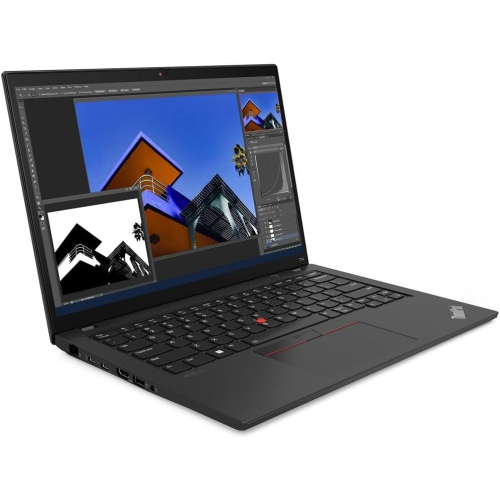
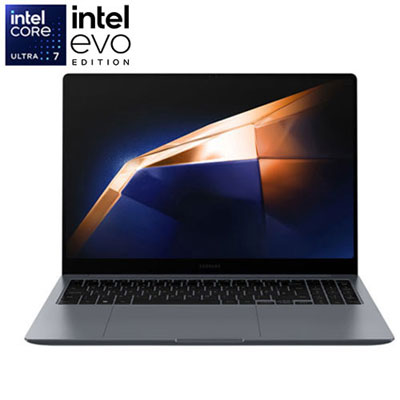
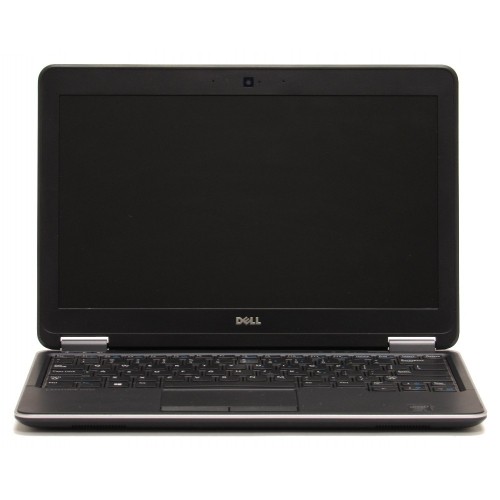
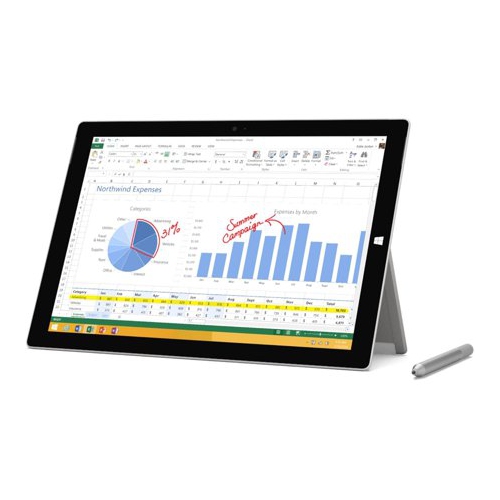
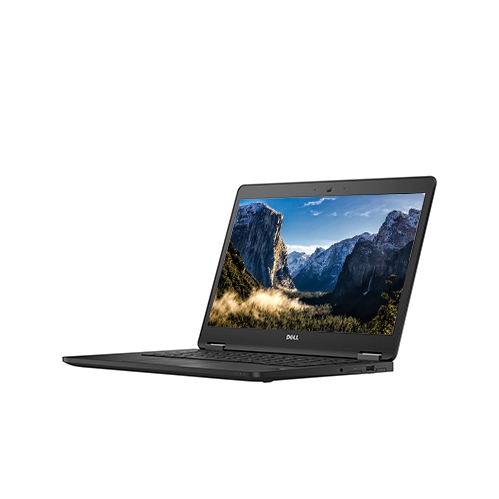
Everyday performance in a laptop that travels light
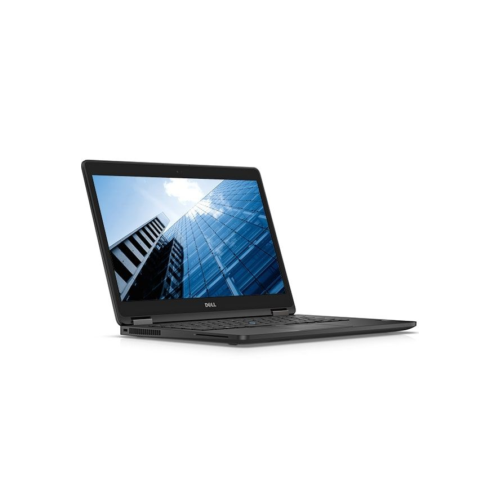
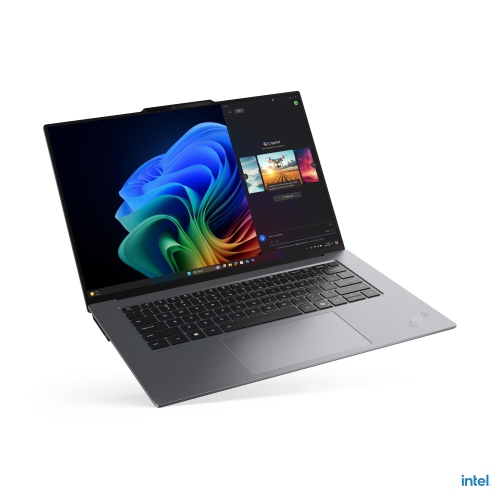
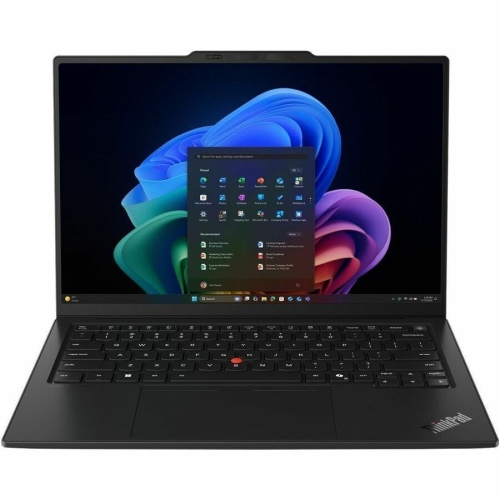
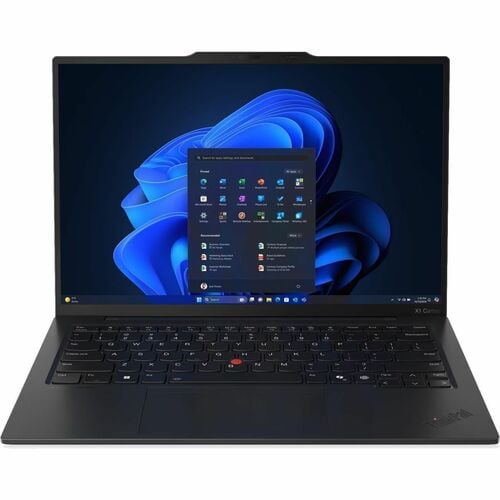
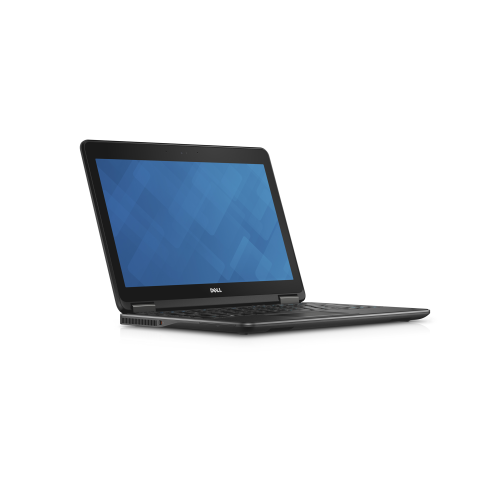
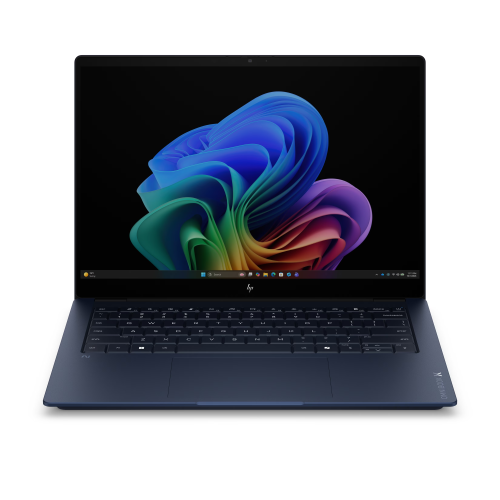
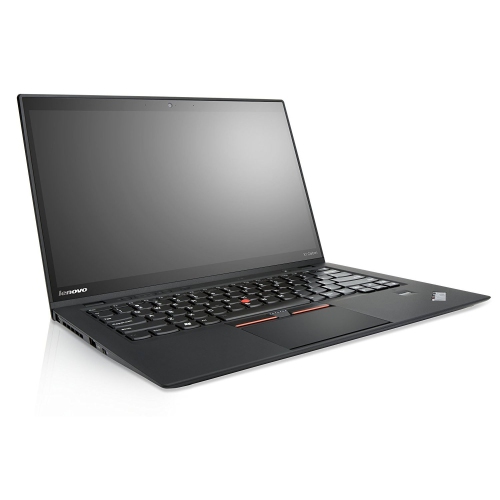
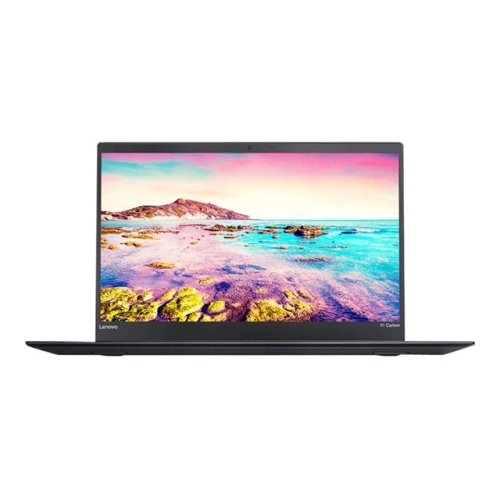
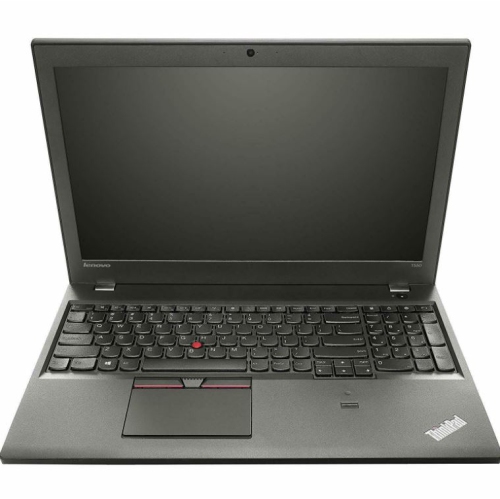
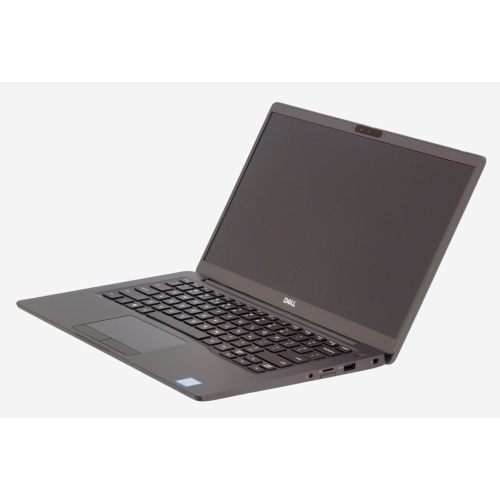
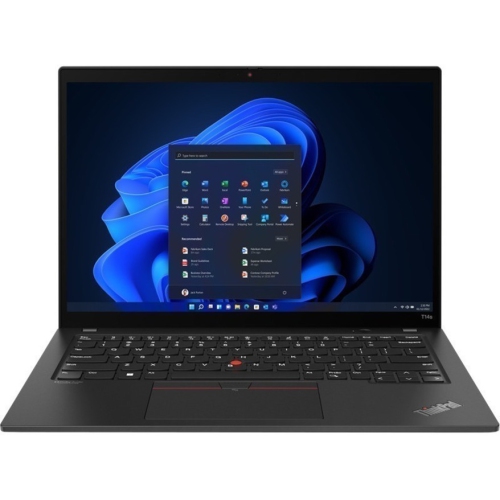
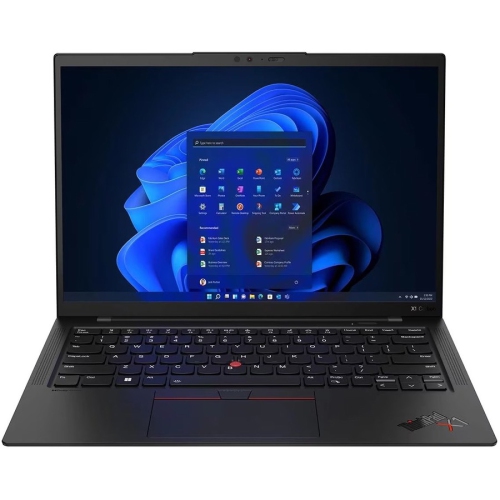
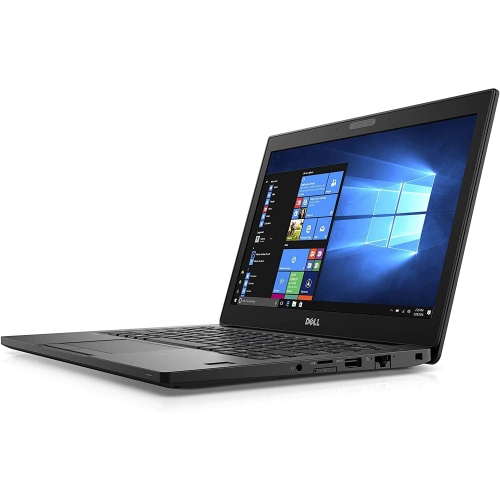
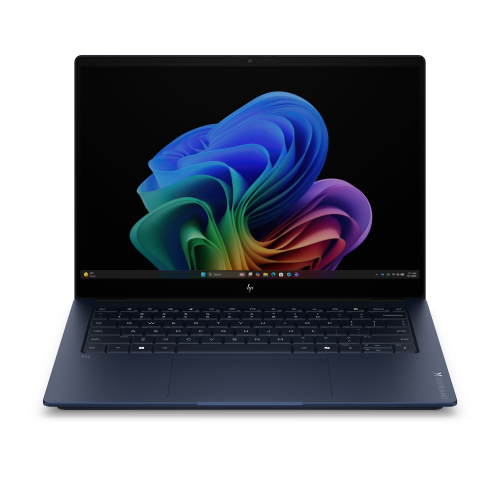
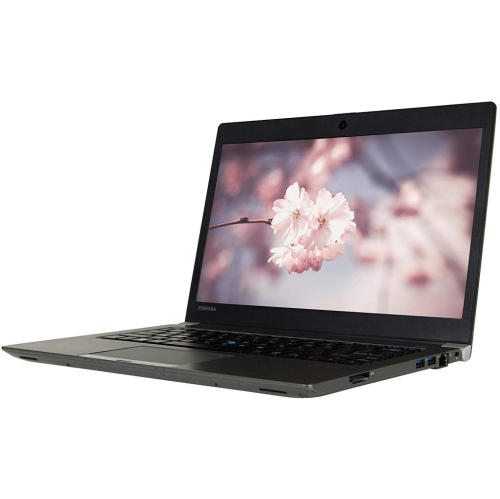
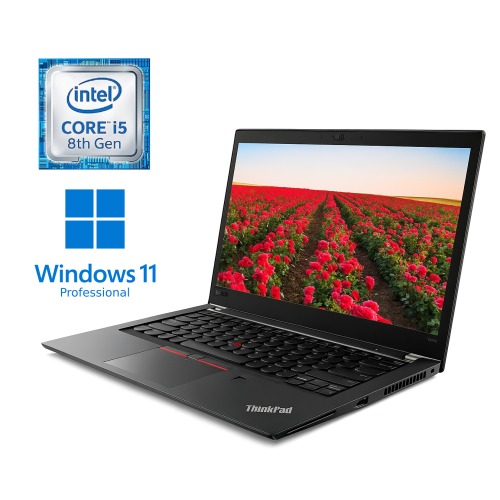
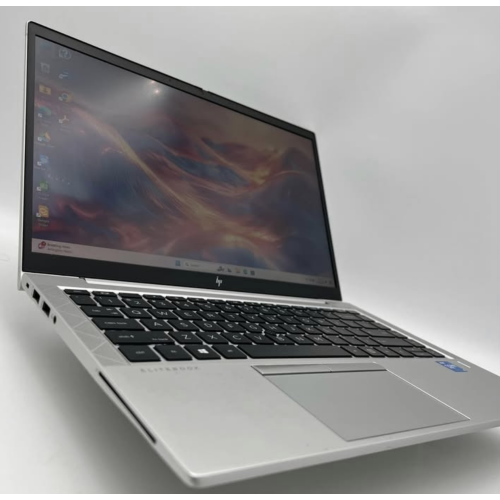
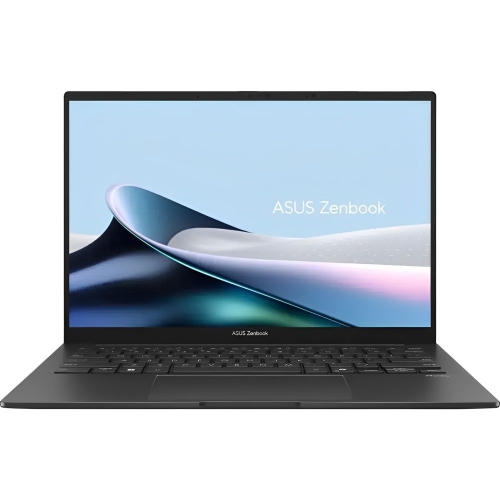
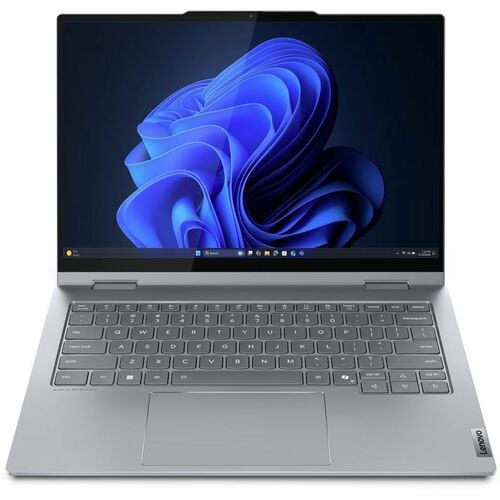
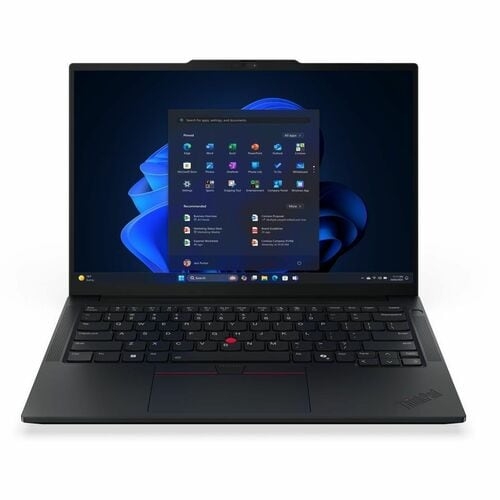
Ultrabook laptops are thin, lightweight portable computers designed to bring everyday performance, comfortable computing and useful battery life into a compact chassis. Their appeal lies in how easily a full laptop fits into a day spent moving between a desk, a meeting room, a classroom and a café table. Unlike a device built mainly for casual browsing, an ultrabook typically combines a desktop operating system, a physical keyboard and solid-state storage for tasks such as writing reports, managing spreadsheets, joining video calls and working across several applications. The term is often used to describe premium ultraportable laptops, although dimensions, capabilities and battery endurance vary by model. A slim profile does not necessarily mean limited performance: processor efficiency, memory capacity and cooling design all influence how smoothly a machine handles demanding work. For students, the attraction may be a laptop that slips beside textbooks without making a backpack cumbersome. For commuters and frequent travellers, it may be the ability to review a presentation on a small table and carry the same computer into a meeting. Remote workers can appreciate a portable setup that connects to a larger monitor at home without becoming awkward to carry elsewhere. Screen sizes around 13 to 14 inches often strike a practical balance between workspace and portability, while larger ultrabooks provide more room for side-by-side documents. Overall weight matters, but so do the footprint, charger size and space needed to open the lid. A narrow display border can provide a generous viewing area within a relatively small body. For someone receiving an ultrabook as a graduation gift or to mark a new job, suitability depends less on appearance alone than on the software, keyboard layout and connections needed for their next stage. These laptops suit people who want a capable everyday computer that is easy to take along, with enough flexibility to move from focused work to streaming, personal projects and keeping in touch.
The experience of using an ultrabook depends on the balance between its internal hardware and the tasks it is expected to handle. A modern processor can support responsive everyday work, but memory becomes especially important when a browser full of research tabs shares space with a video meeting, a large spreadsheet and background applications. Around 16 GB of memory is a useful starting point for this kind of multitasking, while more may benefit larger creative projects, software development or other memory-intensive workloads. Some thin laptops have memory attached directly to the main board, making the chosen configuration an important consideration for long-term use. Solid-state storage helps applications launch promptly and files open quickly; the capacity needed depends on whether documents mostly live online or whether the laptop also holds photographs, video footage and substantial project folders. Integrated graphics are well suited to many everyday tasks and some creative applications, but intensive 3D work, complex video effects and demanding games may call for graphics capabilities beyond those of a typical ultraportable. For workloads that place greater emphasis on processing power within a portable design, High Performance Ultrabooks brings that combination into focus. Display quality also shapes daily use. Higher resolution can make text and images look crisp, while brightness and a less reflective screen surface can improve readability under overhead lighting. OLED displays are known for deep blacks and strong contrast, whereas other panel types can offer a comfortable balance of image quality and power use. Colour accuracy matters for photography and design, and a taller screen shape can show more of a document or web page without scrolling. Touch input is useful for some workflows, but a touchscreen does not automatically mean the laptop folds into a tablet-style position. Battery figures are best understood as estimates: video calls, screen brightness, wireless activity and demanding applications all affect actual running time. A compact charger and compatible USB-C charging can make carrying power less cumbersome, although charging support and required wattage differ between laptops.
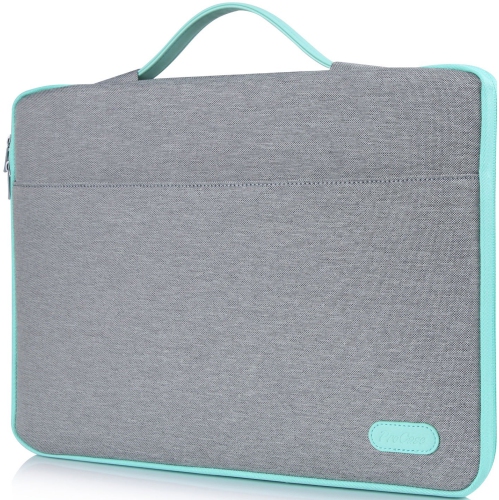
Materials, construction and the details touched every day can be just as important as the specifications inside an ultrabook. Aluminium and magnesium alloy chassis are common in this category, offering a combination of rigidity and relatively low weight, while other constructions may use reinforced plastics or a mix of materials. The material name alone does not establish durability; hinge design, assembly quality and resistance to flex also matter. A stable hinge helps the screen stay steady during typing, and a well-supported keyboard deck can make longer writing sessions feel more comfortable. Key spacing, travel and layout deserve attention, particularly for anyone who spends hours drafting documents or relies on frequently used shortcuts. A backlit keyboard can help when room lighting is subdued, while a responsive touchpad with enough surface area makes navigation easier when there is no room for a mouse. For Canadian users who type in both English and French, the keyboard layout and language input options are practical details. Clear microphones and a capable webcam support conversations with colleagues, classmates and family; a physical camera shutter or supported biometric sign-in can add everyday convenience and privacy. Connections determine how readily a thin laptop fits an existing workspace. USB-C ports may support charging, displays and fast data transfers, but those functions are not identical on every port. HDMI, USB-A and memory card readers can reduce reliance on adapters when connecting a projector, older accessory or camera card. Wi-Fi capability matters for wireless connectivity, though the network and router also affect performance. Care is straightforward but worthwhile: a fitted, padded sleeve helps prevent scratches during travel, and keeping loose chargers or keys away from the screen reduces the risk of pressure damage. Clear ventilation openings, careful handling of cables and cleaning with a soft cloth according to the manufacturer’s directions help preserve the laptop’s finish and usability. A well-matched ultrabook combines this everyday comfort with the performance and portability needed to remain useful as routines and workloads change.
The experience of using an ultrabook depends on the balance between its internal hardware and the tasks it is expected to handle. A modern processor can support responsive everyday work, but memory becomes especially important when a browser full of research tabs shares space with a video meeting, a large spreadsheet and background applications. Around 16 GB of memory is a useful starting point for this kind of multitasking, while more may benefit larger creative projects, software development or other memory-intensive workloads. Some thin laptops have memory attached directly to the main board, making the chosen configuration an important consideration for long-term use. Solid-state storage helps applications launch promptly and files open quickly; the capacity needed depends on whether documents mostly live online or whether the laptop also holds photographs, video footage and substantial project folders. Integrated graphics are well suited to many everyday tasks and some creative applications, but intensive 3D work, complex video effects and demanding games may call for graphics capabilities beyond those of a typical ultraportable. For workloads that place greater emphasis on processing power within a portable design, High Performance Ultrabooks brings that combination into focus. Display quality also shapes daily use. Higher resolution can make text and images look crisp, while brightness and a less reflective screen surface can improve readability under overhead lighting. OLED displays are known for deep blacks and strong contrast, whereas other panel types can offer a comfortable balance of image quality and power use. Colour accuracy matters for photography and design, and a taller screen shape can show more of a document or web page without scrolling. Touch input is useful for some workflows, but a touchscreen does not automatically mean the laptop folds into a tablet-style position. Battery figures are best understood as estimates: video calls, screen brightness, wireless activity and demanding applications all affect actual running time. A compact charger and compatible USB-C charging can make carrying power less cumbersome, although charging support and required wattage differ between laptops.
Materials, construction and the details touched every day can be just as important as the specifications inside an ultrabook. Aluminium and magnesium alloy chassis are common in this category, offering a combination of rigidity and relatively low weight, while other constructions may use reinforced plastics or a mix of materials. The material name alone does not establish durability; hinge design, assembly quality and resistance to flex also matter. A stable hinge helps the screen stay steady during typing, and a well-supported keyboard deck can make longer writing sessions feel more comfortable. Key spacing, travel and layout deserve attention, particularly for anyone who spends hours drafting documents or relies on frequently used shortcuts. A backlit keyboard can help when room lighting is subdued, while a responsive touchpad with enough surface area makes navigation easier when there is no room for a mouse. For Canadian users who type in both English and French, the keyboard layout and language input options are practical details. Clear microphones and a capable webcam support conversations with colleagues, classmates and family; a physical camera shutter or supported biometric sign-in can add everyday convenience and privacy. Connections determine how readily a thin laptop fits an existing workspace. USB-C ports may support charging, displays and fast data transfers, but those functions are not identical on every port. HDMI, USB-A and memory card readers can reduce reliance on adapters when connecting a projector, older accessory or camera card. Wi-Fi capability matters for wireless connectivity, though the network and router also affect performance. Care is straightforward but worthwhile: a fitted, padded sleeve helps prevent scratches during travel, and keeping loose chargers or keys away from the screen reduces the risk of pressure damage. Clear ventilation openings, careful handling of cables and cleaning with a soft cloth according to the manufacturer’s directions help preserve the laptop’s finish and usability. A well-matched ultrabook combines this everyday comfort with the performance and portability needed to remain useful as routines and workloads change.
Top selling and popular products
-
 Your price for this item is $449
 -
 Your price for this item is $3099
 -
 Your price for this item is $299.95
 -
 Your price for this item is $664.05
 -
 Your price for this item is $599.68
 -
 Your price for this item is $869.99
 -
 Your price for this item is $259
 -
 Your price for this item is $418.98
Discover more categories related to Ultrabook Laptops
Top Collections:
Pokemon Centers, Kindle Devices, Best Budget Office Chairs, Apple iPhones 16, Best Laptops for Writers, iPhone 15 Apple, Canon G7X Cameras, Refurbished Apple Laptops, Alarm Clock, Motorola Razr Phones
Some products may be subject to Environmental Handling Fees
(EHF) depending on your province.
Learn more about EHFs.