User Friendly Laptop Computers
If you're looking for a laptop that's easy to use and highly-functional, we've got you covered. These laptops are user-friendly and easy to navigate. With features such as intuitive user interfaces, reliable performance, and a wide range of applications, these laptops are ideal for users of all levels. Here are some of the best laptops available for you to choose from.
Sort



Why familiar controls matter more than extra features
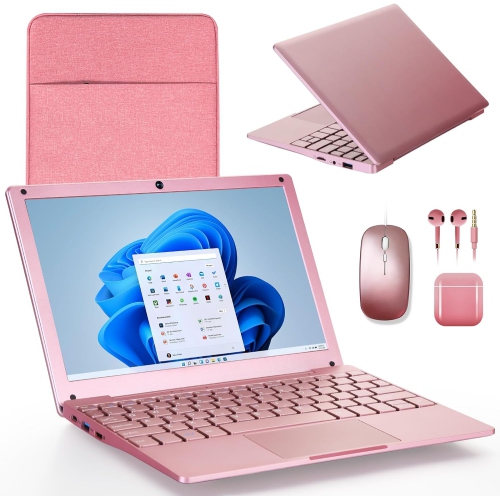
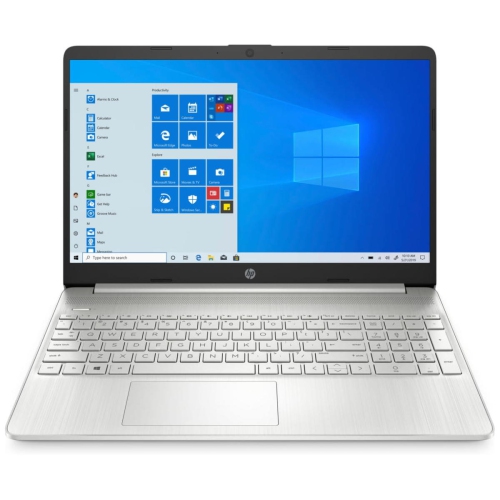
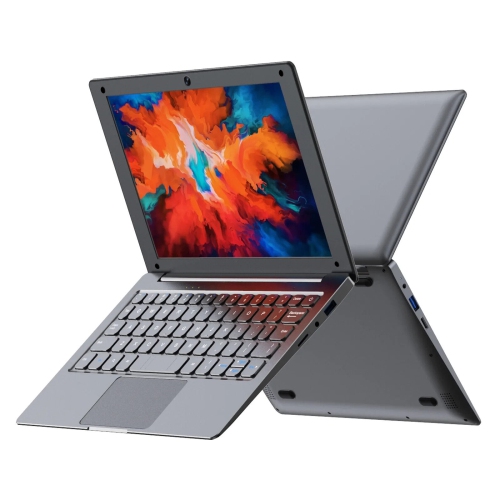
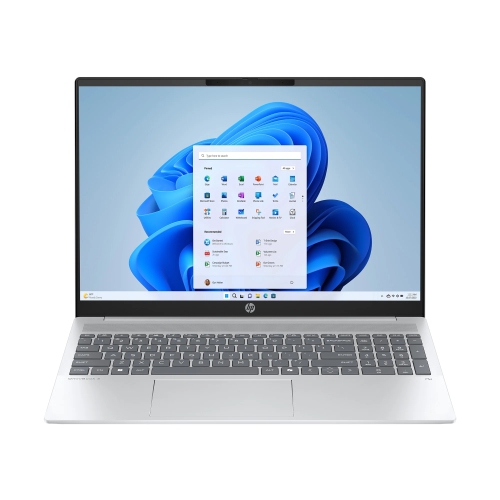
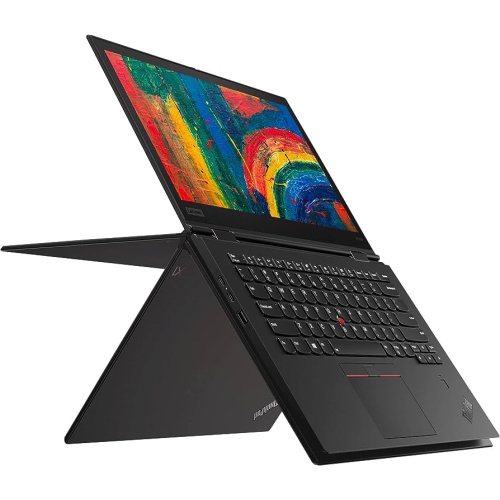
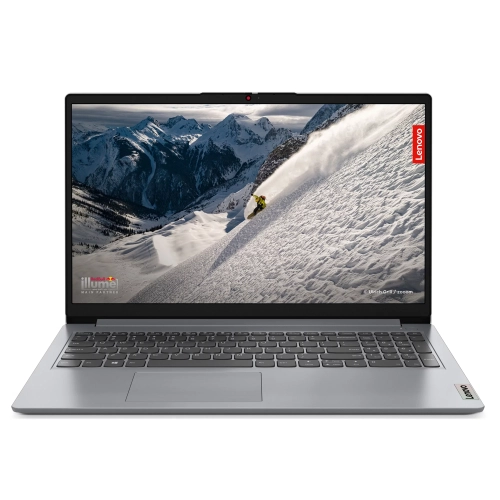
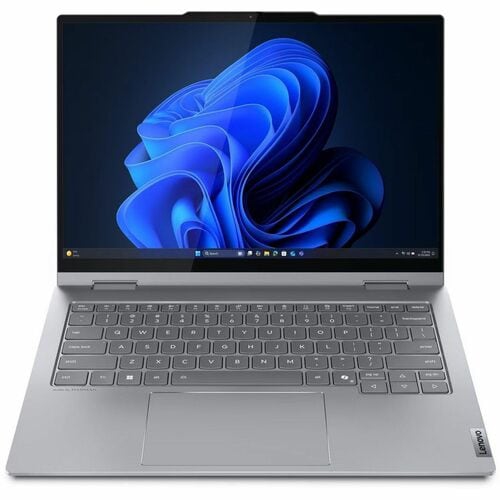
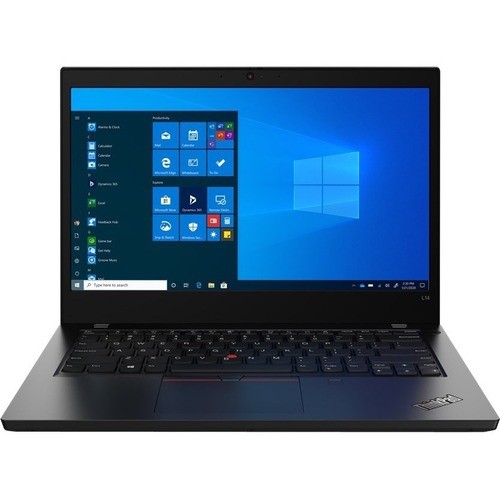
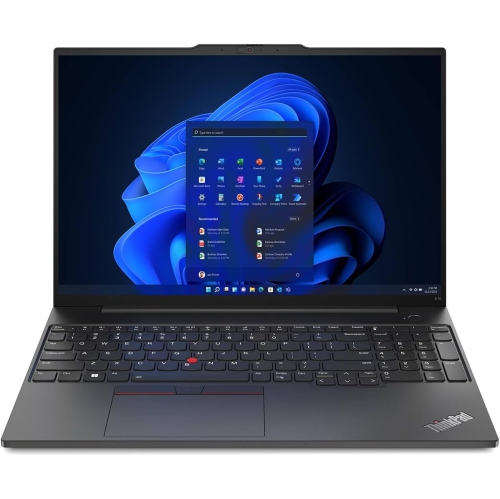
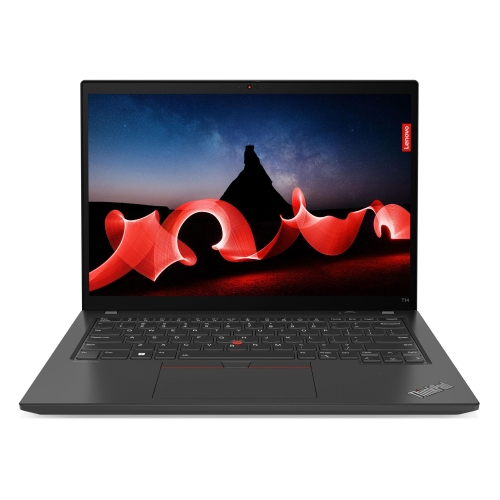
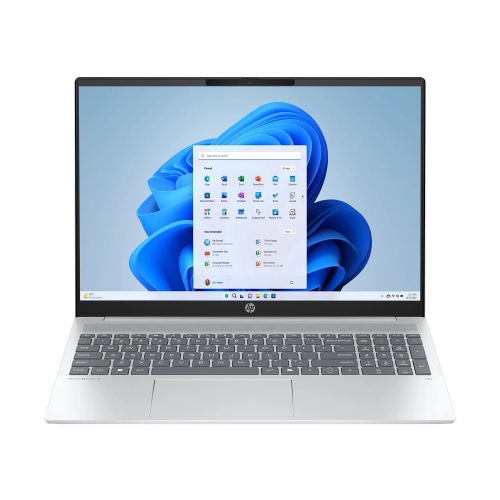
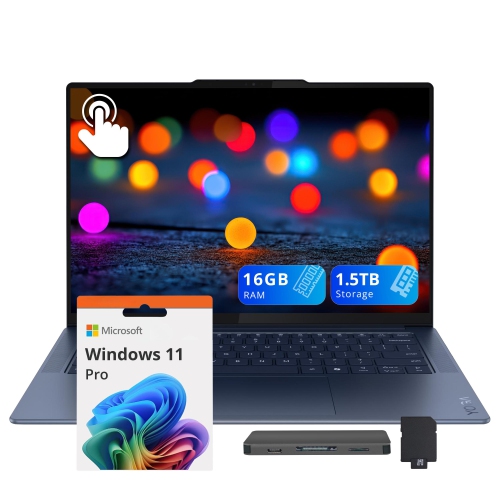
User-friendly laptop computers make everyday tasks feel straightforward, from opening an email attachment to joining a video call or finding a saved document. Ease of use comes from a combination of clear software, comfortable controls, readable screens, and responsive performance rather than any single feature. A familiar operating system can make the transition to a new laptop smoother, especially for someone who already knows where to find their apps, photos, and settings. Guided setup, clearly labelled menus, and accessible help tools are useful for first-time owners, while adjustable text sizes, voice typing, and screen-reading features can support different ways of working. A solid-state drive, often called an SSD, helps shorten startup times and makes opening files and applications feel quicker, although overall responsiveness also depends on the processor, memory, and software being used. For browsing, writing, and video calls, balanced everyday performance matters more than features designed for demanding specialist work. Having enough memory is particularly helpful when a homework document, several browser tabs, and a call are open together. Storage needs depend on what stays on the computer: a collection of family videos takes up more space than letters, spreadsheets, and a few downloaded files. Simple sign-in options, such as a supported fingerprint reader, can reduce the need to type a password repeatedly, though keeping account recovery details accessible remains important. Easy-to-find privacy controls and straightforward update settings also contribute to a less frustrating experience. These qualities suit a wide range of people, including students managing assignments, adults handling household paperwork, older users keeping in touch with family, and anyone replacing a computer that has become awkward to use. The most approachable laptop is not necessarily the one with the fewest capabilities. It is one whose controls, software, and performance fit the tasks its owner actually does, without adding unnecessary steps to familiar routines. Being able to move easily between a calendar, a web browser, and a document can matter far more in daily life than a long list of unfamiliar extras.
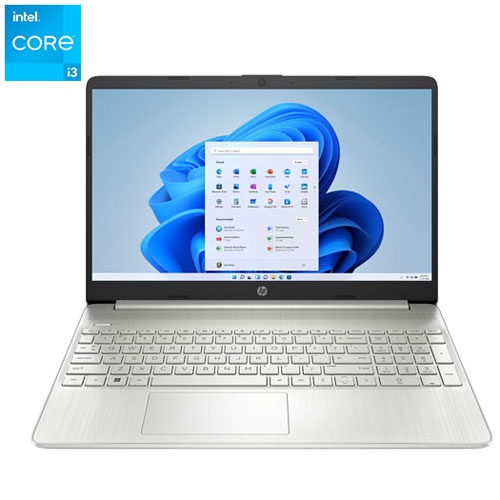
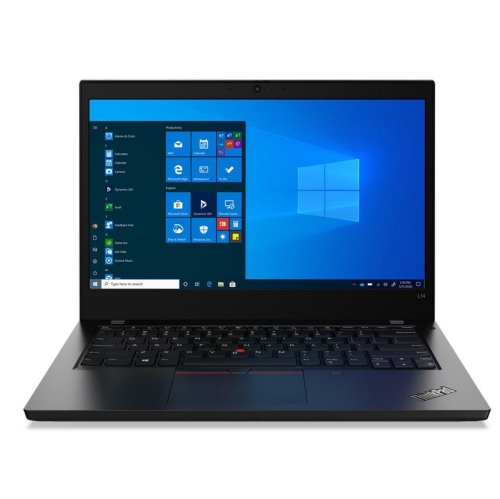
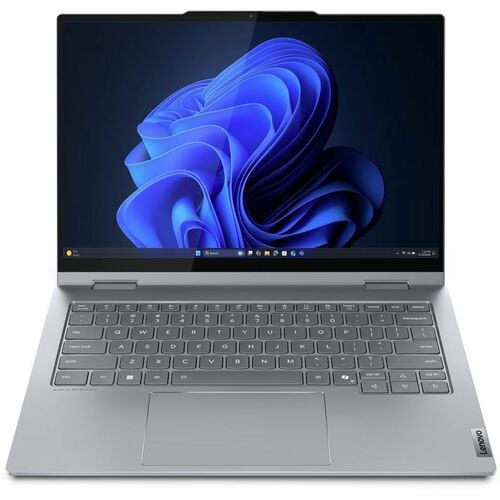
Physical comfort plays an equally important role in how welcoming a laptop feels. A readable display makes a difference when comparing travel details, following an online lesson, or checking the small print on a form. Screen size is only part of the picture: resolution, brightness, reflections, and adjustable scaling all affect how comfortably text and images can be viewed. A larger screen provides more room for two windows side by side, while a smaller laptop is often easier to carry between home, school, and work. An anti-glare finish can help reduce distracting reflections near a window or beneath overhead lighting. Keyboard layouts deserve similar attention. Clearly marked keys, sensible spacing, and a distinct response when typing can make long messages and assignments feel more manageable. Backlighting helps keep keys visible in dimmer rooms, while a dedicated number pad may appeal to someone who regularly enters figures into a spreadsheet. A responsive touchpad with reliable clicks and predictable gestures supports smooth navigation; a separate mouse can offer a more familiar alternative at a desk. Touchscreens provide another way to interact, particularly for scrolling through photos or enlarging something on screen, but they are not essential for an easy-to-use computer. Convertible laptops with a suitable hinge can also support touch-based activities while retaining a keyboard for typing. For shared calls, a webcam positioned above the display, clear microphones, and speakers that make voices easy to hear are practical details. A physical camera shutter, where included, offers a visible indication that the lens is covered. Connection options matter just as much as built-in features. Ports that match an existing mouse, monitor, or external drive can simplify a familiar workspace and reduce reliance on adapters. Wi-Fi supports wireless internet access, though connection quality also depends on the router, distance, and surrounding interference. Charging connections deserve a close look too: a USB-C port does not automatically mean a laptop supports charging through that port, and compatible power requirements still apply. Together, these details shape how naturally the computer fits into everyday use.
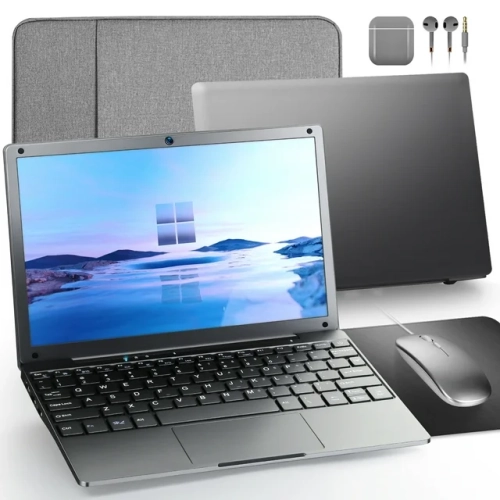
For a laptop that moves around frequently, weight, construction, and battery life become part of its everyday usability. A lightweight design can be easier to lift from a shelf or carry in a backpack, but comfort also depends on the charger and protective sleeve travelling with it. Aluminium casings can feel firm and resist flex, while well-built plastic housings can offer practical everyday durability; material alone does not establish how well a computer will withstand regular handling. A stable hinge, a securely fitted keyboard, and a chassis that feels solid when lifted all contribute to confidence in daily use. A padded sleeve helps protect against scuffs during travel, and a bag compartment that fits the laptop without excessive movement adds useful cushioning. Battery estimates are best understood as a reference rather than a promise, since screen brightness, video meetings, software, and power settings affect time between charges. Longer unplugged use is convenient for moving from a kitchen table to a study space without carrying the charger each time. At a permanent desk, an external display and keyboard can make it easier to arrange a comfortable workspace. Students balancing class notes, research, and shared projects may also find relevant options among Student Friendly Windows Laptops, with software compatibility remaining an important part of the fit for school requirements. As a gift, a straightforward laptop can be a thoughtful choice for someone beginning a course, returning to study, or wanting an easier way to stay connected, particularly when its operating system feels familiar. Routine care helps preserve that approachable experience. Keeping vents clear, using the laptop on a firm surface, and following the manufacturer's cleaning directions can help protect its finish and support cooling. Drinks are better kept away from the keyboard, and gentle handling helps protect hinges and charging ports. Regular file backups, software updates, and an orderly set of folders make everyday ownership easier, leaving less time spent searching for documents and more time for the activities the laptop was chosen to support.
Physical comfort plays an equally important role in how welcoming a laptop feels. A readable display makes a difference when comparing travel details, following an online lesson, or checking the small print on a form. Screen size is only part of the picture: resolution, brightness, reflections, and adjustable scaling all affect how comfortably text and images can be viewed. A larger screen provides more room for two windows side by side, while a smaller laptop is often easier to carry between home, school, and work. An anti-glare finish can help reduce distracting reflections near a window or beneath overhead lighting. Keyboard layouts deserve similar attention. Clearly marked keys, sensible spacing, and a distinct response when typing can make long messages and assignments feel more manageable. Backlighting helps keep keys visible in dimmer rooms, while a dedicated number pad may appeal to someone who regularly enters figures into a spreadsheet. A responsive touchpad with reliable clicks and predictable gestures supports smooth navigation; a separate mouse can offer a more familiar alternative at a desk. Touchscreens provide another way to interact, particularly for scrolling through photos or enlarging something on screen, but they are not essential for an easy-to-use computer. Convertible laptops with a suitable hinge can also support touch-based activities while retaining a keyboard for typing. For shared calls, a webcam positioned above the display, clear microphones, and speakers that make voices easy to hear are practical details. A physical camera shutter, where included, offers a visible indication that the lens is covered. Connection options matter just as much as built-in features. Ports that match an existing mouse, monitor, or external drive can simplify a familiar workspace and reduce reliance on adapters. Wi-Fi supports wireless internet access, though connection quality also depends on the router, distance, and surrounding interference. Charging connections deserve a close look too: a USB-C port does not automatically mean a laptop supports charging through that port, and compatible power requirements still apply. Together, these details shape how naturally the computer fits into everyday use.
For a laptop that moves around frequently, weight, construction, and battery life become part of its everyday usability. A lightweight design can be easier to lift from a shelf or carry in a backpack, but comfort also depends on the charger and protective sleeve travelling with it. Aluminium casings can feel firm and resist flex, while well-built plastic housings can offer practical everyday durability; material alone does not establish how well a computer will withstand regular handling. A stable hinge, a securely fitted keyboard, and a chassis that feels solid when lifted all contribute to confidence in daily use. A padded sleeve helps protect against scuffs during travel, and a bag compartment that fits the laptop without excessive movement adds useful cushioning. Battery estimates are best understood as a reference rather than a promise, since screen brightness, video meetings, software, and power settings affect time between charges. Longer unplugged use is convenient for moving from a kitchen table to a study space without carrying the charger each time. At a permanent desk, an external display and keyboard can make it easier to arrange a comfortable workspace. Students balancing class notes, research, and shared projects may also find relevant options among Student Friendly Windows Laptops, with software compatibility remaining an important part of the fit for school requirements. As a gift, a straightforward laptop can be a thoughtful choice for someone beginning a course, returning to study, or wanting an easier way to stay connected, particularly when its operating system feels familiar. Routine care helps preserve that approachable experience. Keeping vents clear, using the laptop on a firm surface, and following the manufacturer's cleaning directions can help protect its finish and support cooling. Drinks are better kept away from the keyboard, and gentle handling helps protect hinges and charging ports. Regular file backups, software updates, and an orderly set of folders make everyday ownership easier, leaving less time spent searching for documents and more time for the activities the laptop was chosen to support.
Top selling and popular products
-
 Your price for this item is $449
 -
 Your price for this item is $3099
 -
 Your price for this item is $664.05
 -
 Your price for this item is $599.68
 -
 Your price for this item is $259
 -
 Your price for this item is $418.98
 -
 Your price for this item is $999.95
 -
 Your price for this item is $489
Discover more categories related to User Friendly Laptop Computers
Top Collections:
Pokemon Centers, Budget 4K TVs, Best Budget Office Chairs, Kindle Devices, Canon G7X Cameras, Apple iPhones 16, iPhone 15 Apple, Laptops for Business Work, Xiaomi Phones, Flip Phones
Some products may be subject to Environmental Handling Fees
(EHF) depending on your province.
Learn more about EHFs.