Video Editing Software With Subtitles
Video Editing Software With Subtitles makes it easy to create polished, engaging videos that stand out. Whether you're editing home movies, professional projects, or social media content, these tools offer intuitive solutions for adding subtitles to your footage. Enhance accessibility and reach wider audiences by incorporating clear, customizable text into your videos. Explore a variety of options designed to streamline your workflow and help you achieve impressive results with every project.
Sort
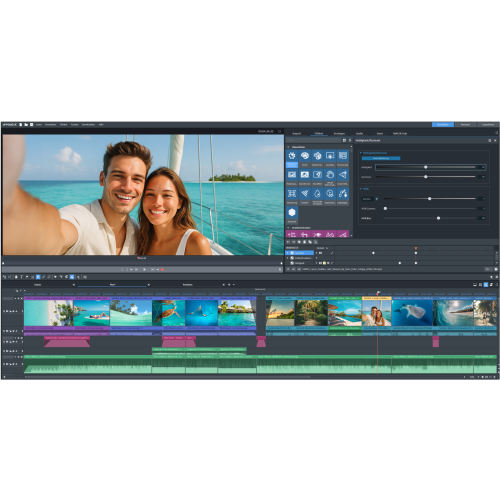

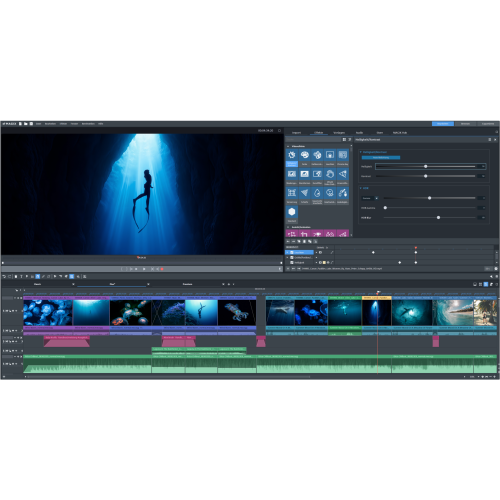
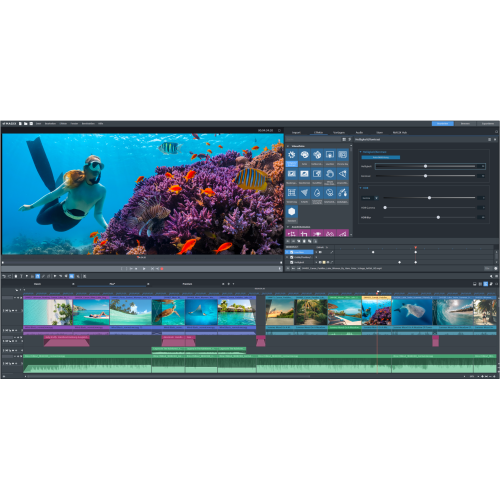
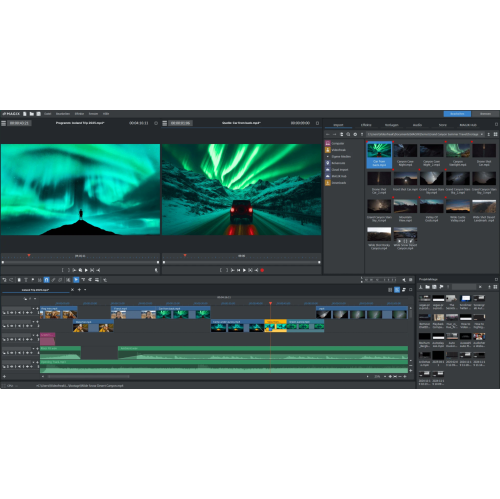


Subtitle tools help videos reach more viewers
Video editing software with subtitle capabilities has become an essential tool for creators, marketers, educators, and anyone looking to make their video content more accessible and engaging. As the weather warms and people capture more outdoor events, travel moments, and special occasions, the demand for easy-to-use subtitle features grows across all skill levels. Whether you are a professional videographer editing feature-length documentaries, a teacher preparing instructional materials, or a social media enthusiast sharing quick clips with friends, the right software can make a significant difference in the quality and reach of your content. Subtitles not only improve accessibility for viewers who are deaf or hard of hearing, but they also help engage audiences in noisy environments or those watching without sound. With the rise of global audiences, the ability to add, edit, and customize subtitles in multiple languages is more important than ever, especially for those aiming to share memories, tutorials, or promotional videos with a wider community.
Choosing the best video editing software with subtitles involves considering your workflow, the devices you use, and the specific features that matter most to your projects. For instance, some software offers automated AI-generated subtitles that save hours of manual transcription—ideal for fast-paced content creators or those who want to quickly caption social media videos. Others provide advanced editing tools for precise timing, multi-language support, and detailed styling, catering to filmmakers or businesses producing polished, professional-grade videos. If you’re gifting video editing software to a student, aspiring creator, or family member, look for intuitive interfaces and one-click subtitle generation that make it easy for beginners to get started. For those already experienced in video production, features like SRT import/export, subtitle “burning” (embedding captions directly into the video), and customizable fonts or animations can elevate the final product. Many users appreciate being able to seamlessly switch between desktop and mobile editing, especially during the busier summer and early fall months when schedules and locations can change quickly.
No matter your experience level, exploring the full range of subtitle features can transform how you tell stories and connect with viewers. From editing vacation highlights with karaoke-style captions to preparing educational videos with frame-accurate subtitles, the right software empowers you to share your vision with clarity and creativity. If you’re interested in discovering more options or comparing features, you can browse the full assortment of Video Editor Software to find the perfect fit for your needs. As technology advances and content creation becomes more accessible, investing in video editing software with robust subtitle tools ensures your videos stand out and resonate with audiences all year long.
Choosing the best video editing software with subtitles involves considering your workflow, the devices you use, and the specific features that matter most to your projects. For instance, some software offers automated AI-generated subtitles that save hours of manual transcription—ideal for fast-paced content creators or those who want to quickly caption social media videos. Others provide advanced editing tools for precise timing, multi-language support, and detailed styling, catering to filmmakers or businesses producing polished, professional-grade videos. If you’re gifting video editing software to a student, aspiring creator, or family member, look for intuitive interfaces and one-click subtitle generation that make it easy for beginners to get started. For those already experienced in video production, features like SRT import/export, subtitle “burning” (embedding captions directly into the video), and customizable fonts or animations can elevate the final product. Many users appreciate being able to seamlessly switch between desktop and mobile editing, especially during the busier summer and early fall months when schedules and locations can change quickly.
No matter your experience level, exploring the full range of subtitle features can transform how you tell stories and connect with viewers. From editing vacation highlights with karaoke-style captions to preparing educational videos with frame-accurate subtitles, the right software empowers you to share your vision with clarity and creativity. If you’re interested in discovering more options or comparing features, you can browse the full assortment of Video Editor Software to find the perfect fit for your needs. As technology advances and content creation becomes more accessible, investing in video editing software with robust subtitle tools ensures your videos stand out and resonate with audiences all year long.
Top selling and popular products
-
 Your price for this item is $434.99
 -
 Your price for this item is $1130.99
 -
 Your price for this item is $169.99
 -
 Your price for this item is $334.99
 -
 Your price for this item is $138.99
 -
 Your price for this item is $369.99
 -
 Your price for this item is $369.99
 -
 Your price for this item is $138.99
Discover more categories related to Video Editing Software With Subtitles

Top Collections:
Pokemon Centers, Kindle Devices, Best Cell Phones Under $500, Alarm Clock, Canon G7X Cameras, iPhone 15 Apple, Apple iPhones 16, Laptops for Students, iPhone 14 256GB, Budget Smartphones
Some products may be subject to Environmental Handling Fees
(EHF) depending on your province.
Learn more about EHFs.