Video Editing Software With Color Grading
Video Editing Software With Color Grading provides powerful tools for creators looking to enhance their video projects with professional-quality visuals. Whether you're editing home movies, producing content for social media, or working on larger film projects, these software options offer a wide range of capabilities to help you achieve the perfect look. Explore solutions designed to bring your creative vision to life, streamline your workflow, and deliver impressive results with every edit. Find the right Video Editing Software With Color Grading to take your productions to the next level.
Sort
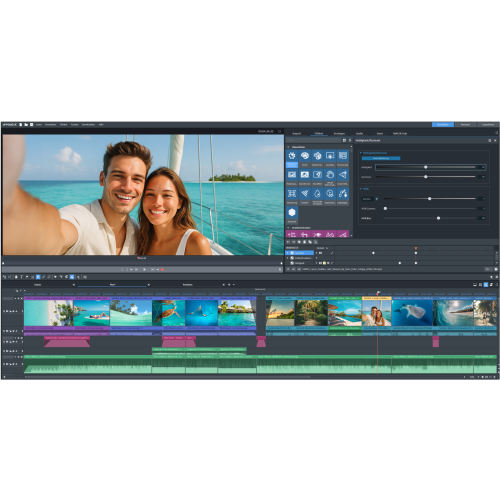
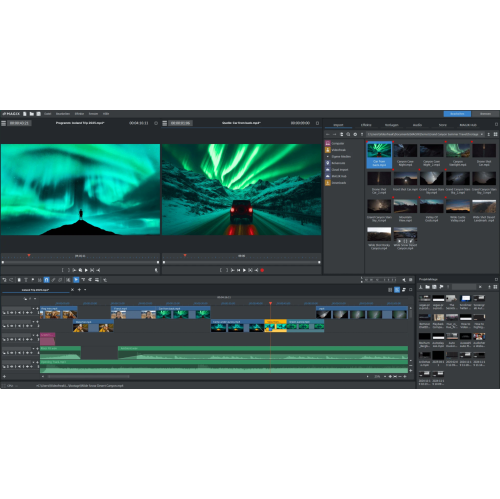
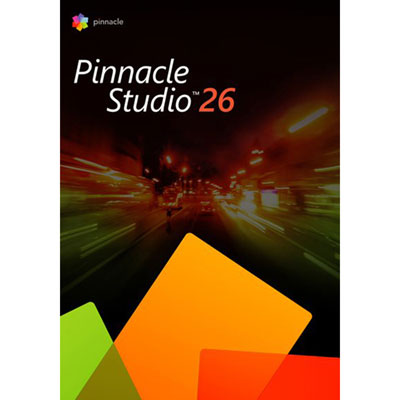
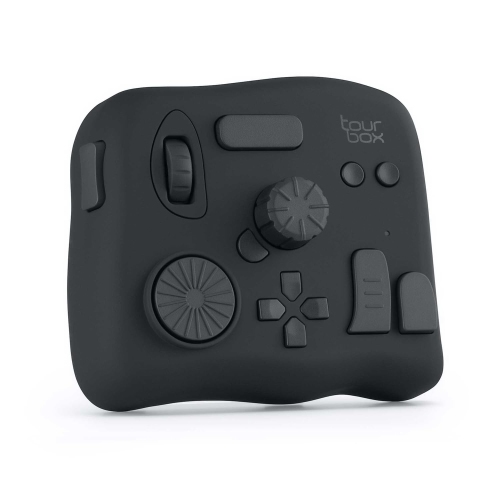
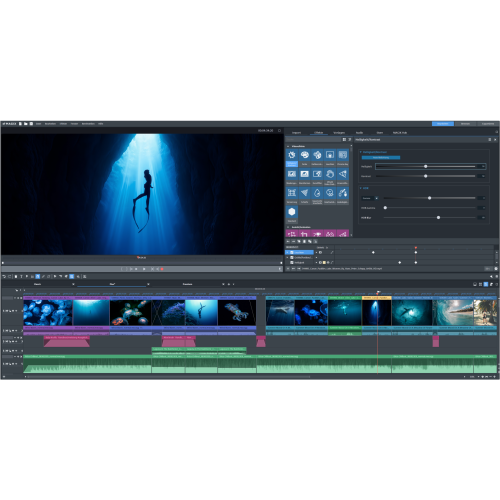
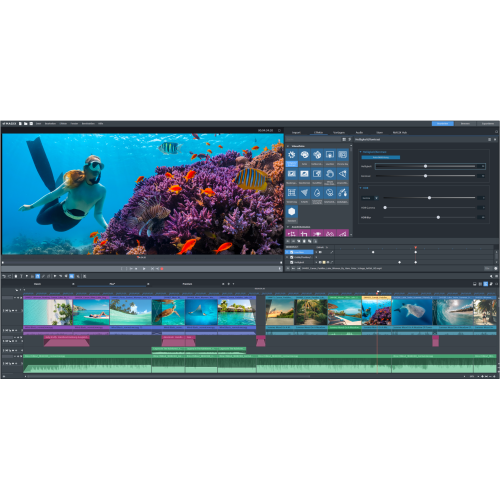
Cinematic looks through precise colour grading controls
Whether you’re a filmmaker, content creator, or someone who loves capturing life’s moments, video editing software with colour grading features can transform your footage into something truly captivating. These tools are essential for anyone looking to elevate the visual quality of their videos, whether you’re working on a short film, a vlog, or a professional commercial. As the days grow longer and the light changes throughout the summer and into early fall, having access to advanced colour grading controls lets you match your footage to the mood and atmosphere you want to convey. From subtle adjustments that make skin tones look more natural to dramatic, stylized looks worthy of the big screen, the best video colour grading software puts powerful creative tools in your hands. These programs typically come equipped with features like colour wheels, curves, and LUT (Look-Up Table) support, allowing you to fine-tune shadows, midtones, and highlights or apply cinematic presets with just a few clicks. Many also provide waveform and vectorscope displays for precise adjustment, ensuring your colours stay true and consistent across every frame.
Choosing the right video editing software with colour grading capabilities depends on your workflow, experience level, and the kind of projects you’re tackling. Beginners might appreciate intuitive interfaces and simple drag-and-drop grading tools, while professionals often seek advanced options such as node-based workflows, mask and tracking features, and granular control over every aspect of the image. If you’re gifting software to a student, aspiring influencer, or a family member who loves recording summer adventures, consider their computer platform and how easy it will be for them to get started. For those working in collaborative environments or producing videos for clients, look for software that supports industry-standard file formats and integrates seamlessly with other creative tools. As you explore options, you’ll notice that some programs offer free versions with robust functionality, while others require a one-time purchase or subscription and unlock even more sophisticated grading tools. Regardless of your choice, investing in the right software can make a noticeable difference—turning ordinary footage into visually stunning stories that stand out on any screen.
If you’re interested in exploring a broader range of video editing solutions, including options for different skill levels and project types, visit our Video Editor Software page. Here, you’ll find a curated selection designed to help everyone—from hobbyists editing family memories to professionals crafting cinematic masterpieces—achieve the perfect look for their videos. With the right tools, you can experiment with colour grading techniques, enhance your creative vision, and bring your projects to life, no matter the season or the story you’re telling.
Choosing the right video editing software with colour grading capabilities depends on your workflow, experience level, and the kind of projects you’re tackling. Beginners might appreciate intuitive interfaces and simple drag-and-drop grading tools, while professionals often seek advanced options such as node-based workflows, mask and tracking features, and granular control over every aspect of the image. If you’re gifting software to a student, aspiring influencer, or a family member who loves recording summer adventures, consider their computer platform and how easy it will be for them to get started. For those working in collaborative environments or producing videos for clients, look for software that supports industry-standard file formats and integrates seamlessly with other creative tools. As you explore options, you’ll notice that some programs offer free versions with robust functionality, while others require a one-time purchase or subscription and unlock even more sophisticated grading tools. Regardless of your choice, investing in the right software can make a noticeable difference—turning ordinary footage into visually stunning stories that stand out on any screen.
If you’re interested in exploring a broader range of video editing solutions, including options for different skill levels and project types, visit our Video Editor Software page. Here, you’ll find a curated selection designed to help everyone—from hobbyists editing family memories to professionals crafting cinematic masterpieces—achieve the perfect look for their videos. With the right tools, you can experiment with colour grading techniques, enhance your creative vision, and bring your projects to life, no matter the season or the story you’re telling.
Top selling and popular products
-
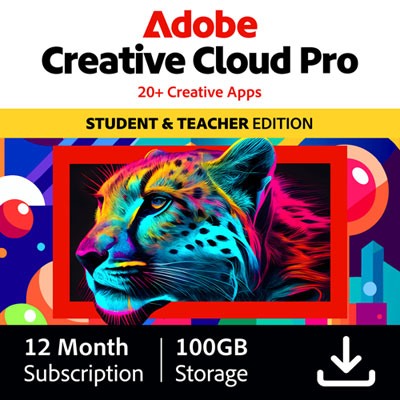 Your price for this item is $434.99
 -
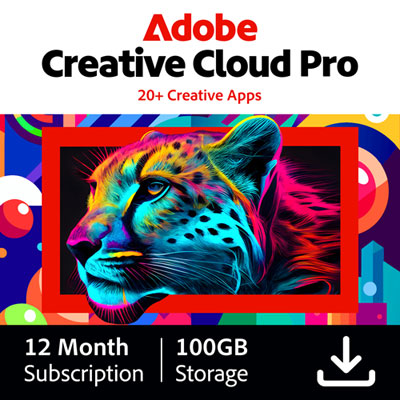 Your price for this item is $1130.99
 -
 Your price for this item is $169.99
 -
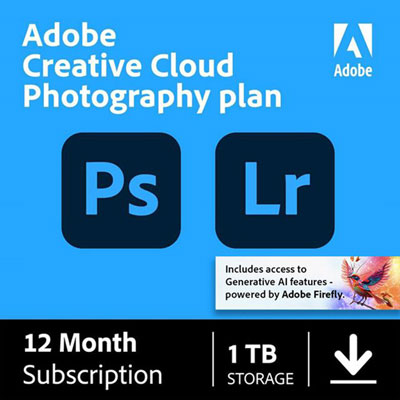 Your price for this item is $334.99
 -
 Your price for this item is $138.99
 -
 Your price for this item is $369.99
 -
 Your price for this item is $369.99
 -
 Your price for this item is $138.99
Discover more categories related to Video Editing Software With Color Grading

Top Collections:
Pokemon Centers, Kindle Devices, Best Cell Phones Under $500, Alarm Clock, Canon G7X Cameras, iPhone 15 Apple, Apple iPhones 16, Laptops for Students, iPhone 14 256GB, Budget Smartphones
Some products may be subject to Environmental Handling Fees
(EHF) depending on your province.
Learn more about EHFs.