Western Digital Red
Western Digital Red drives are designed to meet the demands of reliable storage solutions for home and business environments. Explore a wide selection of options tailored for network-attached storage systems, offering dependable performance and versatility. Whether you’re expanding your existing setup or building a new system, Western Digital Red provides the capacity and efficiency needed to keep your data organized and accessible. Find the right fit for your storage needs and streamline your workflow with confidence.
Sort



Why shared storage needs more than drive capacity
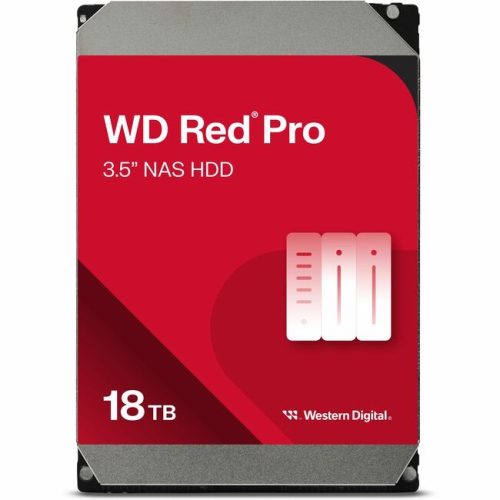
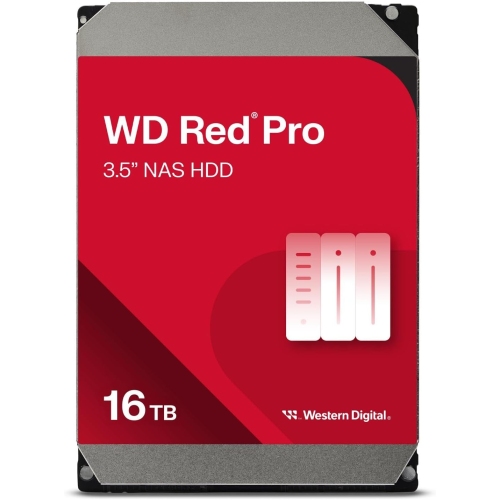
NAS hard drives provide the storage inside a network-attached storage system: a dedicated enclosure that makes files accessible to authorized devices over a home or business network. Unlike an external drive connected to a single computer, a NAS can serve several people and devices from one central location. That makes NAS-focused internal storage useful for family photo libraries, shared office documents, computer backups, media collections, and creative projects that need more room than a laptop can provide. Drives designed for this role are generally built for continuous operation, with firmware tuned for the demands of shared storage and supported multi-drive configurations. A household might use a NAS to keep years of photos in one place while automatically backing up two computers; a small studio might use the same type of storage to share project folders between workstations. In both cases, the drive works as part of a larger system rather than as a standalone accessory. The enclosure supplies the processor, network connection, drive bays, and software that determine how those files are organized and accessed. NAS drives are often installed in arrays, where several disks work together to provide capacity, improve access, or maintain access after certain drive failures, depending on the configuration. Their suitability comes from more than the amount of data they hold. Supported bay count, recording technology, workload rating, and compatibility with the enclosure all matter. Not every NAS drive supports the same number of bays or the same intensity of use, so a compact home file server and a busy shared business system may call for different drive specifications. Some NAS-focused hard drives use conventional magnetic recording, known as CMR, while others use shingled magnetic recording, known as SMR. Those technologies should not be treated as interchangeable: CMR is generally better suited to sustained writes and array rebuilds, while an SMR drive requires particular attention to the storage system’s support and workload requirements.
Physical fit and usable capacity are practical considerations for any NAS storage setup. Many NAS hard drives use a 3.5-inch form factor and a SATA connection, but the enclosure’s specifications and drive compatibility list remain the deciding references. A drive needs to fit the bay or tray, use a supported interface, and fall within any capacity or firmware requirements set by the enclosure manufacturer. The metal drive housing protects a precision mechanism containing spinning platters and read/write heads; it does not make the drive resistant to drops or rough handling. Secure mounting helps limit movement, and unobstructed airflow supports reliable operation when several disks are working in close quarters. Multi-bay systems also create vibration that can affect drive performance, which is why some NAS drives include rotational vibration sensors or other vibration-management features. These features vary, as do spindle speed, cache size, acoustic output, and power requirements. A faster spindle speed can help with certain workloads, but it does not guarantee noticeably faster file transfers across a limited network connection. For an enclosure beside a desk, operating noise may be just as relevant as peak throughput. Capacity planning also involves more than adding together the figures on the drive labels. Storage reserved for redundancy, file-system overhead, snapshots, and backup history reduces the room available for everyday files. An array built with drives of different capacities may leave some space unused, depending on how the system manages them. A photographer storing original image files, edited copies, and archived jobs will have different needs from a household keeping documents and occasional phone backups. Allowing room for growth helps avoid filling the system immediately, while checking expansion options makes future additions easier to assess. Advertised capacity and the space reported by storage software can differ because of measurement conventions as well as system overhead. These details help explain why two setups with the same total labelled capacity may offer different amounts of usable storage.
Long-term suitability depends on how the storage will be used day after day. Occasional document access places different demands on a drive than several people saving large files, a media server handling simultaneous streams, or backup software writing substantial amounts of data overnight. Workload ratings describe the amount of data a drive is designed to handle over a stated period, while warranty terms and reliability specifications provide additional context rather than a promise that failure cannot occur. NAS software can often display drive health information and issue alerts about errors, but monitoring does not replace a separate backup. Redundancy can help keep files accessible after a supported drive failure; it cannot reliably protect against accidental deletion, theft, malicious software, or damage to the entire enclosure. Important photos, financial records, and business documents benefit from another copy stored separately, with access controls suited to their sensitivity. Everyday care is mostly about stable installation, careful handling during maintenance, and following the enclosure manufacturer’s procedures when adding or replacing a disk. Whether a drive can be replaced while the system is running depends on the enclosure and its configuration, not simply on the drive being intended for NAS use. A replacement may also trigger a lengthy rebuild, during which the system remains busy and performance can change. Purpose-built storage categories deserve similar attention. Continuous camera recording and shared network file storage both involve long operating hours, but their access patterns and firmware priorities can differ. For a camera-recording setup, Western Digital Purple is a related storage category to consider alongside the recorder’s compatibility requirements. For shared files and backups, NAS-focused drives are most relevant when matched to the enclosure, number of users, expected workload, and desired capacity. That combination supports a storage system suited to real routines, whether it holds a family’s growing photo archive or the working files a small team depends on each day.
Physical fit and usable capacity are practical considerations for any NAS storage setup. Many NAS hard drives use a 3.5-inch form factor and a SATA connection, but the enclosure’s specifications and drive compatibility list remain the deciding references. A drive needs to fit the bay or tray, use a supported interface, and fall within any capacity or firmware requirements set by the enclosure manufacturer. The metal drive housing protects a precision mechanism containing spinning platters and read/write heads; it does not make the drive resistant to drops or rough handling. Secure mounting helps limit movement, and unobstructed airflow supports reliable operation when several disks are working in close quarters. Multi-bay systems also create vibration that can affect drive performance, which is why some NAS drives include rotational vibration sensors or other vibration-management features. These features vary, as do spindle speed, cache size, acoustic output, and power requirements. A faster spindle speed can help with certain workloads, but it does not guarantee noticeably faster file transfers across a limited network connection. For an enclosure beside a desk, operating noise may be just as relevant as peak throughput. Capacity planning also involves more than adding together the figures on the drive labels. Storage reserved for redundancy, file-system overhead, snapshots, and backup history reduces the room available for everyday files. An array built with drives of different capacities may leave some space unused, depending on how the system manages them. A photographer storing original image files, edited copies, and archived jobs will have different needs from a household keeping documents and occasional phone backups. Allowing room for growth helps avoid filling the system immediately, while checking expansion options makes future additions easier to assess. Advertised capacity and the space reported by storage software can differ because of measurement conventions as well as system overhead. These details help explain why two setups with the same total labelled capacity may offer different amounts of usable storage.
Long-term suitability depends on how the storage will be used day after day. Occasional document access places different demands on a drive than several people saving large files, a media server handling simultaneous streams, or backup software writing substantial amounts of data overnight. Workload ratings describe the amount of data a drive is designed to handle over a stated period, while warranty terms and reliability specifications provide additional context rather than a promise that failure cannot occur. NAS software can often display drive health information and issue alerts about errors, but monitoring does not replace a separate backup. Redundancy can help keep files accessible after a supported drive failure; it cannot reliably protect against accidental deletion, theft, malicious software, or damage to the entire enclosure. Important photos, financial records, and business documents benefit from another copy stored separately, with access controls suited to their sensitivity. Everyday care is mostly about stable installation, careful handling during maintenance, and following the enclosure manufacturer’s procedures when adding or replacing a disk. Whether a drive can be replaced while the system is running depends on the enclosure and its configuration, not simply on the drive being intended for NAS use. A replacement may also trigger a lengthy rebuild, during which the system remains busy and performance can change. Purpose-built storage categories deserve similar attention. Continuous camera recording and shared network file storage both involve long operating hours, but their access patterns and firmware priorities can differ. For a camera-recording setup, Western Digital Purple is a related storage category to consider alongside the recorder’s compatibility requirements. For shared files and backups, NAS-focused drives are most relevant when matched to the enclosure, number of users, expected workload, and desired capacity. That combination supports a storage system suited to real routines, whether it holds a family’s growing photo archive or the working files a small team depends on each day.
Top selling and popular products
-
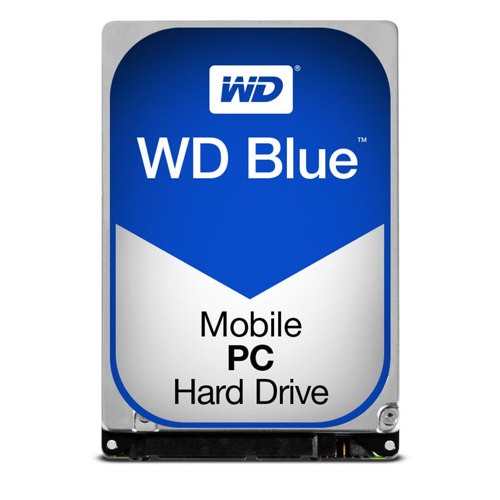 Your price for this item is $248.68
 -
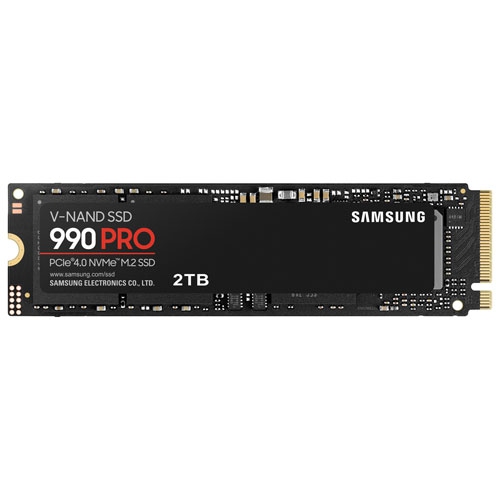 Your price for this item is $679.99
 -
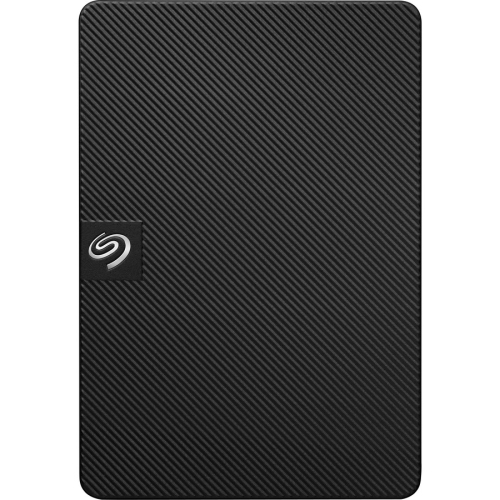 Your price for this item is $164.47
 -
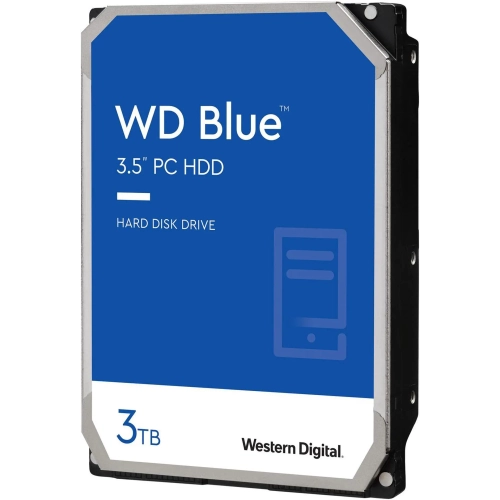 Your price for this item is $259.99
 -
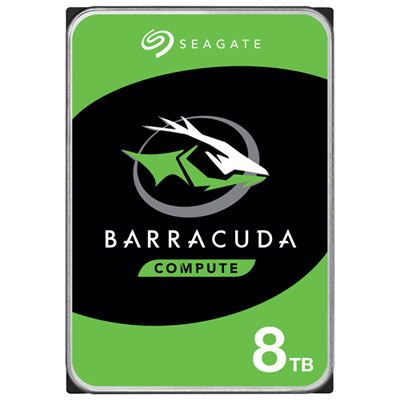 Your price for this item is $389.99
 -
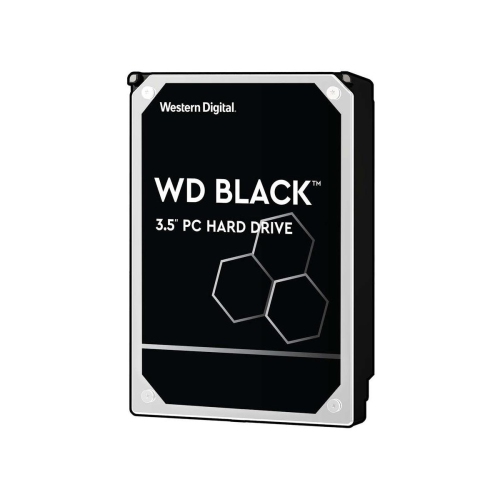 Your price for this item is $399.99
 -
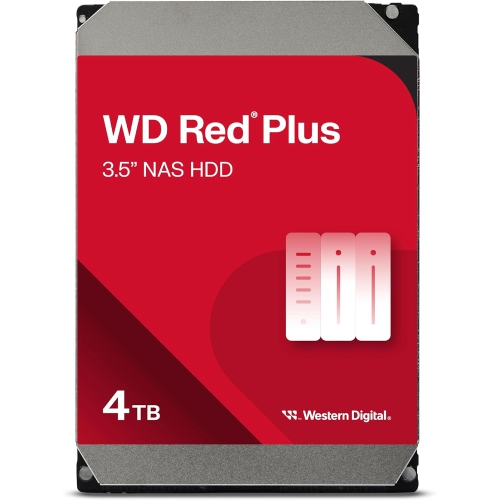 Your price for this item is $379.99
 -
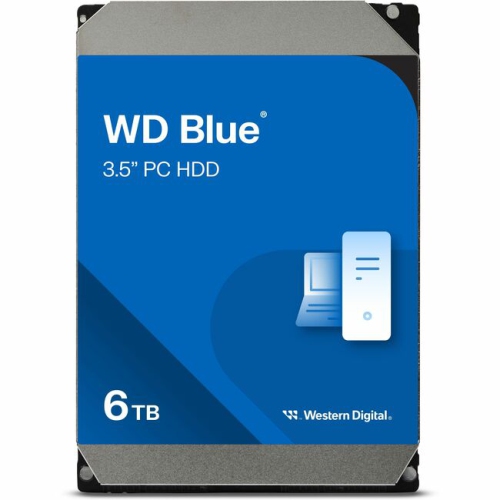 Your price for this item is $389.99
Discover more categories related to Western Digital Red
Top Collections:
Pokemon Centers, Kindle Devices, Best Budget Office Chairs, Apple iPhones 16, Best Laptops for Writers, iPhone 15 Apple, Canon G7X Cameras, Refurbished Apple Laptops, Alarm Clock, Motorola Razr Phones
Some products may be subject to Environmental Handling Fees
(EHF) depending on your province.
Learn more about EHFs.