XPS 16 Laptops
Discover the power and versatility of the XPS 16 Laptop, designed to elevate your productivity, creativity, and entertainment experiences. Ideal for both professional and personal use, the XPS 16 Laptop offers a seamless blend of performance and style to suit any lifestyle. Whether you're working on complex projects, streaming your favorite shows, or connecting with friends and family, the XPS 16 Laptop delivers reliable performance to keep you moving forward. Explore our selection to find the perfect fit for your needs.
Sort
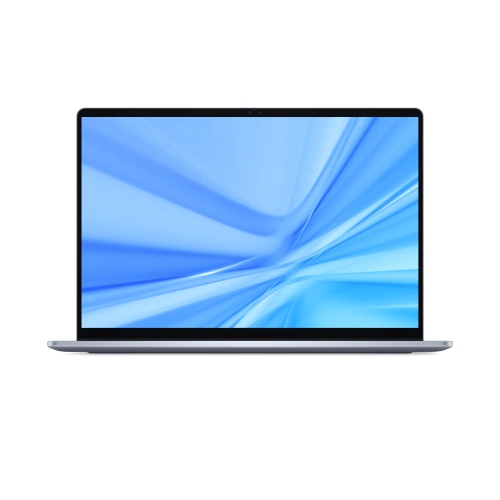
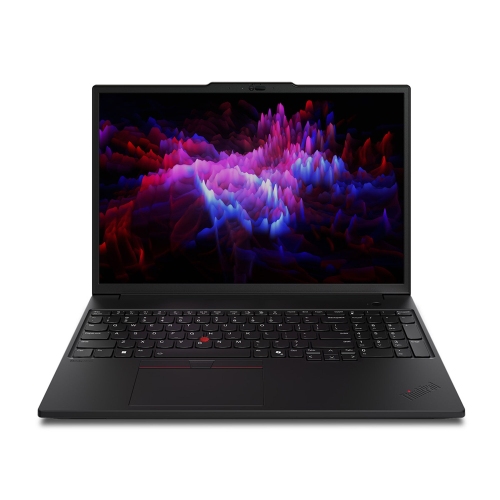
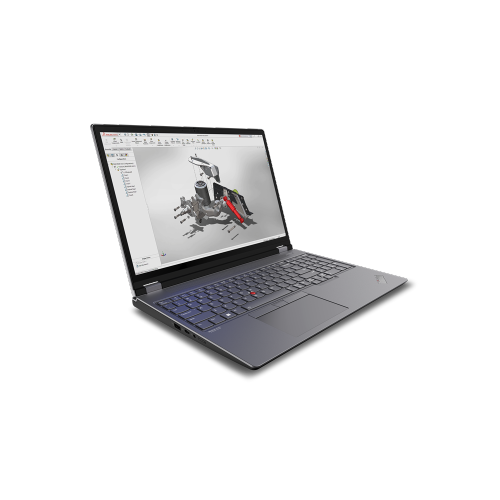
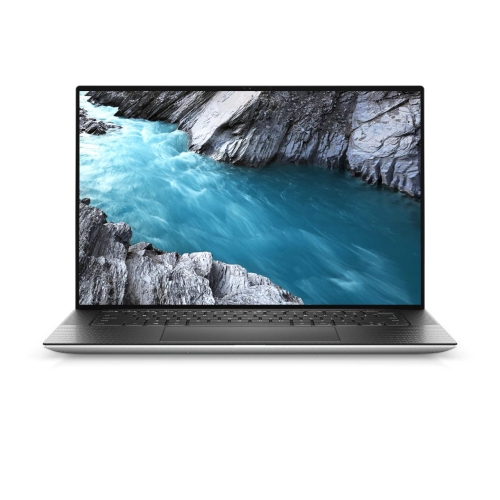
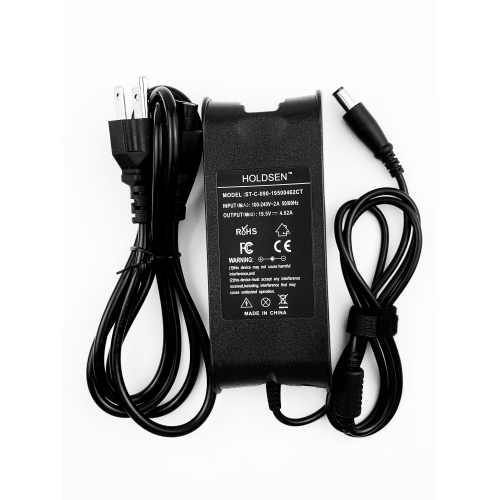
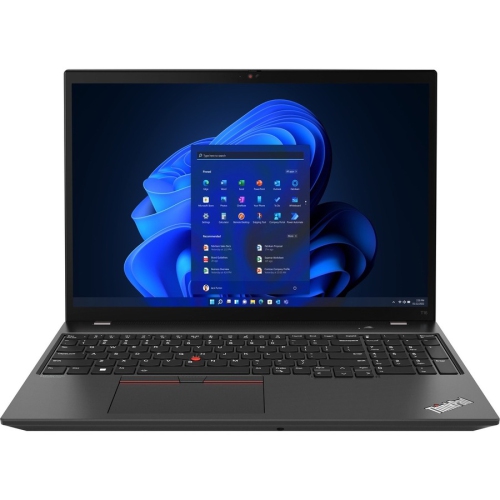
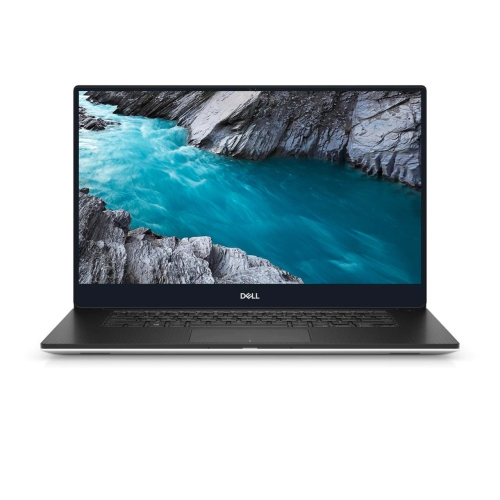
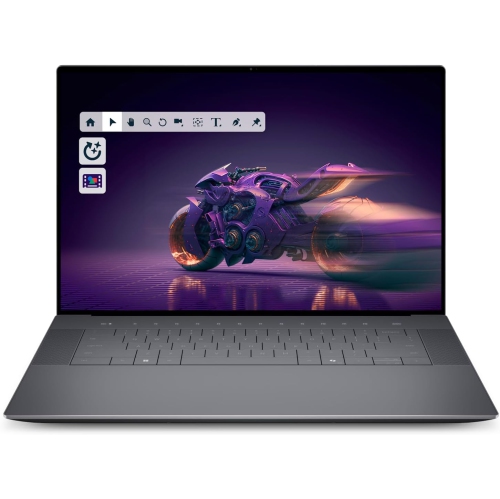
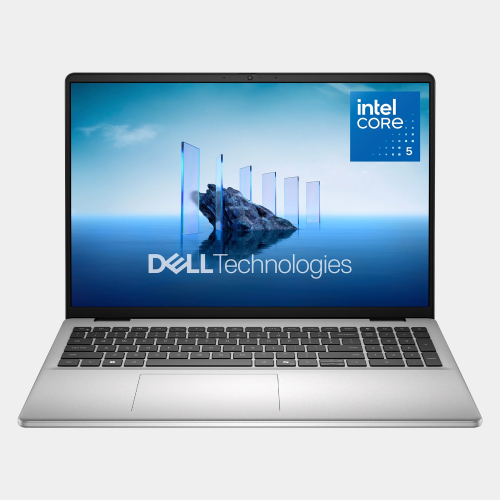
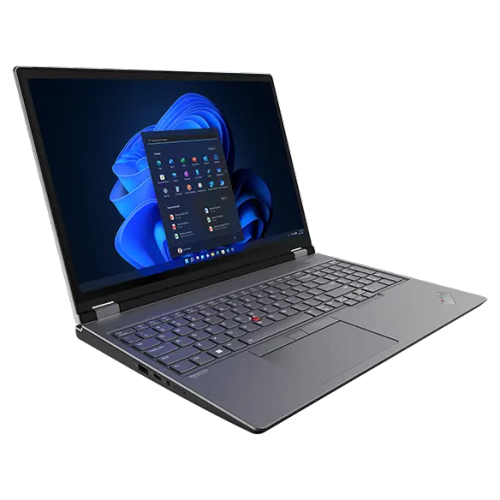
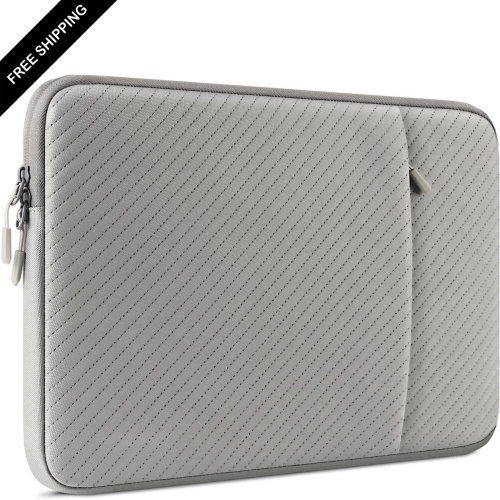
More screen space for work beyond the desk
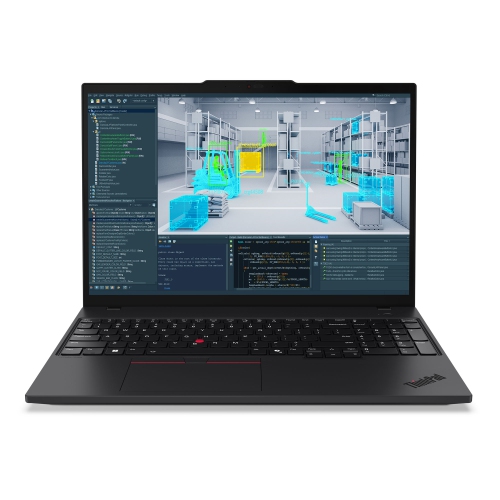
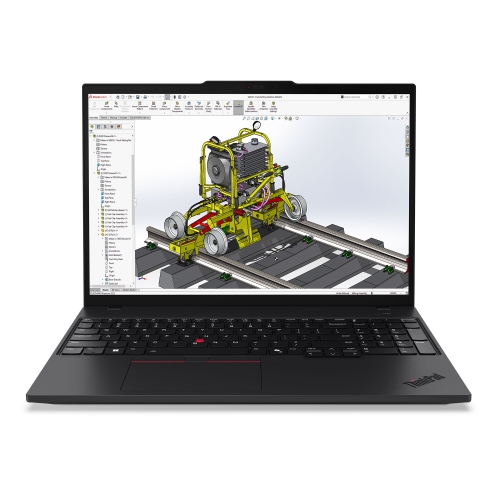
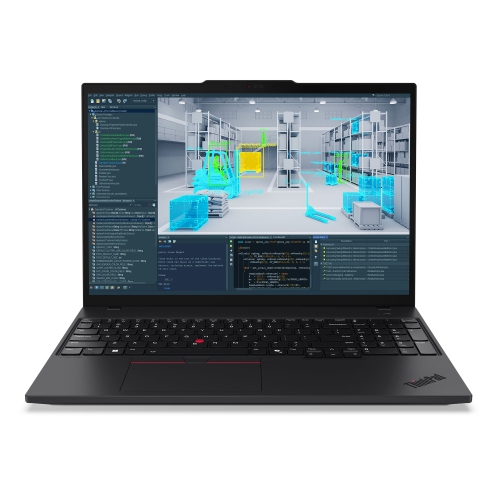
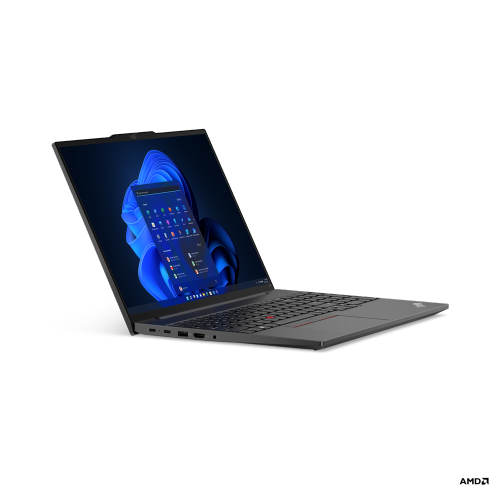
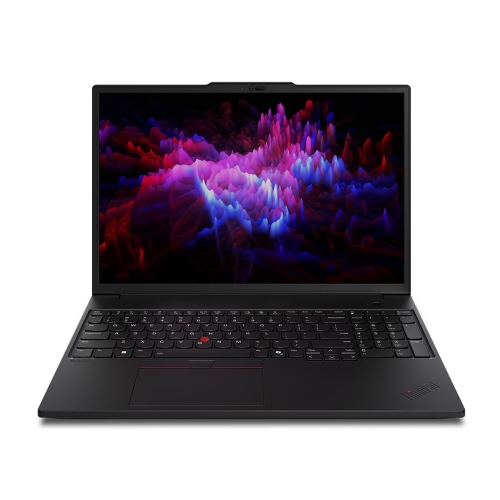
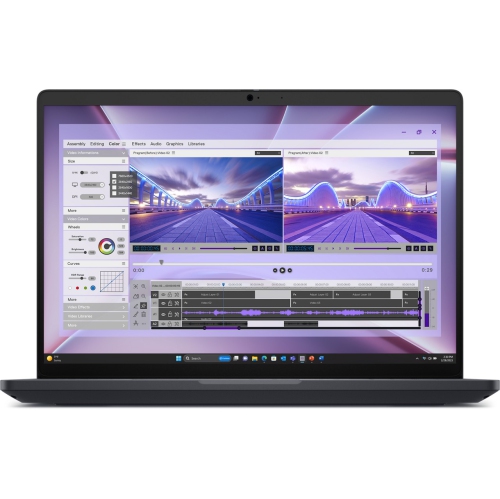
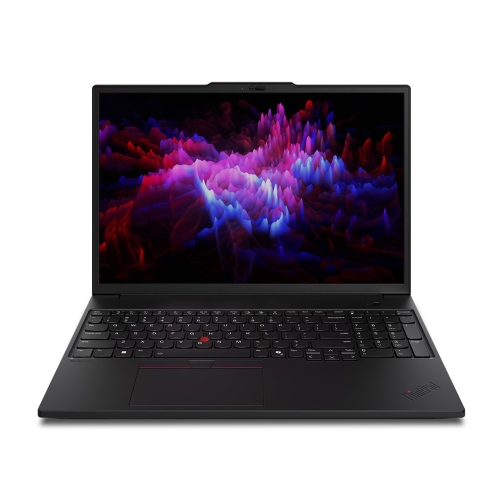
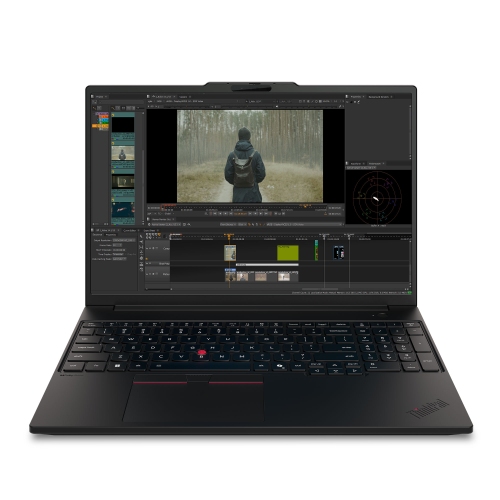
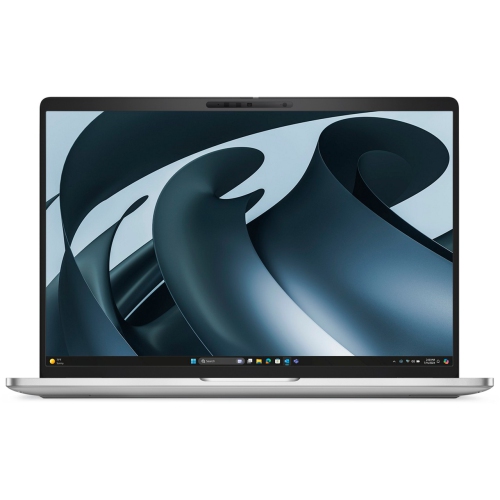
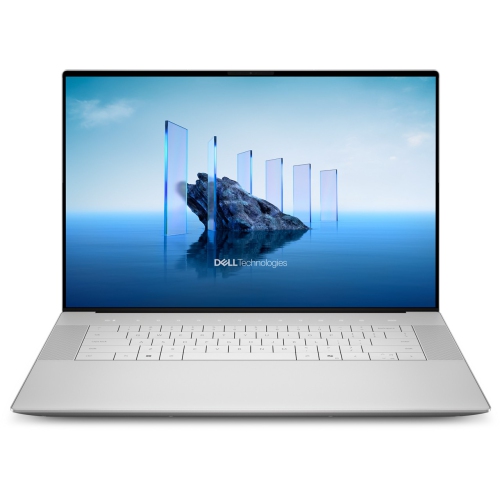
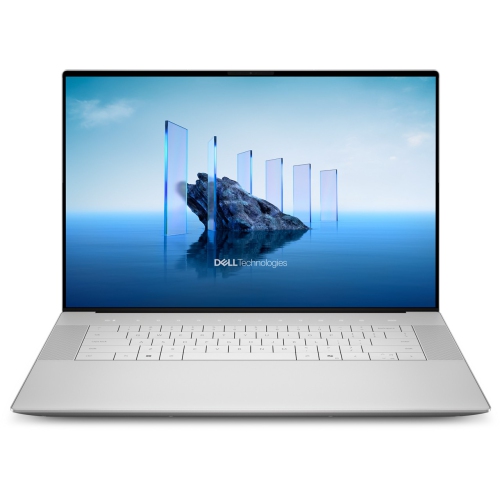
Premium 16-inch laptops bring a spacious display and capable computing hardware into a format that can move between a desk, a meeting room, and a shared workspace. Their appeal is especially clear during tasks that benefit from seeing more at once: a spreadsheet beside a report, a video timeline beneath a preview window, or an image editor with its tools arranged around a photograph. For professionals, postsecondary students, developers, and digital creators, that extra screen space can make a laptop feel less cramped without requiring a separate monitor for every session. Screen size alone does not tell the whole story, though. Resolution affects how sharply text and fine details appear, while the display’s aspect ratio influences how much vertical room is available for documents and web pages. A higher-resolution panel can make photographs and illustrations look crisp, although comfortable text sizing may still require adjustments in the operating system. OLED display options offer deep blacks and strong contrast, which can be appealing for watching films and reviewing visual work. For colour-sensitive projects, colour coverage and calibration matter alongside the display technology; a vivid-looking screen is not automatically an accurate reference for print or client deliverables. A higher refresh rate can make scrolling and supported motion look smoother, while a touchscreen adds direct interaction for tapping controls and navigating compatible applications. Touch capability does not necessarily mean the screen supports an active pen or folds into a tablet position. Brightness and surface finish also affect everyday comfort, particularly at a desk facing a window or sitting beneath overhead lighting. The most useful display is one that suits the actual work: readable text for long research sessions, enough detail for close image inspection, and comfortable viewing for calls and presentations. A large screen can also serve as a practical shared viewing space when discussing a layout with a colleague or reviewing a family photo album, even if the laptop is usually used by one person.
Performance in this category depends on the complete configuration rather than the processor name alone. A capable processor helps with demanding calculations, software development, and running several applications together, but memory and graphics hardware also shape how smoothly a workflow unfolds. Someone writing documents with a few browser tabs open has different needs from someone switching between large design files, virtual machines, and a video meeting. As general configuration reference points, 16GB of memory can support many everyday productivity tasks, while 32GB or more may provide useful headroom for heavier multitasking and compatible creative software. These amounts are not a guarantee of performance, and the requirements of the applications being used remain important. Memory may be built into the system rather than replaceable, so the installed capacity can have a lasting effect on how well a laptop fits changing workloads. Graphics capability deserves similar attention. Integrated graphics can handle everyday visual tasks and media playback, while dedicated graphics may accelerate supported effects, rendering, and other demanding creative processes. Gaming performance varies with the graphics hardware, display resolution, cooling, and individual game; a premium productivity laptop should not automatically be treated as a dedicated gaming machine. Solid-state storage keeps applications and files responsive, with capacity becoming especially important for local photo libraries, video footage, and large project folders. A 1TB drive offers more room than a 512GB drive, but neither replaces a separate backup of important work. External storage can help keep completed projects accessible without crowding the internal drive. During sustained tasks such as exporting a long video, the cooling design and power settings influence performance, fan sound, and comfort. Battery runtime also changes with screen brightness, wireless activity, graphics use, and the workload itself. A light document-editing session is very different from a lengthy render, making the supplied power adapter an important part of a mobile setup. For someone moving between focused office work and creative projects, a balanced configuration often matters more than a single standout specification.
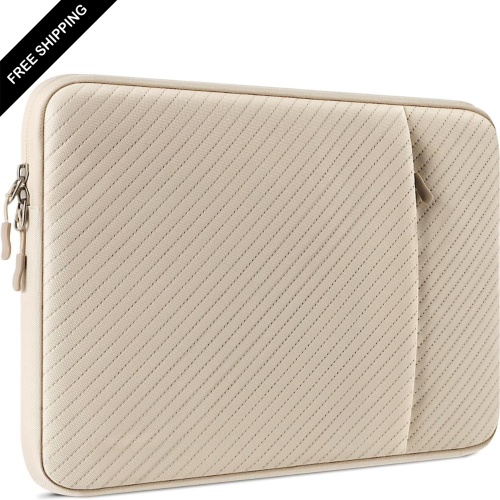
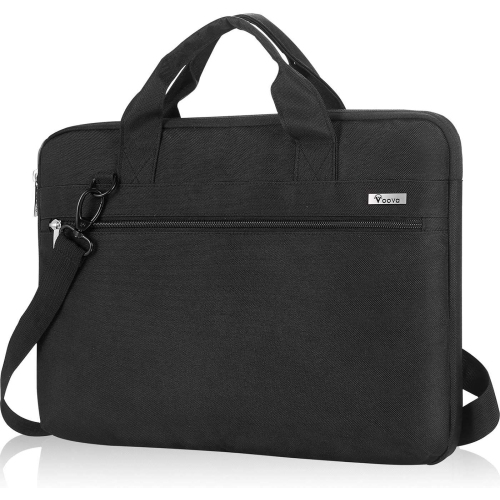
The physical design of a premium 16-inch laptop affects how enjoyable it is to use and how easily it fits into daily routines. Machined aluminium construction can provide a firm, refined chassis, while glass surfaces offer a smooth feel around the display or touchpad on designs that use them. These materials still benefit from careful handling: metal finishes can pick up scratches, glass can be damaged by impacts, and a slim profile does not make a laptop resistant to pressure inside an overfilled bag. A padded sleeve sized to the laptop’s actual dimensions helps separate it from keys, chargers, and other hard objects. Screen diagonal is only one measurement, so bag fit depends on chassis width, depth, and thickness as well. Carrying comfort also includes the weight of the adapter and any accessories needed throughout the day. For shoppers comparing a generous workspace with a smaller format, XPS 13 Laptops provides a relevant size comparison. At the desk, keyboard spacing, key travel, touchpad response, and the layout of function controls can matter as much as appearance, especially during hours of typing or detailed cursor work. Port selection shapes the rest of the setup. USB-C connections may support charging, data transfer, and external displays, but their capabilities depend on the specified standard and the laptop’s implementation. A dock or adapter may be needed for an older USB accessory, a wired network connection, or a particular monitor input. Webcam quality, microphone clarity, and speaker placement are useful considerations for remote classes, client calls, and collaborative projects. Routine care is straightforward: follow the manufacturer’s cleaning directions, use an appropriate soft cloth, avoid spraying liquid directly onto the laptop, and keep ventilation openings clear. A hard, flat surface supports airflow better than bedding or a cushion. Regular software updates and reliable backups help keep everyday use dependable. As a gift for a student or someone building a creative workspace, this type of laptop is most useful when its software compatibility, size, and input layout match the recipient’s habits. Those practical details help turn a polished piece of hardware into a comfortable, lasting part of work, study, and downtime.
Performance in this category depends on the complete configuration rather than the processor name alone. A capable processor helps with demanding calculations, software development, and running several applications together, but memory and graphics hardware also shape how smoothly a workflow unfolds. Someone writing documents with a few browser tabs open has different needs from someone switching between large design files, virtual machines, and a video meeting. As general configuration reference points, 16GB of memory can support many everyday productivity tasks, while 32GB or more may provide useful headroom for heavier multitasking and compatible creative software. These amounts are not a guarantee of performance, and the requirements of the applications being used remain important. Memory may be built into the system rather than replaceable, so the installed capacity can have a lasting effect on how well a laptop fits changing workloads. Graphics capability deserves similar attention. Integrated graphics can handle everyday visual tasks and media playback, while dedicated graphics may accelerate supported effects, rendering, and other demanding creative processes. Gaming performance varies with the graphics hardware, display resolution, cooling, and individual game; a premium productivity laptop should not automatically be treated as a dedicated gaming machine. Solid-state storage keeps applications and files responsive, with capacity becoming especially important for local photo libraries, video footage, and large project folders. A 1TB drive offers more room than a 512GB drive, but neither replaces a separate backup of important work. External storage can help keep completed projects accessible without crowding the internal drive. During sustained tasks such as exporting a long video, the cooling design and power settings influence performance, fan sound, and comfort. Battery runtime also changes with screen brightness, wireless activity, graphics use, and the workload itself. A light document-editing session is very different from a lengthy render, making the supplied power adapter an important part of a mobile setup. For someone moving between focused office work and creative projects, a balanced configuration often matters more than a single standout specification.
The physical design of a premium 16-inch laptop affects how enjoyable it is to use and how easily it fits into daily routines. Machined aluminium construction can provide a firm, refined chassis, while glass surfaces offer a smooth feel around the display or touchpad on designs that use them. These materials still benefit from careful handling: metal finishes can pick up scratches, glass can be damaged by impacts, and a slim profile does not make a laptop resistant to pressure inside an overfilled bag. A padded sleeve sized to the laptop’s actual dimensions helps separate it from keys, chargers, and other hard objects. Screen diagonal is only one measurement, so bag fit depends on chassis width, depth, and thickness as well. Carrying comfort also includes the weight of the adapter and any accessories needed throughout the day. For shoppers comparing a generous workspace with a smaller format, XPS 13 Laptops provides a relevant size comparison. At the desk, keyboard spacing, key travel, touchpad response, and the layout of function controls can matter as much as appearance, especially during hours of typing or detailed cursor work. Port selection shapes the rest of the setup. USB-C connections may support charging, data transfer, and external displays, but their capabilities depend on the specified standard and the laptop’s implementation. A dock or adapter may be needed for an older USB accessory, a wired network connection, or a particular monitor input. Webcam quality, microphone clarity, and speaker placement are useful considerations for remote classes, client calls, and collaborative projects. Routine care is straightforward: follow the manufacturer’s cleaning directions, use an appropriate soft cloth, avoid spraying liquid directly onto the laptop, and keep ventilation openings clear. A hard, flat surface supports airflow better than bedding or a cushion. Regular software updates and reliable backups help keep everyday use dependable. As a gift for a student or someone building a creative workspace, this type of laptop is most useful when its software compatibility, size, and input layout match the recipient’s habits. Those practical details help turn a polished piece of hardware into a comfortable, lasting part of work, study, and downtime.
Top selling and popular products
-
 Your price for this item is $449
 -
 Your price for this item is $3099
 -
 Your price for this item is $299.95
 -
 Your price for this item is $664.05
 -
 Your price for this item is $599.68
 -
 Your price for this item is $869.99
 -
 Your price for this item is $259
 -
 Your price for this item is $418.98
Discover more categories related to XPS 16 Laptops
Top Collections:
Pokemon Centers, Kindle Devices, Best Budget Office Chairs, Apple iPhones 16, Best Laptops for Writers, iPhone 15 Apple, Canon G7X Cameras, Refurbished Apple Laptops, Alarm Clock, Motorola Razr Phones
Some products may be subject to Environmental Handling Fees
(EHF) depending on your province.
Learn more about EHFs.