Best Gaming Earbuds for PC
Find the best gaming earbuds for PC with a selection ranked by user review ratings. Whether you’re coordinating with teammates or diving into a solo adventure, compare options for clear audio, a comfortable fit, and connectivity that suits your setup. Use fellow shoppers’ feedback to help narrow down the right pair for your play style and budget.
What to look for in gaming earbuds for PC
1. PC Compatibility and Connection
2. Sound Quality and Positional Audio
3. Microphone and Voice Chat
4. Comfort and Battery Life
-
1
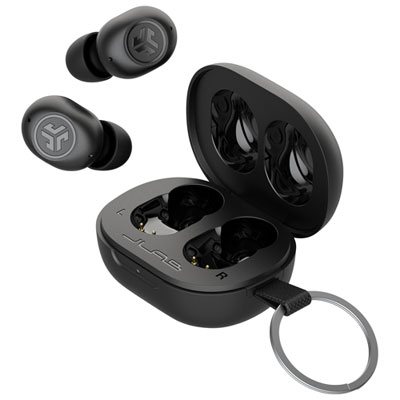
JLab JBuds Mini In-Ear True Wireless Earbuds - Black
About this product
A pair of compact black wireless earbuds delivering powerful sound performance for on-the-go listening.
What customers like
(7,048)$39.99Your price for this item is $39.99SAVE $20 -
2
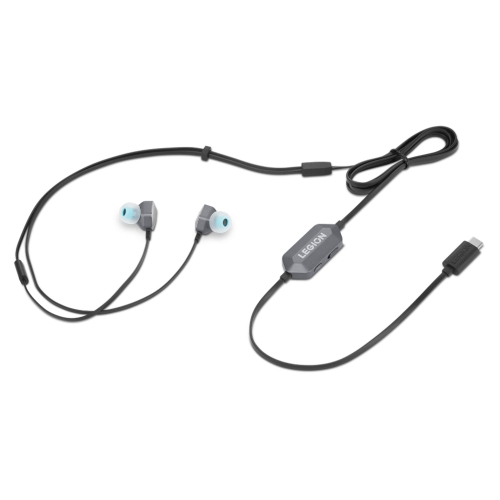
LENOVO Legion E510 7.1 RGB Gaming In-Ear Headphones, for Gaming
About this product
An immersive in-ear headset featuring 7.1 surround sound and customizable RGB lighting for gaming.
What customers like
(43)$99.99 Your price for this item is $99.99 -
3
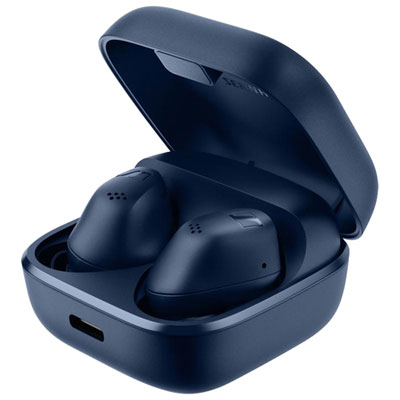
Sennheiser ACCENTUM In-Ear Noise Cancelling True Wireless Earbuds - Blue - Only at Best Buy
About this product
A pair of blue true wireless earbuds with hybrid active noise cancellation and signature sound quality.
What customers like
(103)$99.99Your price for this item is $99.99SAVE $180 -
4
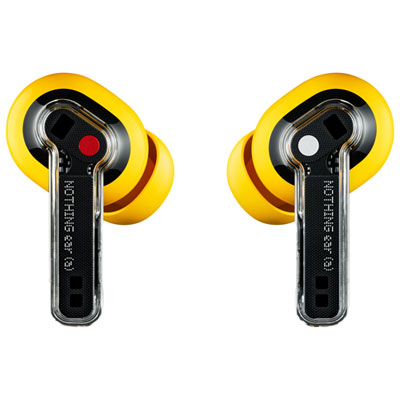
Nothing Ear (a) In-Ear Noise Cancelling True Wireless Earbuds - Yellow - Only at Best Buy
About this product
A pair of yellow true wireless earbuds featuring adaptive noise cancellation and hi-res LDAC audio.
(15)$79.99Your price for this item is $79.99SAVE $70 -
5
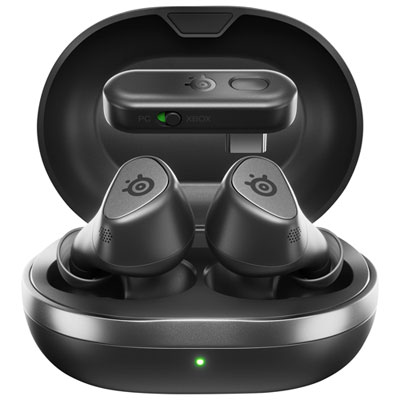
SteelSeries Arctis GameBuds In-Ear Gaming Headphones for Xbox Series X|S / Xbox One / PC / PS4 / PS5 / Nintendo Switch - Black
About this product
A pair of black true wireless earbuds offering 360° spatial audio, active noise cancellation, and dual connectivity.
(10)$239.99 Your price for this item is $239.99 -
6
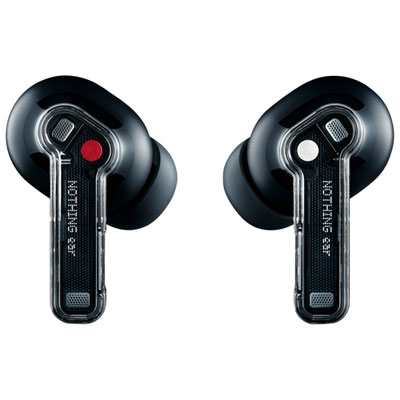
Nothing Ear In-Ear Noise Cancelling True Wireless Earbuds - Black - Only at Best Buy
About this product
A pair of black true wireless earbuds with ceramic drivers, high-res audio, and smart active noise cancellation.
(6)$99.99 Your price for this item is $99.99 -
7
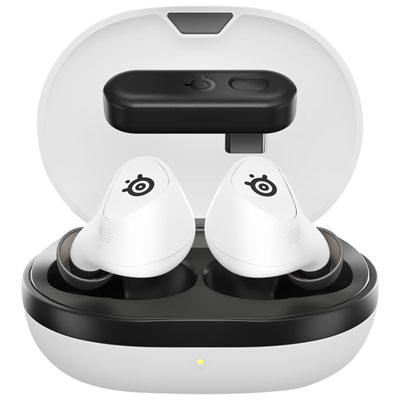
SteelSeries Arctis GameBuds In-Ear Gaming Headphones for PC / PS4 / PS5 / Nintendo Switch - White
About this product
A pair of white true wireless earbuds offering 360° spatial audio, active noise cancellation, and dual connectivity.
(5)$239.99 Your price for this item is $239.99 -
8
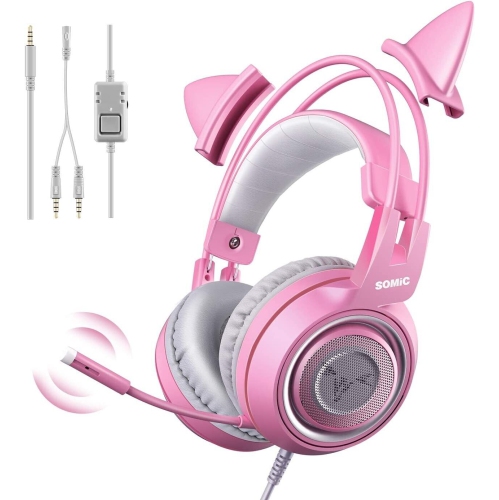
NAVOR Stereo Gaming Headset With Mic for Ps4, Xbox, PC, Mobile Phone, 3.5MM Noise Reduction Cat Ear Headphones Lightweight Over Ear Headphones In Pink
About this product
A lightweight pink over-ear gaming headset with noise reduction, cat ear design, and built-in microphone.
(3)$93.96Your price for this item is $93.96SAVE $28 -
9
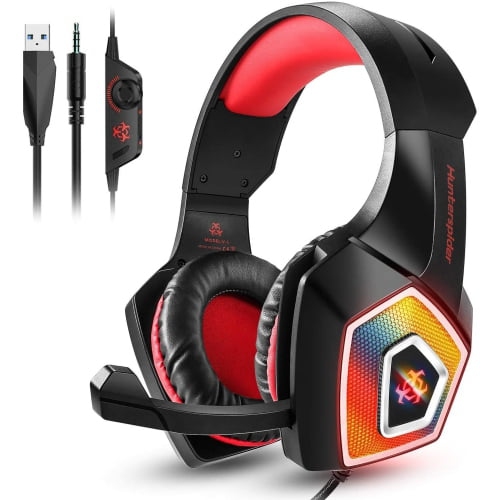
WINGOMART Gaming Headset W/mic for Xbox, Playstation, Ps5, Ps4, PC, Nintendo Switch - Stereo Bass Headphones 3.5MM - Over Ear Headphones w Led
About this product
A lightweight over-ear gaming headset with stereo bass, LED lighting, noise isolation, and adjustable microphone.
(3)$19.99Your price for this item is $19.99SAVE $70 -
10
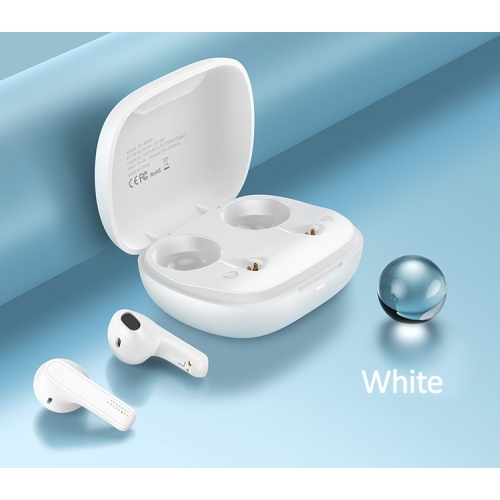
USAMS True Wireless Earbuds Bluetooth 5.0 Compatible w Android, Apple Airpod, PC. Touch Controls, Super Stereo Bass Sound, 4H Playtime, Noise
About this product
A pair of white wireless earbuds featuring Bluetooth 5.0, touch controls, noise reduction, and super stereo bass.
(2)$89.99 Your price for this item is $89.99
FAQ
Gaming earbuds may connect through a 3.5 mm audio jack, USB-A, USB-C, Bluetooth or a dedicated wireless USB receiver. Check your PC’s available ports and the earbuds’ connection requirements. Desktop PCs with separate headphone and microphone jacks may require a splitter to use both functions with a single 3.5 mm plug.
Many gaming earbuds include an in-line, built-in or detachable boom microphone, though some are audio-only. To use an included microphone, select it as the input device in Windows and in your game or voice chat app. With 3.5 mm earbuds, the PC connection must support microphone input as well as headphone audio.
Bluetooth earbuds pair with a PC’s built-in Bluetooth hardware or a compatible adapter. USB wireless gaming earbuds use a dedicated receiver, often through a 2.4 GHz connection. Some earbuds support both methods, but available microphone functions, audio modes and software settings can vary by connection type.
Depending on the model, gaming earbuds may have in-line buttons, touch controls or controls on a wireless receiver. These can include volume adjustment, microphone mute and playback controls. Some models also offer customisable controls through compatible PC software, while certain functions may work only with mobile devices.
Open Windows sound settings and choose the earbuds as your output device. If they include a microphone, select it as your input device too. Check the audio settings within your game and chat app, as these can use different devices from the Windows defaults. Supported models may also offer equaliser or spatial audio settings through compatible software.
Top selling and popular products
Discover more categories related to Best Gaming Earbuds for PC
Some products may be subject to Environmental Handling Fees (EHF) depending on your province. Learn more about EHFs.