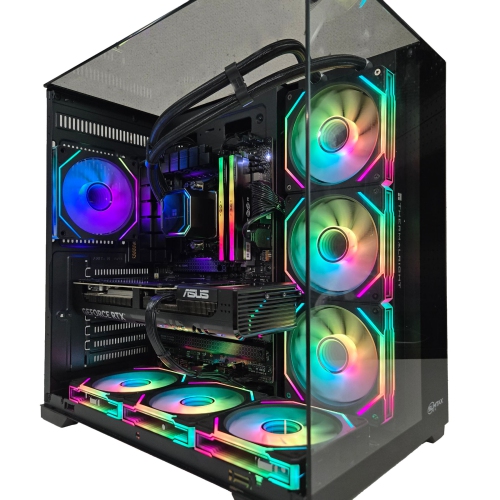
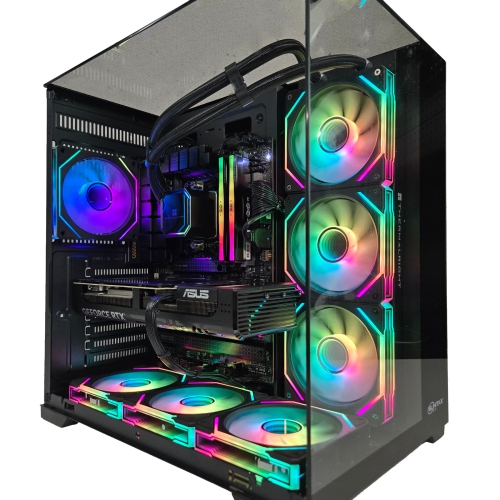
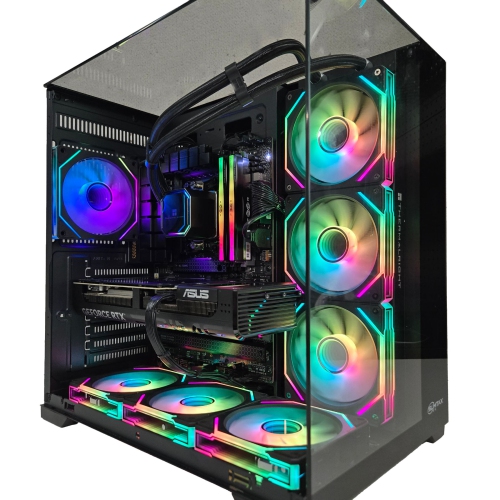
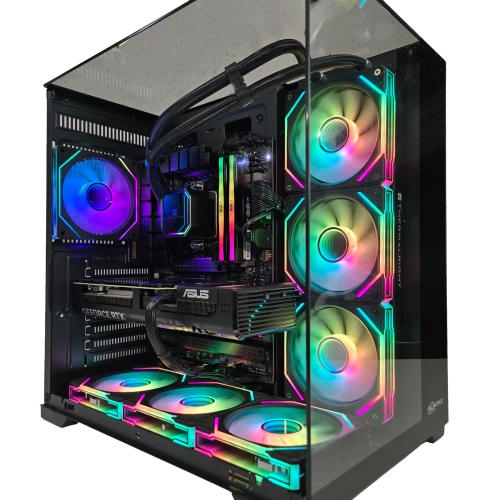
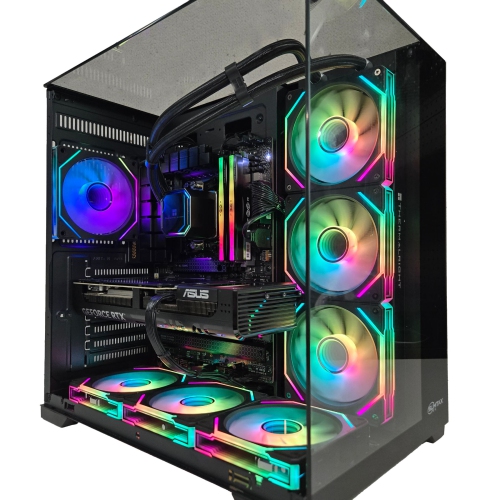
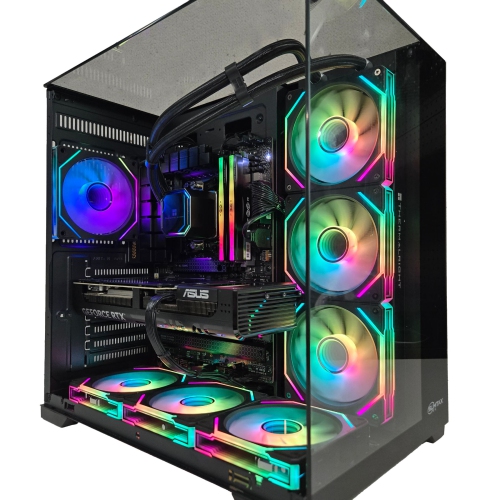
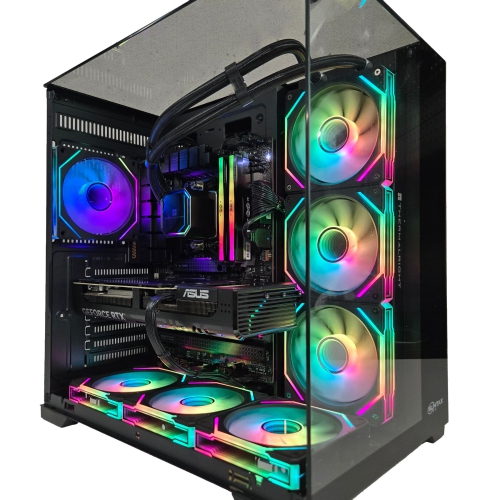
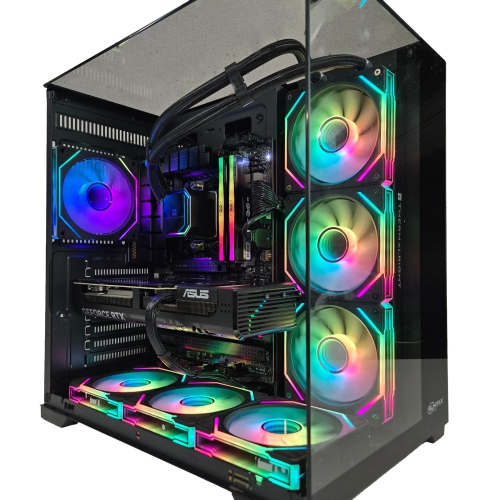
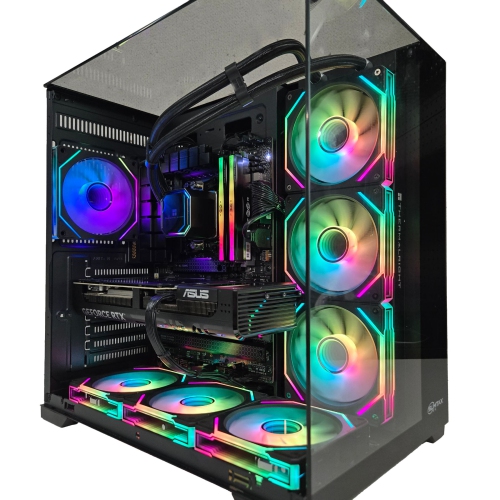
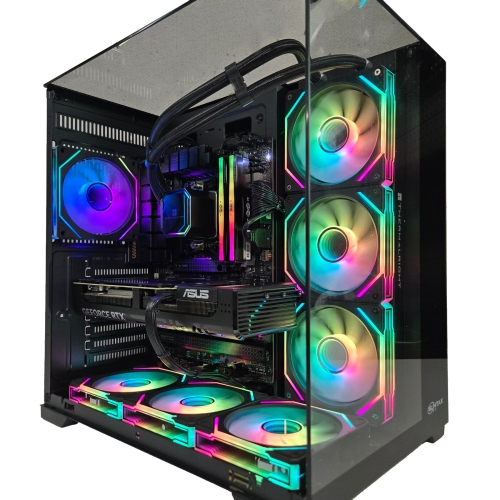
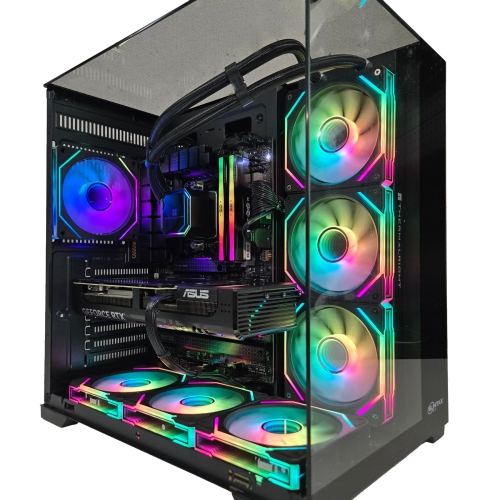
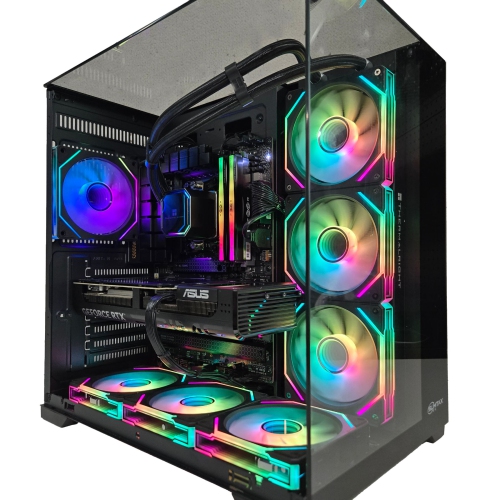
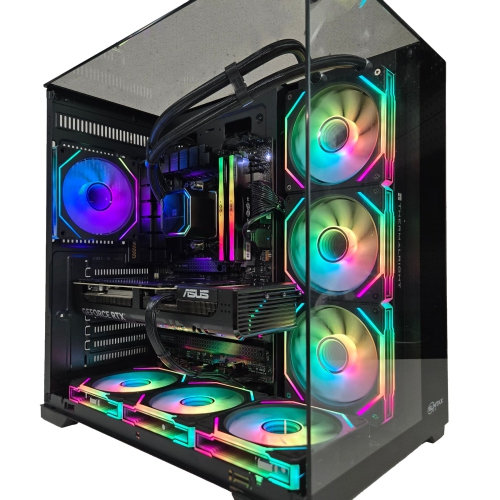
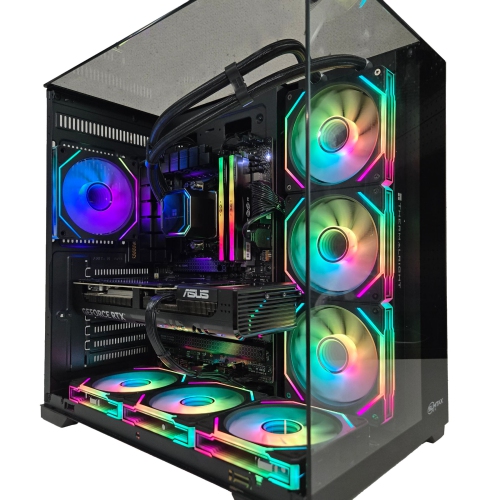
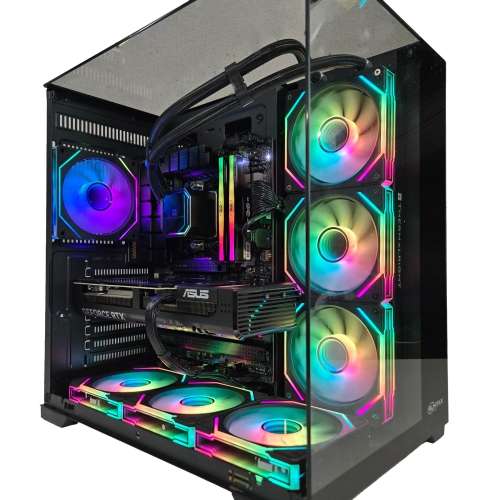
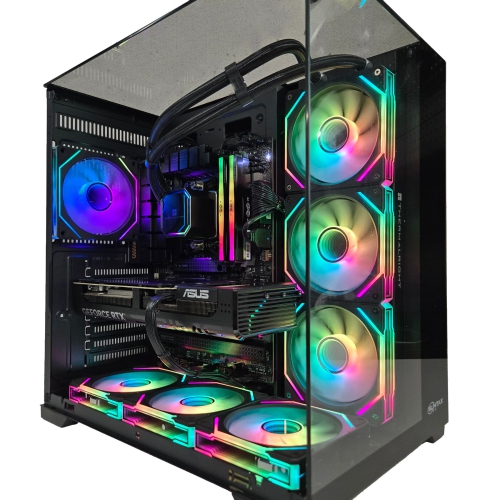
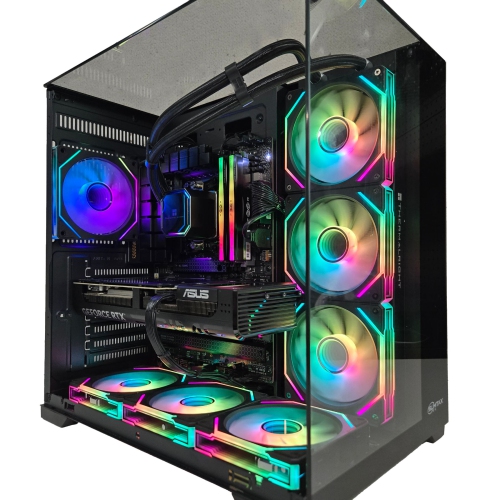
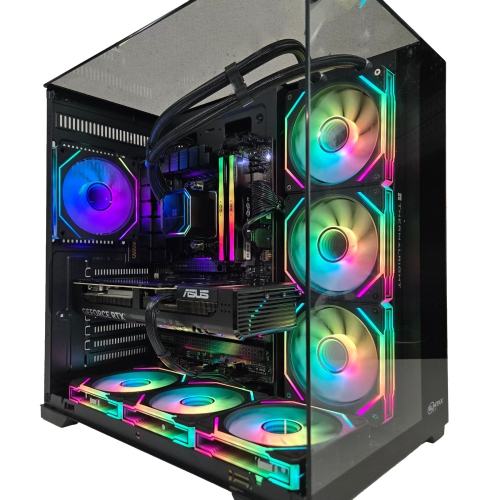
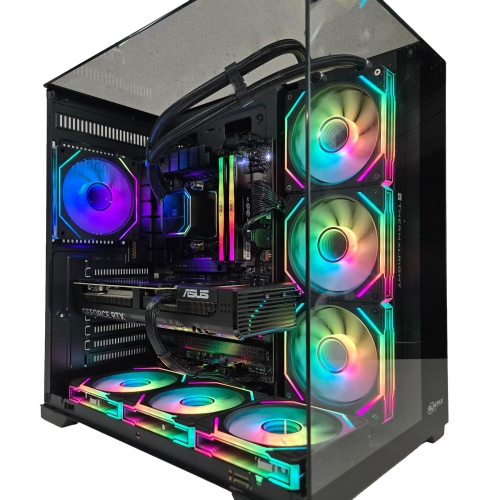
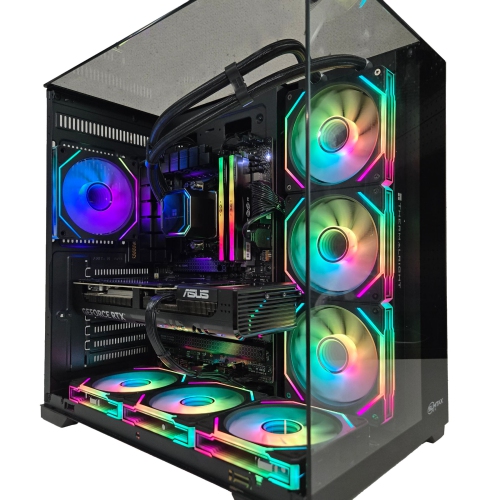
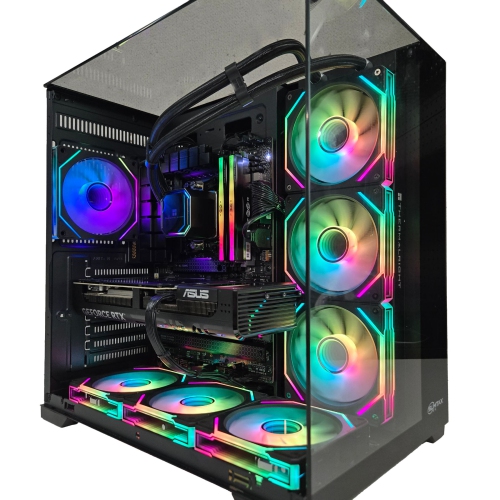
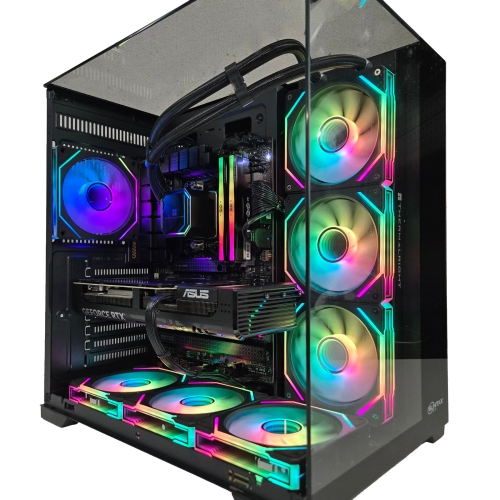
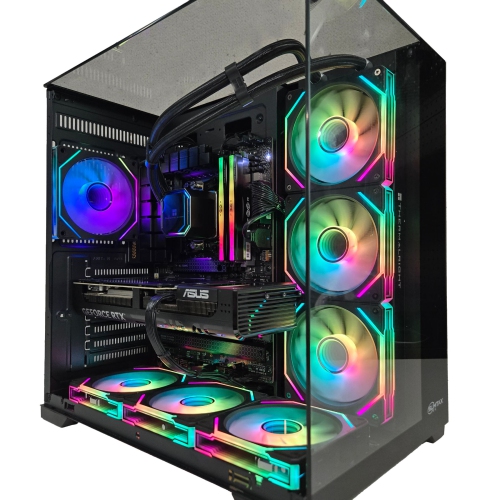
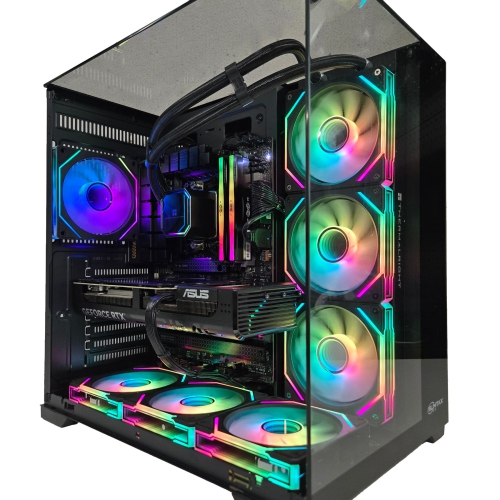
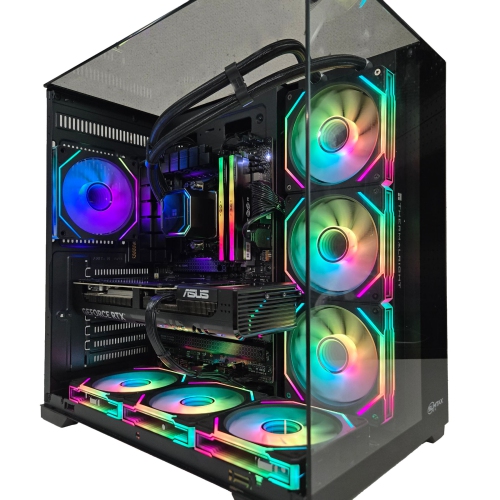
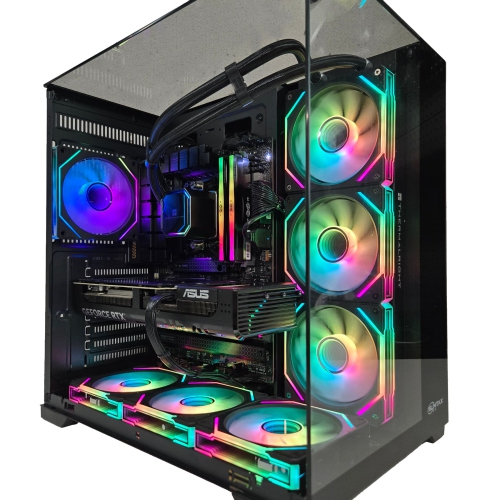
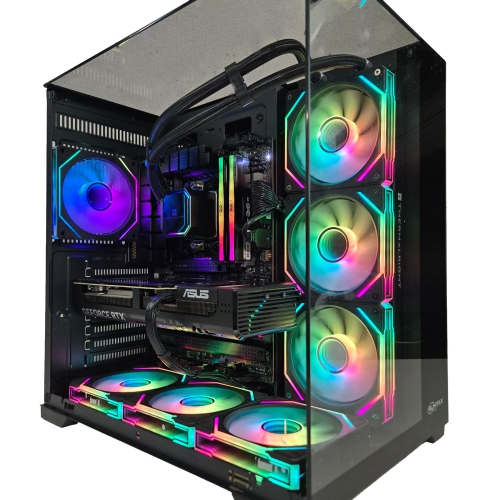
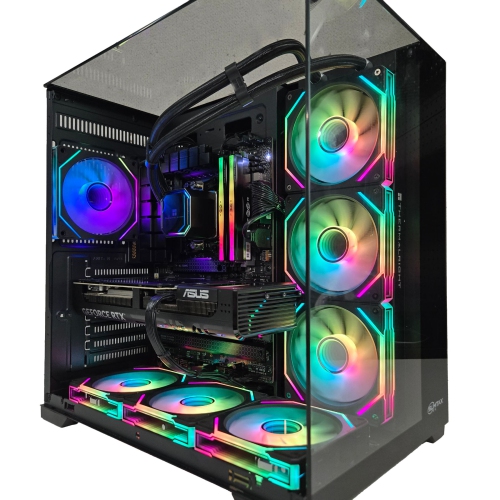
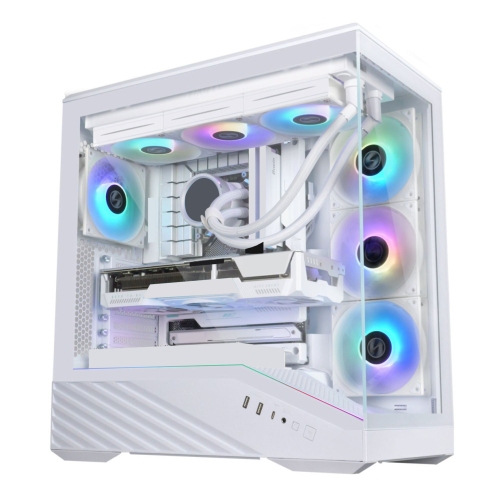
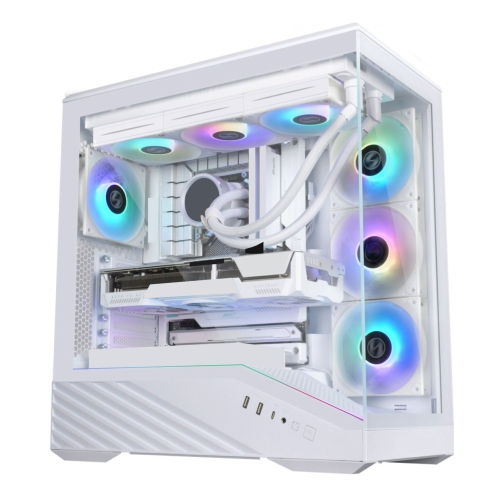
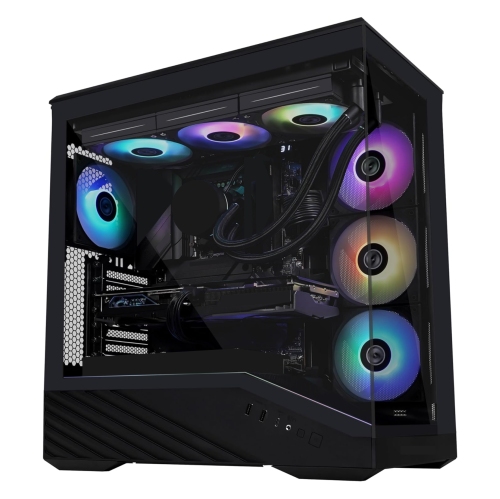
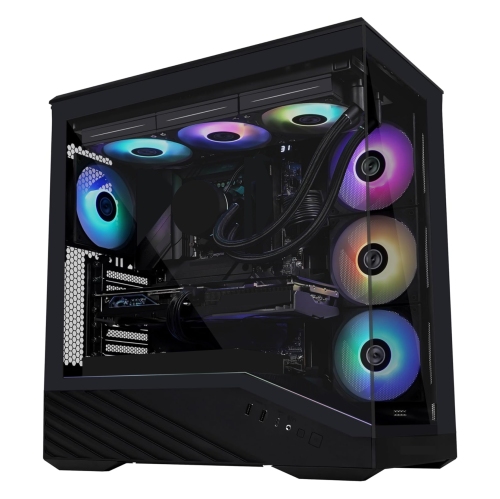
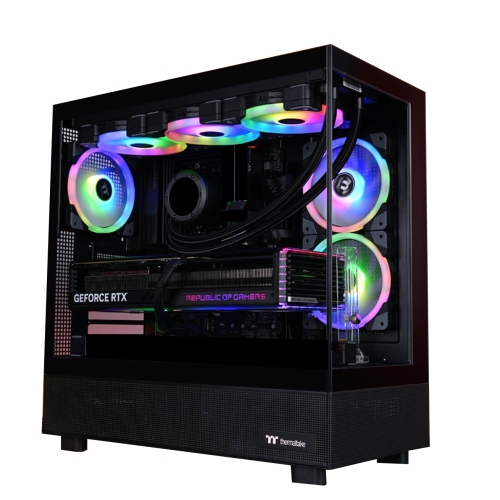
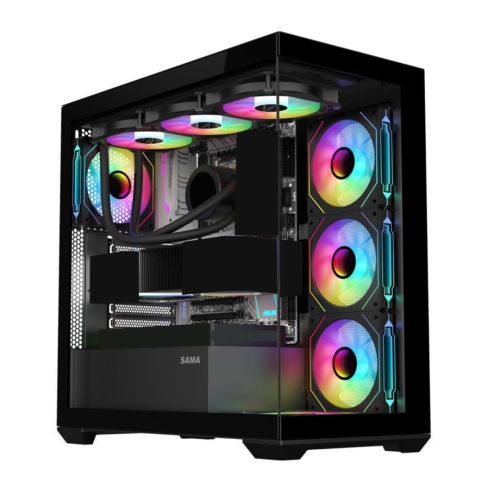
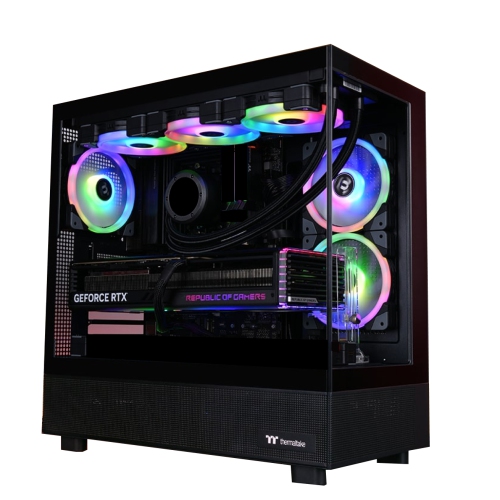
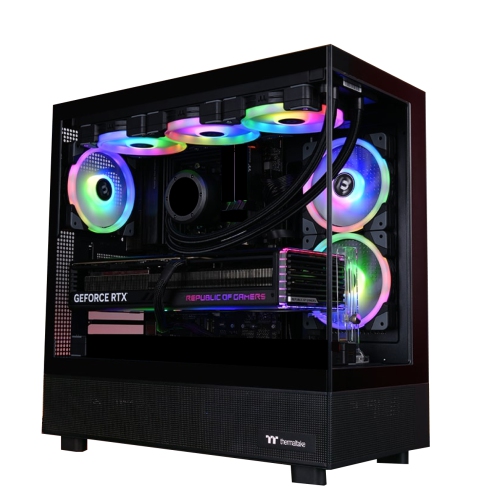
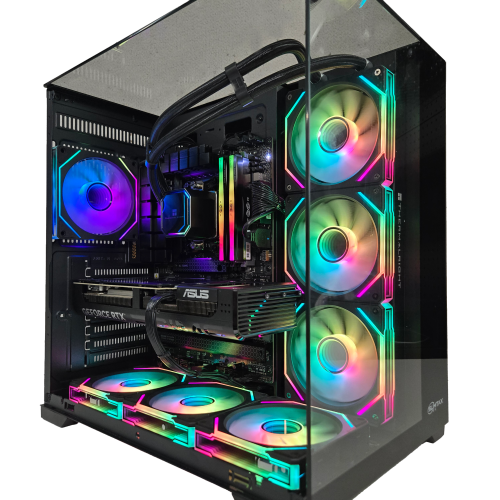
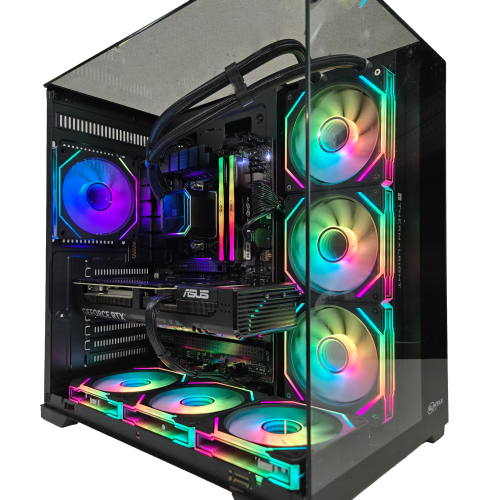
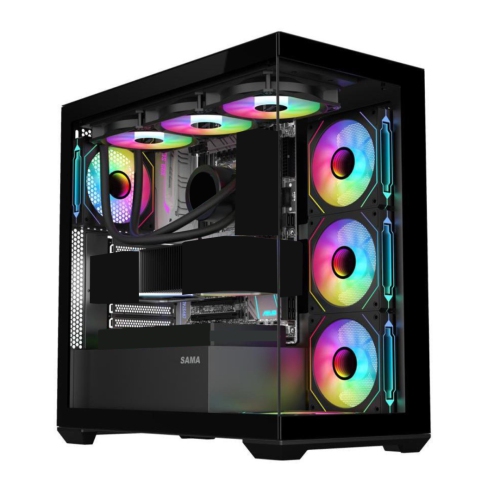
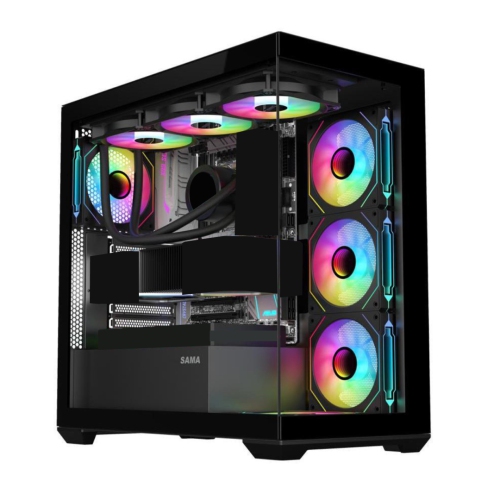
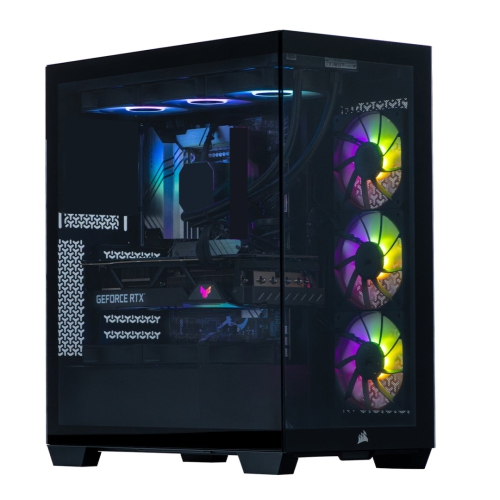
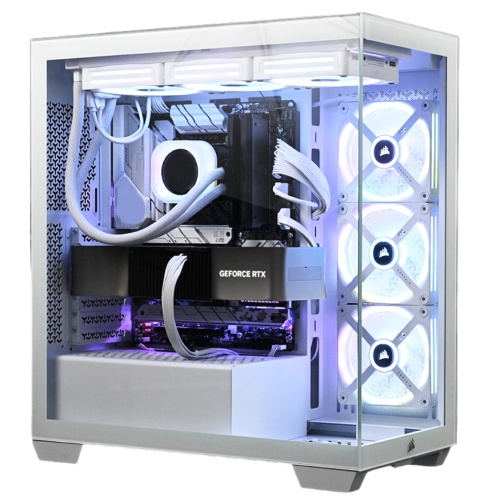
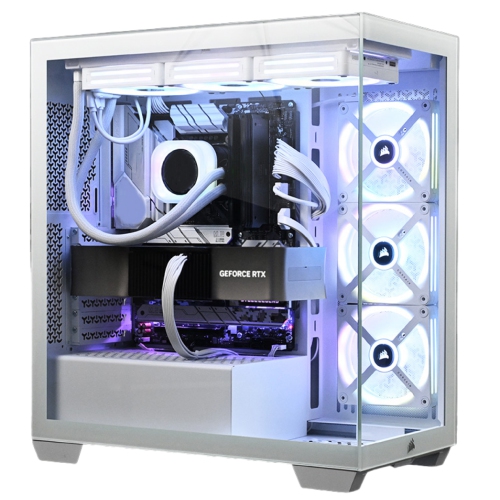
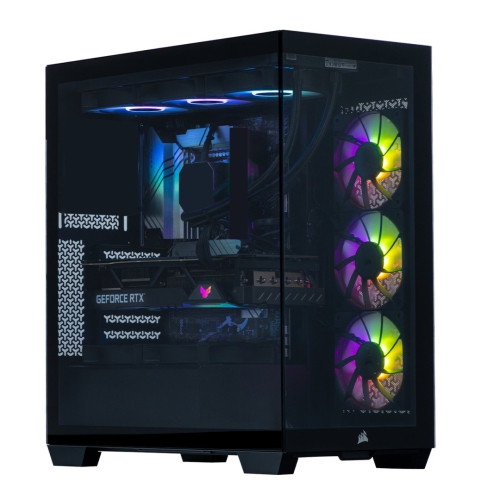
Fully Built Gaming PCs

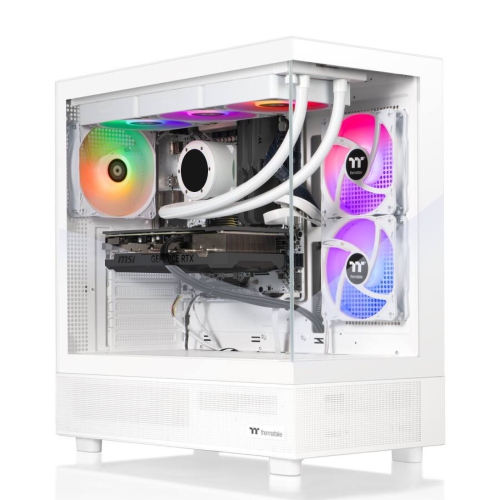
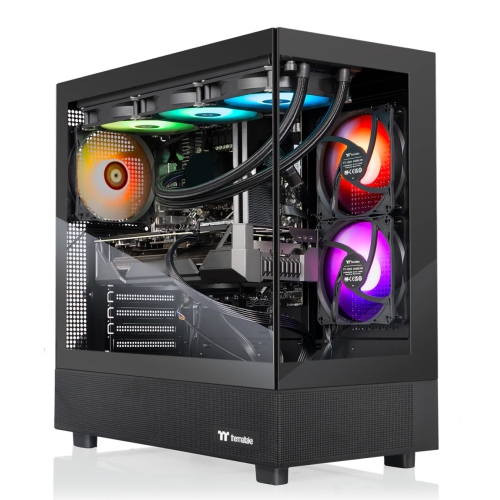
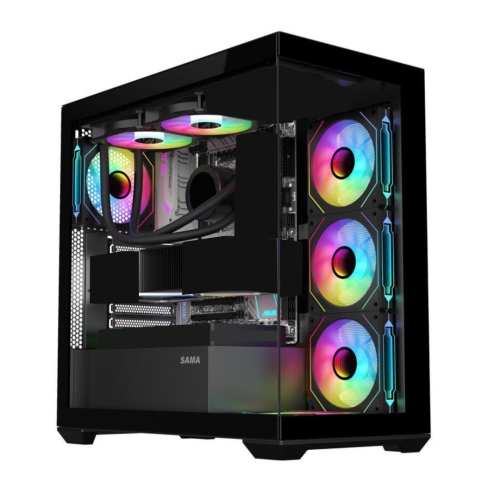
Fully built gaming PCs offer a preassembled desktop setup without the need to source and install individual components. Compare prebuilt gaming desktops by processor, graphics card, memory and storage to find a configuration that suits the games you play, your performance needs and your budget.
Read More

Sort

Why balanced hardware matters for your gaming setup

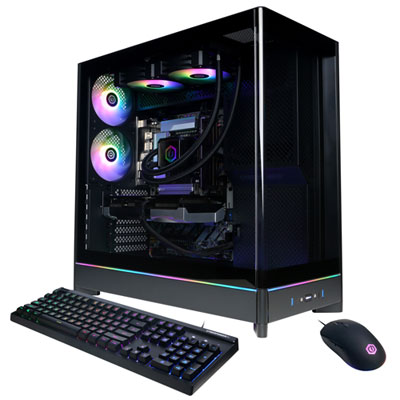
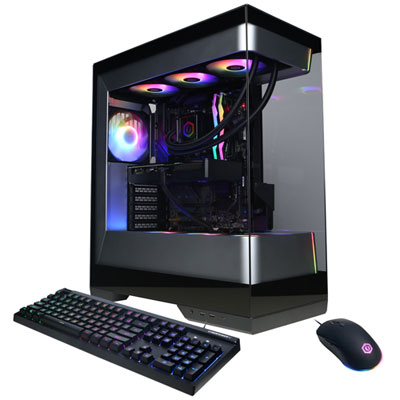
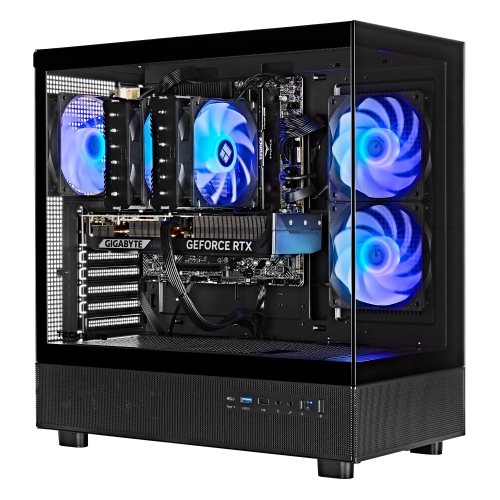
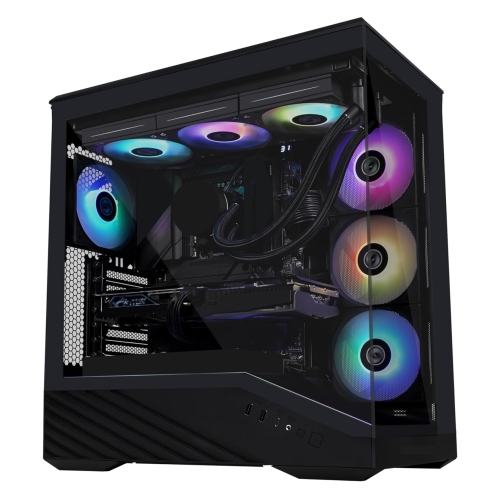
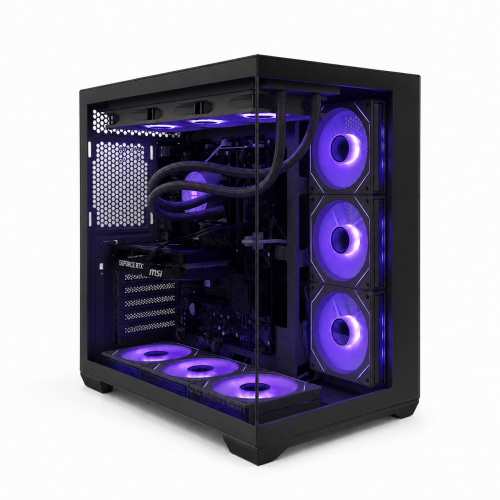
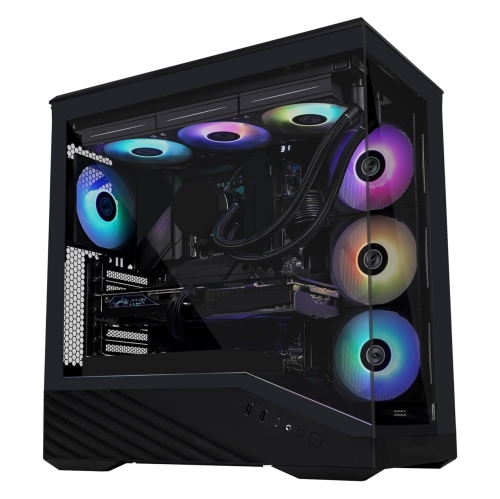
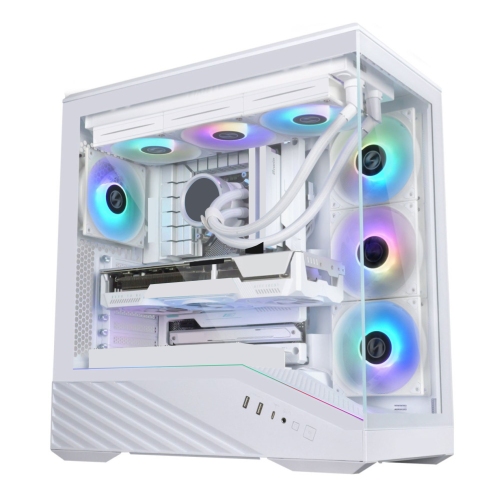
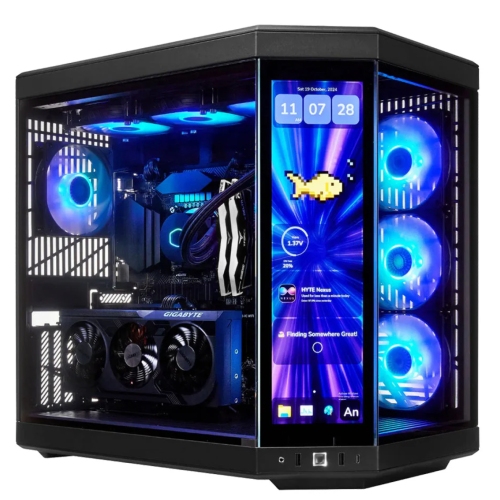
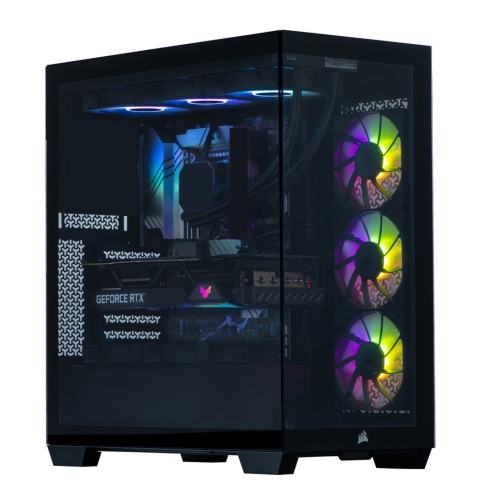
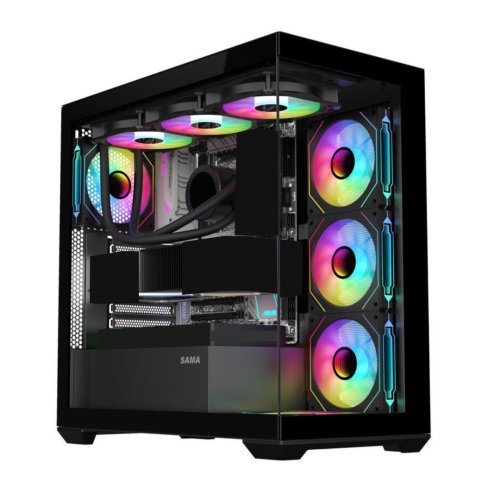
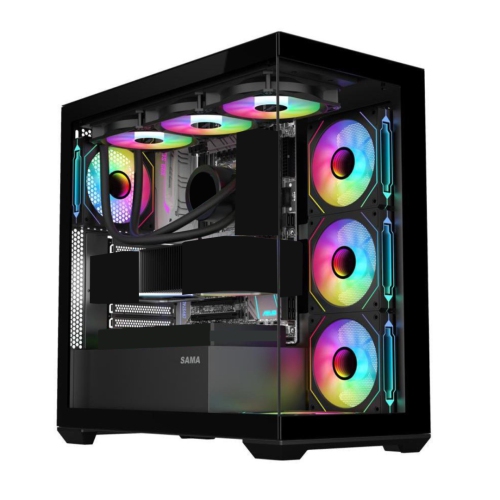
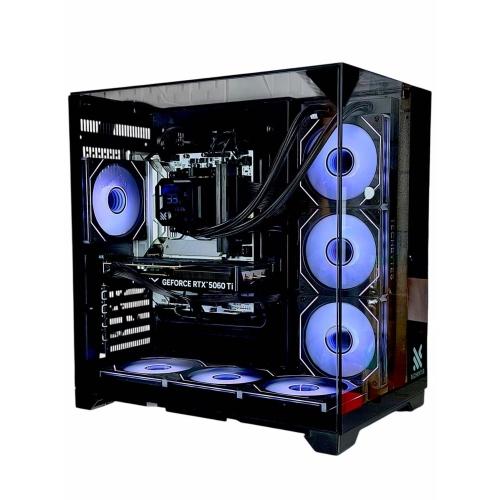
Fully built gaming PCs are desktop computers supplied with the main components already assembled, offering a straightforward way to set up a dedicated gaming station without building a system from individual parts. They typically combine a processor, graphics hardware, memory, storage, cooling, and a power supply inside a finished case. Many also include a preinstalled operating system, although software, peripherals, and setup requirements vary by configuration. Connecting a monitor, keyboard, mouse, and internet connection gets the setup started; operating system updates, graphics drivers, and game downloads may still be needed before playing. These desktops suit first-time PC gamers, experienced players replacing an older tower, and households looking for one computer that can handle both gaming and everyday tasks. Their performance depends on the combination of components rather than any single specification. A dedicated graphics card does much of the work involved in rendering detailed game worlds, while the processor handles tasks such as game logic, physics, and background applications. The intended display makes an important difference: playing at 1080p generally requires less graphics processing than running the same game at 1440p or 4K with similar settings. A player focused on competitive matches may value consistently high frame rates and responsive controls, while someone exploring expansive single-player games may place more emphasis on image detail and visual effects. Higher resolutions, detailed textures, and features such as ray tracing can increase demands on the graphics hardware and its video memory. Upscaling technologies can help improve performance in supported games, but results depend on the game, settings, and hardware involved. A balanced configuration matters more than an impressive specification viewed alone. Even a powerful graphics card can be held back by other components, and a high-refresh-rate monitor needs enough frames from the computer to deliver its intended benefit. Matching the desktop to the games and display it will actually support helps create a setup that feels responsive in everyday play.
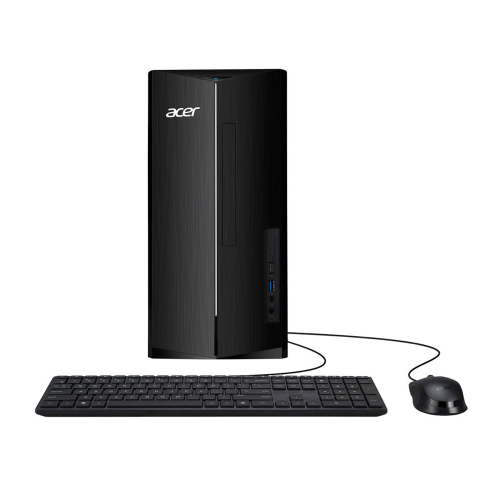
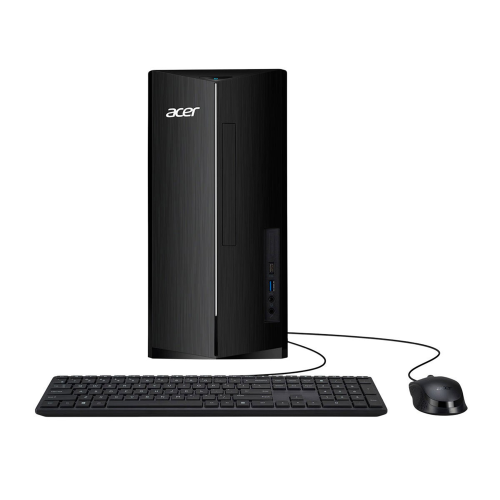
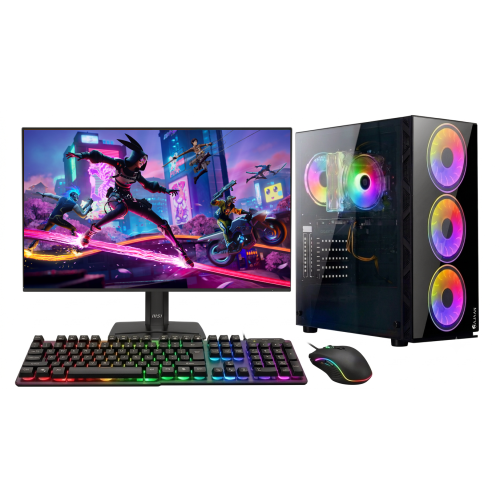
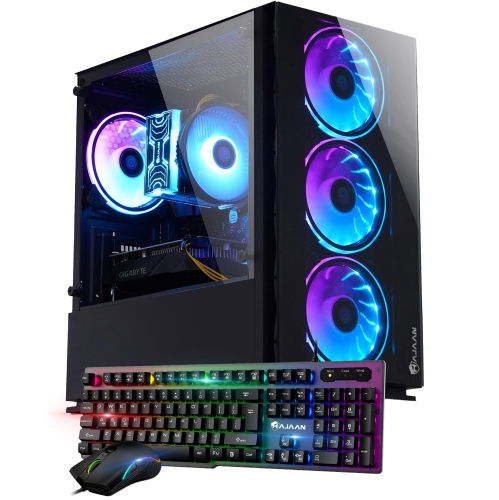
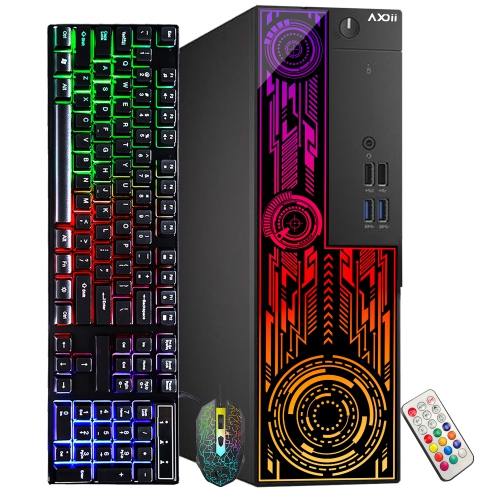
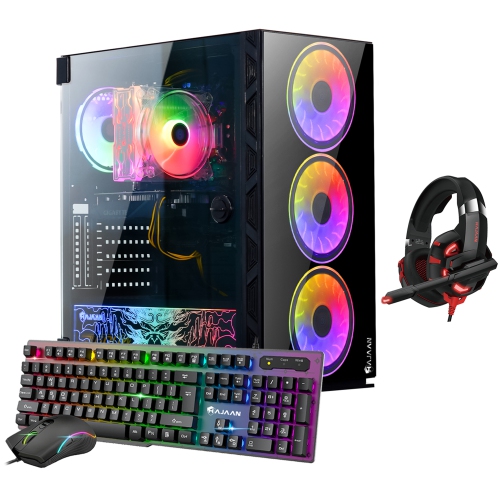
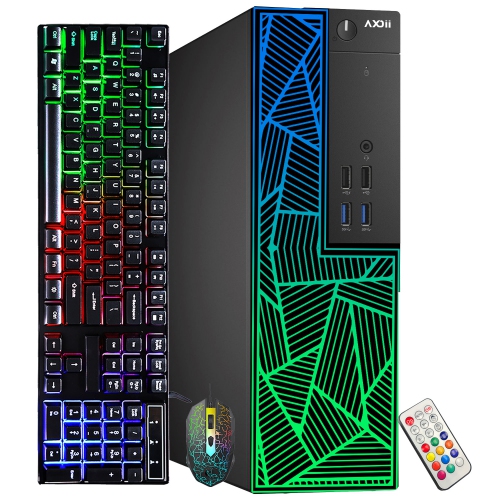
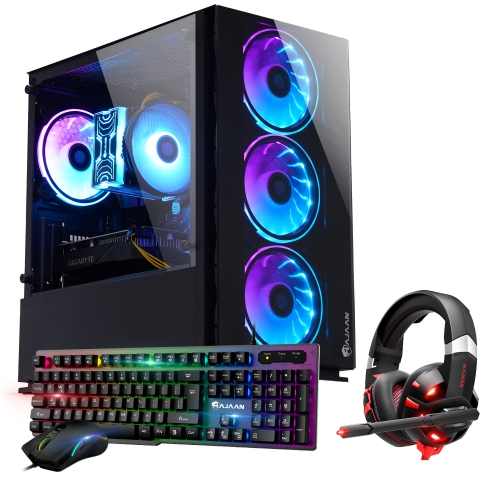
Compared with general-purpose Prebuilt PCs, gaming desktops typically place greater emphasis on graphics performance, cooling capacity, and the ability to support demanding workloads. Memory and storage also shape how comfortable the computer feels beyond the game itself. A system with 16GB of RAM can suit many gaming workloads, while 32GB provides more room for demanding games alongside voice chat, browser tabs, streaming tools, or creative software. The requirements of particular games and applications remain the most useful reference, especially for players who use modifications or run several programs at once. An SSD helps shorten operating system startup and game-loading times compared with a traditional hard drive, though faster storage does not automatically produce higher frame rates. Capacity matters just as much as speed when a library includes several large games, downloadable content, saved footage, and other files. Some storage space is used by the operating system and installed software, so the full stated capacity is not free for games. For someone who edits gameplay clips or broadcasts live, processor capability, graphics encoding support, memory, and storage all contribute to the experience. Connectivity deserves similar attention because it determines how easily the desktop fits an existing desk setup. Monitor connections must match the display and support its intended resolution and refresh rate; on systems with a dedicated graphics card, the monitor usually connects to that card rather than the motherboard’s display ports. Enough accessible USB ports make room for a keyboard, mouse, headset, controller, and external storage without constant swapping. Wired Ethernet offers a direct network connection, while built-in Wi-Fi can be useful where running a cable is impractical. Bluetooth support is a separate feature to confirm for compatible wireless accessories. A tower alone does not necessarily include a monitor or input devices, and included accessories may be basic. Those details matter when furnishing a first gaming space or choosing a complete setup as a gift.
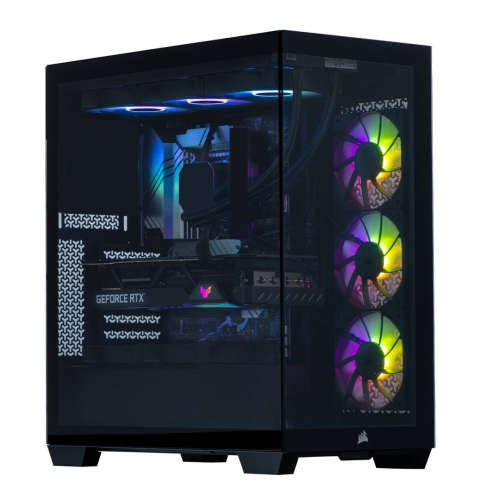
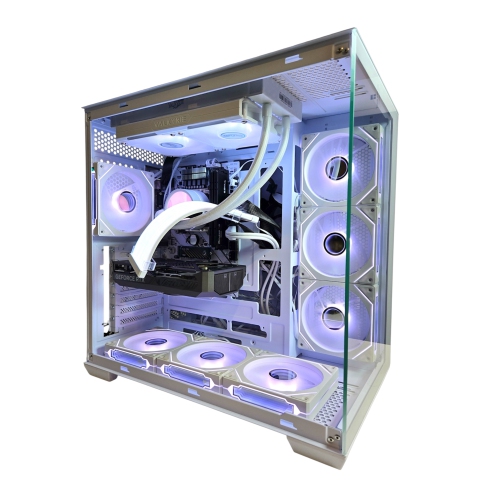
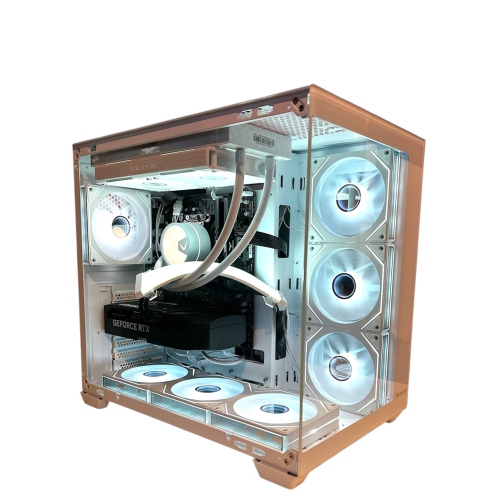
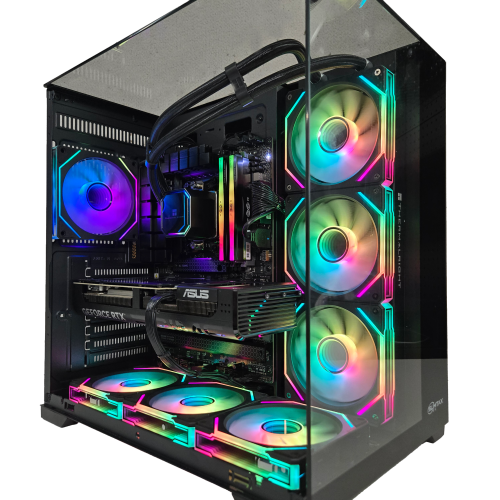
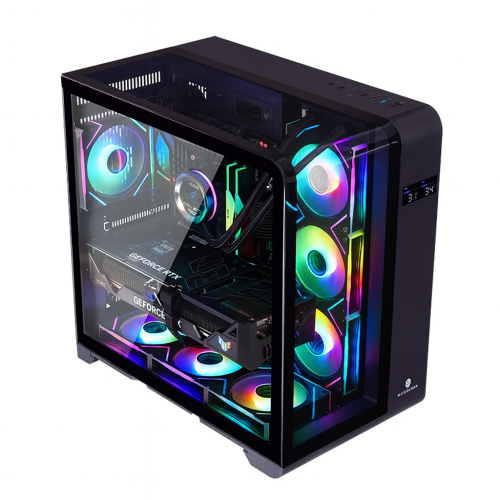
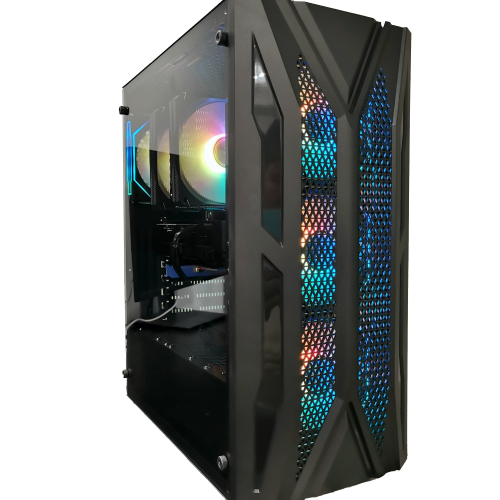
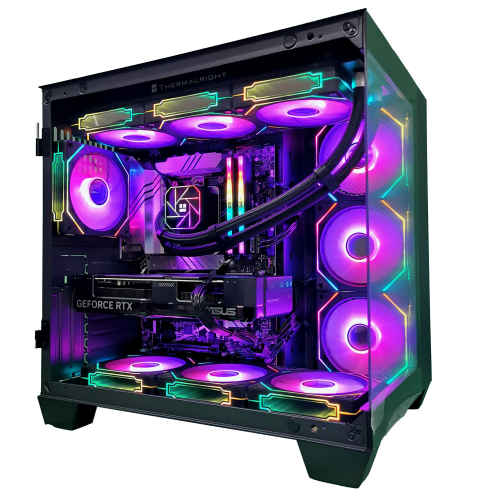
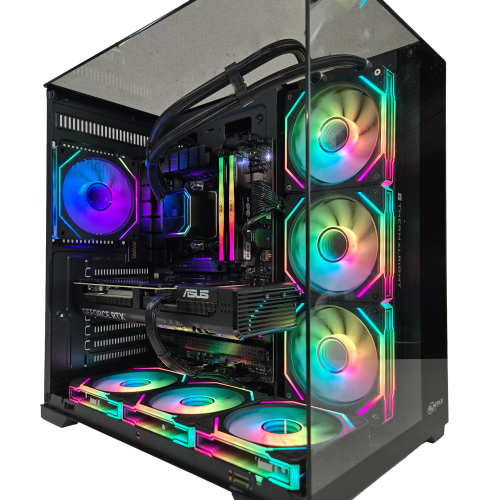
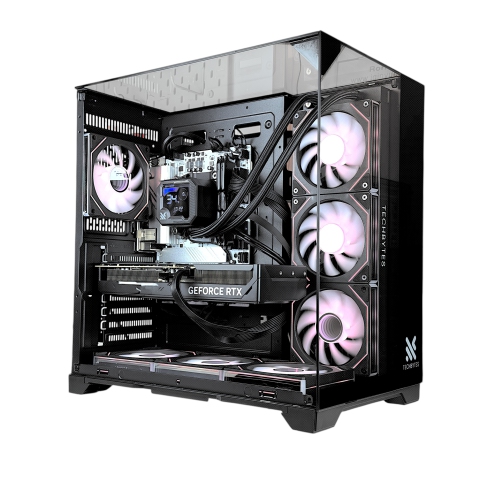
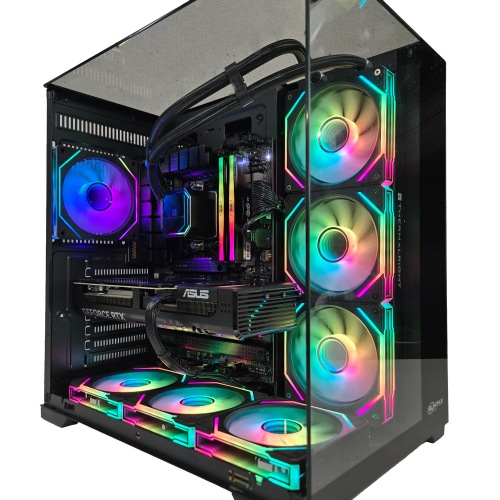
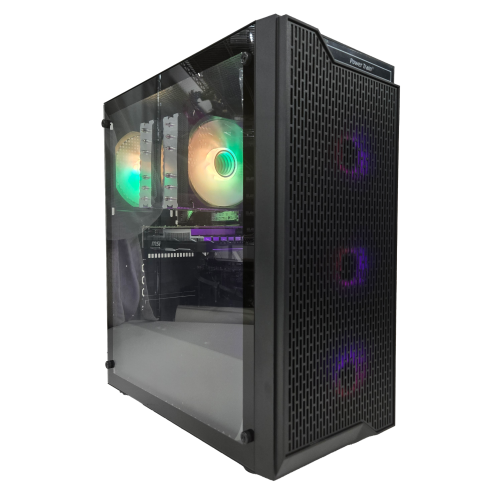
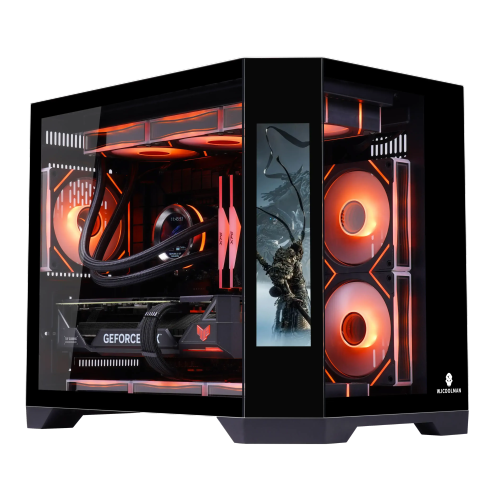
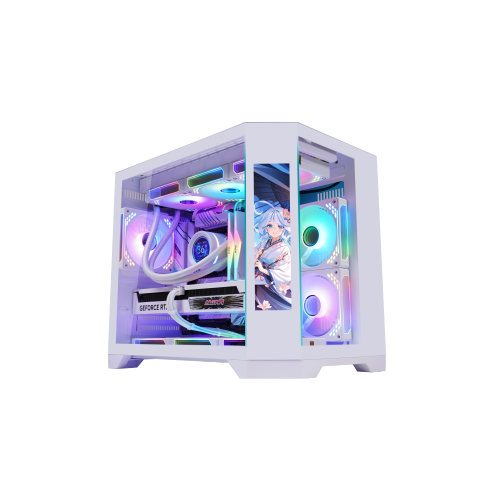
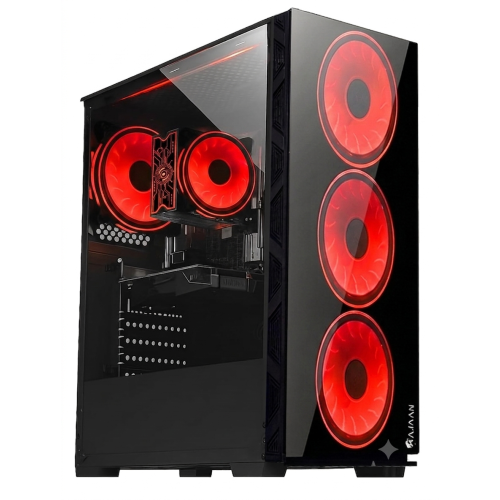
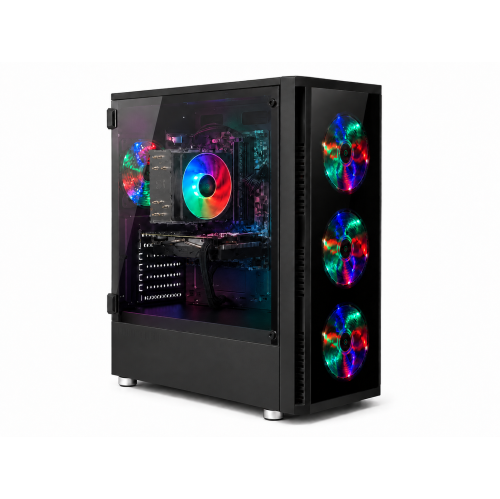
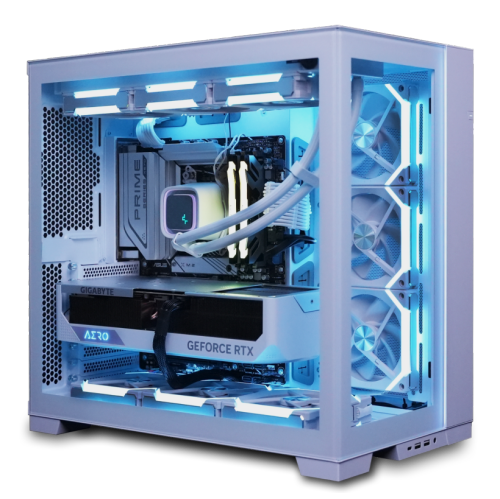
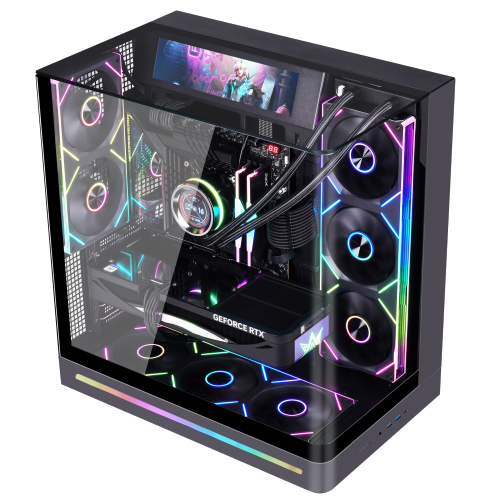
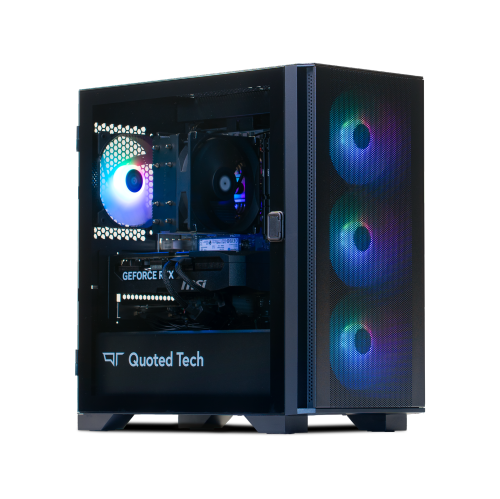
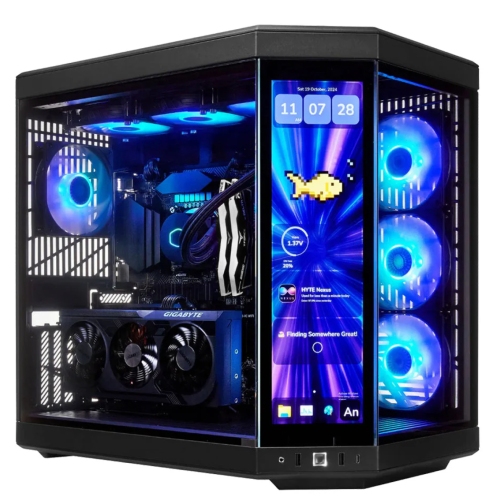
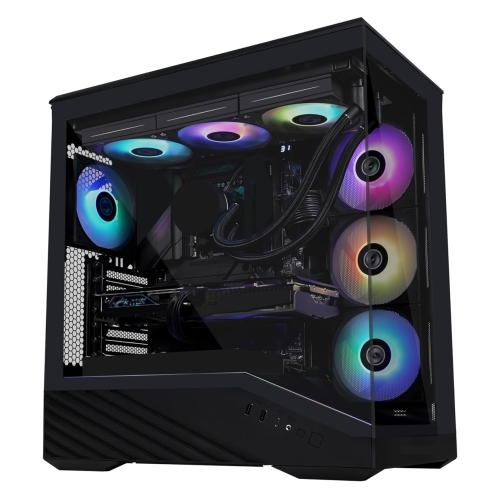
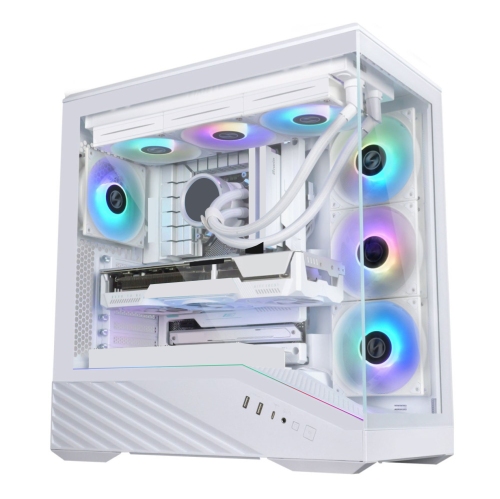
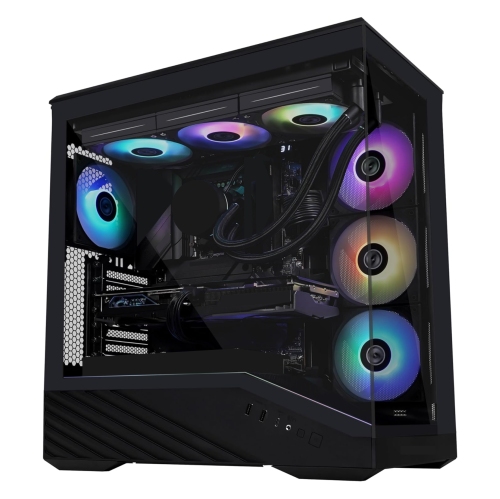
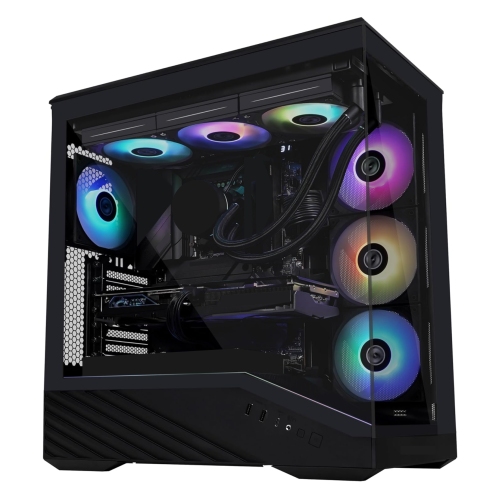
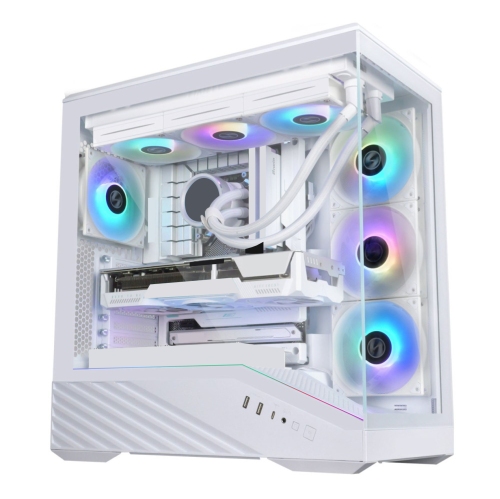
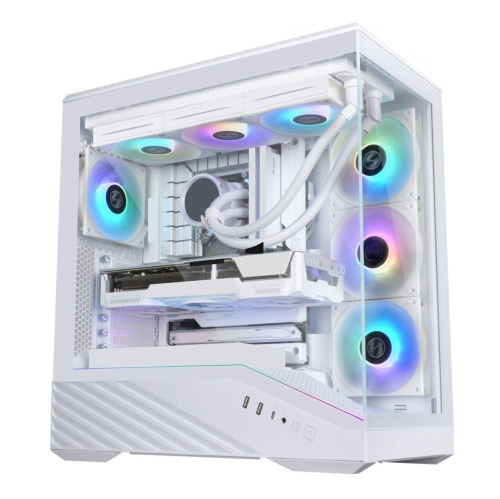
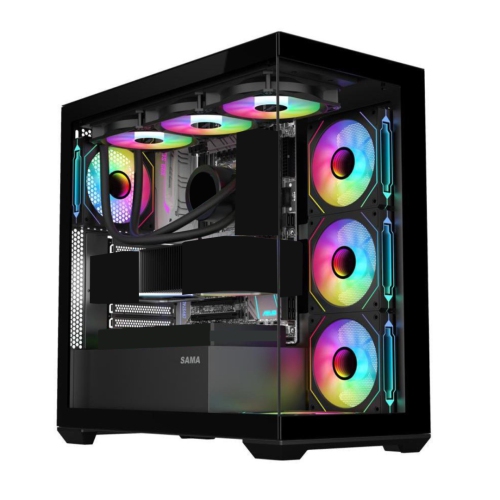
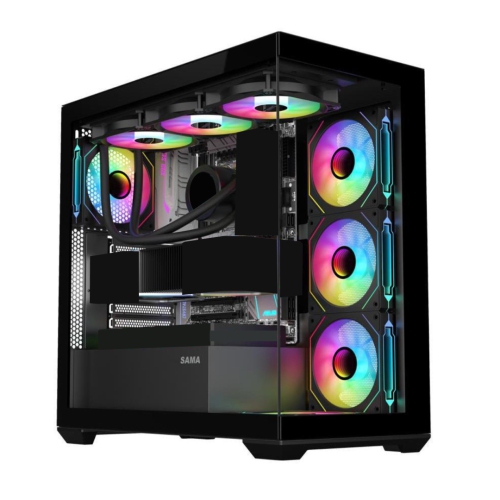
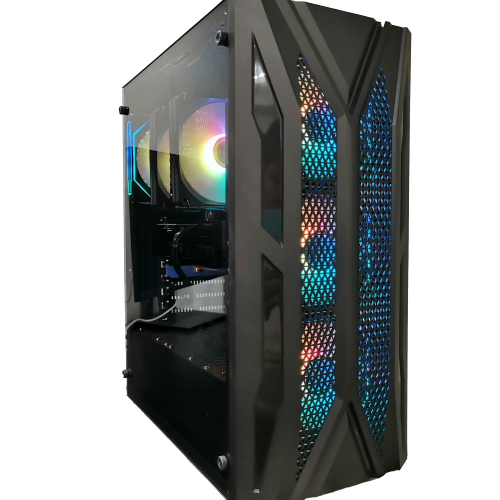
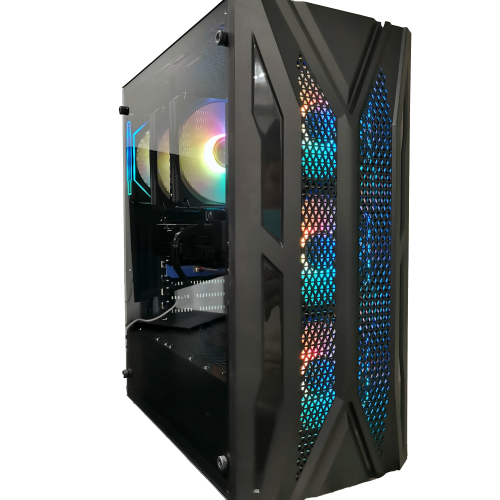
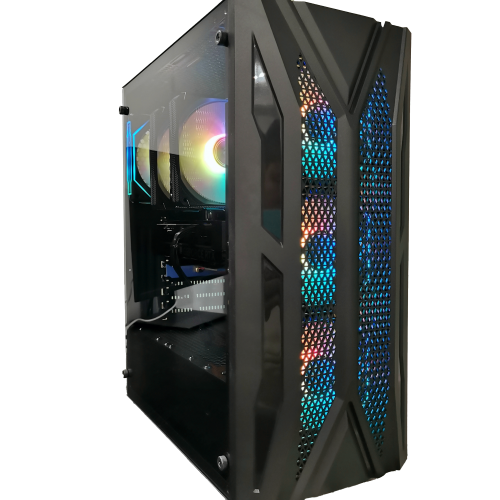
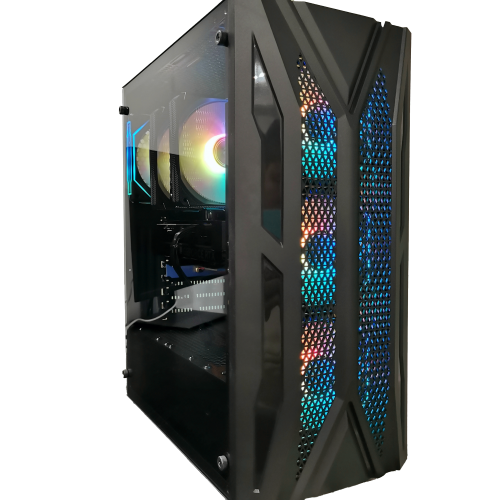
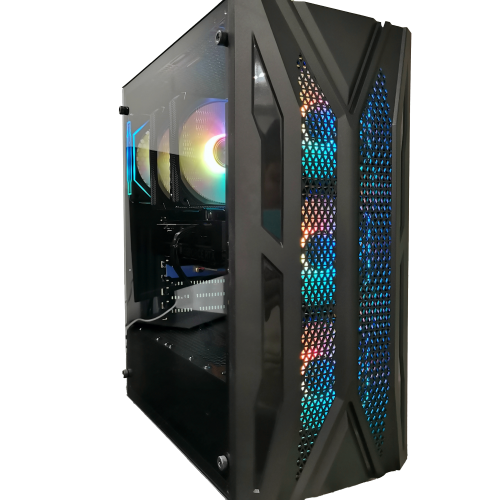
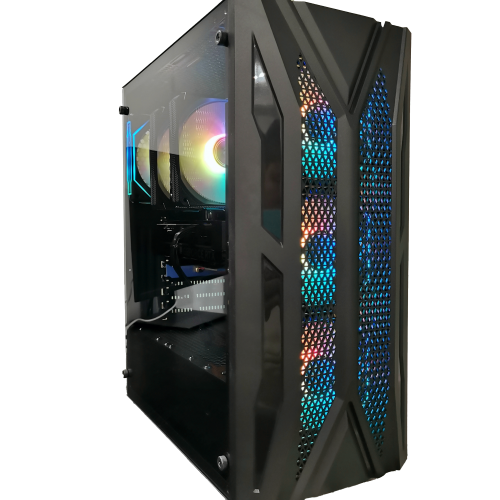
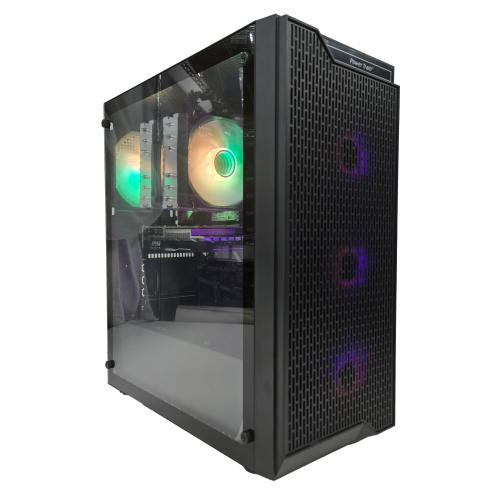
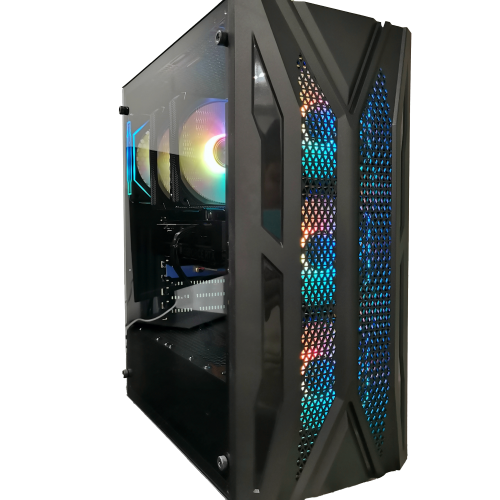
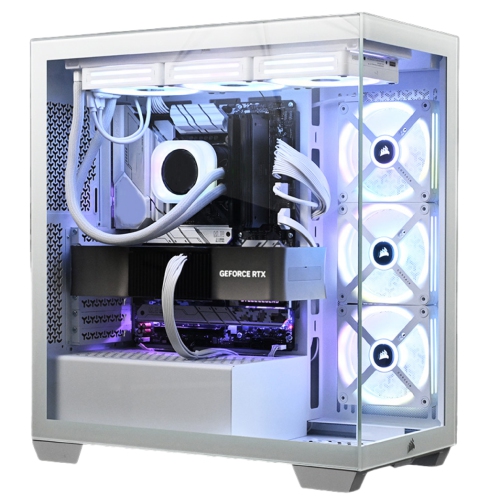
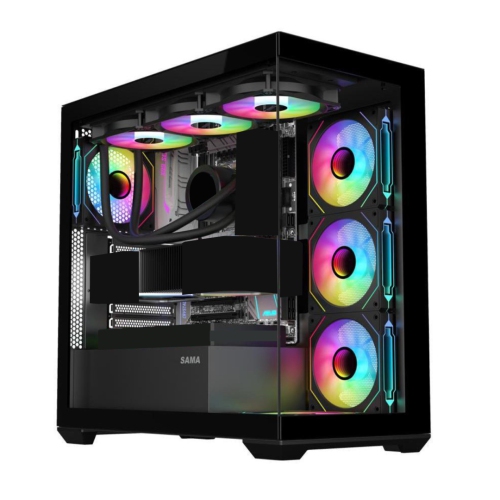
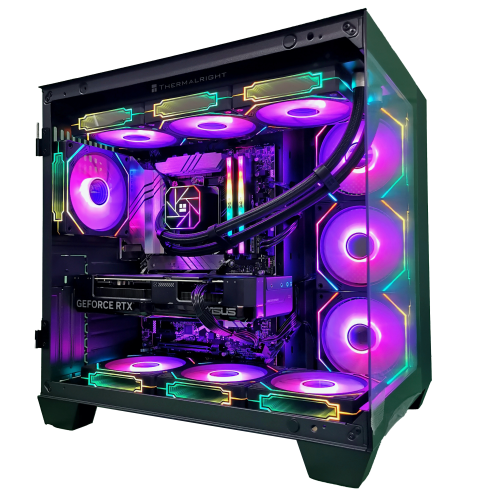
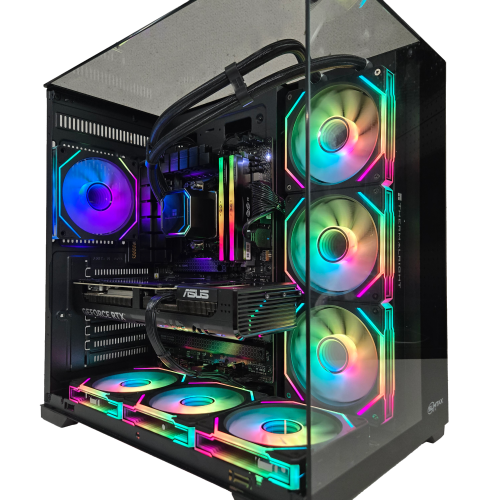
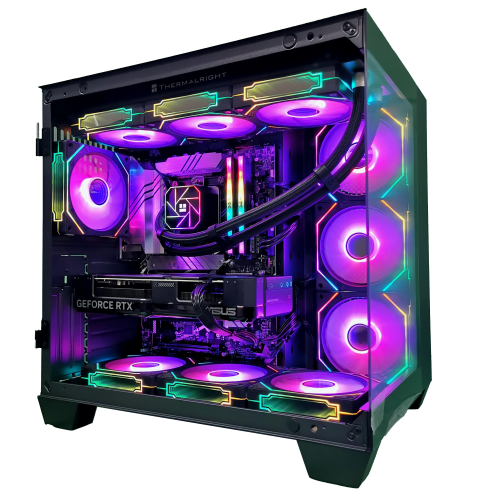
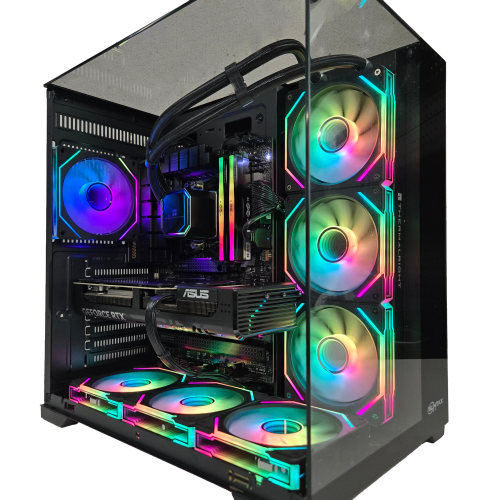
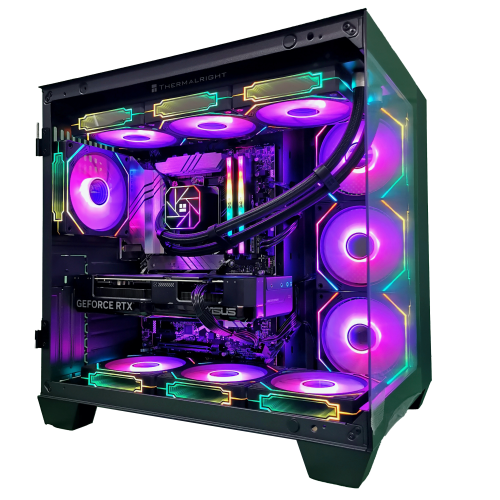
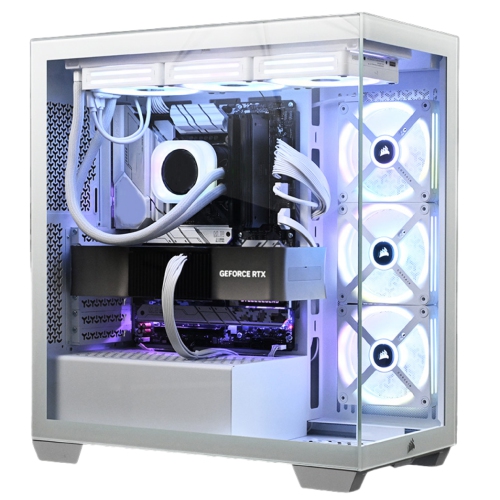
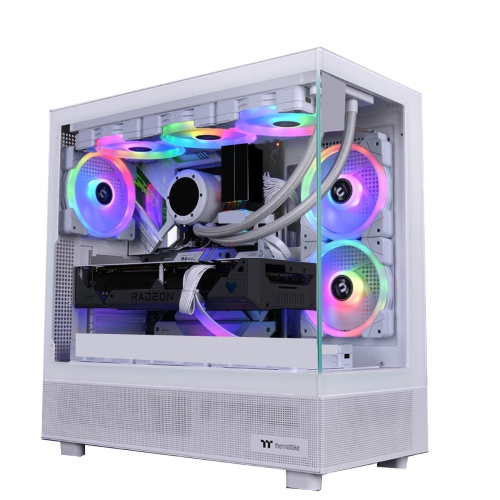
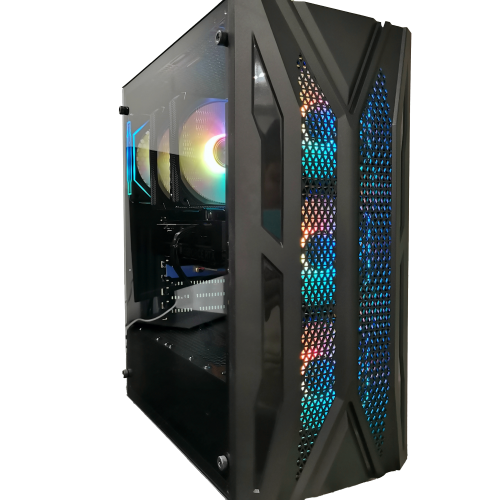
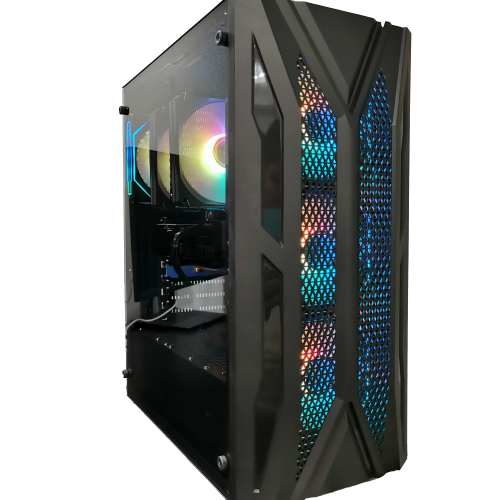
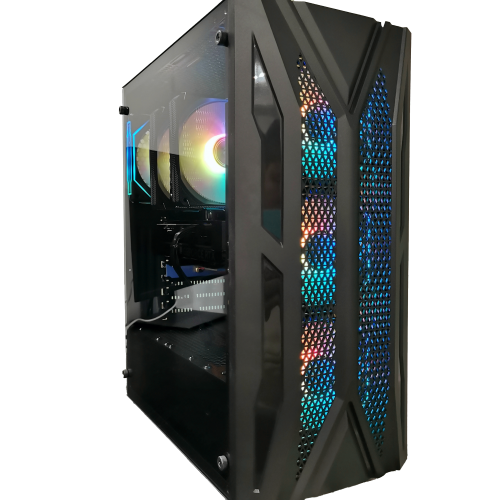
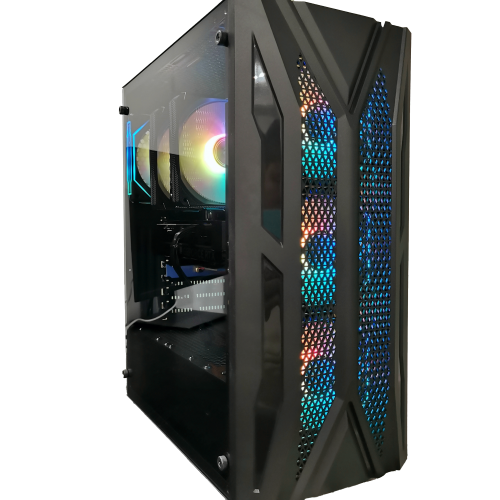
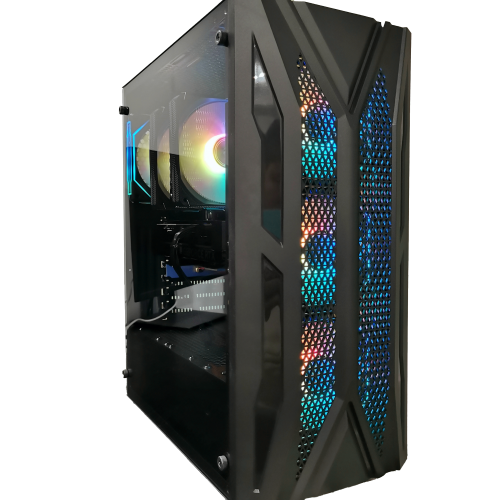
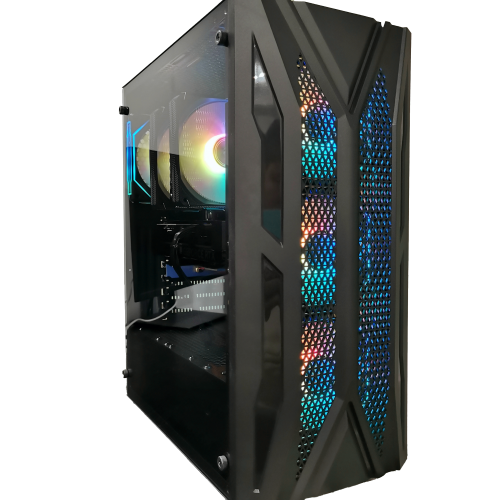
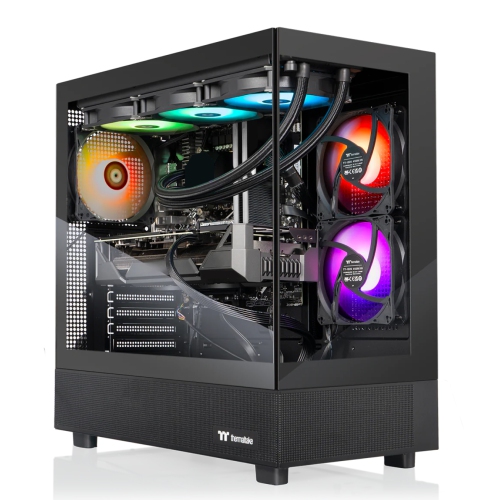
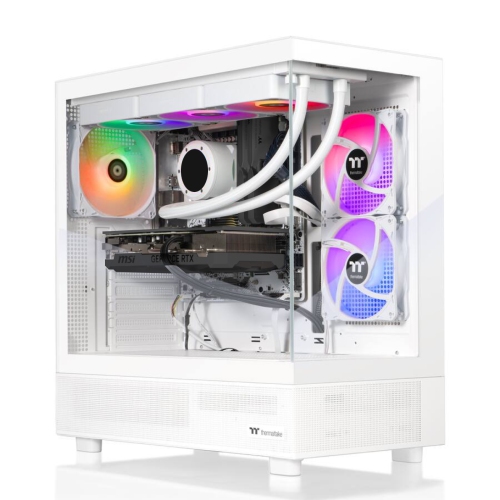
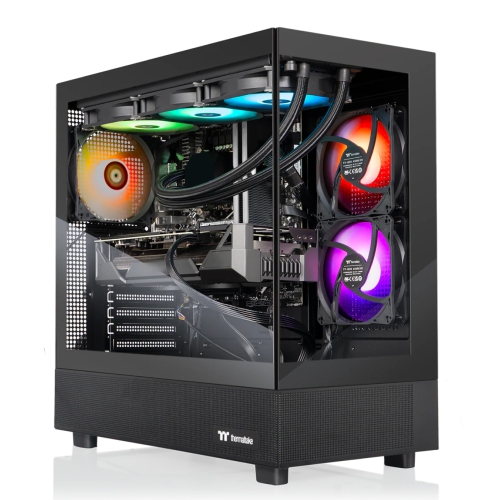
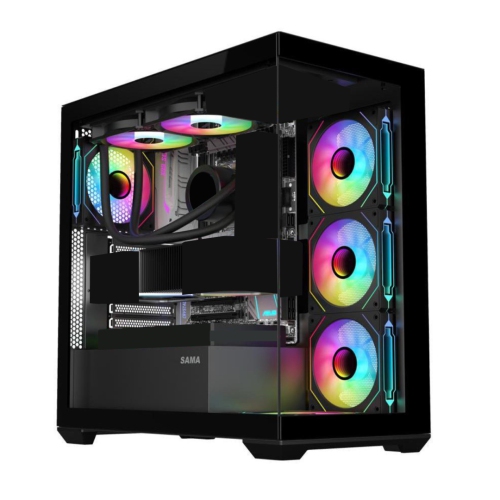
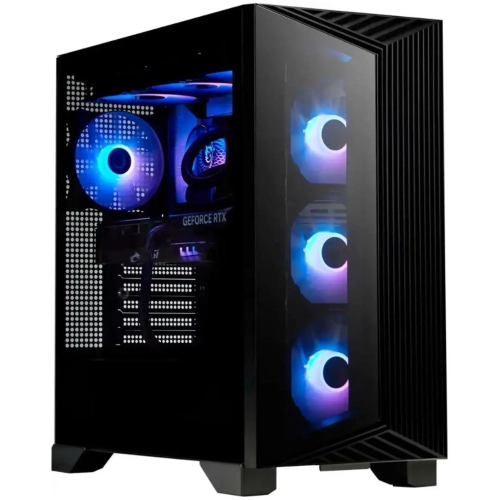
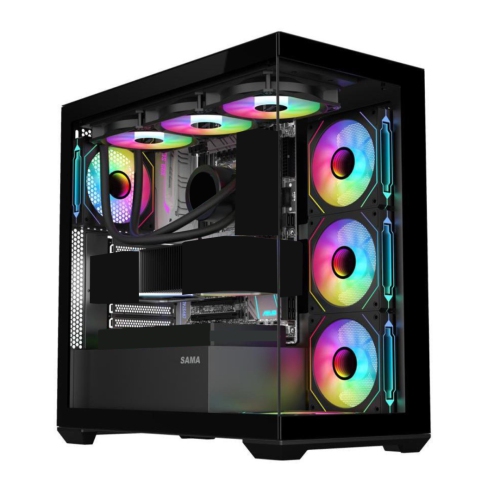
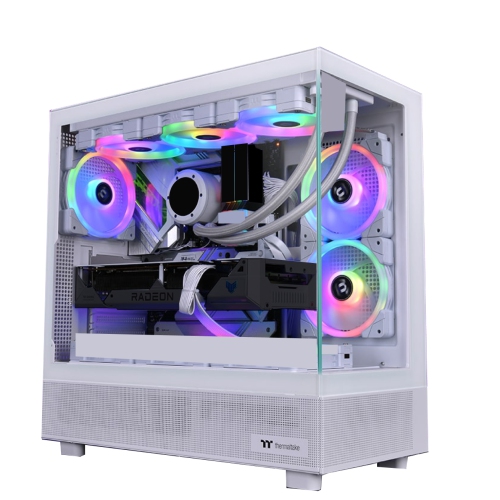
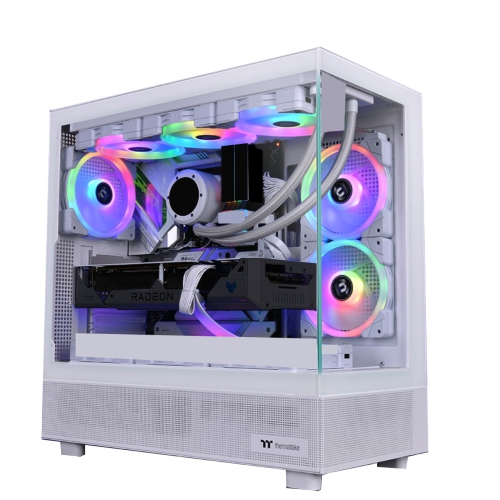
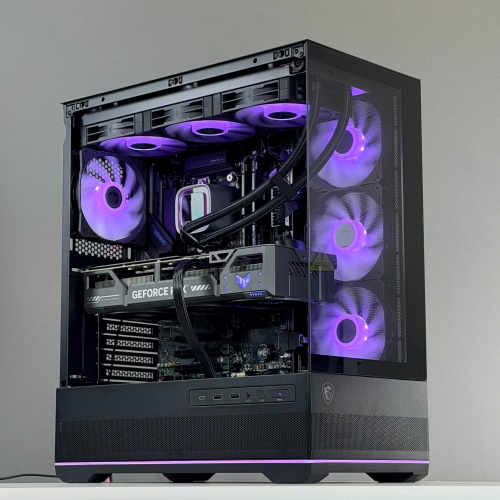
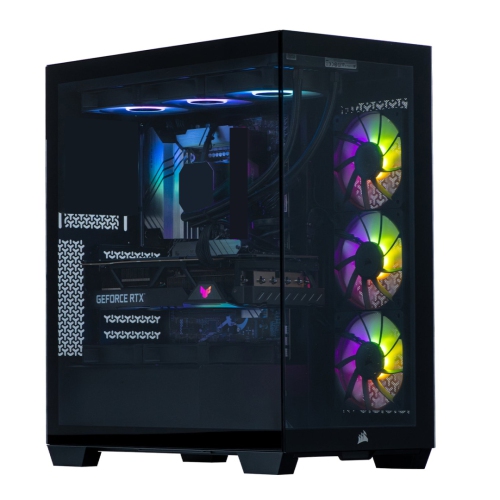
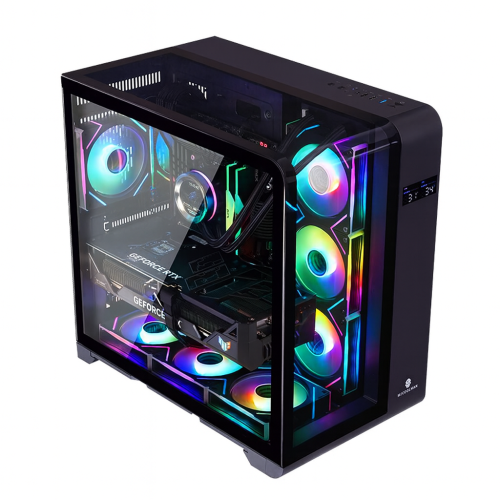
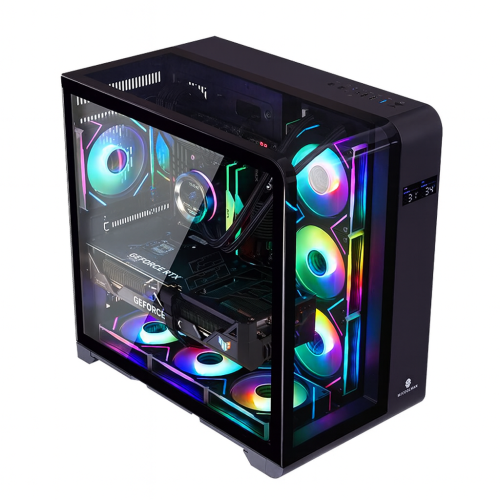
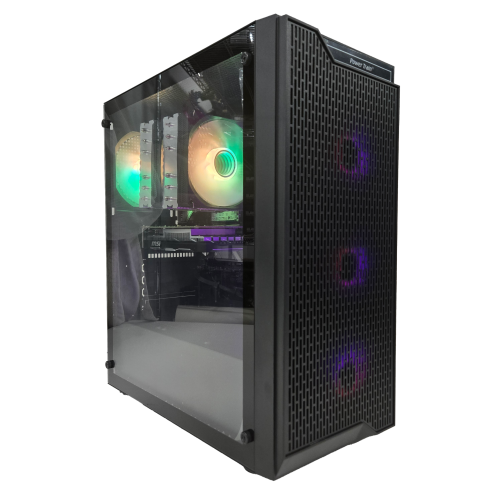
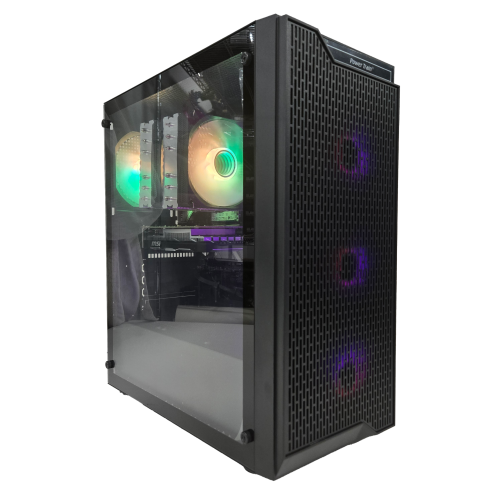
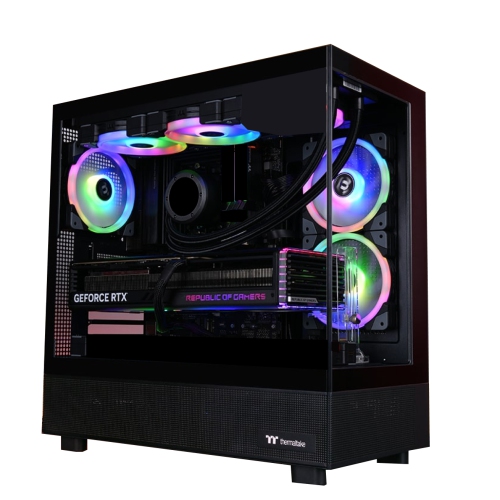
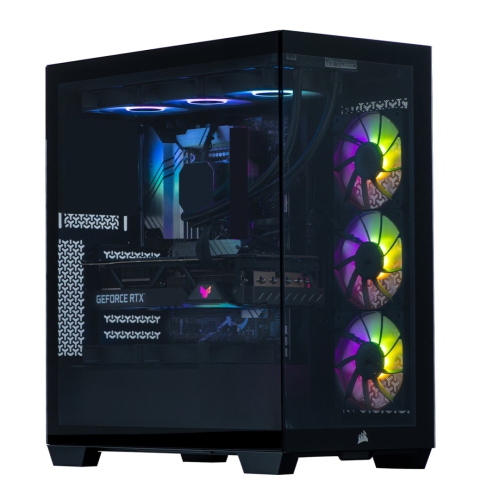
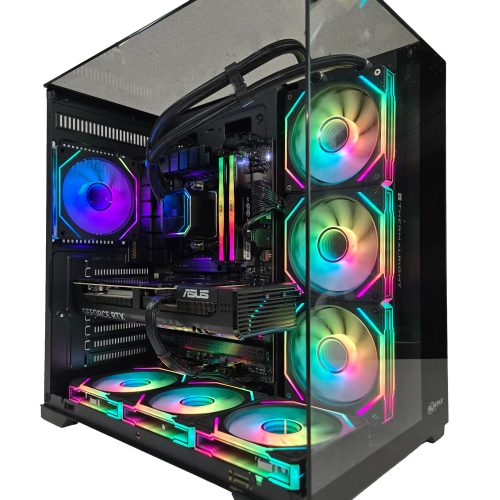
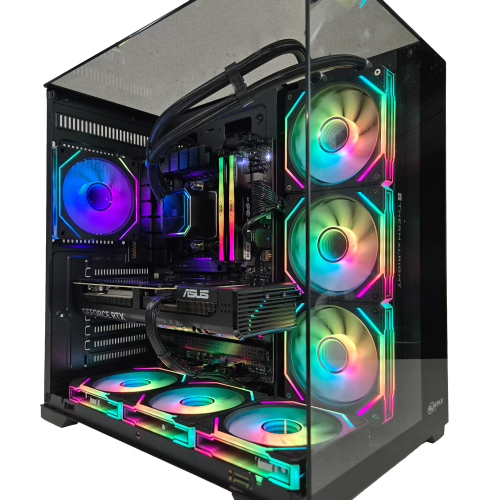
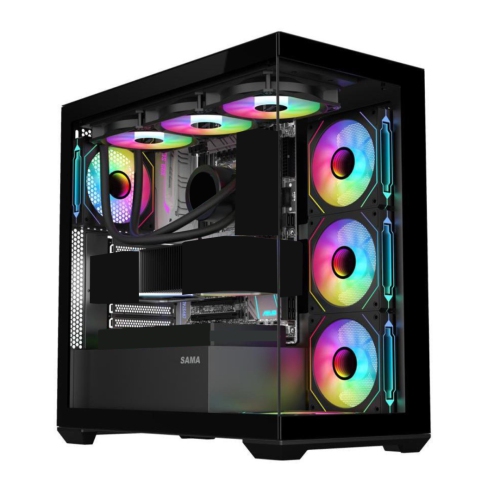
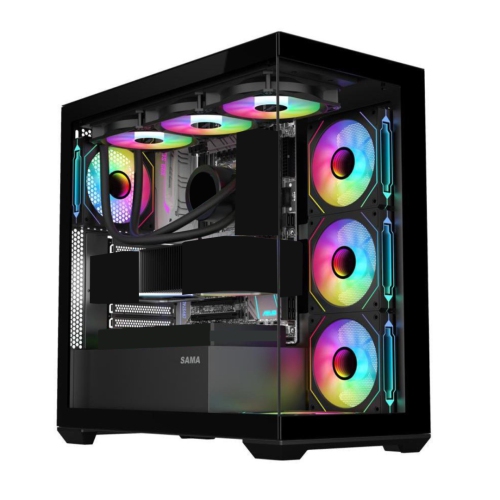
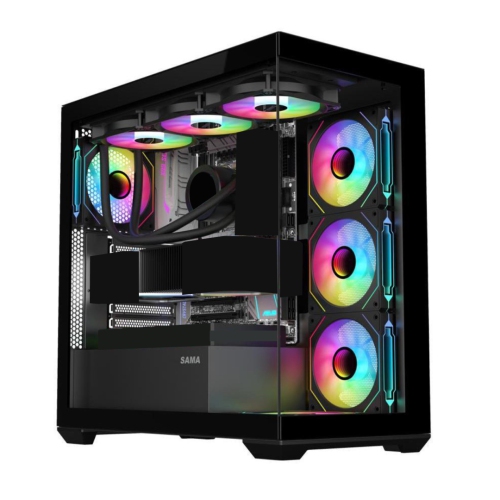
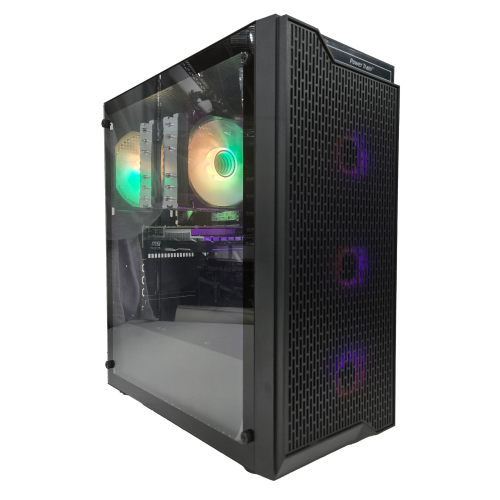
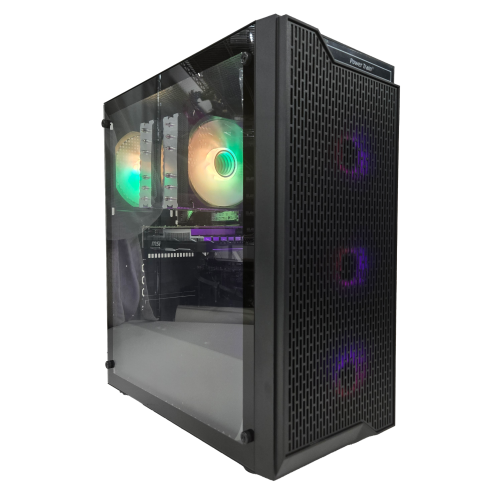
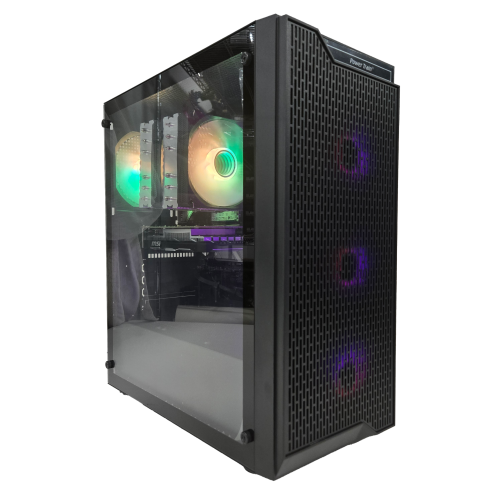
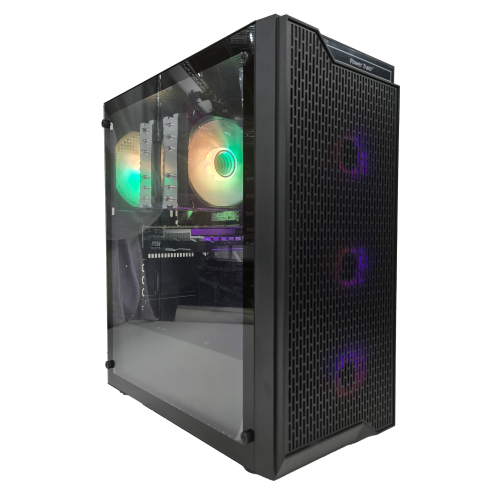
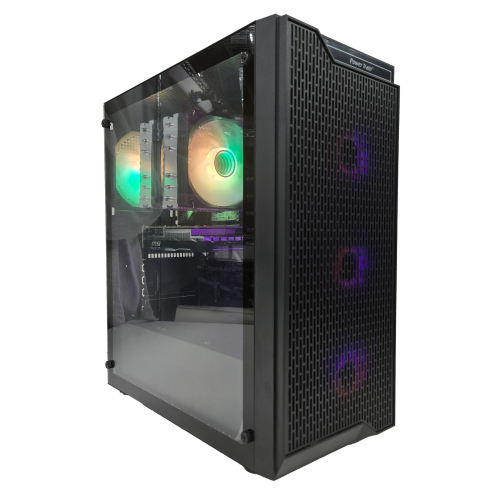
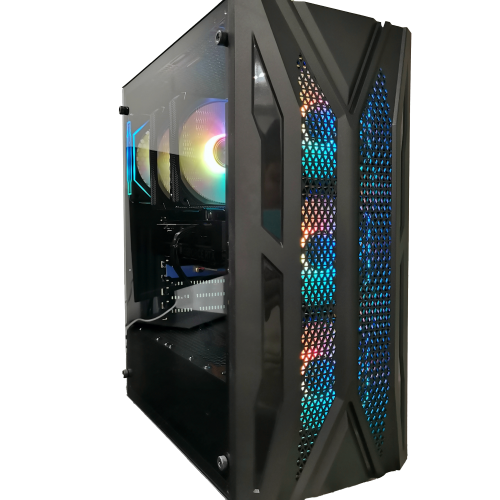
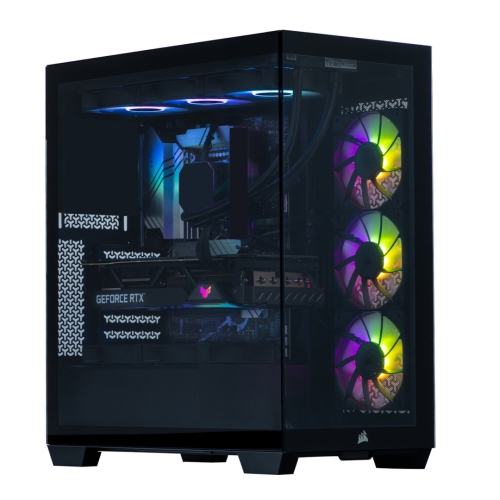
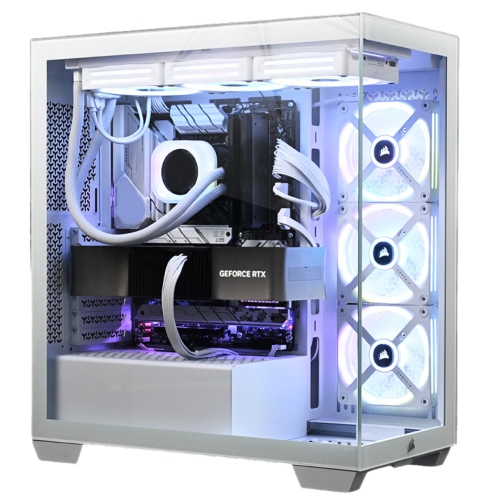
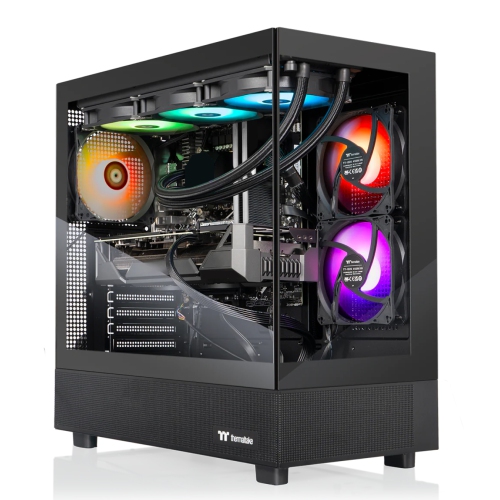
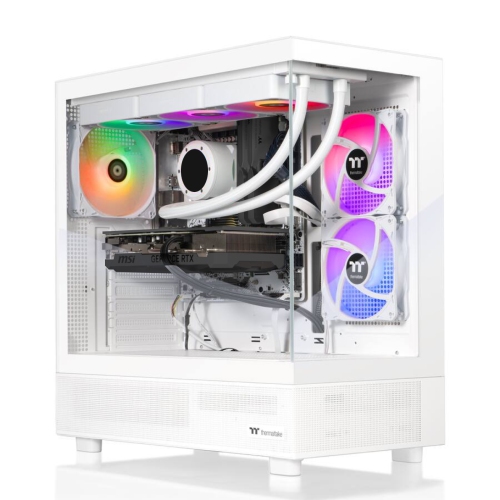
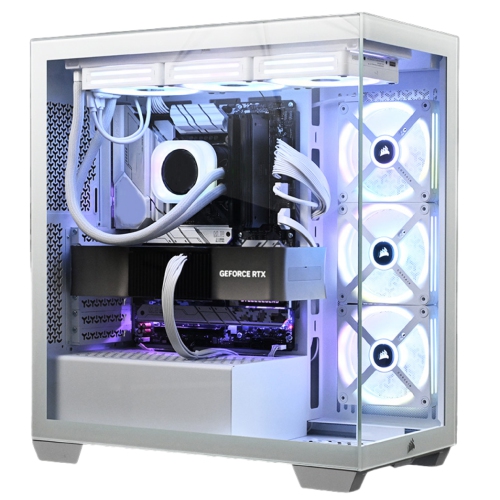
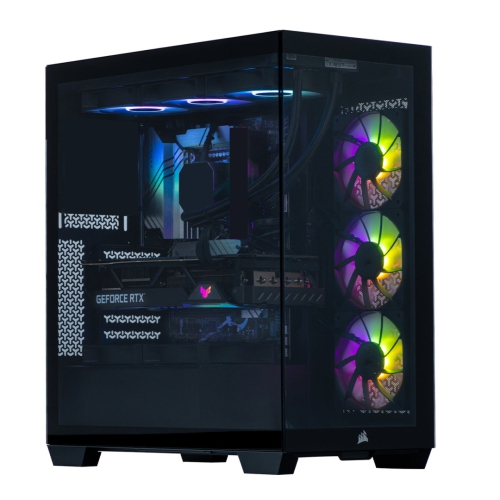
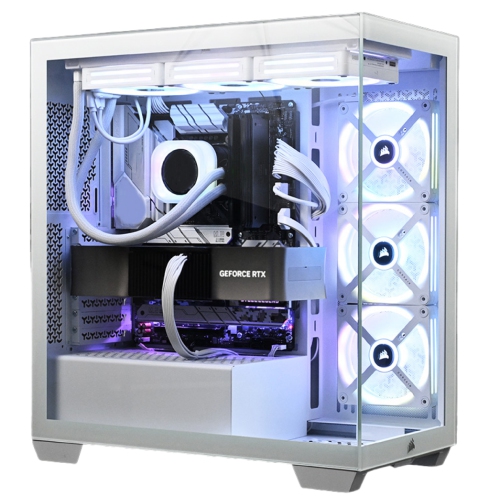
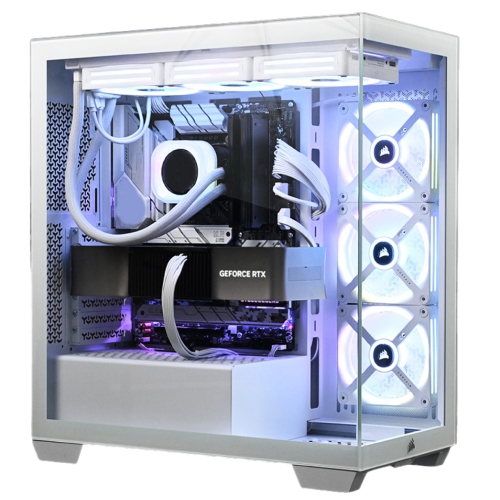
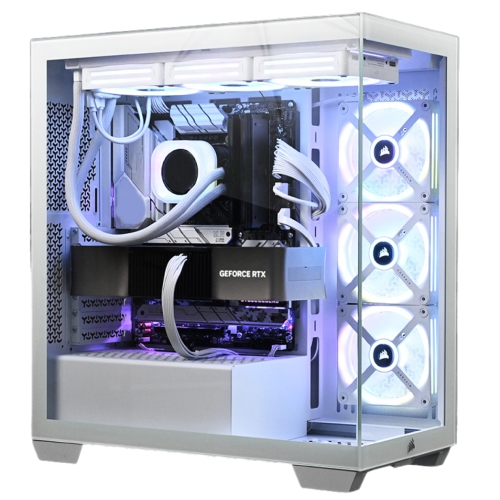
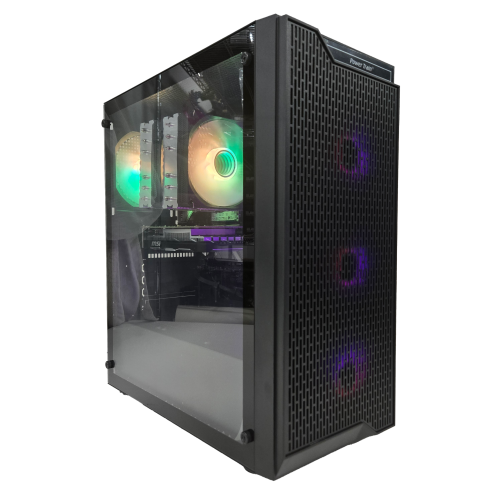
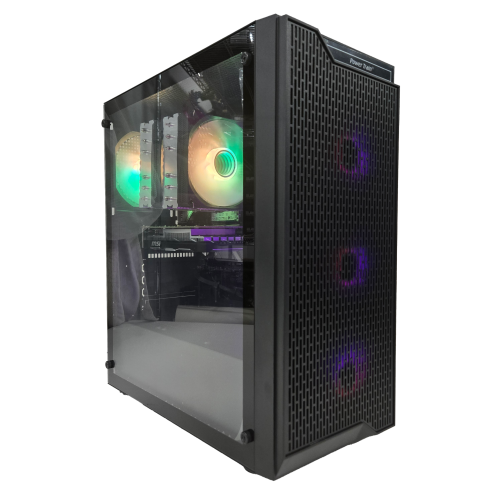
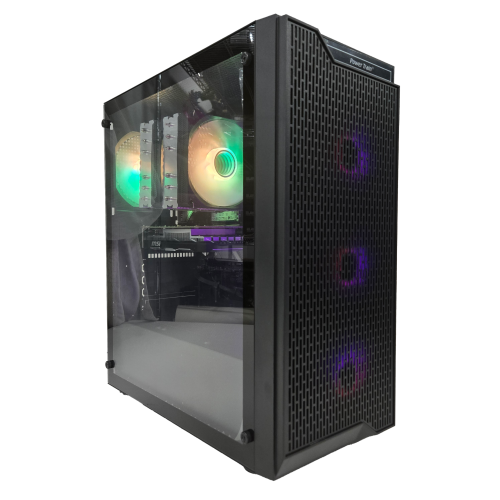
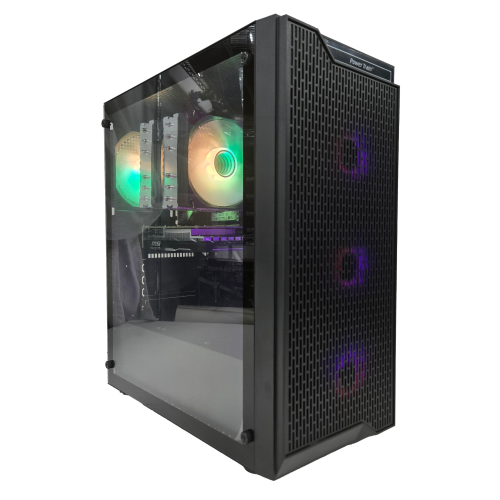
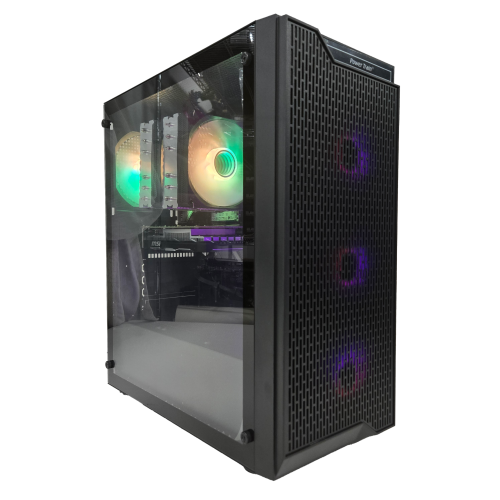
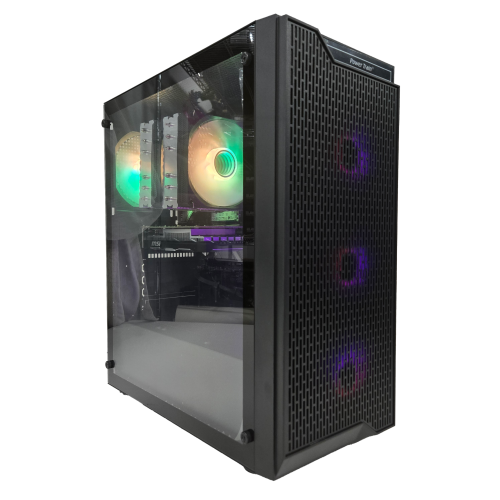
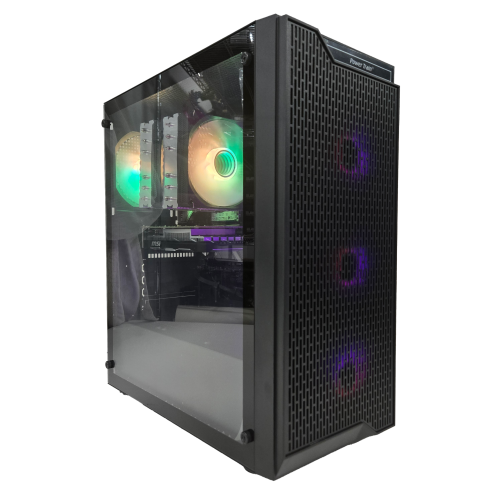
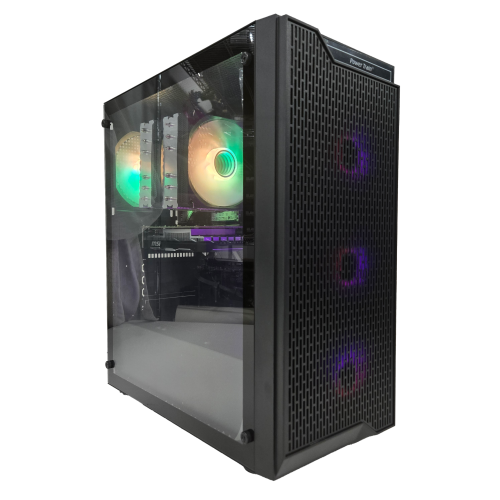
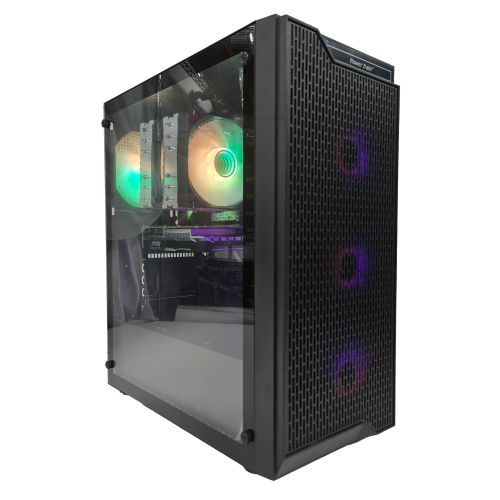
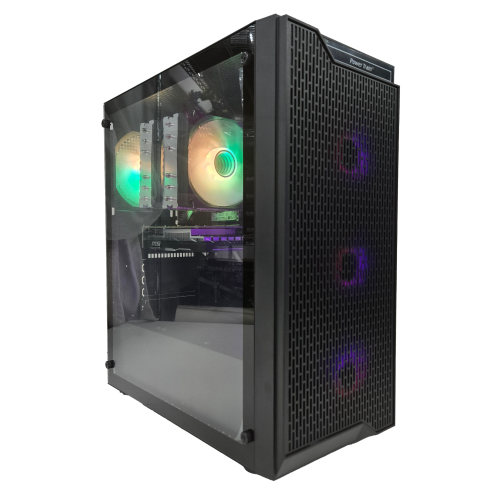
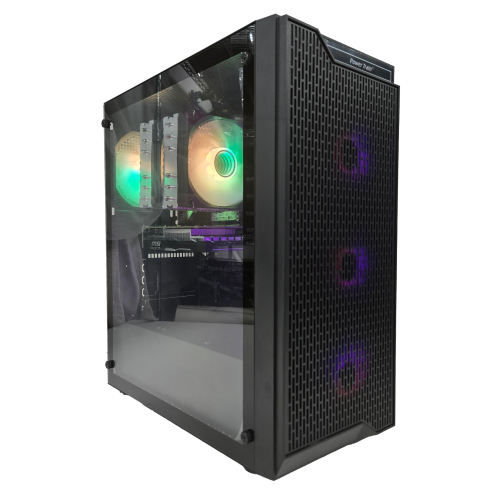
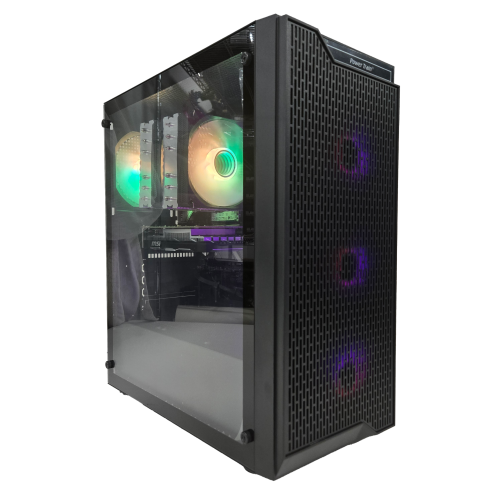
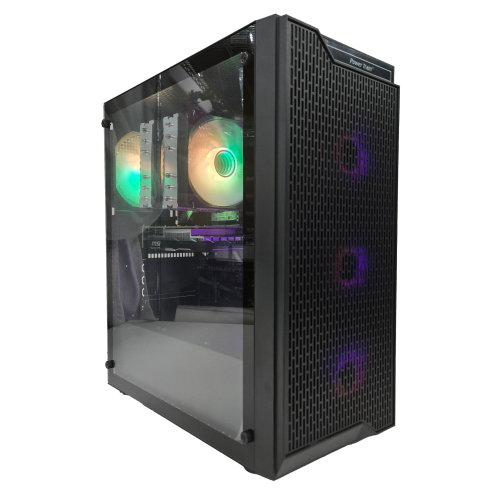
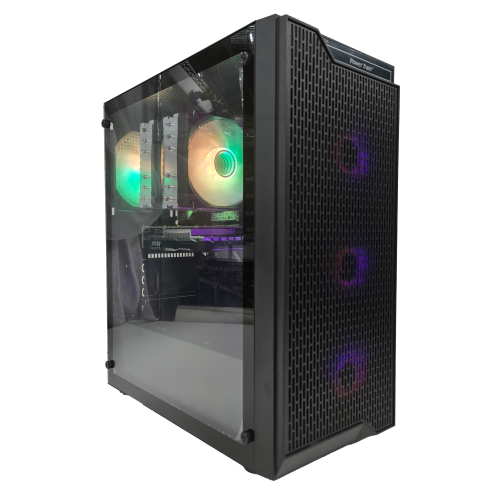
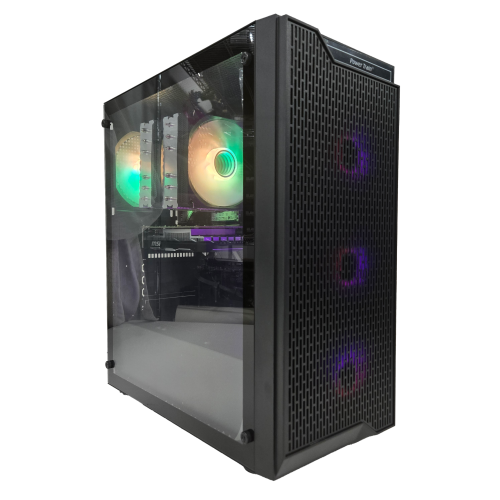
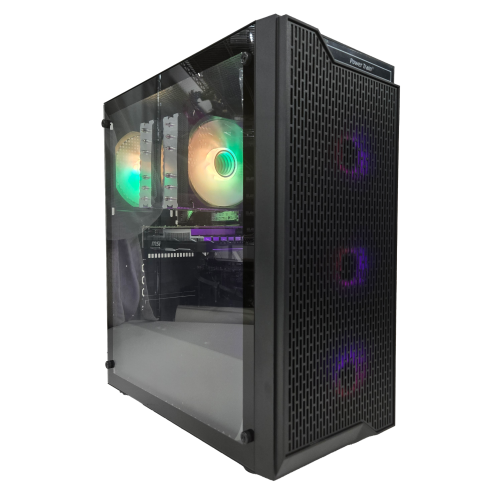
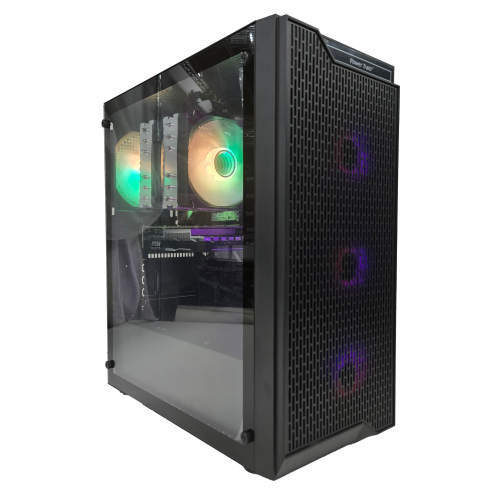
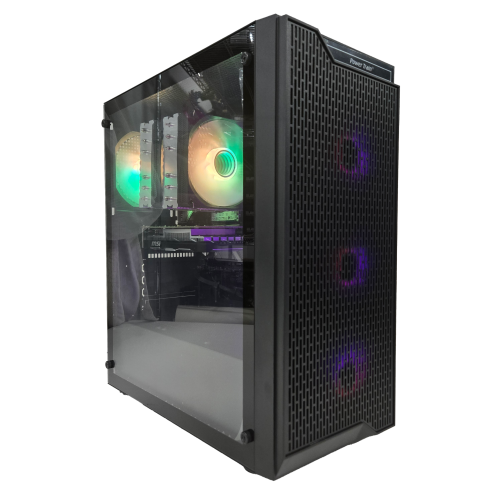
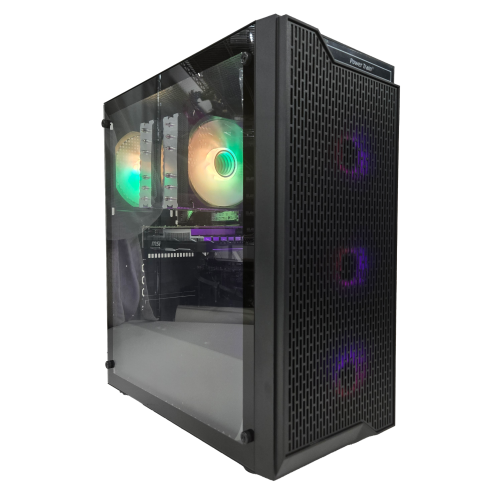
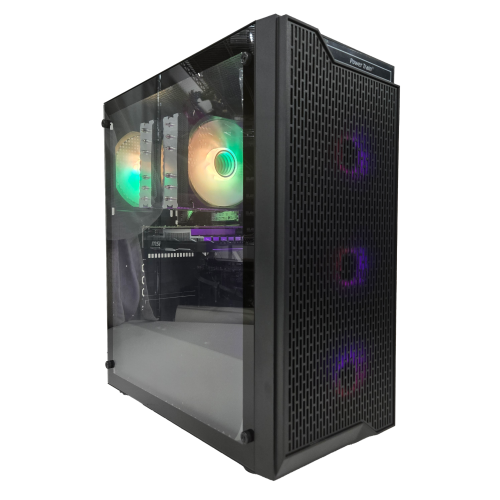
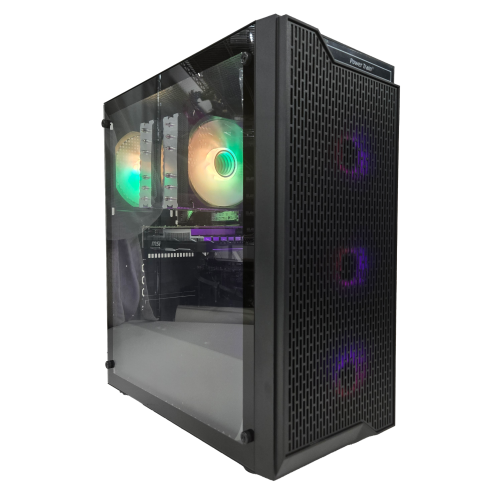
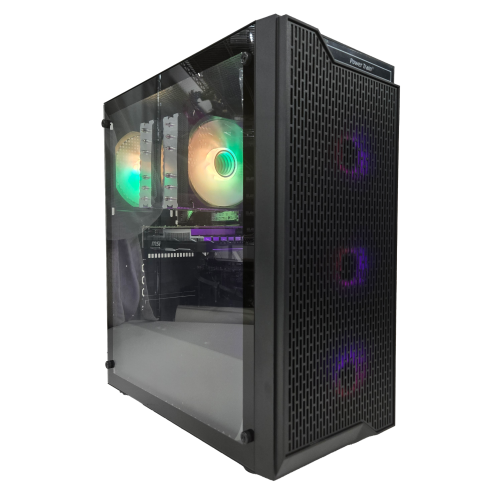
The physical design of a fully built gaming PC affects where it fits, how it sounds, and how easily it can be maintained. Compact cases leave more desk space for a large mouse mat or a second display, but their internal layouts can restrict expansion and make some parts harder to reach. Larger towers may provide more room for cooling hardware, additional drives, and longer graphics cards, although exterior size alone does not guarantee compatibility. Steel panels give many cases a sturdy structure, while tempered-glass side panels reveal the components and lighting inside. Glass needs careful handling during moves, and any tower benefits from a stable surface with clear space around its ventilation openings. Mesh panels and dust filters can support airflow, but fan layout, component power demands, and cooling design also influence operating noise. Liquid cooling is not automatically quieter than air cooling, and a well-designed air-cooled system can be suitable for extended gaming sessions. For a computer that sits beside a shared study area or bedroom desk, noise may matter as much as lighting or appearance. Routine care usually involves keeping vents unobstructed and removing dust according to the manufacturer’s directions, with the computer shut down and disconnected before cleaning. Upgrade options depend on the motherboard, case clearances, power supply, available slots, and whether the system uses standard or proprietary parts. Extra memory or storage may be relatively straightforward in some towers, while a graphics upgrade can require more power and physical space than expected. Warranty terms, technical support, and any conditions affecting user-installed parts are useful considerations for long-term ownership. As a gift, a fully built gaming desktop can suit someone moving from console gaming, replacing an ageing computer, or creating a dedicated gaming and creative workspace. Matching it to the recipient’s favourite games, monitor, available space, and comfort with setup is more meaningful than choosing by appearance alone. The result is a computer selected for the way it will be used, with the assembly work already handled and room for everyday play, projects, and shared entertainment.
Read More

FAQ

Some products may be subject to Environmental Handling Fees (EHF) depending on your province. Learn more about EHFs.