G Pro Logitech Keyboards
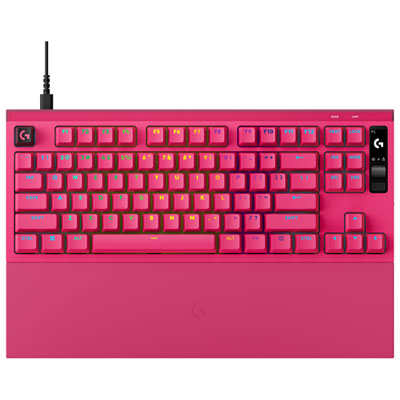
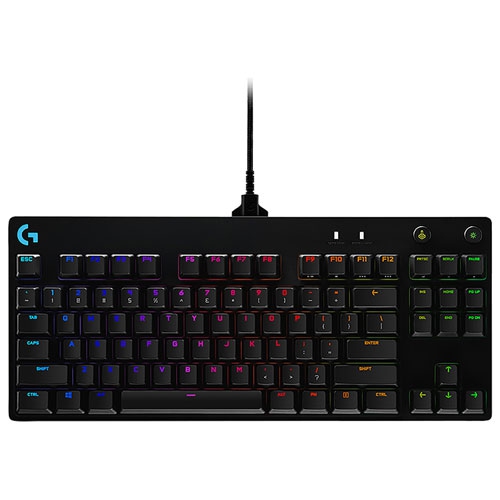
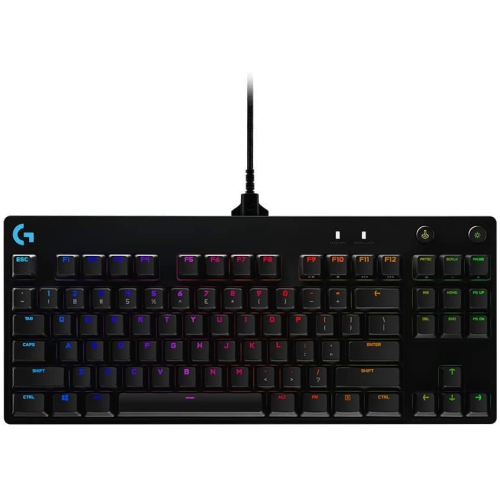
Find a Logitech G PRO keyboard for your gaming setup, with options in the G PRO gaming keyboard range. Compare available models by layout, switch type, and connectivity to choose one that suits your desk space and preferred key feel.

FAQ
Mechanical gaming keyboards commonly use linear, tactile, or clicky switches. Linear switches have a smooth keystroke, tactile switches provide a noticeable bump, and clicky switches add an audible click. Switch options vary by model.
Gaming keyboards may connect through a USB cable, a dedicated wireless USB receiver, or Bluetooth. Some support multiple connection methods, while others are wired only. Check the keyboard’s specifications for supported connections and operating systems.
Gaming keyboards with customizable RGB lighting may offer colour selection, preset effects, and individual key lighting. Customization may be available through keyboard shortcuts or compatible software. The available controls depend on the model.
Onboard profiles store supported settings directly on the keyboard, while software profiles are managed through an application on your computer. Depending on the keyboard, profiles may include lighting preferences, key assignments, or macros. Some settings require the software to remain running.
Many mechanical gaming keyboards have removable keycaps, but replacement keycaps must match the switch stems and key layout. Switch replacement is a separate feature: hot-swappable keyboards accept compatible switches without soldering, while keyboards with soldered switches require a more involved process.
Top selling and popular products
Discover more categories related to G Pro Logitech Keyboards


Some products may be subject to Environmental Handling Fees (EHF) depending on your province. Learn more about EHFs.